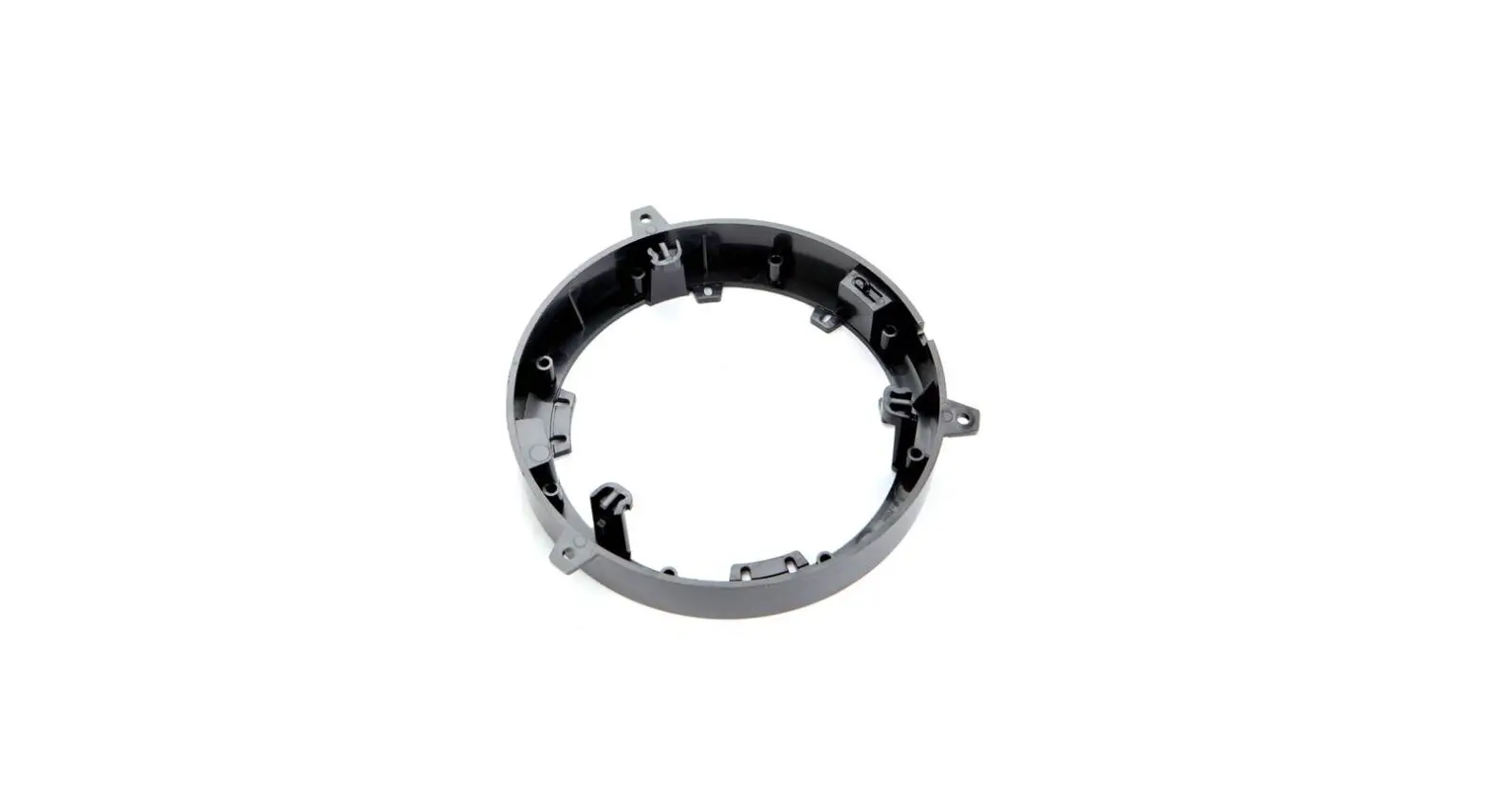
 82-3024 Speaker Adaptor Bracket
User Guide
82-3024 Speaker Adaptor Bracket
 IMPORTANT
It may be necessary to acquire screws to mount the speaker/bracket assembly to the location.
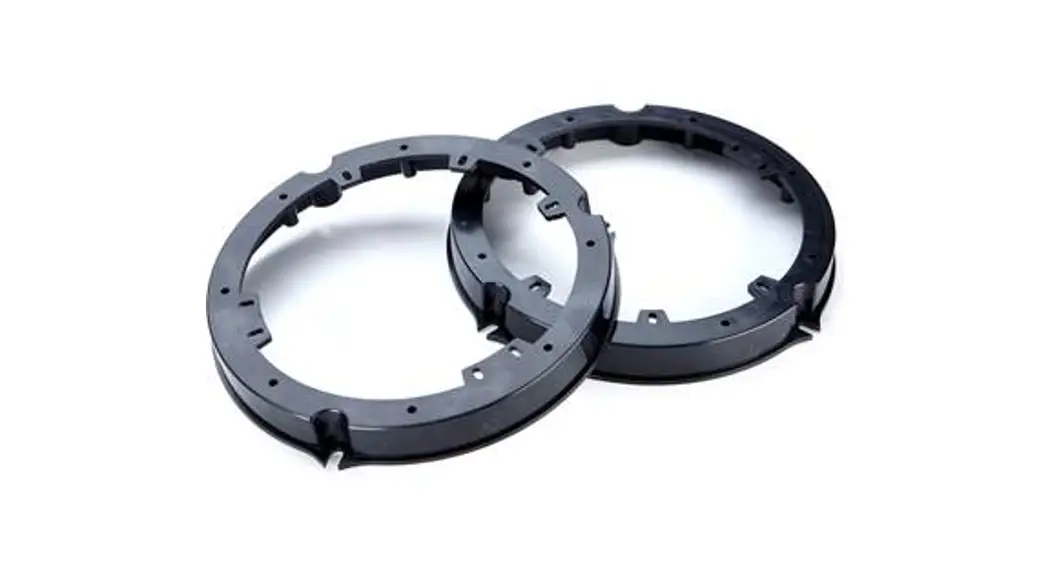
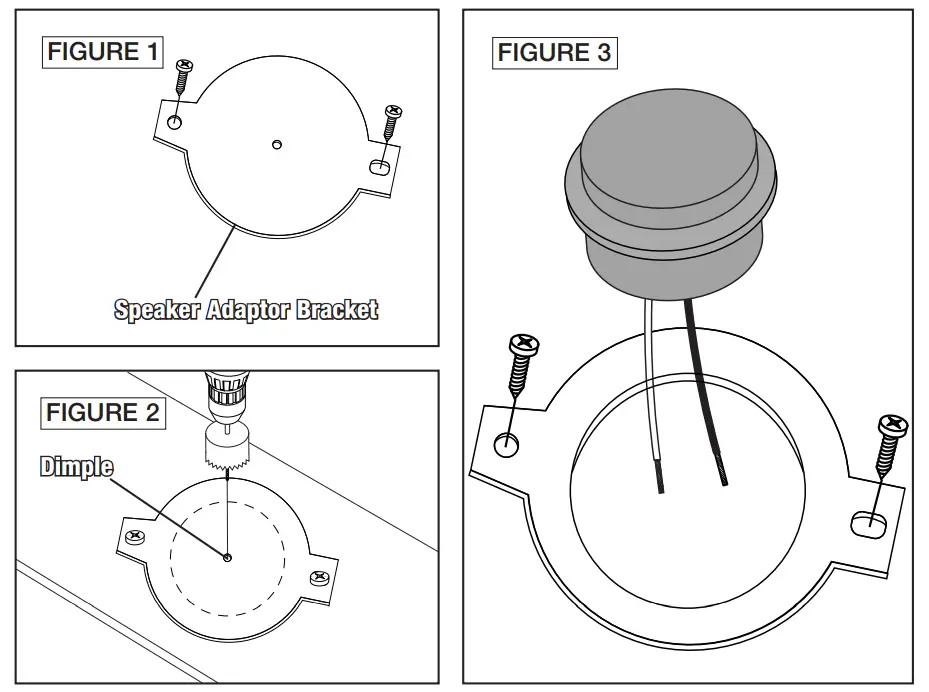
- Use two (2) screws to secure the speaker adaptor bracket to a stationary surface that can be used as a backup for drilling (Figure 1).
- Choose a hole saw to match the opening size for the tweeter to be installed. Using the dimple in the center of the bracket as the center for the hole, cut out the opening for the tweeter (Figure 2).
Note: Depending on the application, some tweeters can be surface mounted to the adaptor bracket without drilling. - Remove screws and remove the bracket from the backup surface.
- Secure the tweeter to the adaptor bracket using the method described and the hardware supplied with the tweeter purchased. Note: Additional drilling may be required.
- Make connections to vehicle speaker wires and secure speaker/bracket assembly to location (Figure 3).
Tools Required
| Phillips Screwdriver | 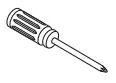 |
| Drill & Hole Saw | 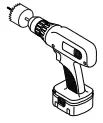 |
Parts Supplied:
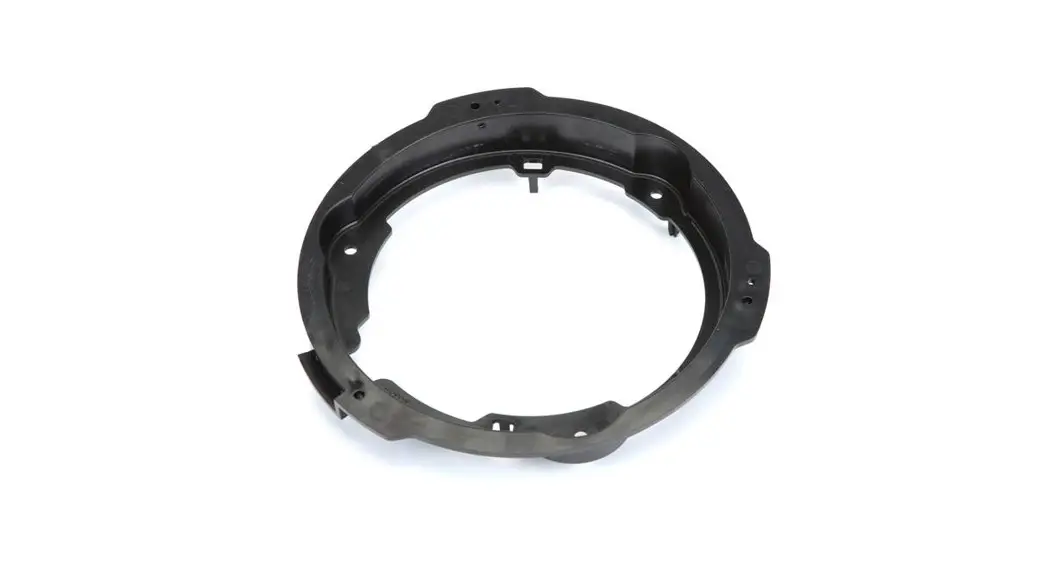
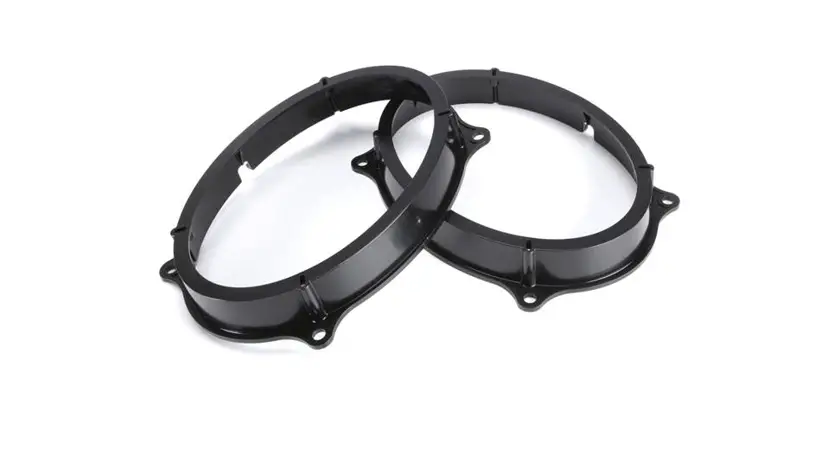
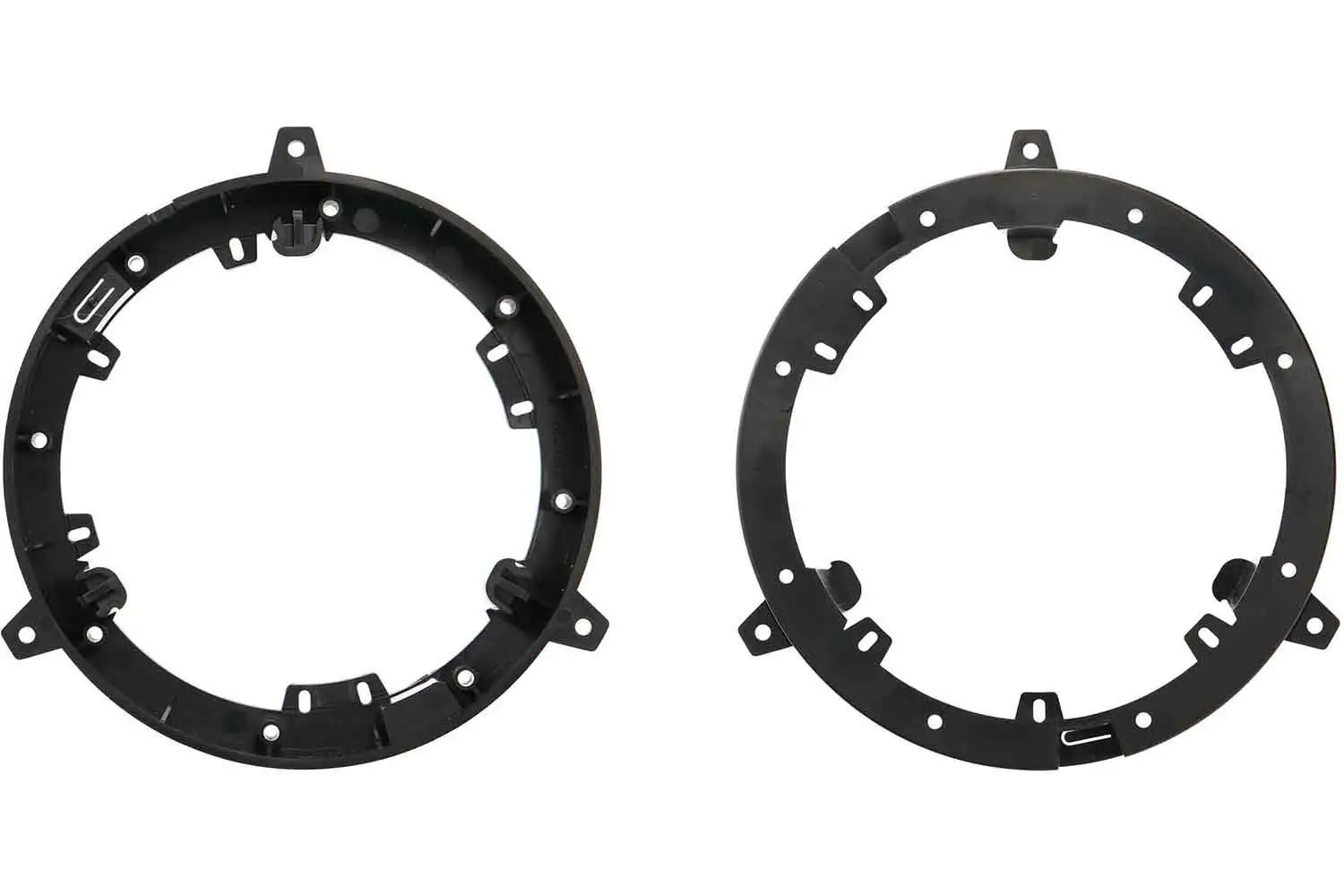
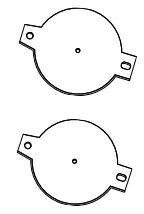 (2) Brackets

IMPORTANT
Before starting, compare items on your invoice with items received.
Thoroughly check packing materials. If an item is missing, please call Crutchfield at 1-888-955-6000.