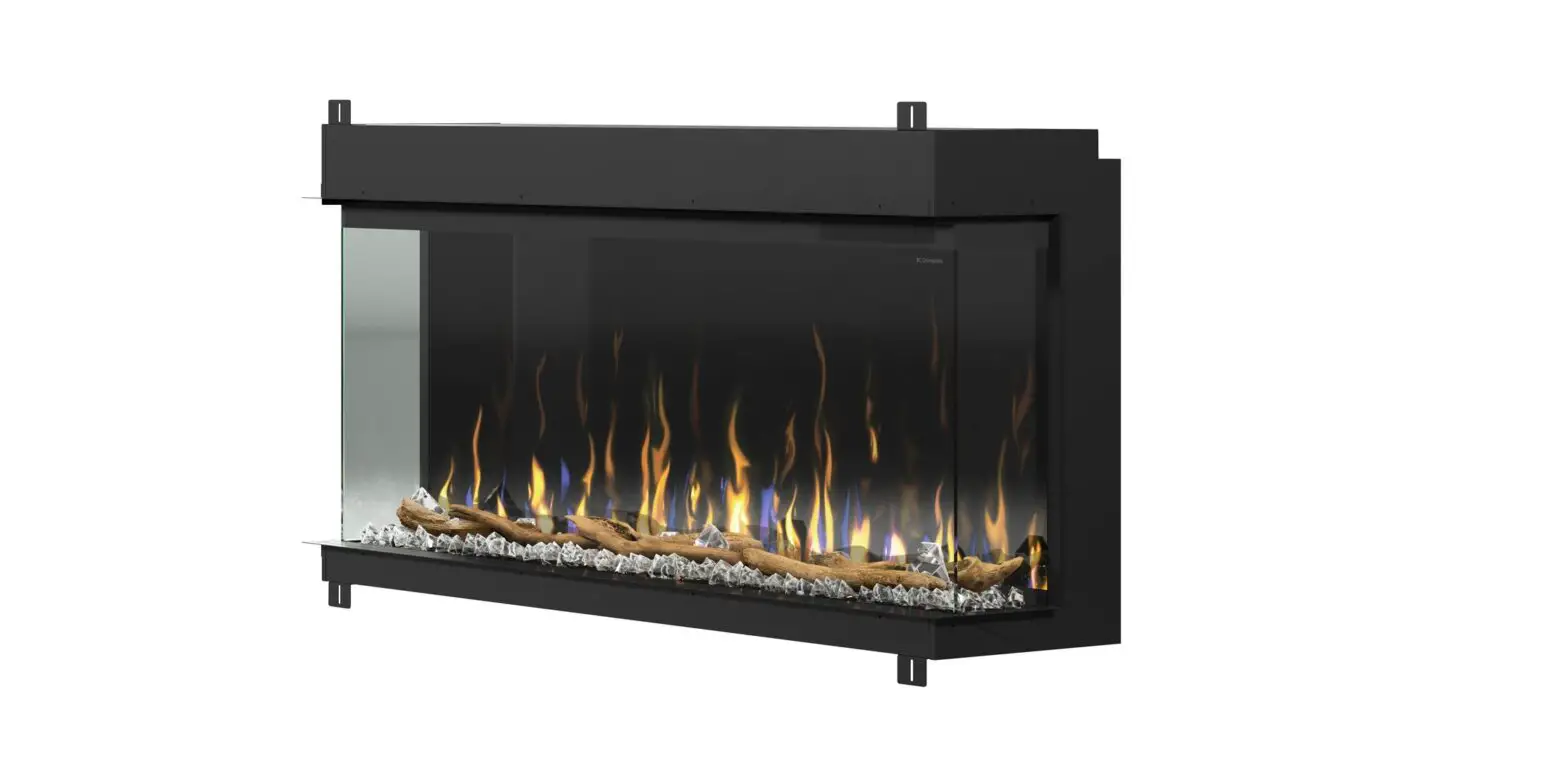
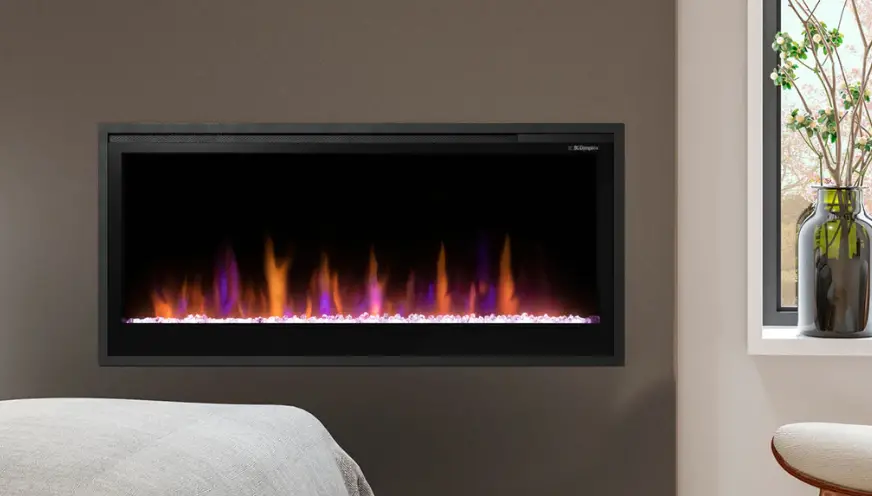
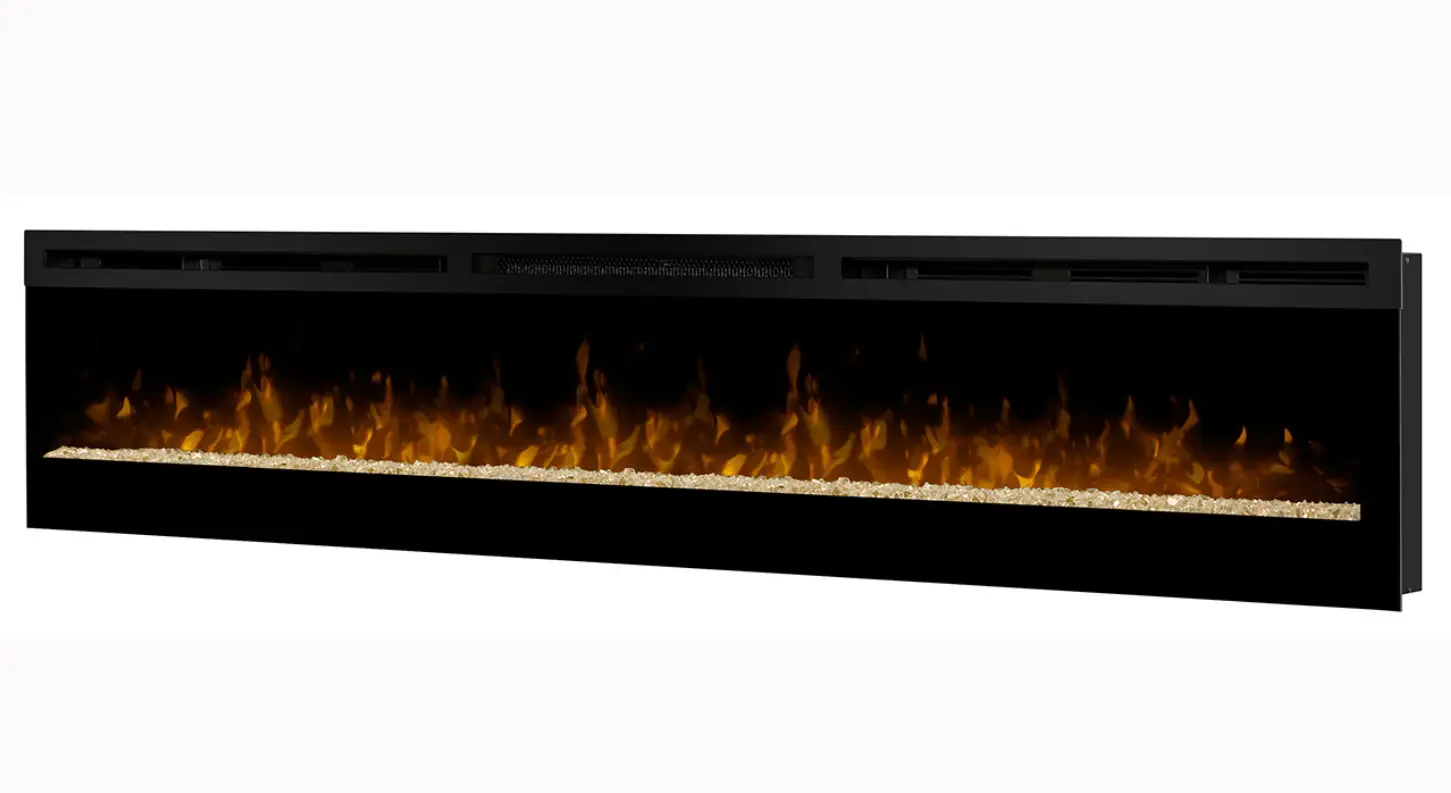
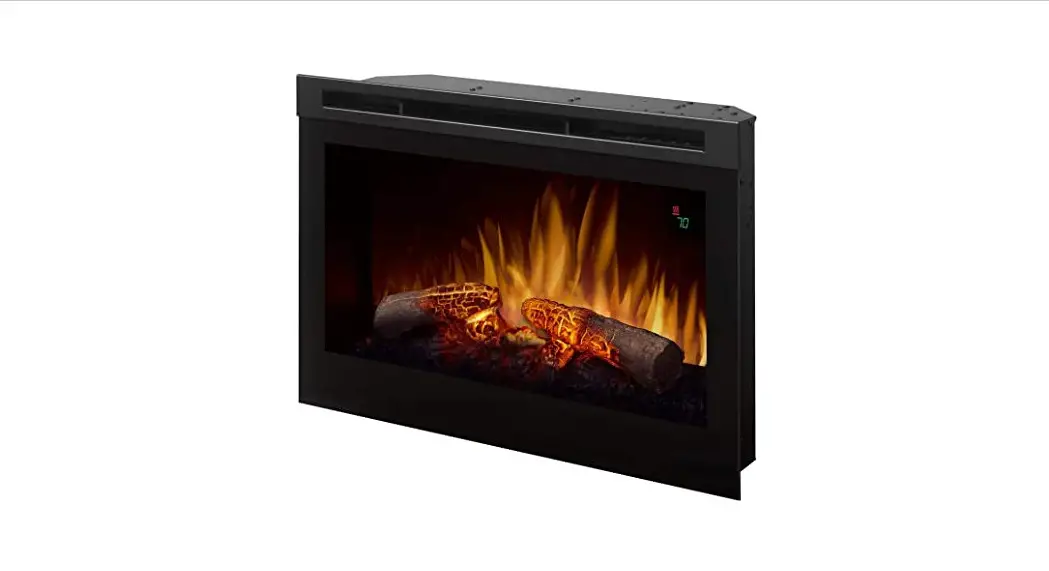
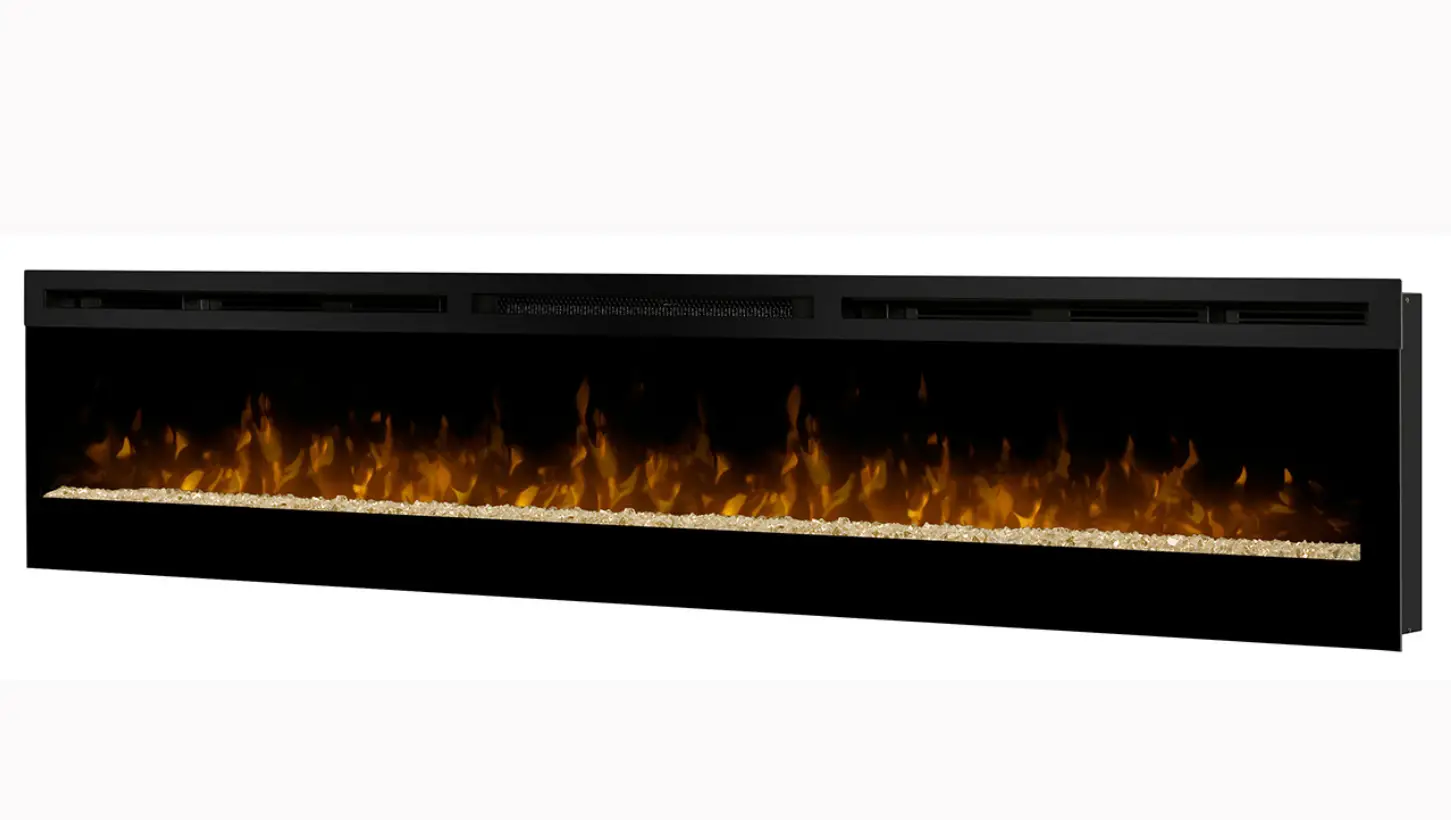
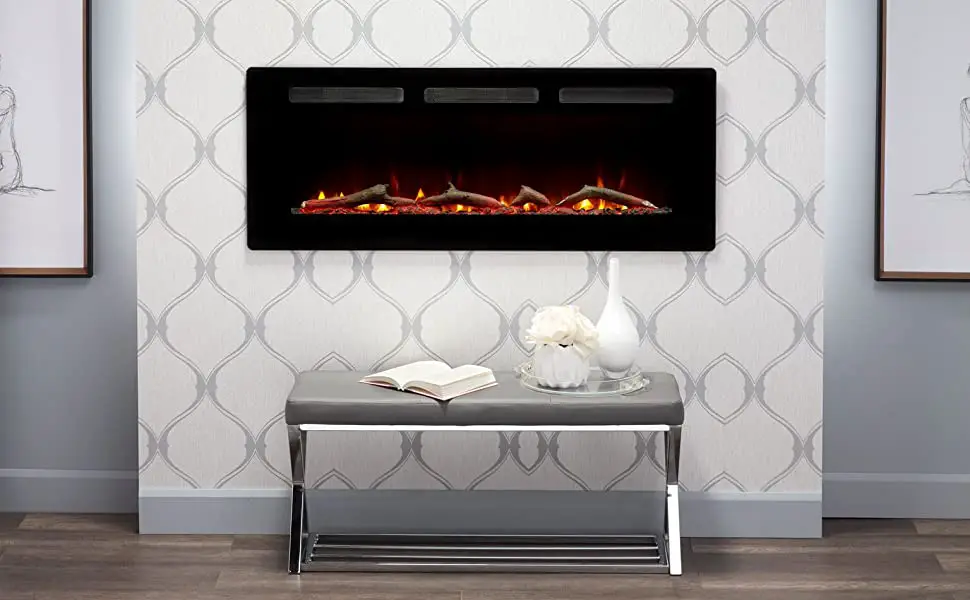
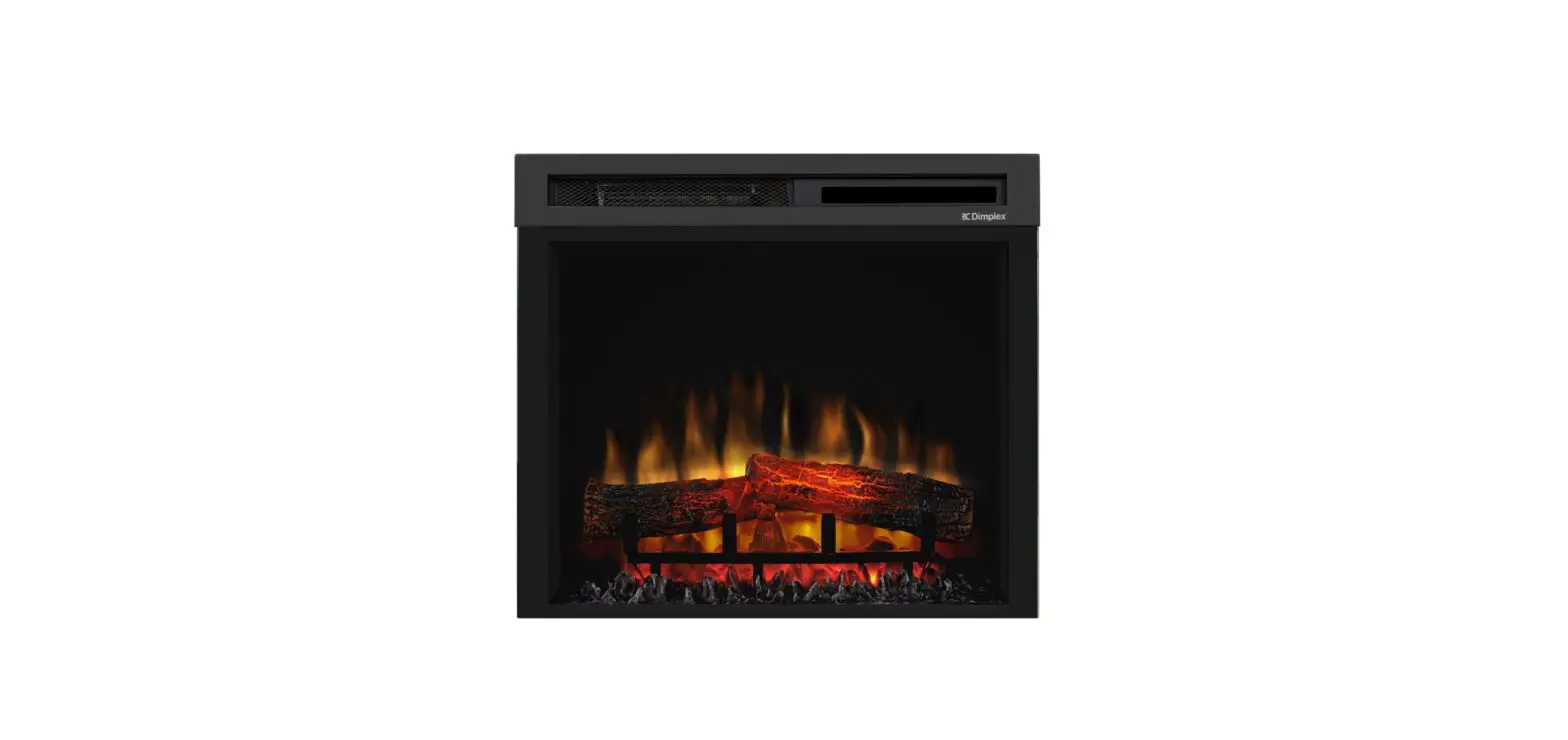
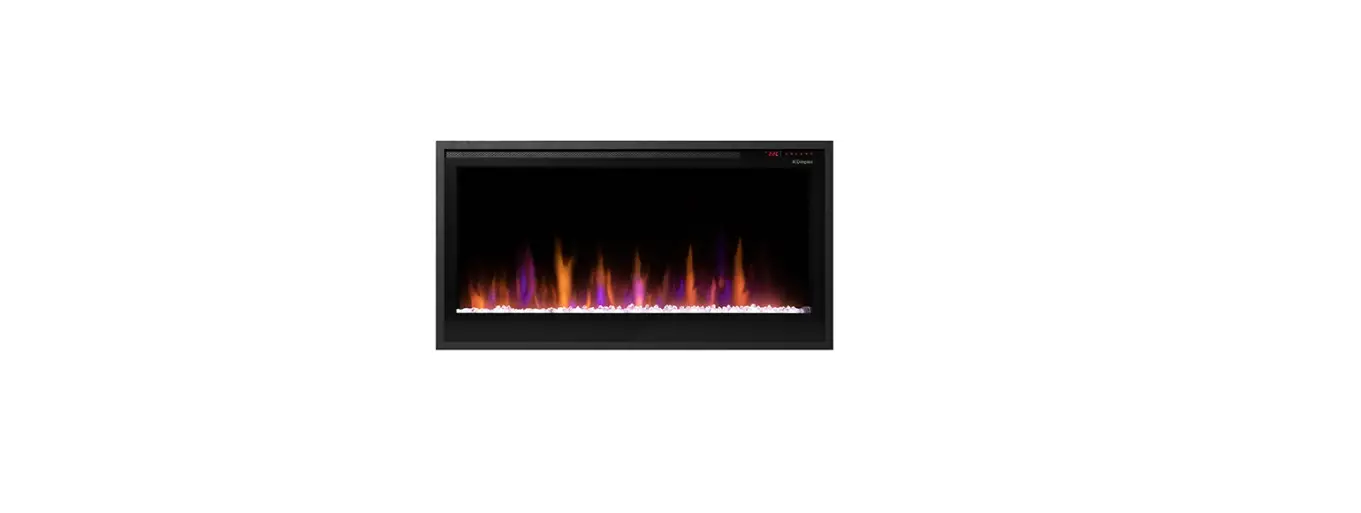
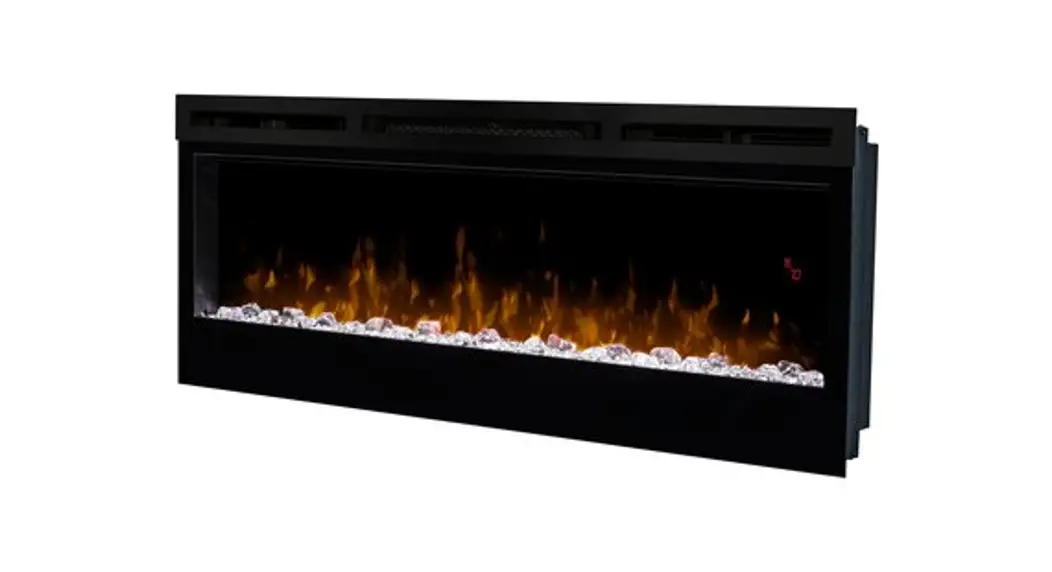
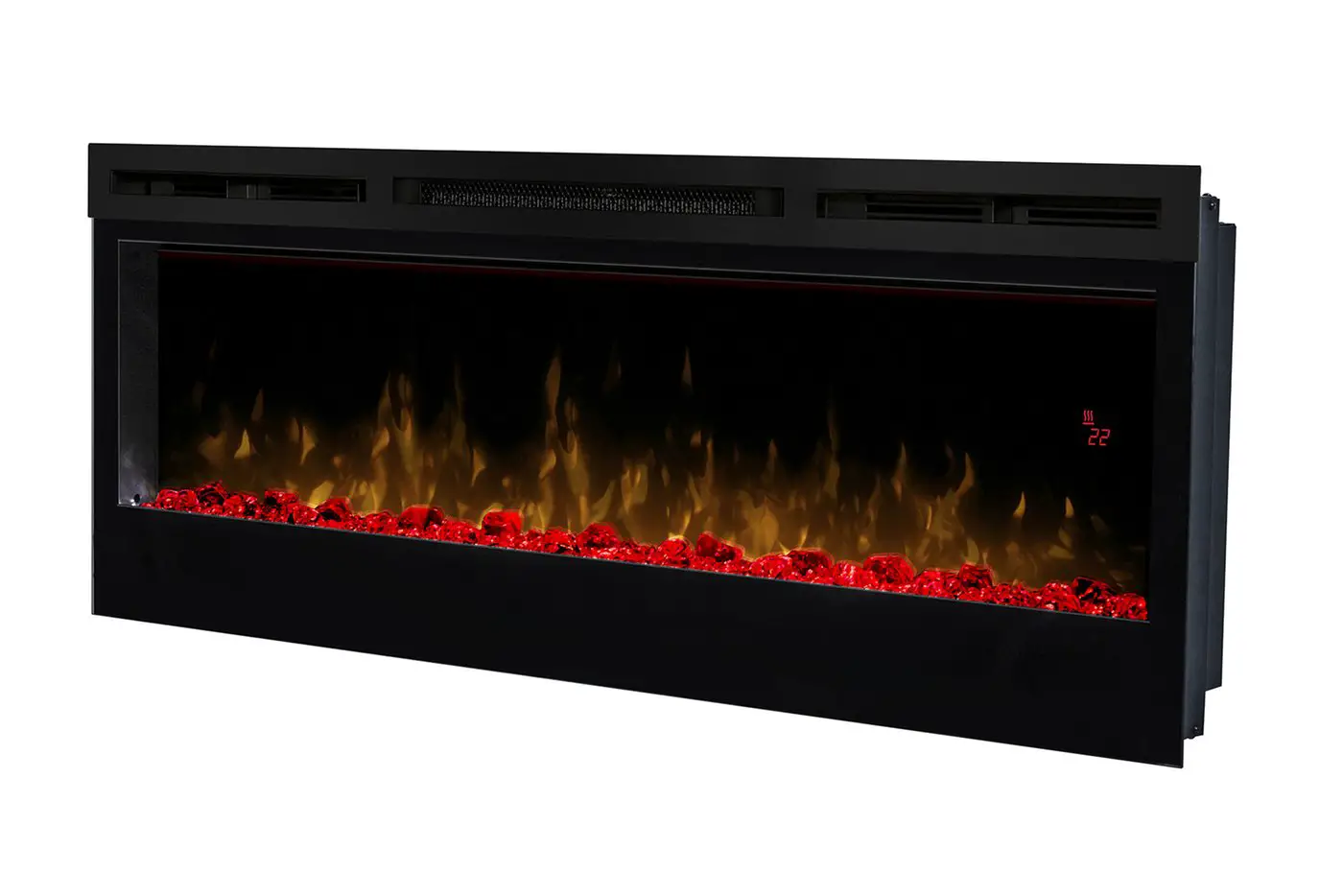
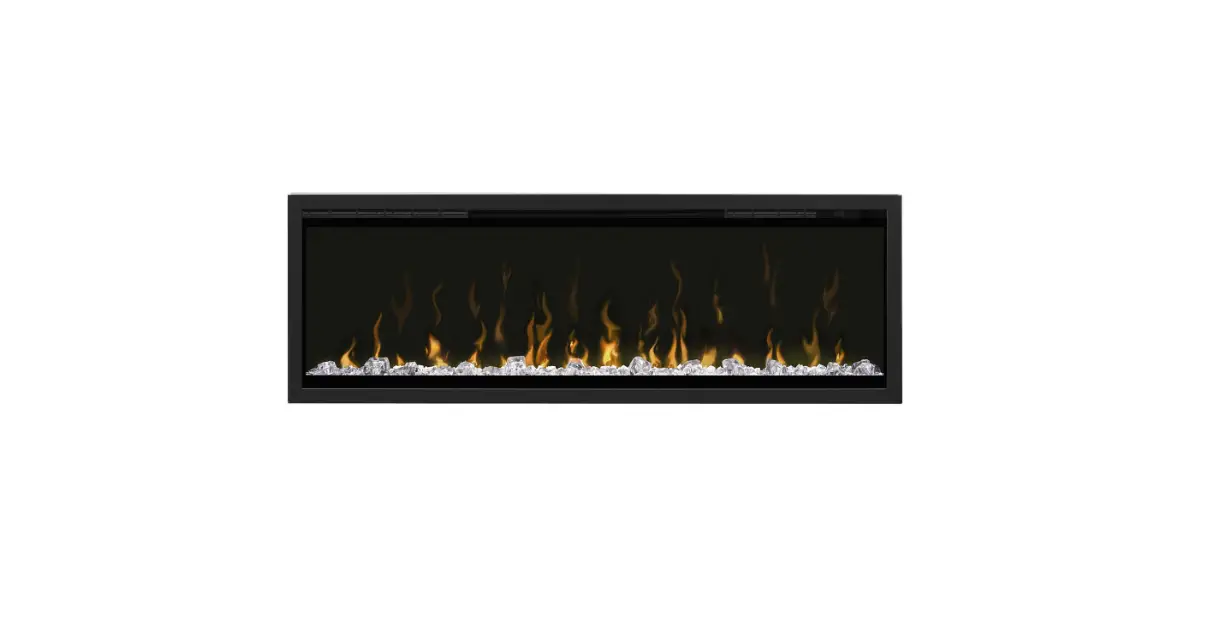
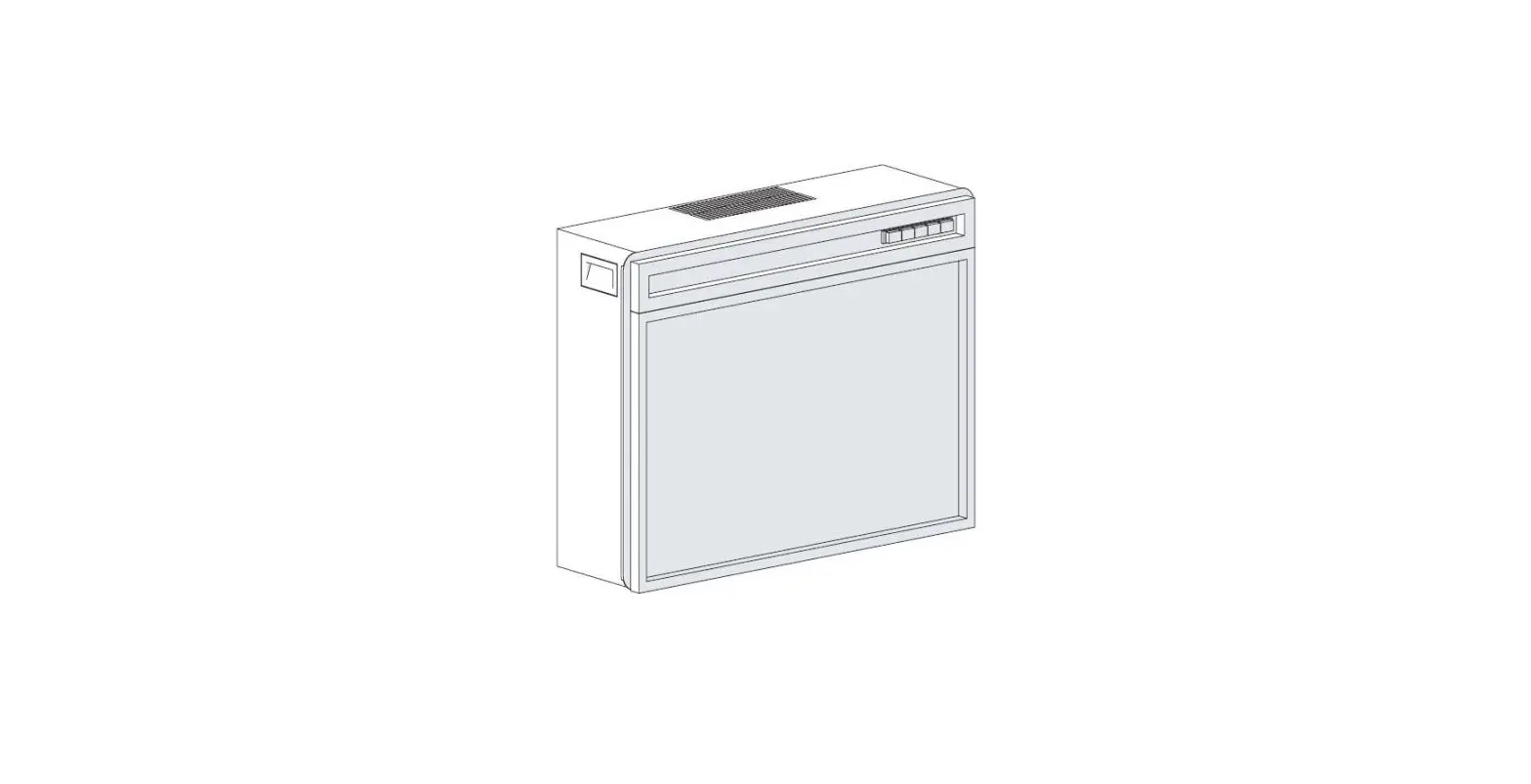
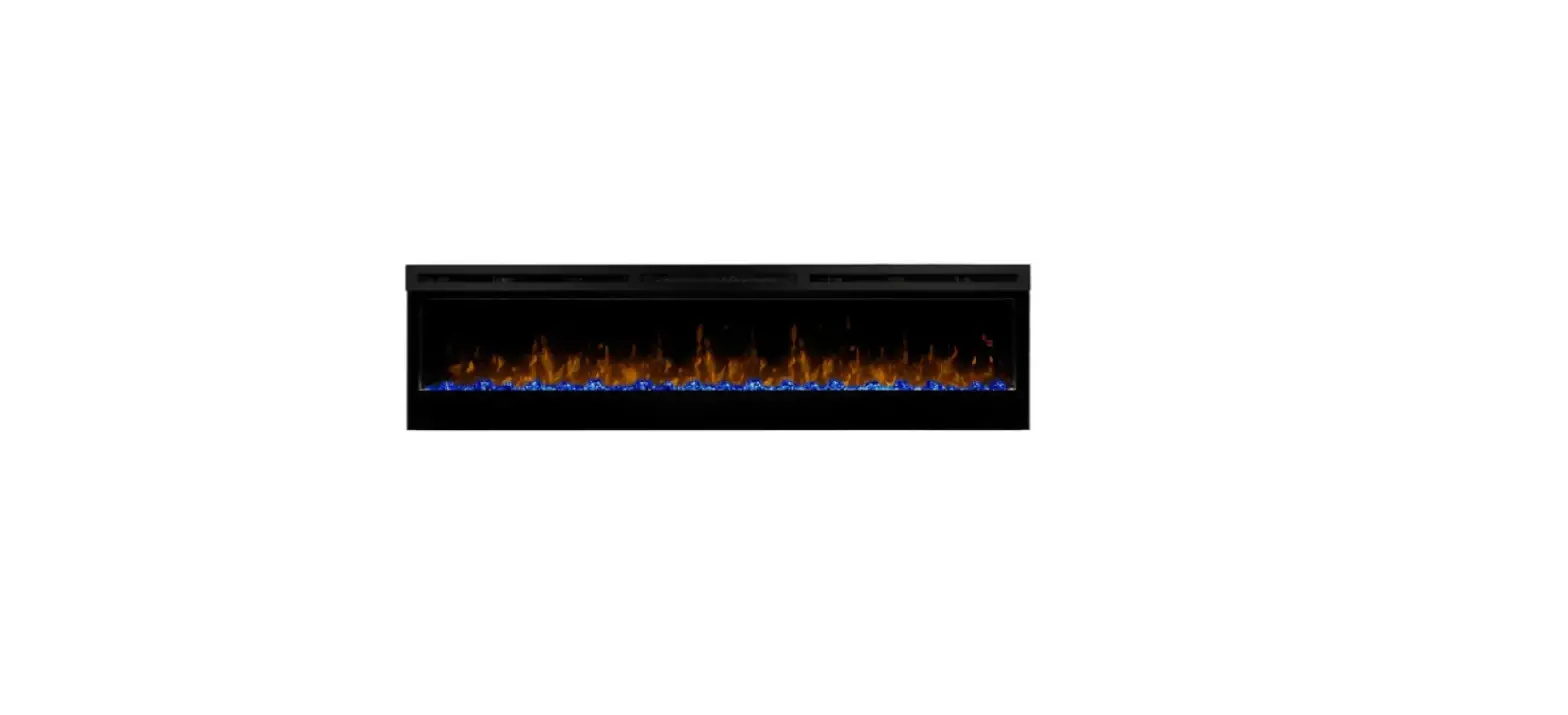
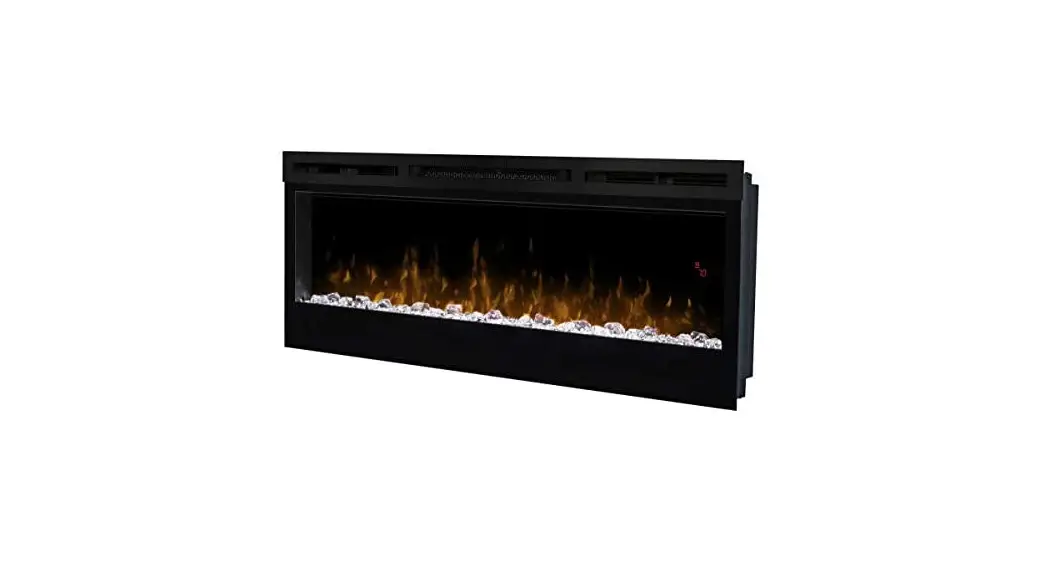
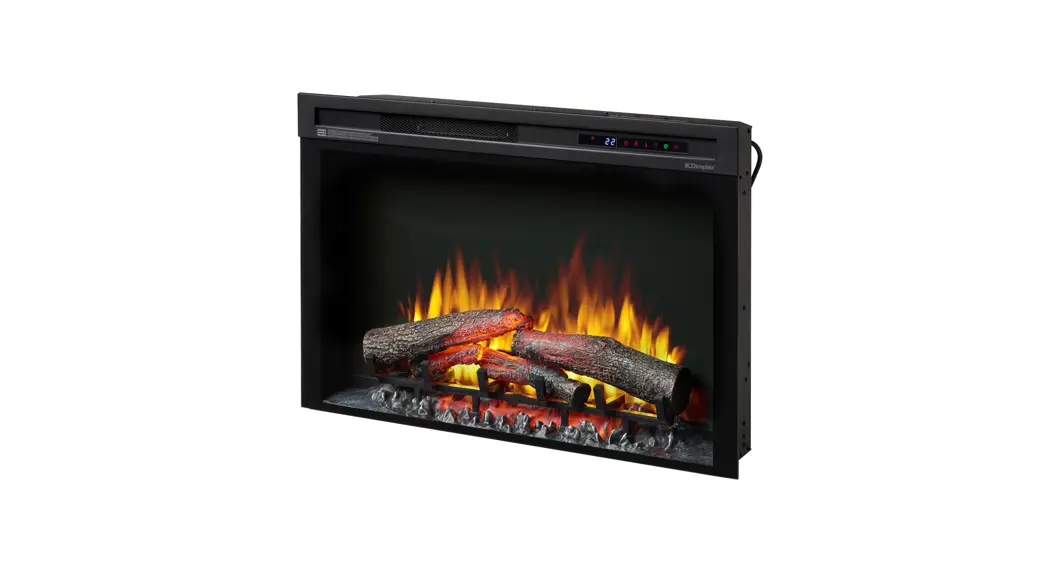
XLF50 IgniteXL Linear Electric Fireplace
Product Information:
The product is a fireplace with different models and part
numbers:
- Model UL Part Number XLF50 6909630100
- Model UL Part Number XLF60 6910000100
- Model UL Part Number XLF74 6909690100
- Model UL Part Number XLF100 6909700100
The fireplace should only be serviced by a qualified technician
or service agency. It is important to read the manual and comply
with all warnings and safety instructions to prevent personal
injury or property damage.
Product Usage Instructions:
General Operation:
The electric firebox must be properly installed before use. The
element retains heat after shutdown, so there is a built-in cool
down period of 2 minutes before the fan shuts off completely when
the heat function is turned off.
Remote Operation:
The fireplace comes with an IR multi-function remote control. To
operate correctly, the remote control must be pointed towards the
front of the unit.
Controls:
The unit can be controlled using either the manual controls
located on the upper right of the fireplace or the remote
control.
- A. Standby: Turns the unit on and off.
Activated by pressing the Standby button on the remote. - B. Flame Effects: Turns the flame effect on
and off. Activated by pressing the button on the remote. - C. Heat ON/OFF: Turns the heater on and off.
Activated by pressing the button on the remote or the unit. After
the heater is switched off, there is a 2-minute fan delay before
the fan turns off. The unit can be operated in Heat Only Mode,
indicated by a continuously displayed icon on the display. - D. Temperature Down: Decreases the temperature
setting. Adjusted by repeatedly pressing the corresponding
button. - E. Temperature Up: Increases the temperature
setting. Adjusted by repeatedly pressing the corresponding
button. - F. Eco Operation: Runs the heater in a reduced
wattage range when activated. Adjusted by pressing the
corresponding button. - G. Heat Boost: Turns the Heater Boost on and
off. Runs the unit at full rated wattage. Activated and adjusted by
repeatedly pressing the corresponding button.
Disable Heat:
The user manual does not provide information on how to disable
heat. Please refer to the user manual or contact customer support
for further assistance.
Service Manual
Model UL Part Number XLF50 6909630100 XLF60 6910000100 XLF74 6909690100 XLF100 6909700100
IMPORTANT SAFETY INFORMATION: Always read this manual first before attempting to service this fireplace. For your safety, always comply with all warnings and safety instructions contained in this manual to prevent personal injury or property damage.
7400940000R10
Table of Contents
Table of Contents . . . . . . . . . . . . . . . . . . . . . . . . . . . . . . . . . . . . . . . . . . . . . . . . . . . . 2 Operation . . . . . . . . . . . . . . . . . . . . . . . . . . . . . . . . . . . . . . . . . . . . . . . . . . . . . . . . . . . 3 Additional key Combinations . . . . . . . . . . . . . . . . . . . . . . . . . . . . . . . . . . . . . . . . . . . 4 Maintenance . . . . . . . . . . . . . . . . . . . . . . . . . . . . . . . . . . . . . . . . . . . . . . . . . . . . . . . . . 5 Exploded Parts Diagram – XLF50 . . . . . . . . . . . . . . . . . . . . . . . . . . . . . . . . . . . . . . . . 6 Exploded Parts Diagram – XLF60 . . . . . . . . . . . . . . . . . . . . . . . . . . . . . . . . . . . . . . . . 7 Exploded Parts Diagram – XLF74 . . . . . . . . . . . . . . . . . . . . . . . . . . . . . . . . . . . . . . . . 8 Exploded Parts Diagram – XLF100 . . . . . . . . . . . . . . . . . . . . . . . . . . . . . . . . . . . . . . . 9 Wiring Diagrams . . . . . . . . . . . . . . . . . . . . . . . . . . . . . . . . . . . . . . . . . . . . . . . . . . . . 10 Wiring Diagrams . . . . . . . . . . . . . . . . . . . . . . . . . . . . . . . . . . . . . . . . . . . . . . . . . . . . 11 Preparation for Service . . . . . . . . . . . . . . . . . . . . . . . . . . . . . . . . . . . . . . . . . . . . . . . 12 Main Control Board Replacement . . . . . . . . . . . . . . . . . . . . . . . . . . . . . . . . . . . . . . 13 LED Power Distributor Replacement (Only XLF74 & 100) . . . . . . . . . . . . . . . . . . . 13 Power Supply Replacement . . . . . . . . . . . . . . . . . . . . . . . . . . . . . . . . . . . . . . . . . . . 14 Capacitive Controls and Display Replacement . . . . . . . . . . . . . . . . . . . . . . . . . . . 14 Media LED Light Strips Replacement . . . . . . . . . . . . . . . . . . . . . . . . . . . . . . . . . . . 14 Flame LED Strips Replacement . . . . . . . . . . . . . . . . . . . . . . . . . . . . . . . . . . . . . . . . 14 Flicker Assembly Replacement . . . . . . . . . . . . . . . . . . . . . . . . . . . . . . . . . . . . . . . . 15 Thermistor Replacement . . . . . . . . . . . . . . . . . . . . . . . . . . . . . . . . . . . . . . . . . . . . . 15 Heater Assembly Replacement . . . . . . . . . . . . . . . . . . . . . . . . . . . . . . . . . . . . . . . . 16 Troubleshooting Guide . . . . . . . . . . . . . . . . . . . . . . . . . . . . . . . . . . . . . . . . . . . . . . . 17
Always use a qualified technician or service agency to repair this fireplace.
! NOTE: Procedures and techniques that are considered important enough to emphasize. CAUTION: Procedures and techniques which, if not carefully followed, will result in damage to the equipment. WARNING: Procedures and techniques which, if not carefully followed, will expose the user to the risk of fire, serious injury, or death.
2
www.dimplex.com
Operation
Figure 1
C J Display A C D E H I
General Operation WARNING: This electric firebox must be properly installed before it is used.
This firebox operates with Comfort$averTM technology, which automatically adjusts the fan speed and heater wattage to safely and precisely match the requirements of the room based on the thermostat setting. The heater operates such that once the room reaches the set point, the fan and heater will continuously run at a low level, to maintain the desired room temperature. If the temperature in the room rises significantly, i.e. sun coming through a window or a central furnace turns on, the heater will turn off and periodically turn back on to circulate the air around the unit, until the room temperature drops and requires the heater to be constantly on again. ! NOTE: The unit is designed so that the fan will run con-
tinuously while the heater is on. ! NOTE: The element retains heat after shutdown, there
is a built in cool down period of 2 minute before the fan shuts off completely, when the heat function is turned Off. Remote Operation The fireplace is supplied with an IR multi-function remote control. ! NOTE: To operate correctly, the remote control must be pointed towards the front of the unit. Controls The unit can be controlled by either the manual controls which are located on the upper right of the fireplace or the remote (Figure 1 & 2).
A . Standby Turns the unit On and Off. Activated by pressing the Standby button on the remote
or the unit. · The unit will turn On with the same functions that it was
set to when it was turned Off and the intake temperature will be indicated on the Display. ! NOTE: When any button is pressed on the unit the intake temperature will be displayed on the Display for 7
seconds.
B . Flame Effects Turns the Flame Effect On and Off.
Activated by pressing the button on the remote.
C . Heat ON/OFF
Turns the heater On and Off.
Activated by pressing the button on the remote or the unit.
· Indicated by the icon and the setpoint temperature will flash on the display, then the intake temperature will be displayed before turning off.
! NOTE: After the heater is switched off, there is a 2 minute fan delay, where the fan will continue running before turning off.
! NOTE: The unit can be operated in Heat Only Mode. When the unit is only running with the heater, the icon will continuously be displayed on the Display.
! NOTE: The heater may emit a slight, harmless odor when first used. This odor is a normal condition caused by initial heating of internal heater parts and will not occur again.
D Temperature Down
Decreases the temperature setting. Adjusted by repeatedly pressing the corresponding but-
ton on the remote.* · Indicated by setpoint temperature on the Display de-
creasing and the speed of the fan decreasing to reduce the amount of heat being projected into the room.**
E . Temperature Up
Increases the temperature setting. Adjusted by repeatedly pressing the corresponding but-
ton on the remote.* · Indicated by the setpoint on the Display increasing and
the speed of the fan increasing to increase the amount of heat being projected into the room. * The first time the button is pressed the current temperature set point will be displayed for 2 seconds. ** The temperature can be adjusted from 5 °C to 37 °C (41 °F to 99 °F).
! NOTE: Holding the and the buttons down for two seconds, on the unit, will change the temperature scale from °C to °F, or vice versa.
F . Eco Operation
Runs the heater in a reduced wattage range when activated. Adjusted by pressing the corresponding button on the
remote when the heater is on. · Indicated by the Display and a reduced fan speed.
G . Heat Boost
Turns the Heater Boost On and Off. Runs the unit at the full
3
rated wattage. Activated and adjusted by repeatedly pressing the cor-
Figure 2
responding button on the remote.
A
· Indicated by the heater running at full heat, for a user set amount of time, to quickly heat up a cold room/space. The Heat Boost can be set for a maximum of 20 minutes, in 5 minute increments.
B
C
D
E
F
G
Disable Heat
H
I
If desired, depending on the season, the heater on the unit
J
can be disabled. The function of the remaining controls will
continue to function as outlined in this manual.
Pressing the and buttons on the unit at the same time and holding for 2 seconds will disable and enable the heater.
! NOTE: When the heater has been disabled and any of the heat related functions are used, the Display will indicate “—“.
H . Color Themes
Different presets of lighting color combinations are available in the unit.
Changed by repeatedly pressing the corresponding button on the remote or the unit.
· Cycles through the different preset light settings of the unit, this includes different combinations of colors of the flame base and media lighting.
! NOTE: Two of the themes in the cycle are a prism where the unit cycles through a variety of colors. Press-
ing the stops the cycling and holds the unit on the preferred color, indicated by a solid circle. When the unit is on prism, and is cycling through the colors, a rotating circle will be displayed.
I . Brightness
Changes the Brightness of the lights in the unit.
Adjusted by repeatedly pressing the corresponding button on the remote or the unit.
· Indicated by the second digit on the Display changing to show: “H” (high), and “L” (low).
J . Sleep Timer
The Sleep Timer can be set to automatically shut off the fireplace after a preset time (from 30 minutes to 8 hours).
To set the timer press the timer button on the remote, repeatedly, until the desired time is displayed.
· The Display will display the different times as it is ad-
justed. Once the timer has begun, pressing the button will display the time remaining before the unit turns Off.
! NOTE: The Sleep Timer can be cancelled at any time by
pressing the button repeatedly until the sleep timer displays nothing.
Resetting the Temperature Cutoff Switch Should the heater overheat, an automatic cut out will turn the whole unit off and it will not come back on without being
reset. If the button on the unit is pressed, Er2 will be displayed on the unit. It can be reset by turning the unit off at the main disconnect panel and waiting 5 minutes before turning the unit back on.
CAUTION: If you need to continuously reset the heater, turn the unit off at the main disconnect panel and call technical support at 1-888-346-7539. Remote Control Battery Replacement To replace the Battery: 1. Slide battery cover open on the remote control. 2. Correctly install one 3 Volt (CR2032 [longer life] or CR2025) Battery in the battery holder. 3. Close the battery cover.
Battery must be recycled or disposed of properly. Check with your Local Authority or Retailer for recycling advice in your area
Additional key Combinations
Software Revision Display – On the unit, hold and to display the software revision of the unit.
Factory Reset – On the unit, hold the and the , until the display shows “ooo”
4
www.dimplex.com
Maintenance WARNING: Disconnect power and allow heater to
cool before attempting any maintenance or cleaning to reduce the risk of fire, electric shock or damage to persons.
! NOTE: The fireplace should not be operated with an
accumulation of dust or dirt on or in the unit, as this can cause a build up of heat and eventual damage. For this reason the heater must be inspected regularly, depending upon conditions and at least at yearly intervals.
Partially Reflective Glass Cleaning
The partially reflective glass is cleaned in the factory during the assembly operation. During shipment, installation, handling, etc., the partially reflective glass may collect dust particles; these can be removed by dusting lightly with a clean dry cloth. To remove fingerprints or other marks, the partially reflective glass can be cleaned with a damp cloth. The partially reflective glass should be completely dried with a lint free cloth to prevent water spots. To prevent scratching, do not use abrasive cleaners.
Fireplace Surface Cleaning
Use only a damp cloth to clean painted surfaces of the fireplace. Do not use abrasive cleaners.
Servicing
Except for installation and cleaning described in this manual, an authorized service representative should perform any other servicing.
5
Exploded Parts Diagram – XLF50
20
1 10
12 11
4
3
16 15
5
9 13 14
7
8
LED Configuration
2
Flame LED’s (white)
11
12
Flame Base (colour)
14
15
14
Media (colour)
16
16
Replacement Parts List – XLF50
1. Heater Assembly (with cutouts) . . . . . 2203720300RP 2. Remote Control. . . . . . . . . . . . . . . . . . 3001250100RP 3. Main Control Board . . . . . . . . . . . . . . . 3001650100RP
MOD A & B. . . . . . . . 3001650200RP MOD C+. . . . . . . . . . . . . 500002224 4. Capacitive Controls and Display . . . . . 3001680100RP MOD A & B. . . . . . . . 3001680200RP MOD C+ . . . . . . . . . . . . 500002215 5. Power Supply . . . . . . . . . . . . . . . . . . . 2100250500RP 6. Thermistor. . . . . . . . . . . . . . . . . . . . . . 3001560500RP 7. Partially Reflective Glass . . . . . . . . . . 5902890100RP 8. Front Glass . . . . . . . . . . . . . . . . . . . . . 5902900100RP 9. Flicker Motor . . . . . . . . . . . . . . . . . . . . 2000500900RP 10. Flicker Assembly . . . . . . . . . . . . . . . . 5902920100RP 11. 6-Light LED Flame Assembly . . . . . . . 3001760600RP 12. 8-Light LED Flame Assembly . . . . . . . 3001760700RP
13. Media Tray . . . . . . . . . . . . . . . . . . . . . 5902910100RP 14. 4-Light RGB LED Assembly (2) . . . . . 3001570400RP
MOD B . . . . . . . . . . . 3001960100RP 15. 6-Light RGB Media LED Assembly . . . 3001570100RP
MOD B . . . . . . . . . . . 3001960300RP 16. 8-Light RGB Media LED Assembly (2) 3001570300RP
MOD B . . . . . . . . . . . 3001960400RP 17. Mounting Hardware Kit . . . . . . . . . . . . 9600350100RP 18. Large Acrylic Media. . . . . . . . . . . . . . . 1400130200RP 19. Medium Acrylic Media . . . . . . . . . . . . . 1400150100RP 20. 4-piece Trim . . . . . . . . . . . . . . . . . . . . 9602160100RP 21. Front Glass Screws. . . . . . . . . . . . . . . 8099770100RP 22. Screw Covers (MOD B) . . . . . . . . . . . 0442370100RP 23. Power Cord (MOD B) . . . . . . . . . . . . . 4100360100RP 24. Flicker Assembly Bushing (3) . . . . . . . 8500000400RP 25. Flicker Connector . . . . . . . . . . . . . . . . 8500680100RP
6
www.dimplex.com
Exploded Parts Diagram – XLF60
10 11
1
3
4
14
5
16
12
15
8
9
20
7
13
2
LED Configuration
Flame LED’s (white)
12
12
11
Flame Base (colour)
15
16
16
Media (colour)
15
15
14
Replacement Parts List – XLF60
1. Heater Assembly (with cutouts) . . . . . 2203720300RP 2. Remote Control. . . . . . . . . . . . . . . . . . 3001250100RP 3. Main Control Board . . . . . . . . . . . . . . . 3001650100RP
MOD A & B. . . . . . . . . 3001650200RP MOD C+. . . . . . . . . . . . . . 500002224 4. Capacitive Controls and Display . . . . . 3001680100RP MOD A & B. . . . . . . . . 3001680200RP MOD C+. . . . . . . . . . . . . . 500002215 5. Power Supply . . . . . . . . . . . . . . . . . . . 2100250500RP 6. Thermistor. . . . . . . . . . . . . . . . . . . . . . 3001560600RP 7. Partially Reflective Glass . . . . . . . . . . 5902890400RP 8. Front Glass . . . . . . . . . . . . . . . . . . . . . 5902900200RP 9. Flicker Motor . . . . . . . . . . . . . . . . . . . . 2000480200RP 10. Flicker Assembly . . . . . . . . . . . . . . . . 5902920400RP
11. 5-Light LED Flame Assembly . . . . . . . 3001760300RP 12. 6-Light LED Flame Assembly (2) . . . . 3001760600RP 13. Media Tray . . . . . . . . . . . . . . . . . . . . . 5902910400RP 14. 4-Light RGB LED Assembly . . . . . . . . 3001960100RP 15. 5-Light RGB Media LED Assembly (4) 3001960200RP 16. 6-Light RGB Media LED Assembly (2) 3001960300RP 17. Mounting Hardware Kit . . . . . . . . . . . . 9600350100RP 18. Large Acrylic Media. . . . . . . . . . . . . . . 1400130300RP 19. Medium Acrylic Media (2) . . . . . . . . . . 1400150100RP 20. 4-piece Trim . . . . . . . . . . . . . . . . . . . . 9602160200RP 21. Front Glass Screws. . . . . . . . . . . . . . . 8099770100RP 22. Screw Covers . . . . . . . . . . . . . . . . . . . 0442370100RP 23. Power Cord . . . . . . . . . . . . . . . . . . . . . 4100360100RP 24. Flicker Assembly Bushing(3). . . . . . . . 8500000400RP 25. Flicker Connector . . . . . . . . . . . . . . . . 8500680100RP
7
Exploded Parts Diagram – XLF74
20 1 4
6 3
19
10
5 13 9
7 8
LED Configuration
Flame LED’s (white)
12
11
12
2
Flame Base (colour)
15
14
15
Media (colour)
15
15
15
Replacement Parts List – XLF74
1. Heater Assembly (with cutouts) . . . . . . 2203720300RP 2. Remote Control. . . . . . . . . . . . . . . . . . . 3001250100RP 3. Main Control Board . . . . . . . . . . . . . . . . 3001650100RP
MOD A & B. . . . . . . . . 3001650200RP MOD C+. . . . . . . . . . . . . . 500002224 4. Capacitive Controls and Display . . . . . . 3001680100RP MOD A & B. . . . . . . . . 3001680200RP MOD C+. . . . . . . . . . . . . . 500002215 5. Power Supply (2) . . . . . . . . . . . . . . . . . 2100250600RP 6. Thermistor. . . . . . . . . . . . . . . . . . . . . . . 3001560700RP 7. Partially Reflective Glass . . . . . . . . . . . 5902890200RP 8. Front Glass . . . . . . . . . . . . . . . . . . . . . . 5902940100RP 9. Flicker Motor . . . . . . . . . . . . . . . . . . . . . 2000480200RP 10. Flicker Assembly . . . . . . . . . . . . . . . . . 5902920200RP 11. 6-Light LED Flame Assembly . . . . . . . . 3001760600RP 12. 8-Light LED Flame Assembly (2) . . . . .3001760700RP 13. Media Tray . . . . . . . . . . . . . . . . . . . . . .5902910200RP
14. 6-Light RGB Media LED Assembly . . . . . . .3001570100RP MOD B . . . . . . . . . . . .3001960300RP
15. 8-Light RGB Media LED Assembly (5) .3001570300RP MOD B . . . . . . . . . . . .3001960400RP
16. Mounting Hardware Kit . . . . . . . . . . . . .9600350100RP 17. Large Acrylic Media. . . . . . . . . . . . . . . .1400130300RP 18. Medium Acrylic Media (2) . . . . . . . . . . .1400150100RP 19. LED Power Distributor . . . . . . . . . . . . .3001720100RP 20. 4-piece Trim . . . . . . . . . . . . . . . . . . . . .9602160300RP 21. Suction cups . . . . . . . . . . . . . . . . . . . . .9600820200RP 22. Front Glass Screws. . . . . . . . . . . . . . . 8099770100RP 23. Screw Covers (MOD B) . . . . . . . . . . . 0442370100RP 24. Power Cord (MOD B) . . . . . . . . . . . . . 4100360100RP 25. Flicker Assembly Bushing (4) . . . . . . . 8500000400RP 26. Flicker Connector . . . . . . . . . . . . . . . . 8500680100RP
8
www.dimplex.com
Exploded Parts Diagram – XLF100
19 1
5b 4
6 3
18
10
5a 12 9
7
8
LED Configuration
Flame LED’s (white)
11
11
11
11
11
Flame Base (colour)
13
13
13
13
13
2
Media (colour)
14
14
14
14
Replacement Parts List – XLF100
1. Heater Assembly (with cutouts) . . . . . . 2203720300RP 2. Remote Control . . . . . . . . . . . . . . . . . . 3001250100RP 3. Main Control Board . . . . . . . . . . . . . . . 3001650100RP
MOD A & B. . . . . . . . . 3001650200RP MOD C+. . . . . . . . . . . . . . 500002224 4. Capacitive Controls and Display . . . . . 3001680100RP MOD A & B. . . . . . . . . 3001680200RP MOD C+. . . . . . . . . . . . . . 500002215 5. Power Supply a) 5 Amp . . . . . . . . . . 2100250500RP b) 3 Amp . . . . . . . . . . 2100250600RP 6. Thermistor . . . . . . . . . . . . . . . . . . . . . . 3001560700RP 7. Partially Reflective Glass . . . . . . . . . . . 5902890300RP 8. Front Glass . . . . . . . . . . . . . . . . . . . . . 5902940200RP 9. Flicker Motor . . . . . . . . . . . . . . . . . . . . 2000480200RP 10. Flicker Assembly . . . . . . . . . . . . . . . . . 5902920300RP 11. 6-Light LED Flame Assembly (5) . . . . .3001760600RP 12. Media Tray . . . . . . . . . . . . . . . . . . . . . .5902910300RP
13. 6-Light RGB Media LED Assembly (5) . . . 3001570100RP MOD B . . . . . . . . . . . . . 3001960300RP
14. 8-Light RGB Media LED Assembly (4) . . . 3001570300RP MOD B . . . . . . . . . . . . . 3001960400RP
15. Mounting Hardware Kit . . . . . . . . . . . . .9600350100RP 16. Large Acrylic Media. . . . . . . . . . . . . . . .1400130200RP 17. Medium Acrylic Media (2) . . . . . . . . . . .1400150100RP 18. LED Power Distributor . . . . . . . . . . . . 3001720100RP 19. 4-piece Trim . . . . . . . . . . . . . . . . . . . . .9602160400RP 20. Suction cups . . . . . . . . . . . . . . . . . . . . .9600820200RP 21. Front Glass Screws. . . . . . . . . . . . . . . 8099770100RP 22. Screw Covers (MOD B) . . . . . . . . . . . 0442370100RP 23. Power Cord (MOD B) . . . . . . . . . . . . . 4100360100RP 24. Flicker Assembly Bushing (5) . . . . . . . 8500000400RP 25. Flicker Connector . . . . . . . . . . . . . . . . 8500680100RP
9
Wiring Diagrams XLF50
CERAMIC ELEMENT
MAIN CONTROL BOARD
FAN
FAN
POWER ADAPTER
THERMISTOR
FLAME LED ASSEMBLY
THERMAL CUTOUTS
M
FLICKER MOTOR
MEDIA LED ASSEMBLY MEDIA LED ASSEMBLY
XLF60
CERAMIC ELEMENT
MAIN CONTROL BOARD
FAN
FAN
POWER ADAPTER
THERMISTOR
FLAME LED ASSEMBLY
THERMAL CUTOUTS
M
FLICKER MOTOR
MEDIA LED ASSEMBLY MEDIA LED ASSEMBLY
10
www.dimplex.com
Wiring Diagrams XLF74, XLF100
CERAMIC ELEMENT
FAN
FAN
POWER ADAPTER
THERMISTOR
POWER ADAPTER
RELAY BOARD
FLAME LED ASSEMBLY
MAIN CONTROL BOARD
THERMAL CUTOUTS
M
FLICKER MOTOR
MEDIA LED ASSEMBLY MEDIA LED ASSEMBLY
11
Figure 3
XLF50 50.31 in [1278 mm] XLF60 60.31 in [1532 mm] XLF74 74.31 in [1887 mm] XLF100 100.31 in [2548 mm]
16.49 in 419 mm 15.00 in. 381 mm 15.82 in. 402 mm
XLF50 51.41 in [1306 mm] XLF60 61.41 in [1560 mm] XLF74 75.41 in [1941 mm] XLF100 101.41 in [2576 mm]
Preparation for Service
! NOTE: All components are replaceable from the front
of the fireplace while the unit is mounted in the wall.
Tools Required: Philips head screwdriver
WARNING: Disconnect power before attempting any maintenance or cleaning to reduce the risk of electric shock or damage to persons.
CAUTION: If unit was operating prior to servicing allow at least 10 minutes for lights and heating elements to cool off to avoid accidental burning of skin.
! NOTE: All instructions are created for replacement of
the XLF50 components and as a result the number of screws may differ for the XLF60, XLF74, and XLF100.
1. Turn the breaker off at the electrical panel.
2. Remove the front glass assembly by removing the 2 screws (1 on the left and 1 on the right side, located just inside the top front vent opening). These screws secure the front glass panel to the inside of the fireplace. (Figure 4)
3. Lift the front glass assembly out of the unit and carefully place the glass assembly aside in a safe location.
4. Remove the decorative acrylic ember-bed pieces from the media tray, which lies along the bottom of the interior partially reflective glass. A medium sized container such as a bucket or a box will be needed to keep the acrylic ember-bed pieces together.
5. Attach the suction cup to the partially reflective glass to assist with removal (XLF74 & XLF100.)
6. Remove the 12 screws from the glass retaining bracket, starting on either end and working your way to the
Figure 4 Figure 5
12
4.34 in. 110 mm
5.79 in. 147 mm
www.dimplex.com
middle, along the top of the opening, ensuring that neither the bracket nor the partially reflective glass falls out of the unit. (Figure 5) 7. Gently lift the partially reflective glass out of the unit and set it aside in a safe place. CAUTION: Partially Reflective Glass is not tempered. Do not bump or drop the Partially Reflective Glass to avoid breakage and personal injury. 8. Proceed to the instructions within this manual relating to the repair being performed – see Table of Contents for page number.
Main Control Board Replacement
Tools required: Phillips head screwdriver 1. Follow “Preparation for Service” instructions before
proceeding. 2. Locate the main control board. (Figure 6) 3. Transfer the connections from the old board to the new
board. 4. Remove the board, by removing the screw on each
corner. 5. Install the new board onto the unit. 6. Ensure that all wires are replaced in the same manner
as prior to the service. 7. Reassemble in the reverse order as above.
LED Power Distributor Replacement (Only XLF74 & 100)
Tools required: Phillips head screwdriver 1. Follow “Preparation for Service” instructions before
proceeding. 2. Locate the power distributor. (Figure 6) 3. Transfer the connections from the old board to the new
board. 4. Remove the board, by removing the screw on each
end. 5. Install the new board onto the unit. 6. Ensure that all wires are replaced in the same manner
as prior to the service. 7. Reassemble in the reverse order as above.
Figure 6
XLF50/XLF60
XLF74/100
Capacitive Controls and Display
Power Supply LED Power Distributor
Flame Panel
Main Control Board
Flicker Motor
13
Power Supply Replacement
Tools required: Phillips head screwdriver 1. Follow “Preparation for Service” instructions before
proceeding. 2. Locate the power supply. (Figure 6) 3. Remove the screws that secure the holding bracket
and power supply to the unit. 4. Trace the wires to the main control board and discon-
nect. 5. Run the wiring from the new power supply to the main
control board. 6. Reinstall the bracket. 7. Ensure that all wires are replaced in the same manner
as prior to the service. 8. Reassemble in the reverse order as above.
Capacitive Controls and Display Replacement
Tools required: Phillips head screwdriver 1. Follow “Preparation for Service” instructions before
proceeding. 2. In the upper right hand corner of the unit, above the
main control board, locate the controls and display assembly and remove the 2 securing screws. (Figure 6) 1. Gently remove the assembly from the unit by pulling it forward. 2. Disconnect the wire from the old assembly and install it on the new assembly. 3. Reinstall the new board onto the unit. 4. Ensure that all wires are replaced in the same manner as prior to the service.
5. Reassemble in the reverse order as above.
Figure 7 Media Tray screws (4)
Front Panel
Media LED Light Strips Replacement
Tools required: Phillips head screwdriver Needle nose pliers
1. Follow “Preparation for Service” instructions before proceeding.
2. Remove the plastic media tray by removing the 4 screws: 2 on the left and 2 on the right of the tray. (Figure 7)
3. Lift the plastic media tray out of the unit.
4. Remove the front panel by removing the 6 screws: 3 on the left and 3 on the right of the tray.
5. Locate the LED assembly that needs to be removed.
6. Disconnect the wiring connections at either end.
7. Remove the assembly by pinching the plastic mounting tabs with needle nose pliers and lifting off.
8. Install the new assembly onto the unit and secure the LED strip to the unit.
9. Reattach the wire connections.
10. Ensure that all wires are replaced in the same manner as prior to the service.
11. Reassemble in the reverse order as above.
Flame LED Strips Replacement
Tools required: Phillips head screwdriver Wire cutters
1. Follow “Preparation for Service” instructions before proceeding.
2. Remove the plastic media tray by removing the 4 screws: 2 on the left and 2 on the right of the tray. (Figure 7)
3. Lift the plastic media tray out of the unit.
4. Remove the front panel by removing the 6 screws: 3 on the left and 3 on the right of the tray.
5. Remove the 17 screws along the top of the flame panel and gently remove. (Figure 6)
6. Locate the LED strip that needs to be removed.
7. Disconnect the wiring connections at either end.
8. Remove the LED strip by pinching the plastic mounting tabs with needle nose pliers and lifting off.
9. If lenses are not present on the new LED strip follow the following two steps before proceeding to step 9. (Figure 8.)
I. Remove the lenses from the old LED strip (Figure 8.) This will require some force when they are removed for the first time. It may be helpful to use a flathead screw driver to remove them,
II. Affix the lens to the new LED strip by aligning it over the LED light and pressing down on it.
10. Install the new assembly and secure the LED strip to the unit.
11. Reattach the wire connections.
14
www.dimplex.com
12. Ensure that all wires are replaced in the same manner as prior to the service.
13. Reassemble in the reverse order as above.
Figure 8
Lens
Flicker Assembly Replacement
Tools required: Phillips head screwdriver Wire cutters
1. Follow “Preparation for Service” instructions before proceeding.
2. Remove the plastic media tray by removing the 4 screws: 2 on the left and 2 on the right of the tray. (Figure 7)
3. Lift the plastic media tray out of the unit. 4. Remove the front panel by removing the 6 screws: 3 on
the left and 3 on the right of the tray. 5. Remove the 17 screws along the top of the flame panel
and gently remove. (Figure 6) 6. Gently pull the motor away from the flicker rod.
CAUTION: When removing and replacing the flicker motor try to keep any slight bending of the flicker rod minimal so as to not damage it. If flicker rod is damaged, it should be replaced to ensure proper operation. 7. Ensure that all wires are replaced in the same manner as prior to the service. 8. Reassemble in the reverse order as above.
Flicker Motor Replacement
Tools required: Phillips head screwdriver Short handled Phillips head screwdriver
1. Follow “Preparation for Service” instructions before proceeding.
2. Remove the plastic media tray by removing the 4 screws: 2 on the left and 2 on the right of the tray. (Figure 7)
3. Lift the plastic media tray out of the unit. 4. Remove the front panel by removing the 6 screws: 3 on
the left and 3 on the right of the tray. 5. Remove the upper access cover located on the bottom
right hand side by removing the screws securing it to the unit. 6. Remove the left most flame panel (figure 6), the 2 vertical screws on the right hand side of the center flame panel may need to be removed to easily pull the left flame panel out. 7. Remove the flicker motor mounting bracket from the unit.
8. Remove the 2 screws holding the flicker motor to the mounting bracket. Gently pull the motor away from the flicker rod.
9. Remove the 2 screws holding the flicker motor to the mounting bracket. Gently pull the motor away from the flicker rod.
10. Trace the wiring up to the main control board and replace with new wires.
11. Properly orient the new flicker motor onto the motor bracket and re-attach with the 2 mounting screws.
CAUTION: When removing and replacing the flicker motor try to keep any slight bending of the flicker rod minimal so as to not damage it. If flicker rod is damaged, it should be replaced to ensure proper operation.
12. Reassemble in the reverse order as above.
Thermistor Replacement
Tools required: Phillips head screwdriver
1. Follow “Preparation for Service” instructions before proceeding.
2. Locate the thermistor attached to the bracket in the upper left hand side of the unit.
3. Remove the thermistor by cutting the tie wrap securing it to the standoff.
4. Follow the cable back to the main control board and disconnect the old thermistor and connect the new cable.
5. Rerun the thermistor back to the brack ensuring that the wiring is replaced in the original locations.
6. Ensure that all wires are replaced in the same manner as prior to the service.
7. Reassemble in the reverse order as above.
Figure 9
Upper Access Cover
Lower Access Cover
Flicker Motor
15
Heater Assembly Replacement
Tools required: Phillips head screwdriver Needle nosed pliers
1. Follow “Preparation for Service” instructions before proceeding.
2. Remove the 10 screws that secure the heater assembly retaining bracket to the unit. Remove the bracket and set aside.
3. Locate and remove the 4 screws that secure the assembly to the unit. CAUTION: When removing the blower assembly mounting screws support the assembly to prevent any damage to the unit.
4. Disconnect the wiring connections, noting their original locations.
! NOTE: Using a flat head screwdriver gently pry be-
tween the end of the connectors and the blower/fan to release the wires. 5. Properly orient the new heater assembly and connect all of the wiring connections. 6. Secure any excess wire using the provided cable ties. 7. Reassemble in the reverse order as above.
Figure 10 Mounting Screws
Retaining Bracket
16
www.dimplex.com
Troubleshooting Guide
PROBLEM
General
Circuit breaker trips or fuse blows when unit is turned on
CAUSE
Short in unit wiring. Improper circuit current rating
Lights dim in room while the unit is on
Unit is drawing close to circuit current rating
Appearance
Improper operation
Fireplace does not turn on with the capacitive controls
No incoming voltage from the electrical wall socket
Loose wiring
Defective capacitive control assembly
Defective power supply
Defective main control board
Improper operation
Fireplace does not turn on with the remote control
The batteries in the remote control are dead.
Defective remote control
Defective capacitive control assembly
Defective power supply
Defective main control board
Loose wiring
Flame is frozen
Defective flicker motor
Defective main control board
Loose wiring
Flame LED light assembly is not working
Flame is not visible
Defective relay board (LED power distributor) – XLF74 & XLF100 only
Defective power supply
Defective main control board
Flame Shudder
Defective flicker motor
Media bed is turned off
Media bed does not light up
Loose wiring Defective media LED lights
Defective main control board
Media bed lighting comes on by itself
Defective main control board
SOLUTION
Trace wiring in unit. Additional appliances may exceed the current rating of the circuit breaker or fuse. Plug unit into another outlet or install unit on a dedicated 15 amp circuit. Move the unit to another outlet or install unit on a dedicated 15 amp circuit
Refer to operation section
Check fuse/breaker Panel
Check wiring connections Replace the capacitive control assembly Replace the power supply Replace the main control board Refer to operation section
Install new battery into the remote control.
Replace the remote control Replace the capacitive control assembly Replace the power supply Replace the main control board Check wiring connections Replace flicker motor Replace the main control board Check wiring connections Replace affected flame LED light assembly
Replace LED power distributor
Replace power supply Replace the main control board Replace flicker motor Refer to operation section Check wiring connections Replace affected media LED lights Replace the main control board
Replace the main control board
17
Heater
PROBLEM
CAUSE
Heater is not turning on, but flame effect is still functioning
Improper operation
Loose wiring Defective main control board Defective heater assembly Improper operation
Heater is turning off after a couple of minutes of operation
Build up of dirt/dust in heater assembly
Defective heater assembly
Er1 appears on the display
Wiring for thermistor is loose Defective thermistor
Er2 appears on the display
Build up of dirt/dust in heater assembly Defective heater assembly
Heater emits an odor
Normal operation
Defective heater assembly Improper operation
Heater turned off too early Heater fan turns on but lacks heat
Loose wiring Defective heater assembly
Heating element is glowing red
Normal operation Defective heater assembly
Heater fan runs continuously Noise
Loose wiring Defective main control board Defective heater assembly
Excessive noise with the heater on Dirty heater assembly
Grinding or excessive noise with the heater off
Flicker rod hitting or rubbing against internal components
Defective flicker motor
SOLUTION
Refer to operation section Ensure heater is not deactivated (displays — when heat is pressed) Ensure set temperature is above room temperature Trace wiring in unit Replace the main control board Replace heater assembly Refer to operation section Ensure that exterior intake louvers and firebox cavity are free of dirt/dust. Clean heater assembly with compressed air. Replace heater assembly Ensure thermistor is securely plugged into the circuit board Replace thermistor Ensure that exterior intake louvers and firebox cavity are free of dirt/dust. Clean heater assembly with compressed air. Replace heater assembly Normal operation is when the heater emits an odor for a brief period after the heater is initially turned on. The heater is burning off any dust accumulated during manufacturing or operation. Replace heater assembly Refer to operation section If the heater is turned off before it has run for 2 minutes the fan will continue to run for 2 minutes to fully circulate air Trace wiring in unit Replace heater assembly Small glowing sections of the element are considered normal. If larger glowing sections are causing the heater to trip the thermal cutout, unplug unit, discontinue use and replace the heater assembly Trace wiring in unit Replace the main control board Replace heater assembly
Ensure that exterior intake louvers and firebox cavity are free of dirt/dust. Ensure rod is straight and mounted properly in the bracket, spinning freely away from other components. Replace if necessary. Replace flicker motor
1-888-346-7539 | www.dimplex.com In keeping with our policy of continuous product improvement, we reserve the right to make changes without notice. © 2023 Glen Dimplex Americas
18
www.dimplex.com
 Electric Fireplace & Heating Solutions | Dimplex