Contents hide

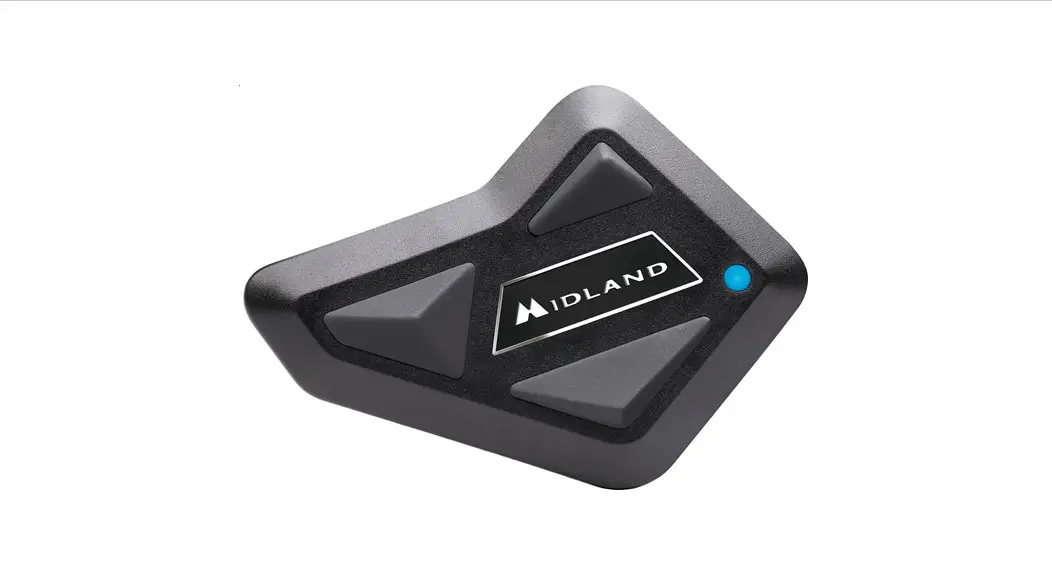
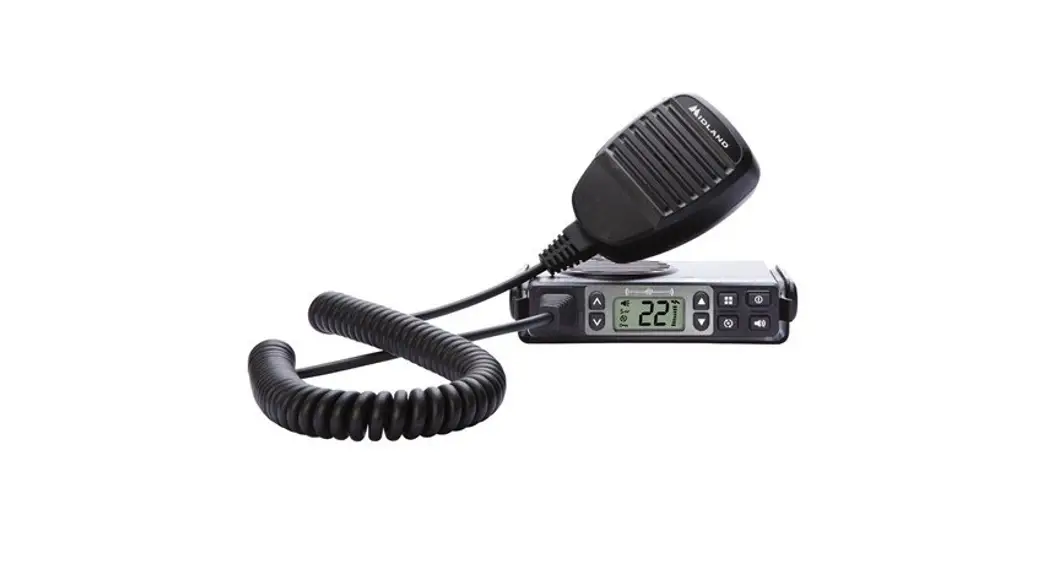
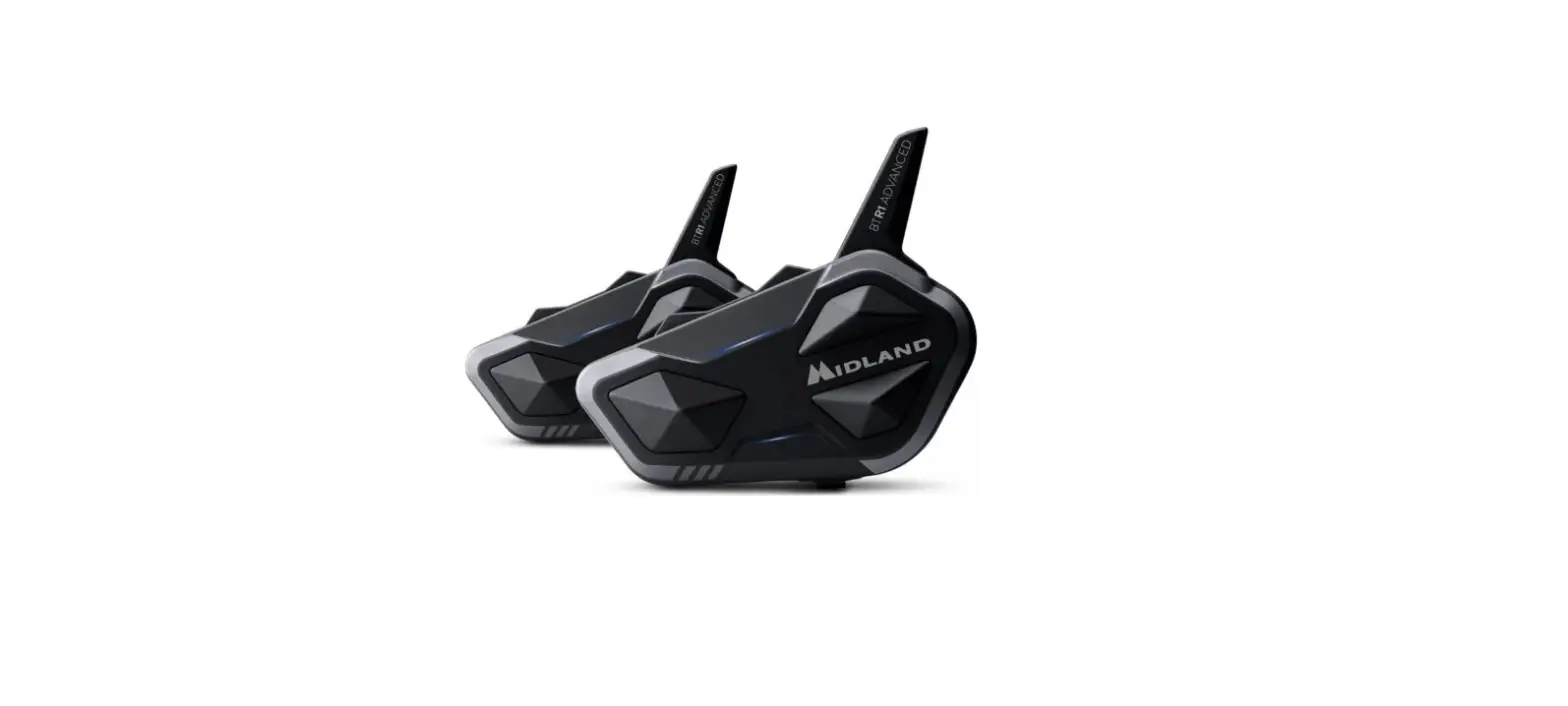
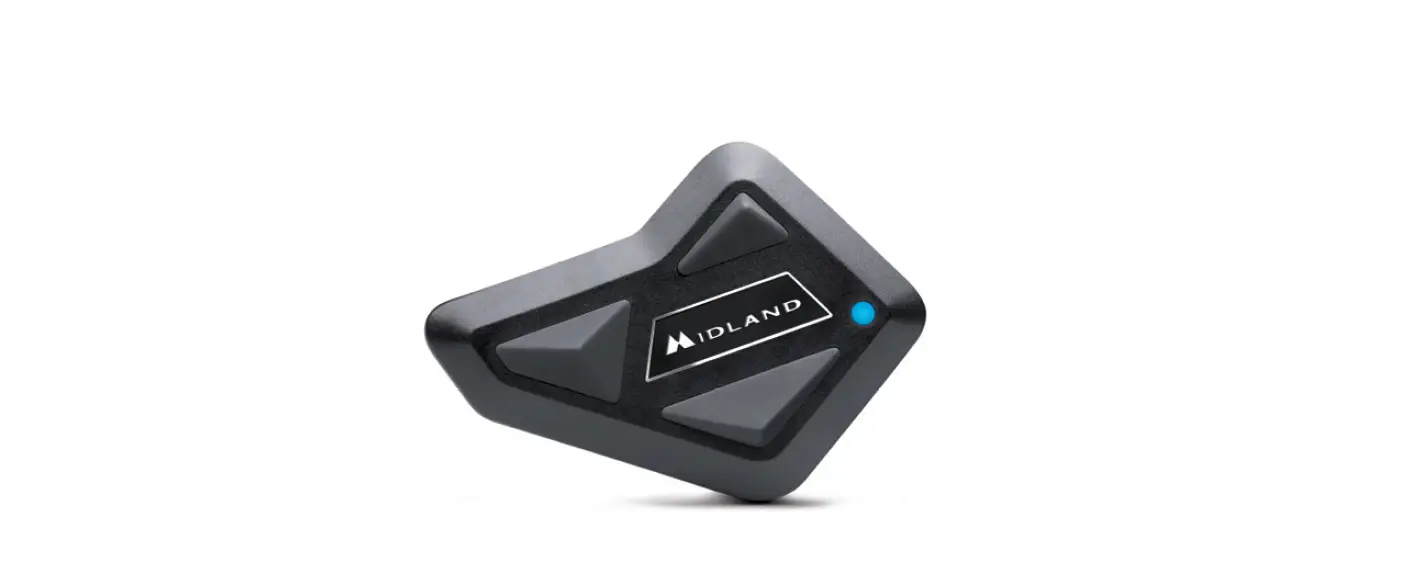
MIDLAND 10013375 BT Mini Communication

POWER ON
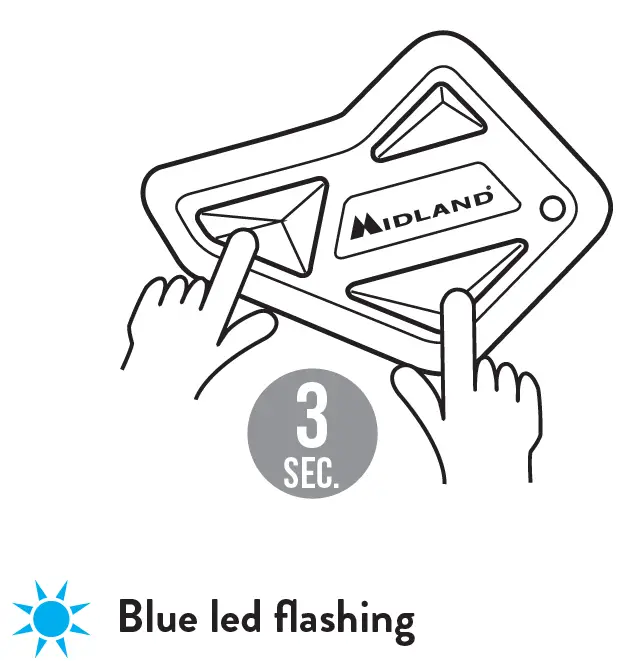
POWER OFF
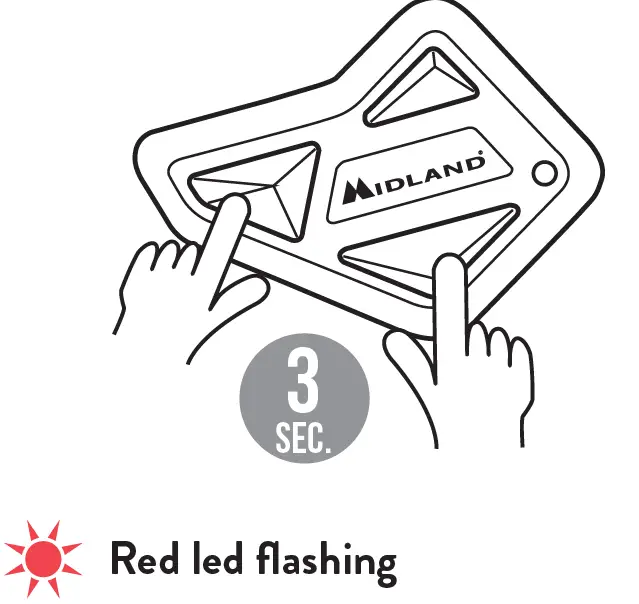
PHONE/GPS PAIRING
When unit is powered off
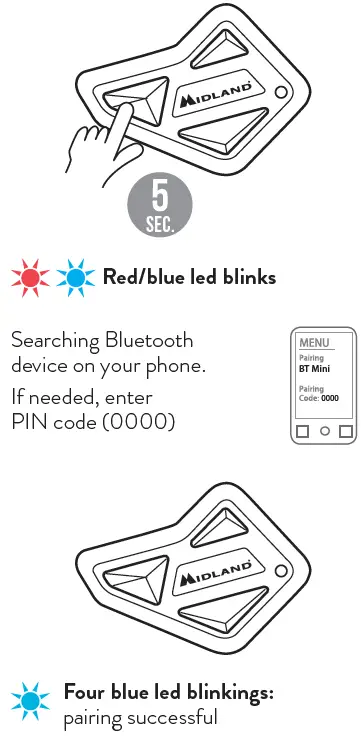
PAIRING ANOTHER BT MINI
With both units powered on
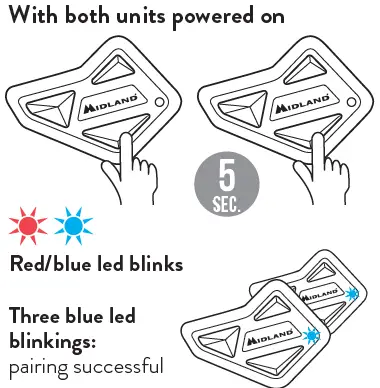
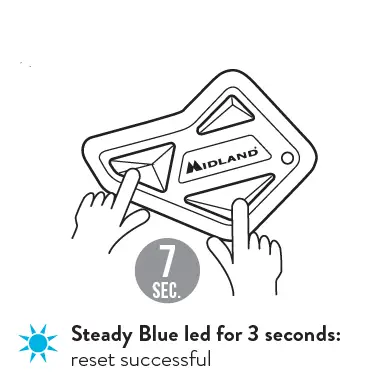
RESET ALL PAIRINGS
Power off
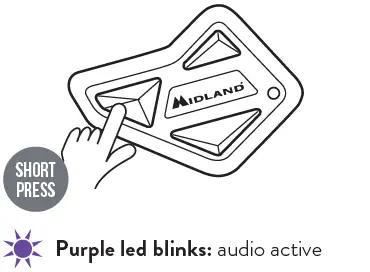
OPEN/CLOSE INTERCOM
Units on and already paired
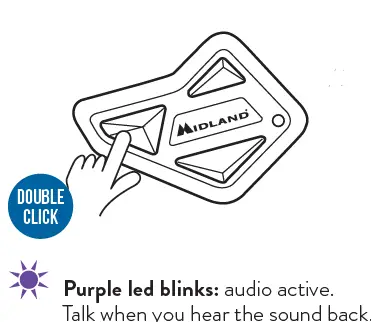
VOICE DIAL COMMAND
Unit on and connected to the phone
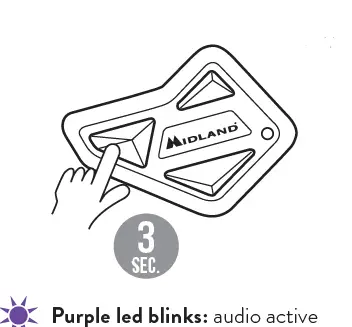
PLAY/PAUSE MUSIC
Unit on and connected to the phone
While listening to music
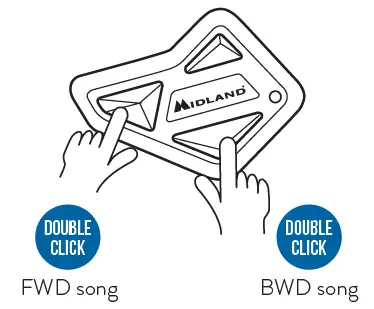
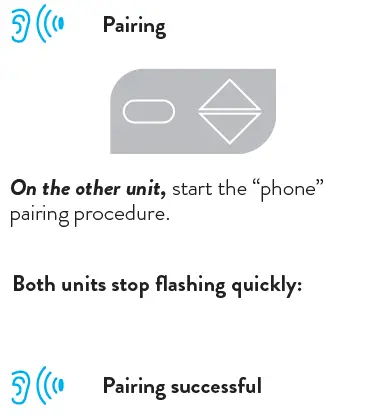
PAIRING TO A DIFFERENT MODEL/BRAND UNIT
Unit on
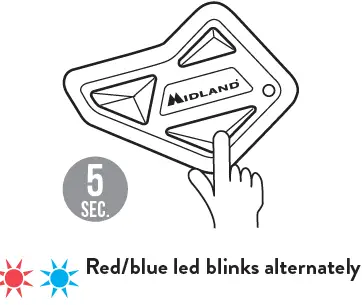
Pairing
OPEN/CLOSE THE UNIVERSAL INTERCOM
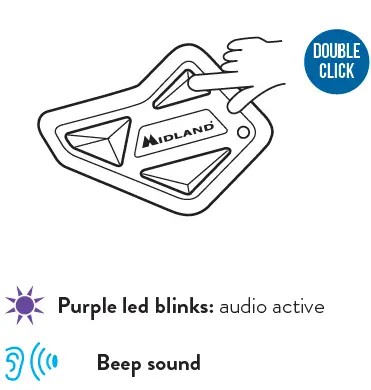
Note: to open/close the audio from a different model/brand unit, use the voice dial command (for some models the voice command has to be sent twice).
Hereby Midland Europe Srl declares that this product is in compliance with the essential requirements and other relevant provisions of Directive 2014/53/UE. The declaration of conformity is available on the web site http://www.midlandeurope.com/it/pagina/10090-certifications
- SAR 2.0 W/Kg
- Frequency 2.402 ÷ 2.480 GHz
- Max power 2.5 mW