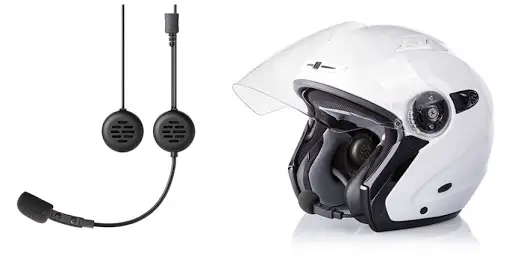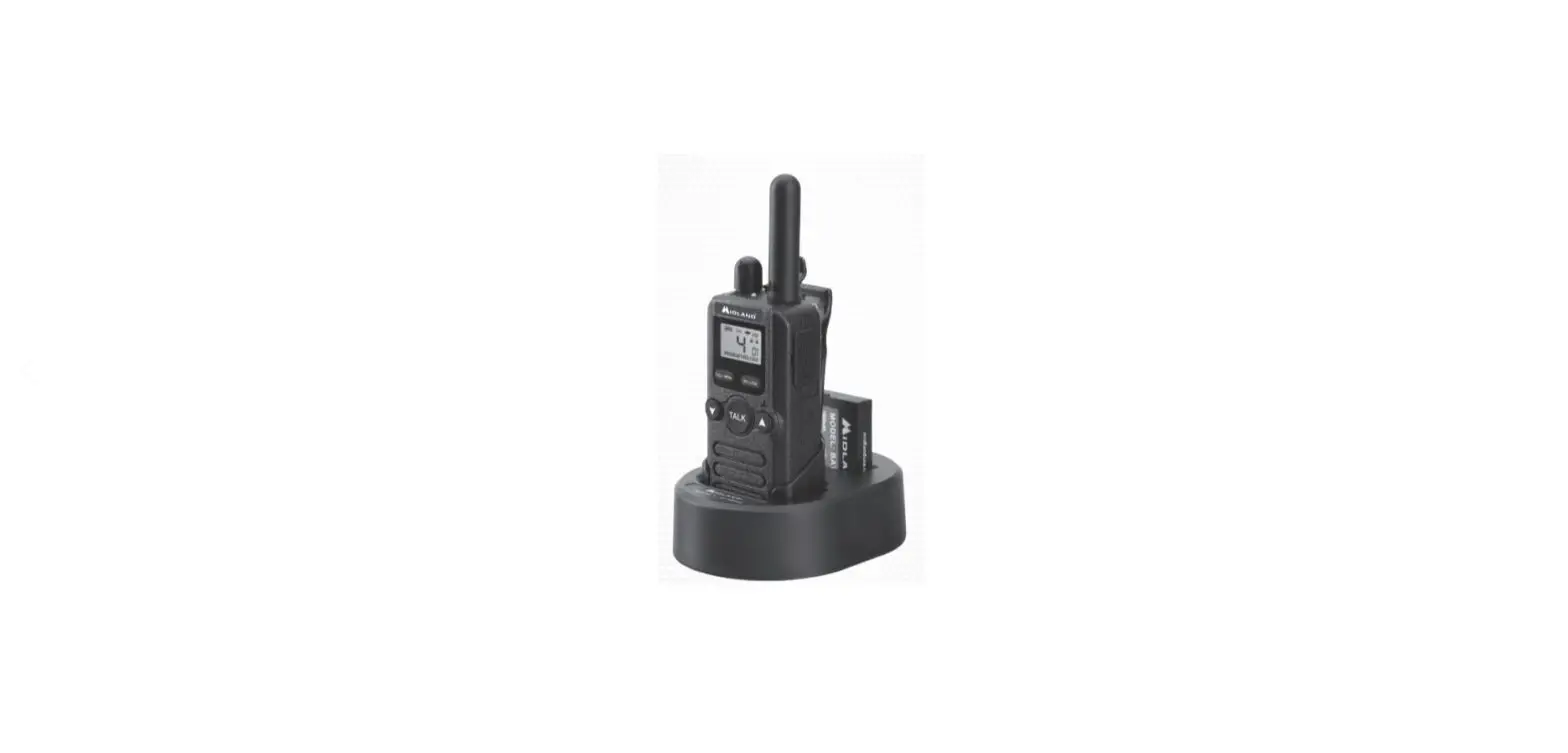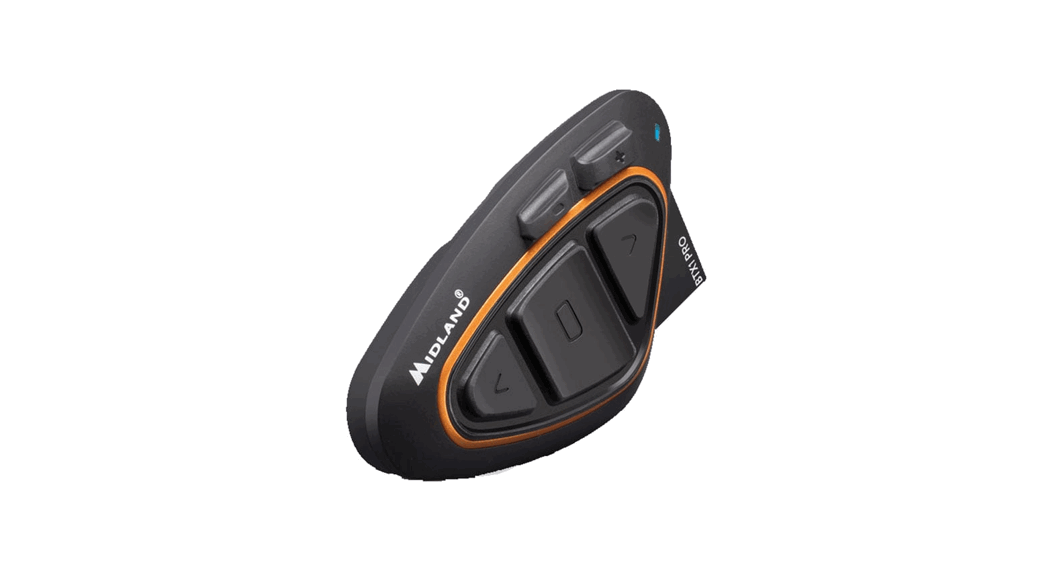
 BTX1 Pro 2 Intercom 2 Units
  User Manual
Frequency: 2.4GHz – Max power: 10mW
ON/OFF
CONTROLS DESCRIPTION – LEGENDA
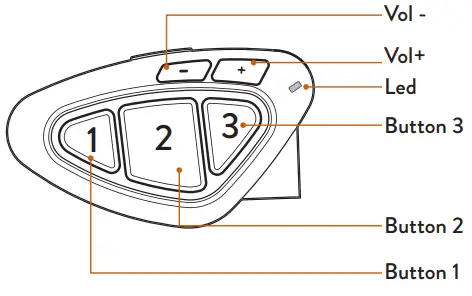
LEGENDA
OPERATION
 | Press X seconds |
 | Press x times |
AUDIO FEEDBACK
 | Sound alert |
 | Musical sound alert |
VISUAL FEEDBACK
 | Blue led blinking |
 | Red led blinking |
 | Red/blue led blinking |
 | Purple led |
 | Steady blue led |
 | Steady red led |
POWER ON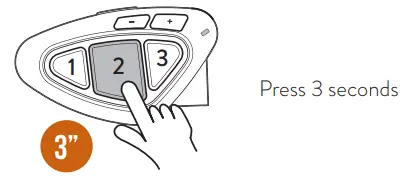
| Blinking |
| Musical sound alert |
| Operating mode status |
| Battery status |
POWER OFF
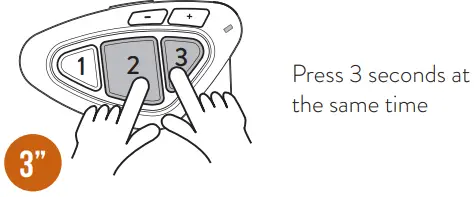
| Blinking |
| Musical sound alerts |
PAIRING
PAIRING DESCRIPTION
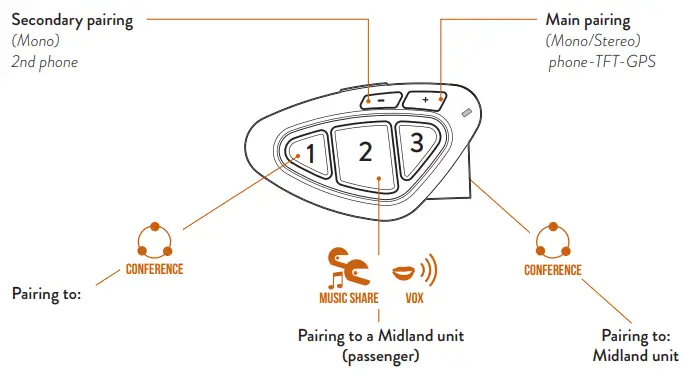
TO ENTER SETUP MODE
Status: Power of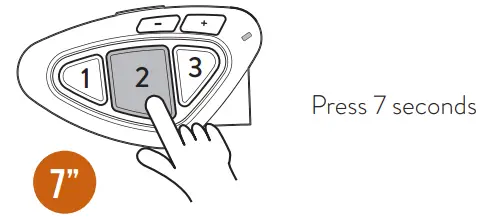
Lights up
TO EXIT SETUP MODE/INTERRUPT THE PAIRING
Status: Setup mode and during pairing
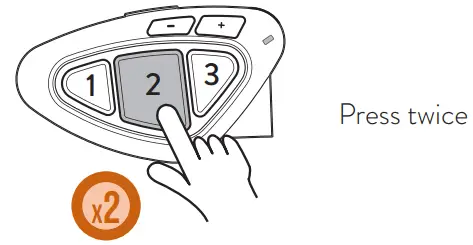
ATTENTION: to make any kind of pairing, it is necessary to enter Setup mode. If you press central key for less than 7 seconds, the device will switch on. To enter Setup mode with the unit turned on, keep pressed keys 1/2/3 at the same time for 3 seconds.
TO RESET THE PAIRING
Status: Setup mode
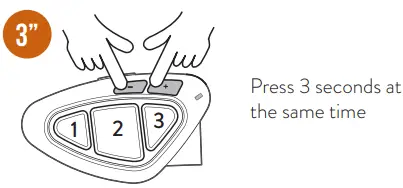
| Lights up |
| Steady led |
PAIRING TO A MIDLAND UNIT
Status: Both units in setup mode
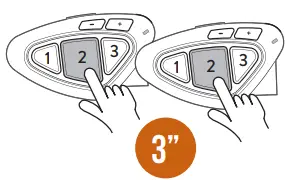
Press 3 seconds (start procedure on both units at the same time)
| Blinking |
| Steady 1 second, pairing successful |
| Steady, pairing complete |
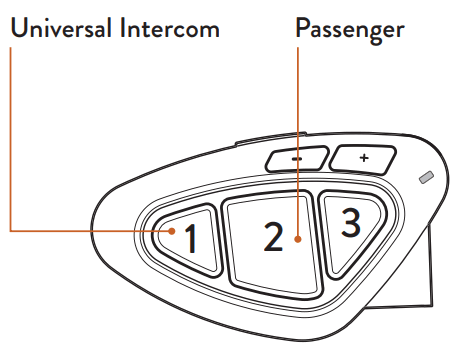
TO OPEN/CLOSE INTERCOM MANUALLY
Status: Intercom mode
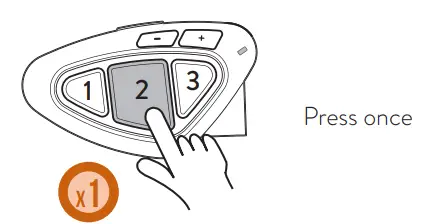
| Sound alert |
| Blinking |
TO OPEN/CLOSE INTERCOM USING THE VOICE
Status: All modes
 | Say “Hello” |
| Sound alert |
| Blinking |
 | Mute for 40 sec., intercom is closed |
| Sound alert |
Note: the voice activation is possible only if the unit is paired to button 2.
ENABLING/DISABLING VOX
Status: All modes
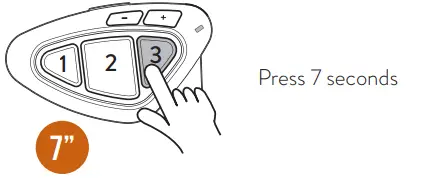
| Sound alert |
TO OPEN/CLOSE UNIVERSAL INTERCOM
Status: Intercom mode
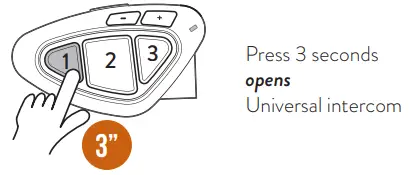
| Blinking |
| Sound alert |
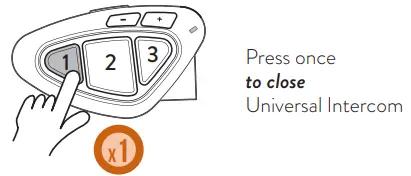
Note: to open/close the audio from a different brand unit, use the voice dial command (for some models you have to send the command twice)
SHORTCUT – To open the intercom while listening to/ sharing music in phone mode: press button 2 twice.
PHONE MODE
CONTROLS DESCRIPTIONS
- Make a call
- Answer a call
- End a call
- Reject a call
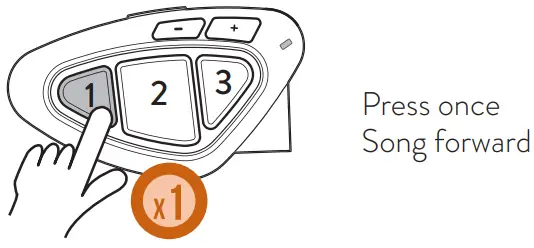
- Song forward
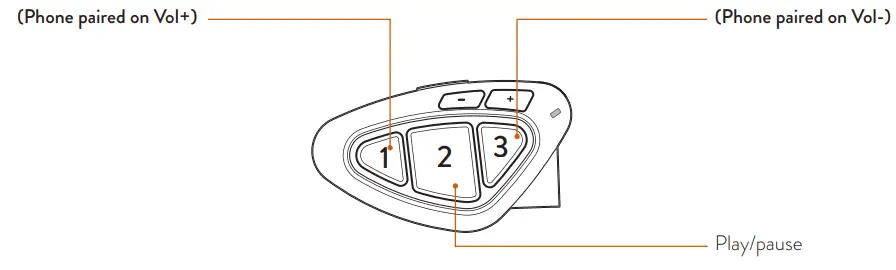
- Make a call
- Answer a call
- End a call
- Reject a call
- Song backward
TO MAKE A CALL
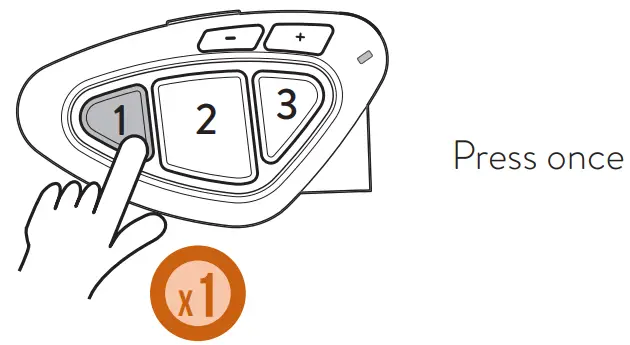
 | Voice assistant (Google assistant, Siri) |
| Give instructions to your assistant |
 | Call starts |
Note: if your phone is paired to Vol-, press button 3.
ANSWER/END A CALL
REJECT A CALL
MUSIC
Status: phone mode
Select a music APP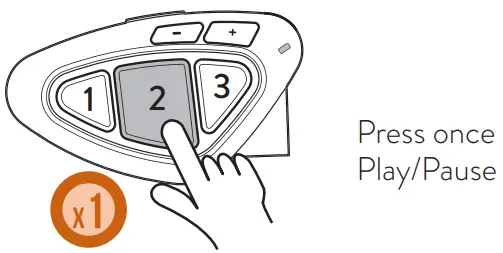
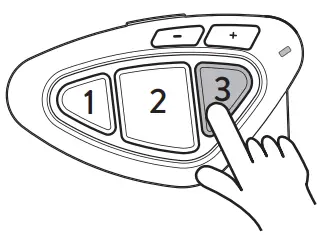
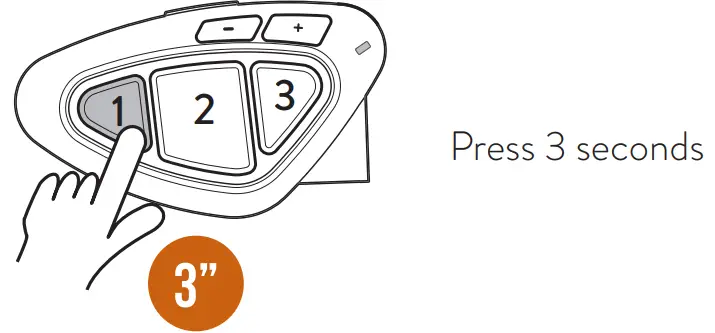
 | Press once Song backward |
 | Press 3 seconds activates/interrupts music sharing with passenger (Music Share) |
SHORTCUT – Music Play/pause in Intercom mode: press twice button 2.
For more info visit: https://support.midlandeurope.com/
Select a product and:
Watch tutorial video
Download software
Read complete manual instruction
Download BTPRO Stapp from
App Store or Google Play
Promote o importation da⁄Produced or imported by:
 Online Support - Midland