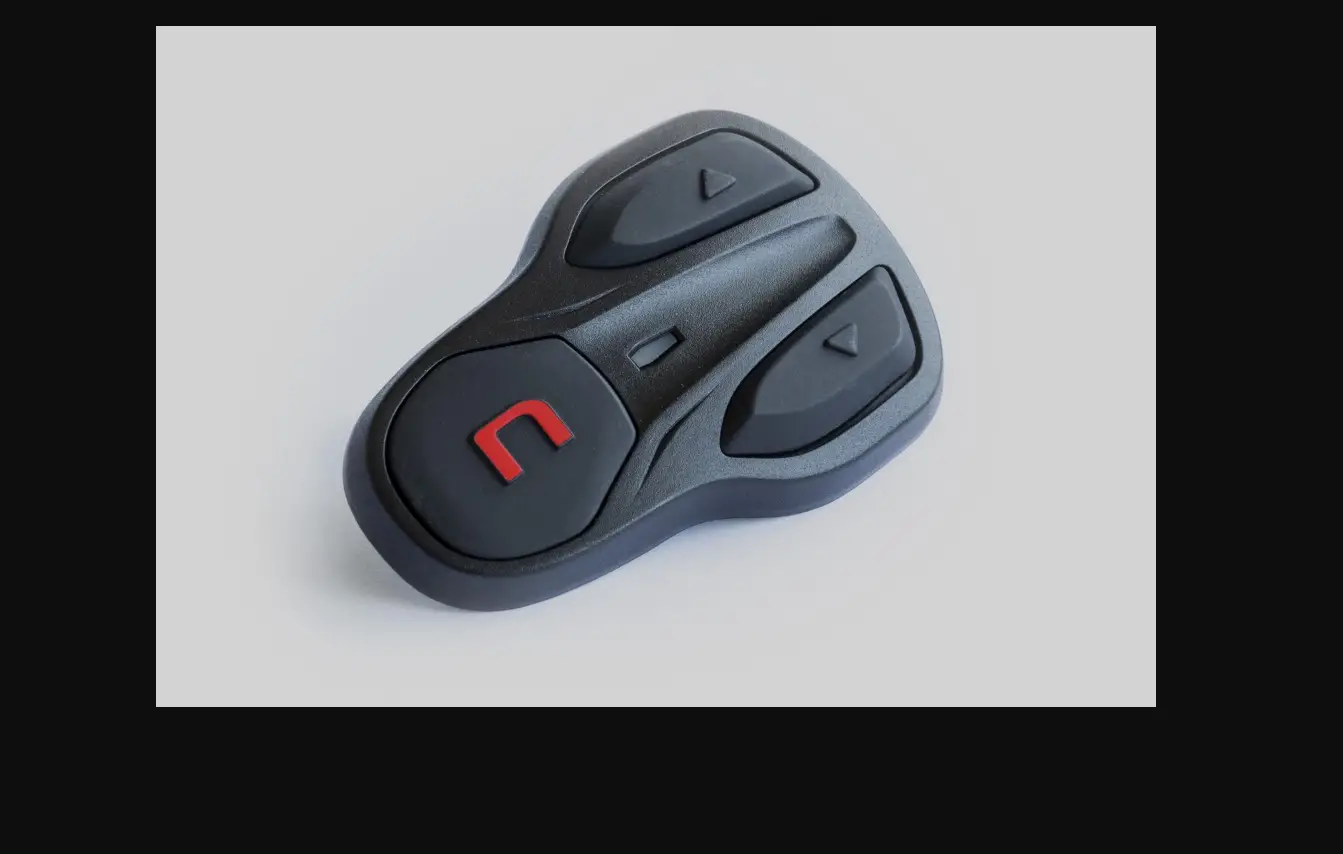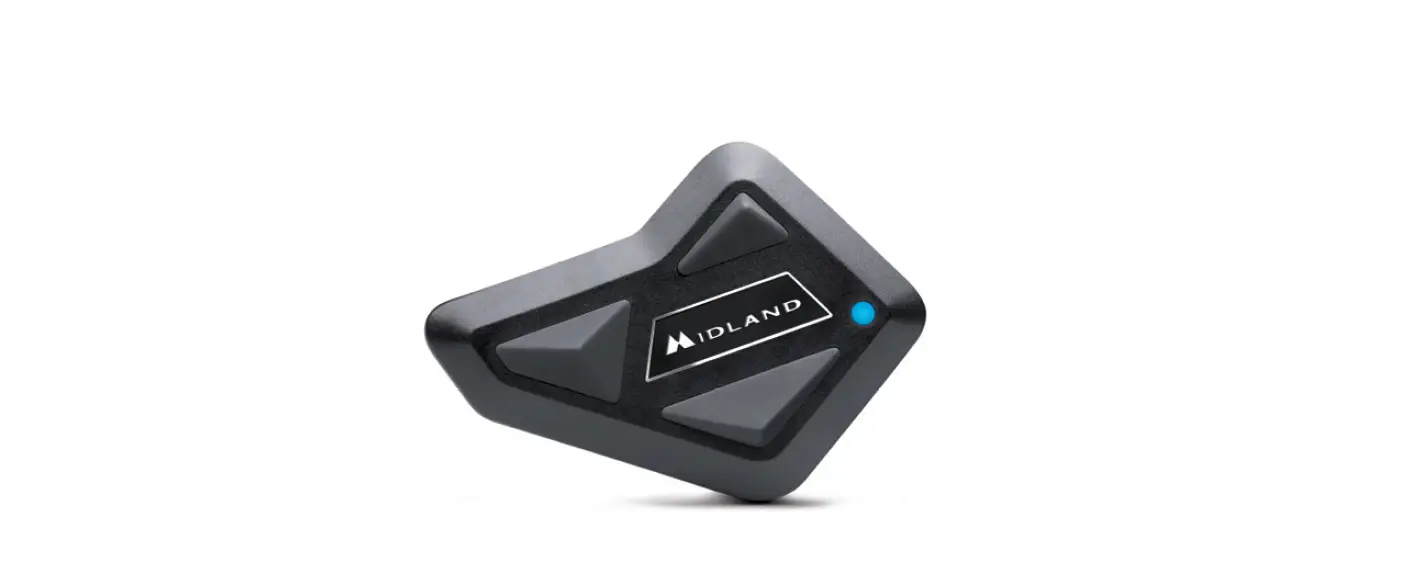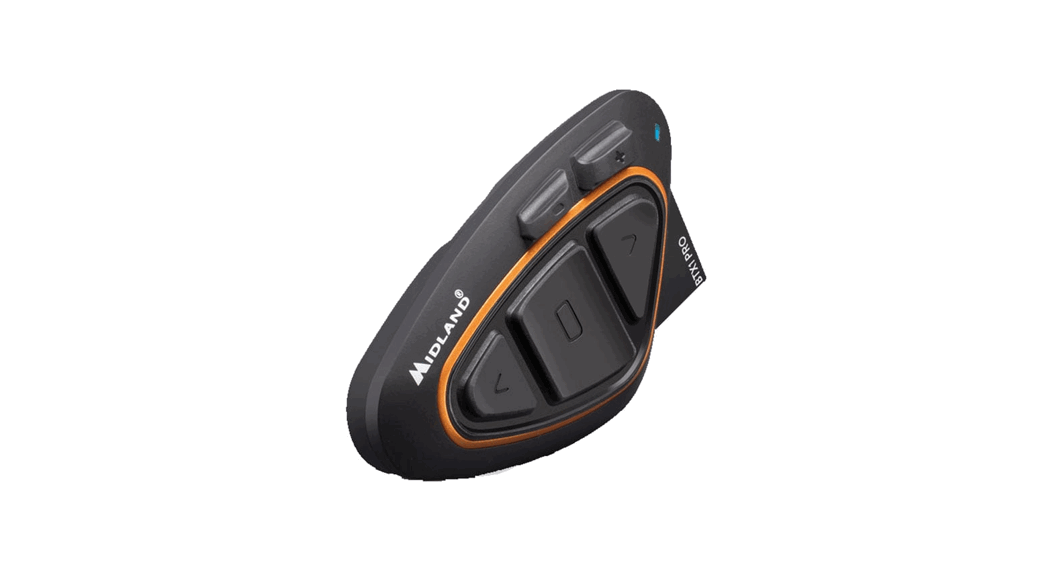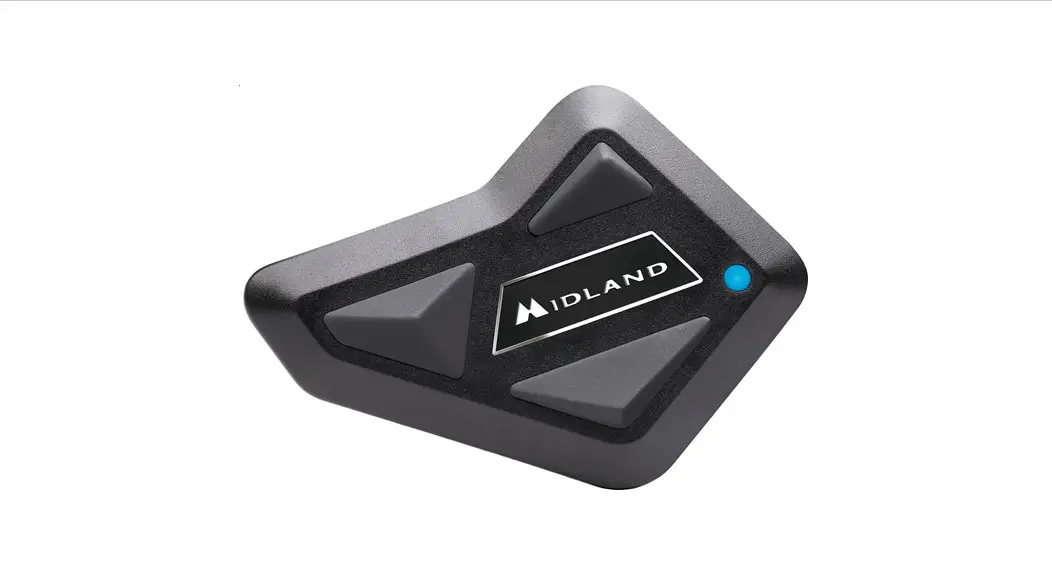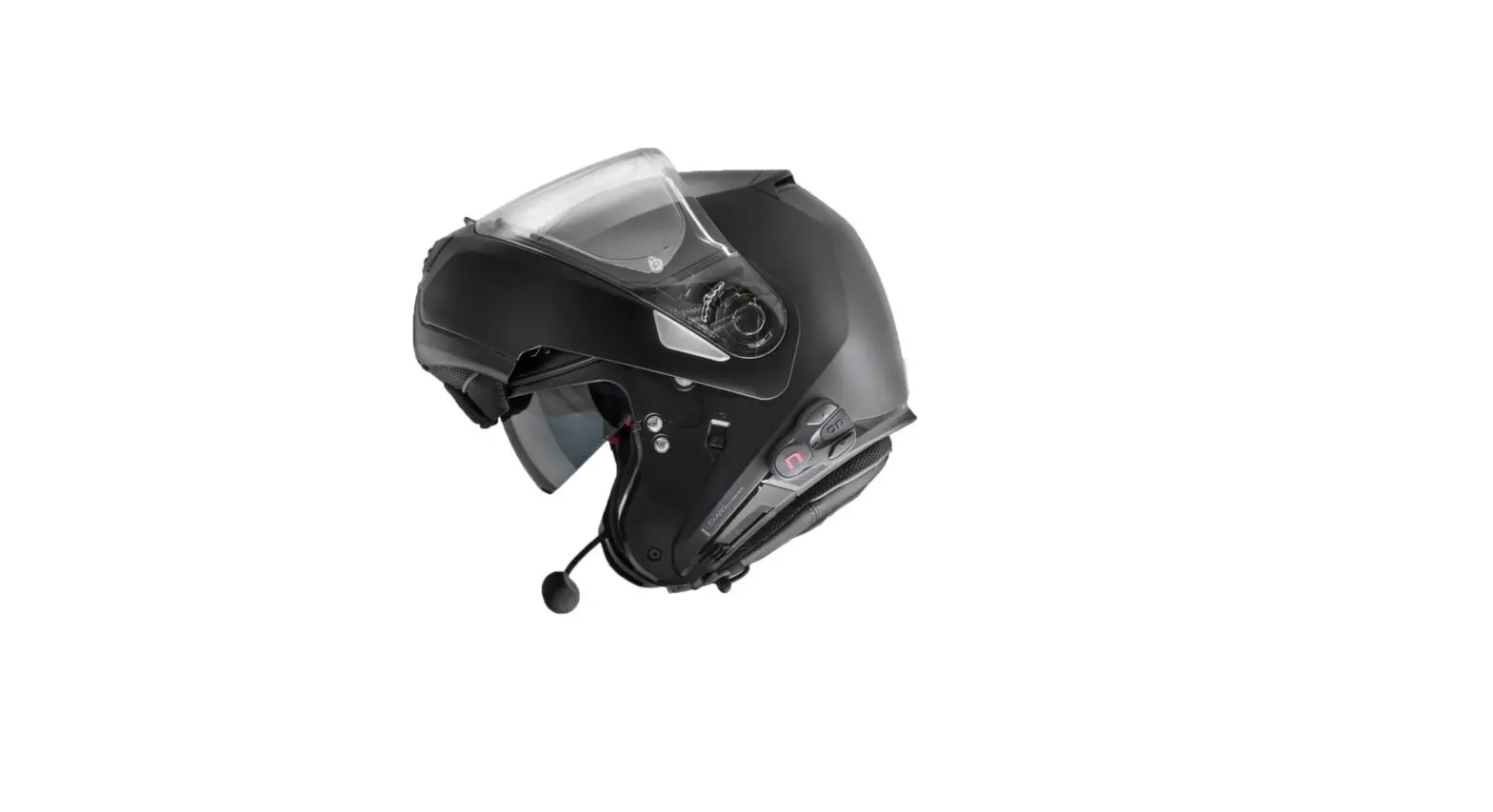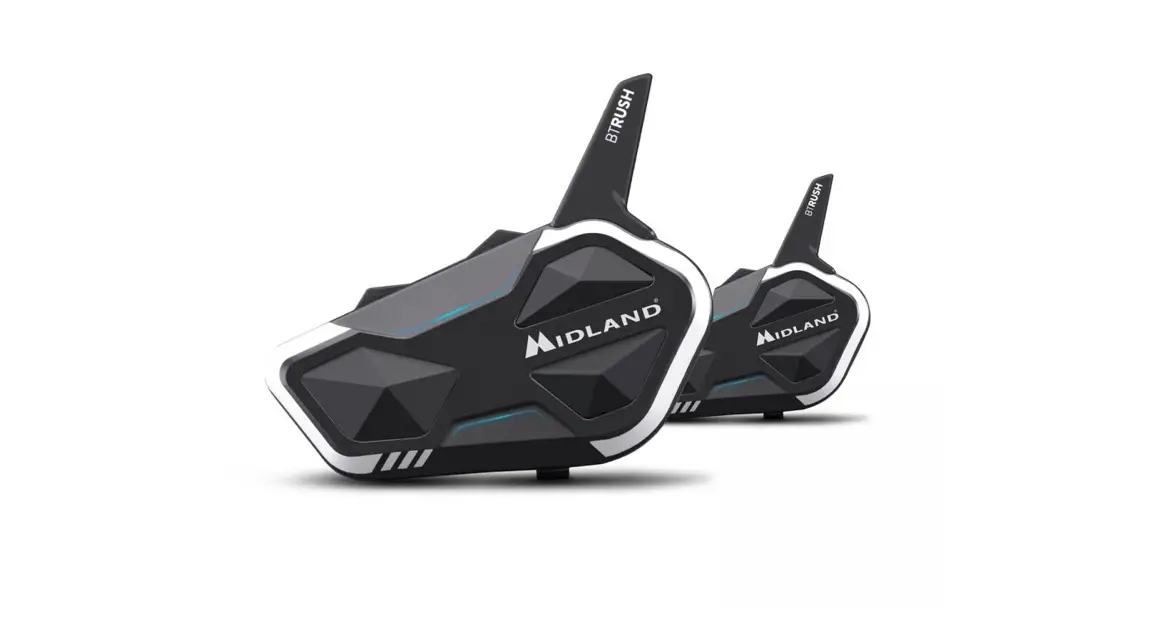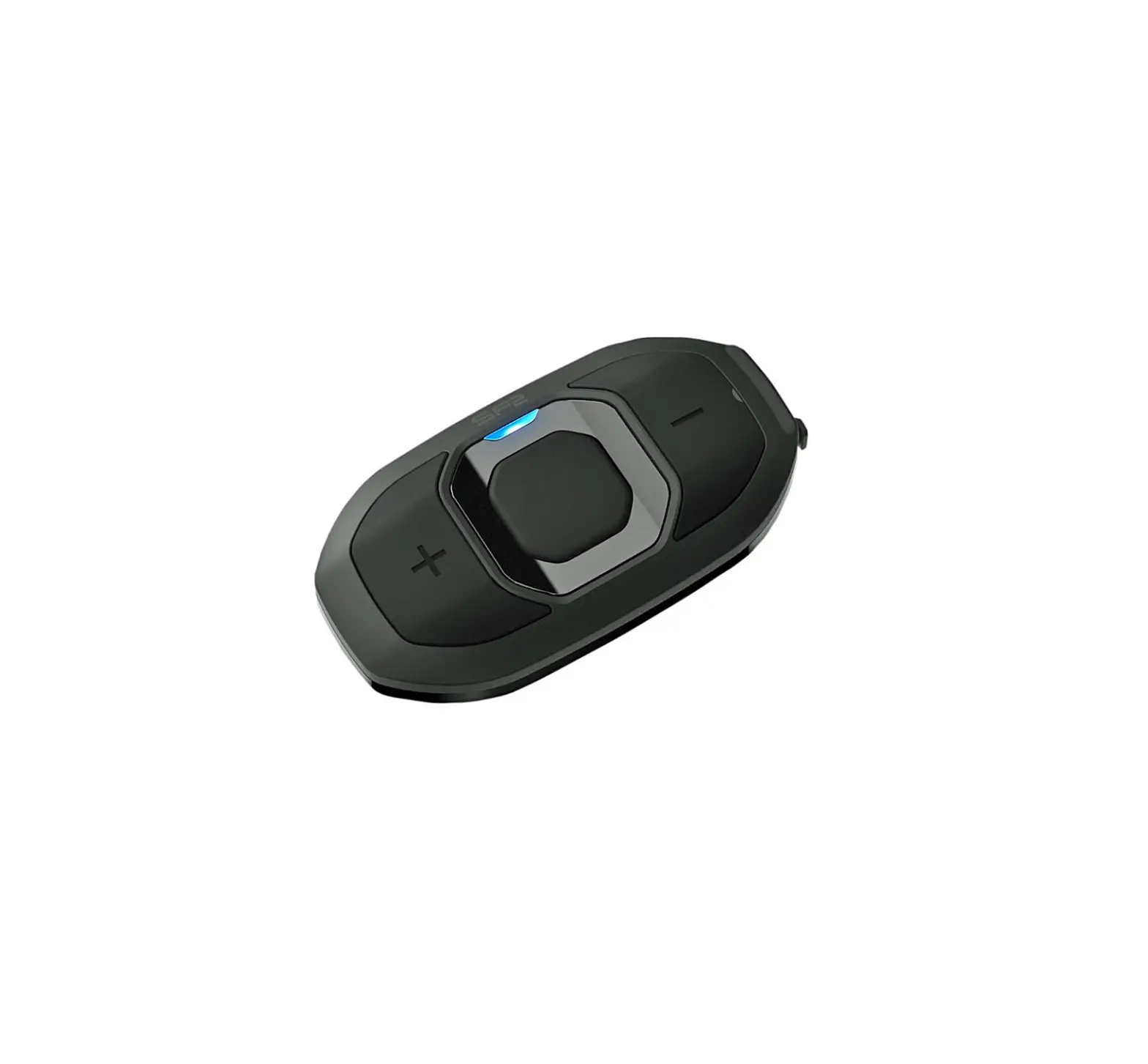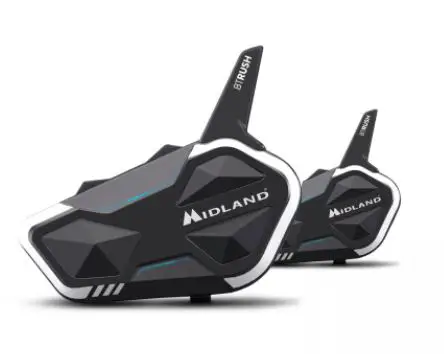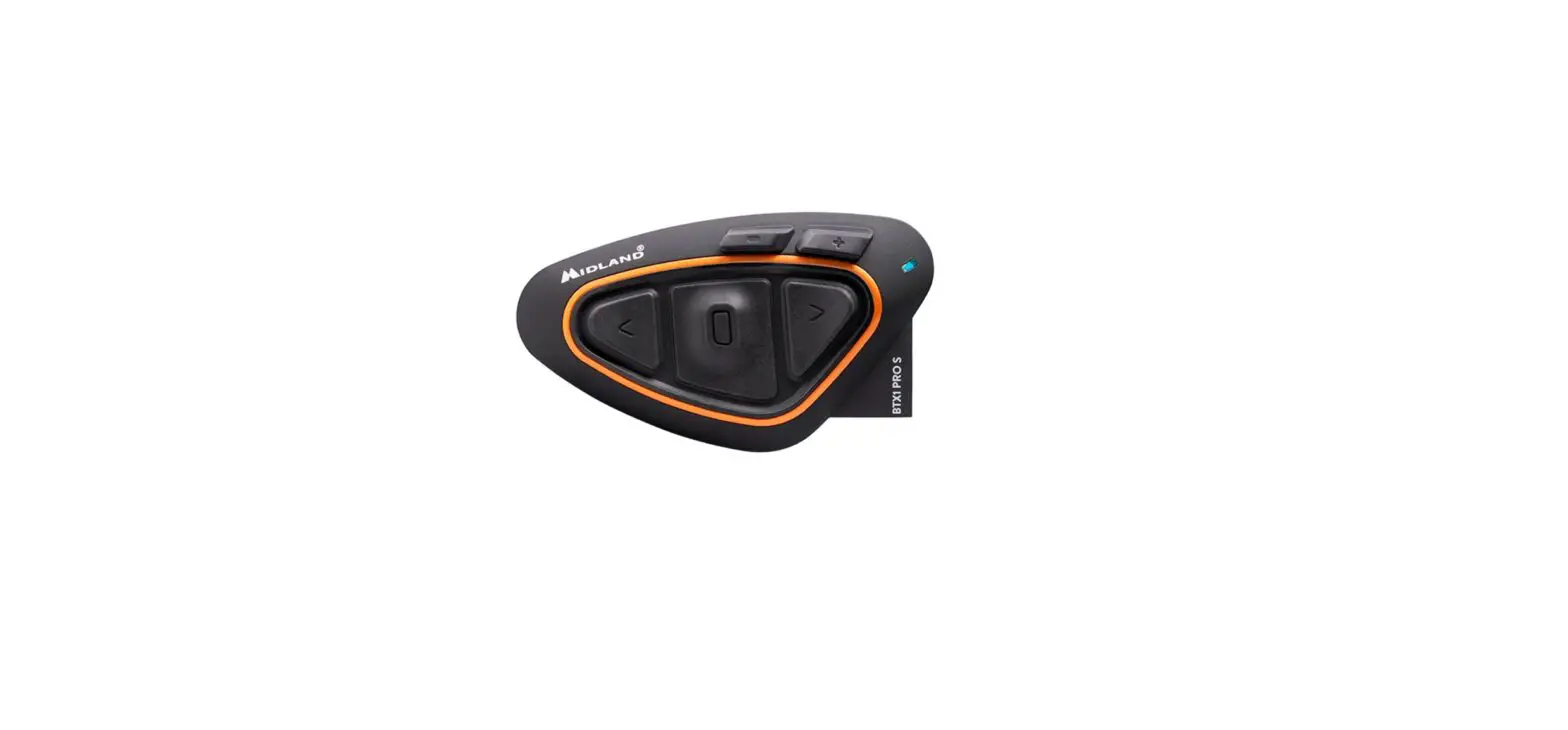
MIDLAND BTX1 Pro S Bluetooth Communication System Single Pack User Guide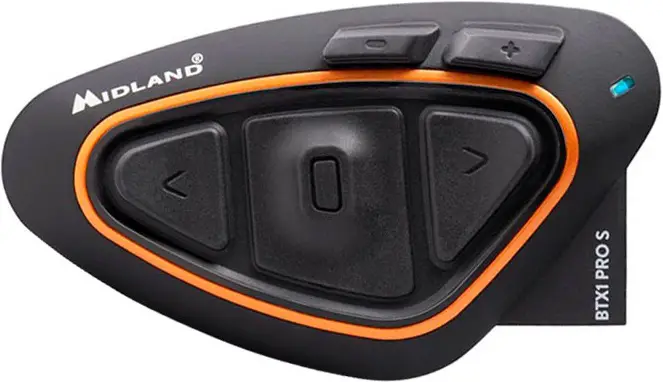
ON/OFF
CONTROLS DESCRIPTION – LEGENDA
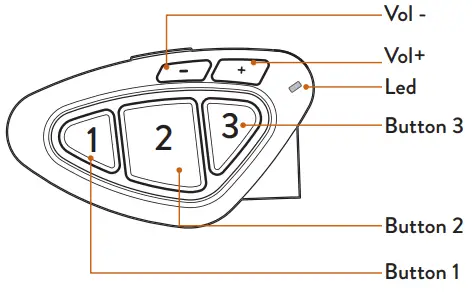
LEGENDA
OPERATION
- Press X seconds

- Press x times



AUDIO FEEDBACK
- Sound alert

- Musical sound alert



VISUAL FEEDBACK
- Blue led blinking

- Red led blinking

- Red/blue led blinking

- Purple led

- Steady blue led

- Steady red led


POWER ON
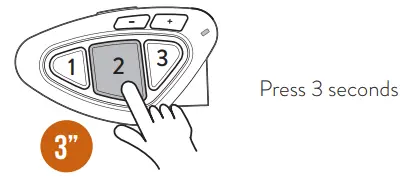
- Blinking
- Musical sound alert
- Operating mode status
- Battery status
POWER OFF
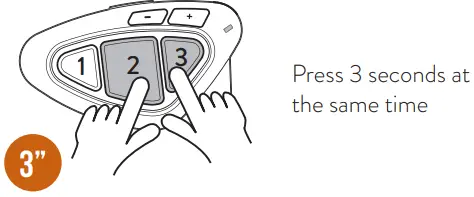
- Blinking
- Musical sound alert
- Operating mode status
- Battery status
POWER OFF
- Blinking
- Musical sound alerts
PAIRING
PAIRING DESCRIPTION
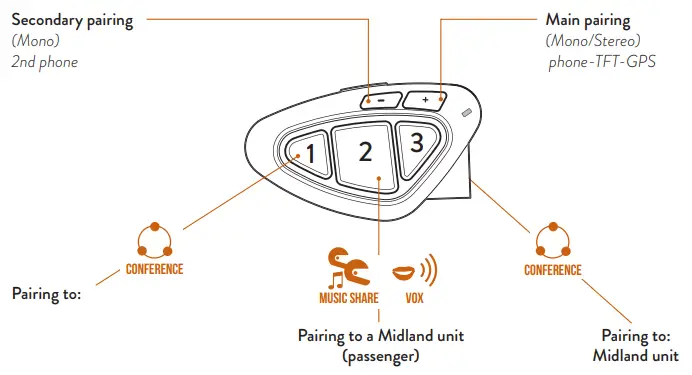
- Midland unit
- Different brand unit (Universal Intercom)
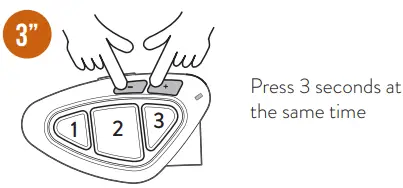
TO ENTER SETUP MODE
Status: Power of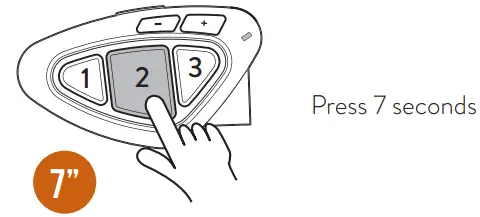
- Lights up
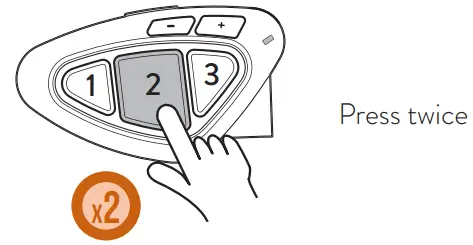
TO EXIT SETUP MODE/INTERRUPT THE PAIRING
Status: Setup mode and during pairing
TO RESET THE PAIRING
Status: Setup mode
- Lights up
- Steady led
PAIRING TO A MIDLAND UNIT
Status: Both units in setup mode
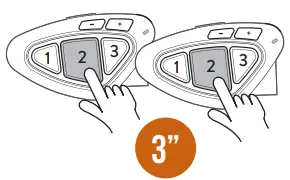
Press 3 seconds (start procedure on both units at the same time)
- Blinking
- Steady 1 second, pairing successful
- Steady, pairing complete
Note: To pair other Midland units, follow the same procedure but press buttons 1 or 3.
PAIRING 4 UNITS IN CONFERENCE
Status: Setup mode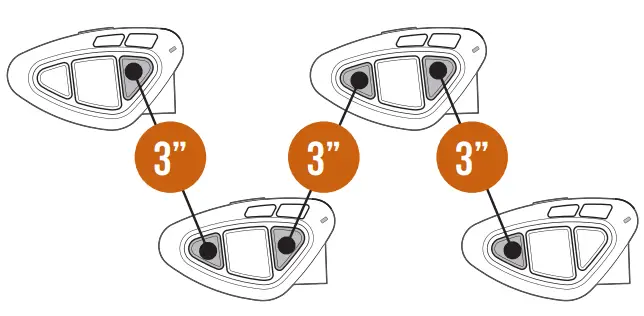
Note: the Conference mode allows the simultaneous communication amongst units. All units must be paired in a “chain” configuration: the Backwards button of the first unit must be paired to the Forwards button of the second unit and so on. For a detailed description of the function go to paragraph “Conference” of the complete user manual or watch the video tutorial
PAIRING TO A PHONE/GPS
Status: Setup mode
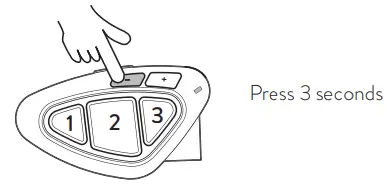
- Blinking
- Select device on the phone

- Steady 1 second, pairing successful
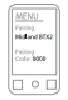
Note: the unit paired to Vol- is in background to the intercom. To pair the unit and interrupt the intercom, repeat the procedure but press Vol+.
PAIRING TO A DIFFERENT BRAND UNIT
Status: Setup mode
1st Unit
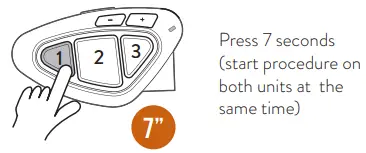
- Blinking fast (keep pressed)
- Blinking slowly (release)
- Steady, pairing complete
2nd Unit
Follow the “phone” pairing procedure
OPERATING MODES
- Intercom mode: to talk to another unit.
- Phone mode: phone calls or manage music.
- FM radio mode: to listen to, seek and store FM radio stations.
Note: Intercom and phone modes are possible only when the units are paired.
TO CHANGE THE OPERATING MODE
Status: Power on
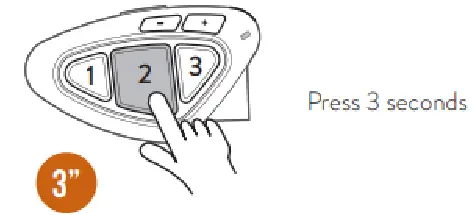
- Operating mode status
SHORTCUT – Remind – Operating mode status: Press Vol-/Vol+ at the same time.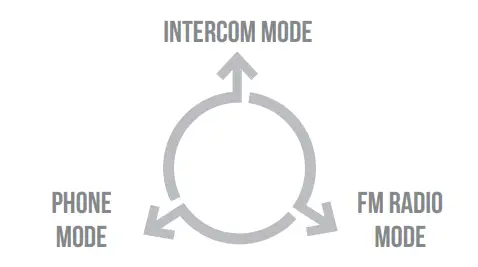
INTERCOM MODE
PAIRING DESCRIPTION
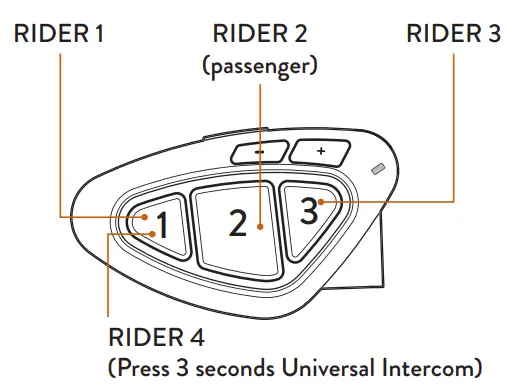
TO OPEN/CLOSE INTERCOM MANUALLY
Status: Intercom mode
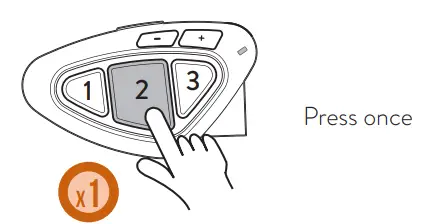
- Sound alert
- Blinking
TO OPEN/CLOSE INTERCOM USING THE VOICE
Status: All modes
- Say “Hello”

- Sound alert
- Blinking
- Mute for 40 sec., intercom is closed

- Sound alert


Note: the voice activation is possible only if the unit is paired to button 2.
ENABLING/DISABLING VOX
Status: All modes
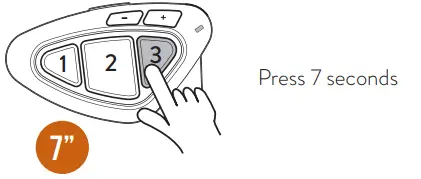
- Sound alert
TO OPEN/CLOSE UNIVERSAL INTERCOM
Status: Intercom mode
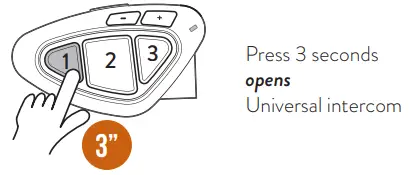
- Blinking
- Sound alert
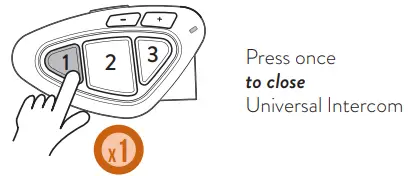
Note: to open/close the audio from a different brand unit, use the voice dial command (for some models you have to send the command twice)
SHORTCUT – To open the intercom while listening to/ sharing music in phone mode: press button 2 twice.
TO ENABLE/DISABLE CONFERENCE
Status: All modes
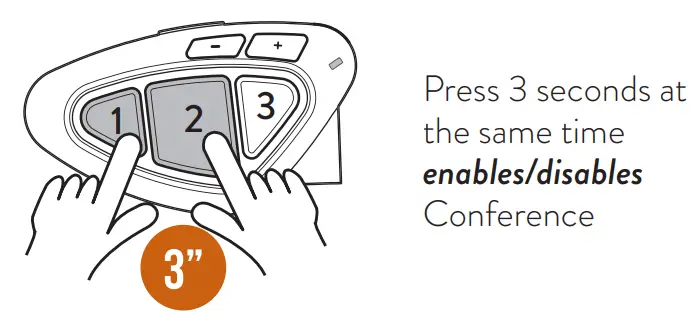
- Sound alert
- Conference status
Note: The devices paired Vol+/- are temporary disconnected.
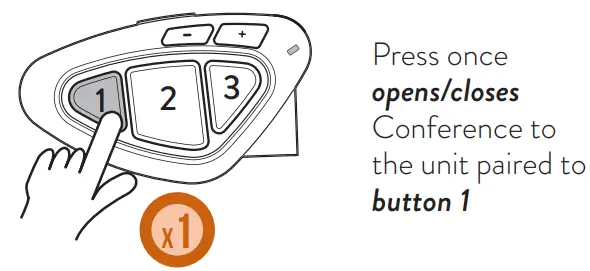
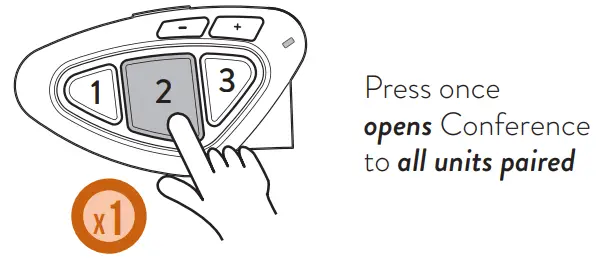
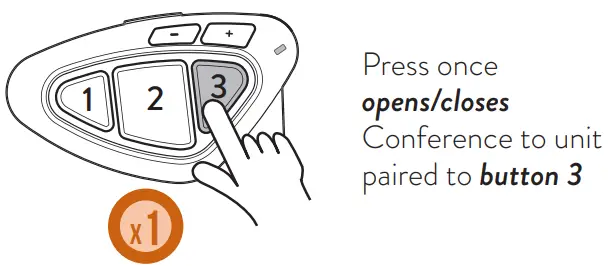
TO OPEN/CLOSE CONFERENCE
PHONE MODE
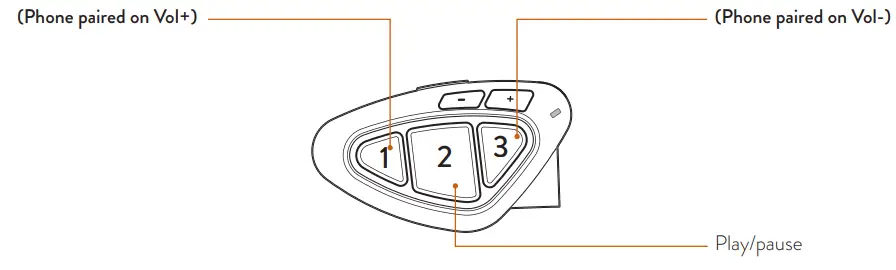
CONTROLS DESCRIPTIONS
- Make a call
- Answer a call
- End a call
- Reject a call
- Song forward
- Make a call
- Answer a call
- End a call
- Reject a call
- Song backward
TO MAKE A CALL
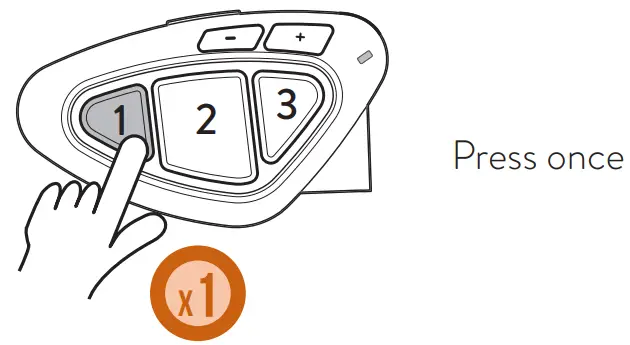
- Voice assistant (Google assistant, Siri)

- Give instructions to your assistant
- Call starts


Note: if your phone is paired to Vol-, press button 3.
ANSWER/END A CALL
REJECT A CALL

MUSIC
Status: phone mode

Select a music APP
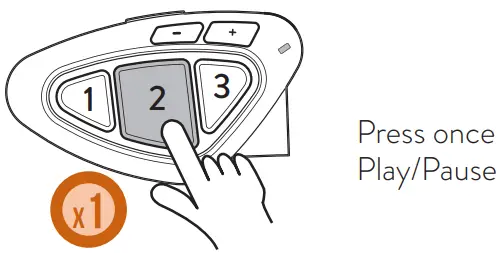
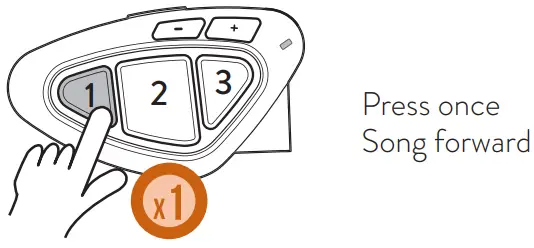
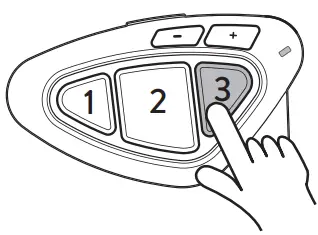

Press once Song backward

Press 3 seconds activates/interrupts music sharing with passenger (Music Share)
REMOTE MUSIC CONTROL VOL+/VOL
Status: all modes
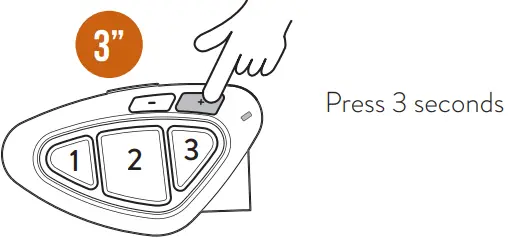
- Remote control Vol+/VolNote
Note: if you have paired two multi-media devices, to control the music of the device paired on Vol-, you have to set the music control from Vol-; while to control the music of the device paired on Vol+, set the music control from Vol+.
PUBLIC/PRIVATE MODE
Status: all modes
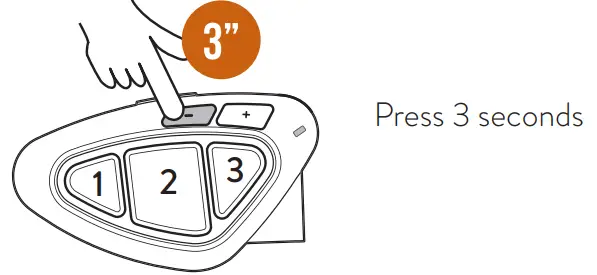
- Private Public
If Public mode is enabled, you can share in intercom mode the information coming from the unit paired to Vol-. Phone calls are always private.
FM RADIO MODE
CONTROLS DESCRIPTION
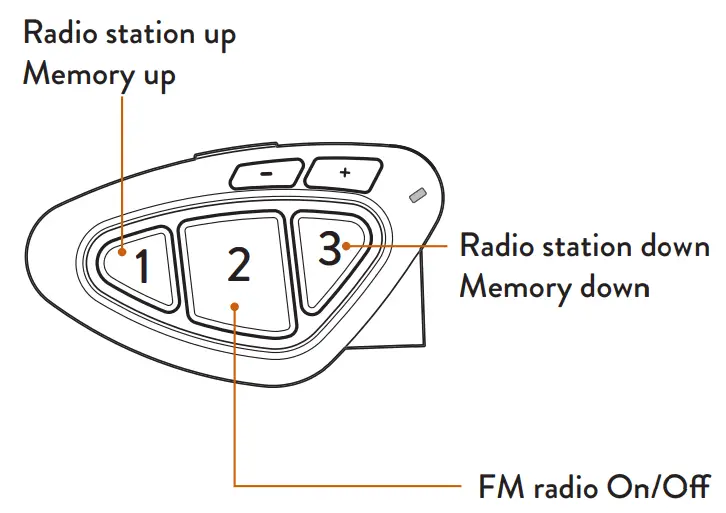
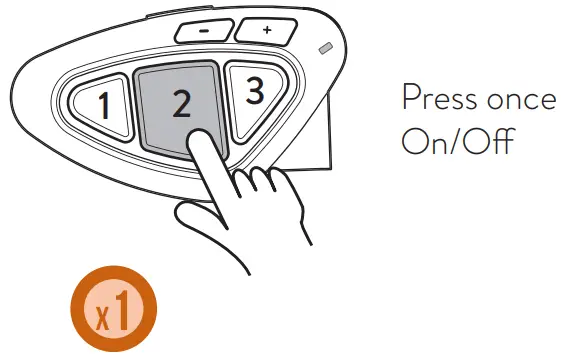
FM RADIO MODE
Status: FM Radio mode
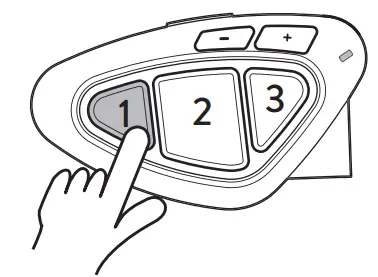
Radio station up
Memory up
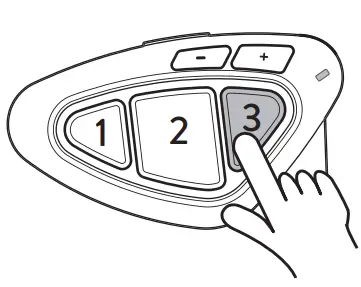
Radio station down
Memory down
RED
Hereby Cte International Srl declares that this product is in compliance with the essential requirements and other relevant provisions of Directive 2014/53/UE. The declaration of conformity is available on the web site http://www.midlandeurope.com/it/pagina/10090 certifications
SAR
Important: The equipment must be used at least 5cm away from the body of use.
 All articles displaying this symbol on the body, packaging or instruction manual of same, must not be thrown away into normal disposal bins but brought to specialised waste disposal centres. Here, the various materials will be divided by characteristics and recycles, thus making an important contribution to environmental protection.
FOR MORE INFO VISIT:
www.midlandeurope.com
Watch tutorial video
Download software
Download application
Read complete manual instruction
Prodotto o importato da/Produced or imported by: CTE INTERNATIONAL srl. Via R. Sevardi 7 – 42124
Reggio Emilia – Italy. Prima dell’uso leggere attentamente le istruzioni. Read the instructions carefully
before installation and use. Vertrieb durch: BIHR S.A.S. www.bihr.eu. Vor Benutzung Bedienungsanleitung beachten. Importado por: MIDLAND IBERIA, SA. C/Cobalt, 48 – 08940 Cornellà de Llobregat, Barcelona – España. Antes de utilizar, lea atentamente el manual de uso. Distributed by: BIKEIT. Unit 9, Oriana Way Nursling Industrial Estate Southampton, Hampshire SO16 0YU United Kingdom –
www.bikeittrade.com. Read the instructions carefully before installation and use. Distribué par: BIHR S.A.S. www.bihr.eu. Avant l’utilisation, lire les instructions

 Bike It - The UK's leading distributor of motorcycle parts and accessories
 Comunicación en movimiento con alto rendimiento
 Midland Europe | Radio e CB, Interfoni Moto e Action Cam
 Online Support - Midland