Midland C1521 Dual Bluetooth Headset User Guide

Midland C1521 Dual Bluetooth Headset User Guide

MIDLAND-LOGO

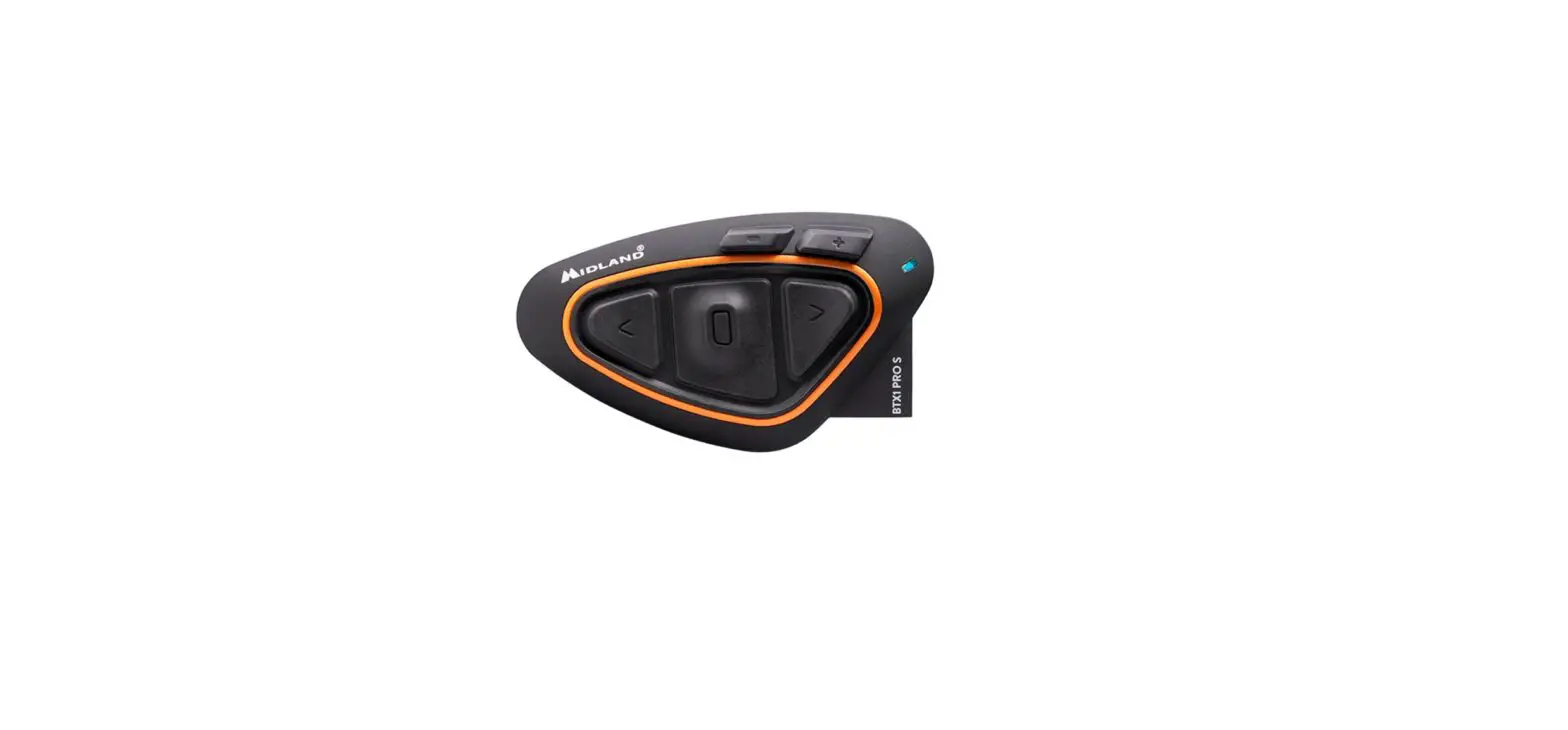
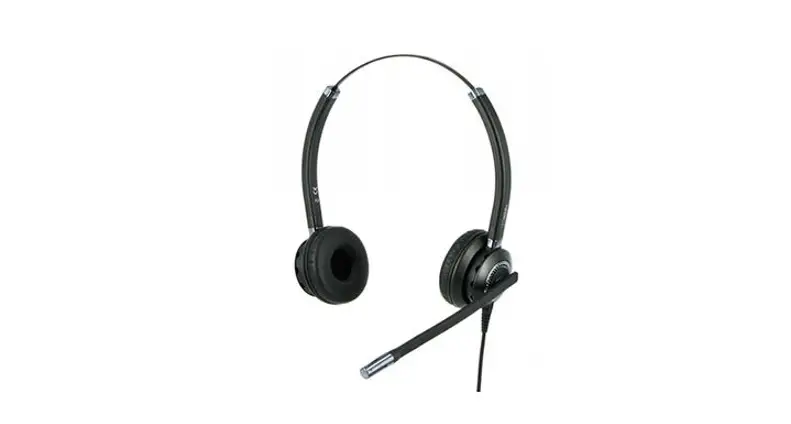
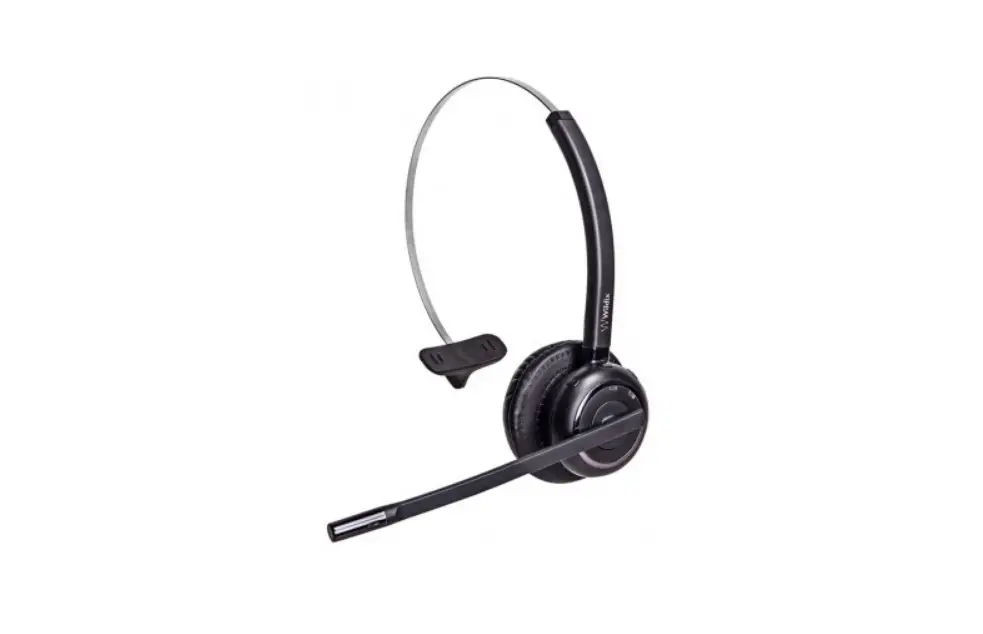
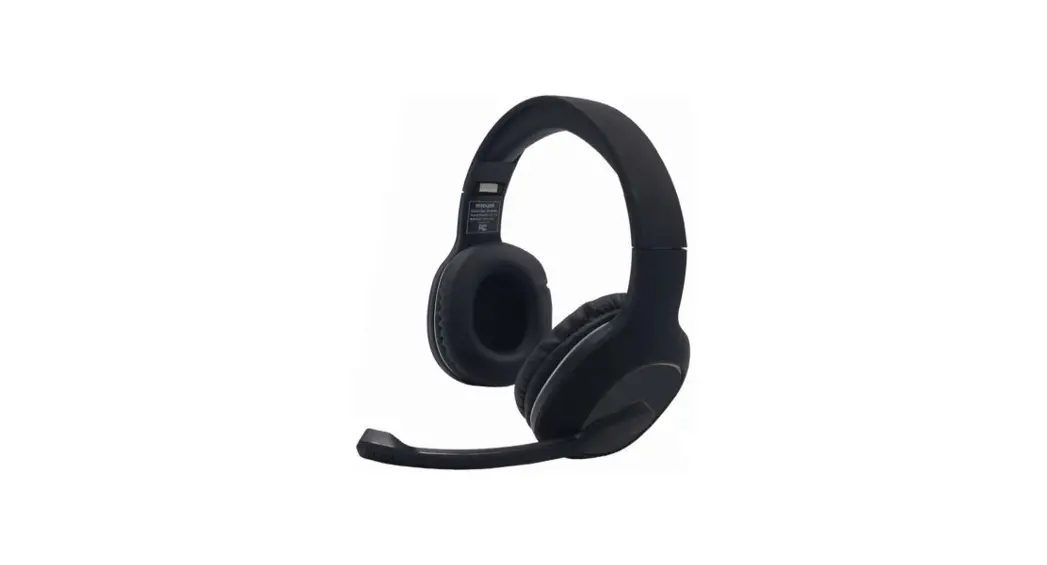
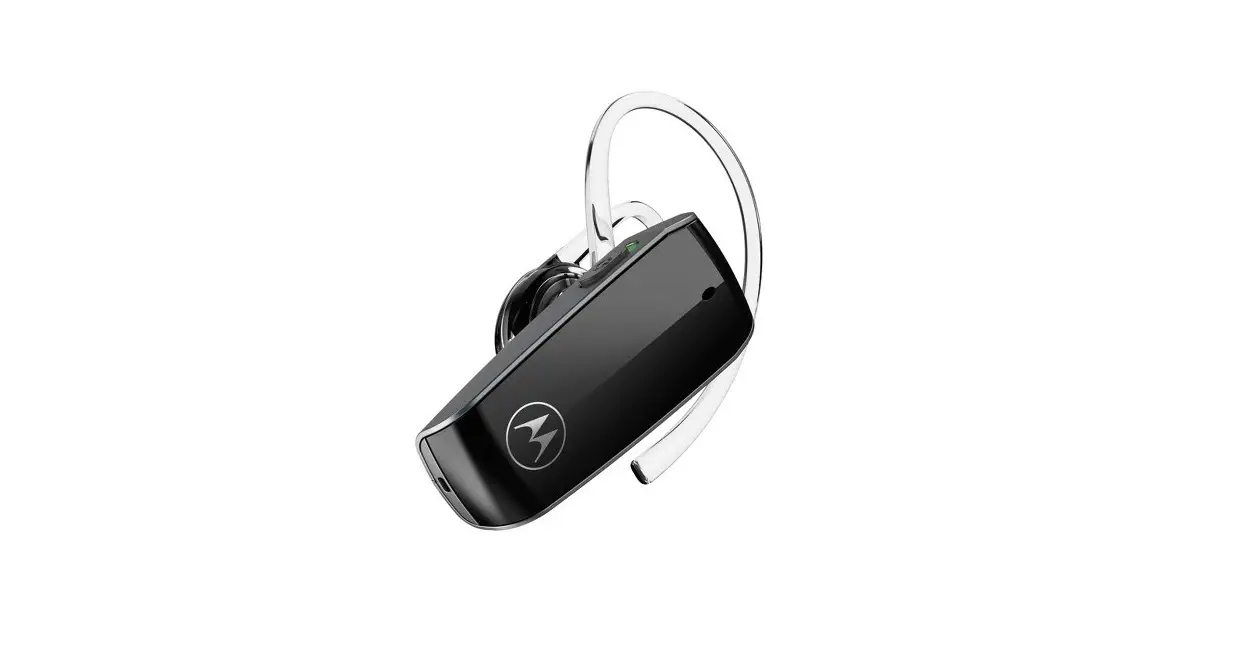
MIDLAND C1521 Dual Bluetooth Headset
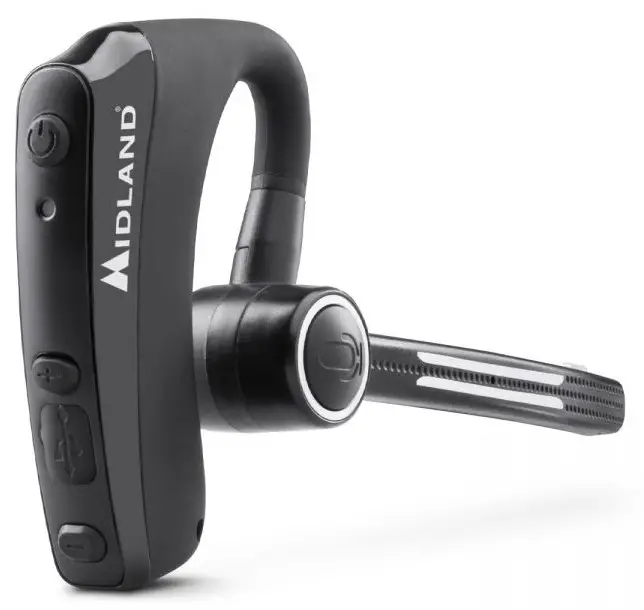
MIDLAND C1521 Dual Bluetooth Headset-fig1

Produced or imported by: MIDLAND EUROPE srl Via. R.Sevardi 7 42124 Reggio Emilia – Italy.
Read the instructions carefully before installation and use.

For information about the warranty please visit midlandeurope.com

LED
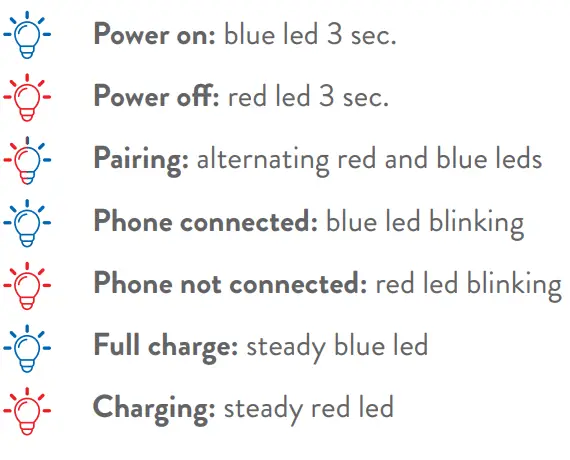
MIDLAND C1521 Dual Bluetooth Headset-fig12

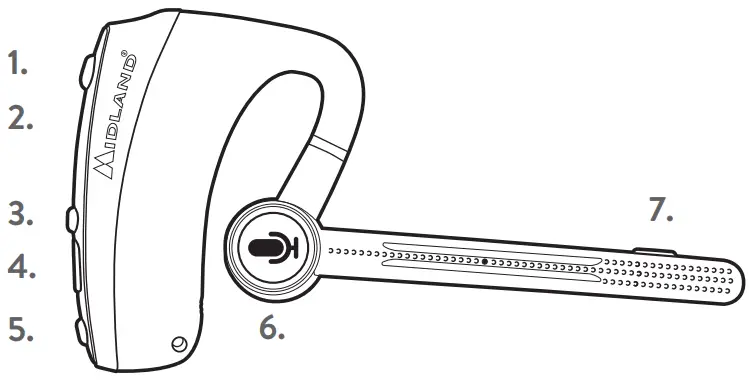
DUAL HEADSET OVERVIEW

MIDLAND C1521 Dual Bluetooth Headset-fig2

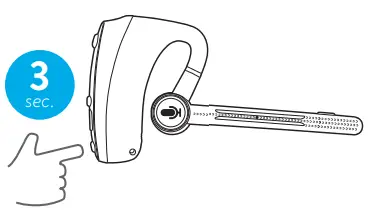
  1. Power ON/OFF – 3 sec.
  2. LED
  3. Vol +
  4. Recharge through USB; FW upgrade
  5. Vol –
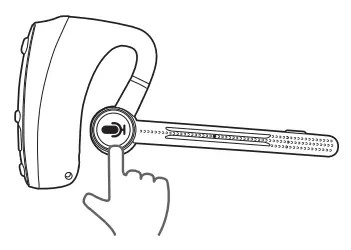
  6. PTT
  7. Customizable button

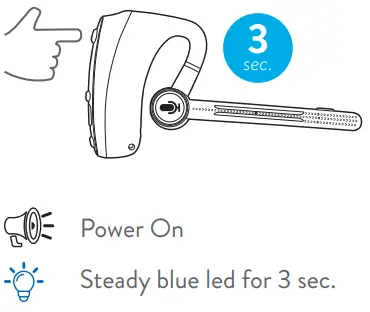
POWER ON

MIDLAND C1521 Dual Bluetooth Headset-fig3

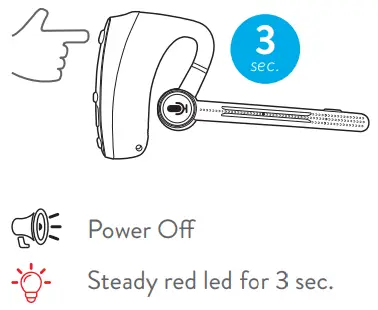
POWER OFF

MIDLAND C1521 Dual Bluetooth Headset-fig4

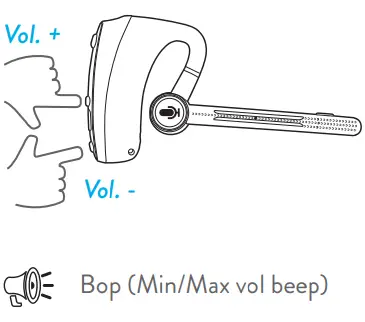
VOLUME

MIDLAND C1521 Dual Bluetooth Headset-fig5

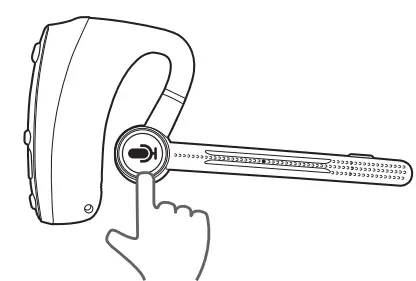
VOICE CALL

MIDLAND C1521 Dual Bluetooth Headset-fig6

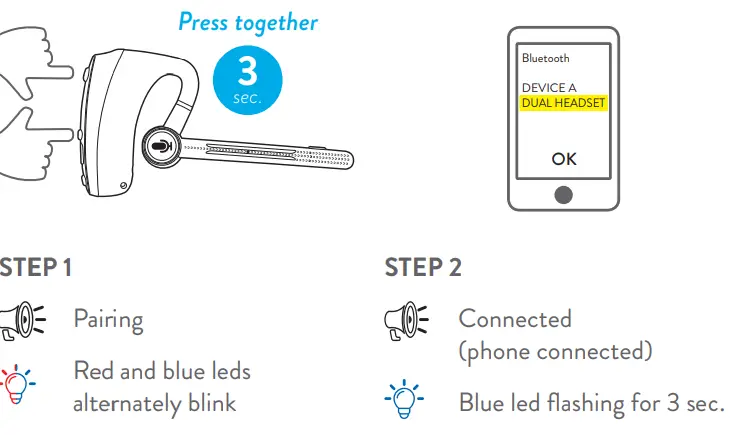
PAIRING WITH A SMARTPHONE

MIDLAND C1521 Dual Bluetooth Headset-fig7

USING WITH A SMARTPHONE

MIDLAND C1521 Dual Bluetooth Headset-fig8

  • 1 CLICK : Answer a phone call
  • 2 CLICK: End a phone call

    MIDLAND C1521 Dual Bluetooth Headset-fig9

  • Reject a phone call

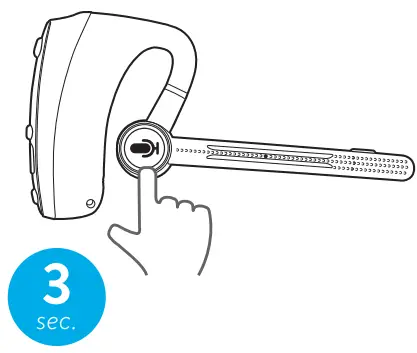
PTT

MIDLAND C1521 Dual Bluetooth Headset-fig10

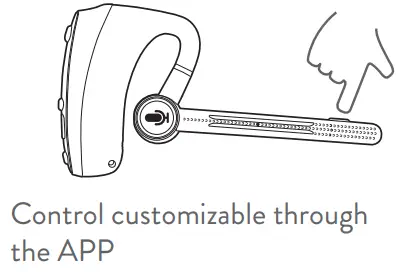
CUSTOMIZABLE BUTTON

MIDLAND C1521 Dual Bluetooth Headset-fig11

References

Documents / Resouces

Download manual
Here you can download full pdf version of manual, it may contain additional safety instructions, warranty information, FCC rules, etc.


Related Manuals