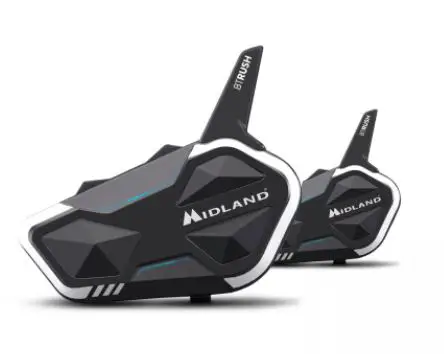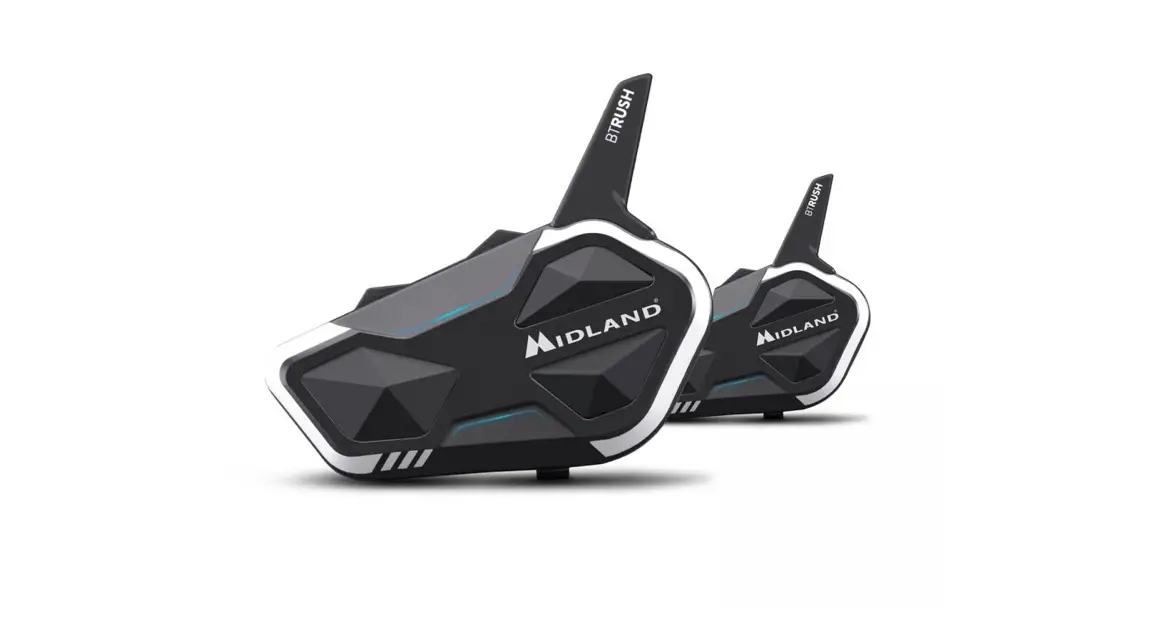
 BTRUSH
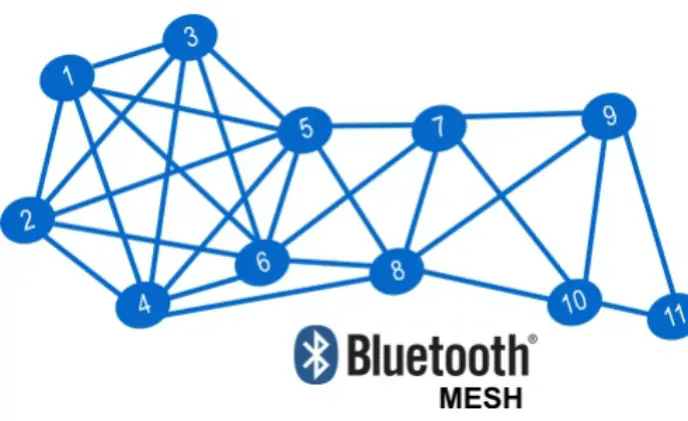
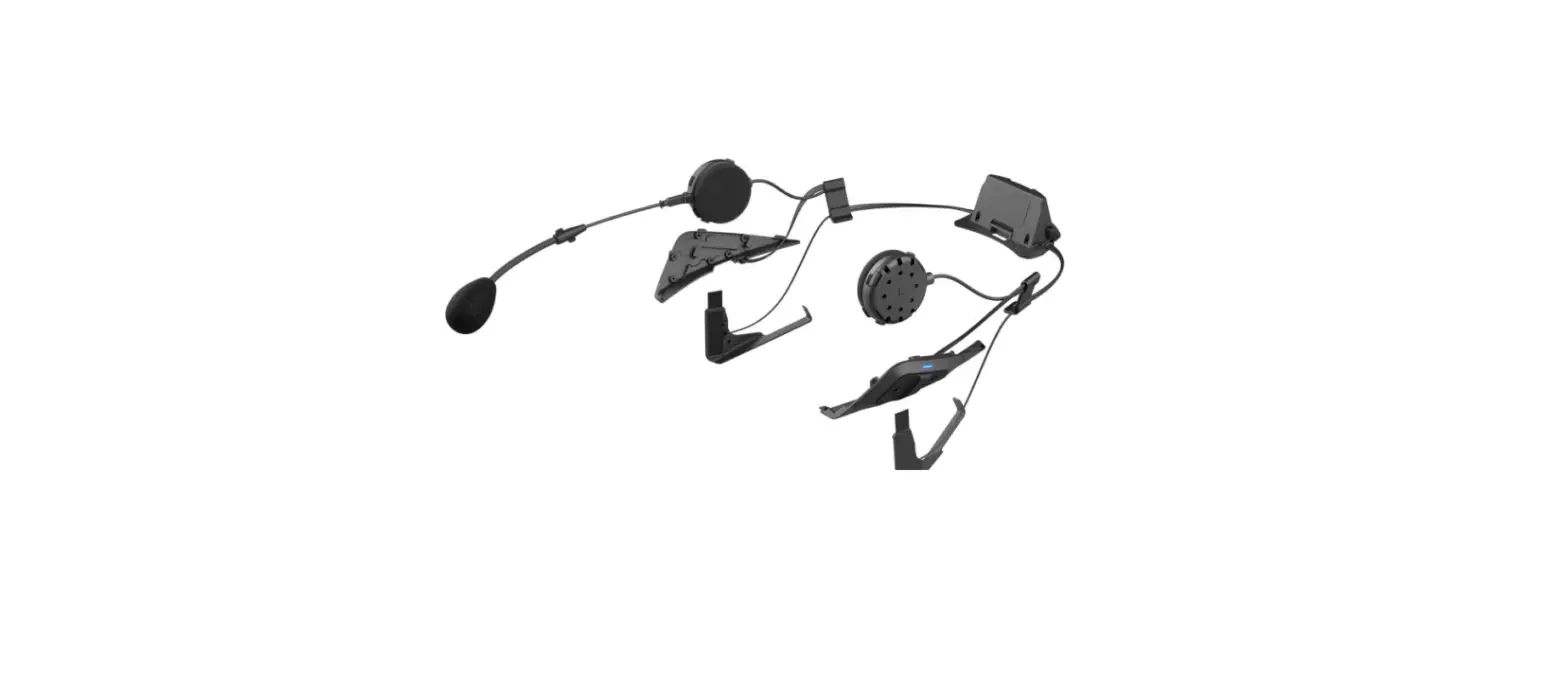
MESH & BLUETOOTH CONFERENCE SYSTEM
HIGH DEFINITION SOUND BY RFC
POCKET GUIDE
ON/OFF
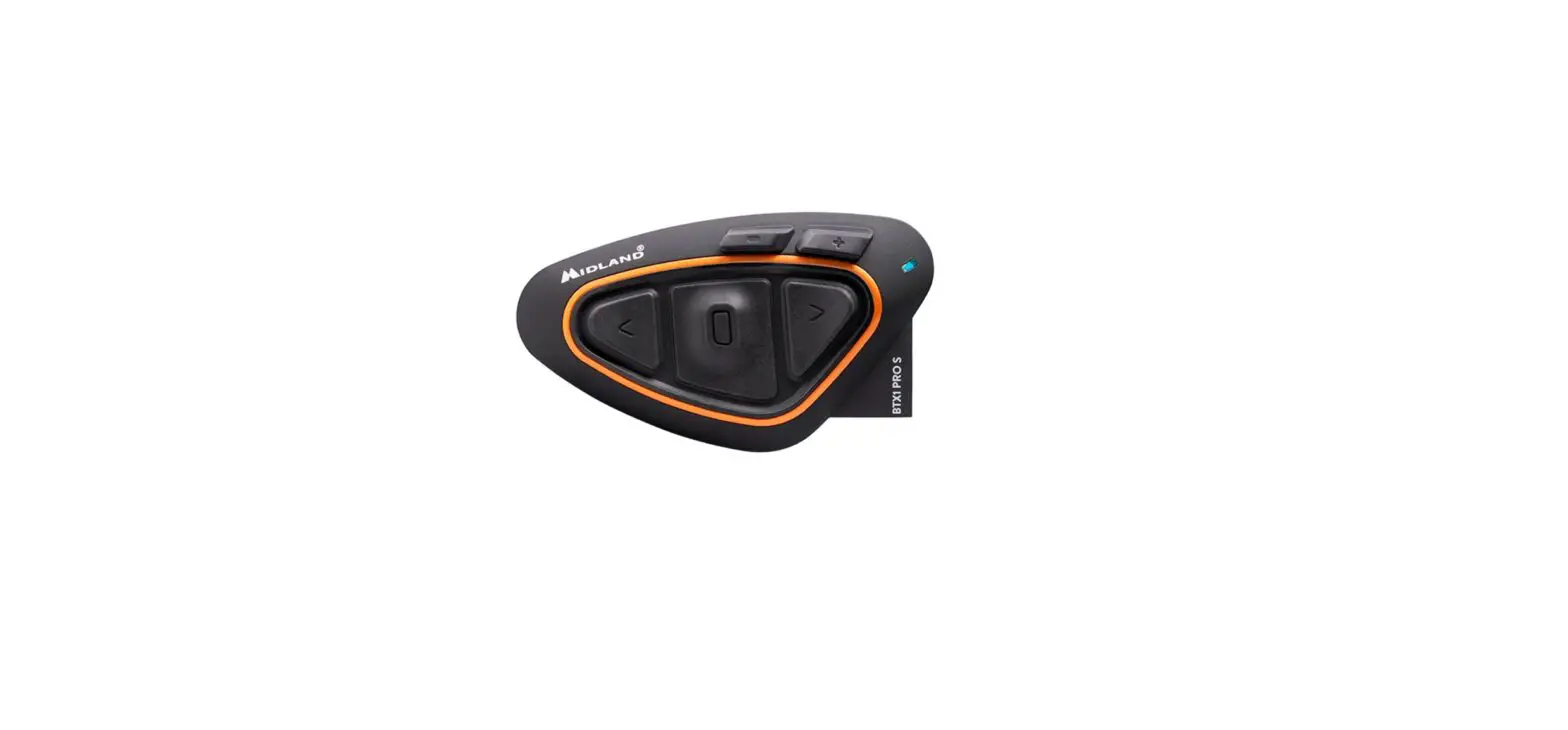
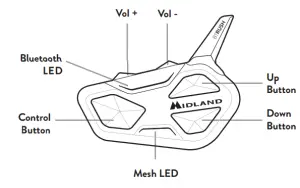
DESCRIPTION OF BUTTONS
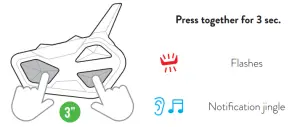
SWITCH ON
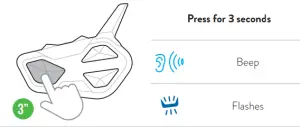
SWITCH OFF
PAIRINGS
DESCRIPTION OF BUTTONS
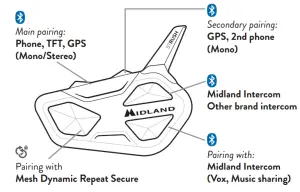
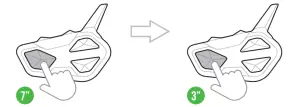
ATTENTION: To carry out any pairings you need to access Settings. If the Control button is pressed for fewer than 7 seconds, the device will switch itself on instead of accessing Settings. If this occurs, repeat the process.
ACCESS SETTINGS
Status: device off
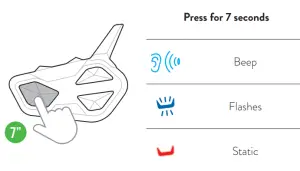
PHONE, GPS, TFT PAIRING
Status: Settings
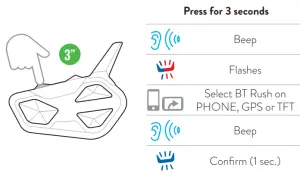
Note: to pair a 2nd device in mono audio, repeat this procedure using Vol -.
MIDLAND INTERCOM PAIRING
Status: Settings
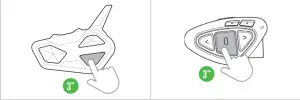
| Press for 3 seconds | Press for 3 seconds | ||
 | Flashes | Flashes |  |
| Confi rm (1 sec.) | Confi rm (1 sec.) | ||
Pairing successful | |||
OTHER BRAND INTERCOM PAIRING
Status: Settings
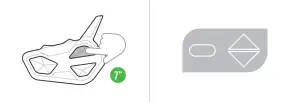
| prss for 7 seconds | Follow procedure to pair with phone | |
|
| Flashes fast (press and hold) | |
| Flashes slowly (Release) | ||

MESH DYNAMIC REPEAT SECURE PAIRING  | |
| Status: Settings | |
| MASTER | OTHER MEMBERS of the GROUP |
 | |
Press for 7 seconds | Press for 3 seconds |
| |
When the intercoms of all members have received the |
|
 Flashes fast
 Flashes
 Code received
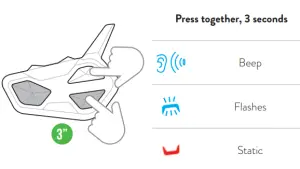
RESET BLUETOOTH PAIRINGS
Status: Settings
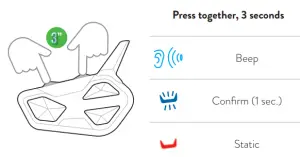
MESH DYNAMIC REPEAT SECURE RESET
Status: Settings
| Frequency (GHz) | Max power (mW) |
| 2.402 – 2.480 | 100 |
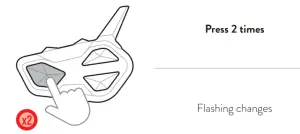
EXIT SETTINGS MODE CANCEL PAIRING
Status: Settings
OPERATING MODES
A. Intercom Mode: to communicate with another device via Mesh or Bluetooth.
B. Phone Mode: for phone calls or for managing music.
C. FM Radio Mode: to listen to, search for, and store radio stations.
Note: Phone mode is only active when there are devices paired to the Vol+/Vol- buttons.
CHOOSE OPERATING MODE
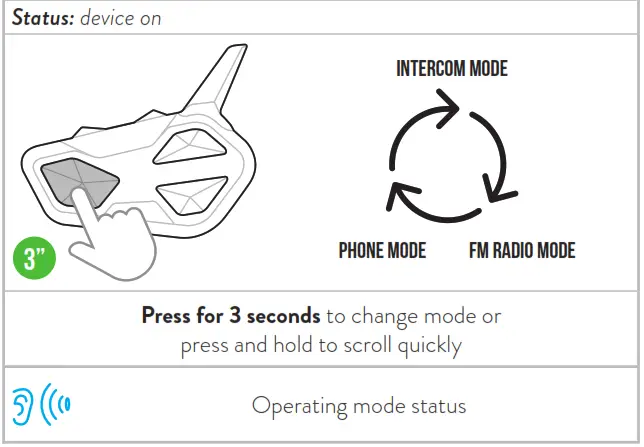
Note: By pressing simultaneously Vol + and Vol – for 1 second, BT Rush communicates the selected operating mode.
Attention: to communicate the participants must be in the same Mesh group and have different IDs.

Conference Mesh Group: 10 people in a 1.4 Km bubble.
Mesh Dynamic Repeat Group: 6 people within 3.5 Km.
Mesh Dynamic Repeat Secure Group: 6 people within 3.5 Km with Secure key assigned for private communications.
INTERCOM MODE
The default Mesh Group is set to Dynamic Repeat. For further information consult the online manual (www.midlandeurope.com) or the tutorials on YouTube – Midland World.
MESH IDENTIFICATION CODE (ID) SELECTION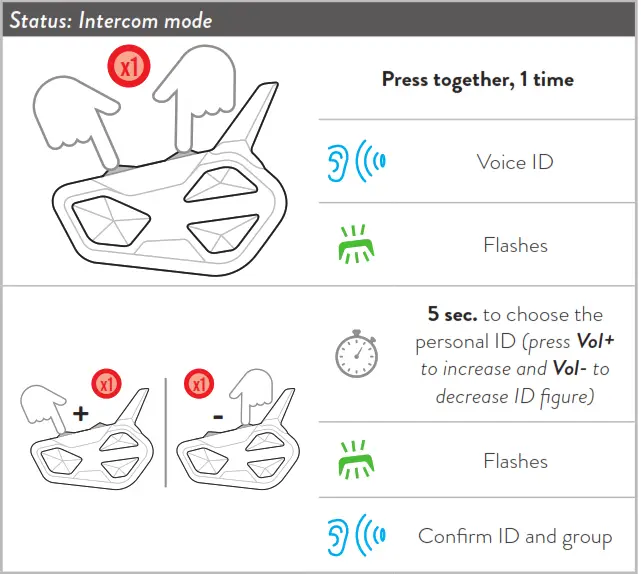
TABLE 1 – IDS ASSIGNED TO THE VARIOUS GROUPS:
| GROUP | ID | GUEST | LED |
 Mesh Conference Mesh Conference | 1-10 | Infi nite |  |
 Mesh Dynamic Repeat Mesh Dynamic Repeat | 1-6 | Infi nite |  |
 Mesh Dynamic Repeat Secure Mesh Dynamic Repeat Secure | 1-6 | Infi nite |  |
Guest: listening mode only
FUNCTION DESCRIPTION
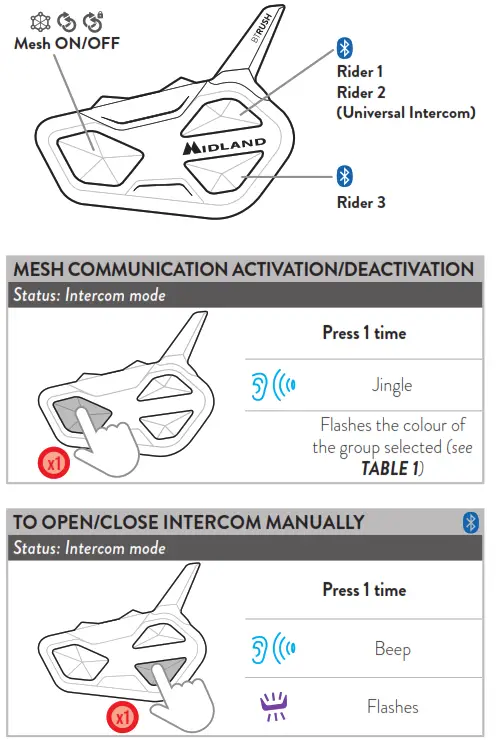
Note: to communicate with Rider 1 repeat the process of pressing the Up button.
TO OPEN/CLOSE INTERCOM BY VOICE
Status: in all modes
 | Say “Hi” |
| Jingle | |
| Flashes | |
| Silent for 40 sec. the intercom deactivates | |
| Beep |
Note: Voice activation is only possible with an intercom paired with the down button.
VOX ACTIVATION/DEACTIVATION
Status: in all modes
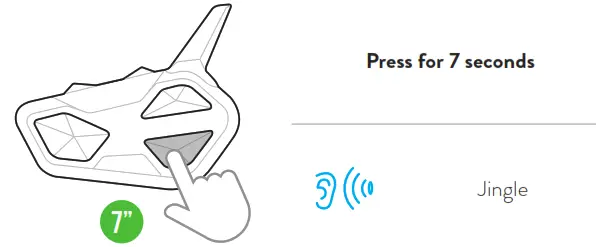
SHORTCUT: In Intercom mode pressing Control 2 times activates/deactivates the music.
TO OPEN/CLOSE UNIVERSAL INTERCOM
Status: Intercom mode
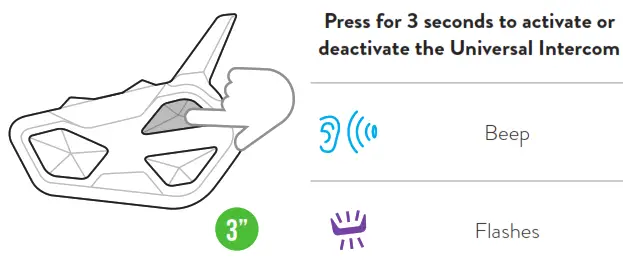
Note: to activate/deactivate the audio from a different brand device, use the voice call command (for some models it is necessary to send the voice call 2 times)
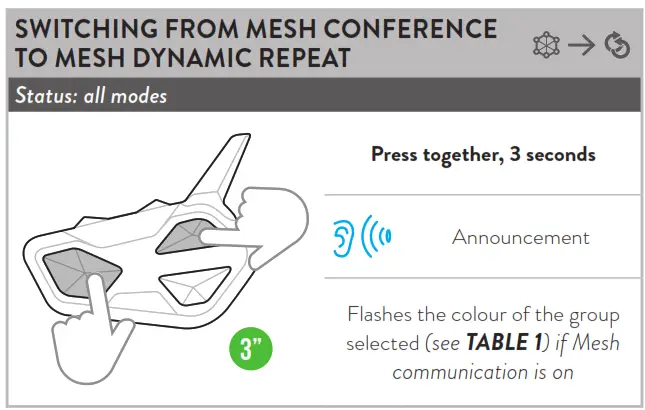
SHORTCUT: In Phone/FM Radio modes pressing Control 2 times activates/deactivates Mesh communication.
PHONE MODE
FUNCTION DESCRIPTION
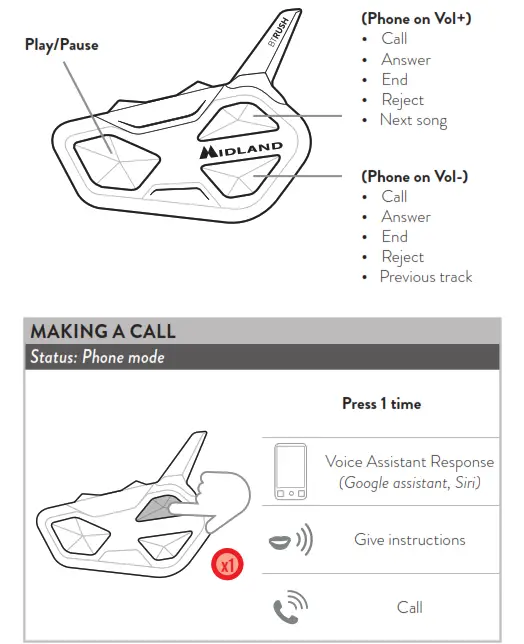
Note: If you have a phone paired with the Vol – button, use the Down button.
SHORTCUT: In Phone/FM Radio modes pressing the Down button 2 times turns the Intercom on/off.
ANSWERING/ENDING A CALL REJECTING A CALL
Status: Phone mode
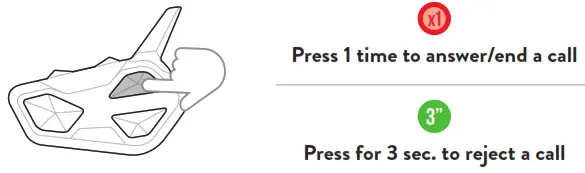
Note: If you have a phone paired with the Vol – button, use the Down button.
MUSIC
Status: Phone mode
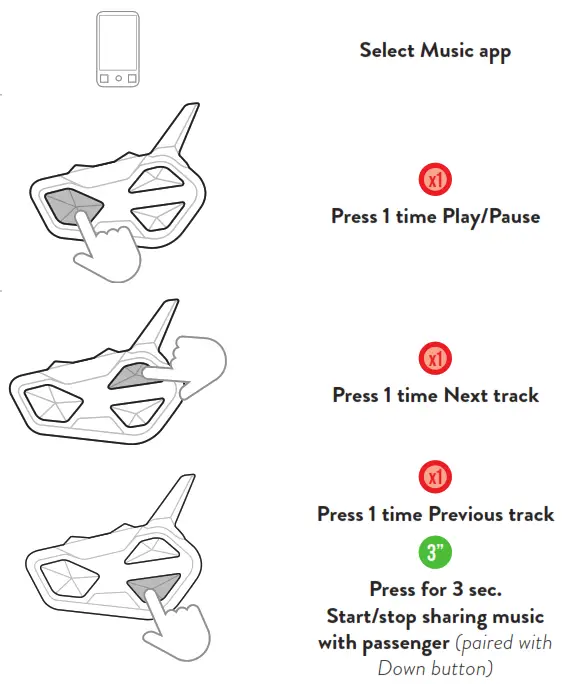
RADIO MODE
FUNCTION DESCRIPTION
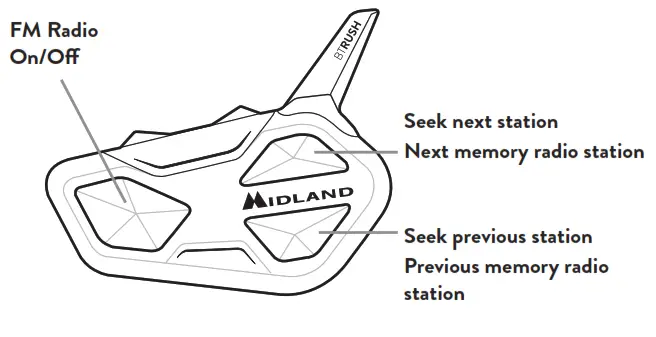
FM RADIO
Status: Radio mode
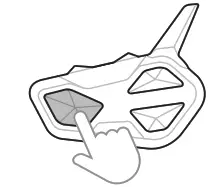 | x1 Press 1 time ON/OFF |
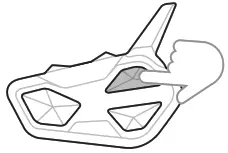 | x1 Press 1-time Next station |
| 3” Press for 3 seconds Next preset | |
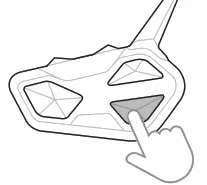 | x1 Press 1-time Previous station |
| 3” Press for 3 seconds Previous preset |
Go to our website www.midlandeurope.com, download the complete manual and the BT Updater software.
Customize your intercom with the BTPRO SetApp. Download it here:
 https://play.google.com/store/apps/details?id=com.midlandeurope.btsetapppro&hl=it&gl=US |  |
 Startseite | Alan Electronics
 Midland Europe | Radio e CB, Interfoni Moto e Action Cam