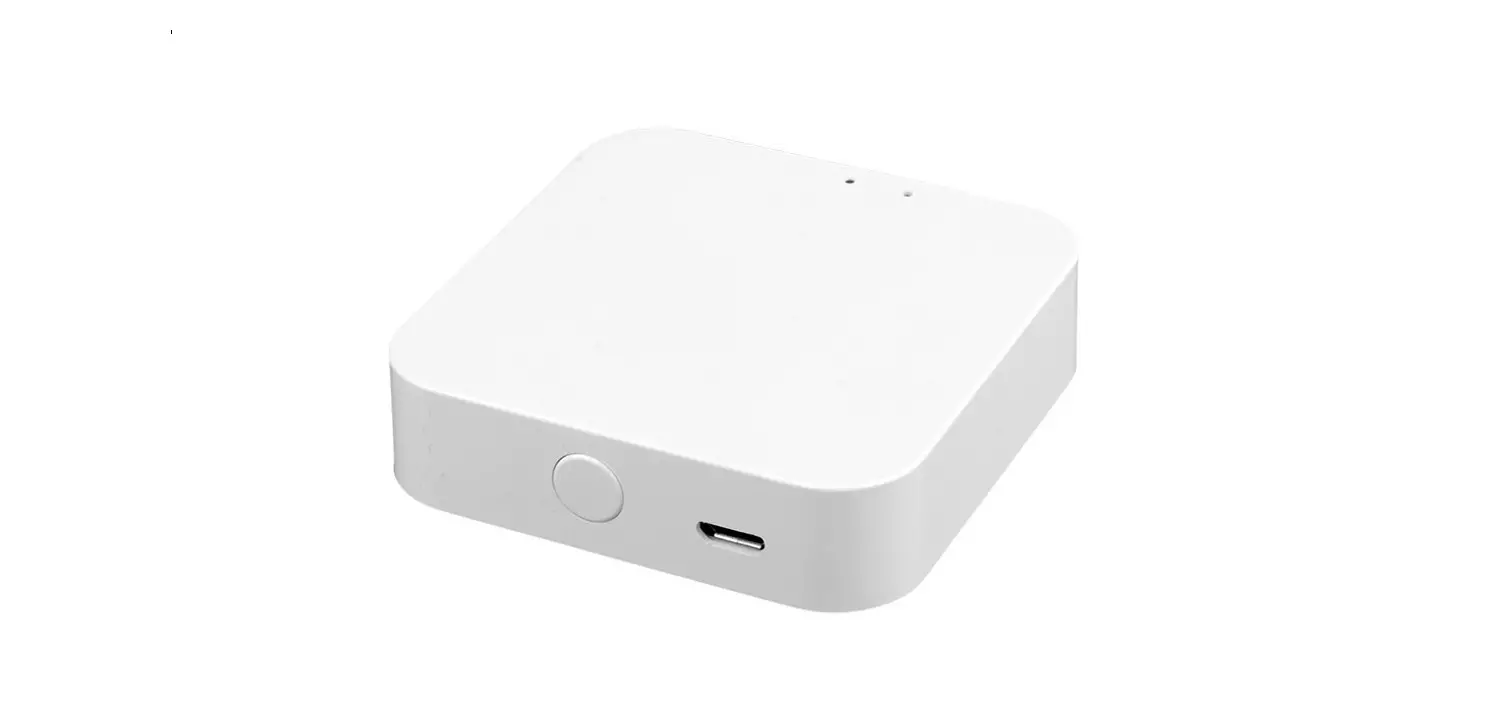
 TYGWBS-01N Bluetooth MESH(SIG) Gateway
User Guide
 |  |
Product Description
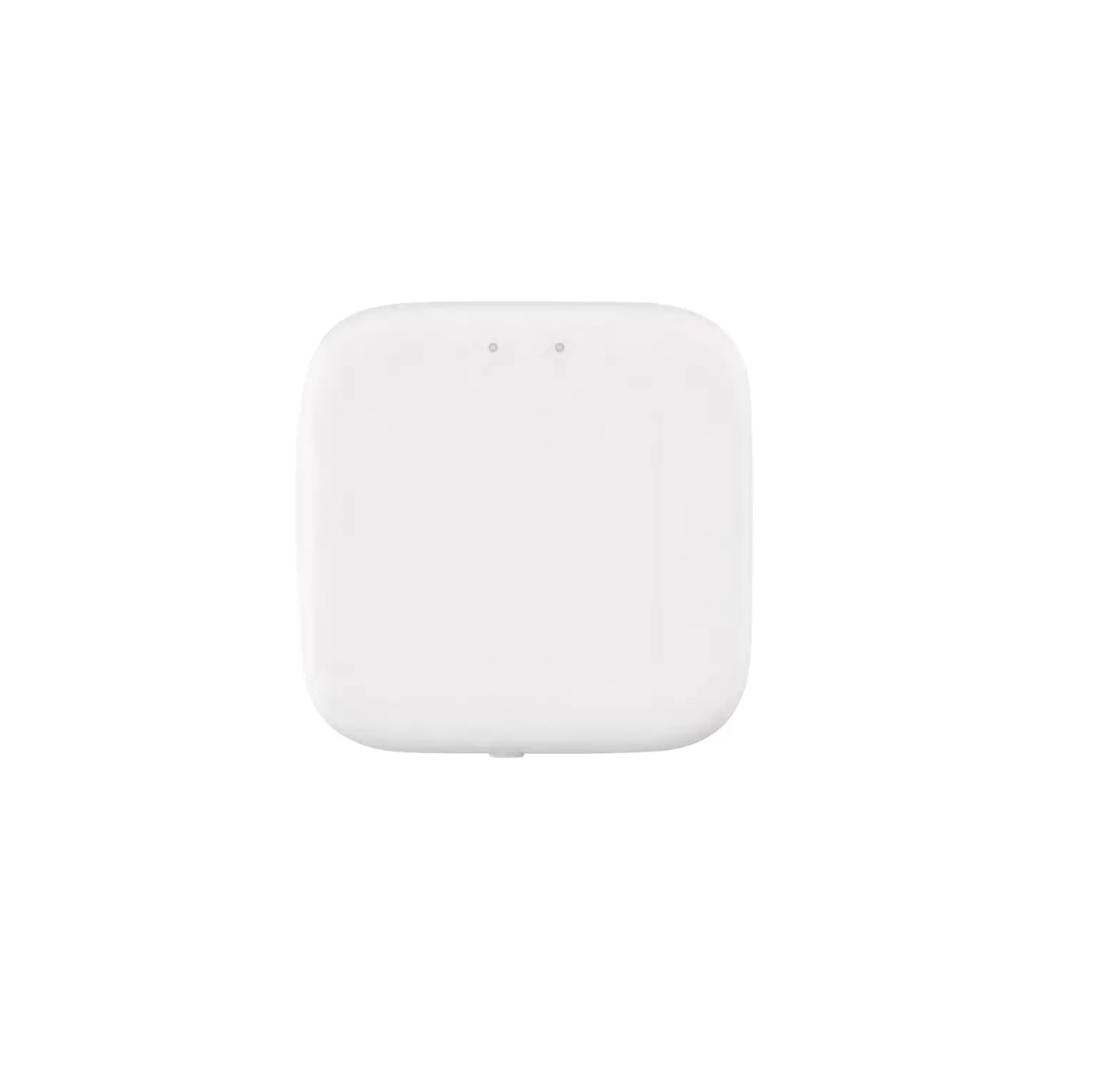
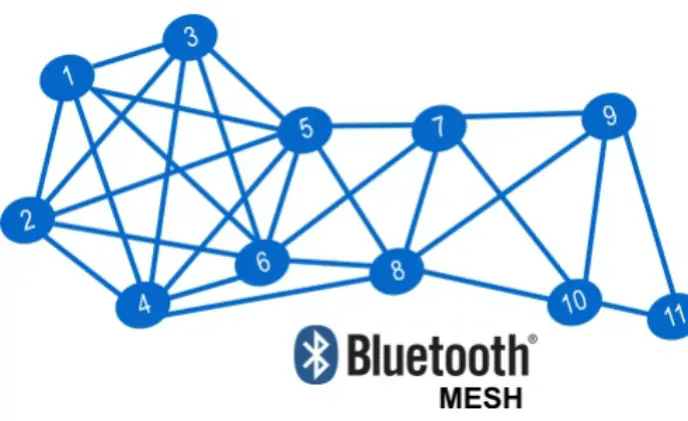
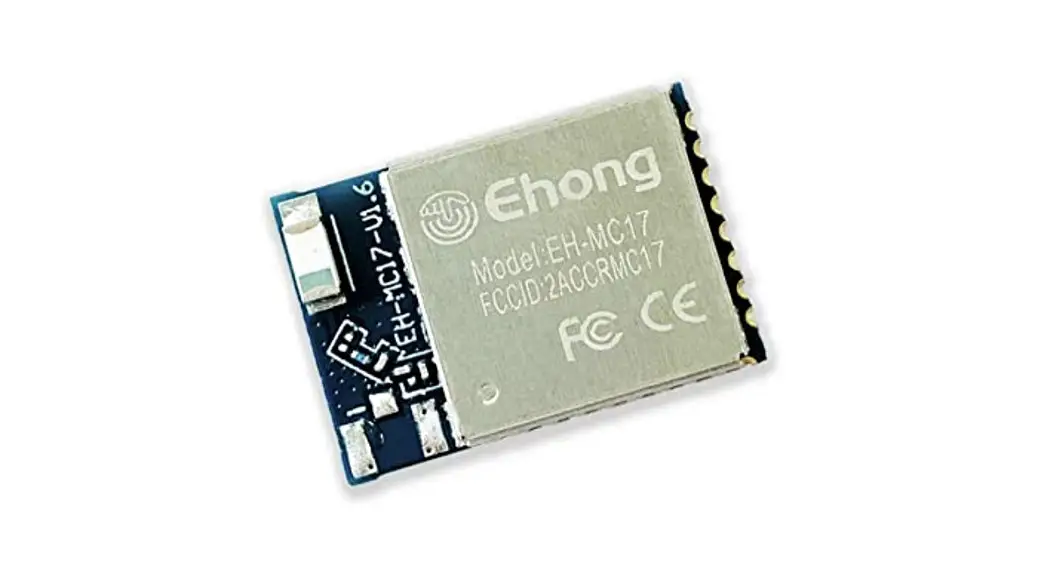
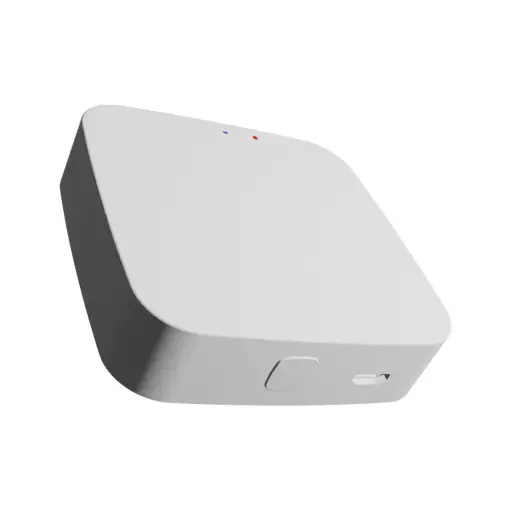
Bluetooth MESH (SIG) gateway is composed of a highly integrated wireless WIFI module, Low energy wireless Bluetooth module, and mainboard. Through the Tuya Smart APP, users can implement device addition, device reset, third-party control, and Bluetooth (single point & mesh) group control to meet smart home and other applications.
Specifications
| Physical features | |
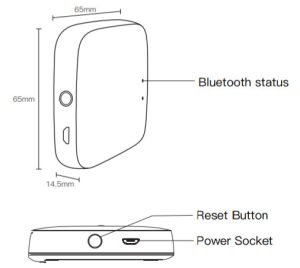
| Size | 65*65*14.5mm |
| Net weight | 29g |
| Status LED indicator | 2 LED |
| Button | 1 (reset) |
| Power | Micro USB DC5V |
| Working current | <1A |
| Adaptor output | 5V 1 A |
| Working temperature | -10-55°C |
| Working humidity | 10%-90WoRH (non-condensing) |
| Storage temperature | -20-60°C |
| Storage humidity | 5%-90%RH (non-condensing) |
| Hardware interface | 1 Micro-USB |
| Wireless technology | WIFI 802.11 b/g/n |
| Bluetooth single point & Mesh | |
| Antenna type | Built-in onboard antenna |
RF characteristics
| WIFI | Bluetooth single point&Mesh | |
| Wireless frequency | 2.400 -2.4835GHz | 2.400-2.4835 GHz |
| Network standard | WIFI 802.11 b/g/n | Bluetooth single point&Mesh |
| Transmission power | 21dBm | 7dBm |
| Channel | CH1-CH11 | CHO-CH39 channel 2402MHz;2404MHz; 2406MHz;2408MHz; 2410MHz;2480MHz one channel is added every 2MHz. |
| Transmission speed | 11b:1,2,5.5,11 (Mbps) 11g:6,9,12,18,24, 36,48,54(Mbps) 11n:HT20 MCSO-7 11 n:HT40 MCSO-7 | 1Mbps (BLE 4.2) 2Mbps (BLE5.0) |
Network performance
| Wireless encryption | AES 1 28bitencryption |
| WPA-PSK/WPA2-PSK, WPA/WPA2 security Mechanism | |
| Network management | long distance App configuration |
| WIFI module firmware upgrade | |
| bluetooth module firmware upgrade |
Packing list
- Bluetooth MESH(SIG)gatewat x1
- Power cable x1
- User manual x1
Status indicator and reset
Blue: bluetooth status
- Flashing means to be connected and allowed to connect to the network
- keep “on” for a long time, which means the device is activated
- keep “off” for a long time, which means the device is not activated
Reset method: Press and hold the button for 5 seconds and see the blue indicator flashing several times,which means the reset is successful.
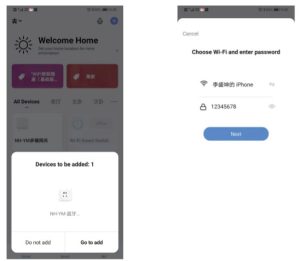
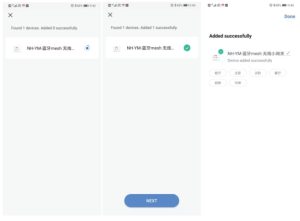
- Select 2.4GHz Wi-Fi network and enter a password.
- Please confirm the blue indication is flashing for normal pairing.
- The connection will take about 30-120 seconds, depending on your network condition
- Once the device has been added successfully, you will be able to find the device on the “My Home” page