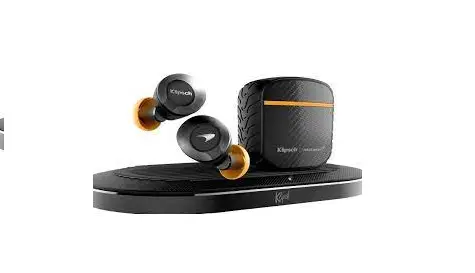

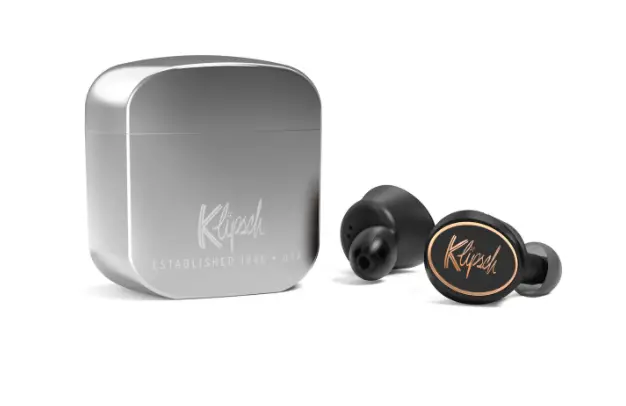
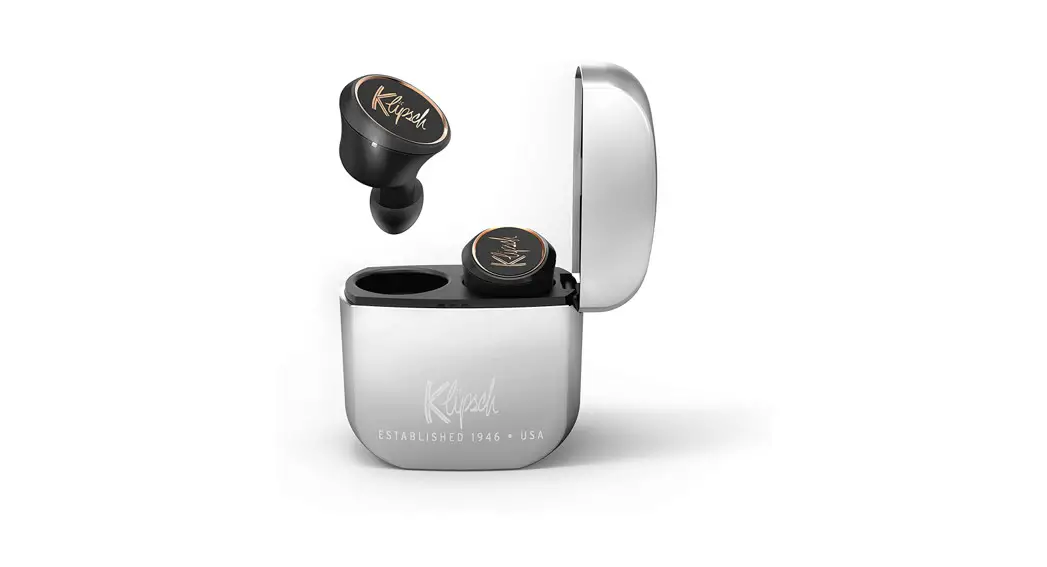
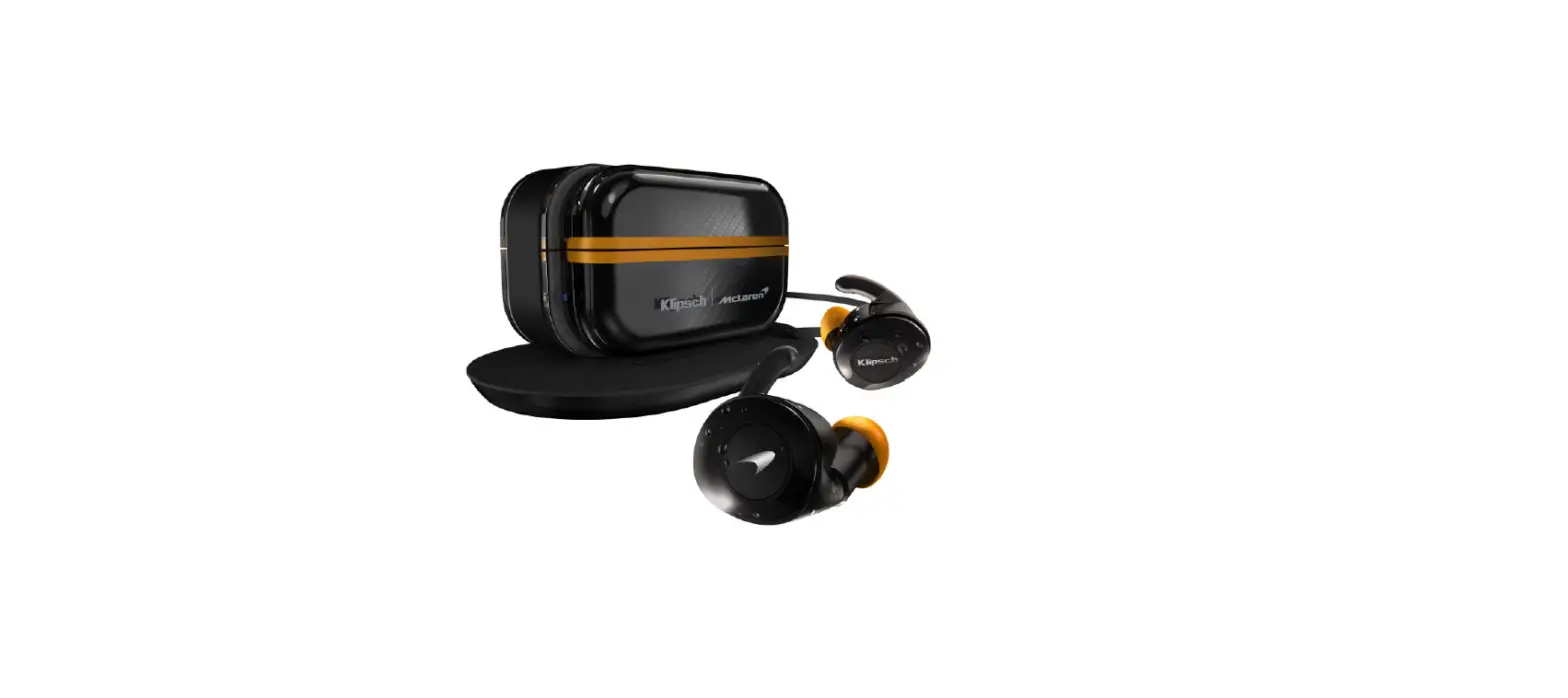
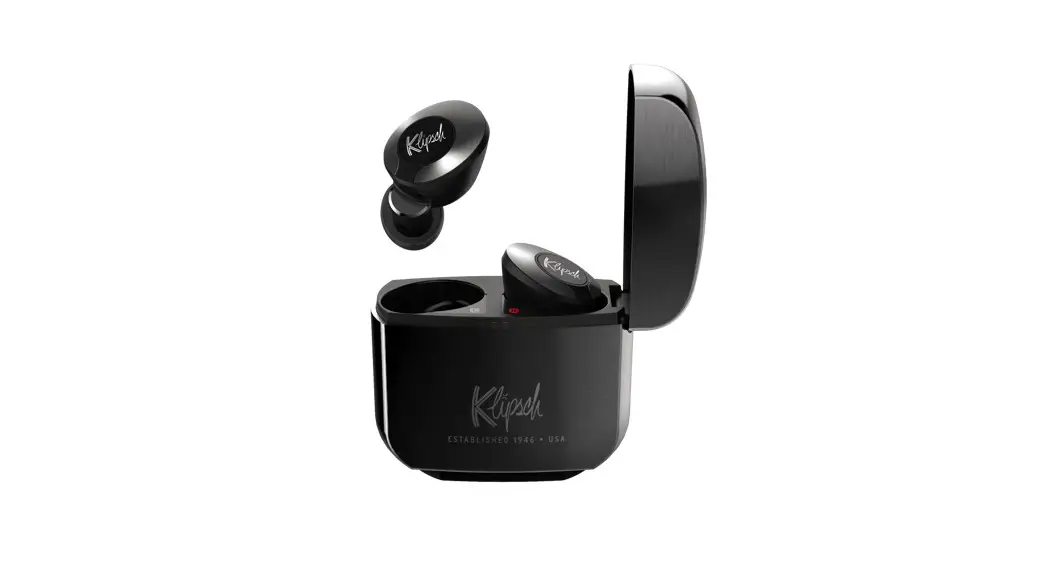
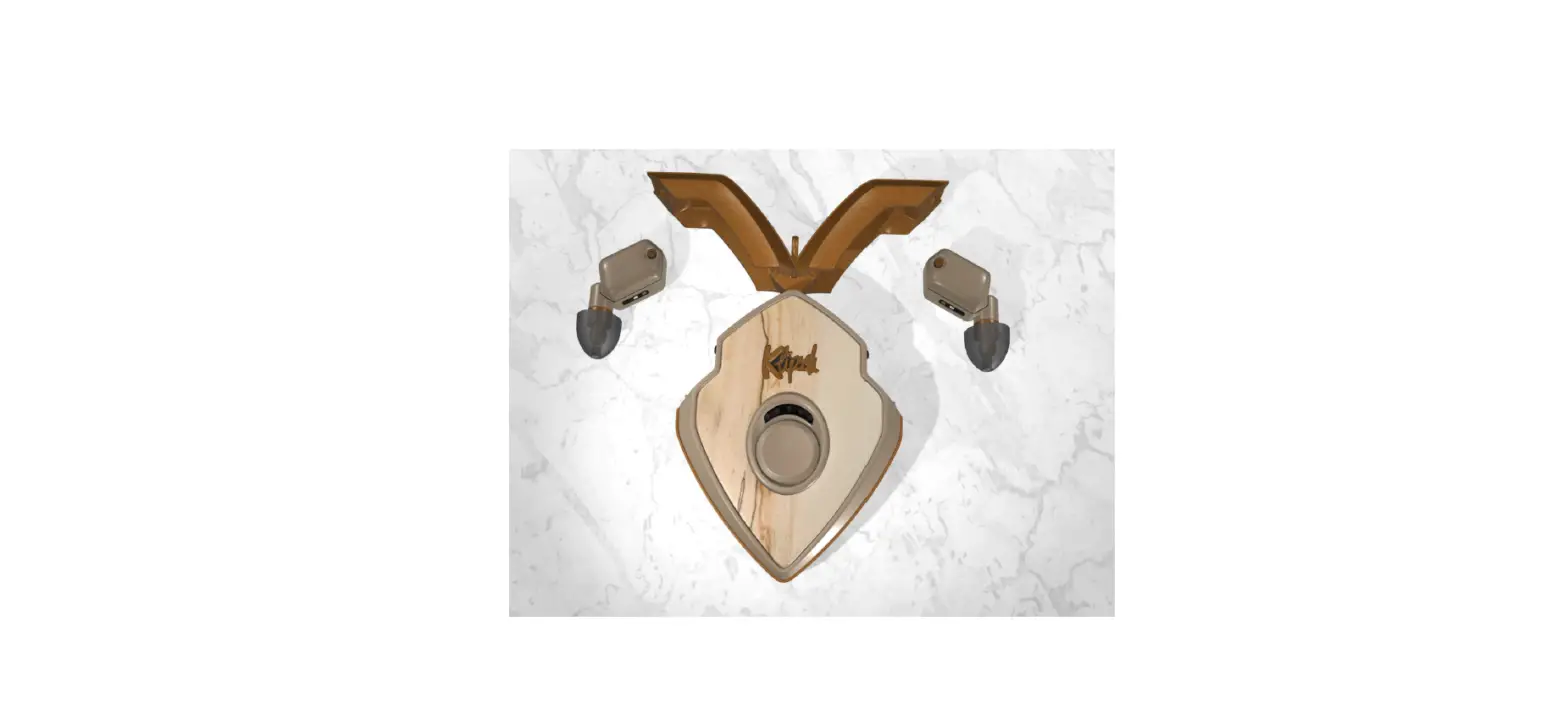
Klipsch T5-II Mclaren True-Wireless Earphones
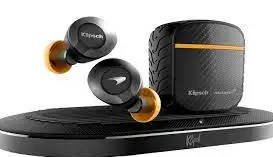
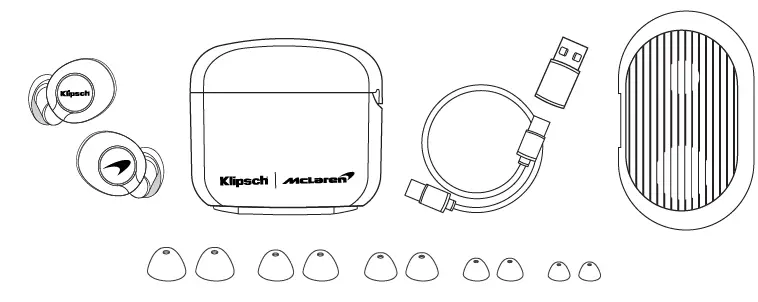
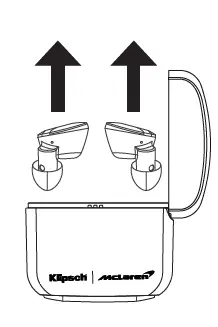
INSIDE
POWER

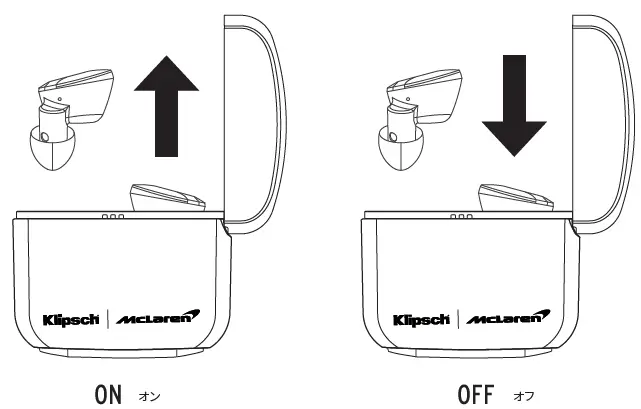
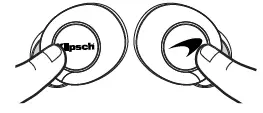
- ON: Short Hold
- OFF: Short Hold
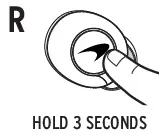
PAIRING


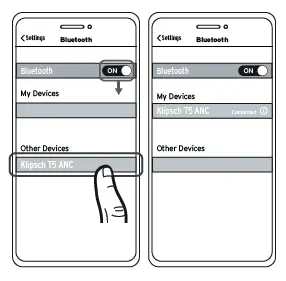
SETUP

Download the Klipsch Connect app and follow the instructions
CHARGING
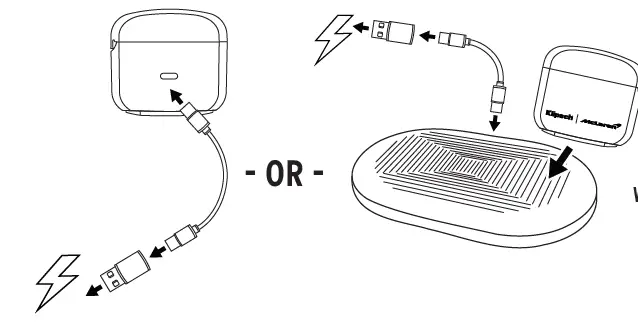
- CHARGE BATTERIE
- WIRELESS CHARGER
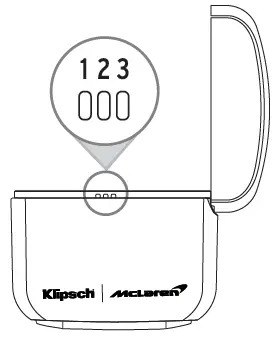
STATUS INDICATORS
- Solid Red ª Charging
- Slow Blink Blue ª Ready to Pair
- Fast Blink Blue ª Connected

- LED 1 ª Charging 0-33%
- LED 2 ª Charging 33-66%
- LED 3 ª Charging 66-100%

- Solid Red
- Slow Blink Blue
- Fast Blink Blue
- LED
- Charging
- Ready to Pair
- Connected
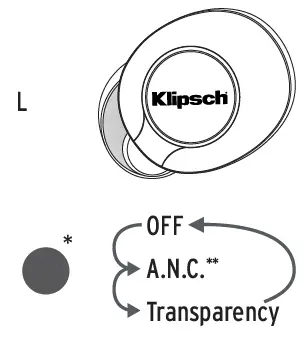
CONTROLS

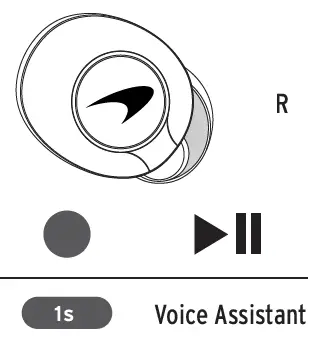
DURING PLAYBACK
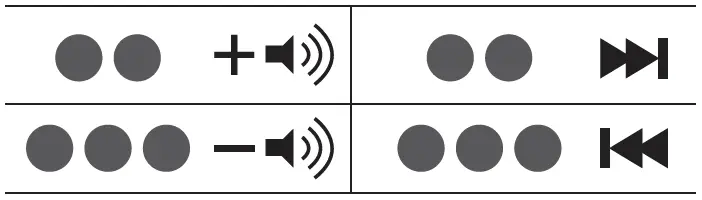
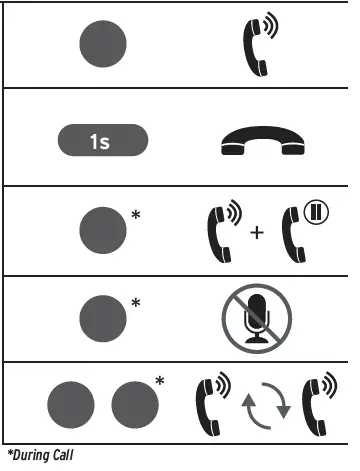
CALL HANDLING


- Active Noise Cancelling
- Transparency
- During Playback
- Voice Assistant
- Call Handling
- During Call
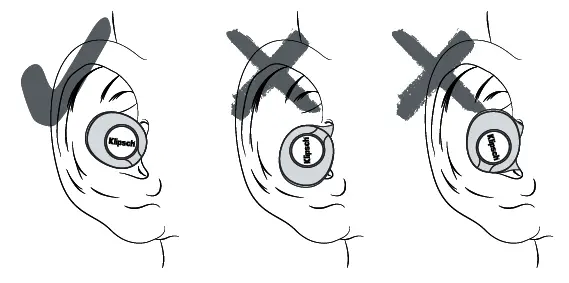
PLACEMENT
FACTORY RESET
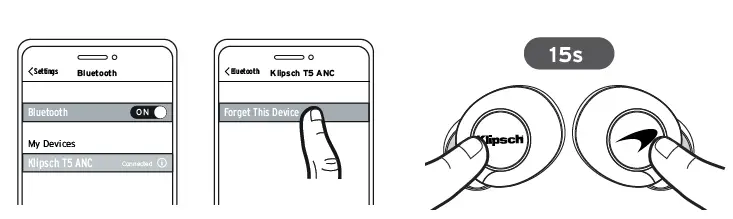
LEDs on both Left and Right will alternate RED/BLUE
TRUE WIRELESS RESET


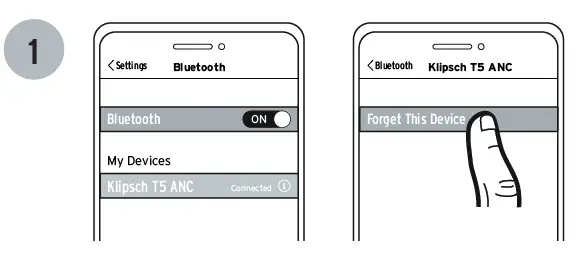

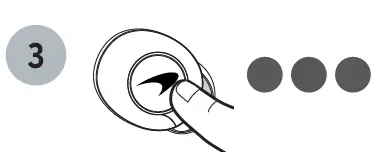
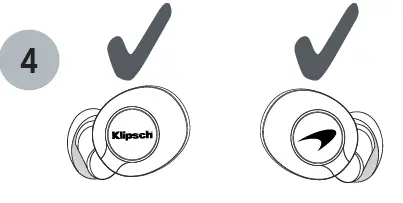
- LED will alternate RED/BLUE
- LED will alternate RED/BLUE
- Glow solid purple
TROUBLESHOOTING
- TOPIC: There is sound coming from one side only.
- SOLUTION: Insert both earphones into the case and remove them again.
- TOPIC: How do I get the best Bluetooth connection?
- SOLUTION: Ensure your device isn’t being blocked by your body or any objects (move it from your pocket). Next, place the earphones back in the case and take out the earphone that corresponds with the side your device is on first (Right ear-phone if right pocket, left earphone if left pocket). Try to reduce the distance between your earbuds and your audio device to further improve performance.
- TOPIC: What if I have poor wireless connectivity?
- SOLUTION: If possible, move away from cell phone towers, dense WiFi networks, other Blue-tooth devices, and household appliances like microwave ovens.
- TOPIC: I want more bass.
- SOLUTION: Try a larger ear tip, further boost bass using the Klipsch Connect App.
- TOPIC: I can’t connect to my phone.
- SOLUTION: Press and hold the right earphone button for three (3) seconds to engage in pairing mode.
- TOPIC: My audio and video won’t sync up.
- SOLUTION: Some apps do not always use the correct audio codec for the lowest latency. If the audio is delayed in an App, try streaming the same video using your device’s web browser.
- TOPIC: Are my earphones water and dust-resistant?
- SOLUTION: Your earphones are IPX4 sweat resistant which means they can handle humid environments and sweat but CAN NOT be submerged in water. Please note the charging case is not water or dustproof and should be kept away from the elements.
- TOPIC: One earphone is unresponsive or stuck.
- SOLUTION: Hold the power button on that ear-phone for 20 seconds, place it back into the charging case, then remove it.
ADDITIONAL SUPPORT:
Be sure to check klipsch.com/support and down-load Klipsch Connect to install the latest firmware available.
SPECIFICATIONS:
- Bluetooth 5.0
- A2DP Codecs: SBC, AAC
- Range: up to 10m (33 ft.)
- Charging Case Input Rating: 5V DC, 0.5A


![Yamaha Truly Wireless Earphones [tw-e3a] User Manual](https://static-data1.manualsee.com/1/img/415/18208/2020/12/Yamaha-Truly-Wireless-Earphones-TW-E3A-1200x890.jpg "Yamaha Truly Wireless Earphones [tw-e3a] User Manual")