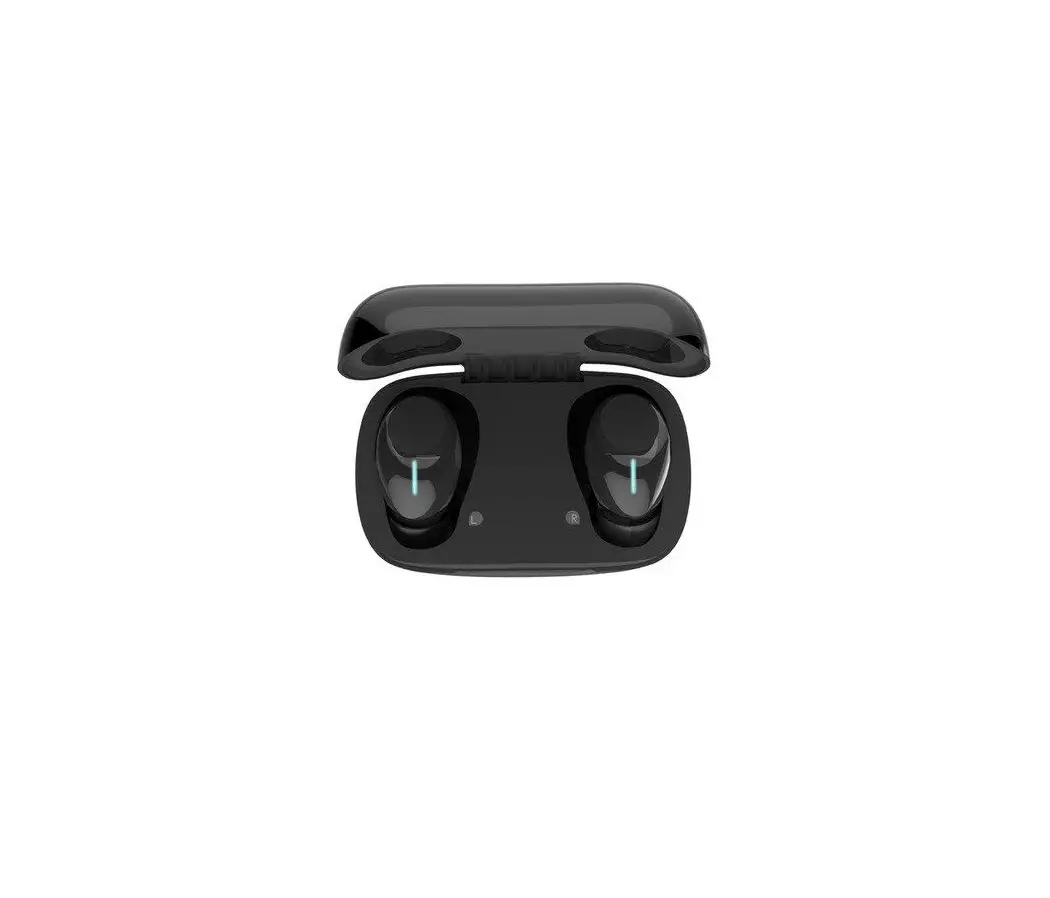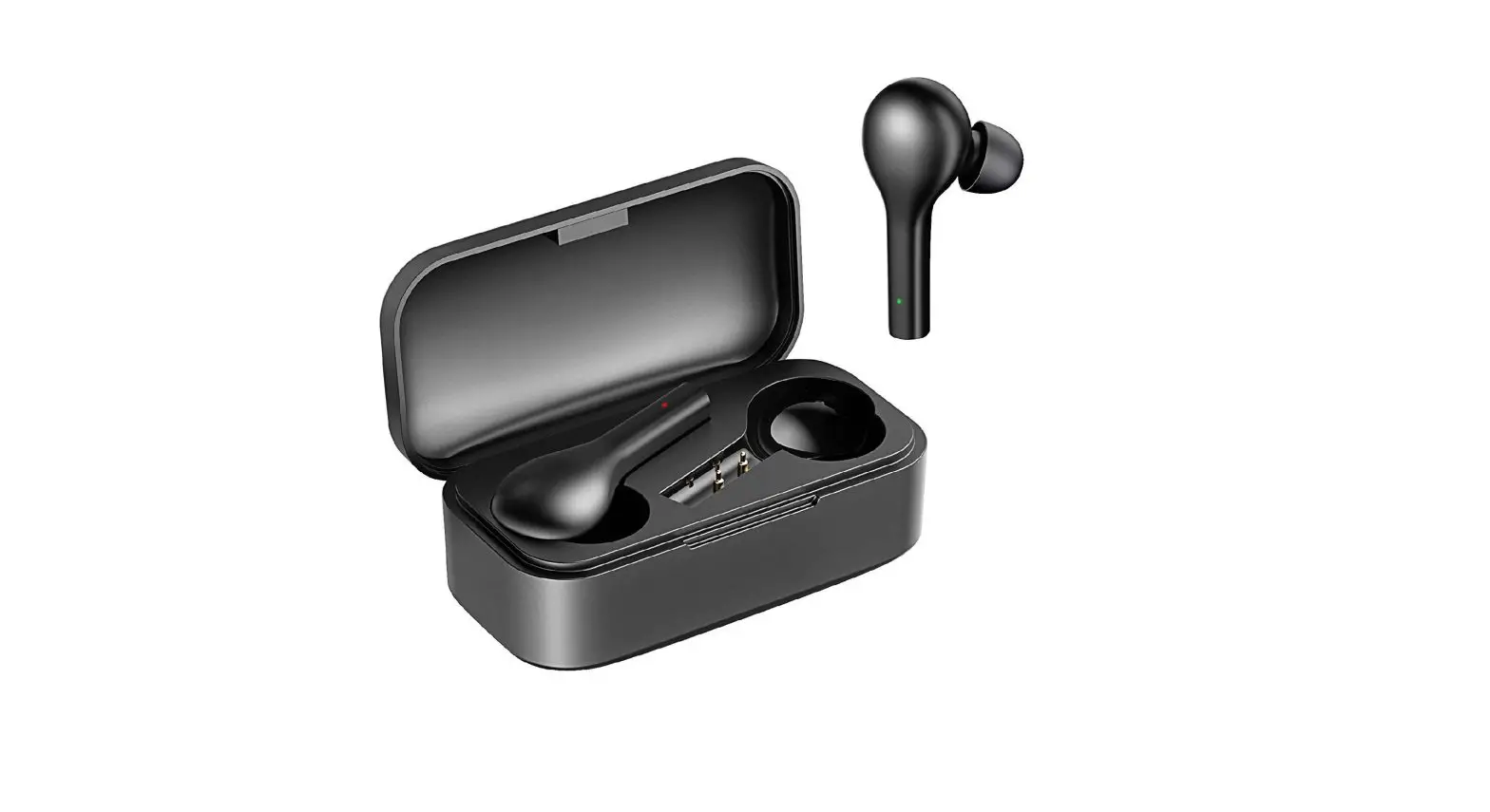
 willful T5 True Wireless Earphone
 willful T5 True Wireless Earphone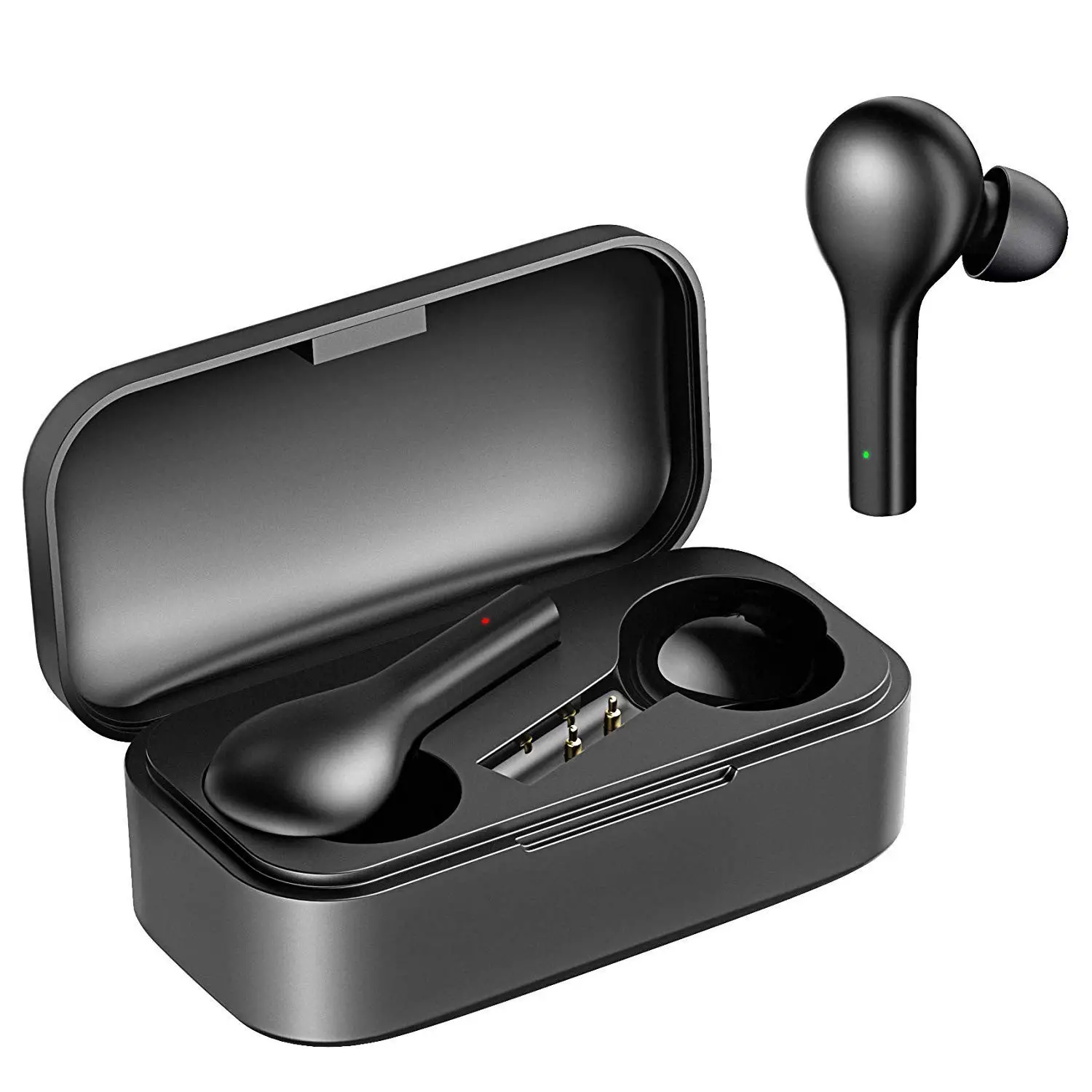
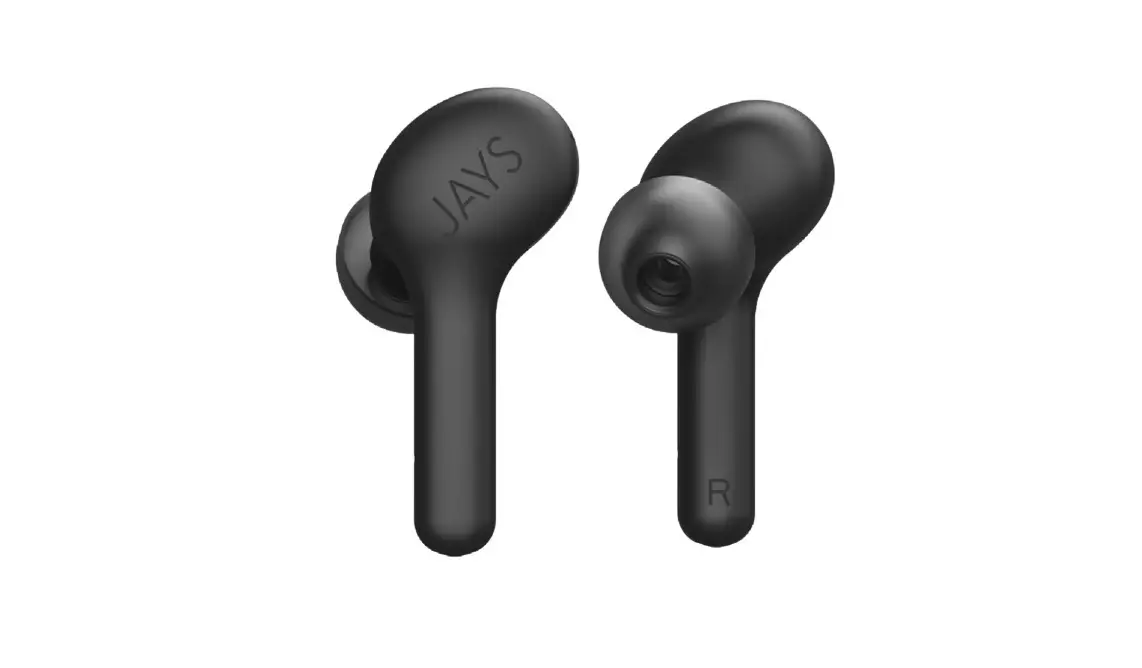
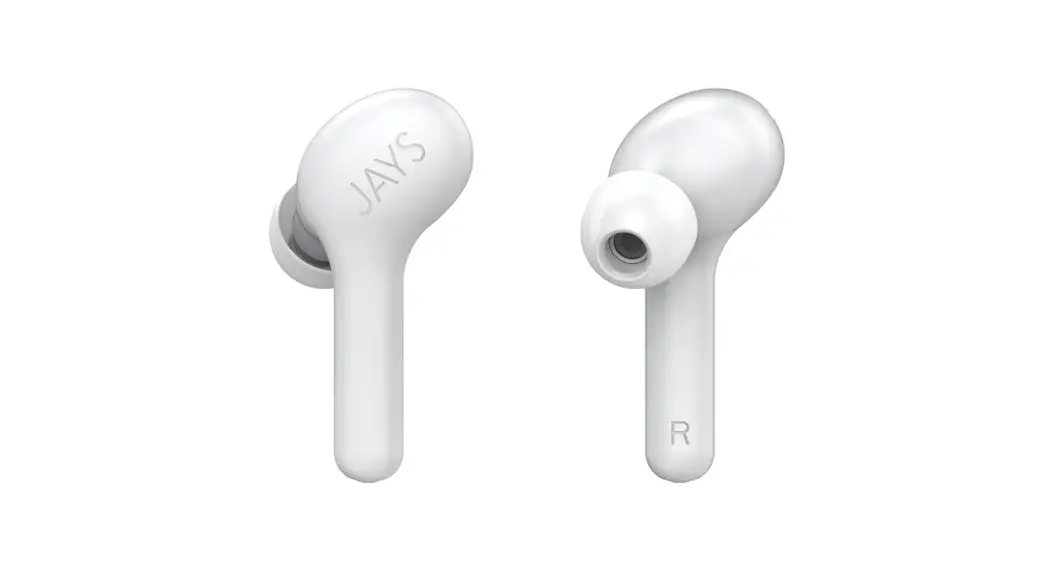
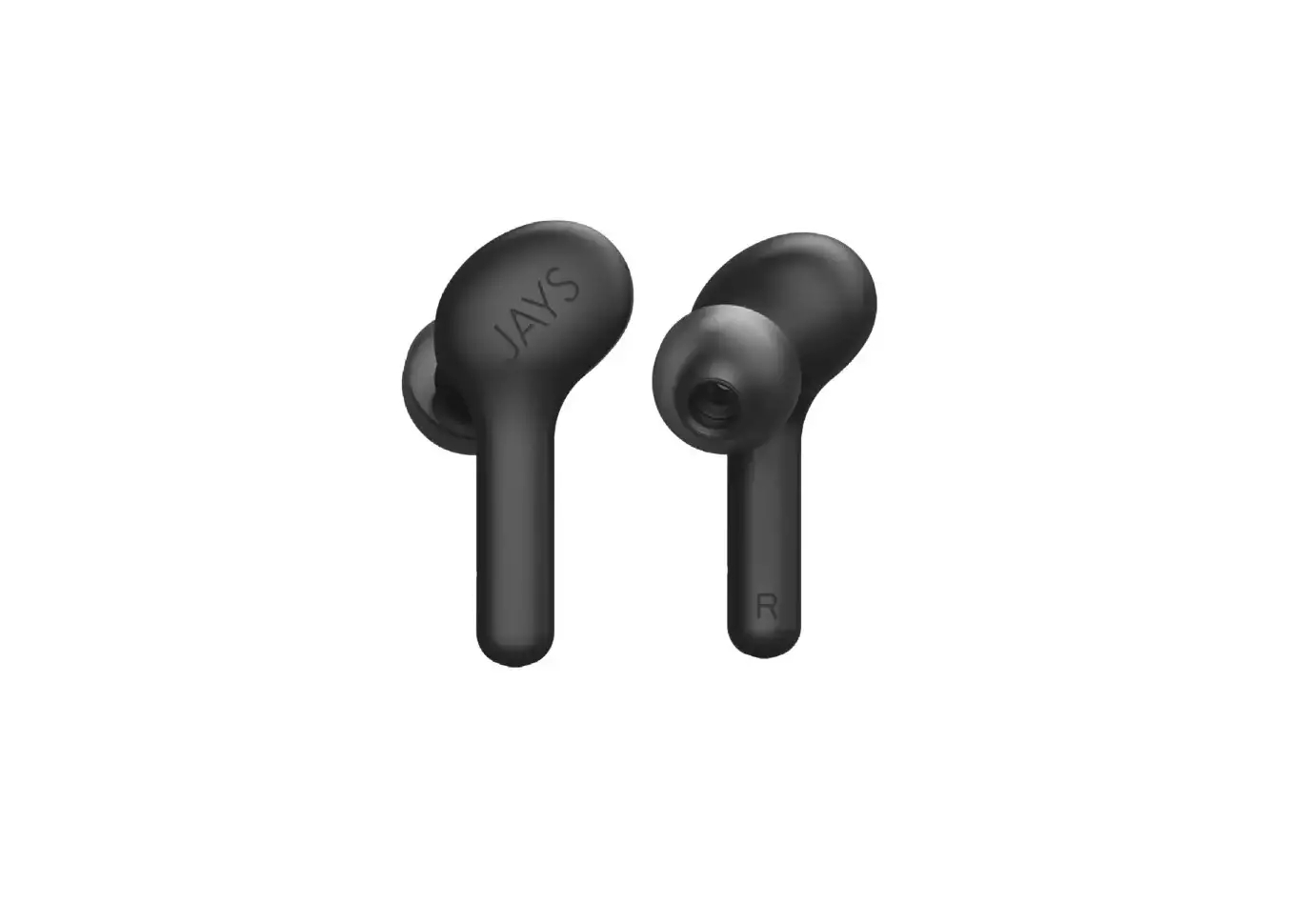
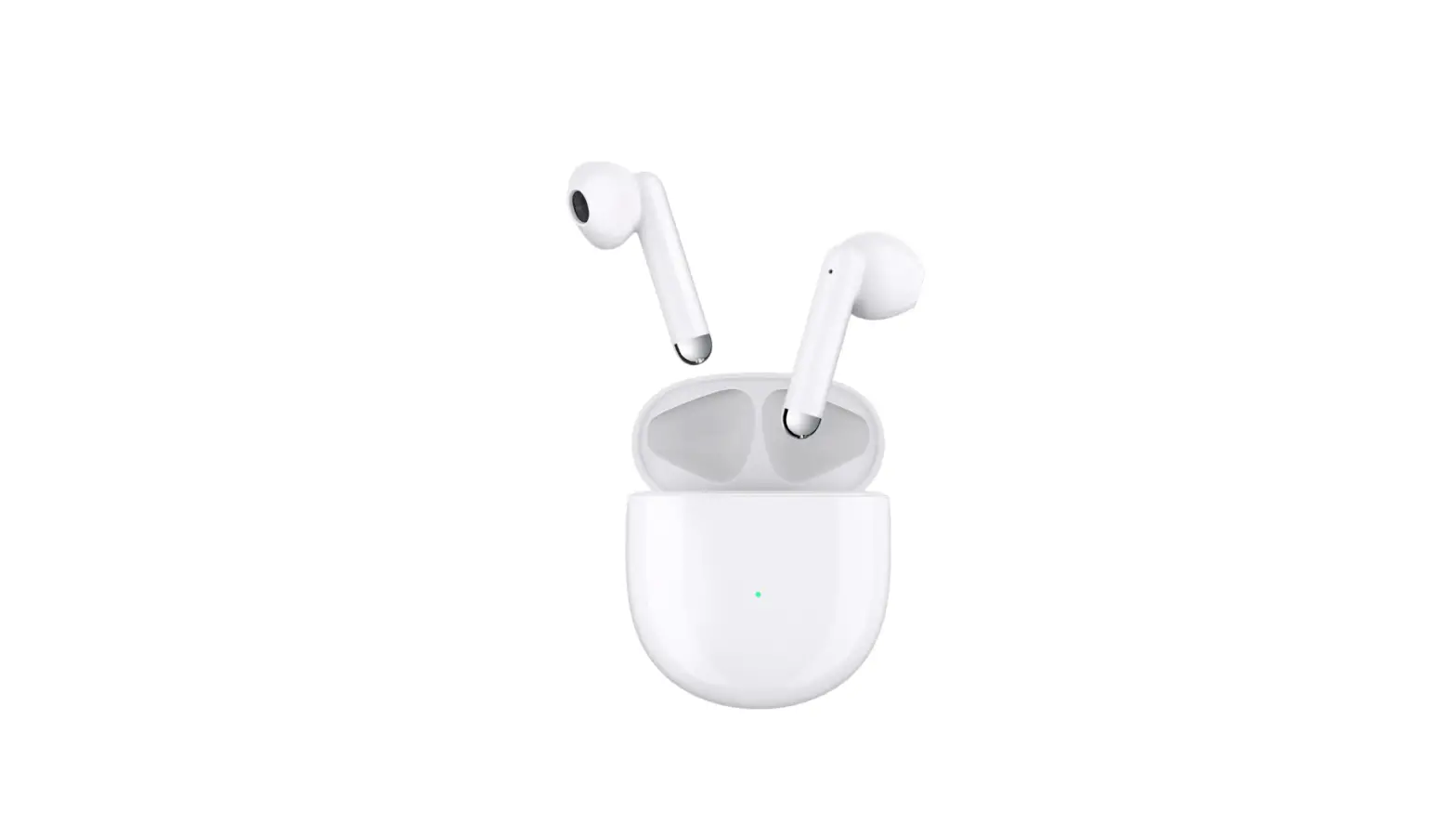
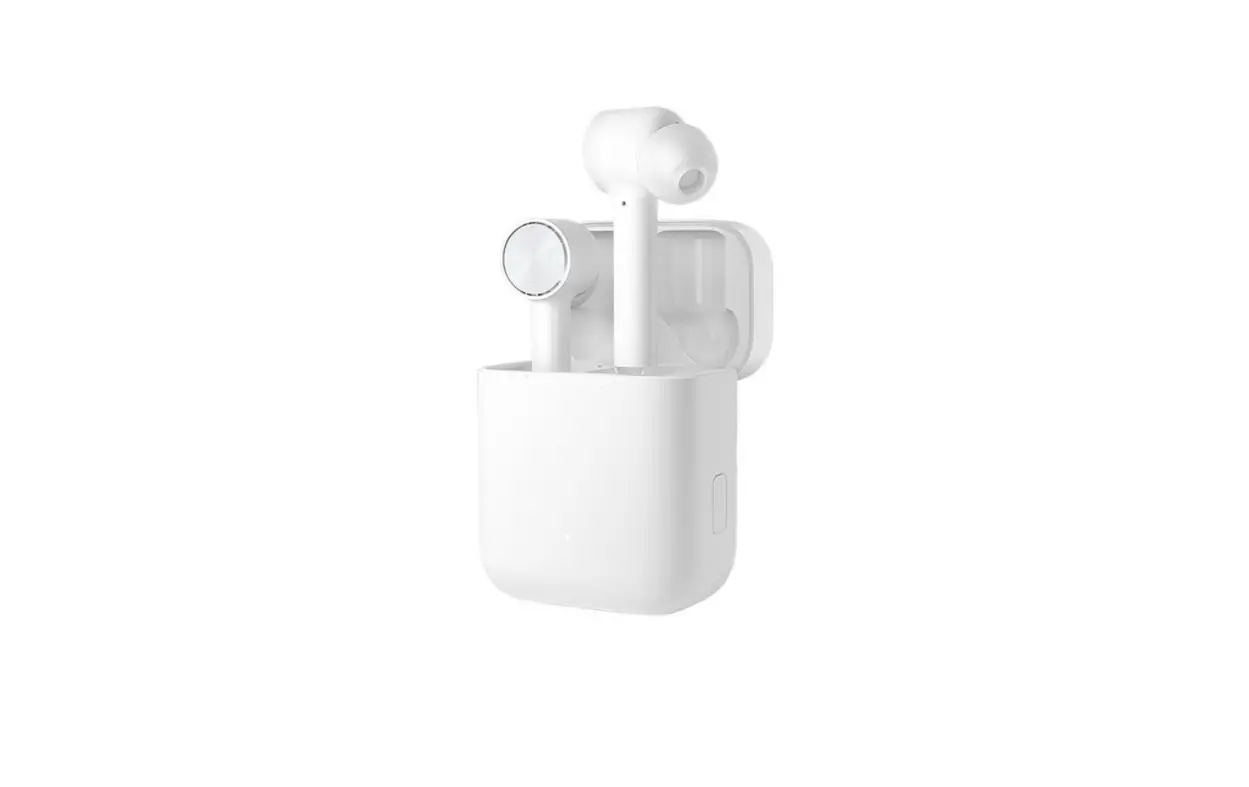
Product Overview
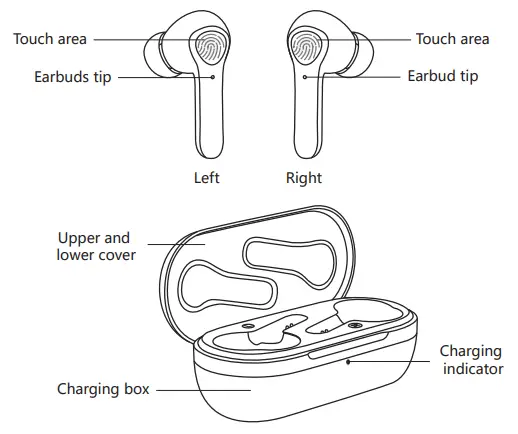
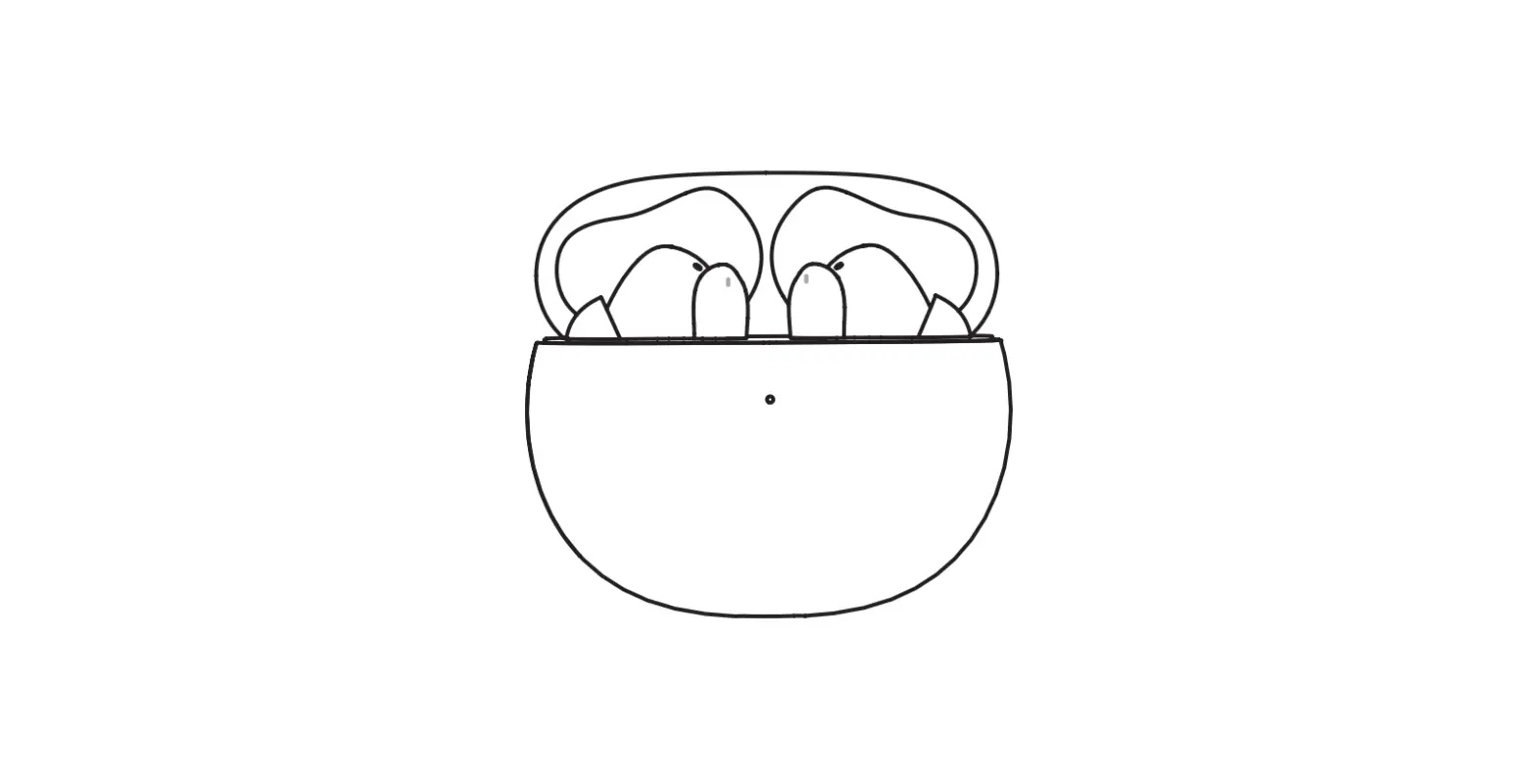
Note: Please touch the accurate position of the touch area; otherwise the earbud will not respond
Packing list:
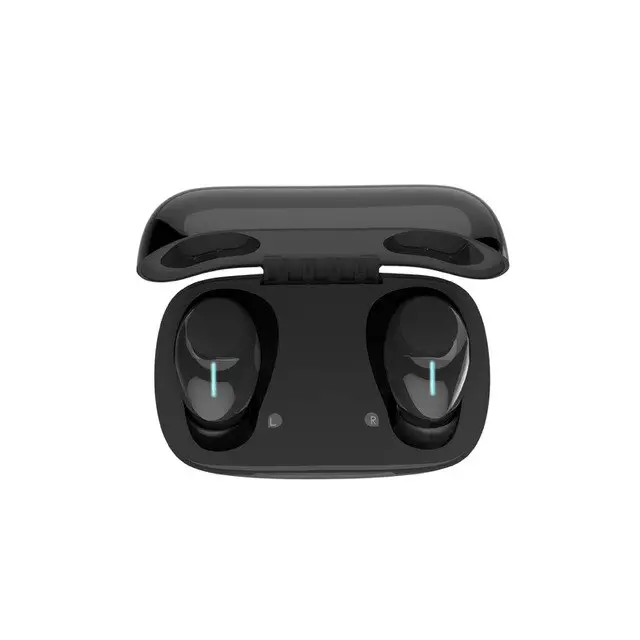
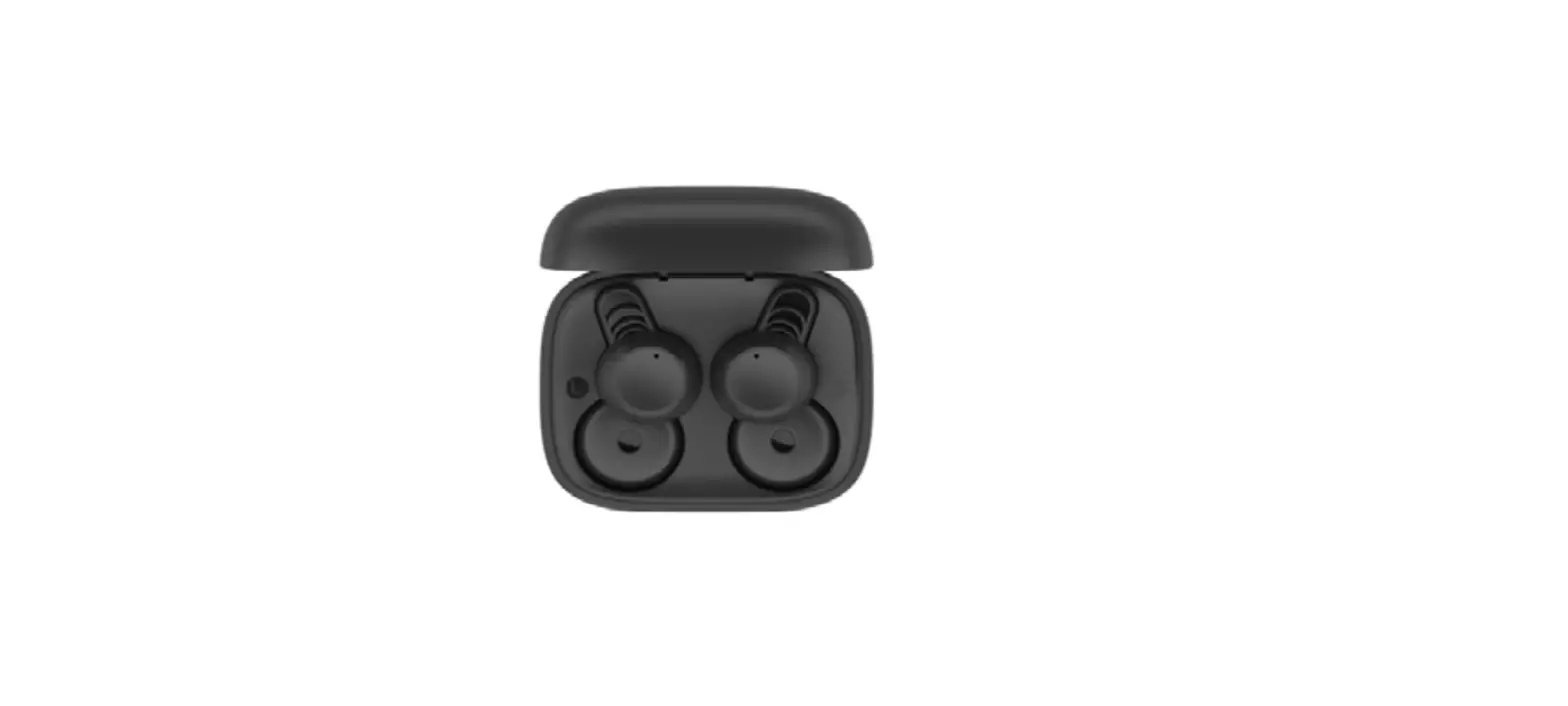
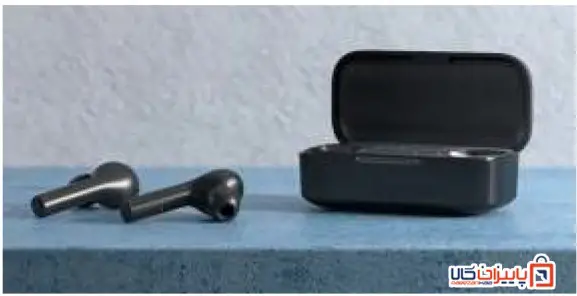
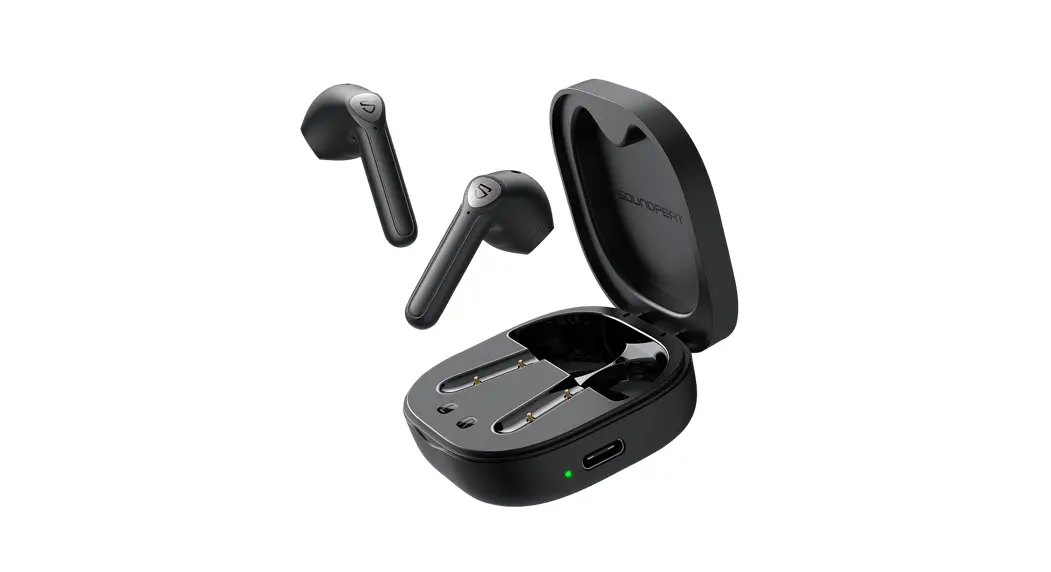
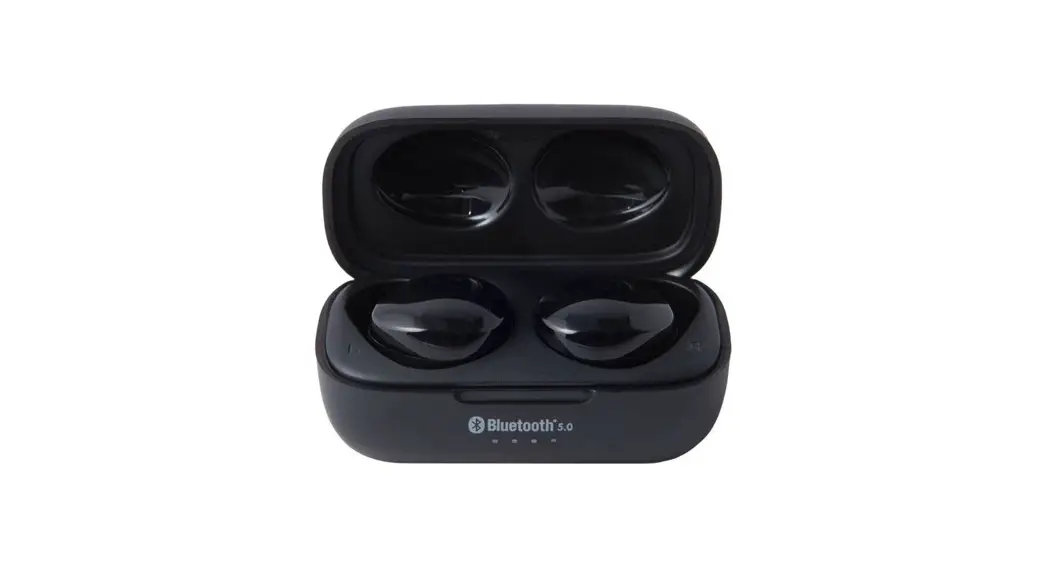
- TWS Bluetooth earbud, 1 pair (1 charging box)
- Earbud tip (large and small-sized), 1 pair each size; medium-sized earbud tips assembled on the earbuds
- Type-C charging cable, 1 piece
- User’s Manual, 1 copy
Basic Features
| Key | Function | Operation method |
|
Multi-function key |
Power-on | The earbuds are turned on as soon as the charging box is opened. * In case that there is a pairing record, when the earbud is taken out of the charging box and powered on, it will be automatically connected back to the last connected device. If the connection fails, it will start Bluetooth pairing. |
| Power-off | When the earbuds are powered on, put them into the charging box, and close the cover; then, the earbuds are turned off | |
| Play/Pause | When the music player is on, click the “Touch key” on the left or right earbud to play/pause music. | |
| Previous | When playing music, double-click the “Touch key” on the left earbud to play the previous music |
| Next | When playing music, double-click the “Touch key” on the right earbud to play the next music | |
| Answer | When there is a call, click the “Touch key” (on either left earbud or right earbud) to answer the call | |
| Hang up | When answering a call, click the “Touch key” (on either left earbud or right earbud) to hang up | |
| Reject | When there is an incoming call, double-click the “Touch key” (on either left earbud or right earbud) to reject the call | |
| Voice wake-up | When the earbuds are connected in standby mode or playing music, press and hold the “Touch key” (on either left earbud or right earbud) for 2-3 seconds, and then release it to start the voice assistant after hearing the voice prompt. *It needs to be compatible on the mobile phone |
Bluetooth Pairing and Connection
- To connect the earbuds for the first time, turn on the Willful T5 earbuds by opening the charging box; they will be automatically powered on and start left and right earbud pairing. After the TWS pairing is successfully completed, the earbuds will automatically start Bluetooth pairing (The main headset indicator light flashes red and blue alternately).
- Turn on the mobile phone, and enable the Bluetooth; search for the Bluetooth device, and click the “Willful T5” device once it is found to pair and connect it to the mobile phone; after the connection is successful, “Willful T5 – 03- connected” will be displayed on the mobile phone (the earbud indicator flashes once in blue every 10 seconds). After that, you can listen to the music or answer calls on the mobile phone via the Bluetooth earbuds.

- You can control the functions of earbuds, such as answering, hanging up, play the previous and next music with the touch keys on the Bluetooth earbuds

The blue light flashes when the charging case is charging; the blue light be on all the time when it is fully charged.
TTS Voice Prompt
| Status | TTS voice |
| Power On | Power on |
| Power Off | Power off |
| Start Pairing | Pairing |
| Bluetooth Connected | connected |
| Bluetooth Disconnected | Disconnected |
| Lower power alarm | Battery_Low |
Charging
When the Willful T5 has low battery alarm, please immediately put the earbuds into the charging box to charge them. It can take 2 hours to fully charge them. When the earbuds are being charged, the indicator of the charging box will be always on. When the earbuds are fully charged, the indicators of the charging box will go off.
Connecting for charging
Please connect the Type-C plug of the Type-C charging cable to the Type-C charging port of the charging box; connect the USB plug to the USB charger (vehicle charger, portable charger, computer USB port, etc.).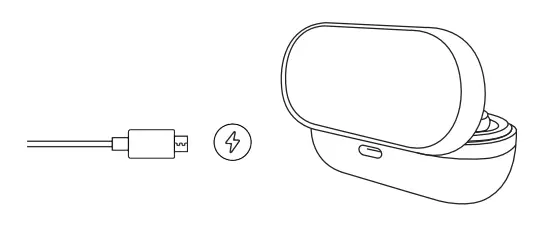
Specifications
| Bluetooth version | Bluetooth 5.0 |
| Frequency range | 2.402-2.480GHz |
| Compatible protocols | HFP, HSP, AVRCP, A2DP |
| Decoding method | SBC AAC |
| Range of application | Up to 10 meters |
| Battery capacity | Earbud: 40mAh Charging box: 350mAh |
| Net weight | 50.1g |
| Dimensions of charging box | L:7.5*W:3.5*H:2.5mm |
Precautions and Q & A
- How to connect back the earbuds? What if they can’t be connected back? What if there is only one earbud working?
After Willful T5 and your mobile phone are successfully connected, it will be automatically connected to your mobile phone every time it is powered on. If they cannot be connected or only one earbud works, you need to put the earbuds back to charging box, and close the cover of the charging box; waiting for 5 seconds, then open the charging box to connect them to the mobile phone. - Under what circumstances will them be automatically shut down?
If the pairing lasts for more than 10 minutes without any device connected, it will be automatically shut down. - Which devices can be used to charge the earbuds?
The earbuds can be charged with the vehicle charger, portable charger or computer USB with the DC voltage up to 5V and the current up to 1A. - Long press the multi-function touch key for 5 seconds, the purple light will be on for 2 seconds, then earbuds will shut down.
(Note: the restore the factory setting works when the left and right earbuds are not connected with each other and the earbuds is not connected with devices).
NOTE: This equipment has been tested and found to comply with the limits for a Class B digital device, pursuant to part 15 of the FCC Rules. These limits are designed to provide reasonable protection against harmful interference in a residential installation. This equipment generates uses and can radiate radio frequency energy and, if not installed and used in accordance with the instructions, may cause harmful interference to radio communications. However, there is no guarantee that interference will not occur in a particular installation. If this equipment does cause harmful interference to radio or television reception, which can be determined by turning the equipment off and on, the user is encouraged to try to correct the interference by one or more of the following measures:
- Reorient or relocate the receiving antenna.
- Increase the separation between the equipment and receiver.
- Connect the equipment into an outlet on a circuit different from that to which the receiver is connected.
- Consult the dealer or an experienced radio/TV technician for help Changes or modifications not expressly approved by the party responsible for compliance could void the user’s authority to operate the equipment.
This device complies with Part 15 of the FCC Rules. Operation is subject to the following two conditions:
- this device may not cause harmful interference, and (2) this device must accept any interference received, including interference that may cause undesired operation.