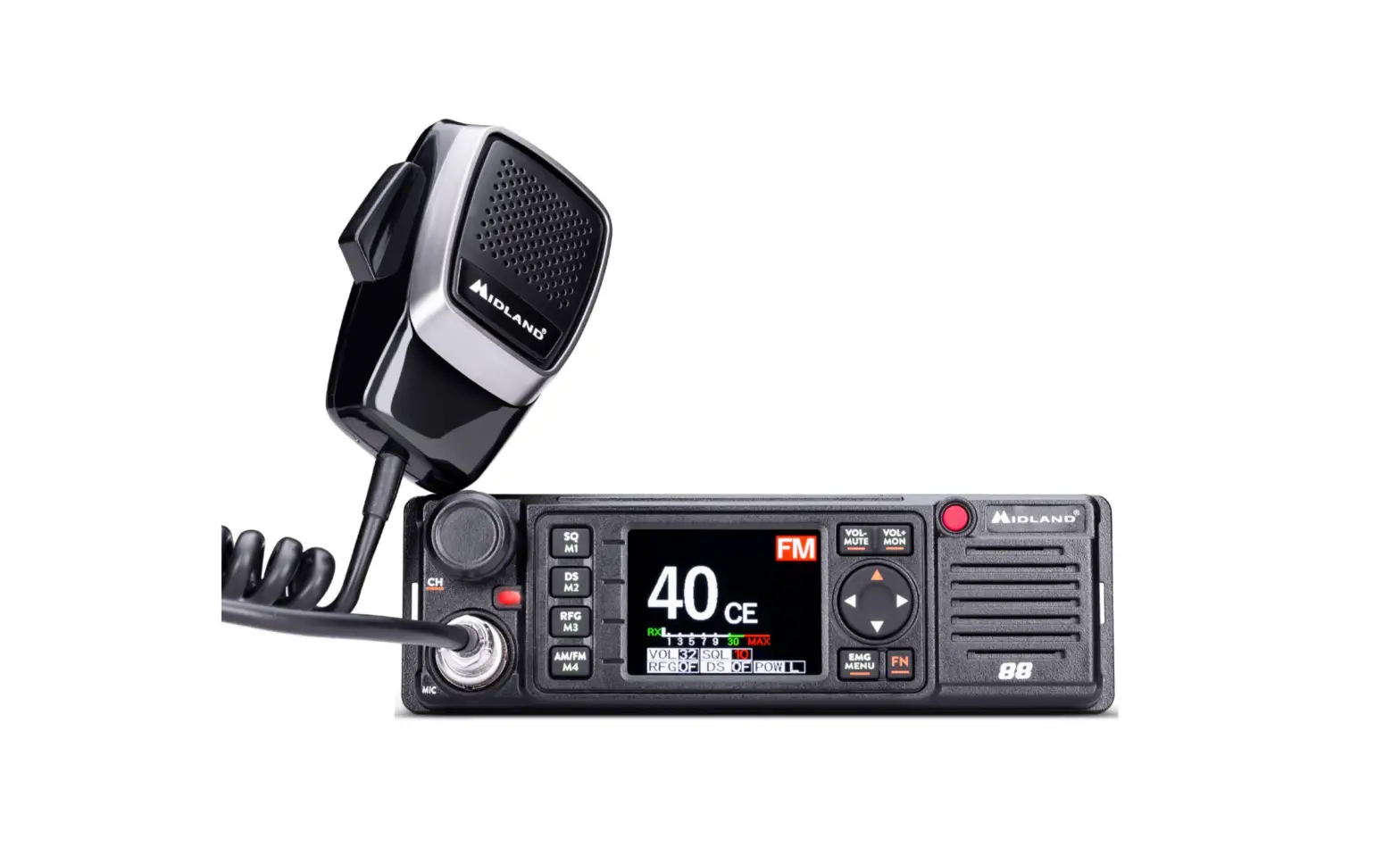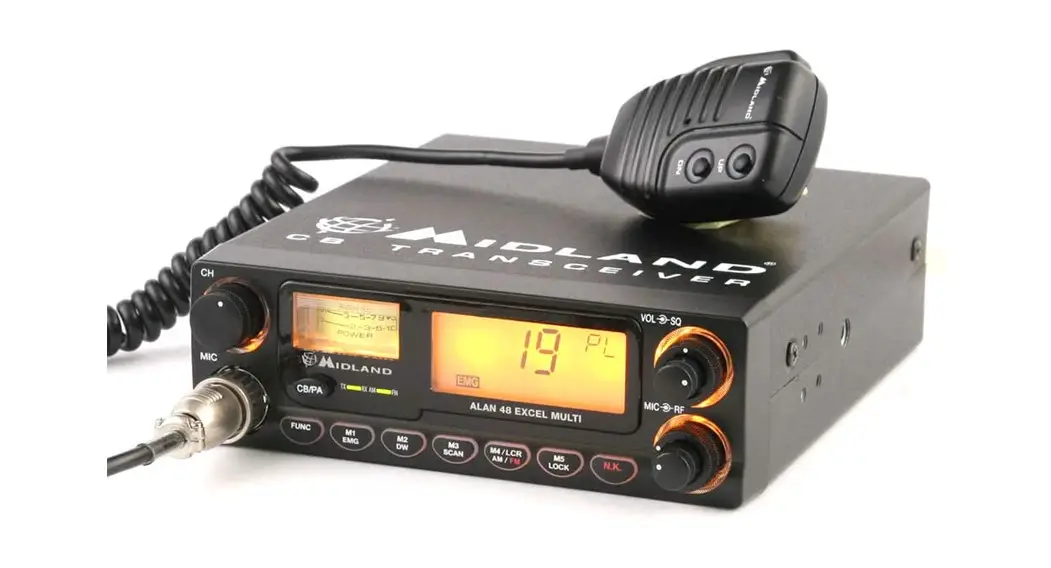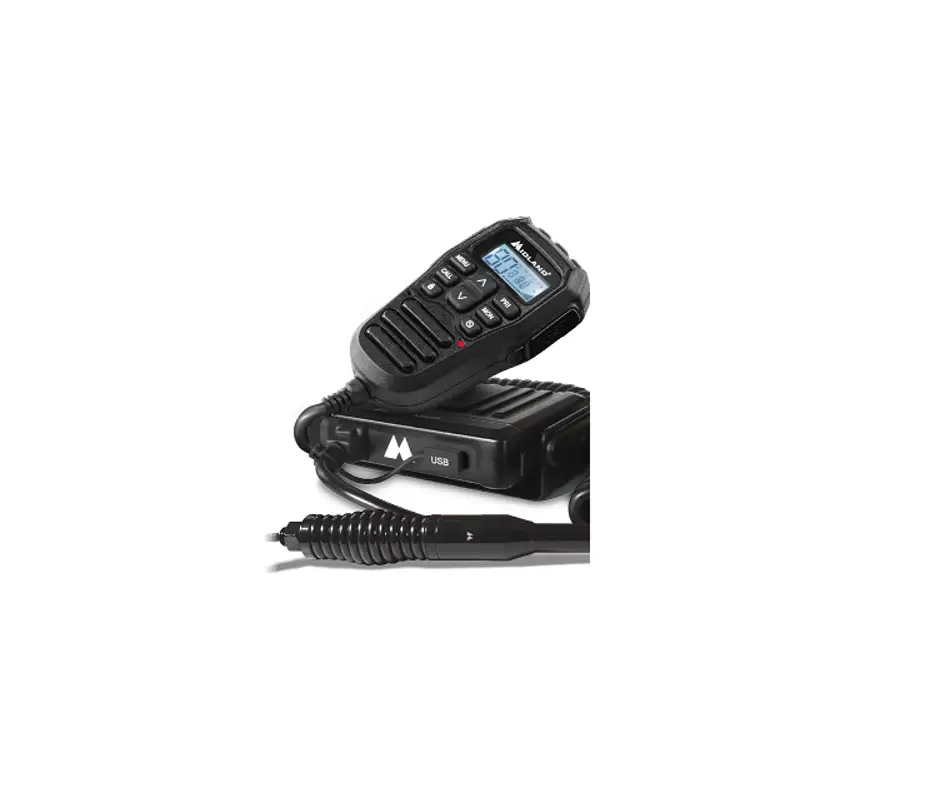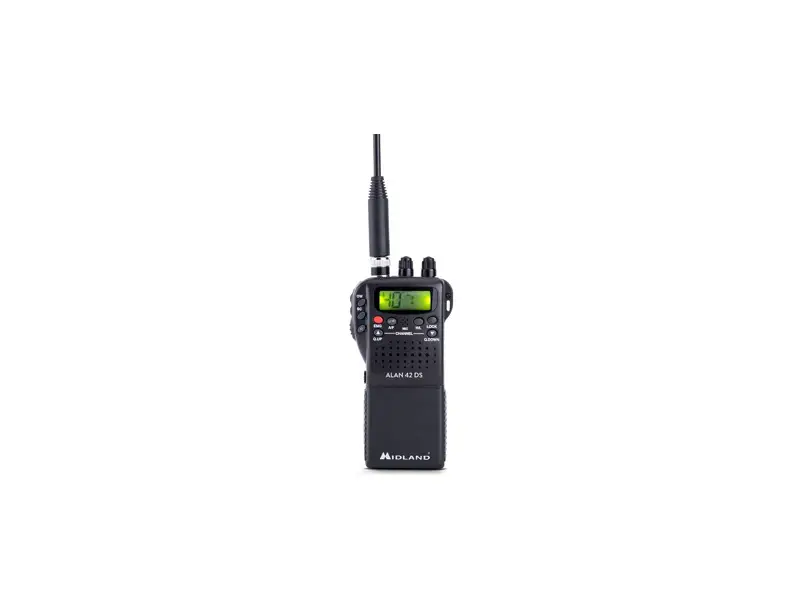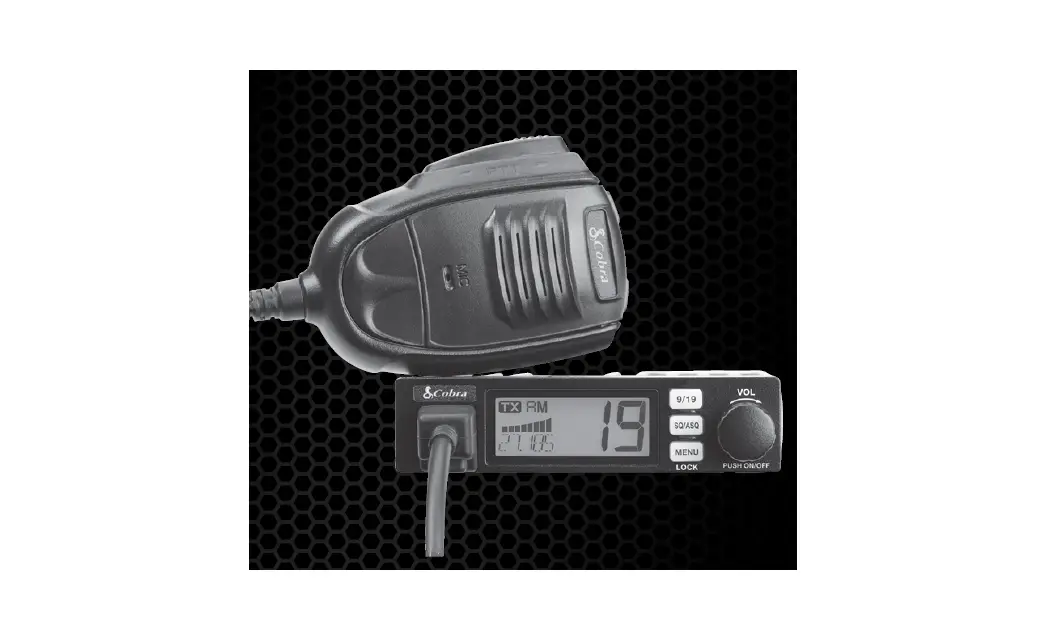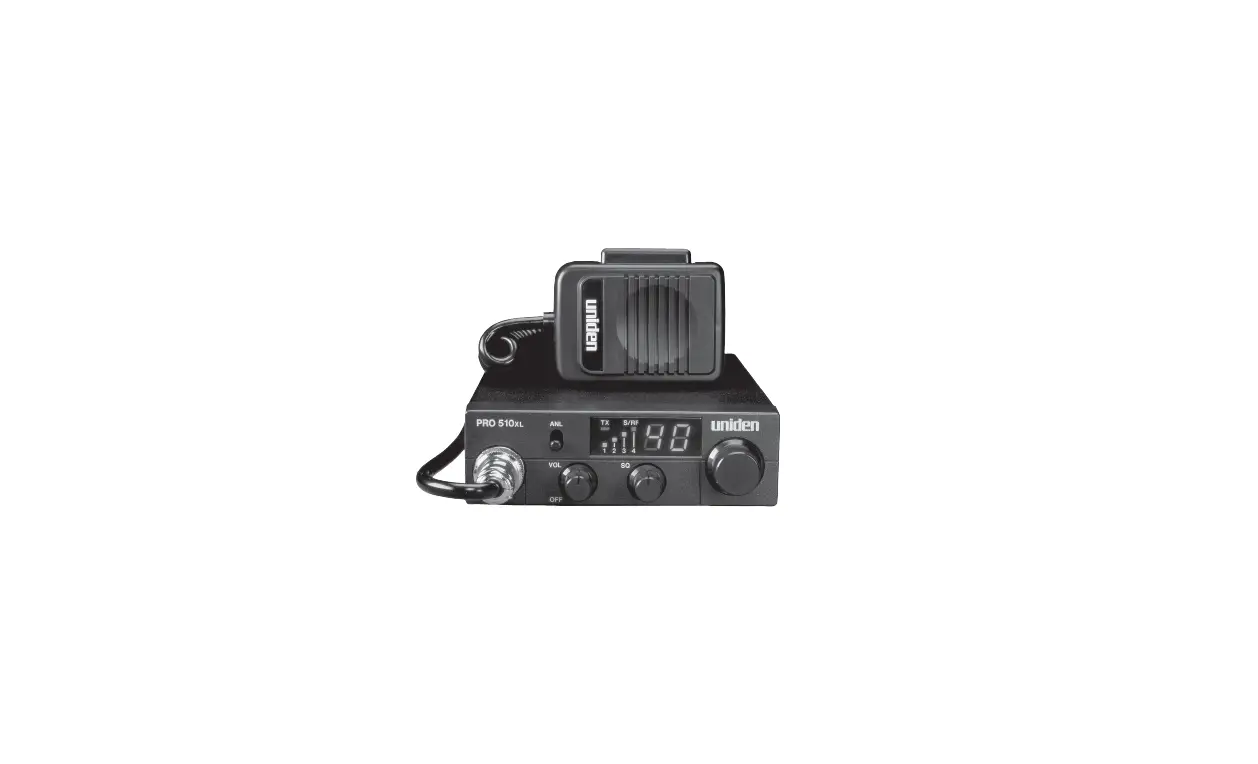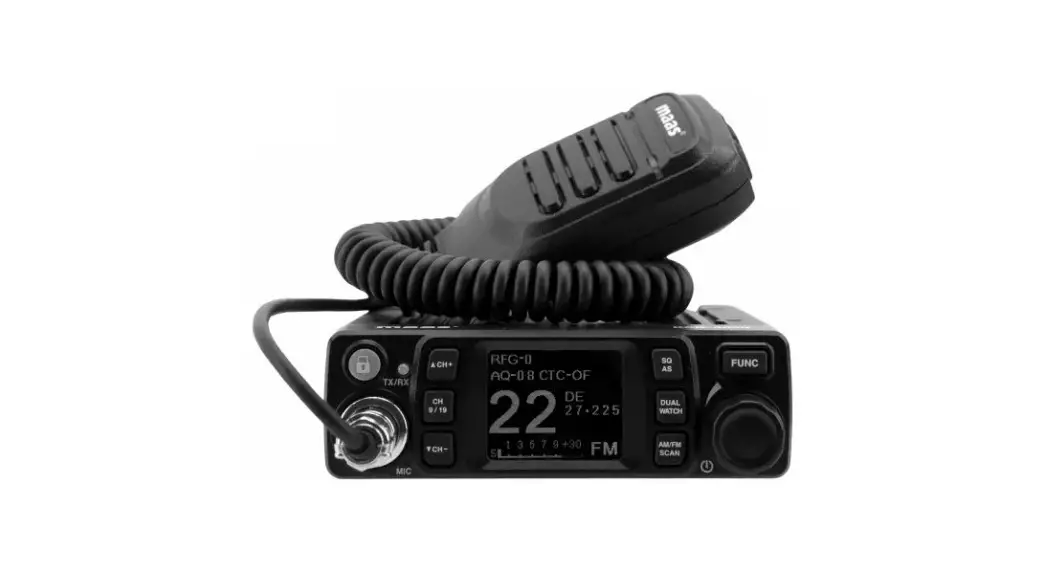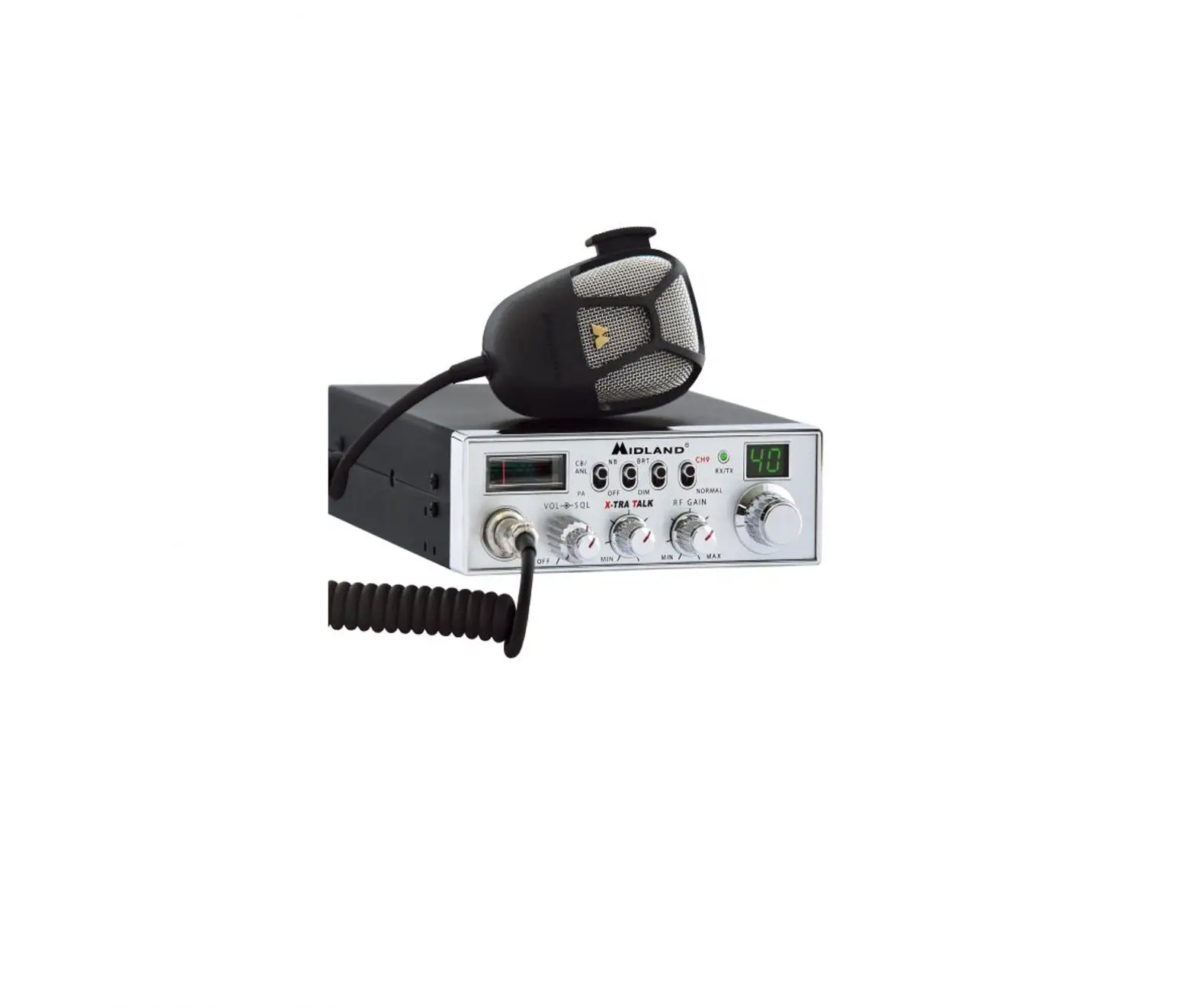

MIDLAND M-Mini USB Off Road Radio CB
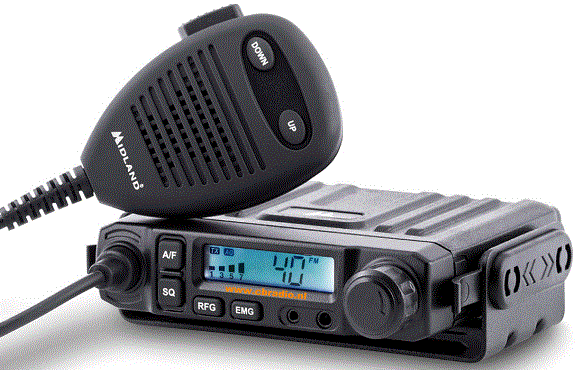
Product Information
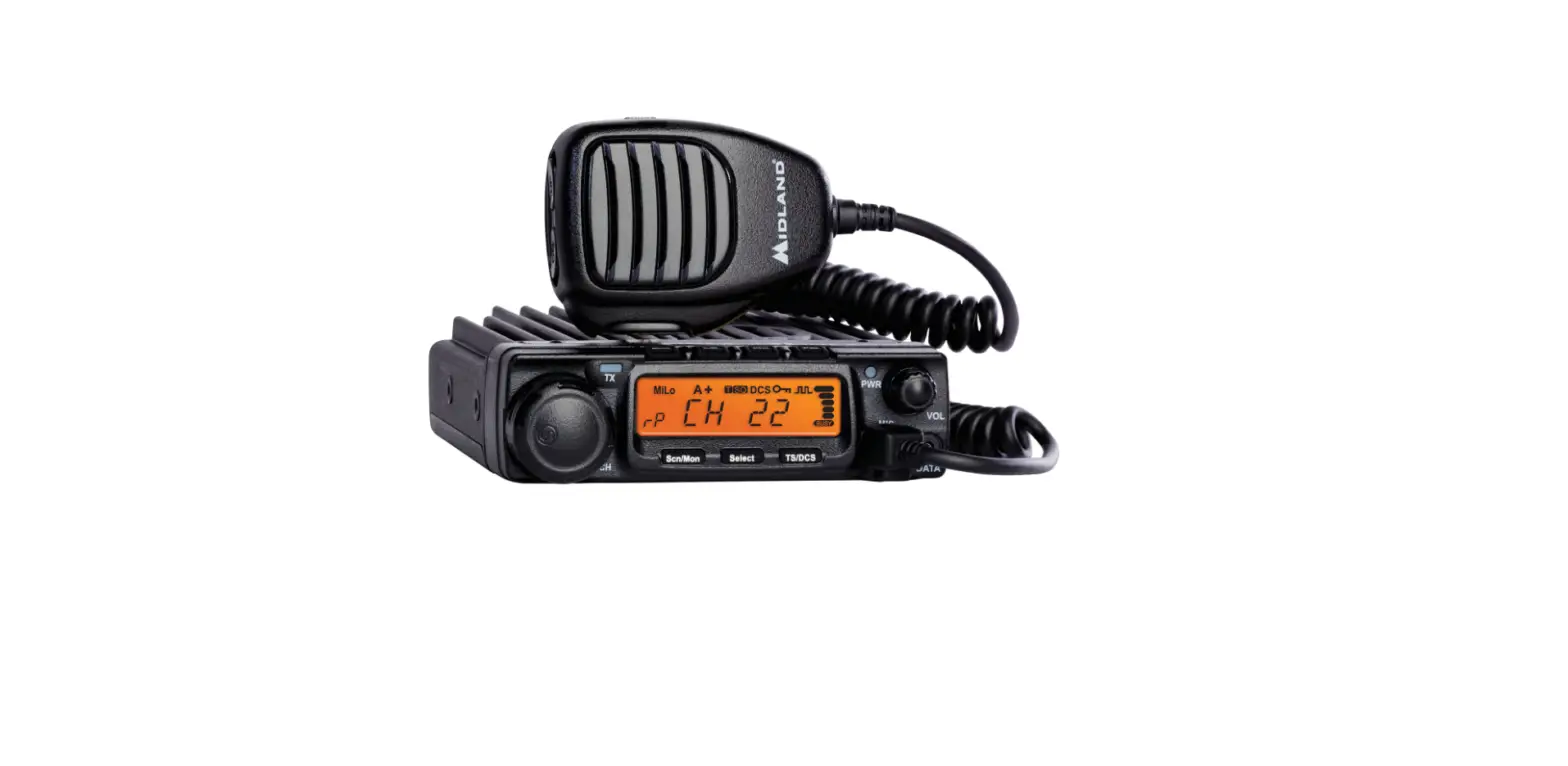
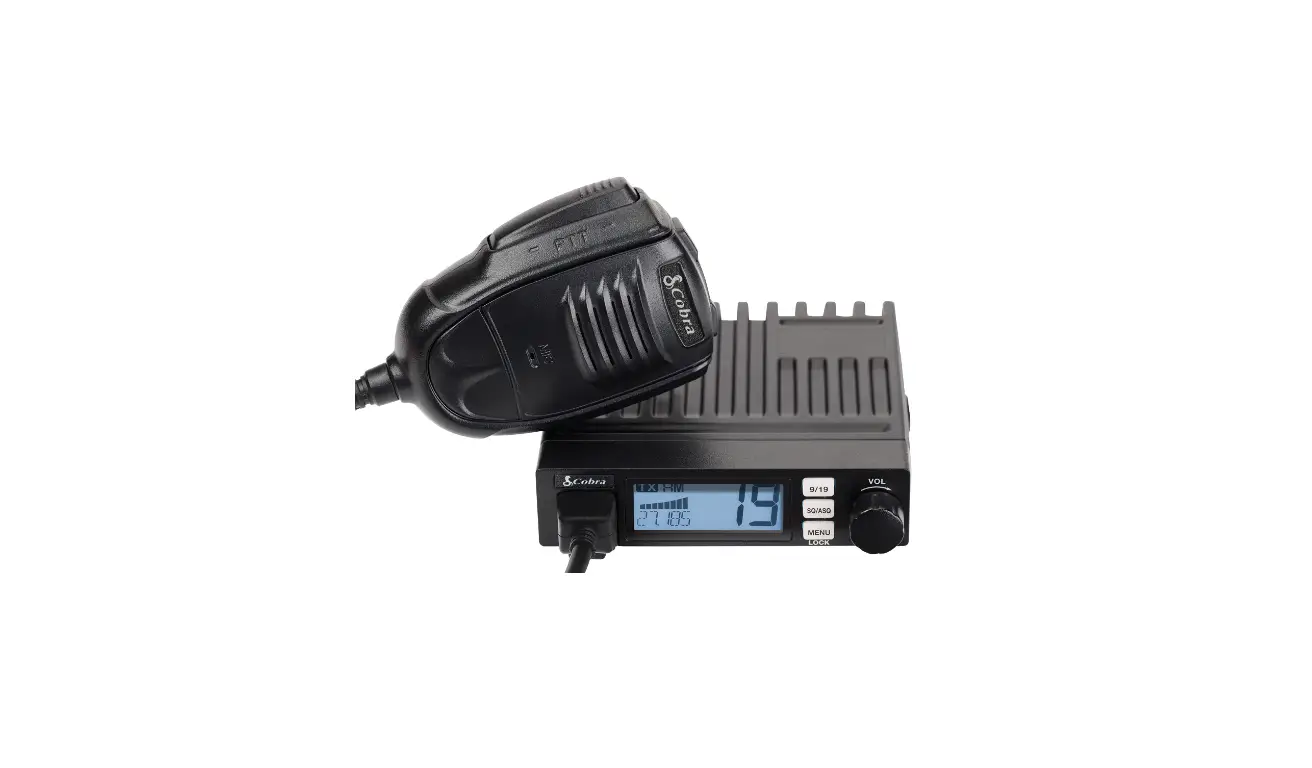
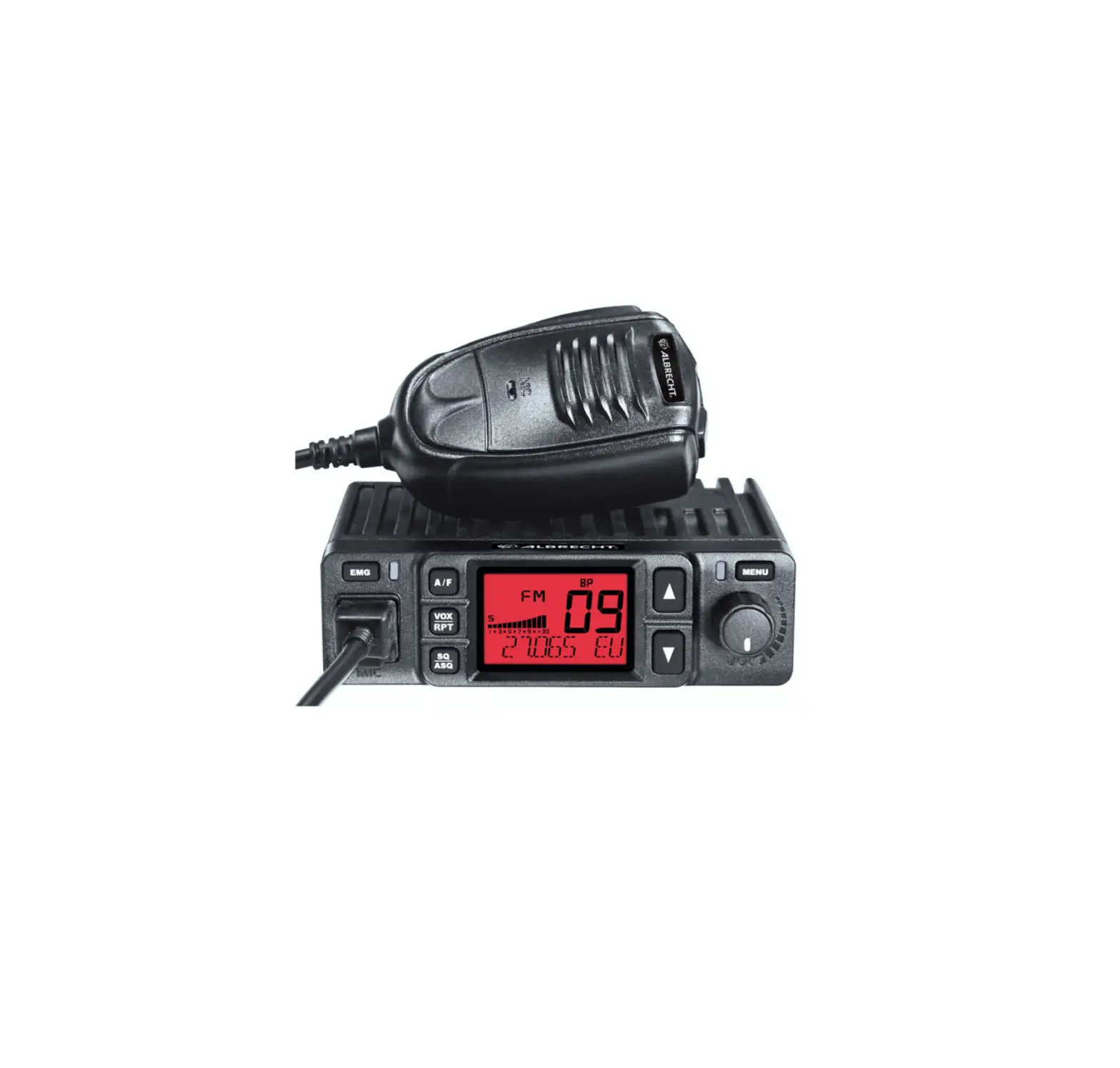
The product is a CB radio transceiver with various features and functions, including:
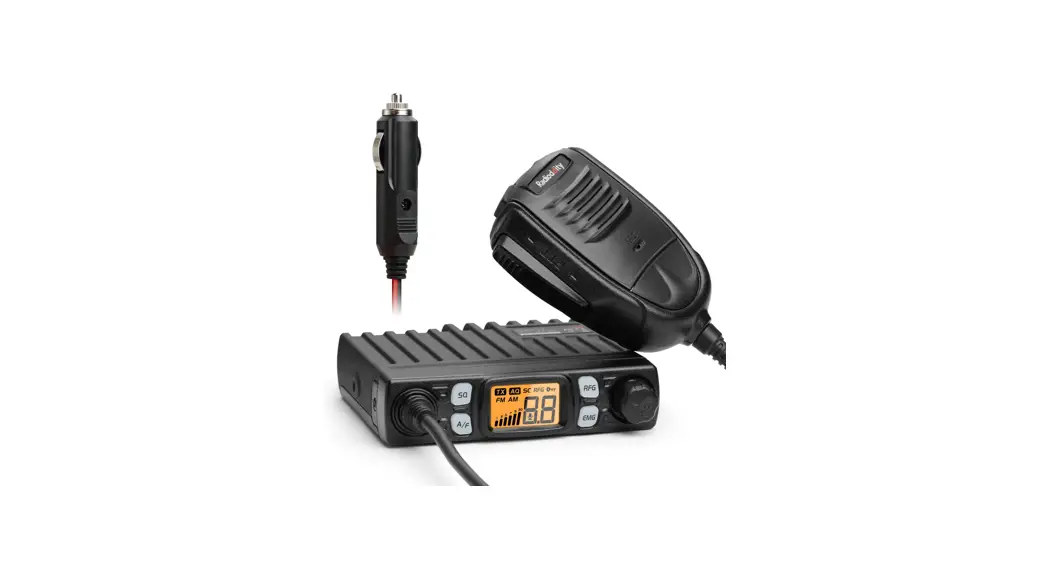
- LCD Display
- Power/Volume Control Knob
- Microphone Input Jack
- USB Charging Port
- AM/FM Mode Selection Button
- Manual and Digital Squelch Control Button
- RF Gain Control Button
- Emergency Channel Button
- Selected Channel Display
- Signal Strength Meter Display
- Selected Mode Display (AM/FM)
- RX/TX Indicator Display
- Scan Function Indicator Display
- Digital Squelch Activation Indicator Display
- RF Gain Indicator Display
- Power Cable Input
- External Speaker Output Jack
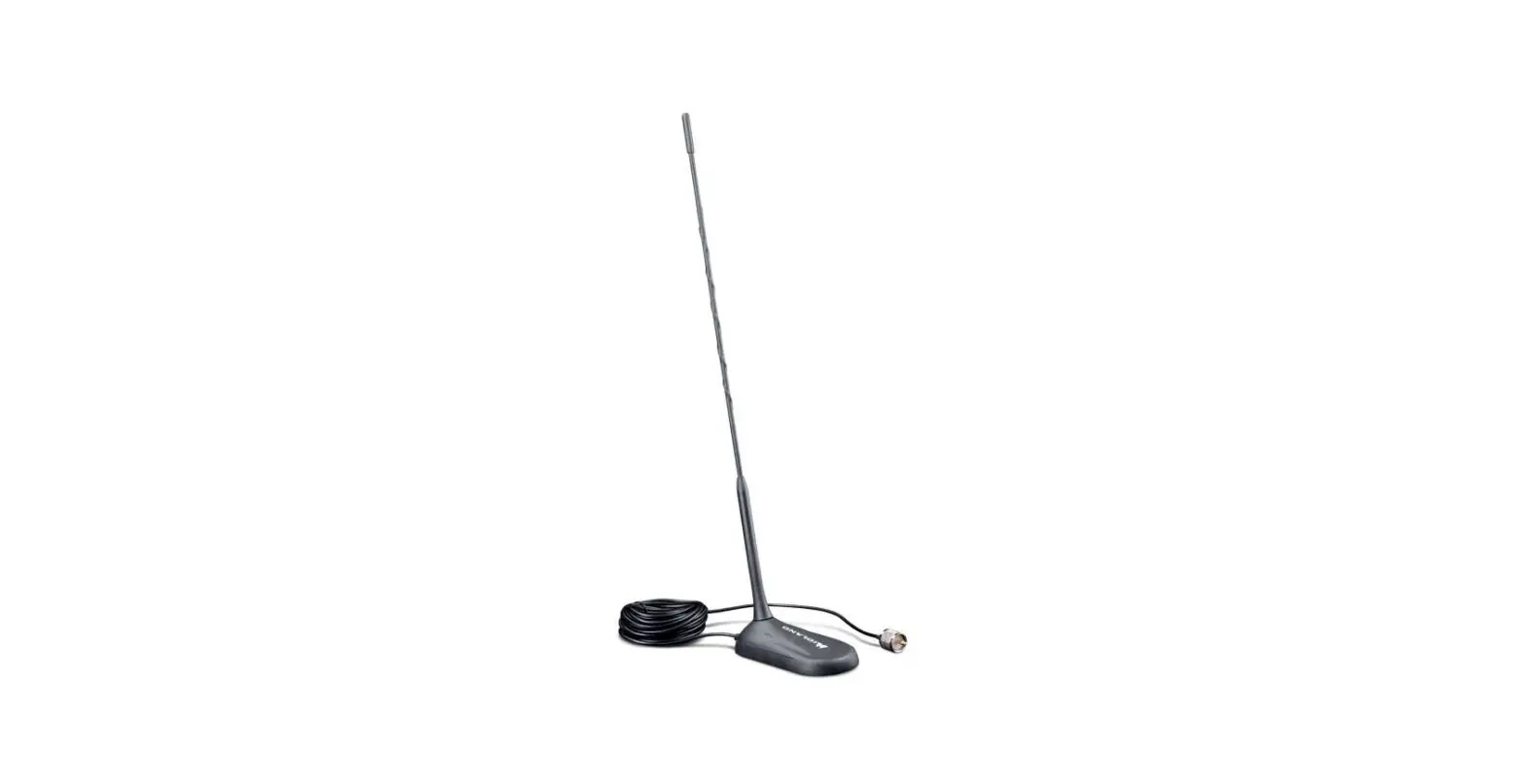
- Antenna Connector
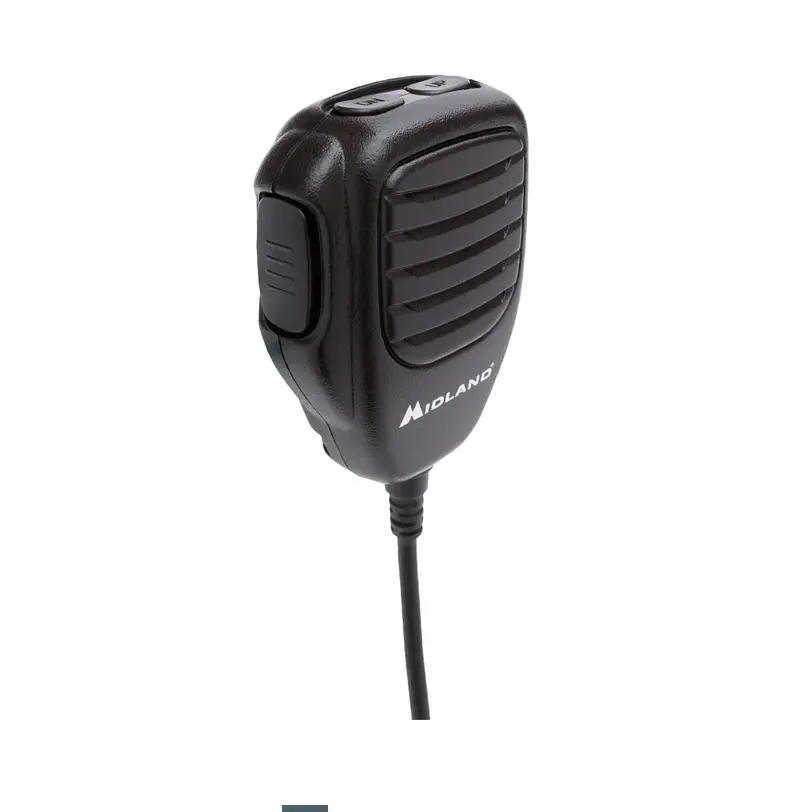
- PTT Button on Microphone
- Up and Down Channel Selection Buttons on Microphone
Product Usage
To use the CB radio transceiver, follow the instructions below:
- Connect the power cable to the radio and plug it into a power source.
- Connect an external speaker to the radio if desired.
- Connect the antenna to the radio using the antenna connector.
- Turn on the radio using the power/volume control knob.
- Select the desired mode (AM/FM) using the mode selection button.
- Select the desired channel using the up and down channel selection buttons on the microphone.
- Press and hold the manual and digital squelch control button to adjust the squelch level.
- Press the RF gain control button to activate or deactivate RF gain and adjust its level.
- Press the emergency channel button to access the emergency channel (channel 9 or 19, or the currently selected channel).
- To change the CB standard, turn off the radio, press and hold the A/F button, and turn on the radio. Use the up and down buttons on the microphone to select the desired standard. Turn off and on the radio again to apply the changes.
It is important to read the user manual carefully before installation and use of the CB radio transceiver. The use of this product might be subject to national restrictions.
Imported by: ALAN-NEVADA UK
Unit 1 Fitzherbert Spur Farlington Portsmouth Hants P06 1TT, United Kingdom www.nevada.co.uk.
The use of this transceiver can be subject to national restrictions. Read the instructions carefully before installation and use.
FREQUENCY BAND CHART
| Digits | Country |
| I | Italy 40CH AM/FM 4 Watt |
| I2 | Italy 34CH AM/FM 4 Watt |
| UK | England 40CH FM 4 Watt English frequencies + I (Italy) 40CH FM 4 Watt CEPT frequencies |
Note: The frequency band allowed all over Europe is 40 CH FM 4W (CE).
FEATURES
- Multi-standard device
- Frequency: 26.565-27.99125MHz
- Output power: 4W AM/FM
- USB port to recharge your devices
- Power cord with cigarette lighter plug included
- Removable microphone with RJ45 connector and Up/Down controls
- Channel Scan
- LCD display, S-Meter
- Double squelch mode (9 and 28 levels)
- RF Gain
- Emergency channel 9/19
- Socket for external speaker
- Dimensions: 110x120x25mm
CONTROLS DESCRIPTION
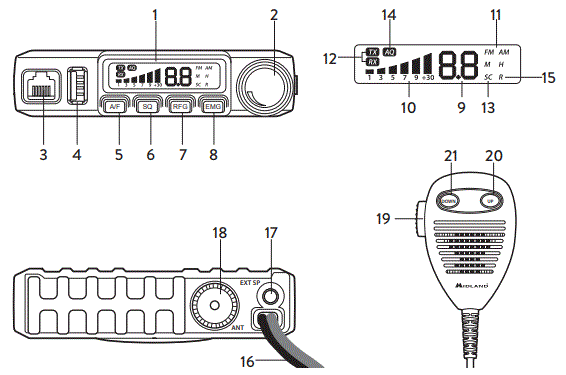
- LCD display
- Power On/Off Volume
- Microphone jack
- USB charging jack
- A/F switch: Short press AM/FM selection – Long press enables SCAN function
- Squelch control SQ and DS: Short press to display and adjust the manual squelch – Long press to display and adjust the DS (digital squelch)
- RF Gain: Short press enables/disables RF GAIN and controls its level
- Emergency key Ch9/Ch19 keylock: Short press switches continually amongst ch9/ch19/channel in use
DISPLAY - Selected channel
- Received signal strength indicator and transmission power signal
- AM/FM mode
- RX/TX: reception (RX) and trasmission (TX) indicator
- SC: SCAN function activated
- AQ: Digital squelch activated
- R: RFGAIN activated
BACK PANEL - Power supply cable
- External speacker
- Antenna connector
MICROPHONE - PTT key: trasmission button
- UP key
- DOWN key
CHANGING THE CB-STANDARD
Switch off the radio, press A/F and then switch on your radio. The display shows the current frequencies. Press UP or DOWN on the microphone to choose the desired frequency band. Power off and power on again. The display will briefly show the selected band. All articles displaying this symbol on the body, packaging or instruction manual of same, must not be thrown away into normal disposal bins but brought to specialized waste disposal centers. Here, the various materials will be divided by characteristics and recycles, thus making an important contribution to environmental protection.
To download the complete user manual and for information about the warranty please visit www.midlandeurope.com

References
 Midland Europe | Radio and CB, Motorbike intercom systems and Action Cams
-
Startseite | Alan Electronics
 Midland - Alan France
 Strona główna - Alan Telekomunikacja Sp. z o.o.
-
Comunicación en movimiento con alto rendimiento
-
Midland Europe | Radio and CB, Motorbike intercom systems and Action Cams
-
nevada group : distribution, music, pr and radio
 Midland Europe | Radio and CB, Motorbike intercom systems and Action Cams
 Startseite | Alan Electronics
 Midland - Alan France
 Strona główna - Alan Telekomunikacja Sp. z o.o.
 Comunicación en movimiento con alto rendimiento
 Midland Europe | Radio and CB, Motorbike intercom systems and Action Cams
 nevada group : distribution, music, pr and radio