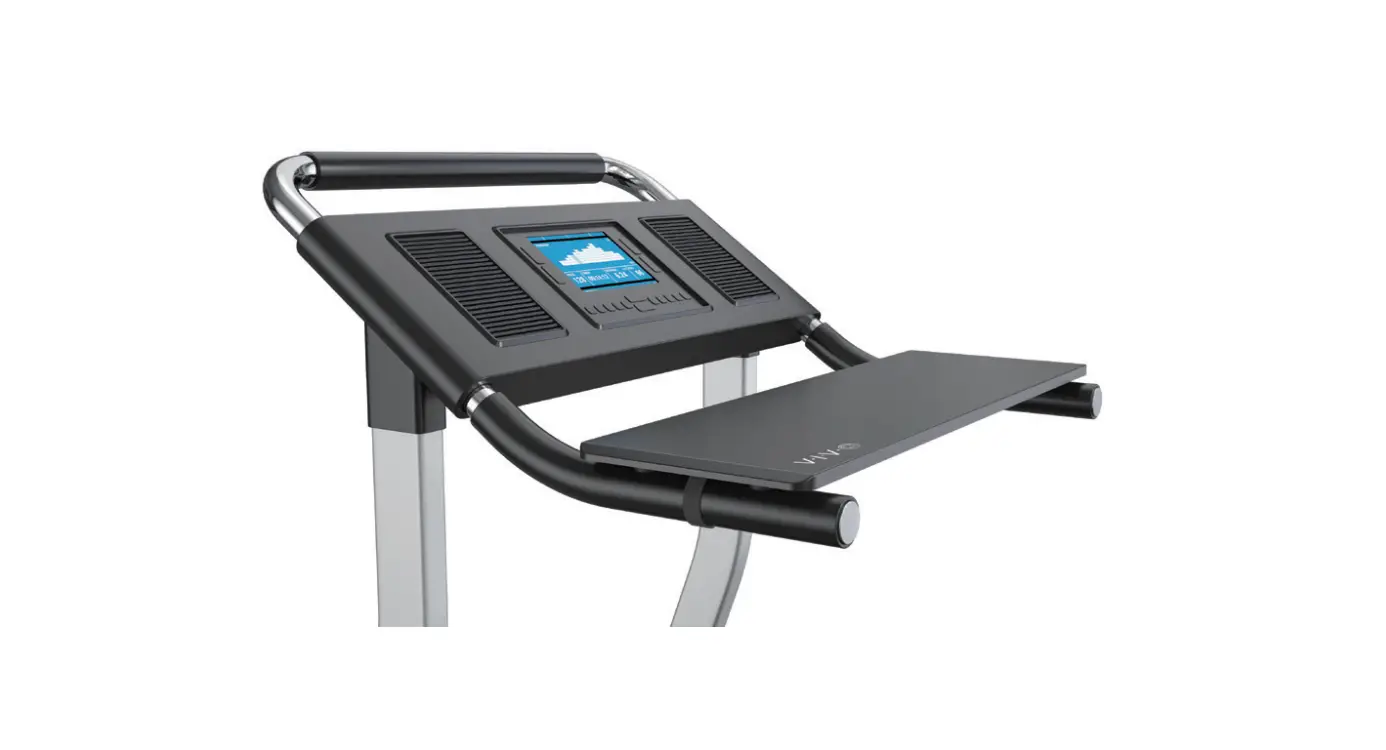
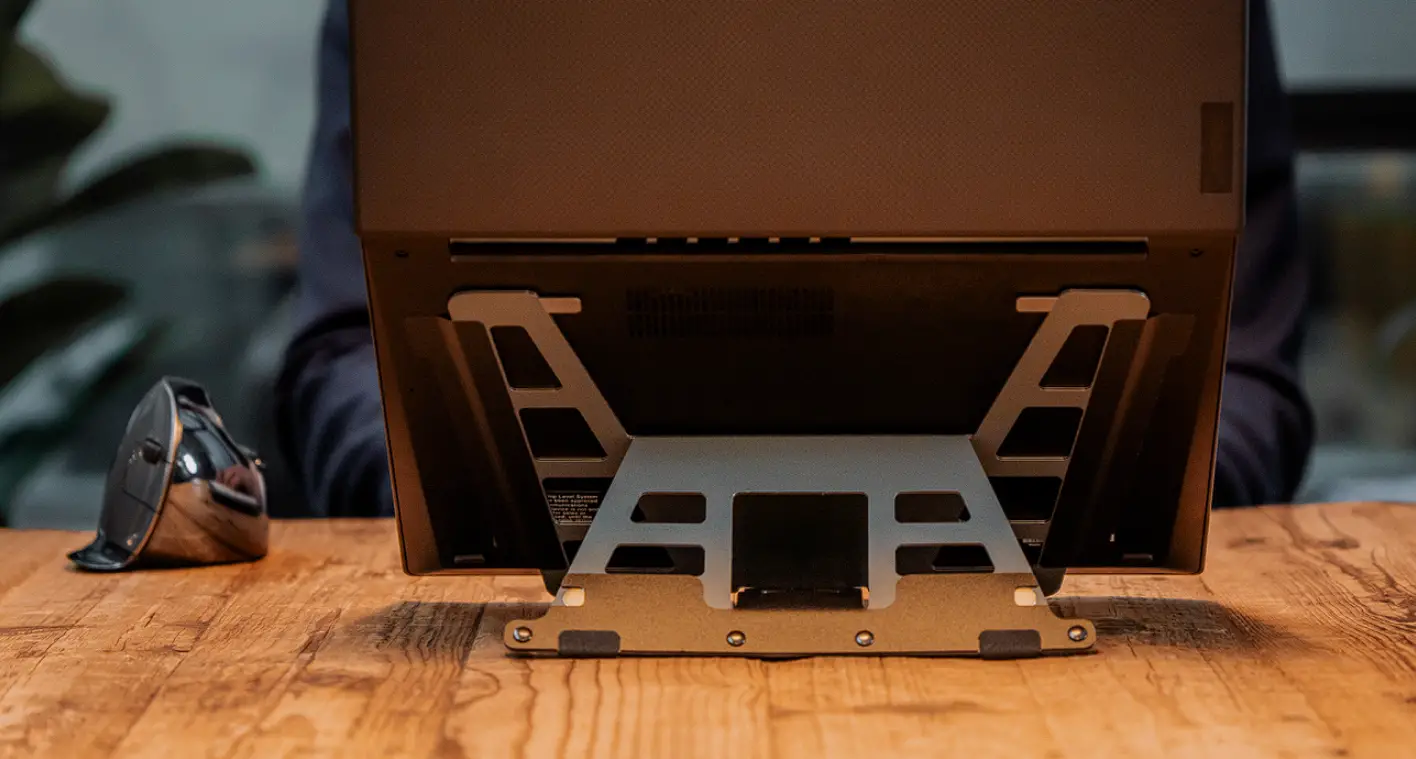
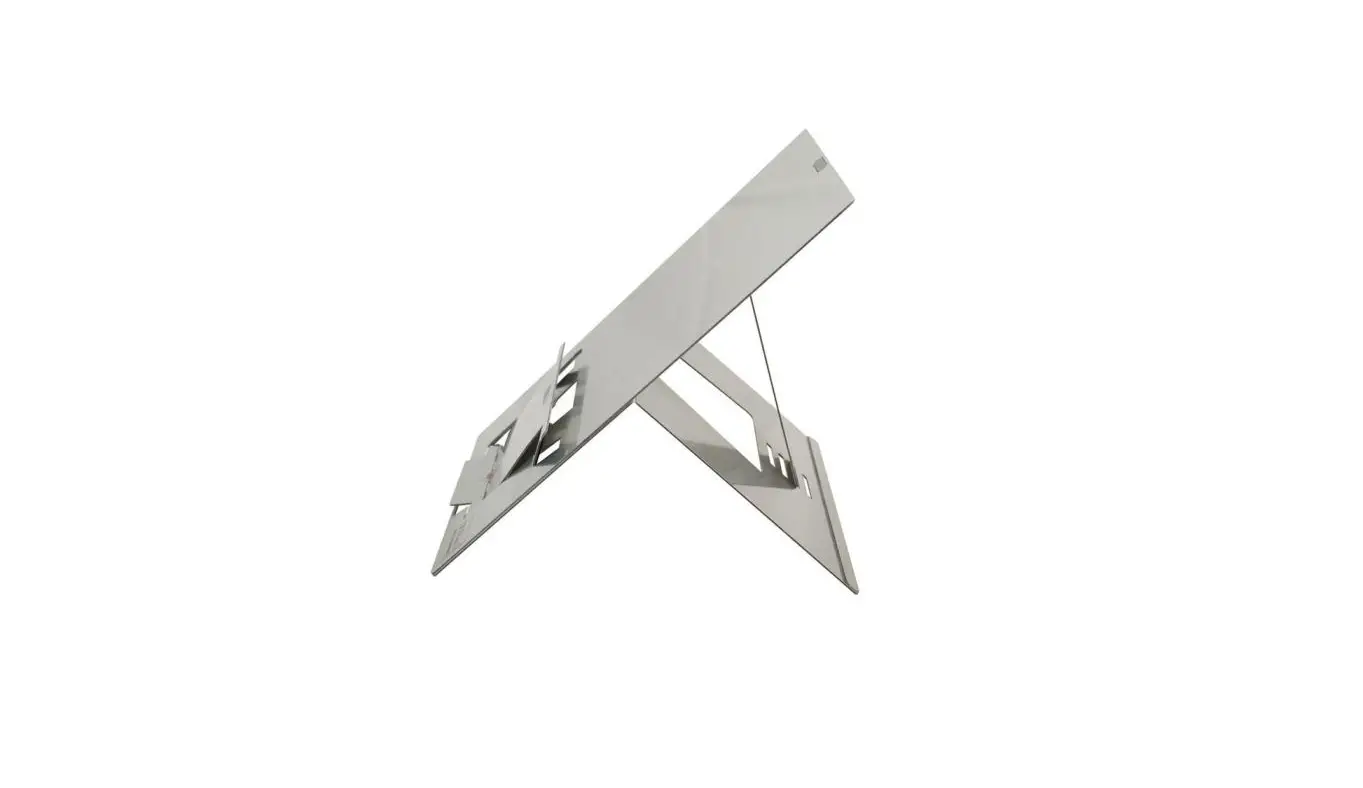
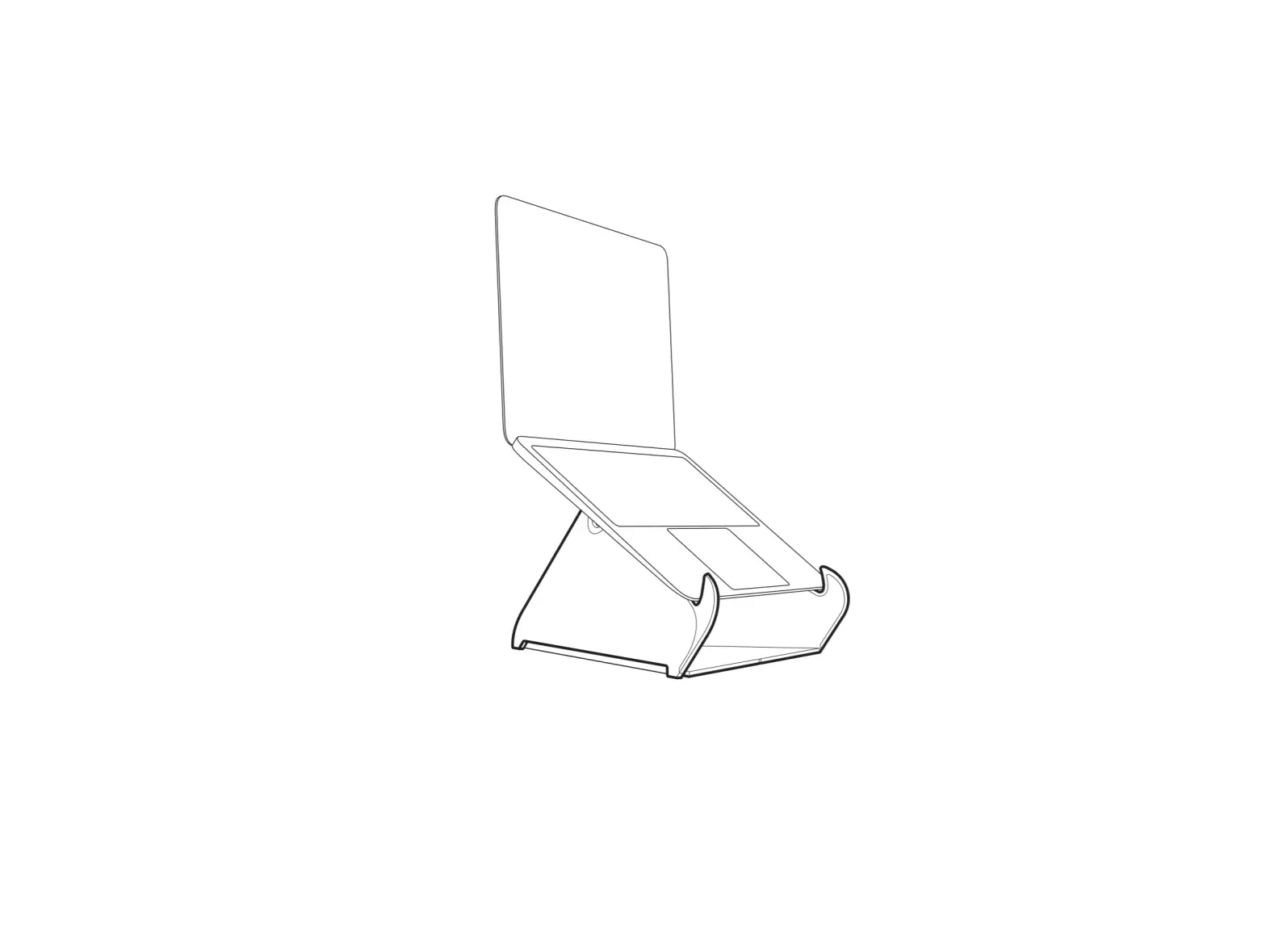
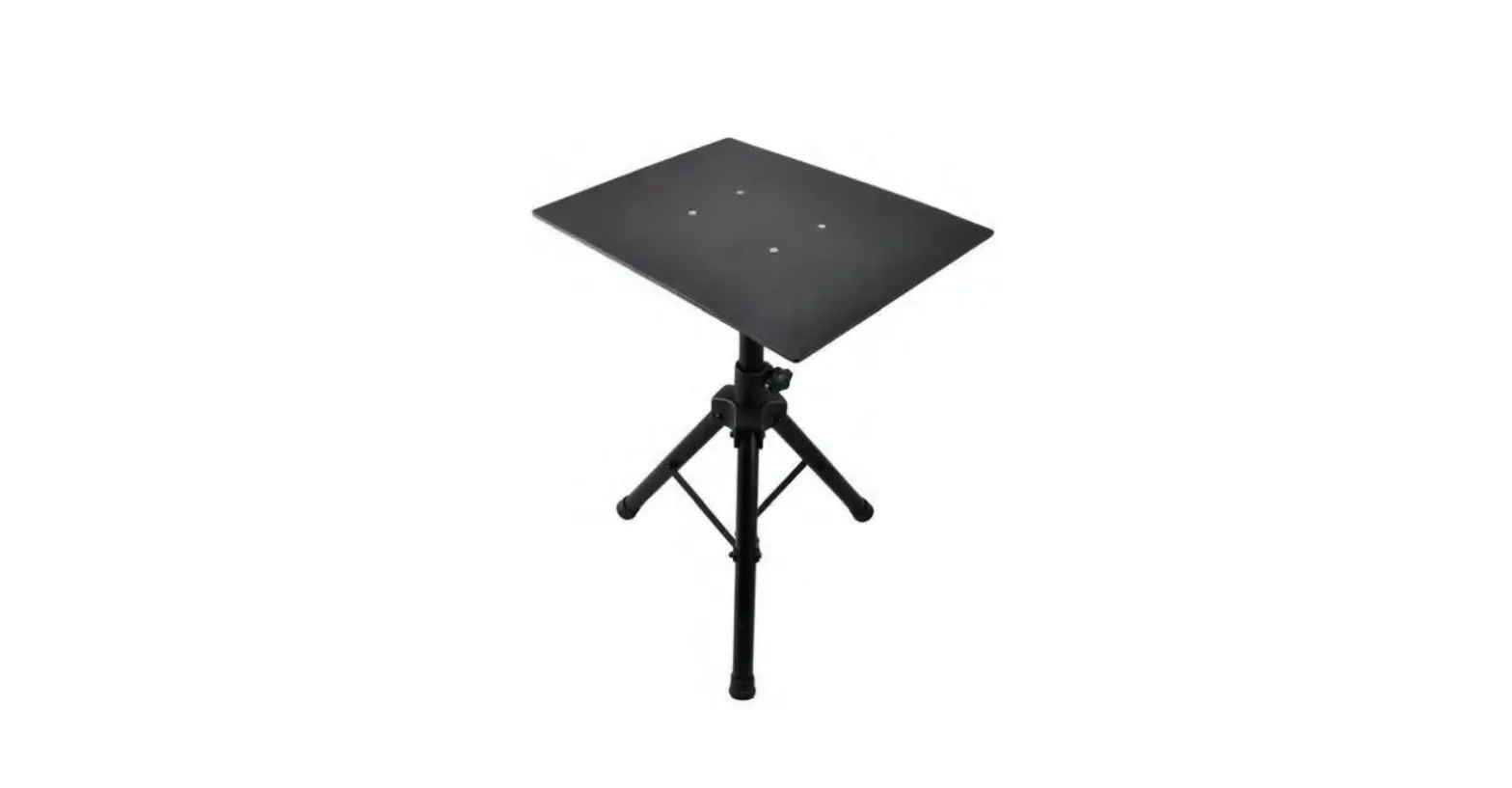
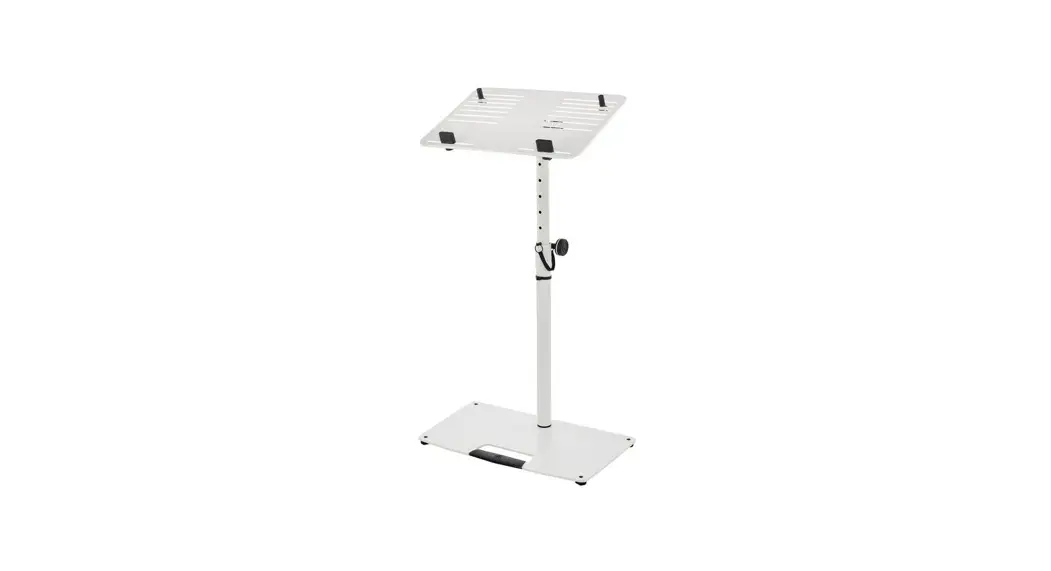
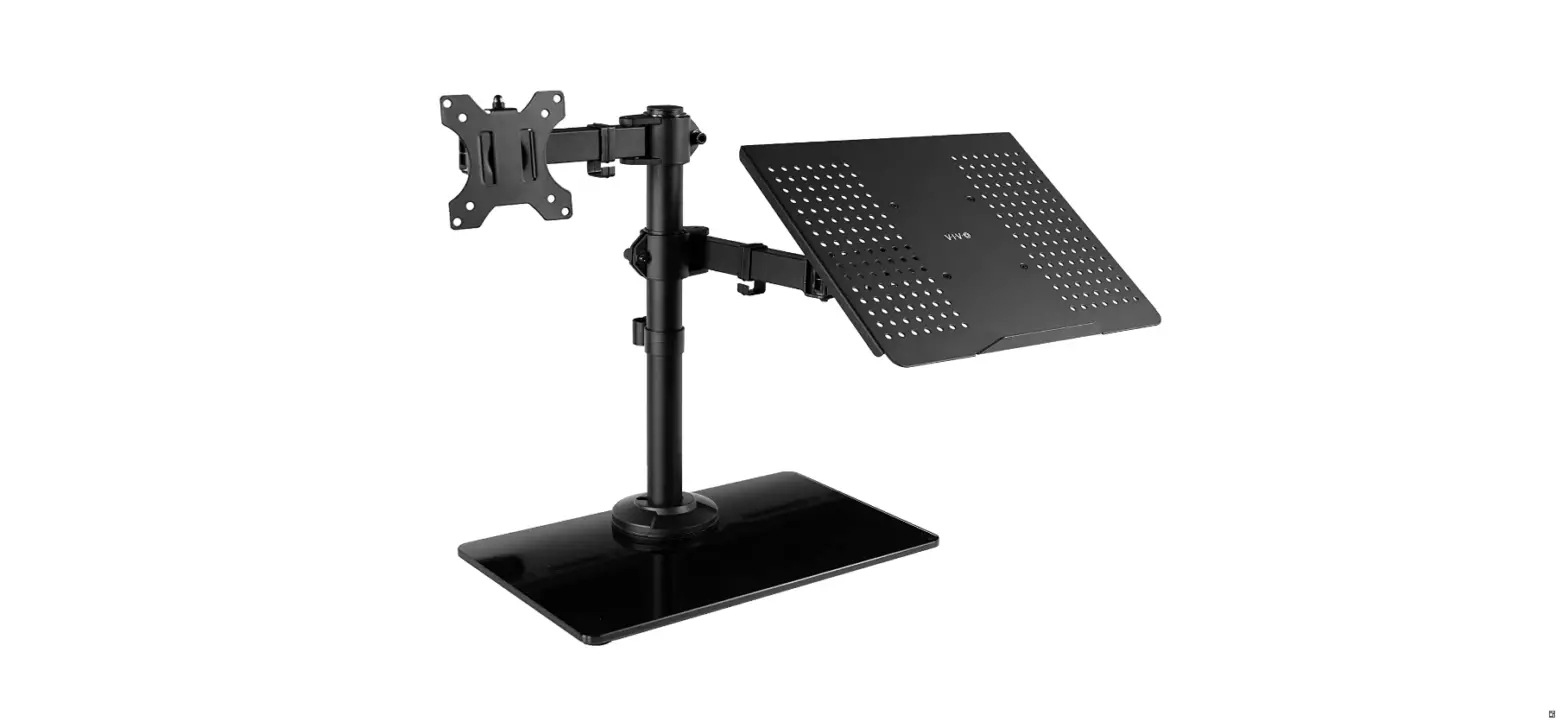
STAND-TDML1 Universal Laptop Stand for Treadmill
Product Information
The Universal Laptop Stand for Treadmill is a product designed
to hold a laptop while walking on a treadmill. It comes with a
center brace, adjustment bracket, center pole, laptop tray, VESA
plate, security strap, and pads. The product has a weight capacity
of 8.8lbs (4kg) and should not be exceeded to avoid serious injury.
The product is intended for use while walking and not while
running. The package also includes a wrench and screws for
assembly.
Product Usage
- Remove the pre-installed thumbscrews and endcaps from Center
Brace (B). - Slide Adjustment Bracket (C) onto Center Brace (B) and lock it
down in place with the knob. - Insert the previously removed end caps into Crossbars (A), and
slide the crossbars into Center Brace (B). - Reinsert the previously removed thumbscrews back into Center
Brace (B). - Loosen the knob on the side of Adjustment Bracket (C). Insert
Center Pole (D) into Adjustment Bracket (C) and retighten the
knob. - Assemble VESA Plate (F) to Laptop Tray (E) using M5x14mm Screws
(S-A) with M5 Washers (S-B) and M5 Nuts (S-C). Tighten using Wrench
(T-A) and a Phillips screwdriver. - Slide VESA Plate (F) onto Center Pole (D), and secure using a
Phillips screwdriver. - Loosen the thumbscrews on Center Brace (B) and extend Crossbars
(A) to fit your treadmill. Retighten the thumbscrews to secure the
assembly in place. Remove adhesive backing from Pads (H) and place
them on Laptop Tray (E). Assemble Security Strap (G) to Laptop Tray
(E). - Tightly fasten the mount to the treadmill’s handlebars using
the straps on each side of Crossbars (A). Place your laptop on
Laptop Tray (E) and fasten it down using Security Strap (G). - Loosen the adjustment knob on top of Adjustment Bracket (C) to
center the tray assembly. Once the assembly is in the desired
location, retighten the knob. Adjust the tray assembly height by
loosening the knob on the back of Adjustment Bracket (C), and
retighten the knob to set the desired height.
For any concerns or issues, you can get in touch with the
dedicated support team through phone, email, or live chat. If any
parts are received damaged or defective, contact the support team
for replacement.
Universal Laptop Stand for Treadmill
Instruction Manual
SKU: STAND-TDML1
Scan the QR code with your mobile device or follow the link for helpful videos and specifications related to this product.
12" Adjustable Laptop Tray Treadmill Attachment
GET IN TOUCH | Monday-Friday from 7:00am-7:00pm CST
www.vivo-us.com Chat live with an agent!
309-278-5303
WARNING!
If you do not understand these directions, or if you have any doubts about the safety of the installation, please call a qualified technician. Check carefully to make sure there are no missing or defective parts. Improper installation may cause damage or serious injury. Do not use this product for any purpose that is not explicitly specified in this manual. Do not exceed weight capacity. We cannot be liable for damage or injury caused by improper mounting, incorrect assembly or inappropriate use.
WARNING: CHOKING HAZARD SMALL PARTS – NOT FOR CHILDREN UNDER 3 YEARS. ADULT SUPERVISION IS REQUIRED.
WARNING THIS MOUNT IS INTENDED FOR USE WHILE WALKING. DO NOT ATTEMPT TO RUN WHILE USING LAPTOP, AS THIS MAY LEAD TO SERIOUS INJURY.
PACKAGE CONTENTS
A (x2) Crossbar
B (x1) Center Brace
C (x1) Adjustment
Bracket
D (x1) Center Pole
E (x1) Laptop Tray
F (x1) VESA Plate
G (x1) Security Strap
H (x4) Pads
S-A (x4) M5x14mm Screw
S-B (x4) M5 Washer
S-C (x4) M5 Nut
8.8lbs (4kg)
DO NOT EXCEED WEIGHT CAPACITY.
Failure to do so may result in serious injury.
T-A (x1) Wrench
TOOLS NEEDED
Phillips Screwdriver
2
ASSEMBLY STEPS
STEP 1
Remove the preinstalled thumbscrews and endcaps from Center Brace (B). Slide Adjustment Bracket (C) onto Center Brace (B) and lock it down in place with the knob.
C B
STEP 2
Insert the previously removed end caps into Crossbars (A), and slide the crossbars into Center Brace (B).
B A
STEP 3
Reinsert the previously removed thumbscrews back into Center Brace (B).
B
3
STEP 4
Loosen the knob on the side of Adjustment Bracket (C). Insert Center Pole (D) into Adjustment Bracket (C) and retighten the knob.
D C
4
STEP 5
Assemble VESA Plate (F) to Laptop Tray (E) using M5x14mm Screws (S-A) with M5 Washers (S-B) and M5 Nuts (S-C). Tighten using Wrench (T-A) and a Phillips screwdriver.
E S-A
S-B F
S-C T-A
5
STEP 6
Slide VESA Plate (F) onto Center Pole (D), and secure using a Phillips screwdriver. D
F
STEP 7
Loosen the thumbscrews on Center Brace (B) and extend Crossbars (A) to fit your treadmill. Retighten the the thumbscrews to secure the assembly in place. Remove adhesive backing from Pads (H) and place them on Laptop Tray (E). Assemble Security Strap (G) to Laptop Tray (E).
G
H
E
A
B
6
STEP 8
Tightly fasten the mount to the treadmill’s handlebars using the straps on each side of Crossbars (A). Place your laptop on Laptop Tray (E) and fasten it down using Security Strap (G).
E G
A
STEP 9
Loosen the adjustment knob on top of Adjustment Bracket (C) to center the tray assembly. Once the assembly is in the desired location, retighten the knob. Adjust the tray assembly height by loosening the knob on the back of Adjustment Bracket (C), and retighten the knob to set the desired height.
C
3
7
Love your new VIVO setup and want to share? Tag us in your photo! @vivo_us
LAST UPDATED: 05/06/2022 REV1
Open Monday – Friday 7:00am – 7:00pm CST, our dedicated support team can offer immediate assistance with rapid response times. If any parts are received damaged or defective, please contact us. We are happy to replace parts to ensure you have a fully functioning product.
309-278-5303
AVG. RESOLUTION TIME (within office hrs): 5M 4S
www.vivo-us.com
Chat live with an agent!
AVG. RESOLUTION TIME (within office hrs): < 15 M
AVG. RESPONSE TIME (within office hrs): 1HR 8M – 23% within < 15m – 38% within < 30m – 61% within < 1hr – 83% within < 2hr – 92% within < 3hr
FOR MORE VIVO PRODUCTS, CHECK OUT OUR WEBSITE AT: www.vivo-us.com
 Register a .US.COM domain today!
 VIVO - Desks, Monitor Mounting, and More Home & Office Solutions – VIVO - desk solutions, screen mounting, and more
 12" Adjustable Laptop TrayTreadmill Attachment – VIVO - desk solutions, screen mounting, and more