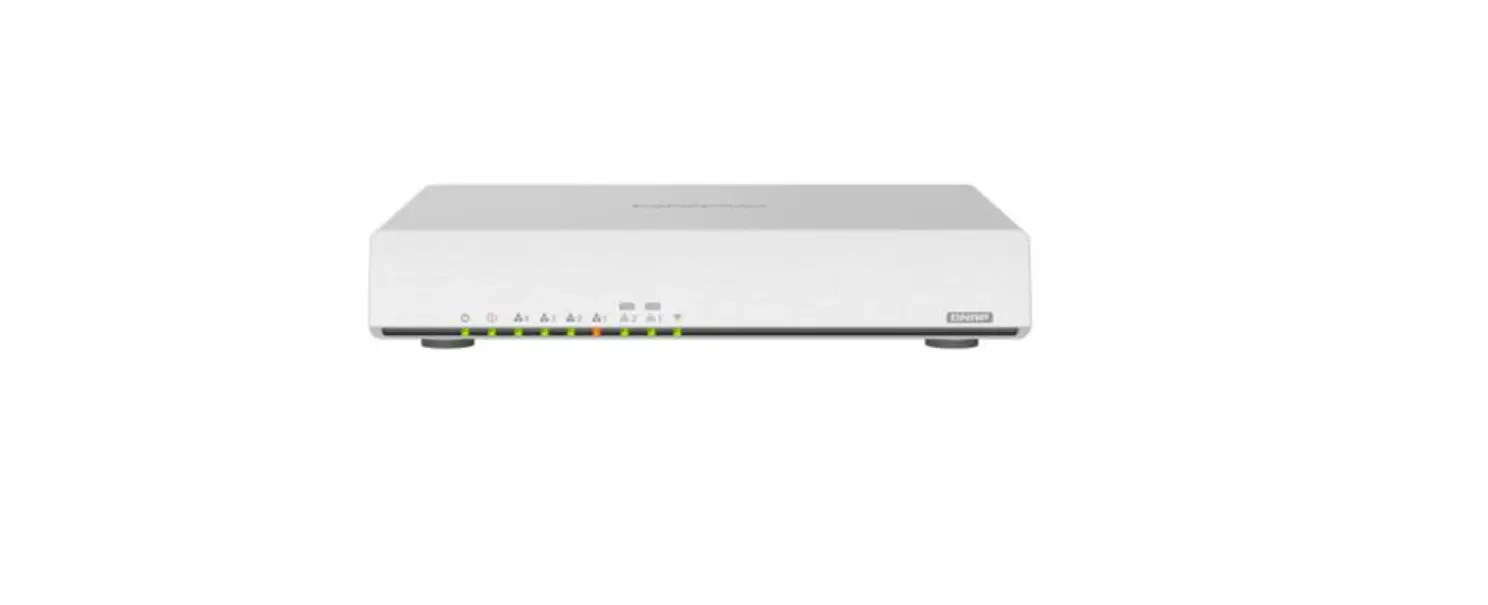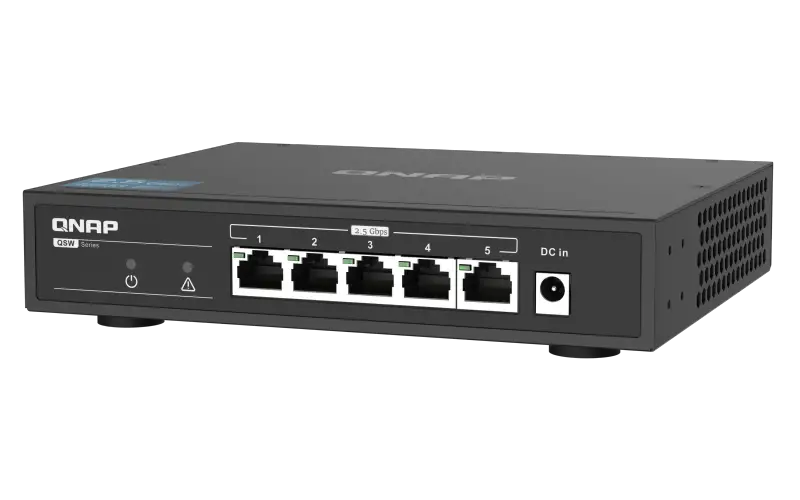
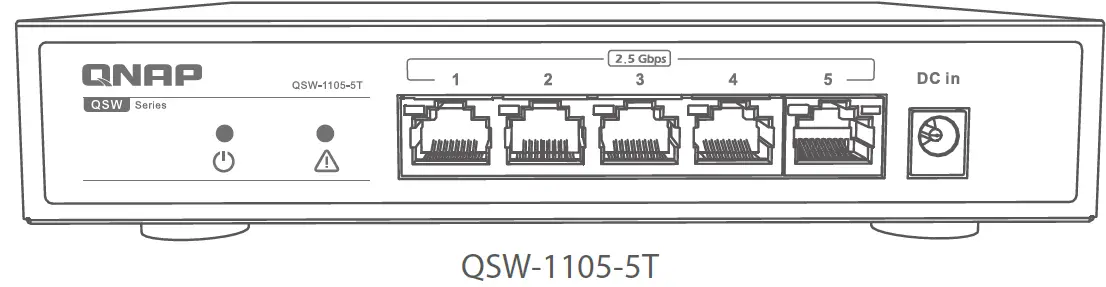
QNAP QSW-1105-5T 2.5GBE Connectivity
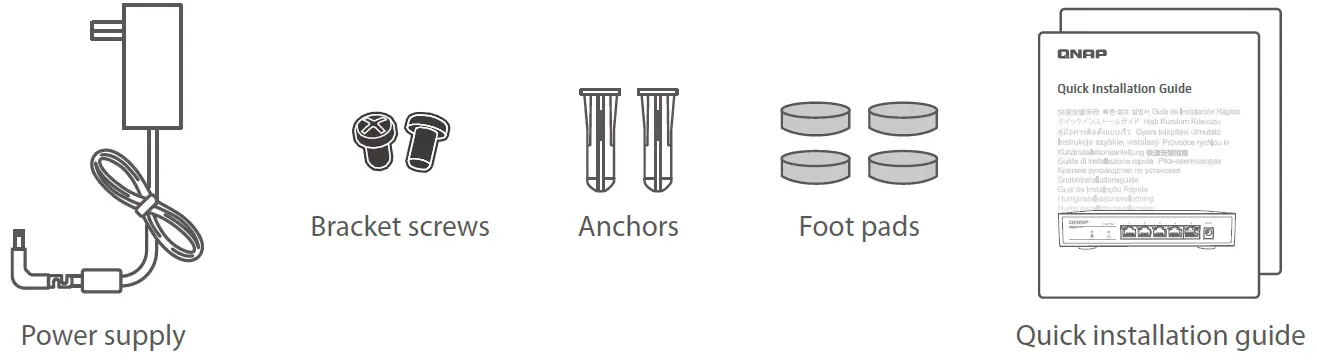
IN THE BOX
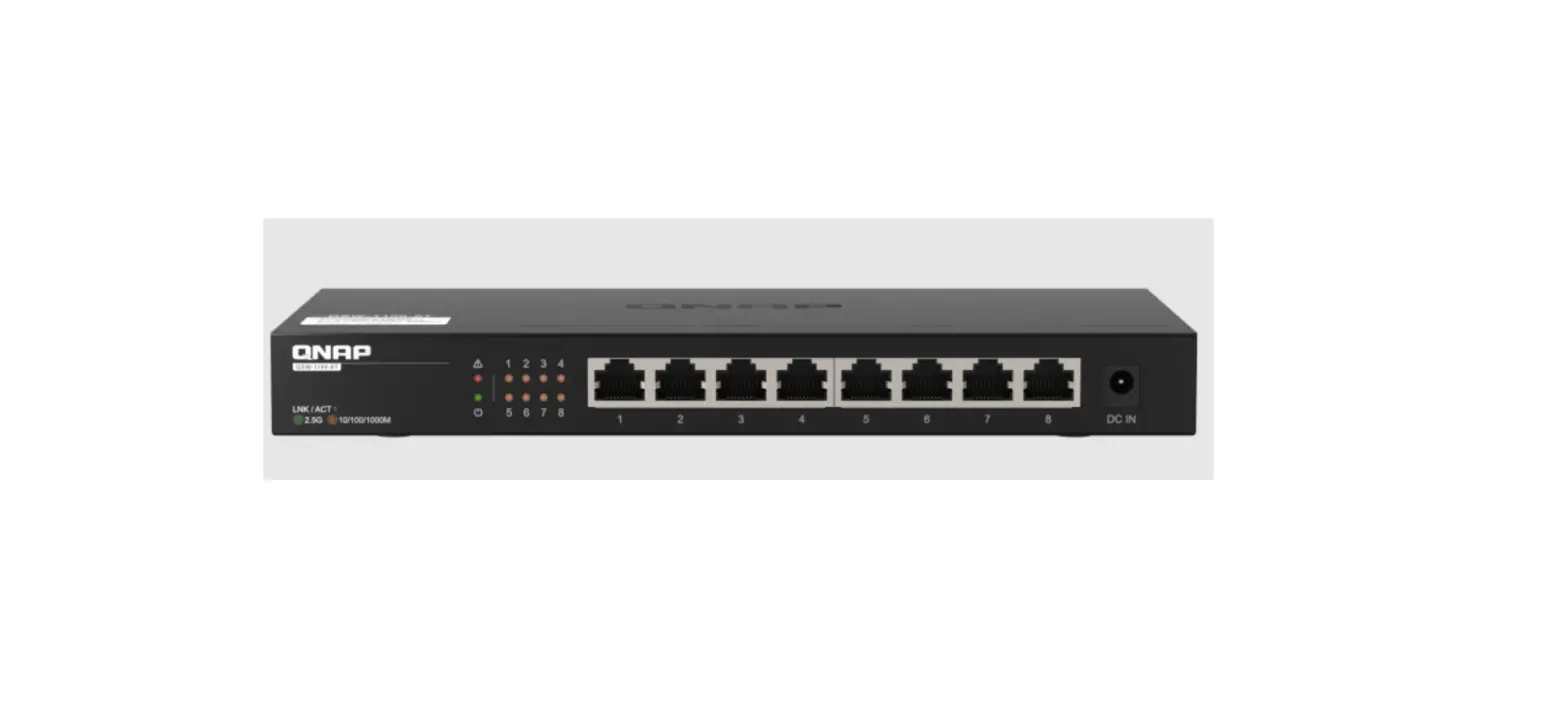
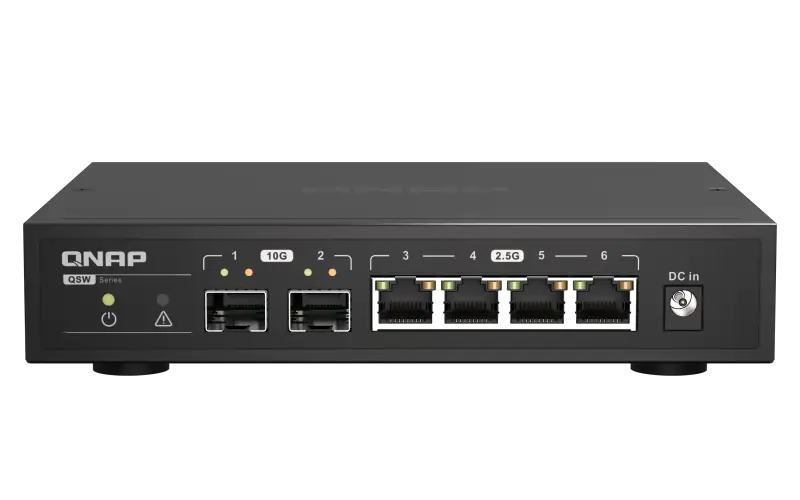
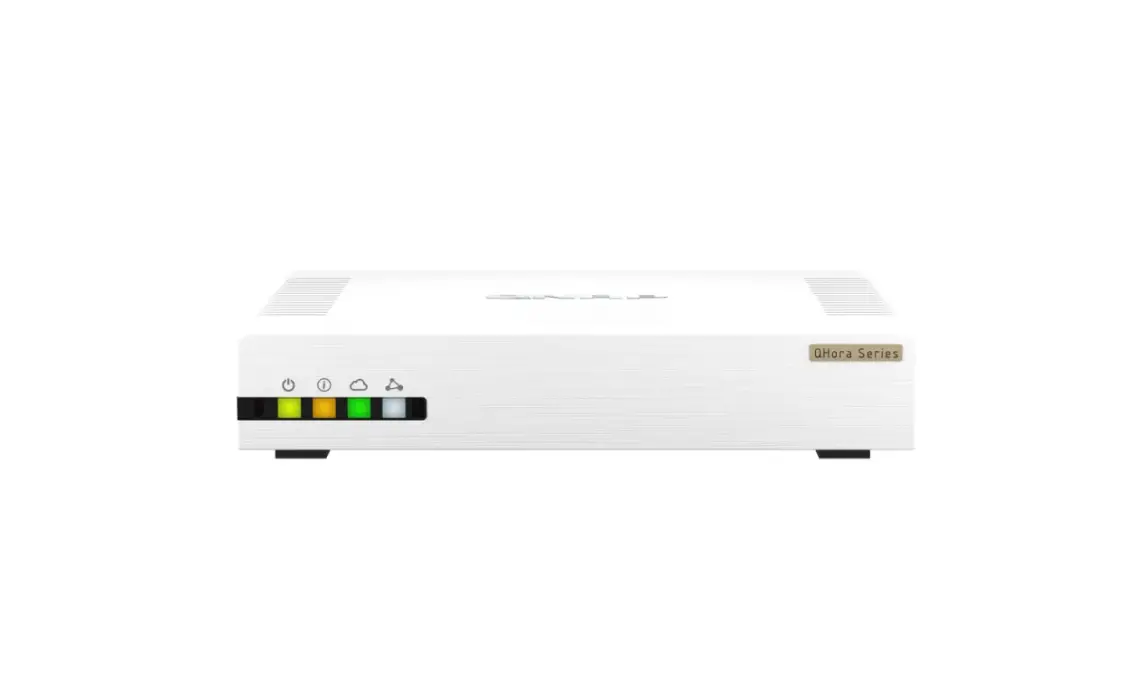
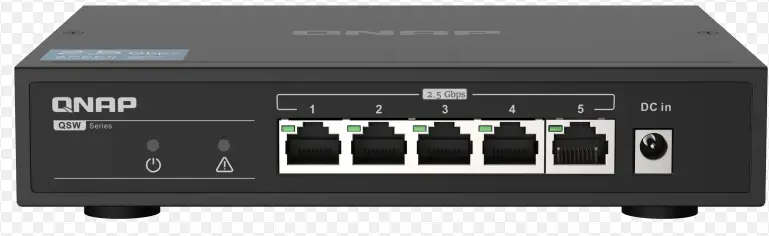
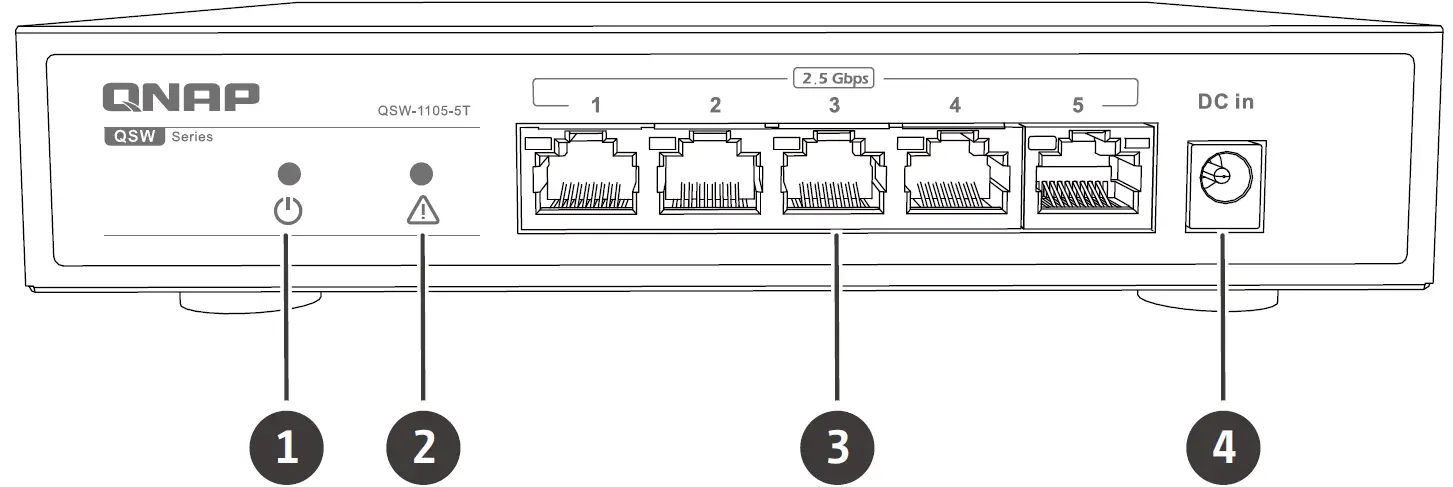
| 1. Power LED | 3. 2.5GbE RJ45 ports |
| 2. Loop indicator | 4. Power input |
LED Behavior
| LED Status Description | ||
| Power | Green | Device is on. |
| Off | Device is off. | |
| Loop indicator | Off | No loop. |
| Red and flashing with the looping RJ45 port. | Loop occurs. | |
| RJ45 | Green | Linked at 2.5Gbps. |
| Amber | Linked at <2.5Gbps. | |
| Flashing without Loop indicator | Port is transmitting. | |
| Flashing with Loop indicator | Port loops. | |
| Off | No link. | |
Specifications
| Model | QSW-1105-5T |
| Dimensions (H x W x D) | 34 x 180 x 145 mm |
| Net weight | Around 577 g |
| Input voltage range | 100–240VAC |
| Switching capacity | 25 Gbps |
| 2.5GbE RJ45 ports | 5 |
| Operating temperature | 0˚C–40˚C (32°F –104°F) |
| Relative humidity | 10% to 90% (non-condensing) |
FCC
This device complies with Part 15 of the FCC Rules. Operation is subject to the following two conditions:
- This device may not cause harmful interference.
- This device must accept any interference received, including interference that may cause undesired operation.
FCC Class B Notice:
This equipment has been tested and found to comply with the limits for a Class B digital device, pursuant to Part 15 of the FCC Rules. These limits are designed to provide reasonable protection against harmful interference in a residential installation. This equipment generates, uses, and can radiate radio frequency energy and, if not installed and used in accordance with the instructions, may cause harmful interference to radio communications. However, there is no guarantee that interference will not occur in a particular installation. If this equipment does cause harmful interference to radio or television reception, which can be determined by turning the equipment off and on, the user is encouraged to try to correct the interference by one or more of the following measures:
- Reorient or relocate the receiving antenna.
- Increase the separation between the equipment and receiver.
- Connect the equipment into an outlet on a circuit different from that to which the receiver is connected.
- Consult the dealer or an experienced radio/television technician for help.
Modifications:
Any modifications made to this device that are not approved by QNAP Systems, Inc. may void the authority granted to the user by the FCC to operate this equipment.
This QNAP device complies with CE Compliance Class B.
According to the requirement of the WEEE legislation the following user information is provided to customers for all branded QNAP products subject to the WEEE directive.
This symbol on the product or on its packaging indicates that this product must not be disposed of with your other household waste. Instead, it is your responsibility to dispose of your waste equipment by handing it over to a designated collection point for the recycling of waste electrical and electronic equipment. The separate collection and recycling of your waste equipment at the time of disposal will help to conserve natural resources and ensure that it is recycled in a manner that protects human health and the environment. For more information about where you can drop off your waste equipment for recycling, please contact your local city office, your household waste disposal service or the shop where you purchased the product.
install.qnap.com
service.qnap.com
download.qnap.com

 download.qnap.com
 Cloud Install
 Customer Service - QNAP