
 SupportAssist for Business PCs with Windows OS
Quick Setup Guide
ONBOARD
 | ||||
| Go to https://tdm.dell.com | Create an account for the company administrator, verify the account and sign in to TechDirect | Create a new company or join an existing company | Activate the Connect and manage service | (Optional) Add technicians in TechDirect |
CONFIGURE AND DOWNLOAD
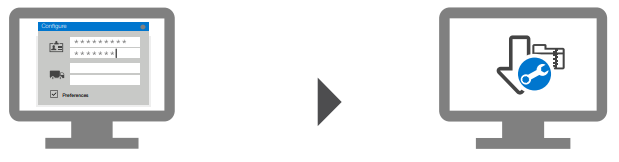 | |
| Add contact details and configure preferences | Download the SupportAssist package |
DEPLOY
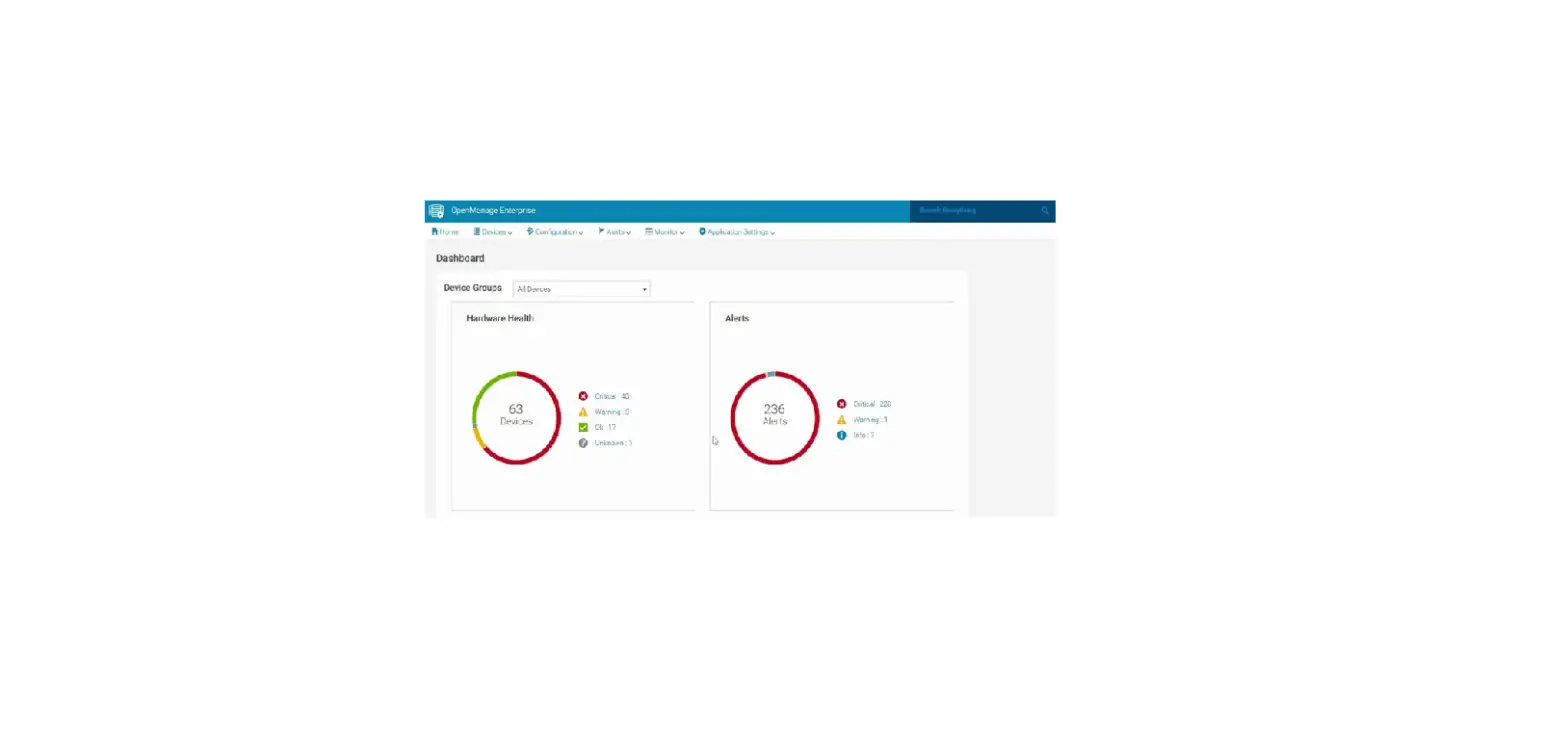
 | You can now start managing your PC fleet in TechDirect. SupportAssist for business PCs monitors each PC and communicates with TechDirect to help manage your PC fleet. | ||
| Extract and create the SupportAssist deployment package | Deploy SupportAssist on the PCs | (Optional) Configure, download, and deploy SupportAssist for every site. Create asset groups, if required. | |
Other references: SupportAssist for Business PCs home page Manuals and documents
© 2021 Dell Inc. or its subsidiaries.
August 2021
Rev. A01
 TechDirect