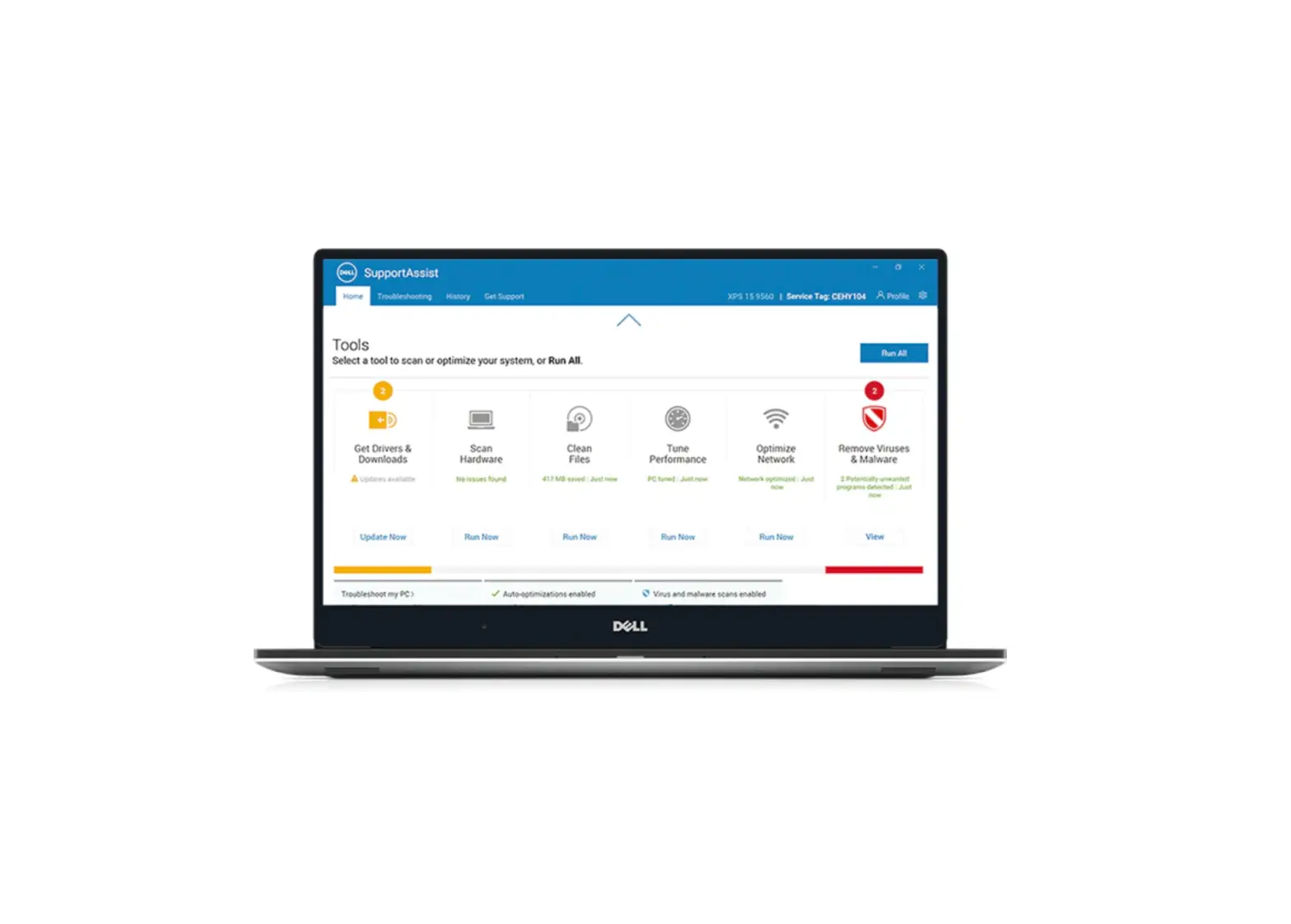
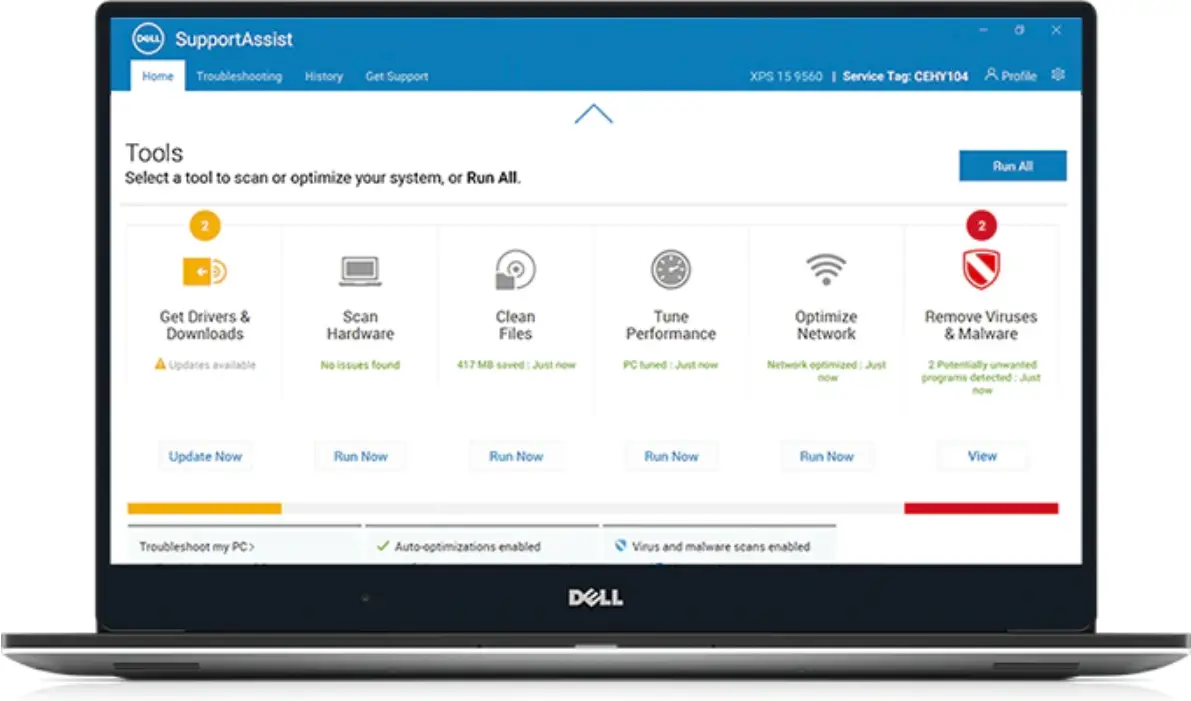
DELL SupportAssist for Home PCs Software
Release summary
This release includes enhancements, security and bug fixes.
Version
3.12.3
Release date
October 2022
Priority and recommendations
URGENT: Dell highly recommends applying this update as soon as possible. The update contains changes to improve the reliability and availability of your Dell PC.
Compatibility
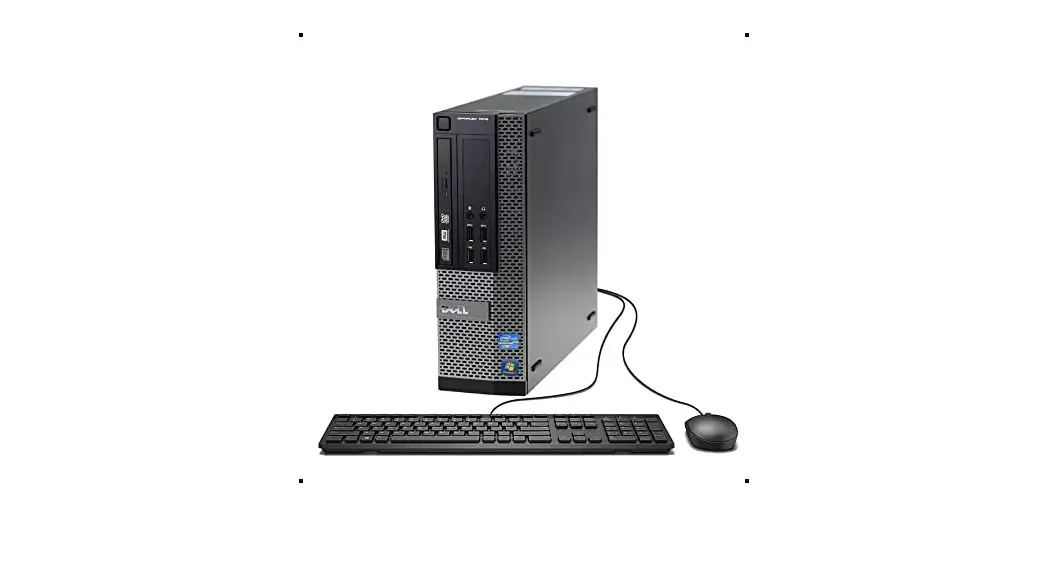
SupportAssist is supported on the following Dell PCs with 64-bit Windows 10 version 1809 and later versions of the operating system:
- Inspiron
- XPS
- Alienware
- Latitude
- Vostro
- OptiPlex
- Precision
 | NOTE: SupportAssist is not supported on virtual machines. |
Minimum PC requirements
The following table lists the minimum PC requirements for installing and using SupportAssist:
Table 1. Minimum PC requirements
| Particulars | Requirements | ||
| Operating system |
| ||
| Software | Microsoft .NET Framework 4.7.2 and .NET Core Runtime 6.0.9
| ||
| Web browser | Microsoft Edge, Google Chrome | ||
| Hardware |
| ||
| Network | Internet connectivity | ||
| Ports |
The PC must be able to connect to the following destinations: |
New and enhanced features
- Support for Dell Technical Support agents to remove virus and malware from the PCs remotely.
- Enhancements to existing service offers.
- Performance improvements, user interface enhancements, security fixes, and bug fixes.
| NOTE: Retired support for the following:
|
Known issues
Selected files and settings are automatically cleared
| Description | If you rescan the drivers on the source PC after you select the files and settings that you want to migrate, the selections are automatically cleared. |
| Workaround | None |
| Tracking number | 3072 |
| Versions affected | 3.5 and later |
Mismatch in the number of files that were not migrated
| Description | When the migration fails or is canceled, the number of files that were not migrated is not displayed correctly. The number of files that are displayed on the migration summary page do not match with the number that are displayed when you click View Details. |
| Workaround | None |
| Tracking number | 1156 |
| Versions affected | 3.8 and later |
Driver scans do not work after updating Dell Command | Update or Dell Update
| Description | After updating the Dell Command | Update or Dell Update application, the driver scans in SupportAssist do not work. |
| Workaround | None |
| Tracking number | 9623 |
| Versions affected | 3.10.4 and later |
Driver scans do not work if Dell Command | Update or Dell Update is installed after SupportAssist installation
| Description | When you install Dell Command | Update or Dell Update application after installing SupportAssist, the driver scans in SupportAssist do not work. |
| Workaround | Reboot the PC and retry |
| Tracking number | 15356 |
| Versions affected | 3.10.4 and later |
Limitations
The Carry-in Service Locator and Call us information are always displayed in the language of the country or region where the PC was purchased.
SupportAssist for Home PCs resources
This section lists the documentation resources and other useful links that provide more information about SupportAssist for Home PCs.
Table 2. SupportAssist for Home PCs resources
| Contents | Resource | Go to |
| Minimum requirements, installation, and product features | SupportAssist for Home PCs Version 3.12.3 User’s Guide | SupportAssist for Home PCs manuals |
| New features, enhancements, known issues, and limitations in the release | SupportAssist for Home PCs Version 3.12.3 Release Notes | |
| Video tutorials to learn about the features of SupportAssist for Home PCs | SupportAssist for Home PCs playlist | YouTube |
| Peer-to-peer questions about SupportAssist for Home PCs | Community forum | SupportAssist for Home PCs community |
Contact Dell
Dell provides several online and telephone-based support and service options. Availability varies by country or region and product, and some services may not be available in your area. If you do not have an active Internet connection, you can find contact information in your purchase invoice, packing slip, bill, or Dell product catalog.
- To contact Dell for sales, technical support, or customer service issues, perform the following steps:
a. Go to https://www.dell.com/support.
b. Select your country or region in the selection list at the bottom of the page.
c. Click Contact Support and select the appropriate support link. - To find manuals and documents, perform the following steps:
a. Go to https://www.dell.com/support.
b. Click Browse all products.
c. Select the appropriate product category and then select the desired product.
d. To view or download the manuals and documents, click the Documentation tab.
You can also directly access the manuals and documents for Serviceability Tools from https://www.dell.com/serviceabilitytools.
Notes, cautions, and warnings
| NOTE: A NOTE indicates important information that helps you make better use of your product. |
 | CAUTION: A CAUTION indicates either potential damage to hardware or loss of data and tells you how to avoid the problem. |
 | WARNING: A WARNING indicates a potential for property damage, personal injury, or death. |

© 2022 Dell Inc. or its subsidiaries. All rights reserved. Dell Technologies, Dell, and other trademarks are trademarks of Dell Inc. or its subsidiaries. Other trademarks may be trademarks of their respective owners.