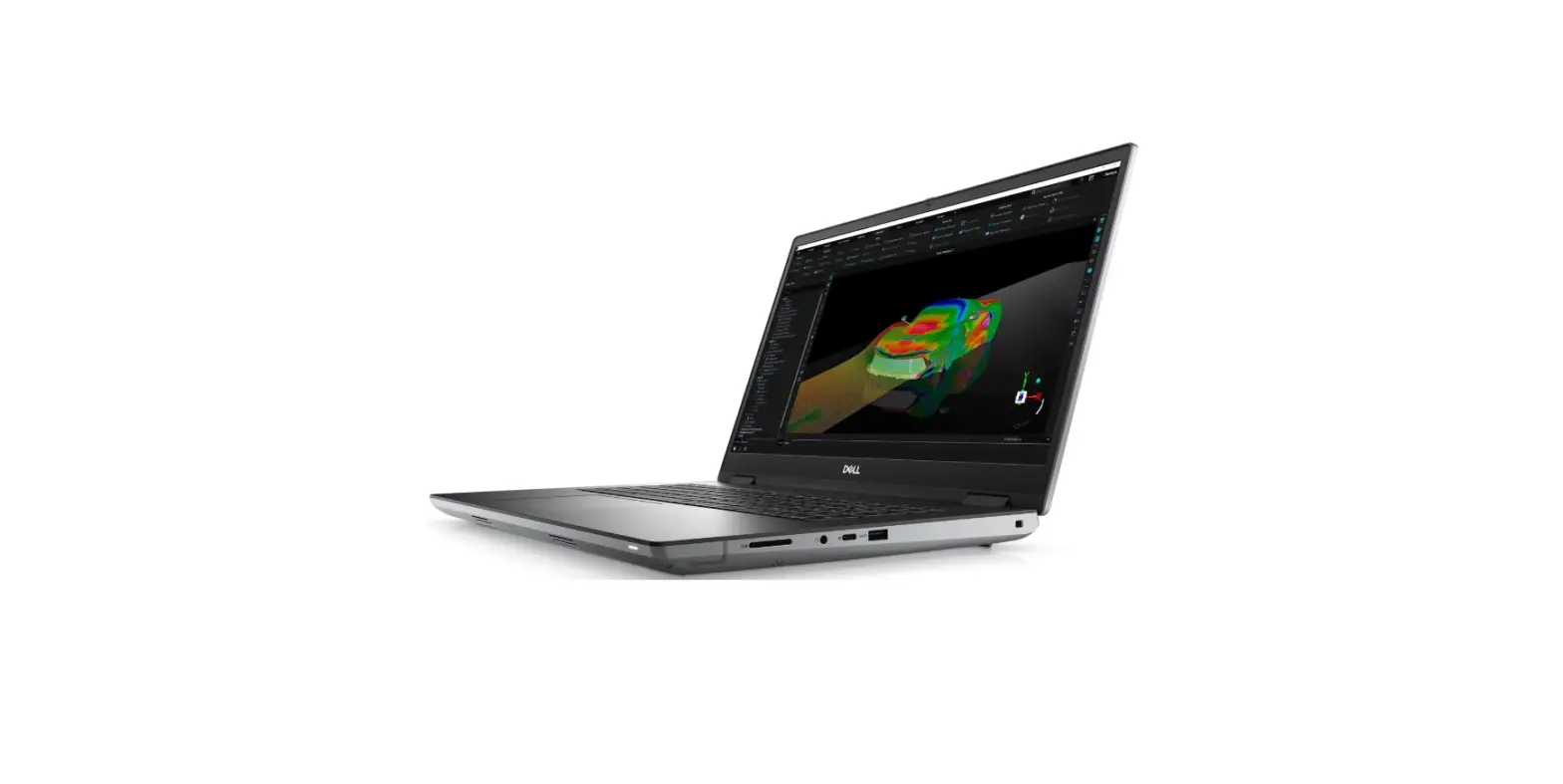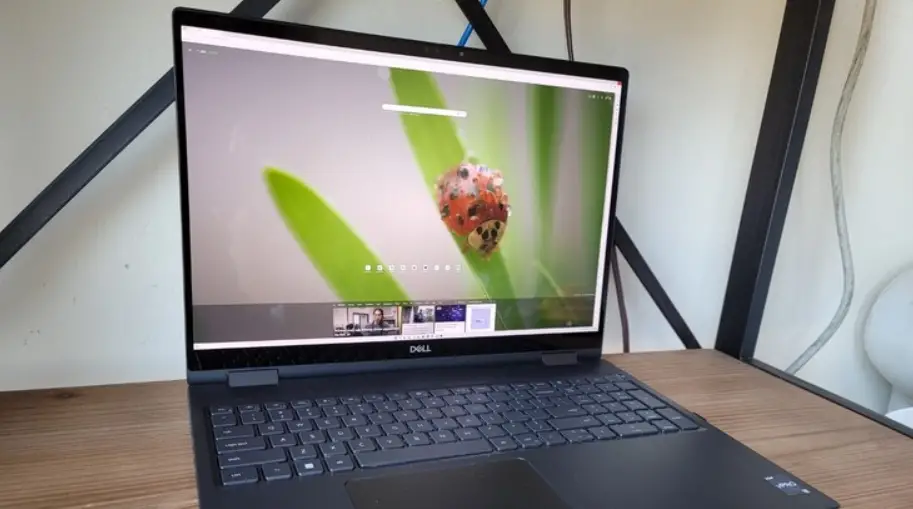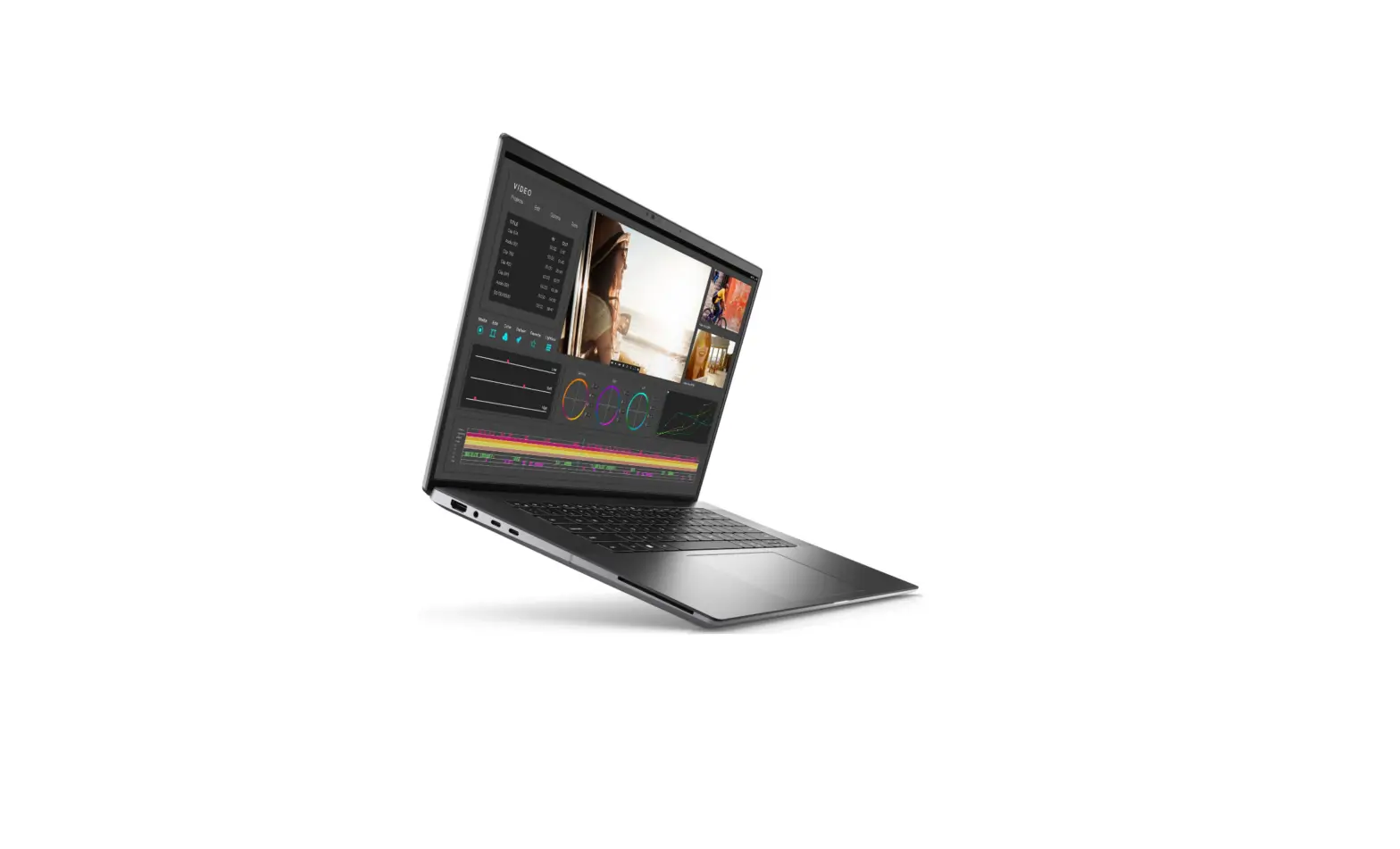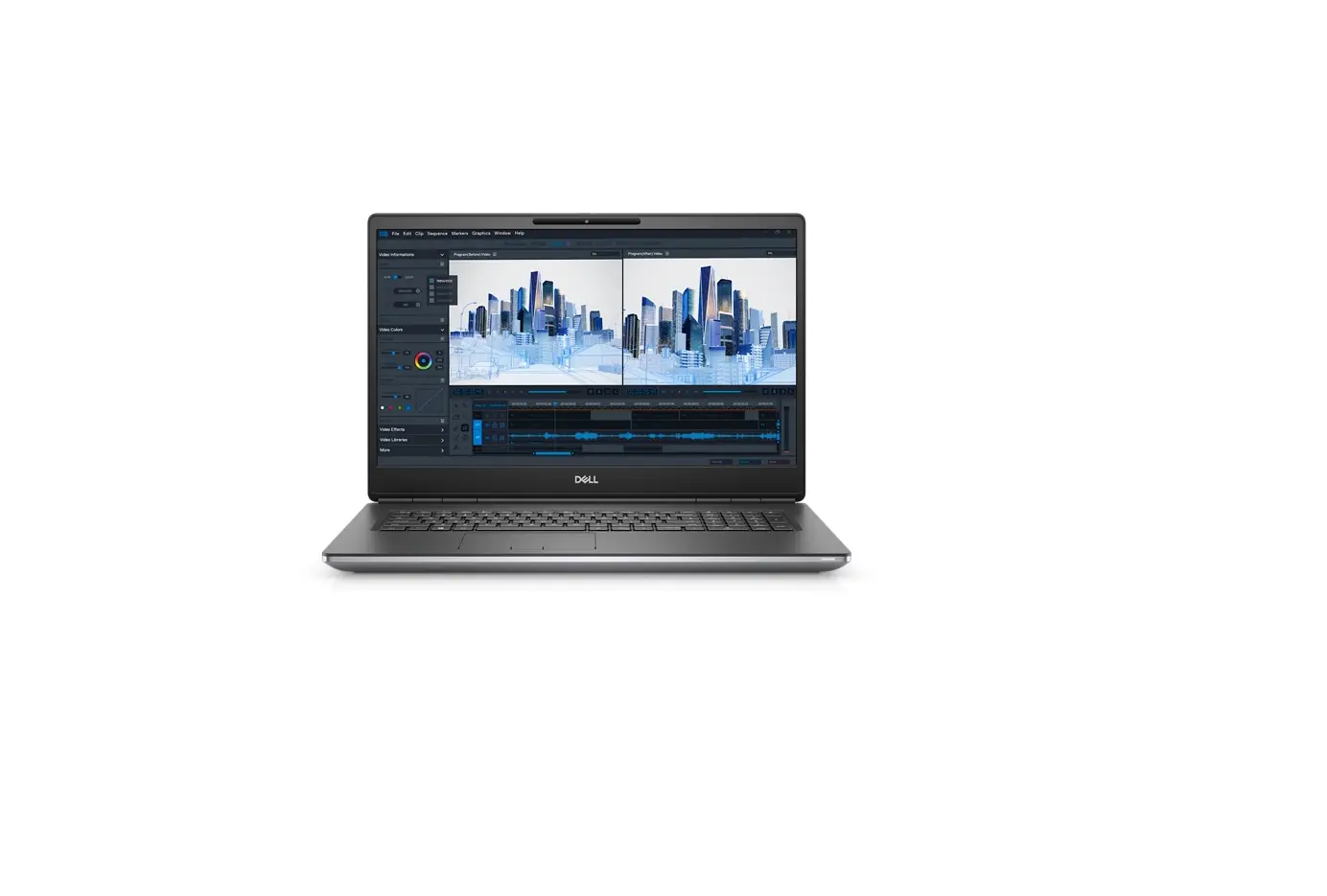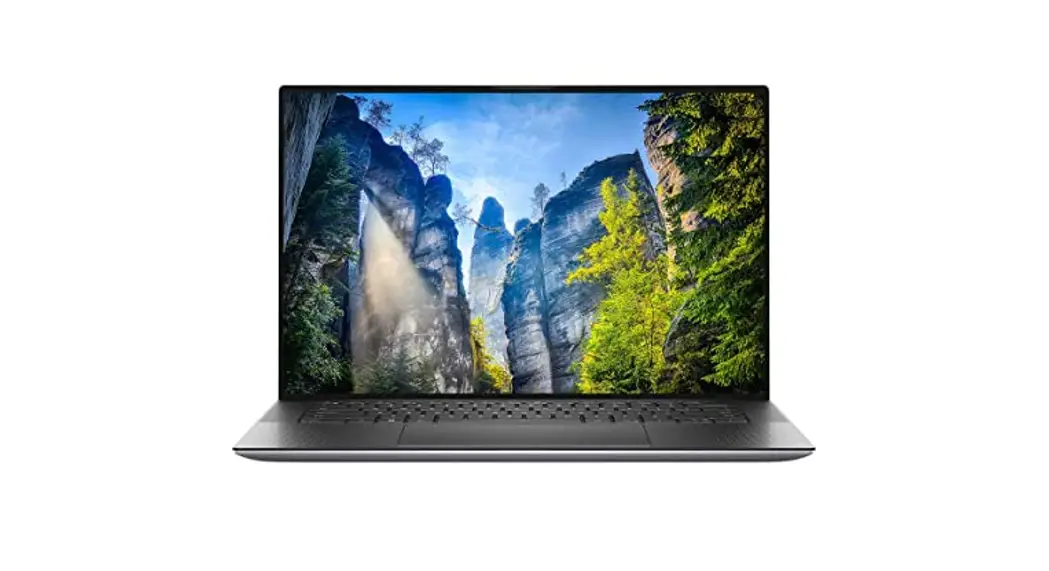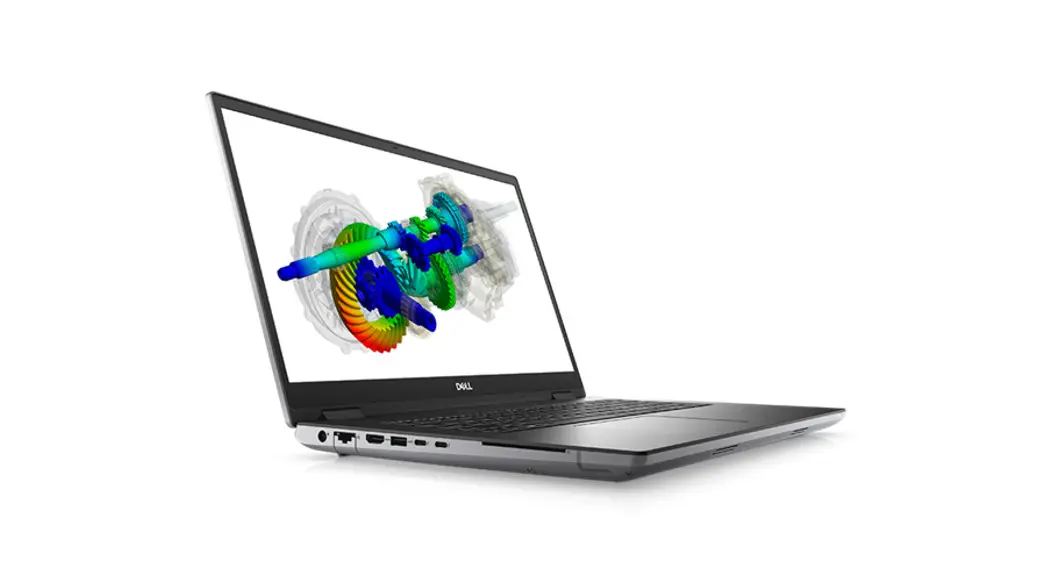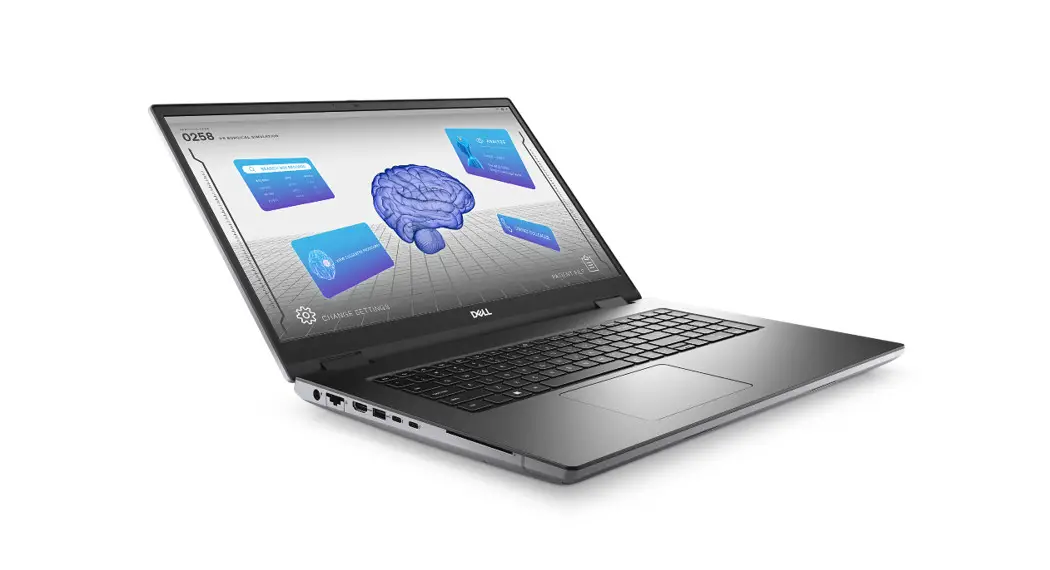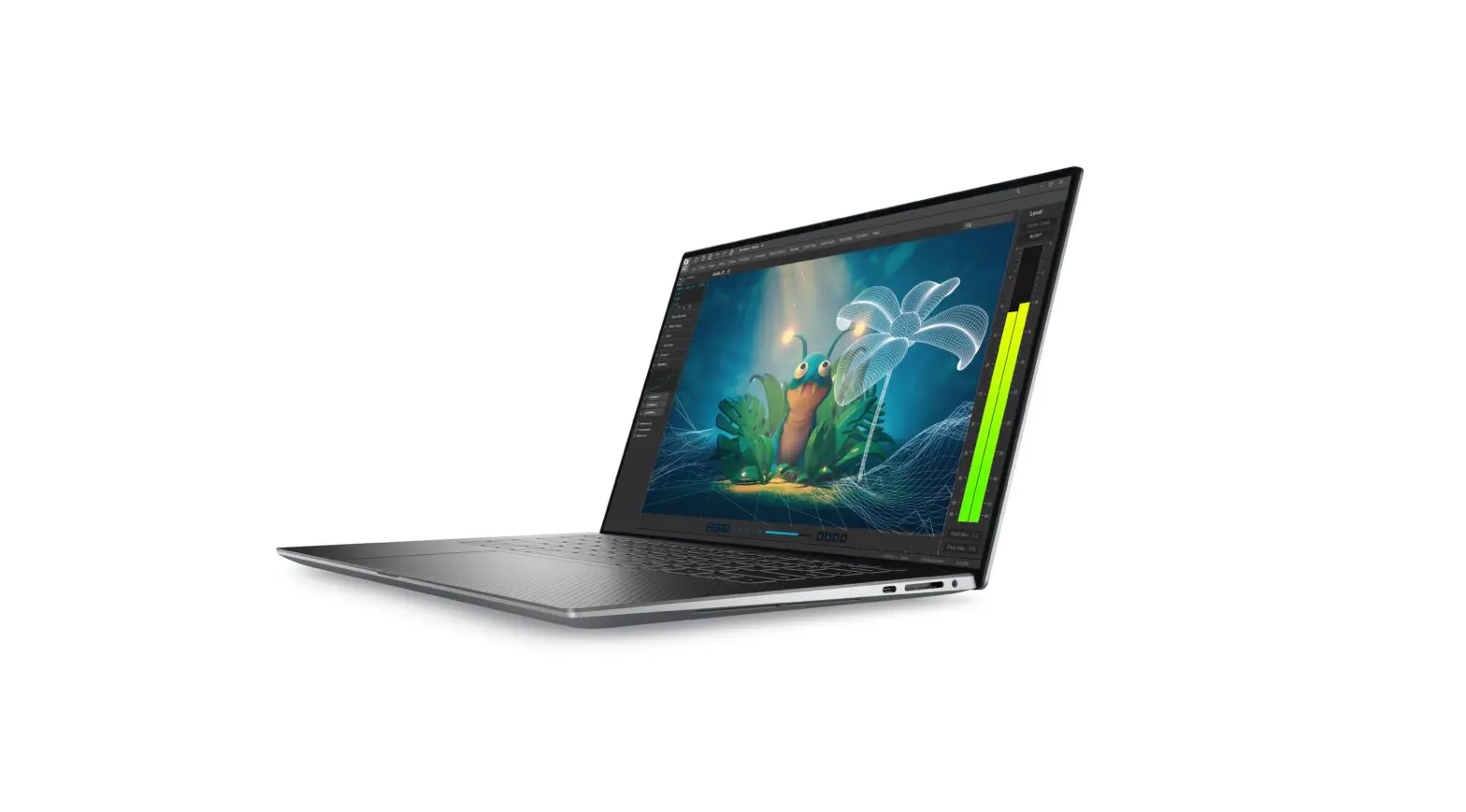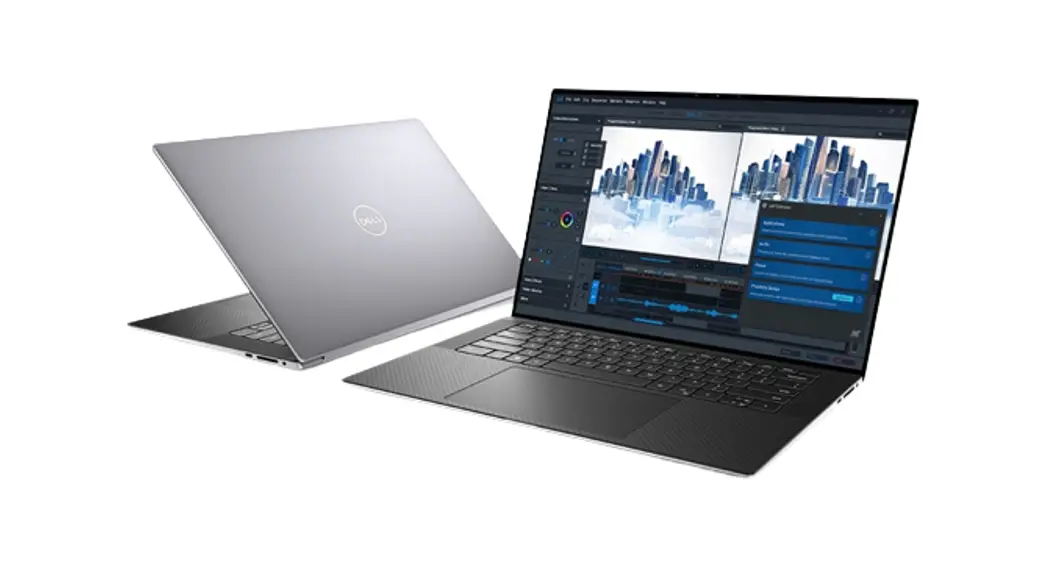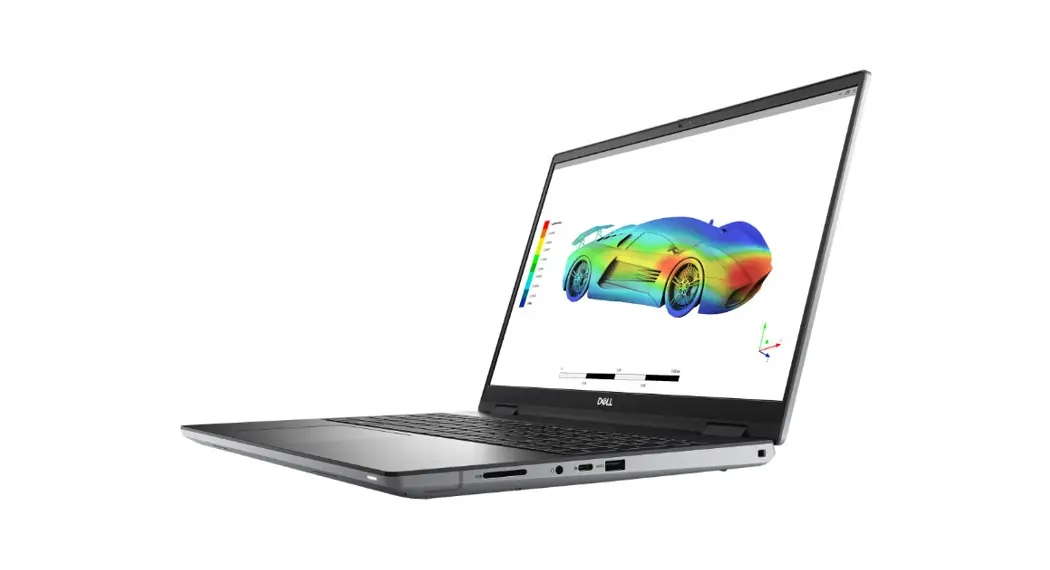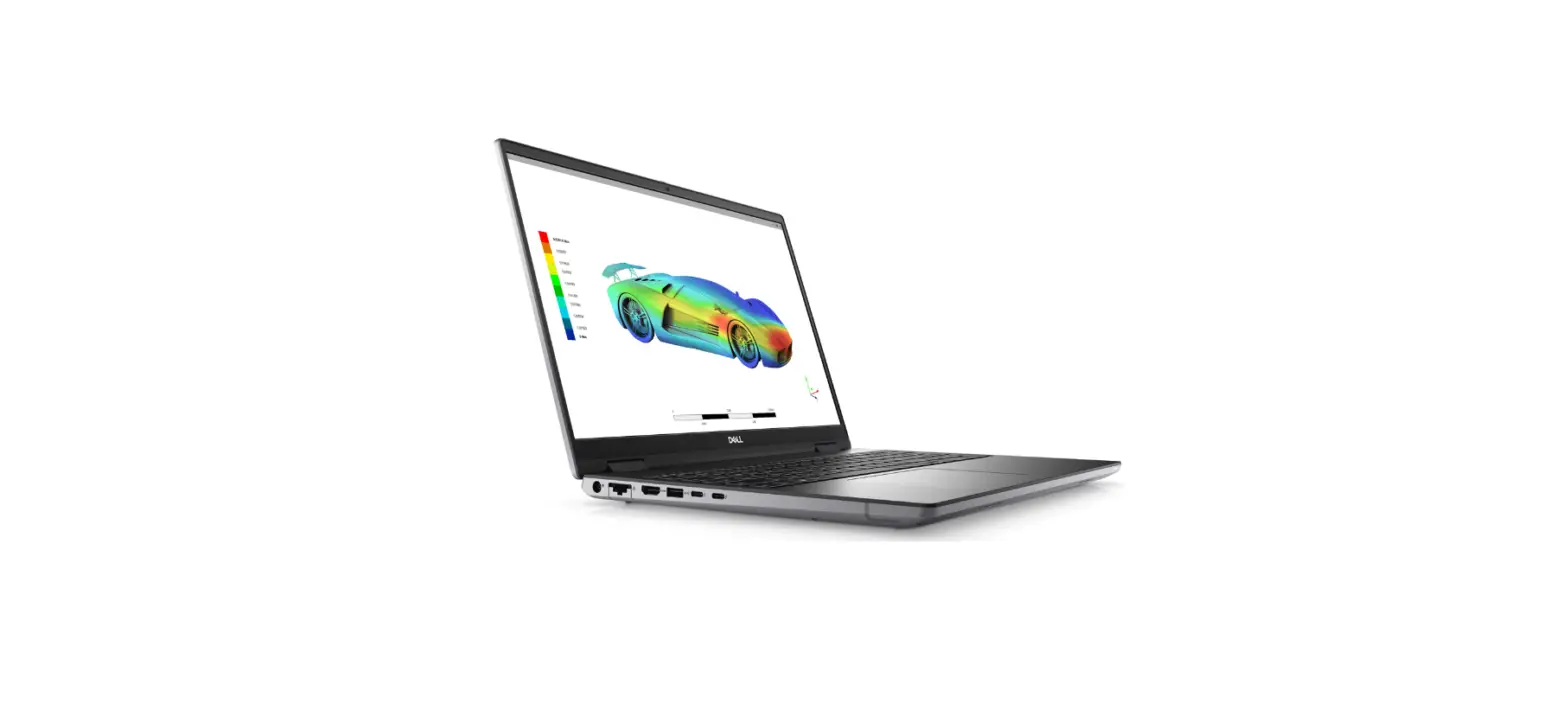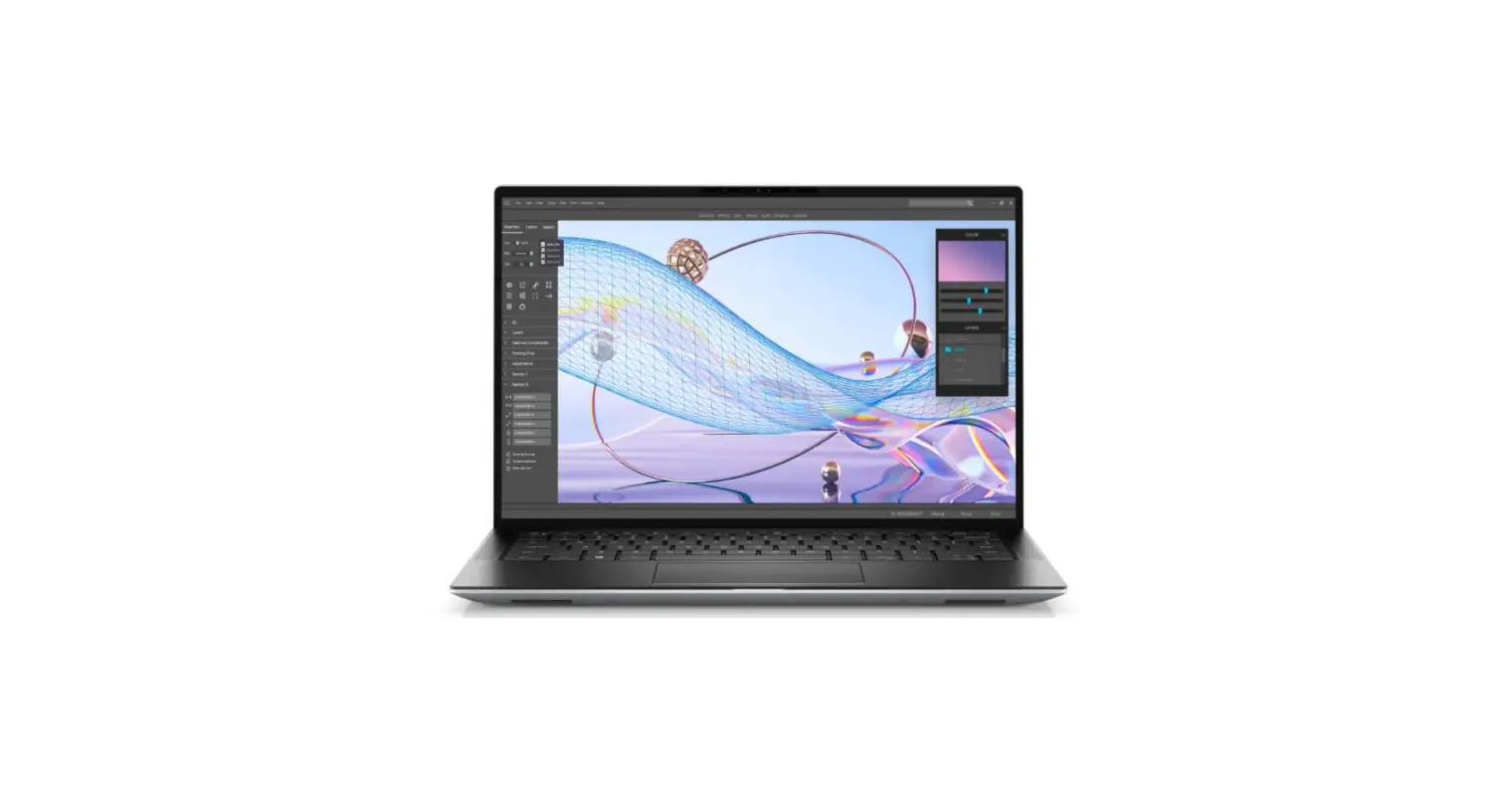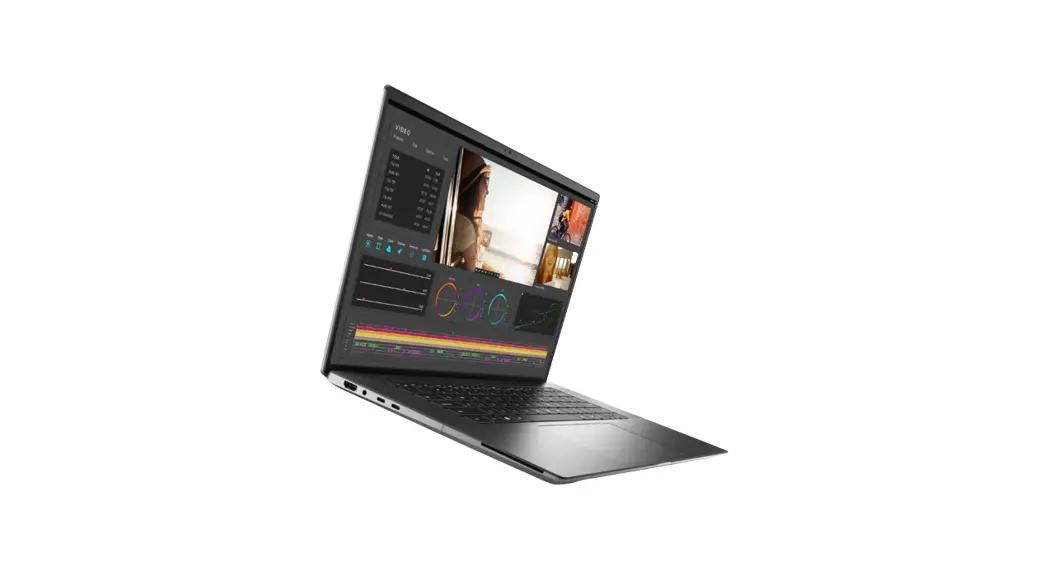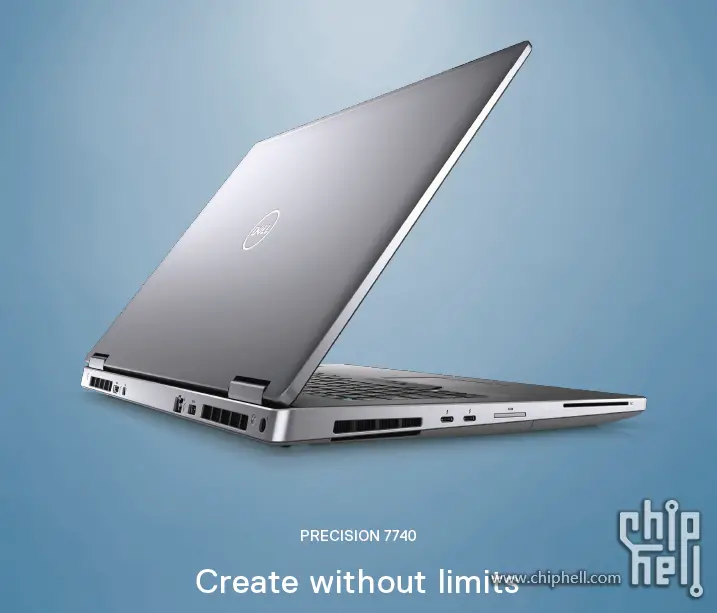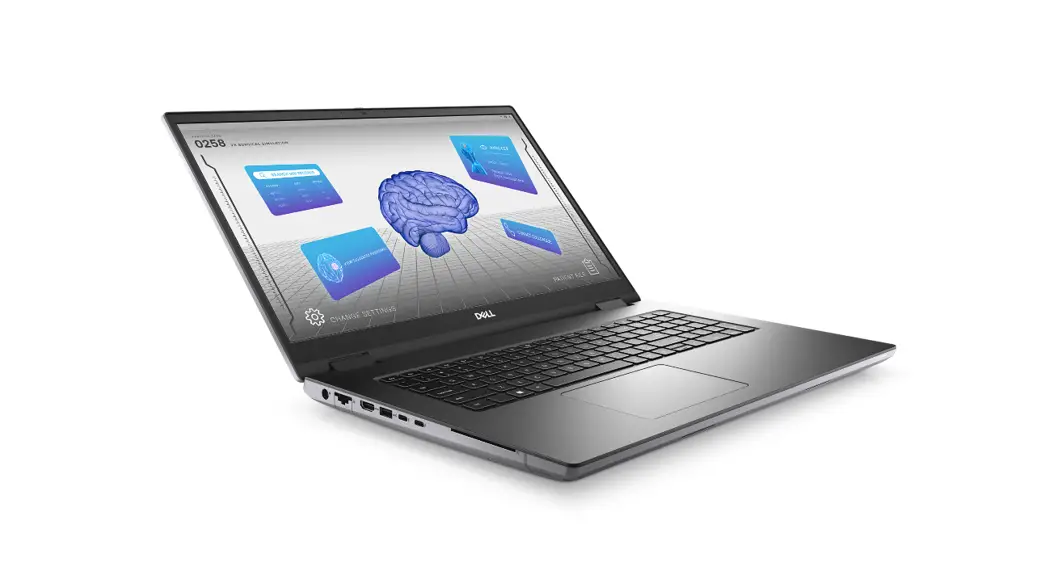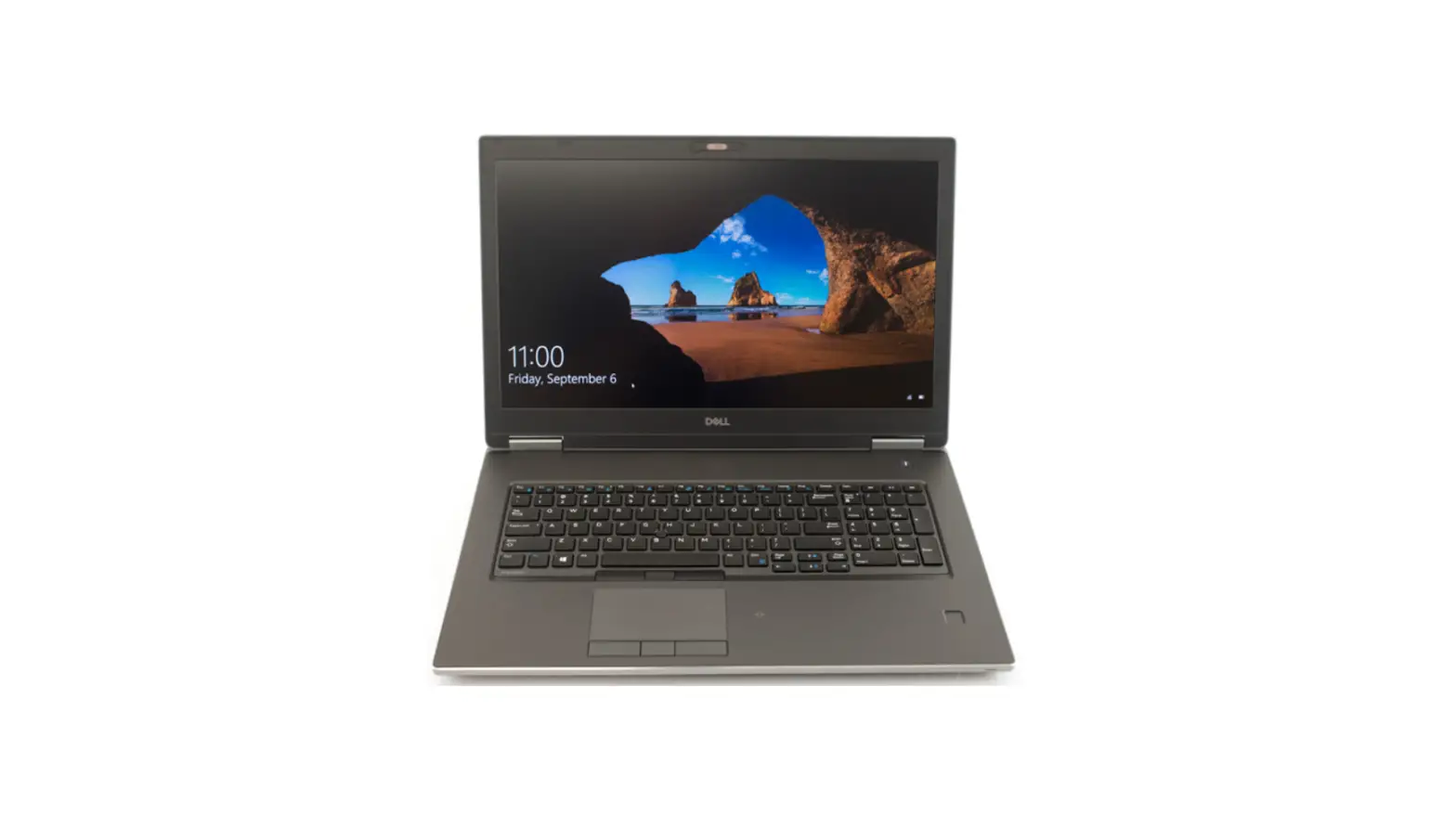
DELL Precision 7740 Mobile Workstation Laptop User Guide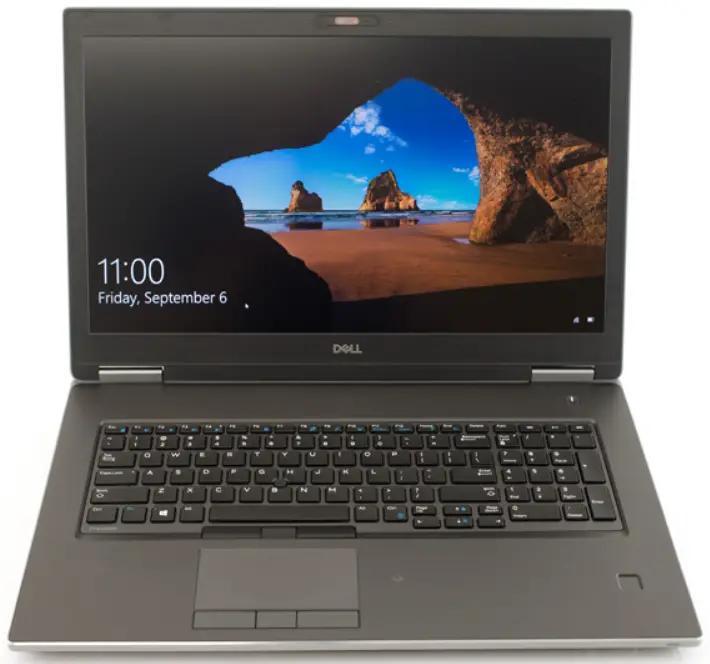
Notes, cautions, and warnings
 NOTE: A NOTE indicates important information that helps you make better use of your product.
 CAUTION: A CAUTION indicates either potential damage to hardware or loss of data and tells you how to avoid the problem.
 WARNING: A WARNING indicates a potential for property damage, personal injury, or death.
Set up your computer
- Connect the power cable and press the power button

- Follow the instructions on the screen to finish Windows setup:
- Connect to a network.

- Sign-in to your Microsoft account or create a new account.

- Connect to a network.
- Locate Dell apps.
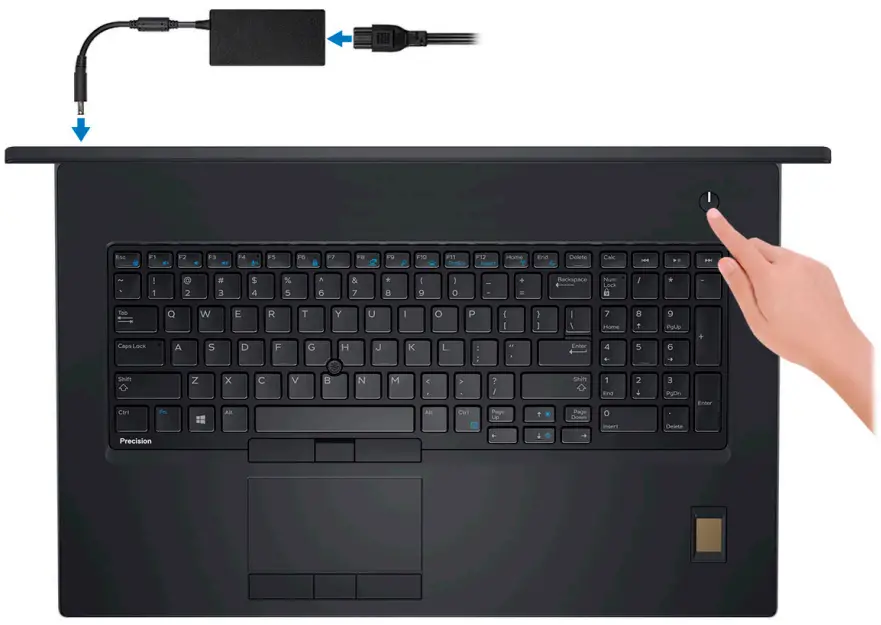
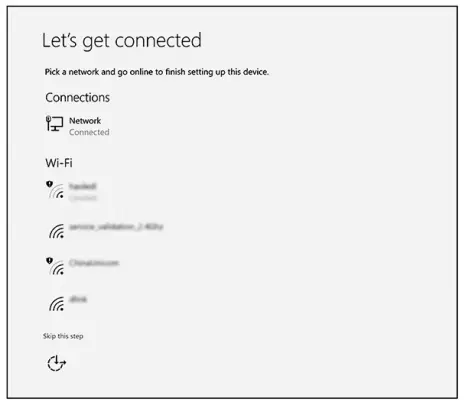
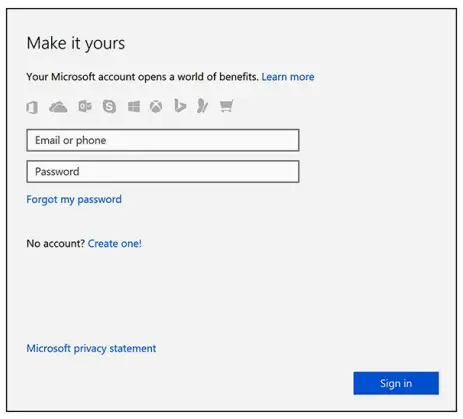
Table 1. Locate Dell apps
| Features | Specifications |
| Register your computer |
| Dell Help & Support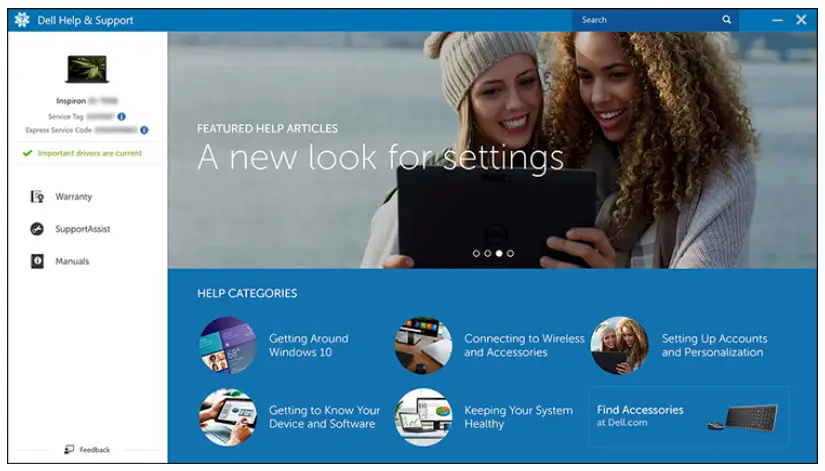 |
| SupportAssist — Check and update your computer |



Chassis
This chapter illustrates the multiple chassis views along with the ports and connectors and also explains the FN hot key combinations.
Topics:
- Front open view
- Left view
- Right view
- Palmrest view
- Back view
- Bottom view
- Hot key definition
Front open view
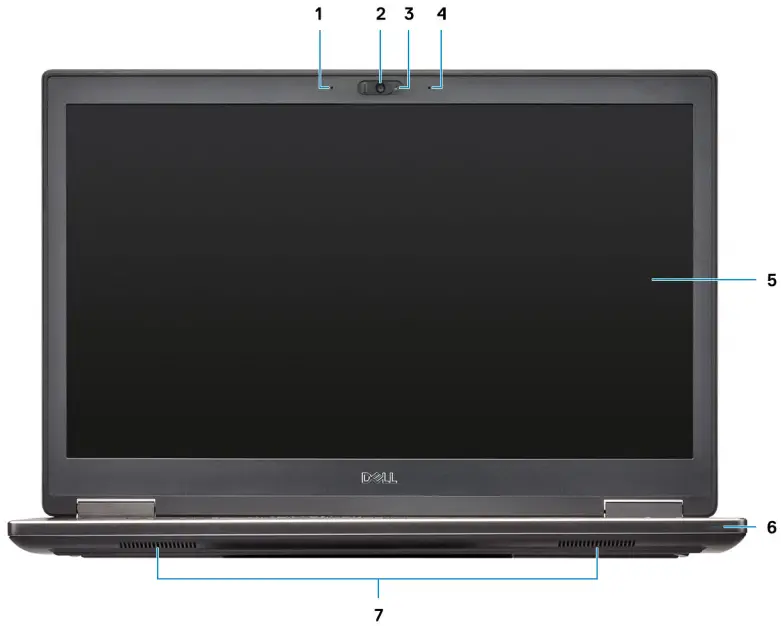
- Microphone (Optional)
- Camera-with shutter (Optional)
- Camera-status light (Optional)
- Microphone (Optional)
- Display
- Battery status light
- Speakers
Left view
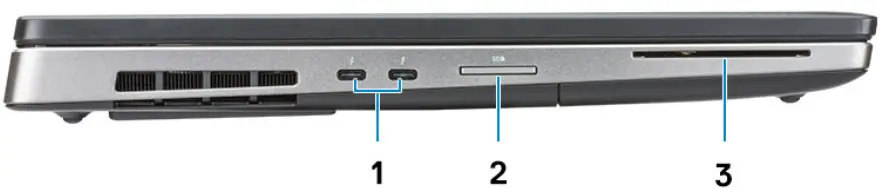
- Thunderbolt 3 Type-C port
- SD Card reader
- Smartcard reader
Right view
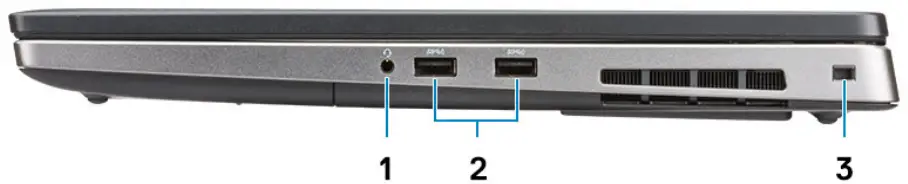
- Headset port
- USB 3.1 Gen 1 ports with PowerShare
- Security cable slot
Palmrest view
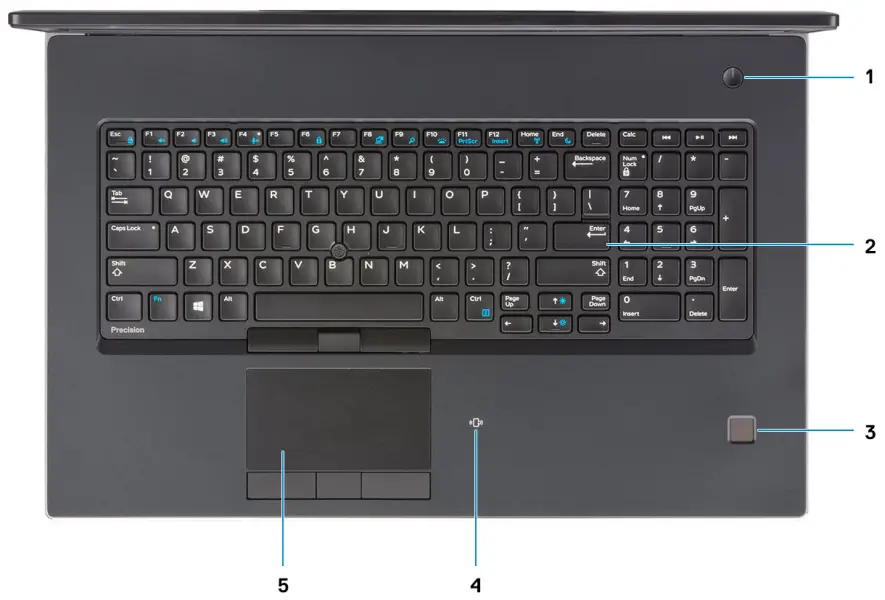
- Power button
- Keyboard
- Fingerprint reader (optional)
- Contactless Card Reader (optional)
- Touchpad
Back view
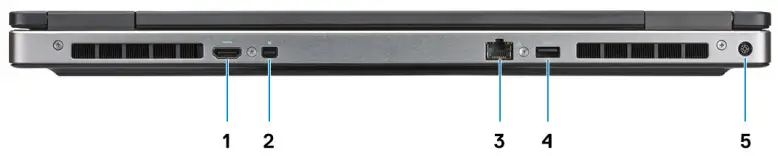
- HDMI port
- Mini DisplayPort
- RJ45 Network port
- USB 3.1 Gen 1 port with PowerShare
- Power connector port
Bottom view
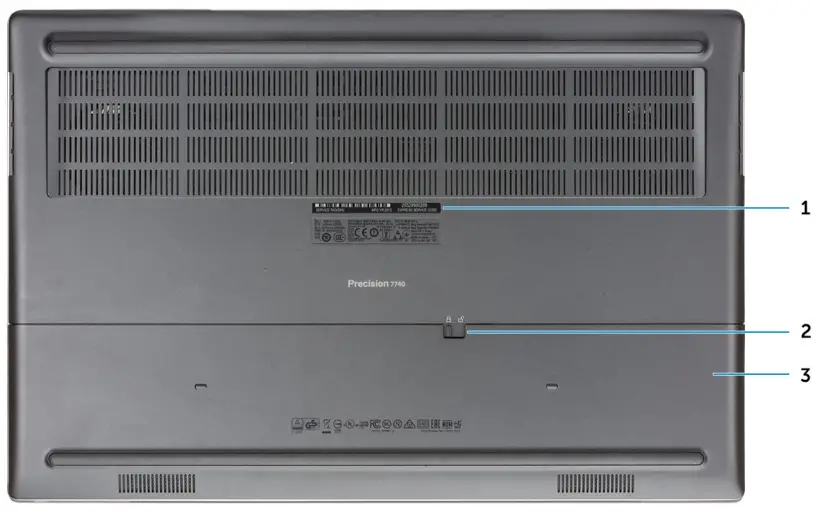
- Service tag label
- Battery door release latch
- Battery door
Hot key definition
Table 2. Keyboard shortcut keys
| Hot keys | Function |
| Fn+ESC – Fn Lock | Allows the user to toggle between locked and unlocked Fn keys. |
| Fn+F1 – Audio Volume Mute | Temporarily mutes/unmutes the audio. The audio level before muting is returned after unmuting. |
| Fn+F2 – Audio Volume Down/Decrease | Decreases the audio volume until minimum/off is reached. |
| Fn+F3 – Audio Volume Up/Increase | Increases the audio volume until maximum is reached. |
| Fn+F4 – Microphone Mute | Silences the on-board microphone so it cannot record audio. There is an LED on the F4 function key that notifies the user of the state of this feature:
|
| Fn+F6—Scroll lock | Used as Scroll Lock key. |
| Fn+F8 – LCD and Projector display | Determines video output to LCD and external Video devices when attached and displays present. |
| Fn+F9 – Search | Mimics the Windows key + F keystroke to open Windows Search dialog box. |
| Fn+F10 – KB Illumination/Backlight | Determines the Keyboard Illumination/Backlight brightness level. The hot key cycles through the following brightness states when pressed: Disabled, Dim, Bright. For more detail, see Keyboard Illumination/Backlight section. |
| Fn+F11 – Print screen | It is used as Print Screen key |
| Fn+F12 – Insert | It is used as Insert key |
| Fn+RightCtrl – Context Menu | It is used as Context Menu key. (a.k.a. Right-Click menu) |
| Fn+Left Cursor—Home | It is used as Home key. |
| Fn+Right Cursor – End | It is used as End key. |
| Fn+B – Pause/Break | It is used as Pause/Break key. Specifically, Fn+B = Pause and Fn+Ctrl+B = Break. |
| Fn+Arrow Key (Up) – Brightness Decrease | Decreases the stepping of LCD brightness for each press until minimum is reached. For details, see the LCD Brightness section. |
| Fn+Arrow Key (Down) – Brightness Increase | Increases the stepping of LCD brightness for each press until maximum is reached. For details, see the LCD Brightness section. |
| Fn+Home – Radio On/Off | Toggles all the radios on and off. For example, WLAN, WWAN, and Bluetooth. |
| Fn+End – Sleep | Puts the system into the ACPI S3 State and does not wake the system. |
System specifications
NOTE: Offerings may vary by region. The following specifications are only those required by law to ship with your computer. For more information about the configuration of your computer, go to Help and Support in your Windows operating system and select the option to view information about your computer.
Topics:
- System information
- Processor
- Memory
- Storage
- Media card-reader
- Audio
- Video
- Camera
- Communications
- Ports and connectors
- Contactless smart card
- Display
- Keyboard
- Touchpad
- Battery
- Power adapter
- Dimensions and weight
- Operating system
- Computer environment
- Support policy
System information
Table 3. System information
| Features | Specifications |
| Chipset | Intel CM246 chipset |
| DRAM bus width | 64-bit per channel (total 128 bit) |
| FLASH EPROM | 48 kHz |
| PCIe bus | 8 Gbps |
| External bus frequency | DMI 3.0-8GT/s |
Processor
NOTE: Processor numbers are not a measure of performance. Processor availability is subject to change and may vary by region/country.
Table 4. Processor specifications
| Type | UMA Graphics |
| 9th Gen Intel I5-9400H (4 core / 8 TH / 2.5 Ghz up to 4.3 GHz / 8 M cache / 45 W) | Integrated Intel UHD 630 |
| 9th Gen Intel I7-9750H (6 core / 12 TH / 2.6 Ghz up to 4.5 GHz / 12 M cache / 45 W) | Integrated Intel UHD 630 |
| 9th Gen Intel I7-9850H (6 core / 12 TH / 2.6 Ghz up to 4.6 GHz / 12 M cache / 45 W) | Integrated Intel UHD 630 |
| 9th Gen Intel I9-9880H (8 core / 16 TH / 2.3 GHz up to 4.8 GHz / 16 M cache / 45 W) | Integrated Intel UHD 630 |
| 9th Gen Intel I9-9980HK (8 core / 16 TH / 2.4 GHz up to 5.0 GHz / 16 M cache / 45 W) | Integrated Intel UHD 630 |
| 9th Gen Intel Xeon E-2276M (6 core / 12 TH / 2.8 GHz up to 4.7 GHz / 12 M cache / 45 W) | Integrated Intel UHD P630 |
| 9th Gen Intel Xeon E-2286M (8 core / 16 TH / 2.4 Ghz up to 5.0 GHz / 16 M cache / 45 W) | Integrated Intel UHD P630 |
Memory
Table 5. Memory specifications
| Feature | Specifications |
| Minimum memory configuration | 8 GB |
| Maximum memory configuration | 128 GB |
| Number of slots | 4 SODIMM |
| Maximum memory supported per slot | 32 GB |
| Memory options |
|
| Type | DDR4 SDRAM ECC and Non-ECC memory |
| Speed |
|
Table 6. Memory population rules
| DIMM Sku | Implementation |
| X1 | B |
| X2 | B+D |
| DIMM Sku | Implementation |
| X3 | A+B+C+D |
Location of channel A, B, C, D:
- B and D under Keyboard– Slot B close to touchpad and Slot D close to LCD
- A and C under Base– Slot C close to rear Input/Output and Slot A close to the battery
Storage
Table 7. Storage specifications
| Type | Form factor | Interface | Security option | Capacity |
| Four Solid-State Drive (SSD) | M.2 2280 |
| SED |
|
| One 2.5″ Hard-Disk Drive (HHD) with 4 cell battery only | Approximately (2.760 x 3.959 x 0.374 inches) | SATA AHCI, Up to 6 Gbps | SED FIPS | Up to 2 TB |
NOTE: Slot 4: SATA; Slot 3, 5, 6: PCIe. Please note that the slots are marked against there respective slots in the system.
Media card-reader
Table 8. Media-card reader specifications
| Features | Specifications |
| Type | One SD-card slot |
| Supported cards |
|
Audio
Table 9. Audio specifications
| Features | Specifications |
| Controller | Realtek ALC3281 |
| Type | Four-channel high-definition audio |
| Speakers | Two (Directional speakers) |
| Interface |
|
| Internal speaker amplifier | 2W (RMS) per channel |
Video
Table 10. Video specifications
| Controller | Type | CPU Dependency | Graphics memory type | Capacity | External display support | Maximum resolution |
| Intel UHD Graphics 630 | UMA |
| Integrated | Shared system memory | mDP/HDMI/ Type-C | 4096×2304 |
| Intel UHD Graphics P630 | UMA | Intel Xeon | Integrated | Shared system memory | mDP/HDMI/ Type-C | 4096×2304 |
| NVIDIA Quadro | Discrete | NA | GDDR6 | 6 GB | mDP/HDMI/Type- | Max Digital: |
| RTX3000 | C |
| ||||
| DisplayPort 1.4 | ||||||
| – 7680 x 4320 | ||||||
| (8k) @ 30 Hz | ||||||
| (mDP/type-c | ||||||
| to DP) | ||||||
| ||||||
| DisplayPort 1.4 | ||||||
| – 7680 x 4320 | ||||||
| (8k) @ 60 Hz | ||||||
| (mDP/type-c | ||||||
| to DP) | ||||||
| ||||||
| 4096×2160 | ||||||
| (4K)@60hz | ||||||
| NVIDIA Quadro | Discrete | NA | GDDR6 | 8 GB | mDP/HDMI/Type- | Max Digital: |
| RTX4000 | C |
| ||||
| DisplayPort 1.4 | ||||||
| – 7680 x 4320 | ||||||
| (8k) @ 30 Hz | ||||||
| (mDP/type-c | ||||||
| to DP) | ||||||
| ||||||
| DisplayPort 1.4 | ||||||
| – 7680 x 4320 | ||||||
| (8k) @ 60 Hz | ||||||
| (mDP/type-c | ||||||
| to DP) | ||||||
| ||||||
| 4096×2160 | ||||||
| (4K)@60hz | ||||||
| NVIDIA Quadro | Discrete | NA | GDDR6 | 16 GB | mDP/HDMI/Type- | Max Digital: |
| RTX5000 | C |
| ||||
| DisplayPort 1.4 | ||||||
| – 7680 x 4320 | ||||||
| (8k) @ 30 Hz | ||||||
| (mDP/type-c | ||||||
| to DP) | ||||||
| ||||||
| DisplayPort 1.4 | ||||||
| – 7680 x 4320 | ||||||
| (8k) @ 60 Hz | ||||||
| (mDP/type-c | ||||||
| to DP) | ||||||
| ||||||
| 4096×2160 | ||||||
| (4K)@60hz | ||||||
| Radeon Pro | Discrete | NA | GDDR5 | 4 GB | HDMI/mDP/USB- |
|
| WX 3200 | C | DisplayPort 1.4 | ||||
| – 7680 x 4320 | ||||||
| (8k) @ 30 Hz | ||||||
| ||||||
| DisplayPort 1.4 | ||||||
| – 7680 x 4320 | ||||||
| (8k) @ 60 Hz | ||||||
| ||||||
| 4096 x 2160 | ||||||
| (4K) @ 60 Hz | ||||||
| Radeon Pro | Discrete | NA | GDDR5 | 8 GB | HDMI/mDP/ USB- |
|
| WX7130 | C | DisplayPort 1.4 | ||||
| – 7680 x 4320 | ||||||
| (8k) @ 30 Hz | ||||||
| ||||||
| DisplayPort 1.4 | ||||||
| – 7680 x 4320 | ||||||
| (8k) @ 60 Hz | ||||||
| ||||||
| 4096 x 2160 | ||||||
| (4K) @ 60 Hz. | ||||||
Camera
Table 11. Camera specifications
| Features | Specifications |
| Resolution | Camera:
Infrared camera (optional on FHD non-touch):
|
| Diagonal viewing angle |
|
|
Communications
Table 12. Communications
| Features | Specifications |
| Network adapter | Integrated Intel i219LM10/100/1000 Mb/s Ethernet (RJ-45 ) with Intel Remote Wake UP and PXE |
| Wireless |
|
Ports and connectors
Table 13. Ports and connectors
| Features | Specifications |
| Memory card reader | SD 4.0 memory card reader |
| Smart card reader | Standard |
| USB | Three USB 3.1 Gen 1 ports with PowerShare |
| Security | Noble wedge lock slot |
| Docking port | Cable dock support |
| Audio |
|
| Video |
NOTE: For the systems with DisplayPort 1.4 HBR3 is applicable, and HBR2 for every system that has DisplayPort 1.2. |
| Network adapter | One RJ-45 connector |
| Thunderbolt | Two thunderbolt 3 Type-C ports |
Contactless smart card
Table 14. Contactless smartcard
| Title | Description | Dell ControlVault 3 Contactless Smartcard reader with NFC |
| Felica Card Support | Reader and software capable of supporting Felica contactless cards | Yes |
| Prox (Proximity) (125kHz) Card support | Reader and software capable of supporting Prox/Proximity/125kHz contactless cards | No |
| ISO 14443 Type A Card Support | Reader and software capable of supporting ISO 14443 Type A contactless cards | Yes |
| ISO 14443 Type B Card Support | Reader and software capable of supporting ISO 14443 Type B contactless cards | Yes |
| ISO/IEC 21481 | Reader and software capable of supporting ISO/IEC 21481 compliant contactless cards and tokens | Yes |
| ISO/IEC 18092 | Reader and software capable of supporting ISO/IEC 21481 compliant contactless cards and tokens | Yes |
| ISO 15693 Card Support | Reader and software capable of supporting ISO15693 contactless cards | Yes |
| NFC Tag Support | Supports reading and processing of NFC compliant tag information | Yes |
| NFC Reader Mode | Support for NFC Forum Defined Reader mode | Yes |
| NFC Writer Mode | Support for NFC Forum Defined Writer mode | Yes |
| NFC Peer-to-Peer Mode | Support for NFC Forum Defined Peer to Peer mode | Yes |
| EMVCo Compliant | Compliant with EMVCO smartcard standards as posted to www.emvco.com | Yes |
| EMVCo Certified | Formally certified based on EMVCO smartcard standards | Yes |
| NFC Proximity OS Interface | Enumerates NFP (Near Field Proximity) device for OS to utilize | Yes |
| PC/SC OS interface | Personal Computer/Smart Card specification for integration of hardware readers into personal computer environments | Yes |
| CCID driver compliance | Common driver support for Integrated Circuit Card Interface Device for OS level drivers | Yes |
| Windows Certified | Device certified by Microsoft WHCK | Yes |
| Dell ControlVault support | Device connects to Dell ControlVault for usage and processing | Yes |
NOTE: 125 Khz proximity cards are not supported.
Table 15. Supported cards
| Manufacturer | Card | Supported |
| HID | jCOP readertest3 A card (14443a) | Yes |
| 1430 1L | ||
| DESFire D8H | ||
| iClass (Legacy) | ||
| iClass SEOS | ||
| NXP/Mifare | Mifare DESFire 8K White PVC Cards | Yes |
| Mifare Classic 1K White PVC Cards | ||
| NXP Mifare Classic S50 ISO Card | ||
| G&D | idOnDemand – SCE3.2 144K | Yes |
| SCE6.0 FIPS 80K Dual+ 1 K Mifare | ||
| SCE6.0 nonFIPS 80K Dual+ 1 K Mifare | ||
| SCE6.0 FIPS 144K Dual + 1K Mifare | ||
| SCE6.0 nonFIPS 144K Dual + 1 K Mifare | ||
| SCE7.0 FIPS 144K | ||
| Oberthur | idOnDemand – OCS5.2 80K | Yes |
| ID-One Cosmo 64 RSA D V5.4 T=0 card |
Display
Table 16. Display specifications
| Features | Specifications |
| Type |
|
| Luminance/Brightness (typical) |
|
| Height (Active area) |
|
| Width (Active area) |
|
| Diagonal |
|
| Megapixels |
|
| Pixels Per Inch (PPI) |
|
| Contrast ratio |
|
| Refresh rate | 60 Hz |
| Horizontal viewing angle (min) |
|
| Vertical viewing angle (min) |
|
| Pixel pitch |
|
| Power consumption (max) |
|
Keyboard
Table 17. Keyboard specifications
| Features | Specifications |
| Number of keys |
|
| Size | Full sized
|
| Backlit keyboard | Optional |
| Layout | QWERTY/AZERTY/Kanji |
Touchpad
Table 18. Touchpad specifications
| Features | Specifications |
| Resolution |
|
| Dimensions |
|
| Multi-touch | Configurable single finger and multi-finger gestures |
NOTE: For more information about touchpad gestures for Windows 10, see the knowledge base article 4027871
Battery
Table 19. Battery
| Features | Specifications |
| Type |
|
| Dimension |
|
| Weight (maximum) |
|
| Voltage |
|
| Life span | 300 discharge/recharge cycles |
| Charging time when the computer is off (approximate) | 4 hours |
| Operating time | Varies depending on operating conditions and can significantly reduce under certain power-intensive conditions |
| Temperature range: Operating | 0°C to 35°C (32°F to 95°F) |
| Temperature range: Storage | -40°C to 65°C (-40°F to 149°F) |
| Coin-cell battery | ML1220 |
Power adapter
Table 20. Power adapter specifications
| Features | Specifications |
| Type | 240 W adapter |
| Input Voltage | 100 to 240 VAC |
| Input current (maximum) | 240 W – 3.5 A |
| Input frequency | 50 Hz to 60 Hz |
| Output current | 240 W – 12.31 A (continuous) |
| Rated output voltage | 19.5 VDC |
| Temperature range (Operating) | 0º to 40º C (32º to 104º F) |
| Temperature range (Non-Operating) | 40º to 70º C (-40º to 158º F) |
Dimensions and weight
Table 21. Dimensions and weight
| Features | Specifications |
| Height | Front height – 1.03 inches (26.15 mm) Rear height – 1.19 inches (30.3 mm) |
| Width | 16.31 inches (414.20 mm) |
| Depth | 10.78 inches (273.7 mm) |
| Weight | Starting 6.81 lbs (3.09 kg) |
Operating system
| Features | Specifications |
| Operating systems supported |
|
|
Computer environment
Airborne contaminant level: G1 as defined by ISA-S71.04-1985
Table 23. Computer environment
| Operating | Storage | |
| Temperature range | 0°C to 35°C (32°F to 95°F) | -40°C to 65°C (-40°F to 149°F) |
| Relative humidity (maximum) | 20% to 80% (non-condensing) NOTE: Maximum dew point temperature = 26°C | 20% to 95% (non-condensing) NOTE: Maximum dew point temperature = 33°C |
| Vibration (maximum) | 0.26 GRMS | 1.37 GRMS |
| Shock (maximum) | 105 G † | 40 G‡ |
| Altitude (maximum) | -15.2 m to 3048 m (-50 ft to 10,000 ft) | -15.2 m to 10,668 m (-50 ft to 35,000 ft) |
- Measured using a random vibration spectrum that simulates user environment.
- Measured using a 2 ms half-sine pulse when the hard drive is in use.
- Measured using a 2 ms half-sine pulse when the hard-drive head is in parked position.
Support policy
For more information on support policy, see the knowledge base articles PNP181418, PNP43920 and PNP179097.
This chapter details the supported operating systems along with instructions on how to install the drivers.
Topics:
- Operating system
- Downloading Windows drivers
- Identifying Windows 10 OS version
Software
Operating system
Table 24. Operating system
| Features | Specifications |
| Operating systems supported |
|
Downloading Windows drivers
- Turn on the .
- Go to Dell.com/support.
- Click Product Support, enter the Service Tag of your , and then click Submit.
 NOTE: If you do not have the Service Tag, use the auto detect feature or manually browse for your model.
 - Click Drivers and Downloads.
- Select the operating system installed on your .
- Scroll down the page and select the driver to install.
- Click Download File to download the driver for your .
- After the download is complete, navigate to the folder where you saved the driver file.
- Double-click the driver file icon and follow the instructions on the screen.
Identifying Windows 10 OS version
Run dialog box with the Windows Key + R keyboard shortcut. Once that box shows up, enter winver (it stands for Windows version).
Table 25. Identifying Windows 10 OS version
| OS Version | Code name | Version | Latest build |
| Windows 10 | Threshold 1 | 1507 | 10240 |
| Windows 10 | Threshold 2 | 1511 | 10586 |
| Windows 10 | Redstone 1 | 1607 | 14393 |
| Windows 10 | Redstone 2 | 1703 | 15063 |
| OS Version | Code name | Version | Latest build |
| Windows 10 | Redstone 3 | 1709 | 16299 |
| Windows 10 | Redstone 4 | 1803 | 17134 |
| Windows 10 | Redstone 5 | 1809 | 17763 |
| Windows 10 | 19H1 | 1903 | 18362 |
Getting help
Topics:
- Contacting Dell
Contacting Dell
NOTE: If you do not have an active Internet connection, you can find contact information on your purchase invoice, packing slip, bill, or Dell product catalog.
Dell provides several online and telephone-based support and service options. Availability varies by country and product, and some services may not be available in your area. To contact Dell for sales, technical support, or customer service issues:
- Go to Dell.com/support.
- Select your support category.
- Verify your country or region in the Choose a Country/Region drop-down list at the bottom of the page.
- Select the appropriate service or support link based on your need.