Riley Hopkins RH-250-4×1 250 Screen Printing Press 4 Color 1 Station
Product Information
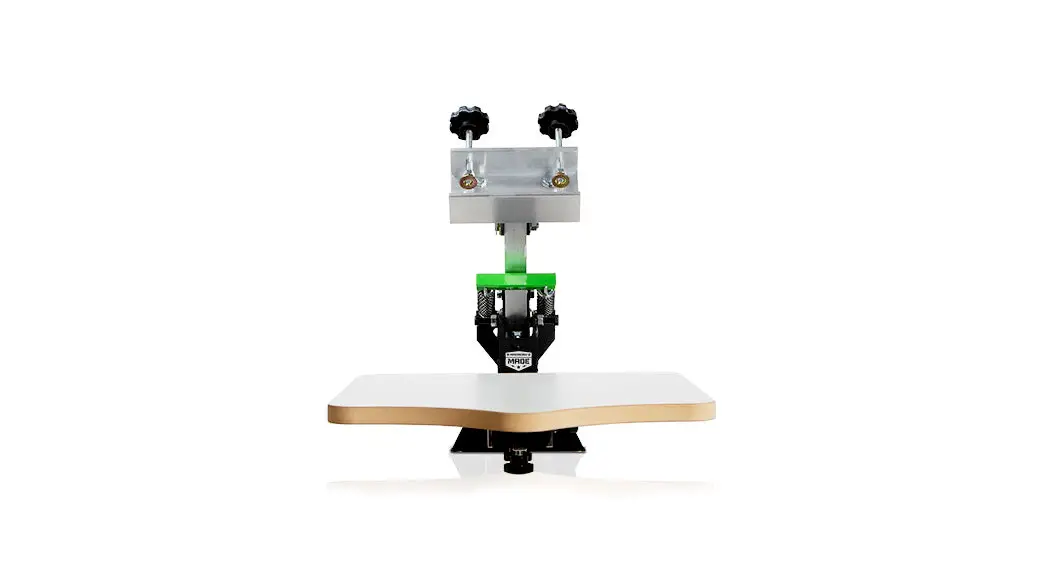
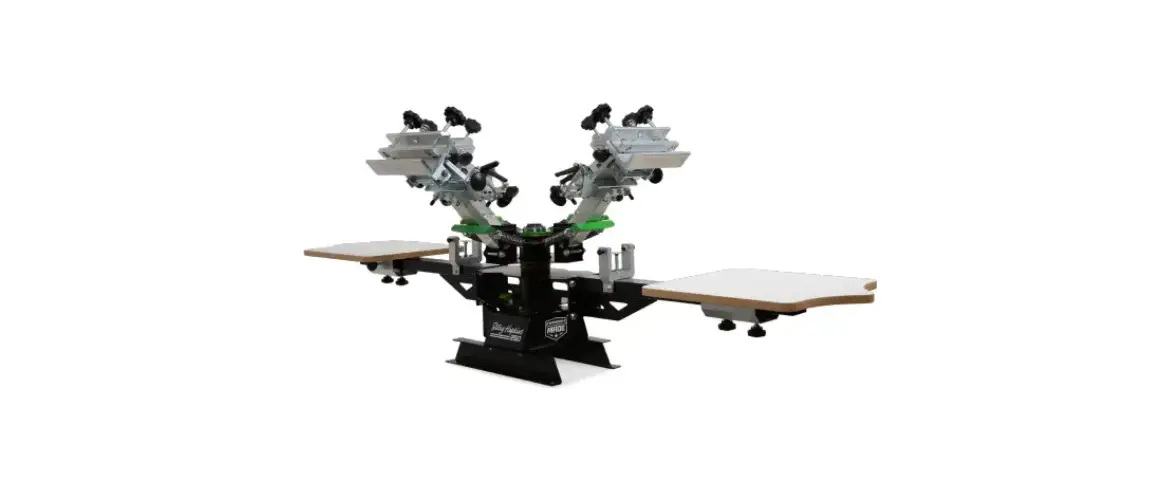
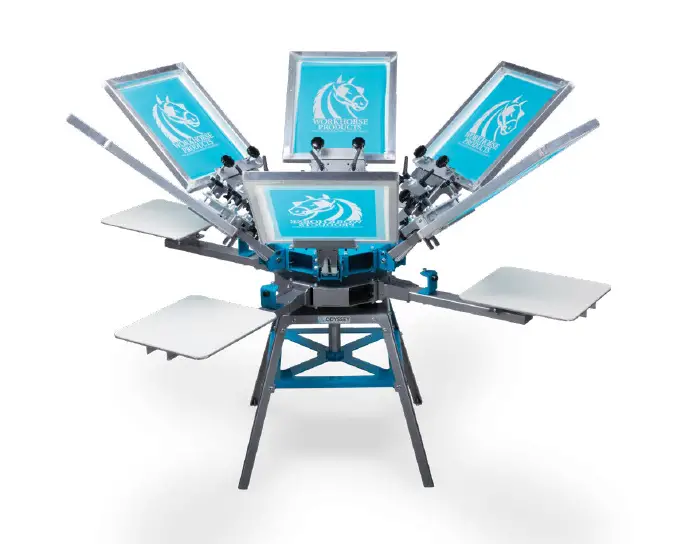
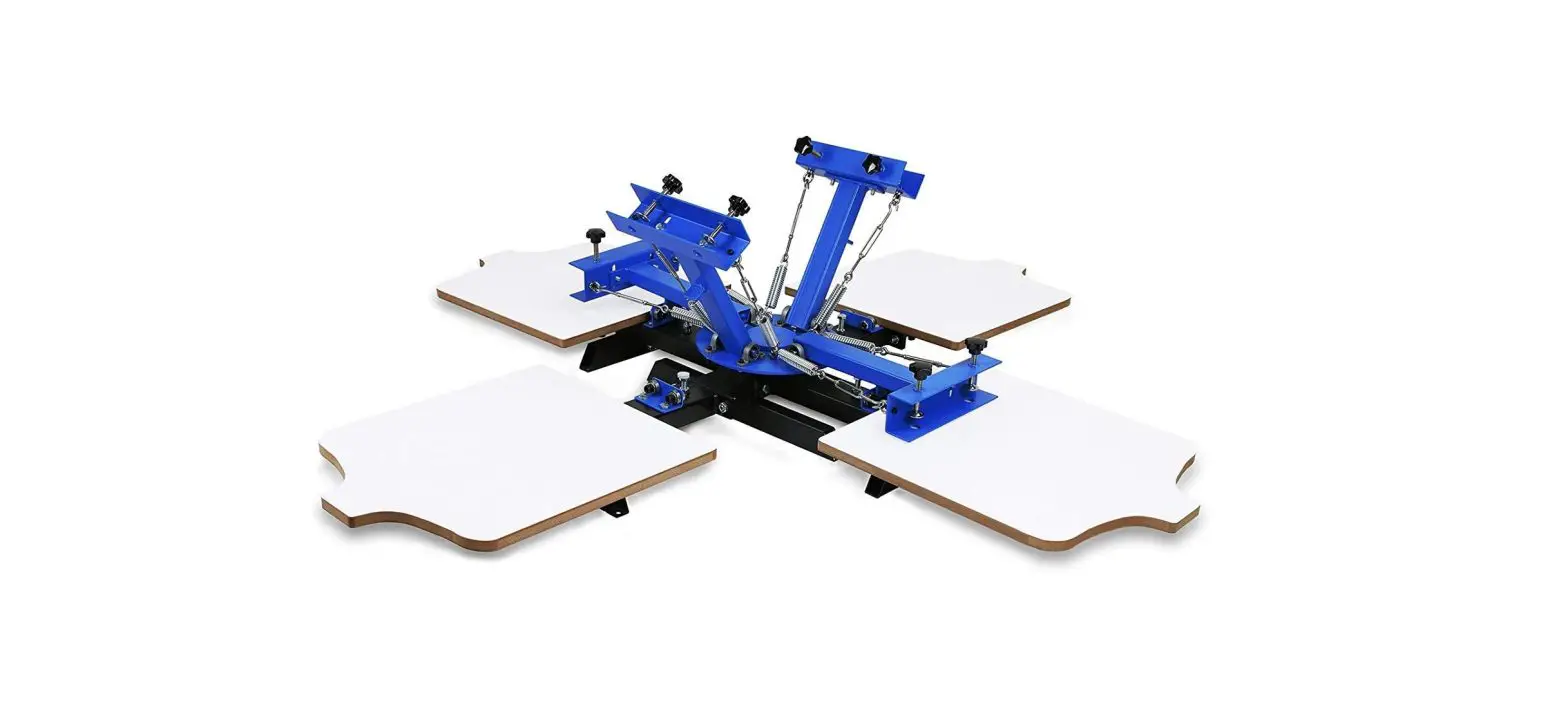
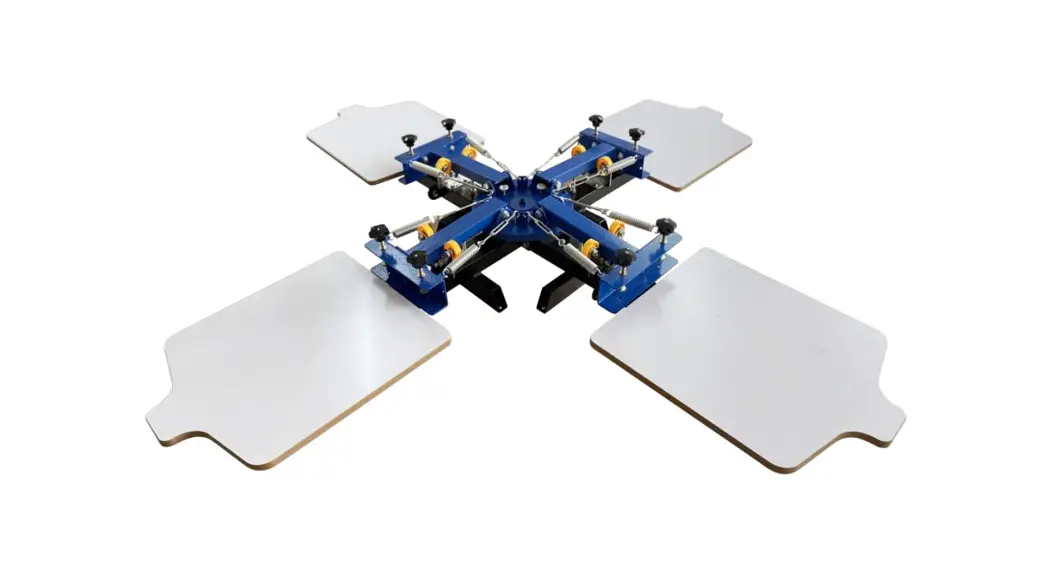
The 4-Color, 1-Station Micro is a printing press that allows you to print up to four colors on a single station. The press comes with a main press core assembly, micro print head assembly with screen clamp, mounting feet, 16 x 16 MDF platens with neck, and a hardware kit.
Tools Required:
- Two 9/16 wrenches
- Phillips screwdriver
What’s in the box:
| ITEM | NAME/ID | DESCRIPTION | Qty. |
|---|---|---|---|
| 1 | PRCO-RH250MTGHDW | RILEY 250 MOUNTING FEET HARDWARE | 1 |
| 2 | PRCO-RH250STOPHDW | RILEY 150 SCREEN CLAMP HARDWARE KIT | 1 |
| 3 | PRCO-RH250HNGHDW | RILEY 250 PRINT HEAD HINGE HARDWARE KIT | 1 |
| 4 | HARDWARE KIT | 1 | |
| PRHD-HC3/8NC1GR5ZC | 3/8-16 X 1 HEX CAP SCREW | 4 | |
| PRHD-WA3/8USSPFC9ZY | 3/8 PFC9 USS FLAT WASHER-YELLOW | 8 | |
| PRHD-LNYN3/8NCGR5ZC | 3/8-16 LOWPRO NYLOC ZINC | 4 | |
| PRCO-JR41MTGHDWKIT | MOUNTING HARDWARE PACK PERFORATED BAG (QTY. 4 SCREWS) | 1 | |
| PRSA-SPRINGKIT | MESH COVERED SPRING | 8 | |
| PRCO-BMPRBLTCVRBLU | PRINT HEAD RUBBER BUMP STOP | 4 | |
| PRHD-HC3/8NF3GR5ZC | 3/8-24 X 3 HEX CAP SCREW GRADE 5 ZINC | 4 | |
| PRHD-LNYN3/8NFGR5ZC | 3/8-24 LOWPRO NYLOC NUT | 4 | |
| PRHD-WA3/8SAE-SS | 3/8 FLAT WASHER | 8 | |
| PRCO-9/16ENDWRENCH | 9/16 END WRENCH (OFF-CONTACT ADJUSTMENT) | 1 |
Product Usage Instructions
- Step 1: Install Mounting Feet
- Attach the mounting feet (4) to the main press core assembly using the supplied hardware. Two 9/16 wrenches are required for this step. Refer to Page 2 for hardware detail.
- Step 2: Install Print Head Assemblies
- Attach the micro print head assembly with screen clamp to the main press core assembly using the supplied hardware. Two 9/16 wrenches are required for this step. Repeat this step for the remaining print head assemblies. Refer to Page 4 for hardware detail.
- Step 3: Install Spring Assemblies
- Attach the spring assemblies with hooks facing upward. Lower the print head assemblies until they rest on the lower stop bolt. Repeat this step for the remaining print head assemblies. Refer to Page 3 for hardware detail. Hooks must be facing upward.
- Step 4: Install Upper Stop Bolts and Rubber Sleeves
- Attach the upper stop bolts and rubber sleeves. Two 9/16 wrenches are required for this step. Do not overtighten the bolts as it will cause resistance in the print head hinge point. Repeat this step for the remaining print head assemblies. Refer to Page 3 for hardware detail.
- Step 5: Mount Press Base Feet
- Mount the press base feet (2) to a sturdy tabletop using the supplied mounting screws (1). A Phillips screwdriver is required for this step. Note: Refer to Page 2 for hardware detail. The press is shown mounted on a Riley Hopkins 1-station press cart (sold separately).
- Step 6: Install Platen Assembly
- Attach the platen assembly (1) onto the tubular arm of the press. When the platen is in the desired location, first lock down the side knob (2). Lastly, tighten down the lower locking knobs (3). The platen can be adjusted front-to-back to help position the image onto the desired location of the substrate.
- Step 7: Off-Contact and Tilt Adjustments
- First, lock the screen in place with the screen clamping knobs (1). Next, loosen the off-contact nuts (2) with a 9/16 wrench. Set the desired off-contact position and retighten the nuts. Lastly, set the tilt angle of the screen by first loosening the tilt locking nuts (3) and then loosening the wing nut (4). Make tilt adjustment with the tilt knob (5) until you have reached the desired screen angle. Once the adjustment has been made, retighten all three nuts.
Tools Required:
- Two 9/16” wrenches
- One Phillipps screwdriver
 Riley Hopkins Screen Printing Equipment