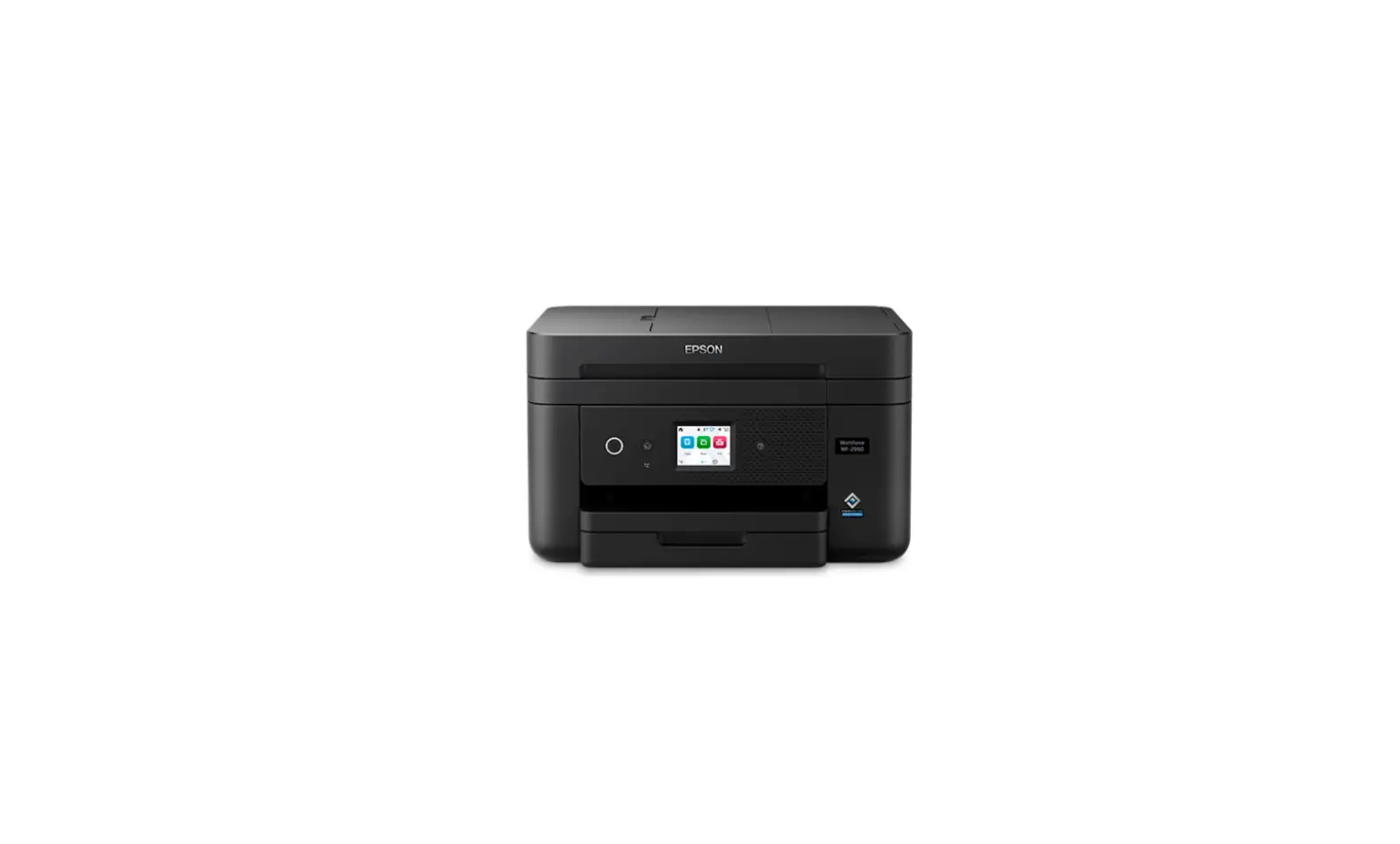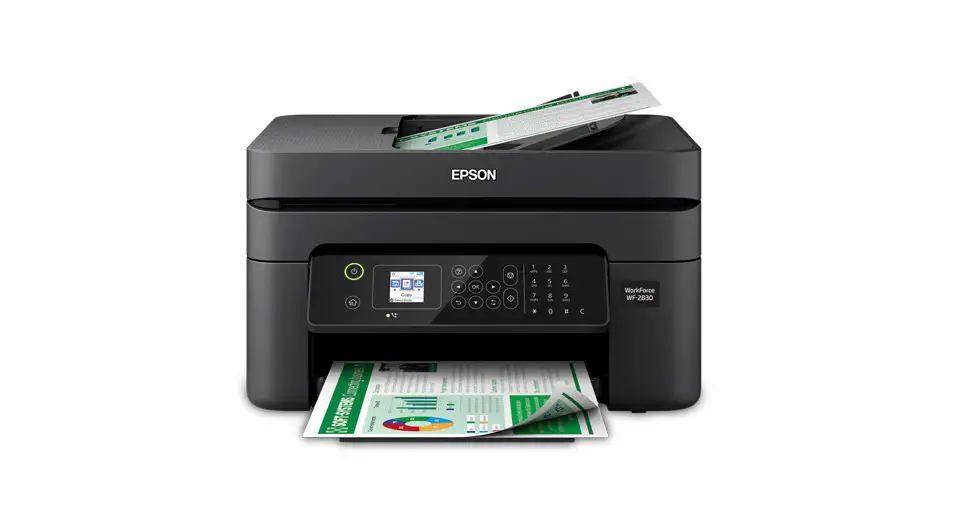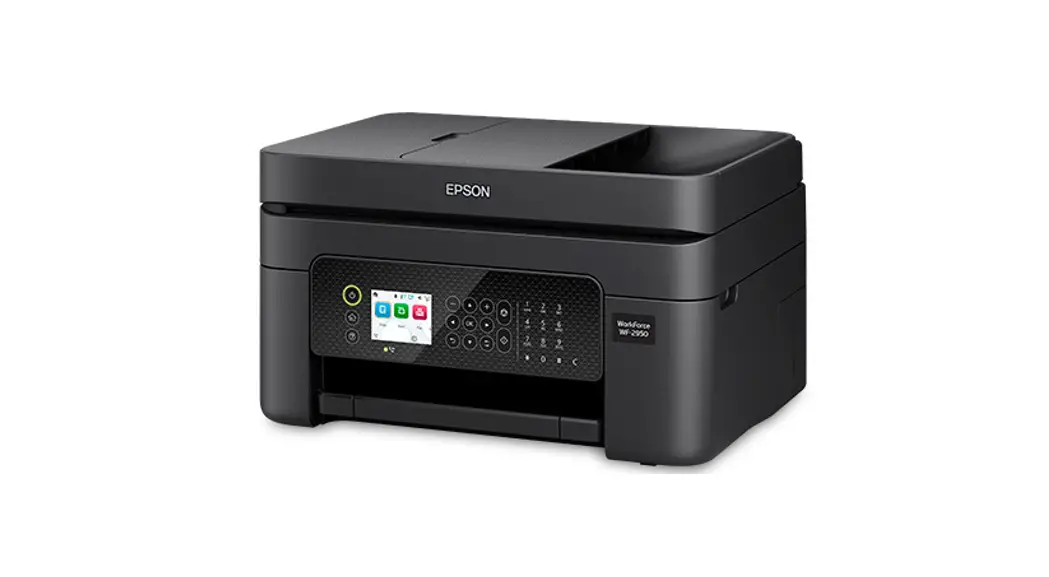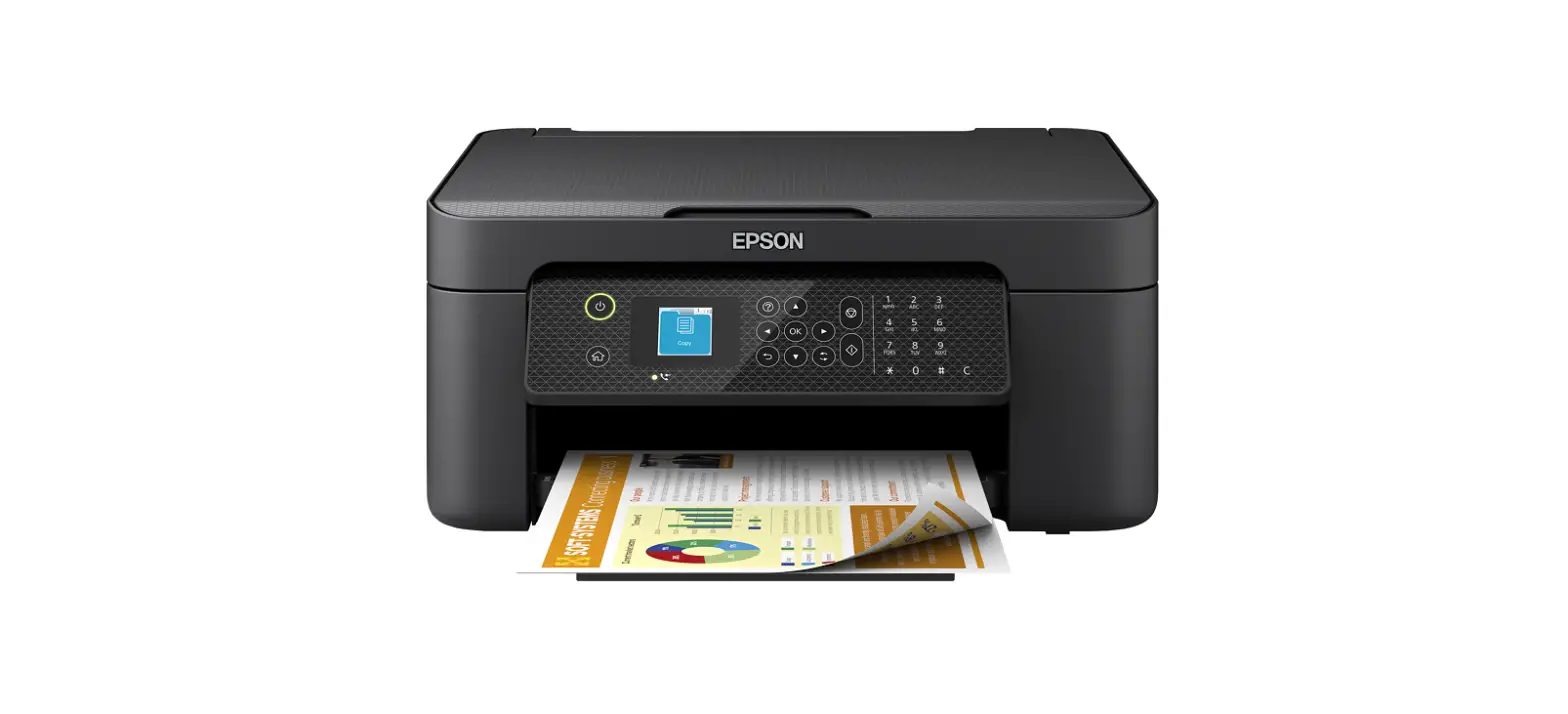

EPSON WF-2910 Series Workforce Colour Printer
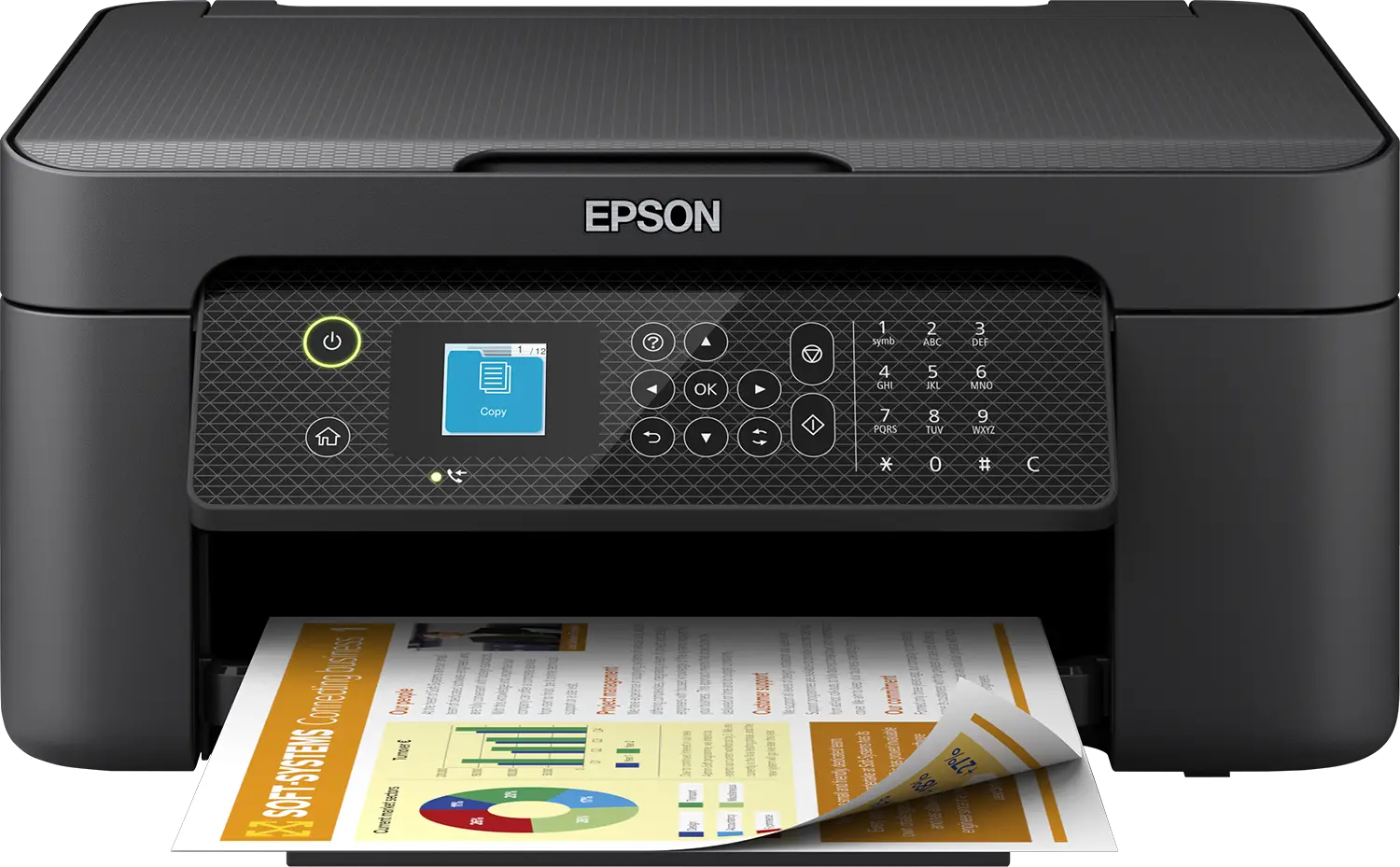
Start Here
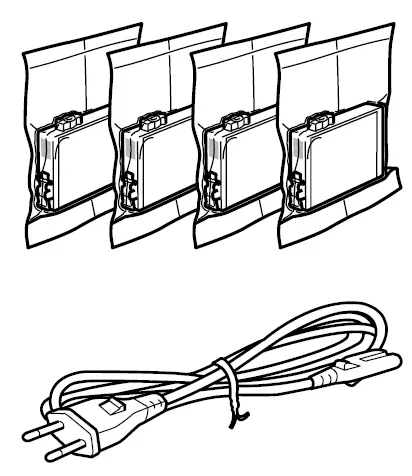
Additional items may be included depending on the location
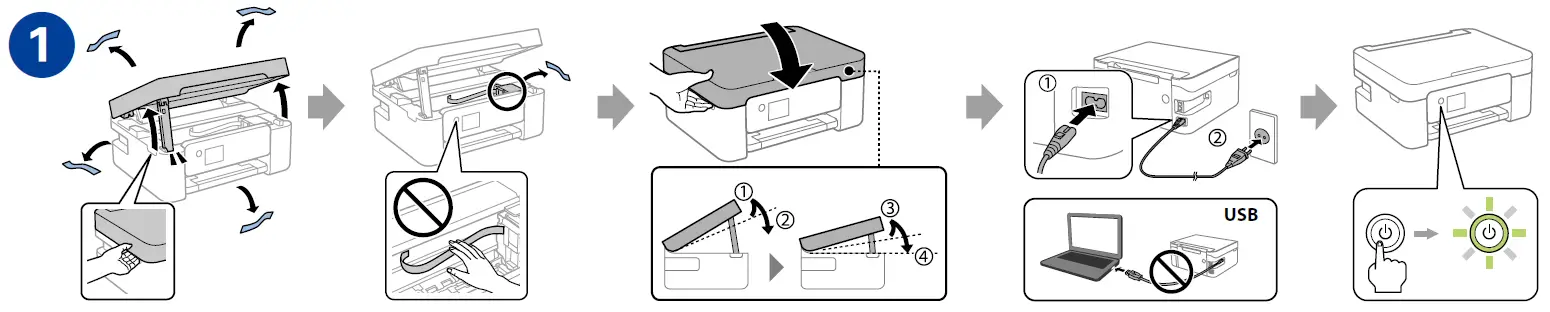
INSTALLATION INSTRUCTIONS
To finish setting up the printer, download Epson Smart Panel app or go to Epson Setup Navi website, and follow the step by step instructions
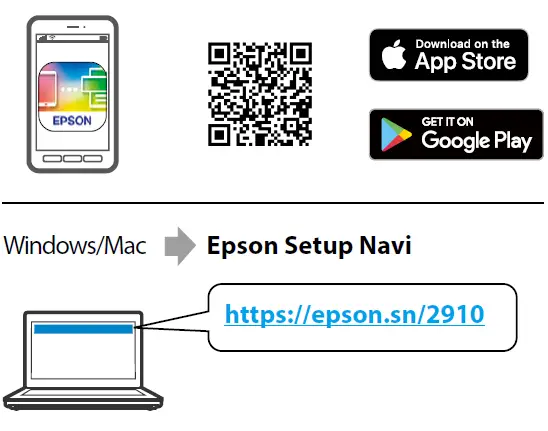
After setting up, see the online User’s Guide for information on using the printer.

Radio Equipment Information for Users in Europe, UK and Turkey
- Frequency Range 2400 – 2483.5 MHz
- Maximum Radio-Frequency Power Transmitted 20.0 dBm (EIRP)
Apple, the Apple logo, App Store and Mac are trademarks of Apple Inc., registered in the U.S. and other countries. Android, Google Play and the Google Play logo are trademarks of Google LLC. Windows® is a registered trademark of Microsoft Corporation.
- Tel: 81-266-52-3131
- Web: http://www.epson.com/
The contents of this manual and the specifications of this product are subject to change without notice. © 2022 Seiko Epson Corporation Printed in XXXXXX