
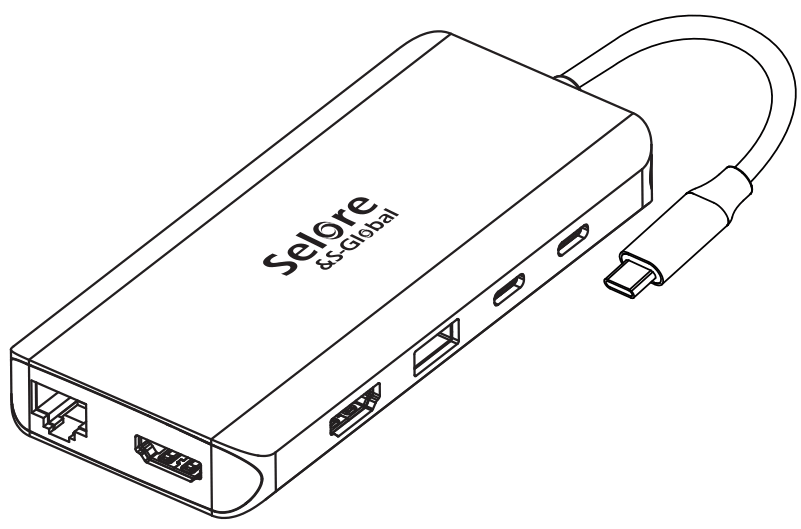
USB C Docking Station Dual Monitor
Instruction Manual
S-Global SEUC0215
Product Introduction
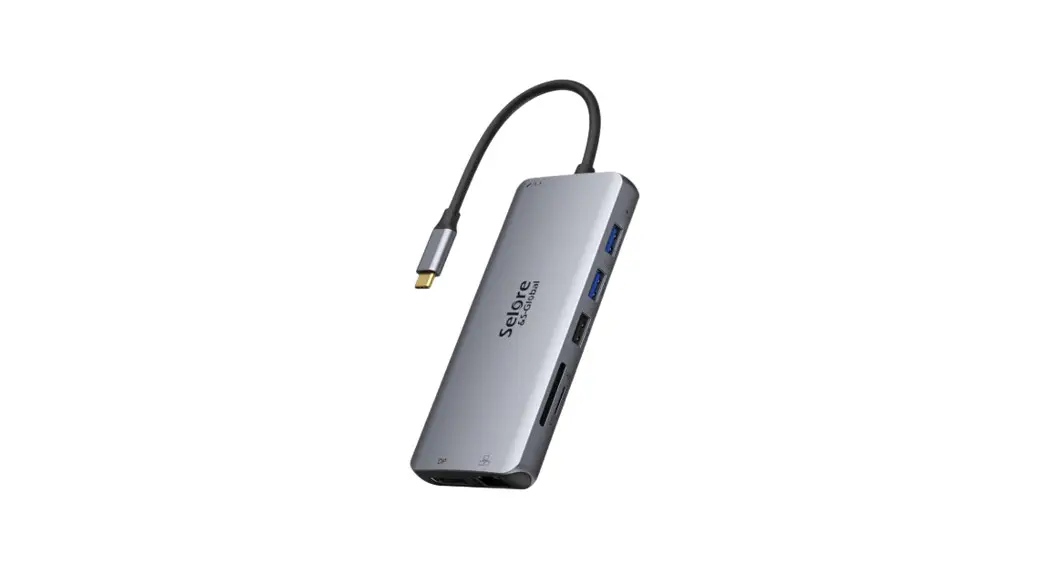
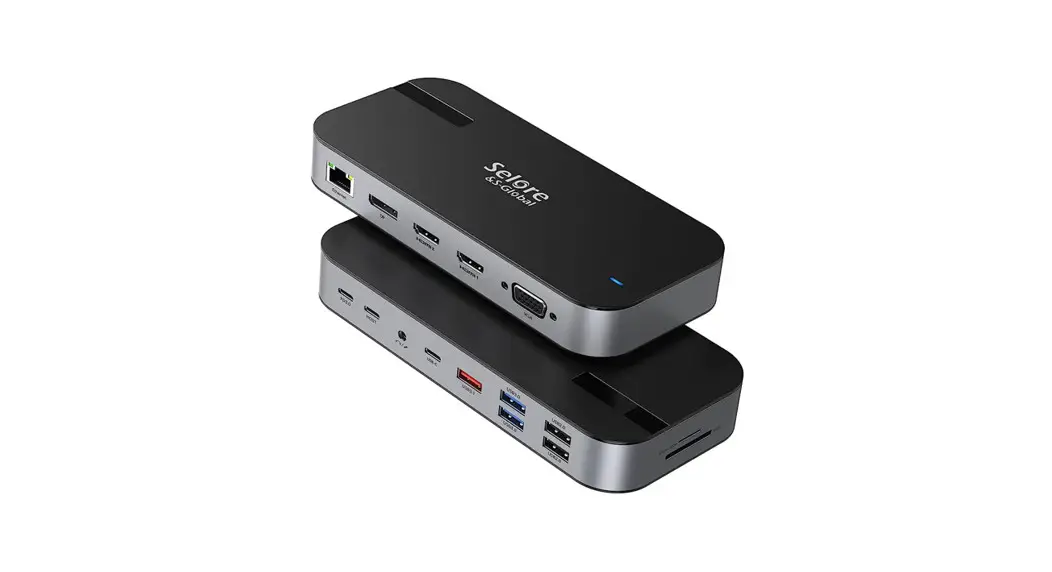
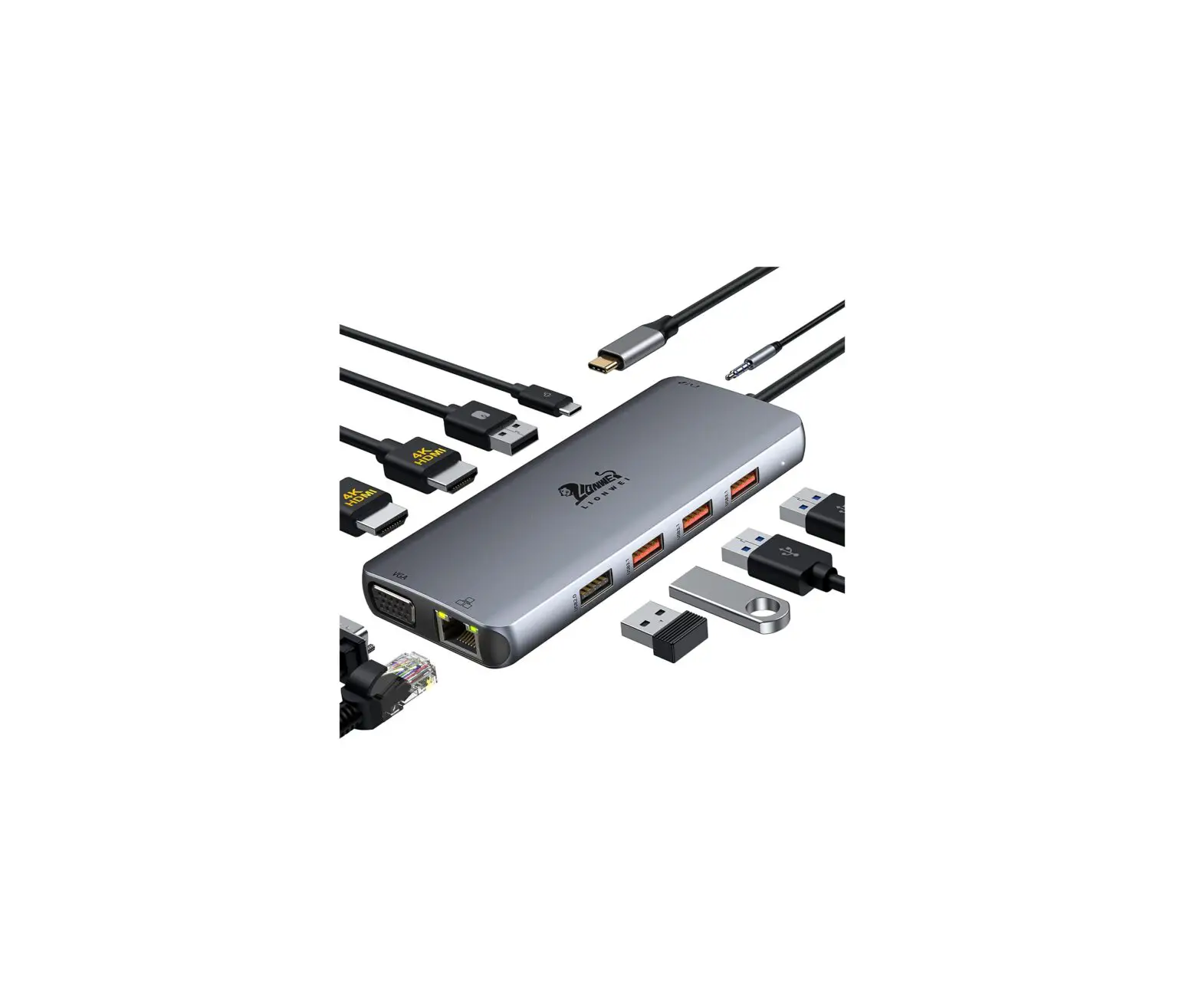
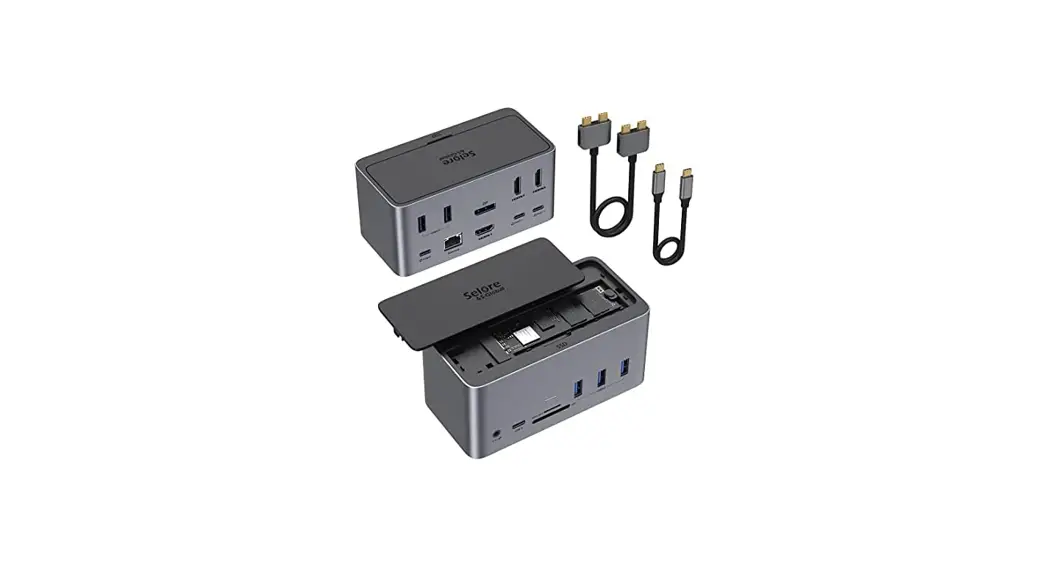
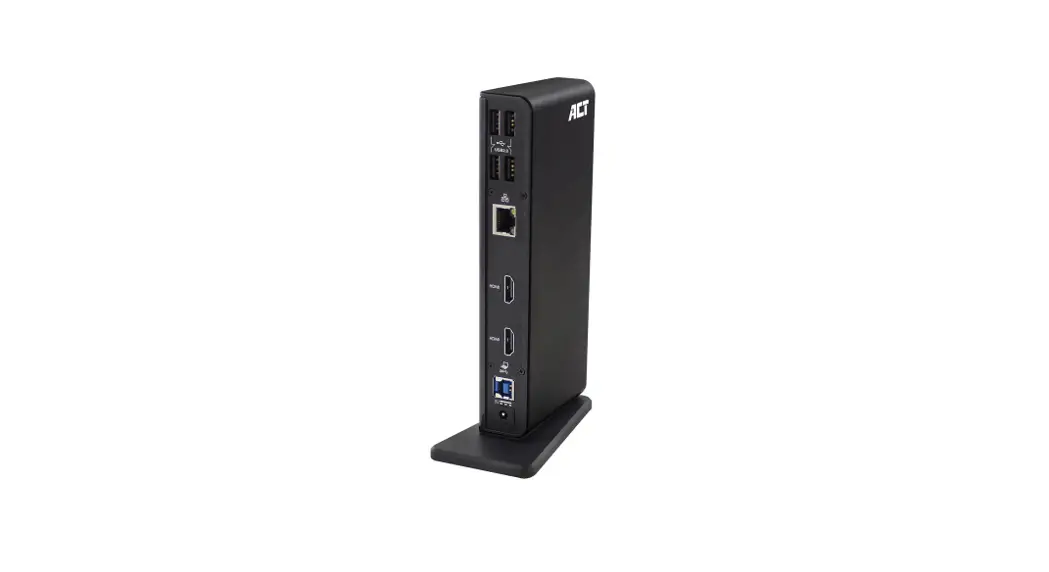
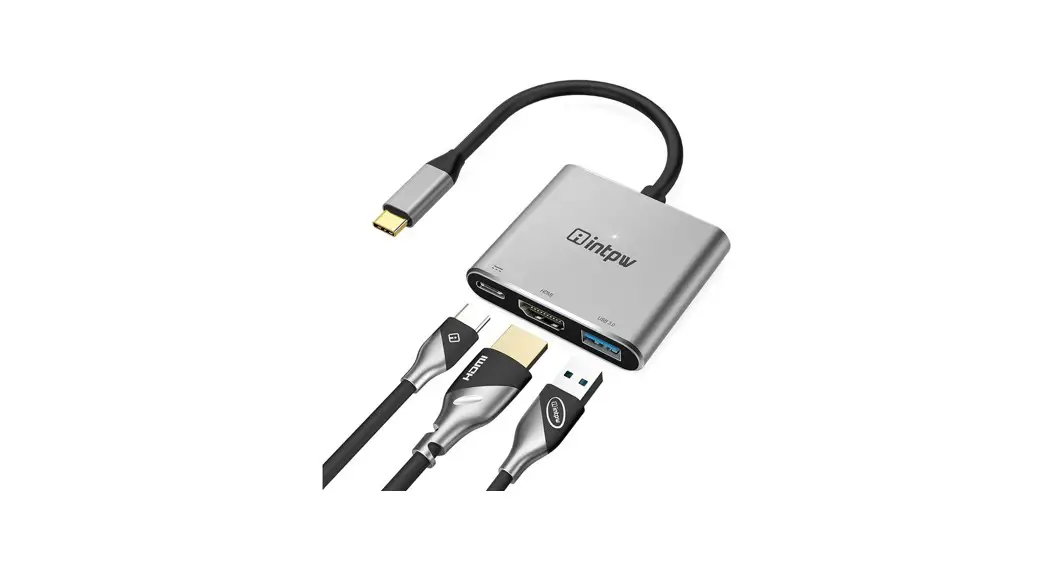
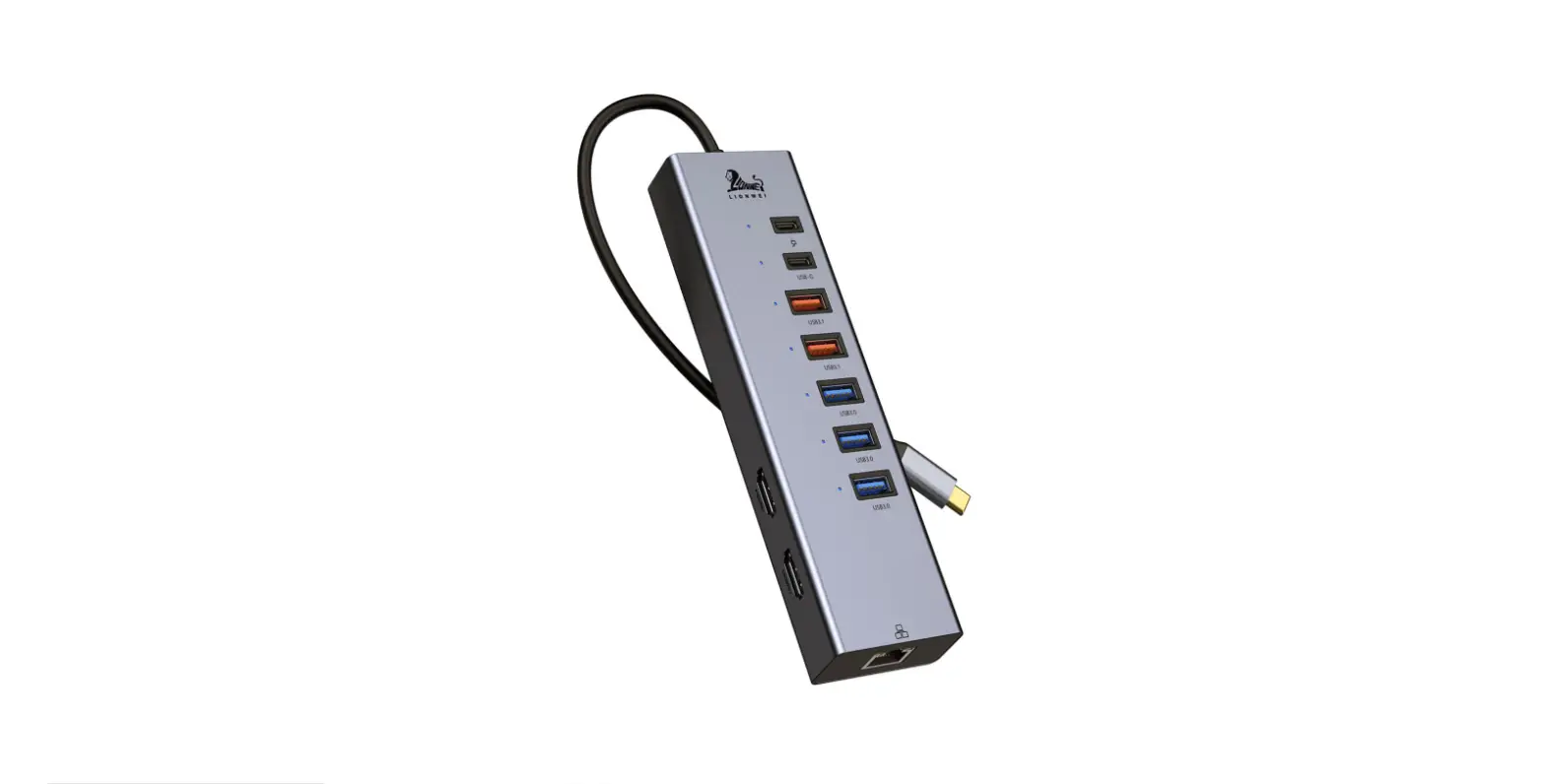
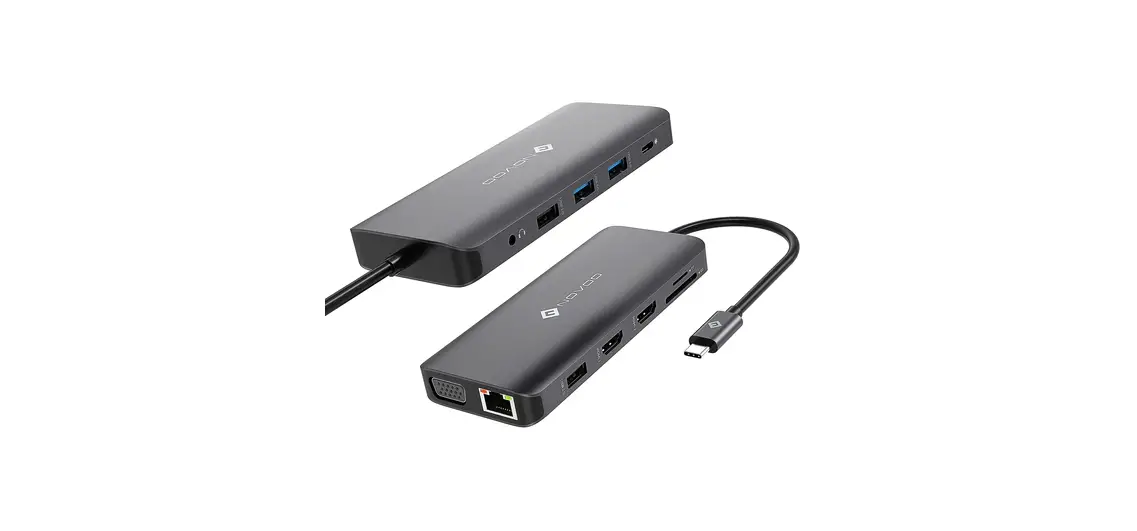
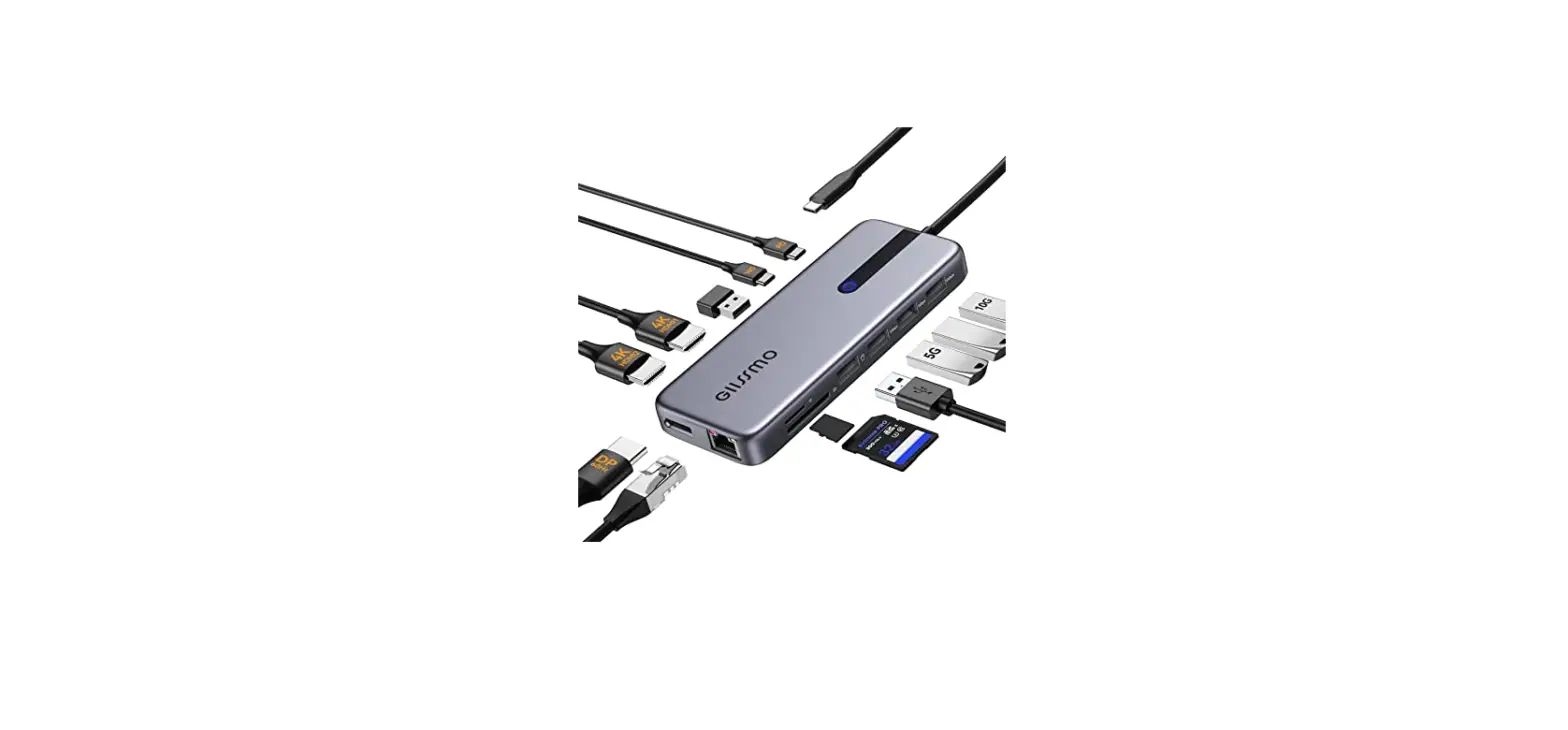
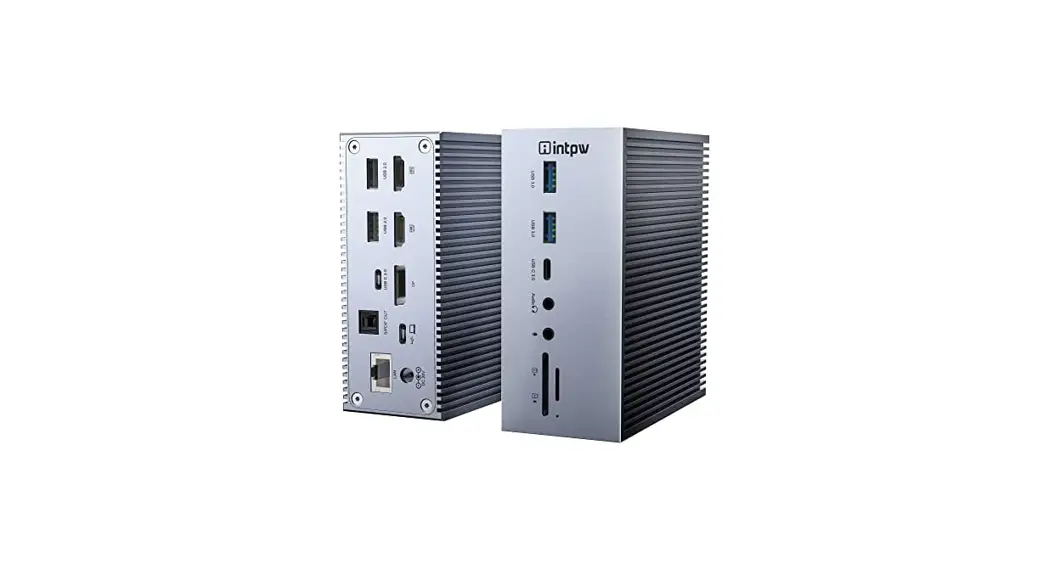
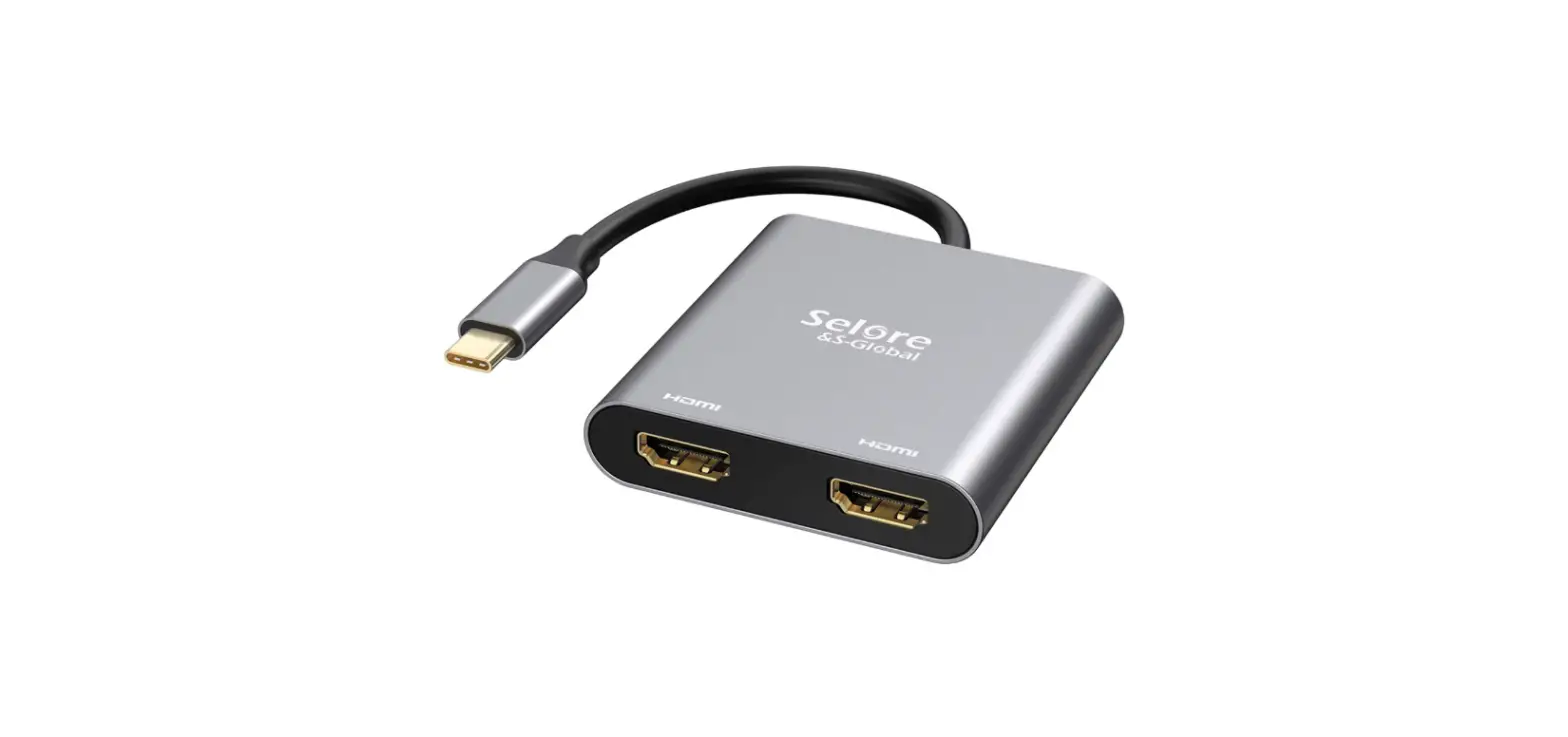
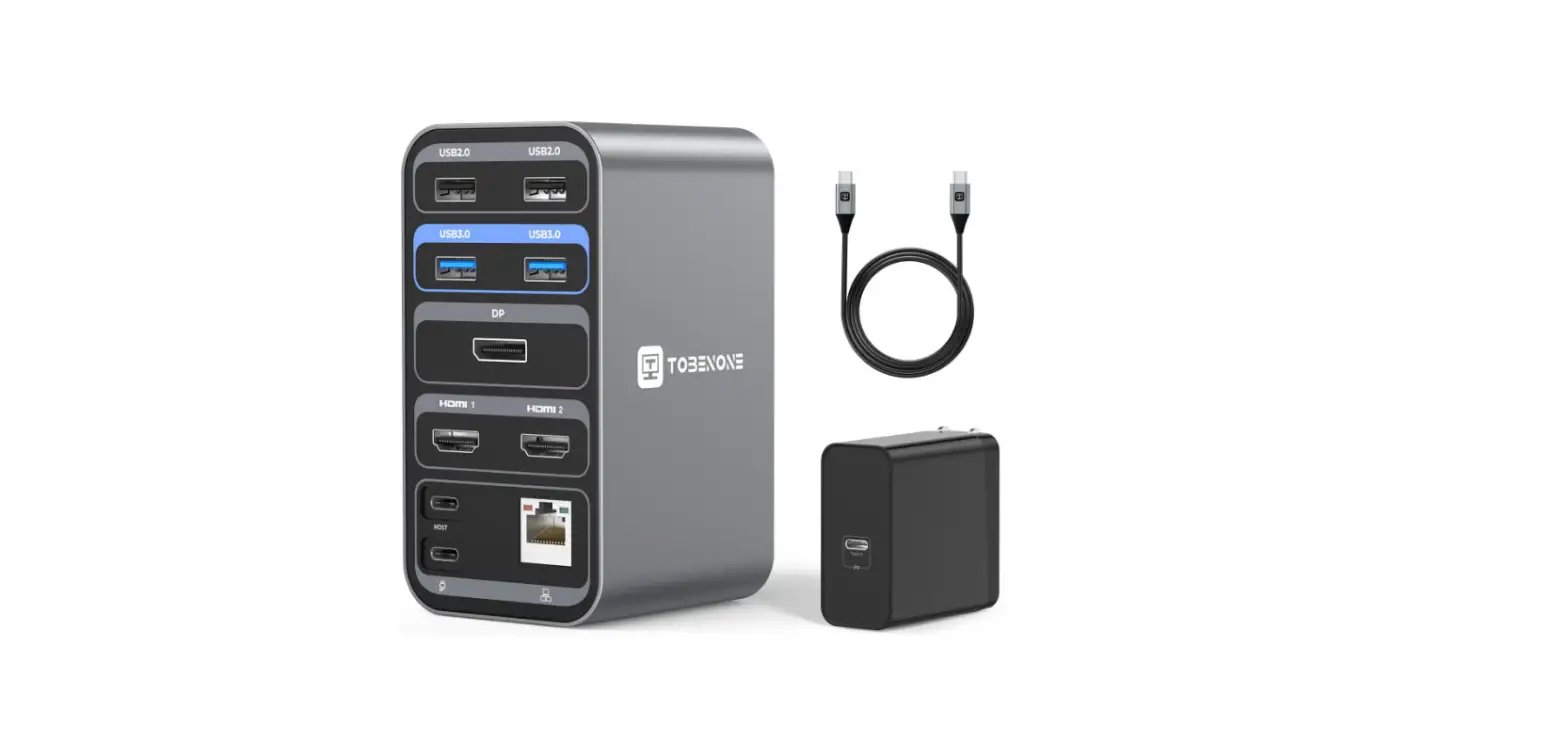
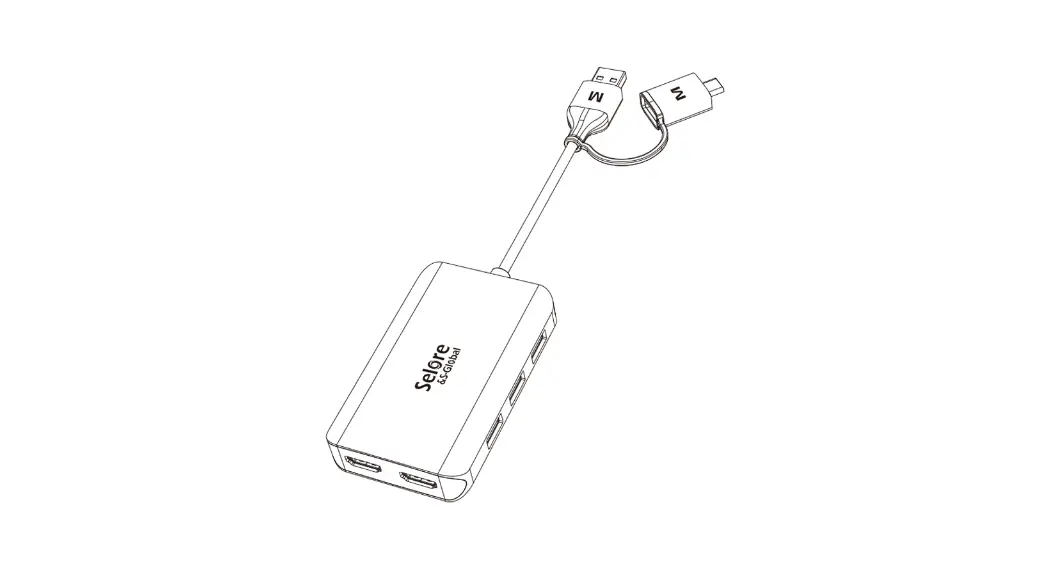
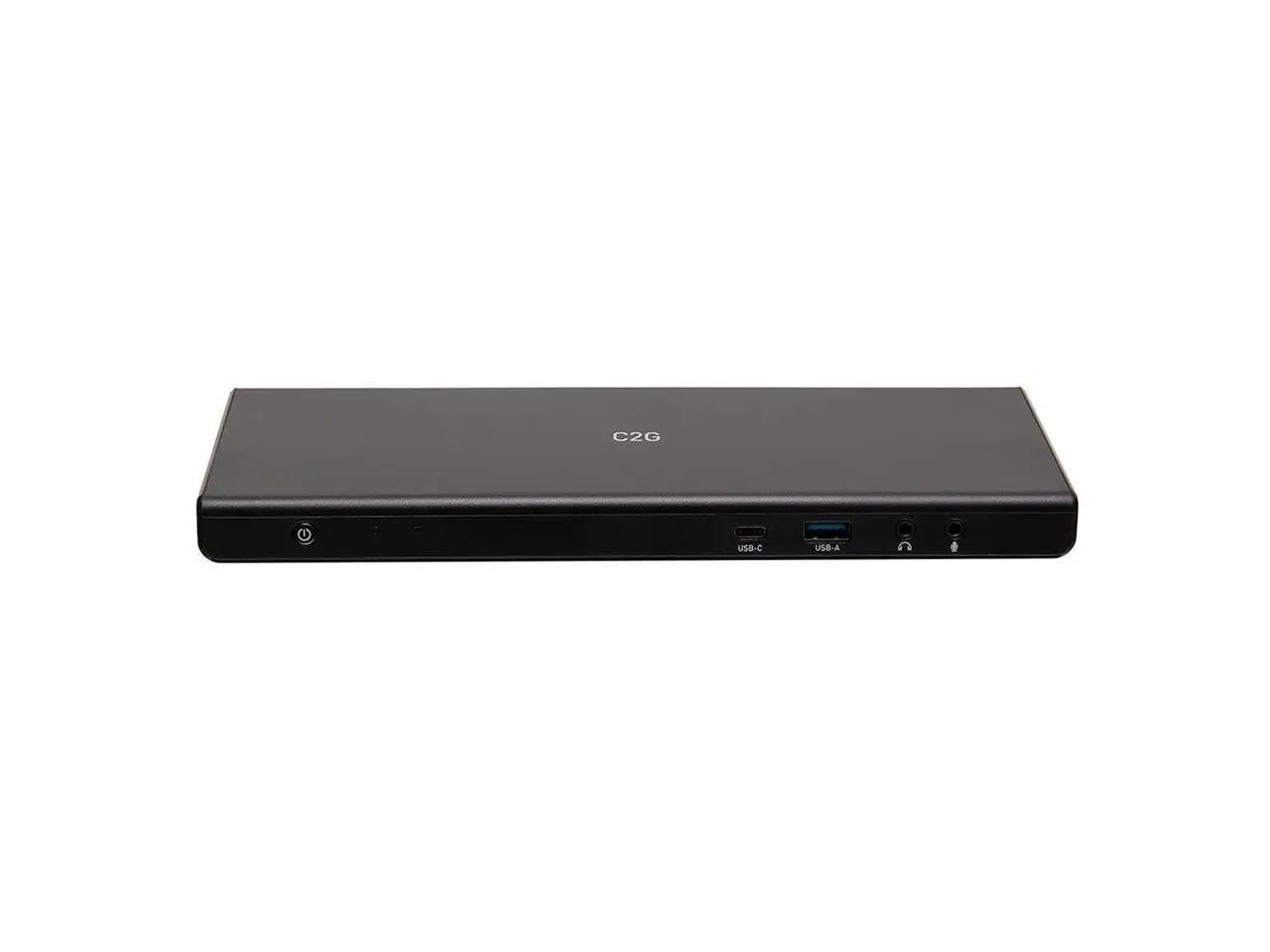
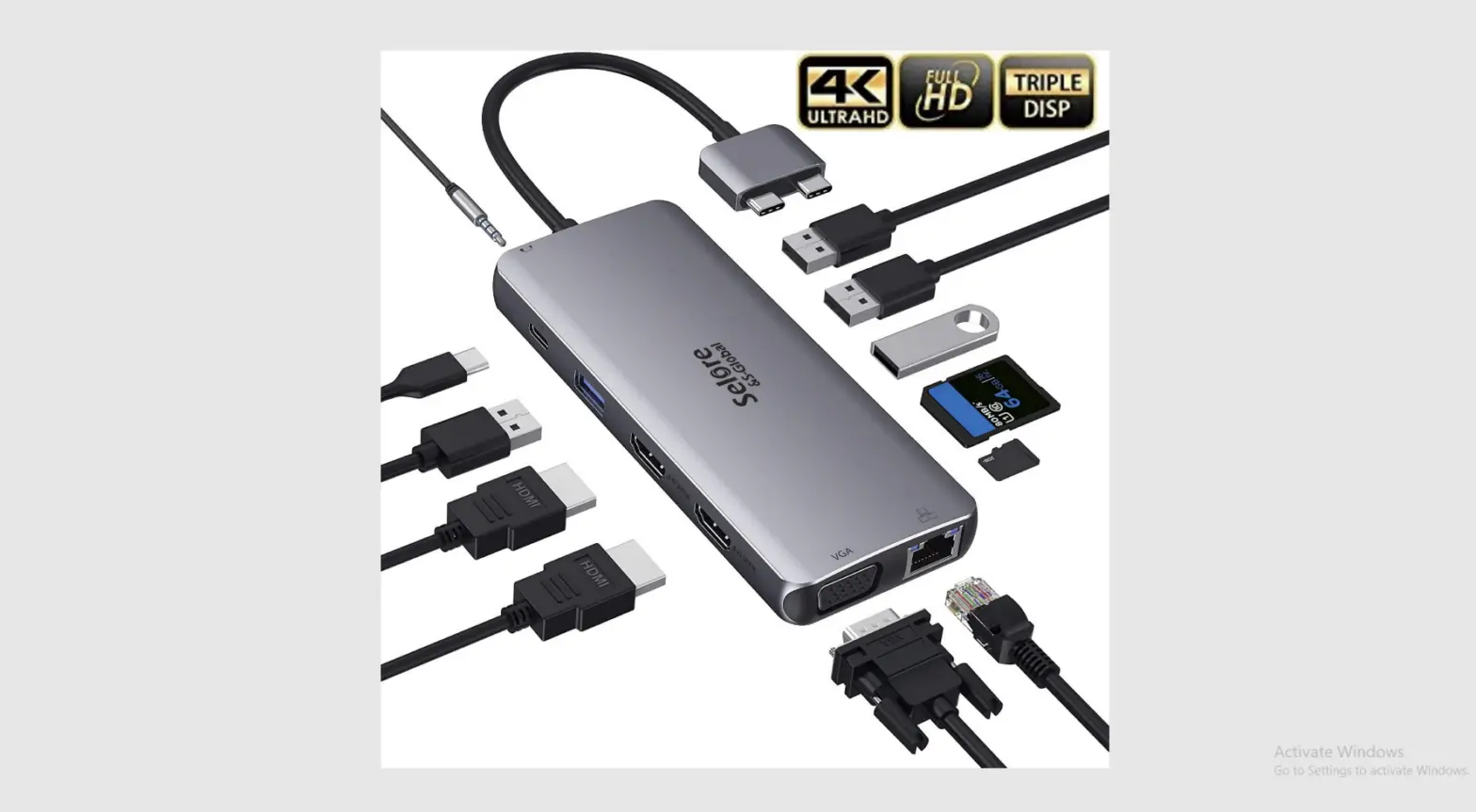
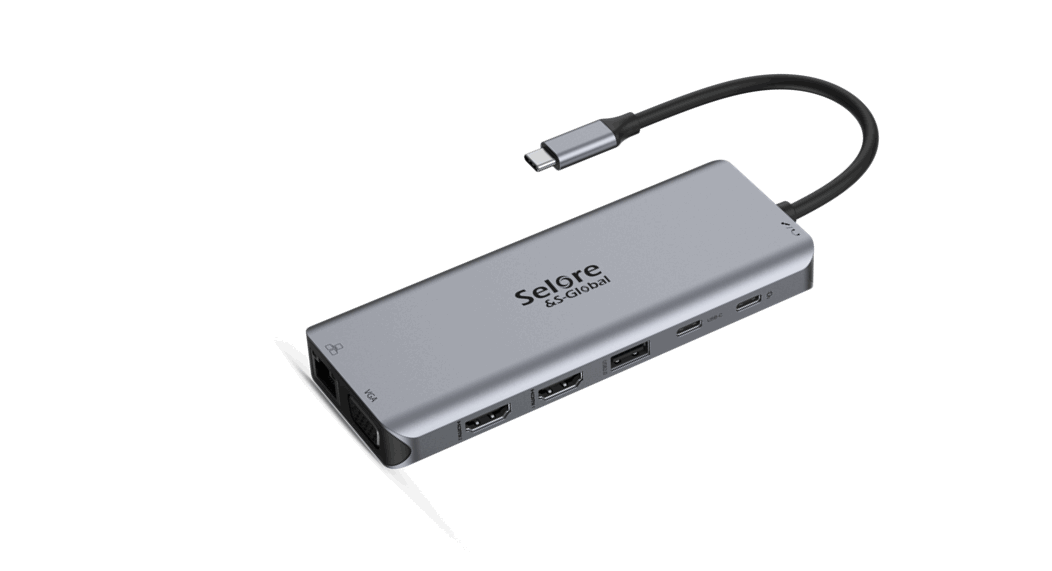
This is an alloy multi-function USB-C HUB adapter. It mainly extends the USB-C interface of the source device to HDMI, network RJ45 interface, USB3.0-A, Audio, SD/TF card reader and USB-C charging port.
Note:
The USB-C source devices (mobile/notebook/tablet PC) must support video output.
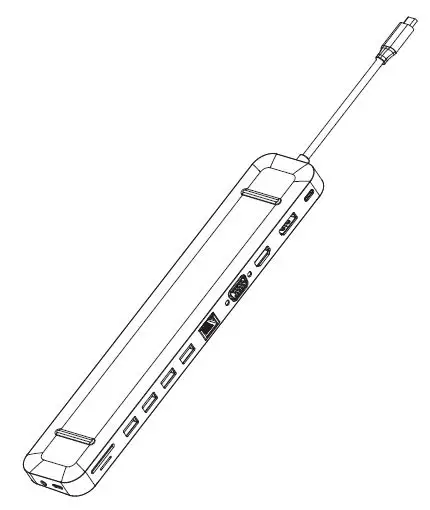
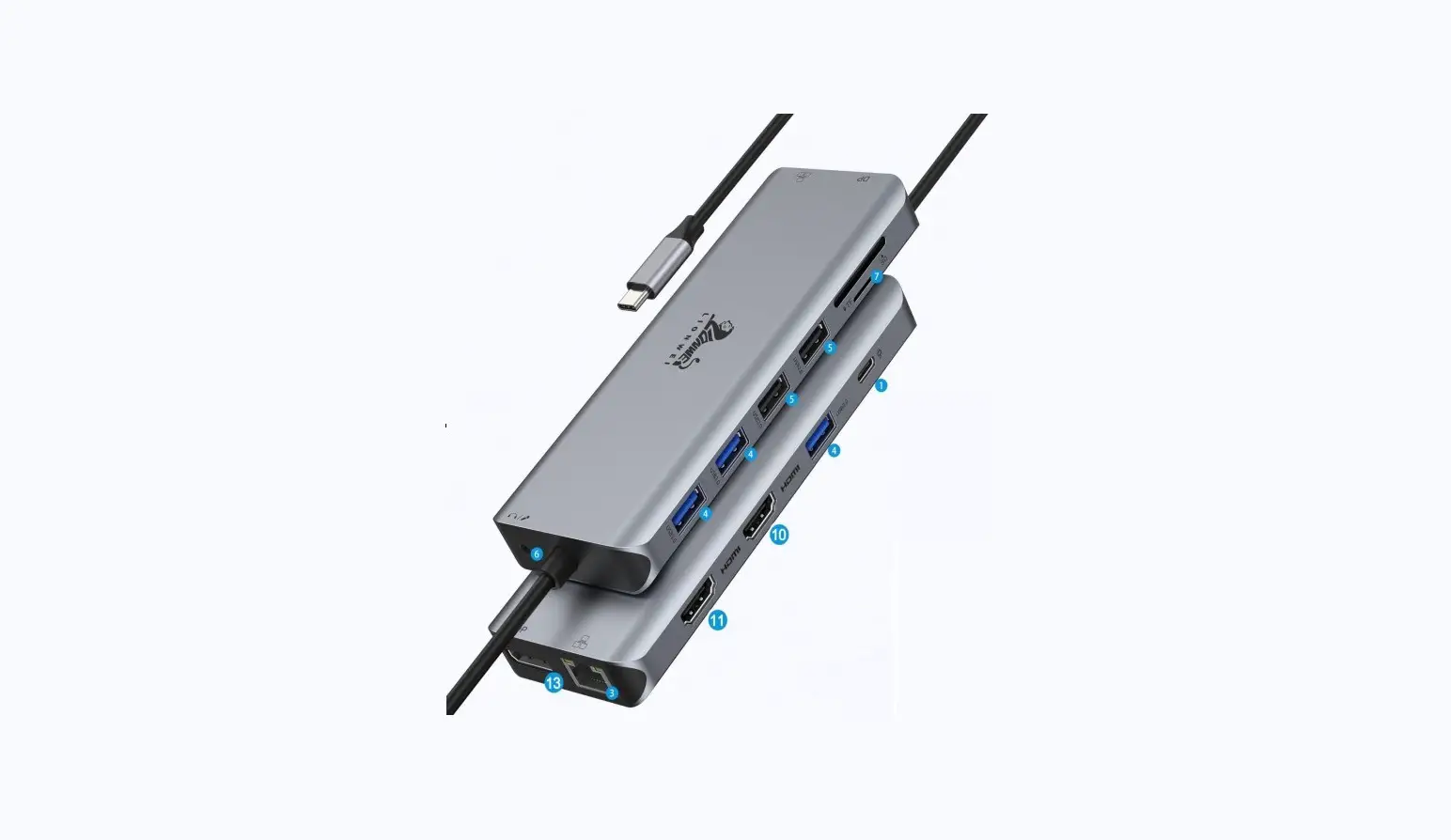
Structure Diagram
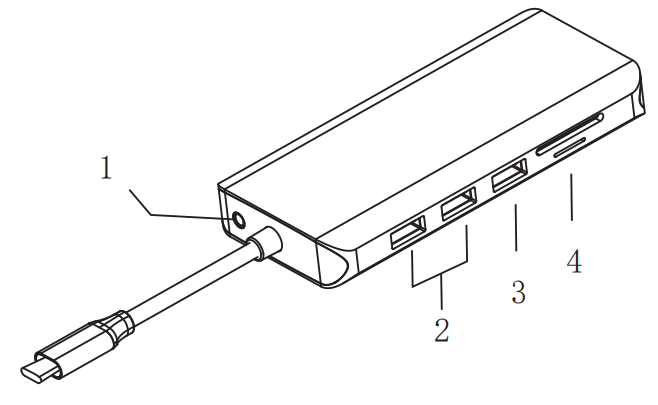
- Audio/Mic
- USB 3.0
- USB 2.0
- SD&TF
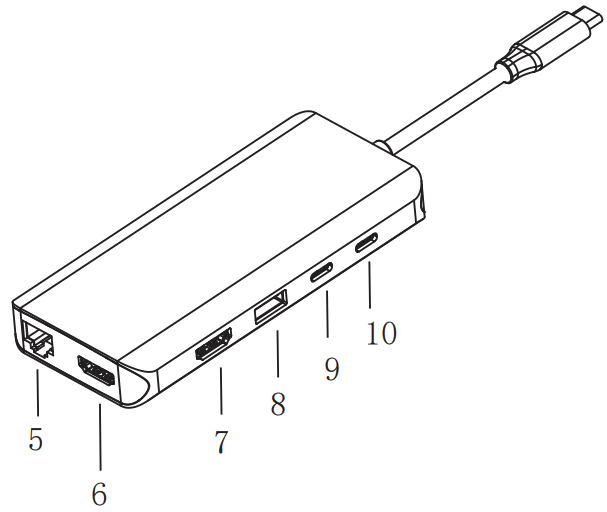
- RJ45
- HOMI 2
- HOMI 1
- USB2.0
- USB-C Data
- PD3.0
Features
- 3.5mm Audio & Microphone
- USB3.0: 5Gbps, [email protected]
- USB2.0: 480Mbps, [email protected]
- SD/TF Card Reader: SD & TF can work simultaneously
- Max Ethernet Speed: 1000M
- HDMI 2: 4Kx2K 30Hz / 3840×2160 max
- HDMI 1: 4Kx2K 60Hz / 3840×2160 (work separately while source is DP1.4 ) 4Kx2K 30Hz / 3840×2160 (work separately while source is DP1.2 )
- USB2.0: 480Mbps, [email protected]
- USB-C: 5Gb/s data transfer, downward compatible with USB2.0, power supply up to 4.5W Max.
- USB-C PD3.0: Upstream charging the source devices such as Laptop/Notebook, charging limited to 87-96W for safety and affected by different firmware. Support 100W power adapter Support SST/MST Comply with USB-C interface specification Built in conversion chip, plug and play
Connection
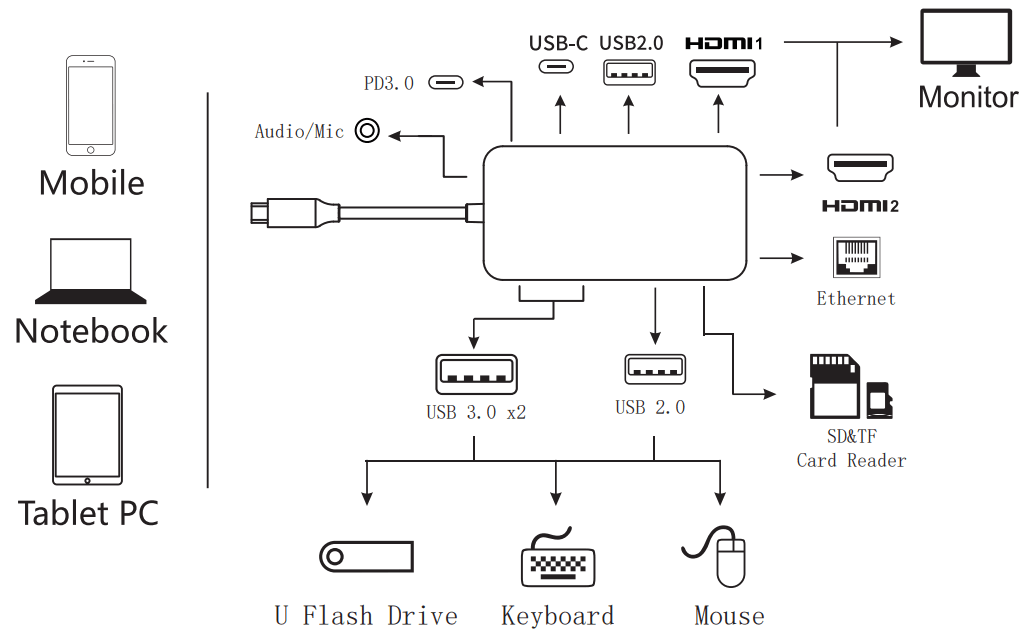
Note :
- For Video output, USB-C source devices must support video output.
- Suggest charge for power supply to keep it work stable.
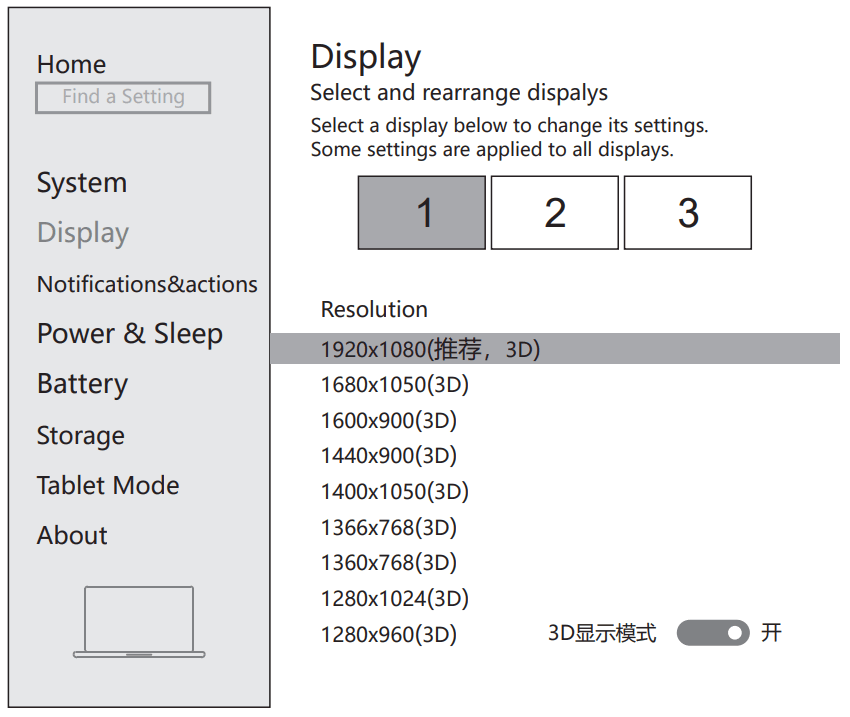
Display Settings for win10
Right click desktop >Display Settings
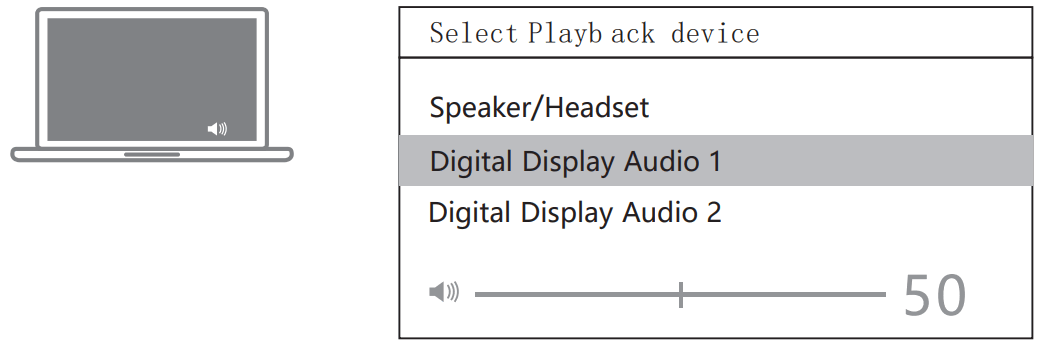
Sound Settings for win10
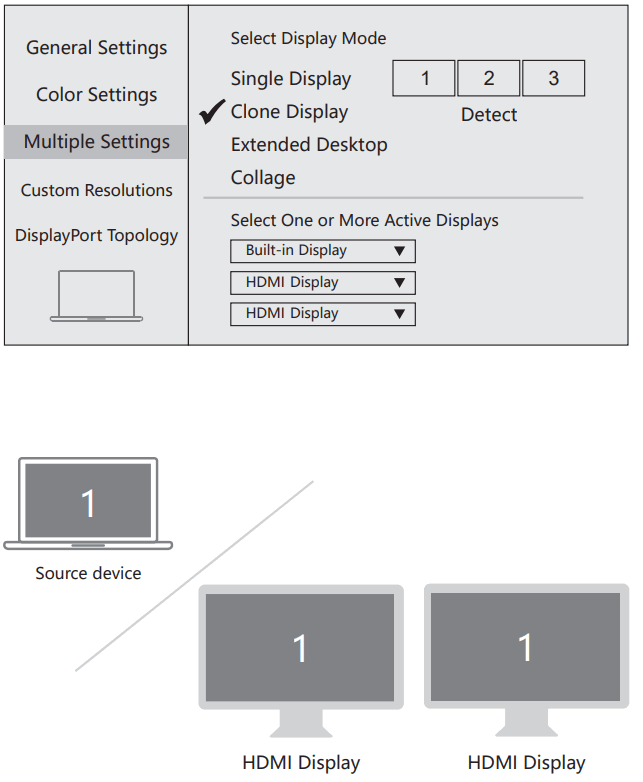
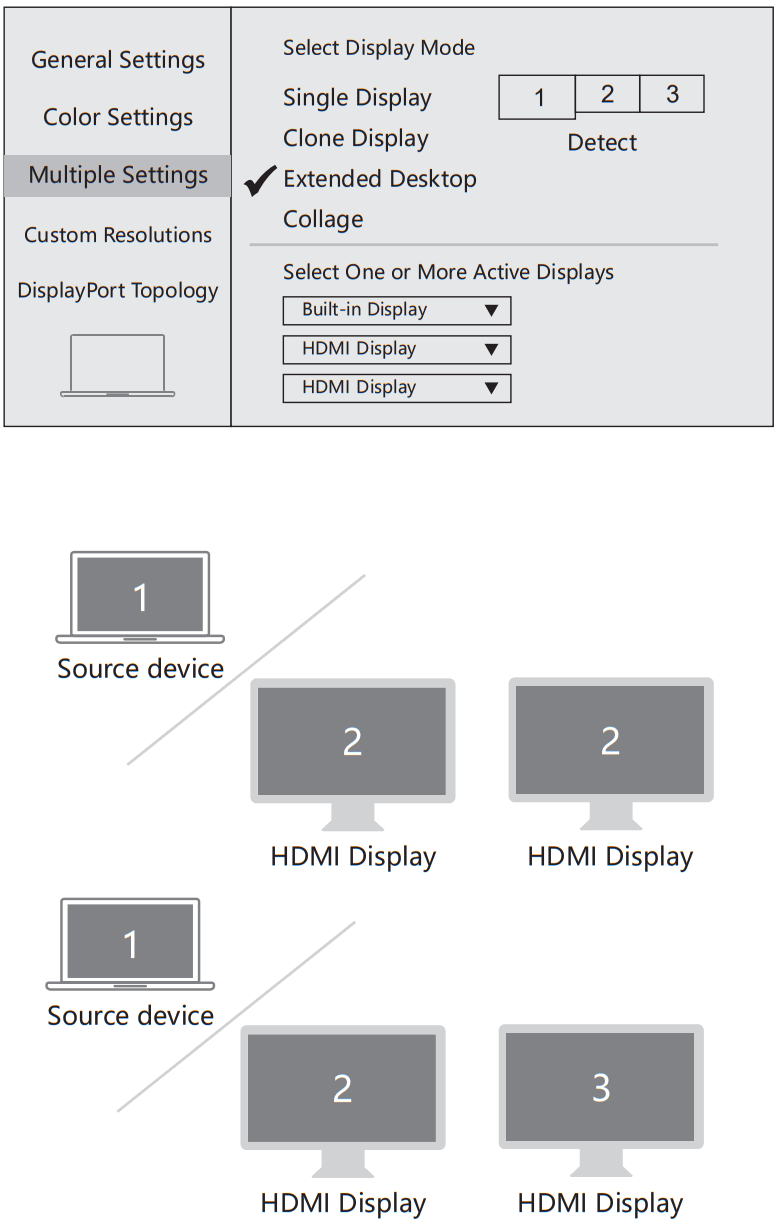
Graphics Settings for win10
- Clone mode
Right click desktop >Graphics Settings >Display
- Extended Desktop
Right click desktop >Graphics Settings >Display
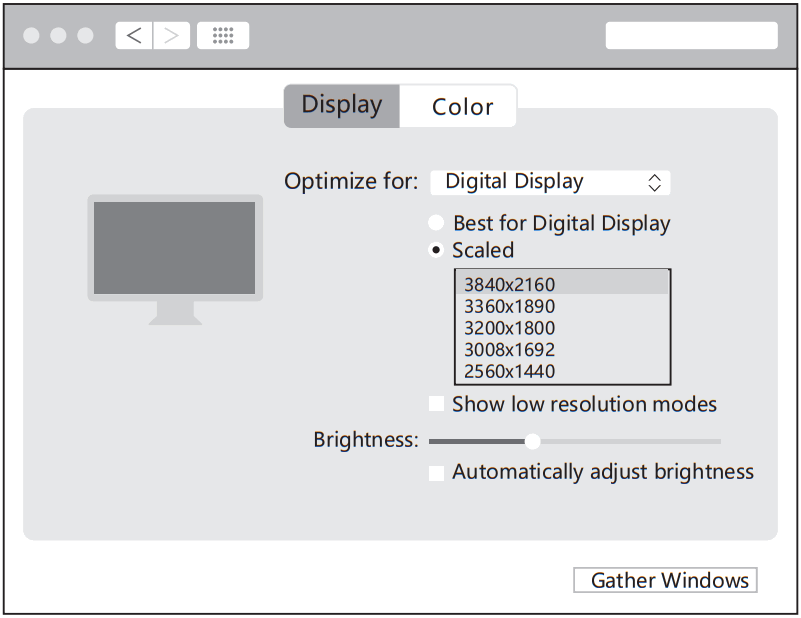
Resolution Setting for Mac
Apple logo>System Preferences>Displays
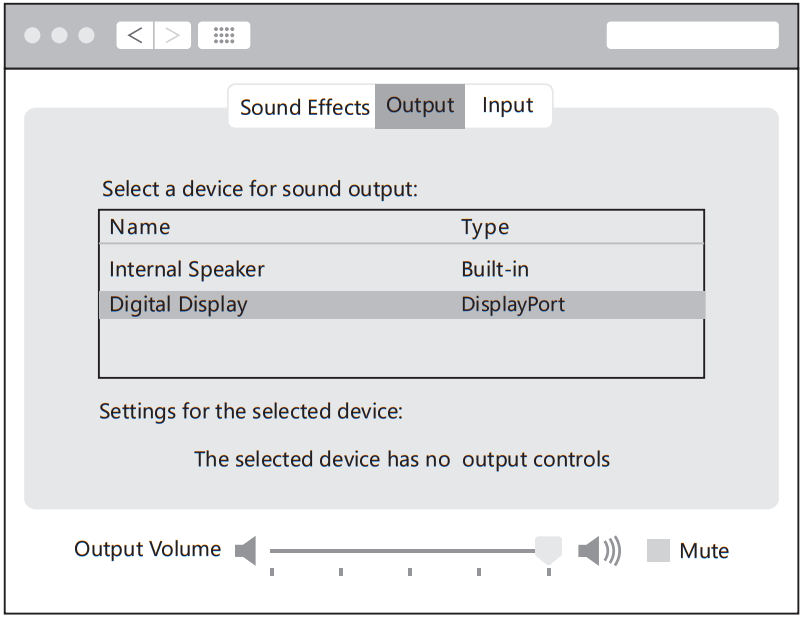
Sound Setting for Mac
Apple logo>System Preferences >Sound
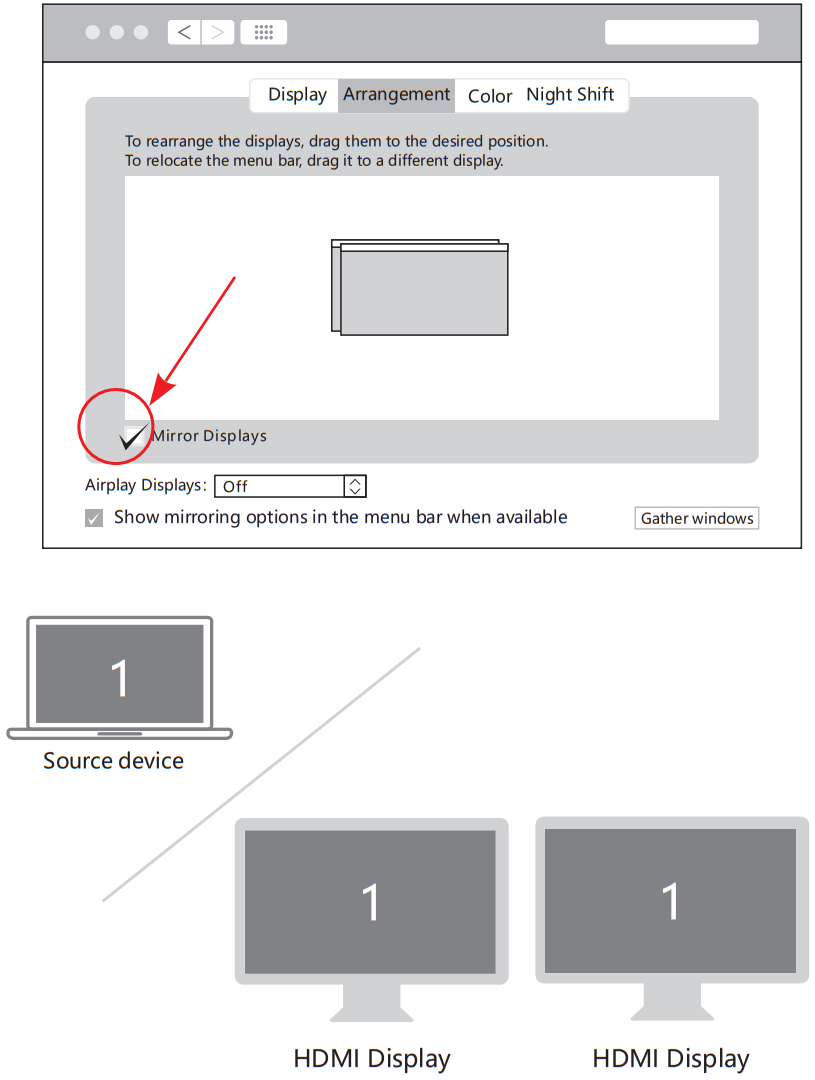
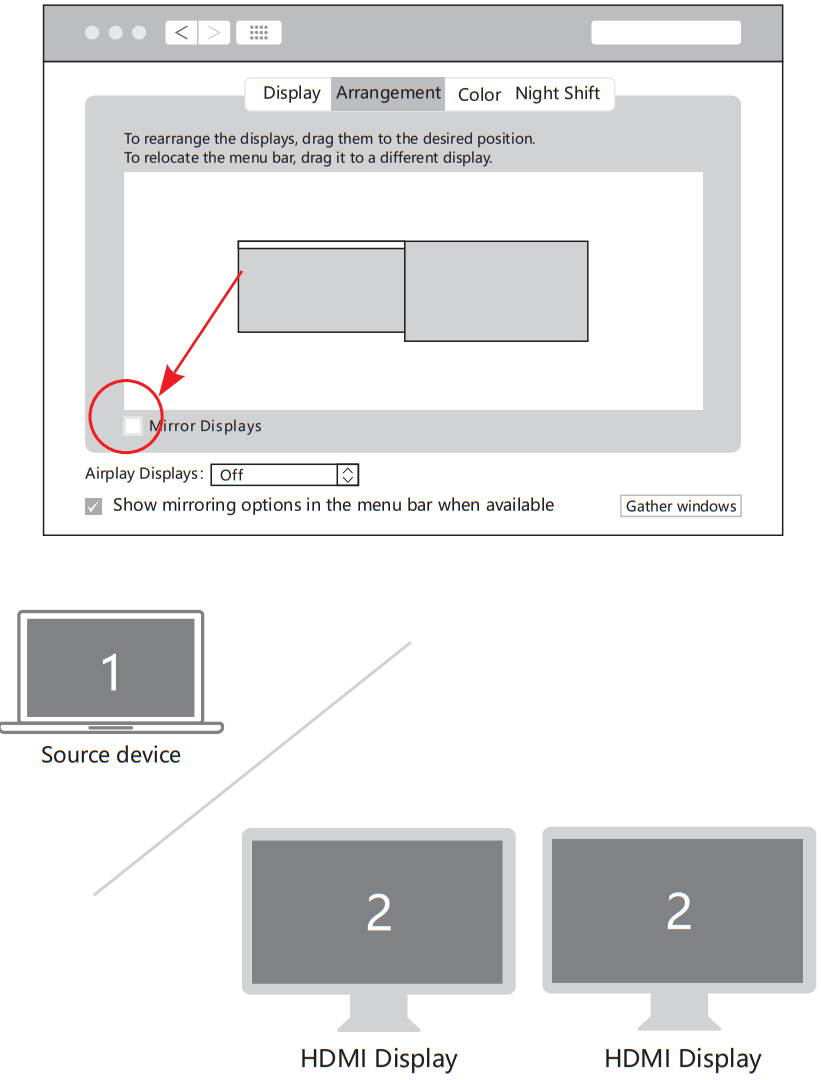
Graphics Settings for Mac
- Mirror Display
Apple logo>System Preferences >Displays
- Extend Display
Apple logo>System Preferences >Displays
Storage Conditions
Ambient Operating Temperature: 0 ℃ to 70 ℃(32°F to 158°F)
Storage Temperature: -30 ℃ to 120 ℃(-22°F to 248°F)
Ambient Operating Humidity: 20%-80%RH
Storage Humidity: 20%-90%RH
FAQ
– Pls make sure your USB-C source devices support video output
– Pls check the connection is good
– Pls use standard HDMI cable
– Pls make sure that there is audio output function on the monitor.
– Pls set the external monitor as default audio output device.
– R: 2.4G network is easily disturbed. You can switch to 5G network.
– Or you can adjust the placement of the hard disk, move to suitable place.
– D. Win10 system, if one of display does not display, how to do
– R: Right click desktop > Graphics Settings > Select One or More Active Displays
R: Restart the computer and reconnect the product
– R1: Plug and pull out for more times
– R2: Restart the computer and reconnect the hard disk
– R3: If you used USB3.0 hard disk, please make sure connect to the USB3.0 port not USB2.0.
– R: Must be charged. Please supply power by power adapter.

Made in China
The terms HDMI, HDMI High-Definition Multimedia Interface, and the HDMI Logo
are trademarks or registered trademarks of HDMI Licensing Administrator, Inc.