 Windows
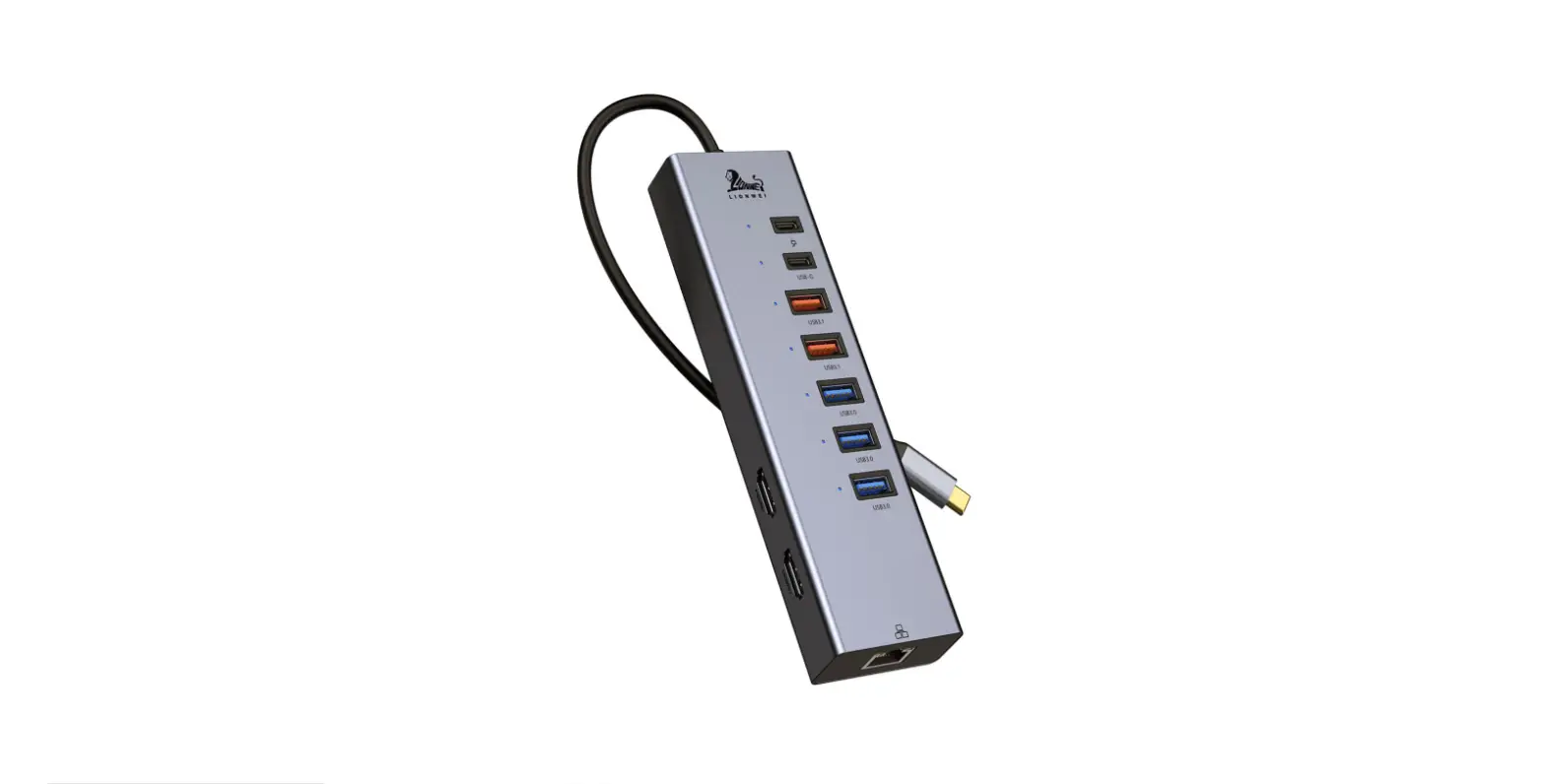
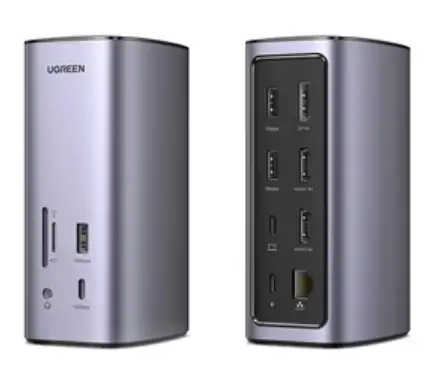
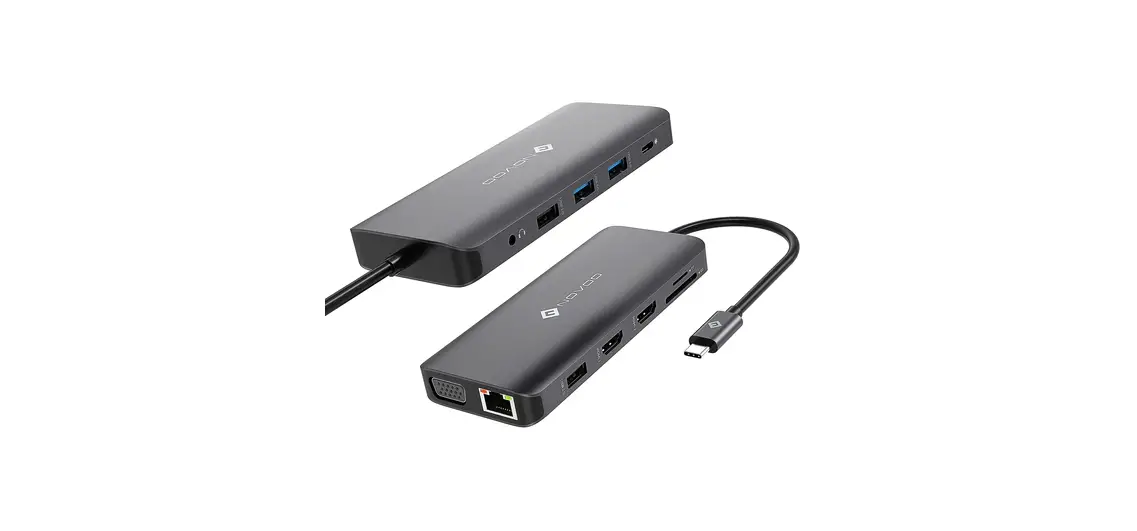
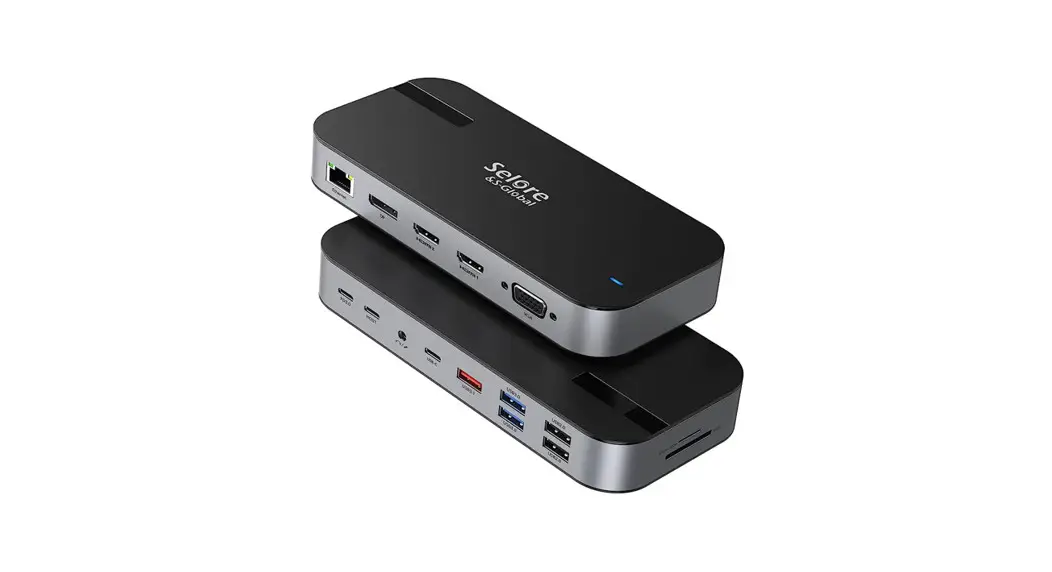
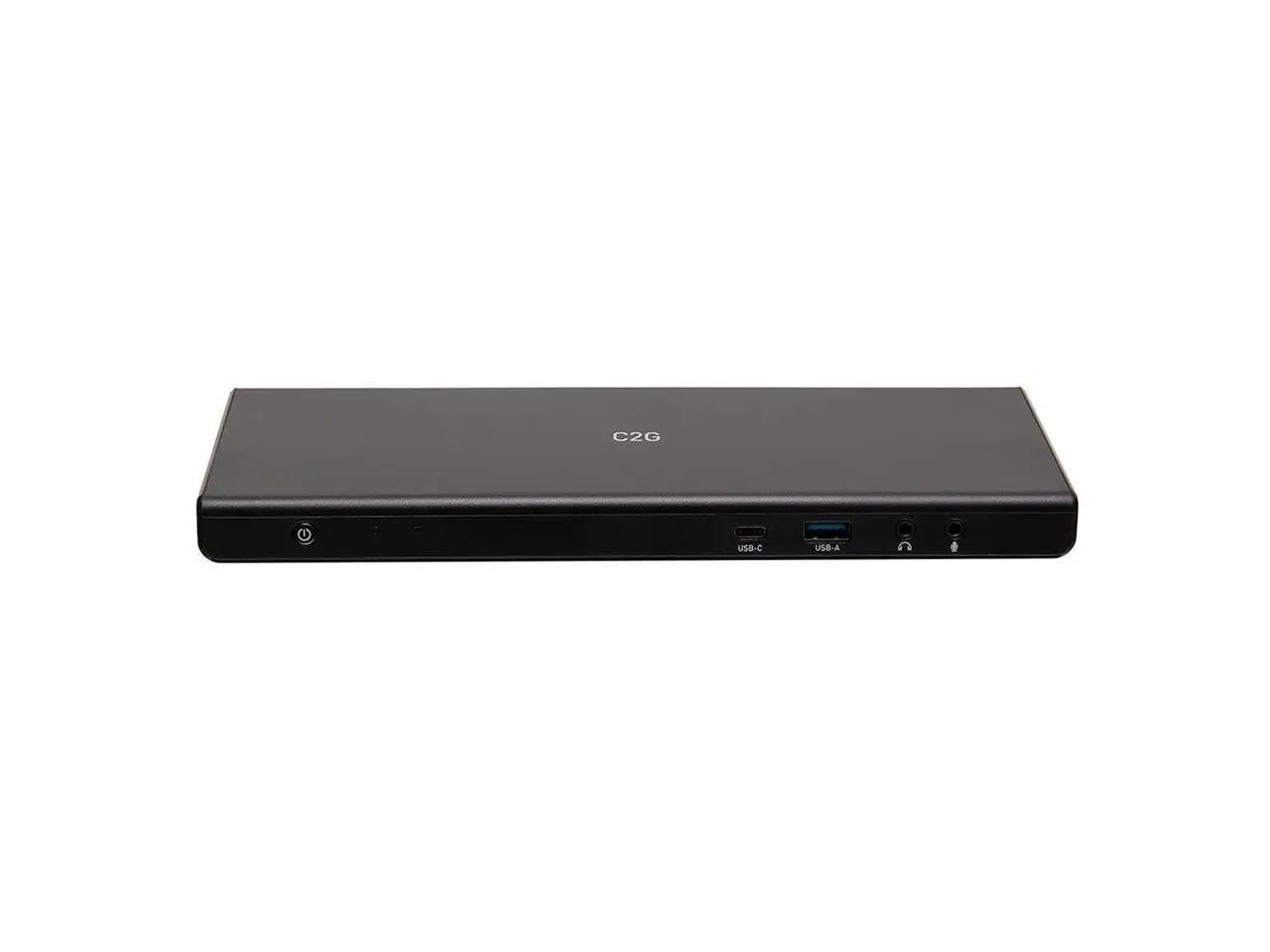
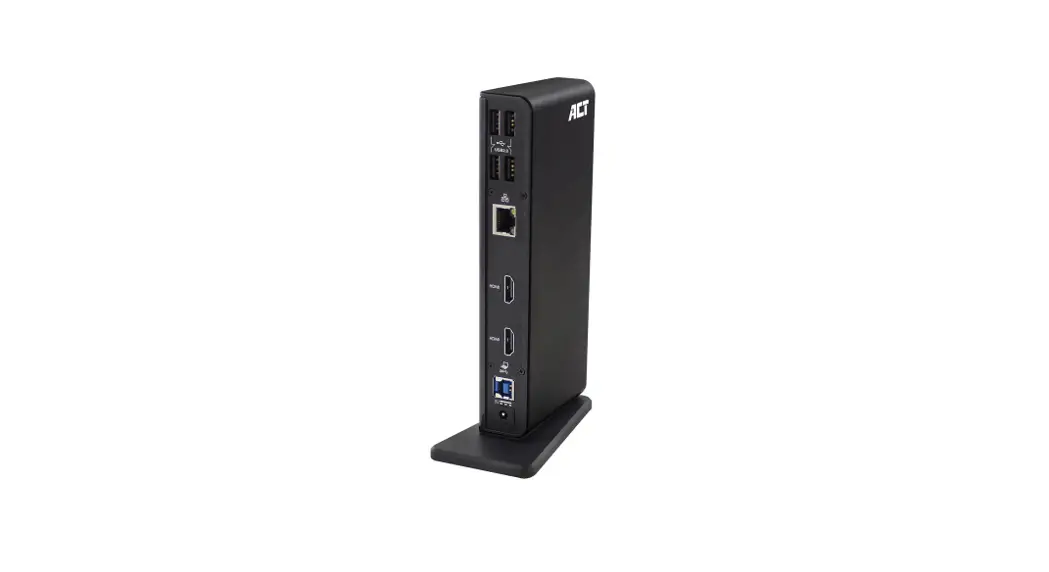
USB-C Dual Monitor Docking Station
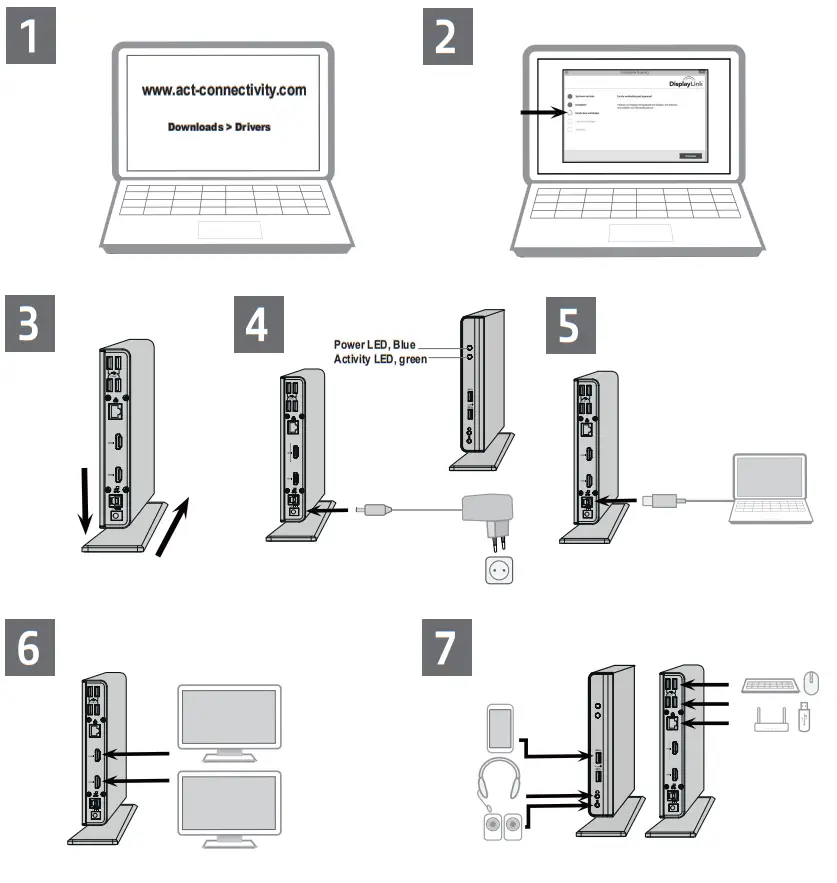
Quick Install
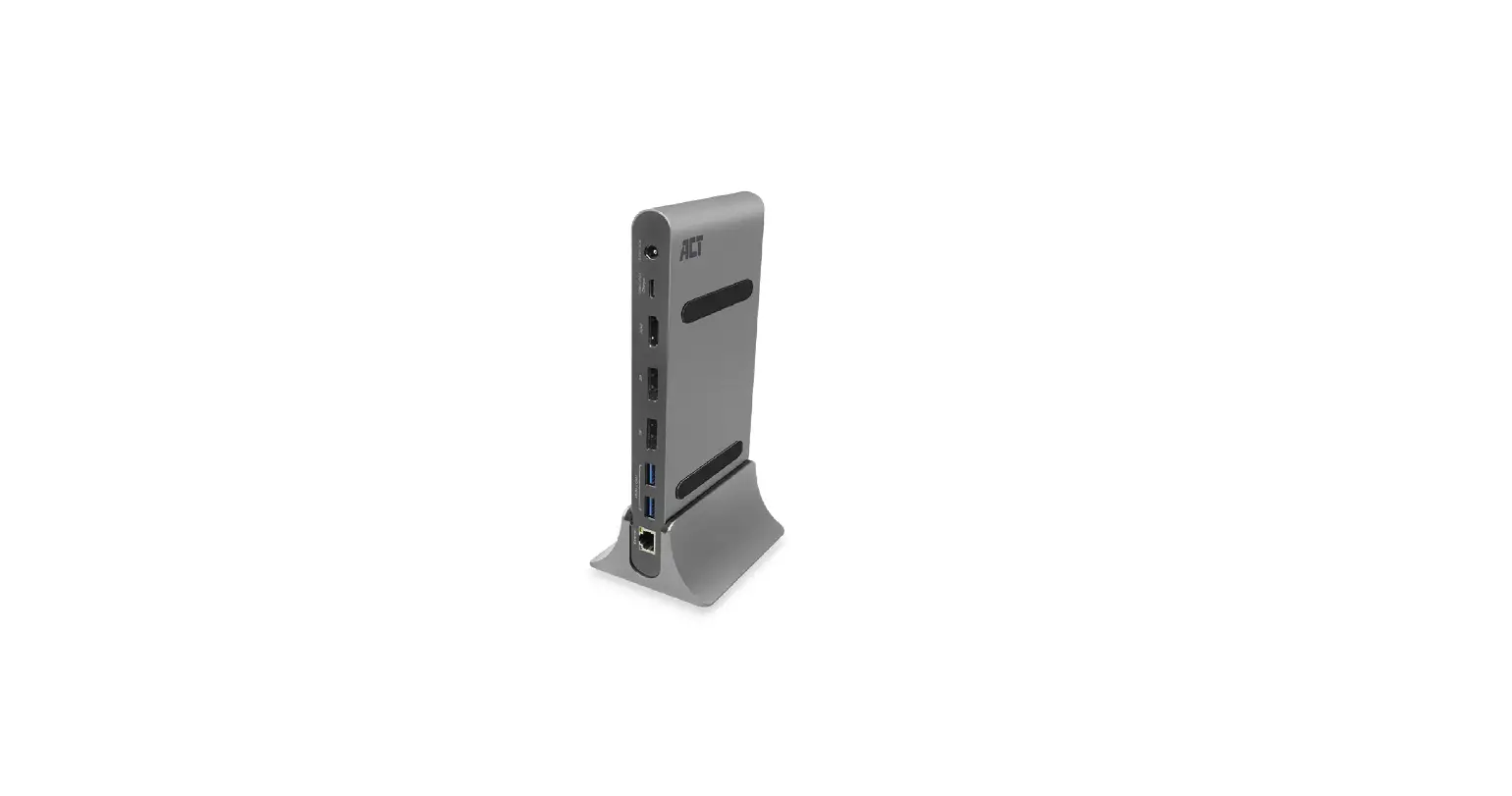
AC7049
AC7049 USB-C Dual Monitor Docking Station
 Caution: Do not connect the docking to your computer before installing the driver.
Safety Instruction:
For PLUGGABLE EQUIPMENT, the socket-outlet shall be installed near the equipment and shall be easily accessible
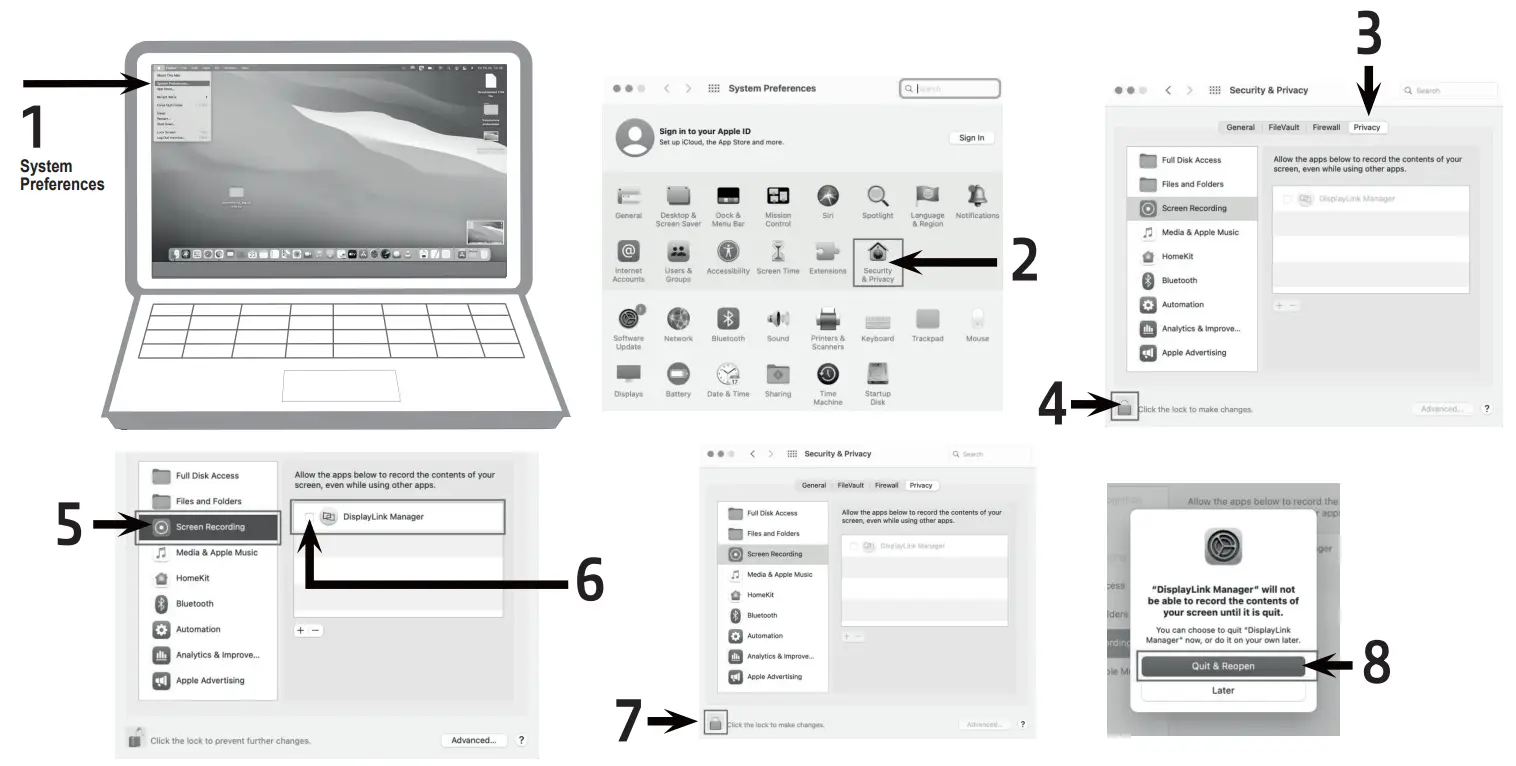
Notifications MacOS 11 or higher

Solution
You can find safety information at www.act-connectivity.com/safety
For service, manuals, firmware or updates visit www.act-connectivity.com
Made in China  www.act-connectivity.com
 Home | ACT
 Home | ACT