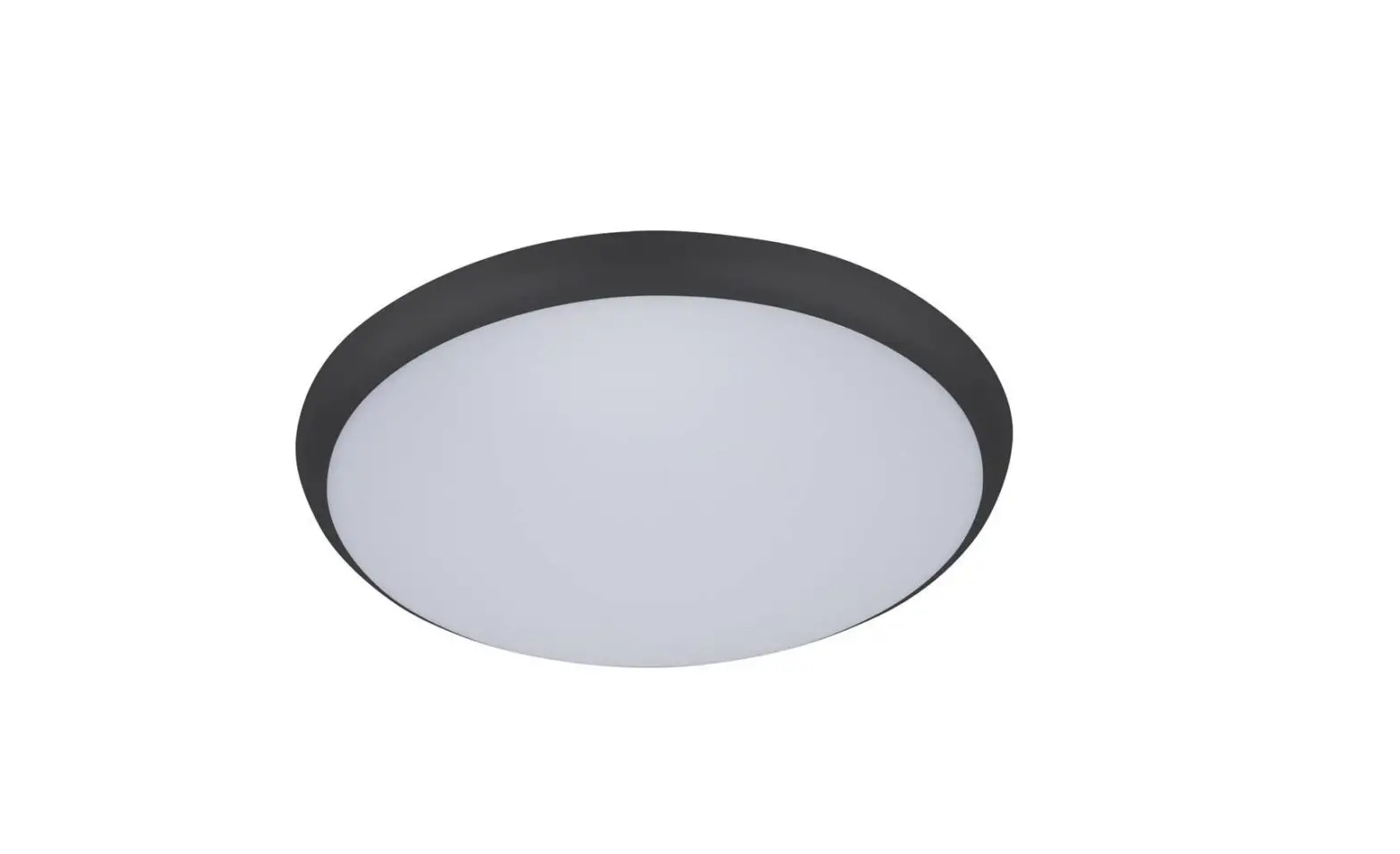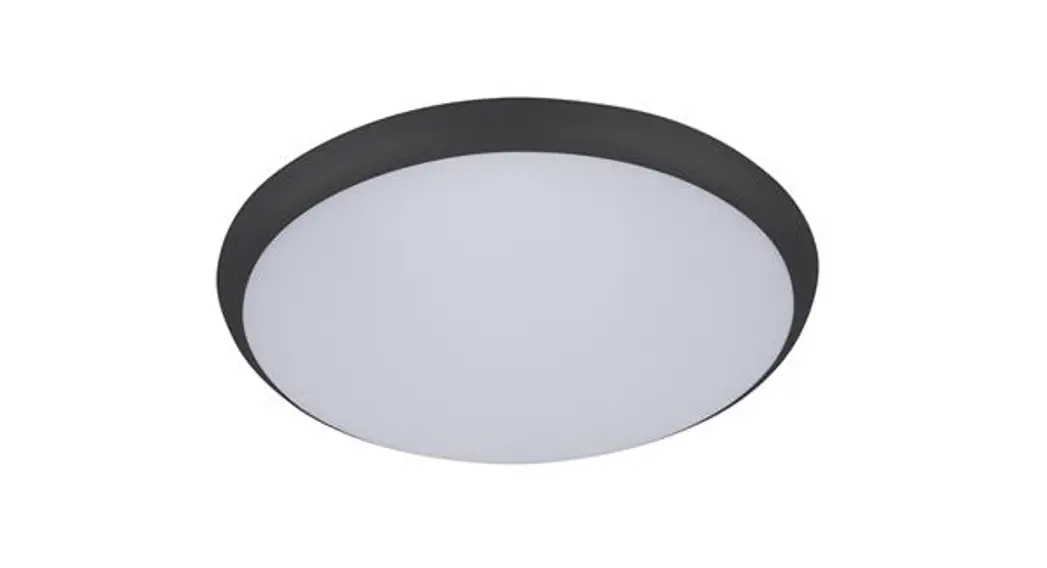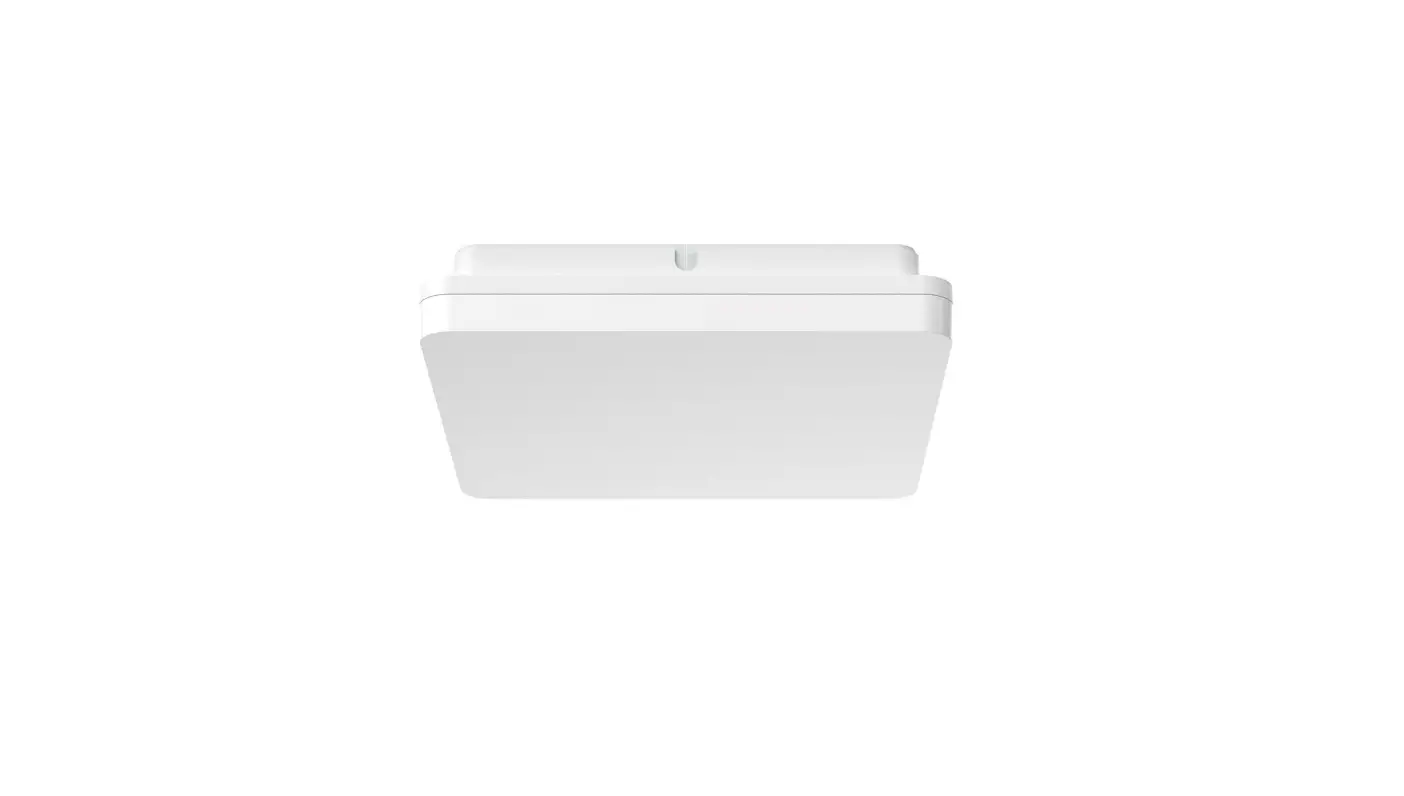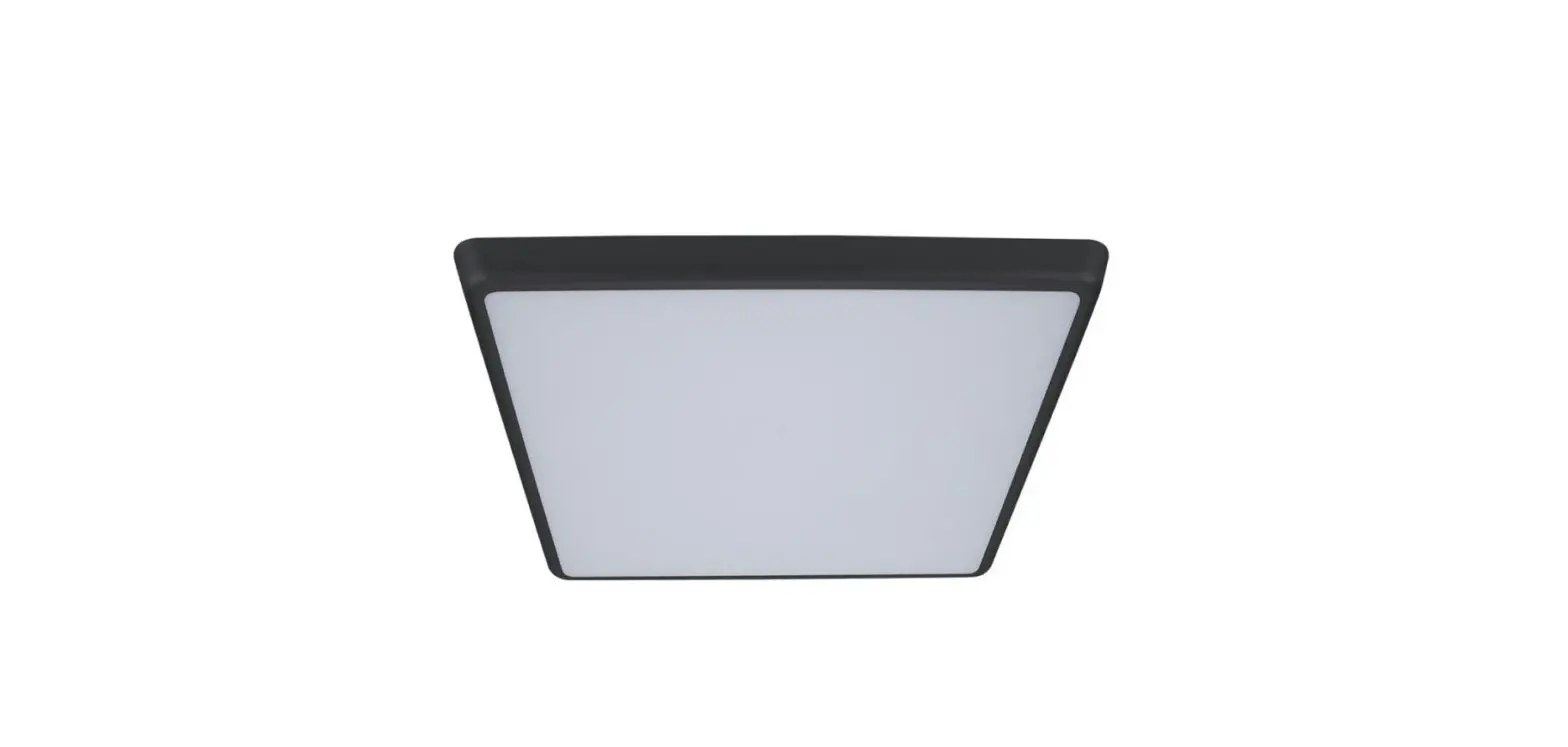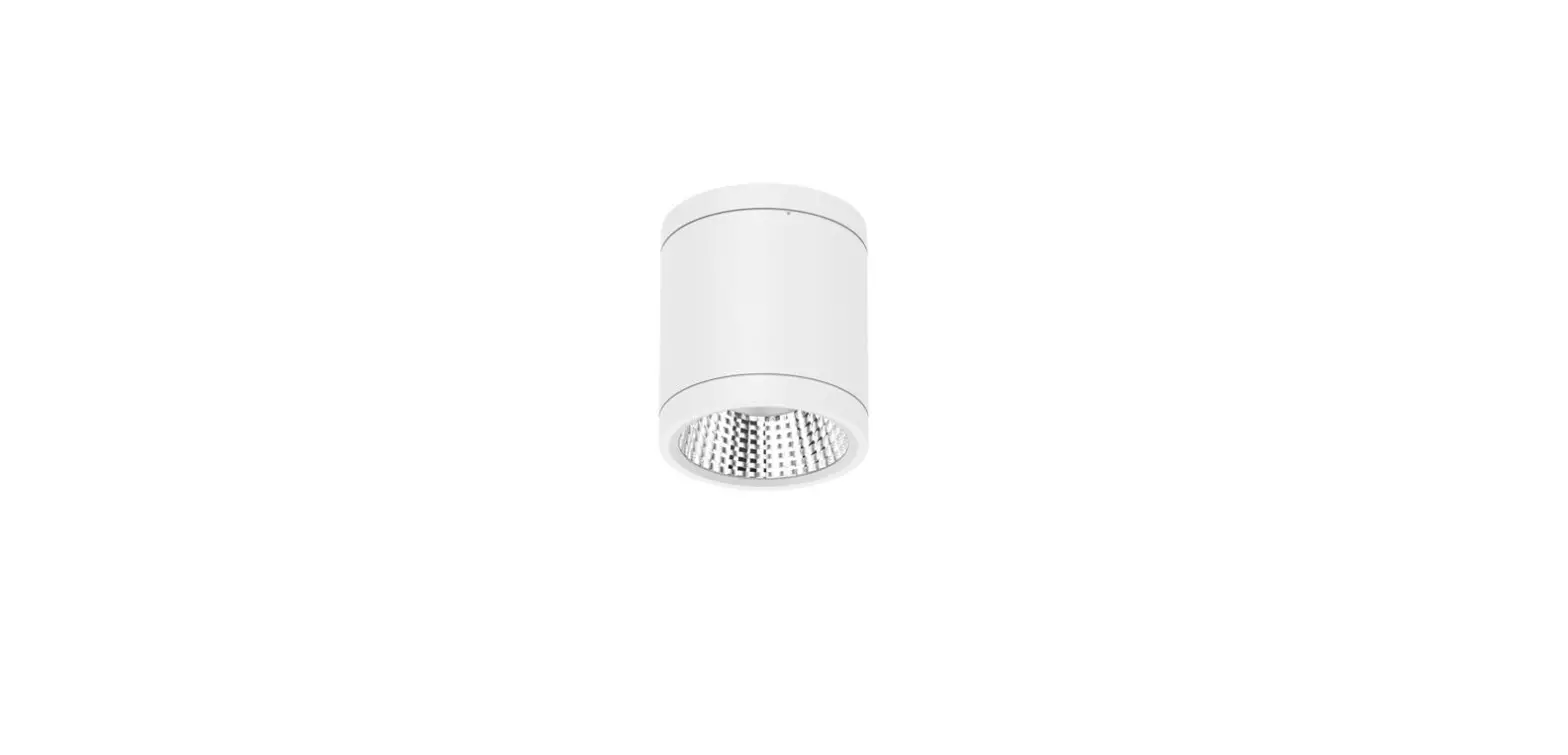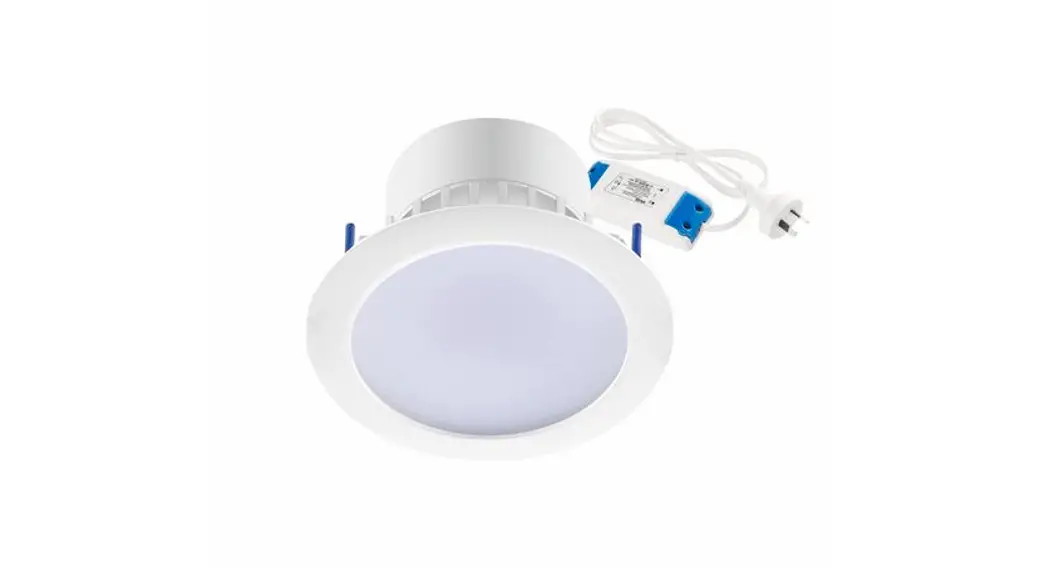

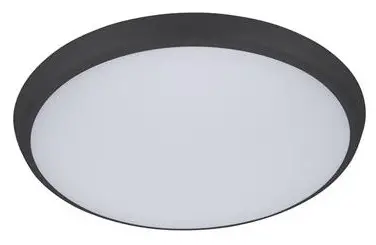
DOMUS LIGHTING SOLAR-SQR-300 Slimline LED Dimmable Light
Installation
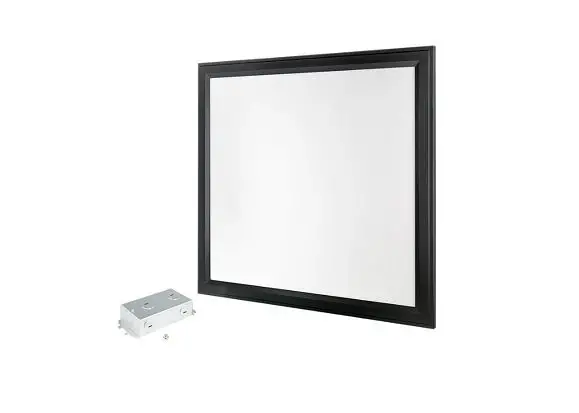
SOLAR-SQR-300
Order Code/ Product Code /Description
| 20944 | SOLAR-SQR-300-WHT-TRIO | 25W Ceiling Light Oyster, TRIO Technology. Satin White Finish |
| 20946 | SOLAR-SQR-300-BLK-TRIO | 25W Ceiling Light Oyster, TRIO Technology. Black Finish |
Thank you for purchasing your new LED SOLAR-SQR-300, Please take the time to read and understand the instruction sheet below. Failure to do so may void warranty.
Specifications
| Voltage: | AC 240V | Lumen (±5%): | Warm White 3000K – 2250lm Neutral White 4000K – 2300lm White 5000K – 2350lm | Dimmable: | Yes |
| Power: | 25W | Beam Angle: | 120° | Operating Temp: | -20°C~45°C |
| IP Rating: | 54 | CCT: | 3000K – 4000K – 5700K (Switchable) | Power Factor: | ≥0.9 |
| CRI: | ≥80 | Lifespan: | 40,000hrs |
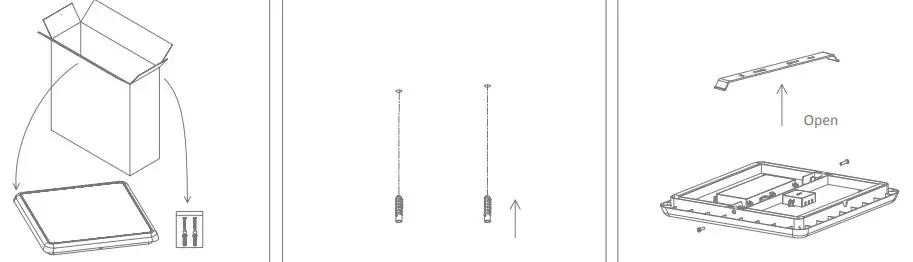
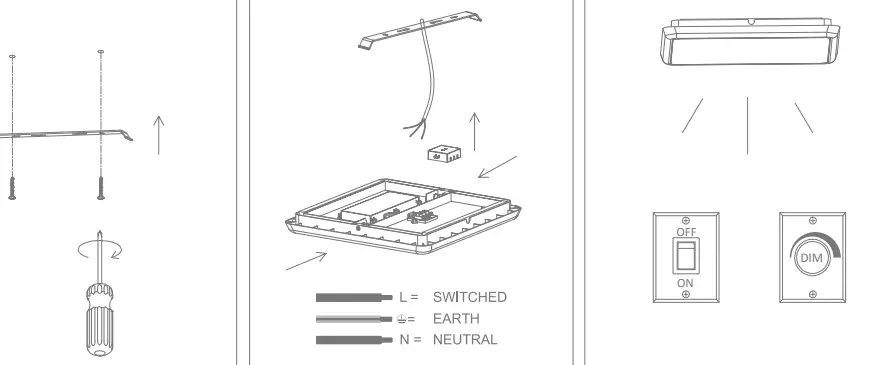
- Take out the ceiling light and accessory pack from box
- Knock in the plastic anchor into ceiling
- Remove the screw, take out the bracket

- Fix the bracket with a screw into the ceiling
- Open the junction box, wire“L” and “N” to the terminal block, and mount the ceiling light in the right place.
- Switch on
Note:
- The lamp must be installed by a professional electrician
- Ensure the power supply is switched off before fitting this product
- Do not touch the lamp when in use
- Keep away from hot steam and corrosive gas