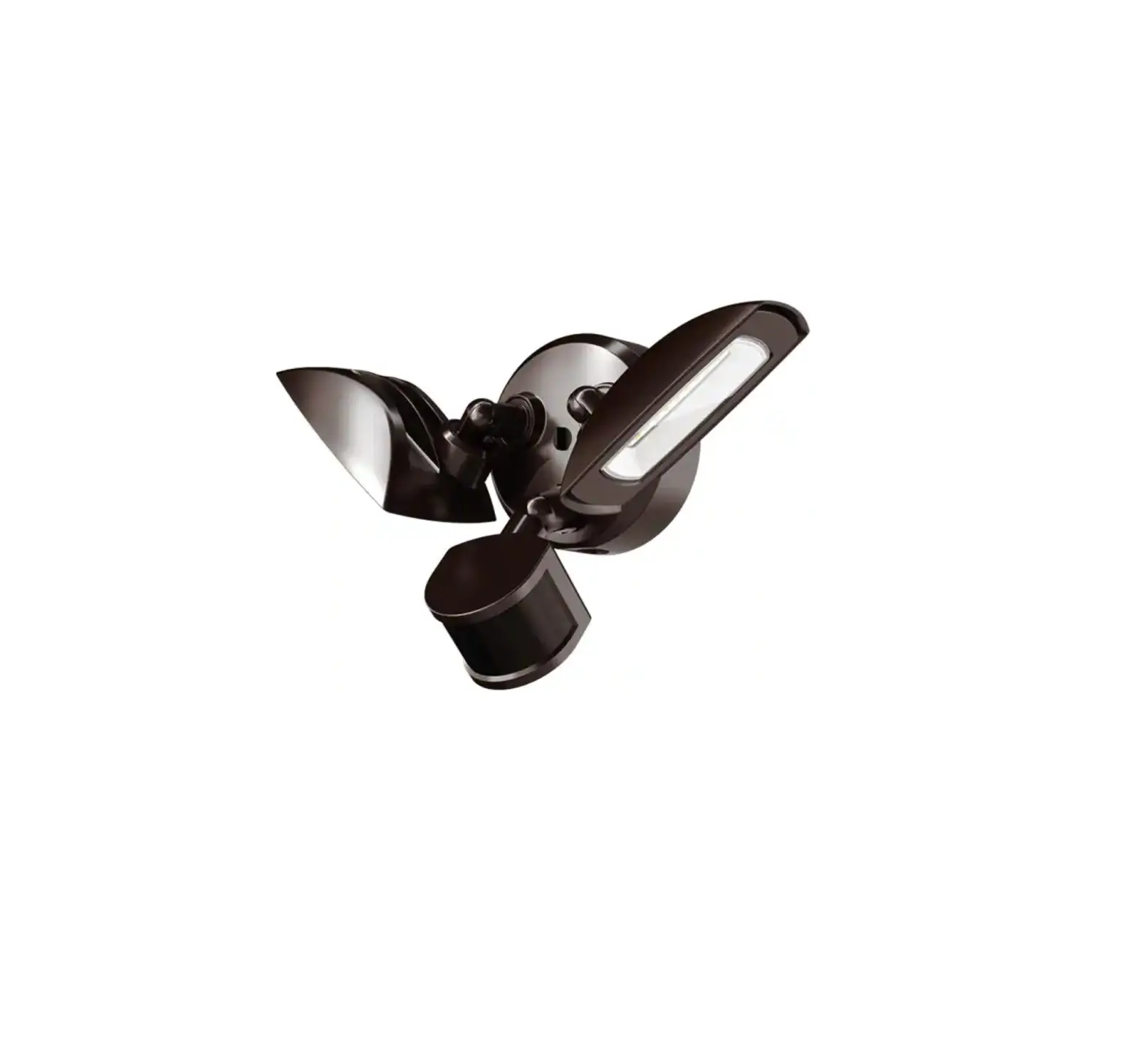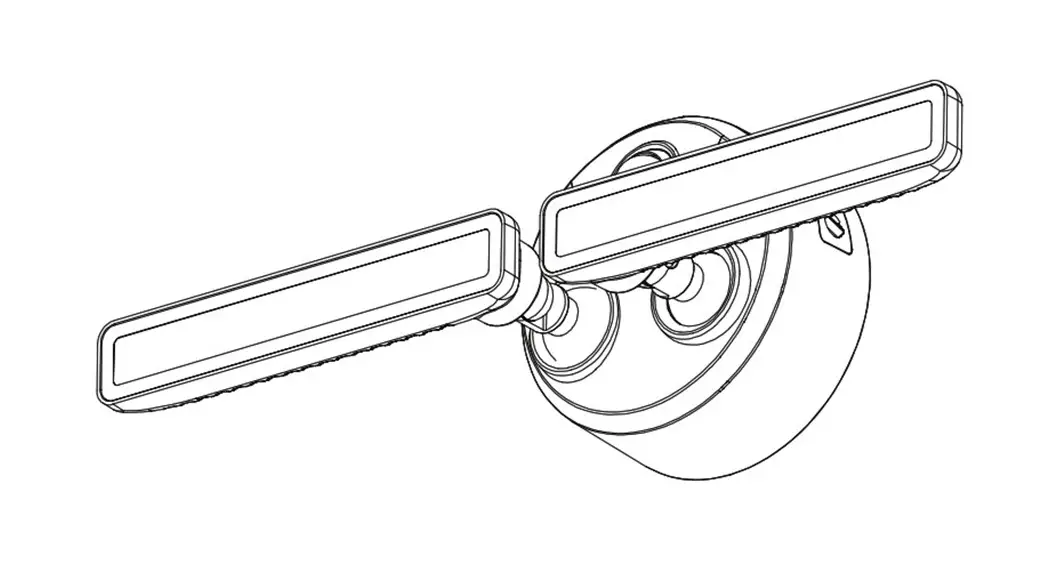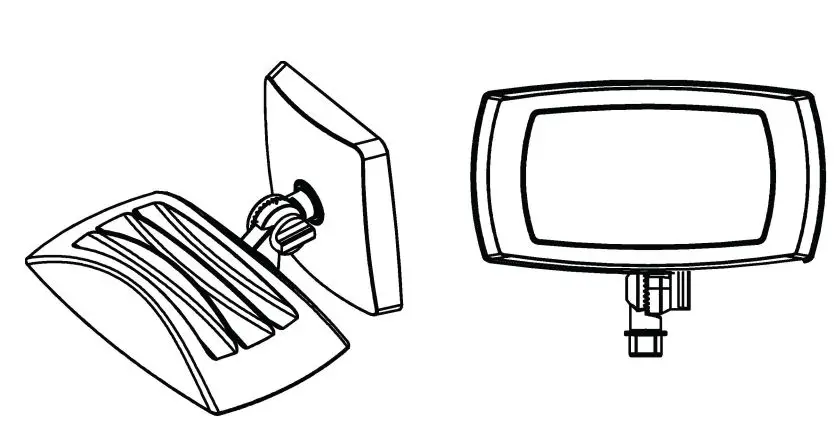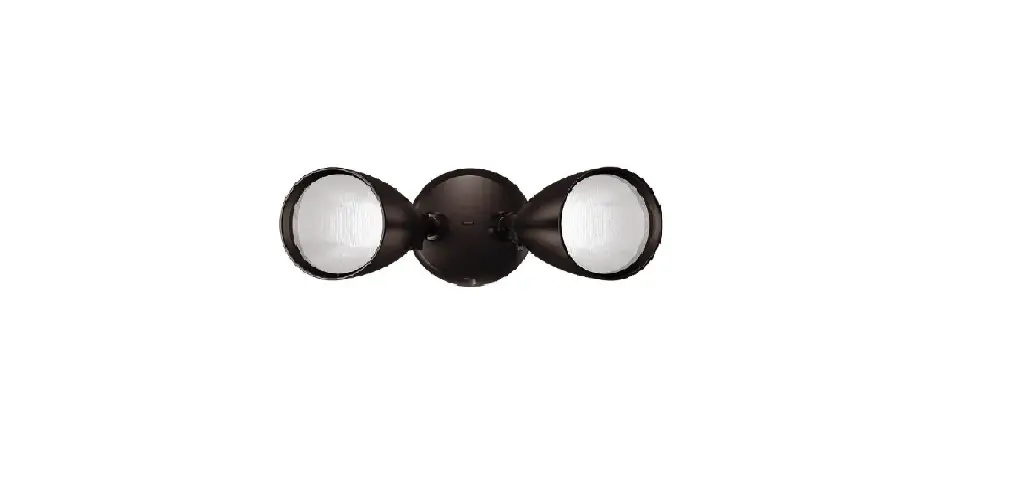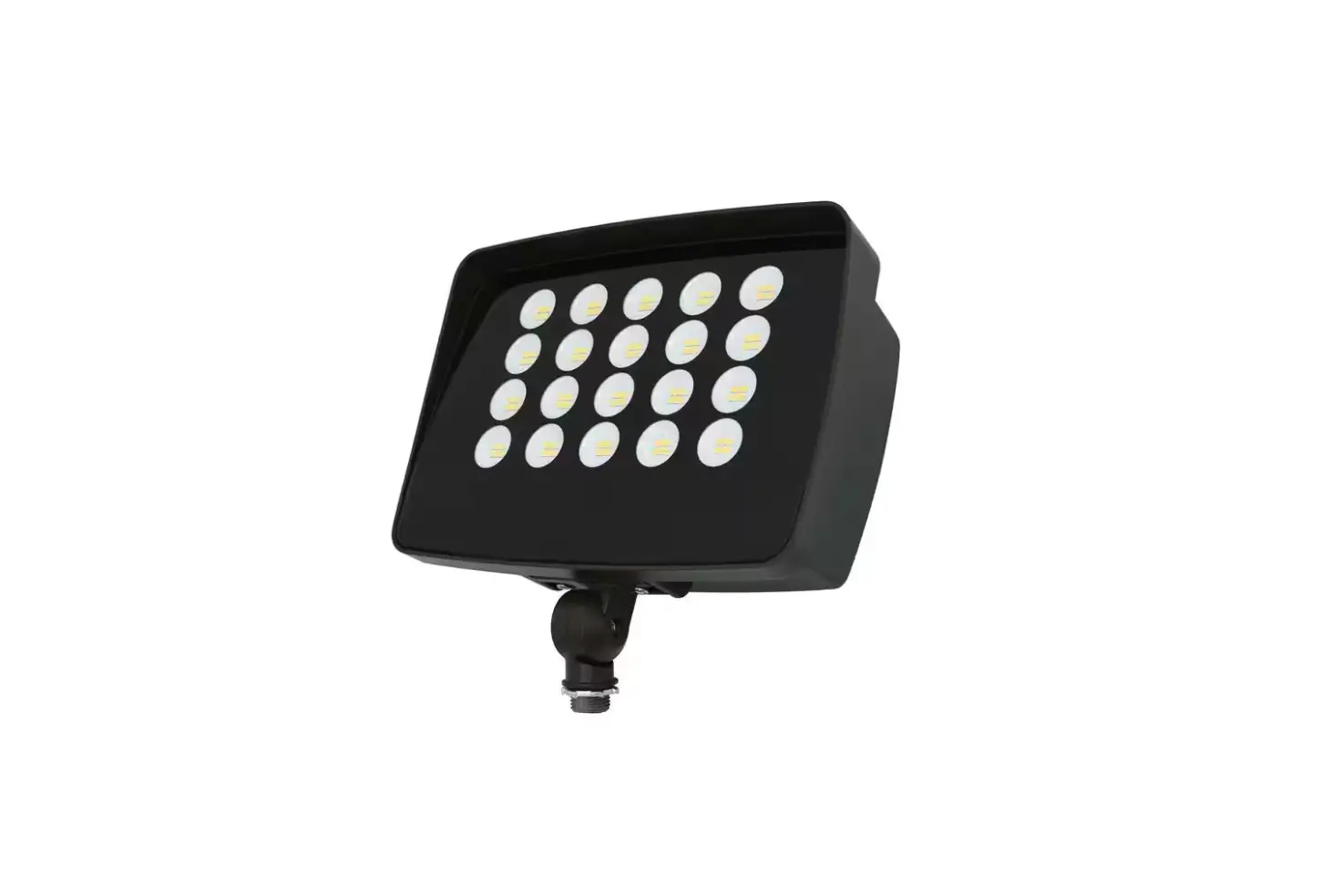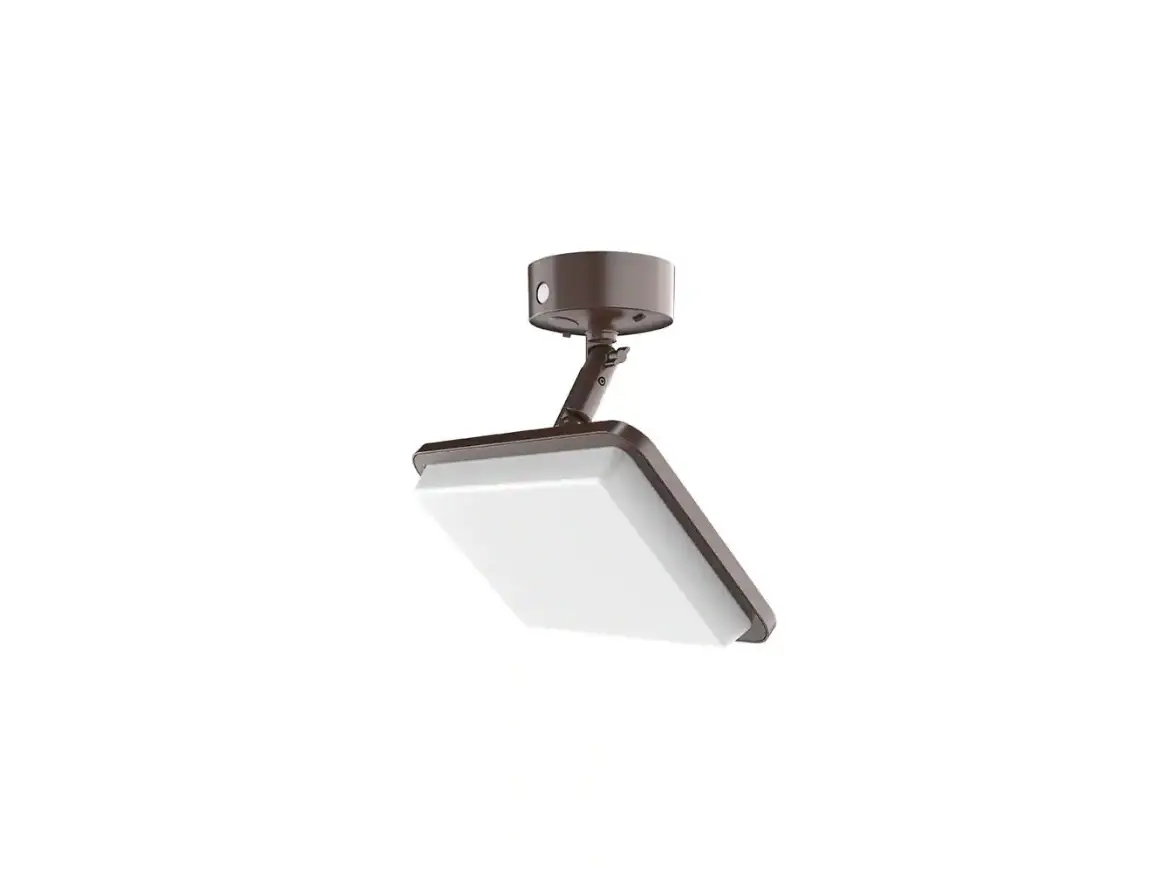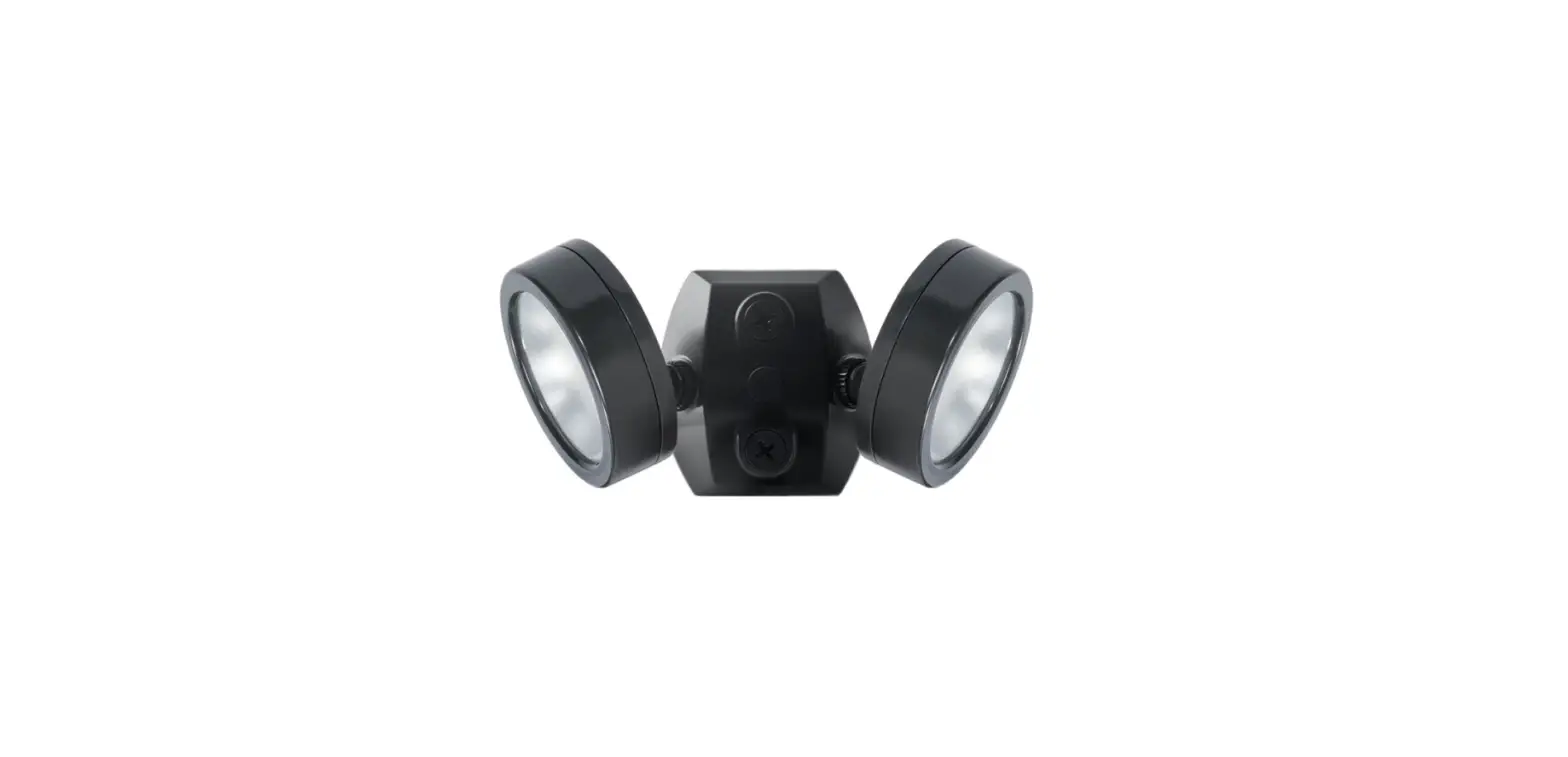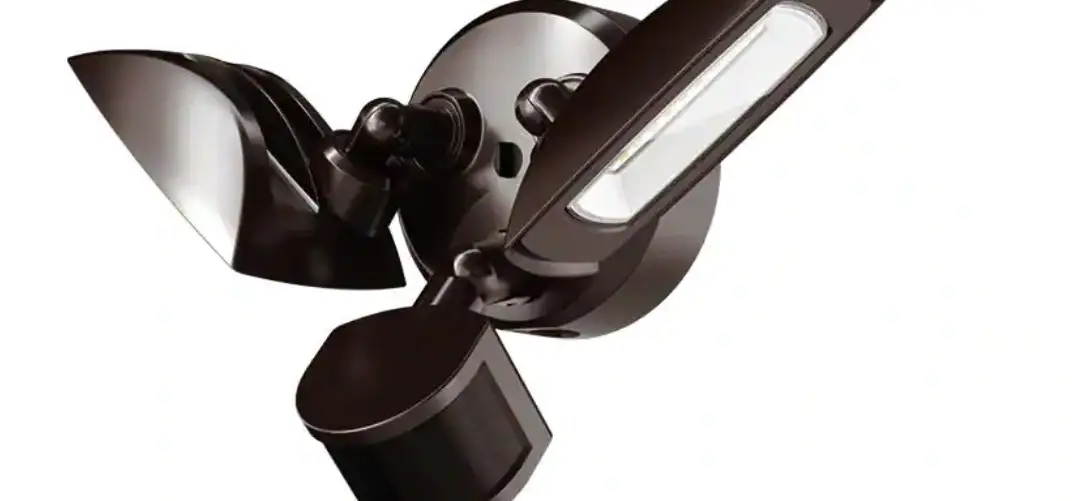

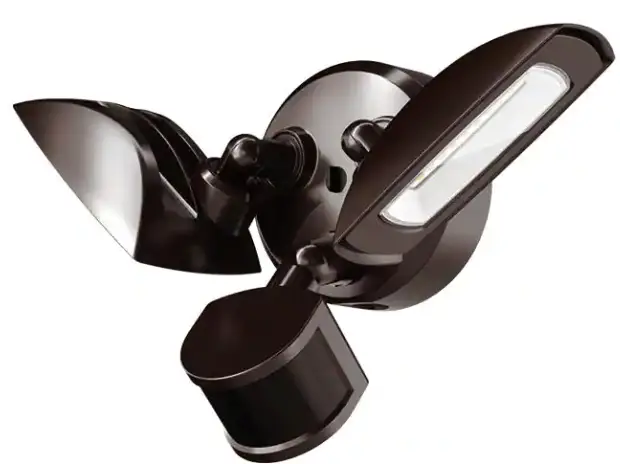
PROBRITE FSXD30-PC-4K-BZ Stellar LED Twin Head Flood Light
SAFETY INFORMATION
IMPORTANT
THIS PRODUCT MUST BE INSTALLED IN ACCORDANCE WITH THE APPLICABLE NATIONAL ELECTRICAL CODE AND LOCAL BUILDING CODES BY A PERSON FAMILIAR WITH THE CONSTRUCTION AND OPERATION OF THE PRODUCT AND THE HAZARDS INVOLVED.
PRECAUTIONS
- Please read and understand this entire manual before attempting to assemble, install, or operate this light fixture.
- This light fixture requires a 120 Volt AC power source.
- Some codes require installation by a qualified electrician.
- This light fixture must be properly grounded.
- Make sure connections are secure using wire nuts, crimp-on lugs or other approved connecting devices
- This light fixture should be installed outdoors to a wall or eave.
WARNING:
Turn the power off at the circuit breaker or fuse . please tape over the circuit breaker switch and verify power is off at the light fixture - Risk of fire. Keep the fixture at least 3 in. (76mm) from combustible materials.
CAUTION:
Burn hazard. Allow the light fixture to cool before touching.
NOTICE:
Do not connect this fixture to a dimmer switch.
INFORMATION: The device is tested and found to comply with Part 15 of the FCC Rules. Operation is subject to two conditions: - This device may not cause harmful interference and
- this device must accept any interference received, including any interference that may cause undesired operation.
These limits are designed to provide reasonable protection against harmful interference when the equipment is operated in a commercial environment.
PRE INSTALLATION
PLANNING INSTALLATION
Before installing the light fixture, ensure that all parts are present. Compare parts with the Hardware Included and Package Contents sections. If any part is missing or damaged, do not attempt to assemble, install, or operate this light fixture.
SPECIFICATIONS
Lumens (Light Output) | 3000 Lumens |
| Watts (Power Consumption) | 23 Watts LED |
Replaces | 75W Halogen Bulb |
| Lumens/Watts (Efficacy) | 130 Lumens per watt |
Power Requirements (Input Voltage) | 120V |
| Light Color (CCT) | 4000 Kelvin (Bright White) |
Dimmable | Non-Dimming (Do not wire to dimming switch) |
| Operating Modes | Dusk-to-Dawn: Automatically turns light fixture ON during night and OFF during day. |
TOOLS REQUIRED
 Phillips screwdriver
- Silicone sealant

- Safety goggles

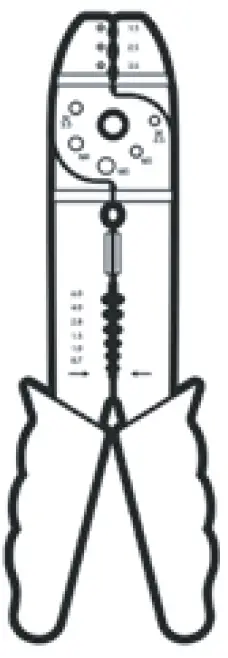
- Wire strippers/ cutters

- Work gloves

- Circuit tester

- Ladder
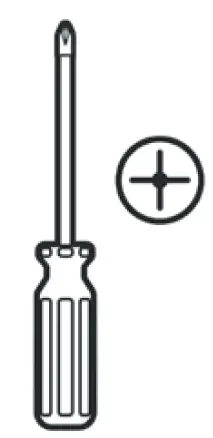 Phillips screwdriver


PACKAGE CONTENTS
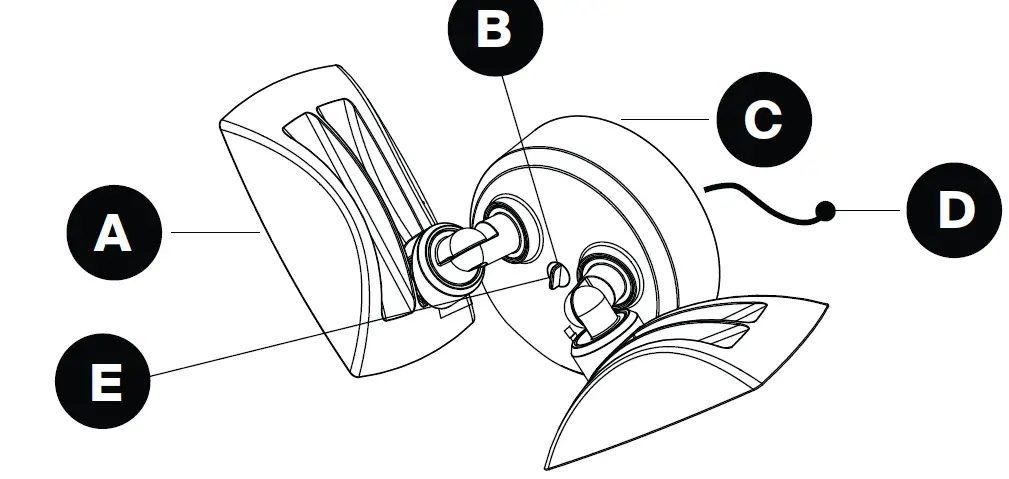
Part | Description | Quantity |
| A | Light fixture | 2 |
| B | Mounting plate set screw (pre-installed) | 1 |
| C | Mounting plate with gasket (pre-installed) | 1 |
| D | Hanger wire for hands-free installation (pre-installed) | 1 |
| E | Mounting screw cover plug | 1 |
HARDWARE KIT
NOTE:
Hardware not shown to actual size.

| Part | Description | Quantity |
| AA | #8-32 x 3/4″ Philips head screw | 2 |
| BB | Wire nut | 3 |
| CC | Mounting plate with ground wire | 1 |
| DD | 10-24 x 5/4 Philips head screw | 1 |
| EE | Mounting screw cover plug | 1 |
INSTALLATION
FOR BEST RESULTS
- Install light 8-15 feet above the ground.
- Do not mount fixture close to reflective surfaces such as windows, white walls, white surfaces and water.
- Do NOT wire to dimming switch.
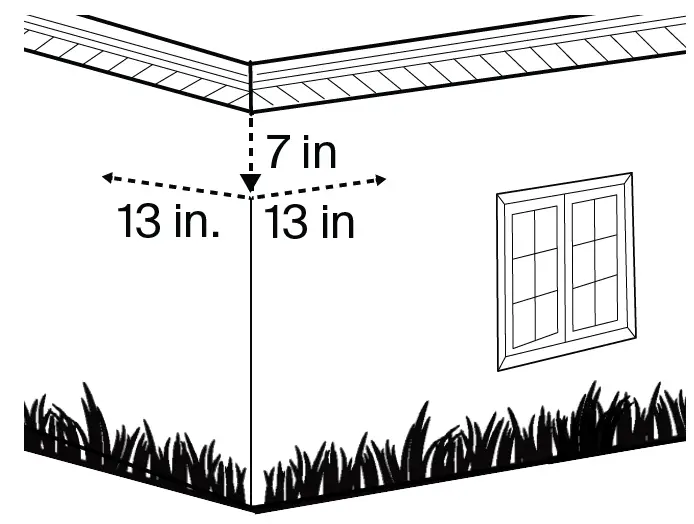
- When mounting to a wall, make sure the fixture is 7 in. on center away from eave and 13 inches on center away from inside corner of the exterior wall .


NOTE:
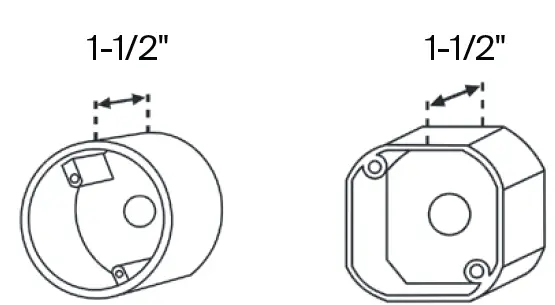
Mounting plate (D) mounts to standard recessed junction boxes. Junction box must be at least 1-1/2 inch deep for proper surface mount installation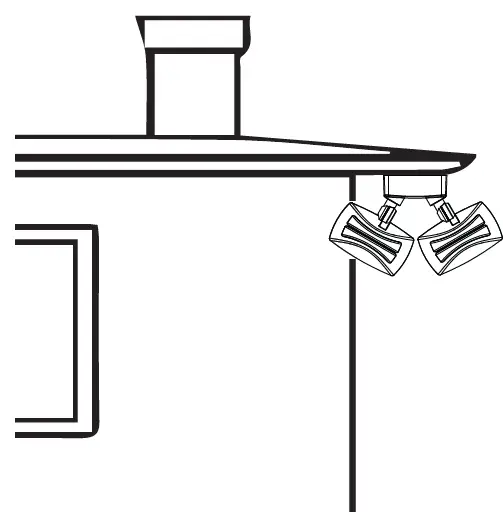
SHUT OFF ELECTRIC POWER OFF
Verify wall switch is in OFF position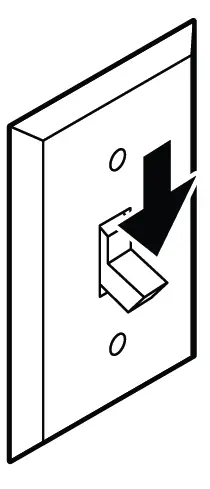
At the main electrical panel, turn off the circuit breaker that supplies power to the junction box you are working on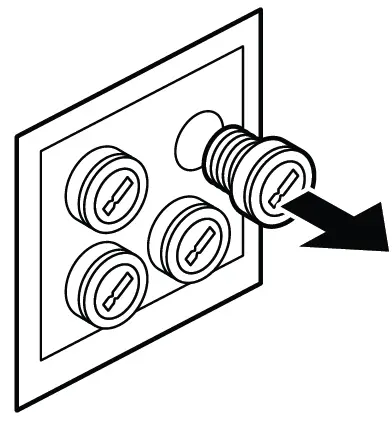
For screw-in type fuses, unscrew the fuse that supplies power to the junction box you are working on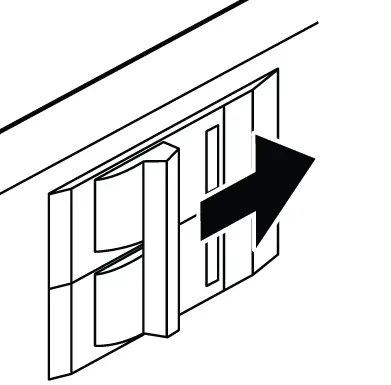
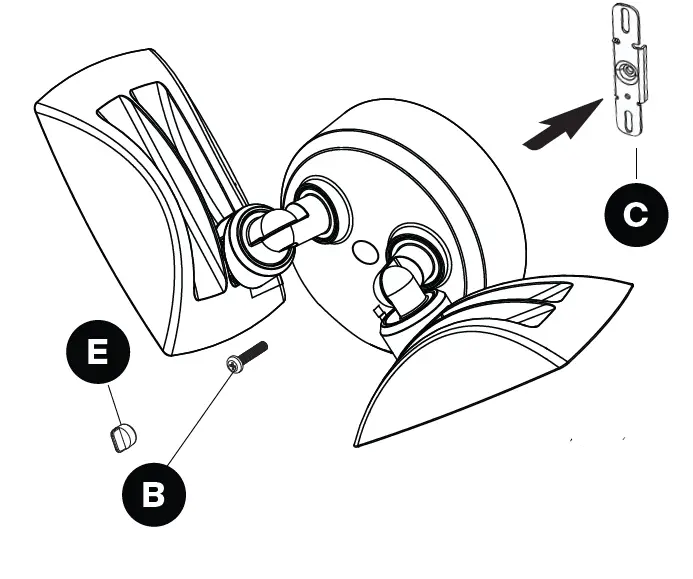
REMOVE THE MOUNTING PLATE
NOTE:
- The mounting plate (C) come pre-assembled on the light fixture (A) for shipping.
- The mounting plate set screw (B) comes pre-installed on the light fixture.
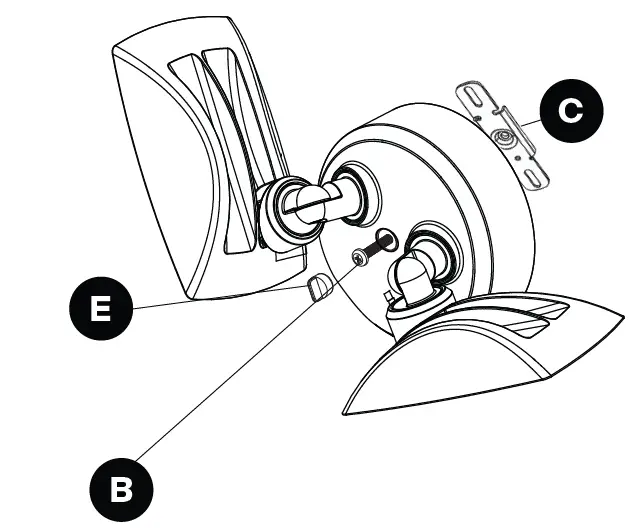
- Remove the mounting plate bracket (C) from the back of the fixture by removing the mounting screw cover plug (E) and then loosening the mounting screw (B) using a Philips head screwdriver.
TIP:
Only unscrew the tightening screw (B) far enough to remove the mounting plate bracket (C). Do not fully remove the set screw (B).
INSTALL THE MOUNTING PLATE
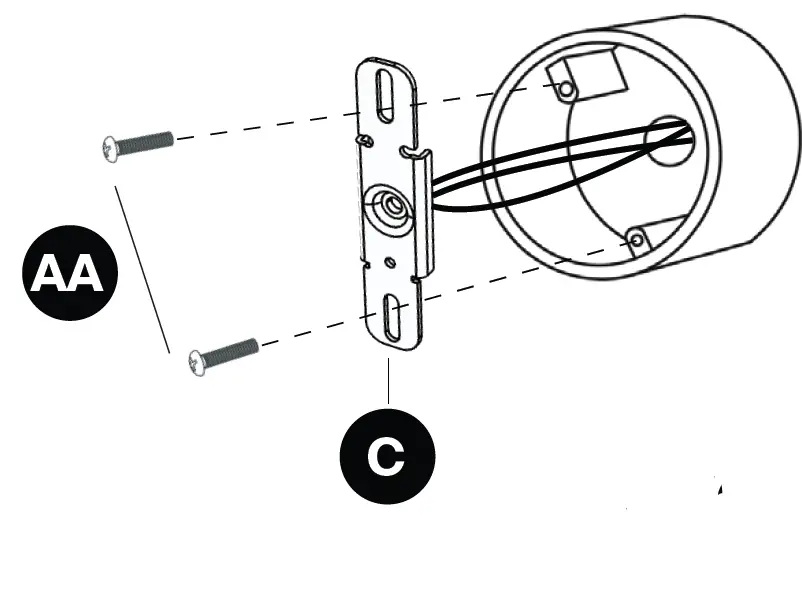
- Route the junction box wires through the large center hole in the mounting plate bracket (C).
- Align the holes on the mounting plate bracket (C) with the holes of the junction box. Use two #8 screws (AA) to attach the mounting plate bracket (C) to the junction box

MAKE THE ELECTRICAL
- If necessary, strip 3/8″ of insulation from the junction box and lighting fixture wires (fig 10). Connect wires by twisting the exposed wires together and using the wire nuts (BB). Ensure no loose wires.
- Connect lighting fixture black wire to junction box black wire, (line), lighting fixture white wire to junction box white wire (common), the junction box ground wire to the green lighting fixture ground wire, which is attached to the mounting plate.


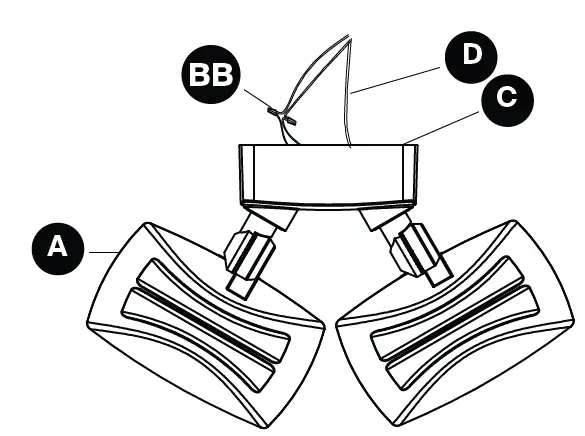
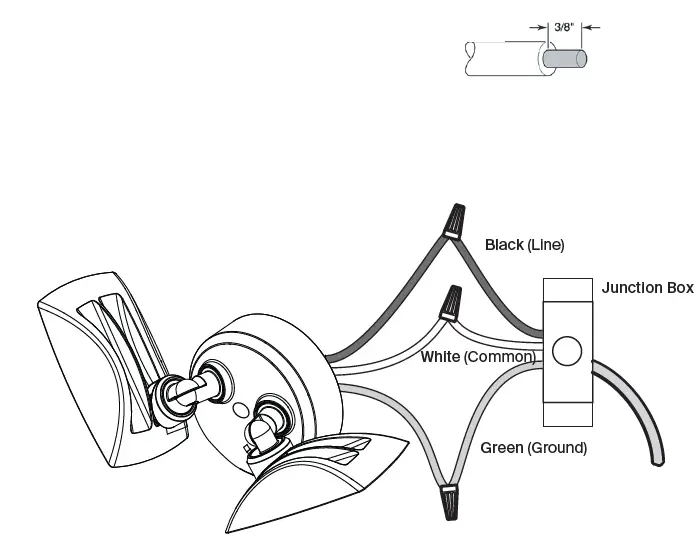
- Non-Dimming Wiring Diagram
TIP:
Hold stripped ends near each other and align any frayed strands (do not twist wires). Push the wires into wire nut (BB) and use your fingers to twist the wire nut clockwise until tight. Check for tightness by pulling wires.
MOUNT THE LIGHT FIXTURE
- Once the wiring is complete, align the mounting screw hole in the center of the fixture with the mounting screw hole in mounting plate bracket (C).
- Insert the mounting plate set screw (B) back through the hole in the center of the fixture and tighten until fixture is firmly secured against the wall or eave.

AIM THE LAMP HEADS
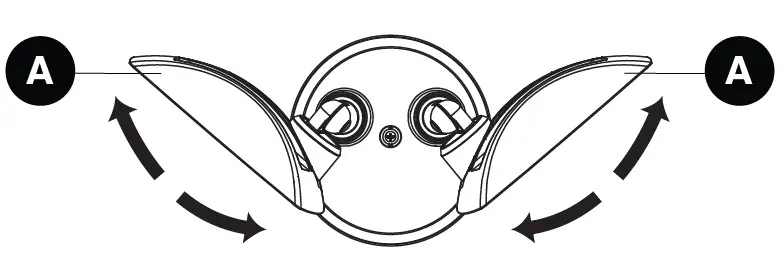
- After the fixture is securely mounted, loosen screws on the lamp head arms with a Philips screwdriver.
- Aim each lamp head (A) toward the desired direction.
- Use a Philips screwdriver to tighten the lamp head arm screws, locking lamp heads in the desired position.
- From the breaker and switch, turn the power back ON to the light fixture to verify it illuminates.

CAUTION:
Keep lamp heads 30° below horizontal to prevent water damage and electrical shock.
CAULK AROUND THE LIGHT FIXTURE
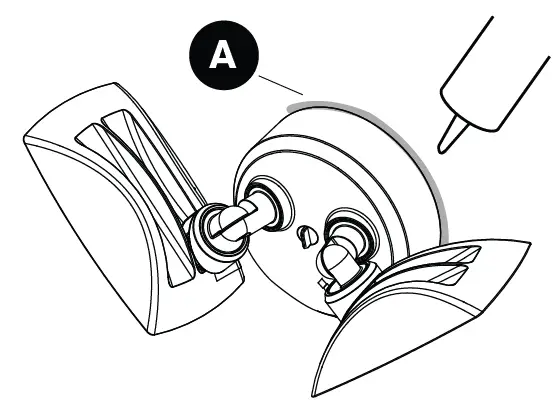
- Caulk around the light fixture (A) and surface with silicone sealant (not included).

NOTICE:
Failure to properly caulk around the surface and light fixture (A) could lead to water damage and is not covered under warranty.
NOTE:
When attaching this fixture (A) to a surface mount junction box, caulk between the light fixture and junction box.
CARE AND CLEANING
- Shut off the main power supply before cleaning the product to prolong the original appearance, clean the light fixture with clear water and a soft, damp cloth only.
- Do not use abrasive cleaners or cleaners that contain alcohol. Do not apply paints, solvents, or any other chemicals on this light fixture. They could cause premature deterioration of the finish and may void the warrant
- Do not spray the light fixture with a hose or power washer.
TROUBLESHOOTING
Extreme hot or cold weather could affect the performance of the built-in sensors that detect body heat. Certain winter clothing can shield a person’s body heat from the sensor during extremely cold weather. During extremely hot weather, the sensor may not be able to distinguish the difference between normal body temperatures and the surrounding high temperatures. The sensor will begin working normally once weather conditions return to normal.
| PROBLEM | POSSIBLE CAUSE | CORRECTIVE ACTION |
| Security light comes on during the day. |
|
|
| Security light cycles ON and OFF continuously. |
|
|
5-Year Limited Warranty
This is a limited warranty offered by Probrite for a period of five years from the date of purchase to its customers. Probate warrants to customers that the products will be free from defects in material and workmanship. The obligation of Probrite under this warranty is limited to the provision of replacement of products and is extended to the original purchaser of the product on presenting valid purchase receipt or other proof of date of original purchase acceptable to Probrite The receipt is required for rendering the warranty performance. Any warranty claims without original proof of purchase would not be accepted. It should be noted that the warranty does not apply to Probrite products that have been altered or repaired by unauthorized personnel, have been subjected to neglect, abuse, misuse or accident or damages caused during shipping. Any other products not manufactured by Probrite which have been supplied, installed and/or used in conjunction with Probrite products are not covered under this warranty. Any damages caused by replacements bulbs, LEDs or corrosion or discoloration of brass components are also not covered by this warranty.
Limitation of Liability
In no event Probrite shall be liable for indirect, consequential, incidental or special damages, or lost profits. Probate is not liable for any claims or damage arising out of or connected with the manufacture, sale, delivery, use, maintenance and repair or modification of Probrite products, or supply of any replacement parts that, exceed the purchase price of Probrite products giving rise to a claim. Labor charges to remove or install the fixtures will not be accepted.
To Claim:
Please contact PROBRITE customer service at 1-844-507-5651 or email
suppor[email protected] and include your name, address and contact number, along with a copy of the purchase receipt and a brief description of the problem.
 PROBRITE
 PROBRITE