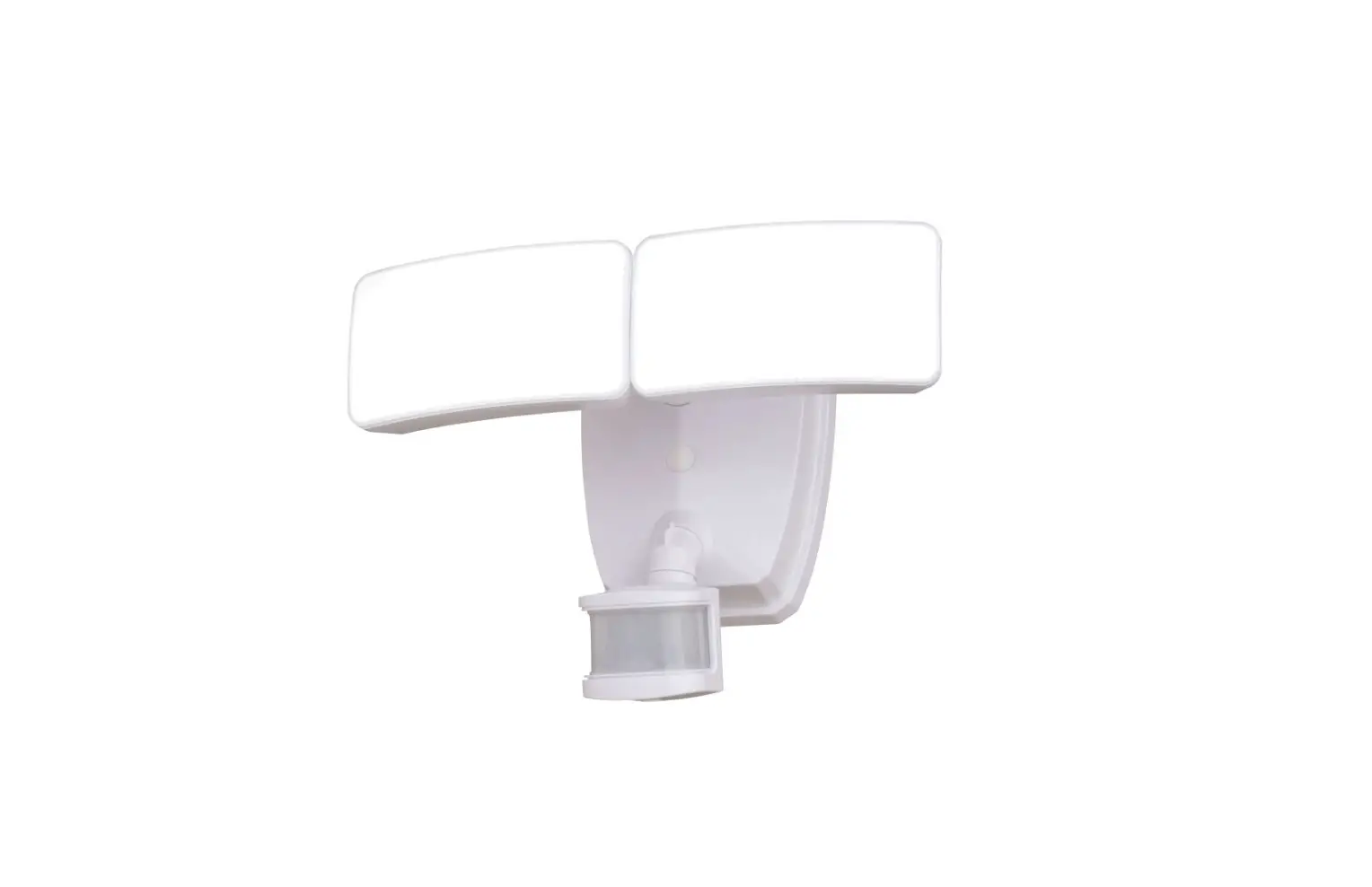
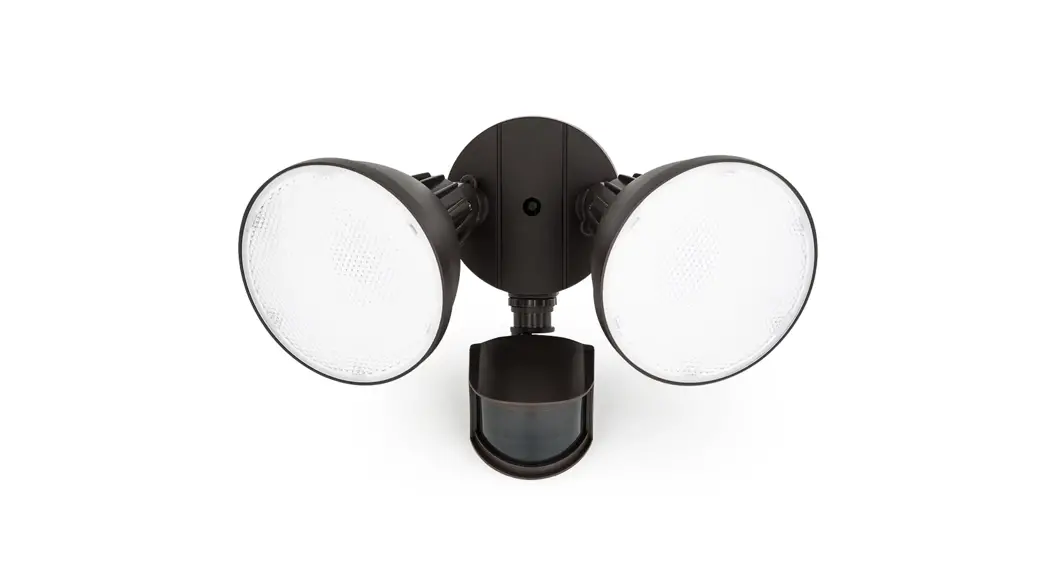
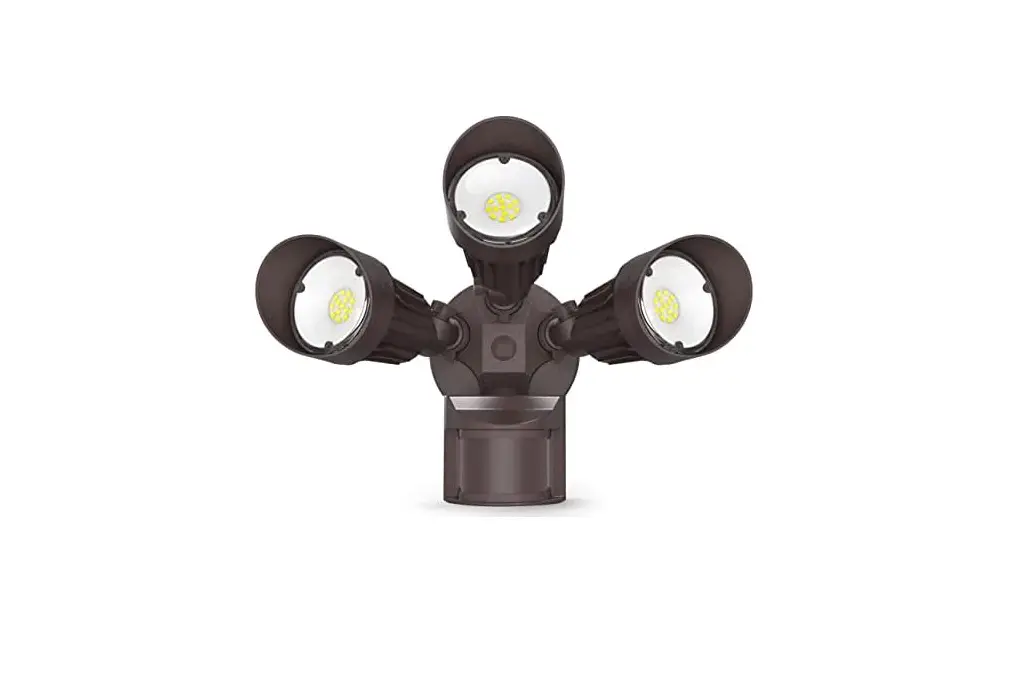
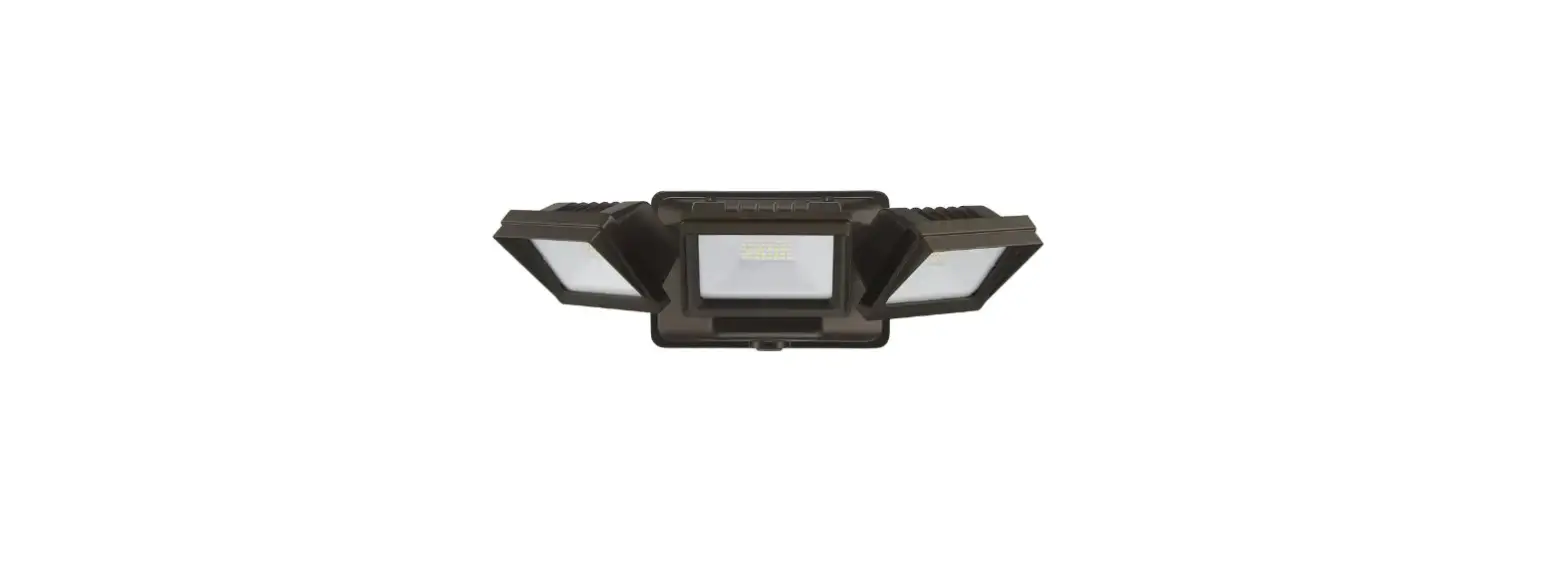
73704-S1 180 Degree Hardwired LED 3 Head Motion Activated Flood Light
Product Information
The product is a security light with a motion sensor and a
timer. It has a distance range of 30 feet and comes with a
pre-installed E bulb. The light can be mounted on a wall or an
eave. The product has a junction box and exposed insulated wires
which should be installed 3/8 inch to 7/16 inch apart. The product
has a manual flood light override mode.
Product Usage Instructions
Thank you for purchasing the security light. Follow the below
instructions to use the product:
- Register your product on byjasco.com/73676i to receive
exclusive deals. - Read the instructions or watch the easy-to-follow video.
- For additional Enbrighten products, visit
enbrightenme.com. - To leave a review, visit your favorite retailer website or
amazon.com. - If you face any issues with the product, call 1-800-654-8483
between 7AM-8PM, M-F, Central Time. - Choose the appropriate mounting option: wall mount or eave
mount. - Install the light using the junction box and exposed insulated
wires which should be installed 3/8 inch to 7/16 inch apart. - To turn on the light, move the switch to the ON position.
- To turn off the light, move the switch to the OFF
position. - The product has a timer with 1-minute, 5-minute, and 10-minute
settings. Choose the appropriate setting for your use. - The product has a manual flood light override mode. To turn on
the manual mode, move the switch OFF-ON-OFF-ON within 3
seconds. - If the light comes on during the day, try the test position or
10-minute setting. Adjust the daylight exposure accordingly. - If the light comes on for no apparent reason, it could be due
to automobile traffic or the motion sensor. Check for any
reflecting light sources such as air conditioners or heating vents.
Replace the dimmer or timer with a standard ON/OFF wall switch if
required. - If the night light turns on too late or too early in the
evening, adjust the timer accordingly. - If the night light turns off too late in the morning, adjust
the timer accordingly. - If the lights stay on continuously, check for any reflecting
light sources and adjust the timer accordingly. - If the lights flash on and off, it could be due to reflecting
into the motion sensor. Adjust the sensor or check for any
reflecting light sources. - If the lights stay off in manual mode, check for any issues
with the lamp heads.
Thank you for your purchase!
Instructions made easy
Register your product
Read instructions or watch easy-to-follow video.
Scan code or visit byjasco.com/73676i
Receive exclusive deals and register your product.
Scan code or visit byjasco.com/deals
For additional Enbrighten products, visit our website:
enbrightenme.com.
Like our product?
Leave a review on your favorite retailer website or amazon.com.
Having Problems?
Let us know how we can help.
Call 1-800-654-8483 between 7AM-8PM, M-F, Central Time.
A
x2 B
x2 C
E
x1 (preinstalled)
G
JUNCTION BOX
F
FRONT
JK
x2 D
x1
H
E
D
I
Wall Mount
Eave Mount
OR
1 ¡¢£¤¥¡ ¦¥X
FRONT
Exposed Insulated
wire
wire
3/8in.-7/16in.
JUNCTION BOX
FRONT
Issue
Possible Causes
Possible Solutions
The security light will not · The wall switch is turned off.
come on.
· The fuse is blown or the circuit breaker is turned off.
· Turn the wall switch on. · Replace the fuse or turn the circuit breaker on.
· Daylight turn-off (photocell) is in effect.
· Recheck after dark.
· The fixture wiring is incorrect (if this is a new installation). · Verify the wiring is correct.
· The motion sensor is aimed in the wrong direction.
· Reposition the motion sensor to cover the desired area.
TIMER
DISTANCE 30Ft
· The outside air temperature is close to the same as a person’s body heat.
· Increase the “Distance” Setting.
1min
5min
The light comes on during the day.
· The light fixture may be installed in a relatively dark location.
· The light fixture is operating normally under these circumstances.
· The Security Light Timer switch is in the
· Set the Security Light Timer switch to the 1min, 5min
“Test” position.
or 10min setting.
· Daylight was reduced due to weather conditions.
· The light will turn off after 15 minutes of normal
daylight exposure.
Test 10min
10Ft 50Ft
The light comes on for
· The motion sensor may be sensing small animals or
· Decrease the “Distance” setting or reposition the
no apparent reason.
automobile traffic.
motion sensor.
· The “Distance” control is set to high.
· Do not use a dimmer or timer to control the light fixture.
FRONT
· The outside temperature is much warmer or cooler than
Replace the dimmer or timer with a standard ON/OFF
a person’s body heat (summer or winter).
wall switch.
· The light fixture is wired through a dimmer or timer.
· Reposition motion sensor away from heat sources such
· The motion sensor may be aimed towards heat
as air conditioners, heat vents or other light sources.
sources such as; air conditioners, heating vents or other
light sources.
The night light turns on too late in the evening.
· The light fixture is exposed to an external light source.
· Reposition motion sensor away from external light source or reposition external light source away from light fixture.
The night light turns on too early in the evening.
· The light fixture is installed in a relatively dark location.
· The light fixture is operating normally under these circumstances.
The night light turns off too late in the morning.
· The light fixture is installed in a relatively dark location.
· The light fixture is operating normally under these circumstances.
The lights stay on continuously.
· The motion sensor may be picking up a heat source, such as an air vent, dryer vent or brightly painted, heat-reflective surface.
· The motion sensor is in “Test” mode. · The light fixture is wired through a dimmer or timer. · The light fixture is on the same circuit as a motor,
transformer or fluorescent bulb. · The light fixture is installed in a relatively dark location.
· Decrease the “Distance” setting or reposition the motion sensor.
· Switch the motion sensor to 1min, 5min or 10min setting. · Do not use a dimmer or timer to control the light fixture.
Replace the dimmer or timer with a standard ON/OFF wall switch. · Install the light fixture on a circuit without motors, transformers or fluorescent bulbs. · The light fixture is operating normally under these circumstances.
The lights flash on and off.
· Heat or light from the lamp head may be turning the motion sensor on and off.
· Heat is being reflected from other objects and may be turning the motion sensor on and off.
· The motion sensor is in the “Test” mode and warming up for 40 seconds.
· The photocell is sensing reflected light from the fixture.
· Reposition the lamp heads away from the motion sensor. · Decrease the “Distance” setting or reposition the
motion sensor. · The light fixture is operating normally under
these circumstances. · Reposition the lamp heads or motion sensor to avoid light
reflecting into the motion sensor.
The lights flash once then · The motion sensor is detecting light from the
stay off in manual mode.
lamp heads.
· Reposition the lamp heads to keep the area below the motion sensor relatively dark.
To turn ON or OFF
Turn the switch
manual flood light
OFF
ON
OFF
ON OFF-ON-OFF-ON
override mode
within 3 seconds
¡Gracias por su compra!
Instrucciones fáciles
Registre su producto
Lea las instrucciones o mire el video con el paso a paso.
Escanee el código o visite byjasco.com/73676i
Recibe ofertas exclusivas y registra tu producto.
Escanee el código o visite byjasco.com/deals
Para ver más productos Enbrighten, visite nuestro sitio web:
enbrightenme.com.
¿Le gusta nuestro producto?
Deje una reseña en el sitio web de su distribuidor favorito o en amazon.com.
¿Tiene algún problema?
Díganos cómo podemos ayudar. Llame al 1-800-654-8483, entre las 7 a. m. y las 8 p. m., hora estándar del centro.
A
x2 B
x2 C
E
x1 (preinstalled)
G
JUNCTION BOX
F
FRONT
JK
x2 D
x1
H
E
D
I
Montaje en pared
Montaje en alero
O
CAJA DE CONEXIONES
FRONT
Cable
Cable
expuesto aislado
1 a 1.1cm
CAJA DE CONEXIONES
FRONT
Problema
Posibles causas
Posibles soluciones
TIMER
1min
5min
DISTANCE 30Ft
La luz de seguridad no se enciende.
· El interruptor de pared está apagado. · El fusible está fundido o el disyuntor apagado. · El apagado de luz de día (fotocélula) está en efecto. · El cableado de la luminaria es incorrecto (si es una instalación nueva). · El sensor de movimiento está enfocado en la direción incorrecta. · La temperatura del aire exterior es parecida a la temperatura carporal.
· Encienda el interruptor de pared. · Reemplace el fusible o active el disyuntor. · Controle nuevamente después de que oscurezca. · Verifique que el cableado sea correcto. · Reoriente el sensor de movimiento para cubrir el área deseada. · Aumente el nivel de “Distance”.
La luz se enciende durante el día.
· Es posible que la luminaria está instalada en un lugar basante ascuro.
· El interruptor del tiempo de encendido de la luz de seguridad está en la posicion “Test”.
· La luz de dia se disminuyó debida a las condiciones climáticas.
· La luminaria funciona normalmente en estas circunstancias. · Configure el interruptor del tiempo de encendido de la luz de
sequridad a 1 min, 5 min o 10 min. · La luz se apagará después de 15 minutos de exposión a la luz
normal del día.
Test 10min
10Ft 50Ft
La luz se enciende sin
· Es posible que el sensor de movimiento este detectando animales
· Disminuya el nivel de “Distance” o reoriente el sensor de movimiento.
razón alguna.
pequenos o el transito automotor.
· No use deductores de luz o temporizadores para controlar esta
FRONT
· El control “Distance” está configurado al máximo.
luminaria. Reemplace el reductor de luz o el temporizador por un
· La temperatura exterior es más cálida o más fría que la temperatura
interruptor de pared de encendido y apagado (ON/OFF) estándar.
corporal (verano o invierno).
· Reoriente el sensor de movimiento, apartándolo de fuentes de calor
· La luminaria se cableó o través de un reductor de luz o temporizador.
como ser; aire acondicionada, salida de calefacción u otras fuentes de luz.
· Es posible que el sensor de movimiento está enfocado hacia fuentes de calor como ser; aire acondicionado, salida de calefacción u otras fuentes de luz.
La luz de noche se enciende muy · La luminaria está expuesta a una fuente de luz extrena. tarde en la noche.
· Reoriente el sensor de movimiento, alejándolo de fuentes de luz externas o reoriente dichas fuentes, alejándolas de la luminaria.
La luz de noche se enciende muy temprano en la noche.
· La luminaria esta instalada en un lugar bastante oscuro.
· La luminaria funciona normalmente en estas circumstances.
La luz de noche se apaga muy temprano en la mañana.
· La luminaria está expuesta a una fuente de luz externa.
· Reoriente el sensor de movimiento, alejándolo de fuentes de luz externas o reoriente dichas fuentes, alejándolas de la luminaria.
Las luces permanecen siempre encendidas.
· Es posible que el sensor de movimiento esté captando fuentes de calor como ser; una salida de calefacción, salida de secadora o una superficie brillante que refleje el calor.
· El sensor de movimiento está en el modo “Test” · La luminaria se cableó a través de un redutor de luz o
temporizador. · La luminaria está en el mismo circuito que un motor,
transformador o tubo fluorescente. · La luminaria está instalada en un lugar bastante oscuro.
· Disminuya el nivel de “Distance” o reoriente el sensor de movimiento.
· Combie el sensor de movimiento a 1 min, 5 min o 10 min. · No use reductores de luz o temporizadores para controlar esta
luminaria. Reemplace el reductor de luz o el temporizador por un interruptor de pared de encendidio y apagado (ON/OFF) estándor. · Instale la luminaria en un circuito que no alimente motores, transformadores o tubos fluorescentes. · La luminaria funciona normalmente en estas circunstancias.
Las luces se encienden y se apagan.
· El calor o la luz de la lámpara es posible que enciendan y apaguen el sensor de movimiento.
· Otros objector reflejan calor y es posible que enciendan y apaguen el sensor de movimiento.
· El sensor de movimiento está en el modo “Test” y está calentado por 40 segundos.
· La fotocélula está detectando luz reflejada de la luminaria.
· Reoriente las lámparas alejándolas del sensor de movimiento. · Disminuya el nivel de “Distance” o reoriente el sensor de
movimiento. · La luminaria funciona normalmente en estas circunstacias. · Reoriente las lámparas o el sensor de movimiento para evitar
que la luz refleje en el sensor de movimiento.
Las luces se encienden una vez, luego permanecen apagados en el modo manual.
· El sensor de movimiento está detectando luz de las lámparas.
· Reoriente las lámparas para que esté bastante oscura el área debajo del sensor de movimiento.
Para activar o desactivar el modo de anulación manual de la
luz de reflector
OFF
ON
OFF
Mover el interruptor de apagado a encendido a ON apagado a encendido (ON-OFF) dentro de 3 segundos
 Amazon.com. Spend less. Smile more.
 Enbrighten LED Motion Security & Night Light, 2 Head, White manual (73676)
 Enbrighten