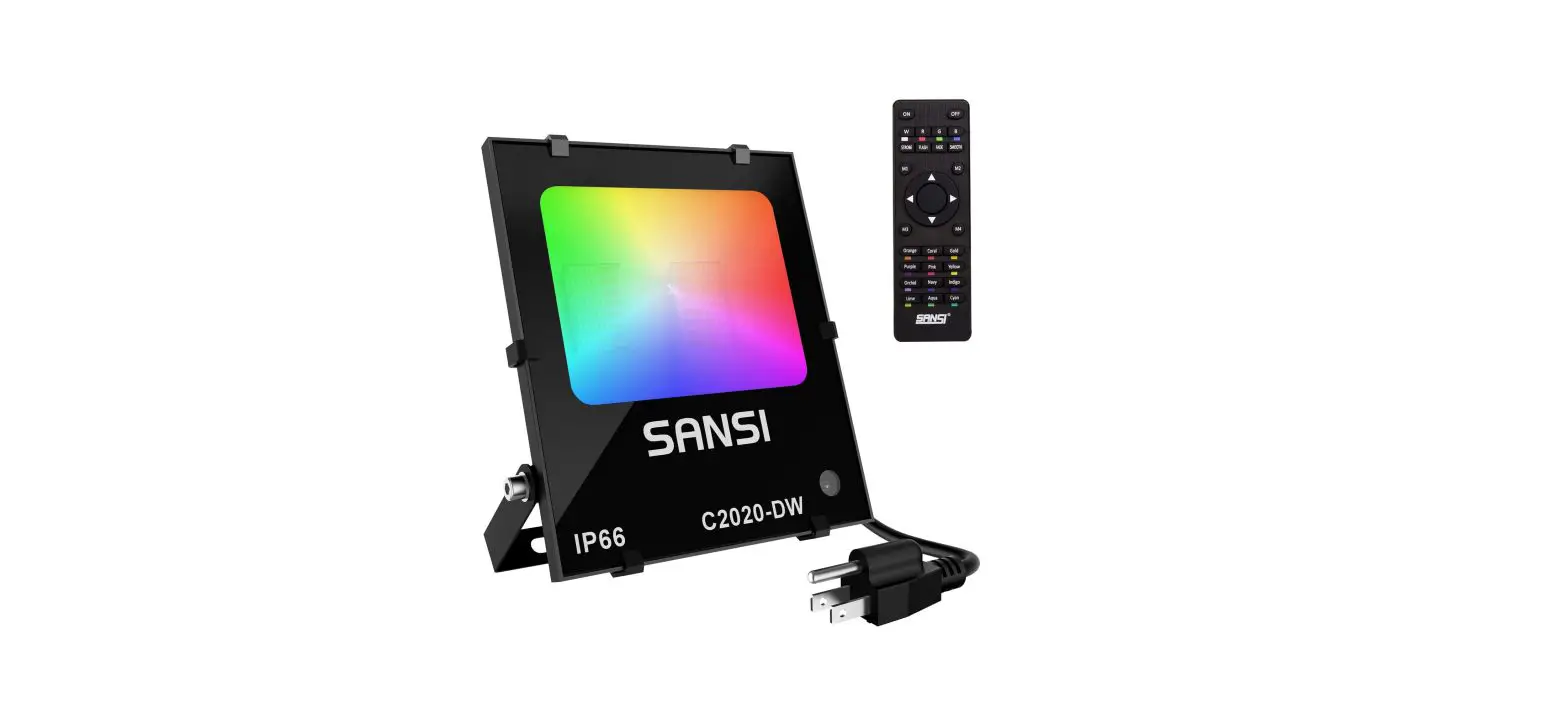
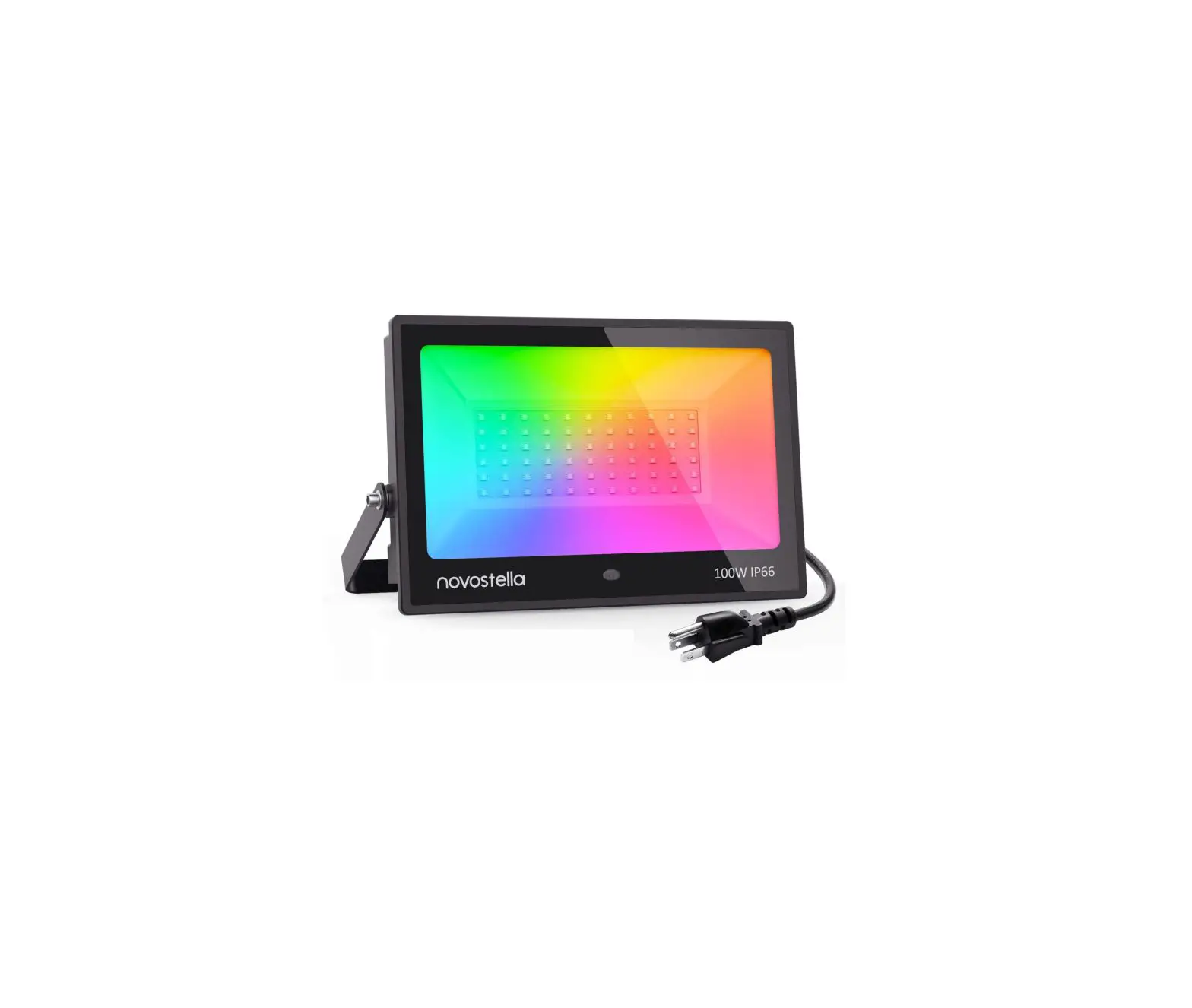
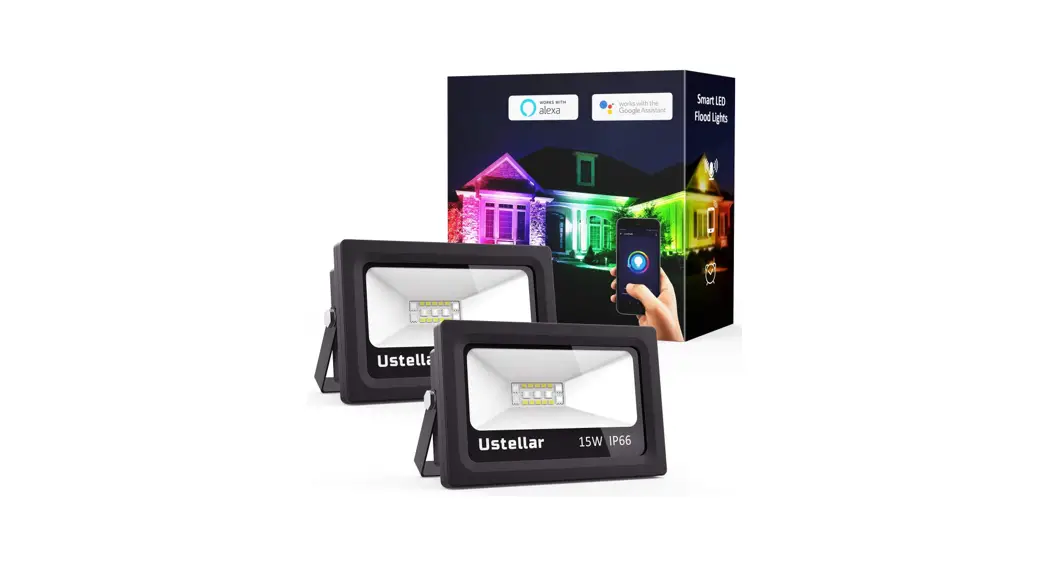
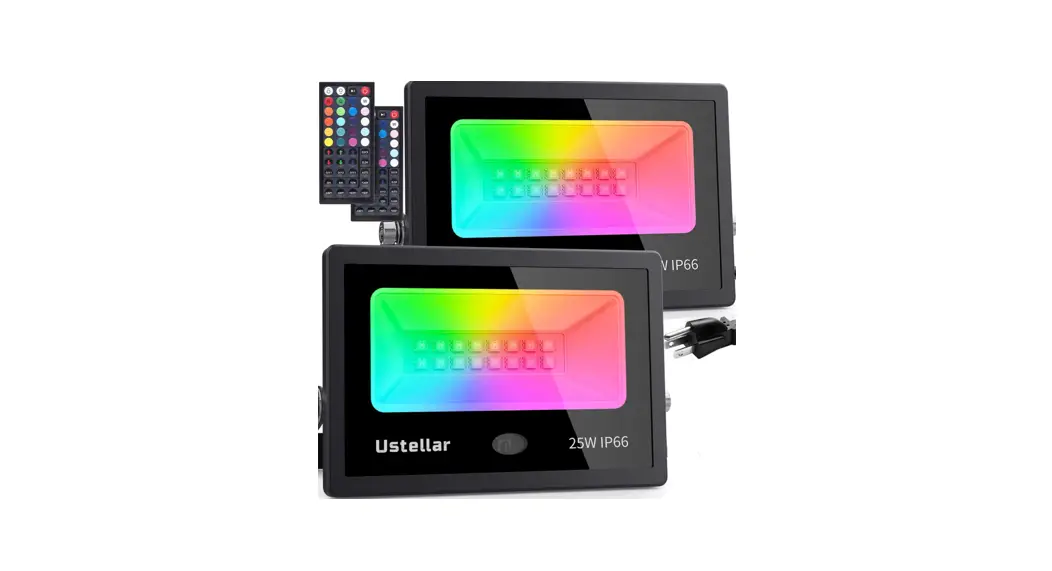
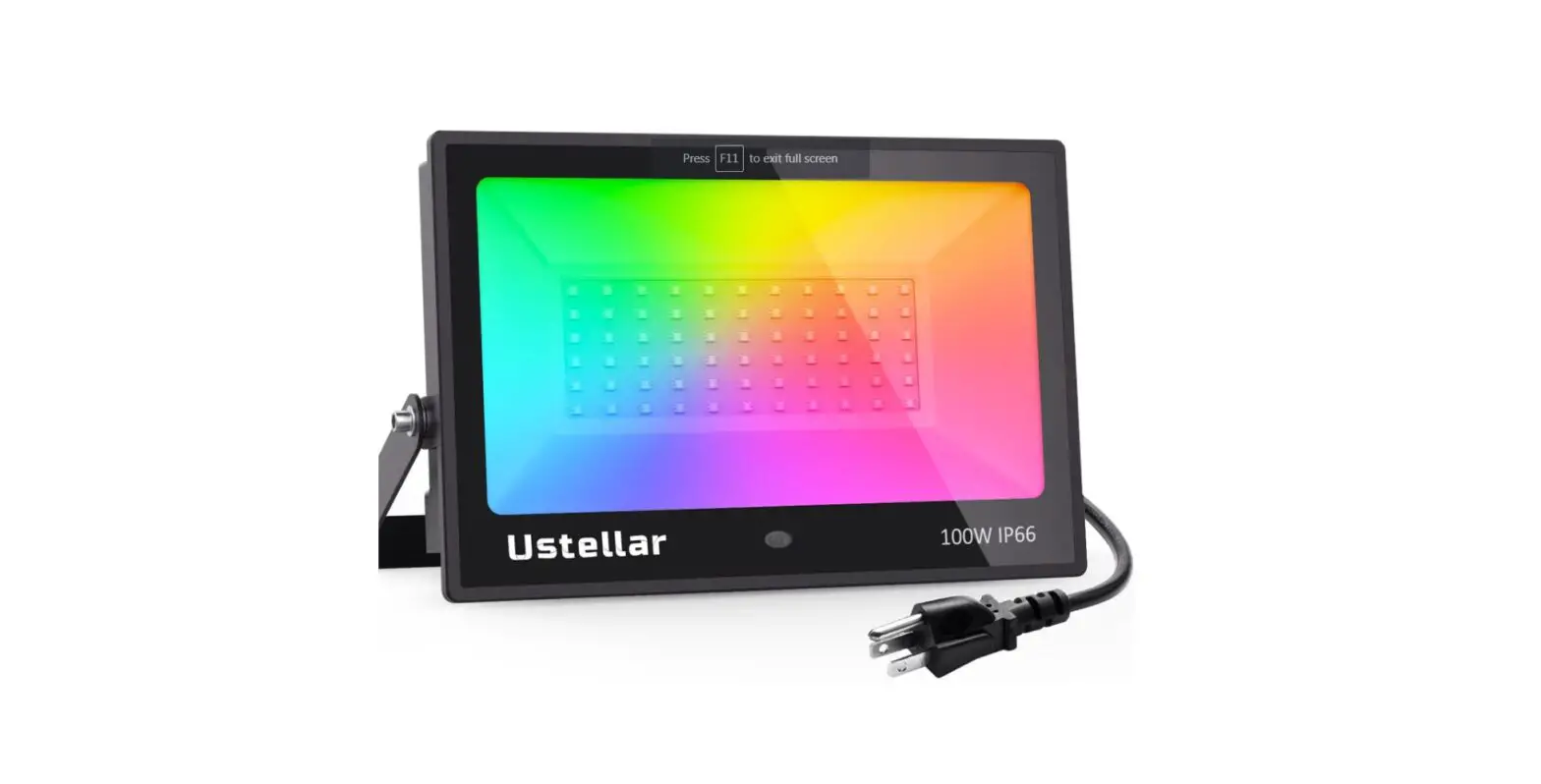
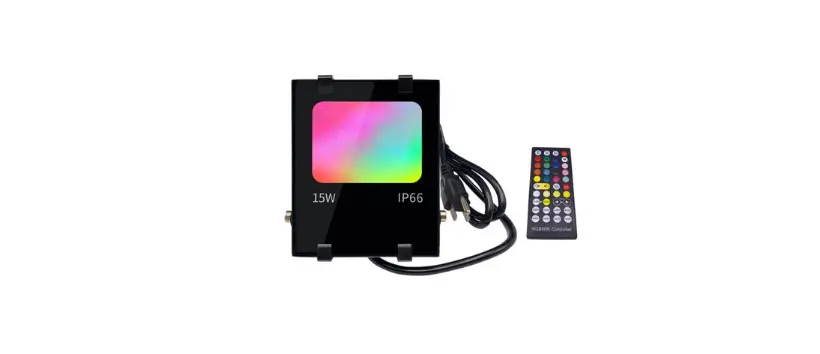
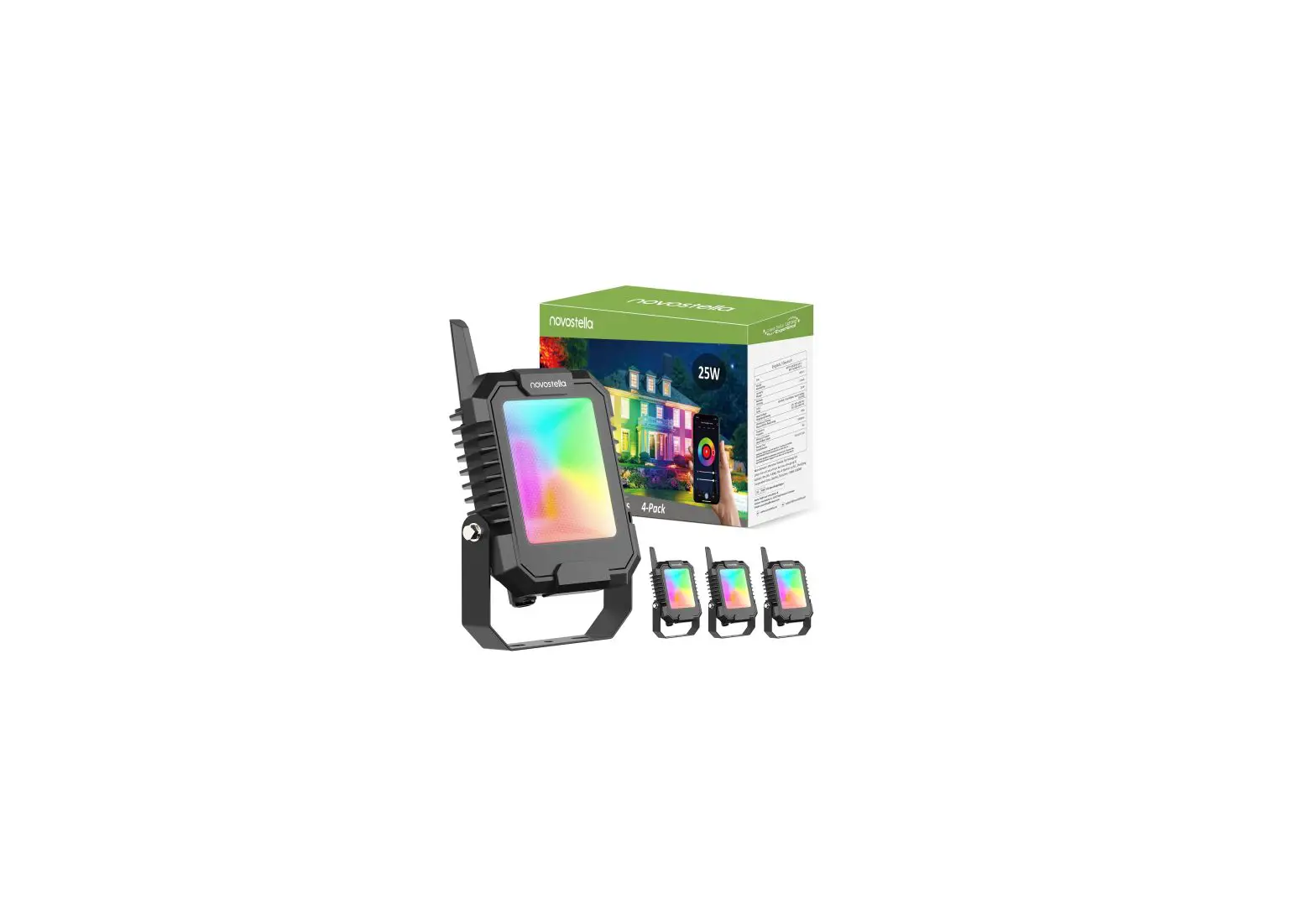
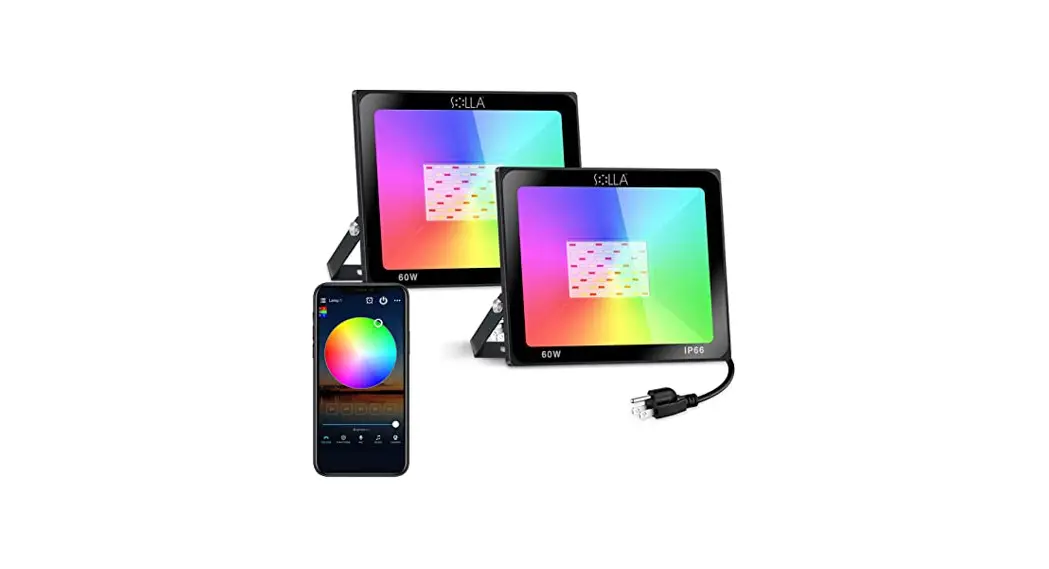
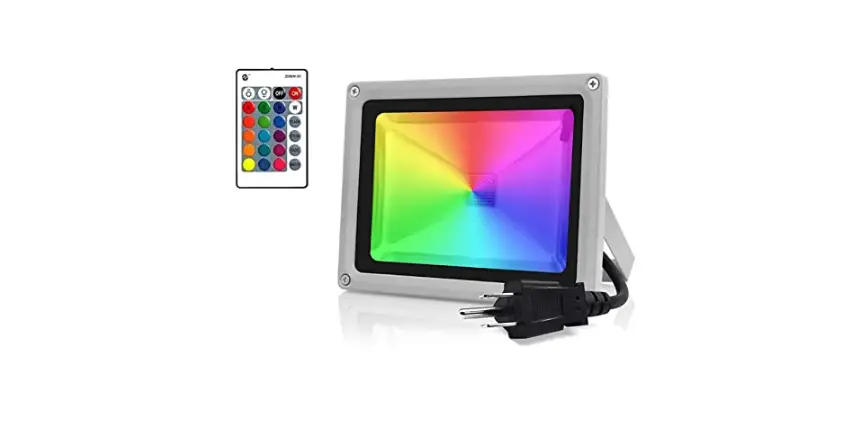
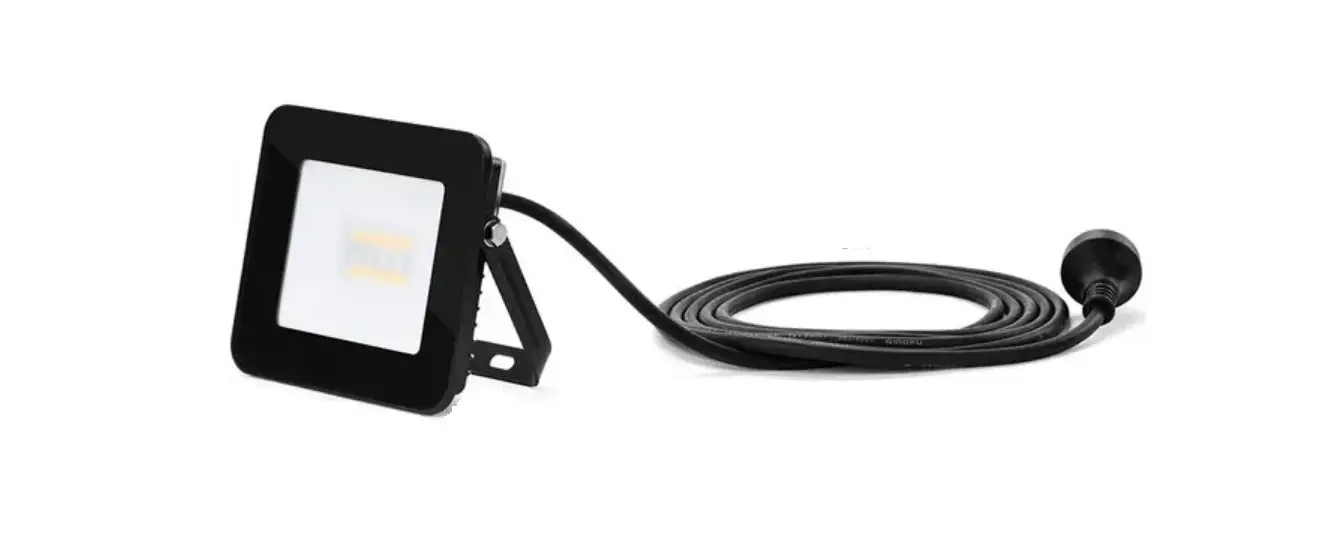
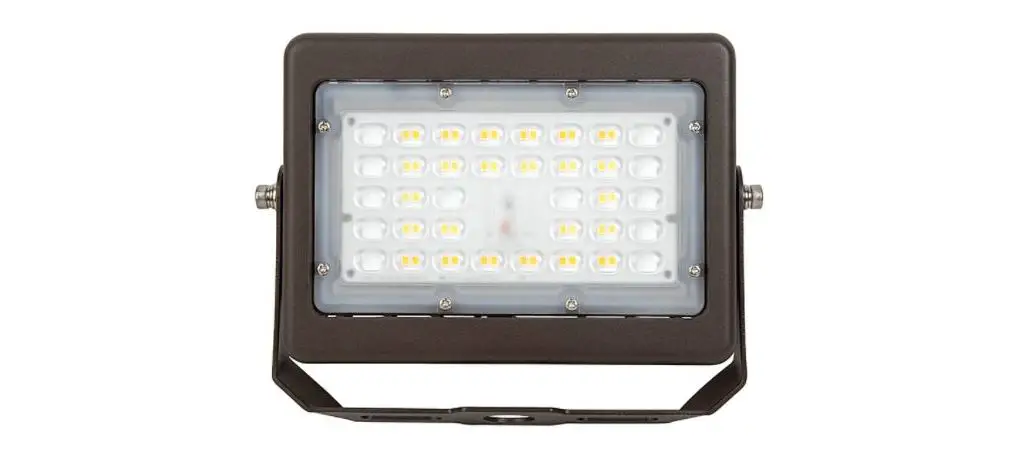
C21FG002 RGBW Smart LED Flood Light
Product Information
The RGBW Smart LED Flood Light is a high-quality lighting
solution that allows you to control the light color and brightness
using your smartphone. It is equipped with advanced features and
can be easily installed for both indoor and outdoor use.
Dimensions
- Length: 4 inches (102mm)
- Width: 5 inches (129mm)
- Height: 1.3 inches (33mm)
Installation
- Take the product out of the package and read the user manual
carefully. - Prepare the mounting surface by installing M6 anchor bolts
according to the mounting slots on the bracket. - Install the product onto the mounting surface and tighten the
hex nuts to secure it.
Angle Adjustment
- Loosen the fixing bolts on both sides by turning them
counter-clockwise until the mounting bracket can be adjusted. - Adjust the light panel to the desired angle.
- Re-tighten the fixing bolts by turning them clockwise.
Get the App
To control the RGBW Smart LED Flood Light, you need to install
the Stellar BLE App on your smartphone. Follow these steps based on
your device:
Android:
- Open Google Play.
- Search for “Stellar BLE”.
- Download and install the App.
iOS:
- Open App Store.
- Search for “Stellar BLE”.
- Tap “Get” to install the App.
Add Device
- Prepare the smart flood light and connect the power cable.
- Install the Stellar BLE App and open it.
- Make sure your phone’s Bluetooth is turned on and keep your
phone close to the light. - Tap the “+” button at the top right of the Light interface and
select “Add Devices” to start searching for the device. - When the device is displayed in the list, select the device you
want to add and tap “NEXT” to continue. - Wait for the device to be connected and added successfully,
then tap “OK” to finish.
Factory Reset
To reset the device, you have two methods:
- Select “Disconnect” on the Light Information interface, then
select “Remove”. The reset is successful when the light
blinks. - Alternatively, quickly switch the device On and Off for 6 times
to complete the reset.
Product Parameters
Please refer to the product manual or contact our customer
support for detailed information about product parameters.
Warnings
- Ensure that the voltage of the power supply complies with the
operating voltage of the product before use. - The light source of this product is not replaceable. When the
light source reaches its lifecycle, the entire luminaire should be
replaced. Do not attempt to disassemble the product. - Do not look directly into the operating light.
- Do not assemble the product under live conditions.
- The assembly and maintenance should only be performed by a
qualified specialist. - If the power cord is damaged, it must be repaired by the
manufacturer or its authorized service center, or replaced by a
qualified specialist.
This equipment complies with FCC radiation exposure limits set
forth for an uncontrolled environment. It should be installed and
operated with a minimum distance of 20cm between the radiator and
your body.
Please note that changes or modifications not expressly approved
by the party responsible for compliance could void the user’s
authority to operate the equipment. This device complies with Part
15 of the FCC Rules. Operation is subject to the following two
conditions: (1) This device may not cause harmful interference, and
(2) This device must accept any interference received, including
interference that may cause undesired operation. FCCID:
2A4AE-C21FG002
RGBW Smart LED Flood Light User Guide
Thanks for purchasing our product, to ensure full understanding of the product and know how to use it properly, please read the user guide thoroughly and keep it for potential use.
Dimensions
4″(102mm)
5″(129mm)
Installation
Hex nut Mounting surface
M6 anchor bolts 1. Take the product out of the package. Read the user manual carefully. 2. Prepare the anchor bolts on the mounting surface according to the mounting slots on the bracket. 3. Install the product onto the mounting surface and tighten the hex nuts afterwards.
2
1.3″(33mm)
1
Angle adjustment
1. Loosen the fixing bolts on both sides by turning counter-clockwise. Only loosen the bolts until the mounting bracket could be adjusted. 2. Adjust the light panel to the desired angle, then re-tighten the fixing bolts by turning them clockwise.
Turn clockwise to tighten
Fix bolts on both sides
Get the App
You can install the Stellar BLE App via below methods: Android 1. Open Google Play. 2. Search fo”r Stellar BLE.” 3. Download and install the App.
3
iOS: 1. Open App Store. 2. Search for”Stellar BLE”. 3. Tap”Get”to install the App.
Add device
1.Prepare the smart flood light and connect the power cable. 2.Install the Stellar BLE, open the App. 3.Make sure your phone’s bluetooth is on and keep your phone close to the light. 4.Tap”+”at the top right of the”Light”interface and selec”t Add Devices”to start searching for the device. 5.When the device is displayed in the list, select the device you want to add and tap”NEXT”to continue. 6.Wait for the device to be connected and added successfully, tap”OK”to finish .
Factory reset
2 methods to reset the device 1.You can select”Disconnect”on the Light Information interface, then select Remove, reset successfully after the light blinks. 2.You can also complete the reset by quickly switching On and Off for 6 times.
4
Product Parameters
Model : C21FG002-B0100A40 Enclosure Color : Black Material : PC + Aluminum Input : AC 120V,60Hz Rated Power : 100W Color Temperature : RGB+5000K Controlled by : Mobile App Connection : Bluetooth Beam Angle : 110° Lifespan : 25,000 hrs Dimensions : 4*5*1.3″(102*129*33mm) Net Weight : 460g Working Temperature : 14-104 Working Humidity : 10%-90% RH IP Rating: IP66
Warnings
1. Ensure the voltage of the power supply complies with the operating voltage of the product before use. 2. The light source of this product is not replaceable; when the light source reaches its lifecycle, the whole luminaire shall be replaced. Do not attempt to disassemble the product.
5
3. Do not look into the operating light. 4. Do not assemple the product under live conditions. 5. The assembly and maintenance can only be performed by a qualified specialist. 6. If the power cord of the outer material is damaged, it must be recorded and repaired by the manufacturer or its authorized serivce center; or replaced by similar qualified specialist.
This equipment complies with FCC radiation exposure limits set forth for an uncontrolled environment. This equipment should be installed and operated with minimum distance 20cm between the radiator & your body.
Please take attention that changes or modification not expressly approved by the party responsible for compliance could void the user’s authority to operate the equipment. This device complies with Part 15 ofthe FCC Rules. Operation is subject to the following two conditions: (1) This device may not cause harmful interference, and (2) This device must accept any interference received, including interference that may cause undesired operation. FCCID2A4AE-C21FG002
6
Warranty & Contact
1-year warranty Email: [email protected] Web: www.sansiled.com Mfg. date is printed on the certificate of approval
7
 Grow Light, Light Bulb, Flood Light and More | LED Lighting Provider