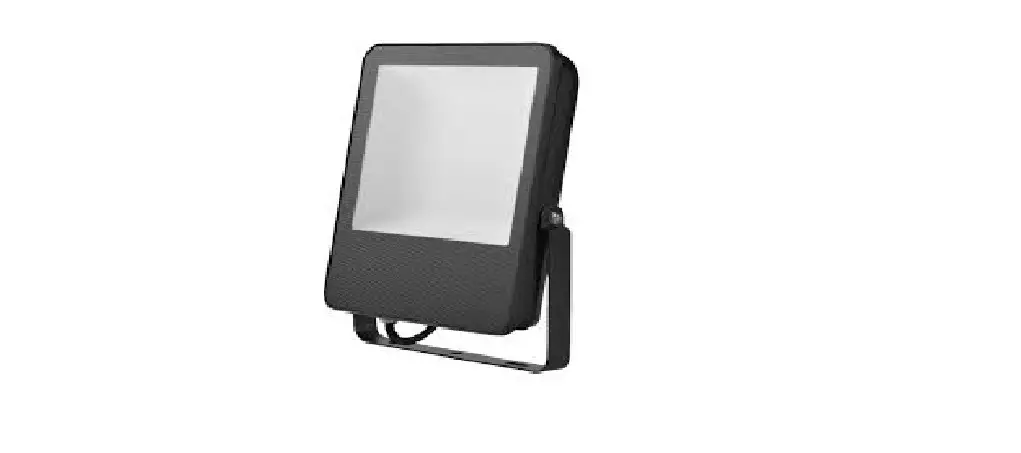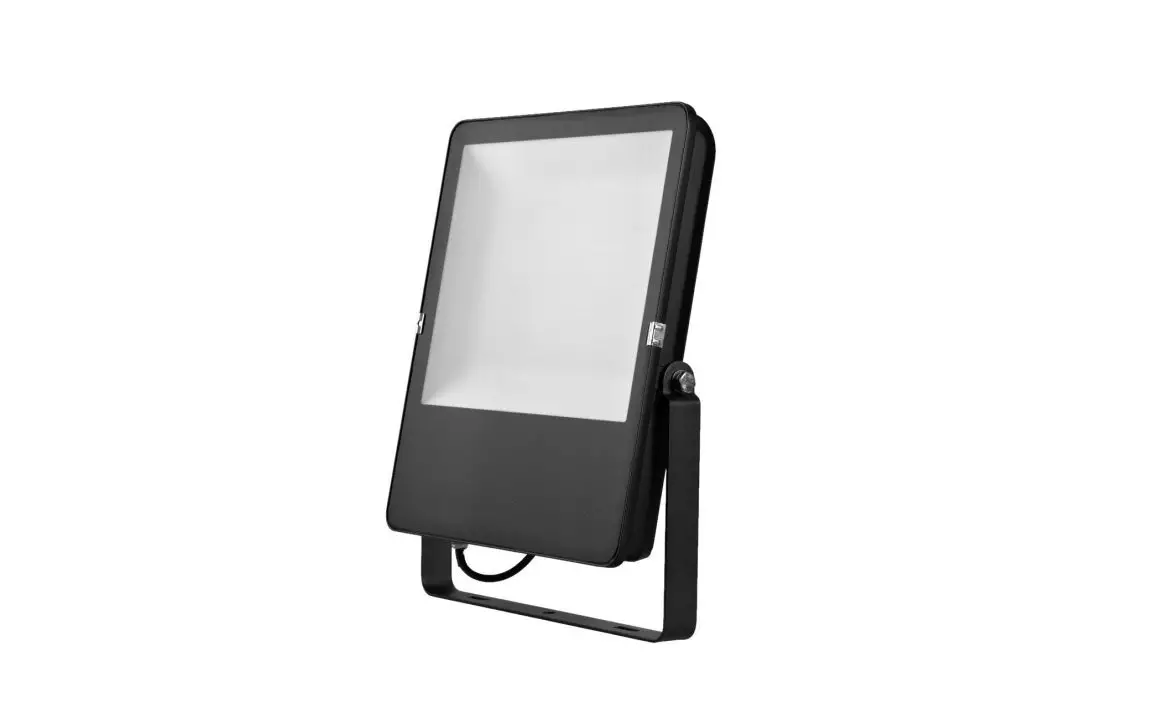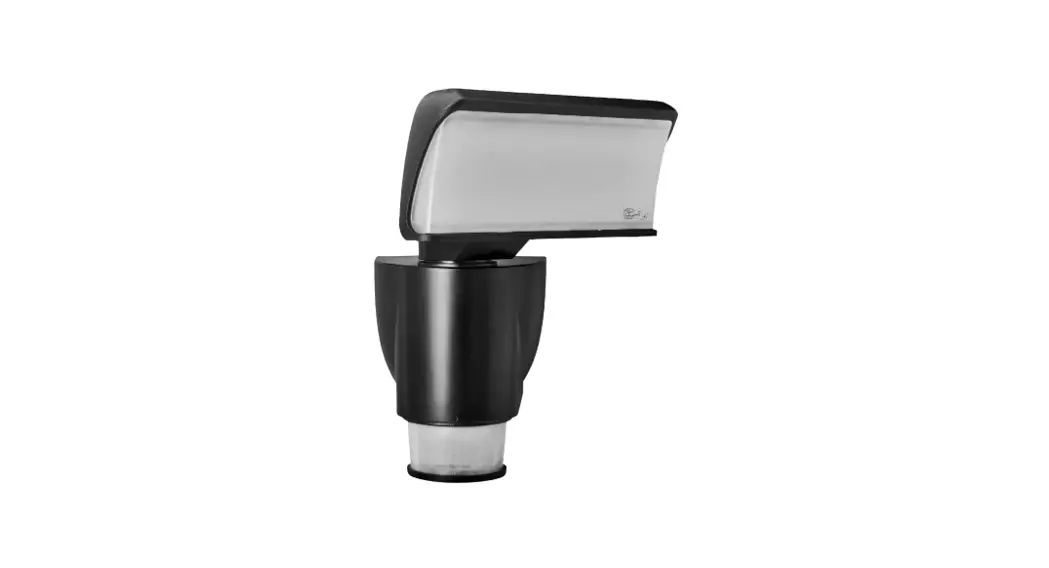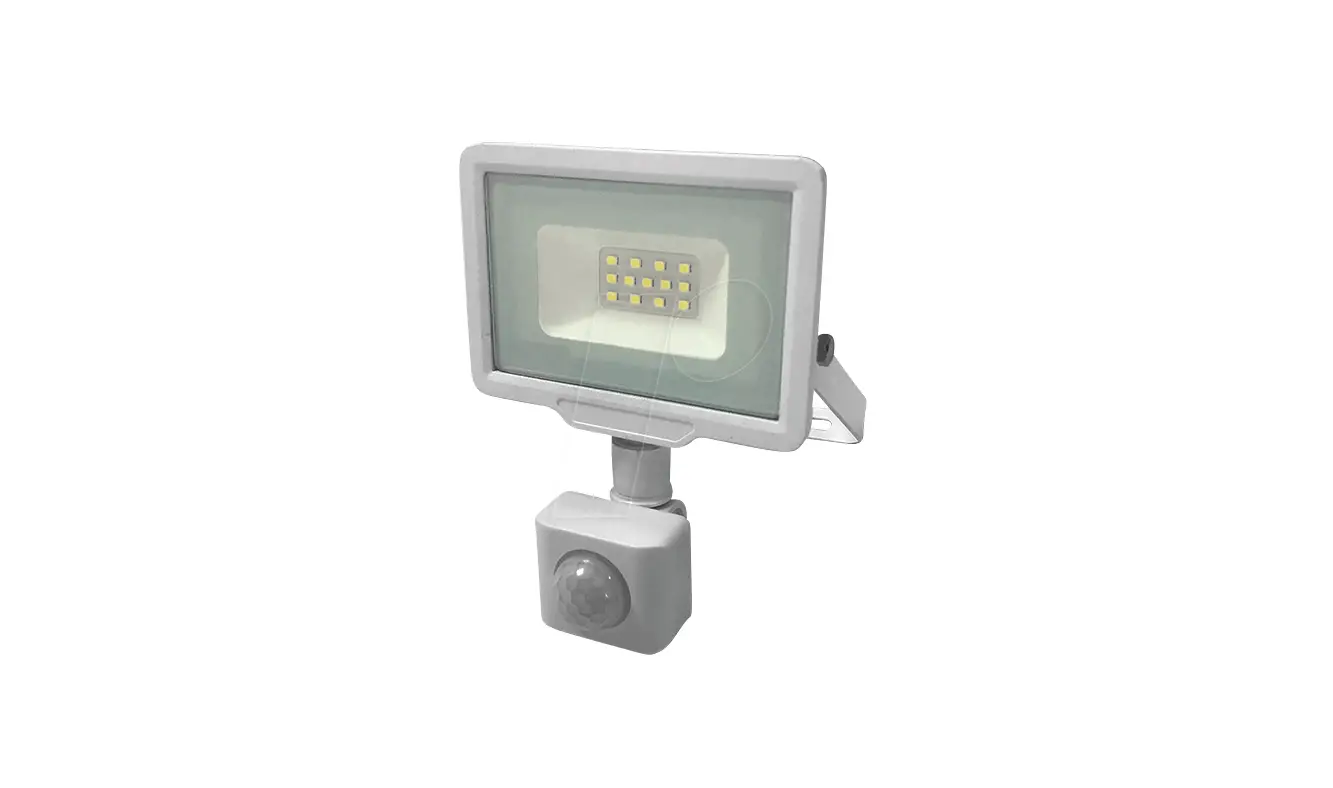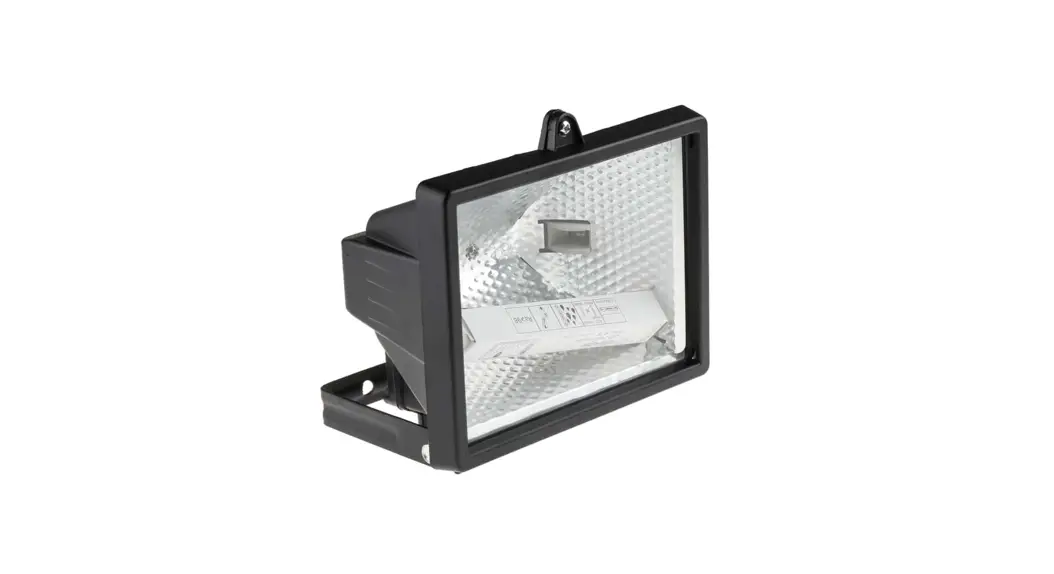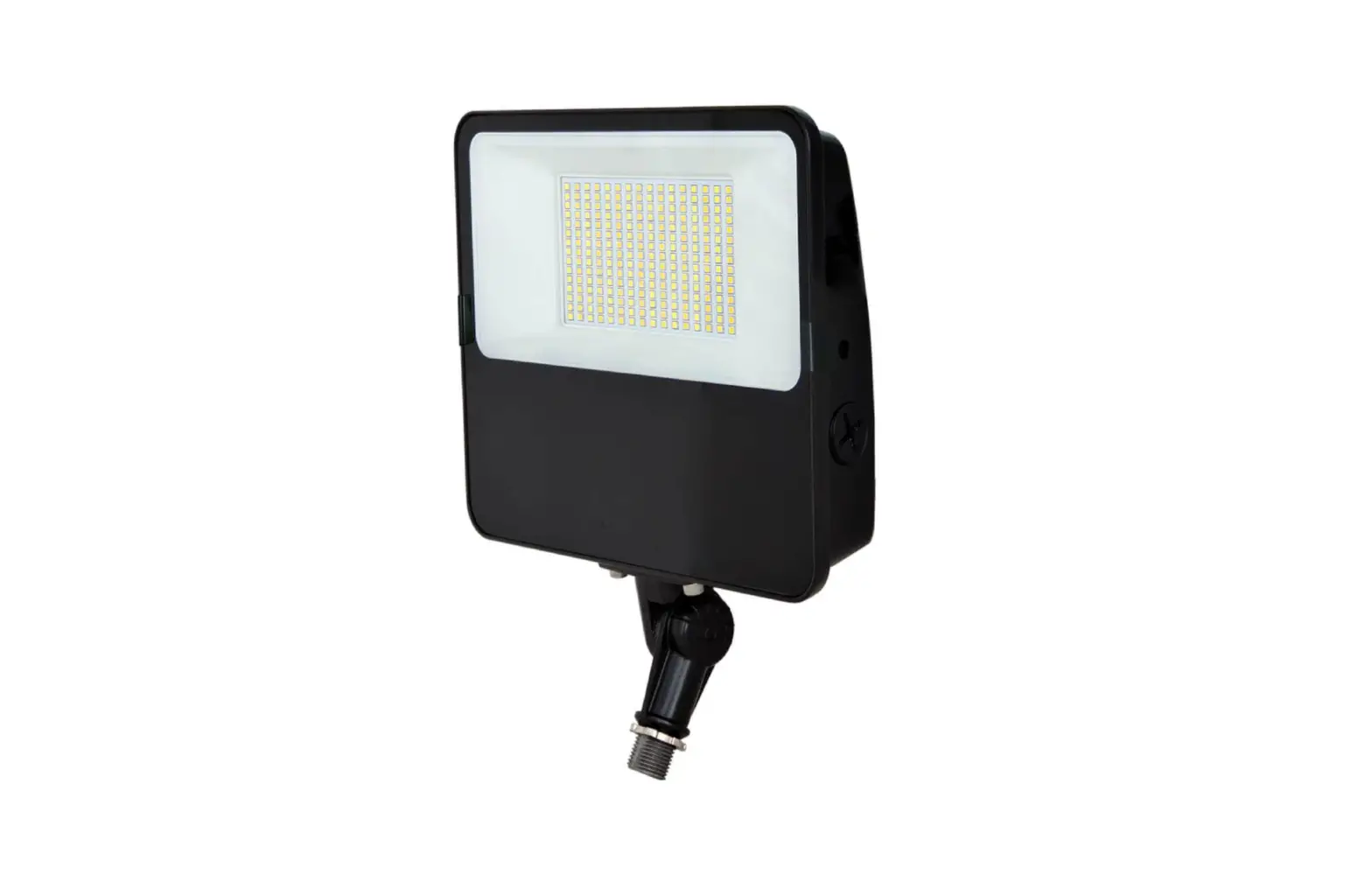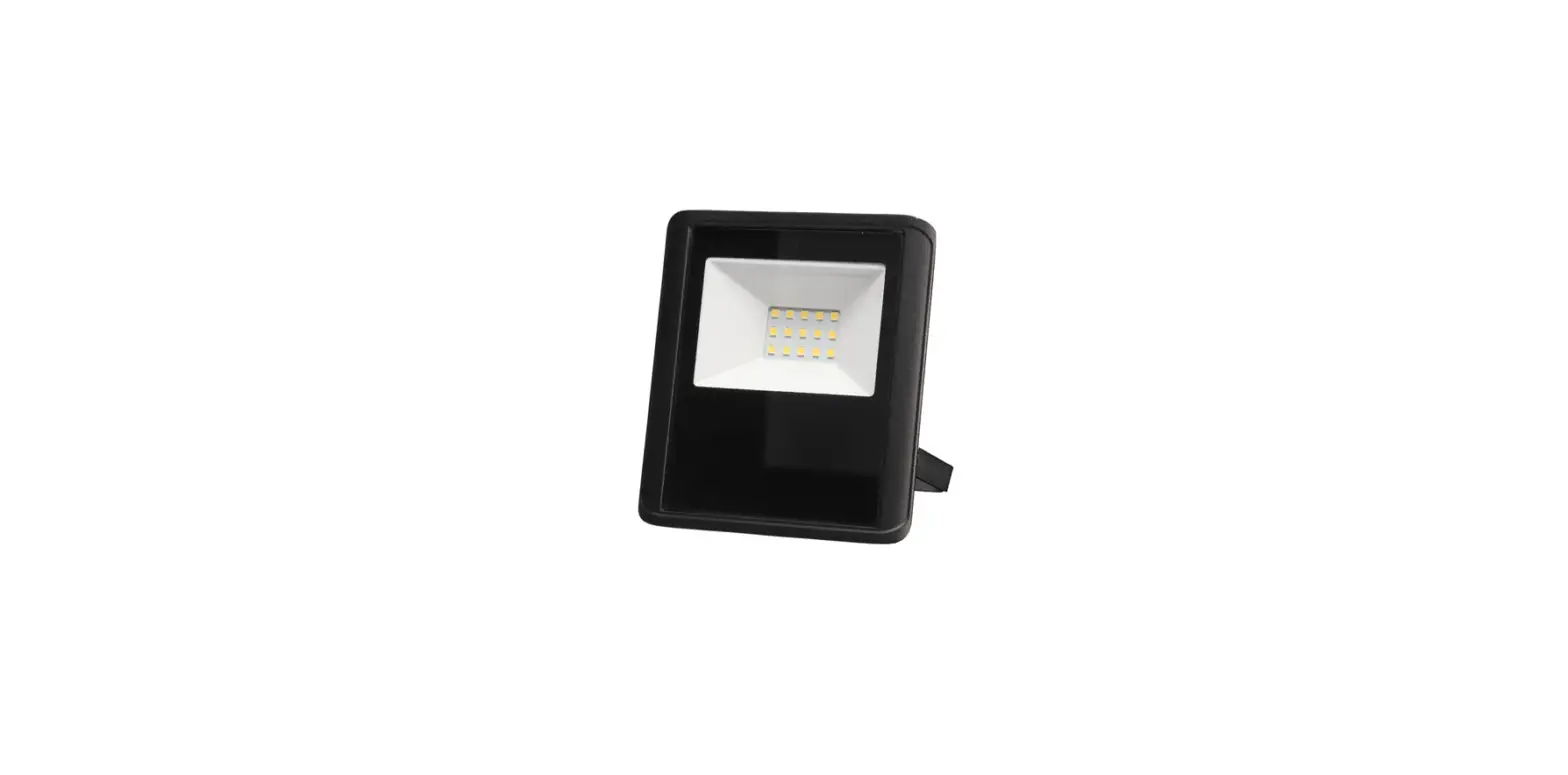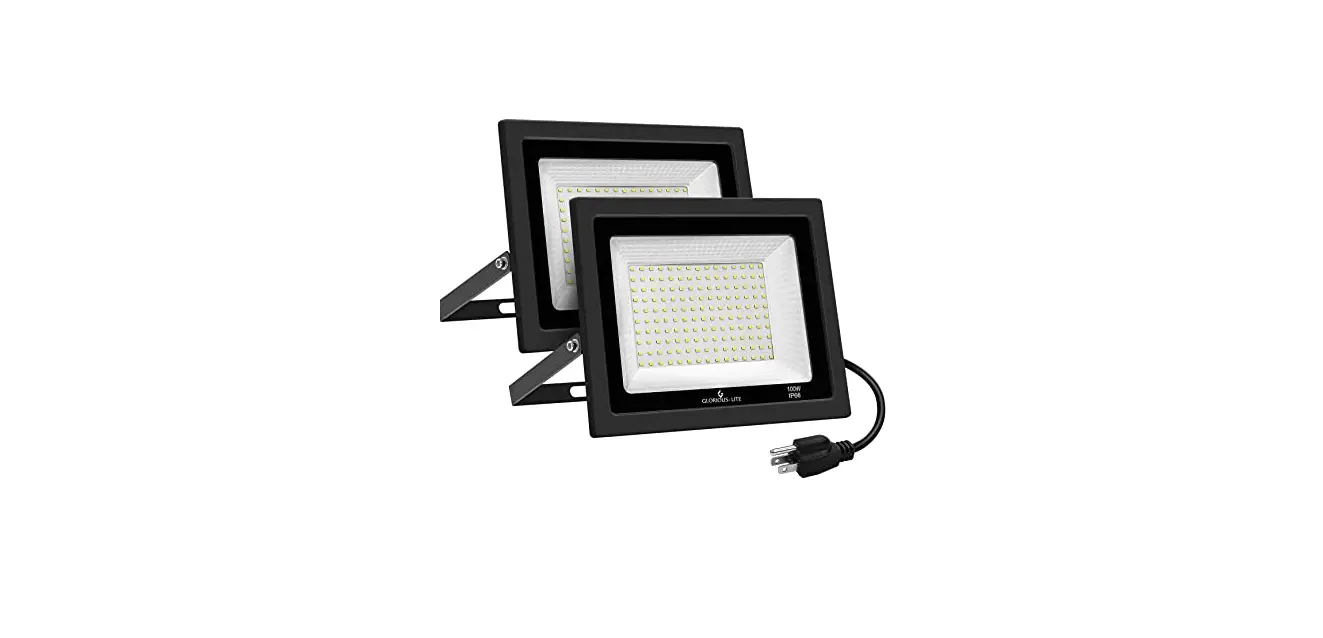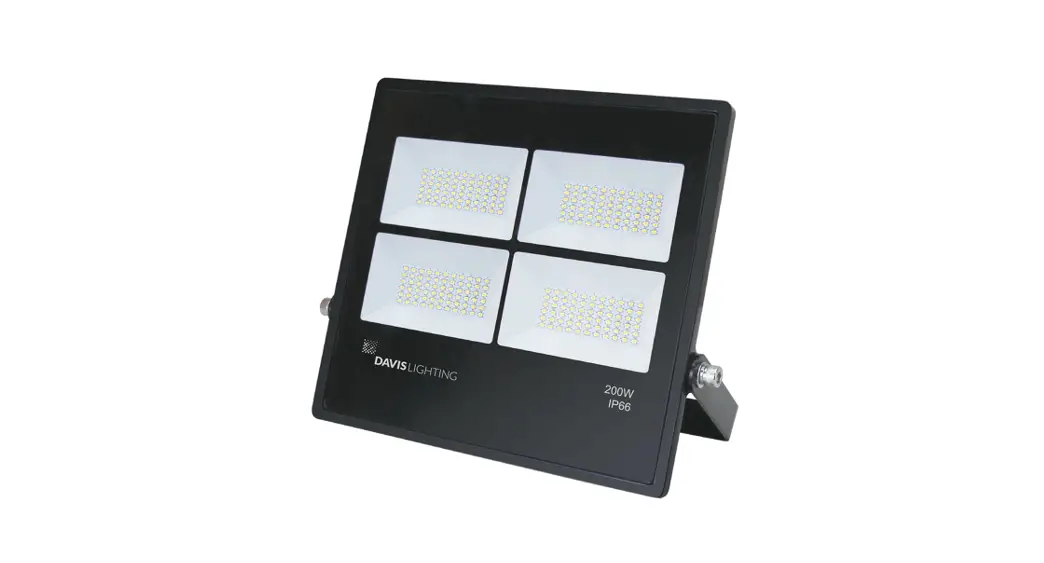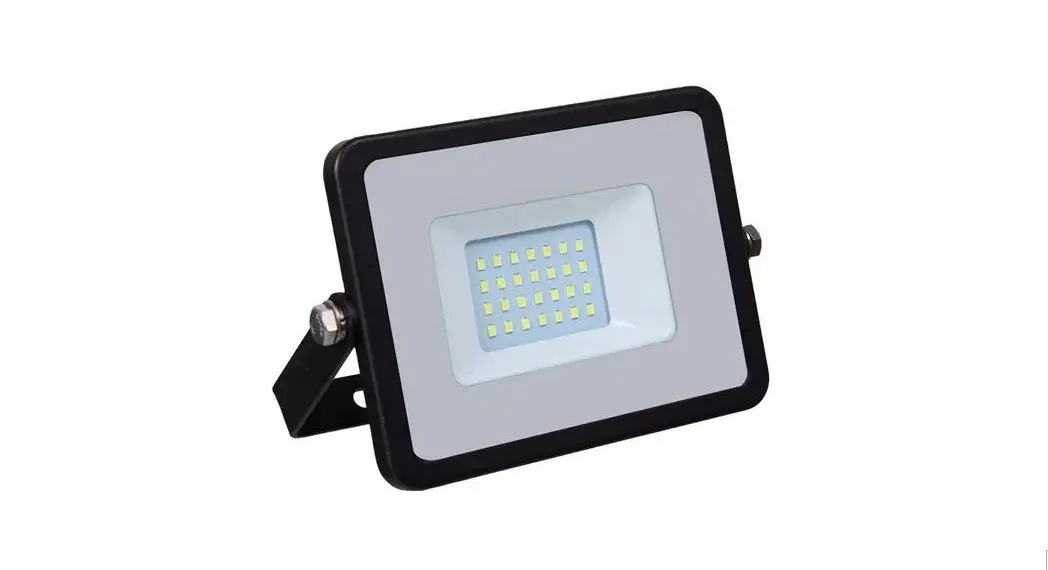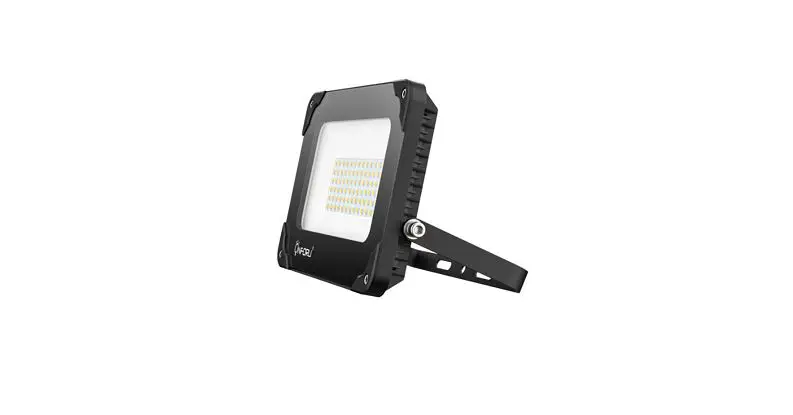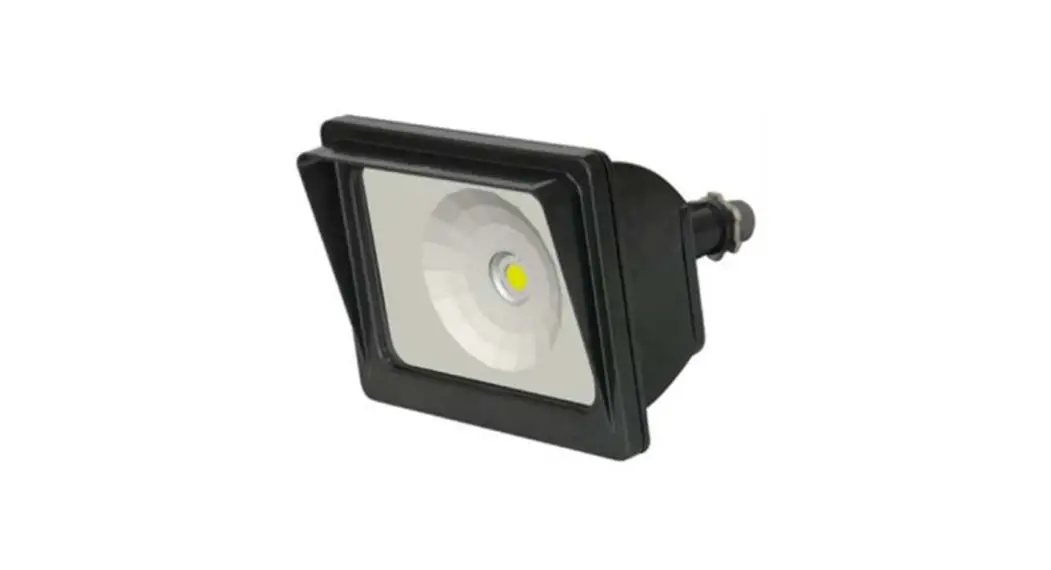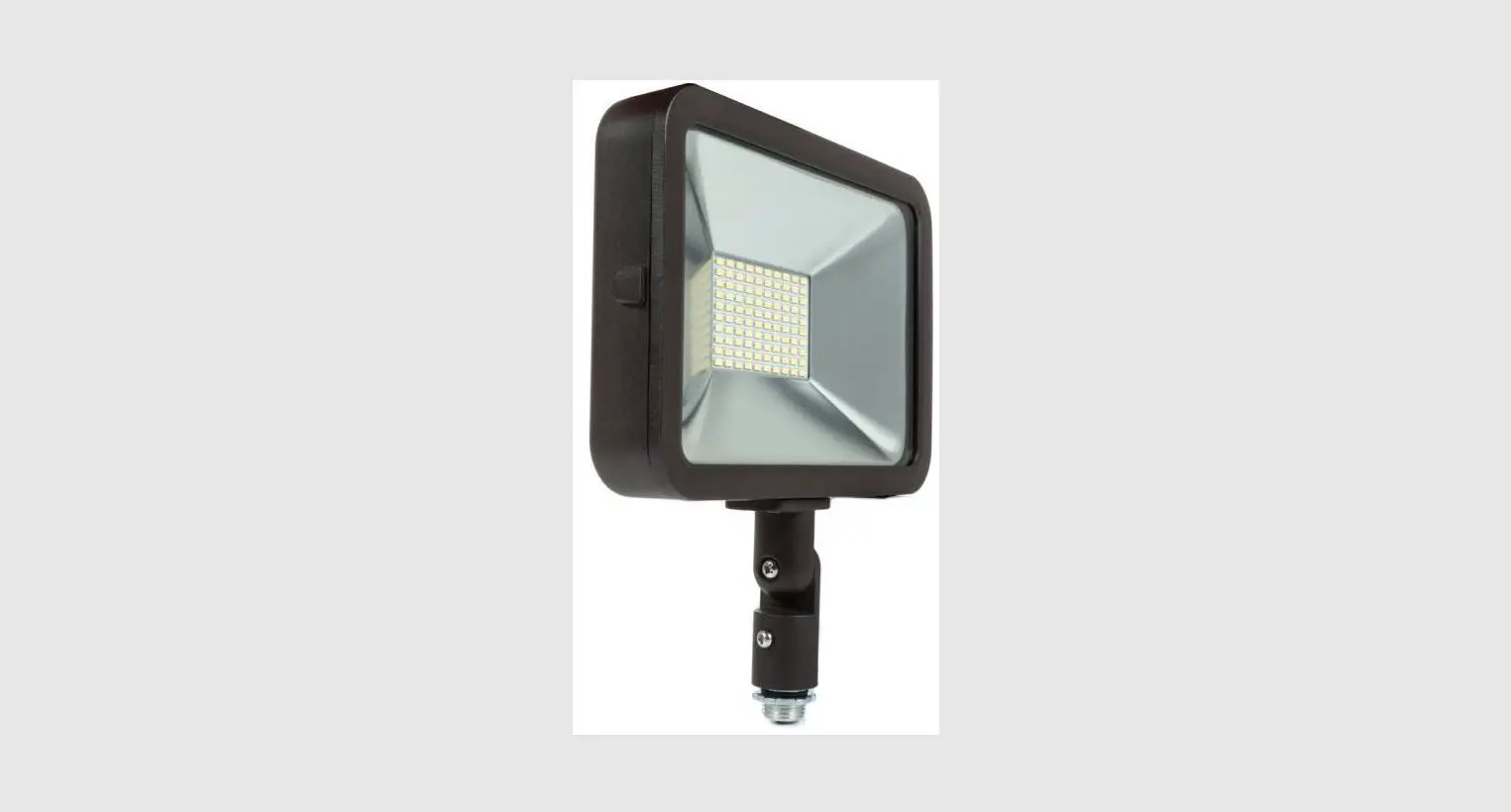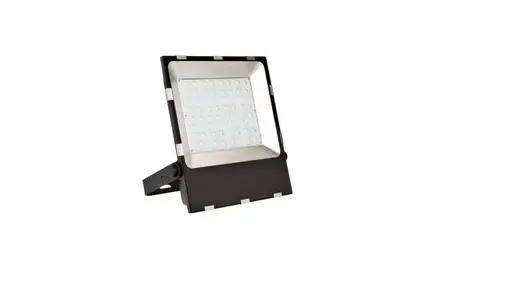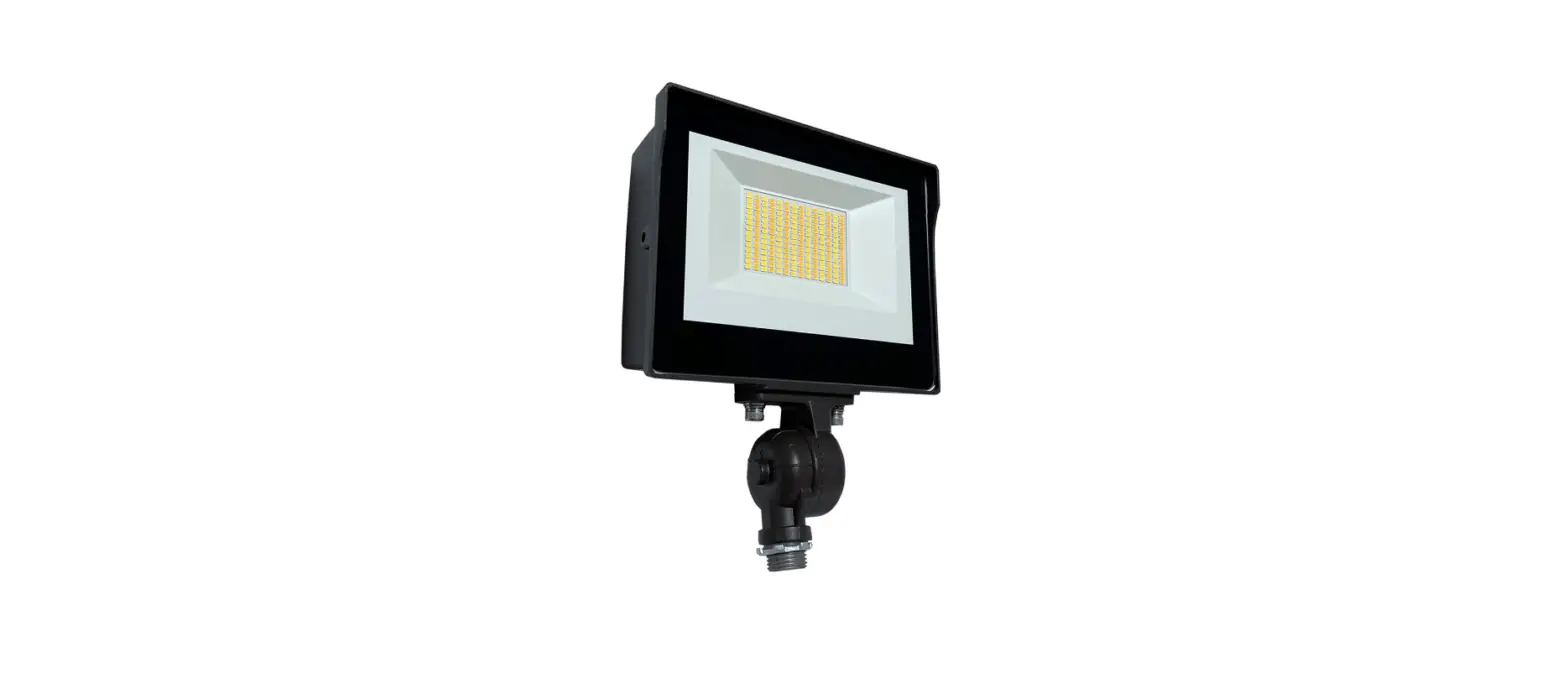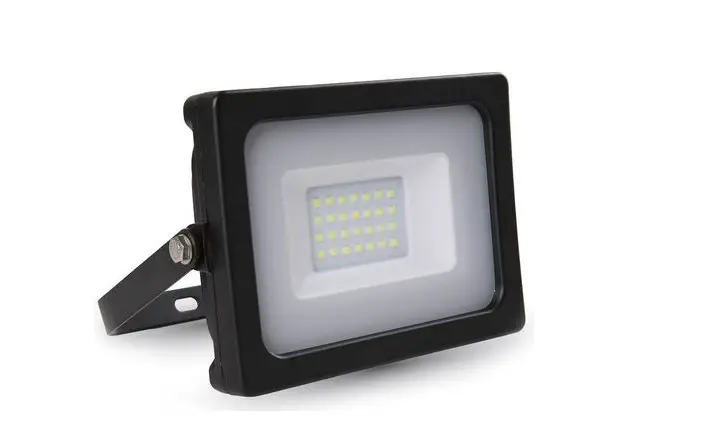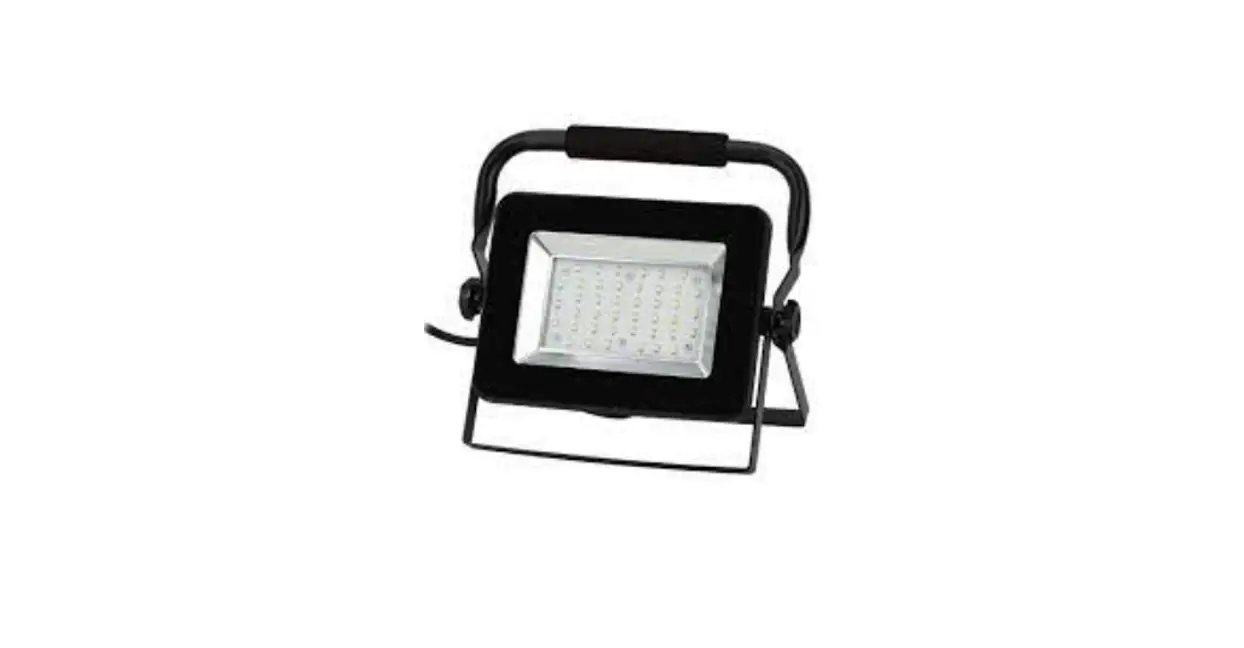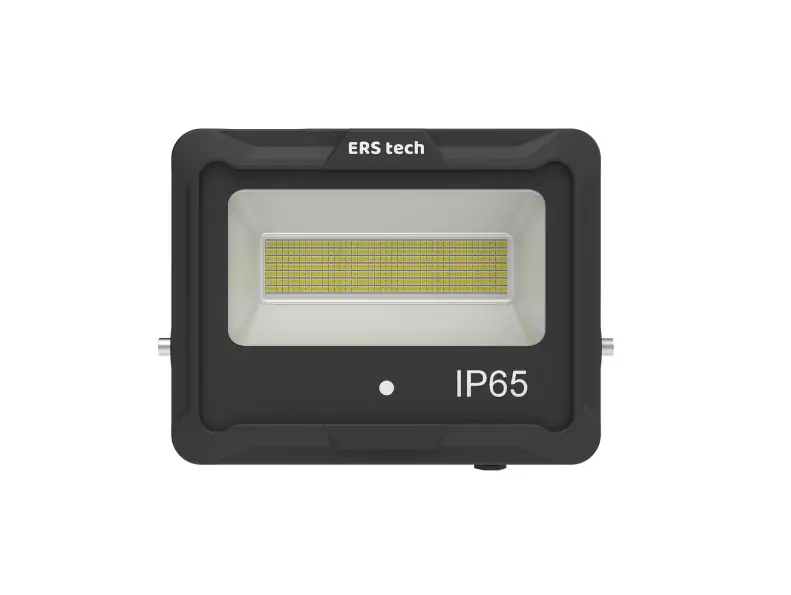

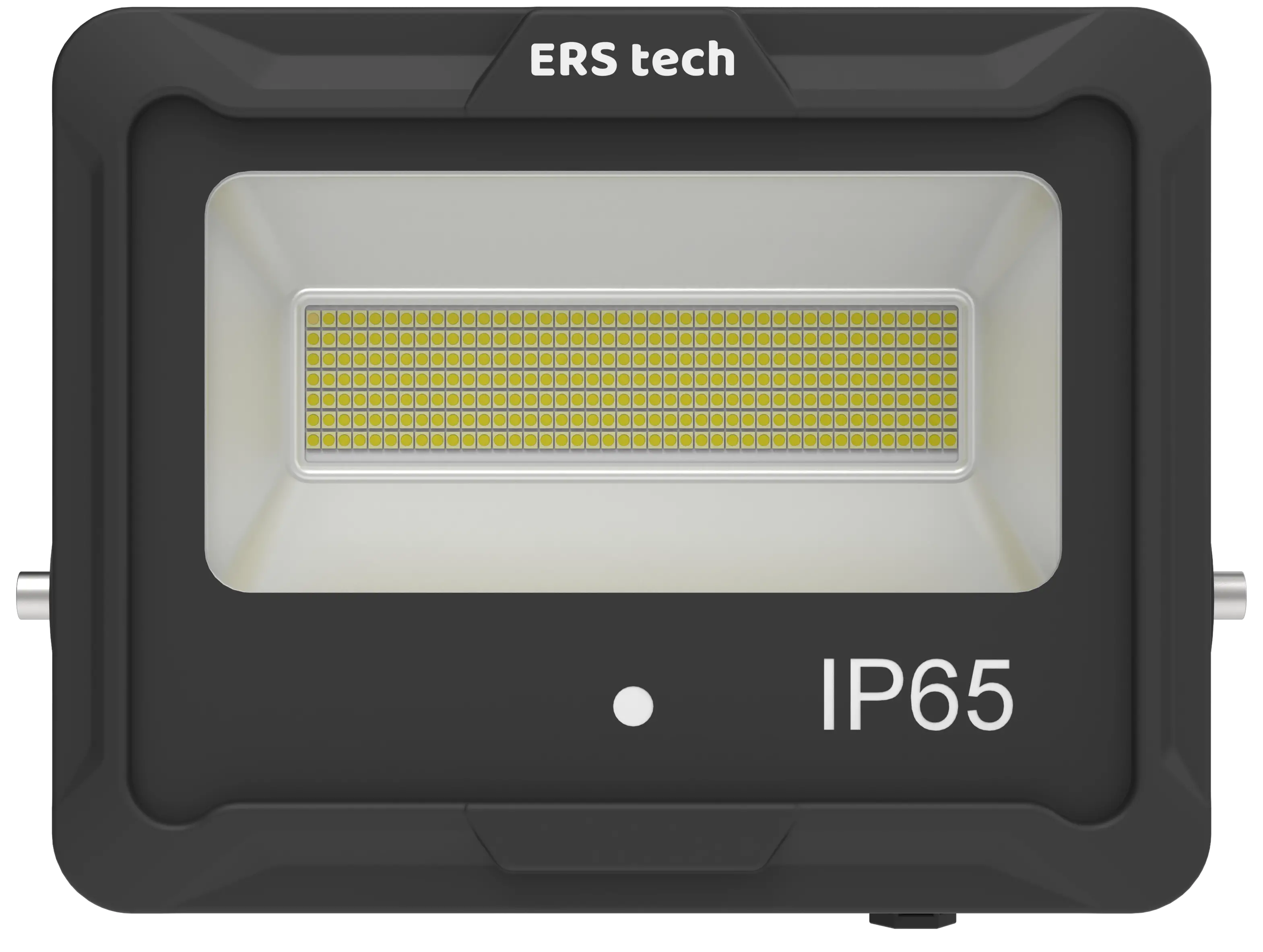
ERS tech ERS-F30W-SP LED Flood Light
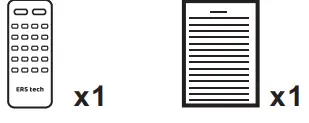
Accessories
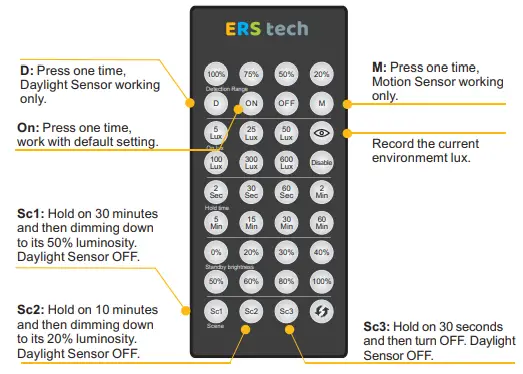
- Factory setting of sensor: When turn on the lamp, sensor function is closed; If you need to open the sensor, please use our remote controller as below.
- Show Case:
- Press “ON” to open sensor function, default setting: dag light (OFF), hold time (2 seconds), standby brightness 0%;
- Set the data you need.
- For instance, you need the lamp holds on 2 mins after you leaving in site and then dimming to half brightness, just press the “2 min” in hold Time section, and press “50%” in standby brightness section. If need to change daylight sensor date, for instance, you want the lamp turns on when the brightness is<300, just press “300 Lux” in on Lux section (Light Threshold); “Disable” is to close daylight sensor function.
- If want to close the sensor function, just press “OFF”.

Technical Parameter
| Input Voltage | AC220-240V,50Hz | LED Chips | SMD 2835 |
| Beam Angle | 120° | Sensor | Daylight & Microwave Motion Sensor |
| Driver | ERS driver | Power Factor | >0.9 |
| CCT | 3000-6500K | CRI | Ra>80 |
| Working Temp | -20℃~+50℃ | IP Rating | IP65 |
Installation
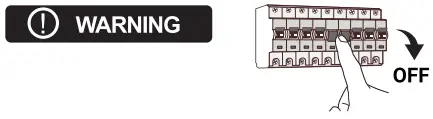
- Switch off the power supply before installation.

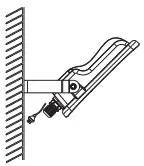
- Fix the installation bracket to the wall, then adjust the angle, and connect the power plug.

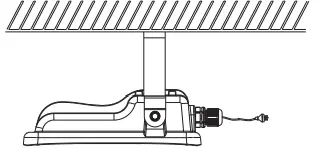
- Fix the installation bracket to the ceiling, then adjust the angle, and connect the power plug.

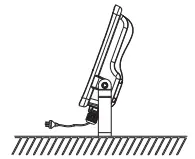
- Fix the installation bracket to the ground, then adjust the angle, and connect the power plug.

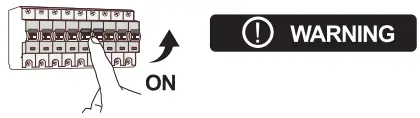
- Switch on the power supply after installation.

Reminder
- We appreciate your choice!
- Please read the instruction manual before installation and keep it well.
Warning
- To avoid the accident of damage, falling, electric shock or fire, please do not reform the lamp or replace the accessories and confirm with us if you need to change the mounting method.
- Please authorize the installation to qualified installation personnel and obey to the instruction manual. Any unsuitable installation will easily cause the accident of falling, electric shock and fire etc.
- Please cut off the power before installation or any maintenance of the lamp.
- Please cut off the power when it smokes or smells awfully since the accident of fire or electric shock may incur. Ask the qualified personnel for maintenance.
- Please do not dismantle the lamp by yourself since the accident may incur.
- Please do not touch the driver when the lamp works.
Application
This product is suitable for billboard, road, tunnel, bridge and culvert, square, building.
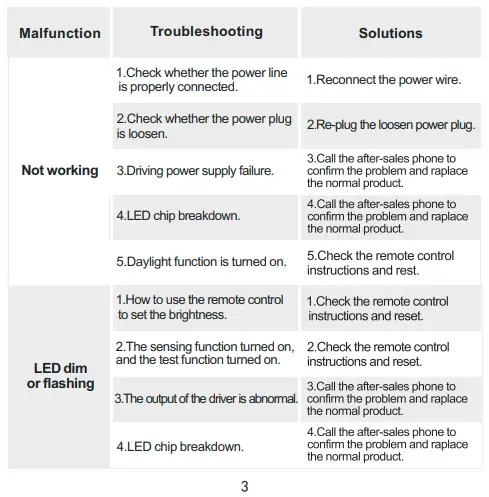
Troubleshooting & Solutions
Warranty
- Five years warranty.
- During the warranty period, the client shall return the failed parts by courier for inspection and repair. After inspection and repair, the supplier shall send the fixed parts or new parts back. Each party shall bear the freight cost accordingly.
- Keep the warranty card as the warranty certificate.
- The following conditions are not covered by the warranty, and the supplier provides maintenance services by charging maintenance fee:
- All artificial damages, including damages from operation, usage, storage unconformity with the instruction manual, abnormal working condition etc;
- Dismantling, maintenance, modification or unqualified repairing for the products without the supplier’s authorization;
- No warranty cards and documents;
- Damages caused by user’s improper delivery or due to force majeure (including fire, flood, thunder hit, earthquake etc).
- All rights reserved.
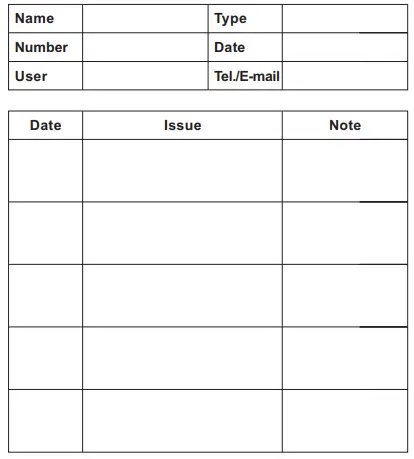
Warranty Card
Item List
| 1.Lamp body | pcs | |
| 2.90 degree aluminum reflector | pcs | |
| 3.120 degree aluminum reflector | pcs | |
| 4.Transparent reflector | pcs | |
| 5.Transparent reflector connecting plate and screws | pcs | |
| 6.Aluminum reflector connecting plate,snap ring and screws | pcs | |
| 7.Rubber ring | pcs | |
| 8.The reflector seaing gasket | pcs | |
| 9.Transparent reflector organic glass plate,snap ring | pcs | |
| 10.Accessory Screws | pcs | |
| 11.Instruction Manual (including Warranty Card and Item List) | pcs | √ |
| 12.Qualification Certificate | pcs | √ |
Website: www.erstech.com.au / www.erstech.com.cn
 Shenzhen ERS Technology-led, led lighting, led highbay light, led panel light, led batten light, energy saving, VEET, IPART
 Shenzhen ERS Technology-led, led lighting, led highbay light, led panel light, led batten light, energy saving, VEET, IPART