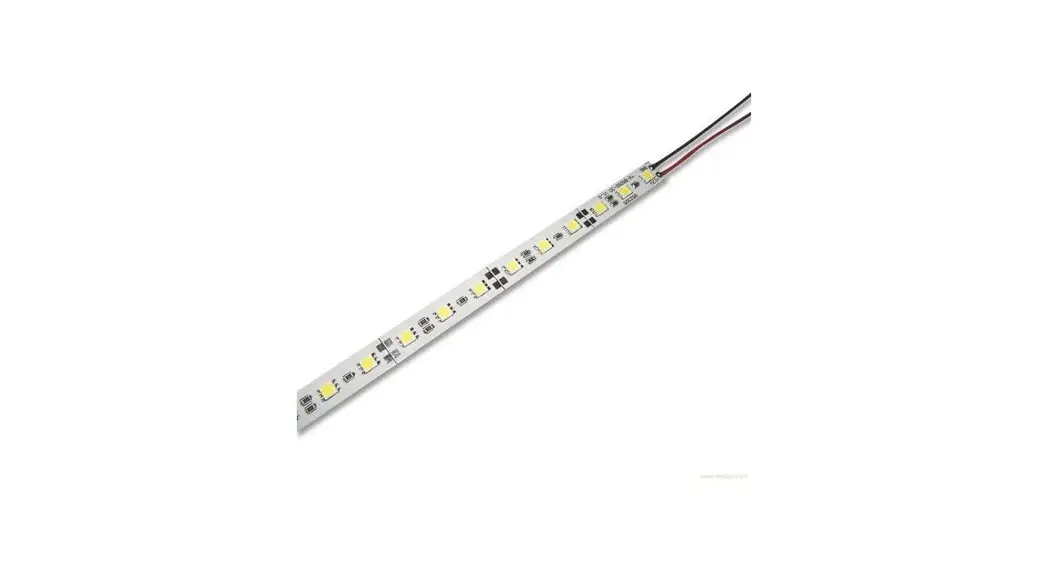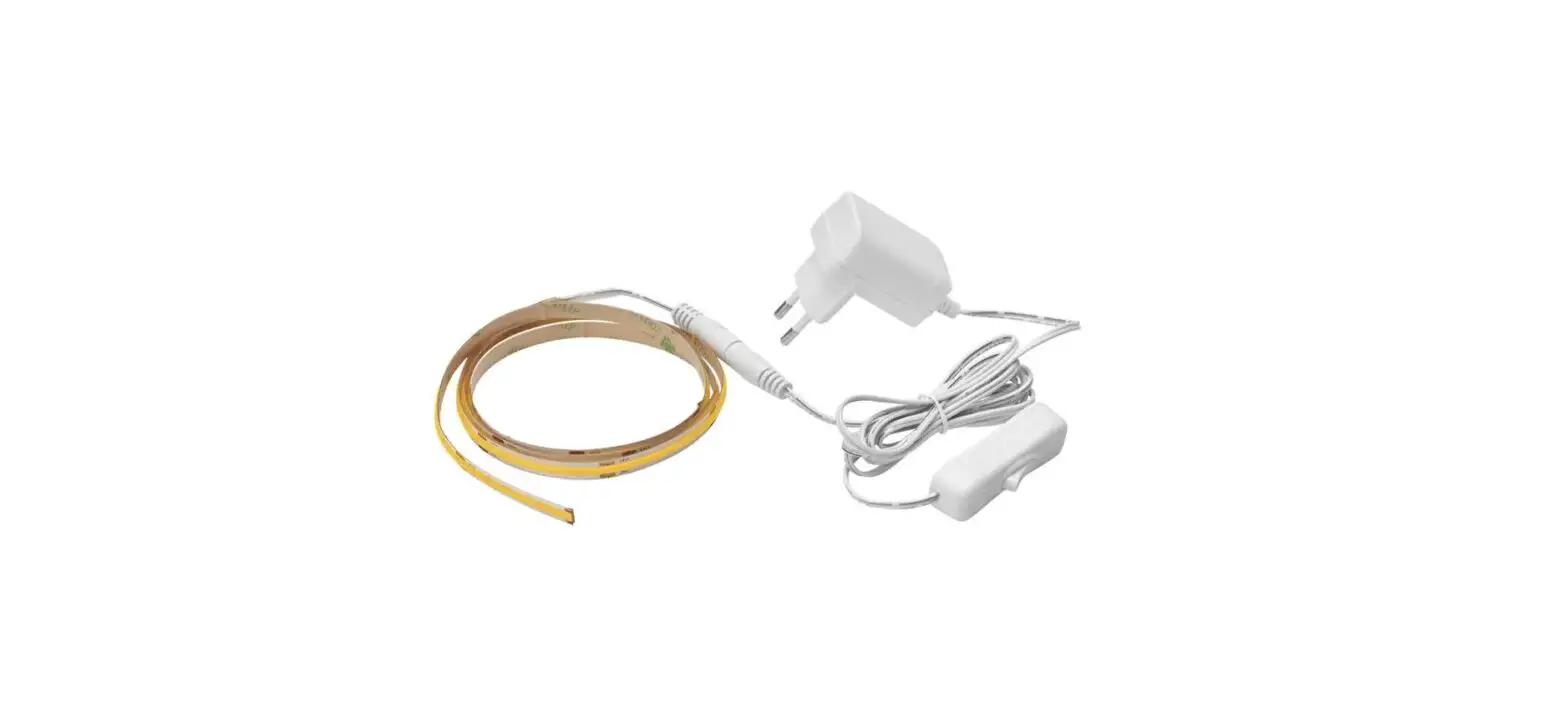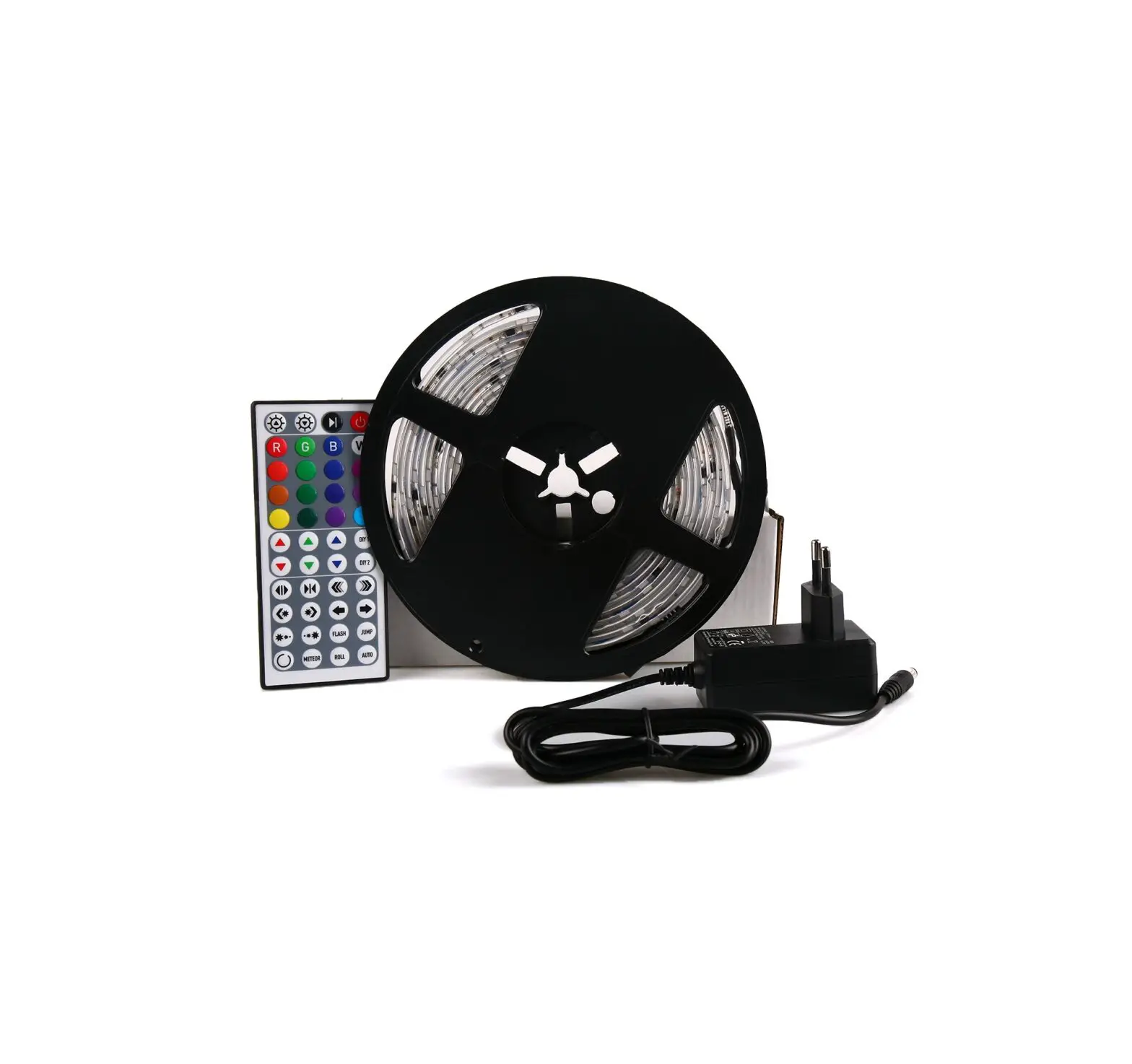
 9082600 Iluminos LED Stripe
Instruction Manual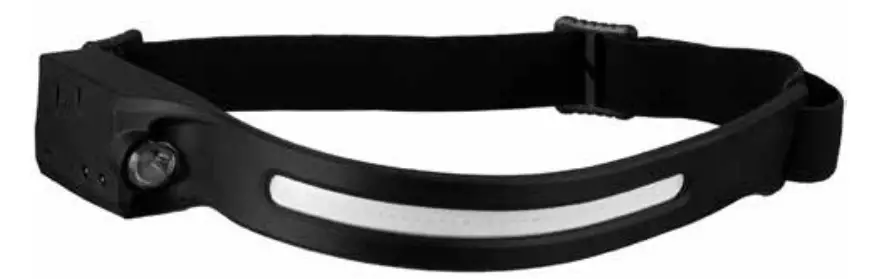
Art.Nr: 9082600
9082600 Iluminos LED Stripe
Visit our website via the following QR Code or web link to find further information on this product or the available translations of these instructions.
MANUAL DOWNLOAD:
 http://www.bresser.de/P9082600
SERVICE AND WARRANTY:
General Information
Please read the safety instructions and the operating instructions carefully before use. Keep these instructions for renewed use at a later date. When the device is sold or given to someone else, the instruction manual must be provided to the new owner/user of the product.
 General Warnings
- RISK of GLARE! Make sure people and animals do not stare into the light. Due to the high power of illumintaion, your eyes can be glared or after-images may achieve. This visual impairment can cause accidents.
- Use LED lamps only at a distance of at least 20 cm.
- Do not look into the LED light for a long time. Improper use of the flashlight can cause damage to the eyes. There is a DANGER OF BLINDNESS by retinal damage!
- Risk of choking — Keep packaging material, like plastic bags and rubber bands, out of the reach of children, as these materials pose a choking hazard. This product contains small parts that could be swallowed by children.
- This device contains electronic components that operate via a power source. Children should only use the device under adult supervision. Only use the device as described in the manual; otherwise, you run the risk of an electric shock.
- Risk of electric shock — Never bend, pinch or pull the power and connecting cables, extensions and adapters. Protect the cables from sharp edges and heat.Before operating, check the device, cables and connections for damage. Never use a damaged unit or a unit with damaged power cables. Damaged parts must be exchanged immediately by an authorised service centre.
- Risk of property damage! — Do not disassemble the device. In the event of a defect, please contact your dealer. The dealer will contact the Service Centre and can send the device in to be repaired, if necessary.
- Do not expose the device to high temperatures. Do not shortcircuit the device or throw them into a fire. Excessive heat or improper handling could trigger a short- circuit, a fire or an explosion.
Parts overview
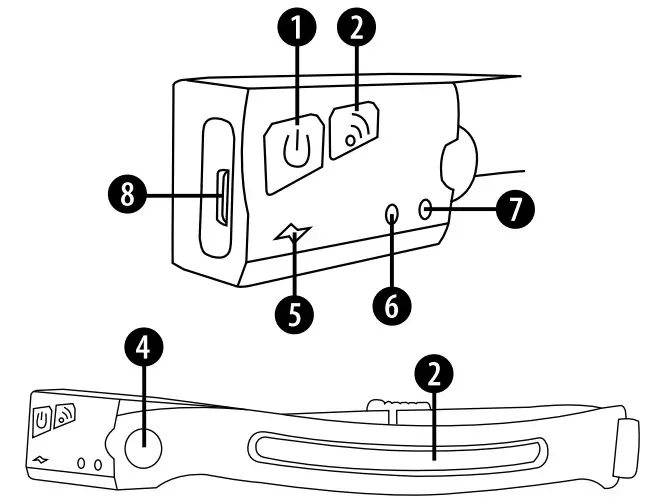
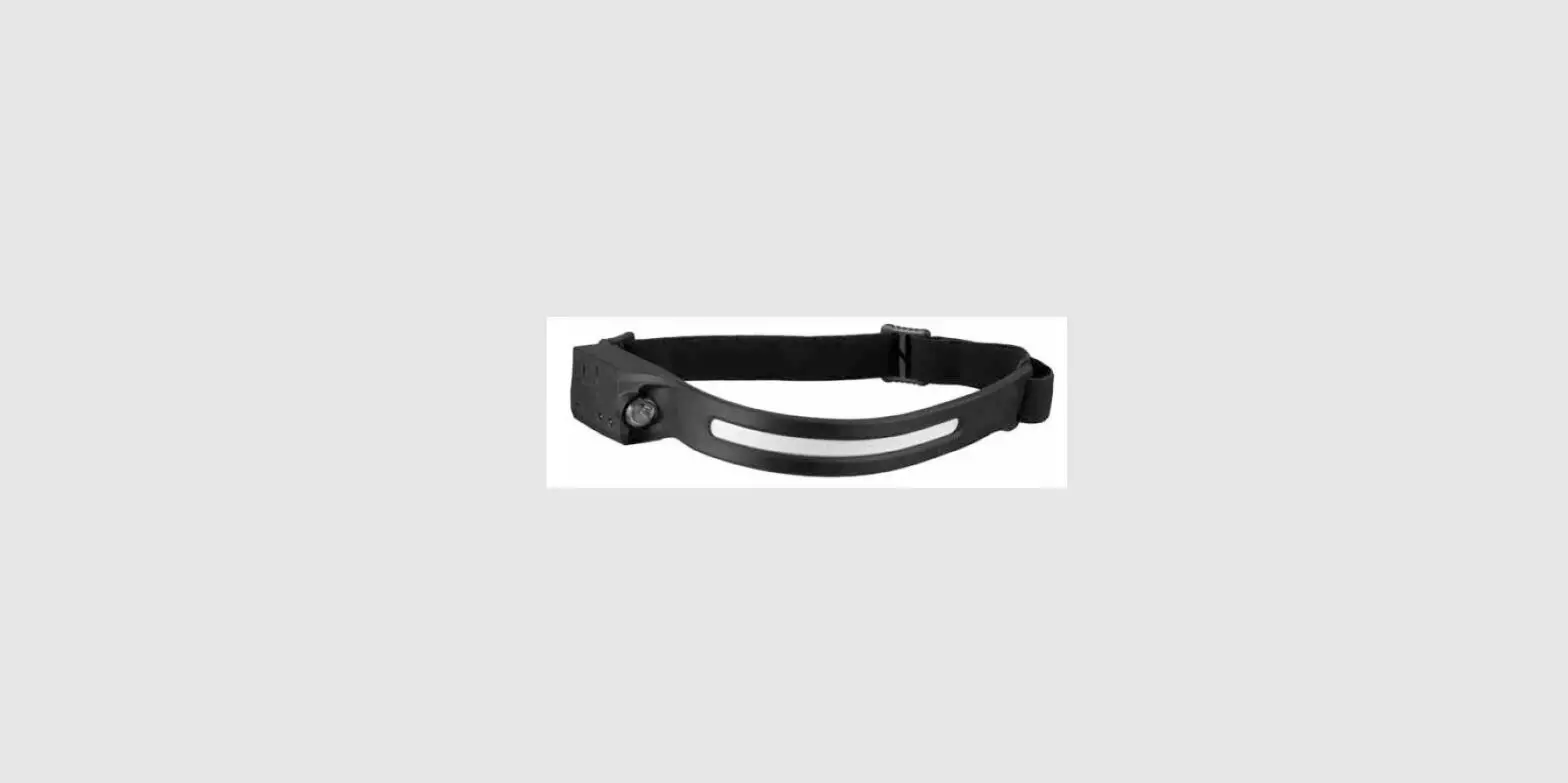
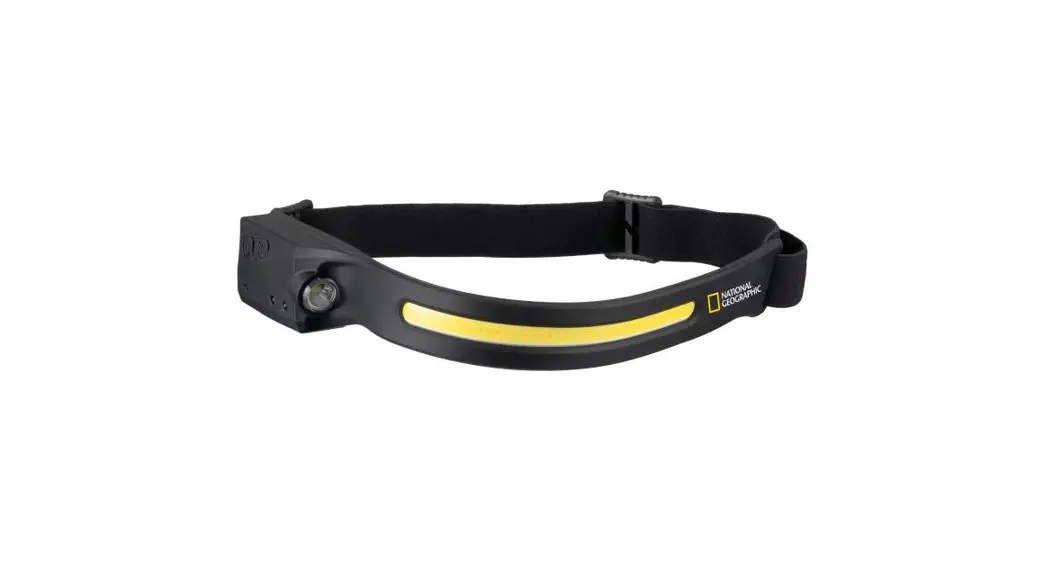
- On/Off button, Operating modes
- IR Sensor button (On/Off)
- LED Stripe
- LED Spot
- Operation indicator
- Battery indicator
- IR-Sensor
- USB-C port
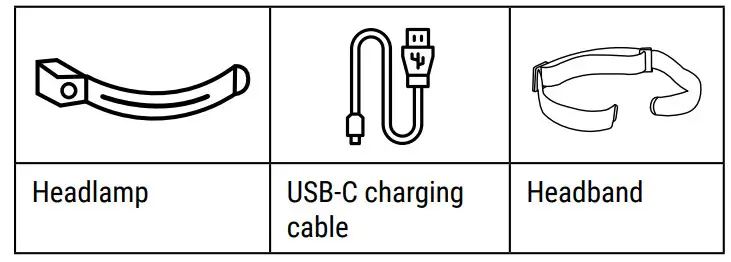
Scope of delivery
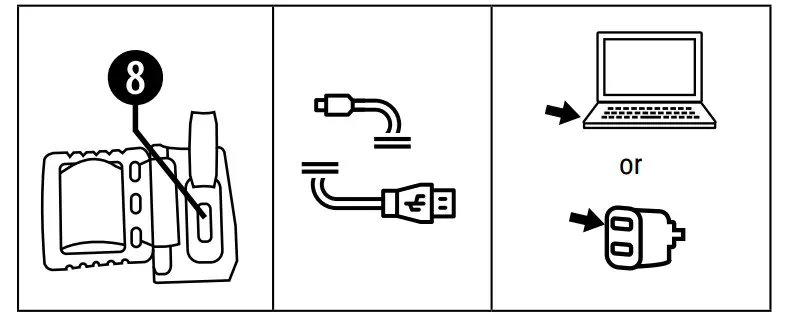
Charging via USB-C charging cable
The battery indicator lights up red when the internal Li-Po battery is low and the headlamp needs to be recharged. The USB-C port (8) allows you to charge the battery by connecting it to a PC or other USB port. Connect the USB-C charging cable to the port on the headlamp. A red lamp (6) lights up when the battery is being charged.
Operating modes
 Press Press | Function |
 | • Turn on the Headlamp • LED Stripe at 100% |
 | • LED Stripe at 40% |
 | • LED Spot at 100% |
 | • LED Spot at 40% |
 | • Light flashes (SOS) |
 | • Turn off the Headlamp |
| Press | Function |
| • Activate IR Sensor |
| • Deactivate IR Sensor |
IR-Sensor
First select the desired operating mode by pressing the operating modes button (1). Now activate the IR sensor mode by pressing the IR Sensor button (2). When the operation indicator (5) lights up red/green, the IR sensor mode is active. Hold your hand within approx. 15 cm in front of the IR Sensor (7) on the headlamp to switch the light on or off.
Head band
The lamp has a flexible headband that is stretchable and adjustable.
Technical data
| Light source 1 | LED Stripe (flex COB) |
| Light source 2 | LED Spot |
| Brightness levels | 100% / 40% / flashes |
| Battery operation | lx 1200 mAh Li-Po battery |
| Light colour | white |
| Brightness | LED Stripe: 300 Im LED Spot: 90 Im |
| Operating time | LED Stripe: 2.5h LED Spot: 4h |
| Material | ABS + Silicone + EVA |
| Dimensions | 34×3.2×1.6 cm (LxWxH) |
| Weight | 69 g |
Notes on cleaning
- Before cleaning the device, disconnect it from the power supply!
- Only use a dry cloth to clean the exterior of the device. To avoid damaging the electronics, do not use any cleaning fluid.
EC Declaration of Conformity Bresser GmbH has issued a “Declaration of Conformity” in accordance with applicable guidelines and corresponding standards.
The full text of the EU declaration of conformity is available at the following internet address: www.bresser.de/download/9082600/CE/9082600_CE.pdf
UKCA Declaration of Conformity Bresser GmbH has issued a „Declaration of Conformity“ in accordance with applicable guidelines and corresponding standards. The full text of the UKCA declaration of conformity is available at the following internet address: www.bresser.de/download/9082600/UKCA/9082600_UKCA.pdf
Bresser UK Ltd. • Suite 3G, Eden House, Enterprise Way, Edenbridge, Kent TN8 6HF, Great Britain
Disposal Dispose of the packaging materials properly, according to their type, such as paper or cardboard. Contact your local waste-disposal service or environmental authority for infor- mation on the proper disposal.
 Do not dispose of electronic devices in the household garbage!
As per Directive 2012/19/EC of the European Parliament on waste electrical and electronic equipment and its adap tation into German law, used electronic devices must be collected separately and recycled in an environmentally friendly mannerEmpty, old batteries must be disposed of at battery collection points by the consumer. You can find out more information about the disposal of devices or batteries produced after 6 January 2006 from your local waste-disposal service or environmental authority.
 In accordance with the regulations concerning batteries and rechargeable batteries, disposing of them in the normal household waste is explicitly forbidden. Please make sure to dispose of your used batteries as required by law — at a local collection point or in the retail market. Disposal in domestic waste violates the Battery Directive.
Batteries that contain toxins are marked with a sign and a chemical symbol.
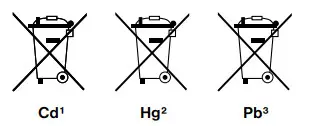 1 battery contains cadmium
2 battery contains mercury
3 battery contains lead
Every purchase helps support the global nonprofit National Geographic Society in its work to protect and illuminate our world through exploration, research, and education.
TO LEARN MORE, VISIT NATGEO.COM/INFO
© National Geographic Partners LLC.
All rights reserved. NATIONAL GEOGRAPHIC and Yellow Border Design are trademarks of National Geographic Society, used under license.
Visit our website: www.nationalgeographic.com
Bresser GmbH Gutenbergstr. 2 46414 Rhede Germany
www.bresser.de ! [email protected]
Bresser UK Ltd.
Suite 3G, Eden House
Enterprise Way, Edenbridge, Kent TN8 6HF, Great Britain
 konsoleH :: Login
 bresser.de/garantiebedingungen
 National Geographic