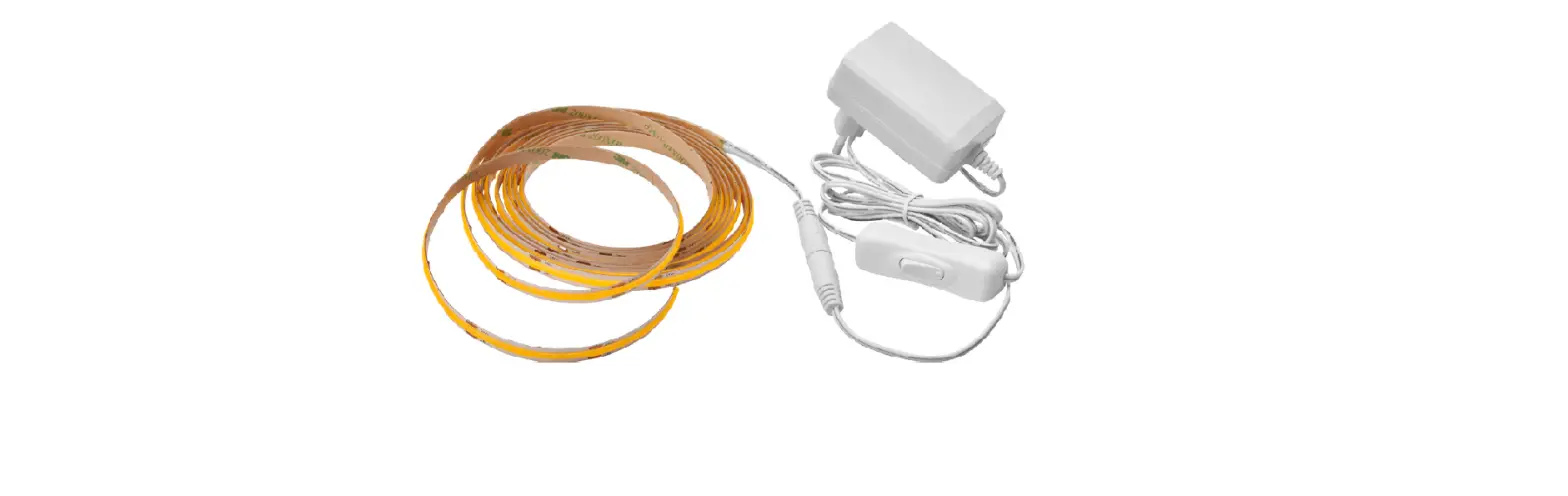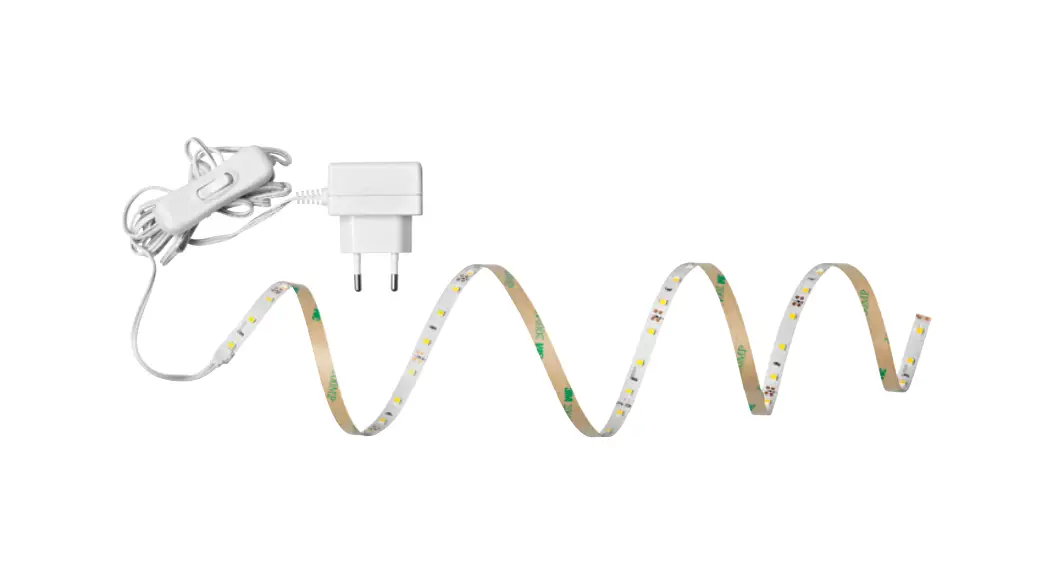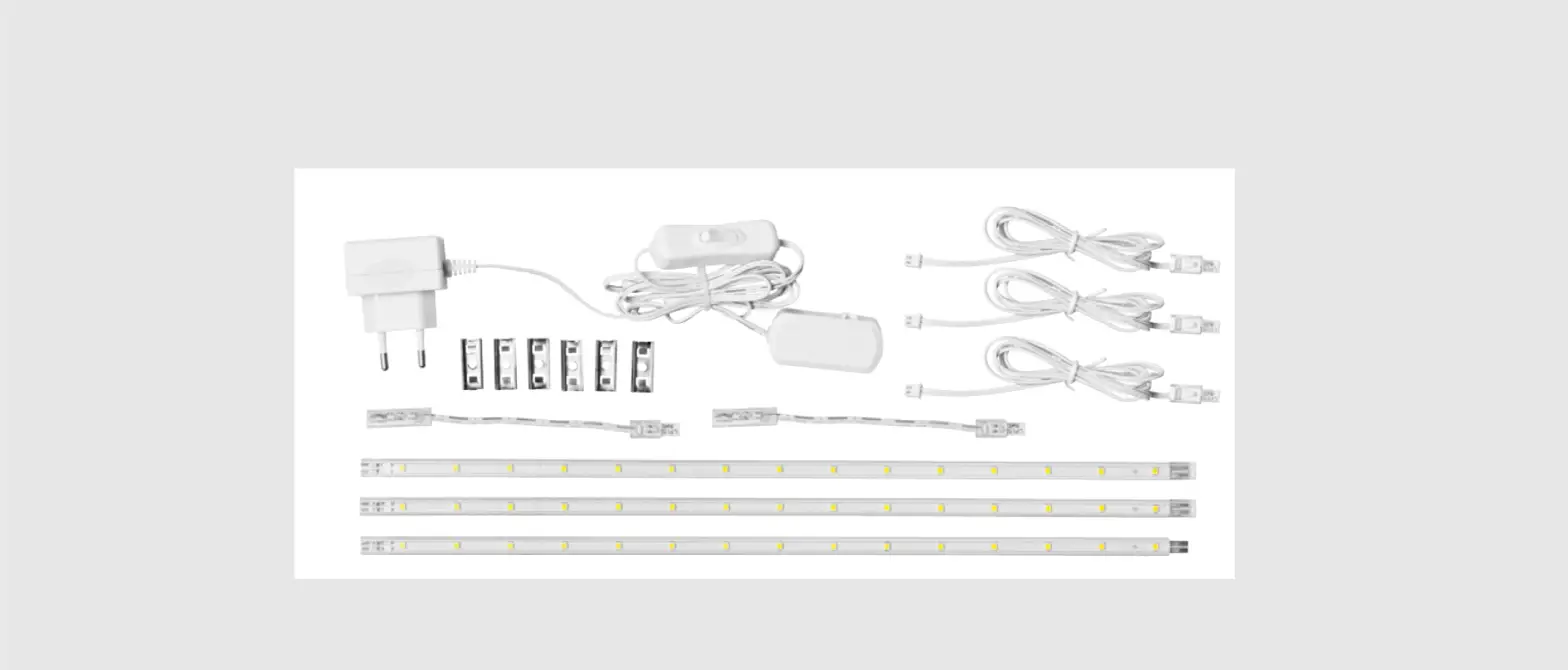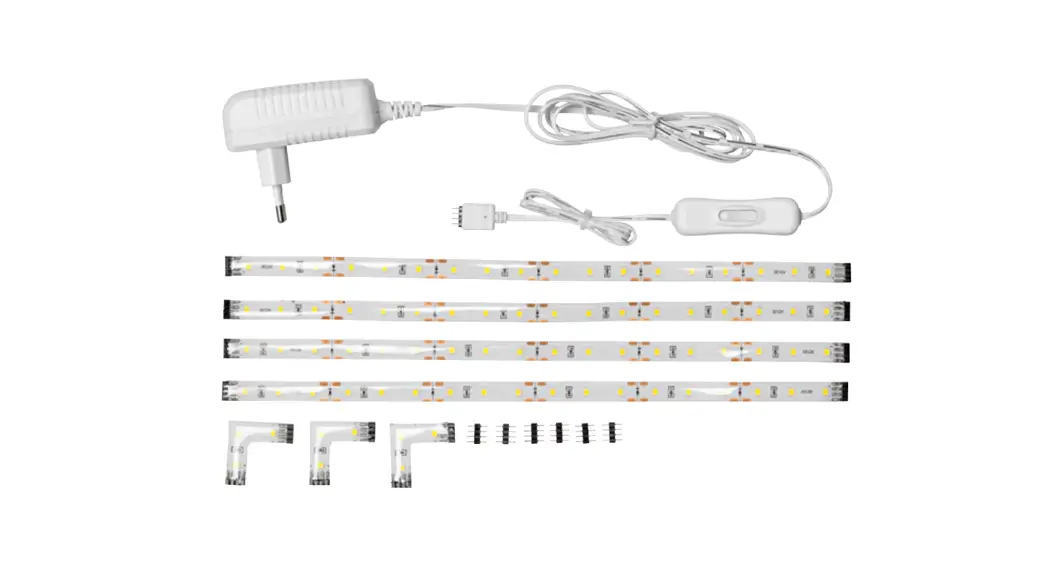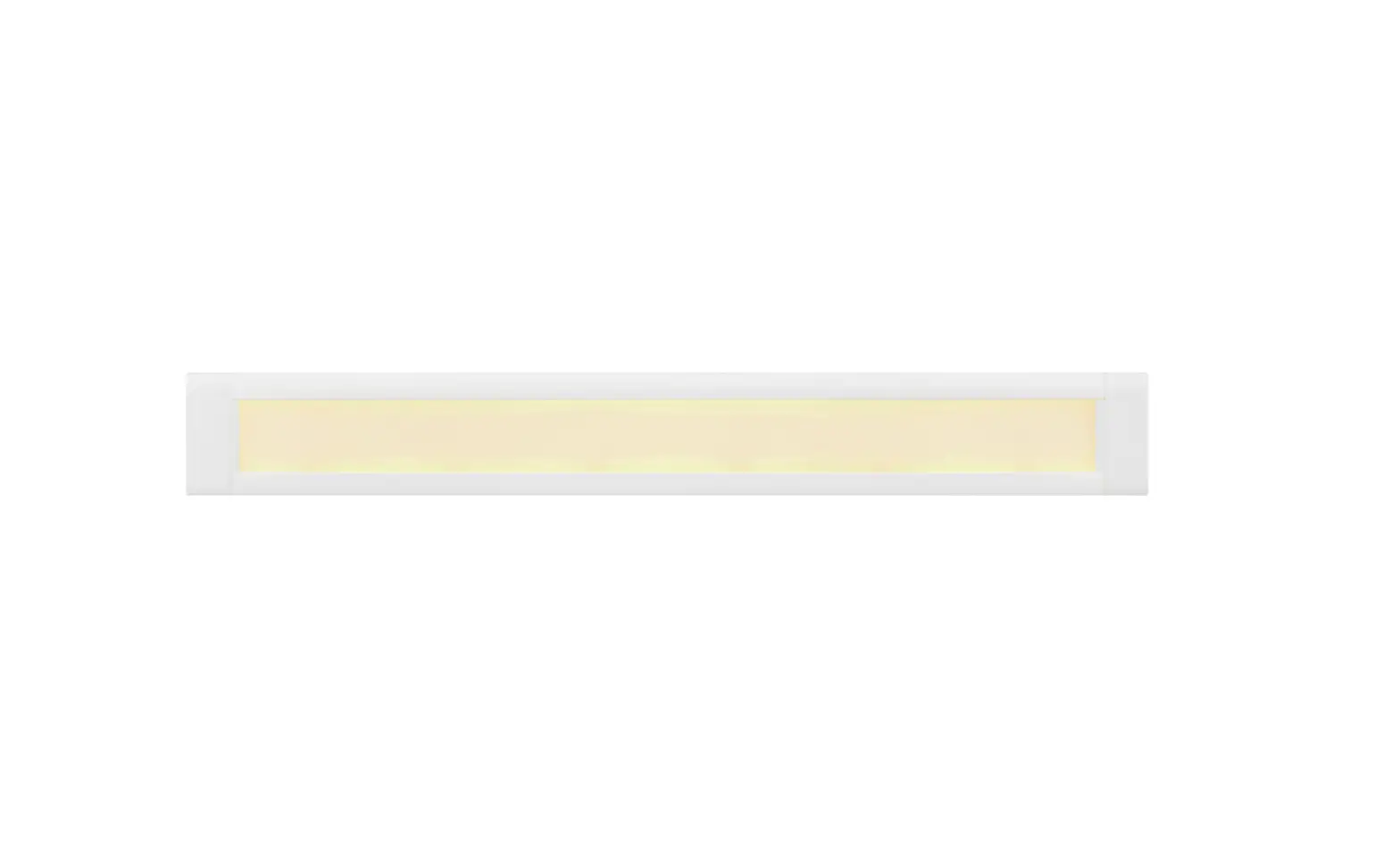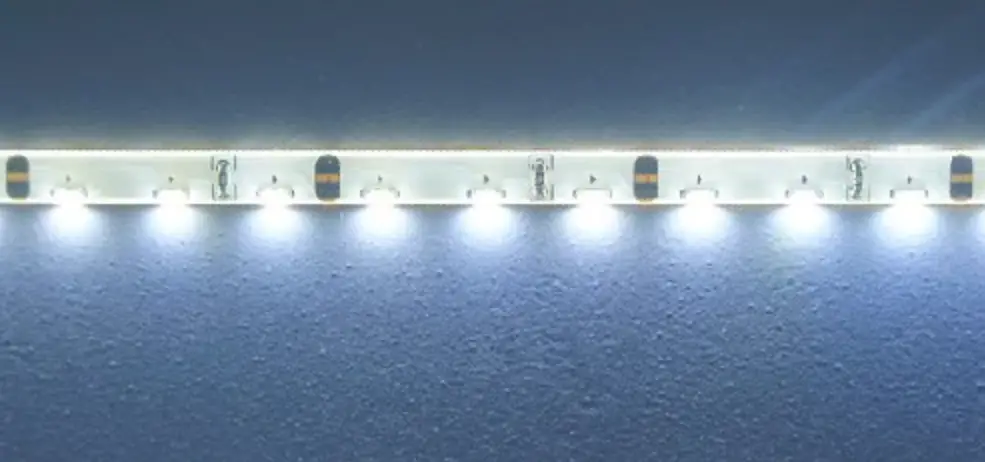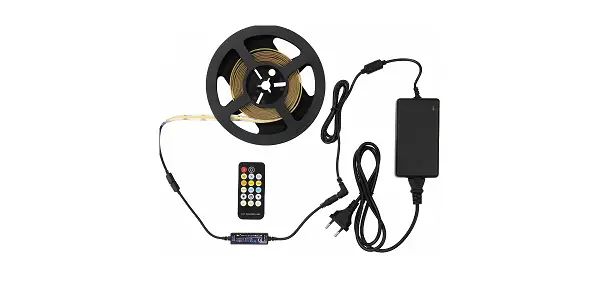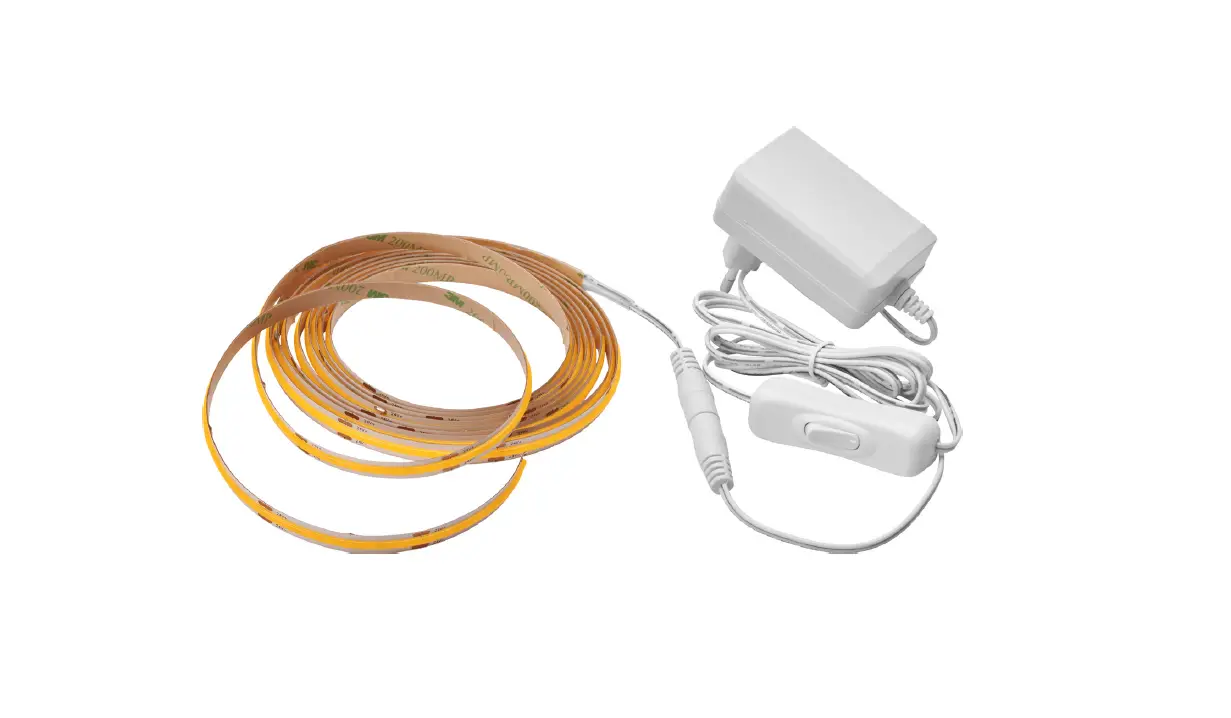

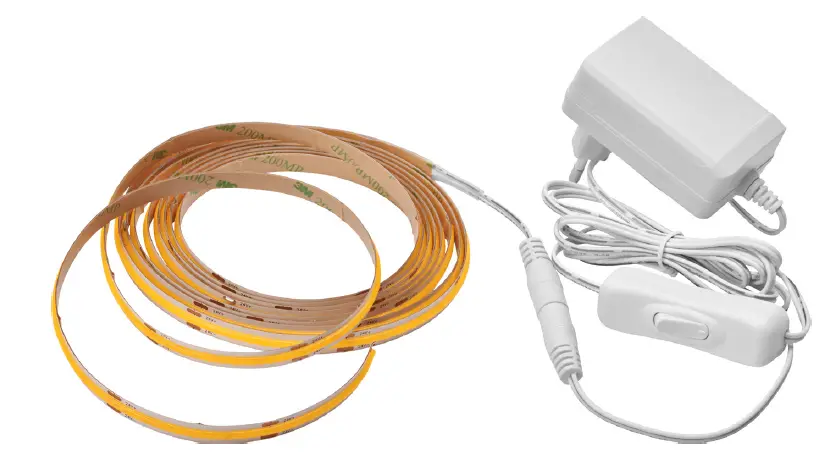
JULA 017145 LED Strip 
SAFETY INSTRUCTIONS
- Read the operating instructions carefully before use.
- Check that all connections are properly made before switching on the product.
- If the product does not work, check that the circuit is supplied with voltage.
- Keep children at a safe distance from the product when it is in use.
- If the permitted maximum voltage is exceeded this can damage the product, or reduce its life span.
- Do not look directly into the light source.
- Store out of the reach of children.
- Do not cover the product when in use.
- Always unplug the power cord and allow the product to cool before cleaning, or maintenance to reduce the risk of electric shock.
- The light source is not replaceable. Discard the product if the light source stops working.
- Do not open or dismantle the product. The product does not have any parts that can be repaired by the user.
| SYMBOLS | |
 | Read the instructions. |
 | Approved in accordance with the relevant directives. |
 | Recycle discarded product in accordance with local regulations. |
TECHNICAL DATA
| Rated voltage | 230 V~ 50 Hz |
| Output | 18 W |
| Luminous flux | 1300 Im |
| Colour temperature | 3000 K |
| No. of LEDs | 960 |
| Protection rating | IP20 |
| Size | 3000 x 8 x 2.3 mm |
| Cord length | 1530 mm |
| Operating temperature | -20-40°C |
| Storage temperature | -20-45°C |
USE
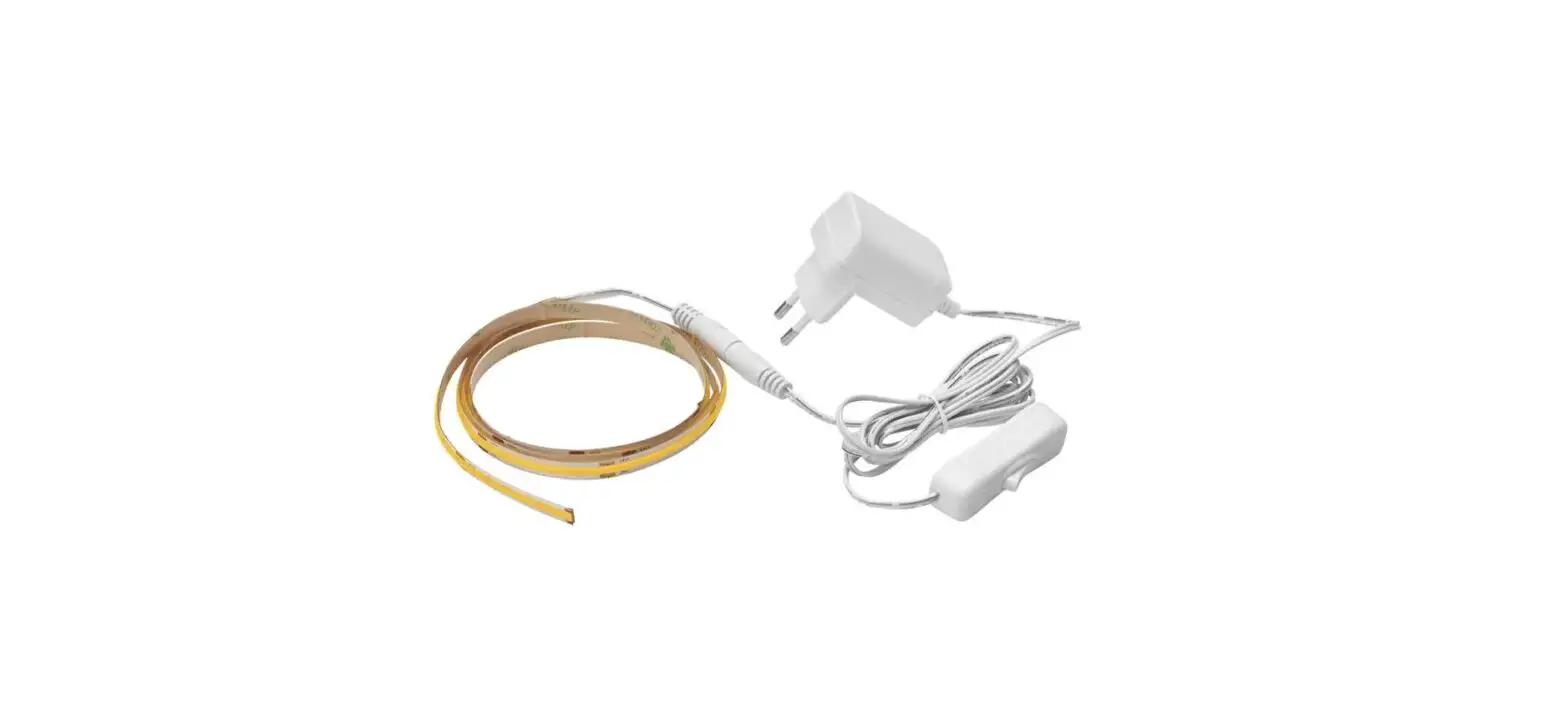
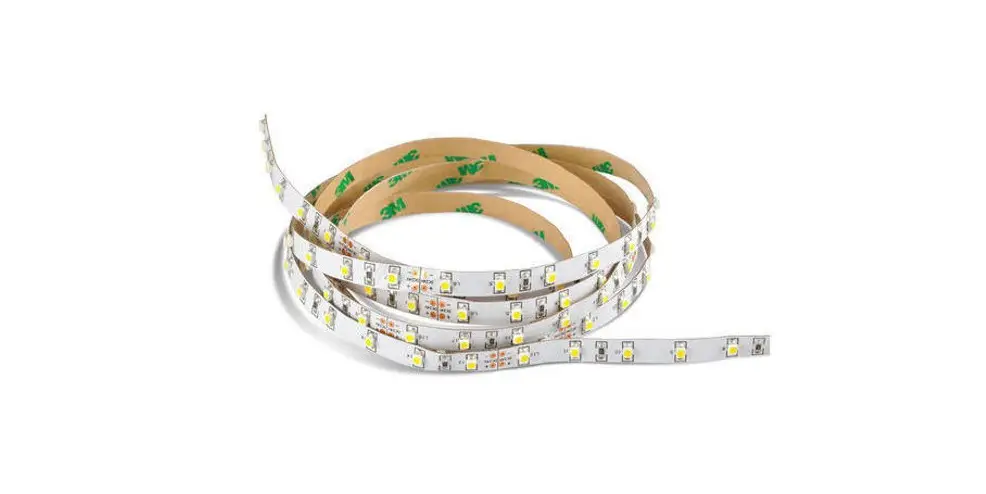
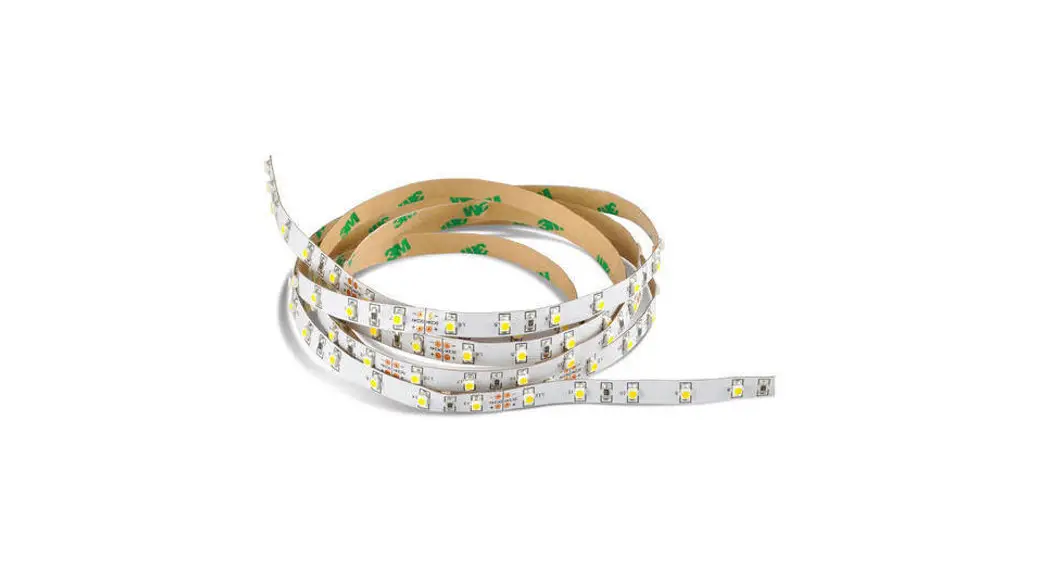
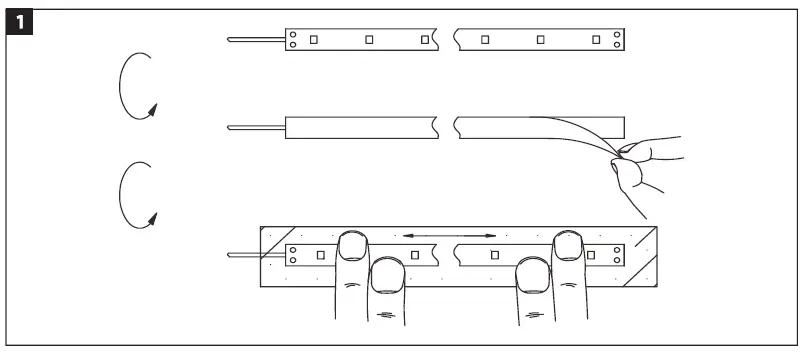
- Remove the protective paper and attach the LED strip at the required place.
FIG. 1 Do not bend the strip too much.
FIG. 2
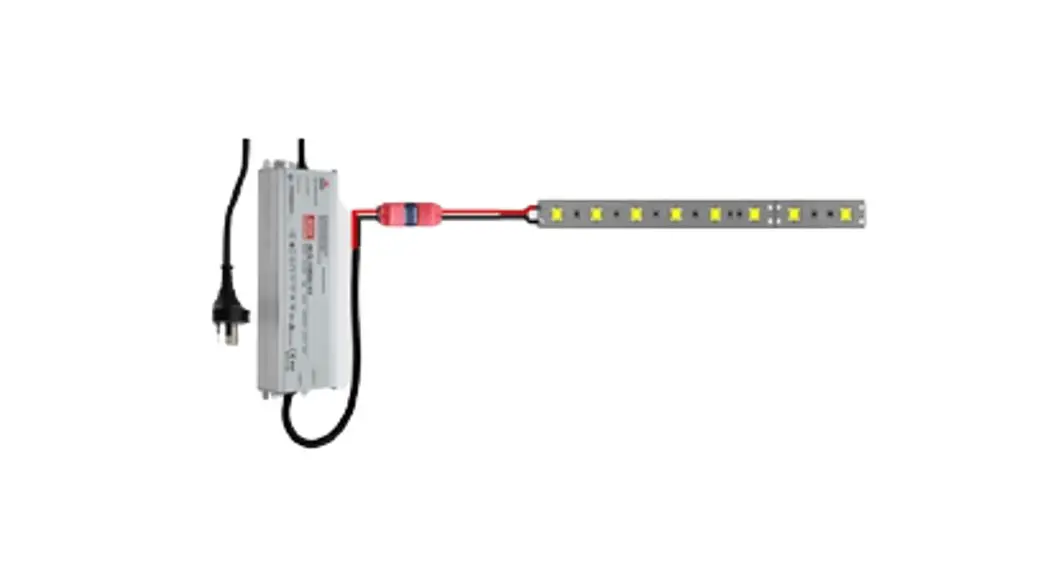
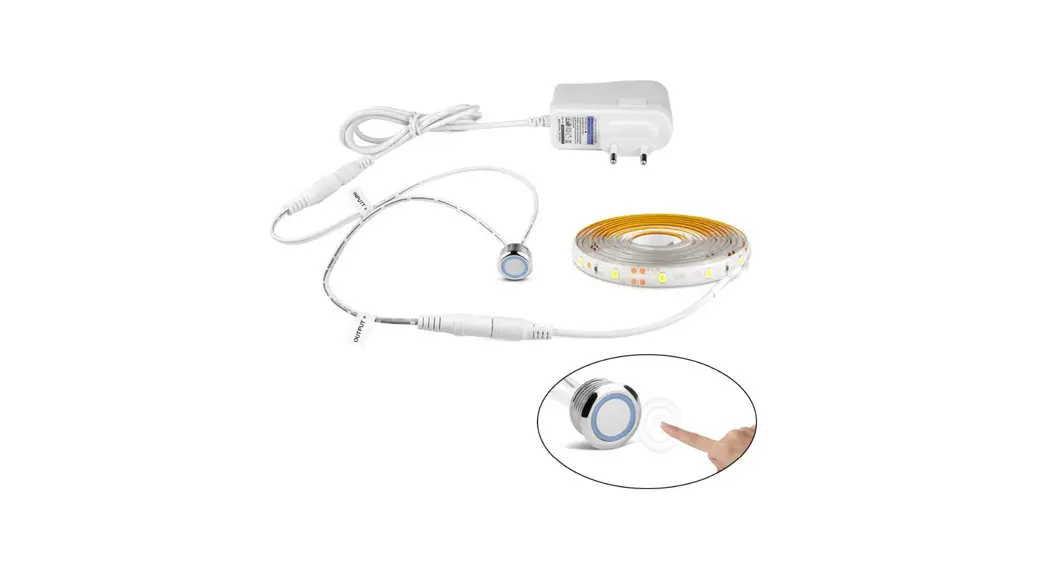
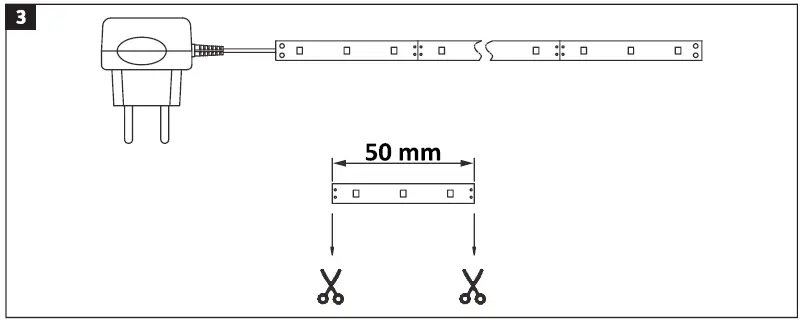
- Connect the cord to the plug.
- Plug the plug into a powerpoint.
FIG. 3
 Do not bend the strip too much.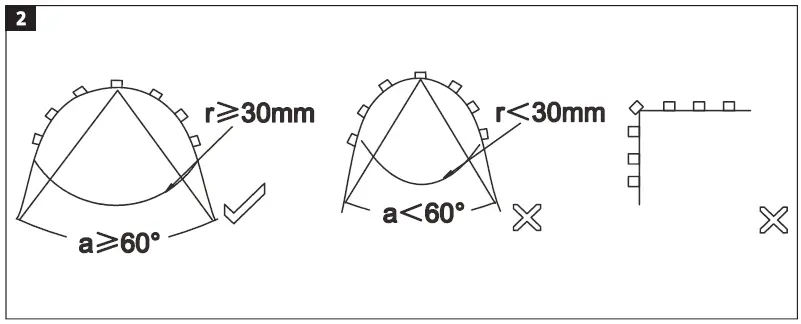
MAINTENANCE
Wipe the product with a dry, soft cloth when necessary.