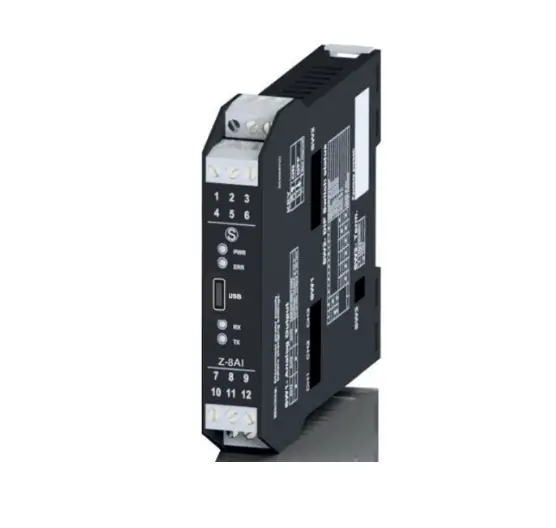
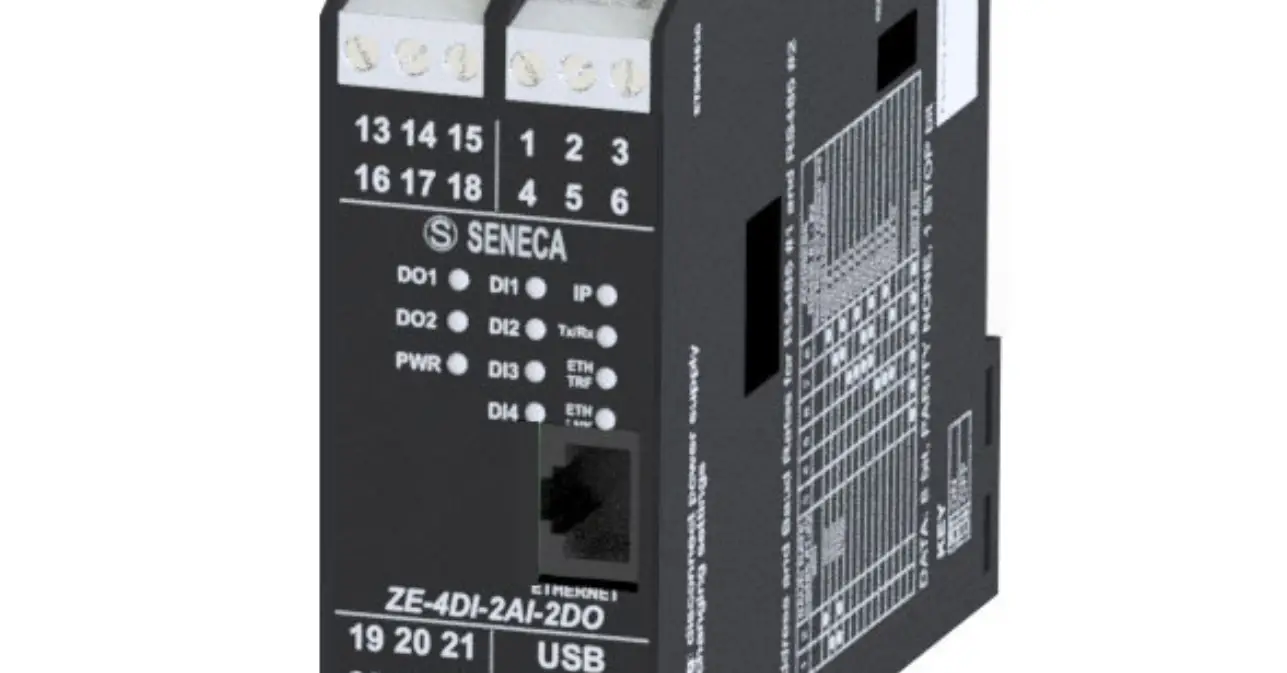
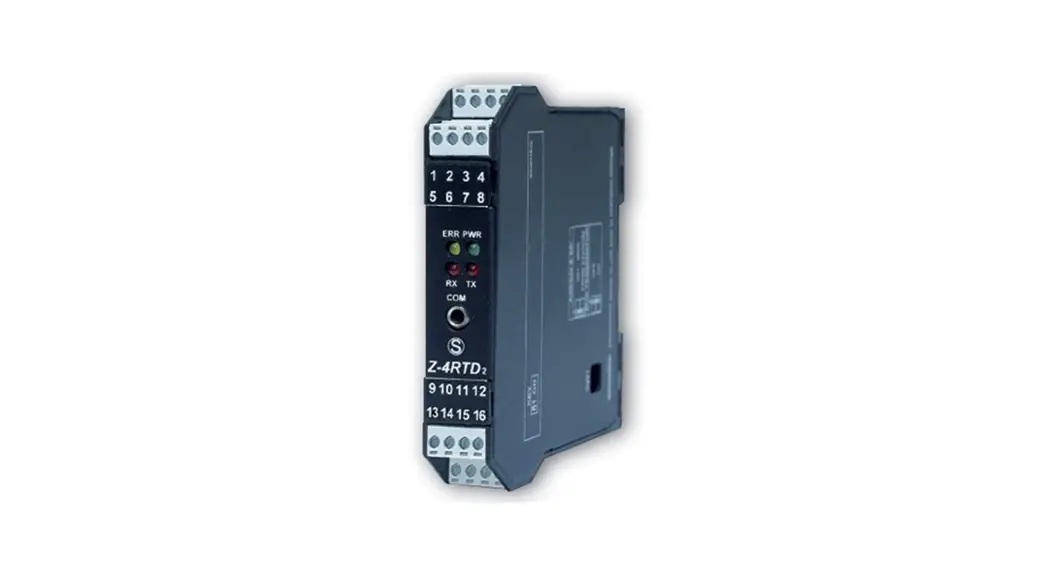
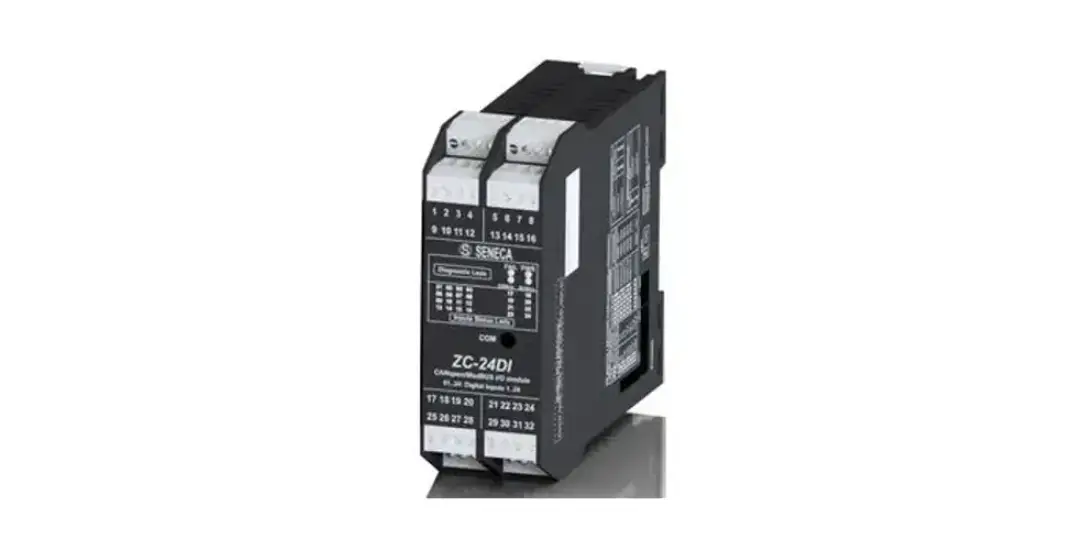
R-SG3 Analog I-O Modules
Product Information: R-SG3 and R-SG3-P Installation Manual
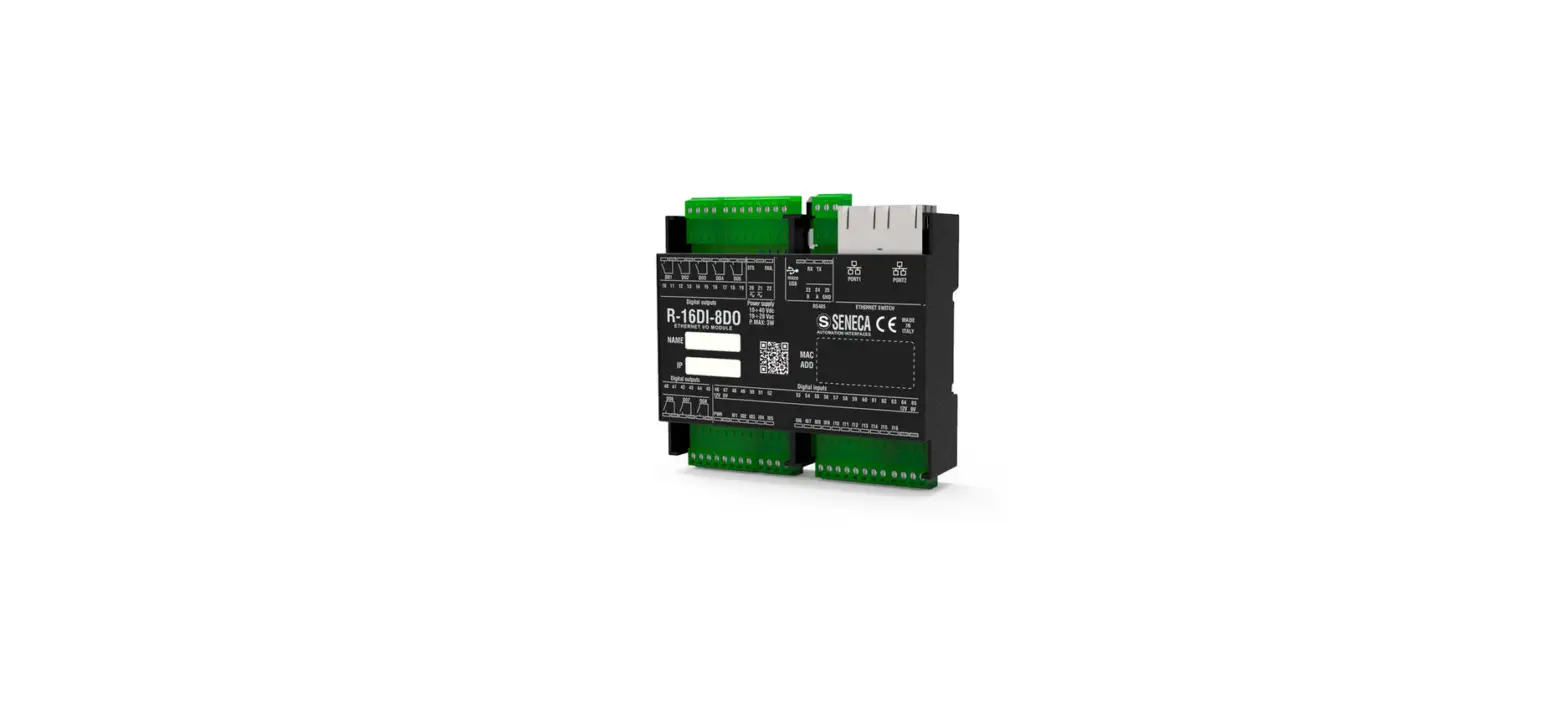
The R-SG3 and R-SG3-P are modules that are used to transmit and
receive signals through RS485, Ethernet, and Profinet
communication. These modules are designed for qualified
electricians and are sensitive to electrostatic discharges. The
product comes with a user manual that should be read before any
operation. The module must be repaired and damaged parts replaced
by the manufacturer.
Preliminary Warnings
The word WARNING preceded by the symbol indicates conditions or
actions that put the user’s safety at risk. The word ATTENTION
preceded by the symbol indicates conditions or actions that could
damage the instrument or connected equipment. The warranty shall
become null and void in the event of improper use or tampering with
the module or devices supplied by the manufacturer as necessary for
its correct operation, and if the instructions contained in this
manual are not followed.
Documentation and Contact Information
Specific documentation is available using the QR-CODE shown on
page 1. For technical support, contact [email protected]. For
product information, contact [email protected].
Module Layout and Technical Specifications
The R-SG3 module has dimensions of 53.3mm x 90mm x 32.2mm and
weighs 80g. The case is made of self-extinguishing UL94-V0 PC/ABS
material. The R-SG3-P has additional LED signals on the front
panel. The module has certifications for insulation, Ethernet
communication, RS485 communication, analog input, communication
power supply, and digital I/O. The maximum working voltage between
any terminal and ground must be less than 50 Vac / 75Vdc. The
module should be stored in a temperature-controlled environment
with a protection rating of IEC EN60715, 35mm DIN rail in vertical
position.
Usage Instructions
- Read the user manual before any operation.
- Use the module only if you are a qualified electrician.
- Take appropriate measures to prevent electrostatic discharges
during any operation. - Do not tamper with the module or devices supplied by the
manufacturer as necessary for its correct operation. - Contact the manufacturer for repair or replacement of damaged
parts. - Dispose of the product at a collection center authorized to
recycle electrical and electronic waste.
INSTALLATION MANUAL
R-SG3 R-SG3-P
PRELIMINARY WARNINGS
The word WARNING preceded by the symbol indicates conditions or actions that put the user’s safety at risk. The word ATTENTION preceded by the symbol indicates conditions or actions that could damage the instrument or connected equipment. The warranty shall become null and void in the event of improper use or tampering with the module or devices supplied by the manufacturer as necessary for its correct operation, and if the instructions contained in this manual are not followed.
WARNING: The full content of this manual must be read before any operation. The module must only be used by qualified electricians. Specific documentation is available using the QR-CODE shown on page 1.
The module must be repaired and damaged parts replaced by the Manufacturer. The product is sensitive to electrostatic discharges. Take appropriate measures during any operation. Electrical and electronic waste disposal (applicable in the European Union and other countries with recycling). The symbol on the product or its packaging shows the product must be surrendered to a collection centre authorized to recycle electrical and electronic waste.
R-SG3 DOCUMENTATION
R-SG3-P DOCUMENTATION
SENECA s.r.l.; Via Austria, 26 35127 PADOVA ITALY; Tel. +39.049.8705359 – Fax +39.049.8706287
CONTACT INFORMATION
Technical support
Product information
This document is the property of SENECA srl. Copies and reproduction are prohibited unless authorised. The content of this document corresponds to the described products and technologies. Stated data may be modified or supplemented for technical and/or sales purposes.
MI00599-1-EN
INSTALLATION MANUAL
1/4
MODULE LAYOUT
53.3 mm
32.2 mm
90,0 mm
Dimensions (LxHxD) 53.3 x 90 x 32.2 Weight 80 g Case Self-extinguishing UL94-V0 PC / ABS material
SIGNALS VIA LED ON FRONT PANEL
LED RX TX IO1
IO2
PWR
FL COM (Only R-SG3-P) MD ETH TRF (Yellow) ETH LNK (Green)
STATUS Flashing
ON Flashing
ON Off ON Off ON Flashing Flashing Flashing Flashing Off ON Off Flashing Flashing
LED meaning Reception of packet completed on RS485 Anomaly / Check connection on RS485 Transmission of packet completed on RS485
Digital input/output activated Digital input/output deactivated Digital input/output activated Digital input/output deactivated The device is powered correctly Waiting for IP address from DHCP (R-SG3 only) No IP address configured (R-SG3-P only)
Load cell overload Profinet communication active
No Profinet communication Factory calibration in use Field calibration in use Packet transit on Ethernet port Ethernet port connected
TECHNICAL SPECIFICATIONS
CERTIFICATIONS
INSULATION
ETH Comm.
RS485
Analogue Input
Comm. Power Supply
Digital I/O
1500 V~
WARNING the maximum working voltage between any terminal and ground must be less than 50 Vac / 75Vdc
POWER SUPPLY Voltage: 10 40 Vdc; 19 28 Vac 50 60 Hz Absorption: Max: 1.5 W
MI00599-1-EN
INSTALLATION MANUAL
2/4
Temperature: ENVIRONMENTAL Humidity:
CONDITIONS Storage temperature: Protection rating:
-20 ÷ + 65°C 30% ÷ 90% non condensing.
-30 ÷ + 85° IP20.
ASSEMBLY IEC EN60715, 35mm DIN rail in vertical position.
CONNECTIONS 5 mm pitch removable screw terminals
Input impedance: > 1M
Full scale:
± 30mV ÷ ± 460mV
ANALOGUE INPUT CHARACTERISTICS
Error:
0.01% of the electrical full scale in “factory calibration” mode *
Thermal stability: 0.0010%/C° of full scale.
Cell supply voltage: 5 Vdc (supplied by the device)
Resolution: ADC 24bit
Response time with filter activated: 2 ÷ 850ms configurable
LOAD CELL CHARACTERISTICS
4 or 6 wires; Cell minimum impedance: 87 equivalent (possibly deriving from several load cells) Cell sensitivity: From ±1 mV/V to ±64 mV/V;
DIGITAL IN/OUT
Opto-insulated digital input: Min. voltage: 12 V / Max. voltage: 30 V Opto-insulated digital output: Max. current: 50 mA / Max. voltage: 30 V
COMMUNICATION
Serial communication ports: RS485, 1200 ÷ 115200 Baud 10/100Mbit/s Ethernet port
* In the case of “calibration with sample weight” mode, the accuracy is given by the linearity error (0.003% of the electric full scale)
ModBUS CONNECTION RULES
1) Install the modules in the DIN rail (120 max) 2) Connect the remote modules using cables of an appropriate length. The following table shows cable length data: – Bus length: maximum length of the Modbus network according to the Baud Rate. This is the length of the cables that connect
the two farthest modules (see Diagram 1). – Derivation length: maximum length of a derivation 2 m (see Diagram 1).
For maximum performance, it is recommended to use special shielded cables, such as BELDEN 9841.
ETHERNET CONNECTION STANDARDS
Per il cablaggio Ethernet fra i dispositivi è previsto l’uso del cavo CAT5 o CAT5e non schermato; CAT6 per ambienti industriali.
FACTORY IP ADDRESS (R-SG3 ONLY)
The module’s default IP address is static: 192. 168. 90. 101
WEB SERVER
Use the following credentials to access the Maintenance Web Server: Default user: admin Default password: admin
CAUTION
DO NOT USE DEVICES WITH THE SAME IP ADDRESS IN THE SAME ETHERNET NETWORK.
SETTING THE SW1 DIP-SWITCHES:
WARNING
The DIP-switch settings are read only at boot time. At each change, perform a restart.
For operation and settings via DIP-SWITCH see the user manual available on the product webpage.
MI00599-1-EN
INSTALLATION MANUAL
3/4
PS BUTTON1
The tare is reset using the PS1 button. To reset the tare it is necessary to hold down the PS1 button for three seconds. The update of the value can be viewed via Webserver or ModBUS.
ELECTRICAL CONNECTIONS
CAUTION
The upper power supply limits must not be exceeded, as this could cause serious damage to the module. Switch the module off before connecting inputs and outputs. To meet the electromagnetic immunity requirements: · use shielded signal cables; · connect the shield to a preferential instrumentation earth system; · separate shielded cables from other cables used for power installations (inverters, motors, induction ovens, etc…).
POWER SUPPLY
RS485
LOAD CELL
10 40 Vdc 19 28 Vac 50 60 Hz Max: 1,5W
A B GND
4 wires
8
Excitation +
1 10
2
3
12 Signal +
6 wires
8 Excitation + 10 Sense + 12 Signal +
DIGITAL INPUTS
V EXT
DIGITAL OUTPUTS
V EXT
LOAD LOAD
4 0V 5 DI 1 6 DI 2
7 + V EXT
4 0V 5 DO 1 6 DO 2
11
9
Excitation –
13
Signal –
11 Sense 9 Excitation 13 Signal –
Connection to the load cell via 4 or 6 wires:
The terminals have the following meaning:
8: Load cell positive supply 10: Load cell positive supply reading 12: Cell reading positive 9: Load cell negative supply 11: Load cell negative supply reading 13: Cell reading negative For the connections, the use of screened cables is required.
7 + V EXT
MI00599-1-EN
INSTALLATION MANUAL
4/4