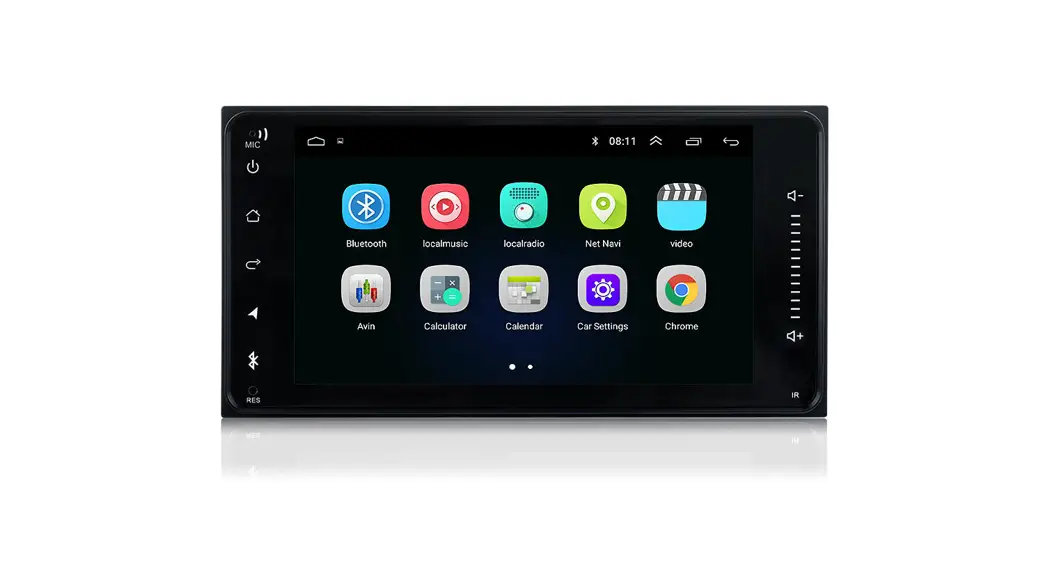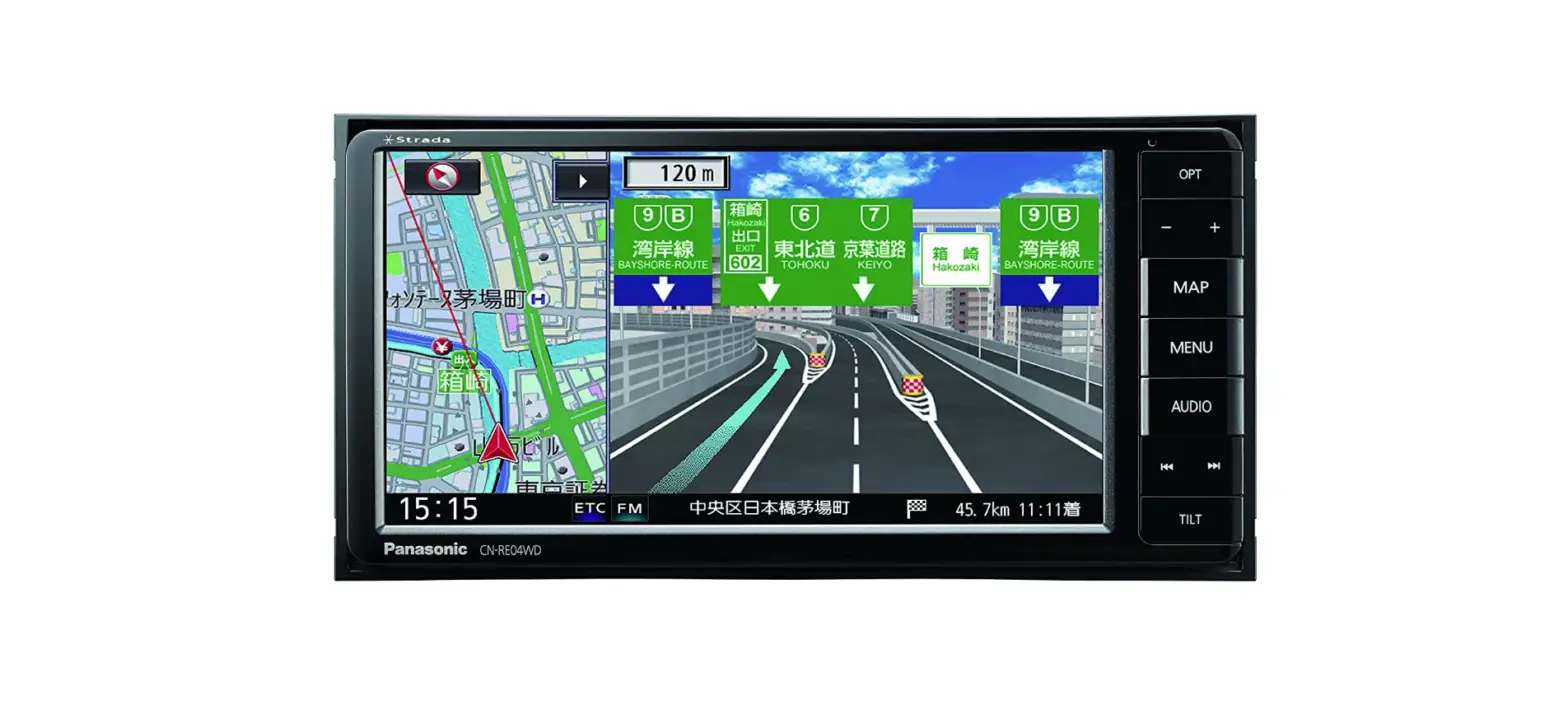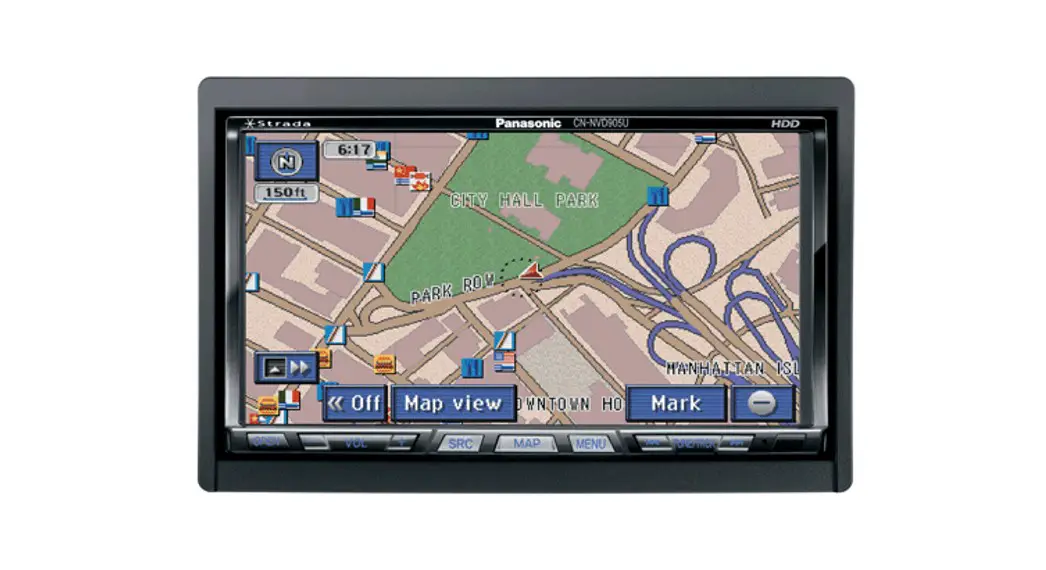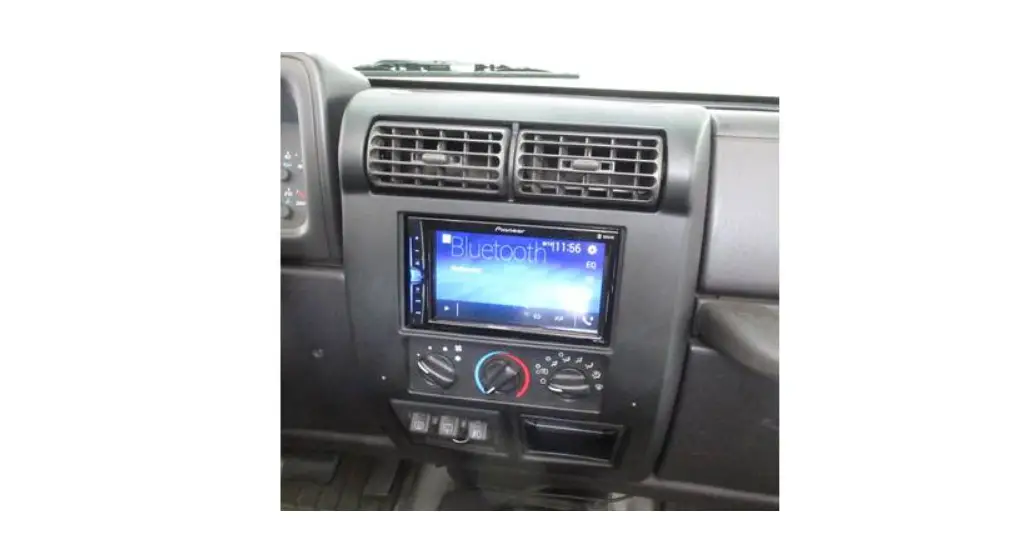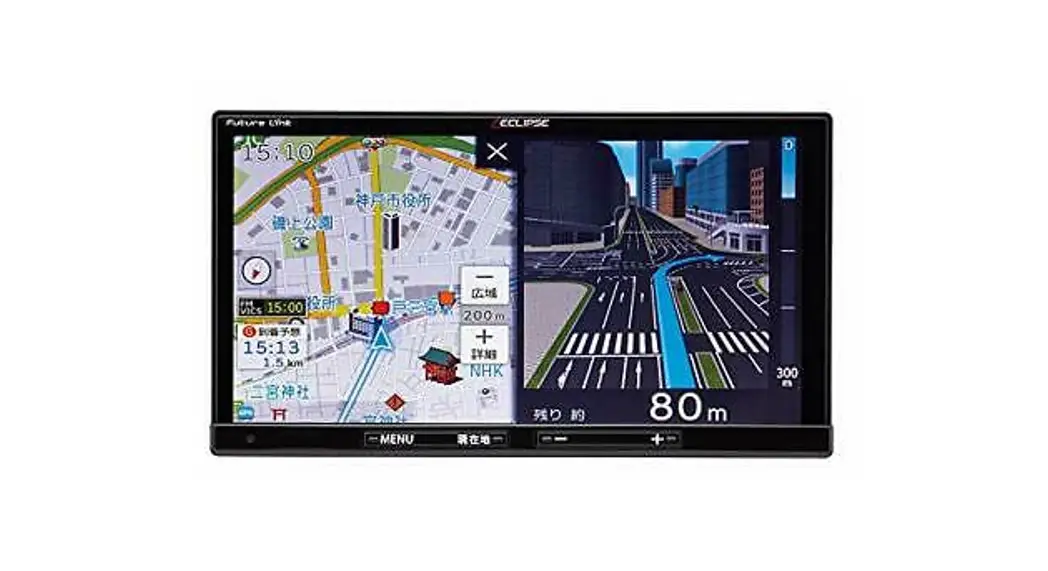

Instruction manual
| Model No | TN0022A/TN0023A |
| RATED VOLTAGE | 12V |
| LOAD IMPEDANCE | 4Ω |
| BACK UP CURRENT | 2.1mA or less |
| RATED CURRENT | 8.6A(TN0022A) 8.6A(TN0022A) |
| AM(HD) TUNING RANGE | 530kHz – 1710kHz (10kHz step) |
| FM(HD) TUNING RANGE | 87.75MHz – 107.90MHz (200kHz step) |
| SDRAS TUNING RANGE | 2332.5MHz – 2345.0MHz |
| Operating temperature | -30 to +65℃ |
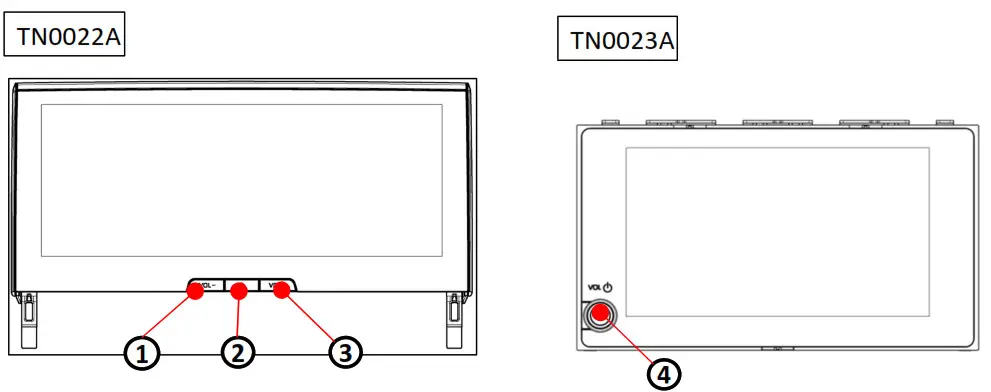
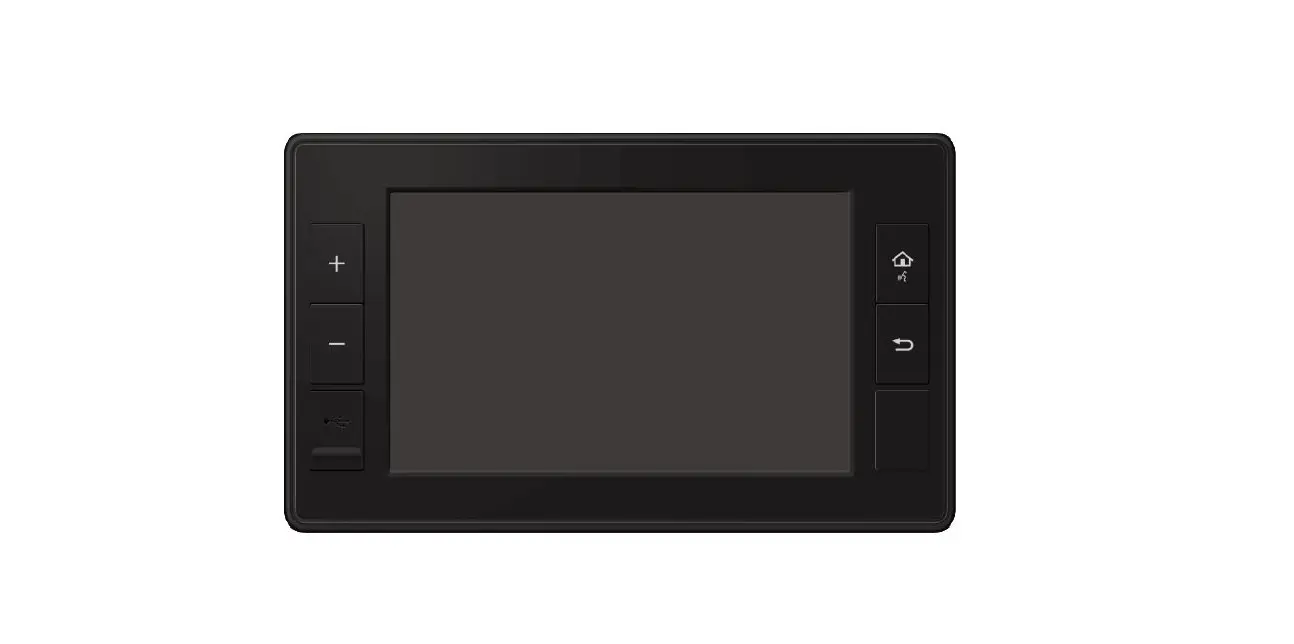
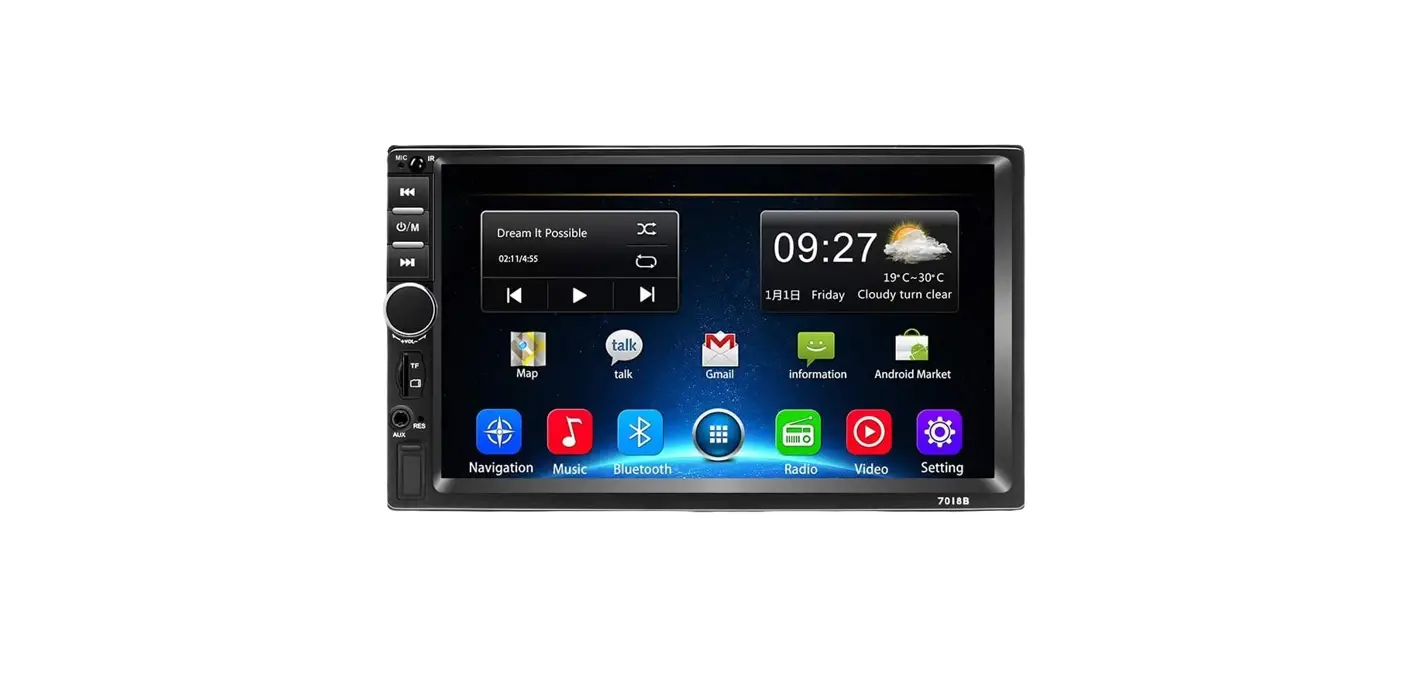
| No. | Button Name | Operation |
| 1 | Switch | Volume down |
| 2 | Switch | Push: Audio ON/OFFLong push: System reset |
| 3 | Switch | Volume up |
| 4 | PWR・VOL knob | Short Push: System ON / Audio Power ON/OFF Lomg Push: System RESET |
Bluetooth connection
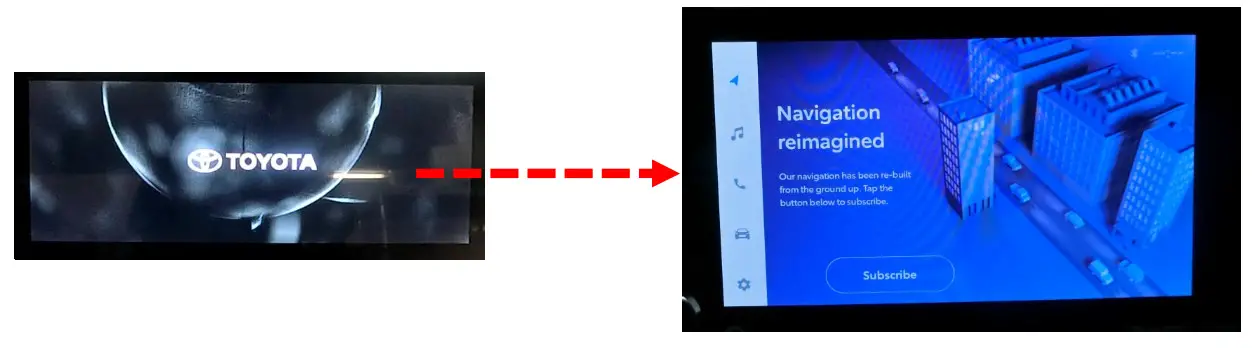
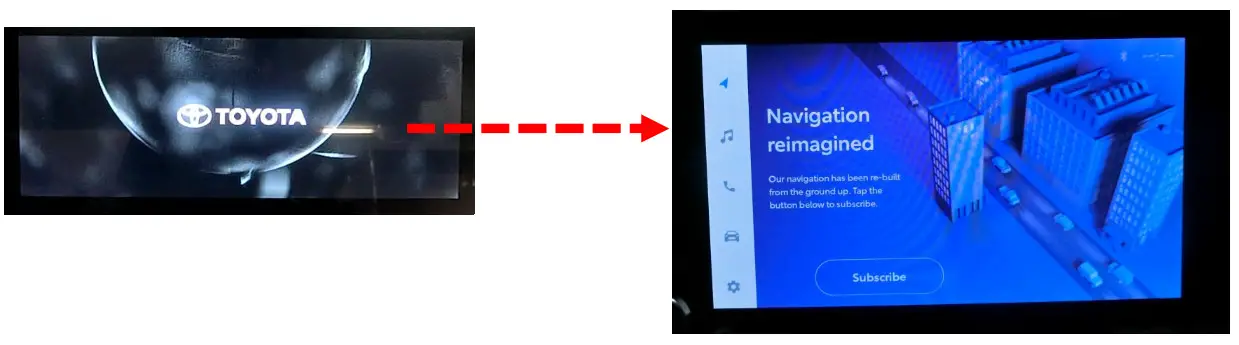
- After powering on with ACC-ON, the following screen will start on the display.
Starting → Opening→ HOME
- From the menu bar, press
 Press “Bluetooth/ Device” after the transition.
 - It transitions to the Bluetooth / device screen.
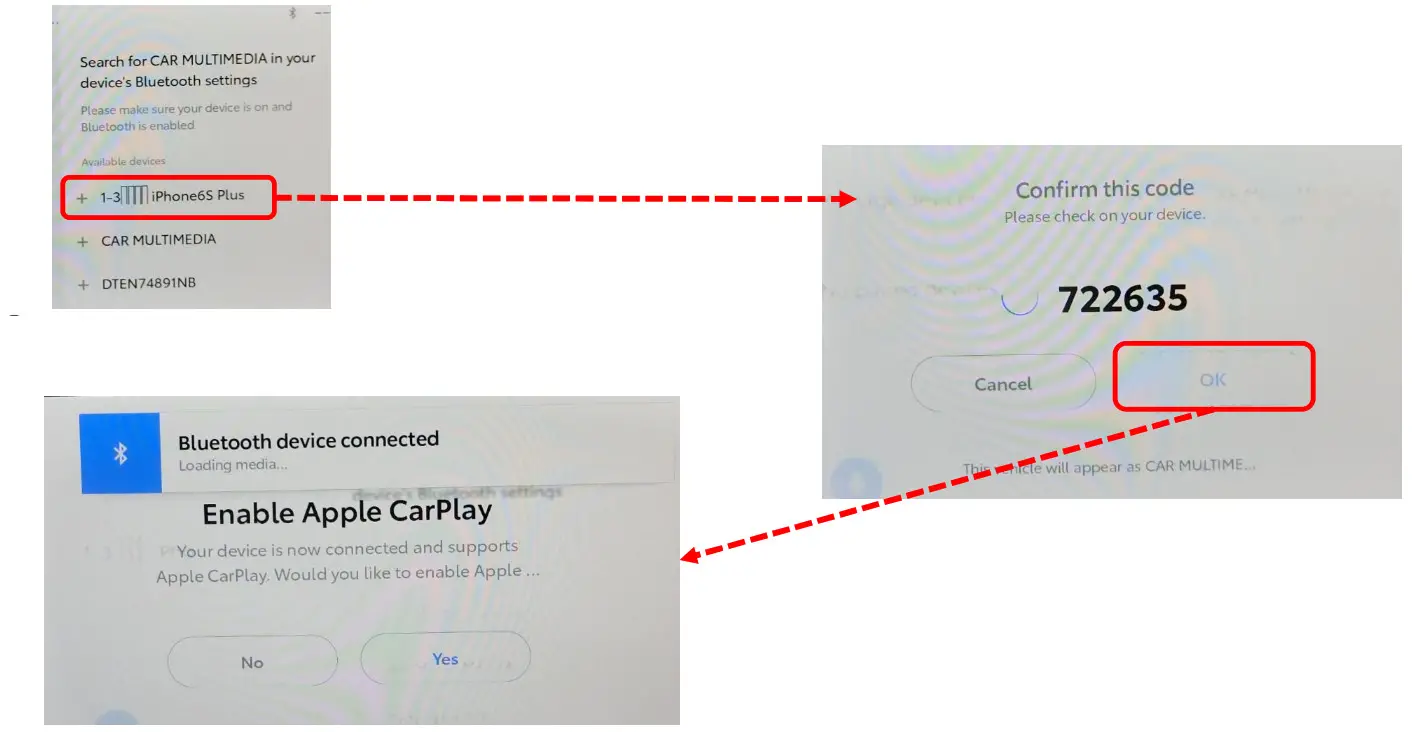
Press “Device Search”.
- Select and press the device you want to connect to.
※This document connects to “iphone6plus”. - It will transition to the confirmation code confirmation screen. Check for matches with the code displayed on the device side and allow pairing.
※The name of the device is set to “Car multimedia”.
- Start the connection.
After pressing “Connect”, the setting is complete when the screen transitions.
 Press “Bluetooth/ Device” after the transition.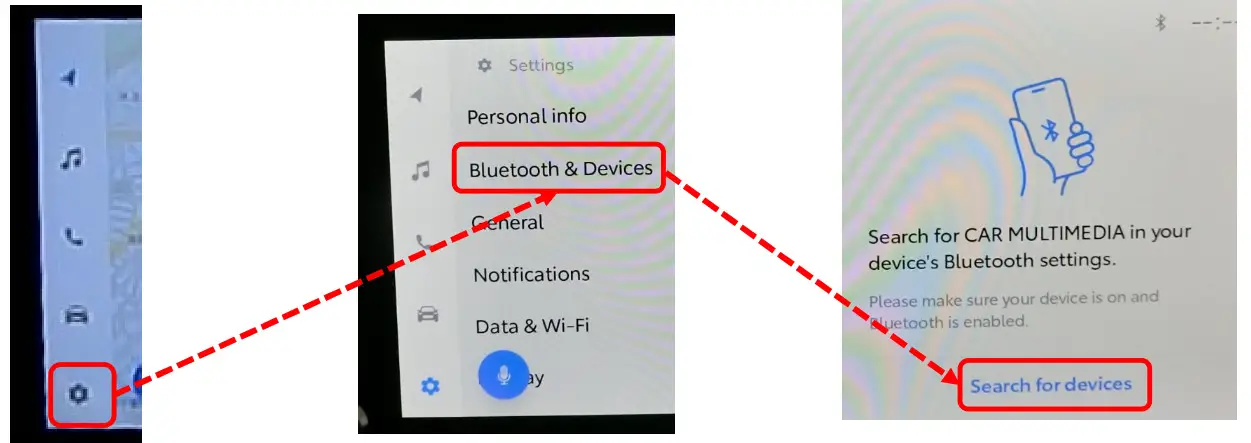
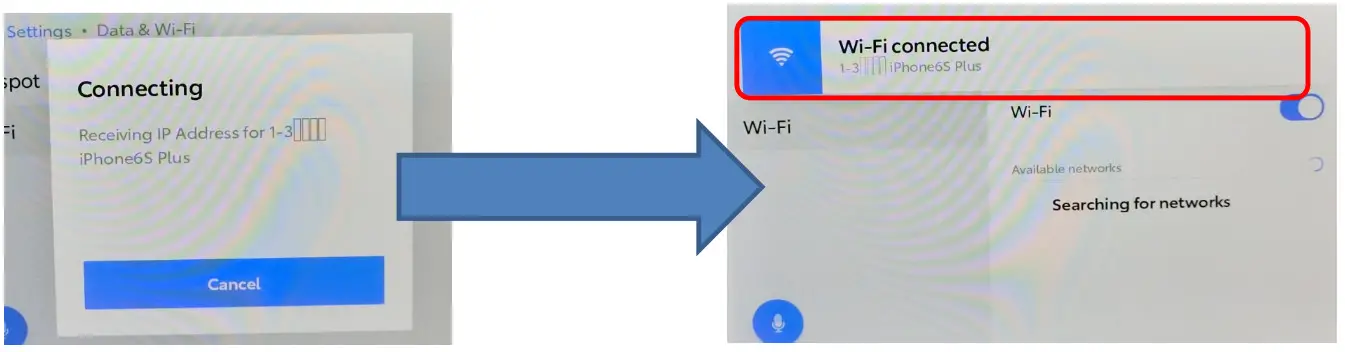
3-Wireless LAN connection
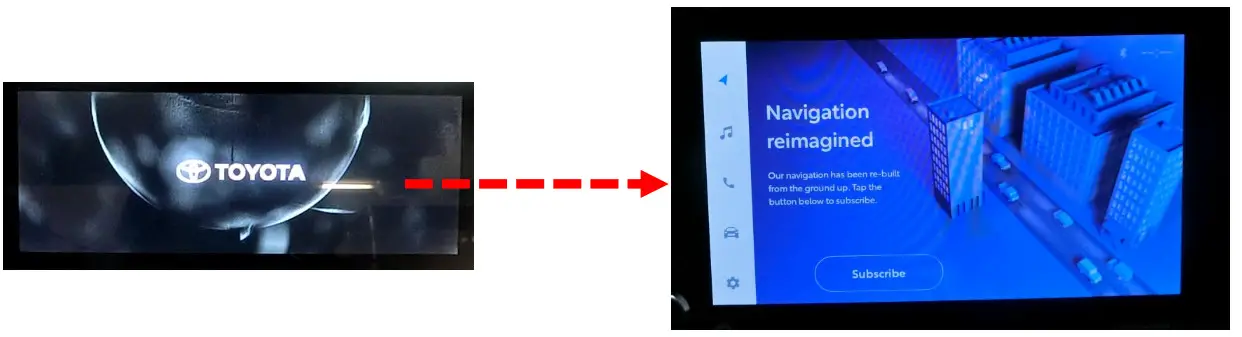
①After powering on with ACC-ON, the following screen will start on the display.
・Starting → Opening→ HOME
Wireless LAN connection
- After powering on with ACC-ON, the following screen will start on the display.
Starting → Opening→ HOME
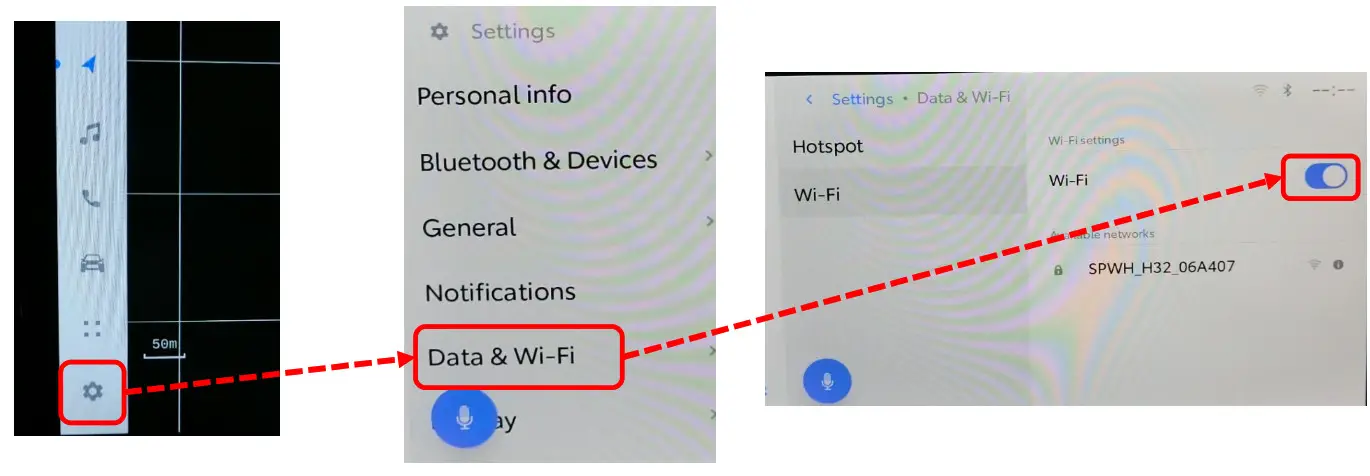
- From the menu bar, pressPress “Date & Wi-Fi” after the transition.
- Turn on “Wi-Fi”.

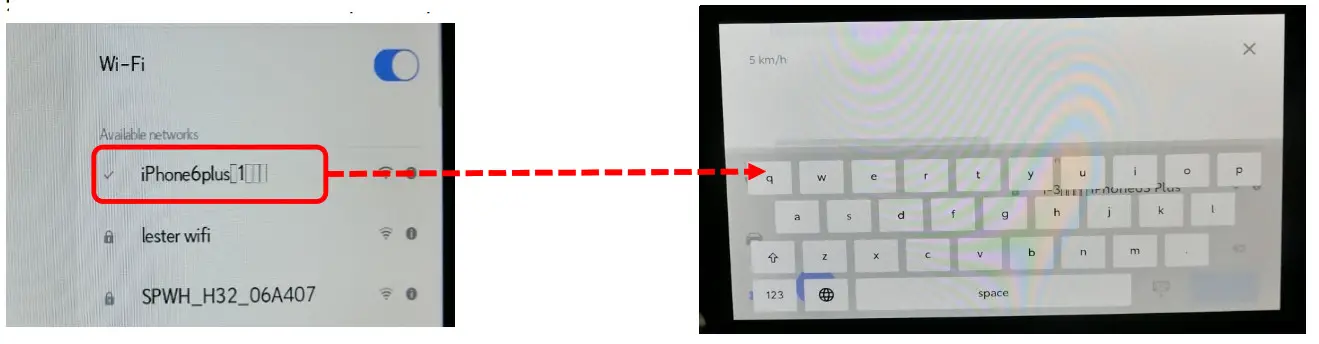
- Select and press the Wi-Fi you want to connect to.
※This document connects to “iphone6plus”. - Enter your password.

- Start the connection. The setting is complete.
Radio operation procedure
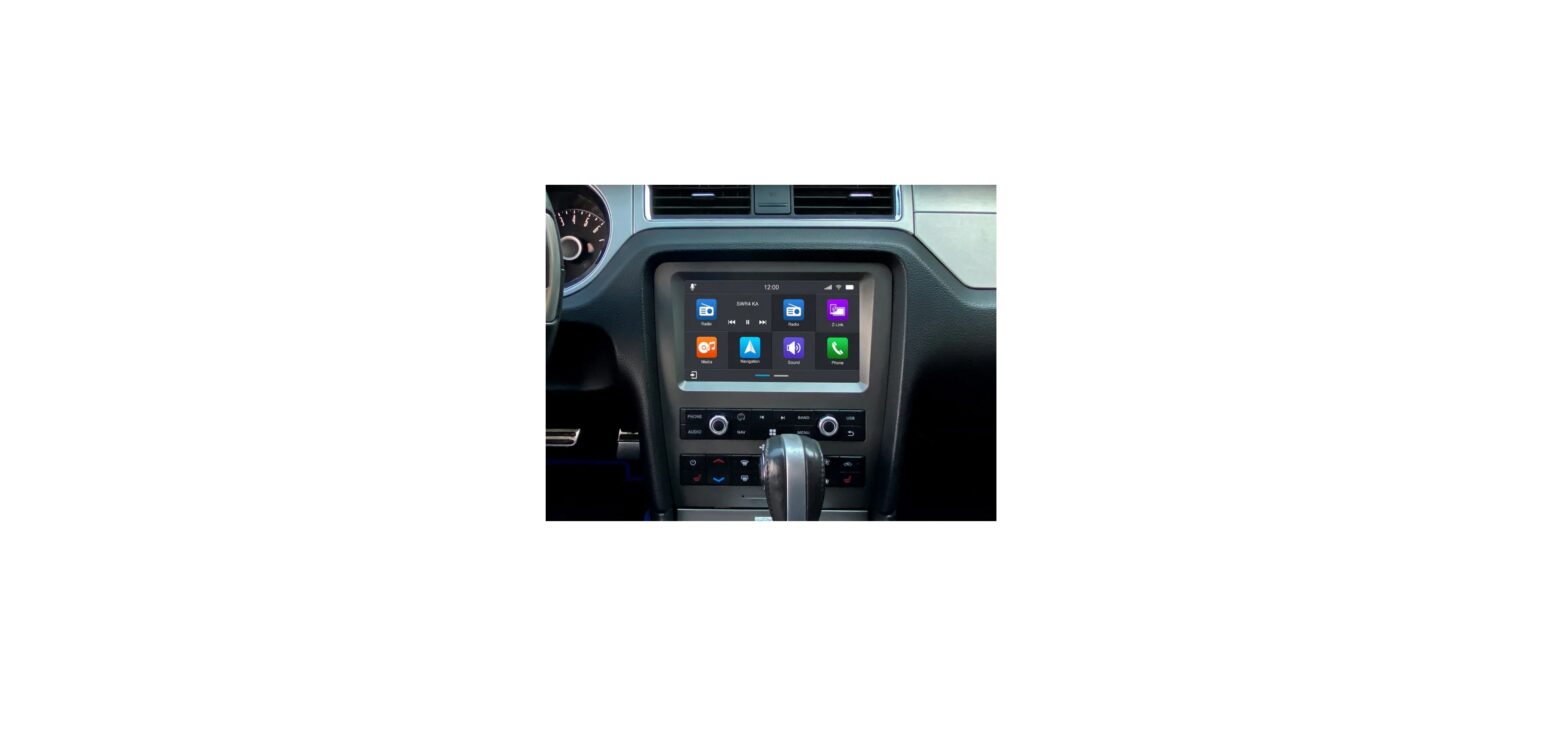
- After powering on with ACC-ON, the following screen will start on the display.
・Starting → Opening→ HOME
- From the menu bar, press
 Transition to AUDIO MENU.
 - Transit to Radio menu.

 Transition to AUDIO MENU.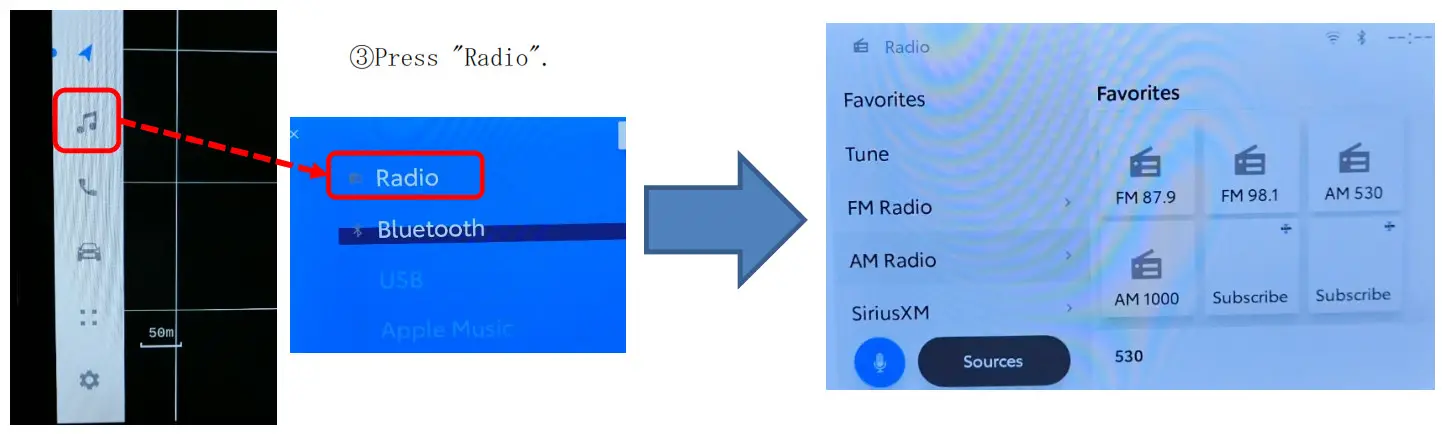
Feature Description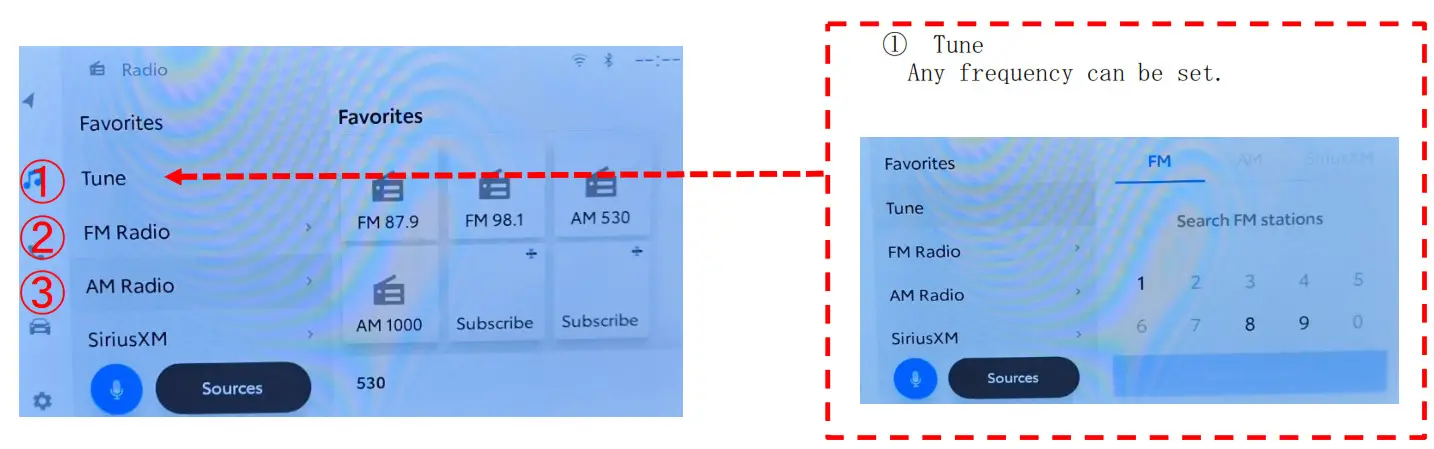
②、③ FM Radio/AM Radio
Screen and the transition and press the either.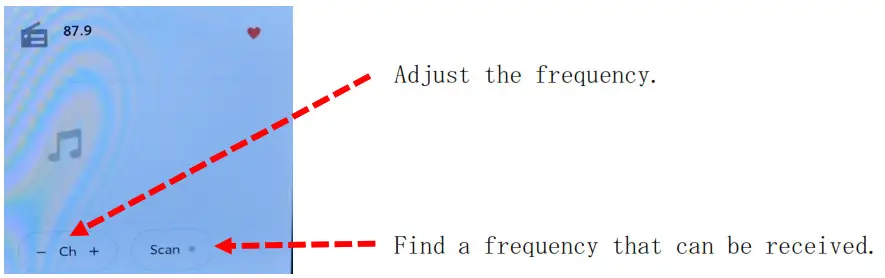
Description requirement
①FCC
FCC ID : BABTN0022A/BABTN0023A
FCC CAUTION
CAUTION: Radio Frequency Radiation Exposure
This equipment complies with FCC radiation exposure limits set forth for an uncontrolled environment and meets the FCC radio frequency (RF) Exposure Guidelines. This equipment should be installed and operated keeping the radiator at least 20cm or more away from the person’s body in the normal use position. Co‐ location: This transmitter must not be co‐located or operated in conjunction with any other antenna or transmitter. This device complies with part 15 of the FCC Rules. Operation is subject to the following two conditions: (1) This device may not cause harmful interference, and (2) this device must accept any interference received, including interference that may cause undesired operation.
FCC WARNING
Changes or modifications not expressly approved by the party responsible for compliance could void the user’s authority to operate the equipment.
②ISED
IC : 2024B-TN0022A/2024B-TN0023A
This device contains license-exempt transmitter(s)/receiver(s) that comply with Innovation, Science and Economic Development Canada’s license-exempt RSS(s). Operation is subject to the following two conditions:
- This device may not cause interference.
- This device must accept any interference, including interference that may cause undesired operation of the device.
This equipment complies with ISED radiation exposure limits set forth for an uncontrolled environment and meets RSS‐102 of the ISED radio frequency (RF) Exposure rules as this equipment has very low levels of RF energy.
But it is desirable that it should be installed and operated keeping the radiator at least 20cm or more away from the person’s body.