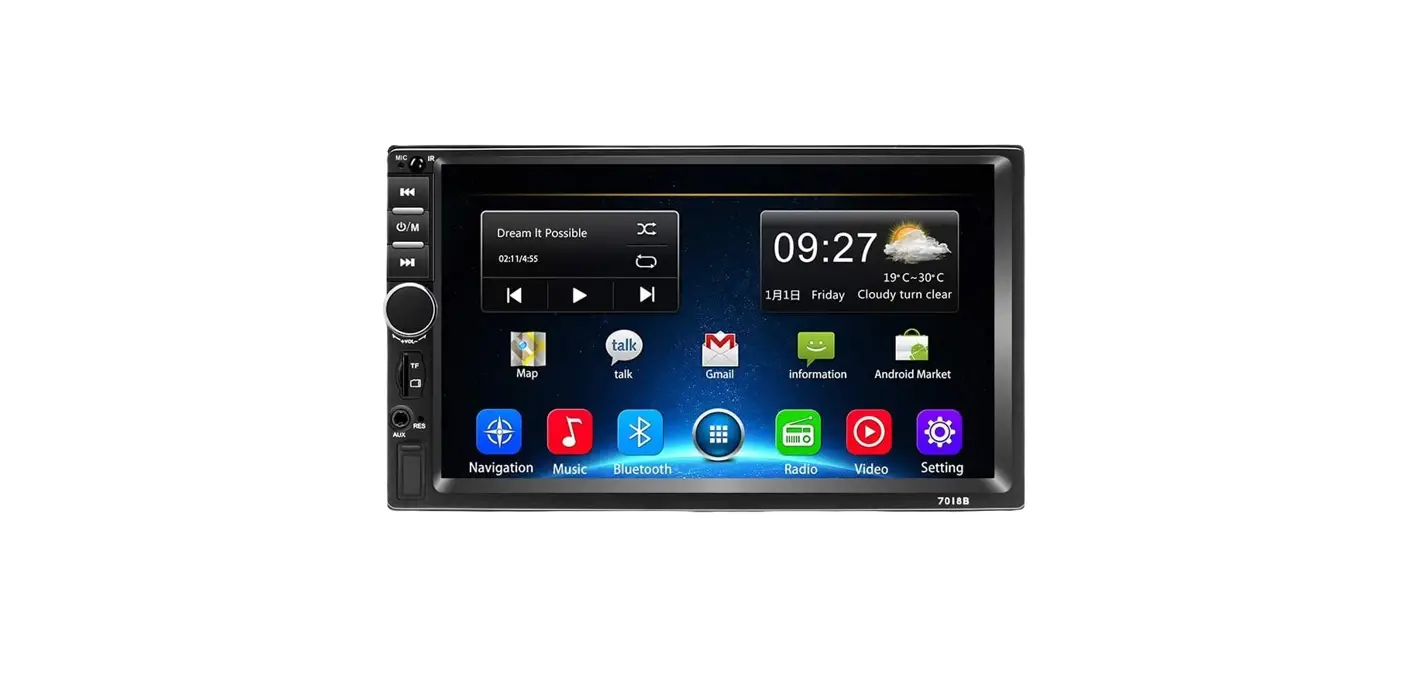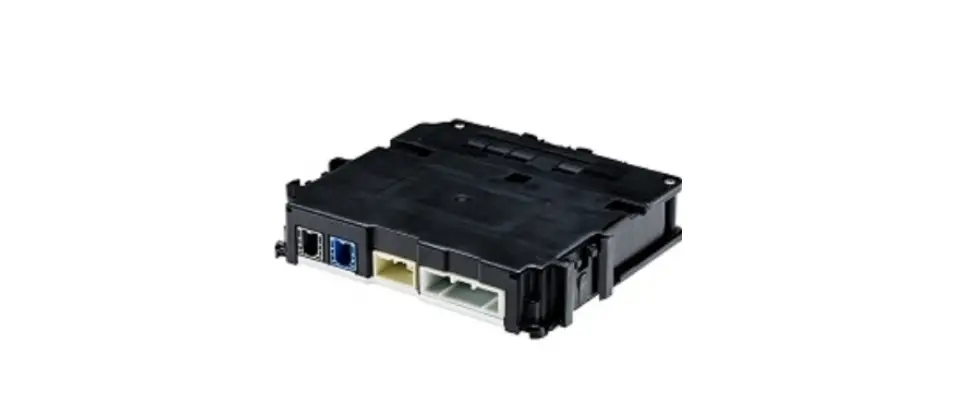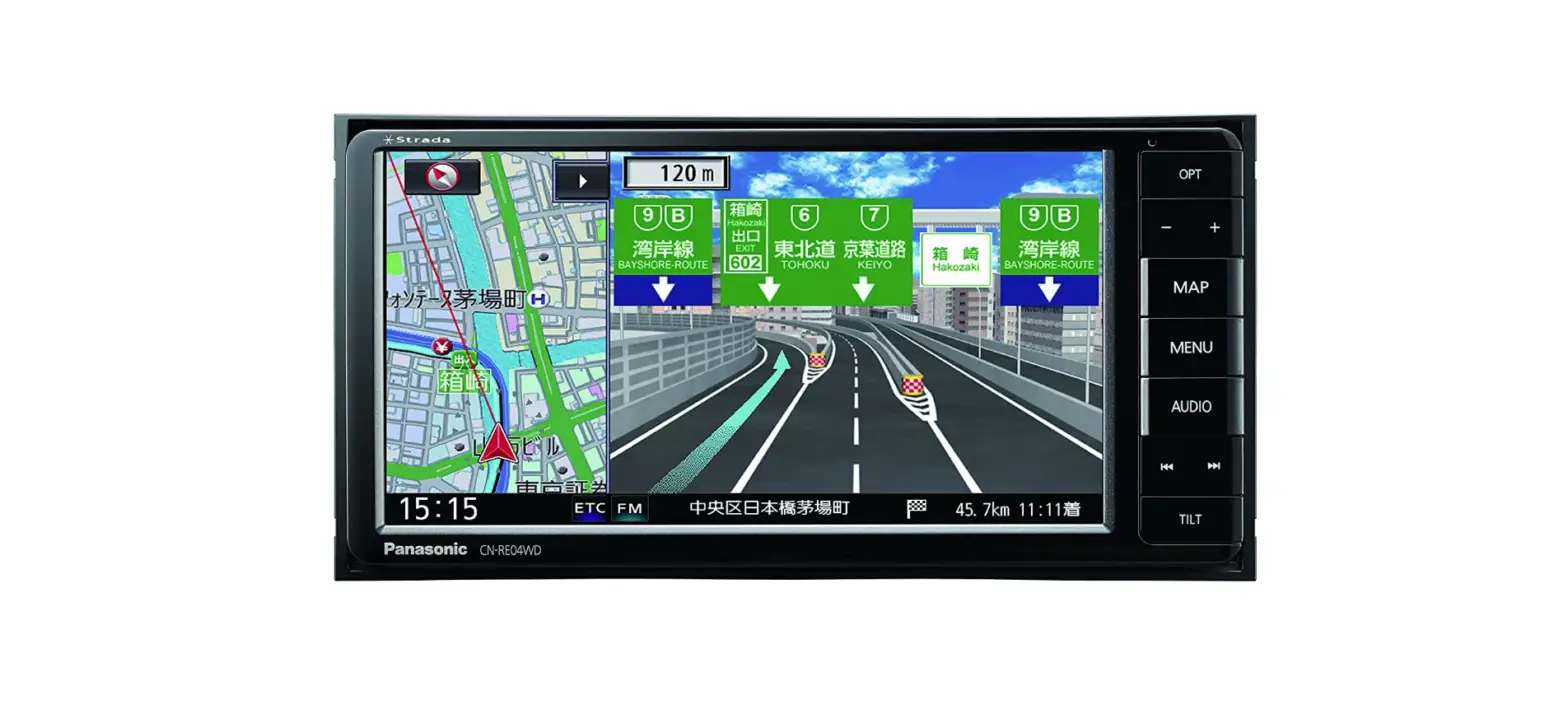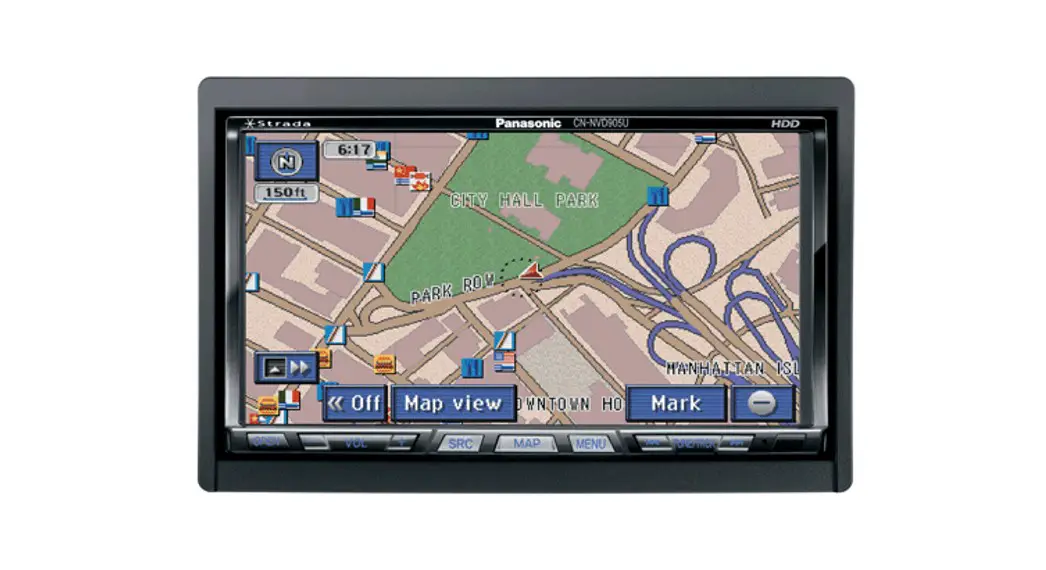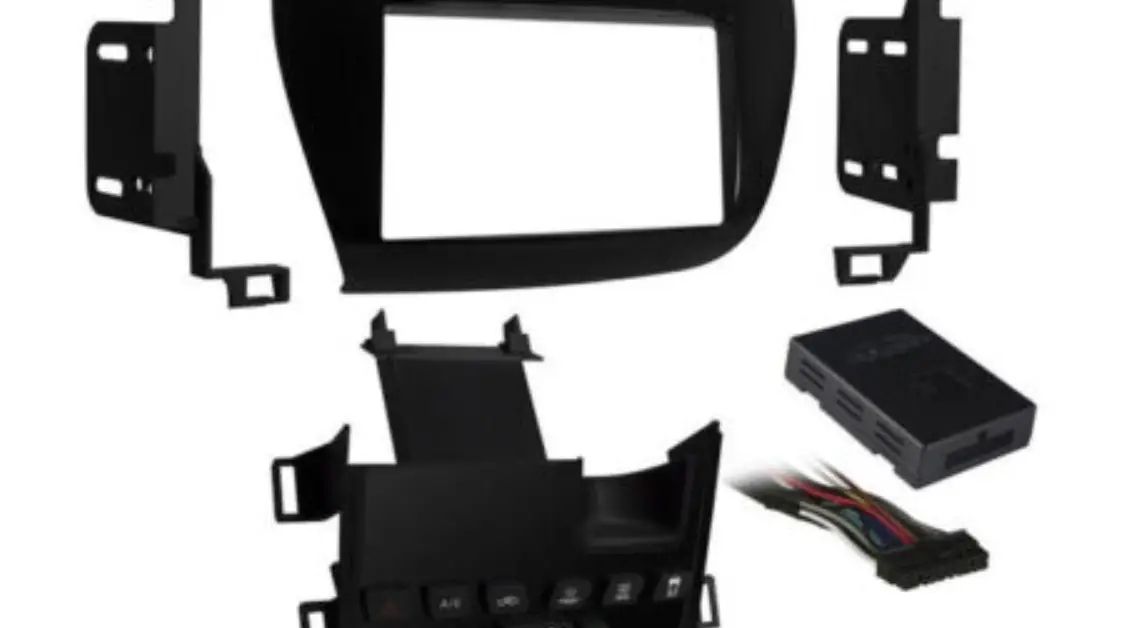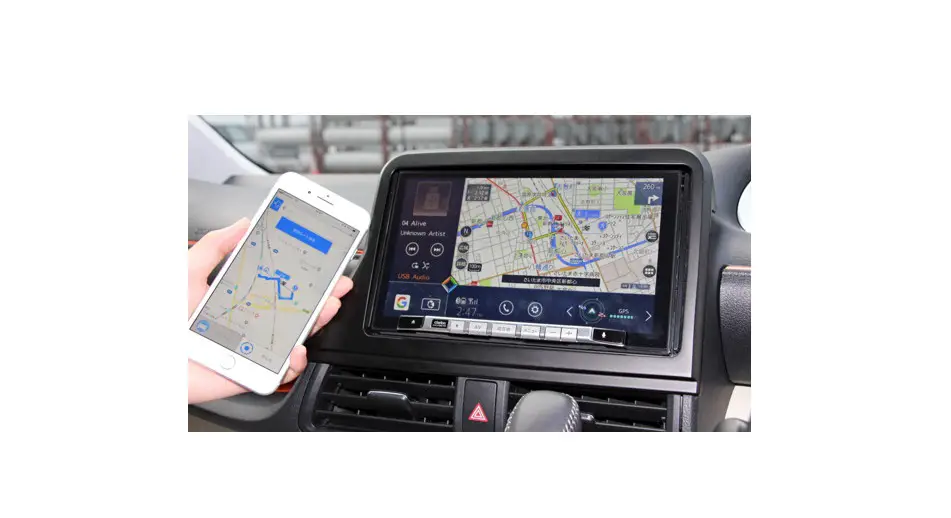

| OEM Part No. | 39100-T7A-A43-M1 |
| Supplier Part No. | 139000-945 |
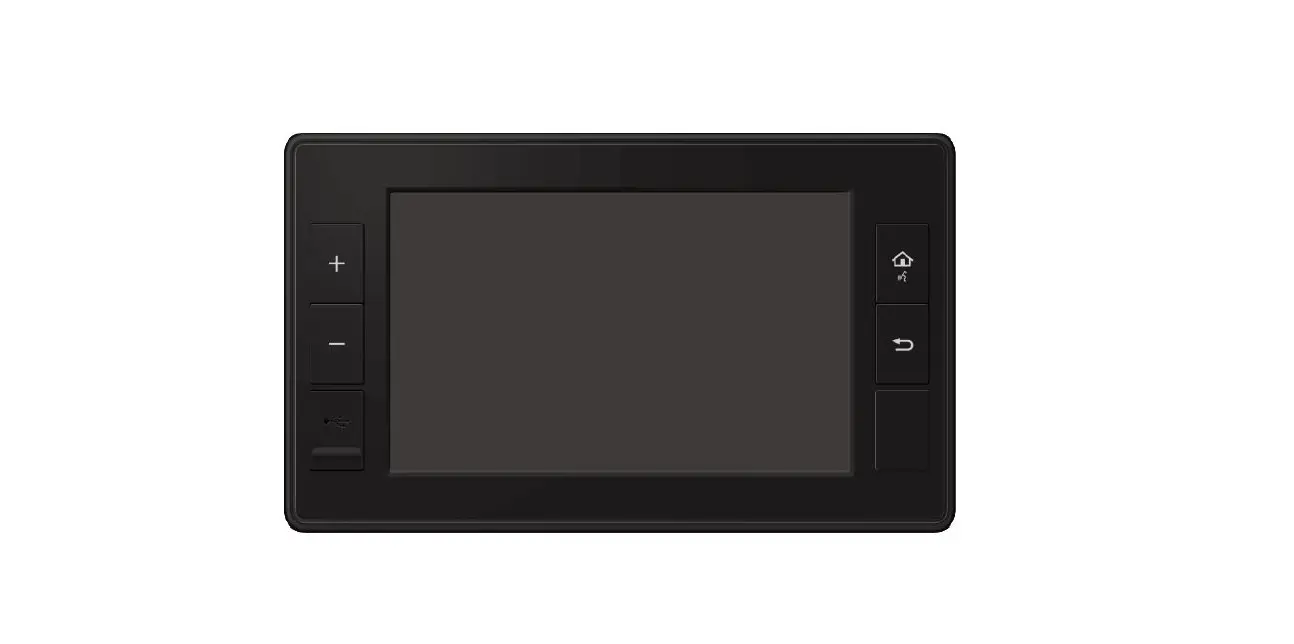
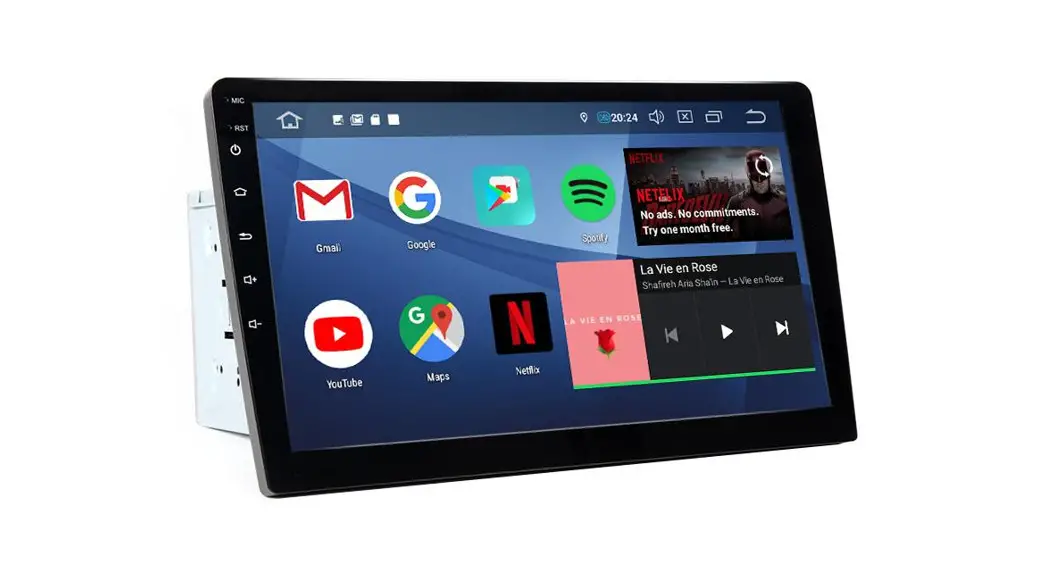
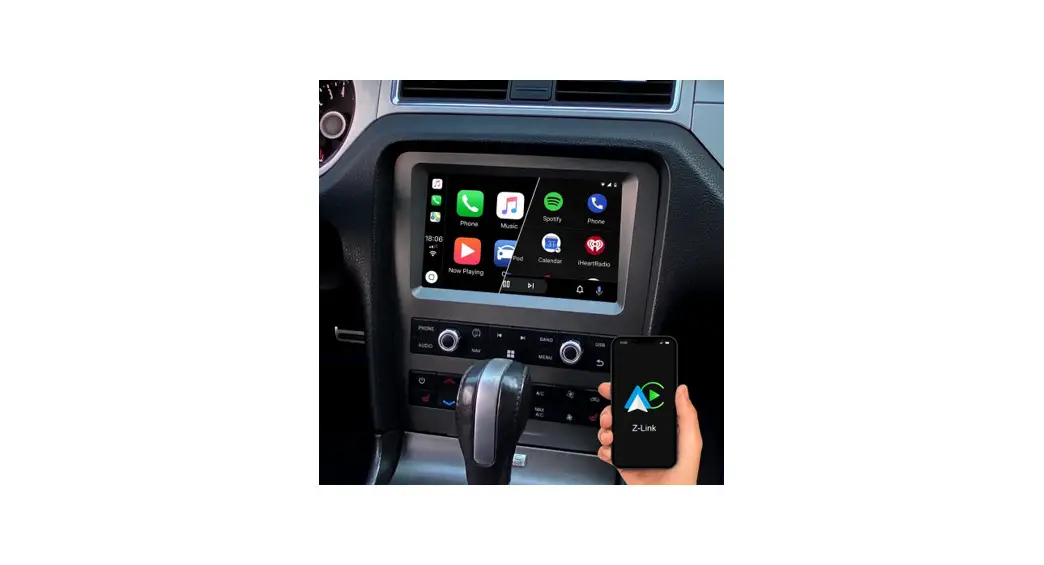
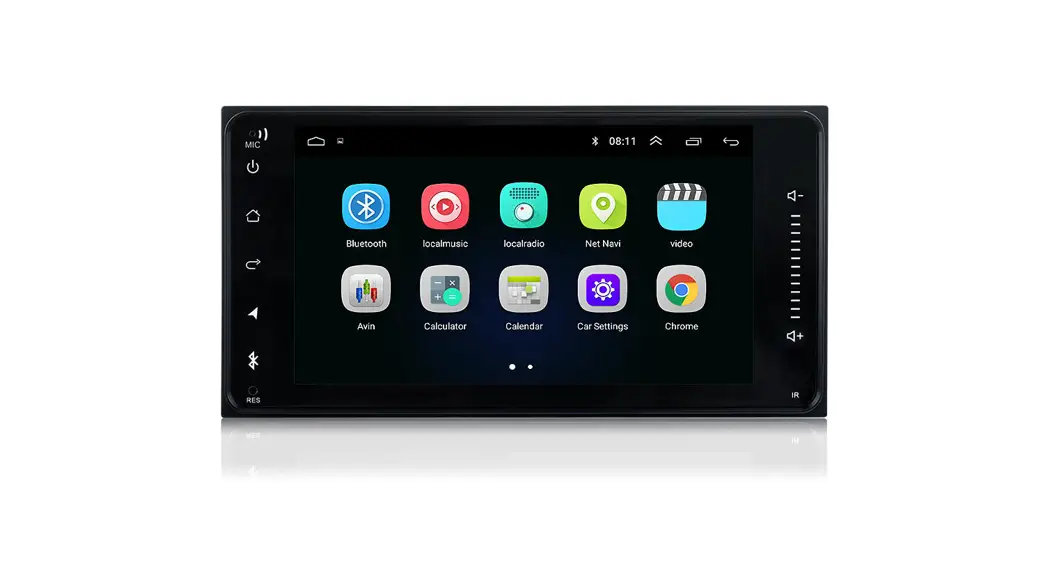
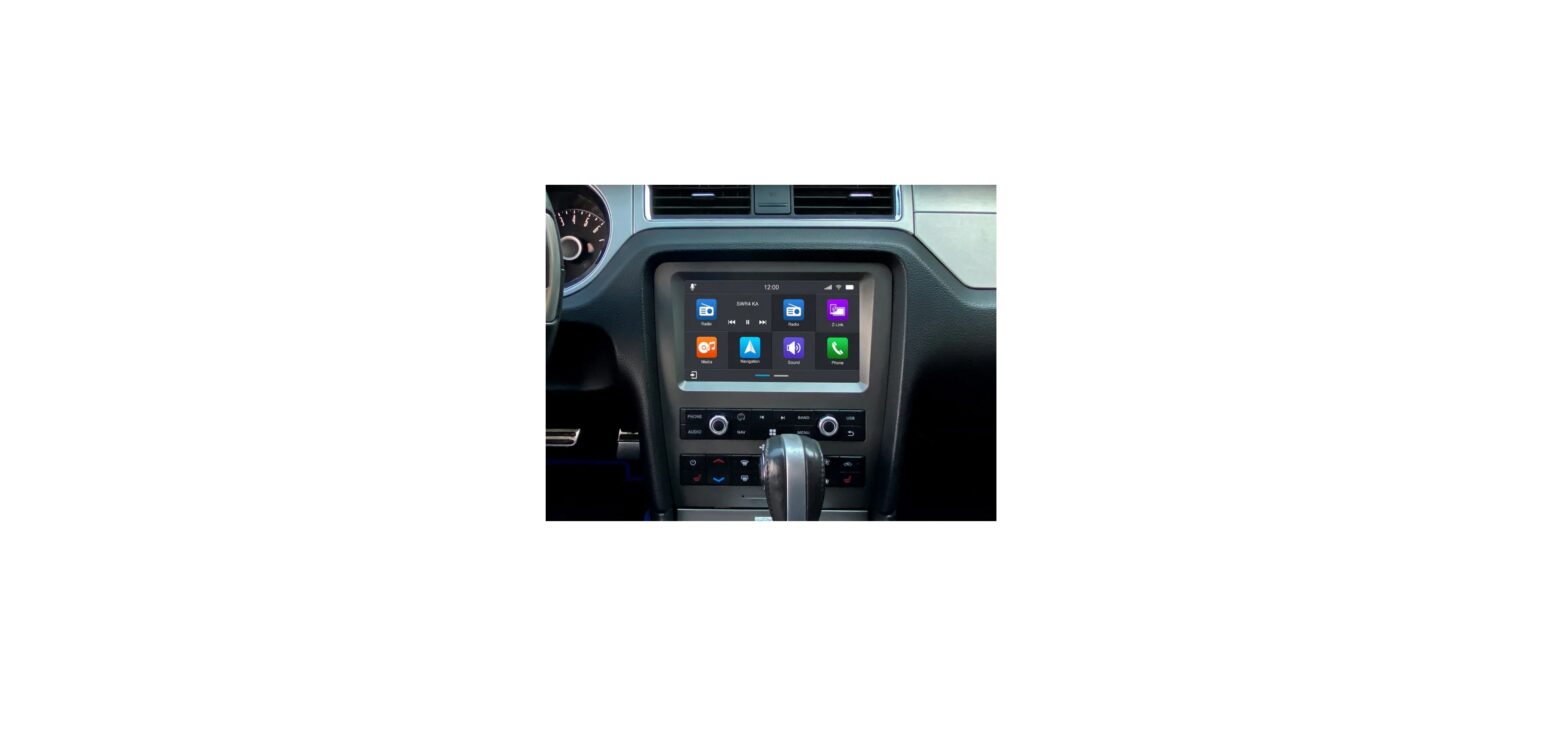
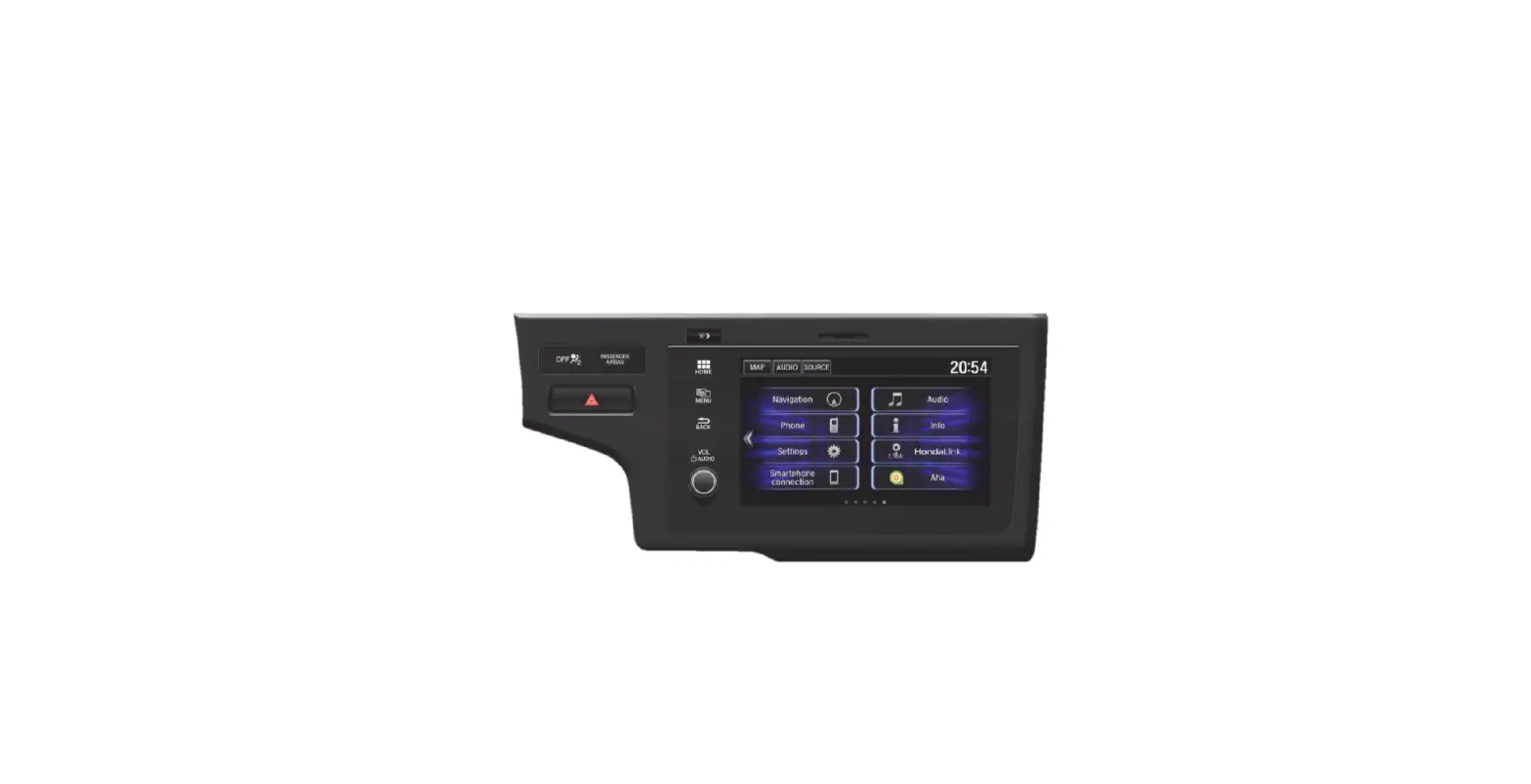
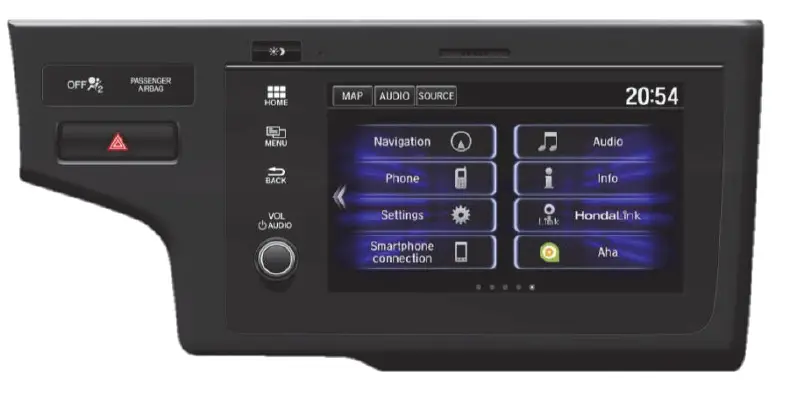
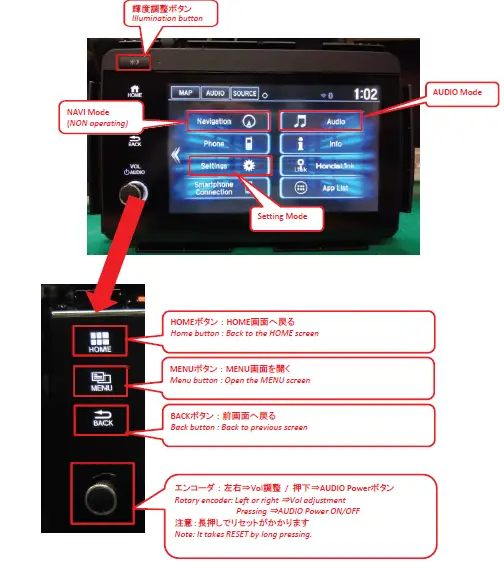
The image is one of the same FT0091A base model.
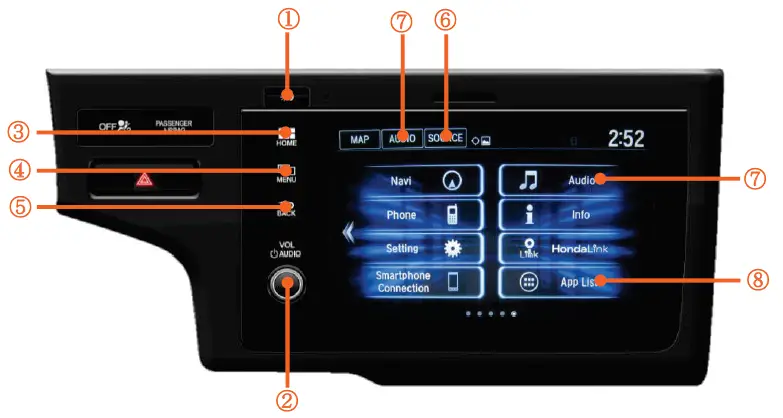
Please refer to this document, so the button layout and operation method are common
Switch Information
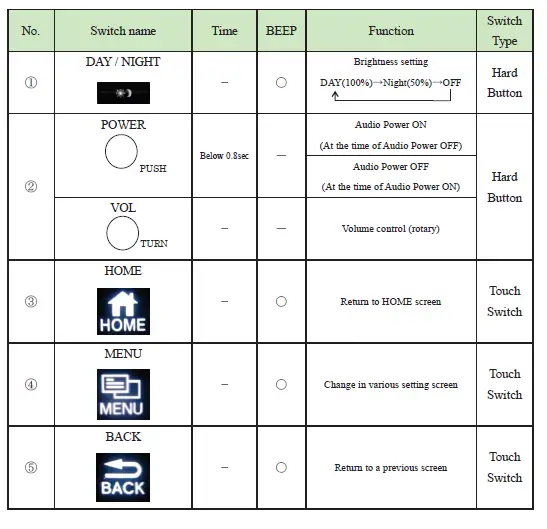
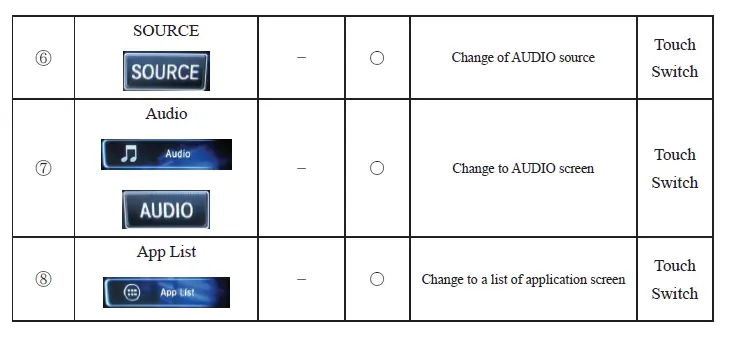
Rating
| 1.Rated Voltage | 12V (10.5~16.0V) – GROUND |
| 2.Rated Current | 5.0A Max (+B=13.2V, 1W output) |
| 3.Backup Current | 6.5mA Max |
| 4.Load Impedance | 4 Q×4ch |
| 5.AM Tuning range | 530 ~ 1710 kHz |
| 6. FM Tuning range | 87.75 ~ 107.9 MHz |
| 7.SXM Tuning range | 2.3325 ~ 2.345 GHz |
OPERATING INSTRUCTIONS
Connect as described in the following connection method.
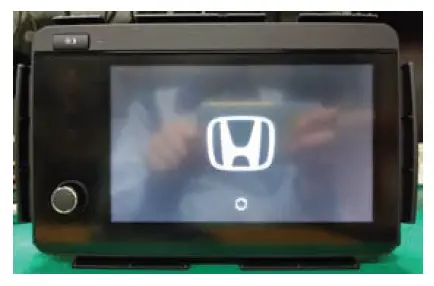
Power up the Unit.
Wait a little at ” ” logo display.
 Enter the 5 -digit number or 11111 written on the top plate, and then press Done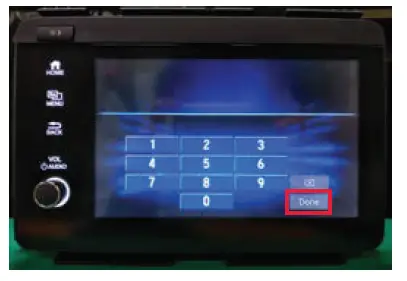
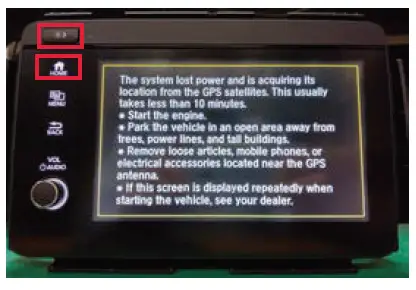
Day Night
Touch Day Night AND HOME.
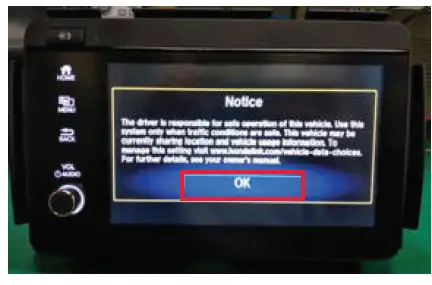
 OK
OK
Touch “OK”.
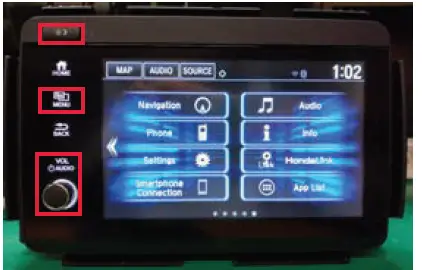
 MONDAY/NIGHT
Press and hold MENU AND Day /Night”,” VOL AUDIO ” in this order for approx. seconds until display changes.
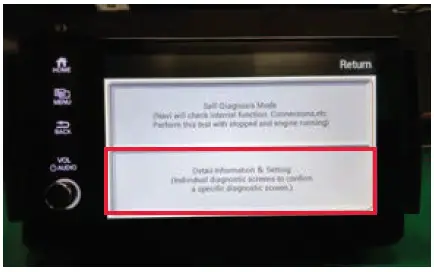
Detail Information & Setting
Touch Detail Information & Setting .
 MENU
MENU
Long Press. MENU
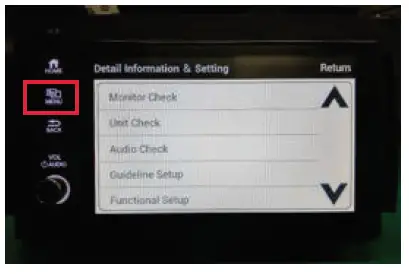

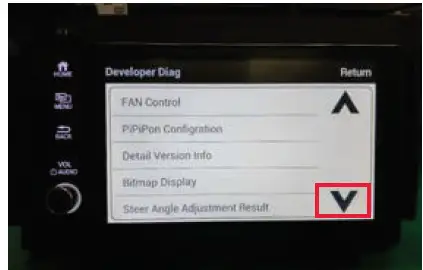
Press twice
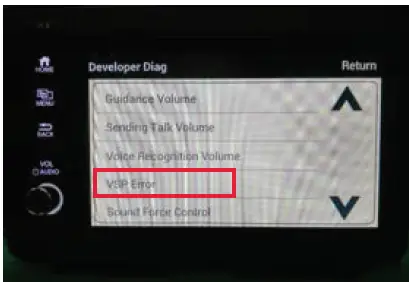
VSP Error
Touch VSP Error .
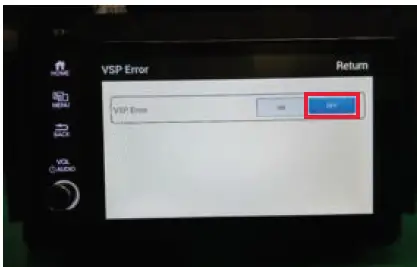
 OFF
OFF
Touch “OK”.
 RETUEN
Touch Return to return to the home screen.
FCC
FCC ID :BABFT0091A
FCC WARNING
Changes or modifications not expressly approved by the party responsible for compliance could void the user’s authority to operate the equipment.
Co-location: This transmitter must not be co-located or operated in conjunction with any other antenna or transmitter.
Compliance with FCC requirement 15.407(c)
Data transmission is always initiated by software, which is the passed down through the MAC, through the digital and analog baseband, and finally to the RF chip. Several special packets are initiated by the MAC. These are the only ways the digital baseband portion will turn on the RF transmitter, which it then turns off at the end of the packet. Therefore, the transmitter will be on only while one of the aforementioned packets is being transmitted. In other words, this device automatically discontinue transmission in case of either absence of information to transmit or operational failure.
Frequency Tolerance: +/- 20 ppm
This equipment complies with FCC/IC radiation exposure limits set forth for an uncontrolled environment and meets the FCC radio frequency (RF) Exposure Guidelines and RSS-102 of the IC radio frequency (RF) Exposure rules. This equipment should be installed and operated keeping the radiator at least 20cm or more away from person’s body.
IC No:2024B-FT0091A
High-power radars are allocated as primary users (i.e. priority users) of the bands 5250-5350 MHz and 5650-5850 MHz and that these radars could cause interference and/or damage to LE-LAN devices.
This device complies with part 15 of FCC Rules and Industry Canada’s licence-exempt RSSs. Operation is subject to the following two conditions: (1) this device may not cause harmful interference, and (2) this device must accept any interference received, including interference that may cause undesired operation.
Data transmission is always initiated by software, which is the passed down through the MAC, through the digital and analog baseband, and finally to the RF chip. Several special packets are initiated by the MAC. These are the only ways the digital baseband portion will turn on the RF transmitter, which it then turns off at the end of the packet. Therefore, the transmitter will be on only while one of the aforementioned packets is being transmitted. In other words, this device automatically discontinue transmission in case of either absence of information to transmit or operational failure.