
A NORDIC BRAND
MS-800
WIRELESS SILENT MOUSE
User manual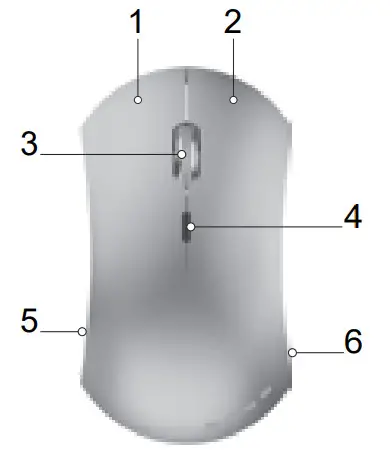
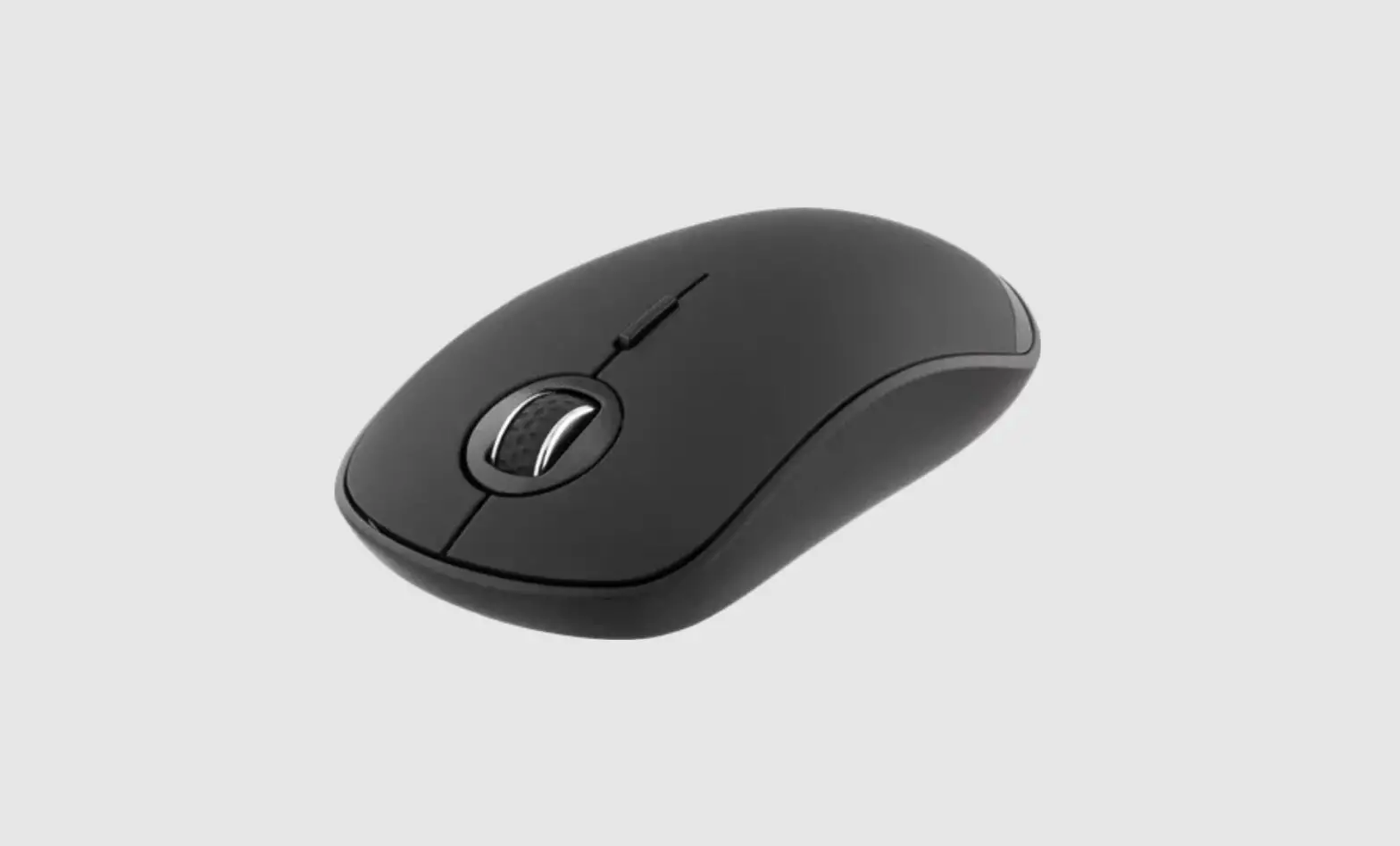
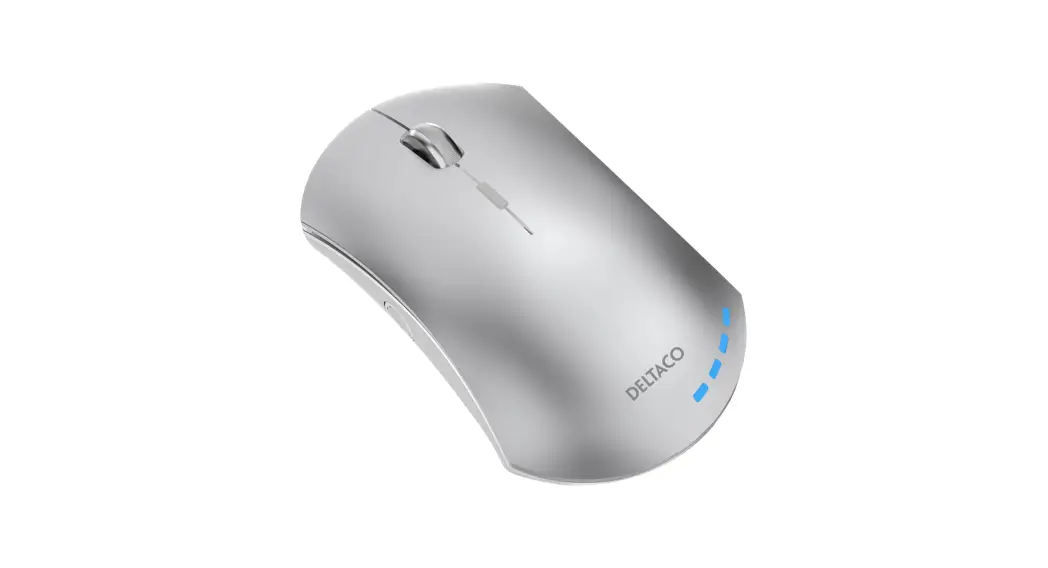
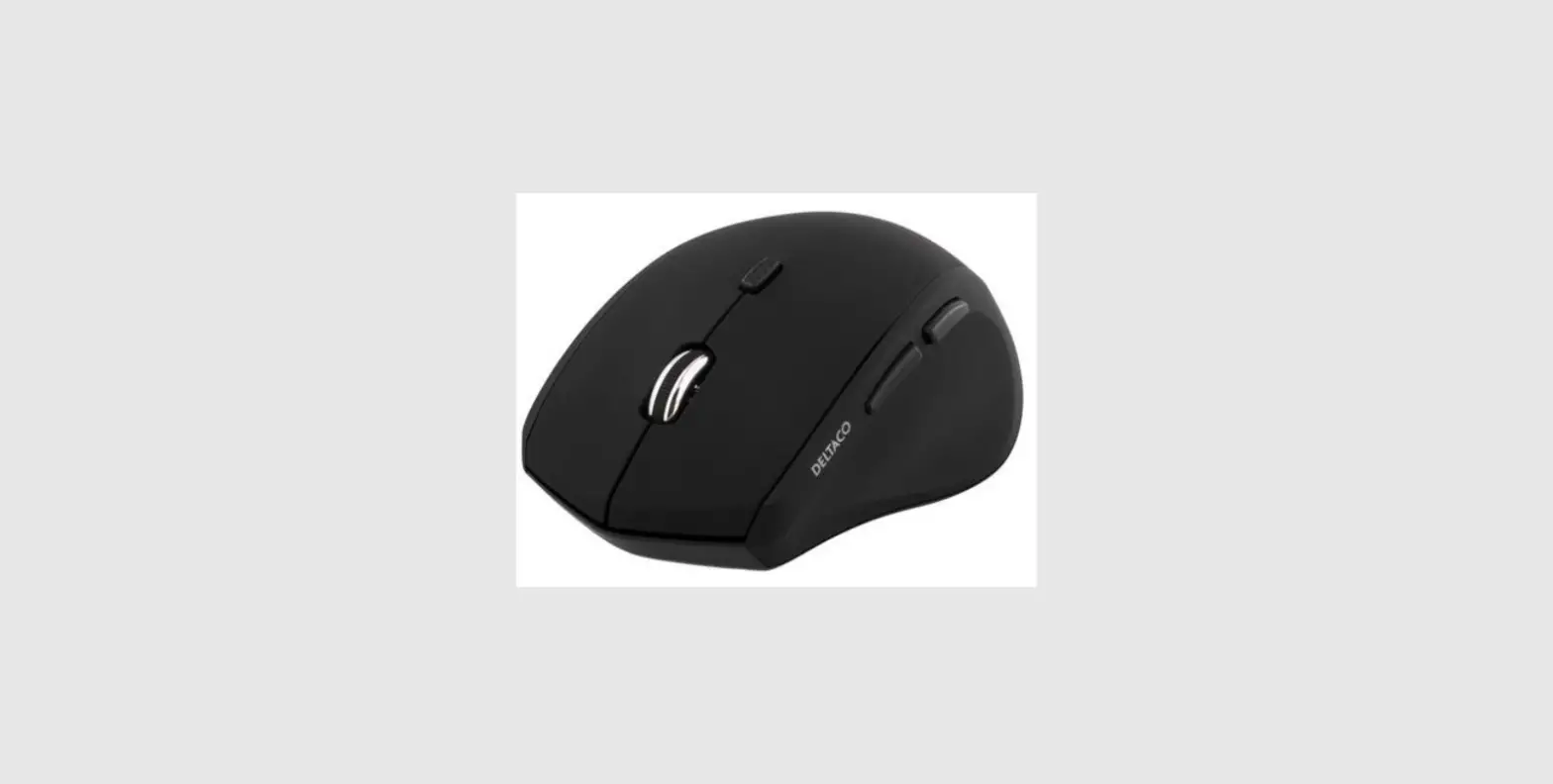
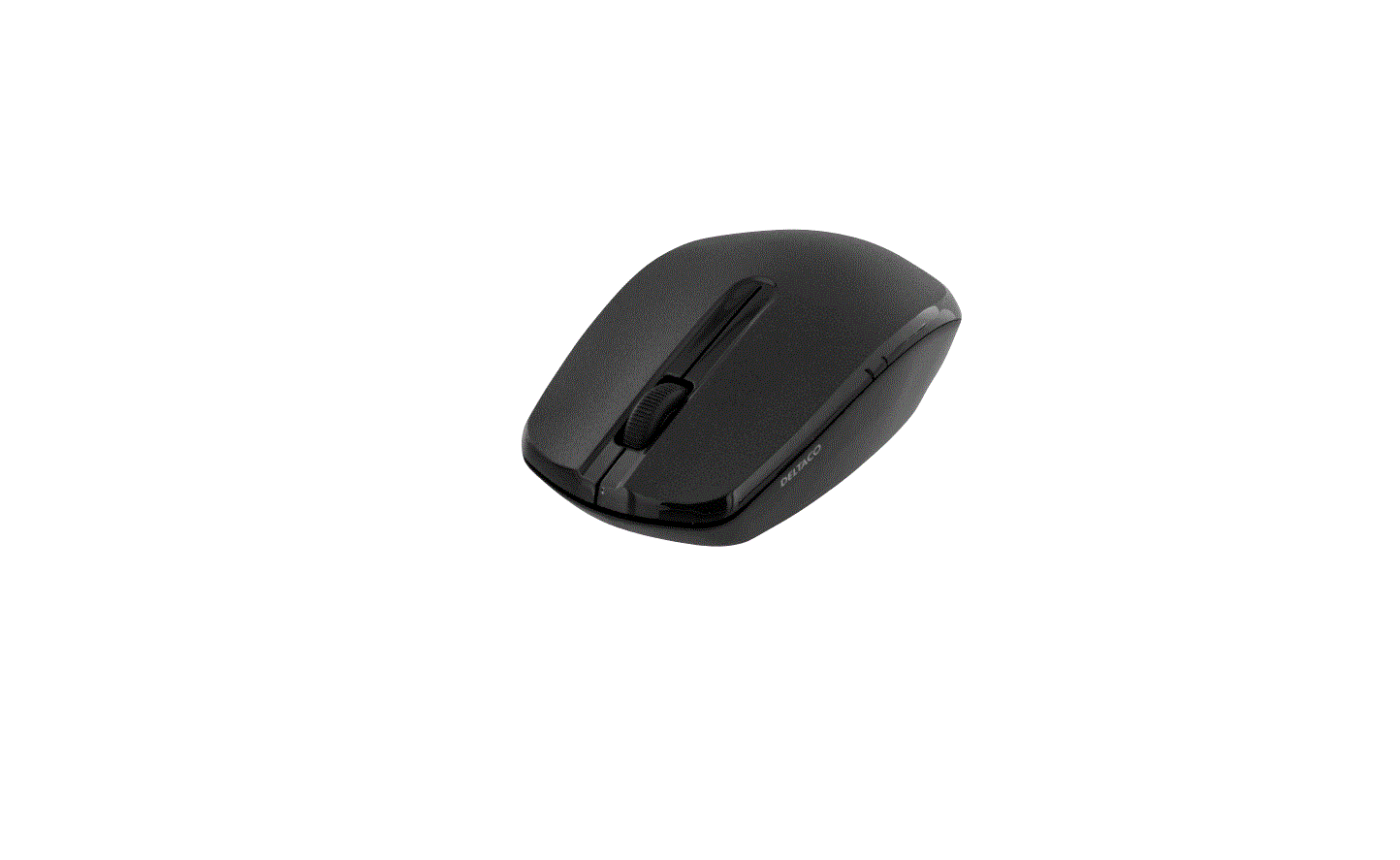
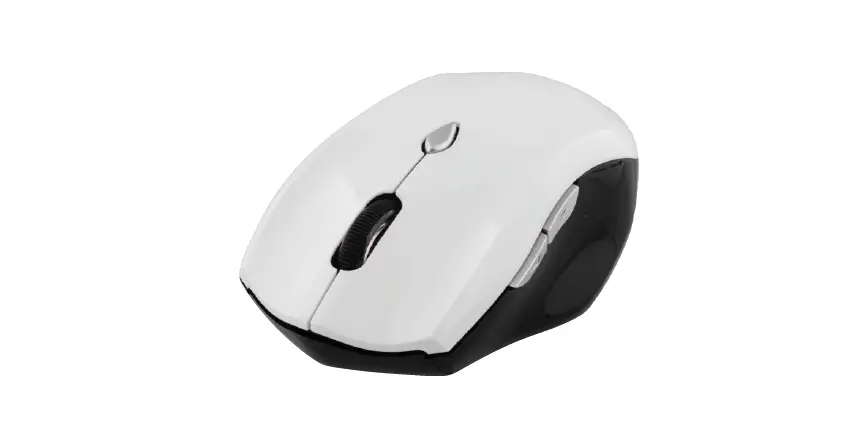
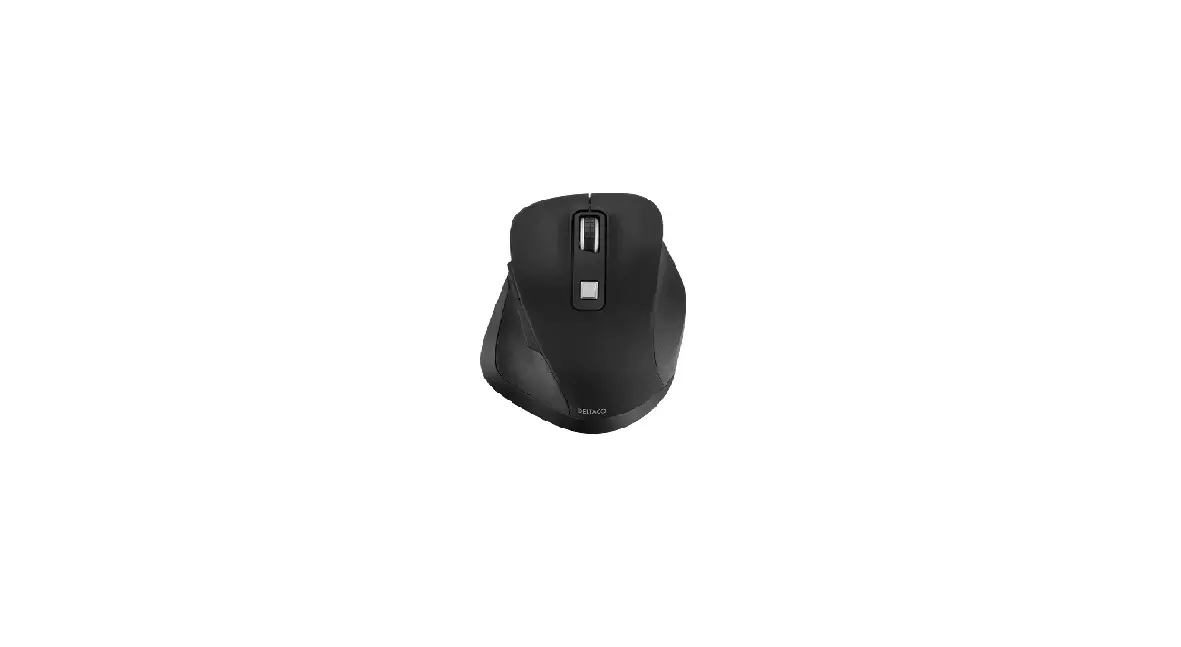
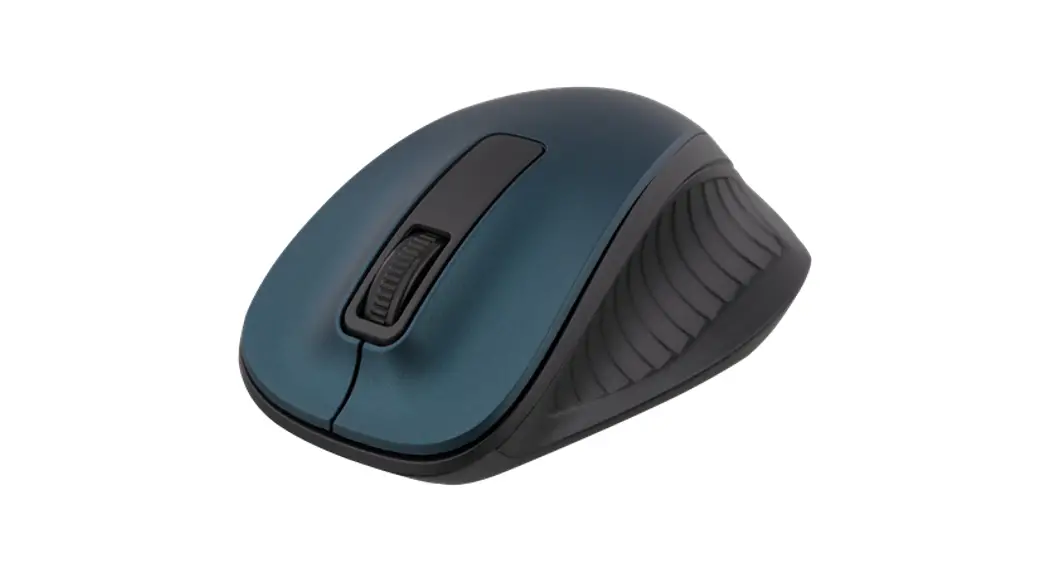
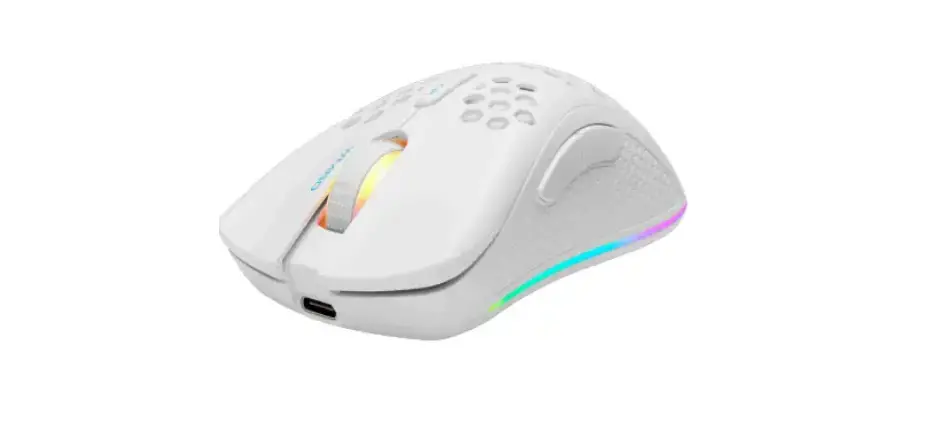
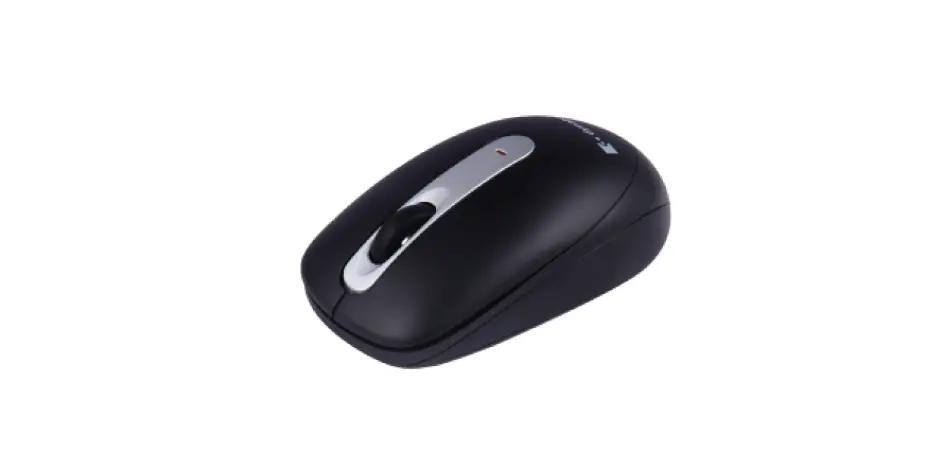
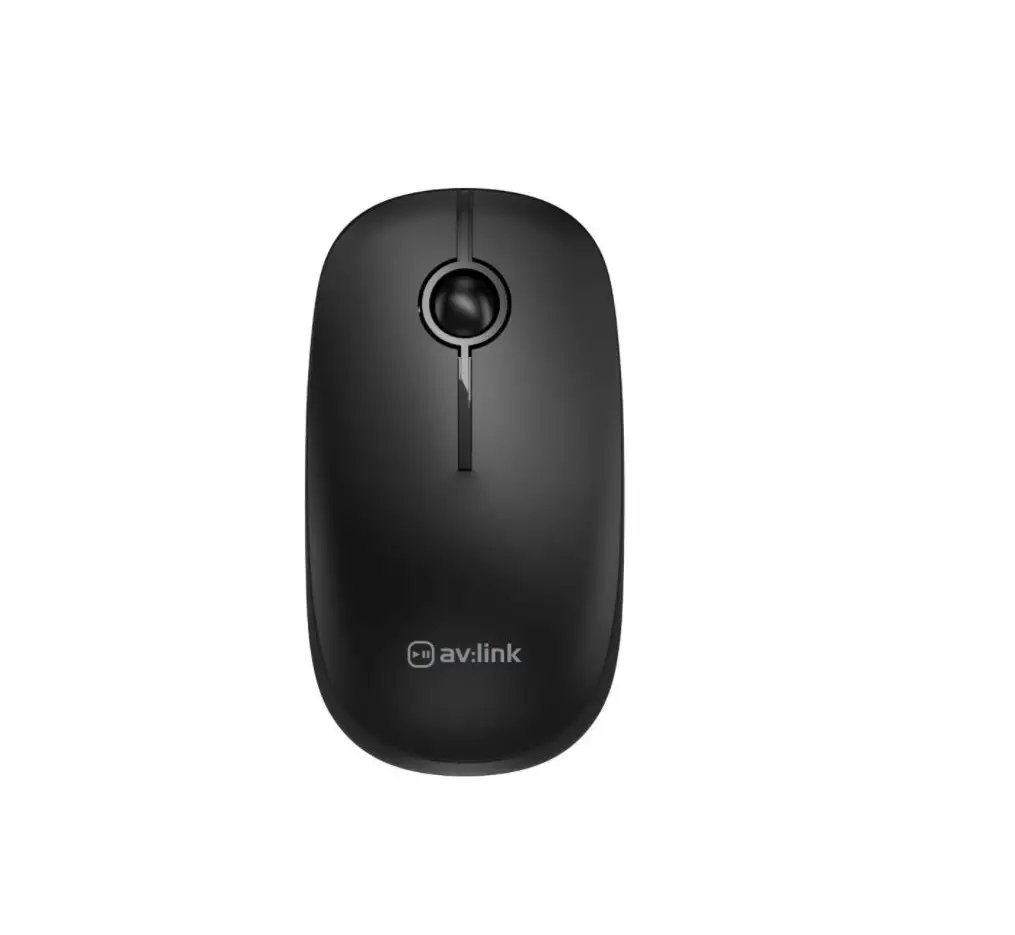
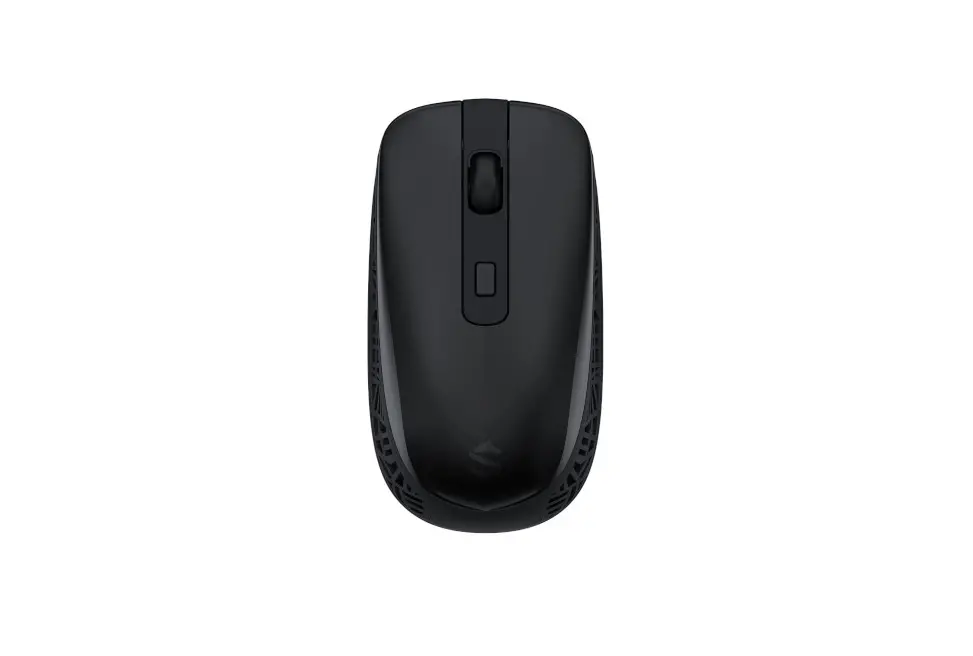
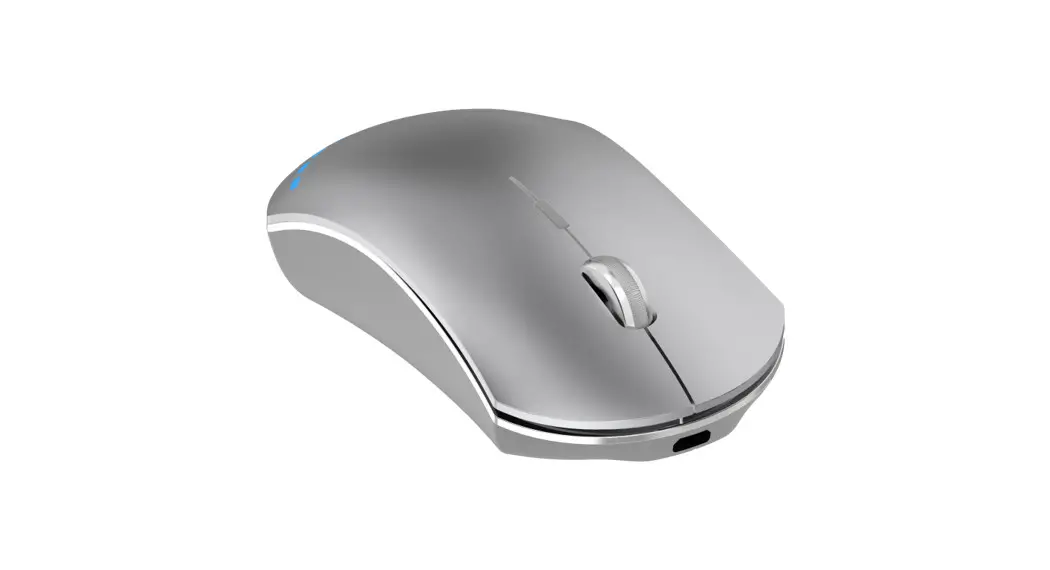
MS-800 Wireless Silent Mouse
- Left mouse button
- Right mouse button
- Mouse wheel button
- DPI button
- Desktop button
- On/off/LEDs off button(Underneath the mouse)
Use
Connect the USB receiver to a USB port on your computer.
Turn on the mouse. They will connect automatically.
No drivers are needed.
Clicking on the desktop button will show your computer’s desktop.
It is the same as the Windows key + D shortcut on a keyboard.
You can turn the mouse on or off and turn off the LEDs with the switch underneath the mouse.
Change the DPI with the DPI button.
Cleaning and maintenance
Clean the mouse with a dry cloth. For difficult stains use a mild detergent.
Support
More product information can be found at www. delta co.EU. Contact us by e-mail: [email protected].
 SweDeltaco AB,
Glasfibergatan 8,
5tr, 125 45 Alvsjo, Sweden
 Pages - Home