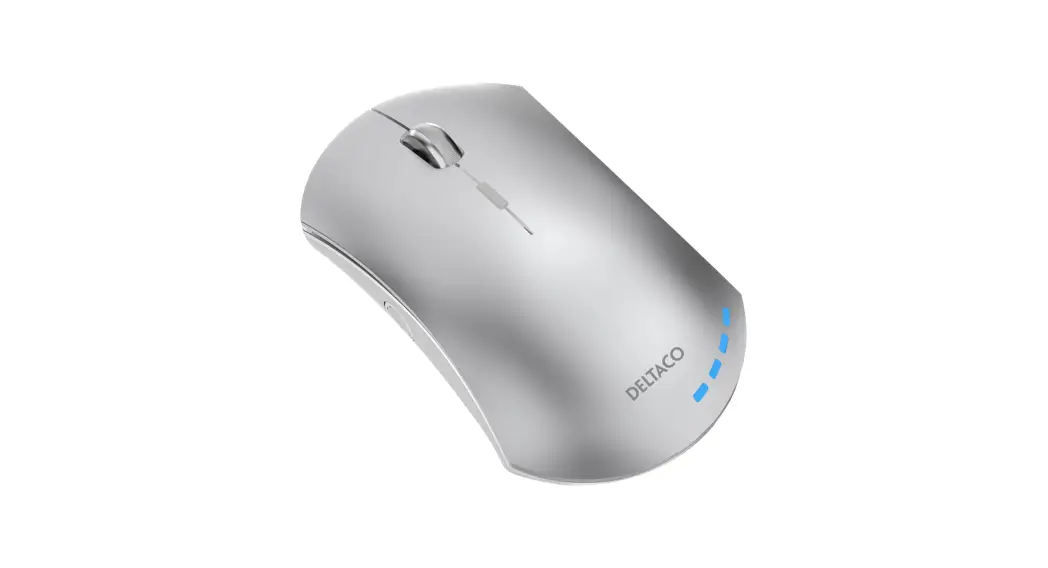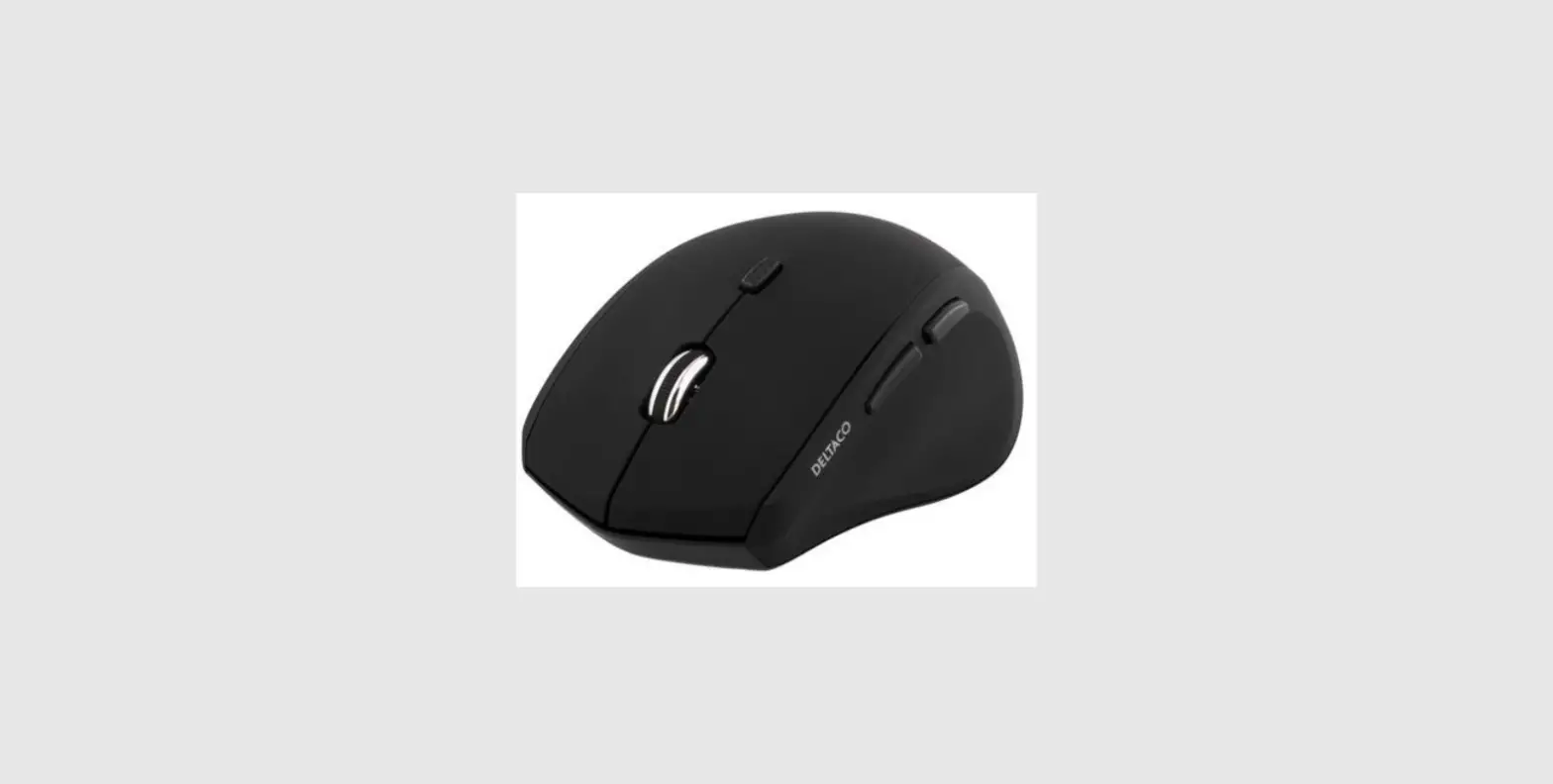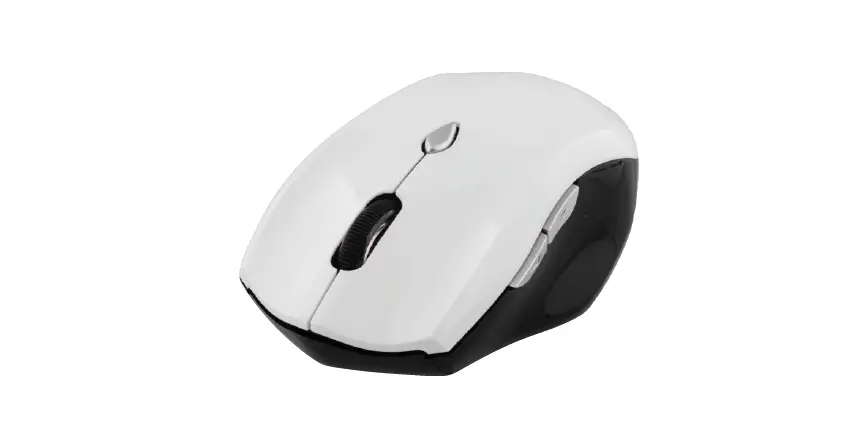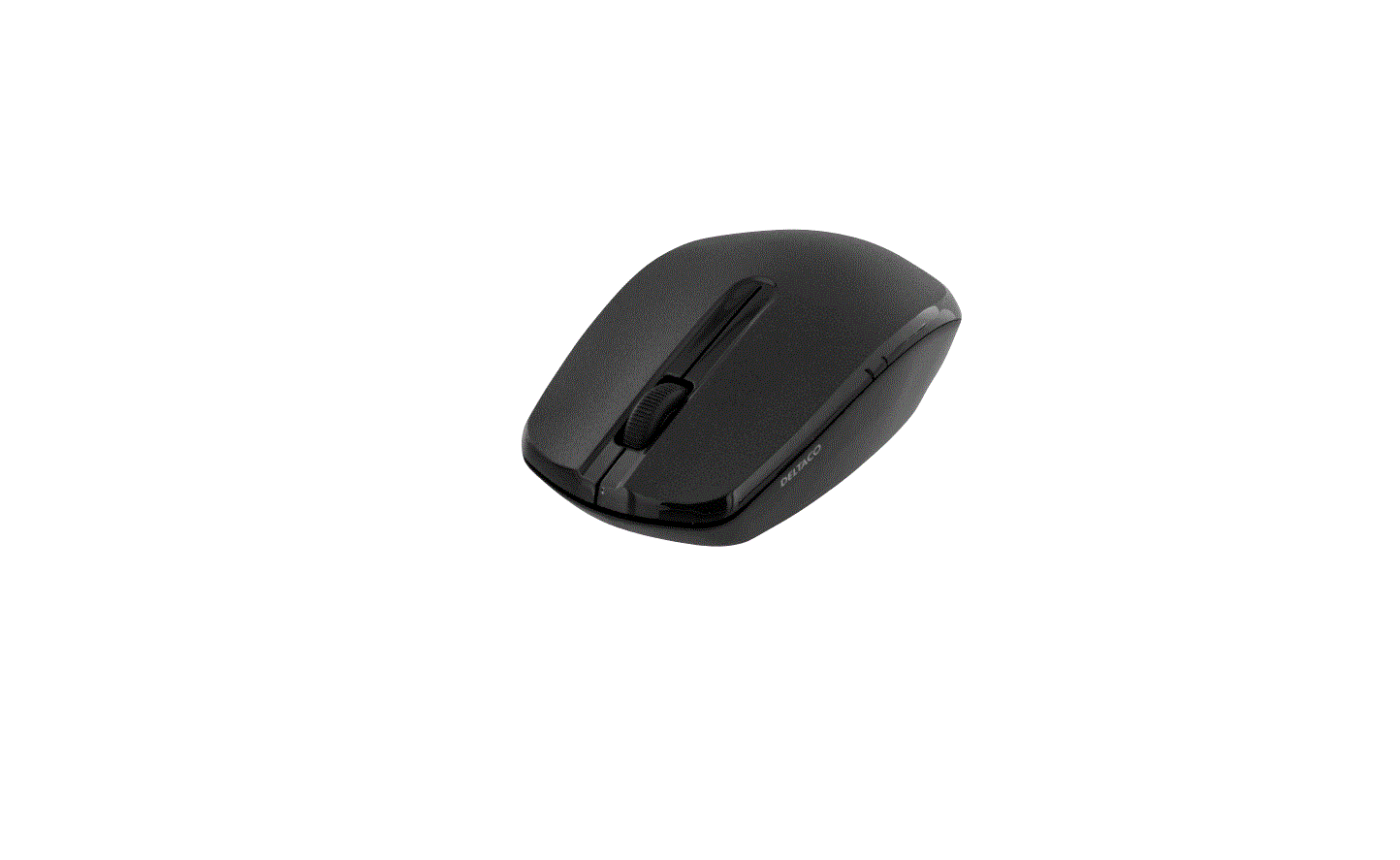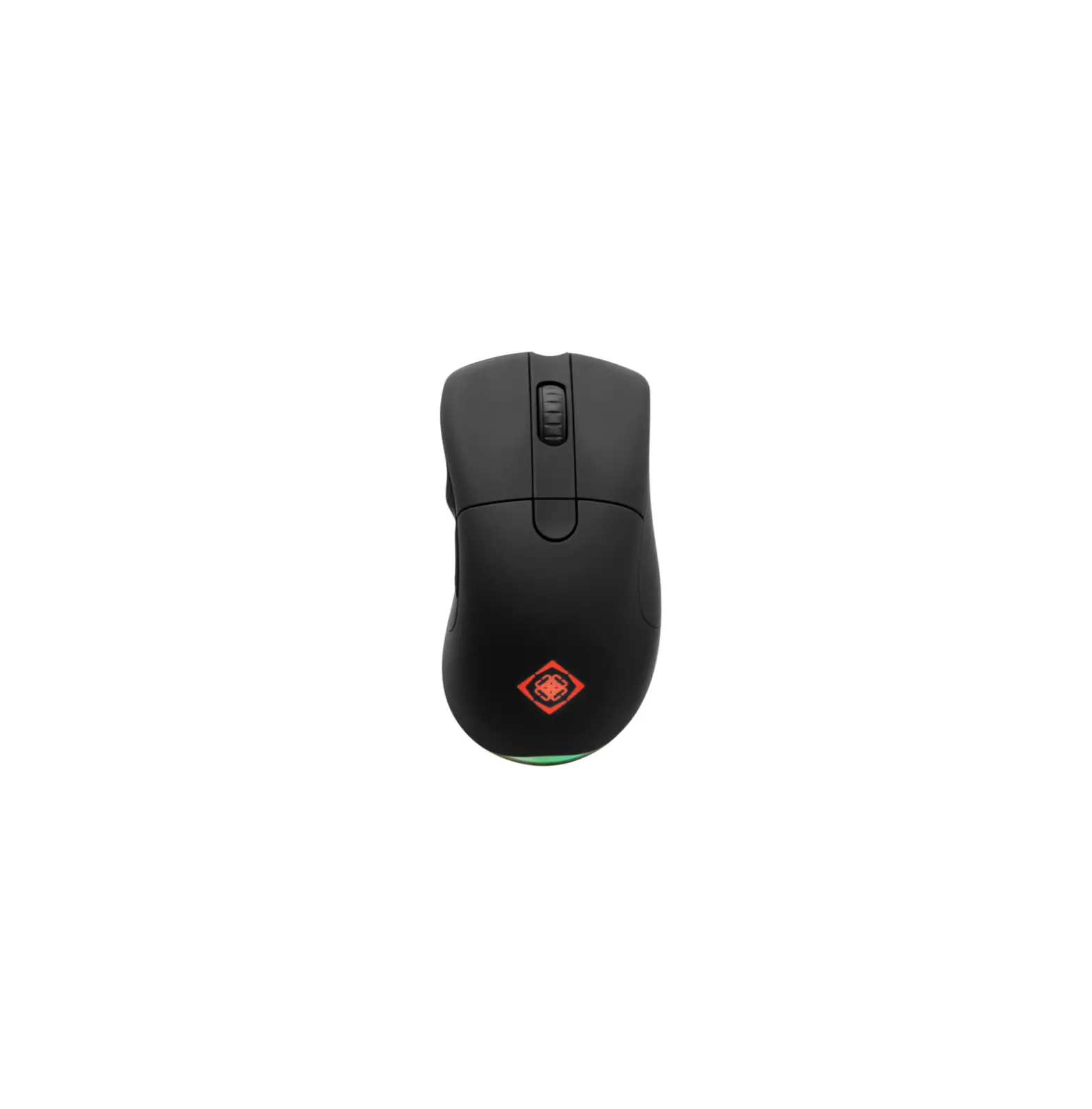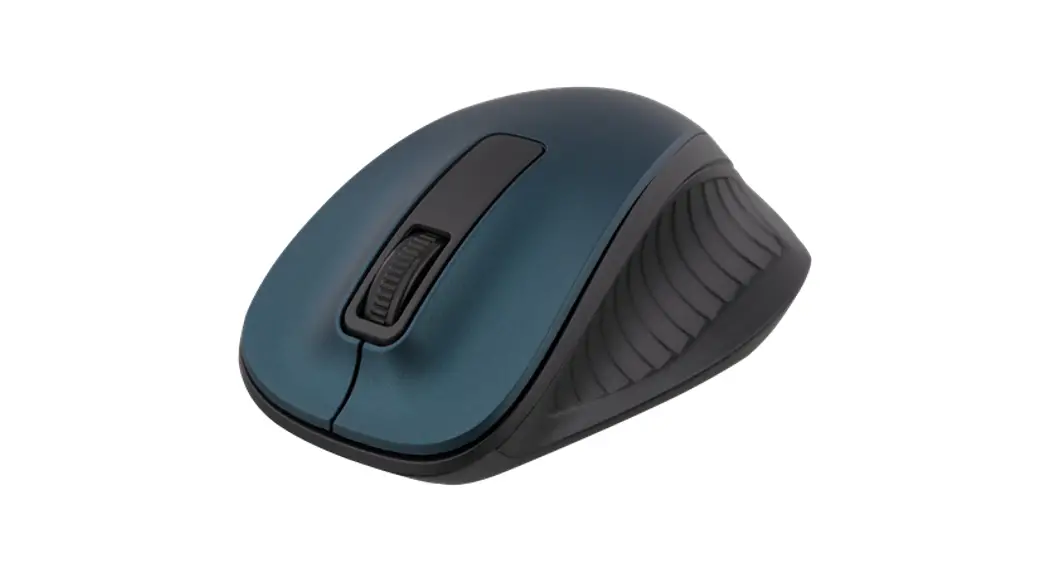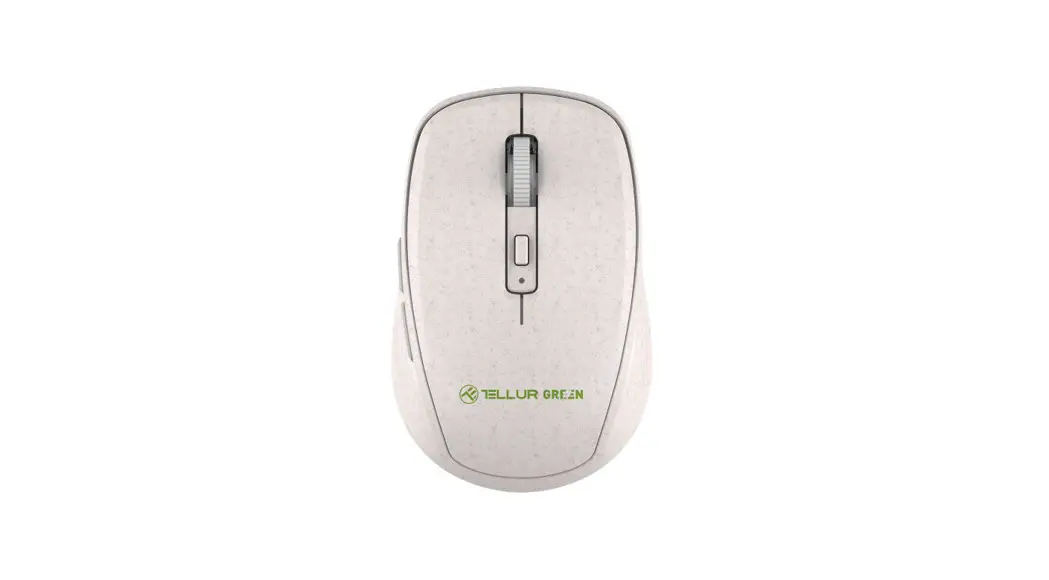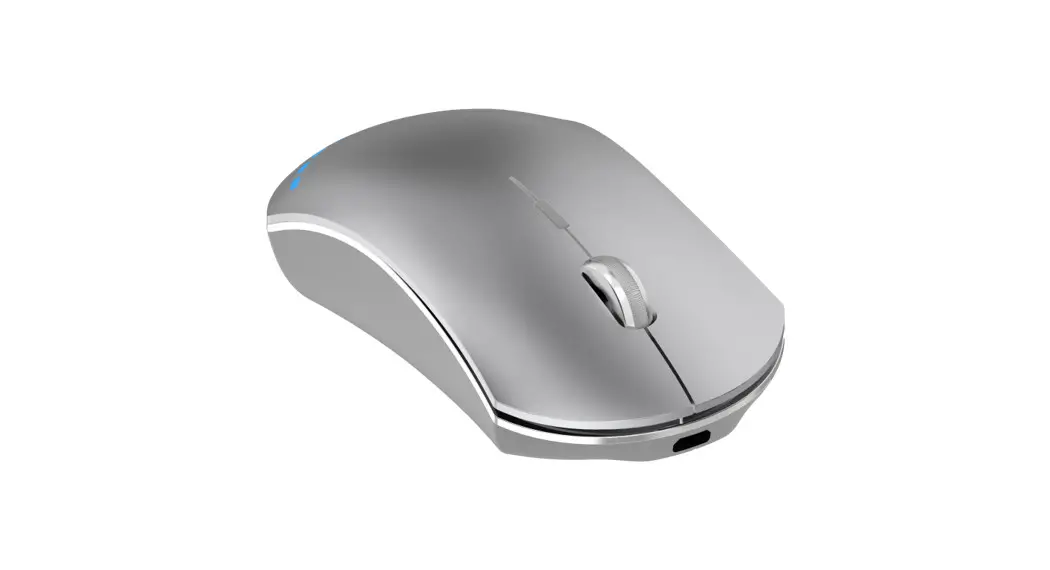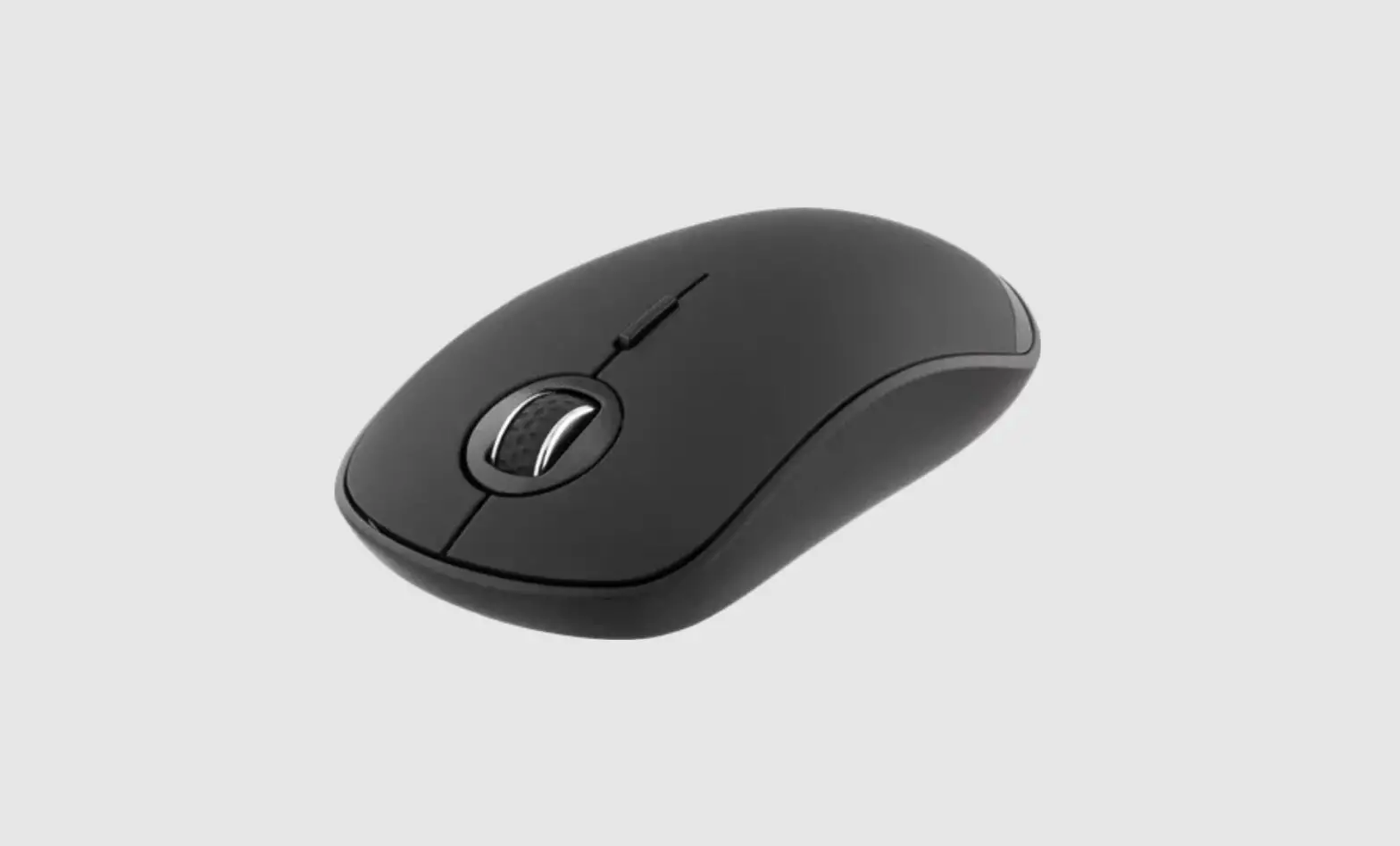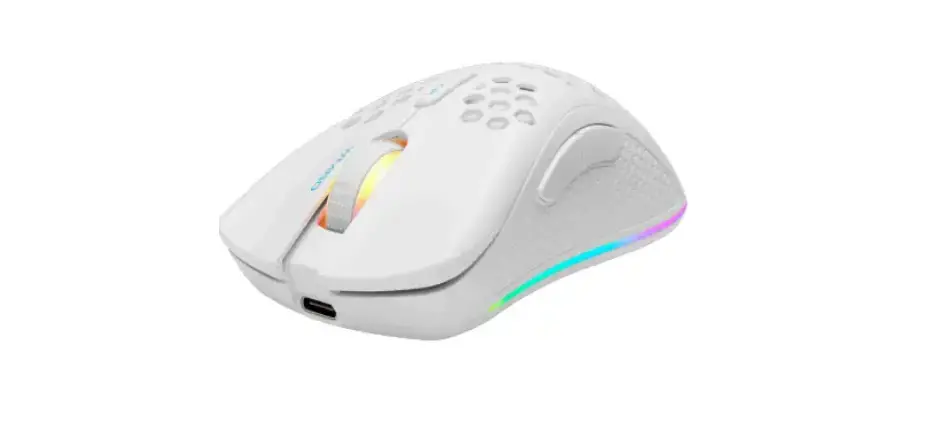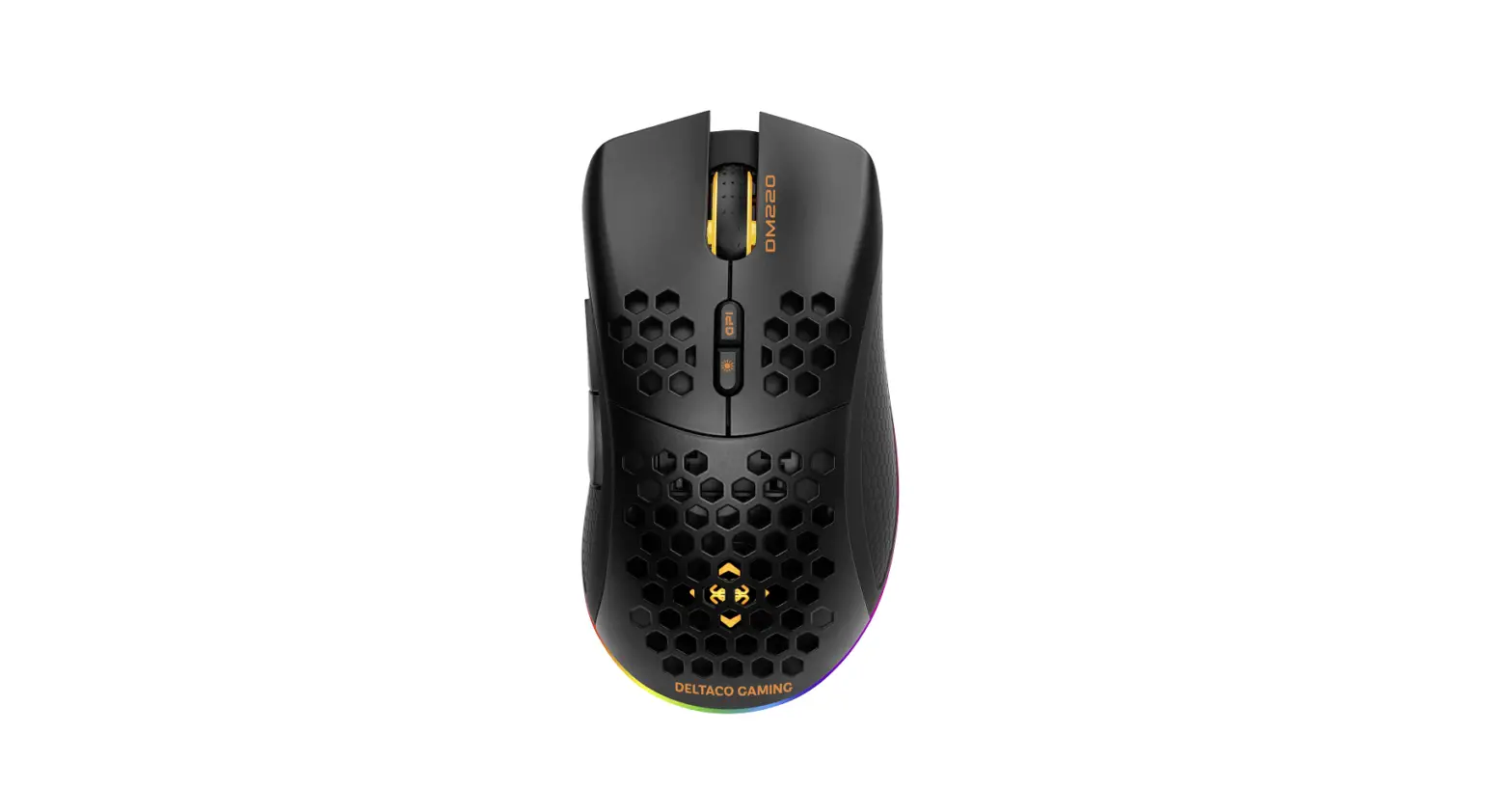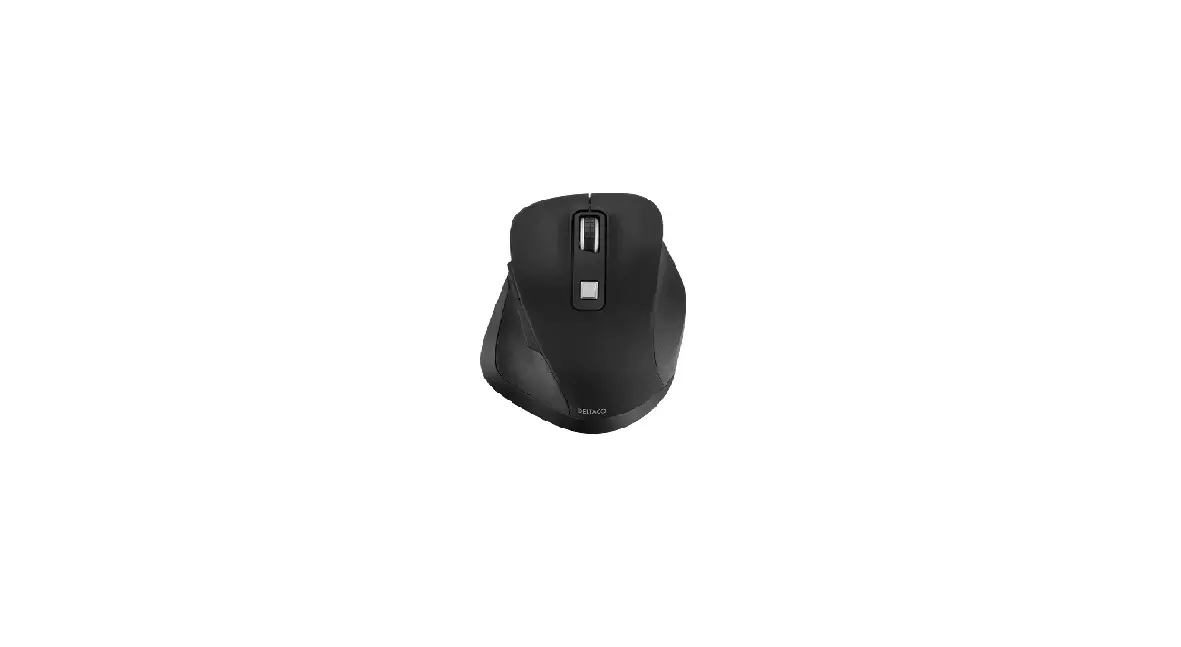
 DELTACO DELO-0310 Wireless Mouse


Connect: Connect the USB receiver to a USB port on your computer. Drivers will be loaded automatically. No driver installation is needed. The mouse connects automatically to the USB receiver.
DPI: Use the DPI button to change the DPI between 800/1200/1600/2000/2400.
Battery: Open the battery compartment and insert 2 x AAA batteries. Close the battery compartment. Do not mix old and new batteries and not mix batteries with different brands.
Warranty: Please, see www.deltaco.eu for warranty information.
Support:
More product information can be found at www.deltaco.eu. Contact us by e-mail: [email protected].
PARTS OF MOUSE
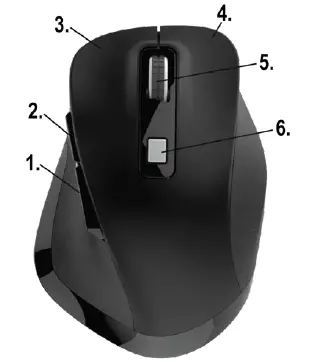 1. Backward button
2. Forward button
3. Left mouse button
4. Right mouse button
5. Mouse wheel and button
6. DPI button
 Welcome Page
 Pages - Home