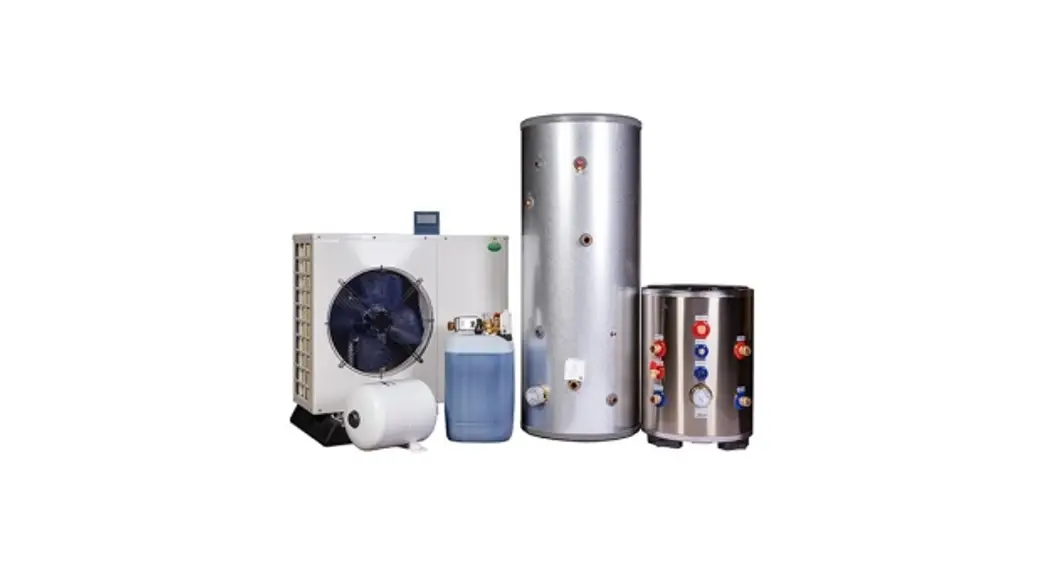
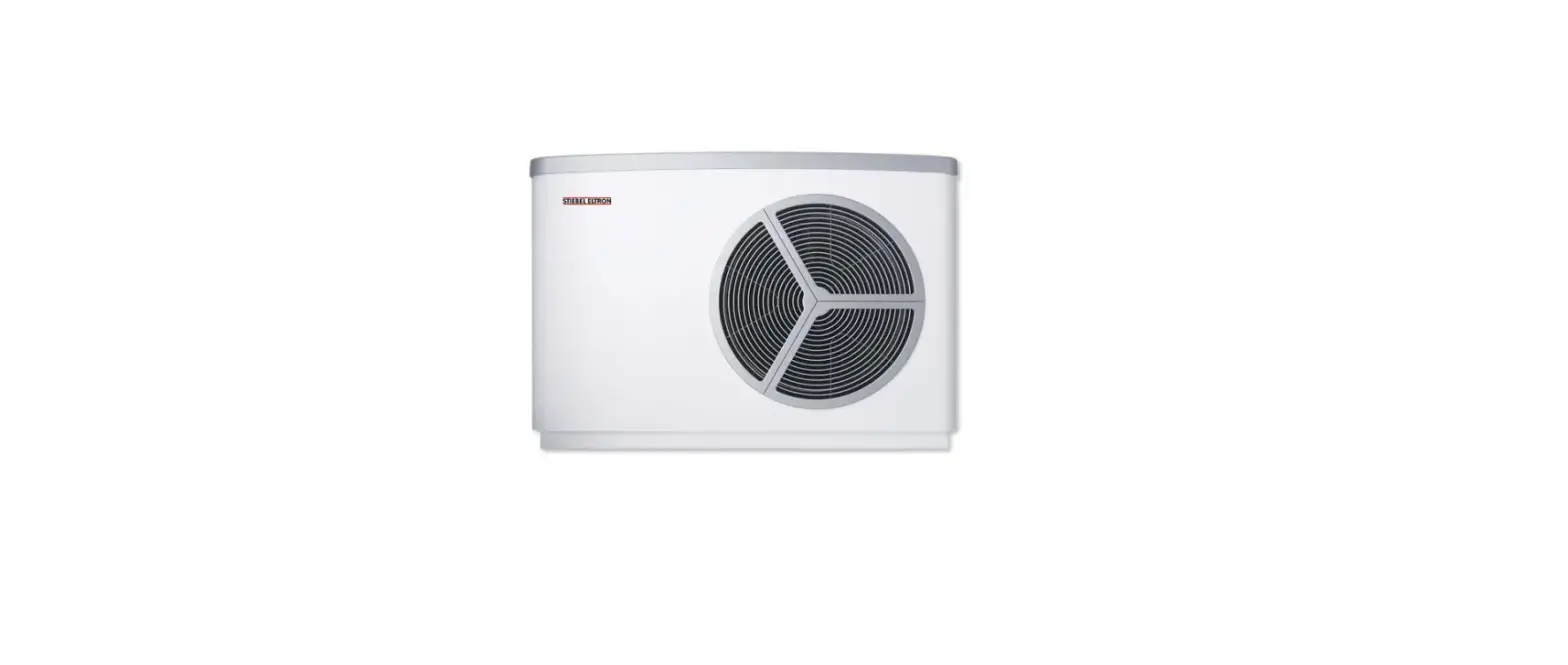
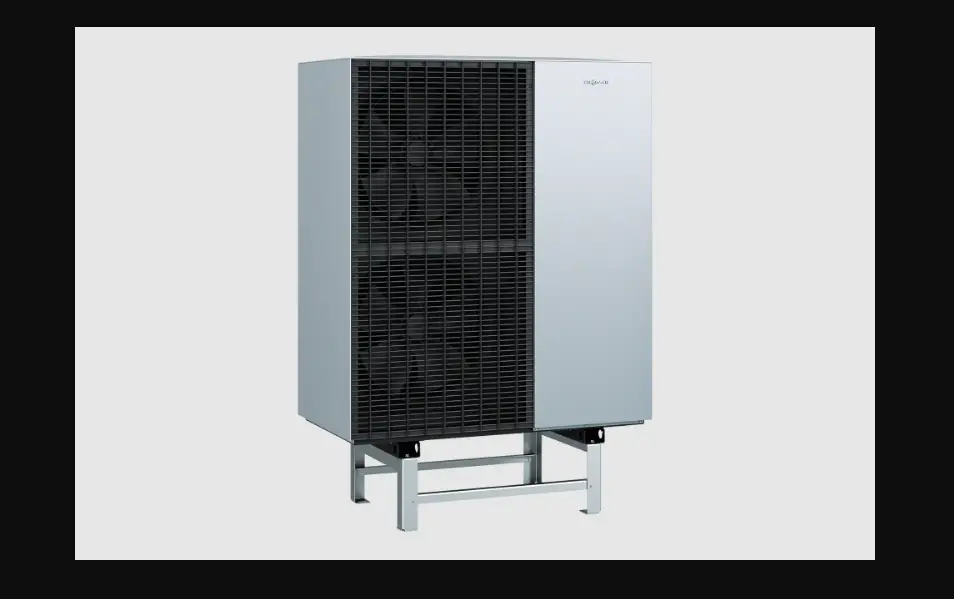
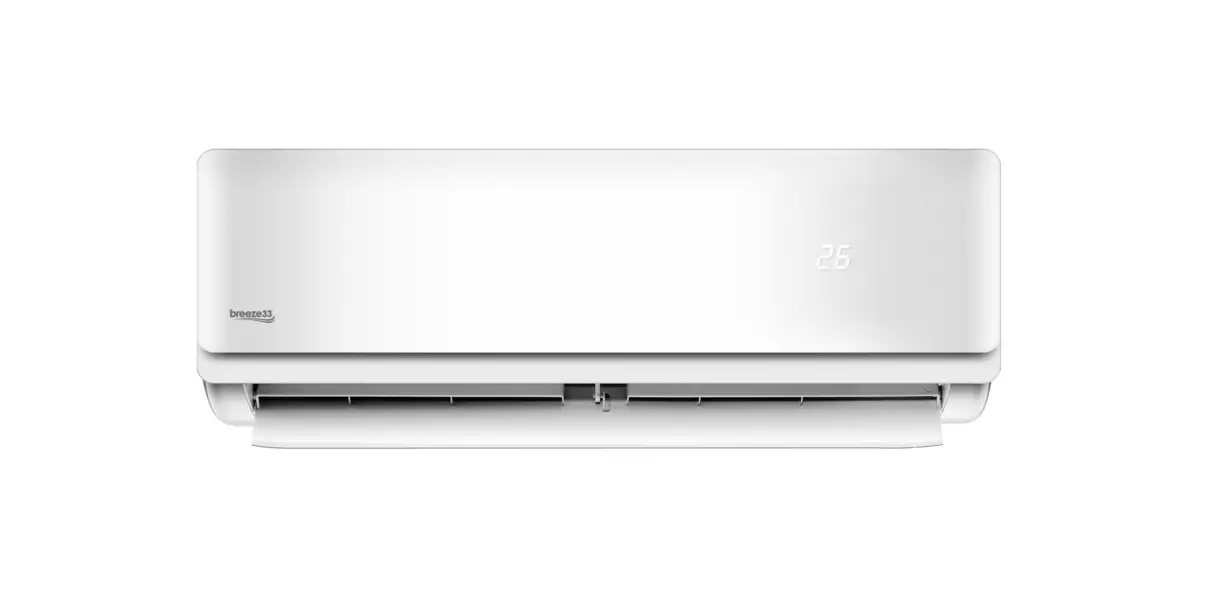
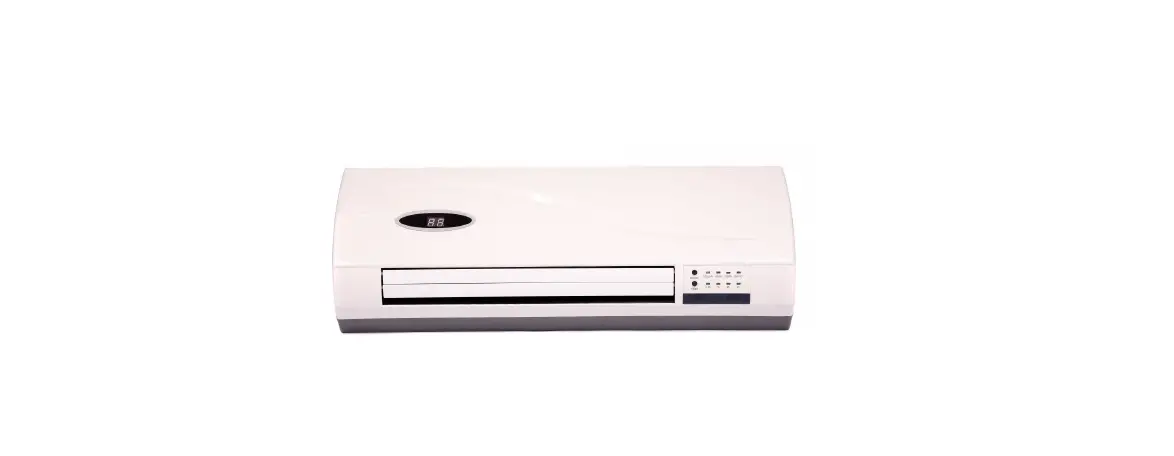
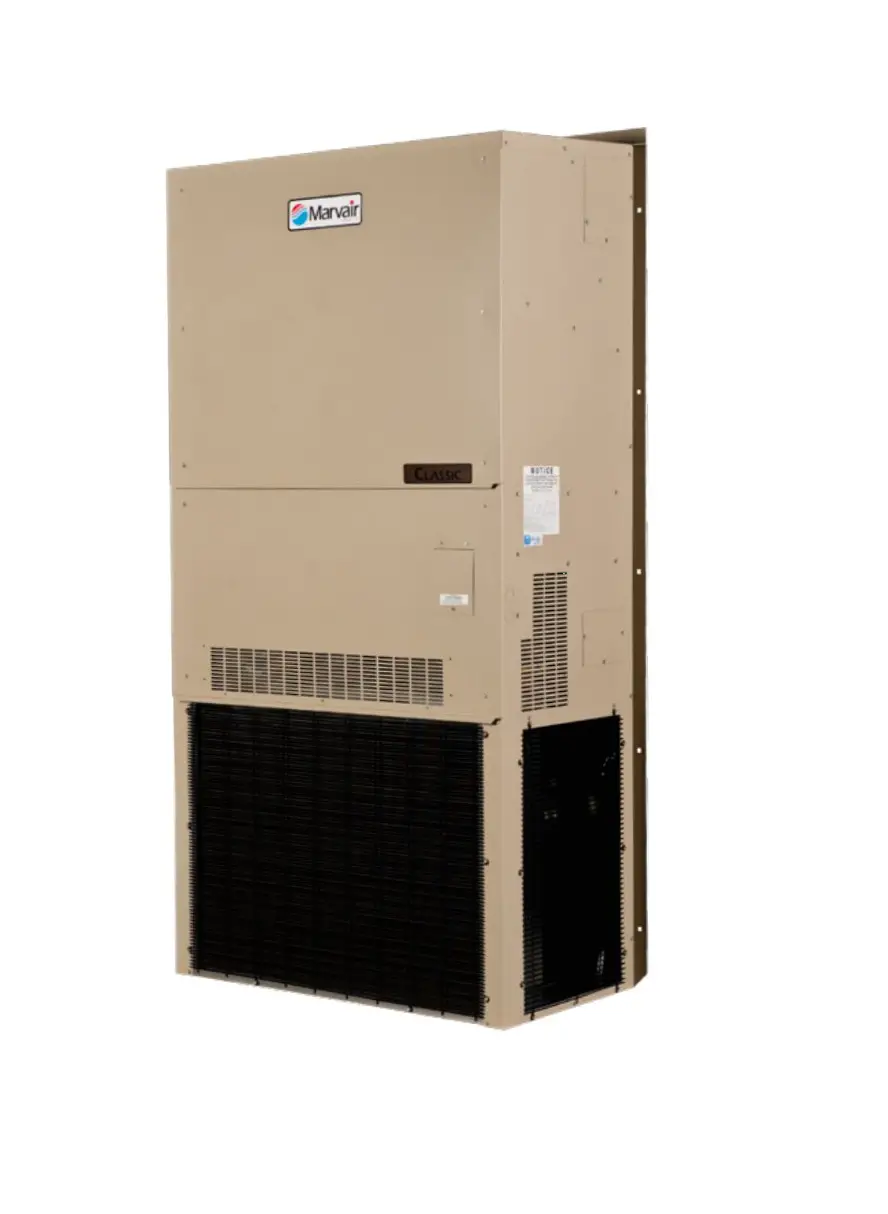
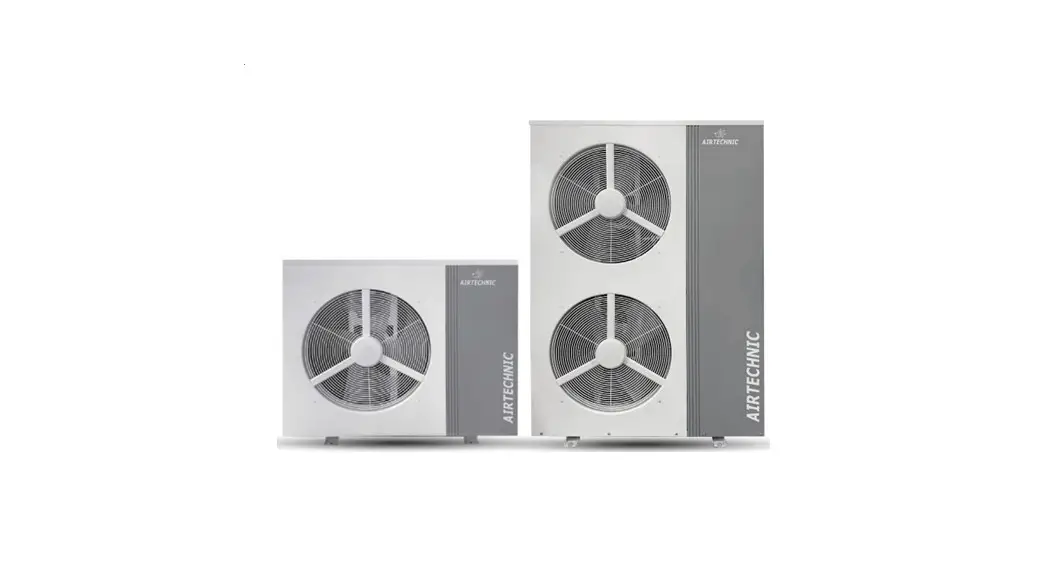
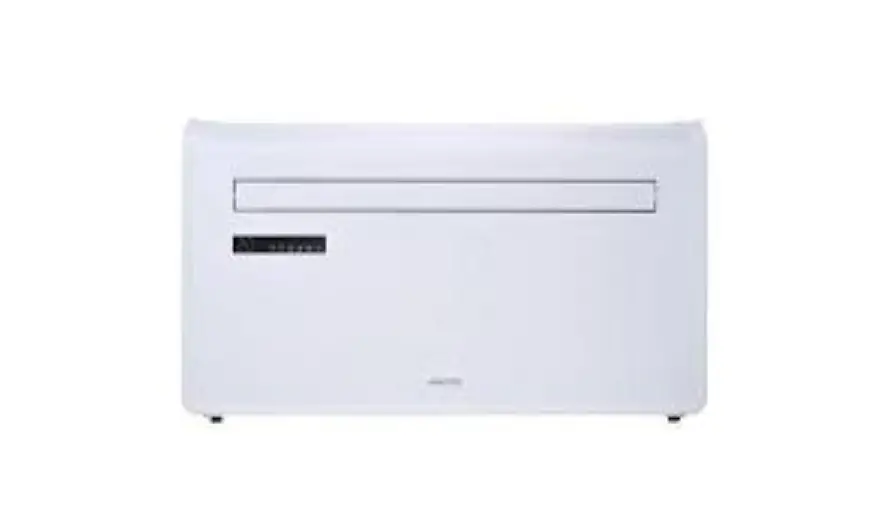
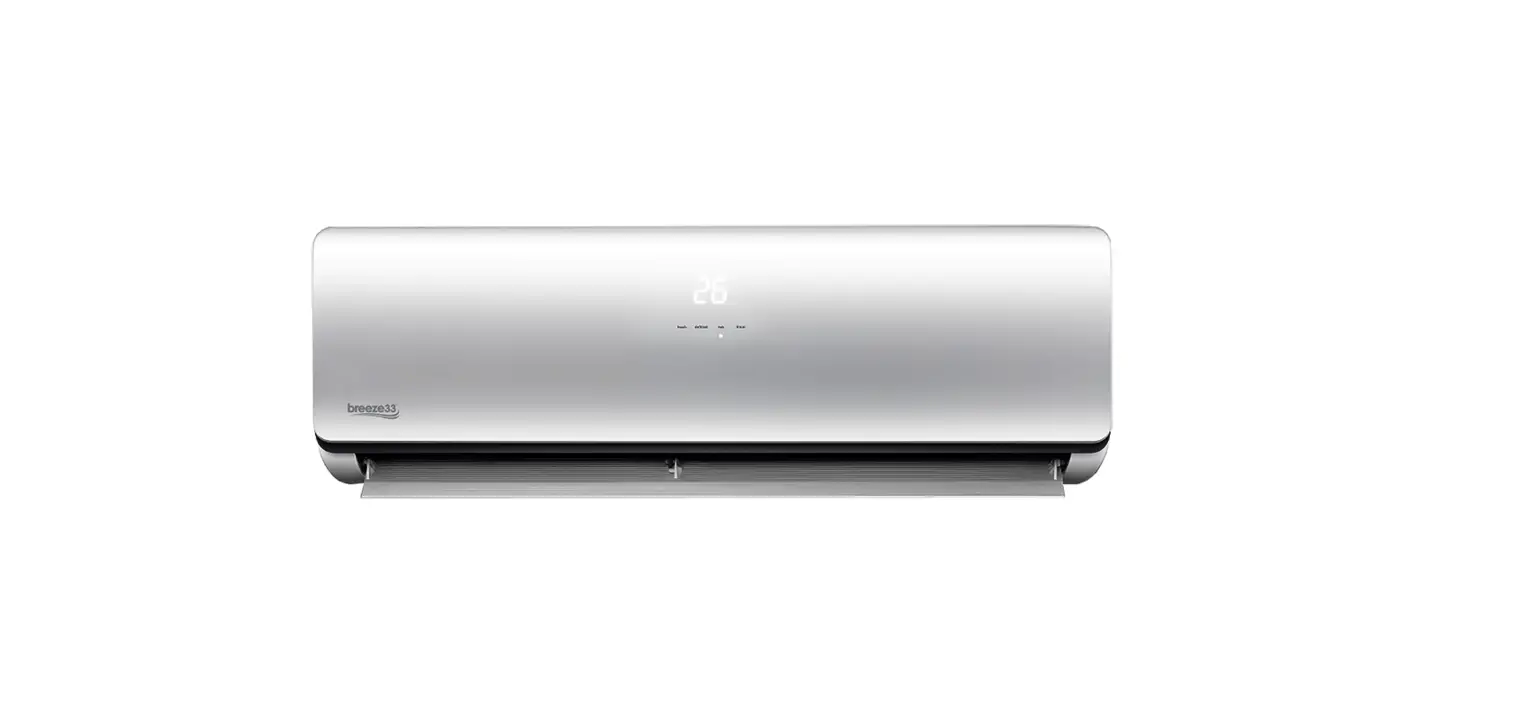
S300 Wall Hung Air Source Heat Pump
Product Information:
Product Name: Wall Hung Air Source Heat Pump
Model: S300
Manual: Installation Operation and Service Manual
Features: – Activair Air source Heat Pump – Suitable for earthed
sockets – Uses glues, sealants, and paints that present no known
hazards Usage Instructions:
1. Read the manual: Before installing, operating, and maintaining
the unit, carefully read the manual provided. 2. Compliance:
Install the unit only when it complies with local regulations,
by-laws, and standards. Also, check the main voltage and frequency.
3. Professional installation: The unit should be installed by a
professional person. Consult the dealer or a specialized installer
for correct installation. 4. Secure installation: Install the unit
securely in a place to prevent injury from falling. Take measures
for sufficient ventilation when installing in a small room. 5.
Electrical connections: Use specified electrical wires and firmly
attach them to the terminal board. Incorrect connection and fixing
may cause a fire. 6. Use specified parts: Use provided or specified
parts for installation work. The use of defective parts can cause
injuries or accidents. 7. Follow installation instructions: Perform
the installation securely and refer to the installation
instructions provided. Incorrect installation can lead to injuries
or accidents. 8. Electrical work: Perform electrical work according
to the installation manual and use a dedicated section.
Insufficient capacity or incomplete electrical circuit can result
in a fire or electric shock. 9. Earthed connection: The unit must
always have an earthed connection. Do not connect if the power
supply is not earthed. 10. Extension cable: Never use an extension
cable to connect the unit to the electric power supply. If no
suitable, earthed wall socket is available, have one installed by a
recognized electrician. 11. Repairs and maintenance: Do not move or
repair the unit yourself. Improper movement or repair can lead to
water leakage, electrical shock, injury, or fire. Contact a
recognized service engineer for any repairs and maintenance.
Wall Hung Air Source Heat Pump
S300 Installation Operation and Service Manual
PLEASE READ THESE INSTRUCTIONS CAREFULLY BEFORE INSTALLING AND OPERATING THIS APPLIANCE
TO BE RETAINED BY HOUSEHOLDER
Page
Contents
INTRODUCTION
This manual includes the necessary information about the unit. Please read this manual carefully before you install, operate, and maintain the unit.
By Fitting this Activair Air source Heat Pump, you agree:
· The unit has been received in good condition. · You have carried out a heat loss calculation and are sure that this heat pump is suitable. · You have carried out a load and voltage test to determine the correct size of breaker to be used. · You meet the requirements of the appropriate Building Regulations
HEALTH AND SAFETY
INFORMATION FOR THE USER, INSTALLER AND SERVICE ENGINEER
Under the Consumer Protection Act 1987 and the Health and Safety at Work Act 1974, it is a requirement to provide information on substances hazardous to health (COSHH Regulations 1998). TR Engineering takes every reasonable care to ensure that its products are designed and constructed to meet these safety requirements when the products are professionally installed and used. To fulfil the requirements, products are comprehensively tested and examined before despatch. When working on the appliance, it is the responsibility of the user or engineer to ensure that personal protective clothing or equipment appropriate to parts that could be considered hazardous or harmful is worn.
This appliance may contain some of the items below:
Glass rope, mineral wool, insulation pads, ceramic fibre, and glass insulation. When handling, avoid inhalation and contact with eyes. These may be harmful and cause irritation to the skin, eyes, nose, or throat. Use disposable gloves, face masks and eye protection. After handling, wash hands and other exposed areas. When disposing of materials, limit dust and the risk of inhalation by using water spray. Ensure materials are securely wrapped. Seek urgent medical attention if inhaled or ingested. Exposure to eyes and skin should be followed by immediate cleansing of the affected areas and medical attention if necessary.
Glues, Sealants and Paints The glues, sealants and paints used present no known hazards when the appliance is used in the manner for which it is intended.
TEST SPECIFICATION
EN 14825:2018 EN 14511 4:2018 Clause 4
SAFETY PRECAUTIONS
To prevent injury to the user, other people, or property damage, the following instructions must be followed. Incorrect operation due to ignoring of instructions may cause harm or damage.
Install the unit only when it complies with local regulations, by-laws, and standards. Check the main voltage and frequency. This unit is only suitable for earthed sockets.
The following safety precautions should always be considered: – Be sure to read the following WARNING before installing the unit. – Be sure to observe the cautions specified here as they include important items related to safety. – After reading these instructions, be sure to keep it together with the manual in a handy place for future
reference.
Only to be installed by a professional person. Incorrect installation could cause injury due to fire, electric shock, the unit falling or leakage of water. Consult the dealer from whom you purchased the unit or a specialized installer.
Install the unit securely in a place. When insufficiently installed, the unit could fall causing injury. When installing the unit in a small room, please take measures (like sufficient ventilation) to prevent the asphyxia caused by the leakage of refrigerant.
Use the specified electrical wires and attach the wires firmly to the terminal board (connection in such a way that the stress of the wires is not applied to the sections). Incorrect connection and fixing could cause a fire.
Be sure to use the provided or specified parts for the installation work. The use of defective parts could cause an injury due to fire, electric shocks, the unit falling etc.
Perform the installation securely and please refer to the installation instructions. Incorrect installation could cause an injury due to fire, electric shocks, the unit falling, leakage of water etc.
Perform electrical work according to the installation manual and be sure to use a dedicated section. If the capacity of the power circuit is insufficient or there is an incomplete electrical circuit, it could result in a fire or an electric shock.
The unit must always have an earthed connection. If the power supply is not earthed, you may not connect the unit.
Never use an extension cable to connect the unit to the electric power supply. If there is no suitable, earthed wall socket available, have one installed by a recognized electrician.
Do not move/repair the unit yourself. Improper movement or repair on the unit could lead to water leakage, electrical shock, injury, or fire. Have any repairs and/or maintenance only carried out by a recognized service engineer.
Do not plug or unplug the power supply during operation. There is a risk of fire or an electric shock.
Do not touch/operate the unit with wet hands. There is a risk of fire or an electric shock.
If the supply cord is damaged, it must be replaced by the manufacturer or its service agent or a similarly qualified person to avoid a hazard.
This appliance has not been designed for use by persons (including children) with reduced physical, sensorial, or mental faculties or by persons without any experience or knowledge of heating systems, unless they act under the safety and supervision of a responsible person or have received prior training concerning the use of the appliance.
Children should be supervised to ensure that they do not play with the appliance.
IF THE PRODUCT IS NOT TO BE USED FOR AN EXTENDED PERIOD OF TIME, WE STRONGLY RECOMMEND NOT TO SWITCH `OFF’ THE POWER SUPPLY OF THE UNIT. IF THE POWER IS NOT SUPPLIED, THE ANTI-FREEZE FUNCTION WILL NOT BE PERFORMED. Do not install the unit in a place where there is a chance of flammable gas leaks. If there is a gas leak and gas accumulates in the area surrounding the unit, it could cause an explosion.
Do not install the unit outside. The unit must be installed inside in a dry environment.
Perform the drainage/piping work according to the installation instruction. If there is a defect in the drainage/piping work, water could leak from the unit and household goods could get wet and be damaged.
Do not clean the unit when the power is `on.’ Always shut `off’ the power when cleaning or servicing the unit. If not, it could cause an injury due to the high-speed running fan or an electrical shock.
Do not continue to run the unit when there is a suspected fault. The power supply needs to be shut `off’ to stop the unit; otherwise, this may cause an electrical shock or fire.
Be cautious when unpacking and installing the product. Sharp edges could cause injury. Especially watch the edges and the fins on the heat exchanger of the product. Always check for gas (refrigerant) leakage after installation or repair of product. Low refrigerant levels may cause failure of the product. Keep level even when installing the product.
Do not place hands or fingers or others into the fan, or evaporator. The ventilator runs at high speed, this could cause significant injury.
Performance Characteristics 3 Minute protection When the unit is turned off and the end user immediately re-starts the unit, the start will be delayed by 3 minutes to protect the compressor. Defrost Function The unit will automatically defrost when required for a duration of between 2 and 10 minutes. The compressor will continue to run, the fan will stop running.
TR ENGINEERING LTD CUSTOMER AFTER SALES SERVICE INFORMATION
The Heat Pump comes with a 2 Year warranty, providing the Heat Pump is registered within 30 days from the date of installation. Register online at: www.trianco.co.uk/product-registration Terms and Conditions apply, please see Trianco web site for details. The Heat Pump must be serviced annually by a suitably qualified Heat Pump Engineer to qualify for warranty after the first year.
Please note you will require the full Heat Pump serial number to be able to register the unit. The serial number is located on the right-hand side of the Heat Pump and can also be found on the box the Heat Pump came in.
A step-by-step guide to reporting a fault with your appliance.
A qualified field SERVICE ENGINEER is available to attend a breakdown or manufacturing fault occurring whilst the appliance is under warranty. The appliance must be made available for service during normal working hours, Monday to Friday (no weekend work or bank holidays accepted).
A charge will be made where:
· Our Field Service Engineer finds no fault with the appliance. · The cause of a breakdown is due to other parts of the plumbing/heating system or with equipment not
supplied by TR Engineering Ltd. · Where the appliance falls outside the warranty period. · The appliance has not been correctly installed, as recommended (see installation, operating and servicing
instructions.) NOTE: Over 50% of all service calls made are found to have no appliance fault.
What to do in the event of an appliance fault or breakdown:
Step 1: Always contact your installer in the first instance, who must thoroughly check all their work PRIOR to requesting a service visit from TR Engineering LTD.
Step 2: If your appliance has developed an in-warranty fault your installer should contact TR Engineering LTD for assistance from site.
What happens if my Installer/engineer is unavailable?
Step 3: Contact TR Engineering LTD. We will provide you with the name and telephone number of our Service Agent. However, a charge may apply if the fault is not covered by the appliance warranty (payment will be requested on site by our independent Service Agent).
PLEASE NOTE: UNAUTHORISED INVOICES FOR ATTENDANCE AND REPAIR WORK CARRIED OUT ON THIS APPLIANCE BY ANY THIRD PARTY WILL NOT BE ACCEPTED BY TR ENGINEERING LTD
Register your product online – www.trianco.co.uk/product-registration
SERVICE CENTRE AND TECHNICAL SUPPORT Tel: 0114 257 2300 Fax: 0114 257 1419 Hours of Business Monday to Thursday 8.30am – 5pm Friday 8.30am – 2.30pm
Installation Dimensions
845 640
Condensate Drain
Flow Return
425 Air Outlet
Air Intake
Flow Drain
165 Return
95
105 85
280
200
200
845 640
Clearances
Min 500
Min
Min
150
150
Full access is required to the front of the unit for service and operation.
Installation
Mounting
The heat pump can only be hung on a flat wall capable of carrying the weight of the unit and any associated ductwork. Using suitable fixings for the wall type attach the hanging bracket to the wall allowing for the unit clearances in the above diagram. The unit must be level and fully accessible from the front.
Ductwork
Ductwork should not exceed 6m in total and have a maximum of 2 x 90-degree elbows.
Exhaust air should always be terminated to outside the dwelling using insulated 150mm diameter plastic ducting.
Extract air can be taken from outside the building or from inside the building. Feeding the unit with air from inside the building is more beneficial due to the internal ambient temperature being more stable and generally at a higher temperature than outside. Supply of free air into the building must be equivalent to the heat pump requirements.
Ductwork terminating to the outside should slope away from the unit by 2 degrees to allow for any water to drain away from the unit.
Please observe the maximum flue duct lengths
Maximum Duct length 3000m
Ducting should slope to outside (2 degrees)
Air Out
Air In
Any ductwork passing through an unheated space must be insulated to avoid condensation and/or heat loss or heat gain.
Auxiliary Air Heater The unit is supplied with a 1kW auxiliary air heater. Fitting is optional. If fitted the unit will raise the inlet air temperature. This would be beneficial in winter when ambient air temperatures are lower. The unit should be fitted on the air inlet ducting. The unit requires a correctly sized 3-core cable for the power supply. Use connections L1 & N2 on the main boiler terminal block. The cable should be routed through the top of the unit using the supplied cable gland.
L N 1 L1 N2
Route the supply cable through the gland on the Auxiliary Air Heater and connect to the mains terminal block. Please see separate instruction for further information on fitting the Auxiliary Air Heater.
Typical Installation Examples
The following basic examples are for guidance only. All systems should have the relevant system components, e.g., Isolation valves, system filter, drain cock, Pump, expansion vessel, air vents and comply with the following British Standards. It is the installers responsibility to ensure the installation complies with the relevant standards.
BS EN 12828 Heating systems in buildings: Design for water-based heating systems. BS EN 12831 Heating systems in buildings: Method for calculation of the design heat load. BS EN 14336 Heating systems in buildings: Installation and commissioning of water-based heating systems. BS7671 Requirements for electrical installations. IEE wiring Regulations. Seventeenth Edition. BS EN 7593 Code of practice for treatment of water in heating systems.
The Building Regulations: Part `L’ (Northern Ireland) Current I.E.E. Regulations Local water undertaking By-laws.
Relevant Heating and Hot water controls will be required to complete the system dependant on system type.
All Pipe work should be flushed before connecting the heat pump.
The system should be treated with a suitable antifreeze, or an antifreeze type valve should be fitted on the flow and return pipe work if any part of the system is susceptible to freezing.
All air should be removed from the system. Air vents should be installed at all high points in the system.
Any pipework runs in areas that are un-heated must be insulated.
All pipework connections are located on the left-hand side of the heat pump. Flow and return connections are female ¾ BSP. Condensate drain connection is female ½ BSP.
Isolation valves must be installed directly below the unit to allow for maintenance and/or repair of the heat Pump. It is also essential that a Y-strainer is installed on the return pipe work close to the heat pump. This should be cleaned annually as part of the service schedule. The heat pump is only suitable to be installed on a pressurised system, please ensure all sealed system components (not provided) are in place before operating the unit.
Direct connection without buffer tank Domestic Hot Water Only
ASHP
Hot Water Only
AAV
Expansion vessel and safety valve
set
NTC Flow Sensor
NTC Return Sensor
Filling Loop
DHW Cylinder
Heating With Buffer
Heating with Buffer
Prgrammable Room
Thermostat
AAV
AAV NTC Flow
Sensor
Buffer
Expansion vessel and safety valve
set
Filling Loop
NTC Return Sensor
ASHP
Heating & Hot Water with Buffer S-Plan Wiring
DHW Cylinder
Heating & Hot Water with Buffer
Thermostat
2 Channel Programmer
Wiring Center
2 Port Zone Valves
AAV
AAV NTC Flow
Sensor
Buffer
NTC Return Sensor
Expansion vessel and safety valve
set
Filling Loop
ASHP
Heating only With Volt Free Switching
Heating Only
Prgrammable Room
Thermostat
AAV
ASHP
NTC Return Sensor
NTC Flow Sensor
Expansion vessel and safety valve
set
Filling Loop
Heating & Hot Water S-Plan wiring with Volt Free Switching.
ASHP
Heating + Hot water
Thermostat
2 Channel Programmer
AAV
NTC Flow Sensor
NTC Return Sensor
Auto By Pass
2 Port Zone Valves
Wiring Center
Expansion vessel and safety valve
set
Filling Loop
Expansion Vessel Capacity
A diaphragm type expansion vessel, conforming to the current issue of BS4814 will be required. The expansion vessel must be connected to the systems at a point close to the inlet side of the circulating pump. The expansion vessel volume depends on the total water system volume and the initial system design pressure. For any system an accurate calculation of vessel size is given in the current issue of BS5449 and BS7074 Part 1. The water content of the heat pump is given in the technical specification. Note a higher initial design pressure requires a larger volume expansion vessel. The charge pressure must not be less than the static head of the system, which is the highest point of the system above the expansion vessel.
NOTE: Failure to ensure the correct vessel size could result in premature failure of the expansion vessel which in turn may adversely affect other components in the system i.e., circulating pump and diverter valve.
Capacity of Expansion Vessel
Where design information is not complete the following chart can be used for selecting the size of the vessel, it should be noted that the size given in the table takes account of fault conditions.
Safety valve setting (bar gauge) Vessel charge and initial system pressure (bar gauge)
Total water content of system (litre) 25 50 75 100 125 150 175 200
3 Bar
0.5
1.0
1.5
Vessel volume (litre)
2.3
3.3
5.9
4.7
6.7
11.8
7.0
10.0
17.7
9.4
13.4
23.7
11.7
16.7
29.6
14.1
20.1
35.5
16.4
23.4
41.4
18.8
26.8
47.4
Safety Valve
A safety valve set at 3 bar must be fitted with the drain routed to the outside of the building. The drain must not discharge above an entrance or a window or any public access area, be clear of any electrical fittings and positioned so that any discharge can be seen.
System
Flexible Hoses
Flexible Hoses must be used for connection between the heat pump and fixed pipework.
Isolation Valves
Full bore Isolation valves must be fitted on both the flow and return pipe work. Either connected to the unit or directly after the flexible hoses. Warranty work will not be undertaken if not fitted.
Pressure Gauge
A pressure gauge must be permanently fitted in the system covering a range from 0 to 4 bar. Position where it can be seen when filling the system.
System Makeup
Provision can be made by pre-pressurisation of the system via a temporary hose connection and through a double check valve (non-return) and stop valve. There must be no permanent connection to the mains water valve supply even through a non-return valve.
Drain Tapping
A drain tapping must be provided at the lowest point of the system, which will allow the entire system to be drained.
In-Line Filter
An in-line strainer or Magnetic type system filter must be fitted internally on the return pipework close to the heat pump.
Drain Connection
The heat pump absorbs heat from the air, any moisture in the air will condense on the evaporator. The condensate water must be drained from the unit via the drain connection. The drain connection should run to a water trap to prevent smells entering the property from the drainage system. Pipe work from the appliance must terminate within the trap above the water line. Pipe work must also have a continuous fall to the main drain.
Appliance Drain Pipe Work
Air Gap
Water Level
Trap
App Control
The unit is supplied with a pre-installed Data Transfer Unit (DTU) to allow control of the High Temperature Heat pump via the Hitemp App.
Available to download from the Google Play store for Android devices or Apple App Store for iOS devices. Please see the separate User Instructions for guidance on Downloading the App, set up and operation.
Note: Data connection and DTU set up may take up to 15 minutes. Once connection has been made, Trianco will be able to see the unit on-line via the iOT platform. Trianco will be able to monitor and adjust settings if requested. This may become useful at the commissioning stage of the install or if the unit experiences any issues. Unless the location has a WiFi coverage issue the DTU must be connected as part of the warranty conditions.
Electrical Connections Power Cable
The unit is supplied pre-wired with a 3-core flex which should be connected to a 13a Switched fused spur which disconnects all poles with a contact gap of at least 3mm. The flex enters the unit through a cable gland located on the top panel. The Heat Pump should not be powered on unless the system is filled with water.
Temperature sensors
The unit is supplied with 2 sensors for flow and return temperature monitoring. These are to be placed in suitable dry pockets connected to the pipework. Sensor positions will vary depending on system, see system examples for guidance. Sensors are connected to the unit by two plugs which terminate on the top panel.
Auxiliary Heater
The unit can supply power to an auxiliary heater with an output not exceeding 2kW. Use connections L1 & N2 on the main boiler terminal block. The cable should be routed through the top of the unit using the supplied cable gland.
Volt Free Switching
Remove the red link between the two connecters which can be located at the top, back right-hand corner of the unit and connect to a suitable volt free switching device such as a programable room thermostat. This will allow the heat pump to be turned On/Off remotely. Alternatively, if incorporating an S-Plan system the two zone valve microswitches can be utilised to carry out the volt free switching. Y-Plan systems cannot be used. Please follow the manufacturers instructions for the chosen control. If in any doubt please contact the manufacturer, alternatively contact Trianco for assistance. DO Not apply mains voltage to the volt free connectors. This will damage the Heat Pumps main circuit board and void the warranty.
System Wiring
Domestic Hot water Only
Requires a power supply to the heat pump. The Heat Pump controls the Cylinder temperature via the user interface.
Heating With Buffer
Requires a Programable room thermostat which will control the circulating pump. The Heat Pump controls the Buffer temperature via the user interface and NTC sensors.
Heating & Hot Water with Buffer S-Plan Wiring
The S-plan system controls Heating and Hot Water. The Heat Pump controls the Buffer temperature via the user interface and NTC sensors.
Heating Only with Volt Free Switching
Requires a Programable room thermostat capable of volt free switching. Remove the link between DI05 and GND and connect to Common and On of the Programable room thermostat. The Programable room thermostat will switch the heat pump On/Off.
Heating & Hot Water S-Plan wiring with Volt Free Switching.
The S-plan system controls Heating and Hot Water. The S-plan wiring needs to be configured so the Orange and Grey wires to the 2-Port valves are volt free. Remove the link between DI05 and GND and connect DI05 to Grey and GND to Orange.
Inspection Before Operation
Check all pipework and Electrical connections are correct. Make sure the system is full of water, all relevant valves are open, and the system shows no signs of leaks. Ensure all air has been vented from the system and the system pressure is correct. Check the supply voltage is correct and the unit is earthed. Review the control interface and see if there are any fault codes indicated. Reference the Fault Code list for information regarding any code shown on the display. Make sure the sensors are located in the correct position depending on system configuration.
Operation
Depending on system configuration, make sure any volt free controls connected to the heat pump are calling for heat. Press the Power button on the heat pump user interface. Adjust the set temperature by using the Up and Down arrows. The heat pump will now run until it reaches the chosen target temperature. See Display Operation Guide for further information on controlling the heat pump.
Internal Wiring Diagram
Technical Specification
Model
Heating capacity Power input Current input
Rated power input Rated current input Power supply Internal fuse Rating Compressor quantity Compressor Fan motor speed Fan motor quantity Water pump power Water volume Noise Water inlet Water outlet Air Inlet Air Outlet Condensate drain outlet
Range of ambient temp. Refrigerant Type Refrigerant content Operation pressure (Low Side) Operation Pressure (High Side) Rated water flow System pressure
Target water temp. set Net dimensions Shipping dimensions(L/W/H)
Net weight Package weight IPX Rating
kW kW A kW A V/Ph/Hz A
RPM
W l dB(A) DN DN mm mm DN
g MPa MPa
m³/h MPa mm mm kg kg
S300
3.0 0.73 3.2
1.2 5.2 230V~/50Hz 5 (5 x 20mm) 1 Rotary 830 1 80 0.56 50 20 20 150 150 20
-5~43 R410A
750 1.5 4.4 1.0 0.15 0.7
38 – 60 See the drawing of the unit
See the package label 67
See the package label 1
Display Operation Guide
NO. Button
Name
Function
1
ON/OFF
Turn on/off the unit.
2
Mode
Switch unit running modes or save setting parameters.
3
Clock
Set the clock or the timer.
4
Electric Heater Turn on/off the electric heater or switch fan modes.
5
Up
Move up or increase parameter values.
6
Down
Move down or decrease parameter values.
Status icon.
Name
What it means
Heating
Shows that the unit is in heating mode.
Eco. heating
Shows that the unit is in eco. heating mode.
Vacation
Shows that the unit is in vacation mode.
Cooling Fan
Shows that the unit is in cooling mode Shows that the fan is on and the speed of the fan.
Electric heater
Set temperature achieved
Shows that the electric heater is on.
Shows that the water temperature has reached the target point and the unit shut off automatically.
Parameter setting Temperature Timer & OFF
Shows that the parameter is adjustable.
Shows that the temperature is non- adjustable (measured value).
Shows that the unit will be turned off by the timer automatically.
Timer & ON Minute
Shows that the unit will be turned on by the timer automatically.
Shows that the main display area displays the minute.
Second Centigrade Fahrenheit
Shows that the main display area displays the second.
Shows that the temperature in Main display area or Auxiliary display area is in .
Shows that the temperature in Main display area or Auxiliary display area is in.
Lock
Shows that the keyboard is locked.
Wi-Fi
Shows that the Wi-Fi connection is act6ive.
Turn ON/OFF the unit Press ” ” and hold for 0.5s in the standby interface of the wire controller to turn on the unit and at this time the main display area shows the water outlet temperature. Press ” ” and hold for 0.5s in the running interface of the wire controller to turn off the unit and at this time the main display area shows OFF. Note: The ON/OFF button can only be used to turn on/off the unit in standby or running interface of the wire controller.
Timer setting 1) Under the standard mode, economic mode, intelligent mode, you can enter the timer setting. Press” ” and hold for 2s, the” ON” and” 1″ will flash, and then you can set the turn on time of timer1 as the 2.6 clock setting show. After finishing,” OFF” and” 1″ will flash, that means you can set the turn off time of timer1. The” ON” and” 2″ will flash after finishing the timer1 setting, you can set the turn on time of timer2. After finishing, the” OFF” and” 2″ will flash, and then you can set the turn off time of timer2. Press” ” again to save and back to the interface. If you don’t need to set the timer2, you can press the” ” to save after finishing the timer1 setting. You will find the” ON” and” 2″ flash. No operation for 5s, the program will back to the interface automatically. Note: When press” ” and hold for 2s, the” ON” and” 1″ will flash. It is not necessary for you to set the turn on time of the timer1. You can sequentially to press” ” for 2s to enter to the turn off time of timer1. So does the timer2. Or press” ” or” ” to circularlydisplay. Timer Cancel: Press” ” and hold for 2s to enter into the interface, and then press” ” to cancel all the operation. Please see the following picture for more details.
Example: Running period 1: 8:00~10:00; Running period 2: 16:30~20:00
Vacation mode
Press” ” and hold for 2s to enter into the timersetting interface. The symbol “ON ” and the date parameter are flashing at this time. Then set the date in the same way as” 2.6″ . Example: Set the start-up date on September 28 (Note: Turn off the unit before going out.)
Cancelling the timer setting.
Auxiliary Electric Heater (If fitted)
The electric heater can be turned on when the unit is heating or standby. Press” ” once to turn on
the electric heater and press” ” again to shut it off.
Electric heating mode
When the unit is turned off, press” ” which will turn on the electric heating mode.
At this time, the
is shown on the display.
Mode Selection
Press ” ” to select Standard heating mode, Eco heating mode, Vacation heating mode, Intelligent heating mode and High demand heating mode in power-on state and power-off state. For example:”
Standard heating mode
The heat pump system will start according to the actual temperature and target temperature. The electric heater will not start immediately. After R06 time, the controller will judge if it reaches target temperature. If not, the electric heater will start
Eco heating mode The heat pump system will start according to the actual temperature and target temperature. But the electric heater will be off all the time.
Vacation Mode
Intelligent Heating Mode
The heat pump automatically switches to economy mode, standard and high demand mode according to different ambient temperatures.
When you set vacation mode, you need to set the vacation time. The unit will keep operating the mode you set before the vacation time, the heat pump will exit the vacation mode and run in the previous setting mode before vacation.
Intelligent heating Mode (cont.)
When ambient temp reaches T01R10, the heat pump will enter Eco heating mode. (Electric heater cannot start up) When ambient temp reaches R09T01 R10, the heat pump will enter standard heating mode. (After R06 time, electric heater will judge whether to start up according to R03 return differential temp) When ambient temp reaches R08T01R09, the heat pump will enter high demand heating mode. (Electric heater will judge whether to start up according to R03 return differential temp)
High demand heating mode We also call it high demand heating mode. The difference between heating mode and high requirement mode is R06 delay time of electric heater start. In the high demand heating mode, electric heater will start without delay, which can help user to heat water quickly in a short time.
Target temperature checking and setting
In Standby or Running, press 0r once to check the target temperature of the outlet water. Press or again, to change the target temperature. After making the changes to the parameter press to confirm or to cancel the changes, then return to the previous interface. If no operations are performed on the keypad for 5 s the controller will exit the parameter modification menu by timeout and the changes will be confirmed.
Example: Change the target temperature from 50 to 55 when the actual outlet temperature is 17.5
Time setting
In the standby or running interface, do as follows to set the time when in heating mode. When pressing” ” once, the time parameter will flash. When pressing” ” again, the hour parameter will flash then press” ” or ” ” to change it. After making the changes to theparameter, press”
” to confirm, then change the minute parameter as well as the date parameter in the same way.
If no operations are performed on the keypad f or 10s, the controller exits the parameter modification menu by timeout and the changes are confirmed.
Note: Set the date in the same way when in vacation mode. Example: Change the time and date from 18:30 on August 4th to 17:40 on September 8th.
Fan mode setting
Press ” ” and hold for 2s for the first time to change the fan mode to low speed running and the fan will run at low speed when the unit target temperature is reached. Press ” ” and hold for 2s again to change the fan mode to high-speed running and the fan will run at high speed when the unit target temperature is reached. Press ” ” and hold for 2s for the third time to change the fan mode to shut down and the fan will stop running when the unit target temperature is reached.
Definition of the fan icon
1. (Running): shows that the fan is running at high speed 2. (Running): shows that the fan is running at low speed. 3.Fan icon disappears: shows that the fan is shut off. 4. (Static): shows that the fan will run at high speed when target setting temperature is reached. 5. (Static): shows that the fan will run at low speed when target setting temperature is reached.
Keyboard locking
Press” ” and hold for 5s once to lock the keyboard. Press” ” and hold for 5s again to unlock the keyboard.
Fault Finding
Display
Malfunction Description
Corrective action
P01
Bottom water temp. sensor failure (sensor is Check or change the water bottom
open or short circuit)
temp. sensor.
P02
Top tank water temp. sensor Failure (sensor is Check or change the water top
open or short circuit)
tank temp. sensor.
P04
Ambient temp. Failure (The ambient temp. sensor is open or short circuit)
Check or change the ambient temp., Sensor.
P05
Coil temp. sensor failure (sensor is open or short circuit)
Check or change the pipe temp. sensor.
P07
Suction temp. sensor failure (sensor is open or Check or change the suction temp.
short circuit)
sensor.
P09
Anti-freeze temp. Failure (The anti- freeze temp. Sensor is open or short circuit)
Check or change the anti-freeze temp. Sensor.
P81
Discharge overheating protection
Check if the refrigerant system has leak points or is blocked.
High pressure protection (The exhaust Check the high-pressure switch or
E01
pressure is high, high pressure switch action) check if the refrigerant system is
blocked.
Low pressure protection (The suction Check the low-pressure switch or
E02
pressure is low, Low pressure switch action) check if the refrigerant system has
leaks.
E03
Water flow failure (No water or litter water in water system)
Check the flow volume, water pump is failure or not.
E04
Discharge overheating protection
Check if the refrigerant system has leak points or is blocked.
E07
Anti-freeze protection
Check if the water flow volume is normal.
E08
Communication failure (Wired remote control with master signal failure)
Check the connection line between the wired remote control and
motherboard.
The ambient temperature is too low,
E09
Winter frost protection (Ambient temperature is too please drain the water from the water
low)
side heat exchanger.
E10
Discharge overheating three times protection
Check if the refrigerant system has leak points or is blocked.
Note:
· The compressor has a 3-minute delayed start for self-protection. · In defrost mode the fan will continue to run after the compressor has stopped.
Wi-Fi Module
Technical Specification
Operating Voltage Operating Current Temperature Range Storage Temperature Dimensions (L x W x H)
DC 8V 12V Max 1A (Standby 50mA) -30°C – +70°C -45°C – +85°C 78mm x 63mm x 24mm
1 2 3 4
5 Configuration Button Short Press to enter AP Link Configuration mode
Number 1 2 3 4 5
Name
Network Configuration Indicator Router Connection Cloud Server Connection 485 Communication Indicator Configuration Button
Solid Green
Configuring Network Normal Normal Normal —–
Flashing Green
Smart Link Configuring Problem with Connection Problem with Connection Problem with Comms —–
Extinguish
Configured —————–
The WiFi module is prewired to the heat pump, the wiring connection terminates on a 4-pin plug on the top of the unit. Once connected the WiFi module can be placed on the side of the unit using the supplied magnet at the rear of the module. Please avoid placing in direct sunlight.
Configuring the Hitemp App
Account Login and Registration Use email address and password to register, login or reset the password.
Follow the app instructions to register an account. Once registered, Login using the user email and password. Once registered you are ready to Add a Wi-Fi device by following the instructions on the App.
TR ENGINEERING LTD 5 Wortley Road Rotherham S61 1LZ
Tel: (0114) 2572300 Fax: (0114) 2571419 www.trianco.co.uk
© TR Engineering Limited Copyright in this brochure and the drawings and illustrations contained in it is vested in TR Engineering Limited and neither the brochure or any part thereof may
be reproduced without prior written consent.
TR Engineering Limited’s policy is one of continuous research and development. This may necessitate alterations to this specification.
May 2023
 Trianco: Bringing Heat To Life | UK Boiler Specialists