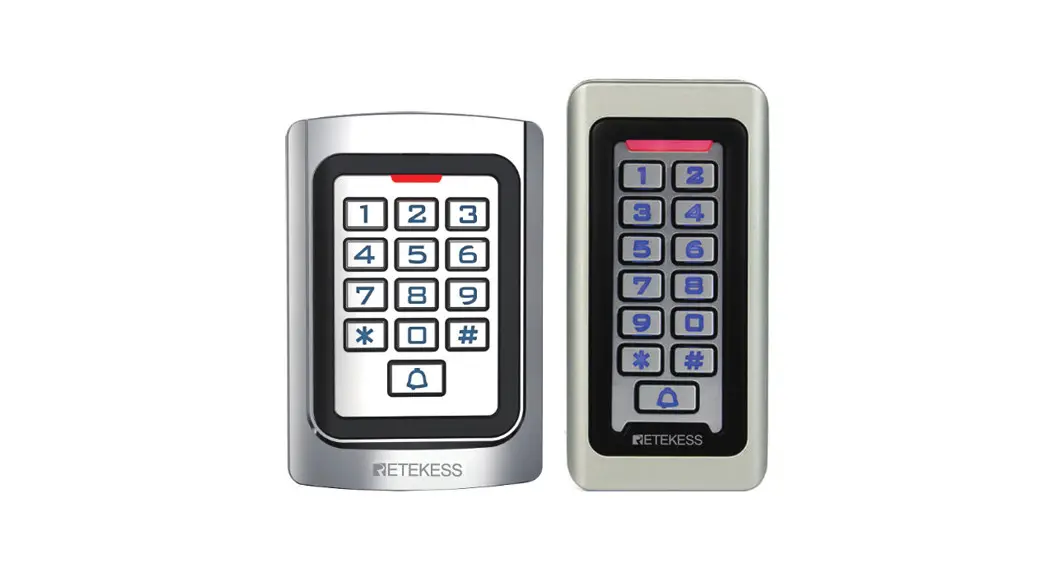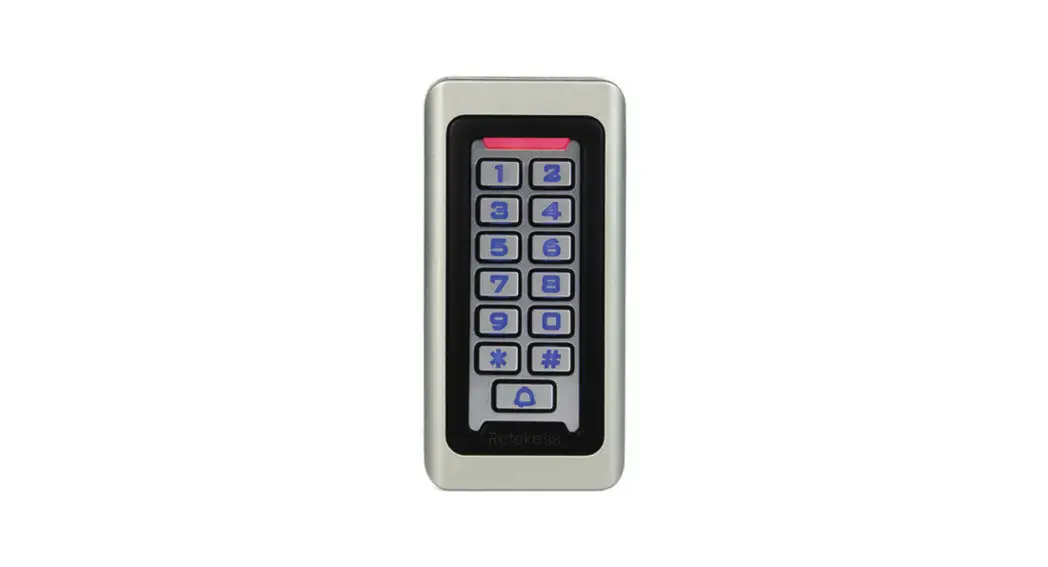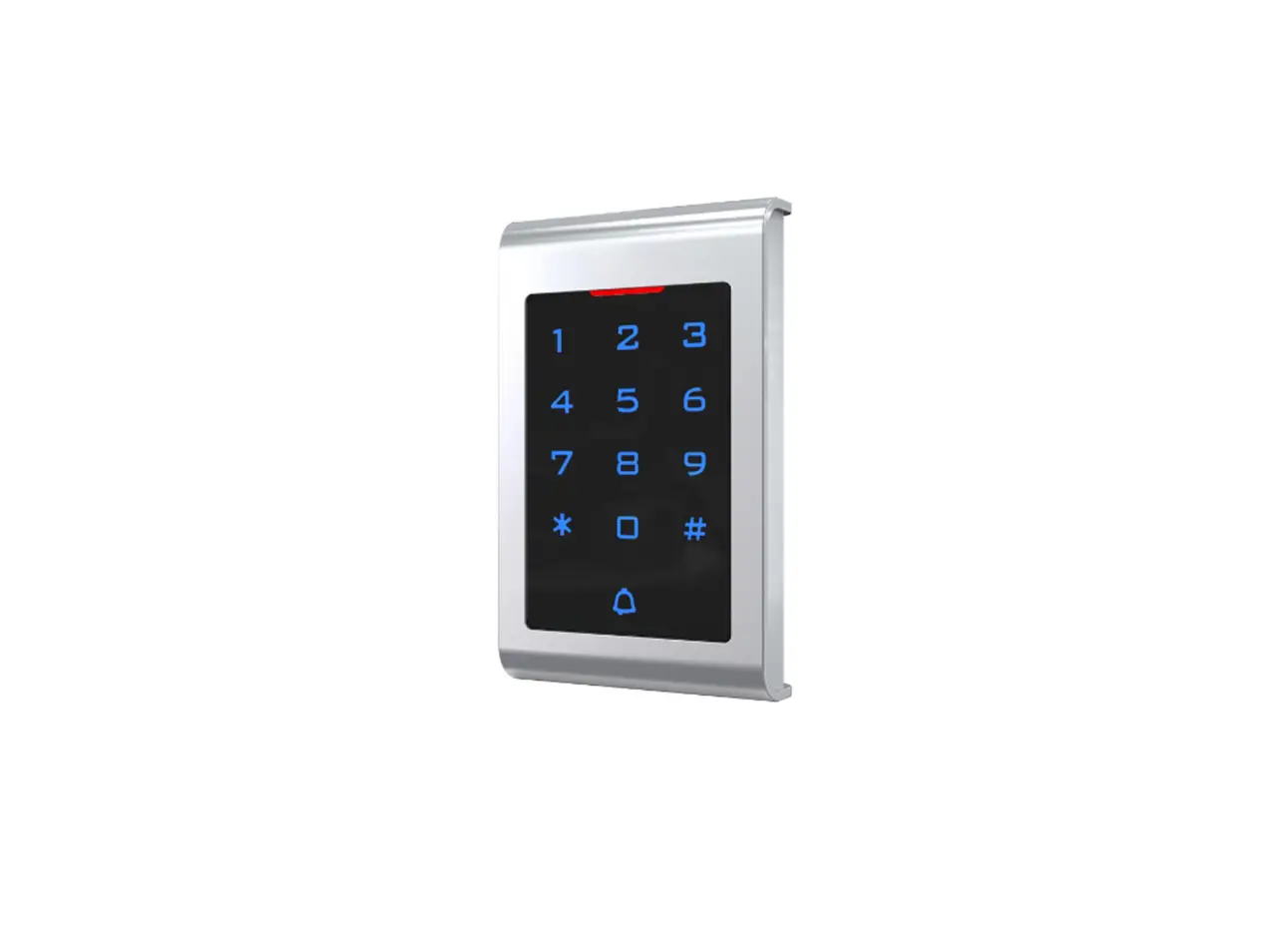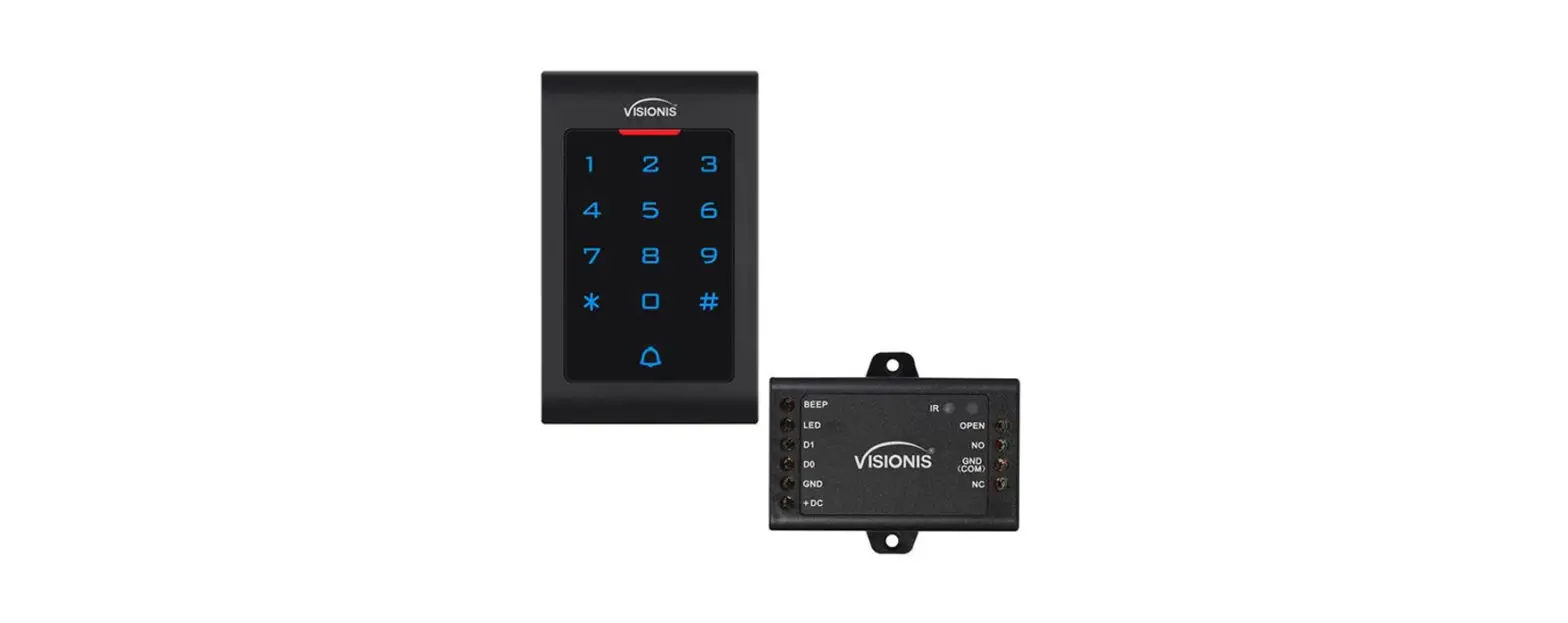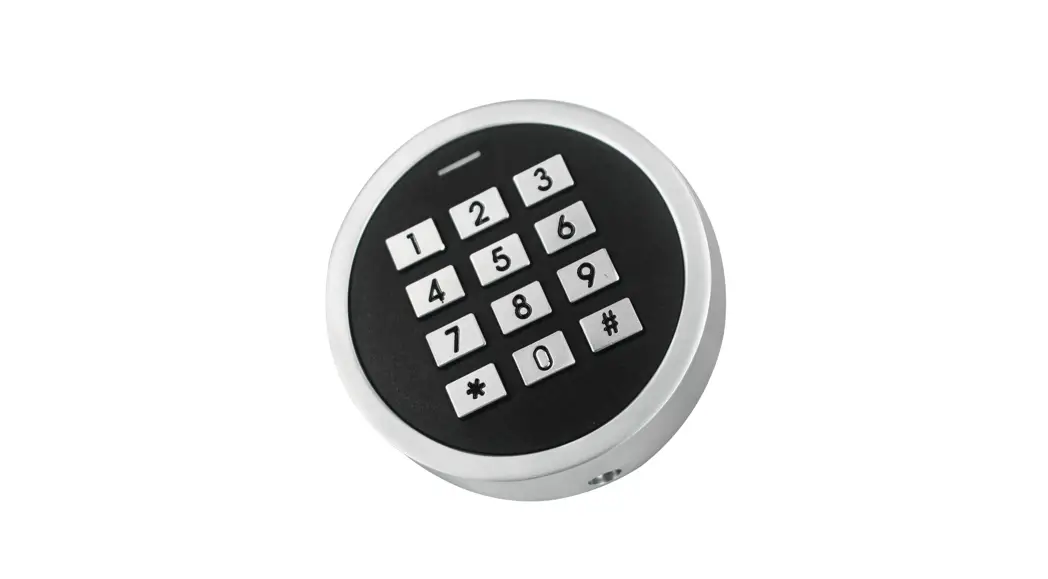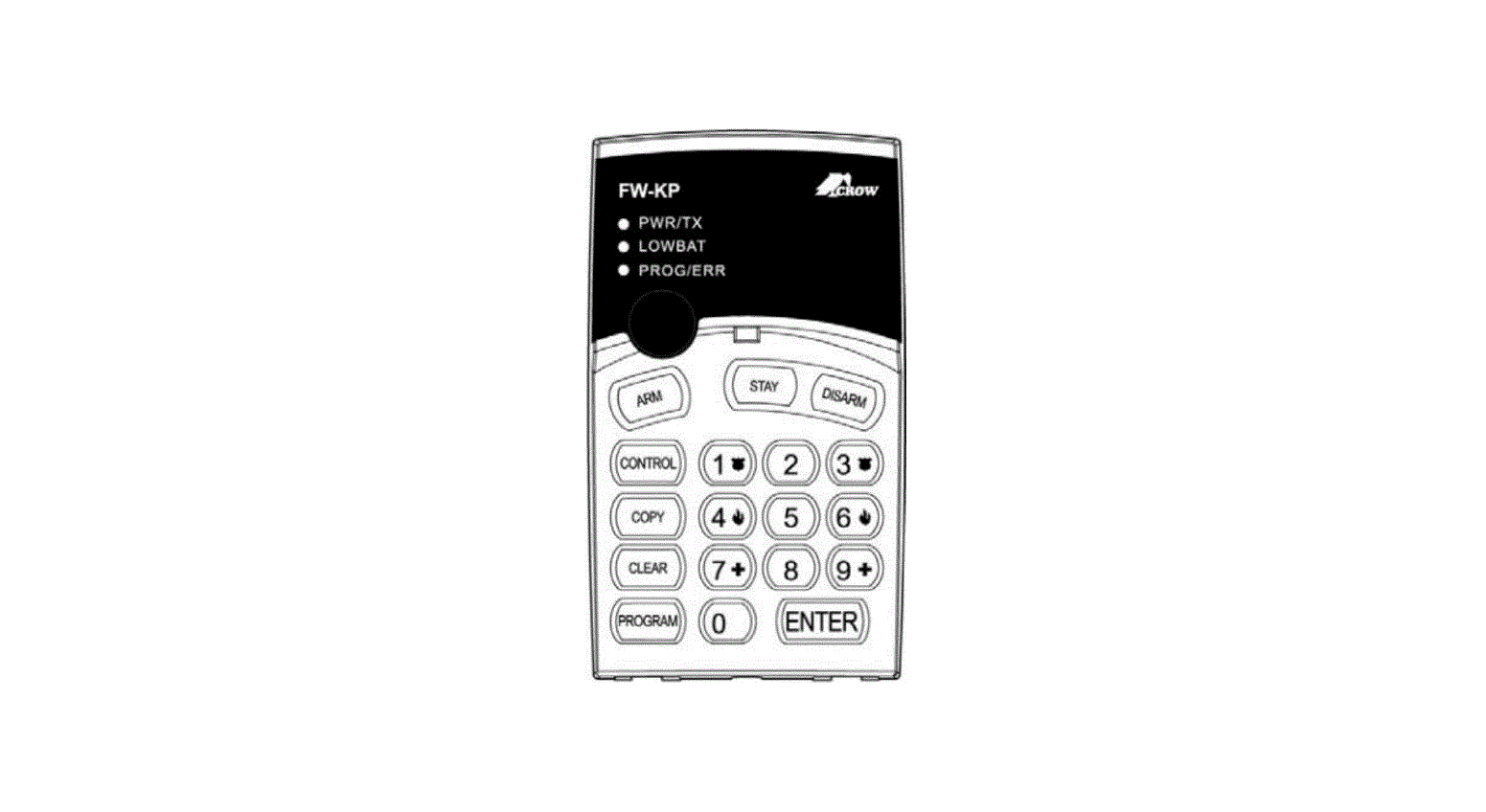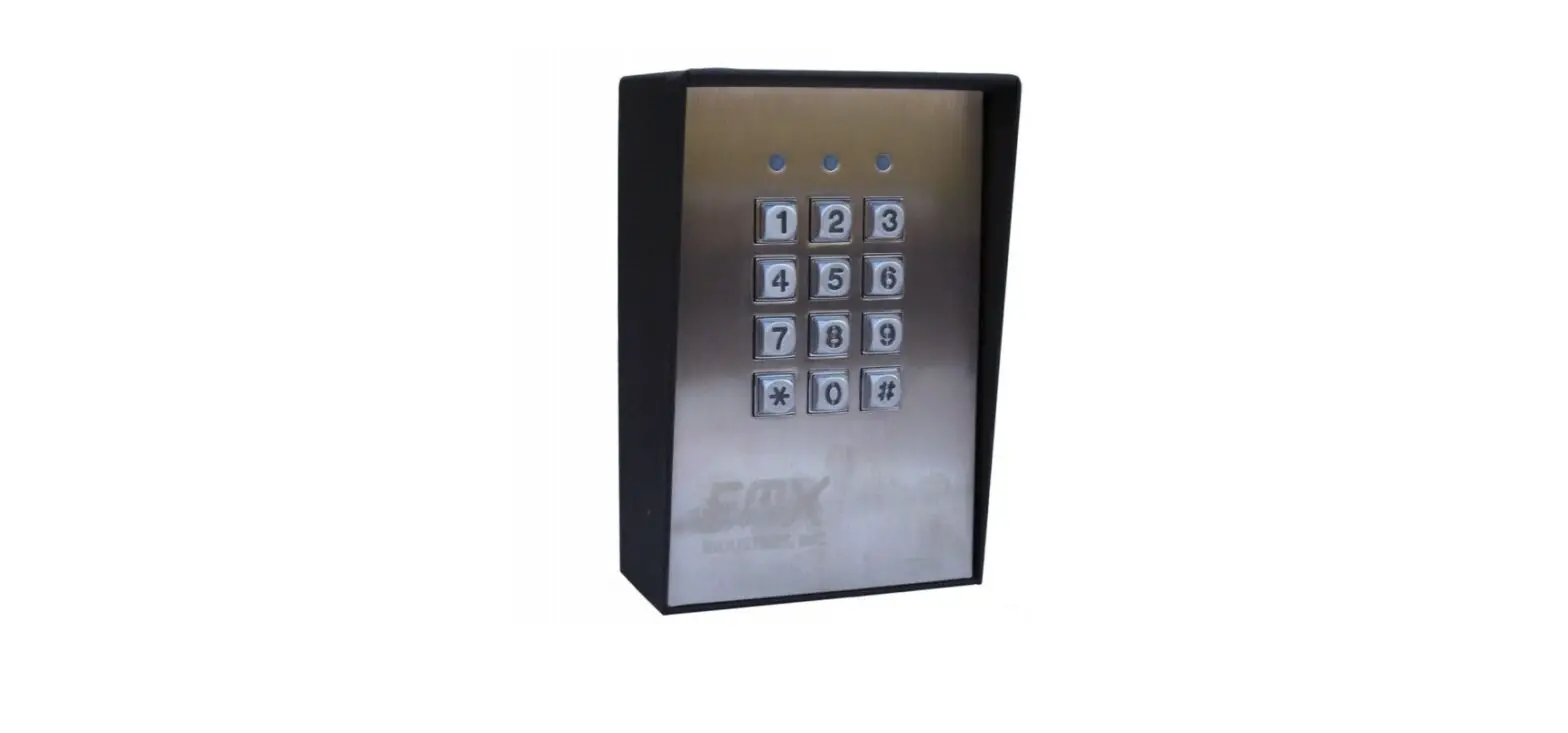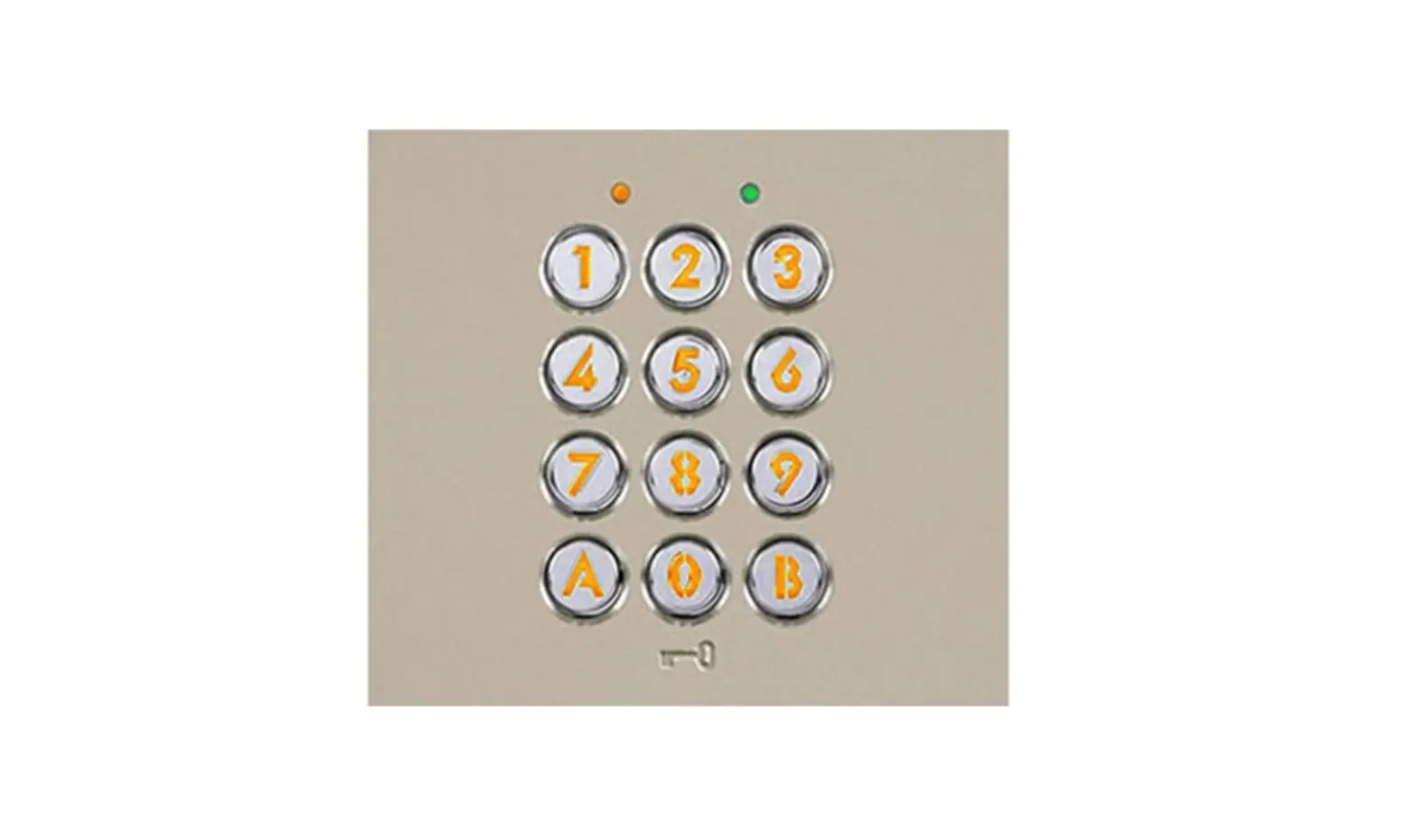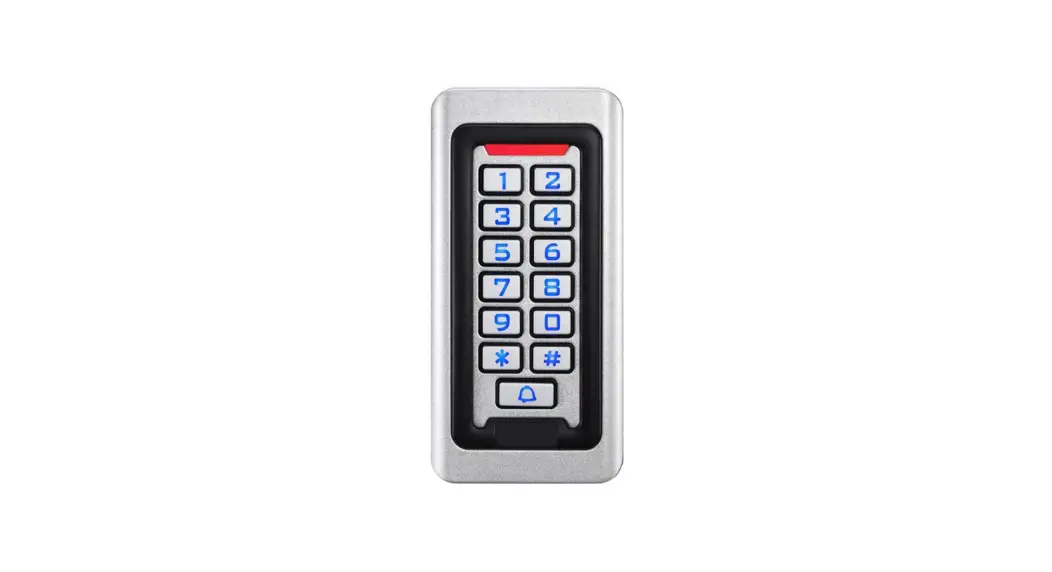
 Standalone Keypad Access Control
User Manual 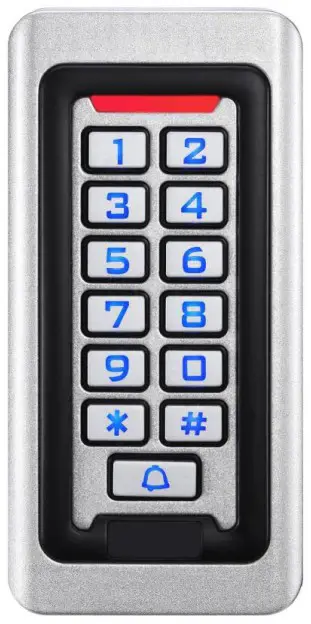 Please read the manual carefully before use this unit
Packing List
Name | Quantity | Remarks |
| Keypad | 1 | |
| User manual | 1 | |
| Screw driver | 1 | Φ20mm×60mm,Special for keypad |
| Rubber plug | 2 | Φ6mm×30 mm, used for fixing |
| Self tapping screws | 2 | Φ4mm×28 mm, used for fixing |
| Star screws | 1 | Φ3mm×6mm, used for fixing |
Quick Reference Programming Guide
| To enter the programming mode |  999999 is the default factory master code |
| To exit from the programming mode |  |
| Note that to undertake the following programming the master user must be logged in | |
| To change the master code |  The master code can be 6 to 8 digits |
| To add a PIN user. |  The ID number is any number between 1 & 2000. The PIN is any four digits between 0000 & 9999 with the exception of 1234 which is reserved. Users can be added continuously without exiting programming mode |
| To add a card user |  Cards can be added continuously without exiting programming mode |
| To delete a PIN or a card user. |  for a PIN user or for a PIN user or
Users can be deleted continuously without exiting programming mode |
| To unlock the door for a PIN user | Enter the  then press then press  |
| To unlock the door for a card user | Present the card |
Description
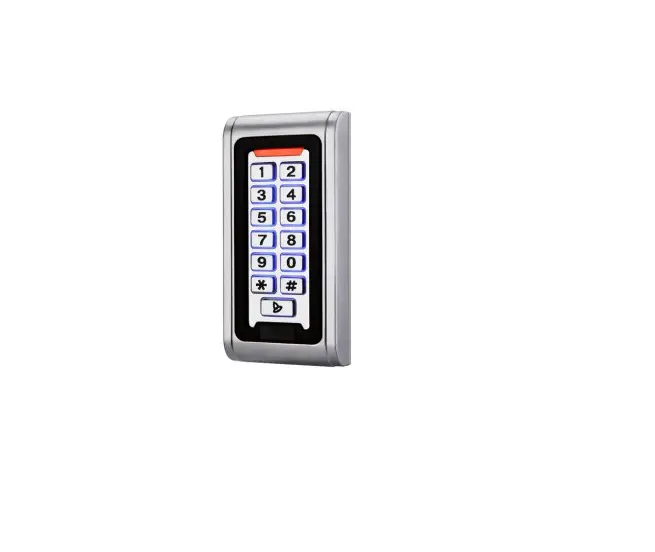
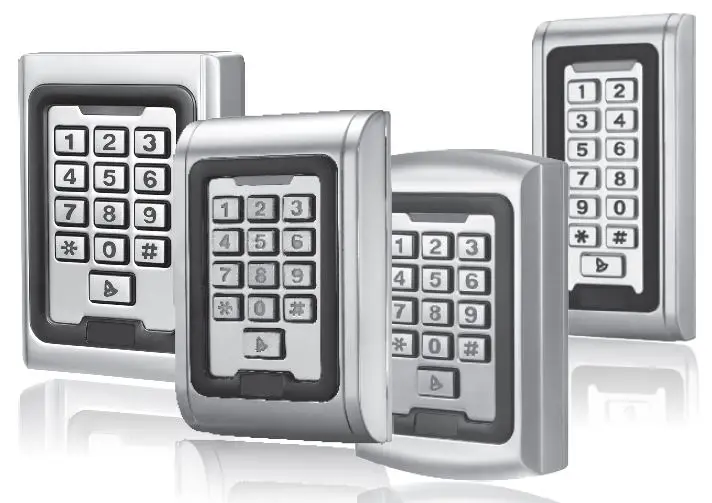
The unit is single door multifunction standalone access controller or a Wiegand output keypad or card reader. It is suitable for mounting either indoor or outdoor in harsh environments. It is housed in a strong, sturdy and vandal proof Zinc Alloy electroplated case which is available in either a bright silver or matt silver finish. The electronics are
fully potted so the unit is waterproof and conforms to IP68. This unit supports up to 2000 users in either a Card, 4 digit PIN, or a Card + PIN option. The inbuilt card reader supports 125KHZ EM cards,13.56MHz Mifare cards. The unit has many extra features including lock output current short circuit protection, Wiegand output , and a backlit keypad. These features make the unit an ideal choice for door access not only for small shops and domestic households but also for commercial and industrial applications such as factories, warehouses, laboratories, banks and prisons.
Features
- Waterproof, conforms to IP68
- Strong Zinc Alloy Electroplated anti-vandal case
- Full programming from the keypad
- 2000 uses, supports Card, PIN, Card + PIN
- Can be used as a stand alone keypad
- Backlight keys
- Wiegand 26 input for connection to external reader
- Wiegand 26 output for connection to a controller
- Adjustable Door Output time, Alarm time, Door Open time
- Very low power consumption (30mA)
- Fast operating speed, <20ms with 2000 users
- Lock output current short circuit protection
- Easy to install and program
- Built in light dependent resistor (LDR) for anti tamper
- Built in buzzer
- Red, Yellow and Green LEDS display the working status
Specifications
| Operating Voltage | DC 12V±10% |
| User Capacity | 2000 |
| Card Reading Distance | 3-6 cm |
| Active Current | <60mA |
| Idle Current | 25±5 mA |
| Lock Output Load | Max 3A |
| Alarm Output Load | Max 20A |
| Operating Temperature | -45℃~60℃ |
| Operating Humidity | 10%- 90% RH |
| Waterproof | Conforms to IP68 |
| Adjustable Door Relay time | 0 -99 seconds |
| Adjustable Alarm Time | 0- 3 minutes |
| Wiegand Interface | Wiegand 26 bit |
| Wiring Connections | Electric Lock, Exit Button, External Alarm, External reader |
Installation
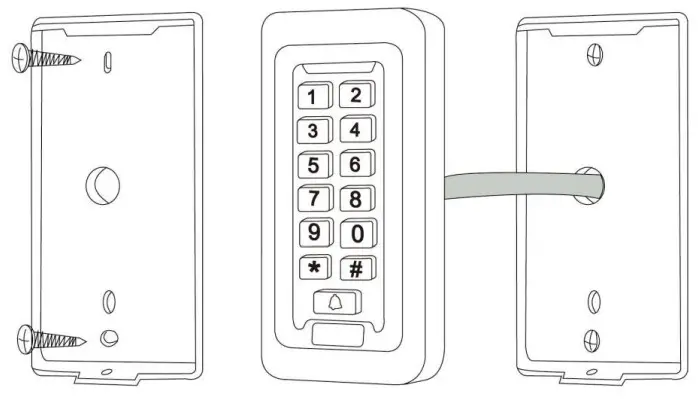
- Remove the back cover from the keypad using the supplied special screw driver.
- Drill 2 holes on the wall for the Self tapping screws and I hole for the cable.
- Put the supplied rubber bungs to into the two holes.
- Fix the back cover firmly on the wall with 2 Self tapping screws.
- Thread the cable through the cable hole.
- Attach the keypad to the back cover.
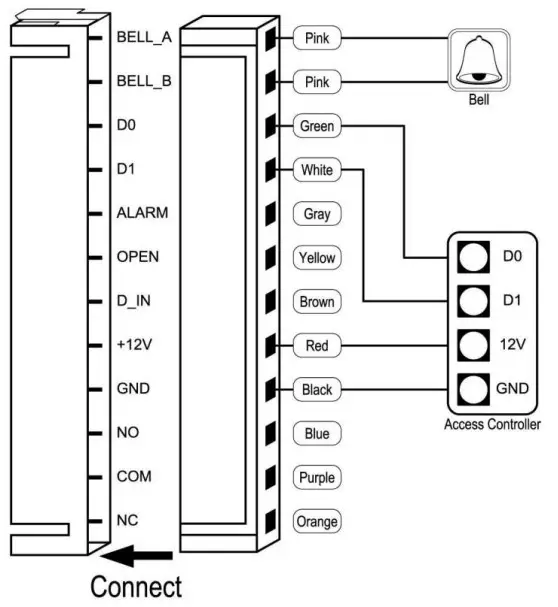
Wiring
Colour | Function | Description |
| Pink | BELL_A | Doorbell button one end |
| Pale blue | BELL_B | Doorbell button to the other end |
| Green | D0 | WG output D0 |
| White | D1 | WG output D1 |
| Grey | ALARM | Alarm negative(alarm positive connected 12 V+) |
| Yellow | OPEN | Exit button one end(the other end connected GND) |
| Brown | D_IN | Magnetic switch one end(the other end connected GND) |
| Red | 12V+ | 12V + DC Regulated Power Input |
| Black | GND | 12V – DC Regulated Power Input |
| Blue | NO | Relay normally-on end(Connect positive electric lock “-“) |
| Purple | COM | Relay Public end, connect GND |
| Orange | NC | Relay Closed end(connect negative electric lock “-“) |
common power supply diagram: 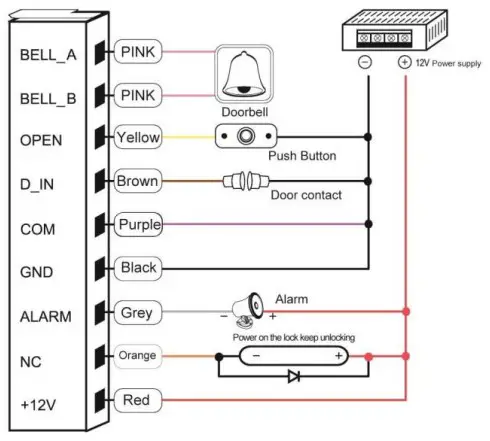 special power supply diagram: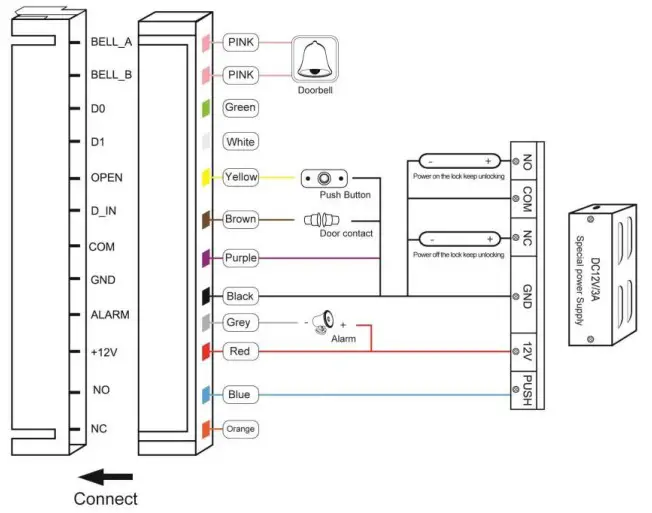
To Reset to Factory Default
a. Disconnect power from the unit
b. Press and hold # key whilst powering the unit back up
c. On hearing two “Di” release # key, system is now back factory settings
Please note only installer data is restored, user data will not be affected
Anti Tamper Alarm
The unit uses a LDR (light dependent resistor) as an anti tamper alarm. If the keypad is
removed from the cover then the tamper alarm will operate.
Sound and Light indication
| Operation Status | Red Light | Green Light | Yellow Light | Buzzer |
| Power on | – | Bright | – | Di |
| Stand by | Bright | – | – | – |
| Press keypad | – | – | – | Di |
| Operation successful | – | Bright | – | Di |
| Operation failed | – | – | – | DiDiDi |
| Enter into programming mode | Bright | – | – | |
| In the programming mode | – | – | Bright | Di |
| Exit from the programming mode | Bright | – | – | Di |
| Open the door | – | Bright | – | Di |
| Alarm | Bright | – | – | Alarm |
Detailed Programming Guide
| 11.1 User Settings To enter the programming mode | 999999 is the default factory master code |
| To exit from the programming mode | |
| Note that to undertake the following programming the master user must be logged in | |
| To change the master code | The master code can be 6 to 8 digits long |
| Setting the working mode: Set valid card only users Set valid card and PIN users Set valid card or PIN users | 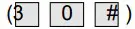 Entry is by card only Entry is by card only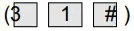 Entry is by card and PIN together Entry is by card and PIN together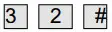 Entry is by either card or PIN (default) Entry is by either card or PIN (default) |
| To add a user in either card or PIN mode, i.e. in the mode. (Default setting) | |
| To add a Pin user | The ID number is any number between 1 & 2000. The PIN is any four digits between 0000 & 9999 with the exception of 1234 which is reserved. Users can be added continuously without exiting programming mode as follows:  |
| To delete a PIN user |  Users can be deleted continuously without exiting programming mode |
| To change the PIN of a PIN user (This step must be done out of programming mode) |  |
| To add a card user (Method 1 This is the fastest way to enter cards, user ID number auto generation. |  Cards can be added continuously without exiting programming mode |
| To add a card user (Method 2) This is the alternative way to enter cards using User ID Allocation. In this method a User ID is allocated to a card. Only one user ID can be allocated to a single card. |  User can be added continuously without exiting programming mode |
| To add a card user (Method 3) Card number is the last 8 digits printed on the back of the card,user ID number auto generation |  User can be added continuously without exiting programming mode |
| To add a card user (Method 4) In this method a User ID is allocated to a card number. Only one user ID can be allocated to the card number |  User can be added continuously without exiting programming mode |
| To delete a card user by card. Note users can be deleted continuously without exiting programming mode |  |
| To delete a card user by user ID. This option can be used when a user has lost their card |  |
| To delete a card user by card number. This option can be used when the user want to make the change but the card has lost |  Note users can be deleted continuously without exiting programming mode |
| To add a card and PIN user in card and PIN mode (3 1 # ) | |
| To Add a card and Pin user (The PIN is any four digits between 0000 & 9999 with the exception of 1234 which is reserved.) | Add the card as for a card user Press  to exit from the programming mode to exit from the programming modeThen allocate the card a PIN as follows:  |
| To change a PIN in card and PIN mode (Method 1) Note that this is done outside programming mode so the user can undertake this themselves |  |
| To change a PIN in card and PIN mode (Method 2) Note that this is done outside programming mode so the user can undertake this themselves |  |
| To delete a Card and PIN user just delete the card | |
| To add a card user in card mode | |
| To Add and Delete a card user | The operating is the same as adding and deleting a card user in |
| To delete All users | |
| To delete ALL users. Note that this is a dangerous option so use with care | 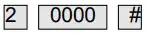 |
To unlock the door | |
| For a PIN user | Enter the then press |
| For a card User |  |
| For a card and PIN user | then enter |
11.2 Door Settings
Relay Output Delay Time | |
| To set door relay strike time |  0-99 is to set the door relay time 0-99 seconds |
| Door Open Detection Door Open Too Long (DOTL) warning. When used with an optional magnetic contact or built-in magnetic contact of the lock, if the door is opened normally, but not closed after 1 minute, the inside buzzer will beep automatically to remind people to close the door and continue for 1 minute before switching off automatically. Door Forced Open warning. When used with an optional magnetic contact or built-in magnetic contact of the lock, if the door is forced open, or if the door is opened after 20 seconds ,the inside buzzer and alarm output will both operate. The Alarm Output time is adjustable between 0-3 minutes with the default being 1 minute. | |
| To disable door open detection. (Factory default) | 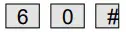 |
| To enable door open detection | 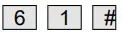 |
| Alarm output time | |
| To set the alarm output time (0-3 minutes) Factory default is 1 minute | 5 0~3 # |
| Keypad Lockout & Alarm Output options. If there are 10 invalid cards or 10 incorrect PIN numbers in a 10 minute period either the keypad will lockout for 10 minutes or both the alarm and the inside buzzer will operate for 10 minutes, depending on the option selected below. | |
| Normal status: No keypad lockout or alarm (factory default) | 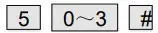 (Factory default setting) (Factory default setting) |
| Keypad Lockout | 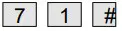 |
| Alarm and inside buzzer operate | 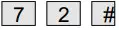 |
| To remove the alarm | |
| To reset the Door Forced Open warning | Read valid card or Master Code # |
| To reset the Door Open Too Long warning |  Close the door or |
The unit operating as a Wiegand Output Reader
In this mode the unit supports a Wiegand 26 bit output so the Wiegand data lines can be connected to any controller which supports a Wiegand 26 bit input.