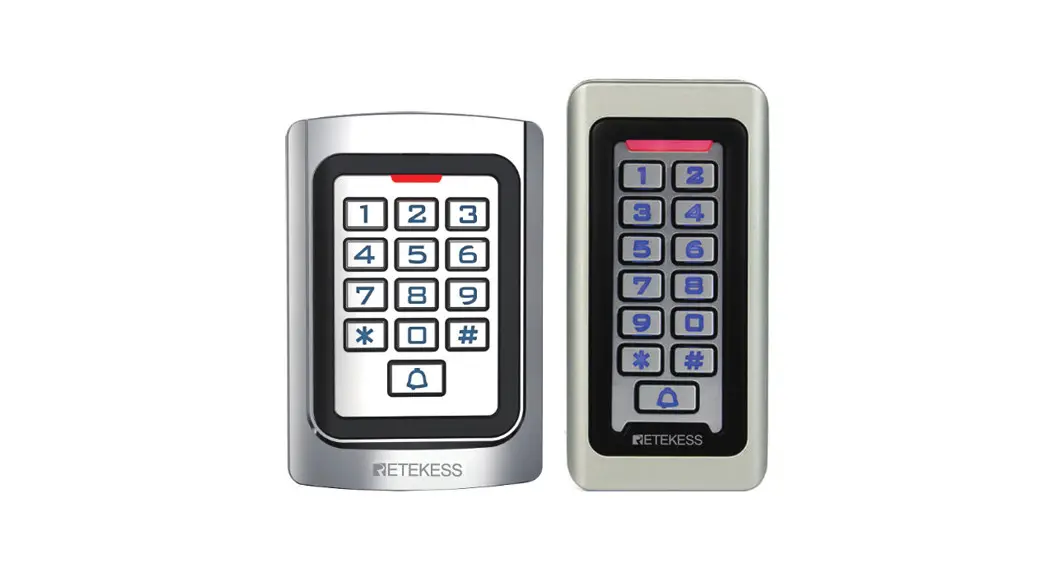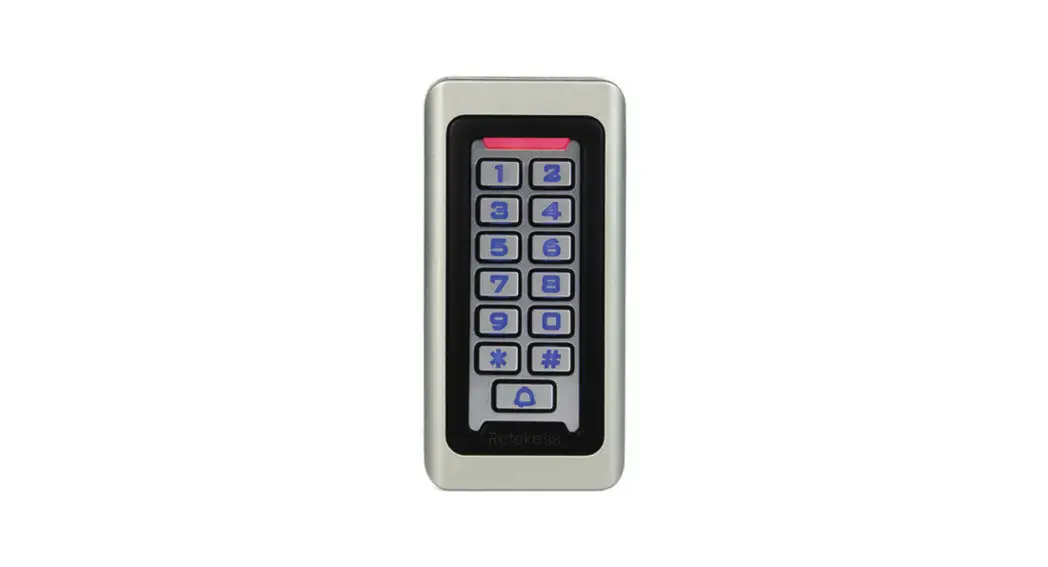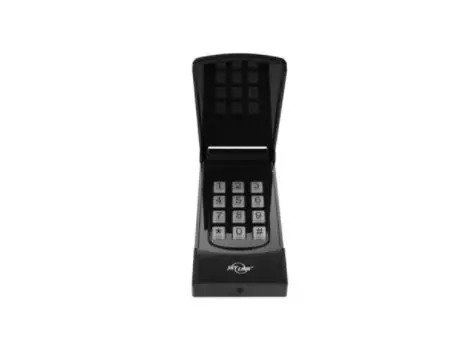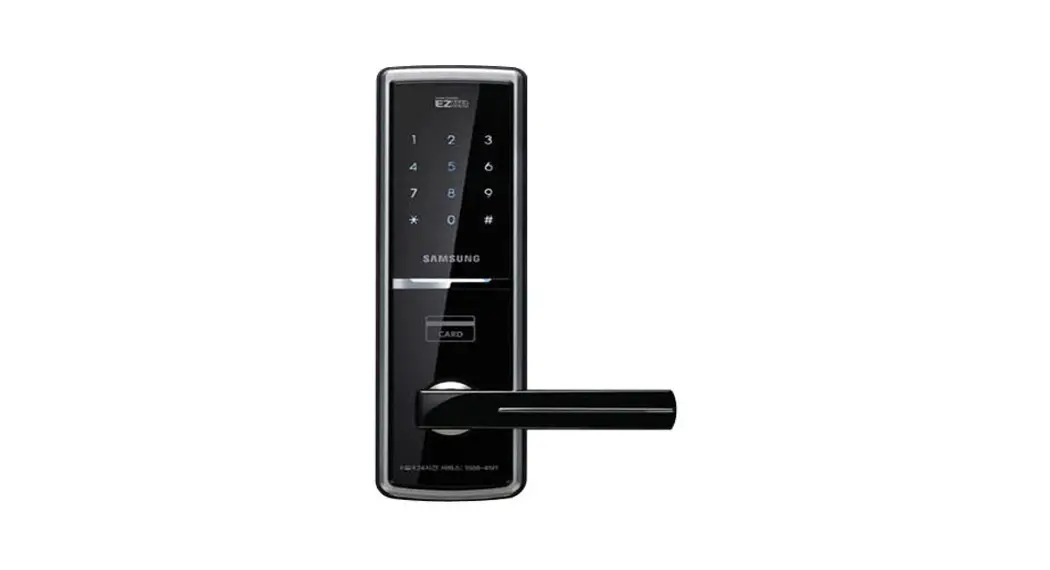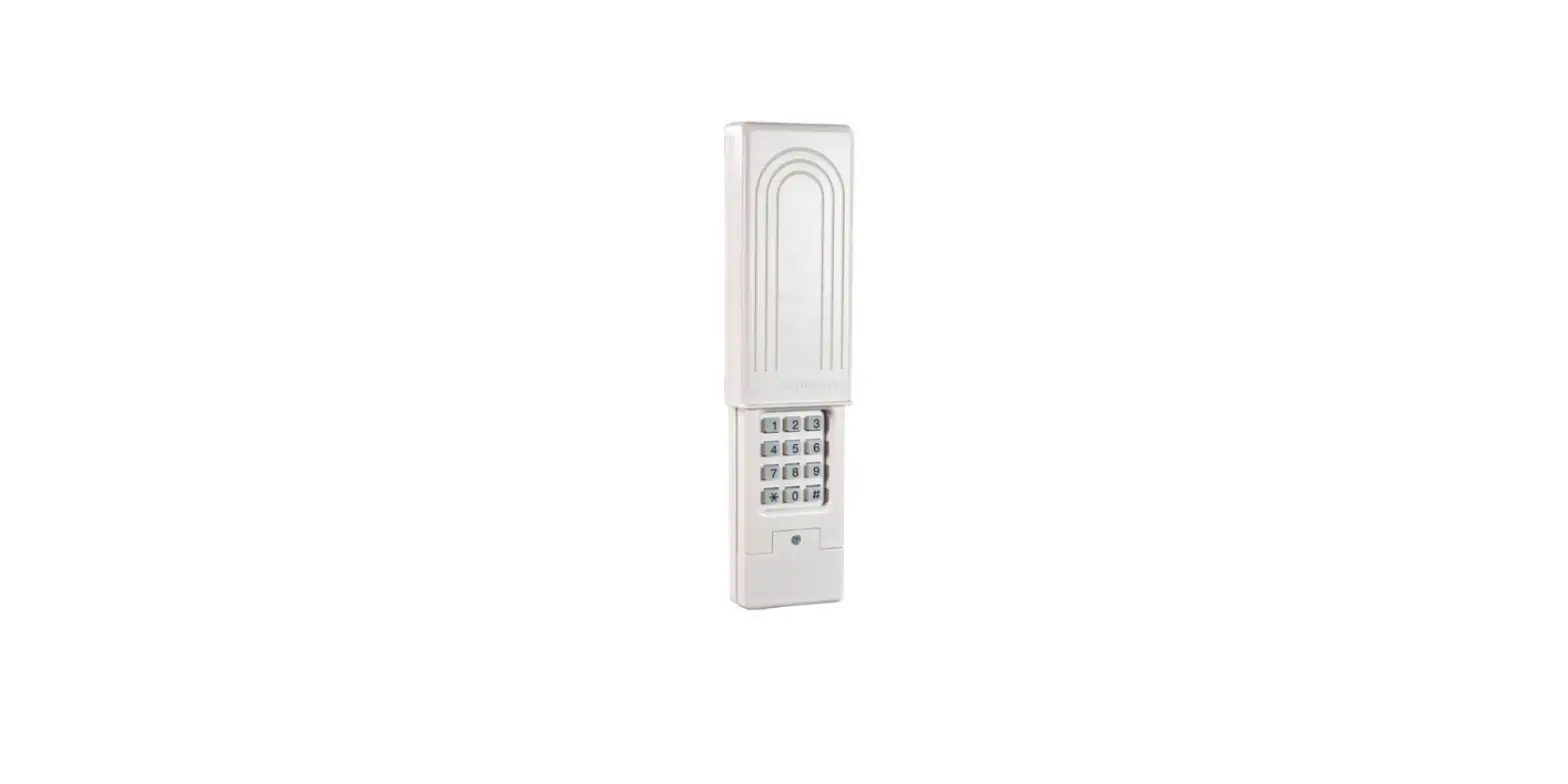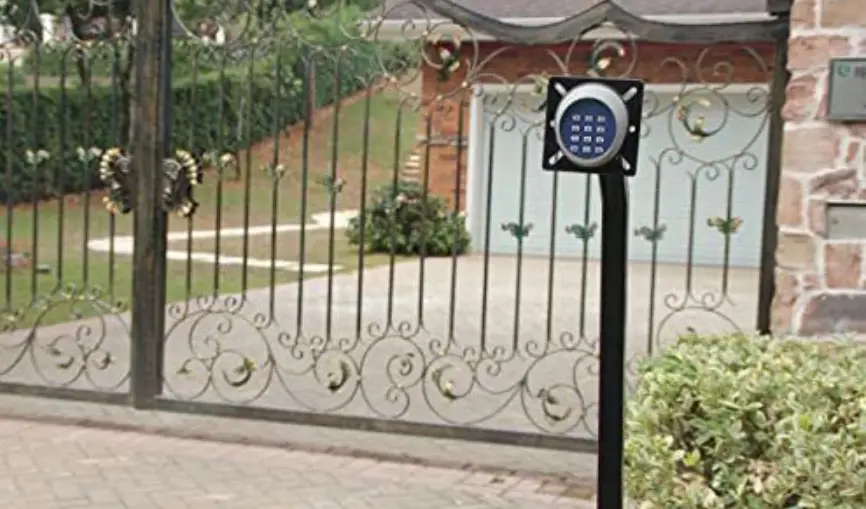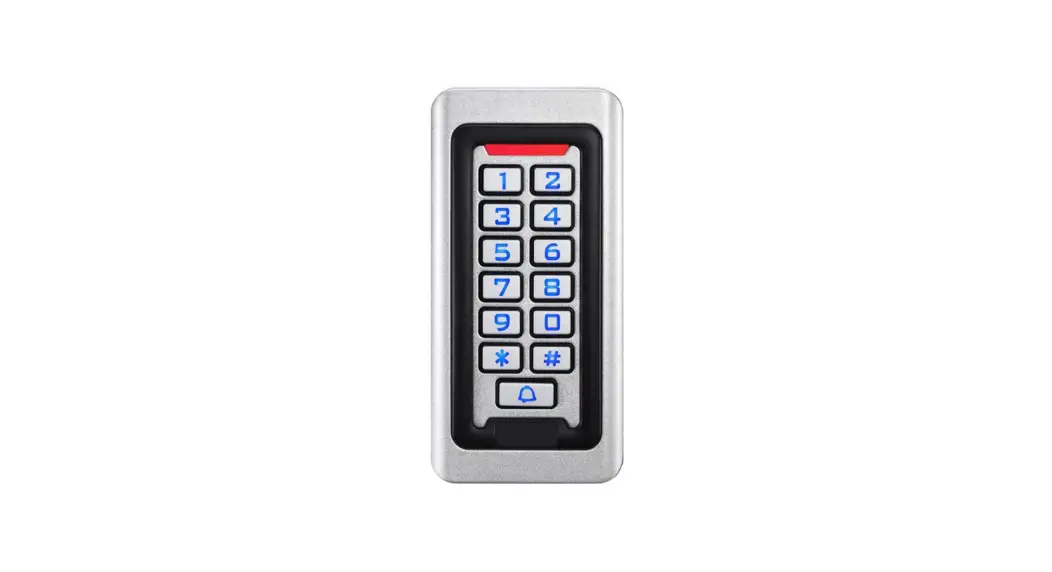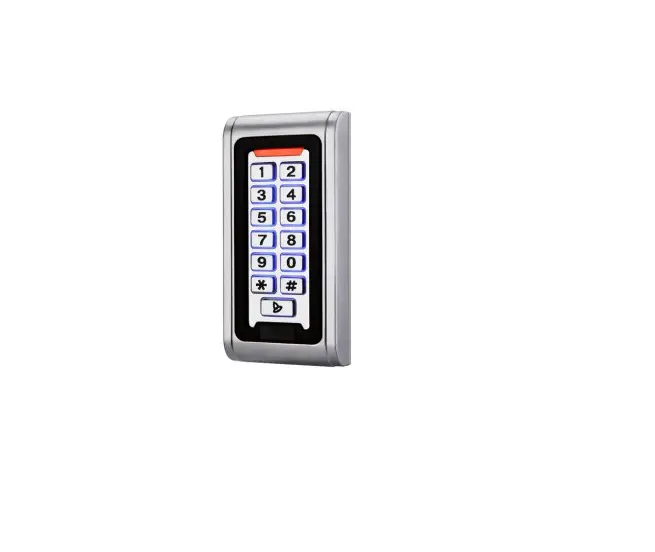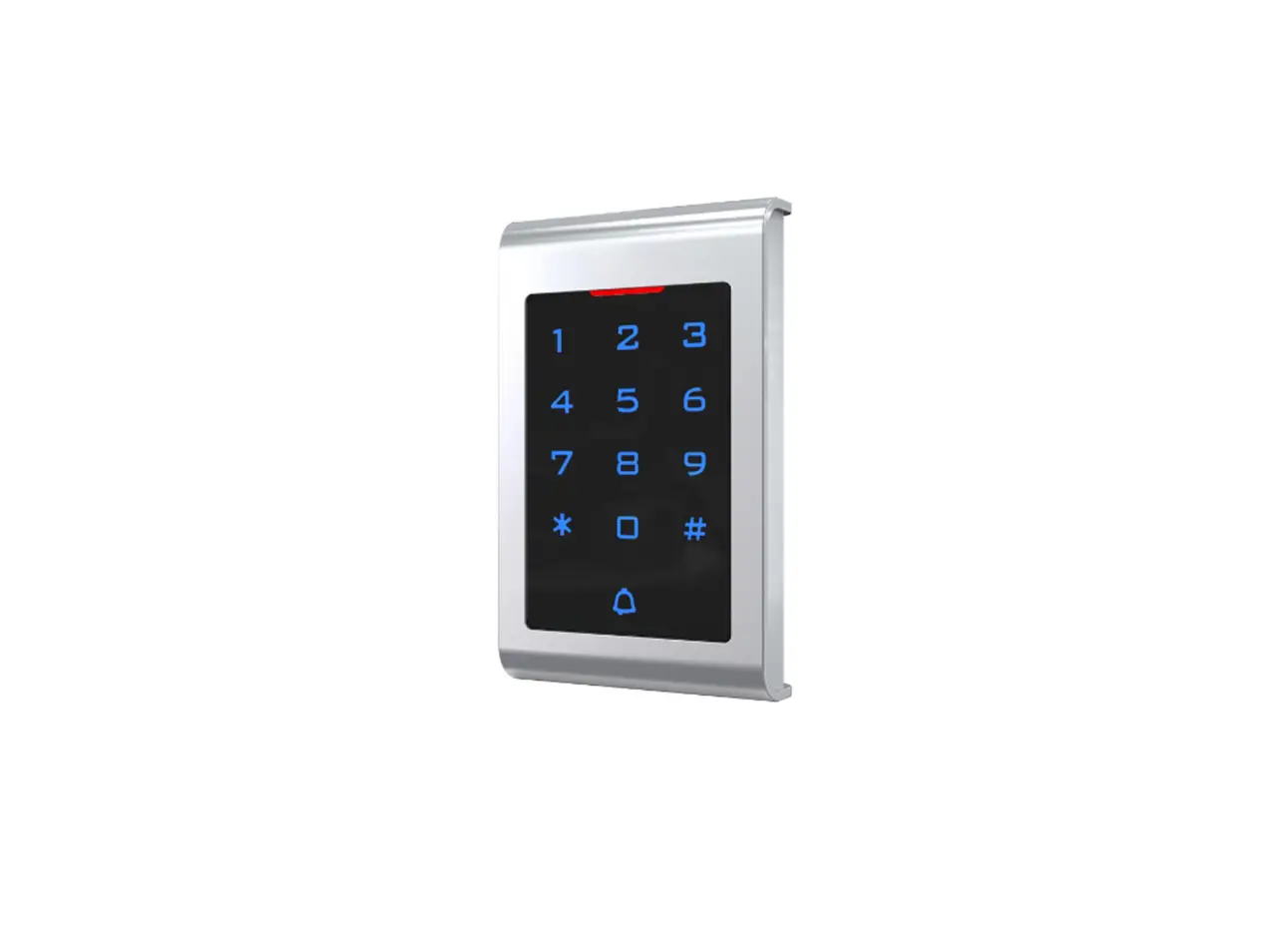
LUCKING DOOR T10 Access Control Keypad IP65 Vairem User Manual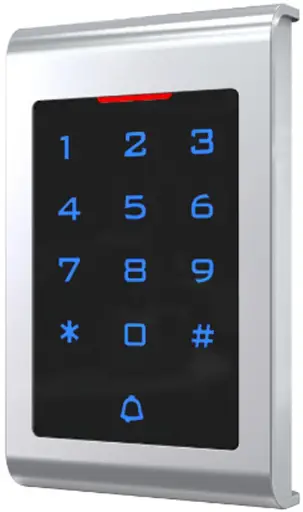
Specifications
Technical parameters:
| Item | Value | Item | Value |
| Operating voltage | DC 12V±10% | Storage | 1000 |
| Operating current | < 100mA | Card type | EM(standard) /Mifare(optional) |
| Operating temperature | 0℃—60℃ | Reading distance | 1-5CM |
| Weight | 350g | Dimensions | 130*58*24mm |
Factory Default:
| Item | Value | Item | Value |
| Authentication Mode | Card or Password(PIN) | Common PIN | None |
| Unlocking Duration | 5 S |
Light and Sound indicates:
Light: red and green
| Light Description | Indicates |
| Red light flash every 2 sec(Slow flash) | Standby state |
| Green light flash every 0.5sec(Fast flash) | Pending further operation |
| Red light is always ON | Programming state |
| Green light is always ON | Unlocking state |
| Red and green light flash alternately | Restoring Factory Programming Password |
Sound: beep
| Sound Description | Indicates |
| 1 short beep | Valid input |
| 3 short beeps | Invalid input |
| 1 long beep | Programming state |
| 3 long beeps | Restoring Factory Programming Password |
Installations Guide
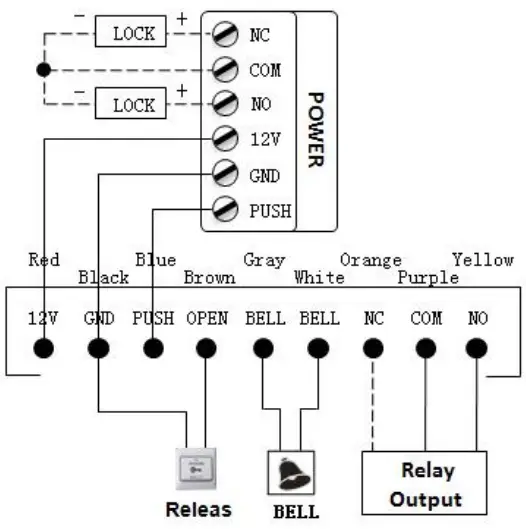
Remark:
If let Relay drive electric-lock, please connect a backward diodewith the lock’s “+” and “-” poles.
Programming Guide
Detailed Programming Guide:
Programming Password Default: 123456, all password can be 3~6 digits
| Perposep | Operations?, | ,,, ‘InstnialOss?; | |
| Bas is . Fun ctio n, | Change Programming Password (Pro.PW)4i | # Pro.PW # 0 new Pro.PW # new Pro.PW #43 | If Pro.PW lost, perform 3.2to reset to Factory Default (123456)3 |
| Add user cardio | # Pro.PW # 1 swipe cards #43 | If add series cards, swipe cards continuously« | |
| Set Common Access Password+) | # Pro.PW # 21 new Common PIN #4) | Common Access Password is only one. Open method: Common Access Password #4: | |
| Delete all users43 | #Pro.PW # 40 0000# 4: | Delete all cards and PIN except Common Access Password43 | |
| Delete user by swiping card+ | #Pro.PW # 41 swipe cards # & | If delete multi cards. read cards continuously& | |
| Exp and Function | |||
| Add Private Access Password(PIN) | # Pro.PW # 22 PIN # •-‘ | PIN can be more. Open method: PIN #+:, | |
| Add card by input card No+1 | # Pro.PW # 23 input card No #+’ | Card No. is 10-digit or 8-digit, machine auto-identify+) | |
| Add multi-card by input card No. zone+i | # Pro.PW # 24 input start card No. card Qty #4- | Card Qty is 4-digit (If one-time add twenty cards, input 0020)+1 | |
| Add ‘card +PINT4:i | # Pro.PW # 3 Read card PIN #-4-7 | If modify PIN, see 3.54′ | |
| Delete user by input User ID No .43 | # Pro.PW # 42 input User ID No #43 | About User ID No. see 3.4+) | |
| Delete user by input card No .+= | # Pro.PW # 43 input card No #4) | Card No. is 10-digit or 8-digit, machine auto-identify.i | |
| Delete user by input PIN+) | # Pro.PW # 44 input PIN it+) | PIN is 3-6 digits +3 | |
| Delete all PIN users | # Pro.PW # 45 1111 #0 | Use for PIN users (Do not include Card users and Card +PIN users) +) | |
| Change Open time43 | # Pro.PW # 5 XX #42 | XX can be 2-digit, andthe max. 1, 99. If input 00, the signal output time is 0.2 | |
| Set Open mode41 | #Pro.PW # 6 XX fit+D | XX can be 01(only Card)/ 02 (Card or Access Password)/ 03 (SSW | |
| Reset Factory Default43 | # Pro.PW # 8 99 #43 | Except Programming Password and Manager Card. | |
To reset to Factory Programming Password(123456)
Step1、Turn off power and connect bin 2&3 of RST(S1)。
Step2、Turn on power and buzzer gives 3 long buzz with green light flash fast。
If need to set Manager Card, now read two empty cards first one as Manager Add Card and Second one as Manager Delete Card with red light flashing and continuous short buzz . Step3、Turn off power, disconnect bin2&3 and connect bin 1&2 of RST。
Step4、Turn on power again.
How to use Manager Card – MAC&MDC
To add a card user in standby mode: read MAC read new cards read MAC
To delete a card user in standby mode: read MDC read registered cards read MDC
To delete all users in standby mode: read MDC read MAC read MDCRemark: User cards can be added or deleted continuously.
User ID No. explain
User ID is auto-generating 4-digit number started at 0001. The number increases with adding user one by one and ignores deleting user. Common Access Password has no ID.
How to change PIN (When open mode: card+ PIN)
After reading card and input corresponding PIN to open the door, within 5 seconds, long press # until the green light flash fast,and then input new PIN # new PIN # , new PIN changed successfully with a long buzz.