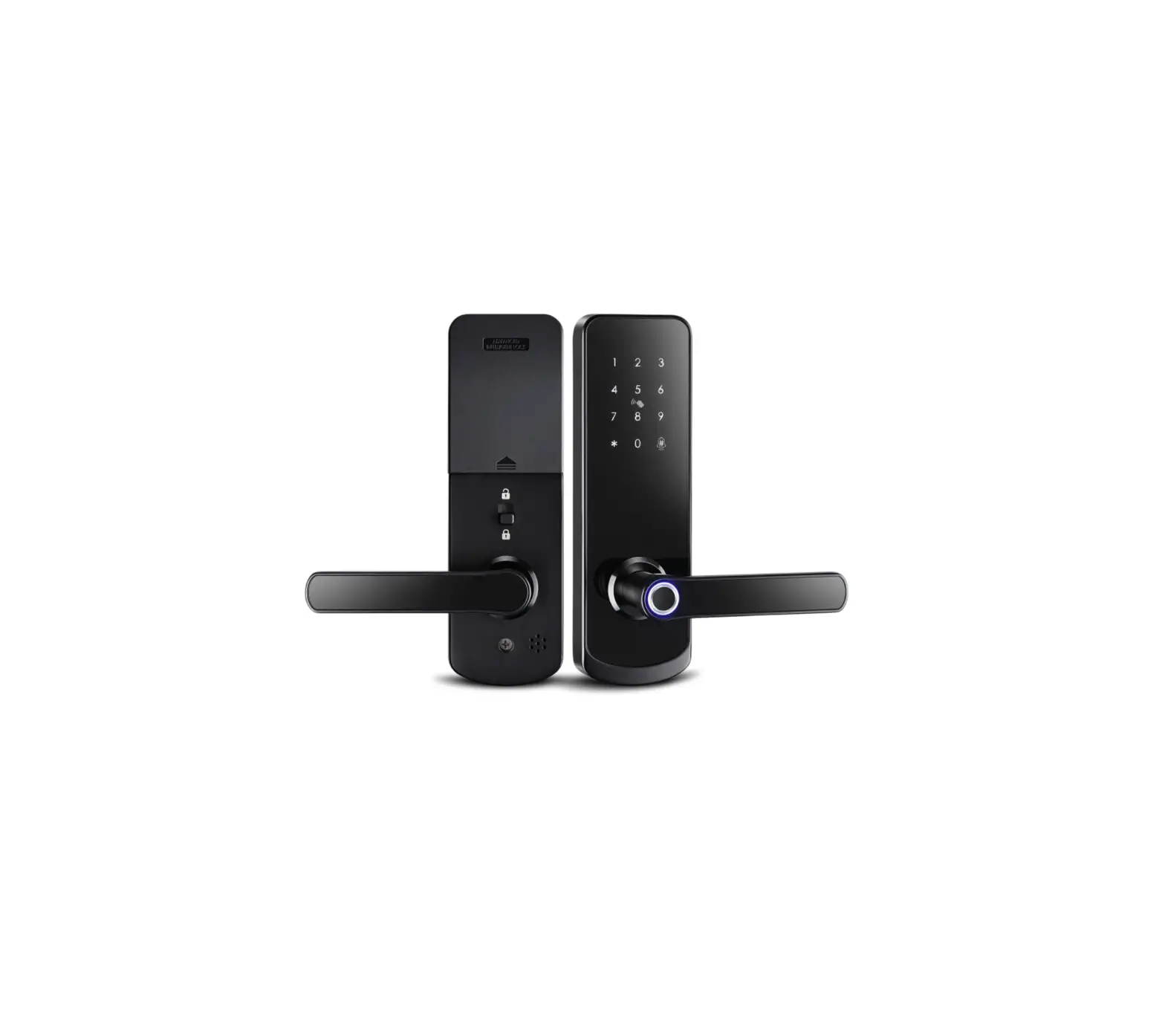
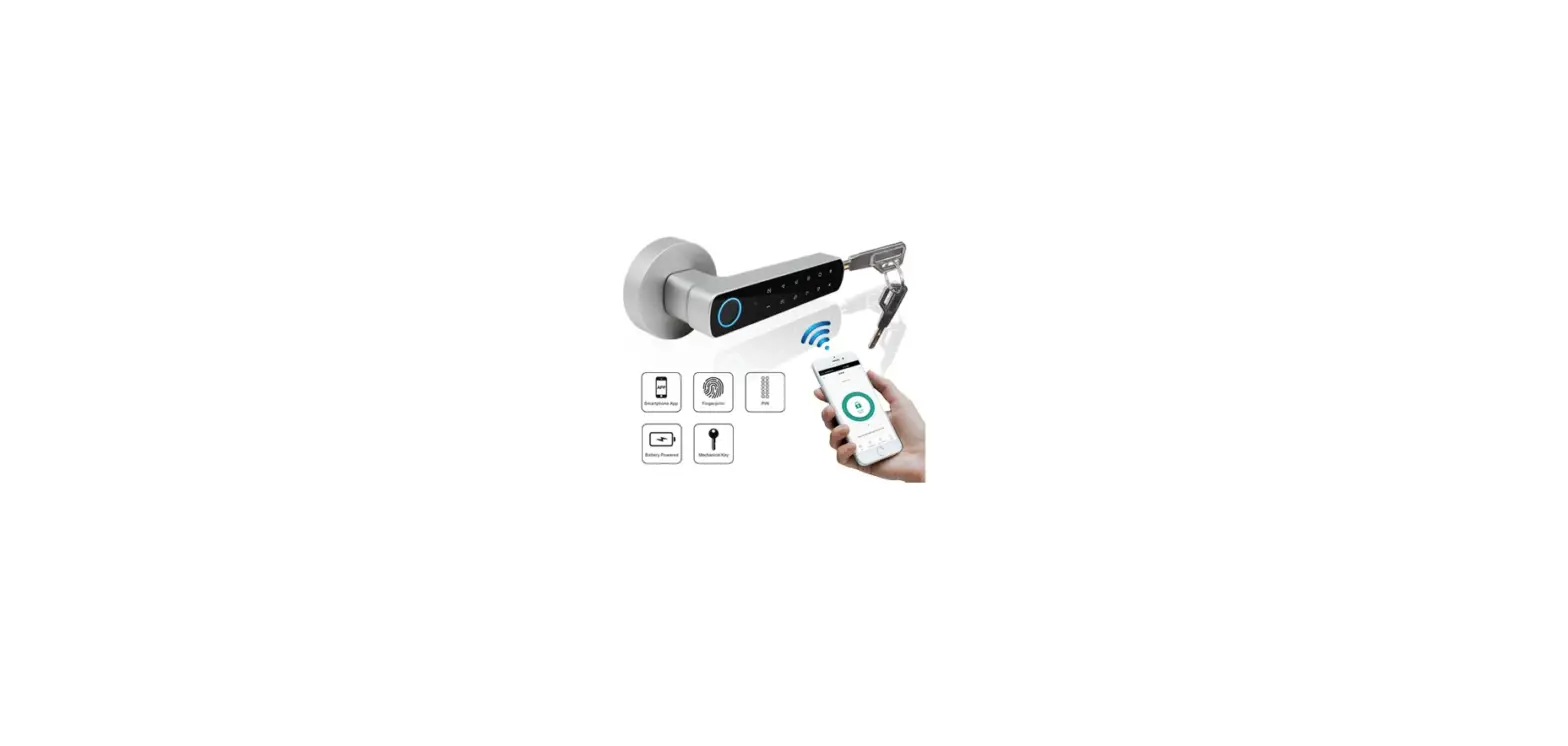
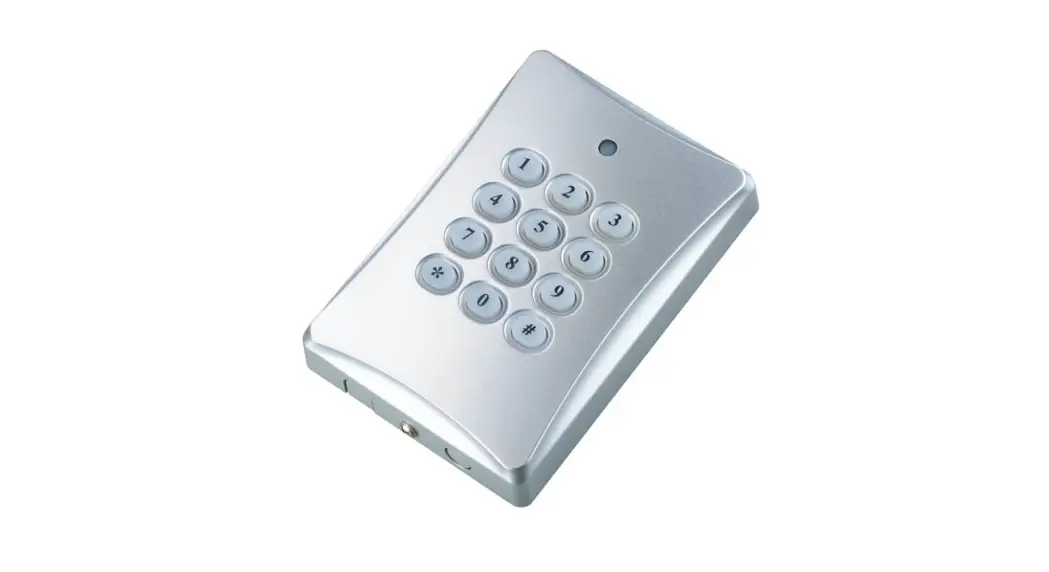
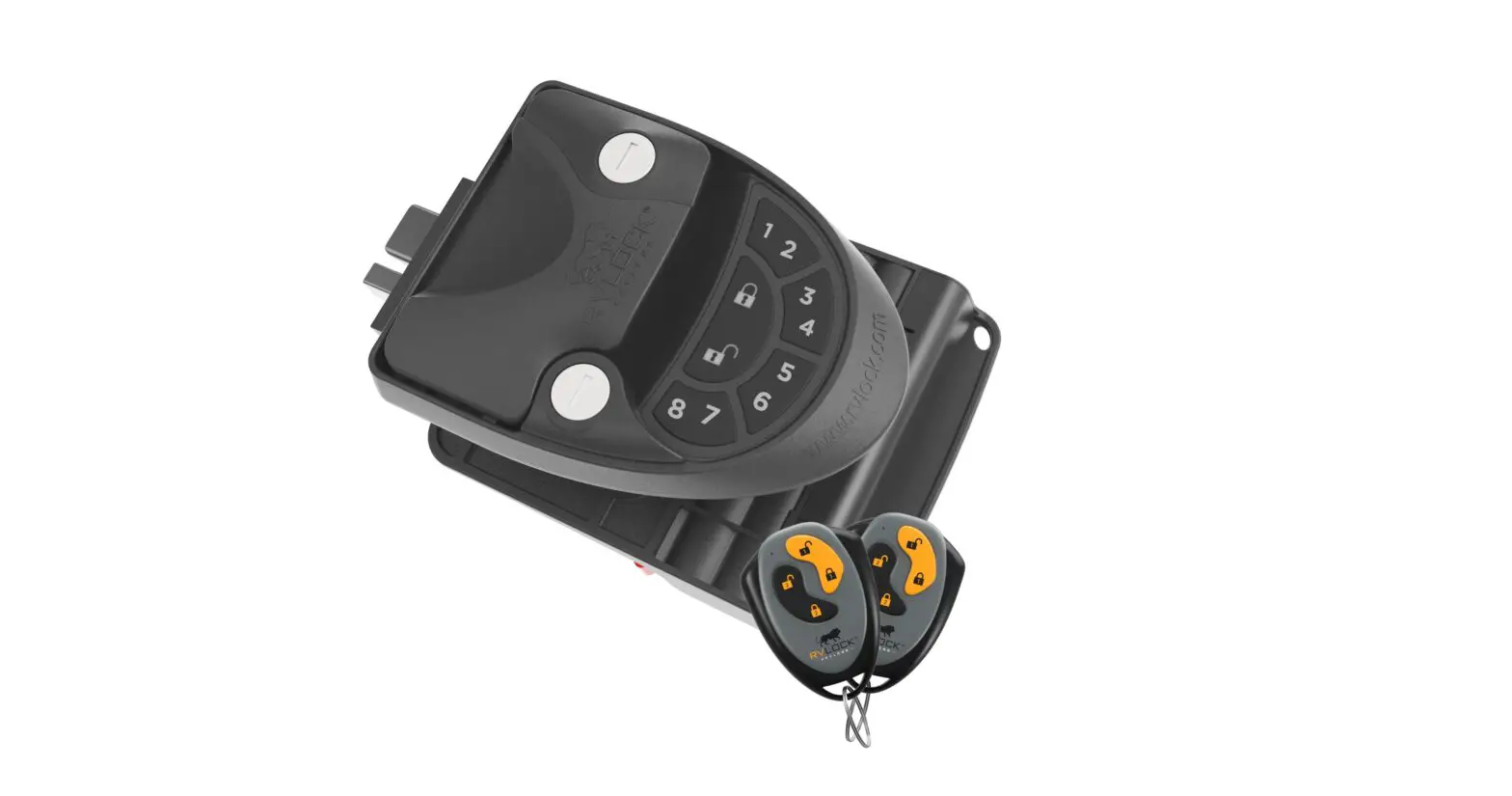
DDL200 Home Access Wireless Keypad Door Lock
Product Information: Wireless Keypad DDL200
Product Introduction
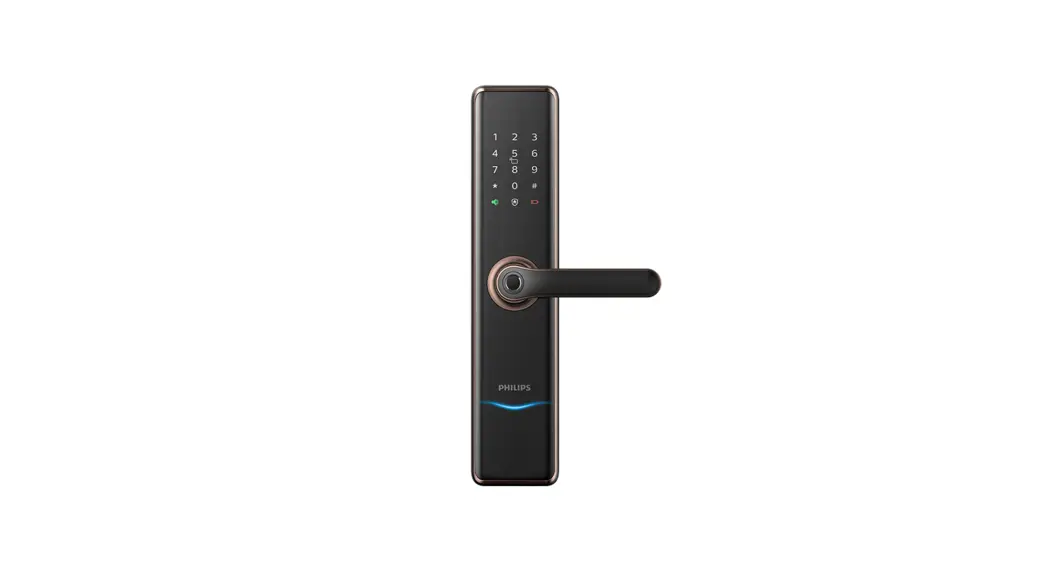
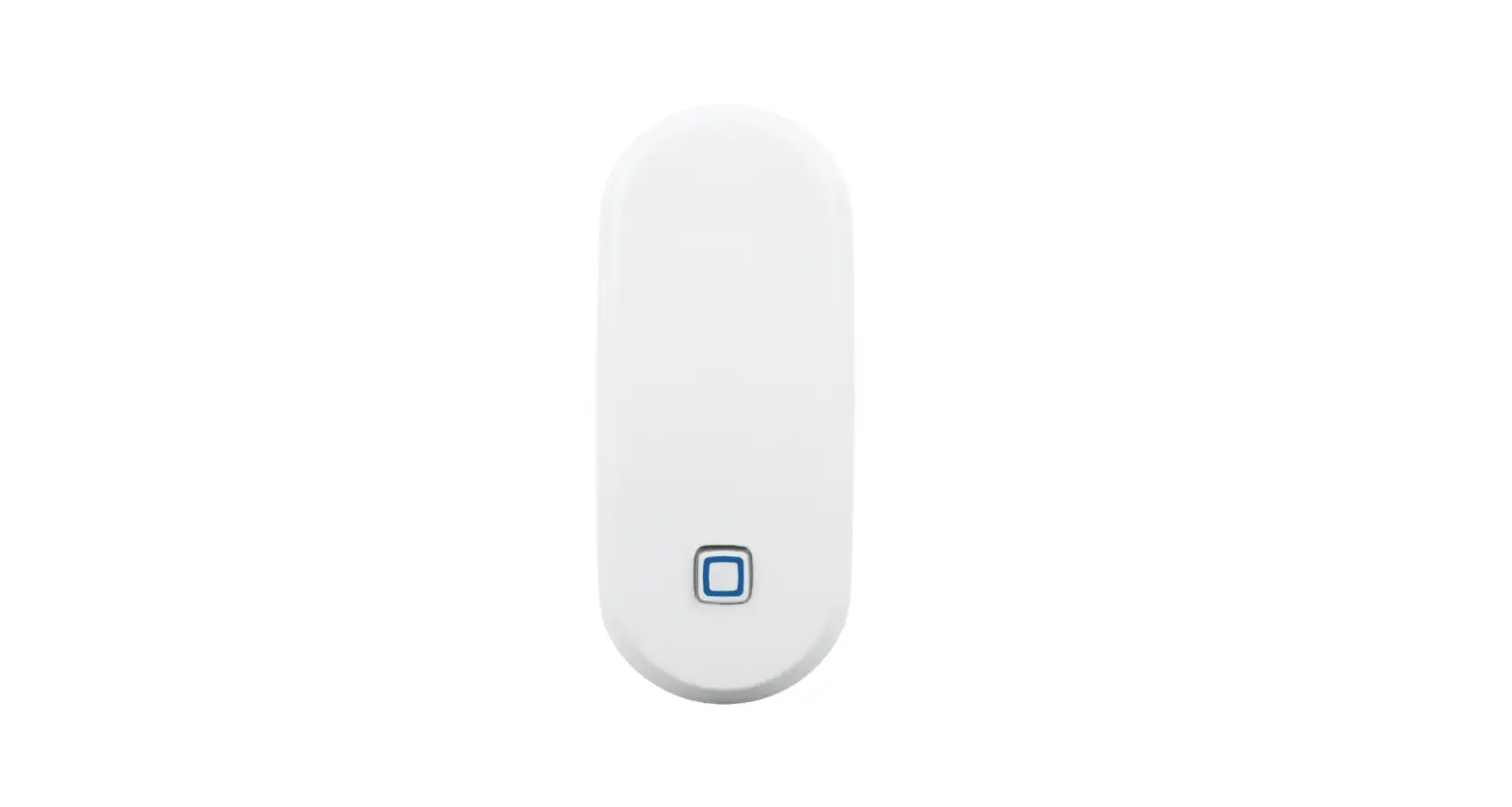
The Wireless Keypad DDL200 is a Bluetooth device designed as an
accessory for the retro lock DDL230X. It is used to verify PIN
codes and fingerprints. The keypad is powered by 2 AAA batteries
(included).
Product Features:
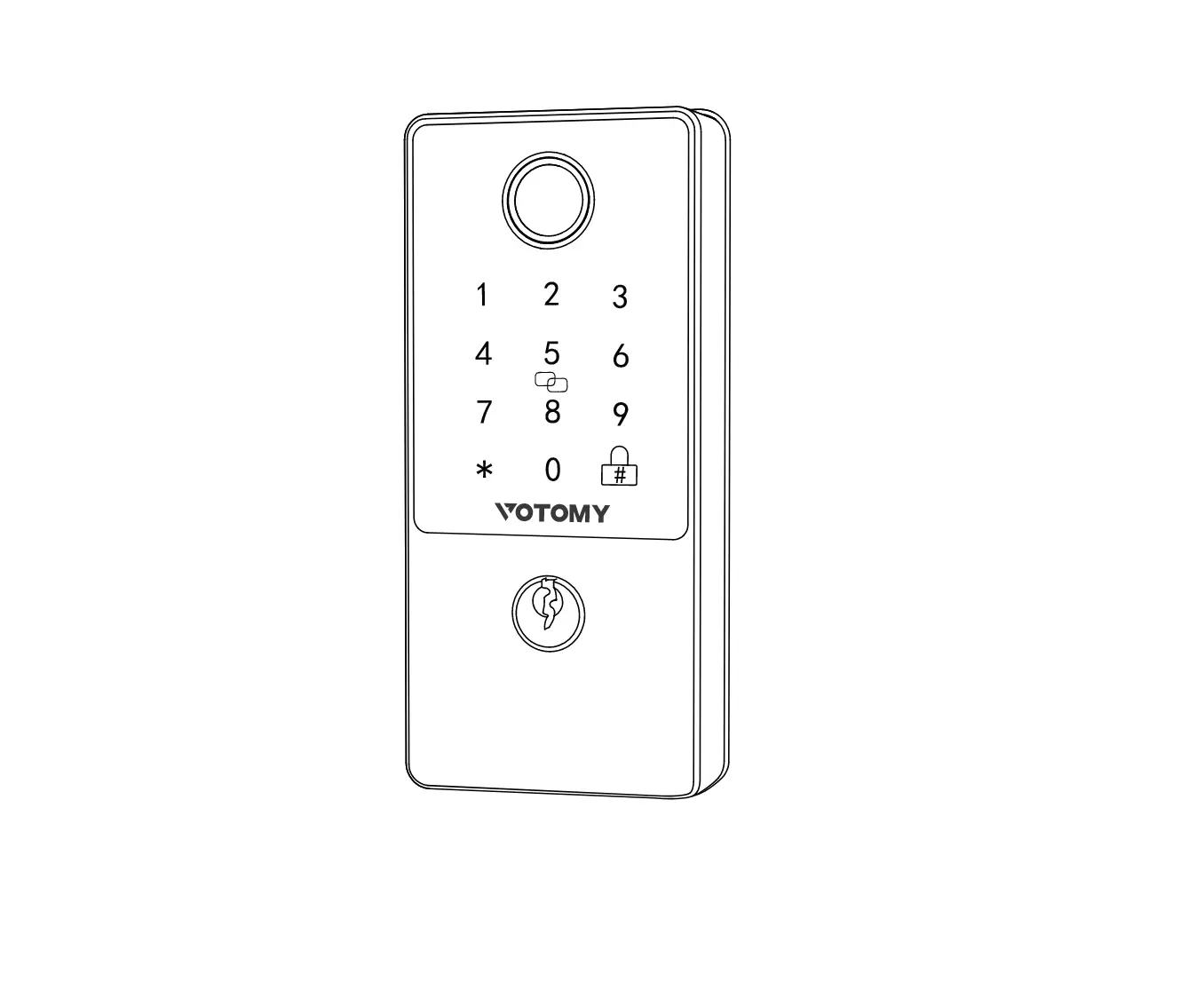
- Mounting Plate
- Fingerprint Sensor
- Numeric Keypad
- Security Screw
Denition:
Pairing Mode: Press and hold the button for 5 seconds until the
green light blinks slowly, and the buzzer beeps shortly one
time.
One-Touch Locking: Press and hold any key on the keypad for 2
seconds to lock the door.
Wrong Entry Limit: After 10 unsuccessful attempts to enter a PIN
code or 5 unsuccessful attempts to enter a fingerprint, the keypad
will shut down and be unusable for 3 minutes.
Installation Steps:
Attention: The keypad should be installed within 118 inches (3
meters) from the door.
Option 1: Adhesive Mounting
- Take off the release paper of the adhesive mounting strip.
- Stick or screw it on a clean surface, such as the door
frame.
Option 2: Wall Mounting
- Drill the holes (optional).
- Take one of the included mounting screws and poke it through
the center of each of the two holes on the mounting plate. - Mark the holes with a pen and drill holes in the marked
spots.
- If required for your surface, take two of the anchors included
with your wireless keypad and gently tap them into the drilled
holes using a hammer.
Pairing Instructions:
- Download the Philips Home Access App from Google Play or App
Store. - Add the DDL230X retro smart lock in the Philips Home Access
App. Make sure the app has been downloaded and installed, and pair
the DDL230X retro lock with your phone prior to keypad
pairing. - Press and hold the button on the keypad for 5 seconds to enable
pairing mode. Pairing mode expires in 300 seconds. - Select the lock you want to pair with, then go to Device
settings > Accessory > Add accessories. - Follow the instructions on the app to complete the pairing
process.
Contact Information:
If you need further assistance, please contact:
U.S.A. & Canada: +1(833)599-9111
Home Access
Wireless keypad DDL200
User Manual
Sign your product up and get support at www.philips.com/support
1 Warnings & Safety Information
Safety
³ Before using this product, please read and understand all instructions. Damage caused by failure to follow instructions is not covered by the warranty.
³ Only use components provided by the manufacturer and suggested accessories.
³ Only use new, non-rechargeable AAA Alkaline batteries. ³ Do not forcibly disassemble the product to trigger an alarm
or damage the product. ³ Do not remove the batteries during lock setup and
operation.
Caution
³ Do not place the batteries near re sources. ³ Do not connect the 2 poles of the batteries to metals in
order to avoid a short circuit and potential explosion. ³ Any replacement component should be performed by
Philips, a Philips authorized service center or professional technician. ³ Do not use parts or accessories manufactured by others, except batteries.
Returns & Disposal
³ Product can be returned at authorized Philips service centers. Appropriate compensation will be provided if the returned product meets Philips conditions.
³ Please follow local regulations and do not throw used product or batteries into normal household waste.
2 Product Introduction
DDL200 is a Bluetooth device as an accessory of the retrot lock DDL230X to verify PIN codes and ngerprints, the device is powered by 2 AAA batteries (included).
1
4 2
3
1
Mounting Plate
2
Fingerprint Sensor
3
Numeric Keypad
4
Security Screw
Denition
Pairing Mode: Press and hold the ” ” button for 5 seconds, until the green light blinks slowly, and the buzzer beeps shortly one time.
One-Touch Locking: Press and hold any key on keypad for 2 seconds to lock the door.
Wrong Entry Limit: After 10 unsuccessful attempts to enter a PIN code or 5 unsuccessful attempts to enter a ngerprint, the keypad will shut down and be unusable for 3 minutes.
3 Installation
Packing List
1 Keypad 2 2 AAA Batteries 3 2 Mounting Screws (optional) 4 2 Wall Anchors 5 Adhesive Mounting Strip 6 User Manual 7 Security Screw
3 Remove the battery tab.
While holding the batteries in place, remove the plastic battery isolation tab.
4 Align the slots of the keypad with the hooks of the mounting plate and slide the keypad down.
4 Pair the Keypad
1 Download the Philips Home Access App from Google Play or App Store.
3 Press and hold ” ” button on the keypad for 5s to enable pairing mode. Pairing mode expires in 300 seconds.
5 Fix the keypad with security screw.
Need Help?
U.S.A. & Canada: +1(833)599-9111
Home Access
Scan QR code to download Philips Home Access App
2 Add the DDL230X retrot smart lock in the Philips Home Access App.
Attention Make sure the Philips Home Access App has been downloaded and installed. Pair the DDL230X retrot lock with your phone prior to keypad pairing.
4 Select the lock you want to pair with, then go to “Device settings” Accessory Add accessories. Settings Accessory
5 Follow instructions on the App to complete the pairing process.
6 FCC Statement
This equipment has been tested and found to comply with the limits for a Class B digital device, pursuant to part 15 of the FCC Rules. These limits are designed to provide reasonable protection against harmful interference in a residential installation. This equipment generates, uses and can radiate radio frequency energy and, if not installed and used in accordance with the instructions, may cause harmful interference to radio communications. However, there is no guarantee that interference will not occur in a particular installation. If this equipment does cause harmful interference to radio or television reception, which can be determined by turning the equipment off and on, the user is encouraged to try to correct the interference by one or more of the following measures:
· Reorient or relocate the receiving antenna.
· Increase the separation between the equipment and receiver.
· Connect the equipment into an outlet on a circuit different from that to which the receiver is connected.
· Consult the dealer or an experienced radio/TV technician for help.
Caution: Any changes or modifications to this device not explicitly approved by manufacturer could void your authority to operate this equipment.
This device complies with part 15 of the FCC Rules. Operation is subject to the following two conditions: (1) This device may not cause harmful interference, and (2) this device must
Installation Steps
Attention
The keypad should be installed within 118″ (3 meters) far from the door.
1 Take off the release paper of the adhesive mounting strip.
2 Stick or screw it on a clean surface, such as door frame and so on.
B. Drill the holes (optional).
Take one of the included mounting screws and poke it through the center of each of the two hole on the mounting plate. Mark the holes with a pen, and drill holes in the two spots you marked.
*Insert anchors into wall. (optional)
If required for your surface, take two of the anchors included with your wireless keypad and gently tap them into the drilled holes using a hammer.
Wall Anchors
Attention You have the option to omit drilling the back panel into the wall, and only use the adhesive to install your keypad on the door frame.
If you are drilling into the wall, please follow next steps. A. According to the wall surface, select installation type (optional).
Surface
Installation type
Brick Cement Siding Concrete
Mounting Screws + Wall Anchors
Drywall
Mounting Screws + Wall Anchors
Stucco Wood (Other Siding)
Mounting Screws Only
C. Screw mounting plate into the wall.
Mounting Screws (optional)
accept any interference received, including interference that may cause undesired operation.
RF w arning st at ement : The device has been evaluat ed t o meet general RF exposure requirement . The device can be used in port able exposure condit ion w it hout rest rict ion.
7 ISED Statement
English: This device contains licence-exempt transmitter(s)/receiver(s) that comply with Innovation, Science and Economic Development Canada’s licence-exempt RSS(s). Operation is subject to the following two conditions:
(1) This device may not cause interference. (2) This device must accept any interference, including interference that may cause undesired operation of the device.
The digital apparatus complies with Canadian CAN ICES-3 (B)/NMB-3(B). French: Cet appareil contient des émetteurs/récepteurs exempts de licence qui sont conformes aux RSS exemptés de licence d’Innovation, Sciences et Développement économique Canada.
L’exploitation est soumise aux deux conditions suivantes :
(1) Cet appareil ne doit pas provoquer d’interférences.
(2) Cet appareil doit accepter toute interférence, y compris les
interférences susceptibles de provoquer un fonctionnement indésirable de l’appareil.
l’appareil numérique du ciem conforme canadien peut-3 (b) / nmb-3 (b).
This device meets the exemption from the routine evaluation limits in section 2.5 of RSS 102 and compliance with RSS 102 RF exposure, users can obtain Canadian information on RF exposure and compliance.
cet appareil est conforme à l’exemption des limites d’évaluation courante dans la section 2.5 du cnr – 102 et conformité avec rss 102 de l’exposition aux rf, les utilisateurs peuvent obtenir des données canadiennes sur l’exposition aux champs rf et la conformité.
This equipment complies with Canada radiation exposure limits set forth for an uncontrolled environment.
Cet équipement est conforme aux limites d’exposition aux rayonnements du Canada établies pour un environnement non contrôlé.
The device has been evaluat ed t o meet general RF
exposure requirement . The device can be used in port able
exposure condit ion w it hout rest rict ion.
L’appareil a ét é évalué pour répondre aux exigences générales d’exposit ion aux RF. L’appareil peut êt re ut ilisé sans rest rict ion dans des condit ions d’exposit ion port ables.
H YNN YNN
 Philips Customer Service Support - Home | Philips