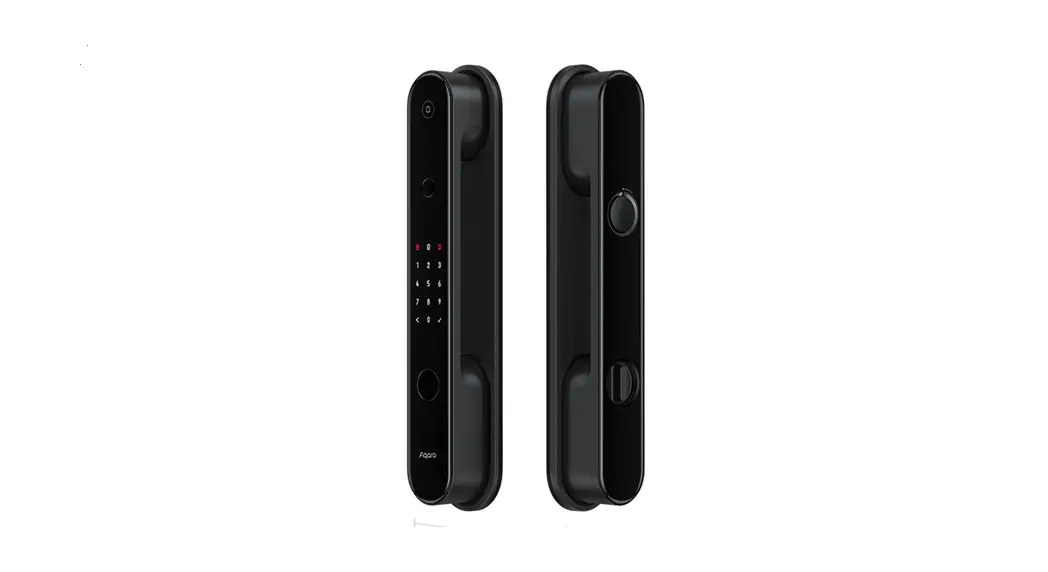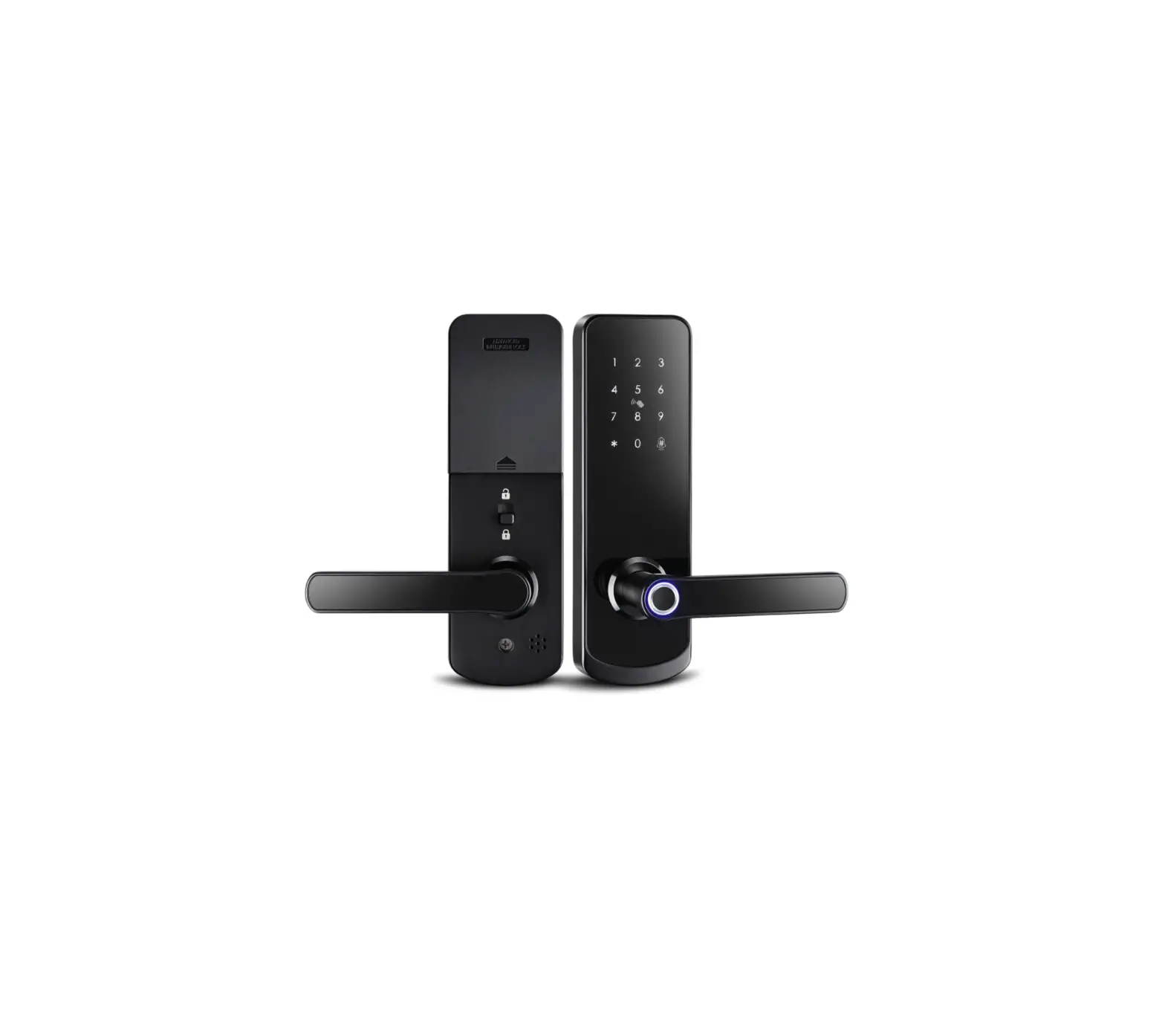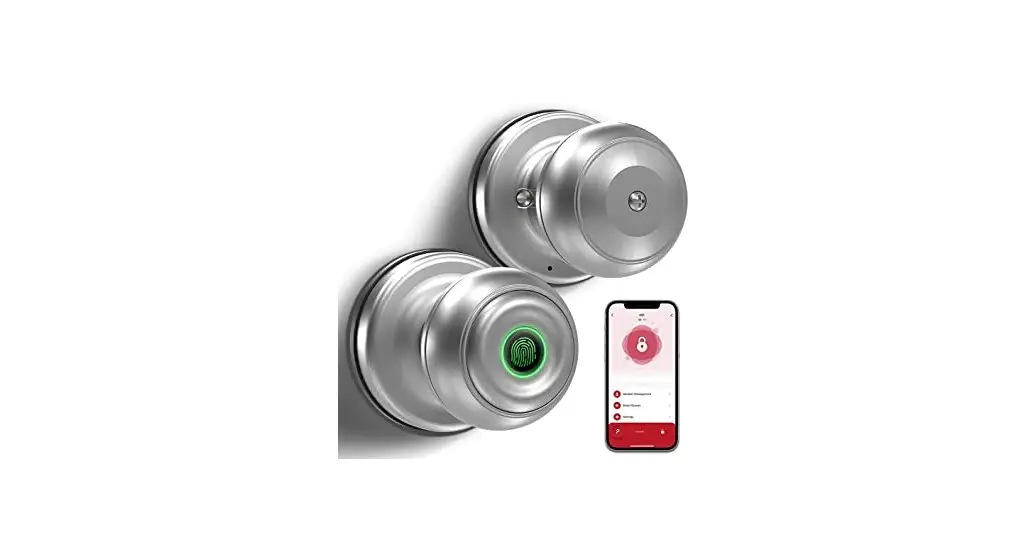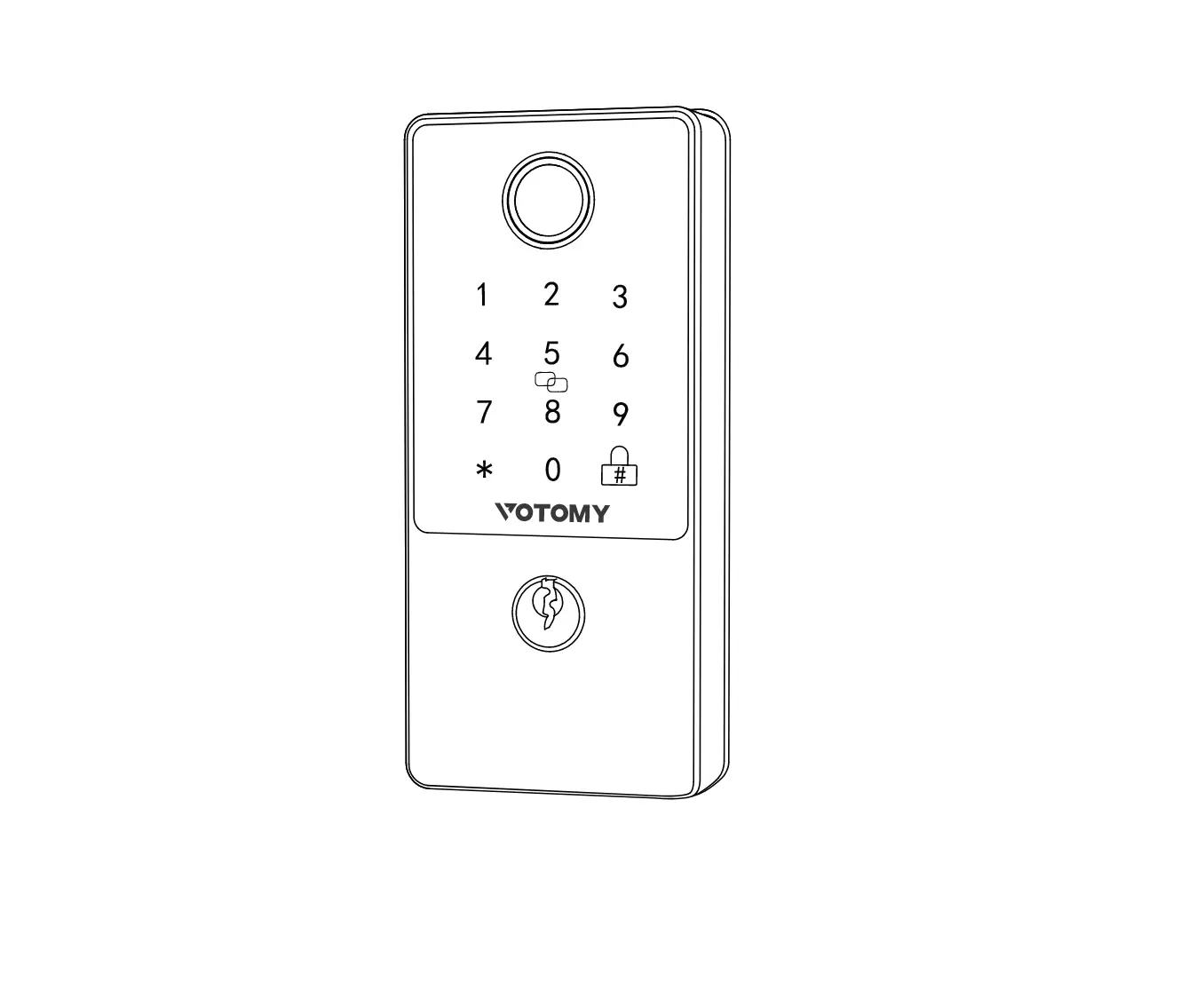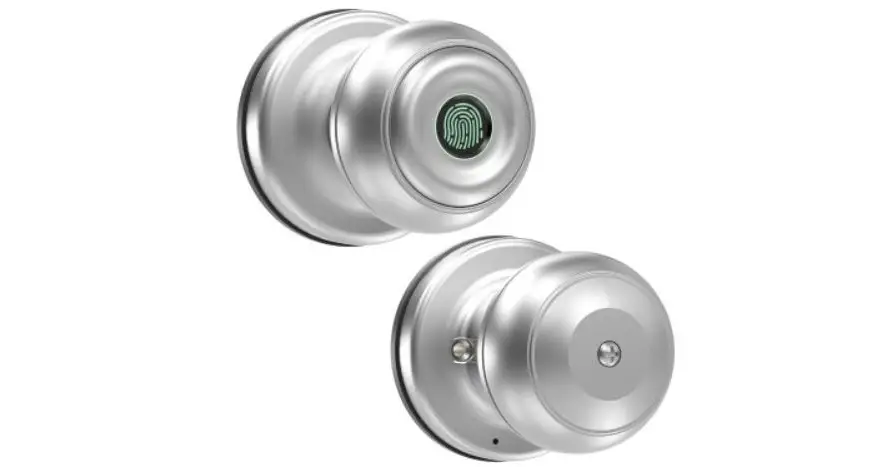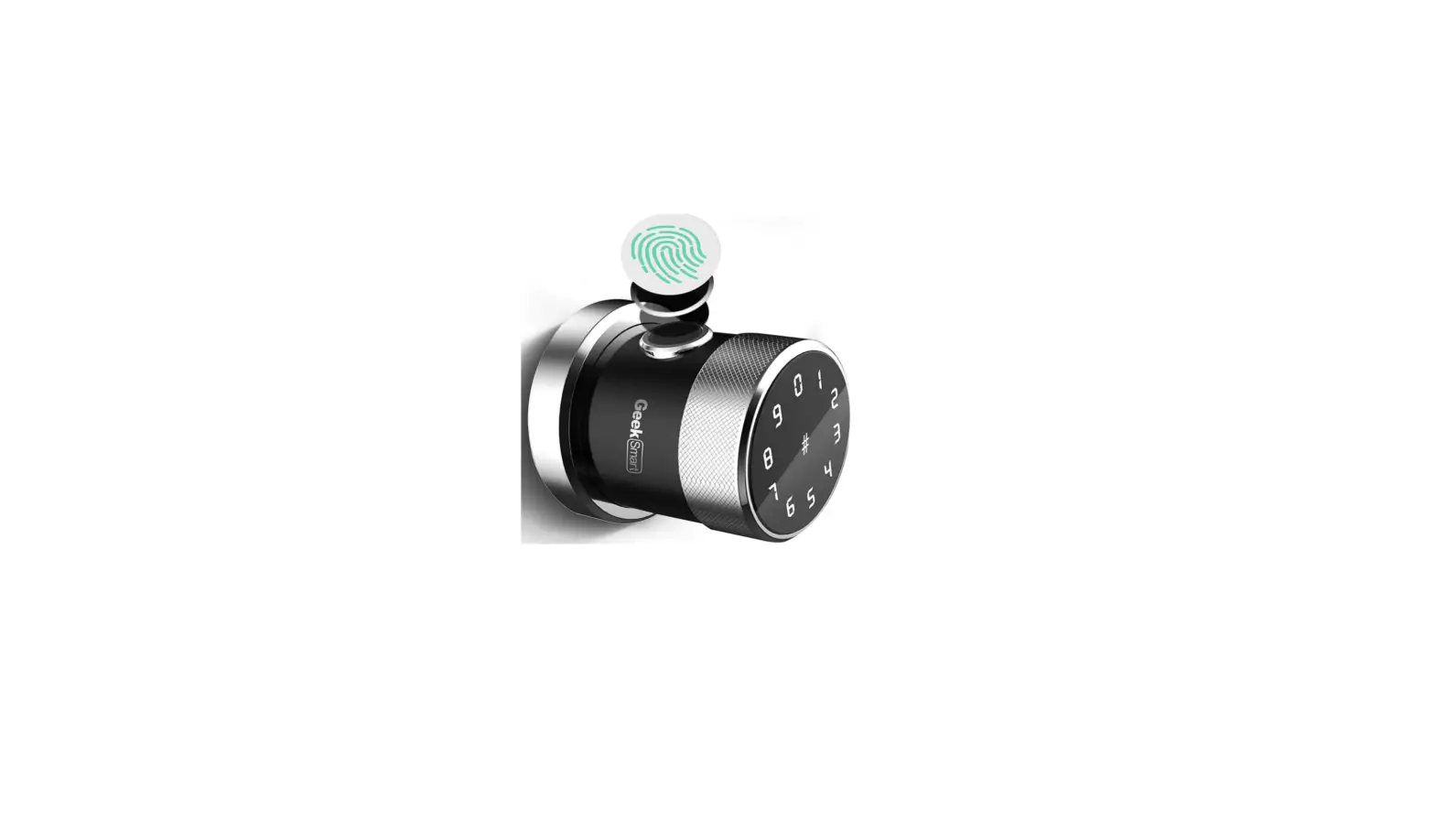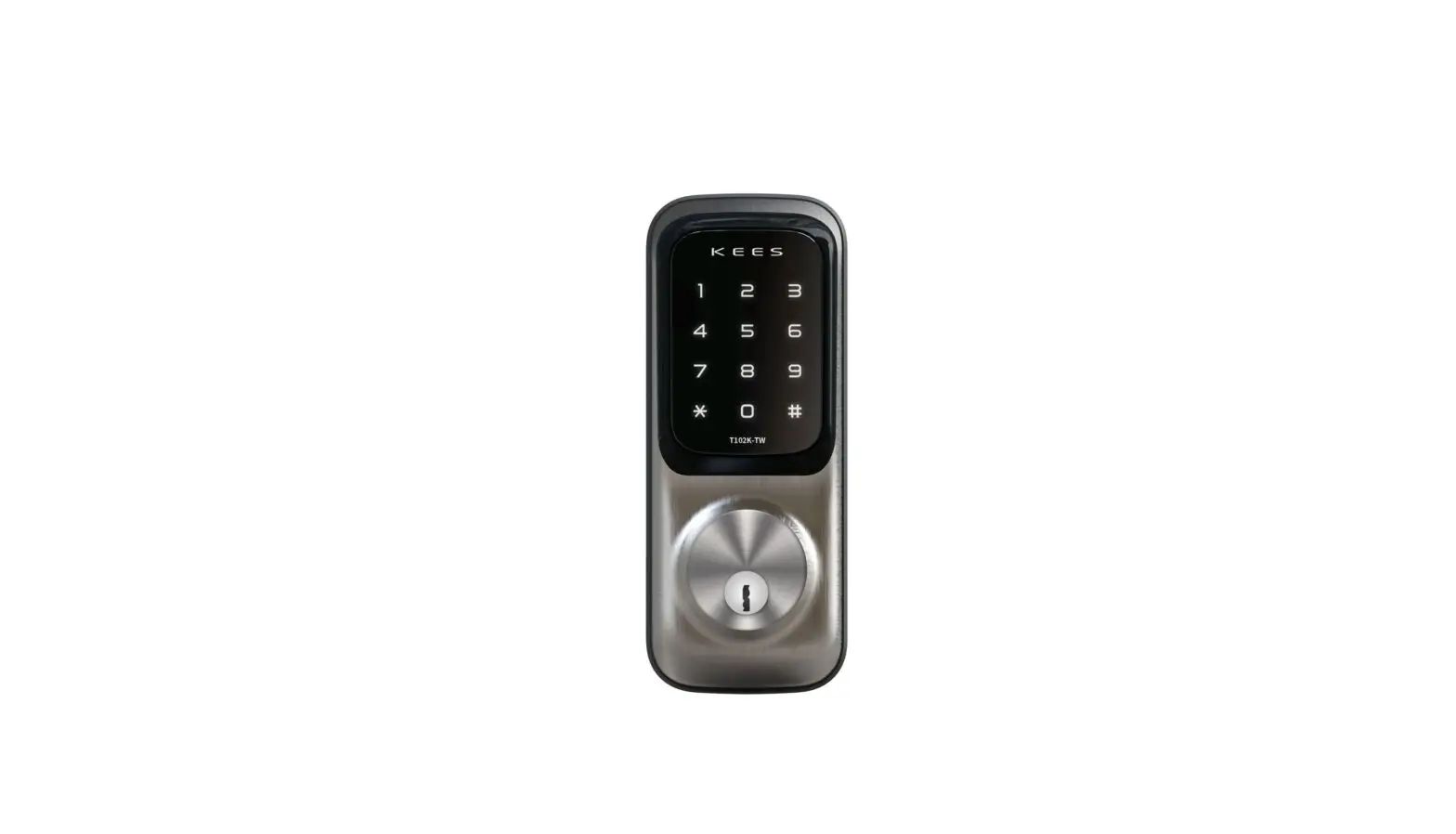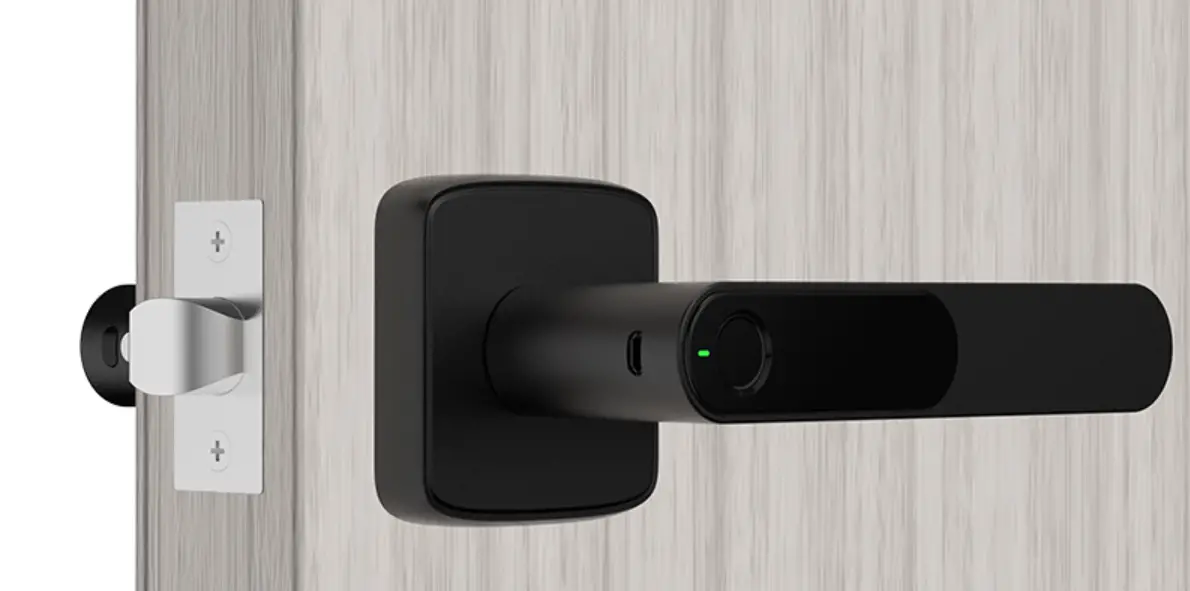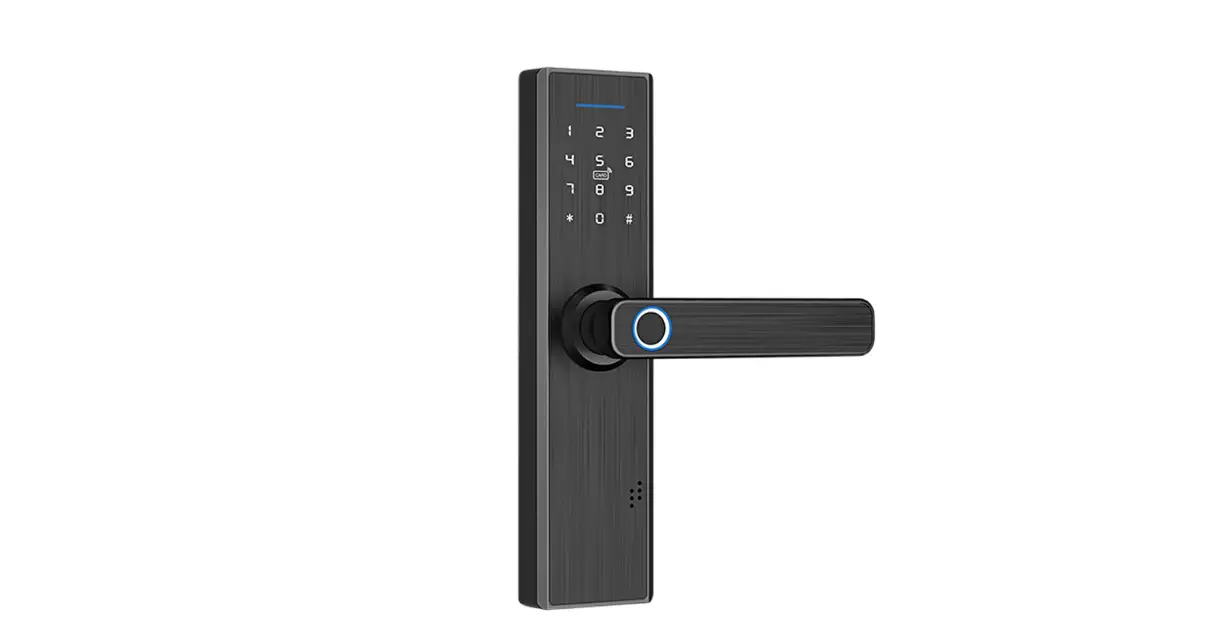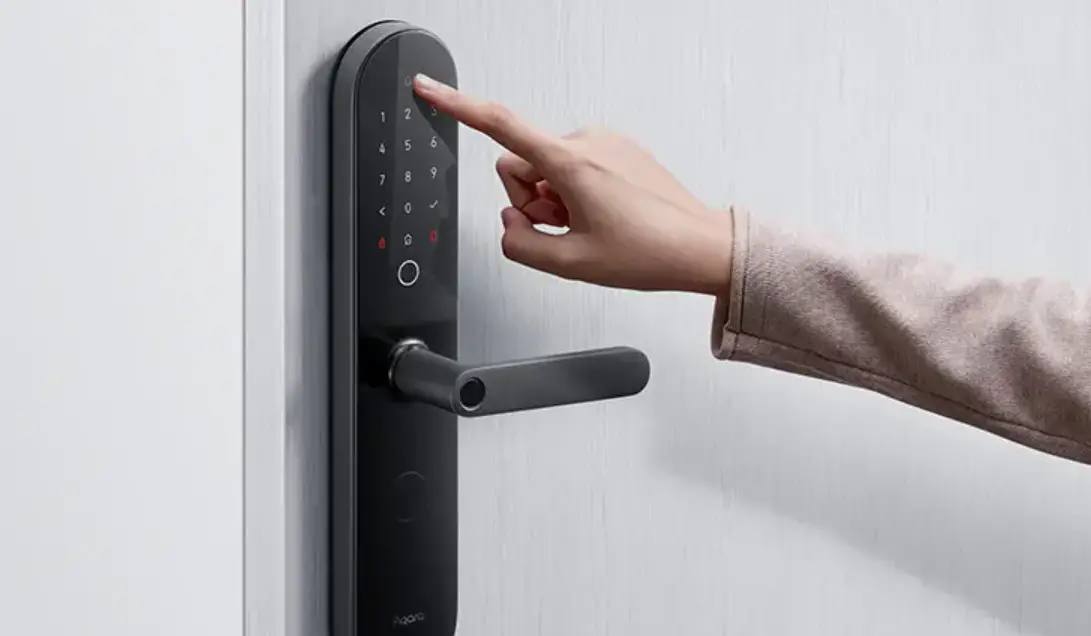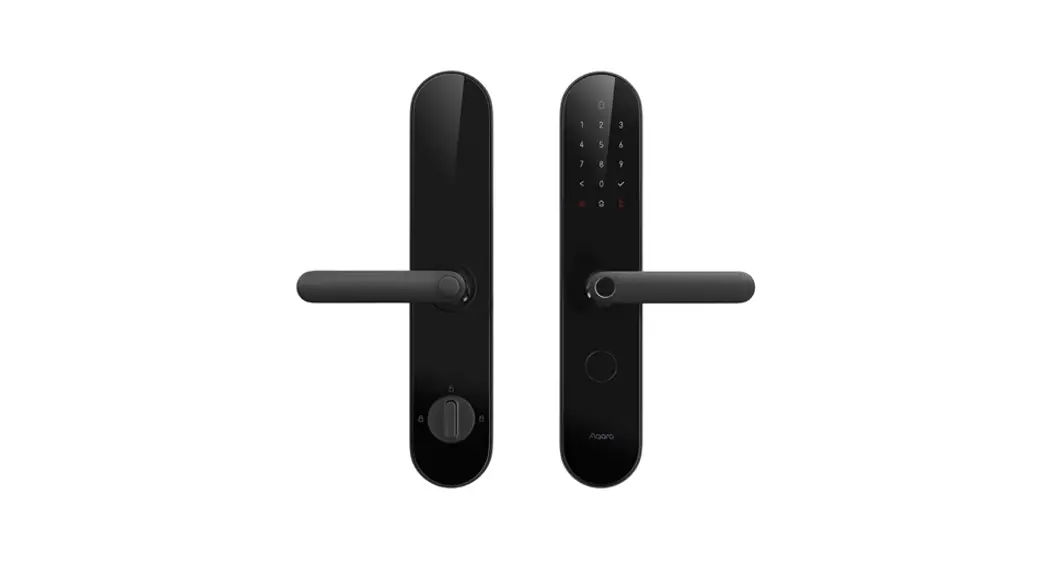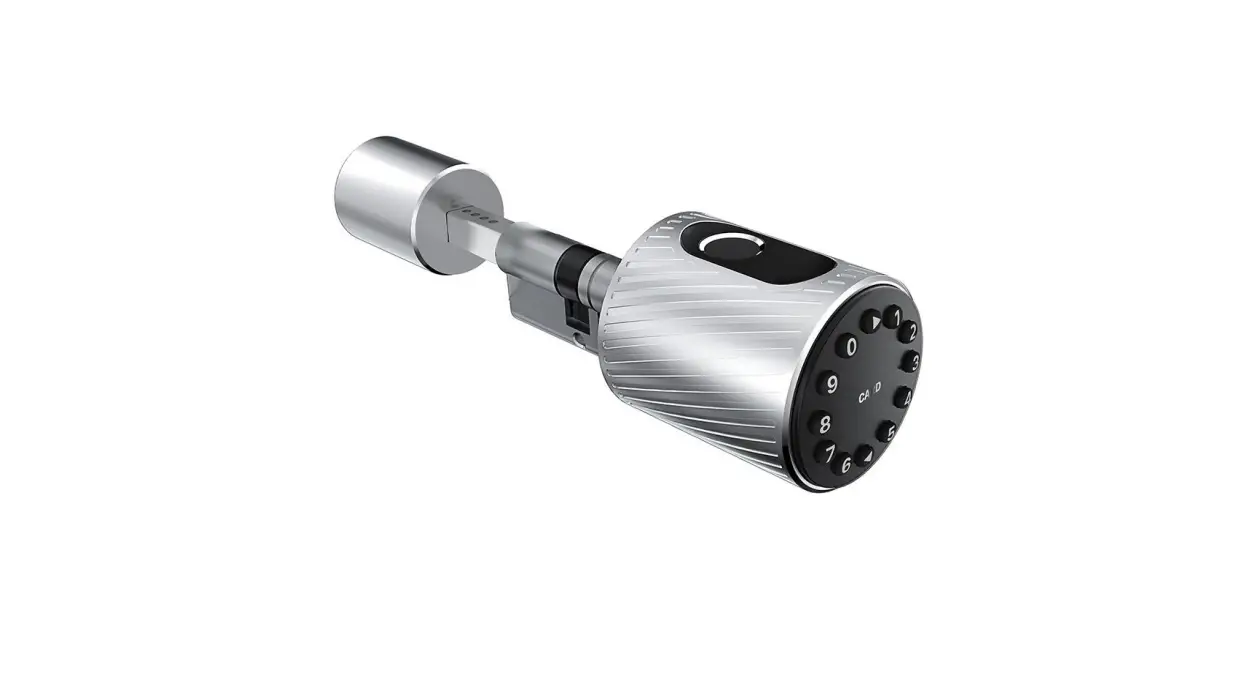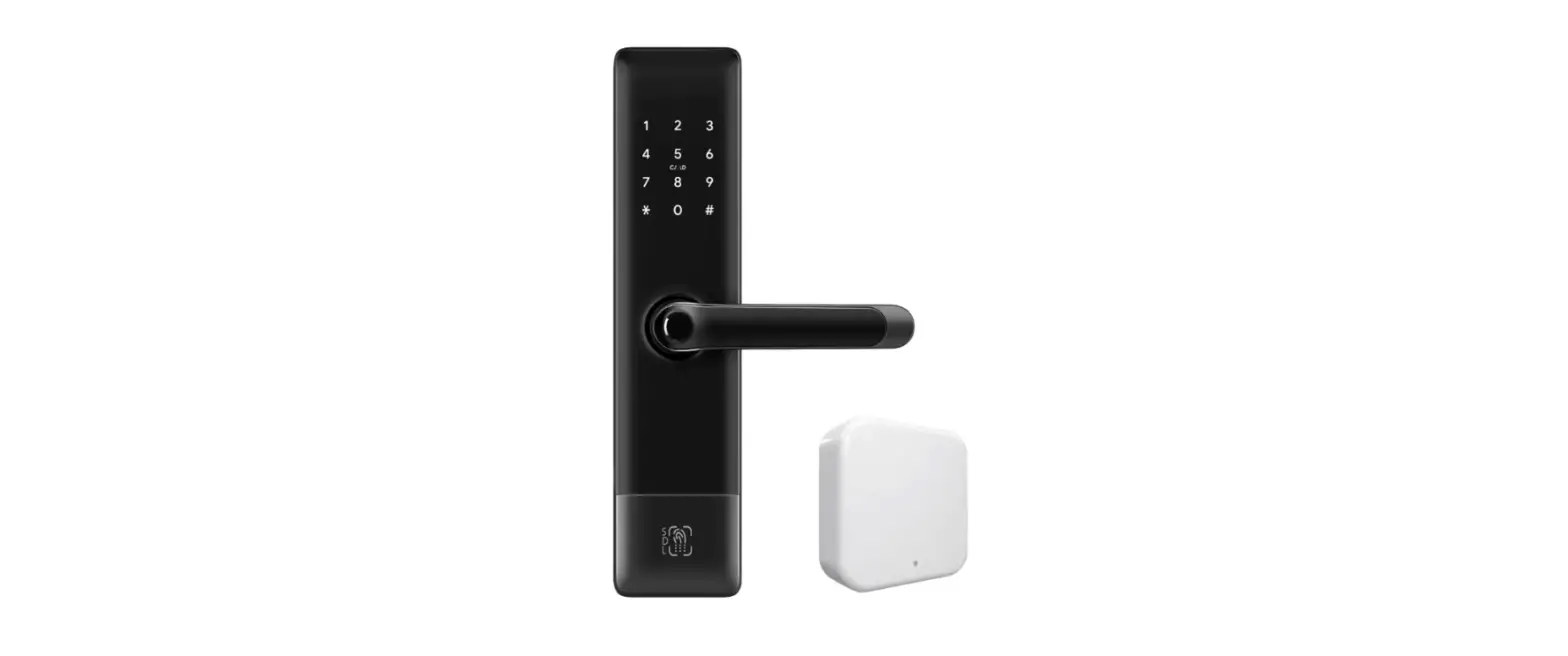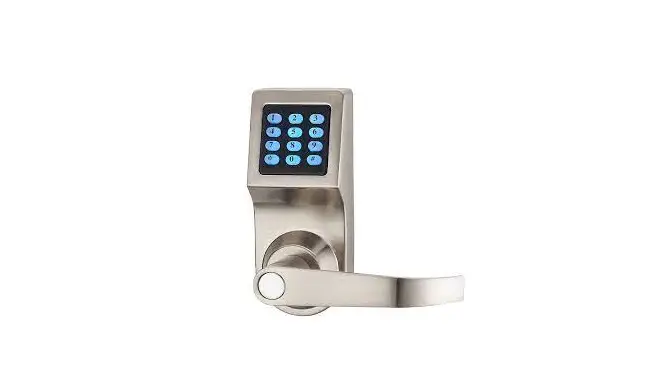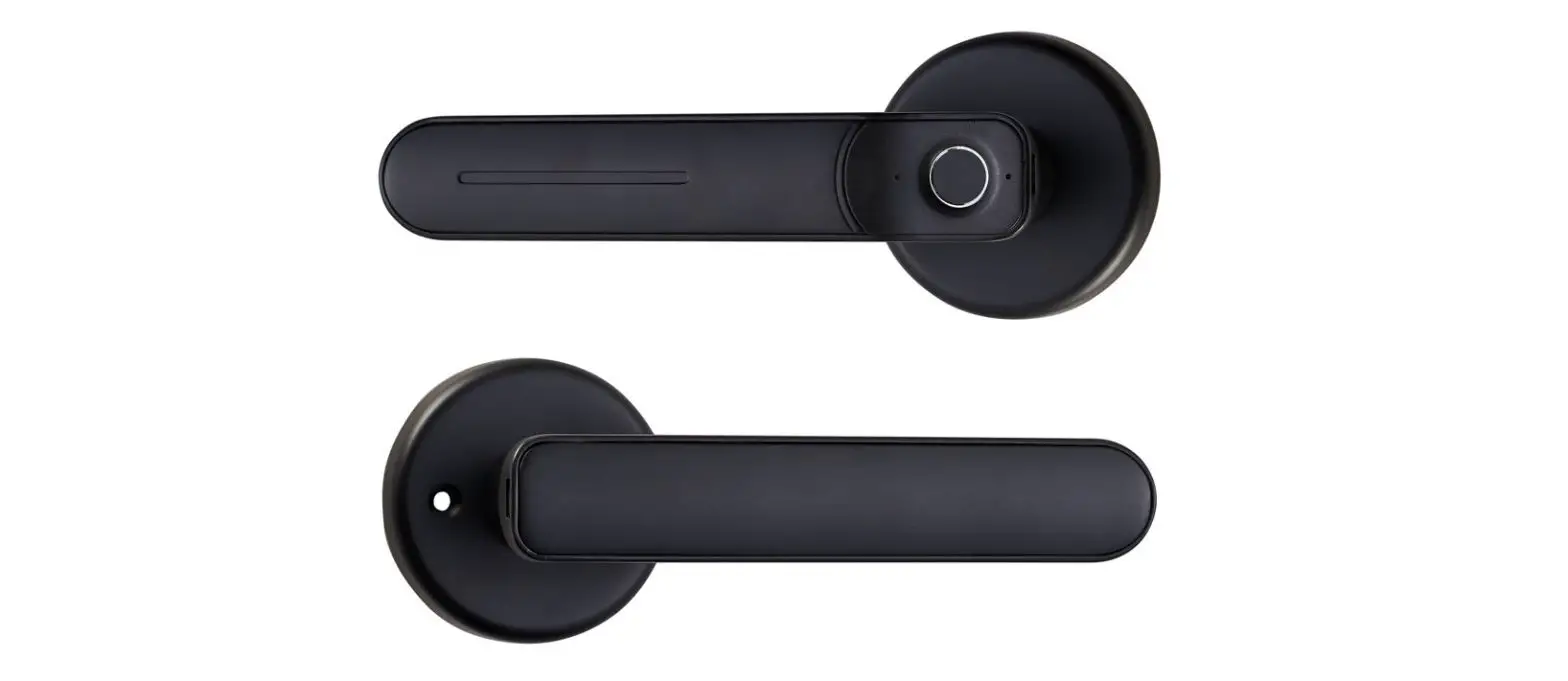

kodicam D100-BT Wireless Smart Door Lock

INTRODUCTION
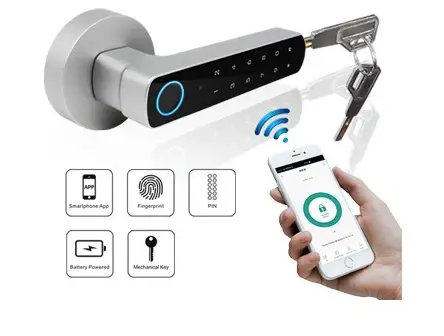
The device is a wireless fingerprint & PIN handle lock, which supports 100 fingerprint users and 155 PIN users. With 4pcs AAA batteries, it can use for about 6 months (based on 30 times/day), and it will remind people to replace batteries intelligently if low battery. Optional Version: With Tuya Bluetooth (supports 100 APP users). People can install the APP to easily access the door with their Smartphone (APP operation can refer to APP manual)
Features:
- Zinc alloy case
- 255 users (100 fingerprint+ 155 PIN)
- PIN length: 4~6 digits
- With USB port for emergency power
- With Backup mechanical key for emergency override
Specifications
| Hardware User Capacity Fingerprint PIN | 255 100 (Includes 1 Master Fingerprint) 155 |
| PIN Length | 4~6 Digits |
| Idle Current | S25uA |
| Working Current | S120mA |
| Operating Voltage | 4 Units AAA Batteries |
| Operating Temperature Physical | -25° C-60°C Zinc-alloy |
| Dimensions | L165 x W29 x D65.5 (mm) |
| Shipping Weight | 1.2kg |
Carton Inventory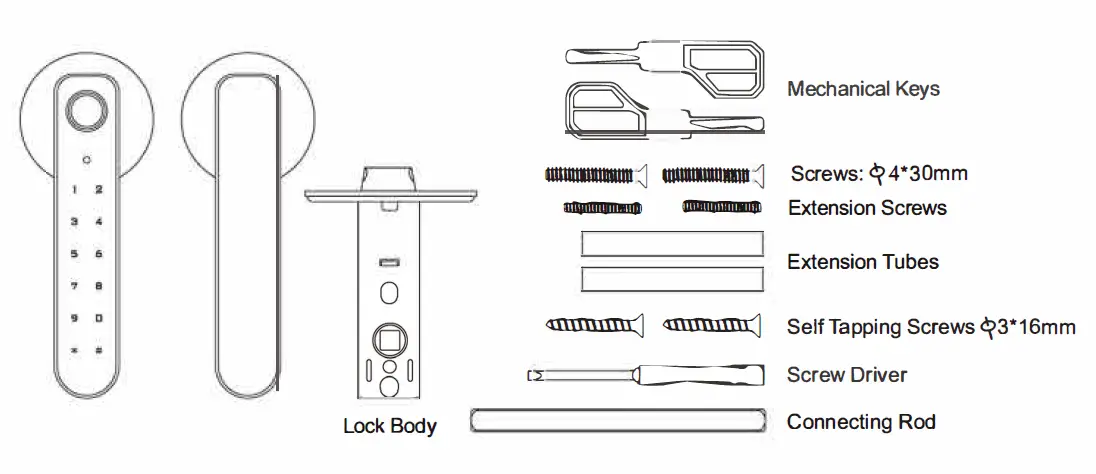
INSTALLATION
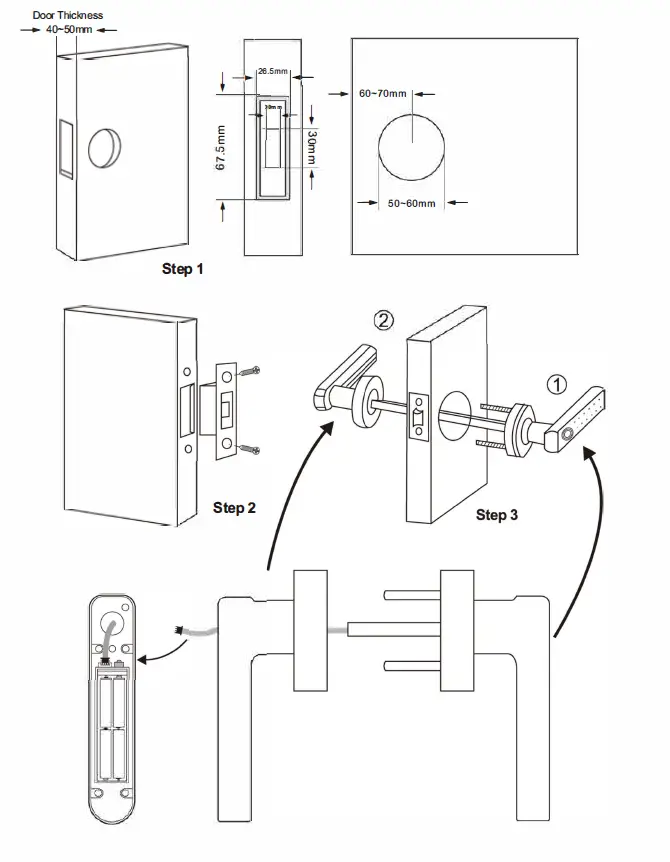
| Simplified Instruction | |
| Function Description | Operation |
| Enter the Program Mode | * (Master Code) # (123456 is the factory default master code) |
| Change the Master Code | 0 (New Code)# (Repeat the New Code)# (code: 6 digits) |
| Add Fingerprint User | 1 (Input Fingerprint 3 Times)# (can add Fingerprints continuously) |
| Add PIN User | 1 (PIN)# PIN Length: 4~6 digits (can add PINs continuously) |
| Delete user | 2 (Fingerprint)# 2 (PIN)# 2 (User ID)# (can delete Users continuously) |
| Exit from the programming mode | * |
| How to release the door | |
| Fingerprint Access | Input Fingerprint |
| PIN User | PIN# |
| Lock Immediately | 0# |
PROGRAMMING
Set Master Code
| Programming Step 1. Enter Program Mode | Keystroke Combination * (Master Code)# (Factory default is 123456) |
| 2. Update Master Code | 0 (New Master Code) # (Repeat New Master Code) # (Master code is any 6 digits) |
| 3. Exit Program Mode | * |
Add Users
(Fingerprint user ID: 0~98, PIN user ID: 100~254: PIN length: 4~6 digits)
| Programming Step Keystroke Combination 1. Enter Program Mode * (Master Code)# Add Fingerprint User | |
| 2. Using Auto ID (Allows the device to assign FP to next available User ID number) OR 2. Select Specific ID (Allows Master to define a specific User ID to associate the FP to) | 1 (Fingerprint) (Repeat Fingerprint) (Repeat Fingerprint Again)# The fingerprints can be added continuously.
1 (User ID)# (Fingerprint) (Repeat Fingerprint) (Repeat Fingerprint Again) # |
| Add PIN User | |
| 2. Using Auto ID (Allows the device to assign PIN to next available User ID number) OR 2. Select Specific ID (Allows Master to define a specific User ID to associate the PIN to) | 1 (PIN)# The PINs can be added continuously.
1 (User ID) # (PIN) # |
| 3. Exit | * |
Delete Users
| Programming Step | Keystroke Combination |
| 1. Enter Program Mode | * (Master Code) # |
| 2. Delete User – By FP or PIN OR 2. Delete User – By ID number OR 2. Delete ALL Users | 2 (Input Fingerprint)/ (Input PIN) # The users can be deleted continuously. 2 (User ID )# 2 (Master Code) # |
| 3. Exit | * |
Add/ Delete Master Fingerprint
| Programming Step | Keystroke Combination |
| 1. Enter Program Mode | * (Master Code) # |
| 2. Add Master Fingerprint | 5 (Fingerprint) (Repeat Fingerprint) |
| OR | (Repeat Fingerprint Again) |
| 2. Delete Master Fingerprint | 5 (Master Code)# |
| 3. Exit | * |
Master Fingerprint Usage
| Using Master Fingerprint to add and delete users | |
| Add Fingerprint or PIN User | 1. Input (Master Fingerprint) 2. Input (Fingerprint Three Times)/ (PIN#) Repeat Step 2 for additional users 3. Input (Master Fingerprint) again |
| Delete Fingerprint or PIN User | 1. Input (Master Fingerprint Twice Within 5s) 2. Input (Fingerprint)/ (PIN#) Repeat Step 2 for additional users 3. Input (Master Fingerprint) again |
Set Relay Configuration
The relay configuration sets the behavior of the output relay on activation.
| Programming Step | Keystroke Combination |
| 1. Enter Program Mode | * (Master Code)# |
| 2. Pulse Mode OR 2. Toggle Mode | 3 (1-99) # (factory default) The relay time is 1-99 seconds.(Default is 5 seconds) 30# Sets the relay to ON/OFF Toggle mode |
| 3. Exit | * |
Set Access Mode
For Multi fingerprints/PINS access mode, the interval time of reading fingerprints / inputting PINs can not exceed 5 seconds, or else, the device will exit to standby automatically.
| 2.FingerprintAccess 2O.RPIN Access O2.RFingerprint or PIN Access O2.RMulti Fingerprints/ PINs Access | 40# 42# 43 # (factory default) 43 (2-9)# (Only after 2~9 users, the door can be opened) |
| 3. Exit | * |
Set Audible and Visual Response
| Programming Step | Keystroke Combination |
| 1. Enter Program Mode | * (Master Code)# |
| 2. Disable Sound Enable Sound O2.RKeypad BacklitAlways OFF Keypad BacklitAutomatic OFFAfter 5s O2.RFingerprint Sensor LED OFF Fingerprint Sensor LED ON | 60# 61 # (factory default) 62# 63 # (factory default) 64# 65 # (factory default) |
| 3. Exit | * |
How to Open and Close the Lock
| 1. Open the Lock | PIN# Input Fingerprint |
| 2. Close the Lock | 0# |
Reset to factory default
Remove the batteries, press the reset button, hold it and install the batteries, after 5 seconds, the lock beep and the Orange LED bright, then release the reset button, reset to factory default successfully. (The user’s information is still retained)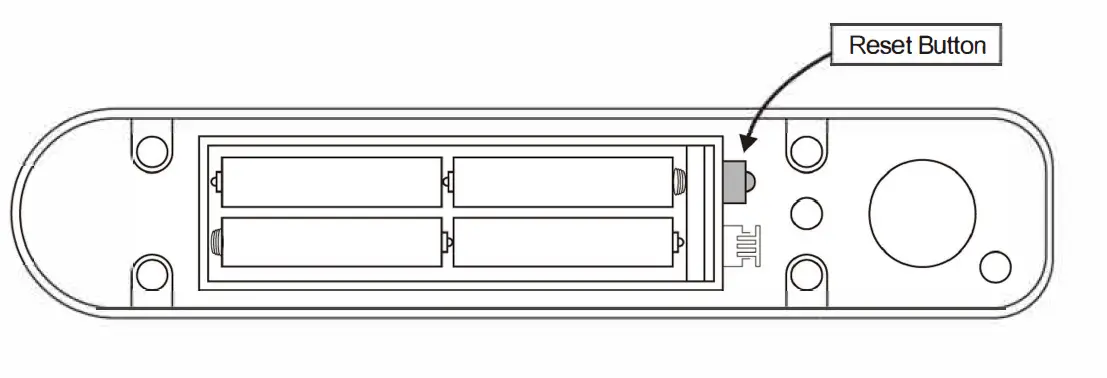
SOUND AND LIGHT INDICATION
| Operation Status | Red LED | Green LED | Buzzer |
| Stand by | OFF | OFF | – |
| Press the key | – | – | One beep |
| Enter into programming mode | ON | – | One beep |
| In the programming mode | ON | ON | – |
| Operation error Open lock | – – | – ON | Threebeeps One beep |
| Low battery reminding | Orange LED ON | Threebeeps when press any button | |
PACKING LIST
| Name | Quantity |
| Packaging Box | 1pc |
| Smart Door Lock | 1pc |
| Lock Body | 1pc |
| Manual Accessory Bag | 1pc 1pc |