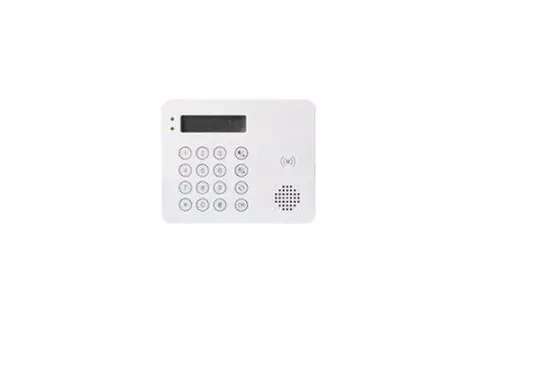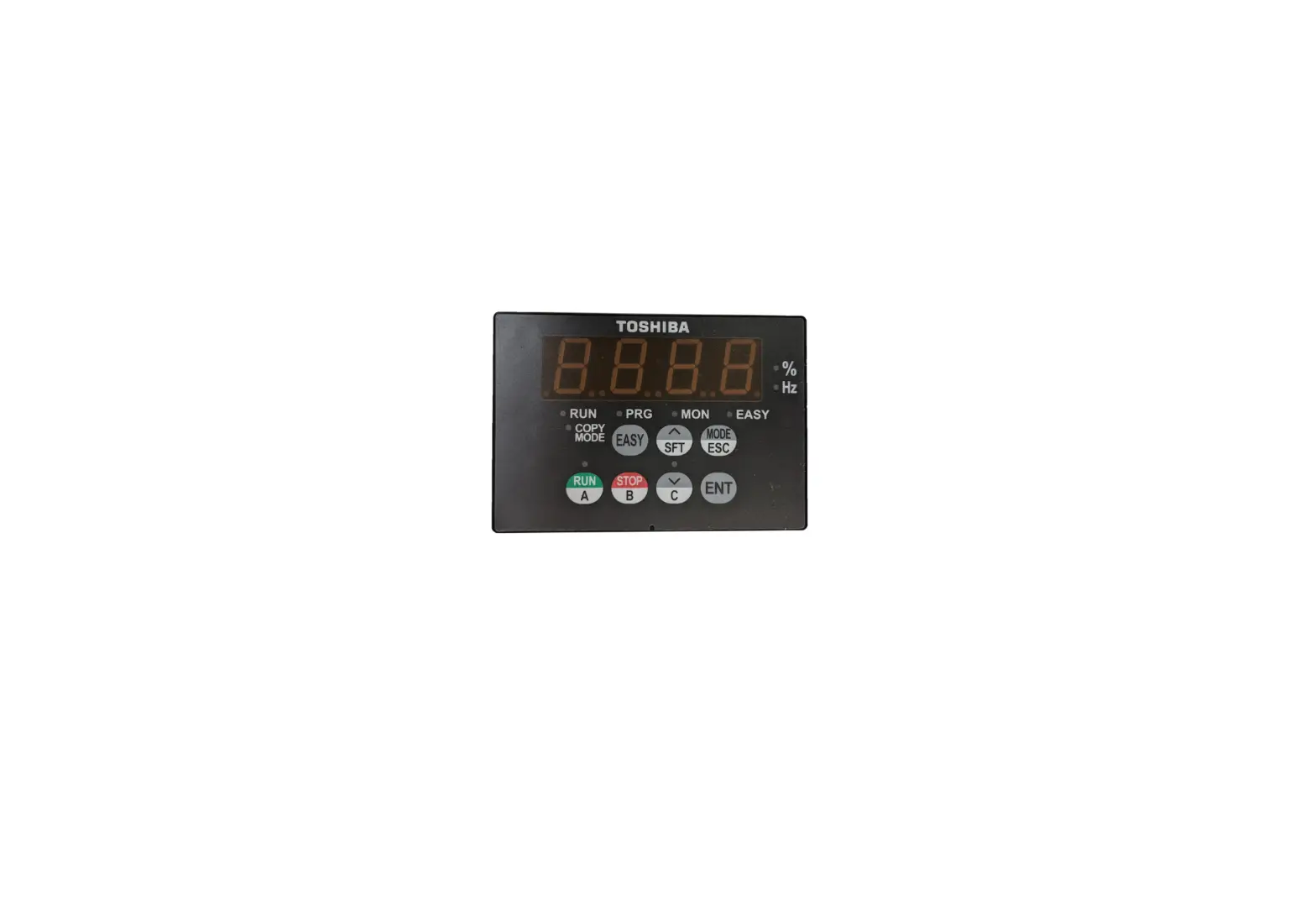

SAVCH EL-OP-B2 Remote Keypad
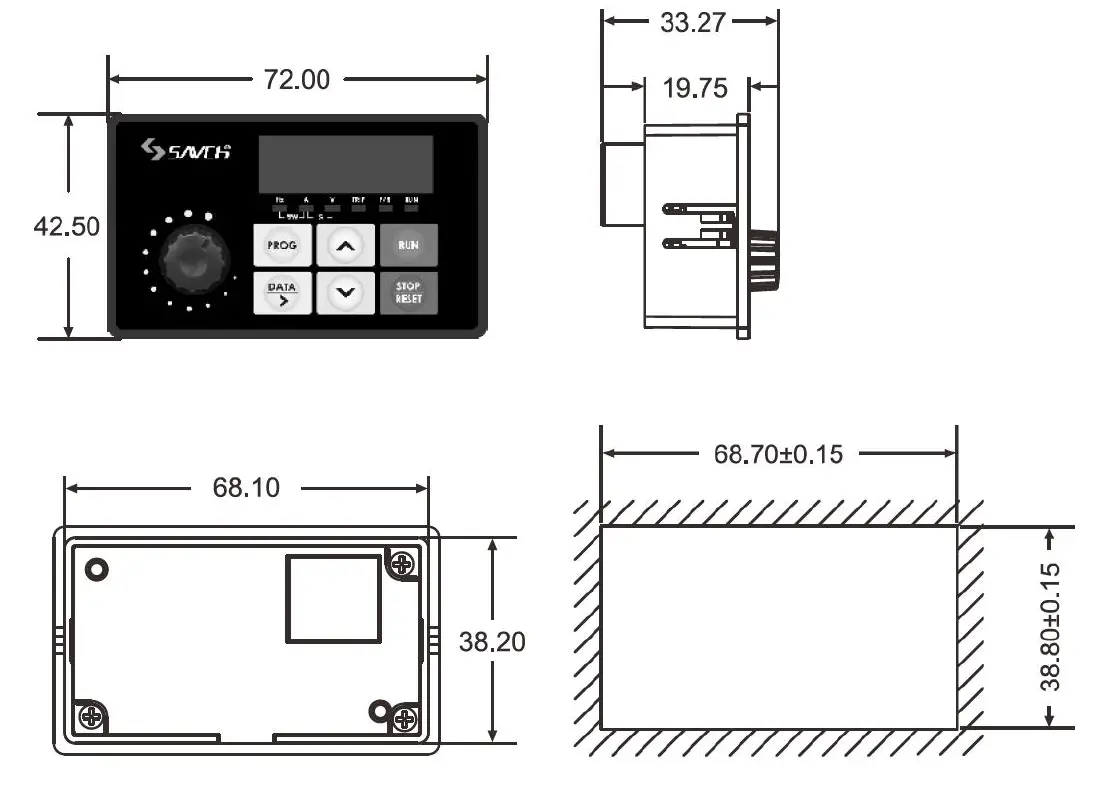
Keypad dimensions and Installation dimensions
NOTE: When use remote keypad, SG+/SG-(RS485) serial communication function disabled.
Keypad dimensions
Keypad dimensions Installation
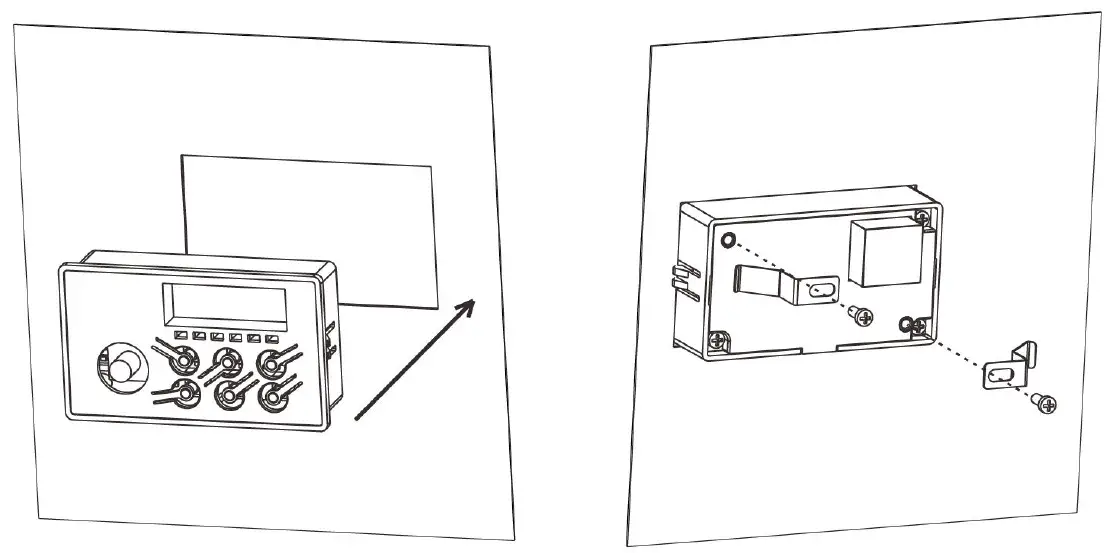
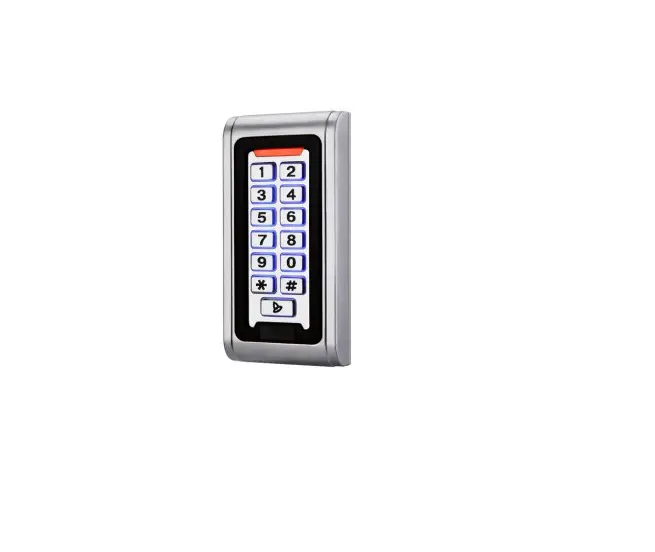
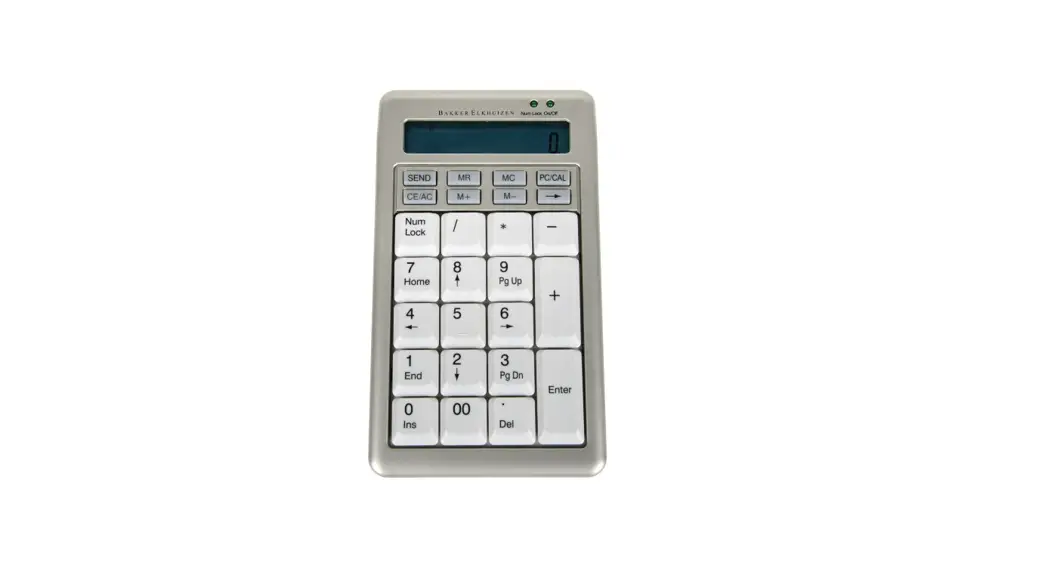
Remote keypad (EL-OP-B2) external dimensions and installation dimensions. (This keypad can be extended with ordinary network cable (8 cores))
Parameter function description
| Parameter | Parameter function | Setting range | Setup parameter |
| 00-02 | Main frequency source selection | 0~5 6:Communication setting(Remote keypad) 7~9 | 6 |
| 00-11 | Parameter initialization | 0~2 3:Copy inverter parameters to keypad 4:Copy keypad parameters to Inverter | 3 or 4 |
Remote keypad failure code description
| Failure code | Description | Possible reason | Corrective-measures |
| CErr | Communication error | Communication happen twice interrupted | 1.Check if broken line occurs,or whether the peripheral equipment has a strong interference source 2.Return to the factory |
| EErr | I2C communication error | I2C communication error with MCU | Return to the factory |
| uErr | Inverter type no match | Inverter type no match | Use the correct inverter type |
| dErr | Date invalid | Date invalid | Copy inverter parameters to keypad first |
| nErr | Operation error | Operation error | Return to the factory |