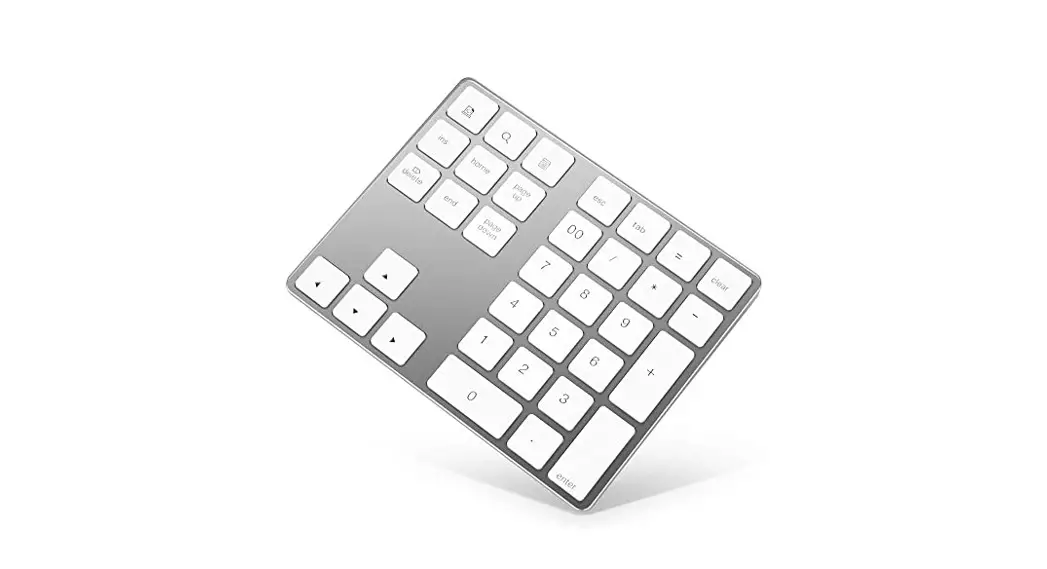
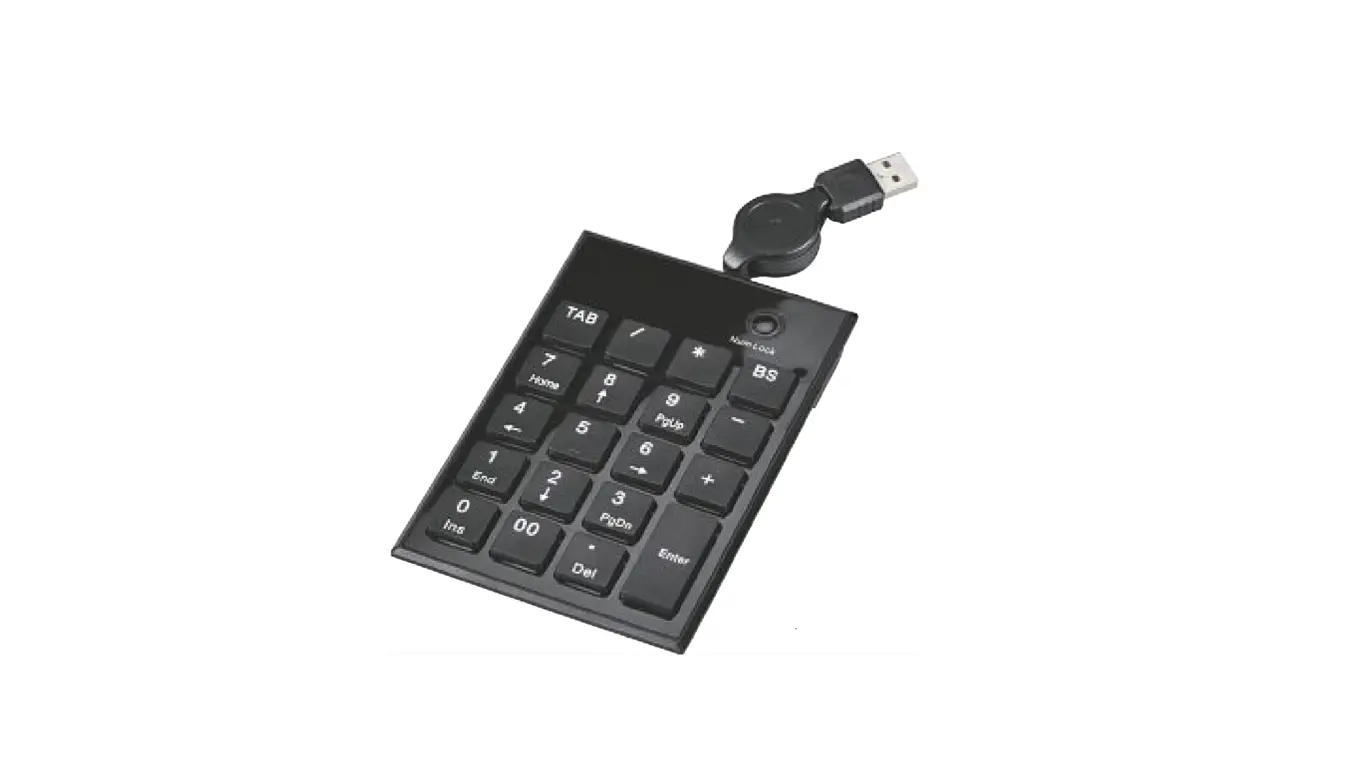
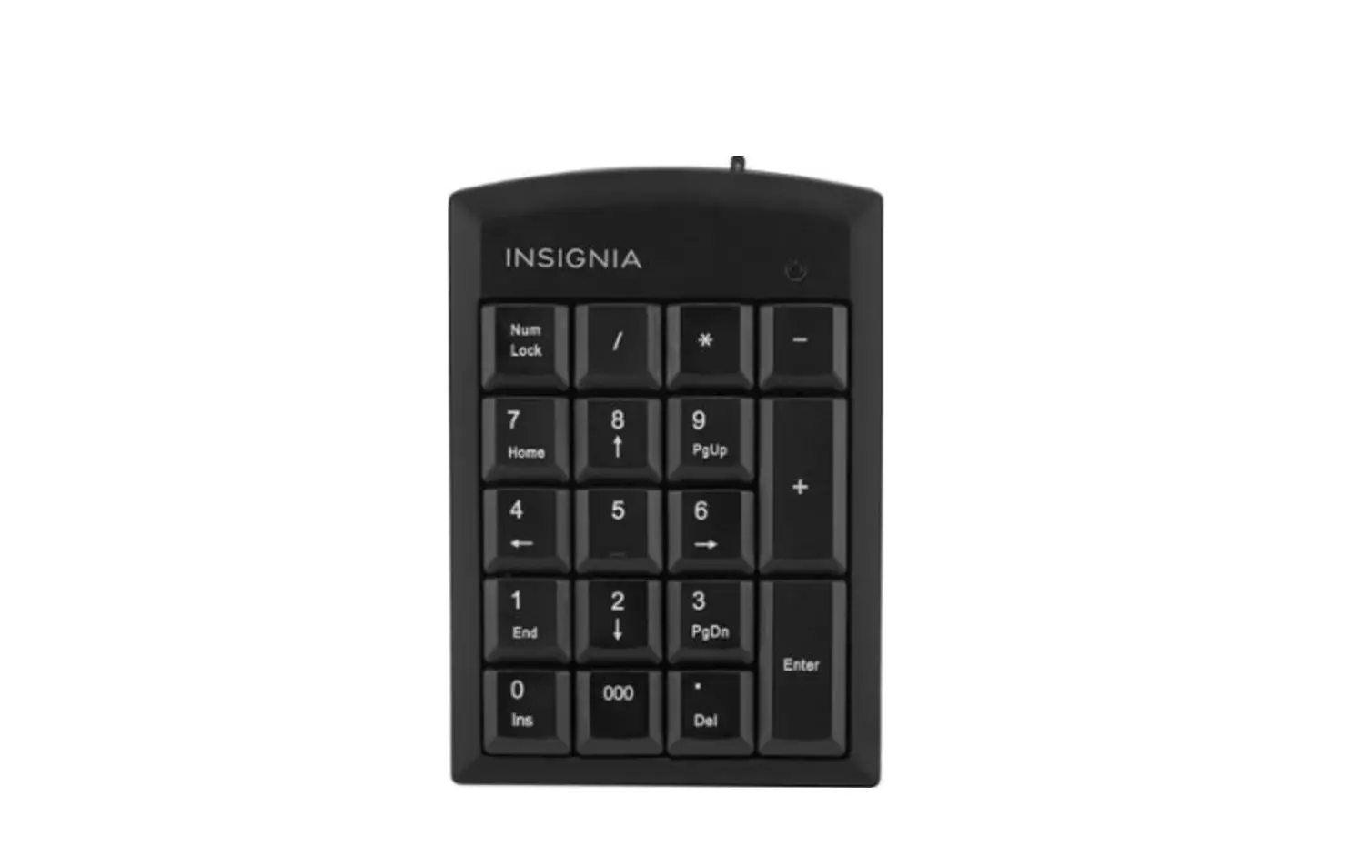
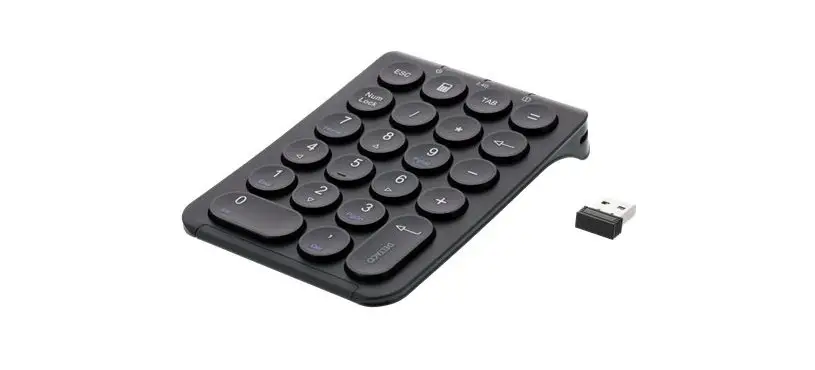
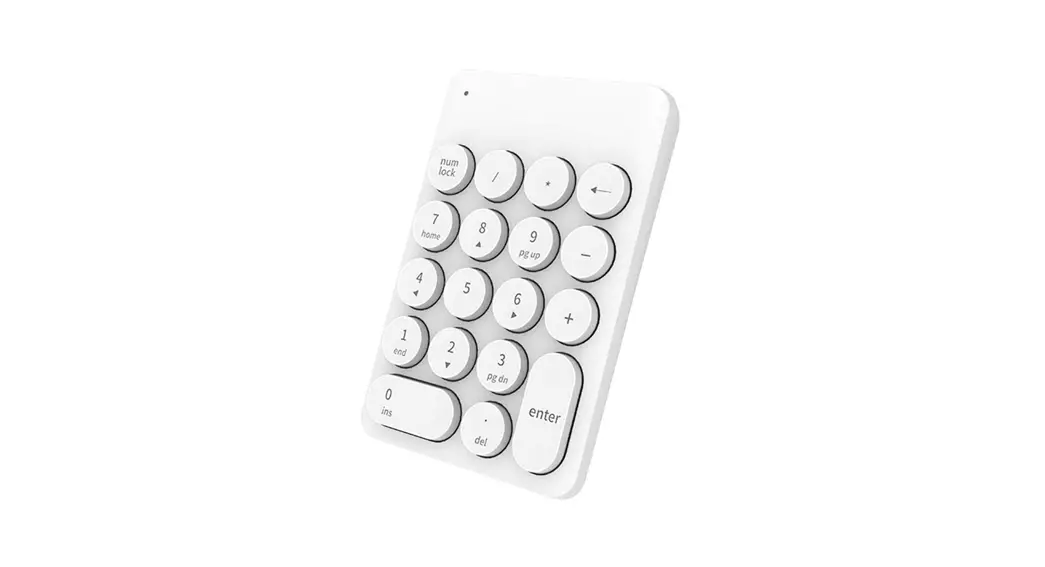
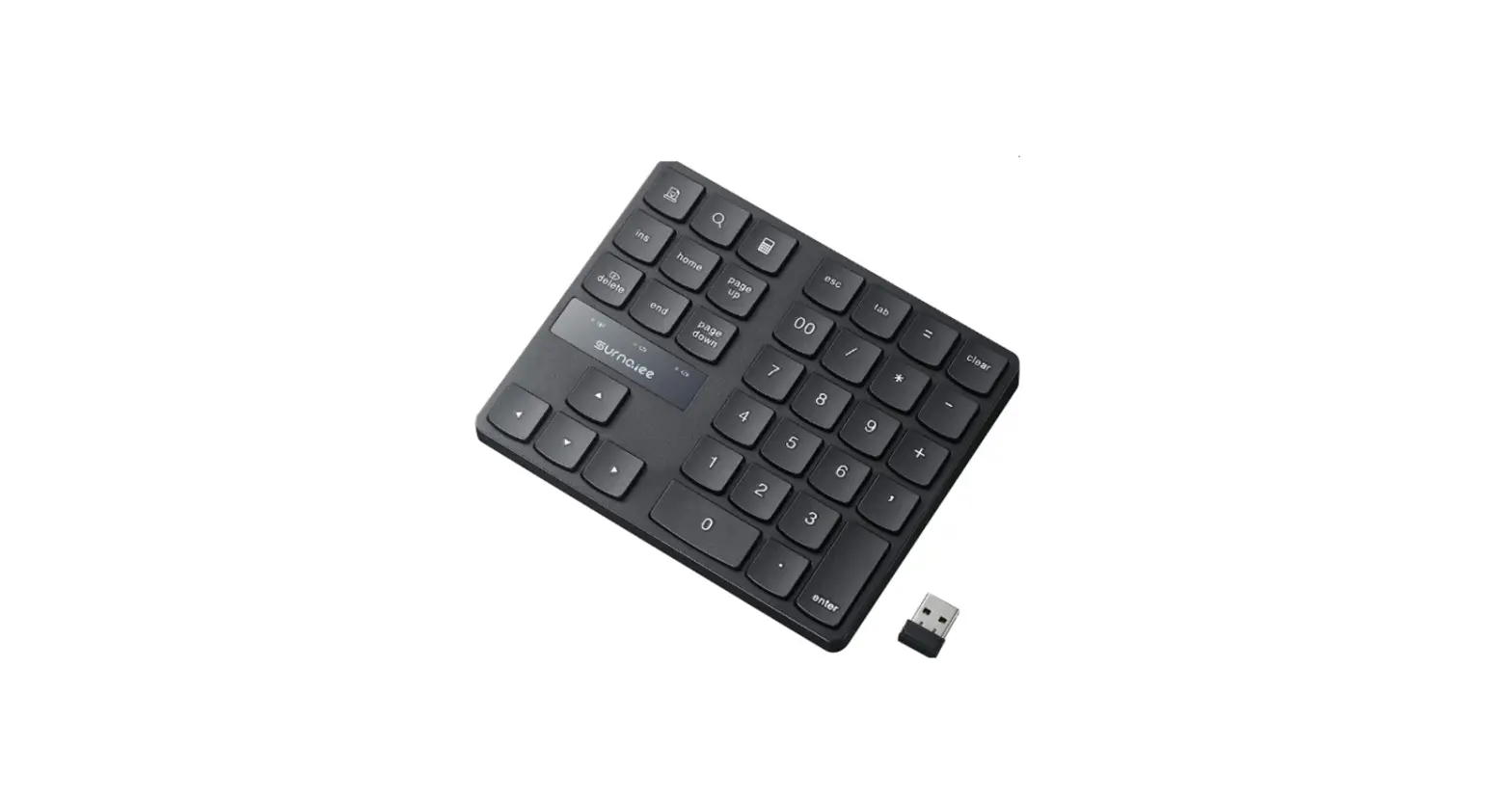
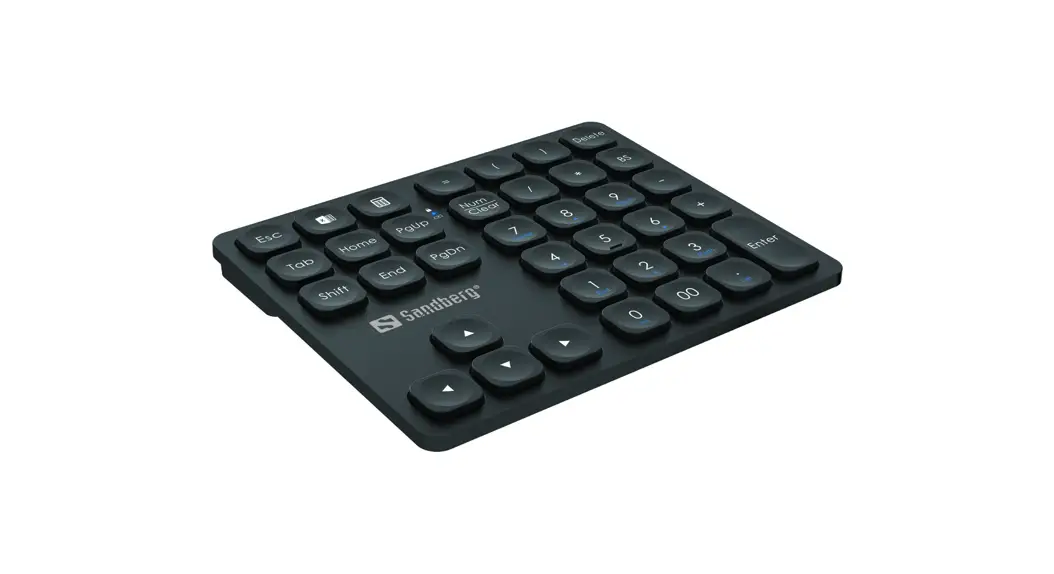
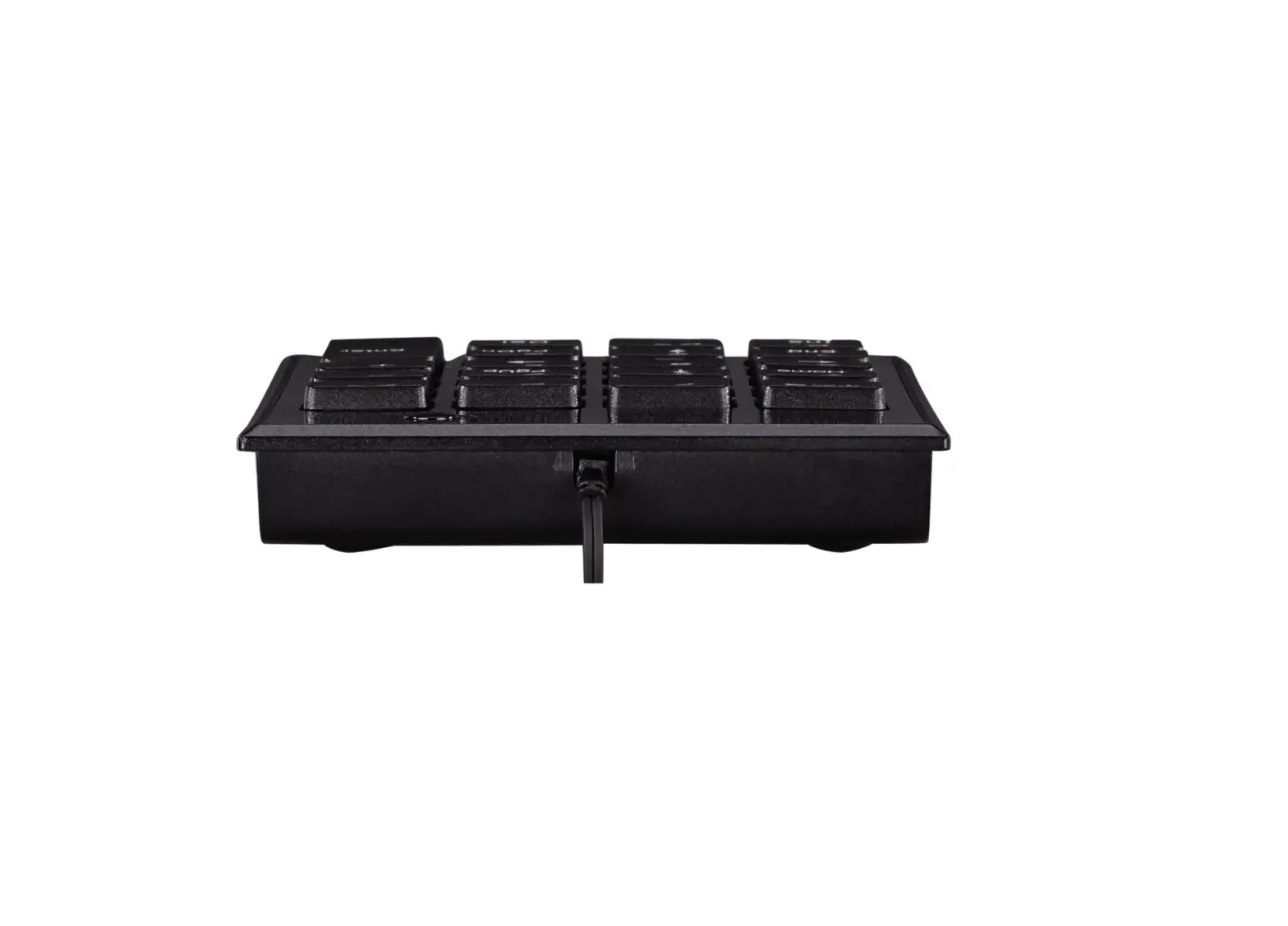
S-board 840 Compact Numeric Keypad
BakkerElkhuizen S-board 840 Numeric Keypad
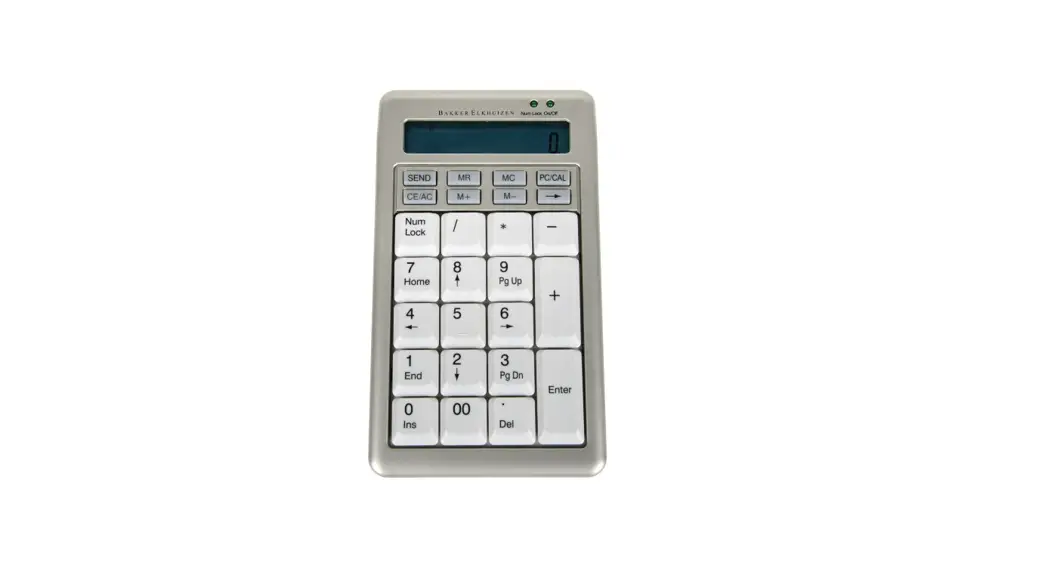
The BakkerElkhuizen S-board 840 Numeric Keypad is an electronic
product that provides numeric input for your computer. It can be
used in both keypad and calculator modes, and features a sleep mode
to save energy. The product comes with a case for storage and can
be handed in at a Wecycle collection point when no longer in
use.
Product Usage Instructions
- Connect the keypad to one of the USB ports of your
computer. - After the hardware is found, turn the Numeric Keypad on by
pressing the `CE/AC’ button. - Select keypad or calculator mode depending on your usage
requirements. - Use the keypad to enter numeric data or perform
calculations. - The `M+’ and `M-‘ buttons can be used to add or subtract the
result in the display to the memory. - The backspace function is available in keypad mode, allowing
you to delete the last digit entered. - The far-right digit in calculator mode can be deleted by
shifting the display value to the right. - To extend the life of the S-Board 840 numeric, use the supplied
case when storing it.
Also available
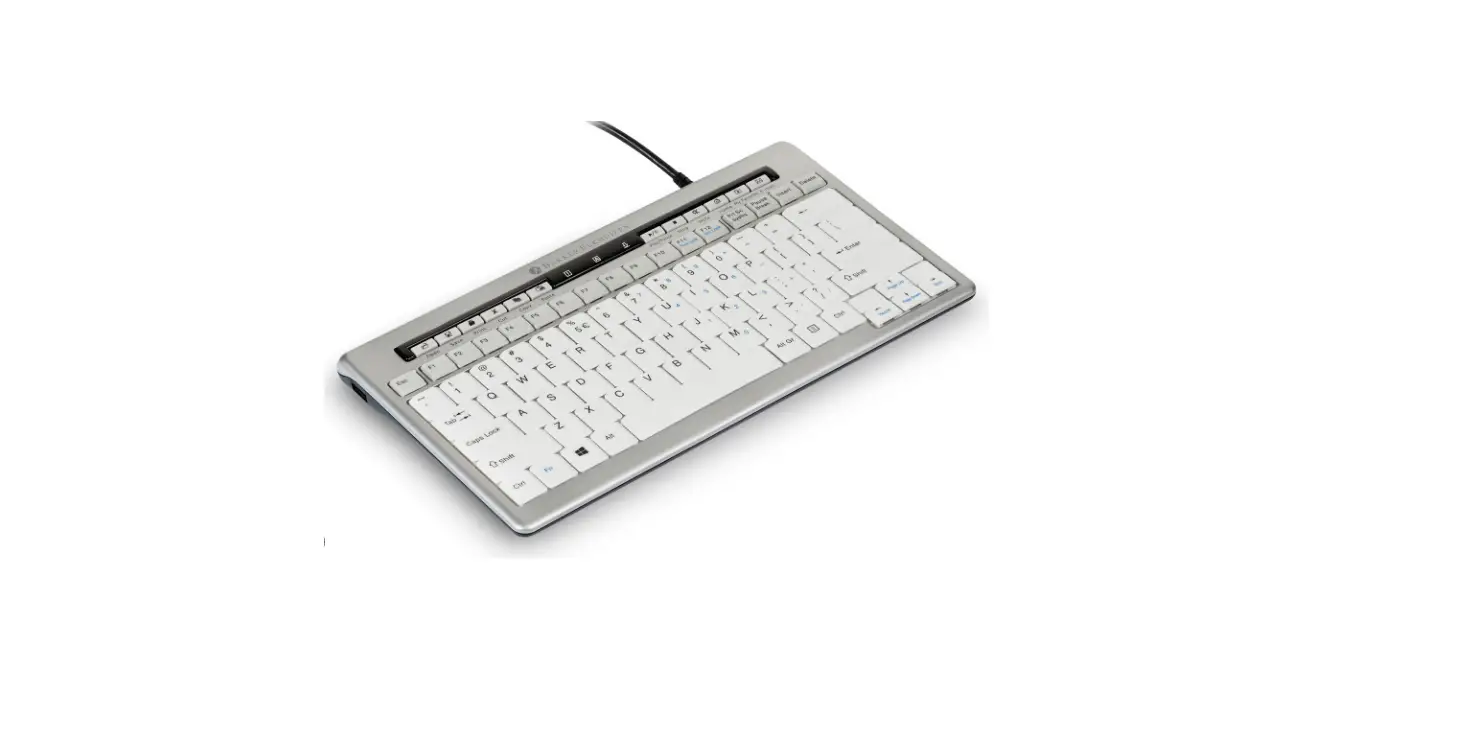
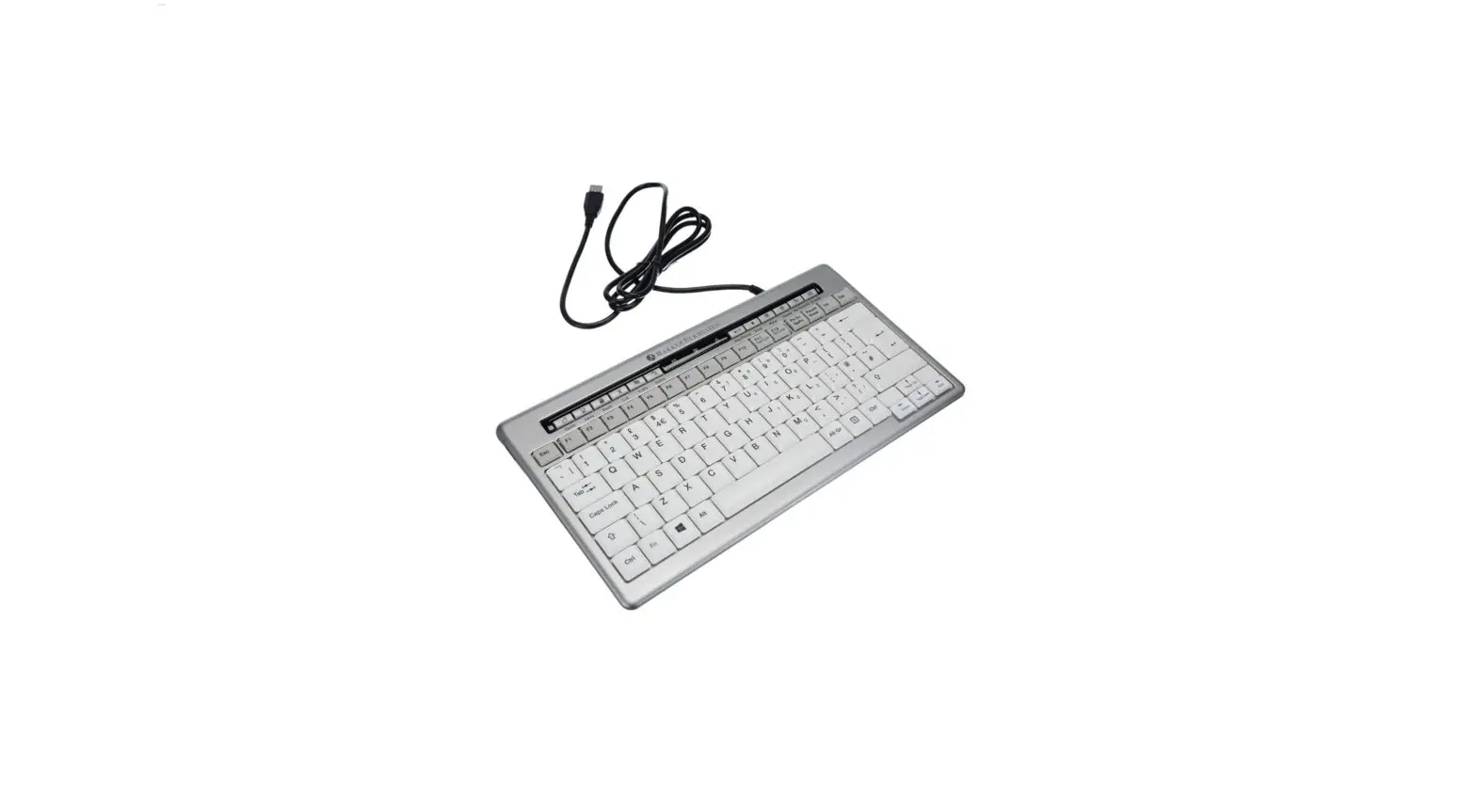
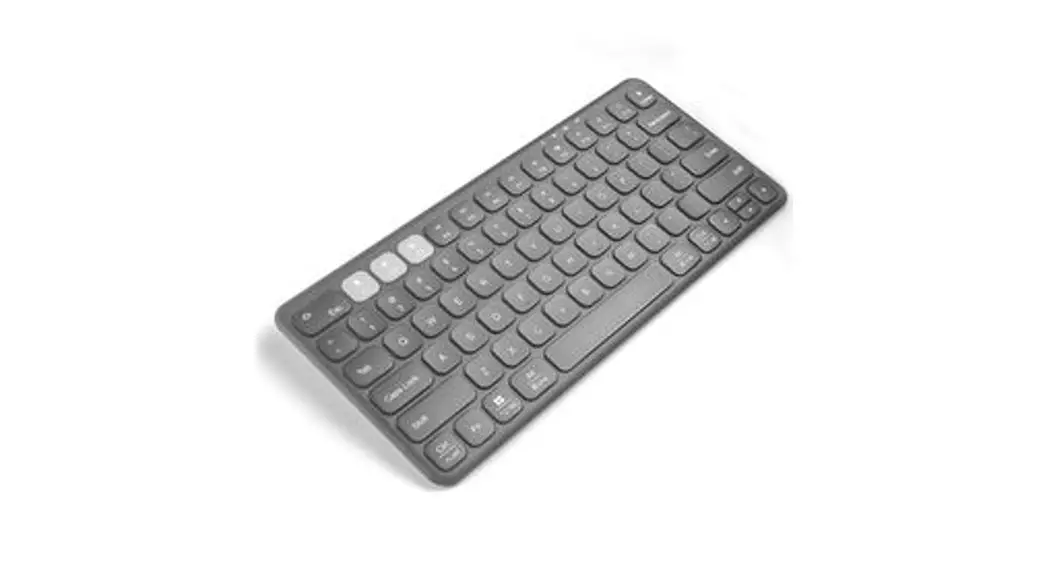
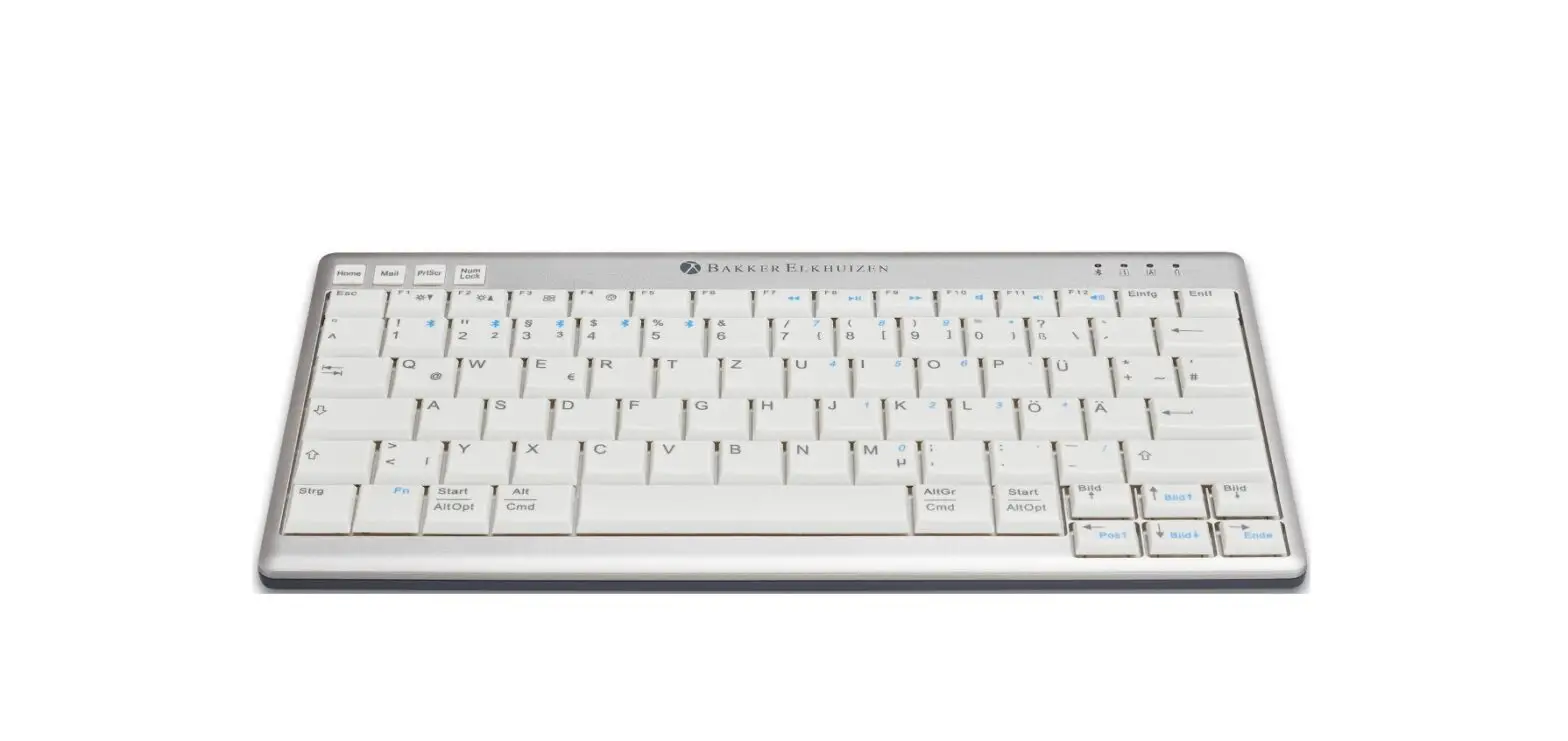
S-board 840 Compact Keyboard · Comes with multimedia keys and 2 USB ports (USB hub) · Optimal layout: extra wide space-bar and
user-friendly positioned arrow keys · Mobile: only 2 cm thick and lightweight · Ergonomic: pleasurable typing feeling
(scissor mechanism instead of membranes) · USB connection
Specifications · Product code: BNES840D* (*=lay-outs: US, UK, DE, BE, FR) · Dimensions: 305 x 165 x 20 mm · Weight: 480 g
BakkerElkhuizen Lynton House 7 – 12 Tavistock Square London WC1H9LT United Kingdom +44 203 6083569 email. [email protected]
All rights reserved. All trade names are registered trademarks of the respective manufacturers. manufacturers. All specifications are subject to subject to change without notice.
Our electronic products can be handed in at a Wecyclecollection point.
BakkerElkhuizen S-board 840 Numeric Keypad
User manual
FR
NL
DE
EN
SEND MR
MC PC/CAL
CE/AC M+
M –
To extend the life of the S-Board 840 numeric, we recommend that you use the supplied case when you store your S-Board 840 numeric.
User Manual S-board 840 Numeric Keypad
SEND MR MC
PC/CAL CE/AC
M+ M –
> Send the calculation resuIt to host computer
> Transfer content of memory register to display
> Clear the memory
> Switch between Keypad mode and calculator mode when connected to computer
> Keypad/calculator mode After 10 minutes the keypad automatically goes to a sleep mode, to save energy. To restart working push this button
Calculator mode Set display to `0′ and arter making digit entry it clears the entry register
> Add the result in the display to the memory
> Subtract the resuIt display from the memory
> Keypad mode Back space function
Calculator mode Delete the far right digit by shifting the display value to the right
Quick starting guide
1. Connect the keypad to one of the USB ports of your computer.
2. After the hardware is found: Turn the Numeric Keypad on, by pressing the `CE/AC’ button.