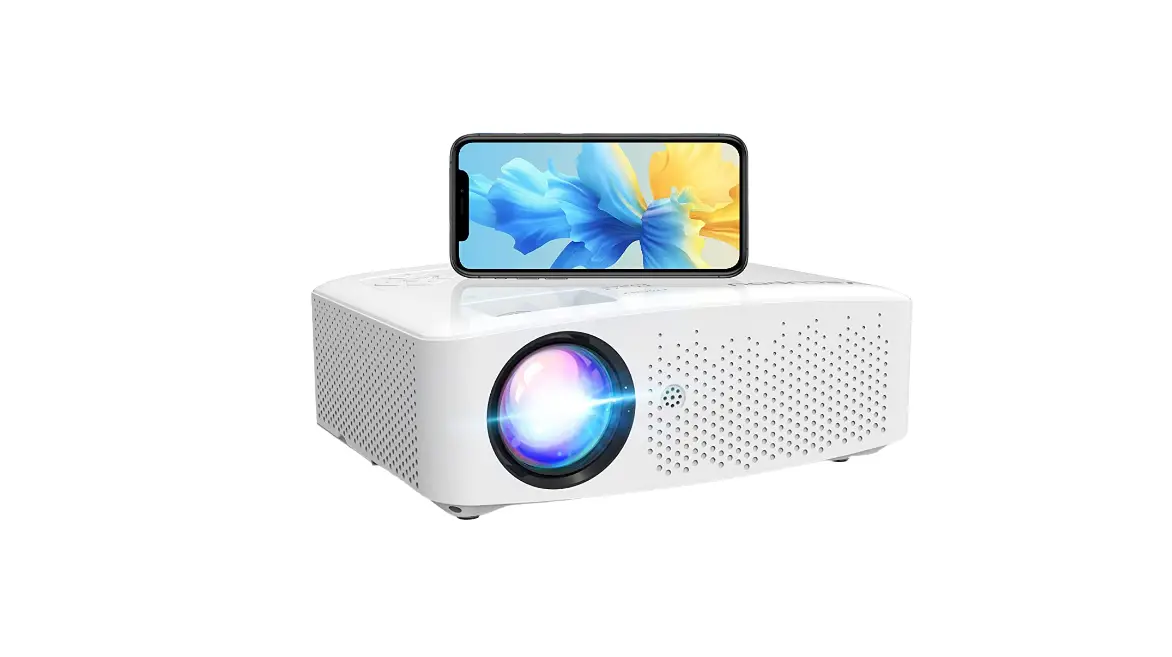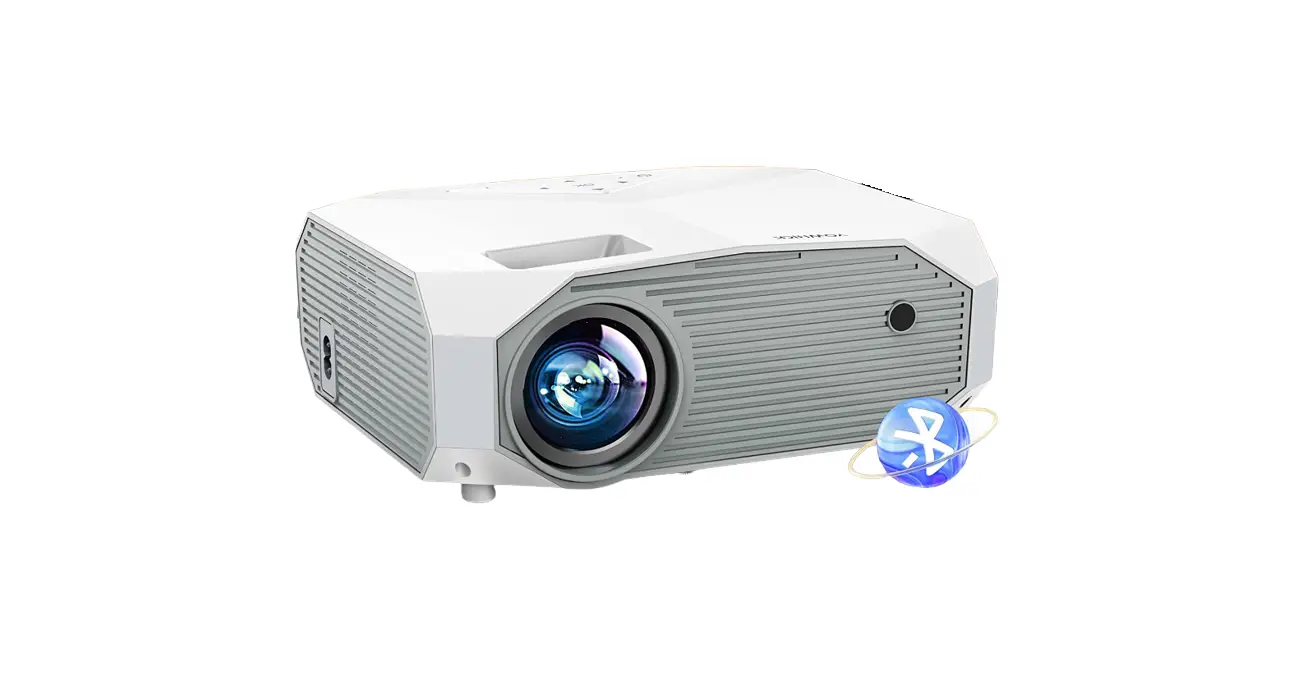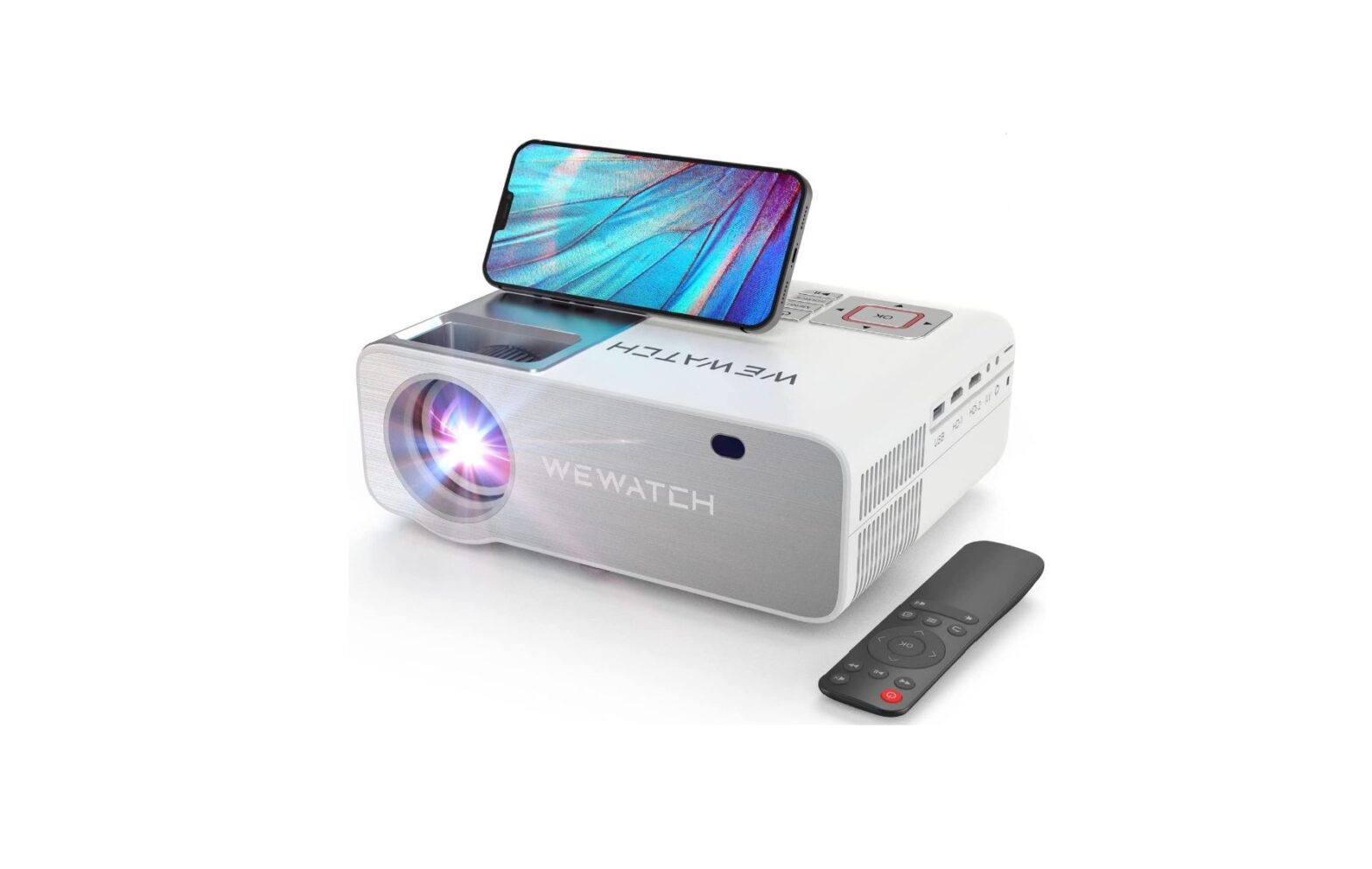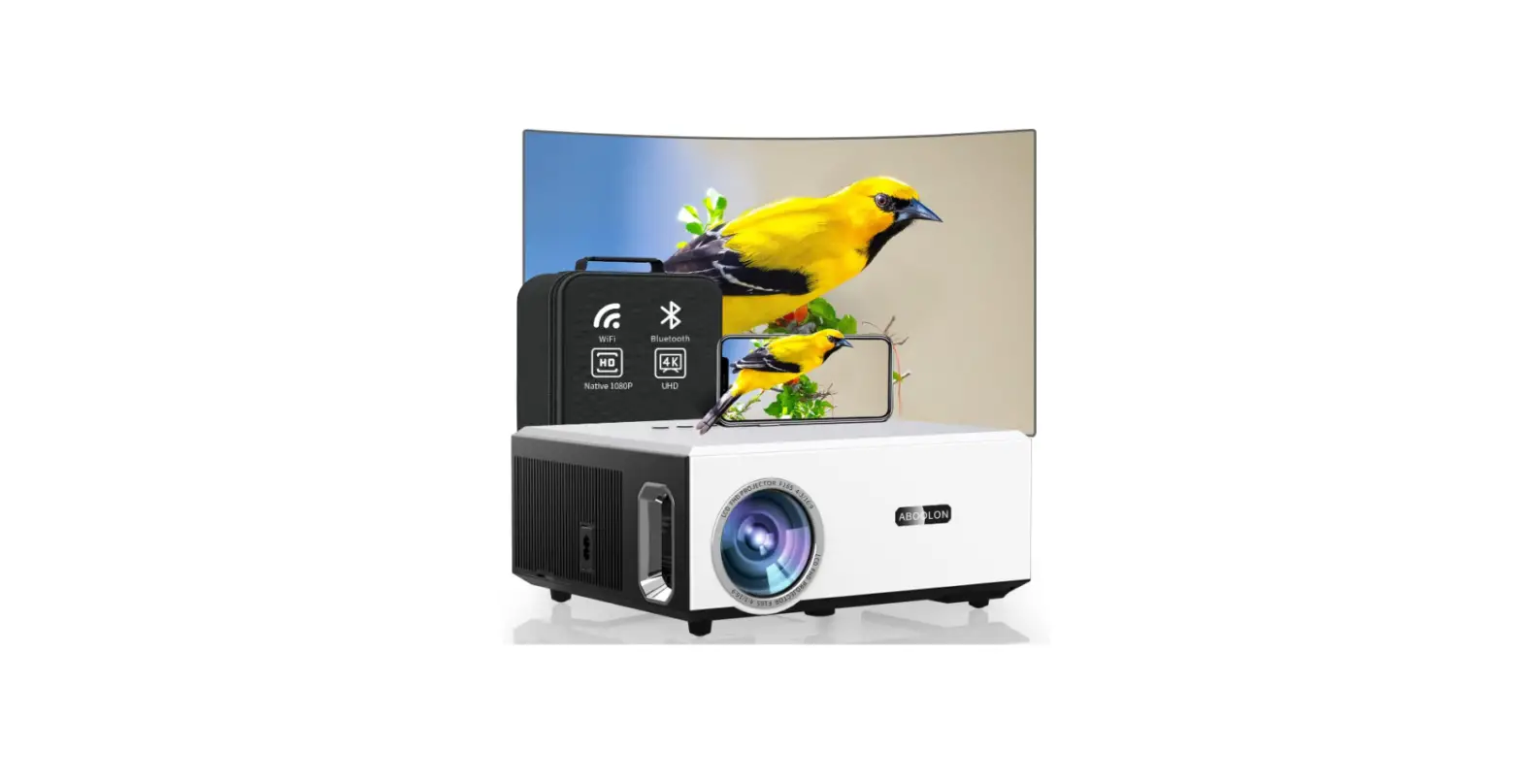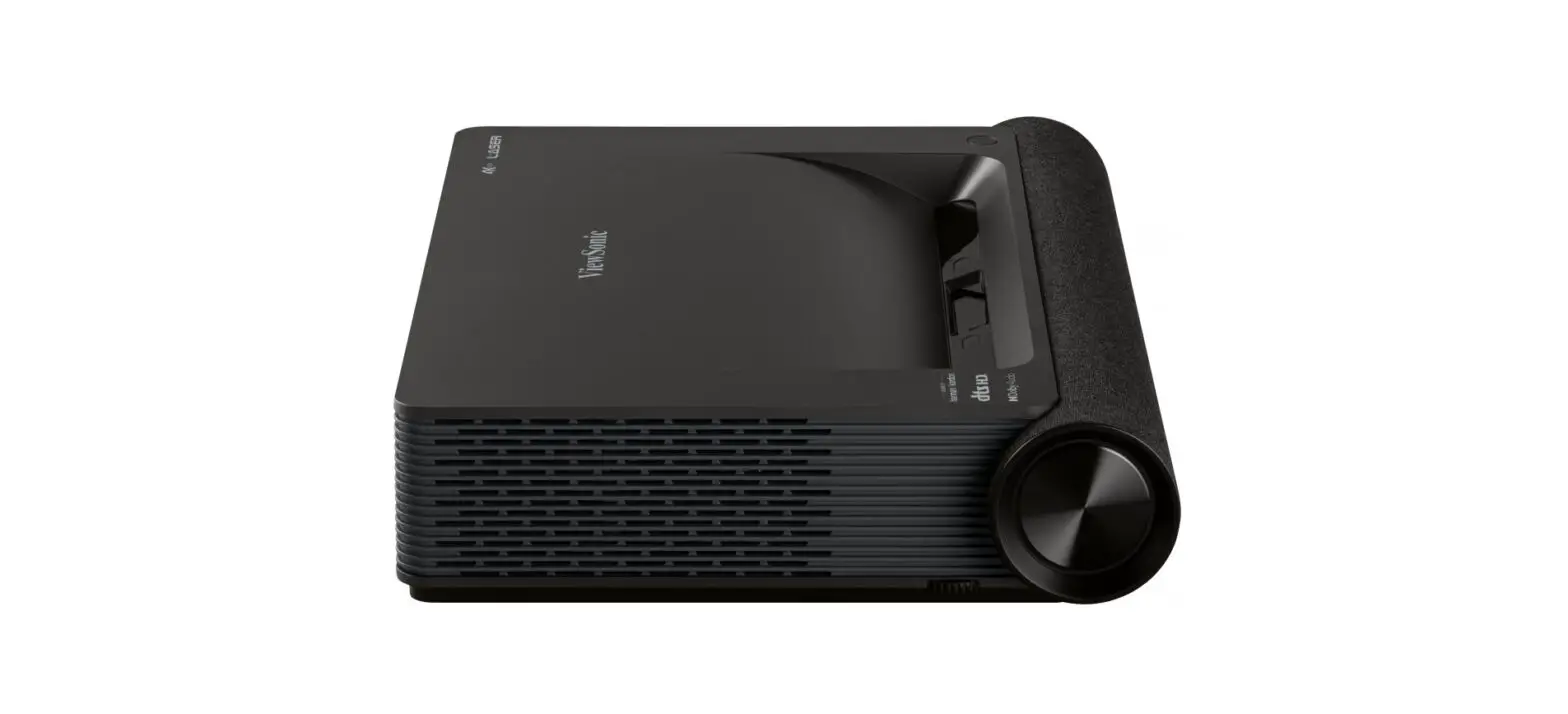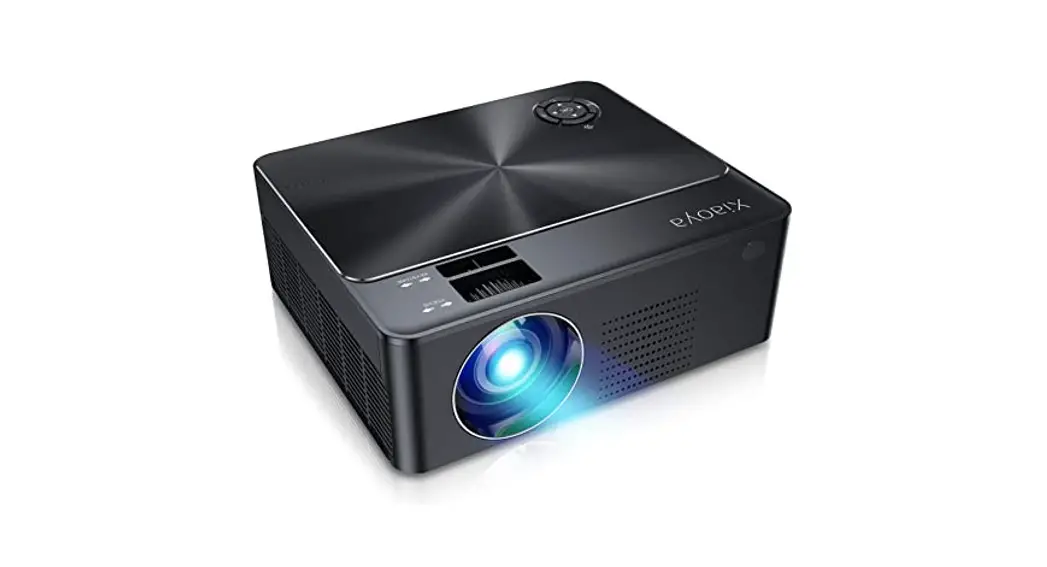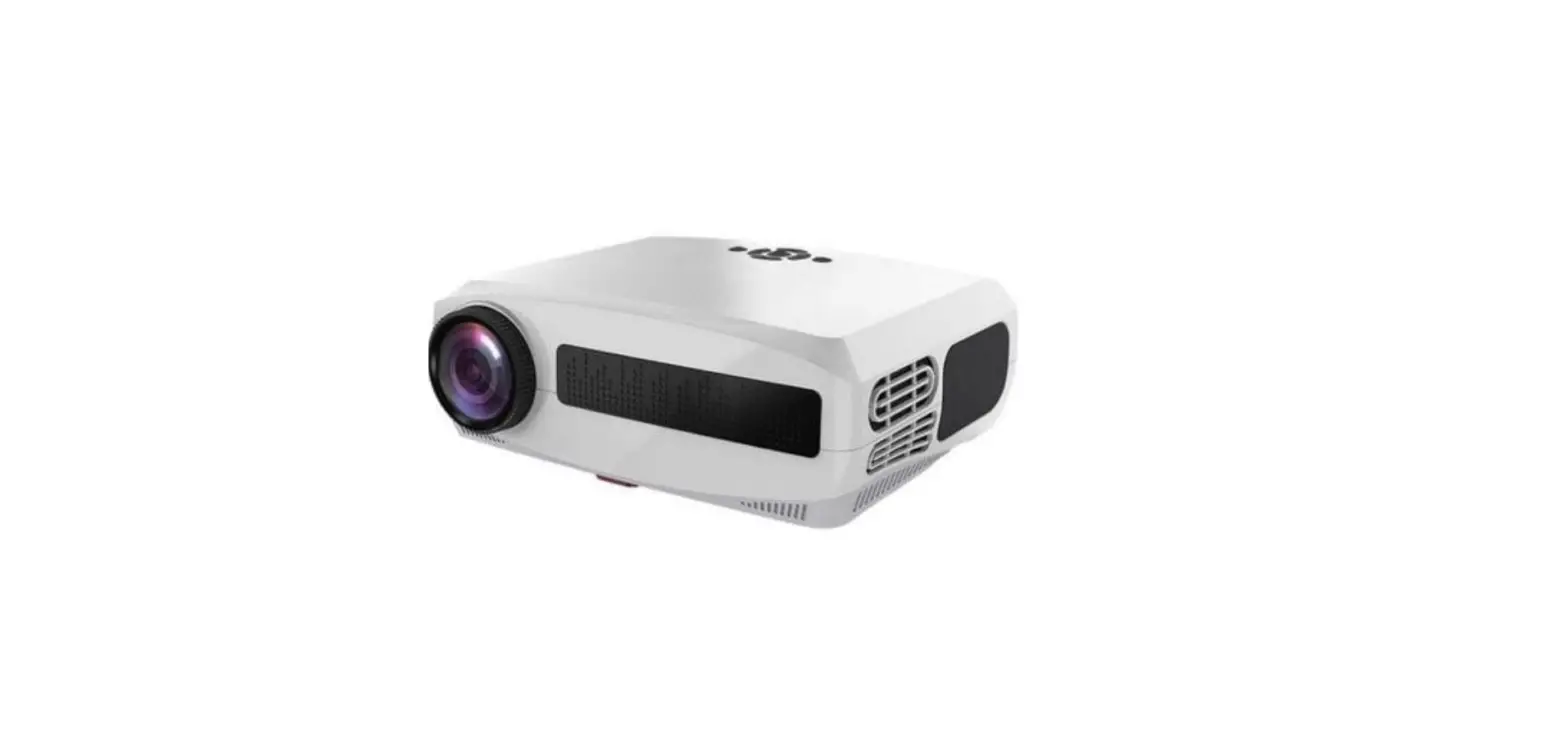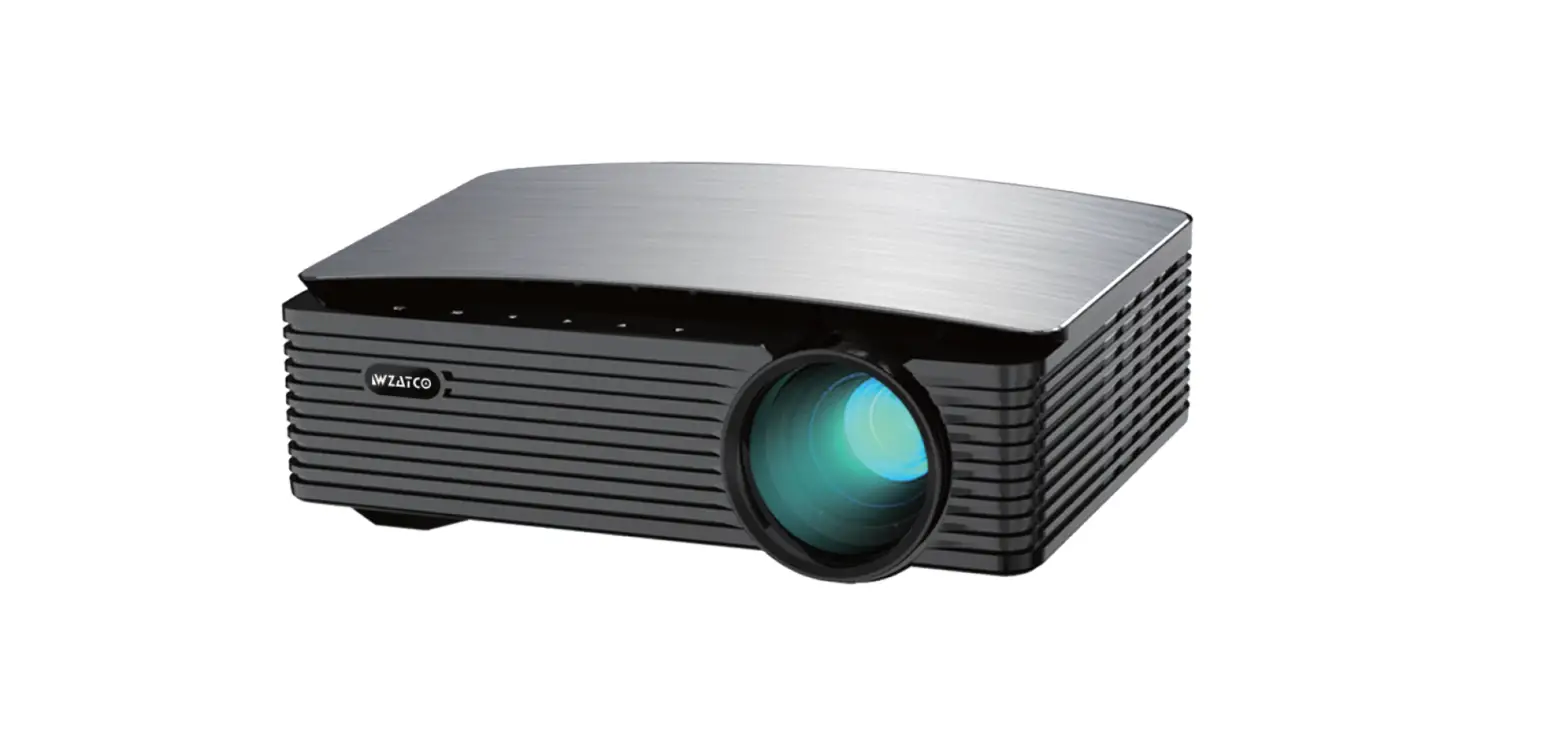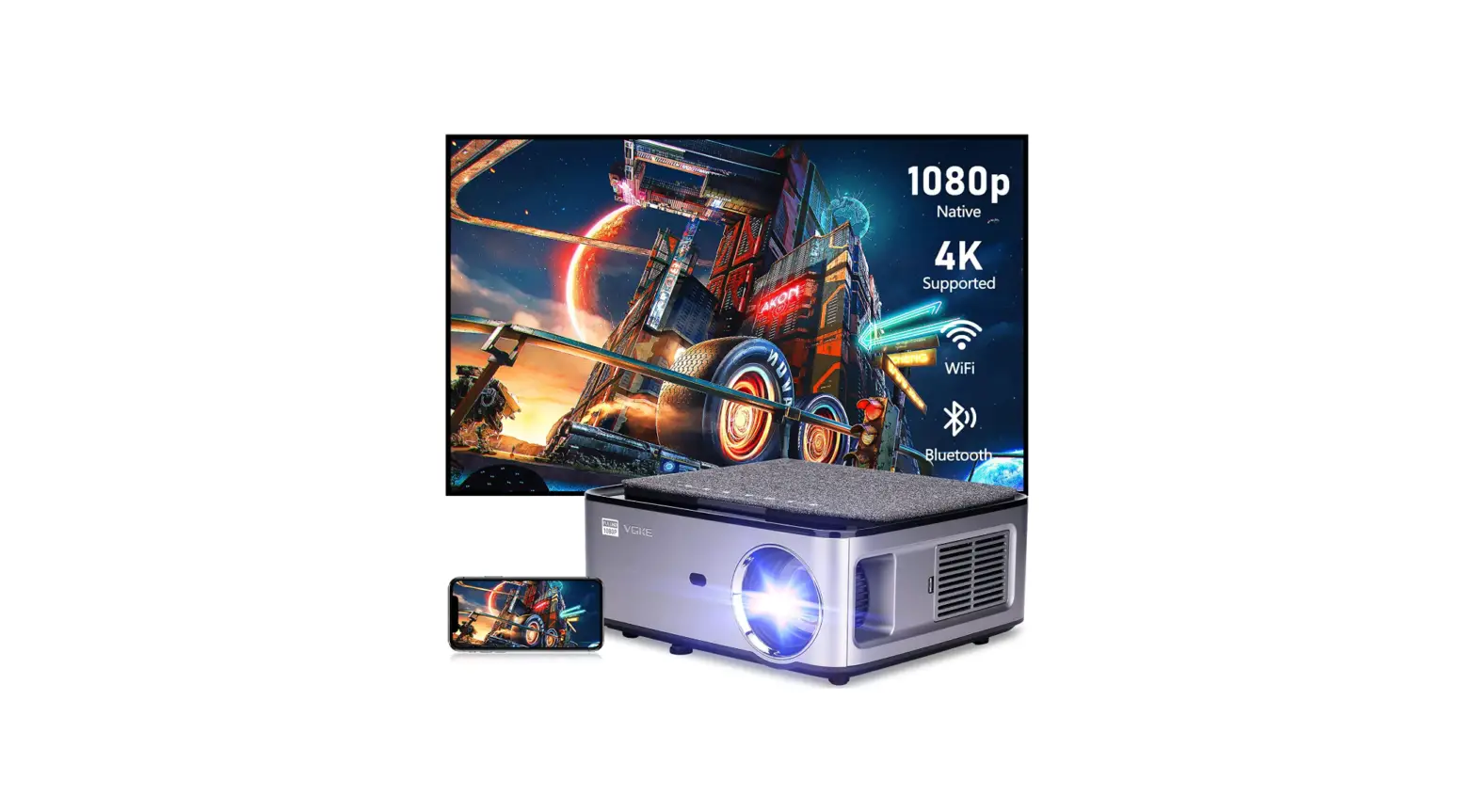

VGKE T28 1080P Supports 4K WiFi Projector
Specifications
- Brand: VGKE
- Display resolution: 1920 x 1080
- Mounting Type: Tabletop Mount
- Color: Grey
- Model Name: T28
- Projector type: Multimedia vertical projector
- Projection technology: LCD
- Body size: 260*230*110mm
- Light source brightness: 530 ANSI / 15000 Lumen
- Standard resolution: 1920*1080
- Focusing method: Manual
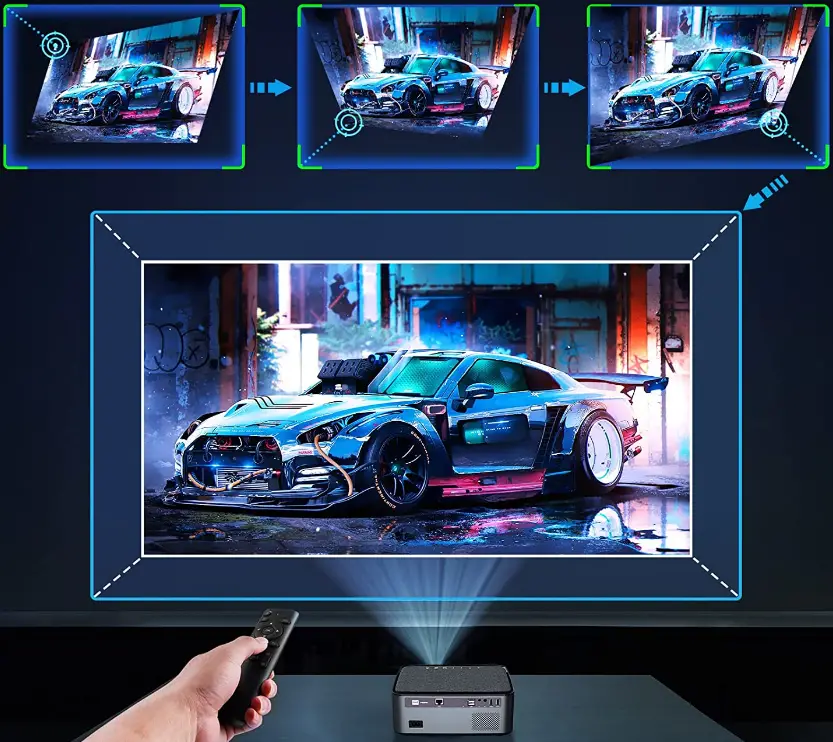
- Keystone correction: Electronic four-point trapezoid
- Support side projection: Yes
- USB:0
- Power supply: AC100-240V
- Product weight:2kg
What’s in the box?
- 4K Wi-Fi Projector
Product Descriptions
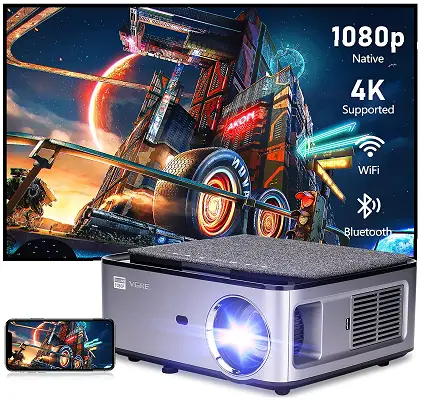
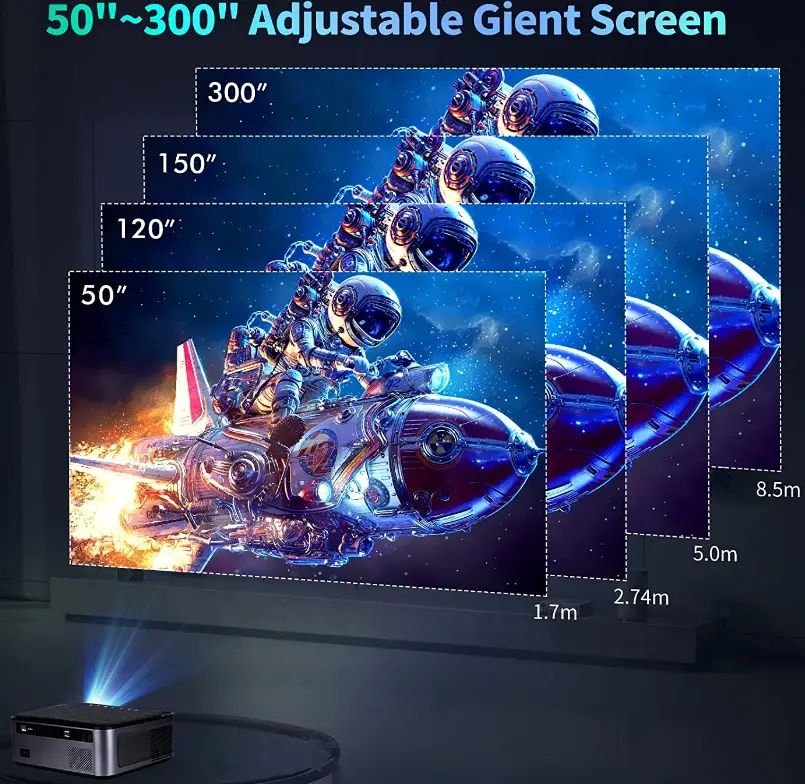
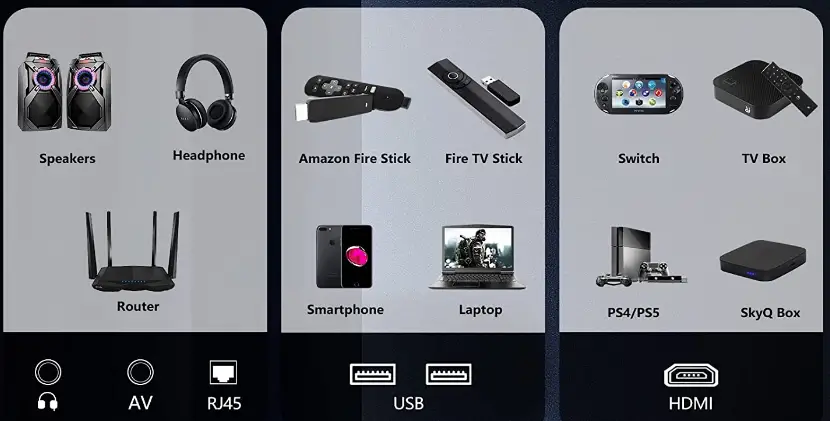
VGKE T28 Smart Projector has a wireless Wi-Fi screen mirroring technology you can connect both IOS and Android. This projector has native 4k HD display quality that can give you feel like you are watching movies at cinema. It’s has 50”~300” adjustable giant screen that’s enough for home theater. It has four-point keystone corrections adjustment manually. It’s compatible with various devices like you can connect wireless connectivity with speaker through Bluetooth, Fire TV stick, PS4 etc., because it has AV, RJ45, USB and HDMI ports.
Features
Adjustable giant screen Native 4K support
Ultra-High Definition 4K ultra HD resolution supported, It boasts a 50”~300” huge screen that is flexible and sufficient for home theatre.
Highest brightness possible: 530 ANSI Lumens you get a viewing experience on par with a movie theatre thanks to ultra-high brightness.
Compatible with various devices
It contains AV, RJ45, USB, HDMI, and other connections, making it compatible with a wide range of devices. For example, you can establish wireless connectivity with a speaker using Bluetooth, a Fire TV stick, a PS4, and other devices.
Keystone corrections adjustment
It offers manually adjustable four-point keystone corrections.
A huge sound chamber with bass shaking characterizes HIFI sound quality. Decoding on a chip level, major acoustic technologies number six.
From Huawei His Ilion 64-bit TV-grade processor, professional graphics acceleration engine, give more effective graphics processing capabilities. Strong Core, Strong Performance.
Side Projection Support: No matter the angle, it can be correctly corrected using electronic 4D 50° four-point keystone correction, which provides vertical and horizontal picture correction.
FAQ’s
There is an HDMI connector on the device; all you have to do is plug it in. It also includes the red, white, and yellow connection in case the Xbox’s port is harmed.
If you put it at the right distance from the screen, you will be able to.
Yes, YouTube is one among the pre-installed applications. Your Google account’s apps will be transferred over.
Yes, the applications are accessible.
Yes, I’ve been using 240 for a little over three months now.
The throw ratio of the Play3 Smart Projector is 1.52. Additionally, the optimal projection screen size is 2.4m/70 inches. This knowledge is intended to be useful.
There appears to be no lag.
To access the YouTube download link we just given you, please check your email. By choosing “settings”-“system update”-“restart device,” you can also restart the projector and have YouTube relaunch.
It is a wireless LCD projector designed for use in households where residents wish to view movies and display images. An LCD projector should not be used for meetings or presentations. We advise a DLP projector for you.
Please check that the Windows operating system’s Sound control panel has HDMI audio set as the default playback device.
Using the gadget I use for my Apple TV, I can send anything from my Mac or iPad.
You are welcome to replace the bulb. But the lamp won’t readily go out. Lamps will eventually need to be changed, but this is not an issue.
Yes, you may connect a sound system to it via the 3.5mm audio output socket and cables or the built-in Bluetooth feature.
This tiny projector supports USB devices with storage capacities of up to 32 GB and 1 TB. The hardware and operating system decide this.
A projector must have wireless networking capabilities in order to communicate wirelessly with other wirelessly equipped devices. The projector may need a wireless adapter or USB dongle for wireless connectivity, or it may already have one built in.