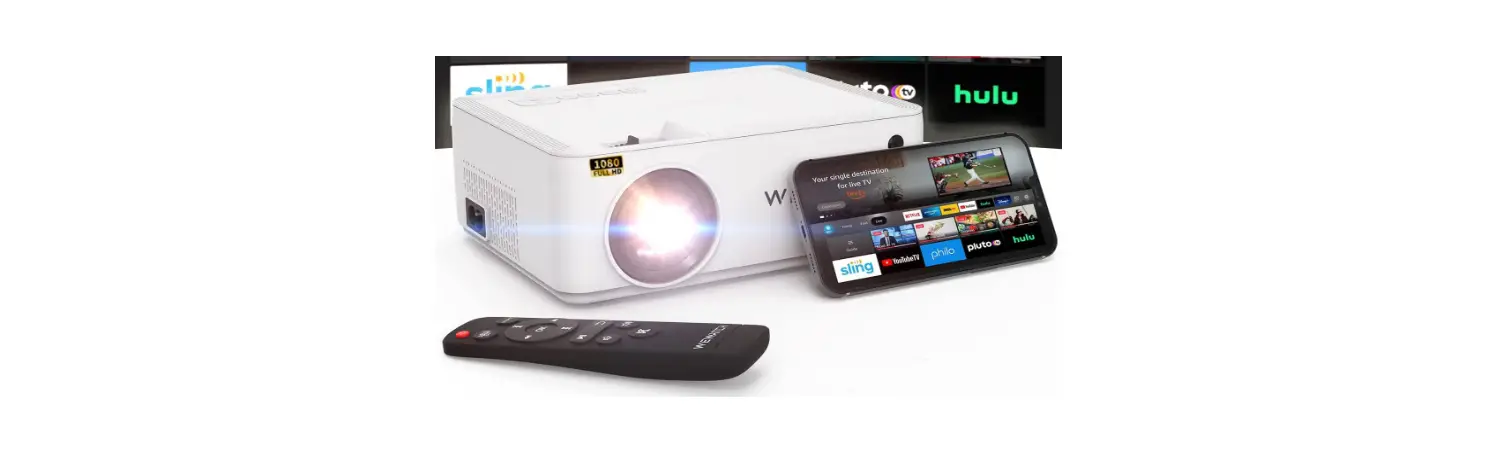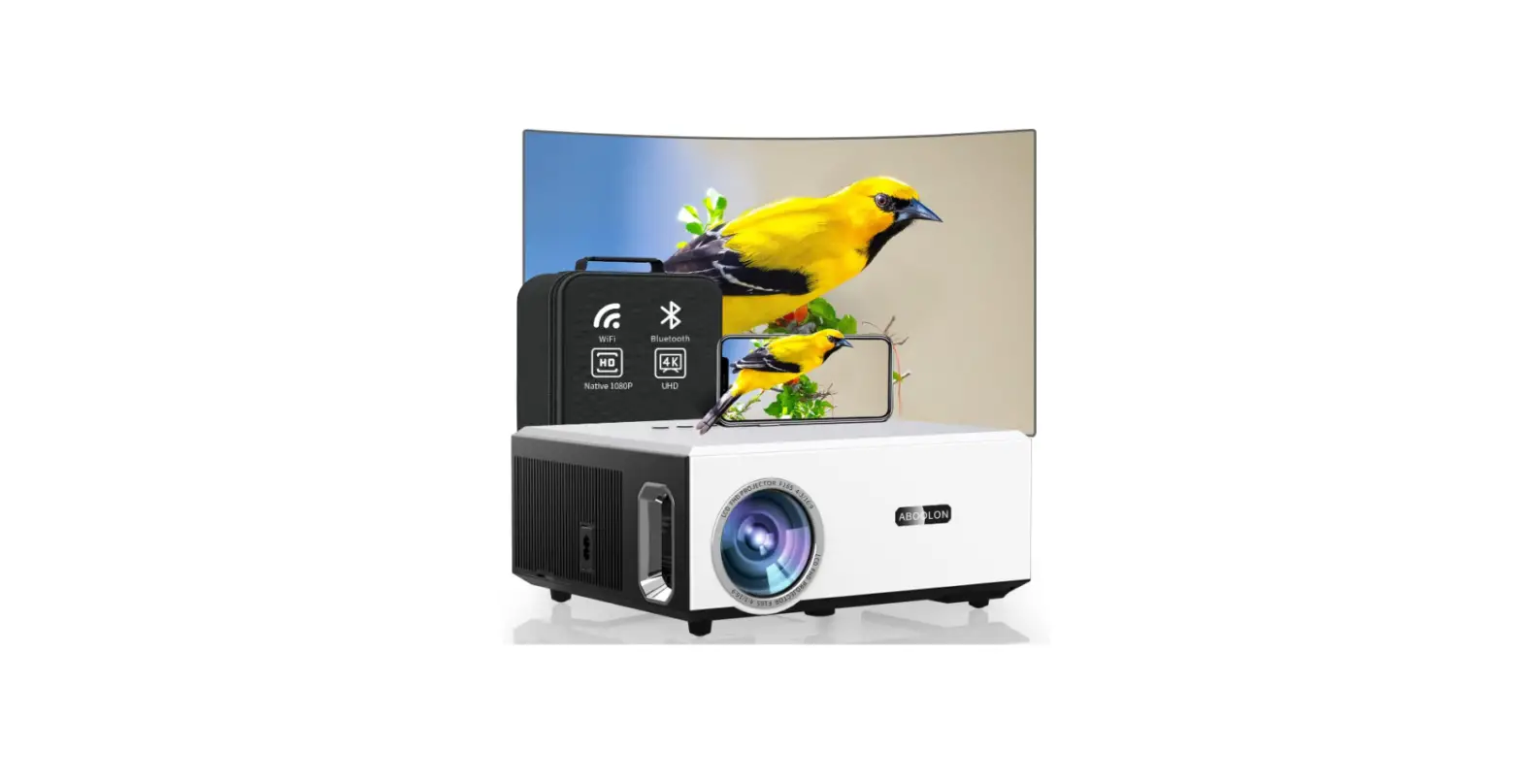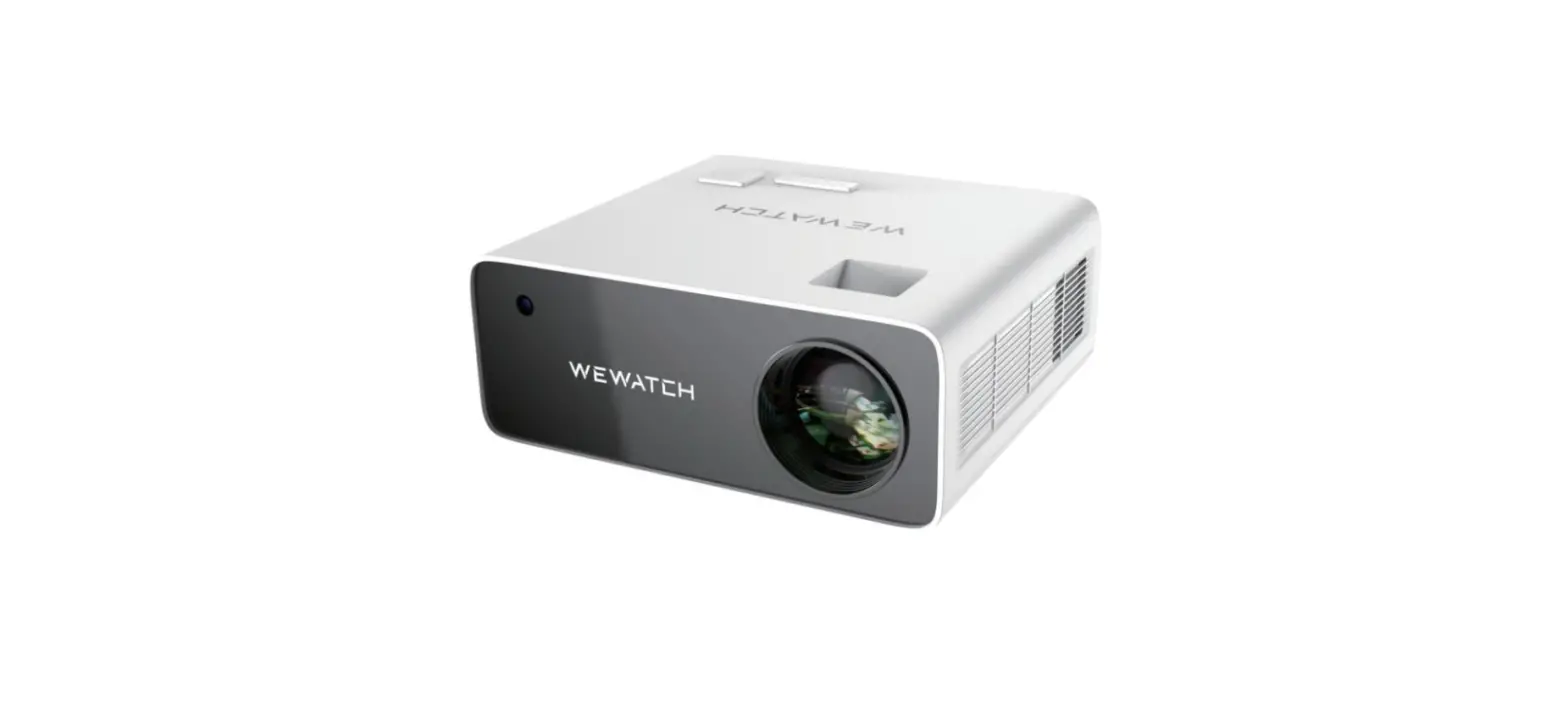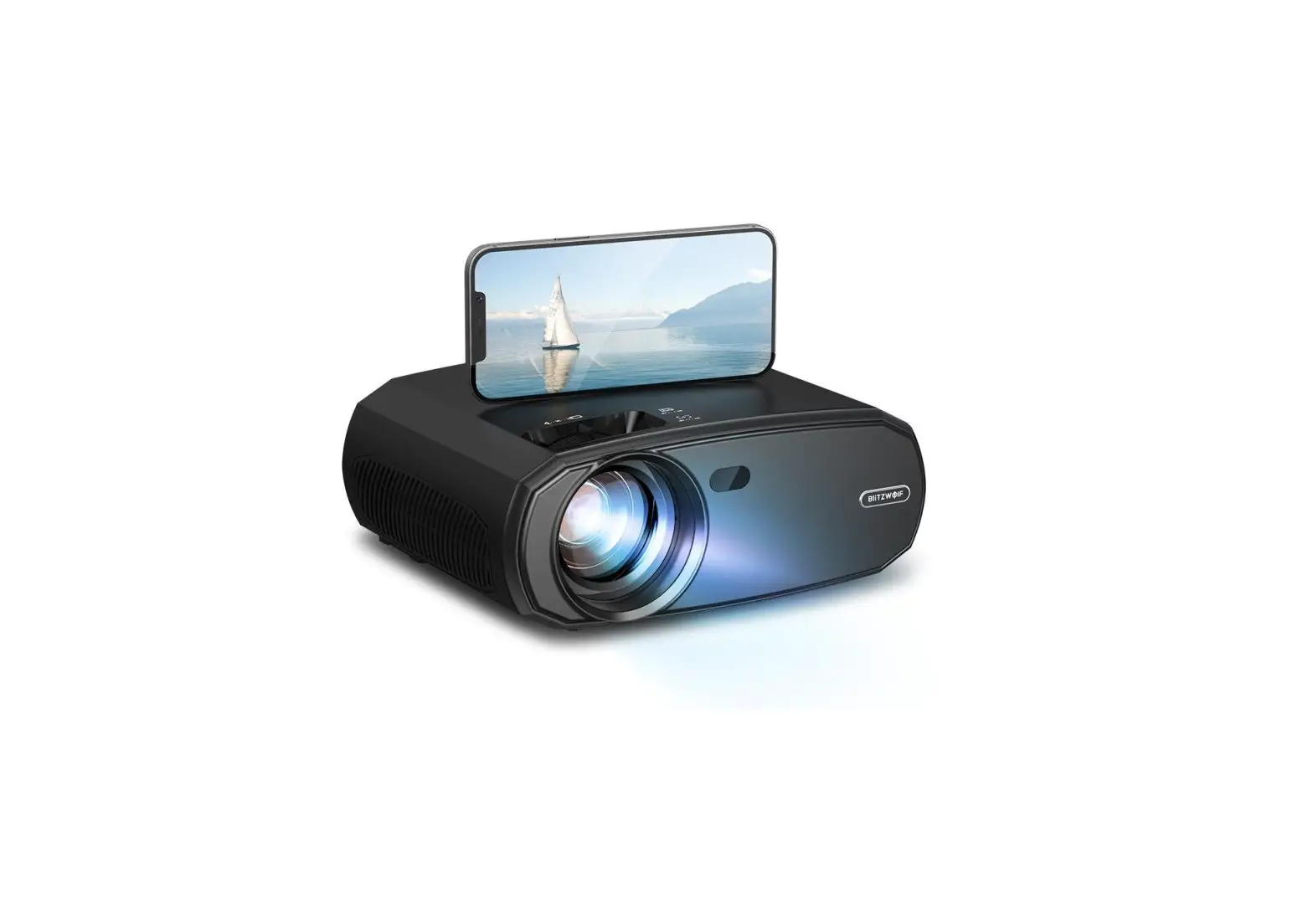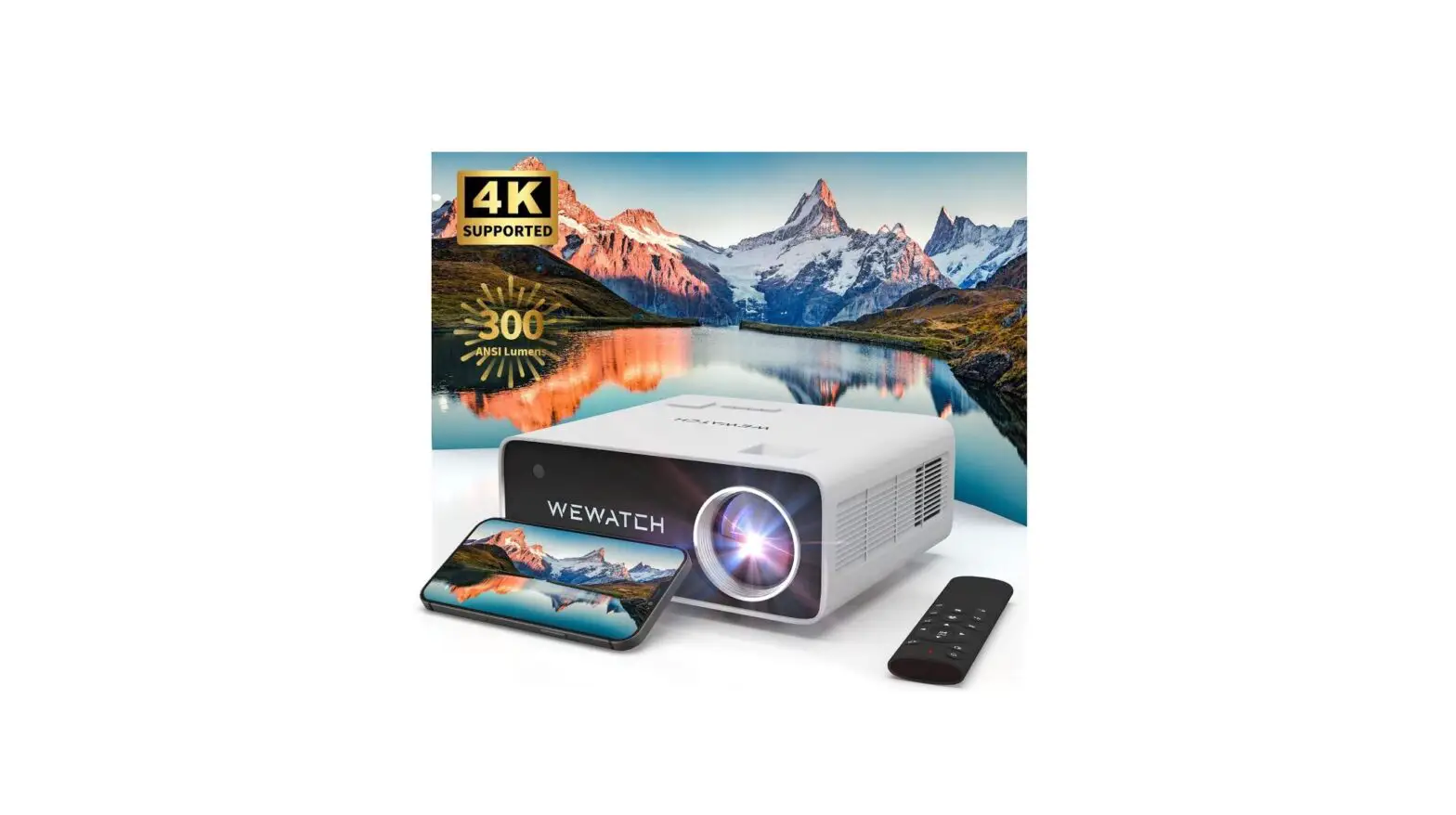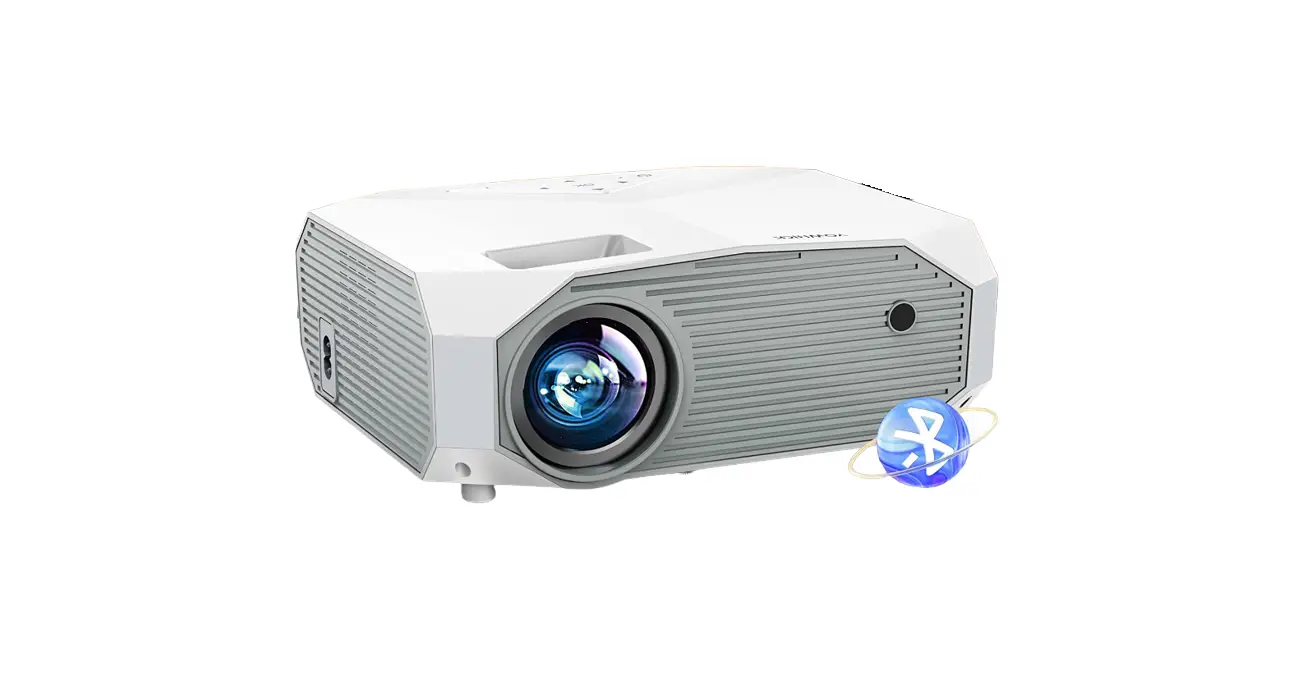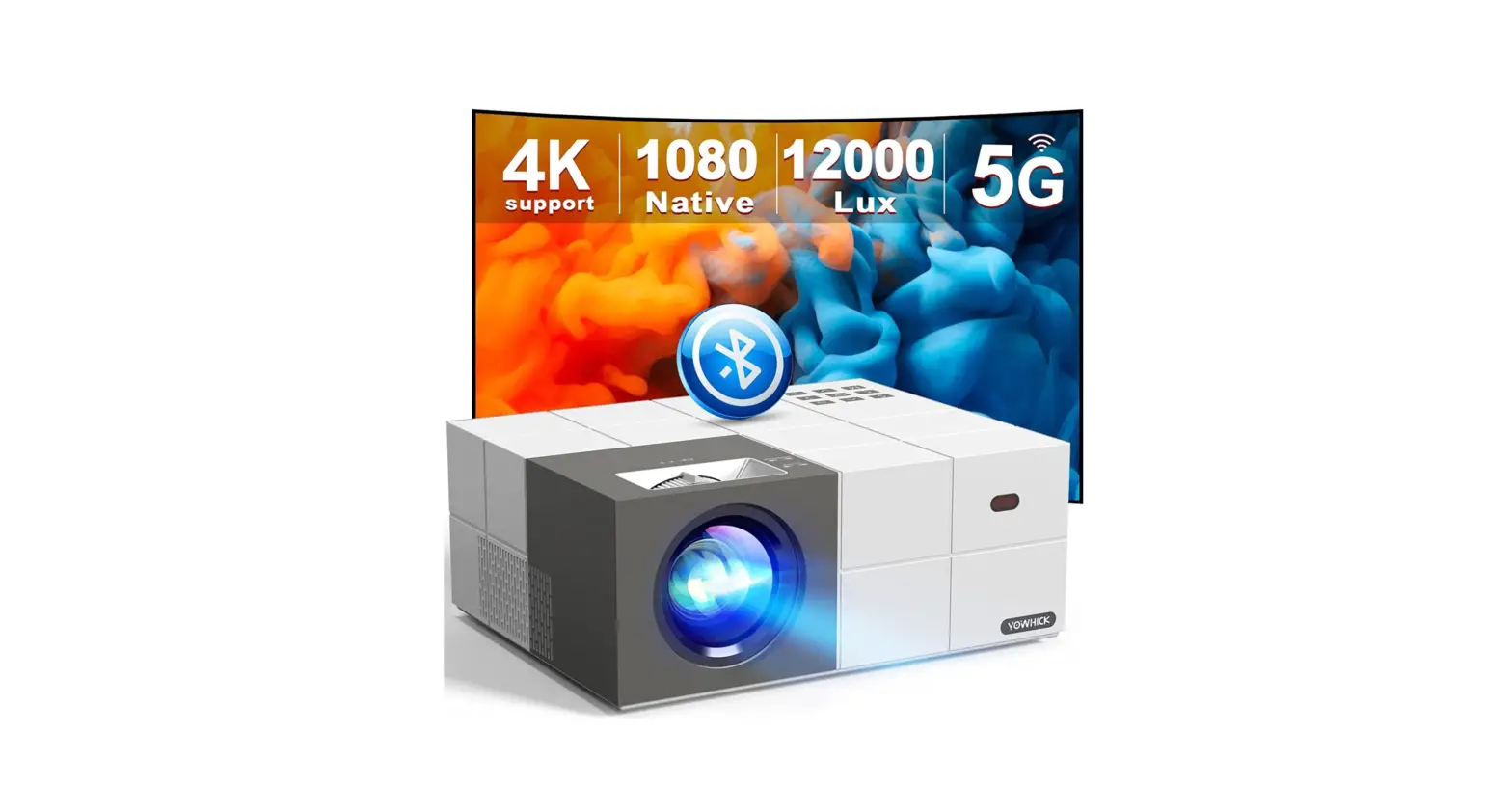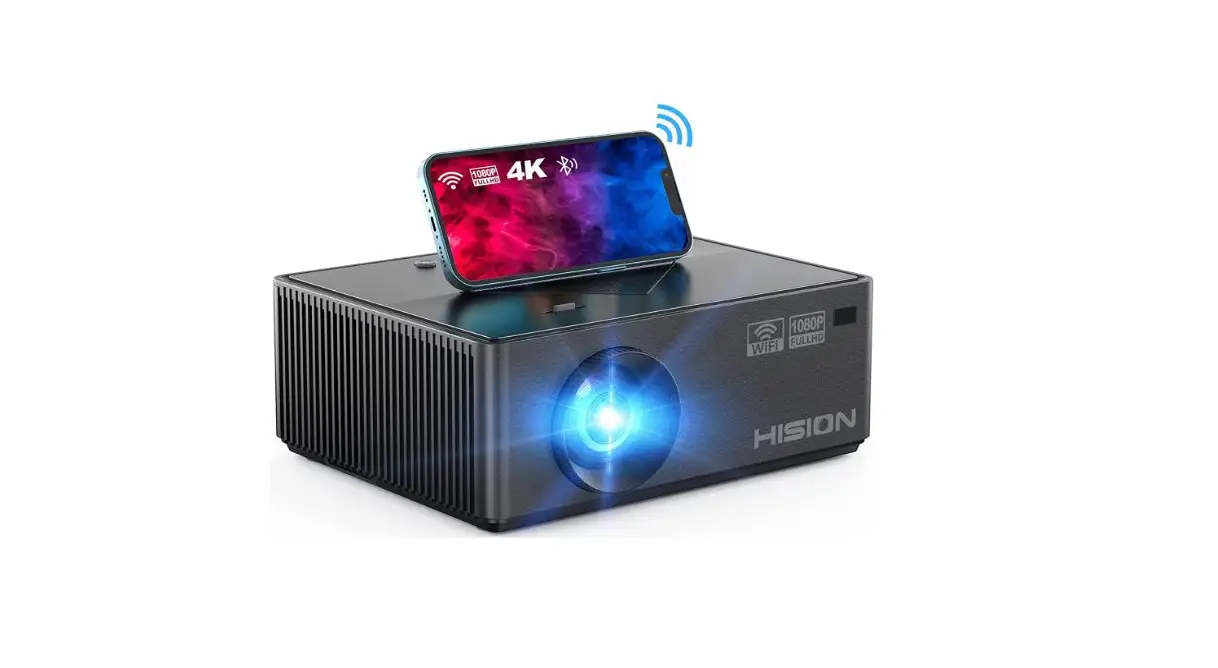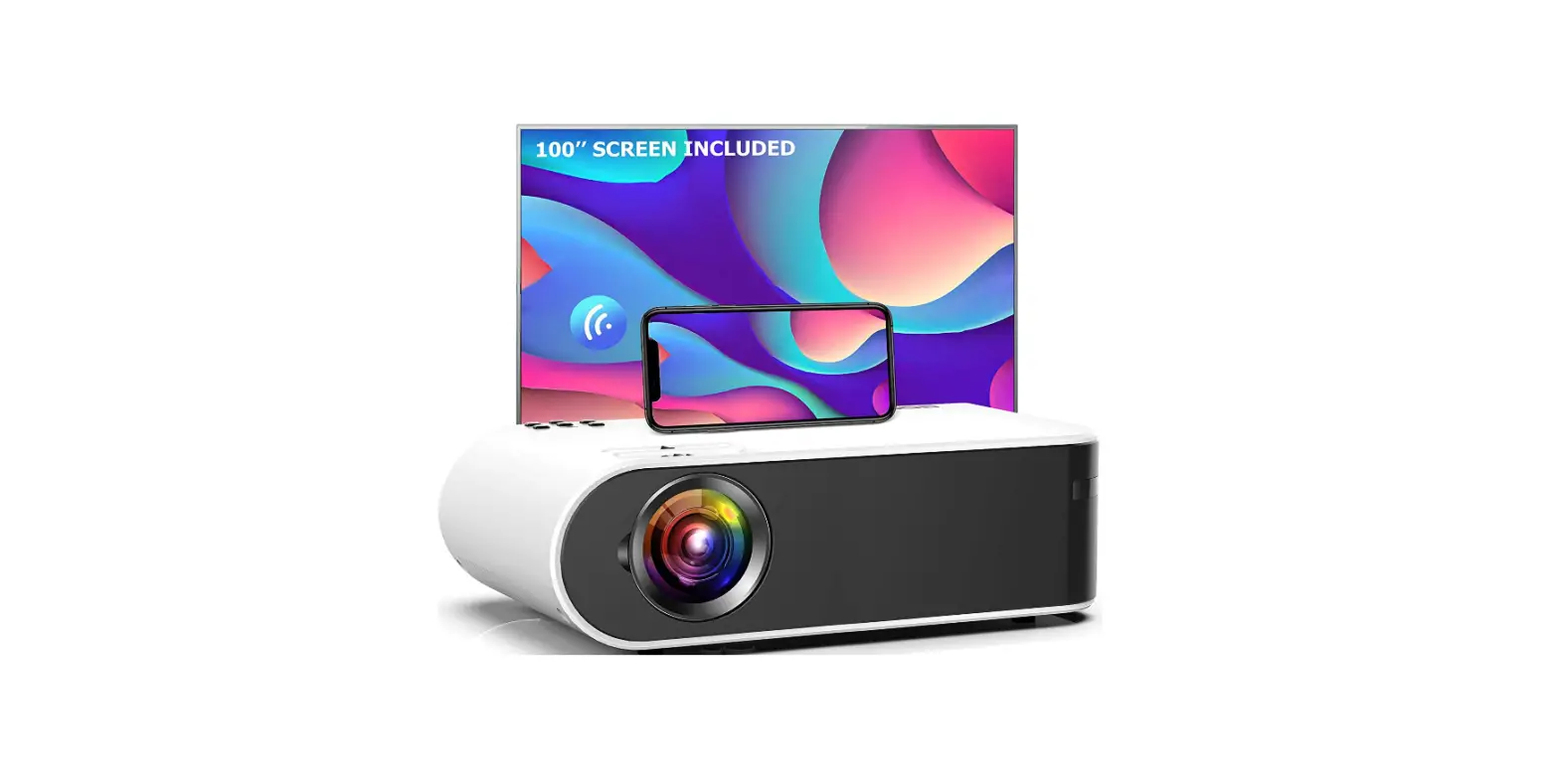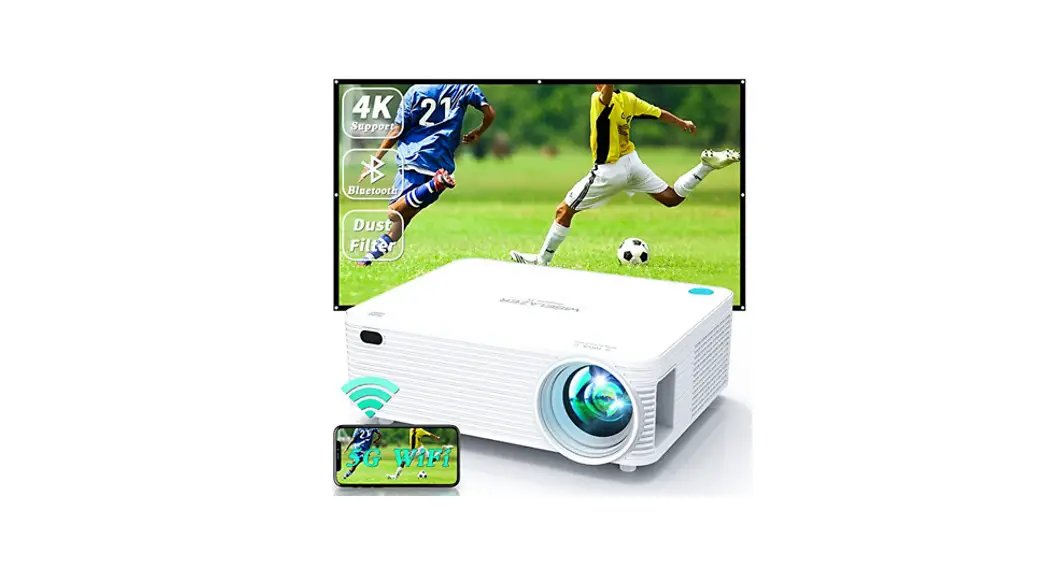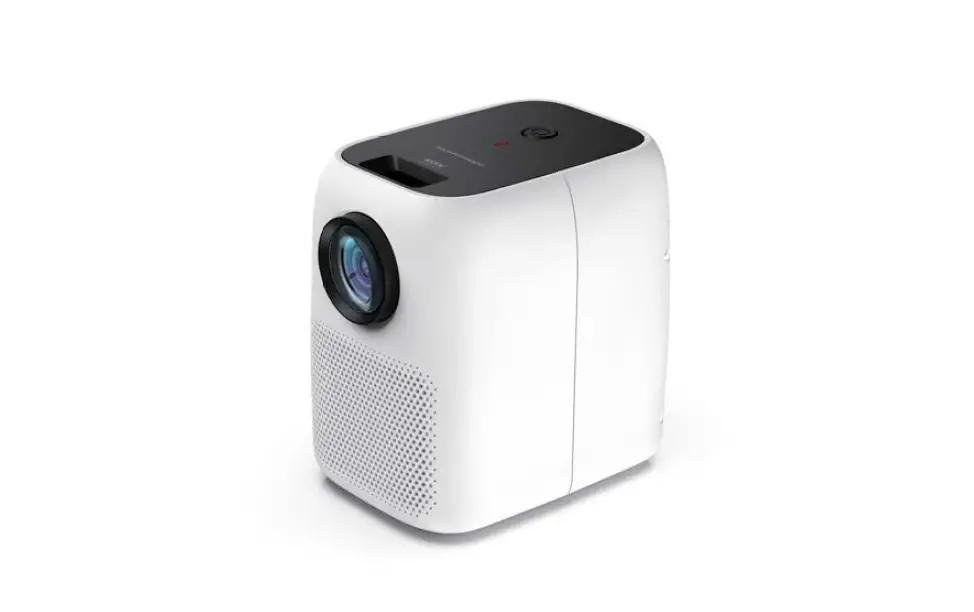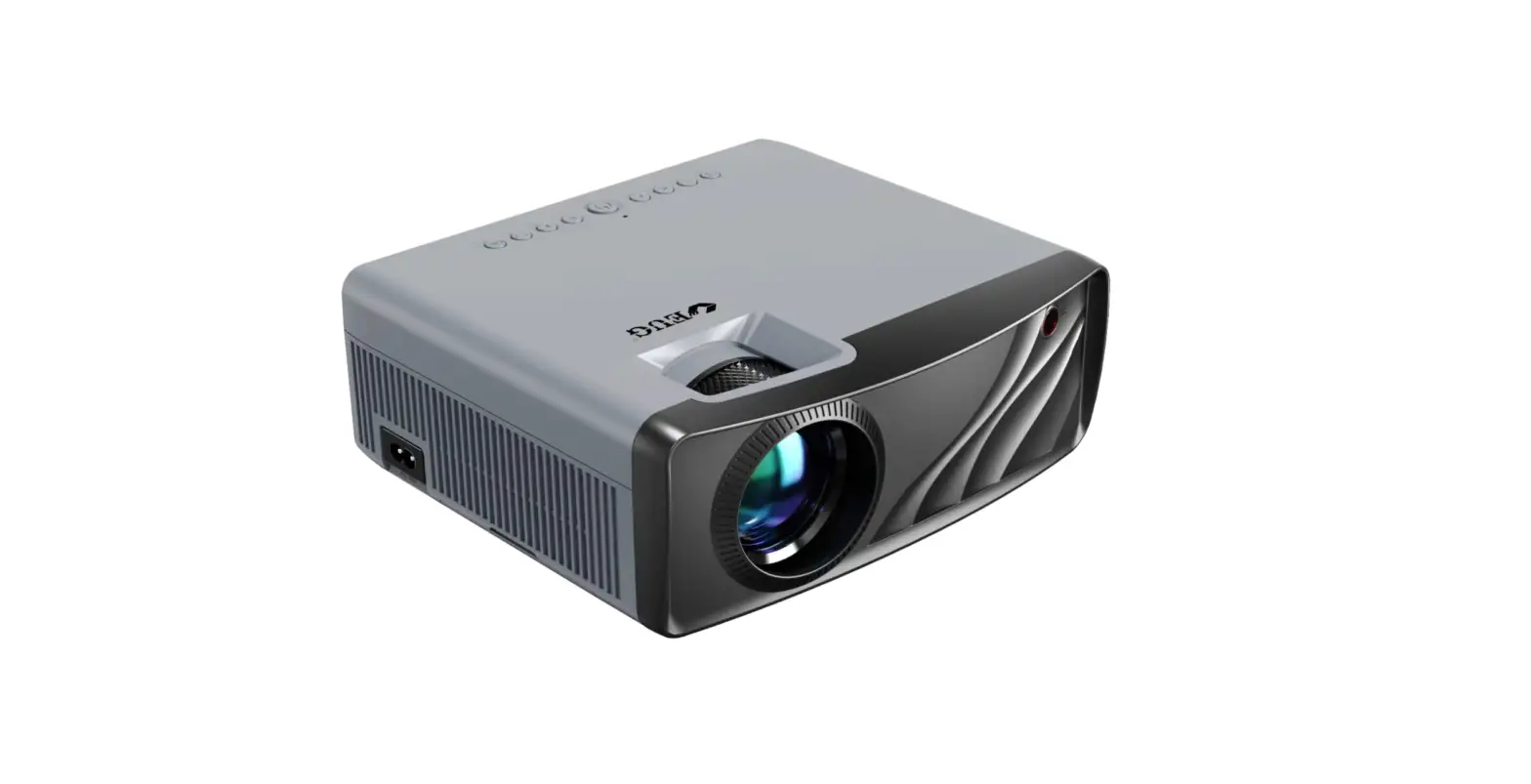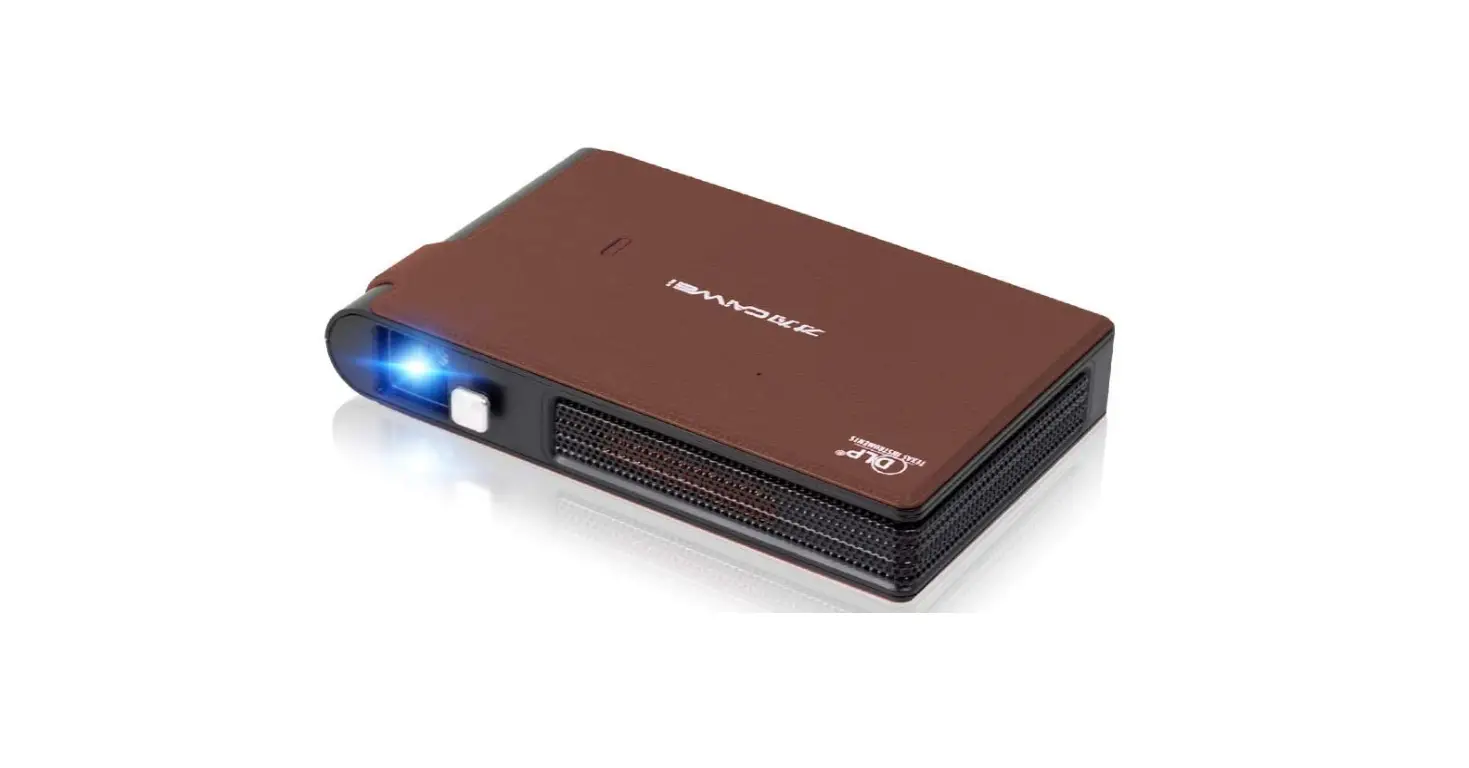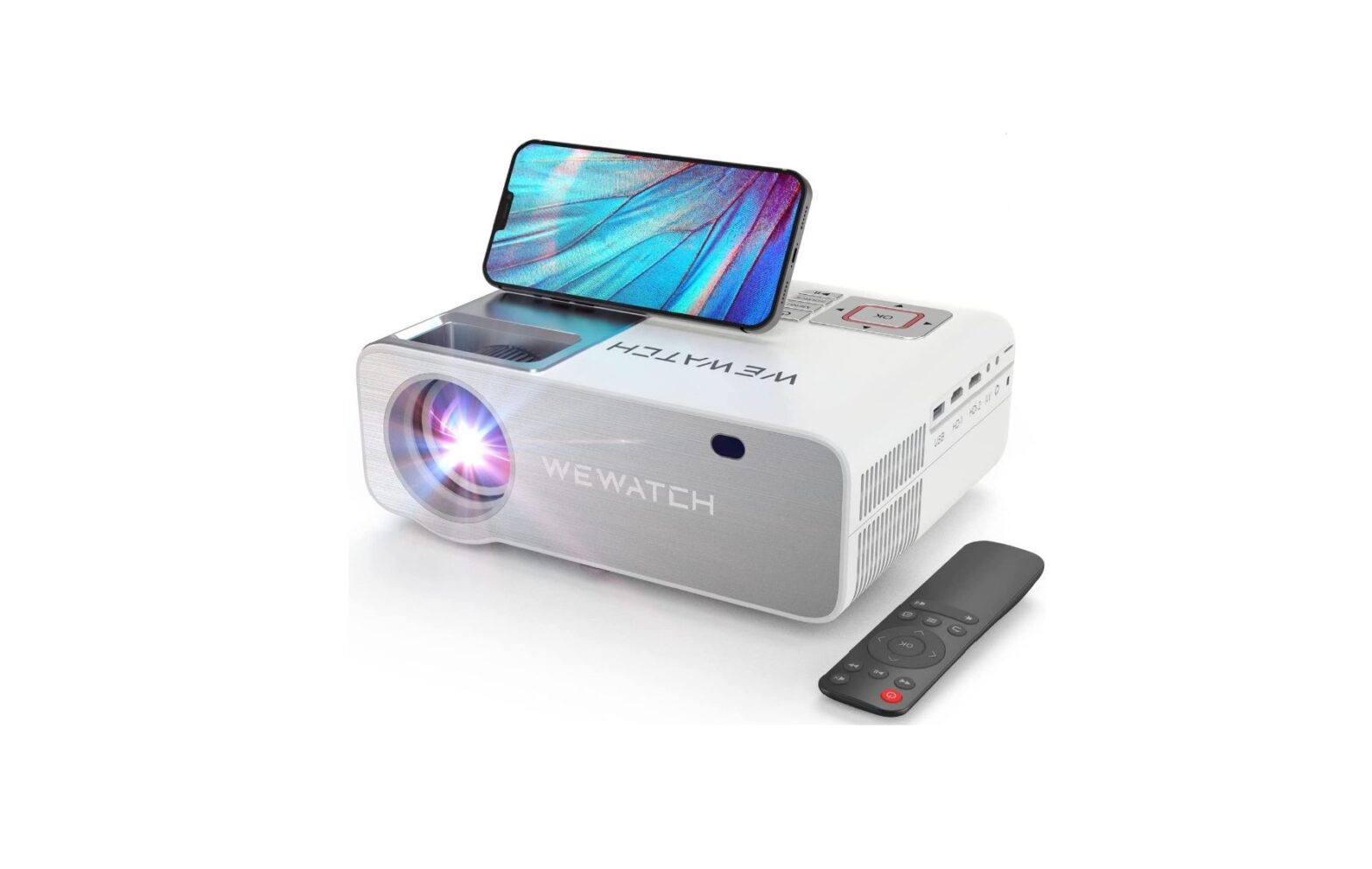

WEWATCH V53 Pro 4K FullHD WiFi6 Projector
Specifications
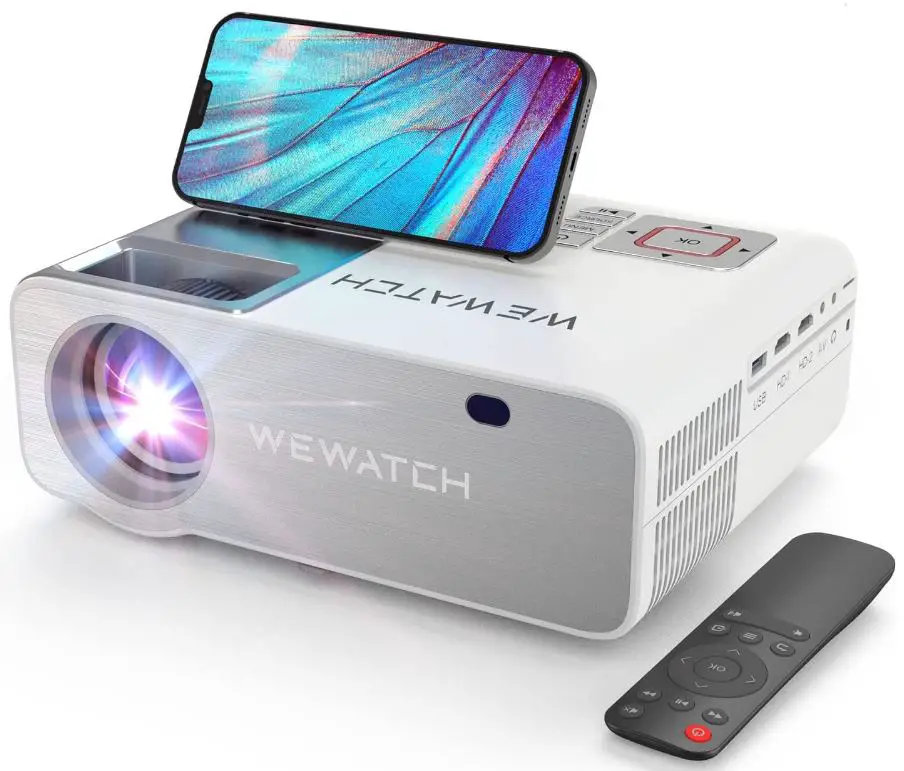
- Brand: WEWATCH
- Model: V53 Pro
- Connectivity Technology: Bluetooth
- Display resolution: 1920 x 1080
- Display Resolution Maximum: 4K Pixels
- Brightness: 280 ANSI lumens
- Wireless: Wi-Fi 6, Bluetooth
- Keystone Correction: Electronic,±50° Digital Zoom Setting 50%-100%
- Weight of Projector: 8KG/3.96lb
- Size of Projector:64*8.3*3.85 inches
What’s in the box?
Projector with accessories
Introduction
Because WEWATCH believes in the power of innovation, we continue to incorporate cutting-edge technology into our smart projectors. We will develop unique visual communication techniques to introduce you to a new visual entertainment lifestyle. WEWATCH manufactures top-notch portable projectors, smart projectors, and home theatre projectors so you can enjoy cinematic visuals wherever you are.
Descriptions
Based on the V53 Pro, the V53 Pro added Bluetooth capabilities and increased brightness from 320 ANSI lumens to 450 ANSI lumens. The upgraded version is distinguished from these by being referred to as V53 Pro. However, the package is identical to that of the V70SV53 Pro. So please don’t be alarmed if you do receive the V53 Pro packing box. You can use the projector to verify if it has the latest recent version by opening it.
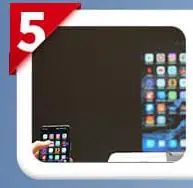
Screen mirroring connections
WEWATCH V53 Pro has screen mirroring connection on both IOS and Android
IOS Mirroring Connection
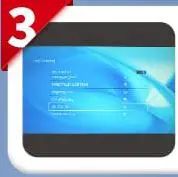
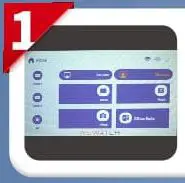
- Turn on projector select setting

- Select Wi-Fi setting

- Select your home Wi-Fi and connect

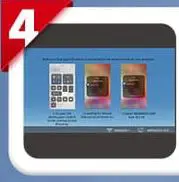
- Go to Homepage> IOS cast to enter this interface

- Turn phone’s Wi-Fi and connect to your home Wi-Fi

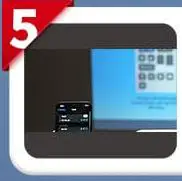
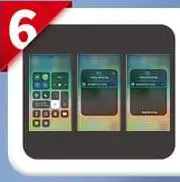
- Activate screen mirroring on your phone and connect phone to WEWATCH V53 Pro

Android Mirroring Connection
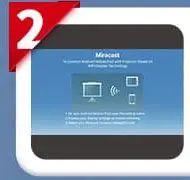
- Turn on projector, Select Miracast

- Stay on this interface

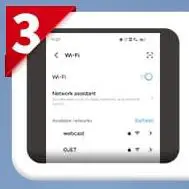
- Turn on the Wi-Fi switch in your android device

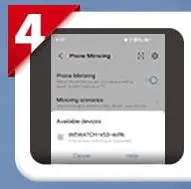
- Activate phone mirroring and search for WEWATCH V53 Pro to connect

- Successful screen mirroring

Features
Support for 4K and native 1080P full HD
The finest video experience is guaranteed by the device’s native resolution of 1920x1080P and its support for 4K technology, which creates high-quality images. This home theatre projector offers viewing sizes between 30″ and 230″, making it ideal for watching movies, playing games, and watching football matches, among other things.
Higher Brightness of 280 ANSI lumens
280 ANSI lumen (15000 Lux), brightness provides 35% brighter images than projectors of a similar price range. With a high dynamic contrast ratio of 15000:1, which produces an amazingly vibrant image for videos and movies, you may have a good time indoors or outside with your family and friends. With this projector’s aspect ratio of 4:3/16:9 and projection ratio of 1.5:1, you may watch movies, videos, games, photographs, and TV shows in outstanding quality.
50°Keystone Correction, Simple Focus Adjustment, and Ingenious Zoom Function
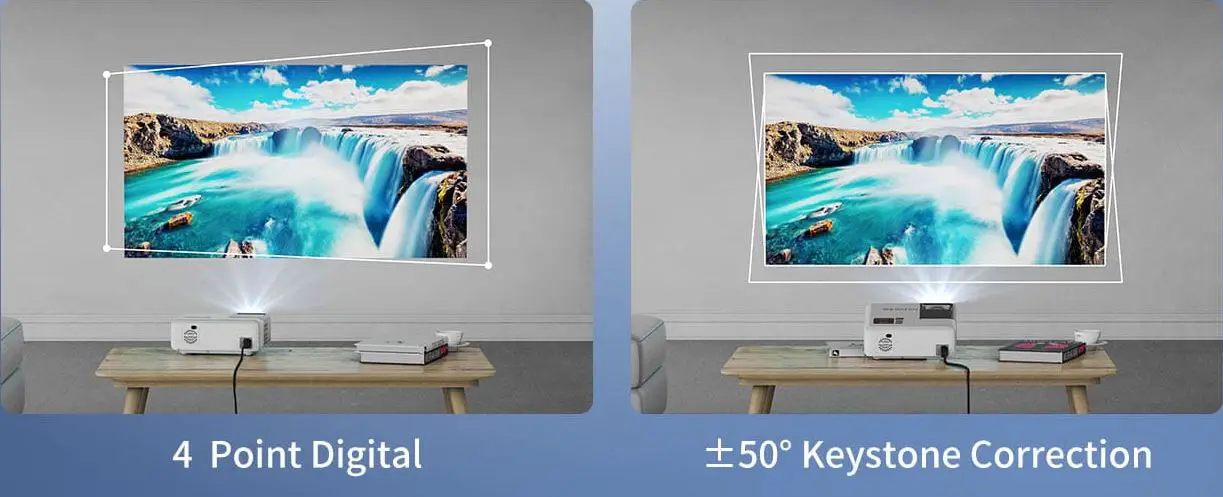
This projector’s keystone adjustment measures 50 degrees vertically and covers all four corners. The focus can be changed to project a clear screen by turning the focus wheel. Four projection modes—front projection, back projection, side projection, and ceiling projection—can be easily accomplished. You can decrease the image size using the digital zoom feature from 100% to 50% without having to move the projector.
Bluetooth connection and Wi-Fi 6 technology that is quick and stable
The WEWATCH V53Pro projector uses the most recent Wi-Fi 6 technology, which offers quicker transmission speeds and less bandwidth congestion than Wi-Fi 5. The V53Pro has 2.4G/5G Dual-Band Wi-Fi, which has a faster wireless speed and greater range. You may connect to a variety of Bluetooth speakers and headphones using the Bluetooth connection.
Input for Multimedia Devices
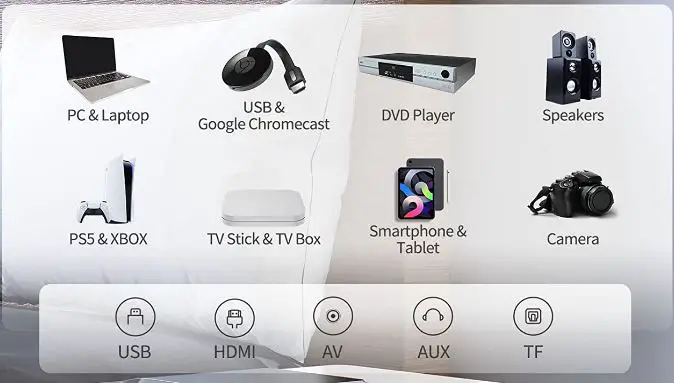
Equipped with HDMI, TF, AV, Earphone Out, and USB interfaces, it is simple to connect to devices like TV boxes, Fire Stick TVs, Chrome cast, laptops, tablets, PCs, Xboxes, PS3s, PS4s, USB sticks, media players, Android smartphones, and more. Ideal for watching videos, TV shows, giving presentations, watching outdoor movies, playing games, and more
FAQ’s
The projector can be ceiling-mounted.
There is no ceiling mount bracket included.
If the wall is smooth and white, it might work. Approximately 120 inches by 65 inches. If you want 75 students to be able to hear the programmer clearly, you would need to make significant sound upgrades.
1.5:1 is the projection ratio. It may be positioned up to 4.98 meters away from a 150-inch screen with 16:9 aspect ratios. The ideal distance for projection is 2.3-4.5 meters.
If there are issues with the product’s quality, we can offer a new replacement warranty within 6 months and expert technical help within 2 years.
It’s used along with the fire stick. It immediately inserts into the projector’s USB port. Excellent results can be obtained.
V51 and V52 both have slightly higher brightness. The V52 produces 14000 lumens, while the V51 produces 11000.
To play films and photographs, you can mirror your phone. This projector doesn’t support casting, and playing Netflix or Hulu videos on the projector from a phone is not possible. We require a projector and those apps for it.
With it, I use a fire stick. It just plugs into the projector’s USB port.
You can connect it with a speaker via Bluetooth.
To watch live television on your computer, use an HDMI connection.
Please enable the Bluetooth connection before removing it in the projector’s settings. After connecting your Fire stick, use the Fire stick’s settings to connect your Bluetooth speaker.
It has a US plug. If you need to use this projector in another country, you will need to use an adapter.
A US plug is present. You will want an adapter if you need to use this projector abroad.
The projector will be in standby mode if the power cord is attached and it is switched off. The infrared receiving module is turned on and waiting for the remote control signal whiles the LED light source is in standby mode.