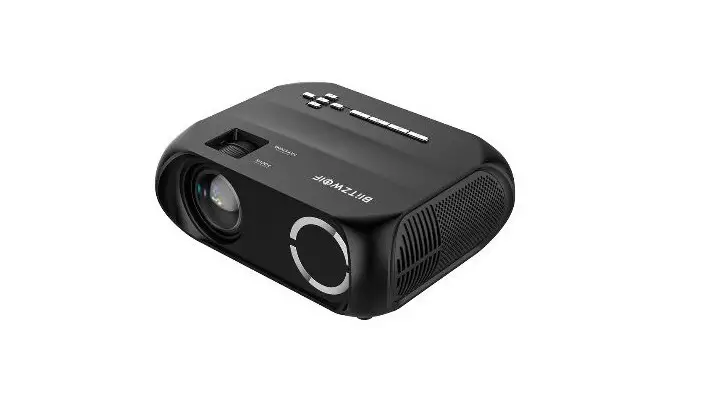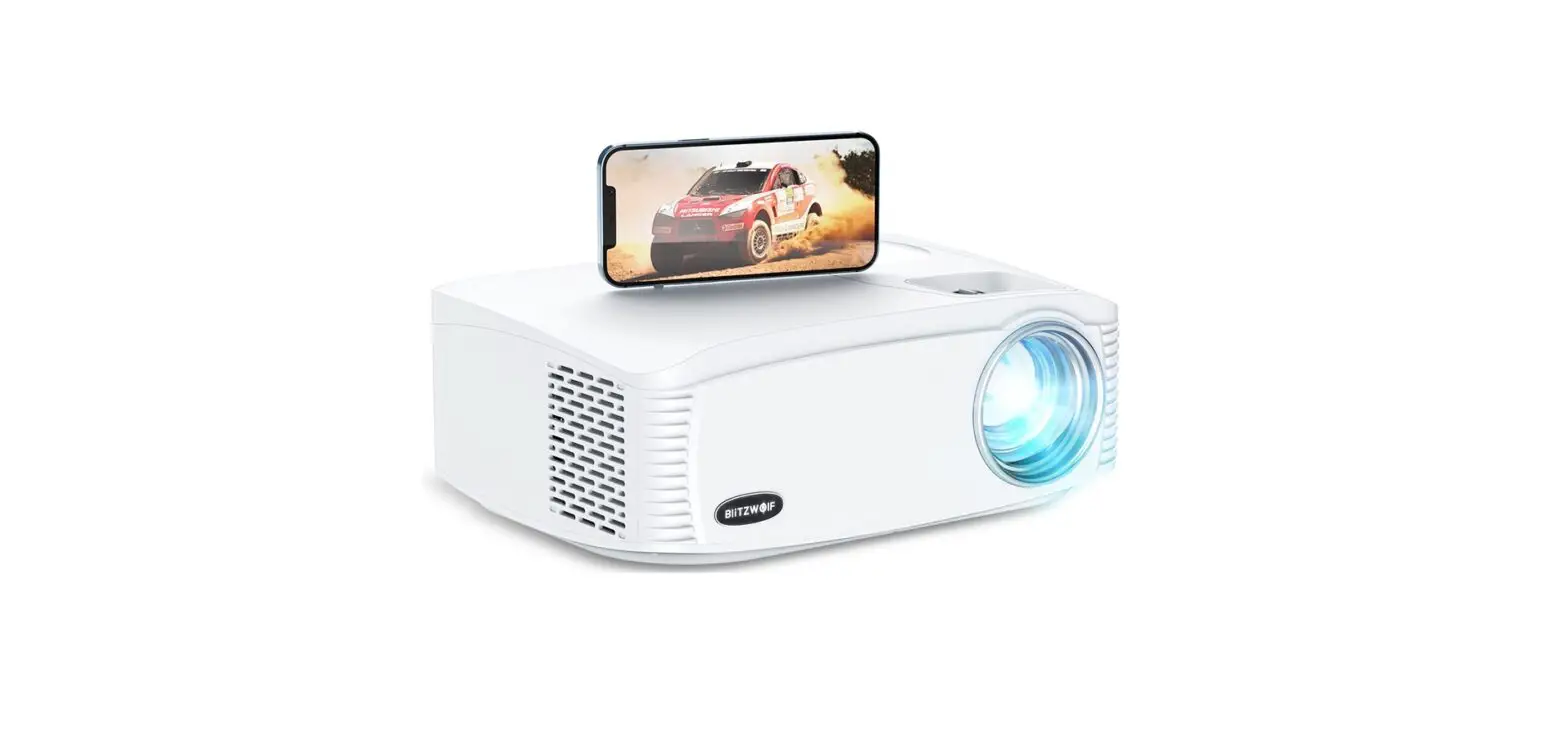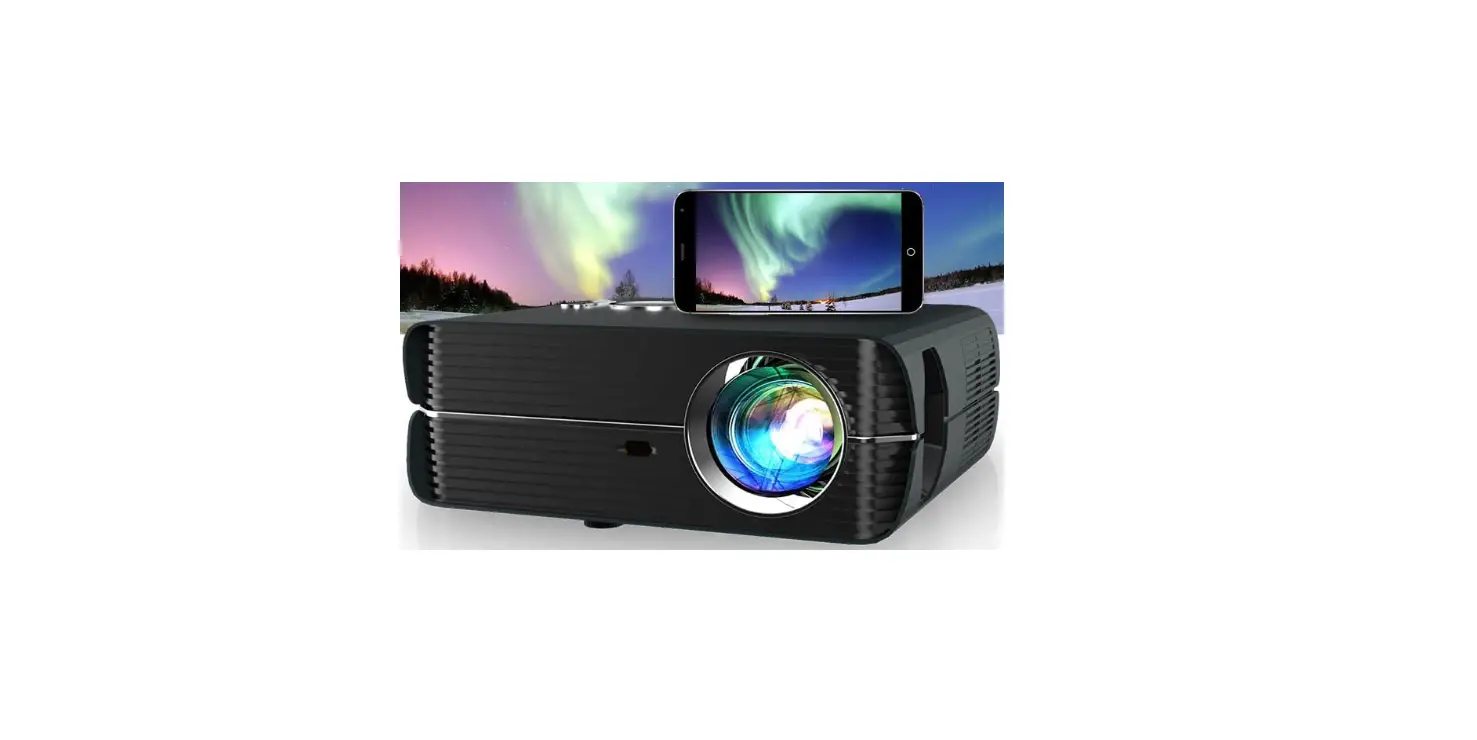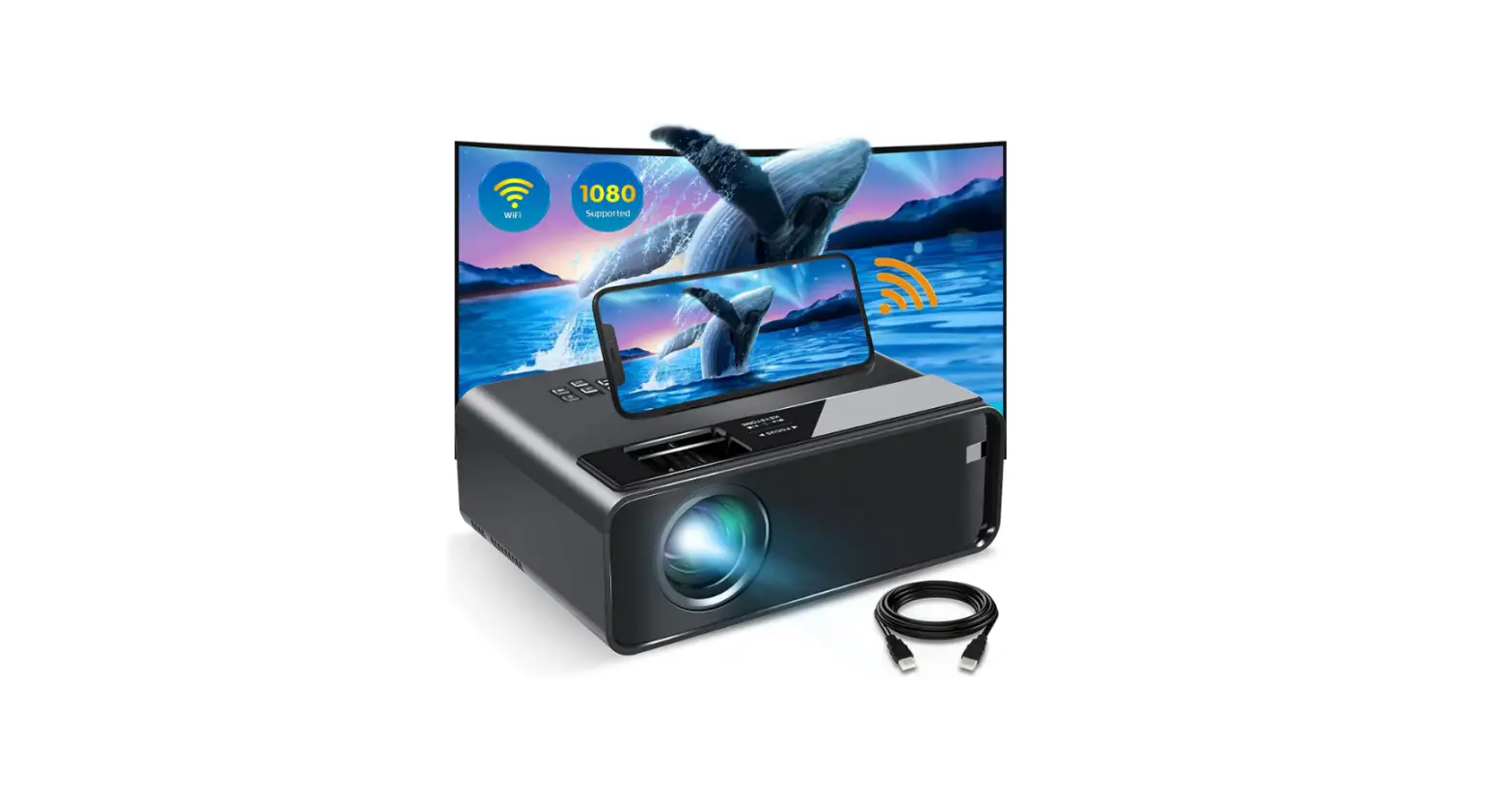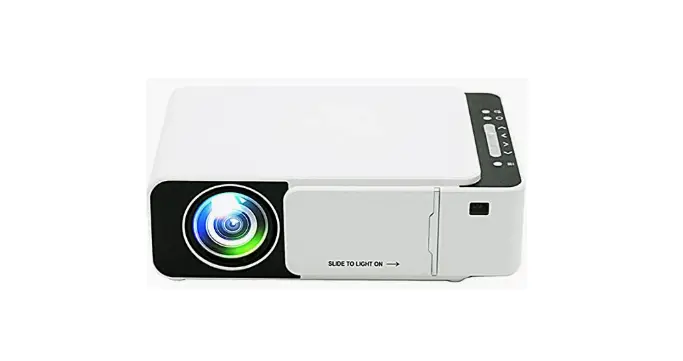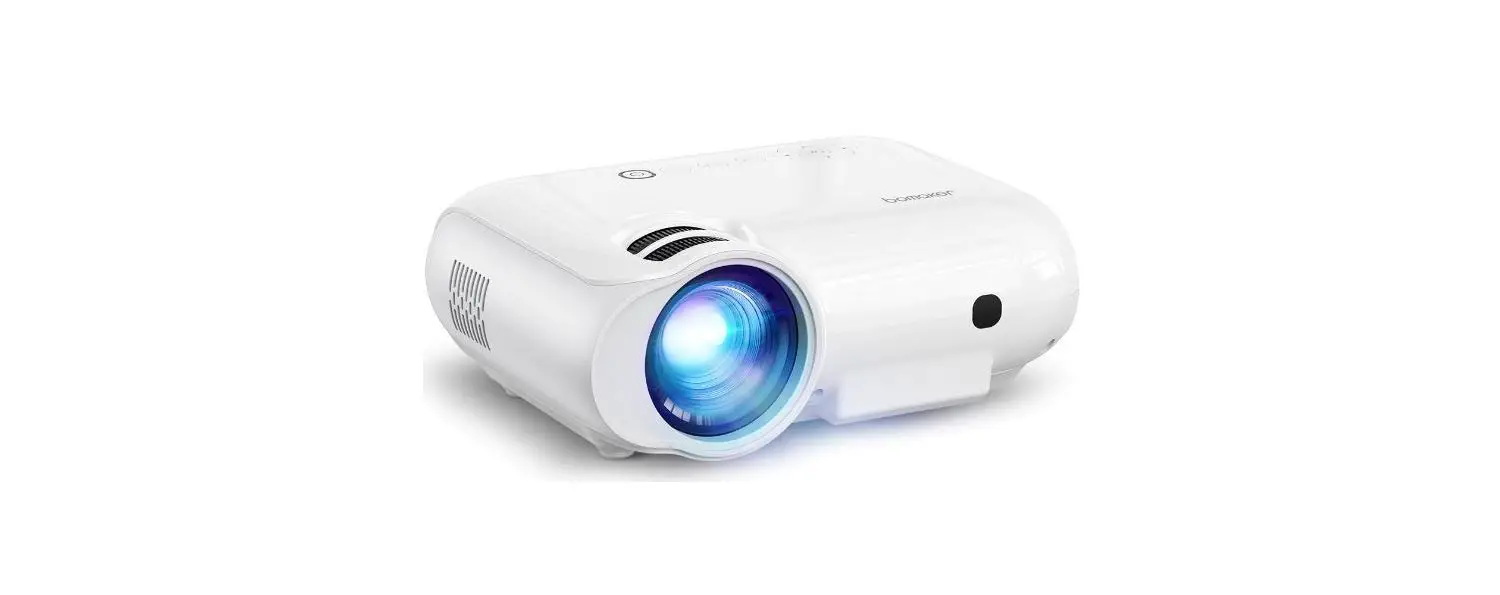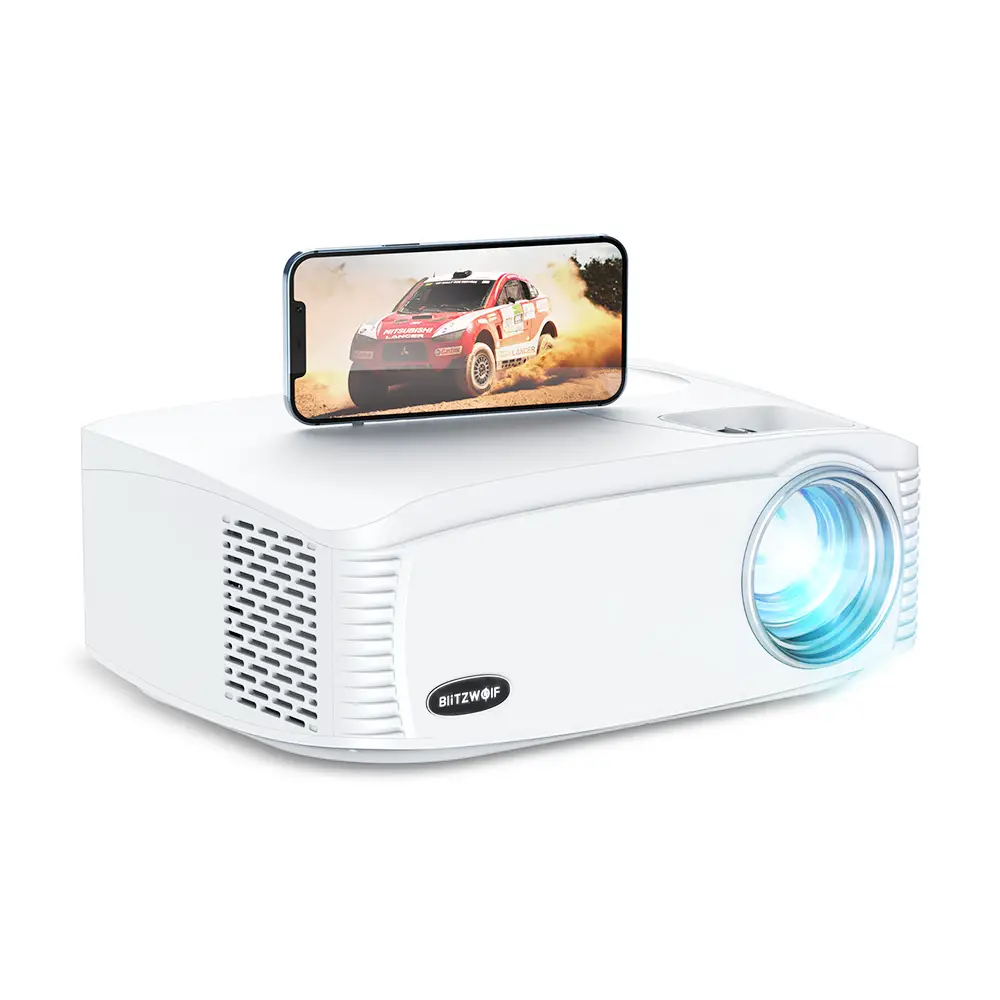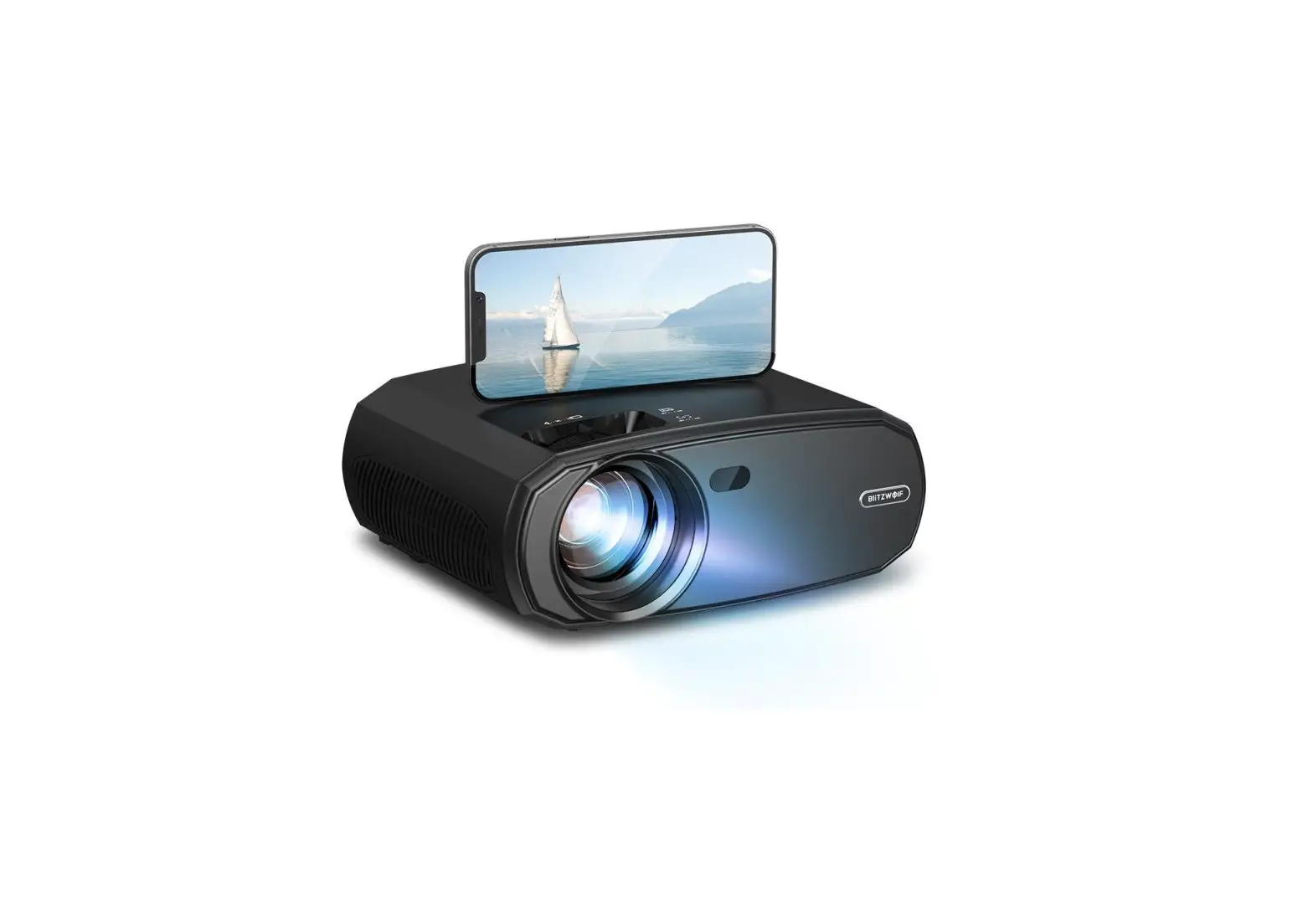
BliTZWOlF BW-VP13 1080p WiFi Projector
Function Overview
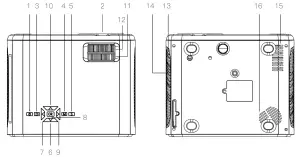
- Power Button
- Lens
- Back
- Menu
- Input Source
- Arrow Keys (down)
- Arrow Key (left)
- OK
- Arrow key (right)
- Arrow keys (up)
- Keystone
- Focus
- Air Inlet
- Filter
- Air Outlet
- Speaker
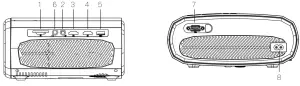
- SD Card Slot
- AV IN
- HD2
- HD1
- USB
- Audio Out
- VGA
- Power Input
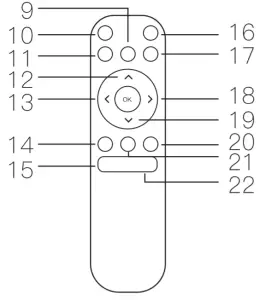
- Play /Pause
- Power Button
- Fast Reverse
- Arrow keys (up)
- Arrow key (left)
- Back
- Volume –
- Mute
- Fast Forward
- Arrow key (right)
- Arrow keys (down)
- Input Source
- Menu
- Volume+
QUICK START
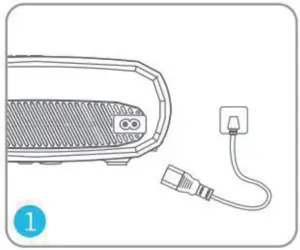
- Plug the power cord into an outlet.

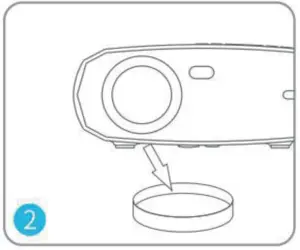
- Take off the lens cover.
- Press the Power Button to turn on the projector.
- Select the correct input source by pressing the
 button.
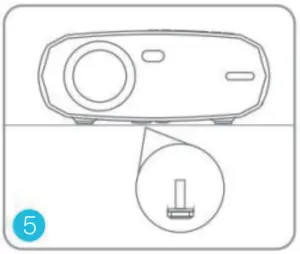
 - Adjust the kickstand accordingly.

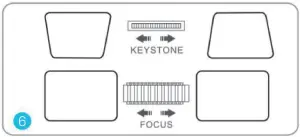
- Adjust the keystone and ring to get the best image performance.

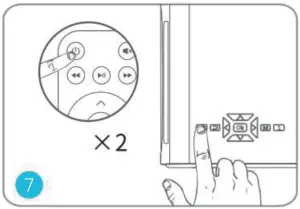
- Press the Power Button twice to turn off the projector.

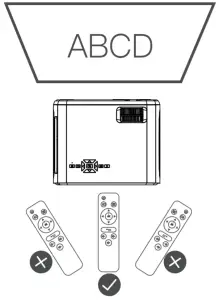
- Installing the remote control battery,please use the remote control in the direction of the projector and playback screen.

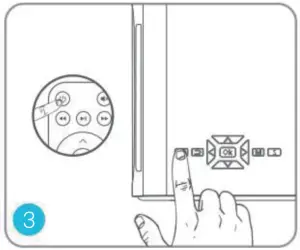
 button.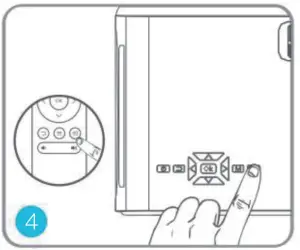
CAST SCREEN IPHONE(WIRED PROJECTION)
Setp 1: Make sure the projector enters the CAST SCREEN page. Connect projector and iPhone by original USB data cable by USB input.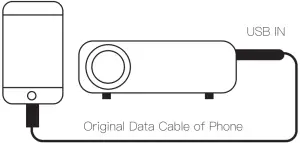
Step 2: Get “Trust” from iPhone by the first time, enter your password, same as unlock screen password.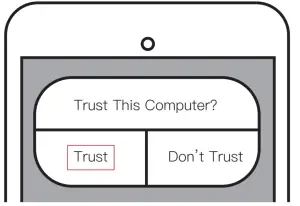
ANDROID MIRACAST
Step 1: Make sure the projector enters the CAST SCREEN page. Turn on WLAN(WIFI) and mobile data on your phone.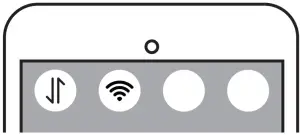
Step 2: Enter your phone setting, turn on wireless projection and search”PROJECTOR-XXX” then connect(more convenient to search the projector’s name directly).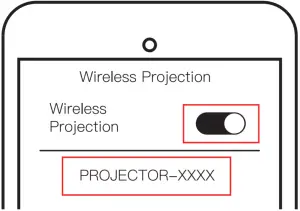
MOBILE PHONES OF DIFFERENT BRANDS ARE REFERRED TO AS FOLLOWS:
Huawei: Wireless Projection/Multi-screen Interaction
Xiaomi: Wireless Display
SONY: Screen Mirroring
Samsung:Screen Sharing/Screen Mirroring/ Allshare Cast/Smart View
IPHONE AIRPLAY
Step 1: Make sure the projector enters the CAST SCREEN page. Please connect your phone with WIFI “PROJECTOR-XXXX”,password 12345678 and mobile data on your phone.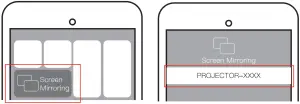
Step 2: Turn on your iPhone “Screen Mirroring”. Step 3: Search the projector’s name “PROJECTOR- XXXX”, and connect.
Note: Because of the copyright problems, some APPs such as Netflix may not support this function
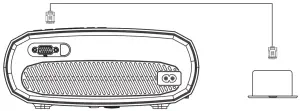
CONNECT PROJECTOR TO YOUR HOME WIFI
When you need to upgrade the projector system and connect the projector to the network, you need to do this.
- Enter your phone WLAN(WIFI) setting and search WIFl:PROJECTOR- XXXX, Password: 1 2345678.
- Open your phone browser and input IP”192.168.49.1 “, then enter WIFI AP to scan WIFI.
- Connect your home WIFI, when connect successfully, your home WIFI name wil l be on your projector.
INPUT SOURCE
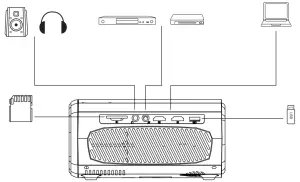
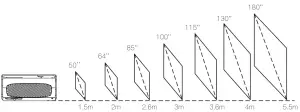
Projection distance and screen size
The size in the figure is approximate and may be slightly different from the actual size. Please refer to the actual size.
Product Specification
| Product Category | Home Theater Projector |
| Light Source | LED |
| Display technology | LCD |
| Display Chip Size | 4.41″ TFT LCD |
| Lamp Life | 40,000h |
| Operating System | No |
| Display Resolution | 1920x1080P |
| Maximum Compatib le Resolution | 1920x1080P |
| Contrast | 3500:1 |
| Throw Ratio | 1.5 |
| Keystone Correct ion | Manual Vertical +15° |
| Focus Method | Manual |
| Aspect Ratio | 16:9,4:3 |
| Speaker Power | 3W4O |
| Wireless Mirroring | Yes |
| Bluetooth Output | Yes |
| Installation Method | Front, Rear, Ceiling |
| Video Format | avi/ mp4/ mov/ mpg/ mpeg/ ts/ tp/ m2ts/ dat/ – flv/ swf/ asf/vob/rm/rmvb/3gp/3gpp |
| Audio Format | mp3/avi/wmv/ mkv/ dat/vob/mpg/,peg/ts |
| Photo format | jpg/jpeg/png/bmp |
| 3D Function | Red and blue 3D |
| Proiectron Distance | 1.5- 5.5m |
| Pro ject ion Size | 50 – 180 inches |
| Remote Control | Infrared |
| Power Supply | AC 100~240V@50/60Hz |
| Maximum Power | 90W |
| SD Card Max Support | SD2.0/SDHC Support 32GB SDXC Support 1TB |
| USB Flash Drive/HOD Max Support | FAT32 Format Support 192GS NTFS Format Support 2TB (Need External Power Supply) |
| USS Flash Drive | FAT16, FAT32, NTFS |
| HD Port | HDx2 |
| VGA Port | VGAx1 |
| AV Port | AVx1 |
| USS Port | USS2.0x1 |
| SD Card Slot | SDx1 |
| Audio Outout Port | 3.5mm Audio Outputx1 |
| Produc l Size | 234.5*187.6*96mm |
TROUBLESHOOTING GUIDE
Blurry Image
- Adjust focus ring/keystone.
- The projector and the screen/wall must be vertical and within the effective distance.
Black Dots On The Screen
- Use a lens cloth to clean the external lens.
- Pat the projector gently and try to shake off the dust attached to the inside.
- Open the label at the bottom of the machine and use a cotton swab to find the dust location and remove it.

 SCHEUFER Technologies GmbH
Address: Hertleinstrasse 37, 9 1052, Erlangen, Germany
E-mail: [email protected]
 VISHTEC UK Co.,Ltd
Address: Unit G25 Waterfront Studios, 1DockRoad, London, E16 1AH
E-mail: [email protected]