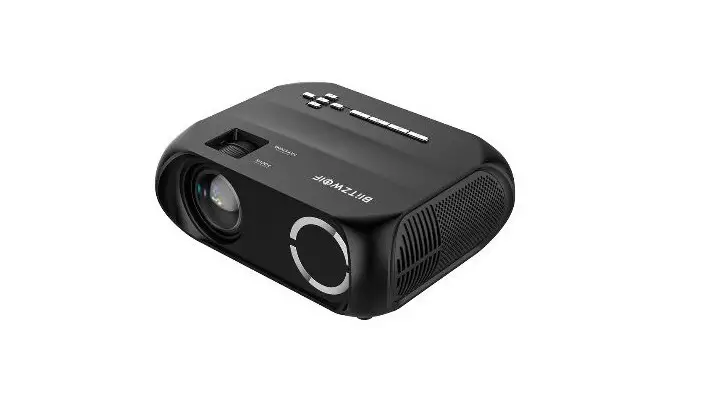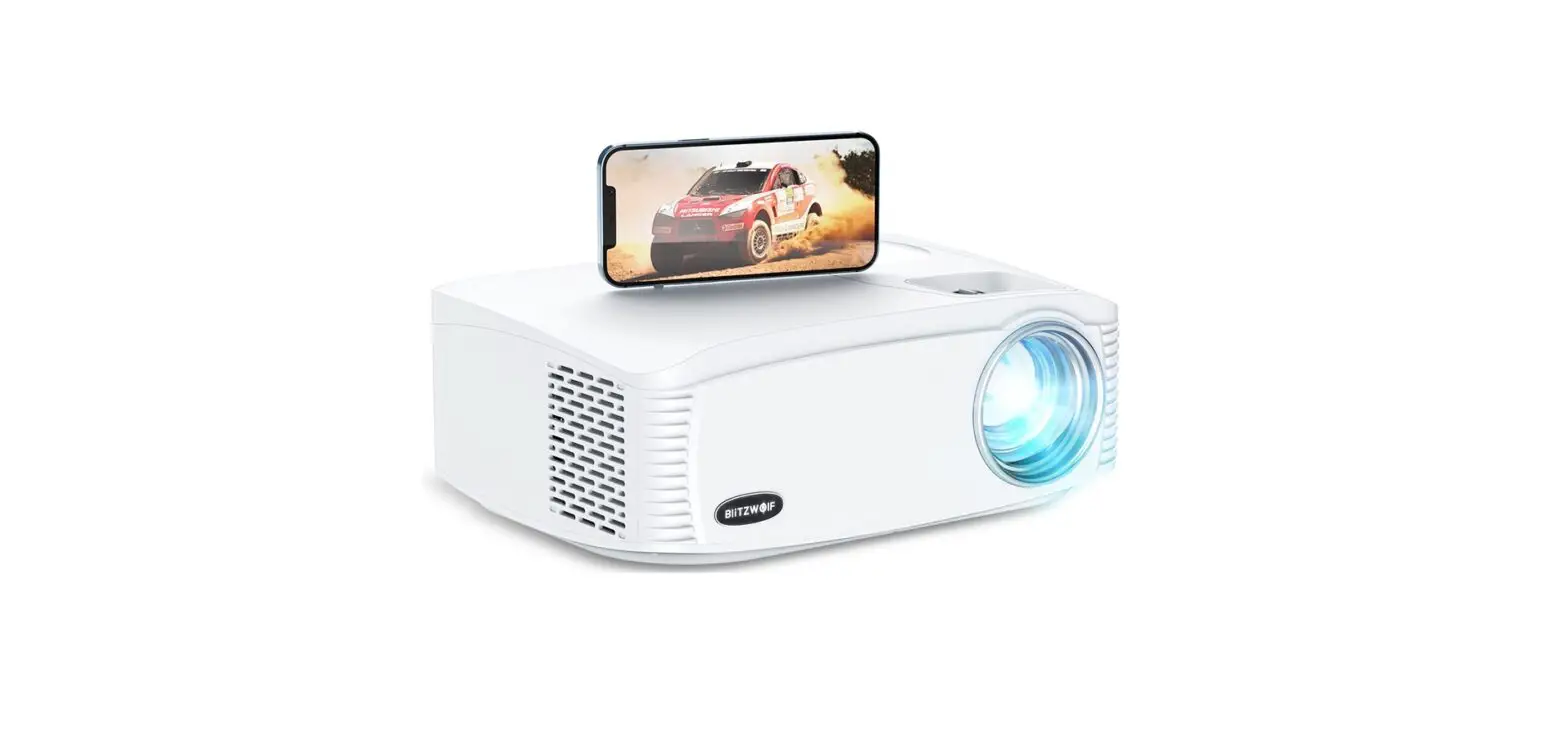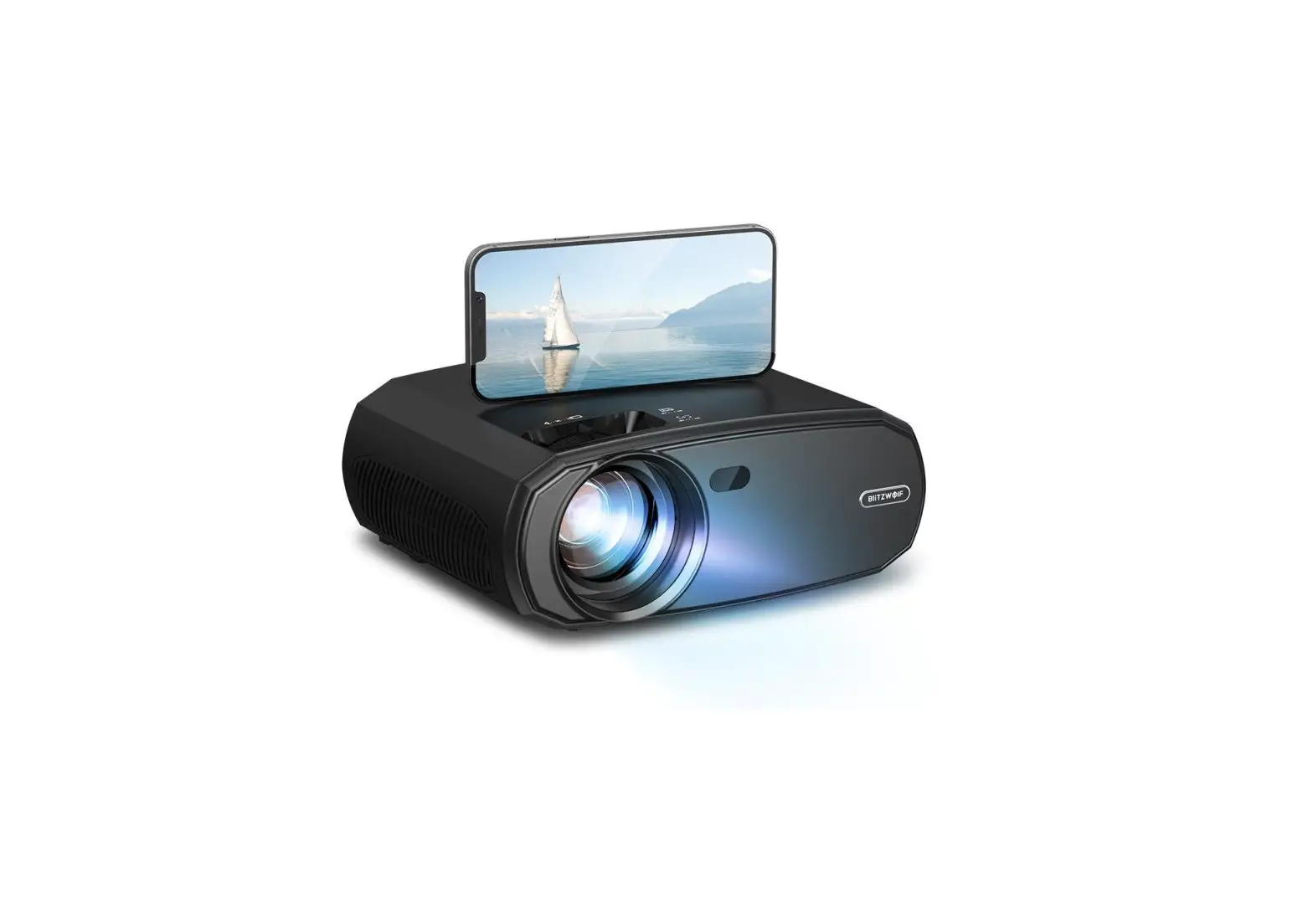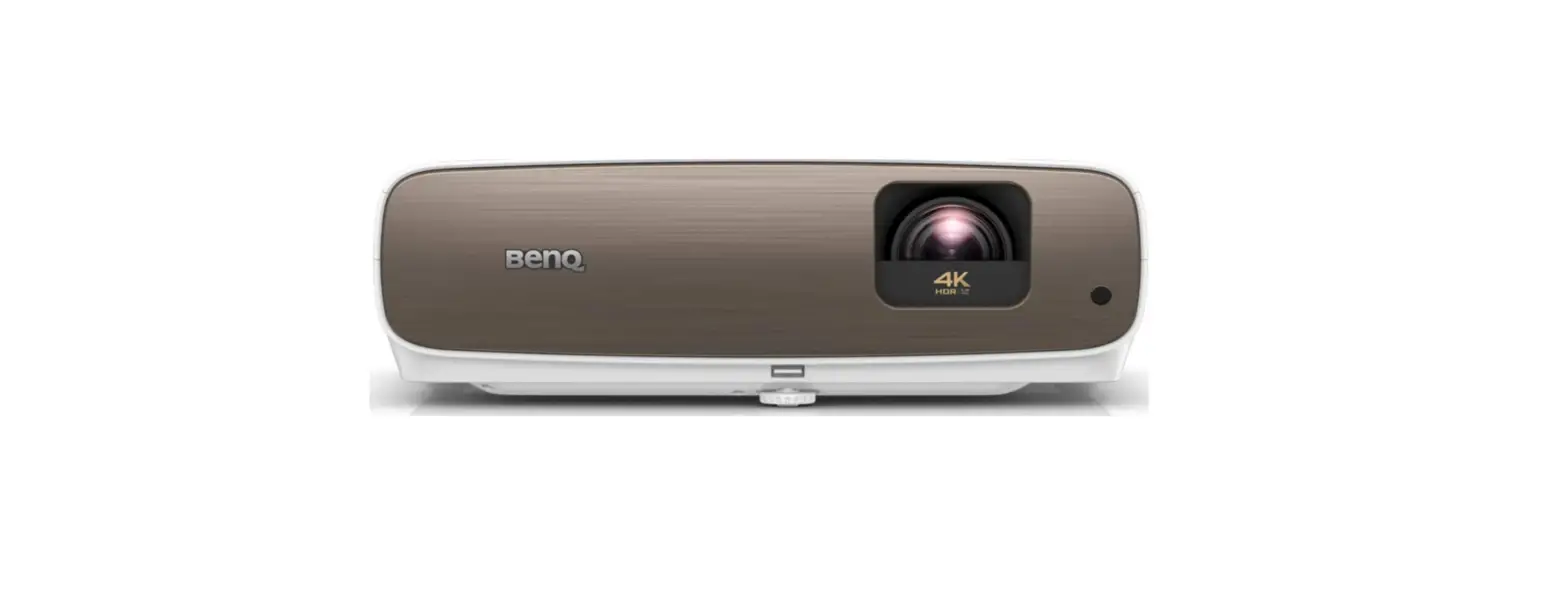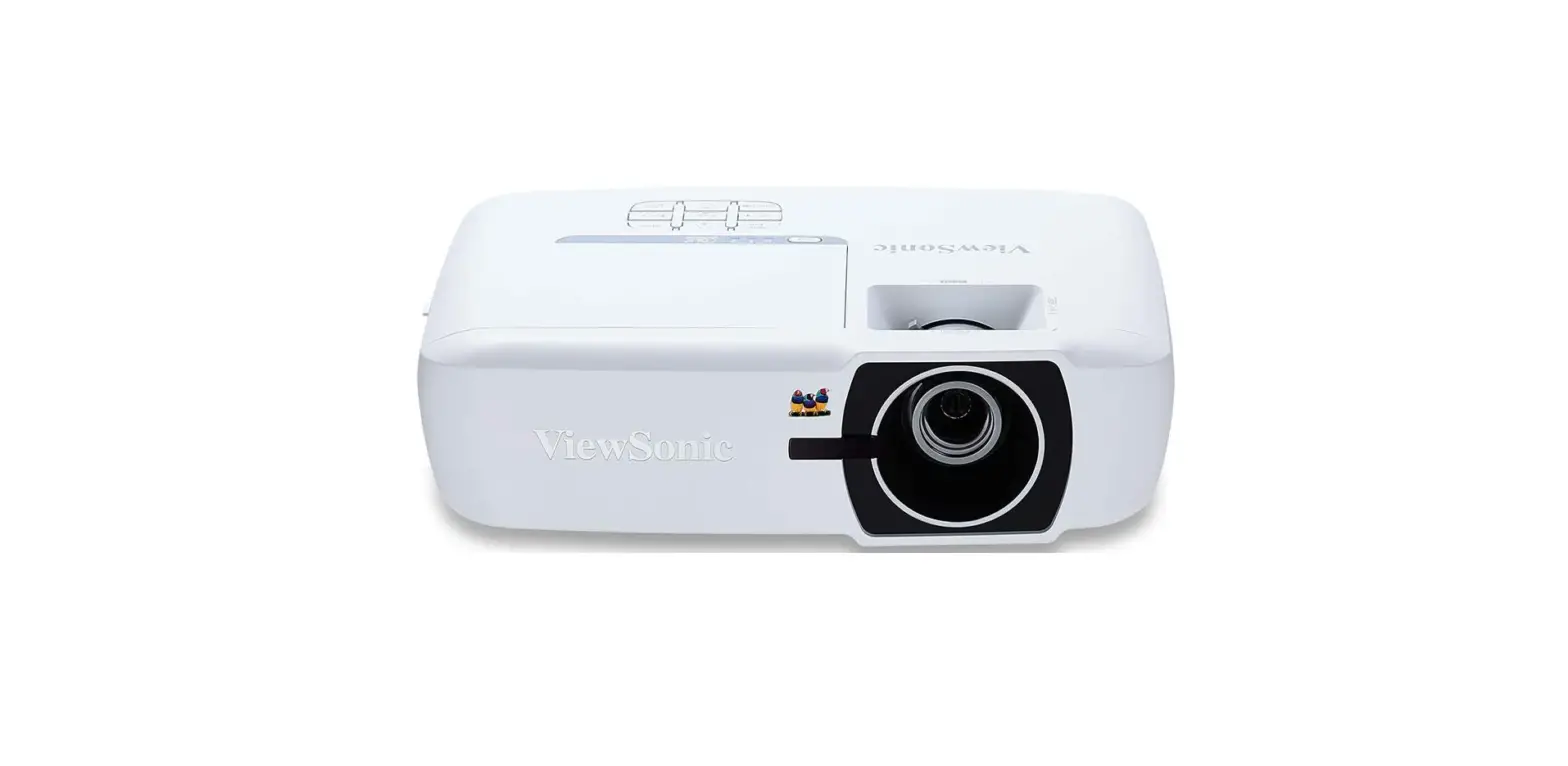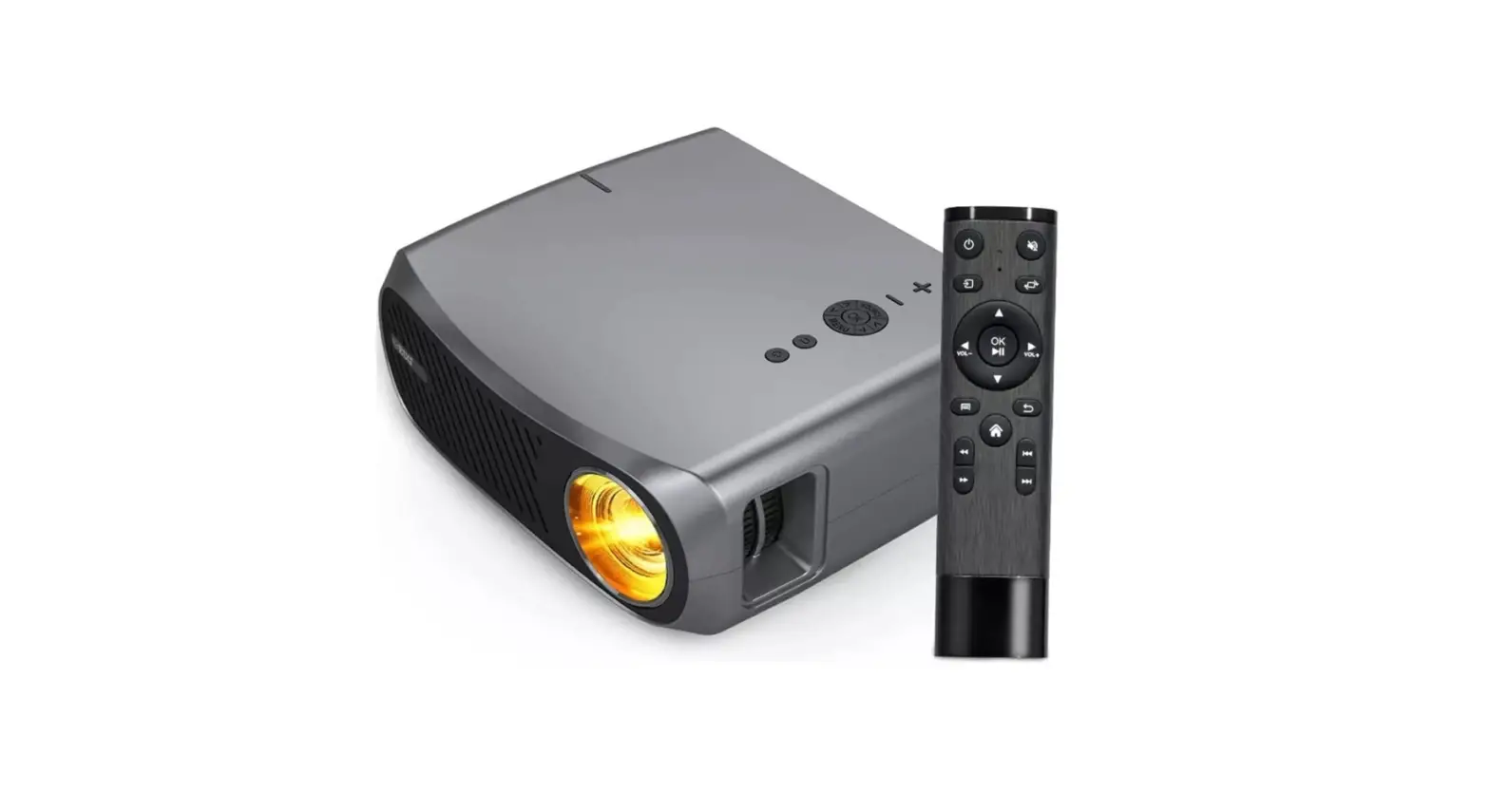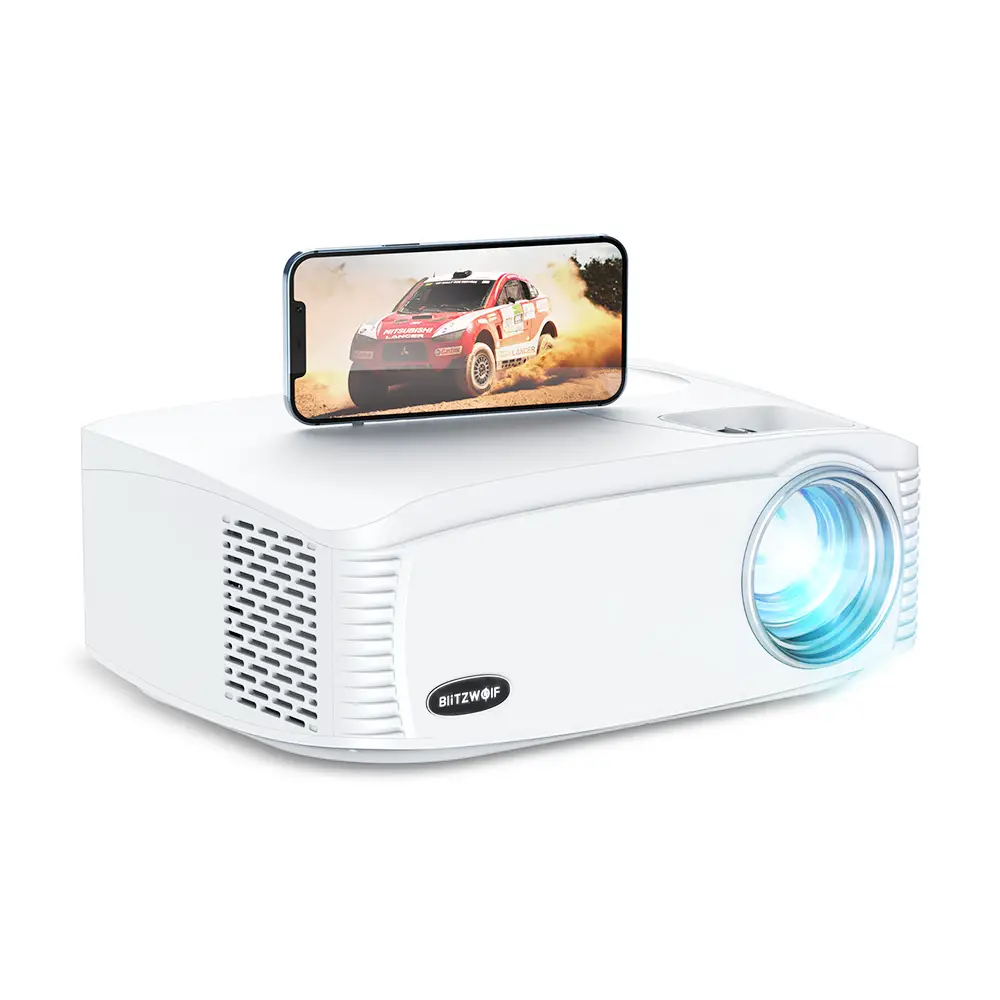

BliTZWOlF BW-VP15 Home Theater Projector with Native 1080p Full HD Stereo Speaker
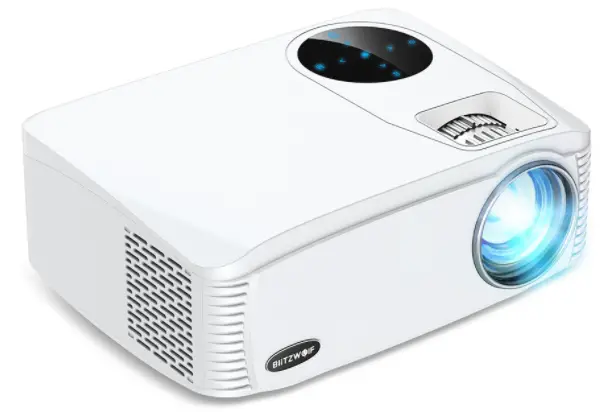
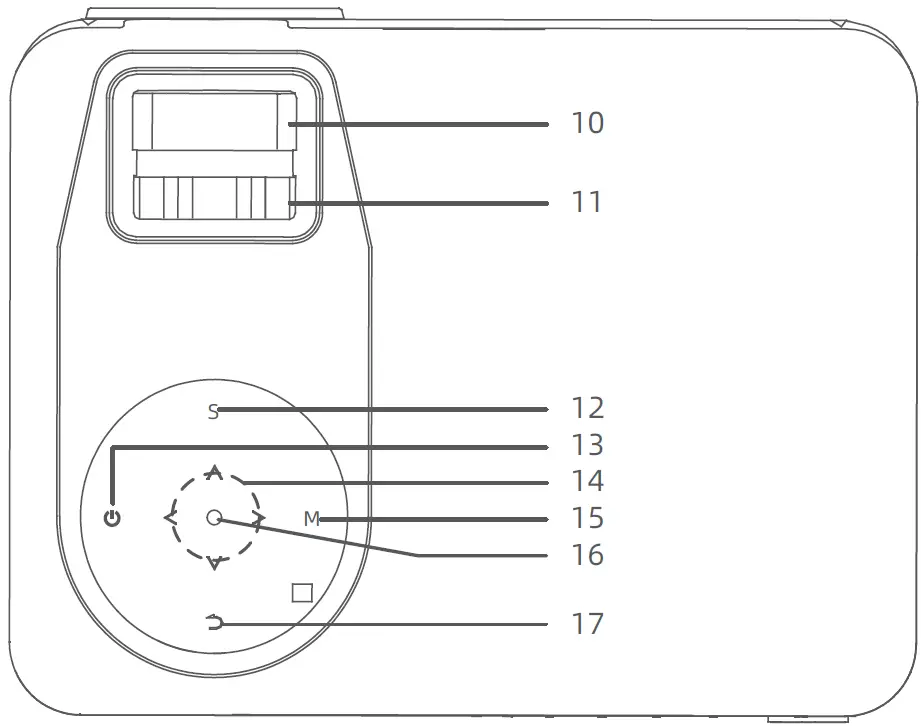
Function Overview
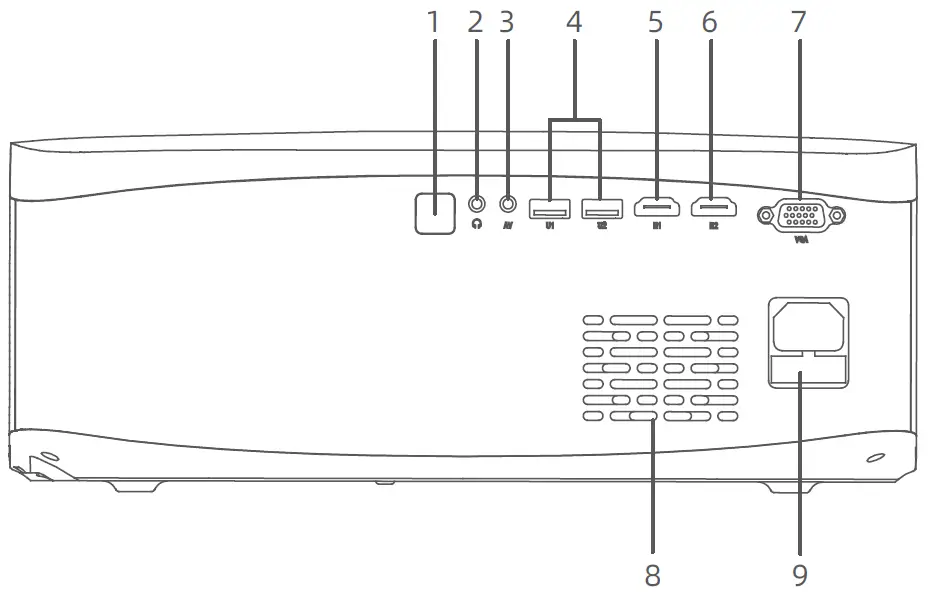
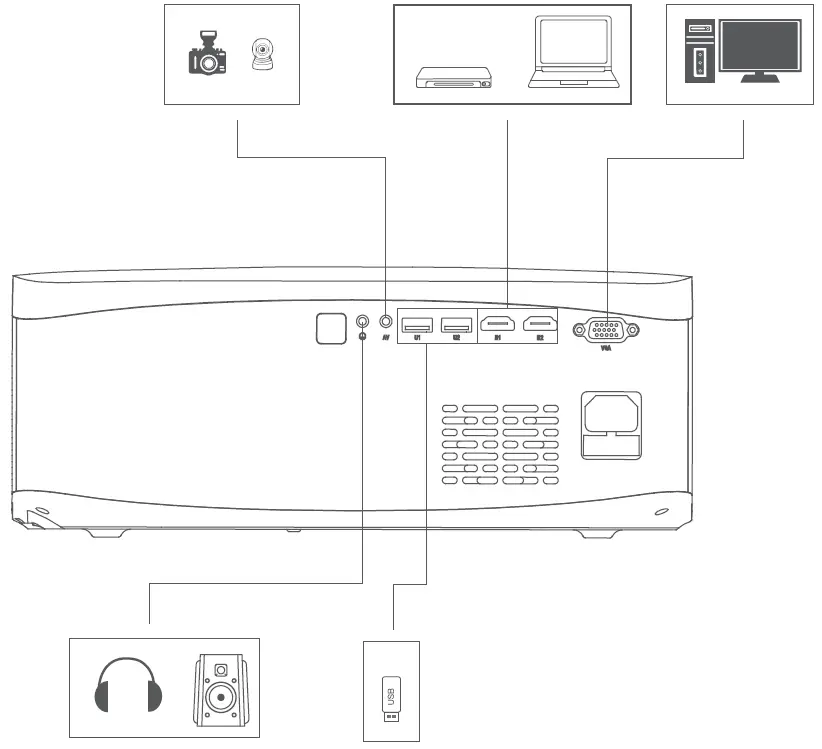
- IR
- 3.5mm Audio Jack
- AV
- USB
- HD1
- HD2
- VGA
- Ventilation
- Power Input
- Focus
- Keystone
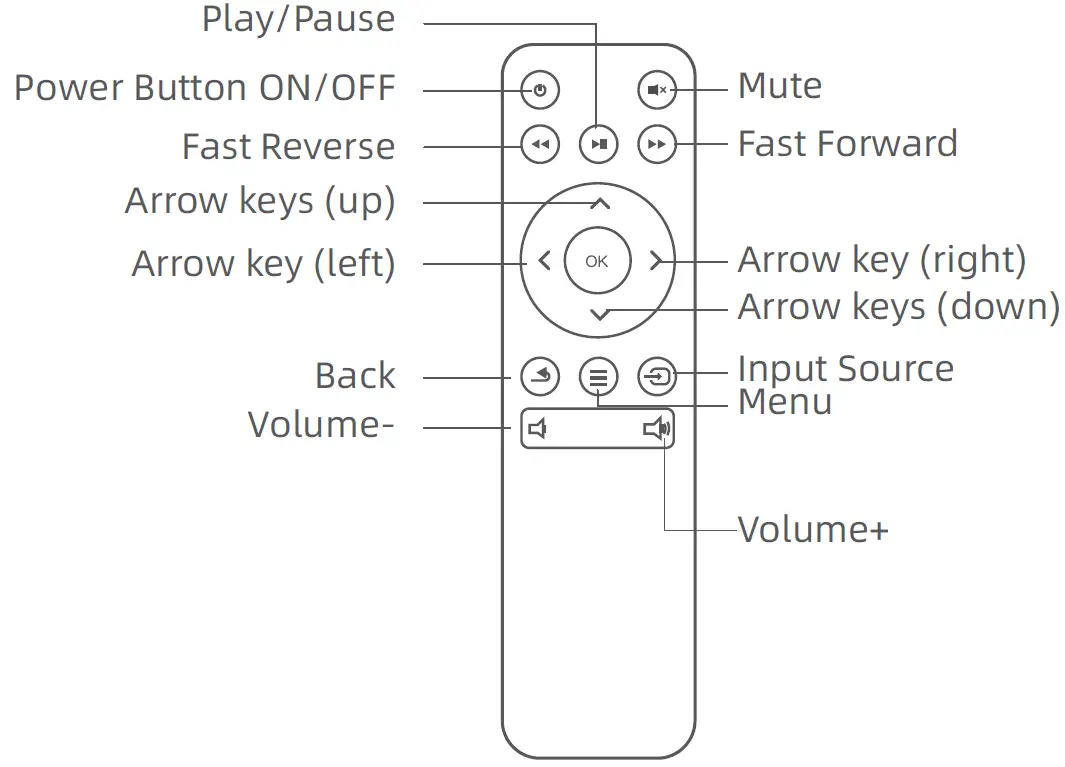
- Input Source
- ON/OFF
- Arrow keys
- Menu
- Enter/Play/Pause
- Return
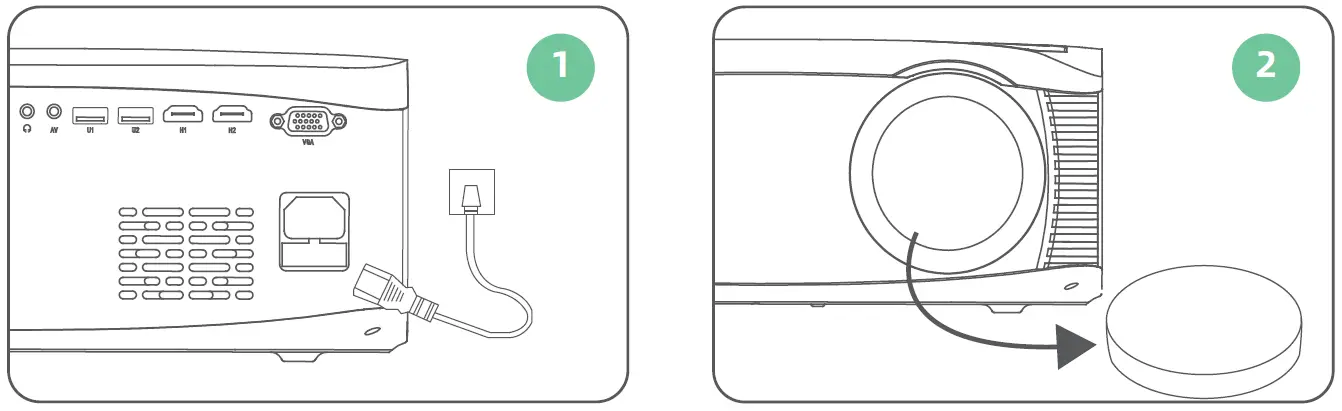
Quick Start
- Plug the power cord into an outlet.
- Take off the lens cover.

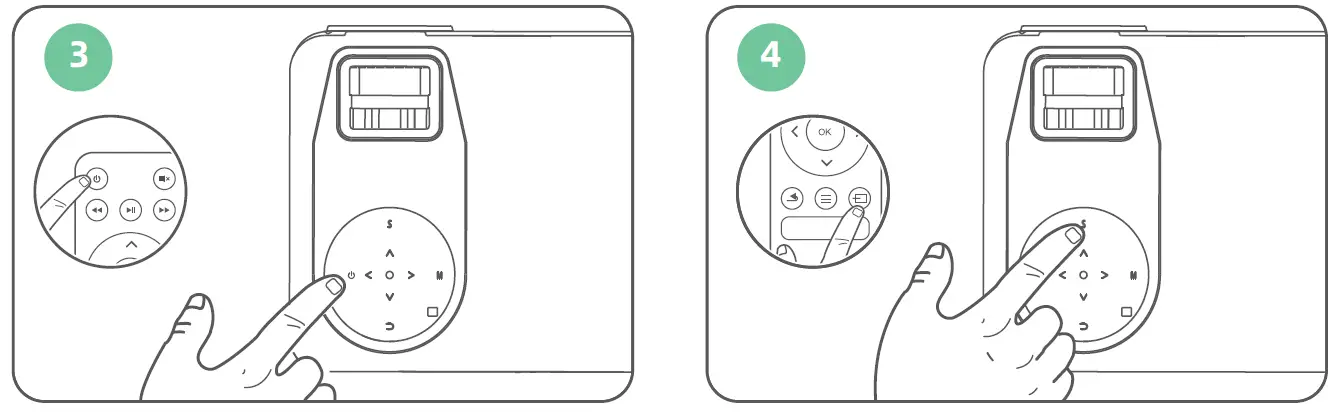
- Press the Power Button to turn on the projector.
- Select the correct input source by pressing the input source button.

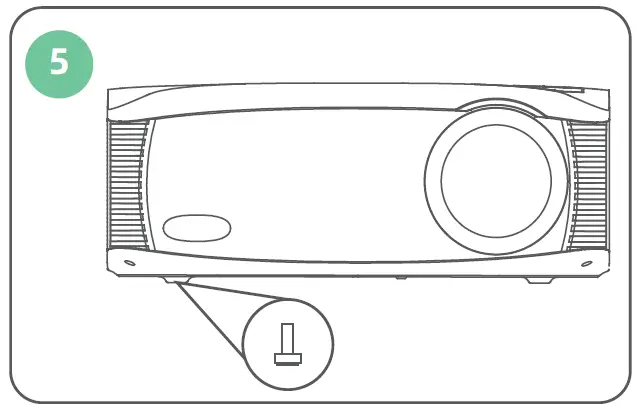
- Adjust the kickstand accordingly.

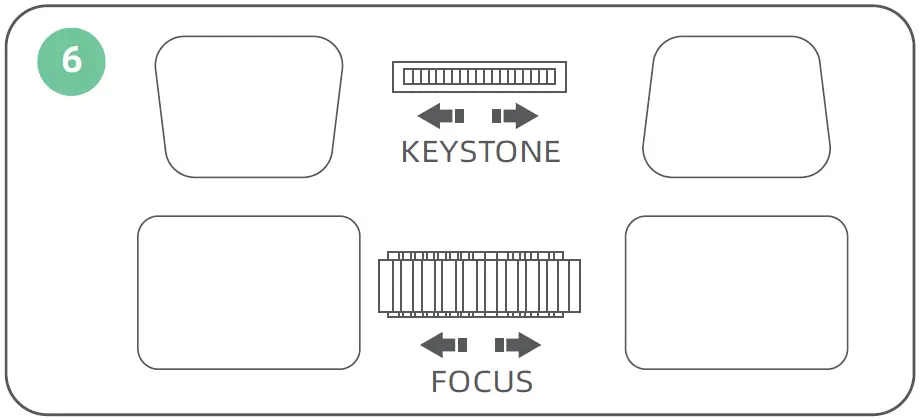
- Adjust the keystone and ring to get the best image.

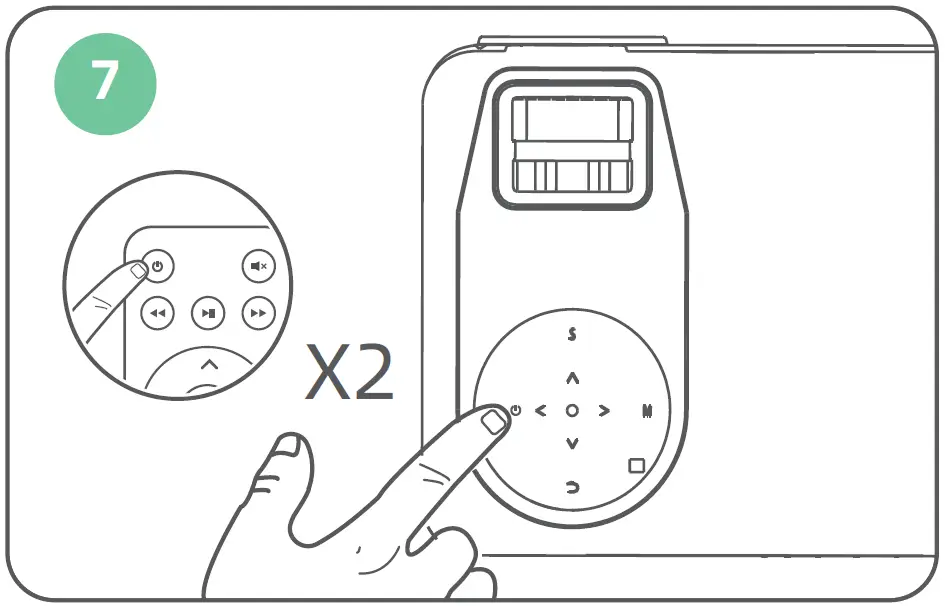
- Press the Power Button twice to turn off the projector.

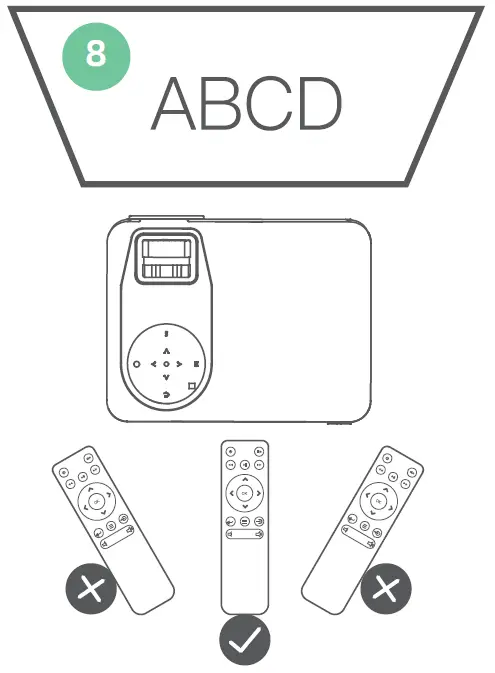
- Installing the remote control battery,please use the remote control in the direction of the projector and playback screen.
Cast Screen iPhone(Wired Projection)
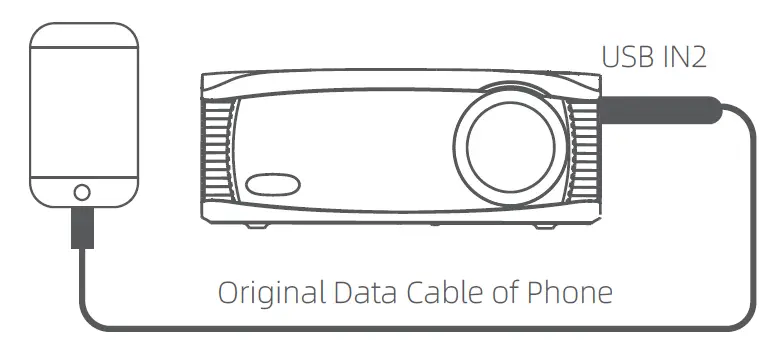
Step 1: Make sure the projector enters the CAST SCREEN page. Connect projector and iPhone by original USB data cable by USB input.
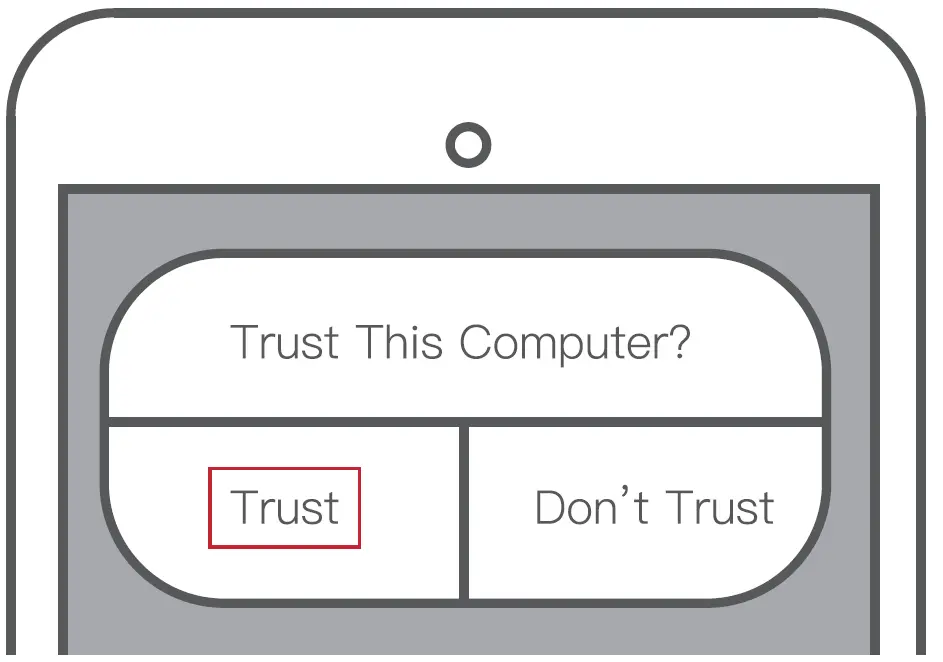
Step 2: Get “Trust” from iPhone by the first time, enter your password, same as unlock screen password.
Android Miracast
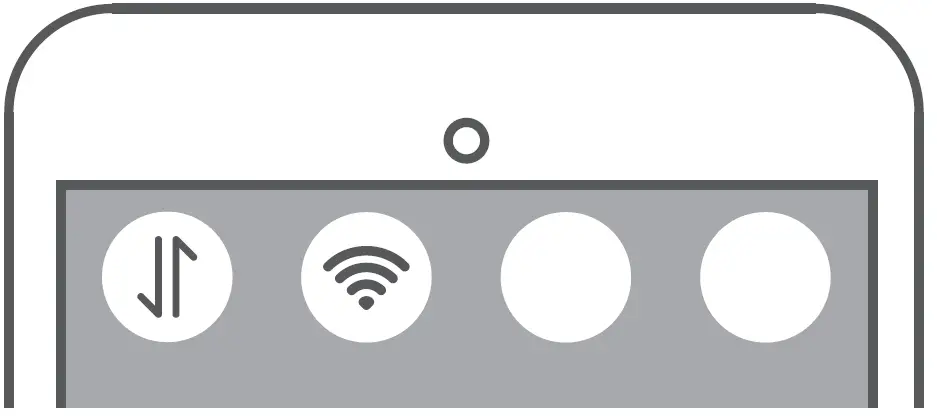
Step 1: Make sure the projector enters the CAST SCREEN page. Turn on WLAN(WIFI) and mobile data on your phone.
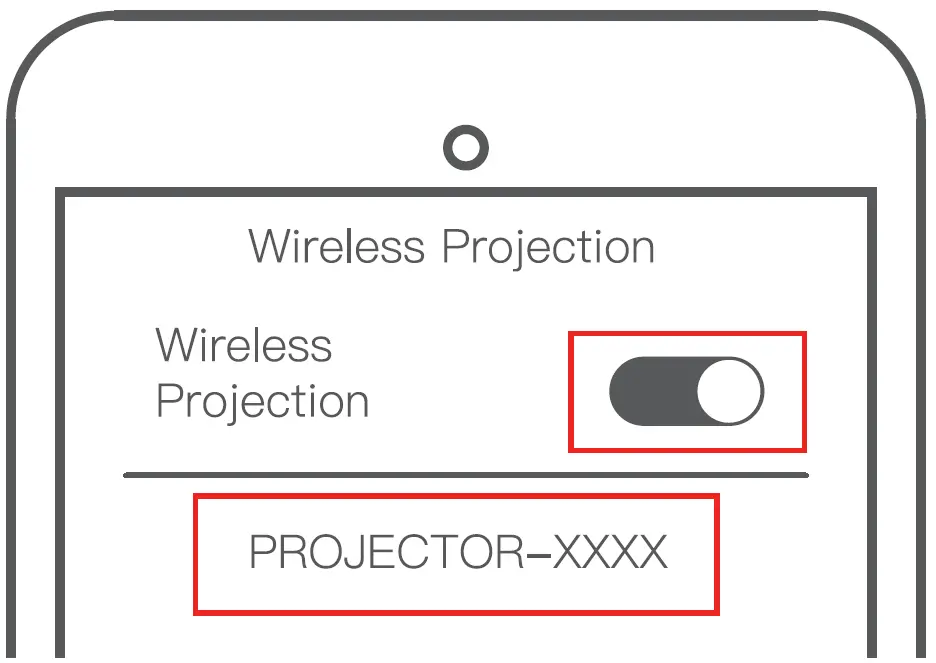
Step 2: Enter your phone setting, turn on wireless projection and search “PROJECTOR-XXX” then connect(more convenient to search the projector’s name directly).
MOBILE PHONES OF DIFFERENT BRANDS ARE REFERRED TO AS FOLLOWS:
Huawei: WirelessProjection/Multi-screen Interaction
Xiaomi: Wireless Display
SONY: Screen Mirroring
Samsung: Screen Sharing/Screen Mirroring/Allshare Cast/Smart View
iPhone AirPlay
Step 1: Make sure the projector enters the CAST SCREEN page. Please connect your phone with WIFI “PROJECTOR-XXXX”, password 12345678 and mobile data on your phone.
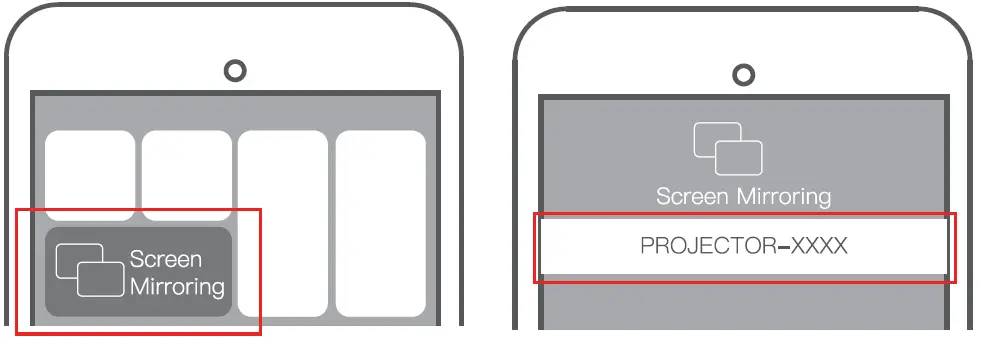
Step 2: Turn on your iPhone “Screen Mirroring”. Step 3: Search the projector’s name “PROJECTOR-XXXX”, and connect.
Note: Some APPs such as Netflix may can not support this function, because of the copyright.
CONNECT PROJECTOR TO YOUR HOME WIFI
When you need to upgrade the projector system and connect the projector to the network, you need to do this.
- Enter your phone WLAN(WIFI) setting and search WIFI: PROJECTOR-XXXX, Password:12345678.
- Open your phone browser and input IP”192.168.49.1″, then enter WIFI AP to scan WIFI.
- Connect your home WIFI, when connect successfully, your home WIFI name will be on your projector.
INPUT SOURCE
Product Specification
| Product Category | Home Theater Projector |
| Light Source | LED |
| Display technology | LCD |
| Display Chip Size | TFT 5.8 inch |
| Lamp Life | 50,000h |
| Display Resolution | 1920x1080P |
| Maximum Compatible Resolution | 1920x1080P |
| Contrast Ratio | 5000:1 |
| Throw Ratio | 1.2 |
| Keystone Correction | Manual Vertical ±15° |
| Focus Method | Manual |
| Aspect Ratio | 16:9,4:3 |
| Speaker Power | 4Ω3W |
| Wireless Mirroring | Yes |
| Bluetooth Output | Yes |
| Installation Method | Front,Rear,Ceiling |
| Video Format | avi/mp4/mov/mpg/mpeg/ts/tp/m2ts/dat/- flv/swf/asf/vob/rm/rmvb/3gp/3gpp |
| Audio Format | mp3/avi/wmv/mkv/dat/vob/mpg/,peg/ts |
| Photo format | jpg/jpeg/png/bmp |
| 3D Function | Red and blue 3D |
| Projection Distance | 1.2-5.5m |
| Projection Size | 40-180 inches |
| Remote Control | Infrared |
| Power Supply | AC 100~240V@50/60Hz |
| Maximum Power | 130W |
| USB Flash Drive/HDD Max Support | FAT32 Format Support 192GB NTFS Format Support 2TB (Need External Power Supply) |
| USB Flash Drive | FAT16,FAT32,NTFS |
| HD Port | HDx2 |
| VGA Port | VGAx1 |
| AV Port | AVx1 |
| USB Port | USB2.0x1 |
| Audio Output Port | 3.5mm Audio Outputx1 |
| Product Size | 320x250x120mm |