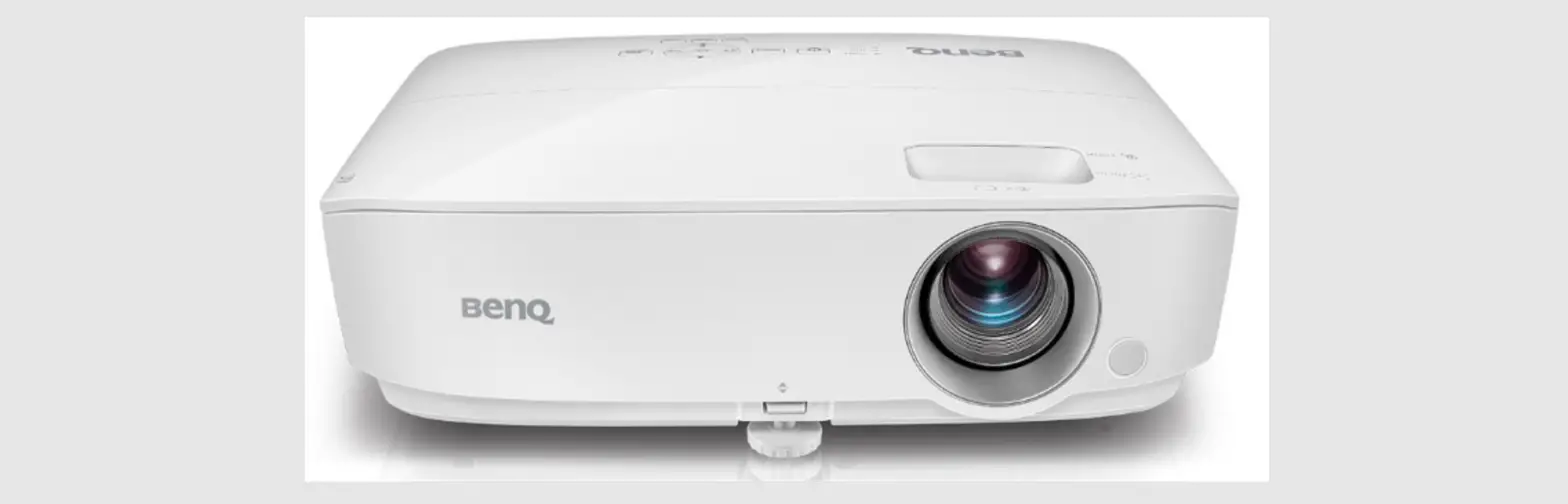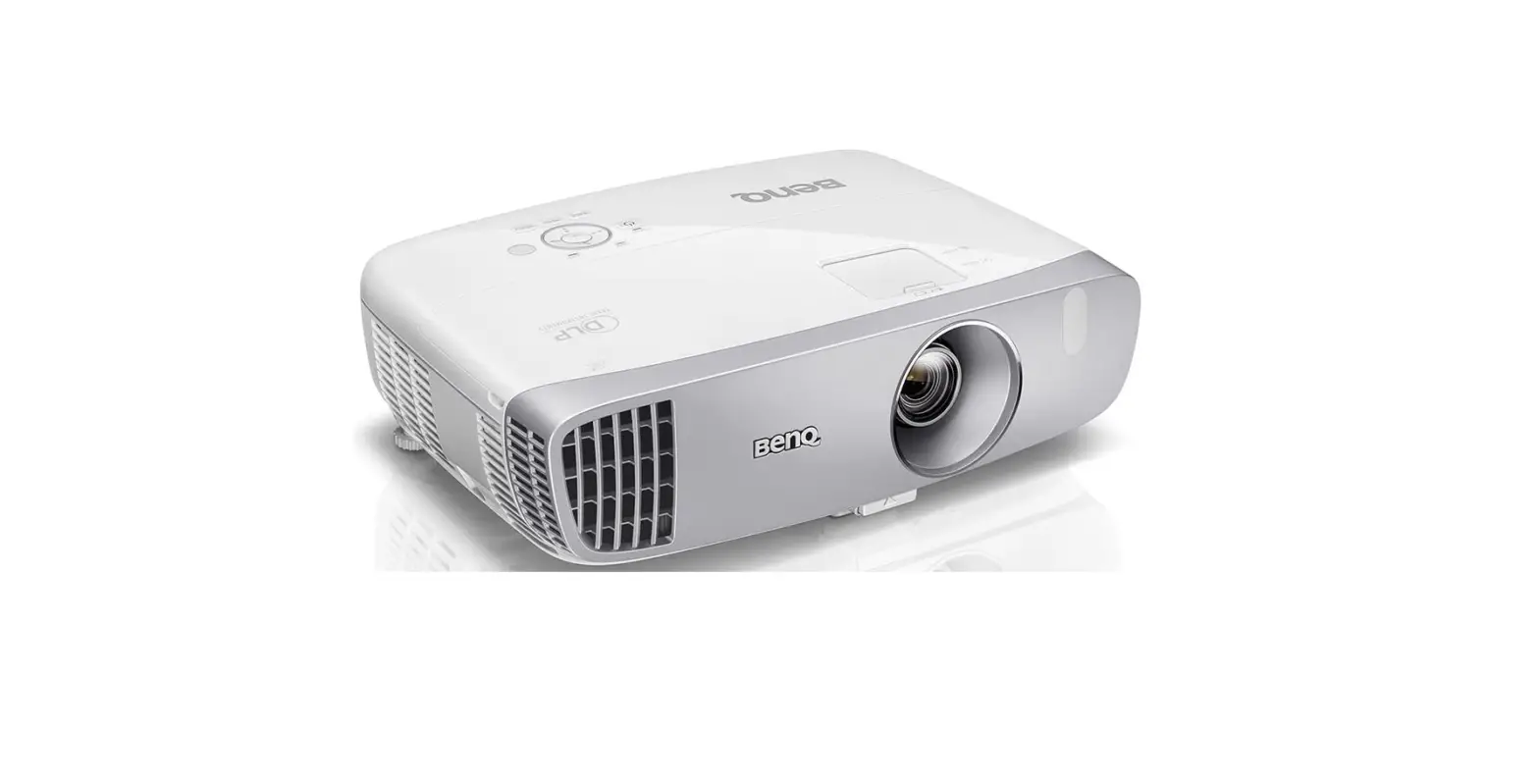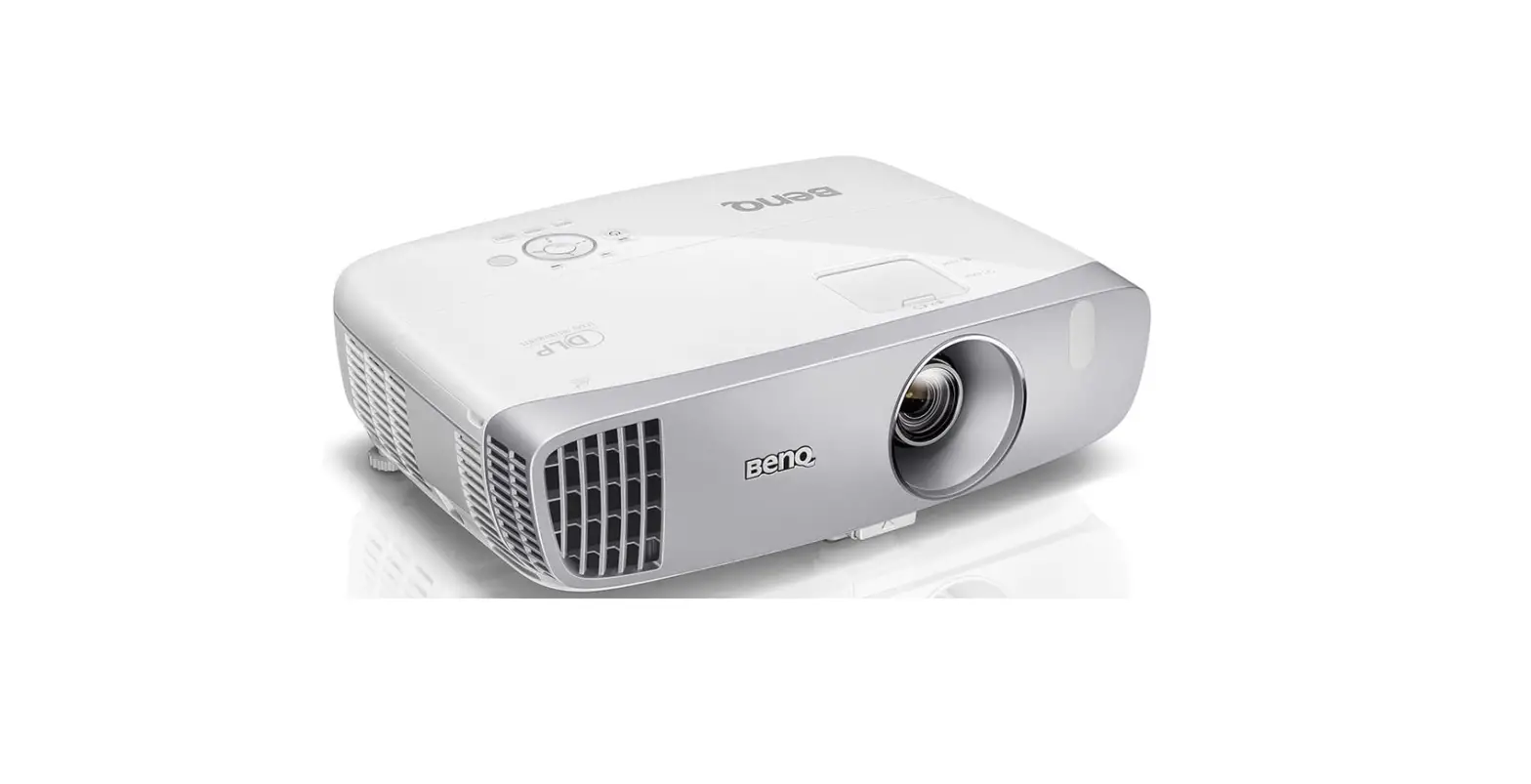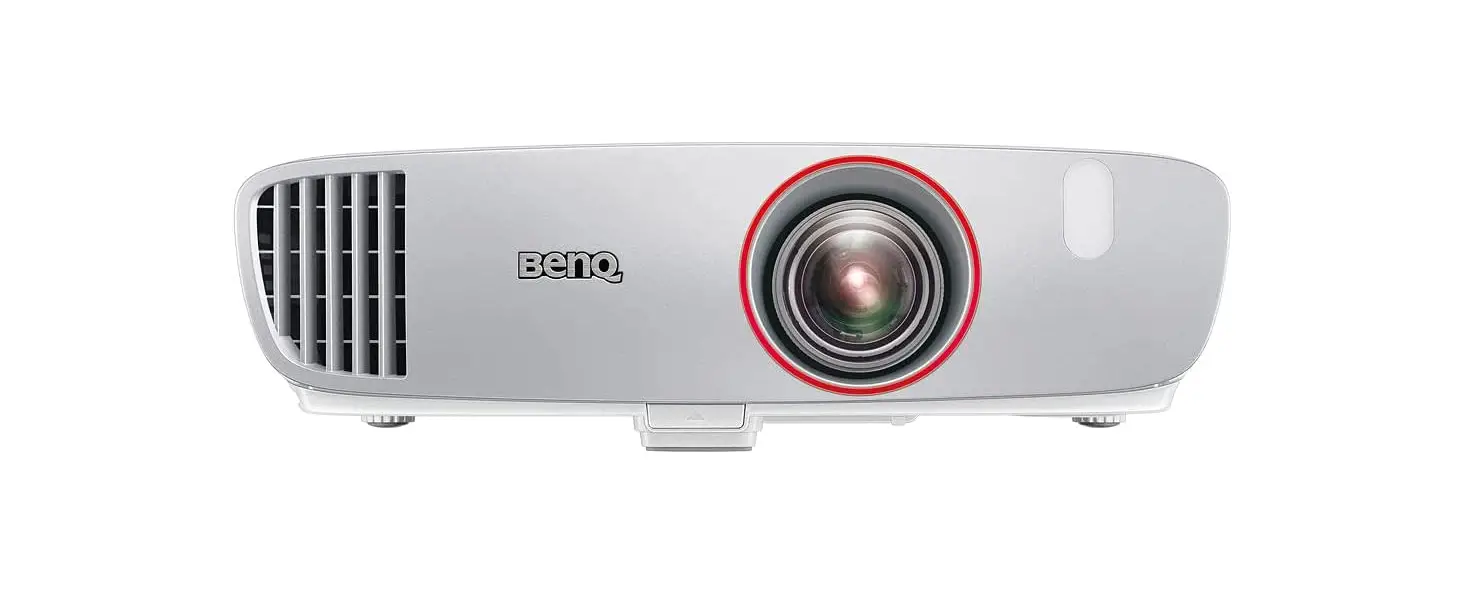
 BenQ HT2050A 1080P Home Theater Projector
 BenQ HT2050A 1080P Home Theater Projector
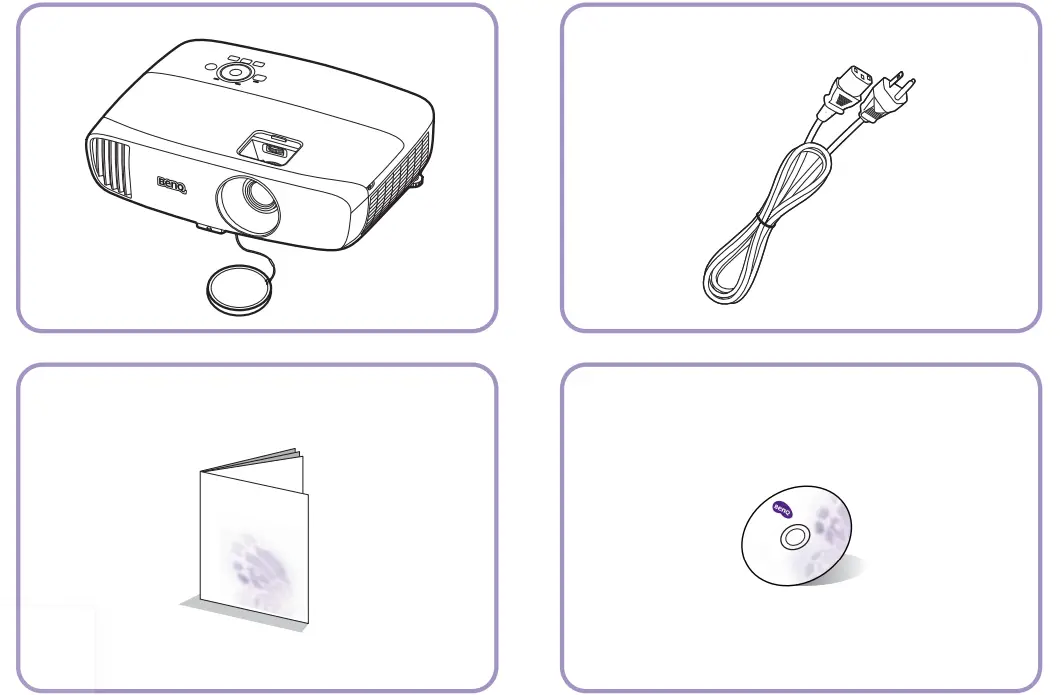
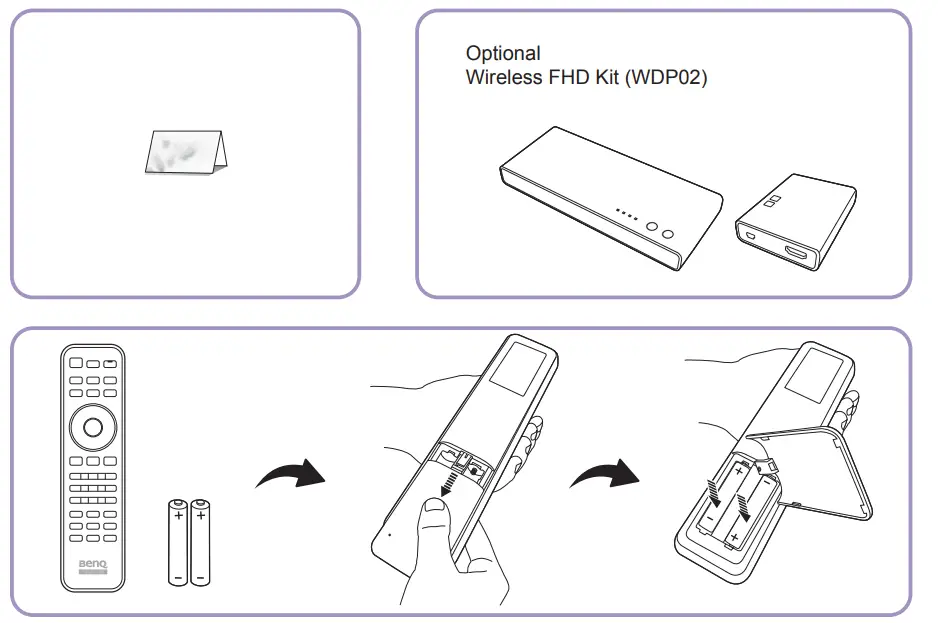
WHAT IS IN THE BOX

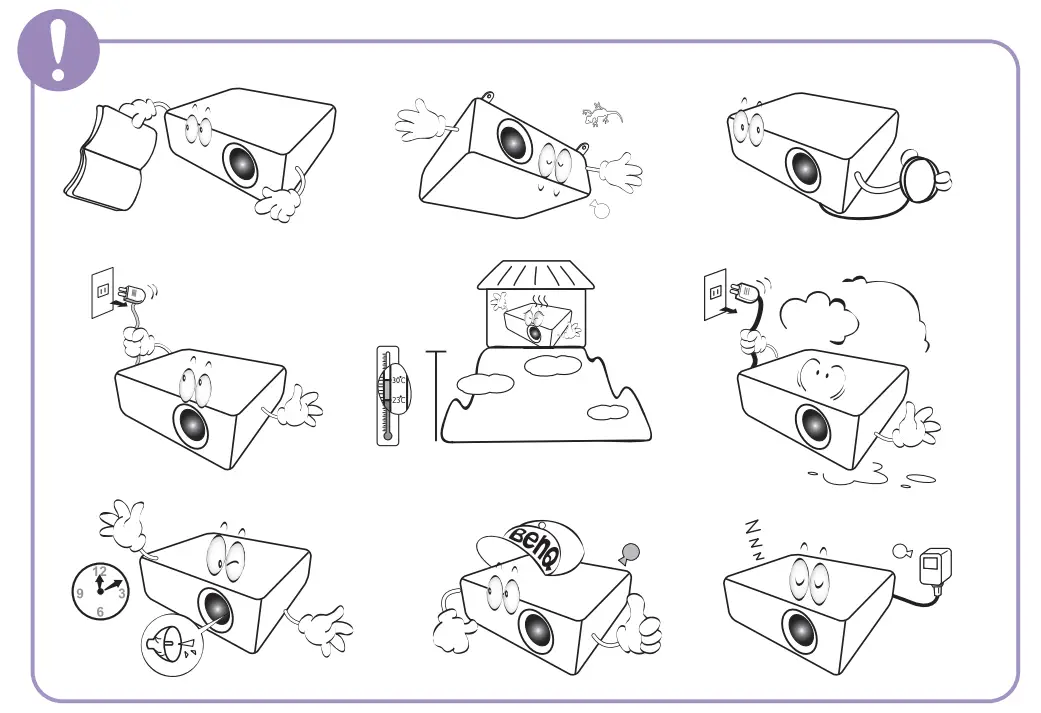
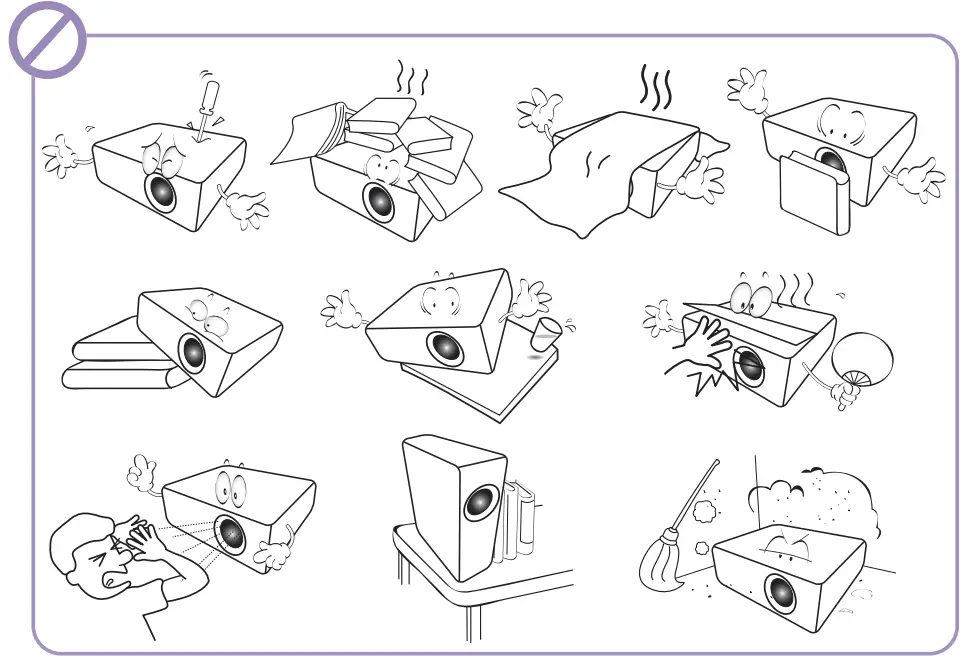
WARNING

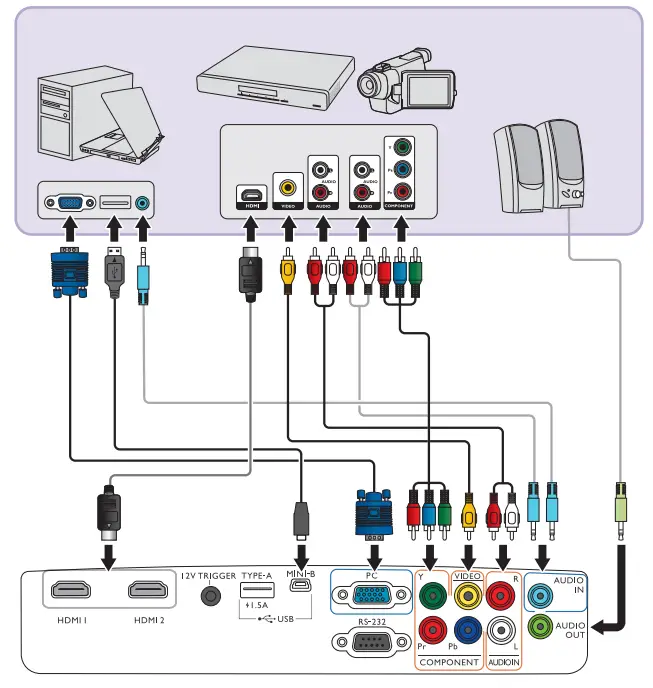
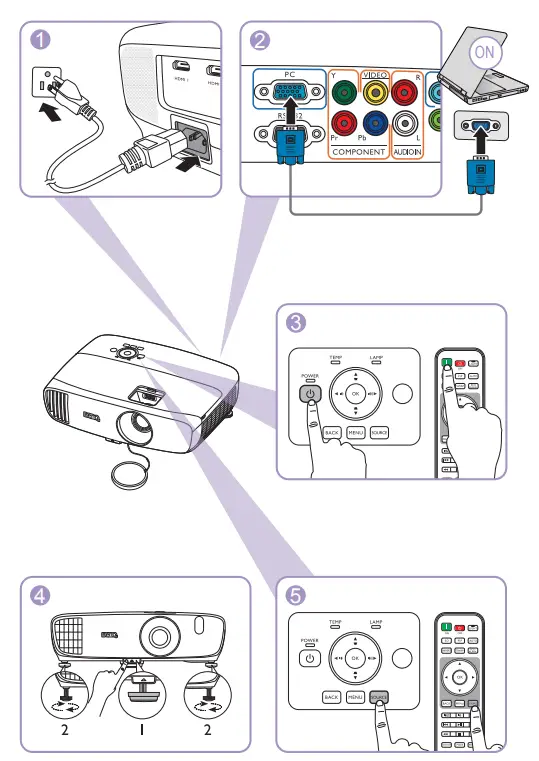
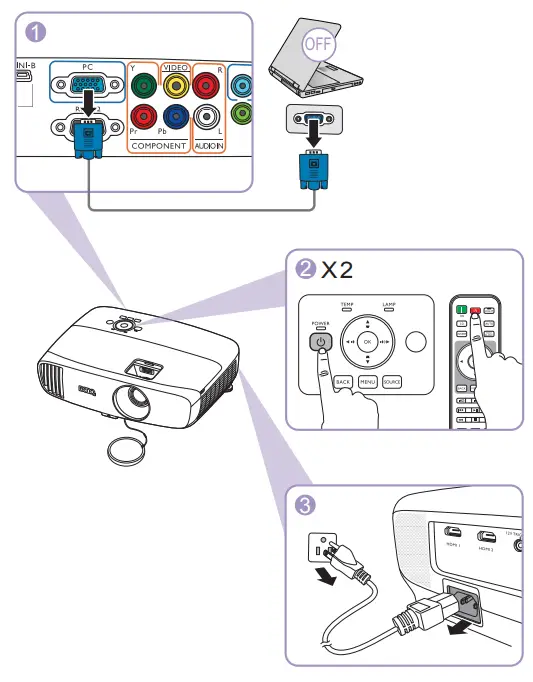
CONNECTION
Projection dimensions
Installation for a 16:9 ratio screen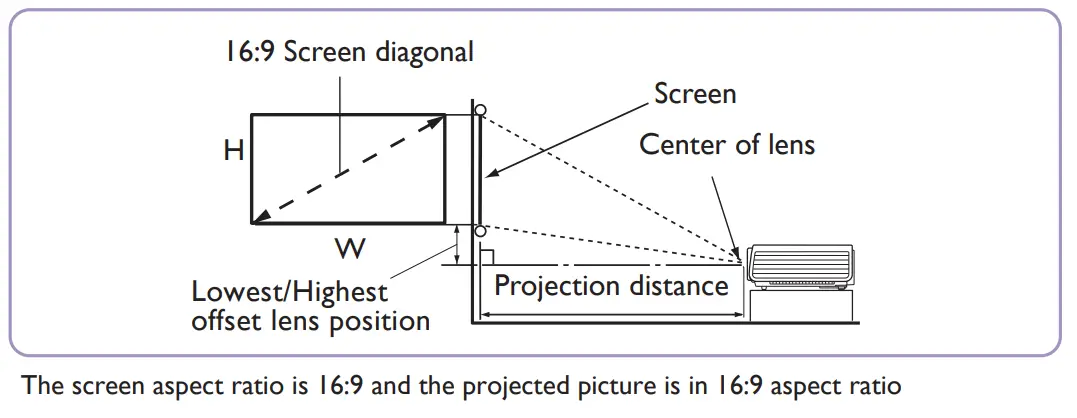
| Screen size | Projection distance (mm) | Lowest/Highest offset lens position (mm) | ||||||
| Diagonal |
H (mm) |
W (mm) | Min. distance |
Average | Max. distance | |||
| Inch | mm | (max. zoom) | (min. zoom) | min | max. | |||
| 60 | 1524 | 747 | 1328 | 1519 | 1747 | 1975 | 37 | 112 |
| 70 | 1778 | 872 | 1550 | 1772 | 2038 | 2304 | 44 | 131 |
| 80 | 2032 | 996 | 1771 | 2025 | 2329 | 2633 | 50 | 149 |
| 90 | 2286 | 1121 | 1992 | 2278 | 2620 | 2962 | 56 | 168 |
| 100 | 2540 | 1245 | 2214 | 2532 | 2911 | 3291 | 62 | 187 |
| 110 | 2794 | 1370 | 2435 | 2785 | 3203 | 3620 | 68 | 205 |
| 120 | 3048 | 1494 | 2657 | 3038 | 3494 | 3949 | 75 | 224 |
| 130 | 3302 | 1619 | 2878 | 3291 | 3785 | 4278 | 81 | 243 |
| 140 | 3556 | 1743 | 3099 | 3544 | 4076 | 4608 | 87 | 262 |
| 150 | 3810 | 1868 | 3321 | 3797 | 4367 | 4937 | 93 | 280 |
| 160 | 4064 | 1992 | 3542 | 4051 | 4658 | 5266 | 100 | 299 |
| 170 | 4318 | 2117 | 3763 | 4304 | 4949 | 5595 | 106 | 318 |
| 180 | 4572 | 2241 | 3985 | 4557 | 5241 | 5924 | 112 | 336 |
All measurements are approximate and may vary from the actual sizes. If you want a permanent installation of the projector, we recommend that you use the actual projector to physically test the projection size, distance, and the projector’s optical characteristics prior to the installation. This helps you determine the exact mounting position which best suits your installation. If your screen size is not in the table above, please contact your dealer for assistance.
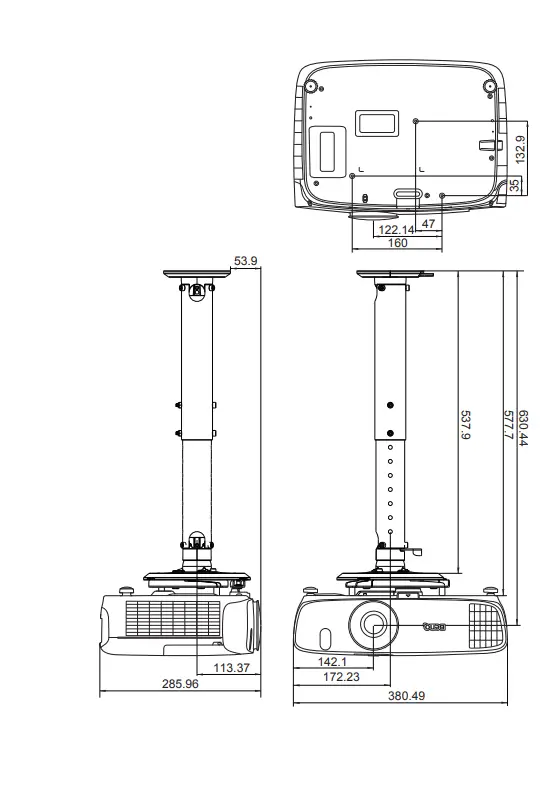
Ceiling Mount Screws
M4 (Max. L = 25 mm; Min. L= 20 mm)
Unit: mm
ON 


OFF
Specifications
All specifications are subject to change without notice.
Optical
- Resolution
1920 (H) x 1080 (V) - Display system
Single-chip DLP™ system - Lens F/Number
F = 2.59 to 2.87,
f = 16.88 to 21.88 mm - Lamp 240 W lamp
Electrical
- Power supply AC100–240V, 4.0 A, 50-60 Hz (Automatic)
- Power consumption 375 W (Max); < 0.5 W (Standby)
Mechanical
- Weight 3.2 Kg (7.05 lbs)
Output terminals
- Speaker (Stereo) 5 watt x 1
- Audio signal output PC audio jack x 1
Control”
- RS-232 serial control 9 pin x 1
- IR receiver x 2 12VDC (Max. 0.5 A) x 1
Transporting
- Original packing or equivalent is recommended
Input terminals
- Computer input
RGB input
D-Sub 15-pin (female) x 1 - Video signal input
VIDEO
RCA jack x 1
SD/HDTV signal input
Analog – Component RCA jack x 3 (through RGB input)
Digital – HDMI x 2 - Audio signal input
Audio in
RCA audio jack (L/R) x 2
PC audio jack x 1
USB port (Type-A x 1; Mini-B x 1)
Environmental Requirements
- Operating temperature0°C–40°C at sea level
- Operating/Storage relative humidity 10%–90% (without condensation)
- Operating altitude 0–1499 m at 0°C–35°C 1500–3000 m at 0°C–30°C (with
High Altitude Mode on) - Storage temperature
-20°C–60°C at sea level - Storage relative humidity 10%–90% RH (without condensation)
- Storage altitude
30°C @ 0–12,200 m above sea level
Repairing
Please visit the below website and choose your country to find your service contact window.
http://www.benq.com/welcome
FAQS
Depends on what kind of celling you have , and how much drop you want
It will work even in a well lit room. The projector also has a “Bright” mode that’s even brighter but I think the normal mode is fine even in bright light
yes this projector will support 3D content.
there, the screen size of our TH685 projector can be projected up to 300 inches. In case you’d like to learn more about how to measure the throw distance to get your ideal projection size based on your own set-up, please use our online projection calculator for more installation tips:
https://projectorcalculator.benq.com/
Or you can refer to page 12 of our User Manual, which can be downloaded at link below for more set-up suggestions:
https://www.benq.com/en-us/support/downloads-faq/products/projector/th685/manual.html
It’s a fairly low lumen unit so light must be controlled in order to get the most out of it. Obviously the darker the better. If needing a projector for daytime use look at a much much higher lumen output unit
Yes
Definitely not to connect with drives or to play media through this.
It is for firmware updrade
Speakers from Yamaha are pretty good.
Yes it is
VIDEO