 User Manual
BW-CML2
Product Introduction
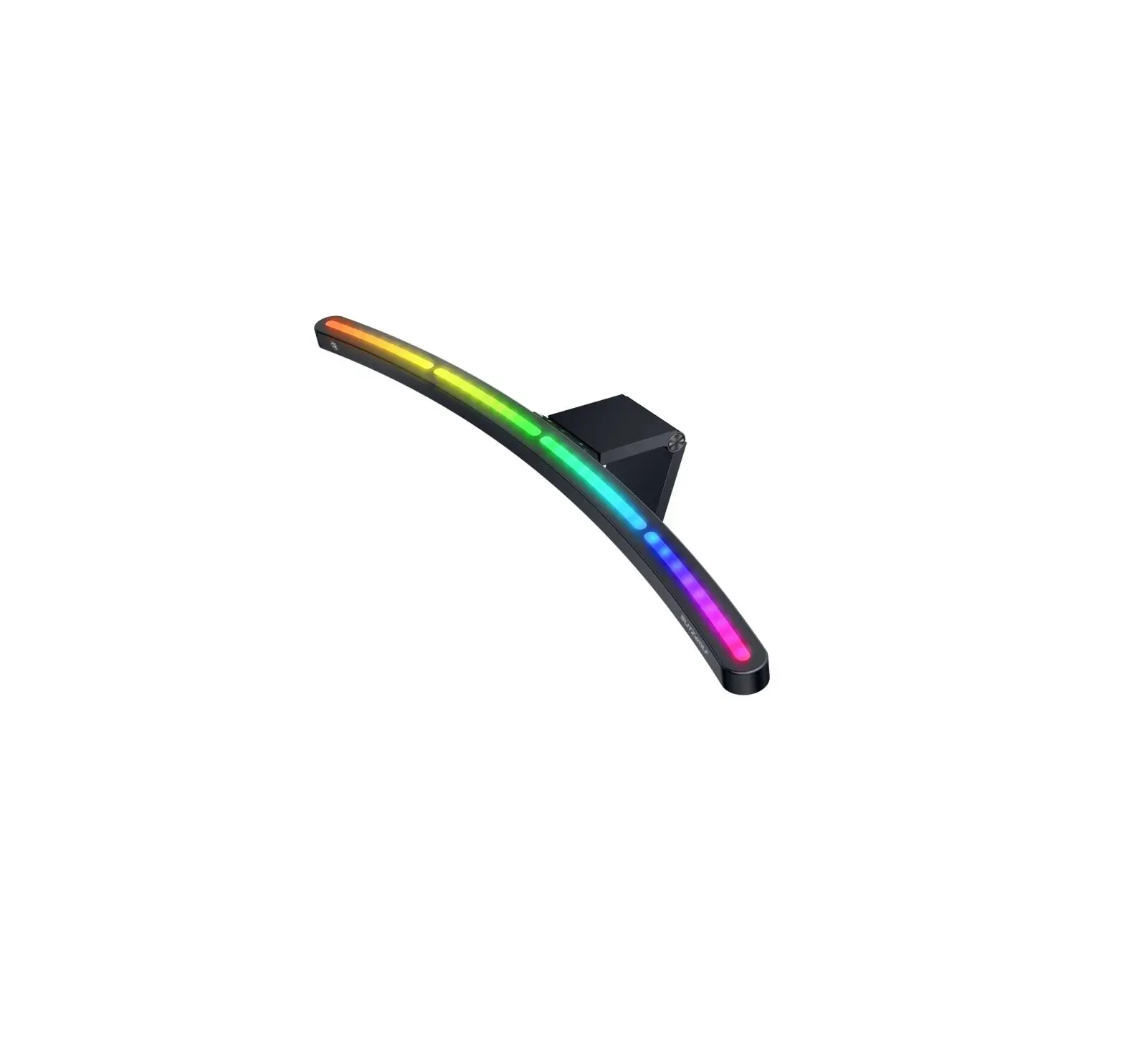
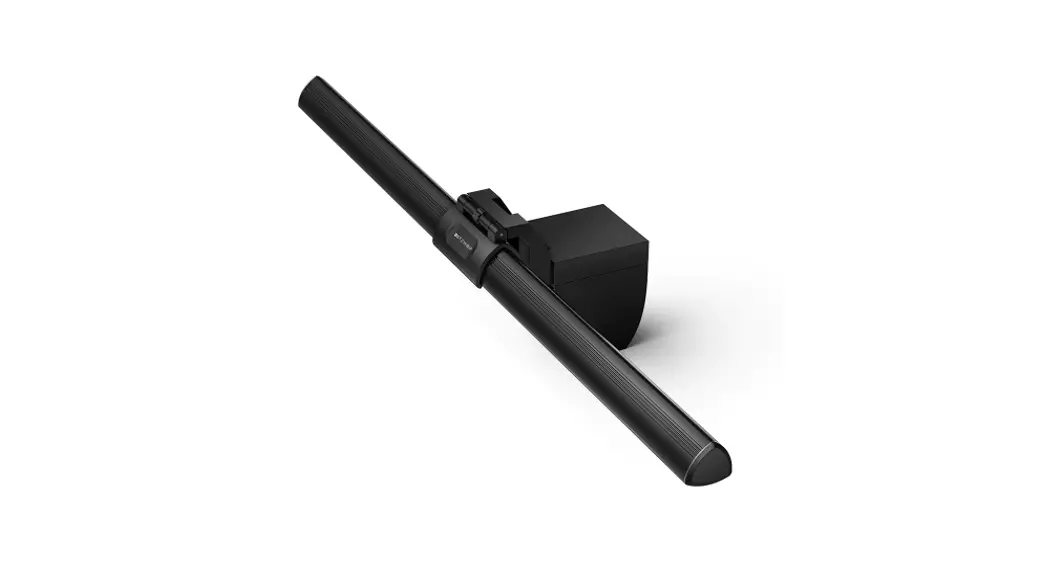
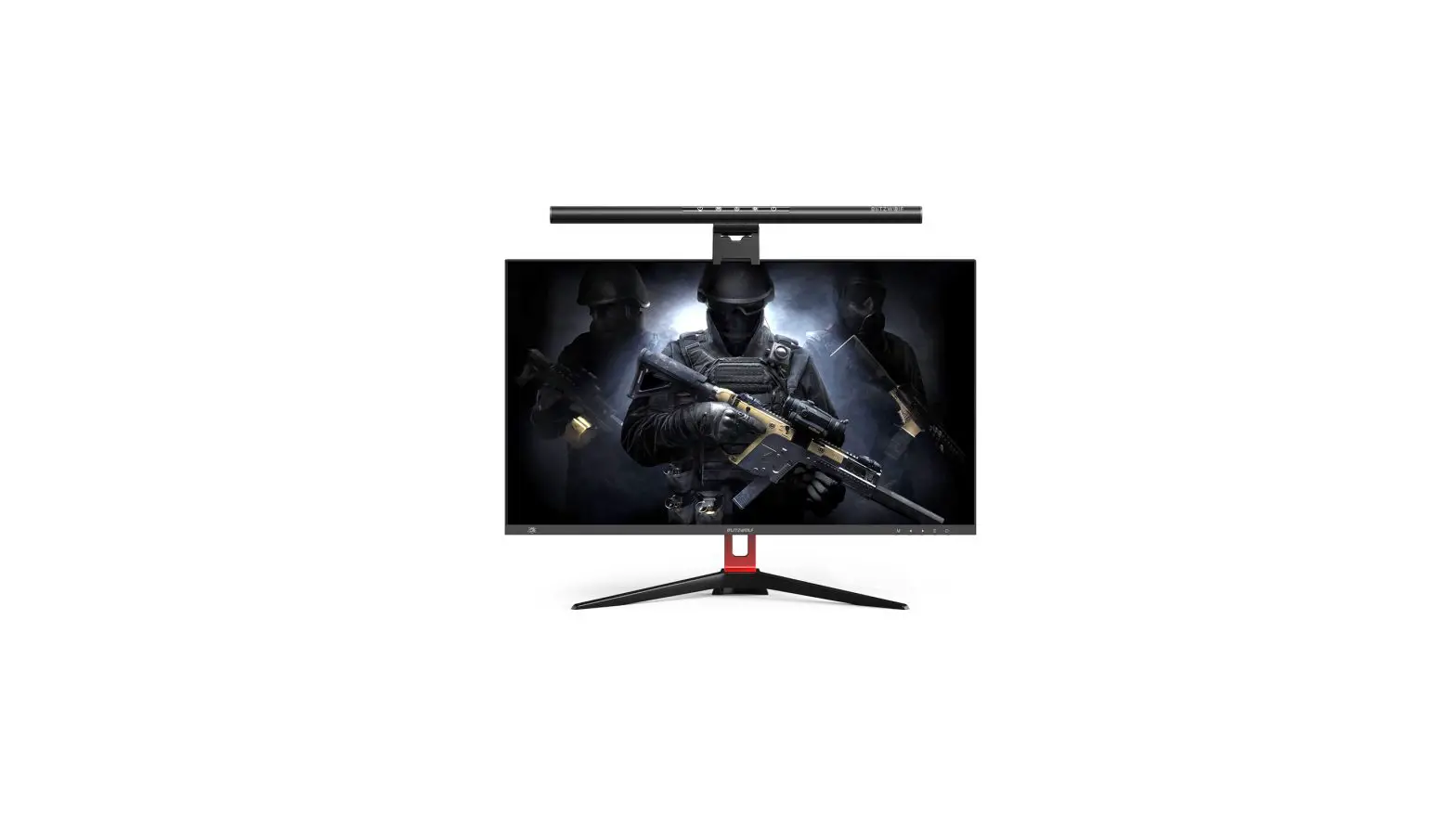
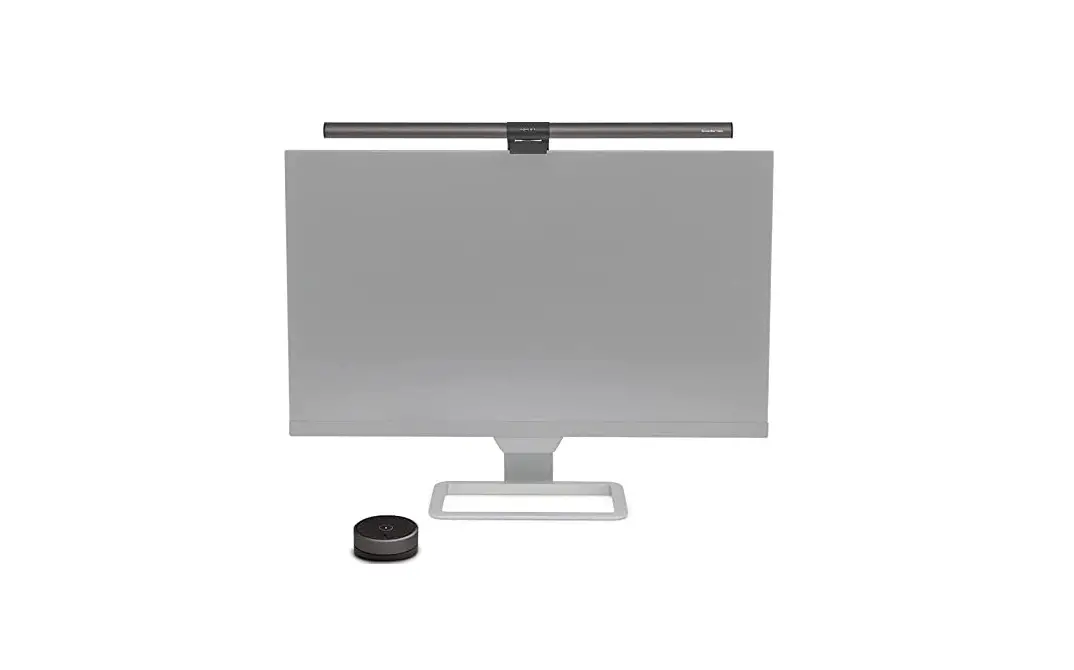
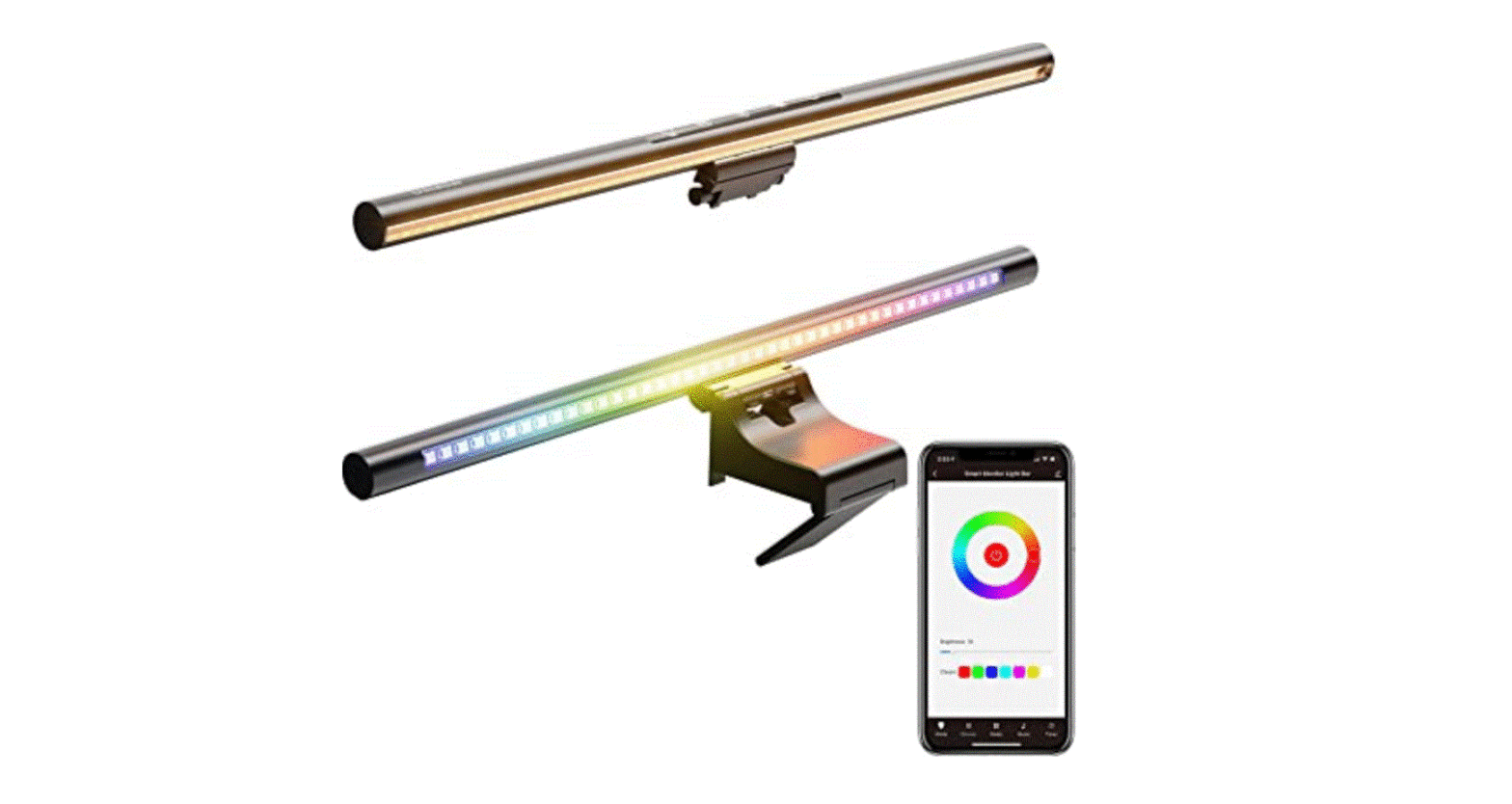
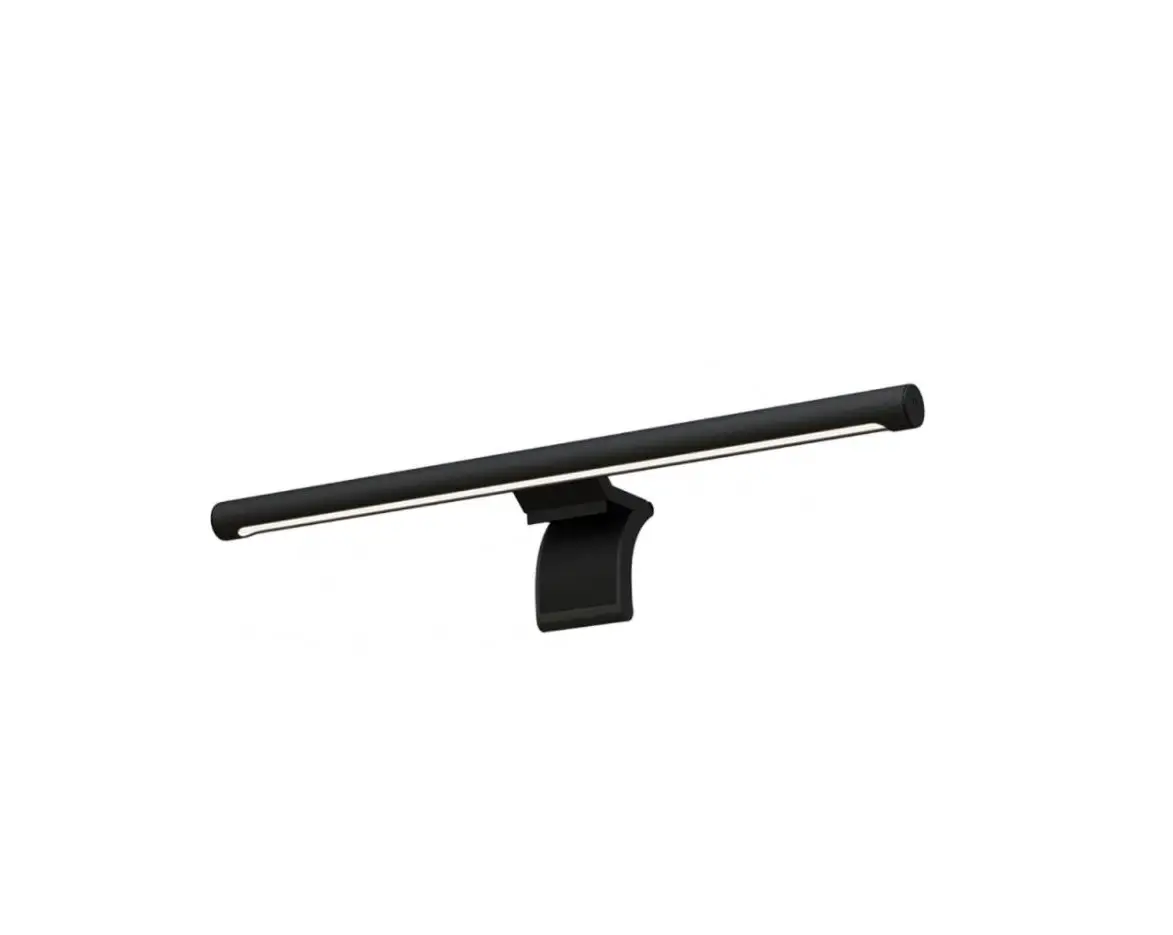
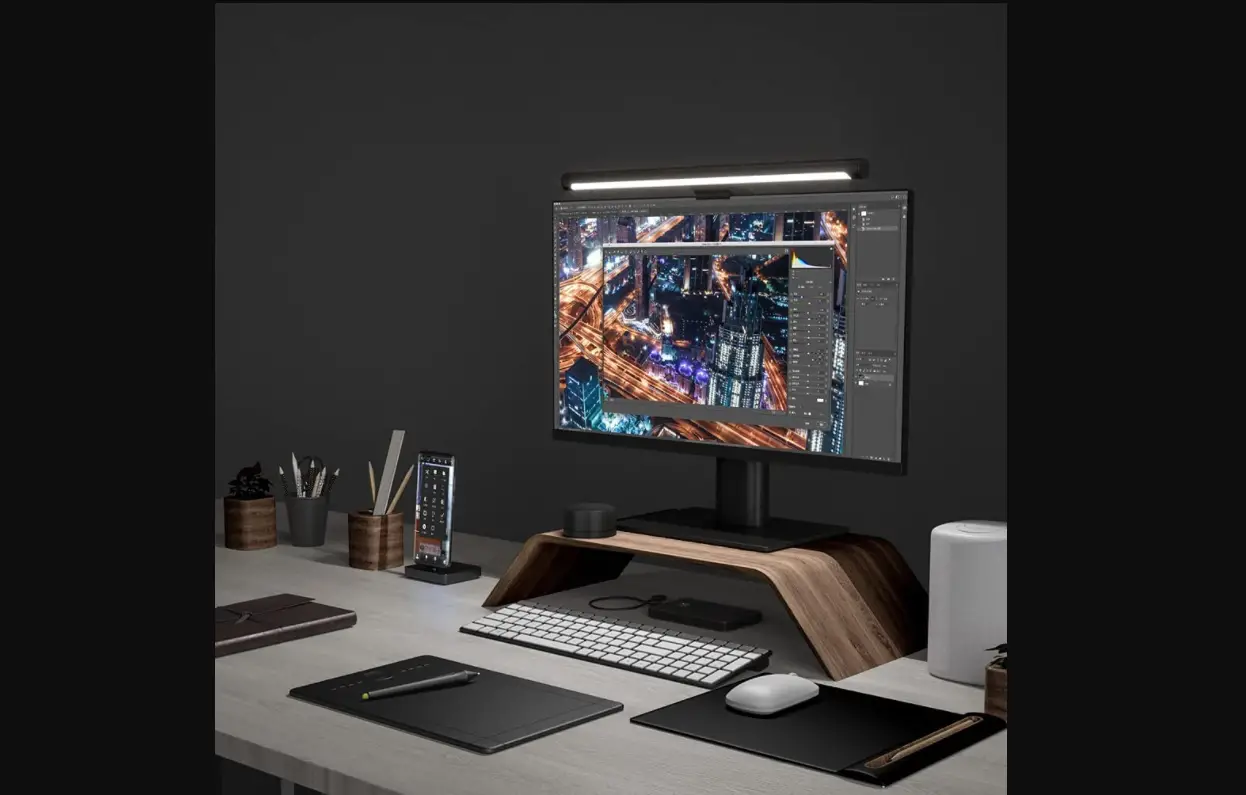
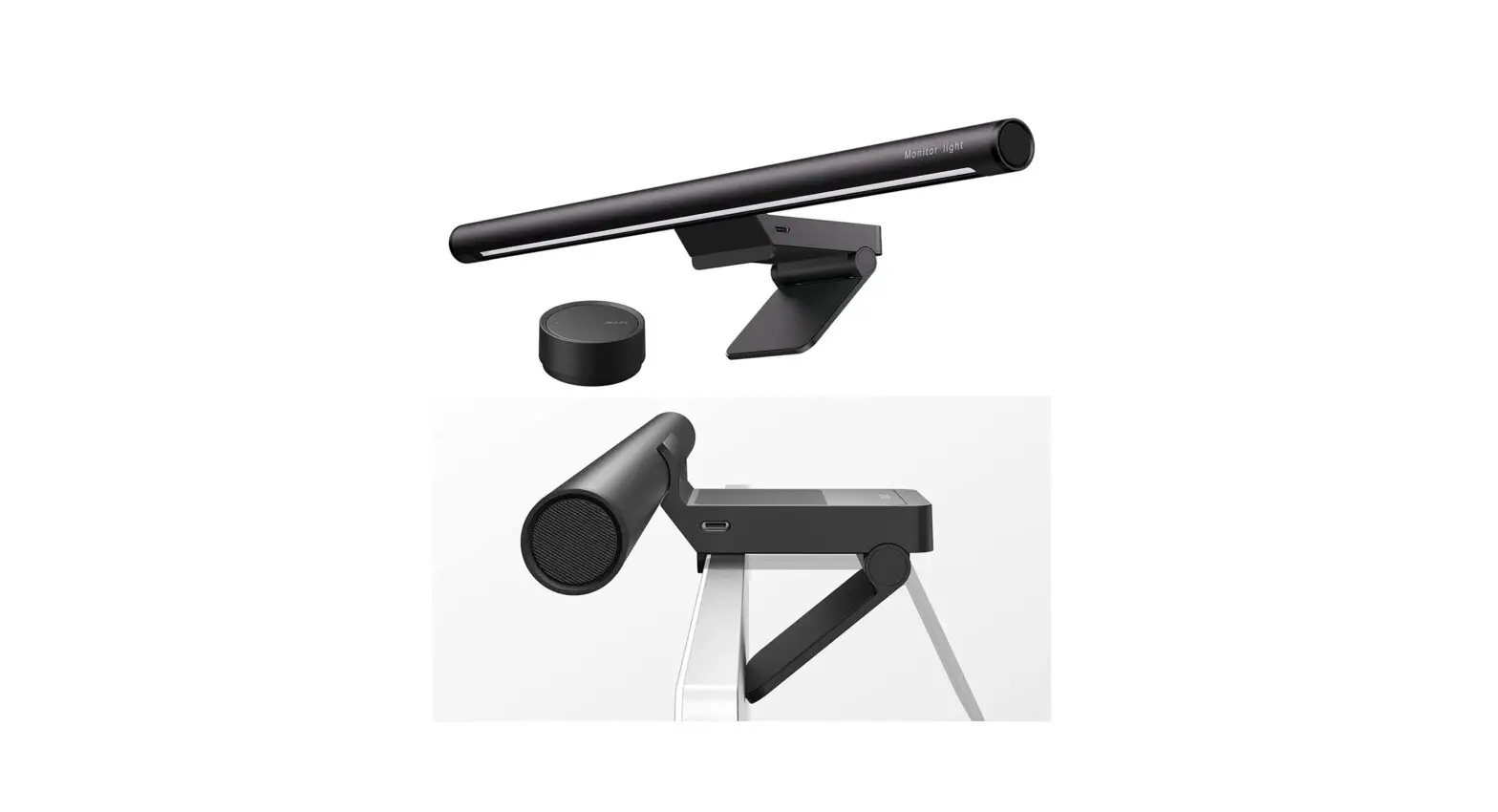
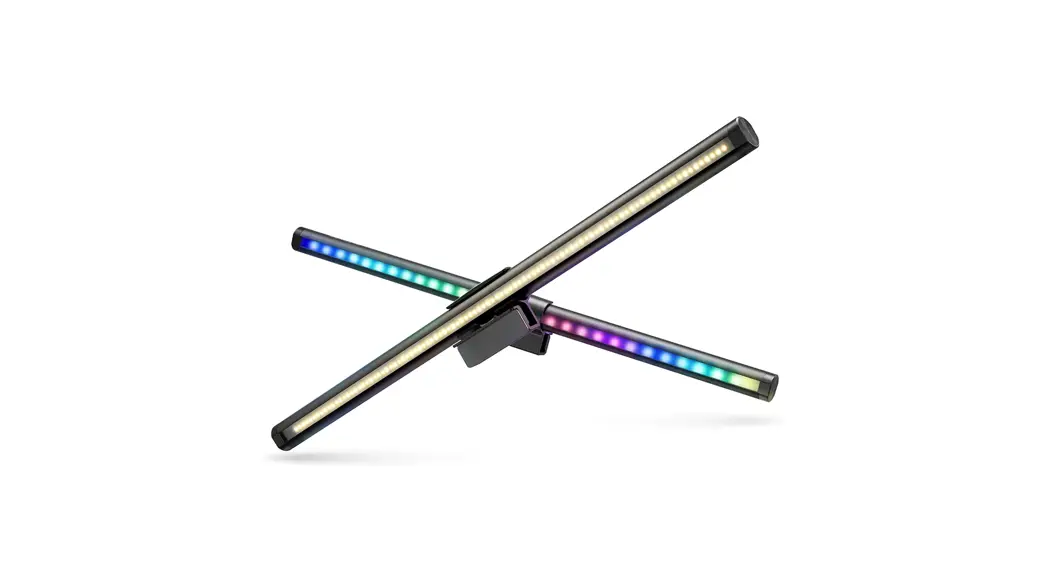
Thank you for choosing the BlitzWolf computer monitor hanging lamp. This product is simple and generous, easy to connect, easy to operate. Using touch sensing technology, you can get the feeling of joy at your fingertips. The product is suitable for business, office, learning, reading, etc.
Product Description
(1)Monitor Light

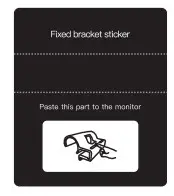
(2) Fixed bracket adhesive
(3) Metal sheets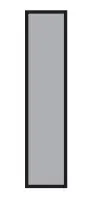
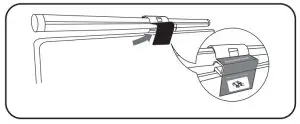
(4) Fixed bracket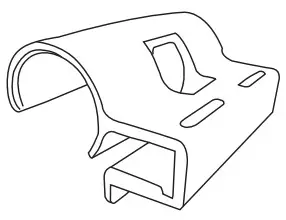 1. The hanging lamp is suitable for the display with a thickness of 15-25mm. Wipe clean the surface of the computer monitor.
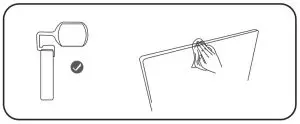
2. Tear off the adhesive of the metal sheet, and stick it to the middle position on the top of the display(The adhesive side is attached to the monitor).
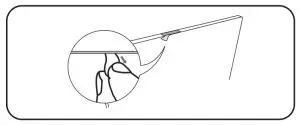
3. Pass one end of the USB cable through the bottom of the bracket®. Place the bottom of the bracket on the display C). Align the metal sheet.
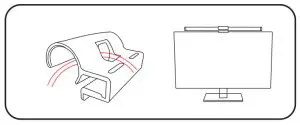 4. Paste the adhesive of the fixed bracket (2) to the position between the bracket and the display screen. USB power on. complete the installation.
Operation Instruction
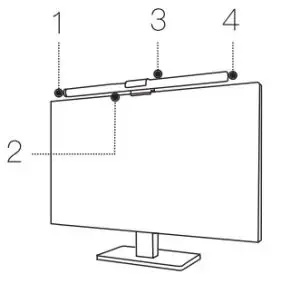
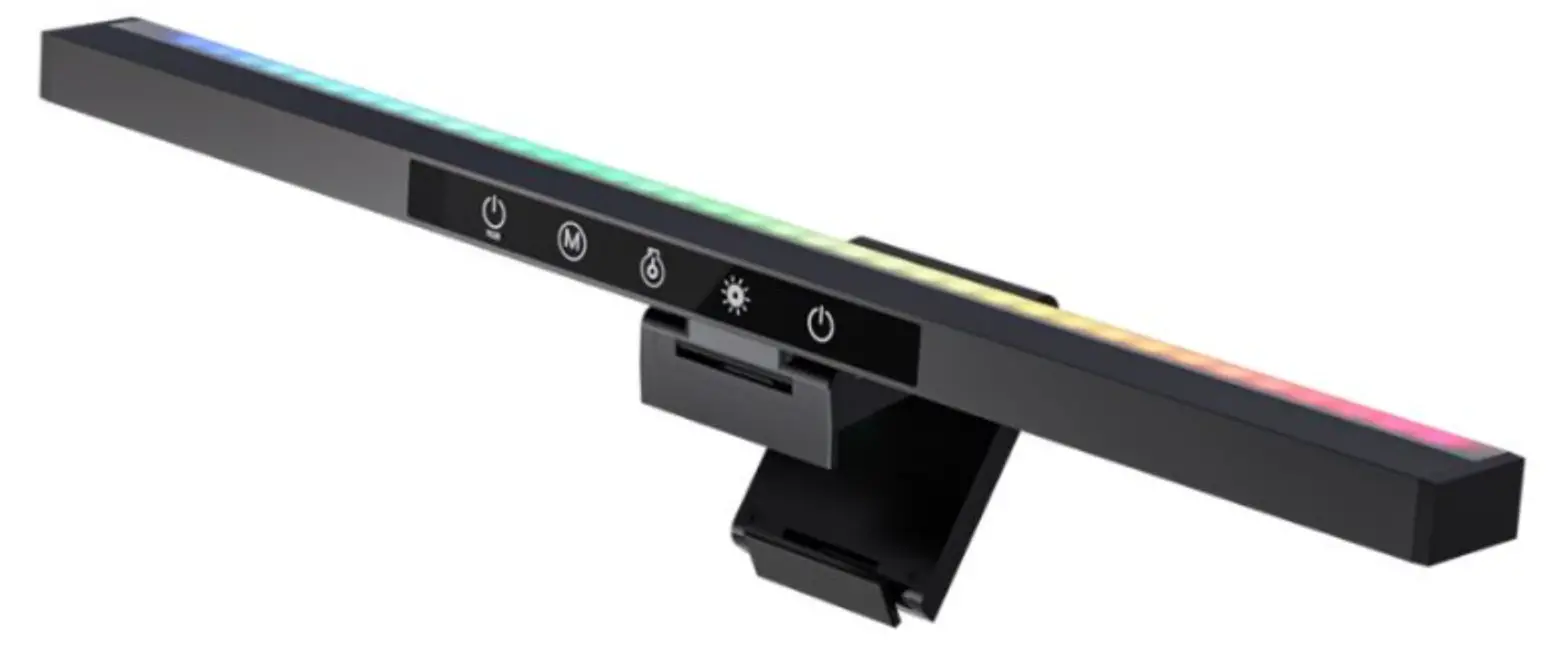
1: Touch 1 time to open Double click to close Short press to adjust the brightness of the light Long press to switch light color temperature
2: Warm light/white light
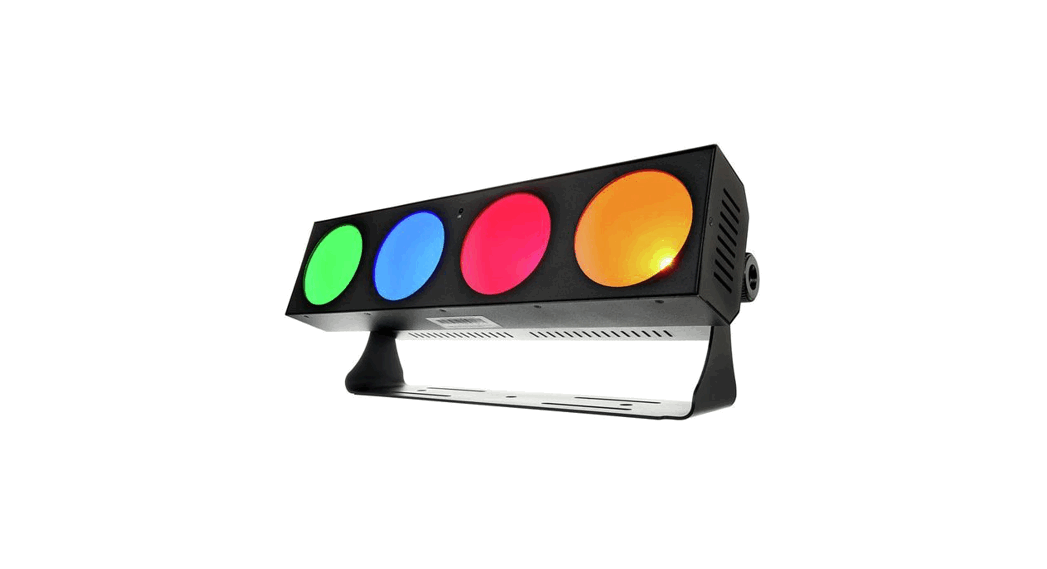
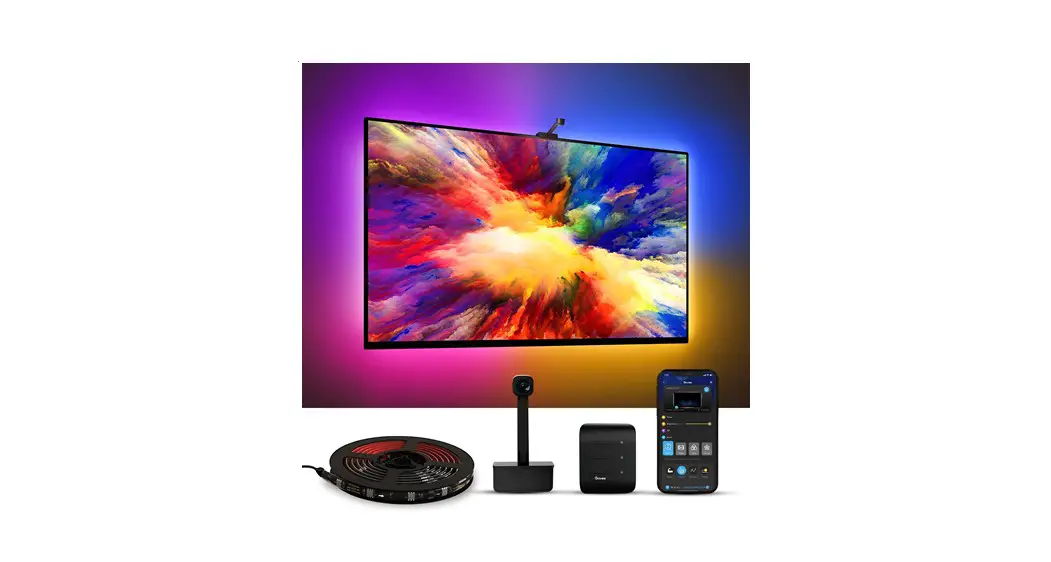
3: RGB ambient light
4: Single click: turn on RGB light/switch light mode (15 RGB modes can be switched) Long press: Long press for 3s to shut down
Product Specification
| Model | BW-CML2 |
| Rated Input | DC 5V/2A |
| Rated Power | 7.5W |
| Working Temperature | -10°C – 45°C |
| Lamp Body Size | 022×460 mm |
| Color Temperature | 2700K-6500K |
| Brightness | 300Lux-1000Lux |
| LED Light Source | 2835 lamp bead |
| CRI | >85 |

 | SCHEUFER Technologies GmbH Address. Hertleinstrasse 37, 91052, Erlangen, Germany E-mail: [email protected] |
 | VITEC UK Co., Ltd Address: Unit G25 Waterfront Studios, 1 DockRoad, London, E16 1AH Email: Vincent.feng©vish-tec.com |