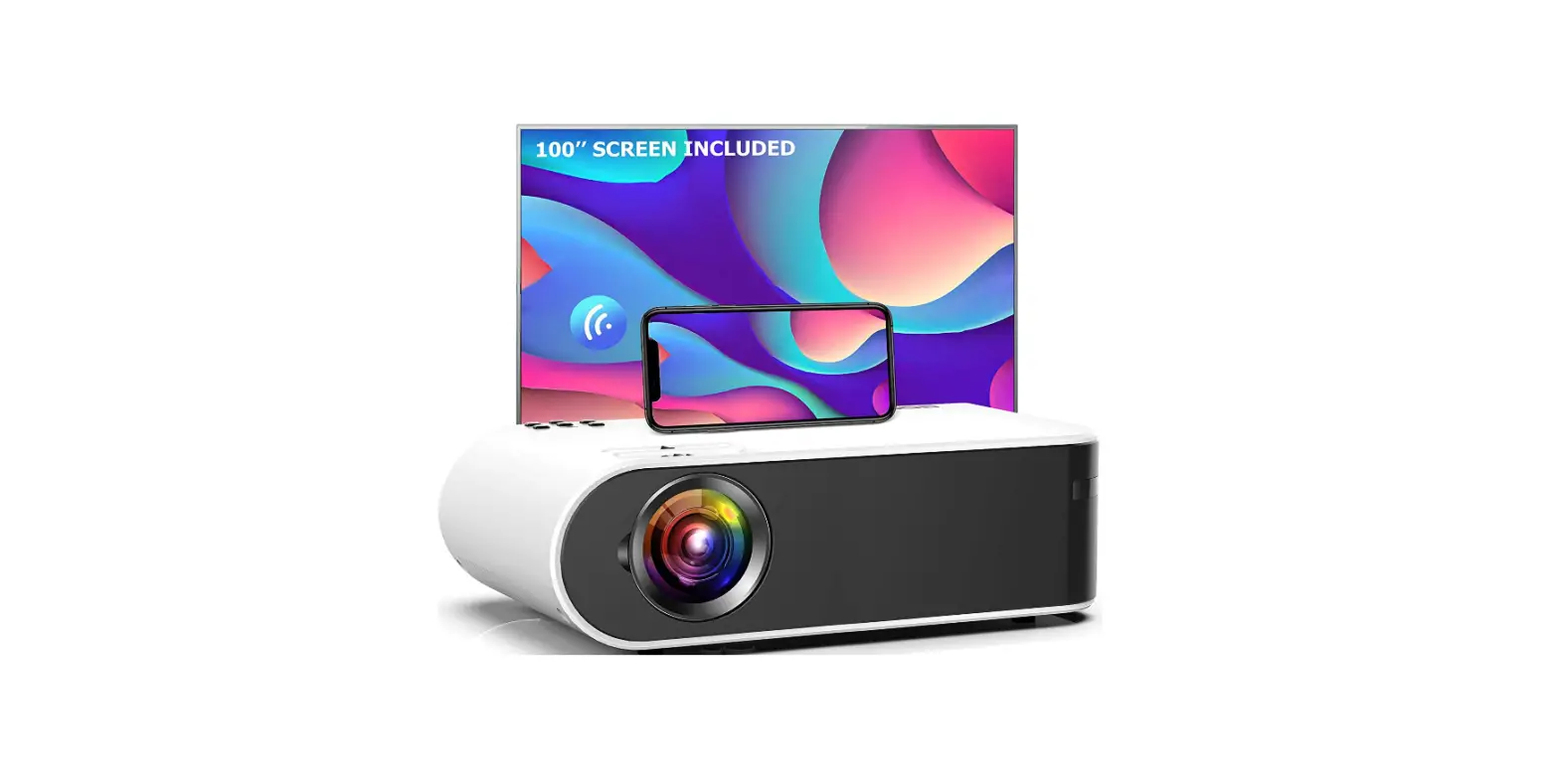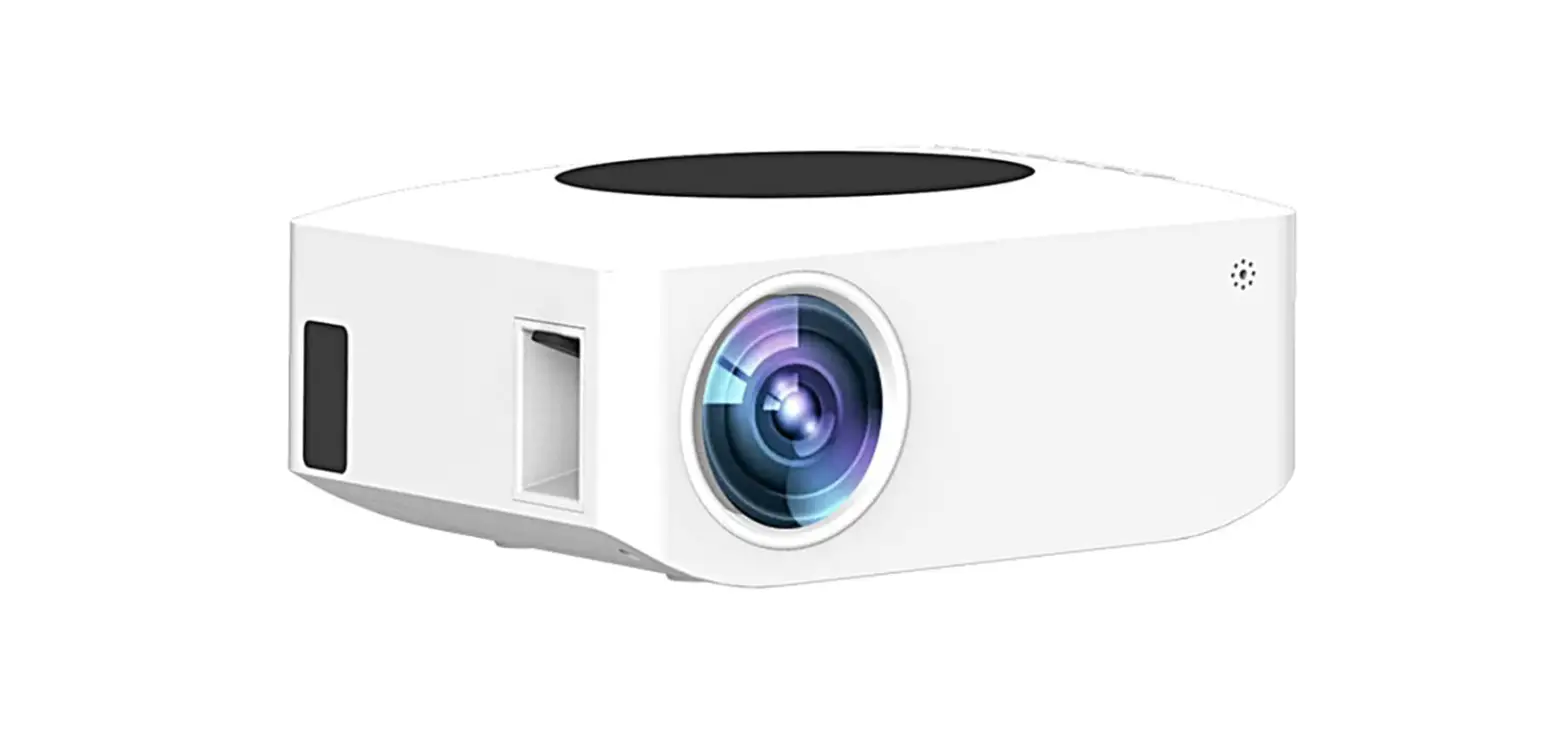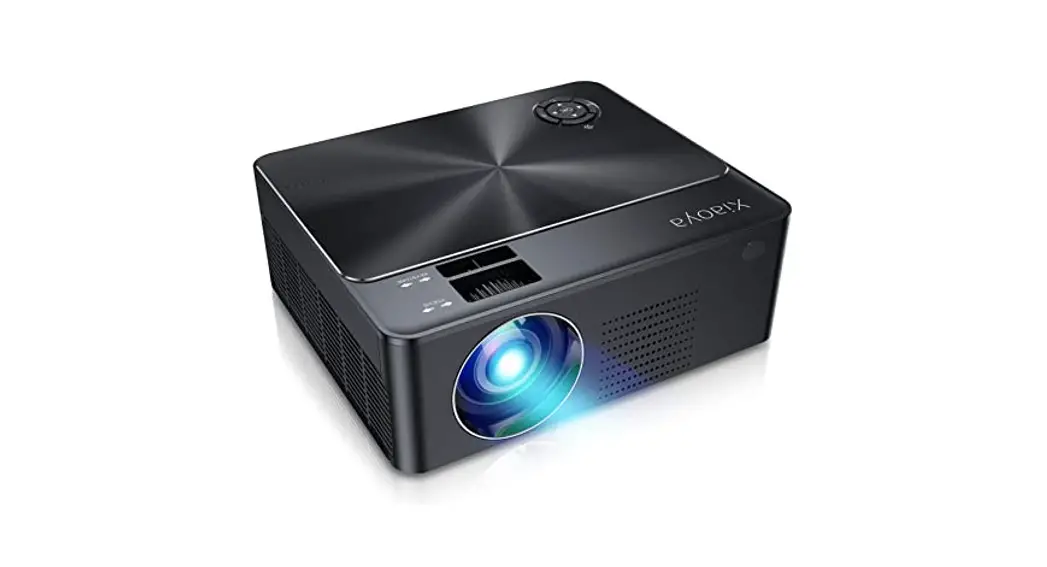
W25 Projector How to Connect The WIFI?
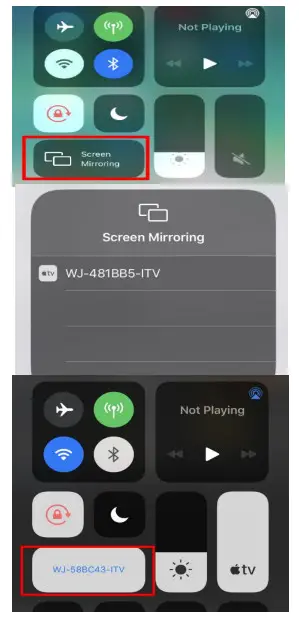
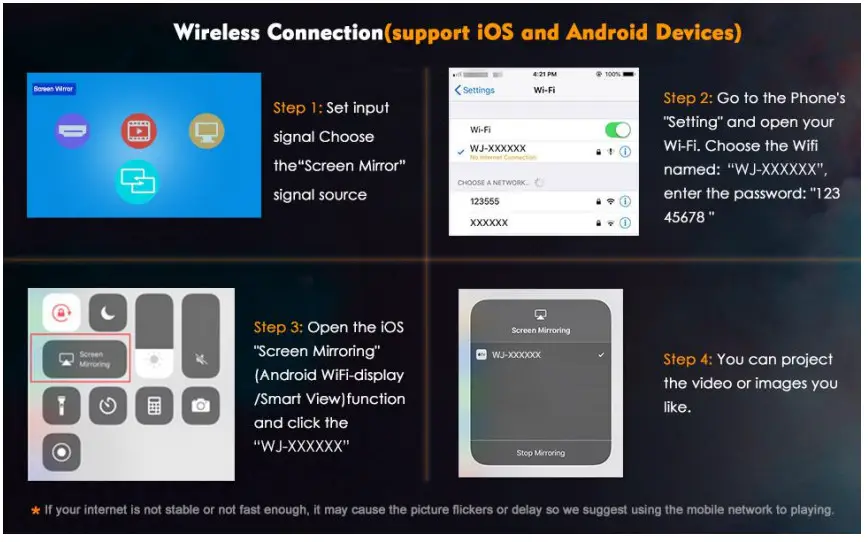
There have two ways to connect with the phone using the mirror function.
Steps Guide:
(1)
(2)
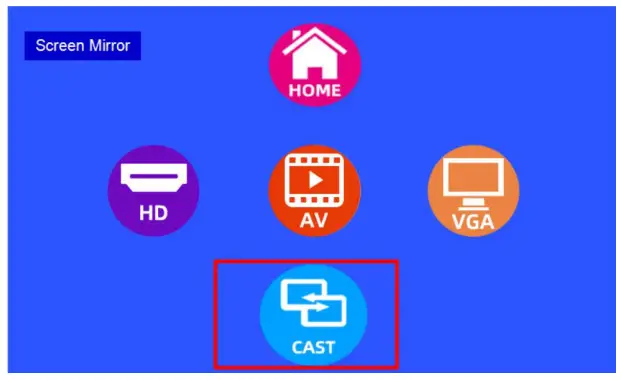
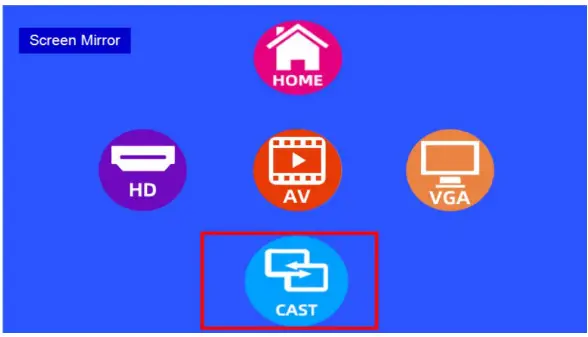
- Choose the input signal—-Mirror Screen and press the OK button twice

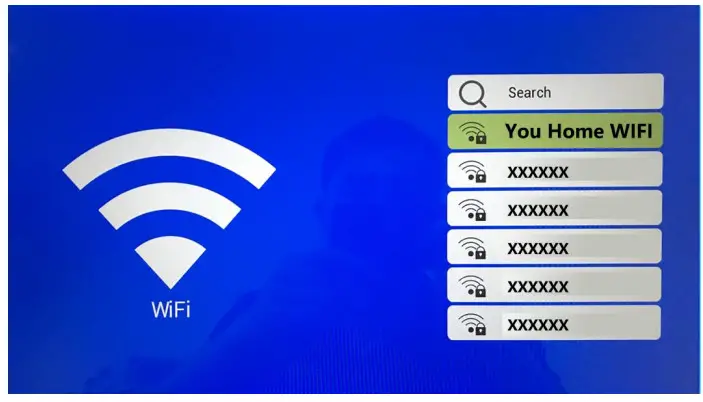
- Choose your home WIFI and Enter the Password

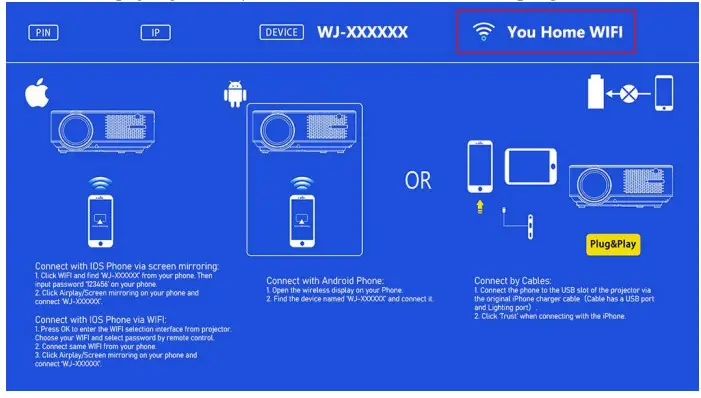
- Show this page again and your Home WIFI will show on the top right corner

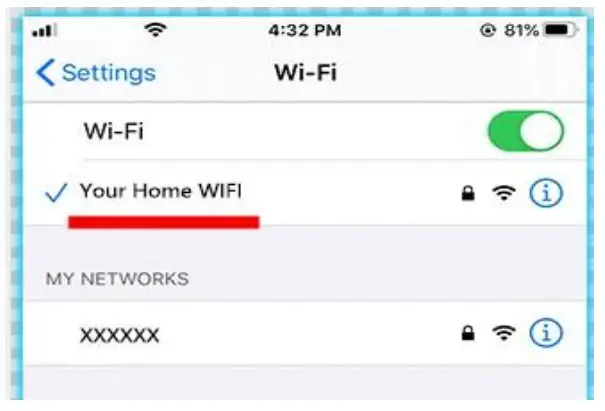
- Open your Phone’s WIFI Setting, and connect your Home WIFI
(Projector and your phone need to connect the same wifi and that will succeed to open the projector’s WIFI function)
- Open your phone’s mirroring screen/ wifi display function and that will succeed in to project.