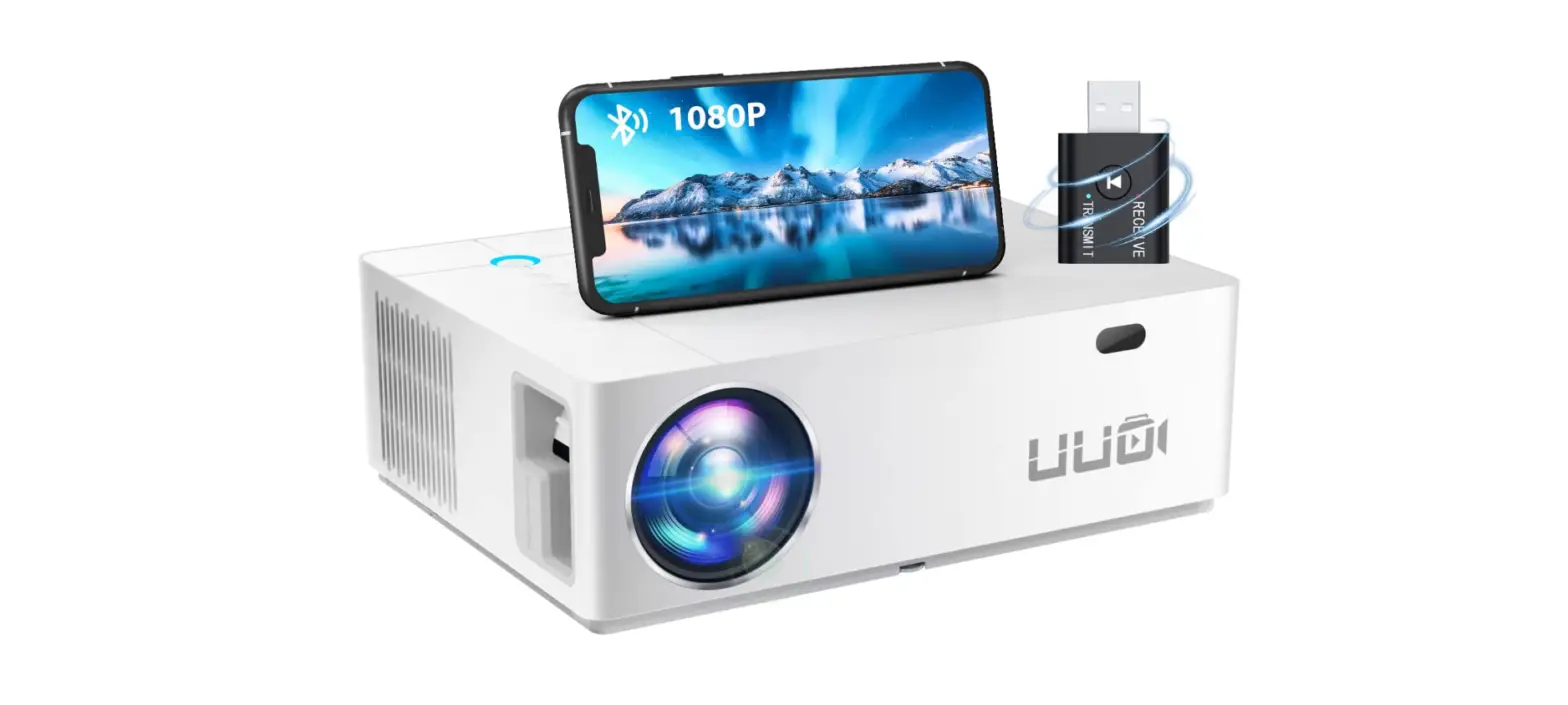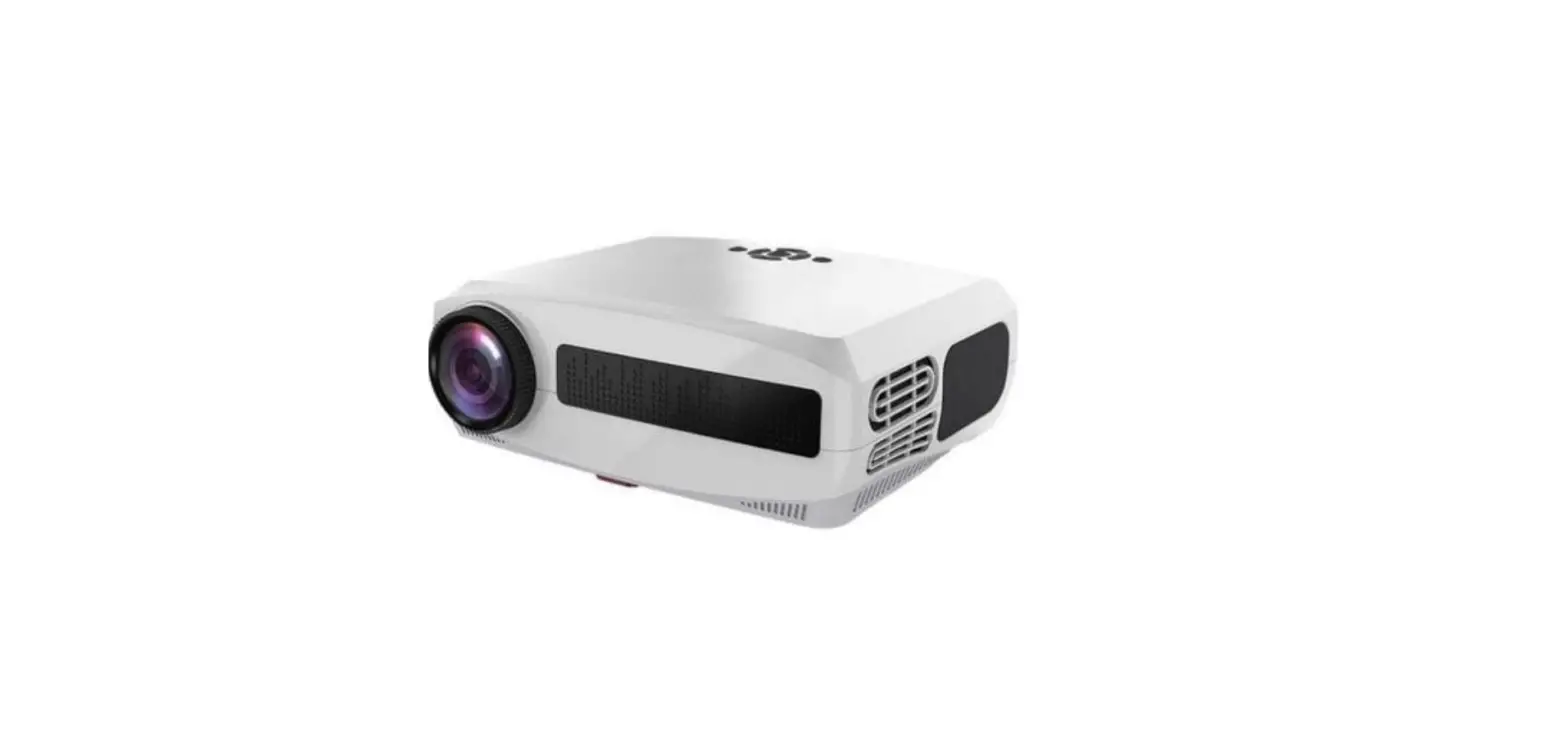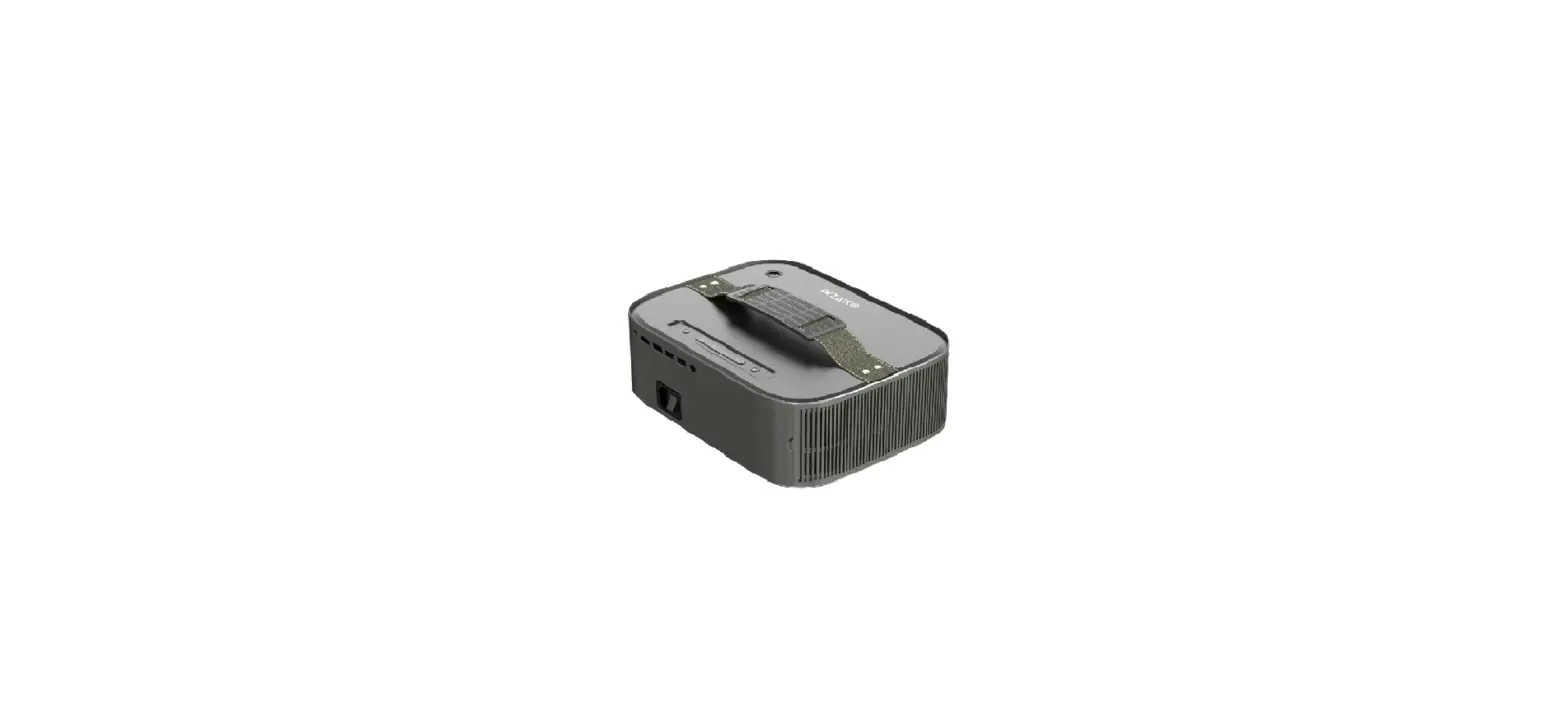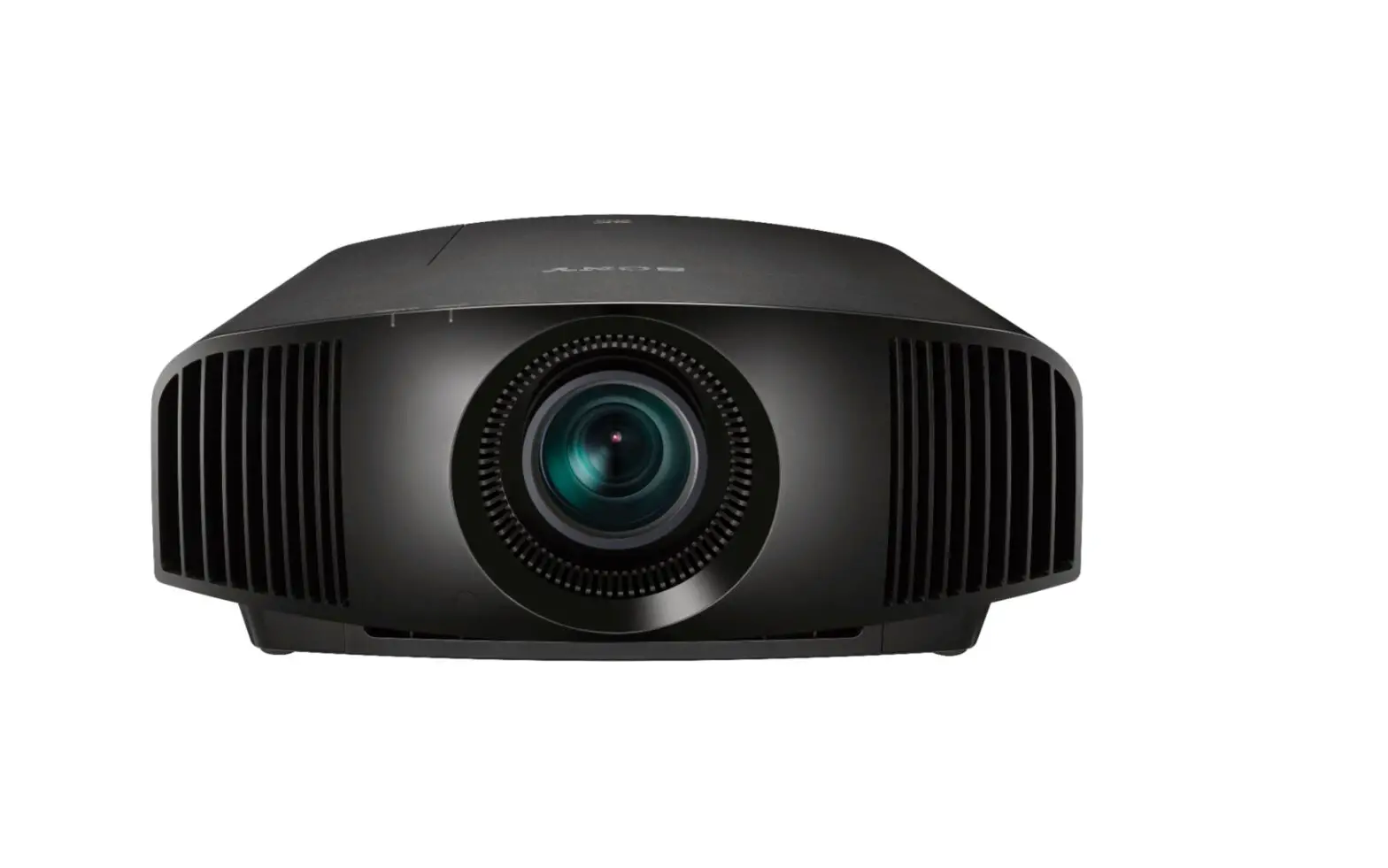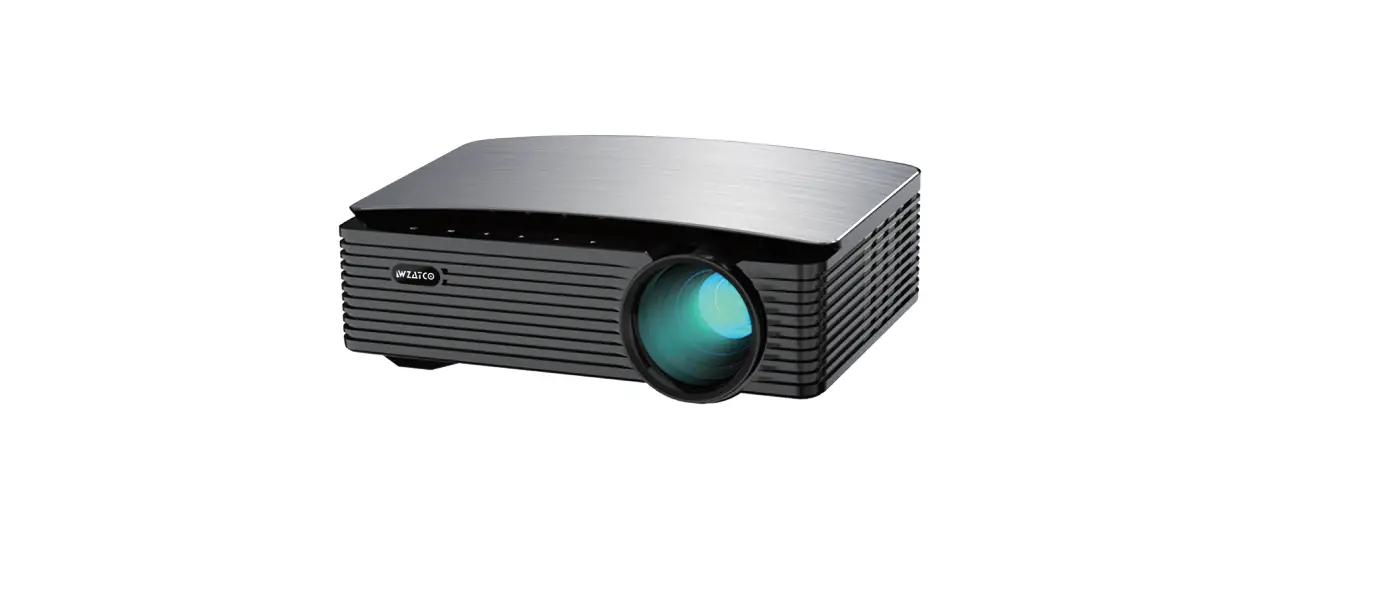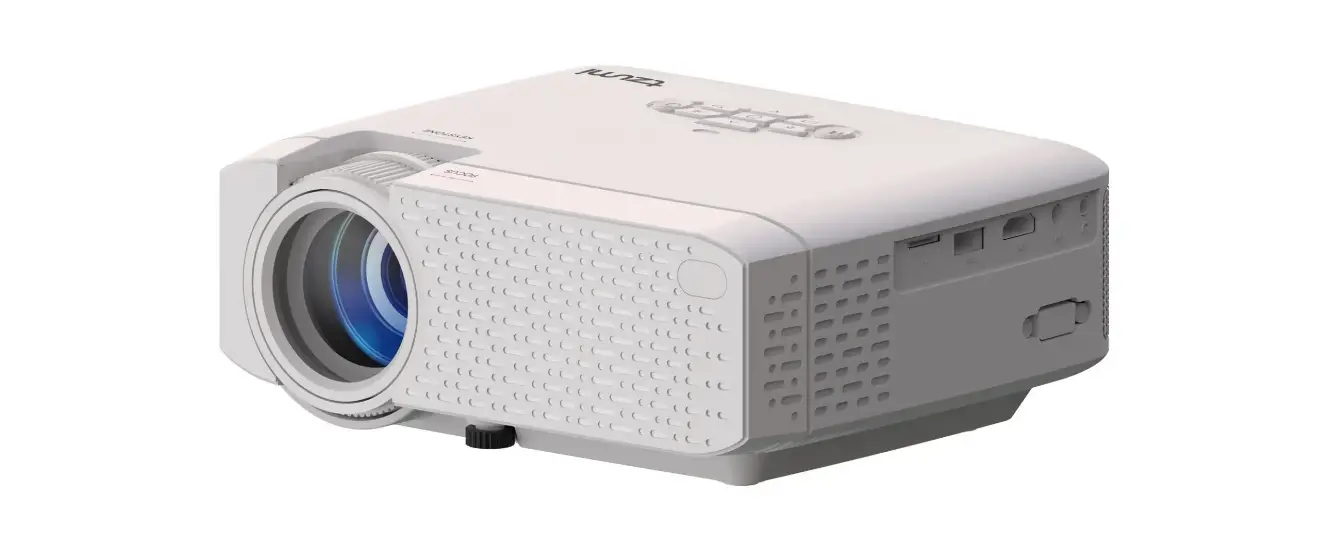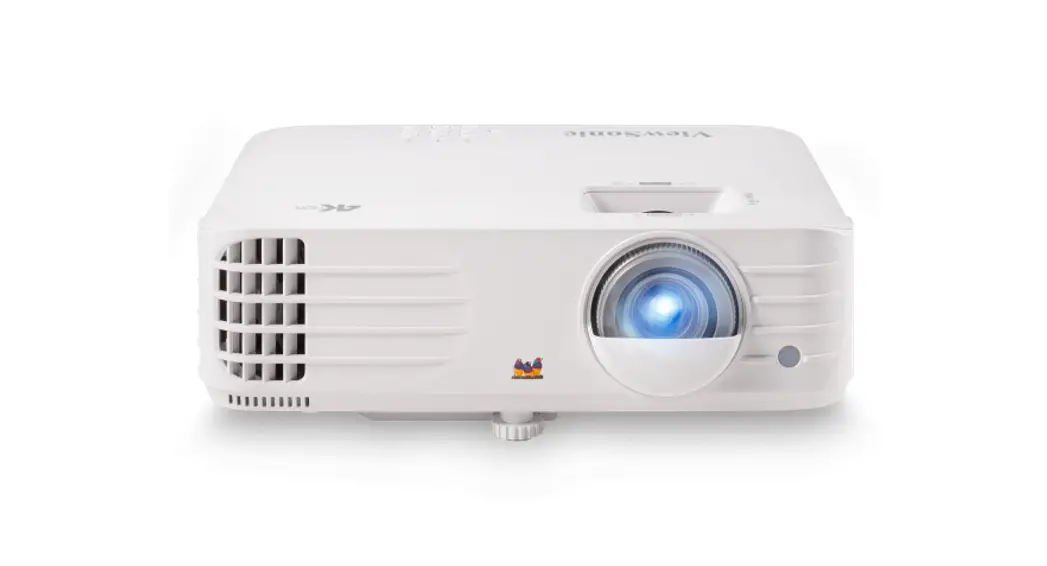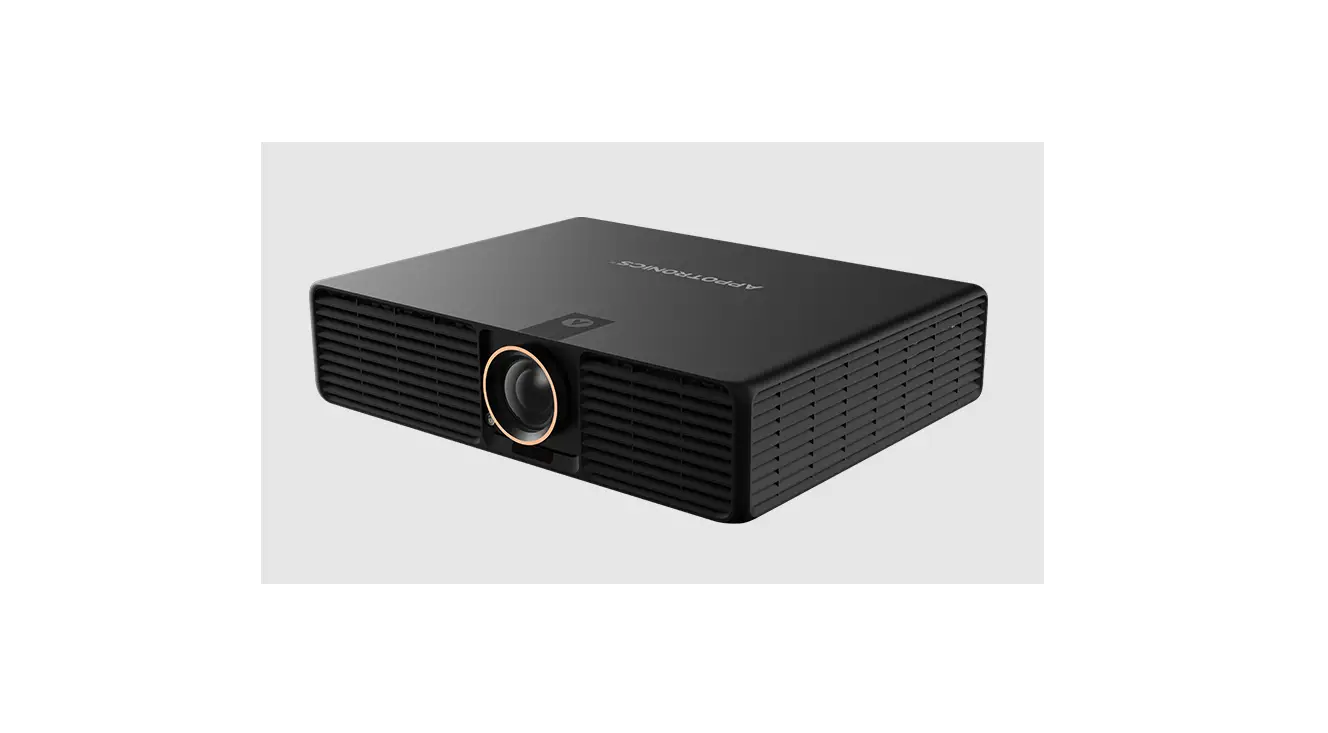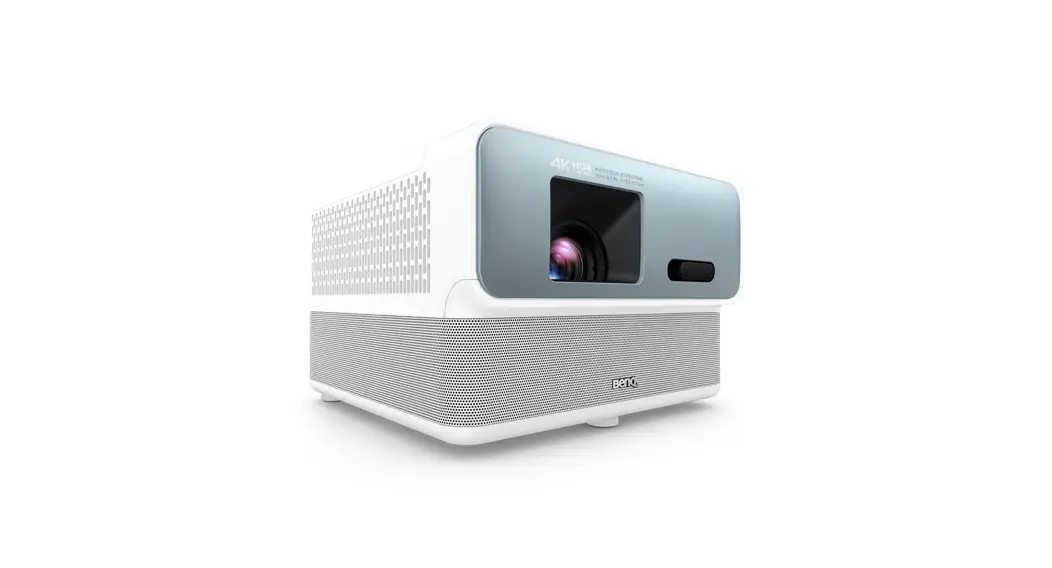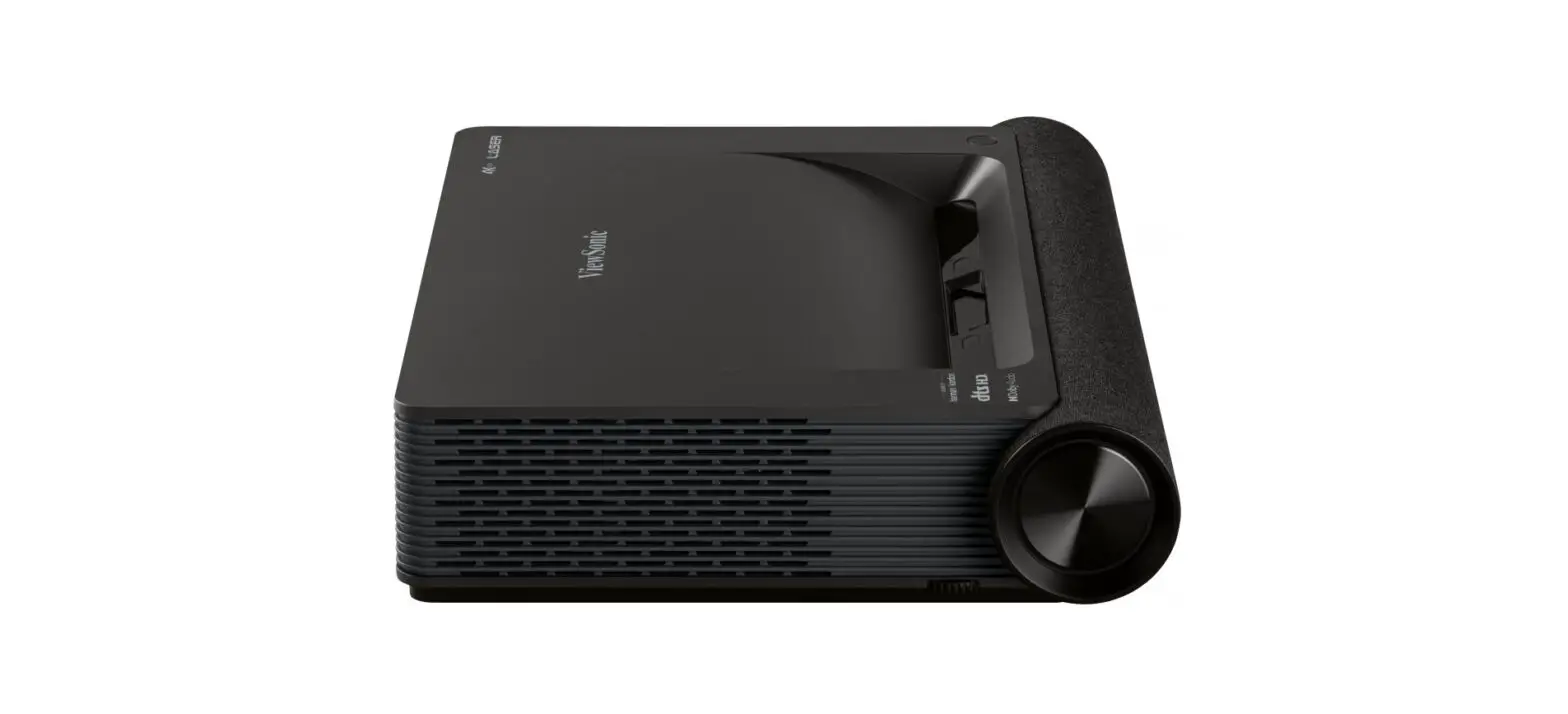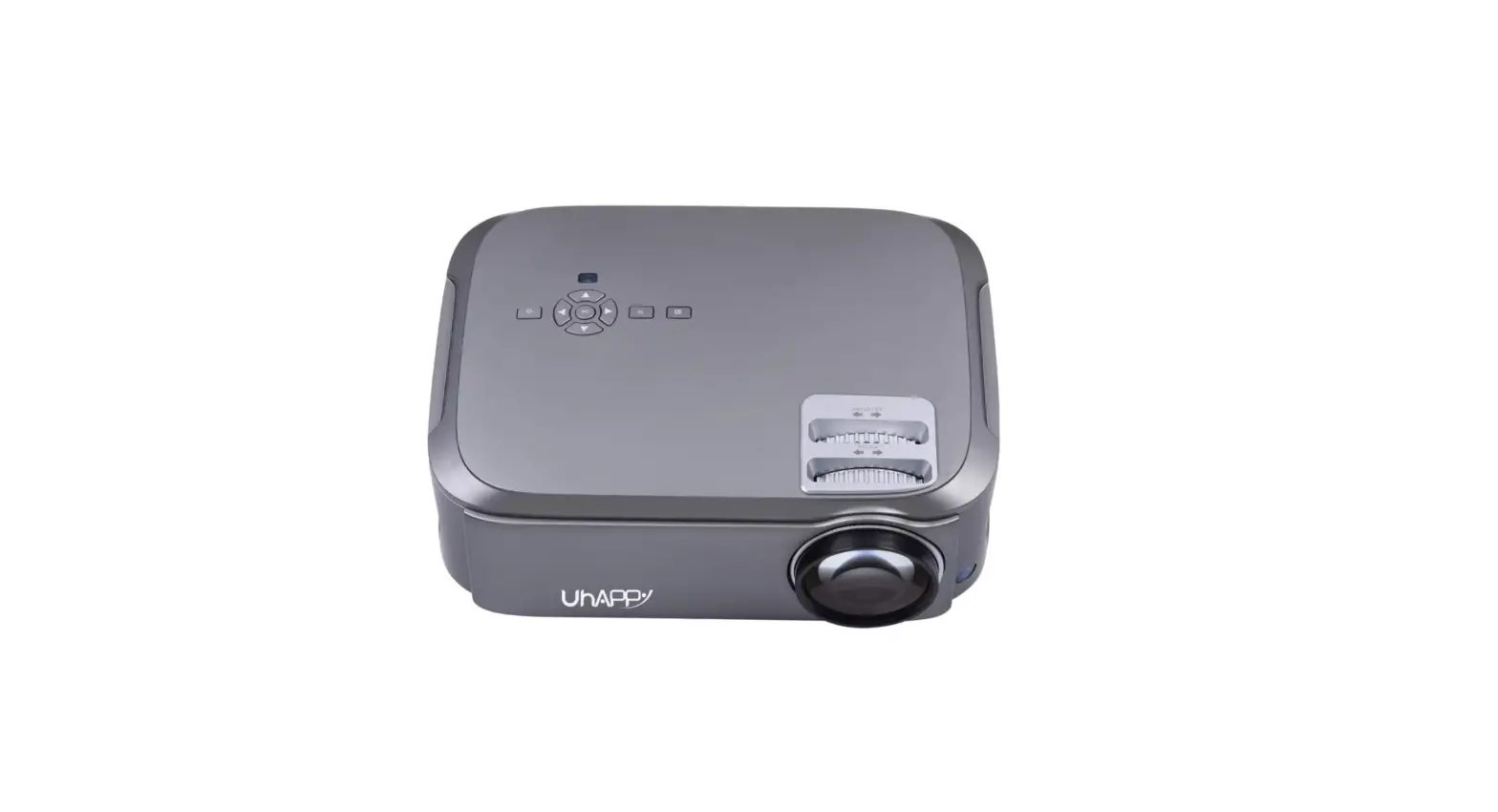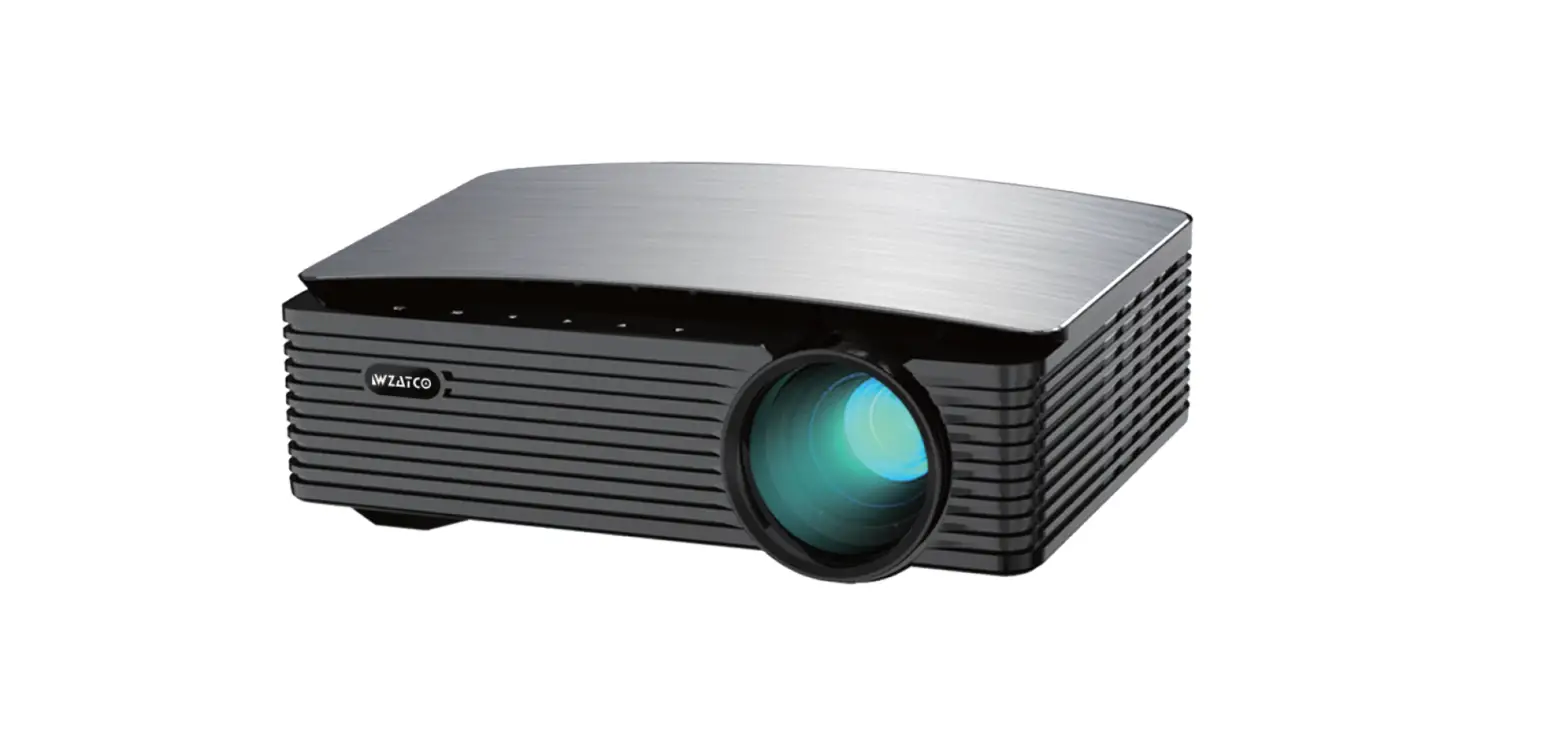

WZATCO S6 4K Support LED Cinema Projector
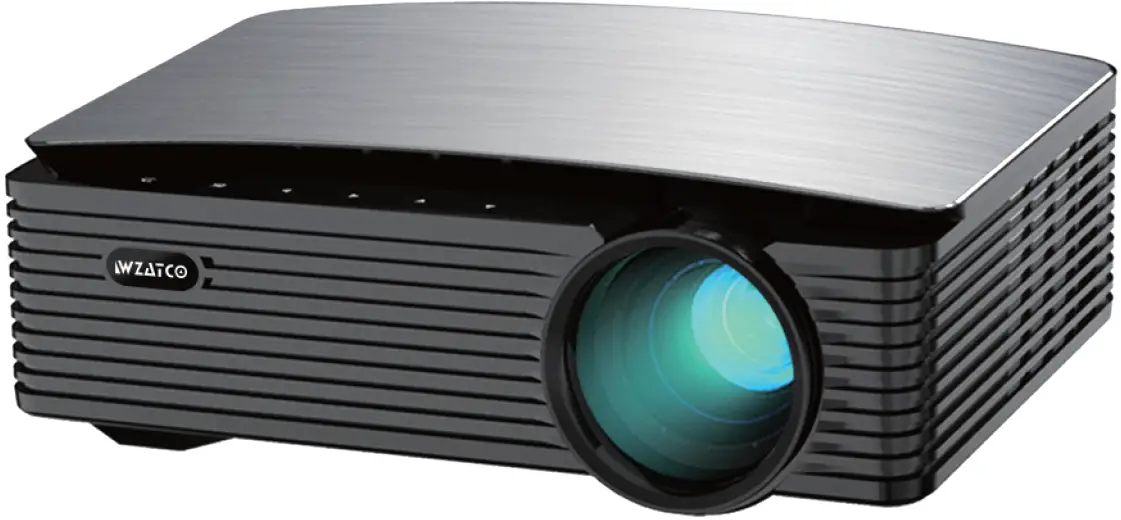
Specifications
- Brand: WZATCO
- Special Feature: Internet Built-In, Speakers, Short Throw
- Connector Type: VGA, USB, HDMI
- Native Resolution: 1920*1080 (Full HD)
- Brightness: 1 under Rs 25000
- Chipset / GPU: Hilisicon 351 / ARM Mali-G31
- Memory: RAM 1GB, ROM 8GB
- Connectivity: Inbuilt Dual WIFI, Bluetooth 5.0
- LED Lifespan: >50,000 hours
Safety notice
- Please read manual carefully before you use the projector.
- To ensure stable power supply, please use national standard power cable and power cord with grounding.
- Please use the same power voltage as the projector marked. 1.4. Please do not open the projector, otherwise the supplier will not afford warranty service.
- Do not look directly at the projector lens while the machine is working to avoid damage to your eyes.
- To avoid clog of the projector vent, please do not cover with cloth, carpet and other materials.
- This projector does not have waterproof function, please keep it away from rain, moisture and other items containing liquid such as vase, cup, etc.
- To prevent power breakdown, please keep the projector away from rain or water or moisture.
- Turn off and cut off the power supply if do not use this project for a long time.
- Use the originally foam or another unit-shock material to protect projector, if you need transport this projector.
- If you find the projector has problems, please contact the supplier, do not repair by yourself.
- To extend the projector life span and protect your eyes, we suggest you to have a break after 3-4 hours using.
Maintain indication
1-year warranty from factory, for more warranty information, please contact with supplier (warranty service is not including the frame, manual, package, and some subjective idea about the video, sound, image aspects).
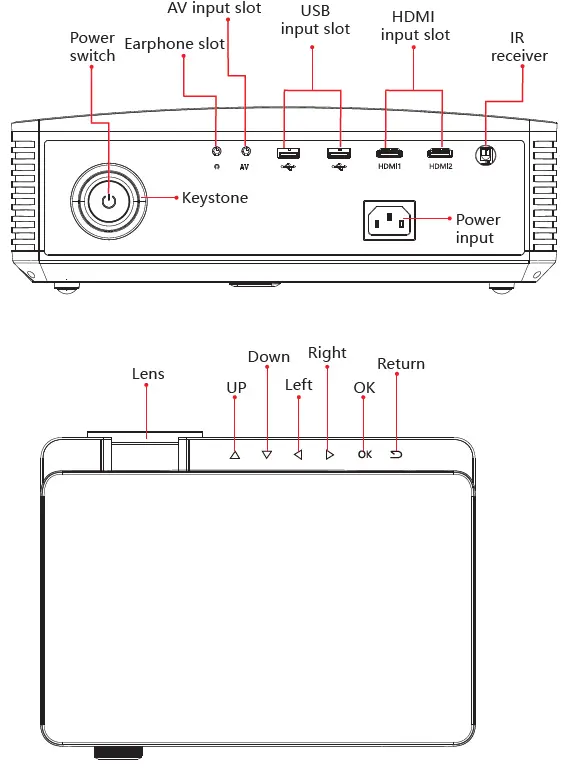
Interface Introduction
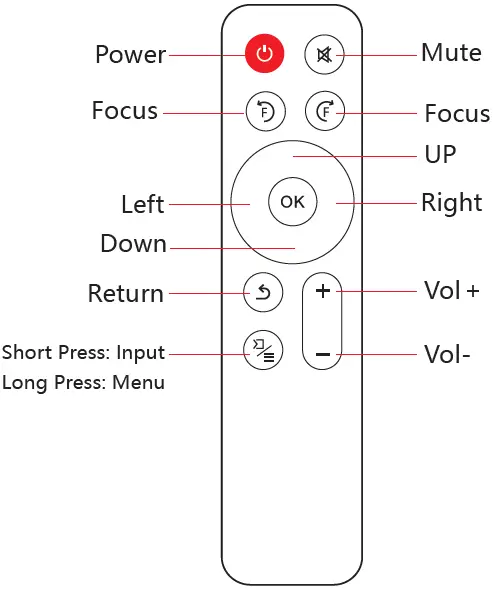
Remote control introduction
NOTE:
- To avoid influence of operation stability, please do not mixed use the old and new battery.
- To avoid battery leakage corrosion, please take the battery out if do not use the remote control for a long time.
Projector connection instruction
Connection introduction
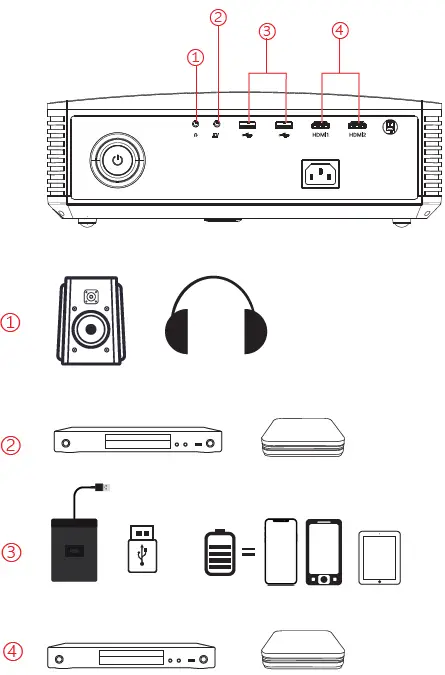
The projector can be multi-access, please contact factory or re-sellers for details.
Media Connection
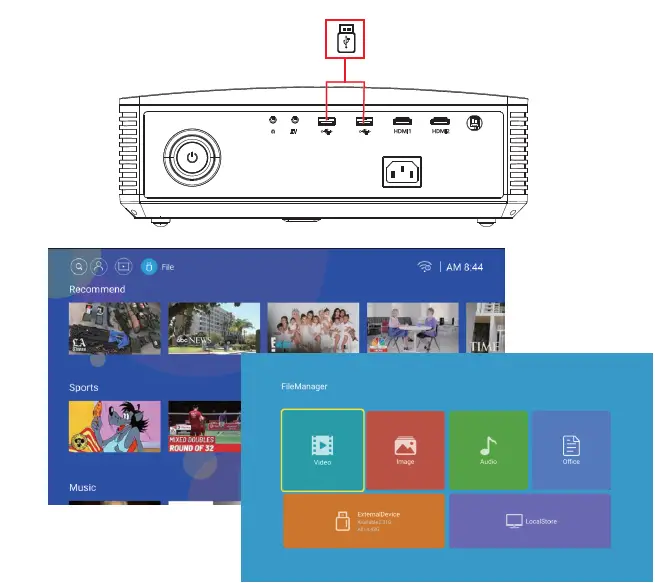
USB Connection
Connect the USB with the content to the projector USB port, select “Media”, you can select movies, music, photo, text on the list.
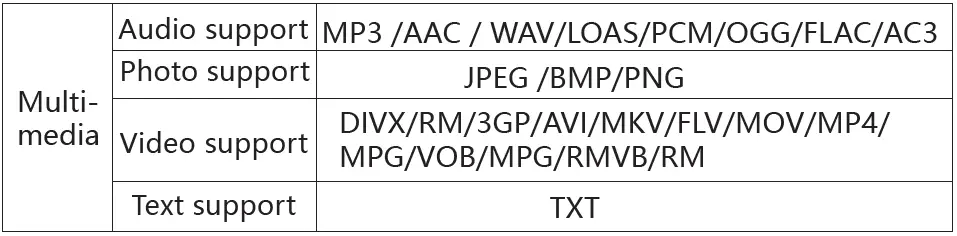
Multimedia Supported format
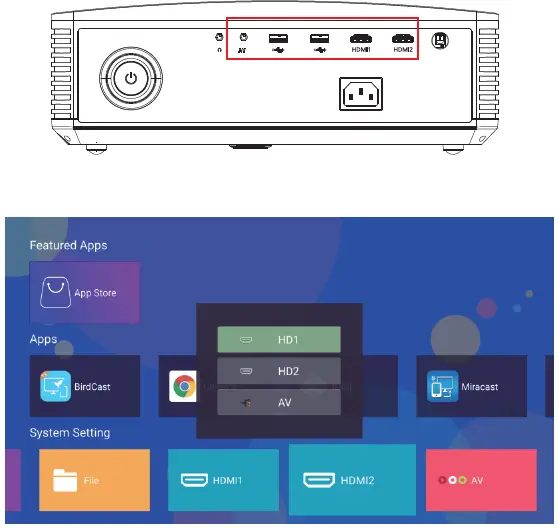
Signal Sources
When input the external signal source into the projector device through the HDMI, AV interfaces, select the video signal source needed in this page, after the signal source switched, the projector device can be connected with the external video source and the content of the video source will be projected.
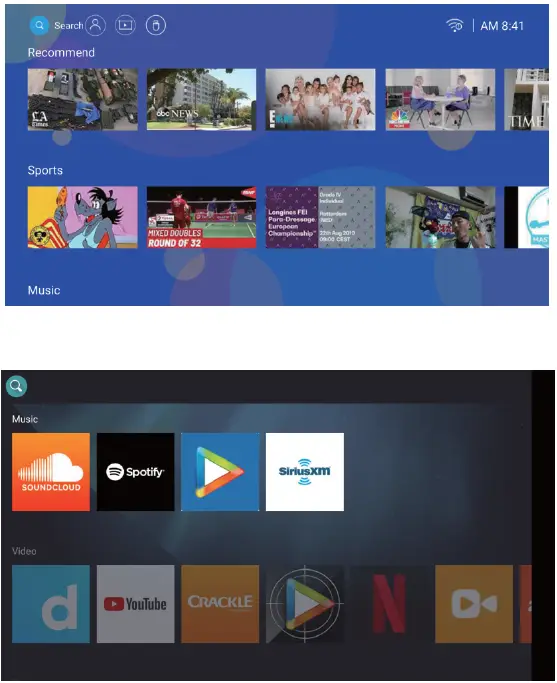
Search page
In this page, you can freely search and get what you are interested.
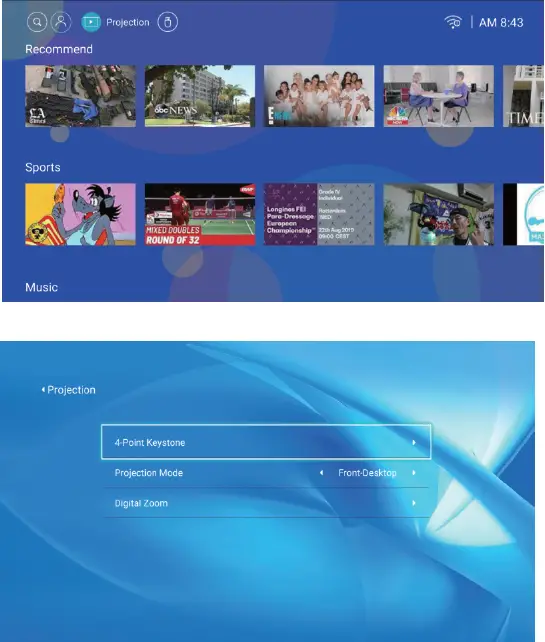
Projection setup
Click this button to quickly jump to the projection setting page, select four-point (vertical, horizontal) keystone correction, automatic keystone correction (on, off), manual keystone correction (-50-0-50), projection mode selection (desktop forward projection, desktop back projection, hoisting forward projection, hoisting back projection), and step-less zoom (80%-100%) setting.
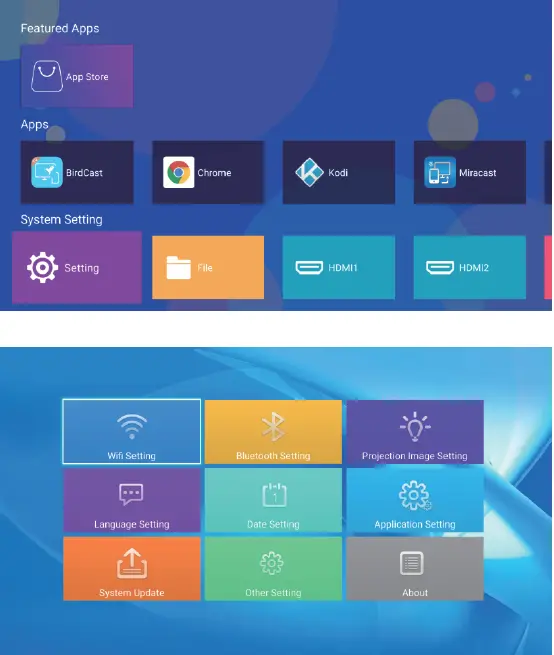
Menu setup
Open the homepage, select settings, you can select network settings, Bluetooth settings, projection settings, language settings, date settings, application management, system updates, other settings and you can modify related settings options on this machine.
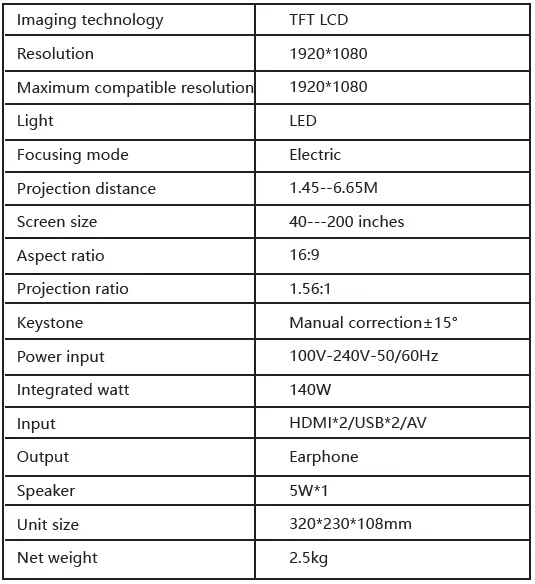
Technology Features
Basic parameters
Projector distance & size
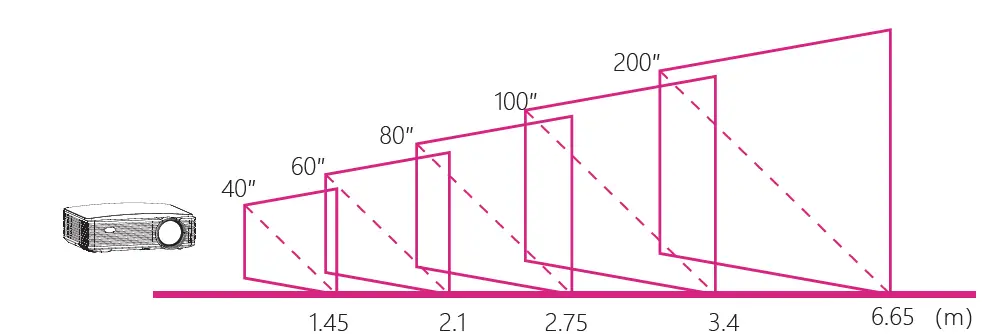
Note: Due to optical device error of about 3%, the above data is for reference only, please use actual measurement when install the device.
Scan to know More about the product

- WZATCO Official Website: wzatco.com
- WZATCO Customer Service Email: [email protected]
FAQ’s
Rating: 4.0 out of 5 finest quality within my means. 4K video is supported, and both the picture and sound quality are excellent. Brightness isn’t a bad thing. The best Android projector I could afford.
The display resolution is a crucial factor. Projectors having a fixed number of pixels include both DLP and LCD models. Try to purchase a projector with high pixels if the majority of what you will view from a projector is HD. For DVD, a pixel count of 1024768 is enough.
It will be between 90 and 100 inches.
Alpha versions 1 and 2 don’t both support eARC. However, you can use 4K pass through to link your home theatre and receive 5.1 ch real output. For specific instructions on how to do that, please get in touch with us.
I haven’t tested it, and I suspect the projector will support ARC if you want to use the second HDMI port of the projector to connect to your home theatre (need to refer Technical documents)
Service portal is mentioned, and 5.1 speakers and Android applications are supported.
The majority of videos play on Amazon Prime, however the majority of videos on Zee5 Movies Hotstar are not.
Yes, VLC can be downloaded for all video formats along with the software.
It is hard-coded and unchangeable. 7200 real lumens are used.
Yes, there is a built-in speaker.
300 inches
Both 16:9 and 4:3 (you can select between them)
7500 lmns for the Old and 8000–9500 lmns for the New.
|Connect to any HDMI, please.
Yes. The brightness of this projector is excellent in typical daytime lighting.