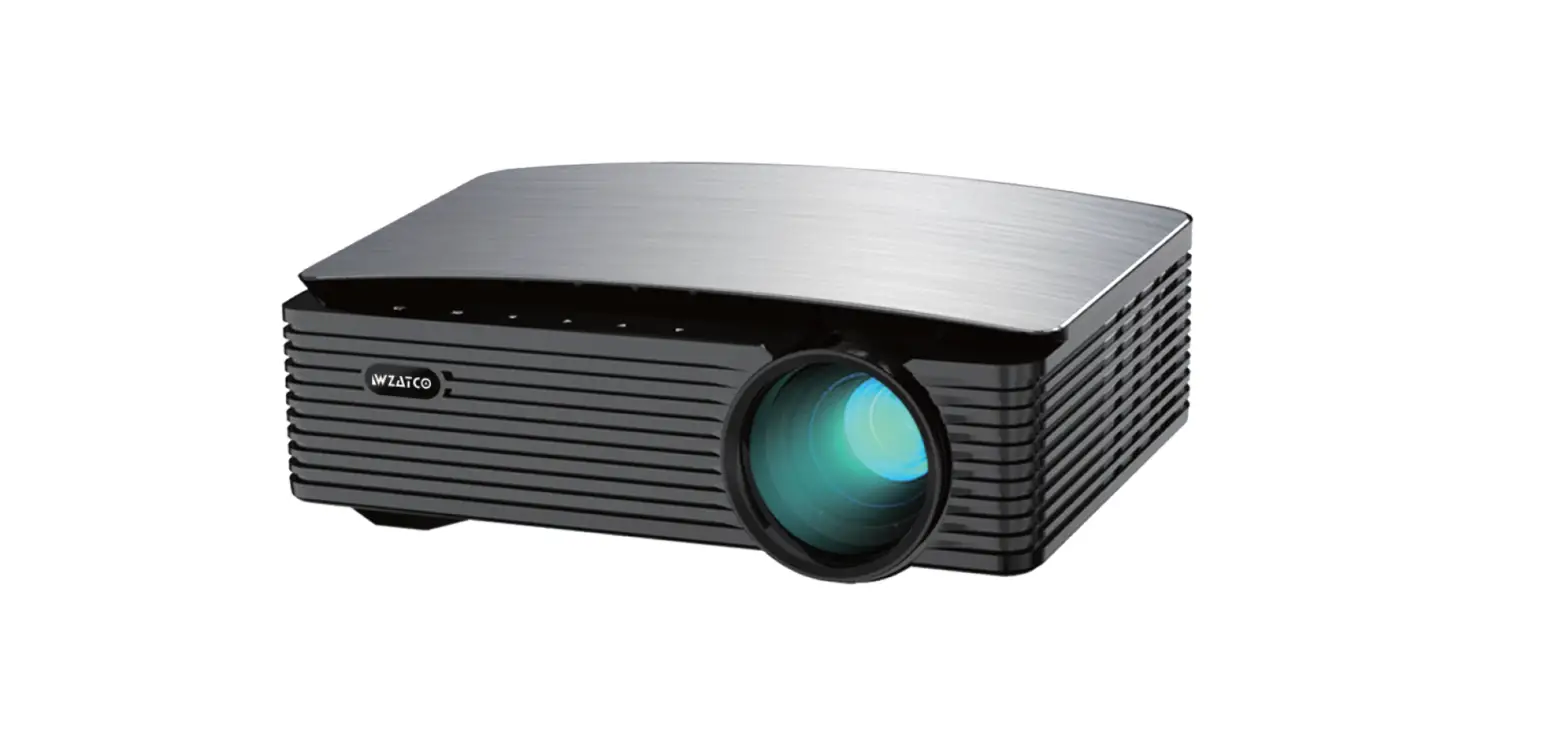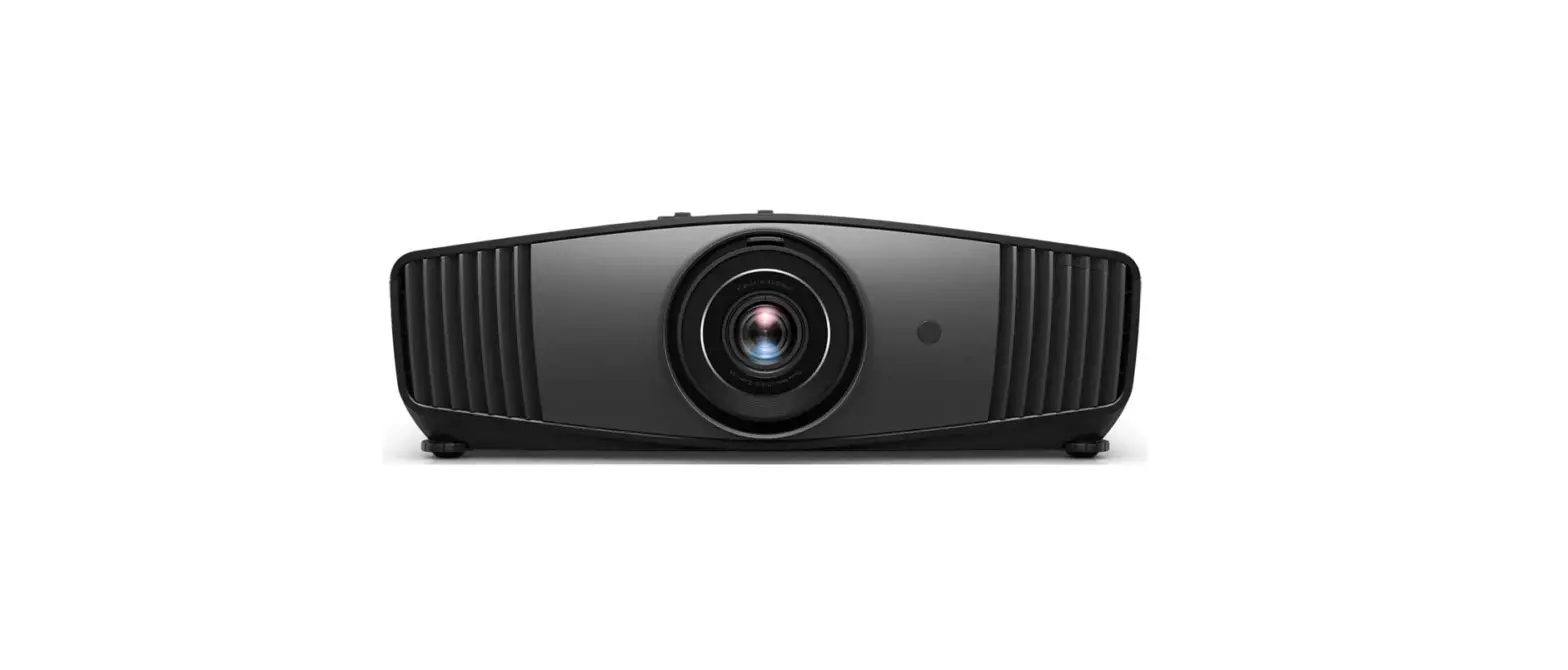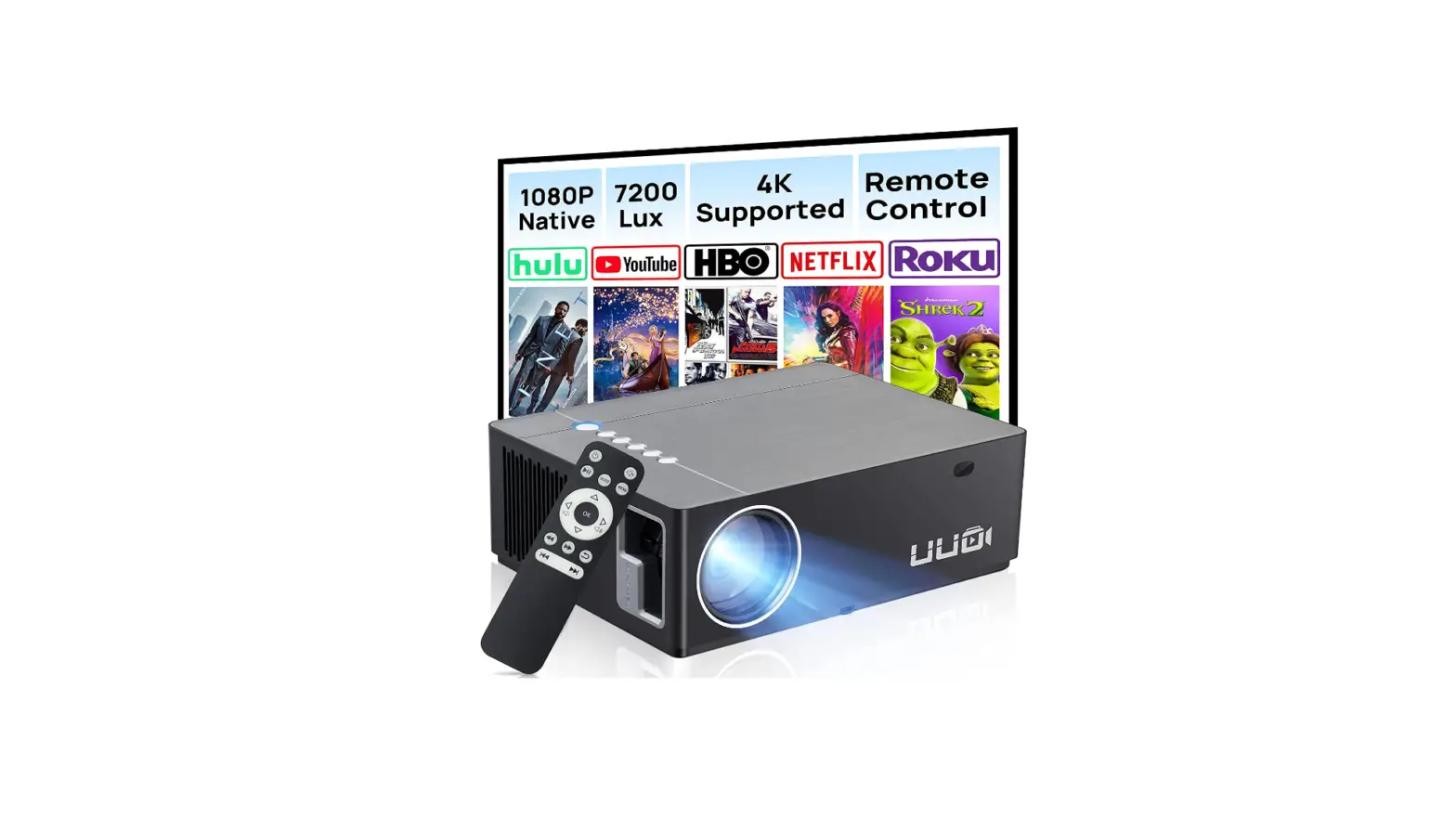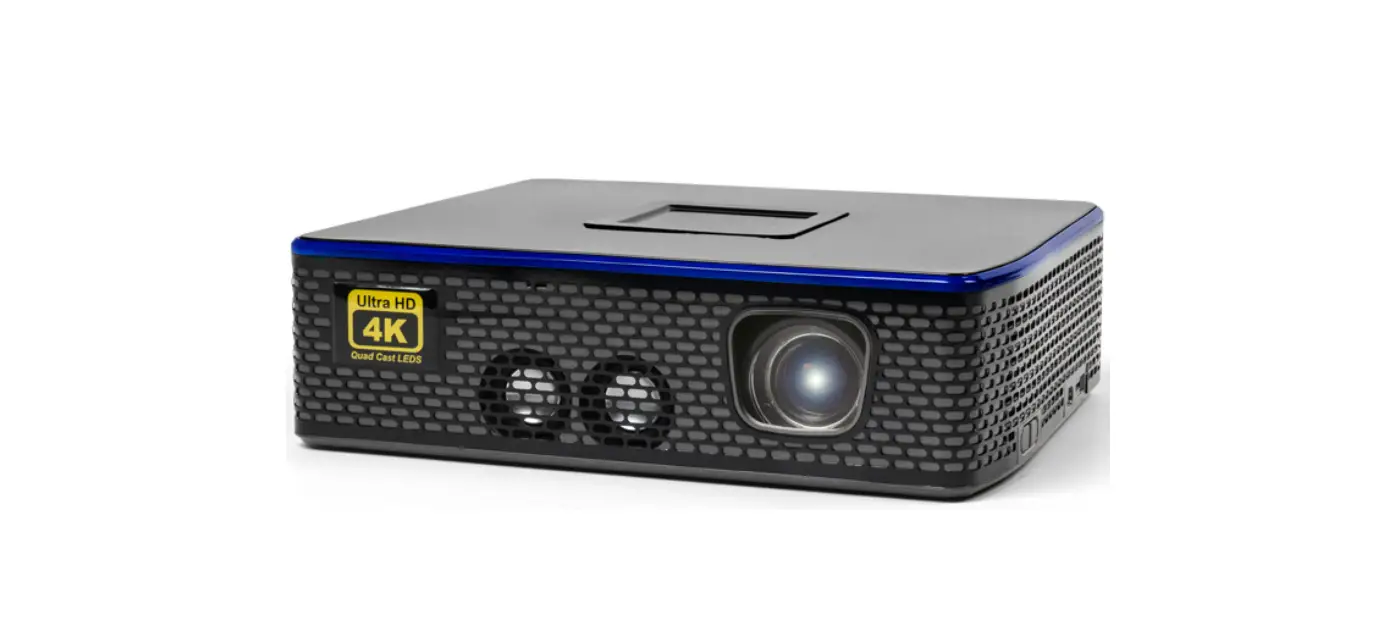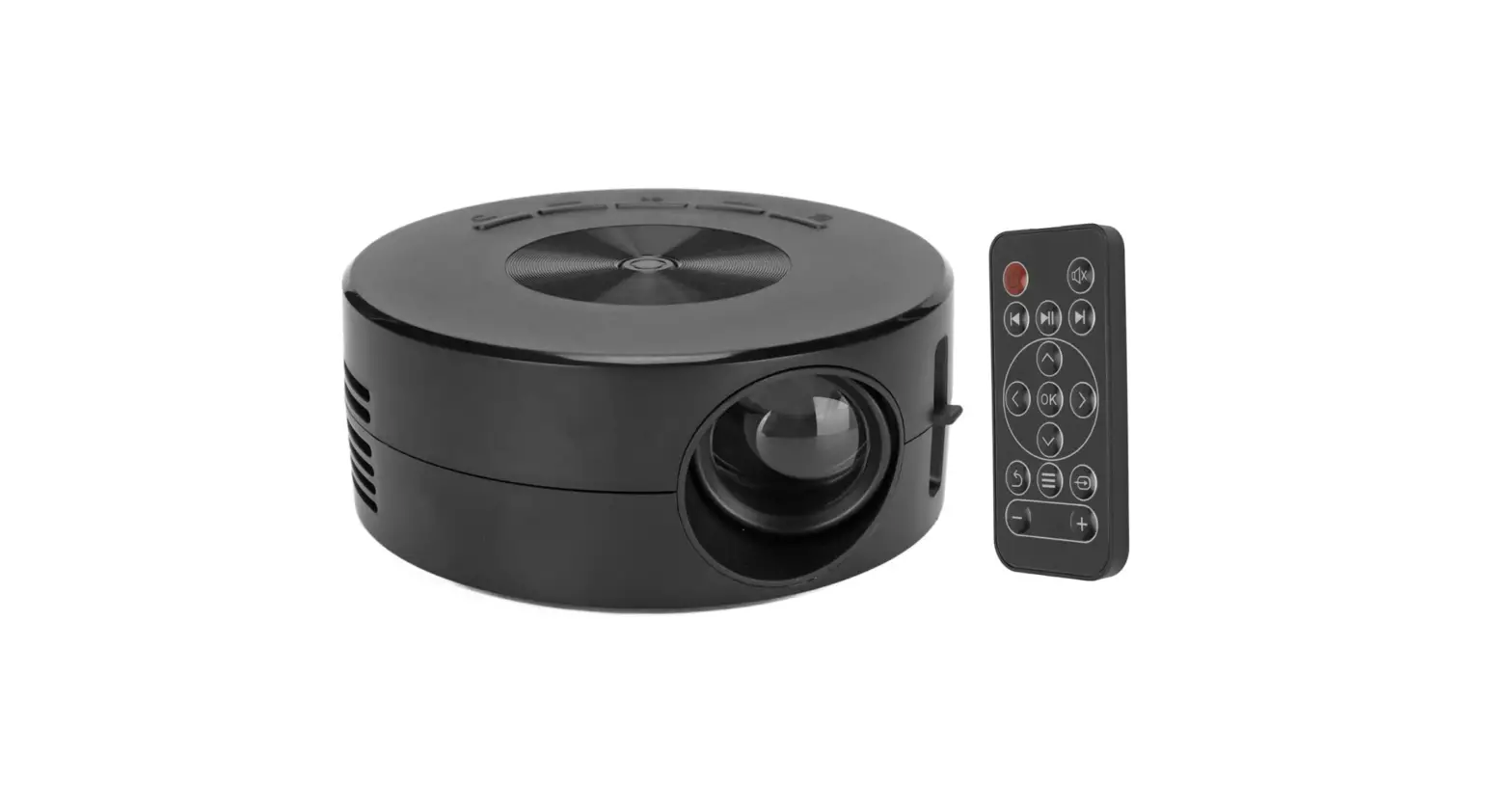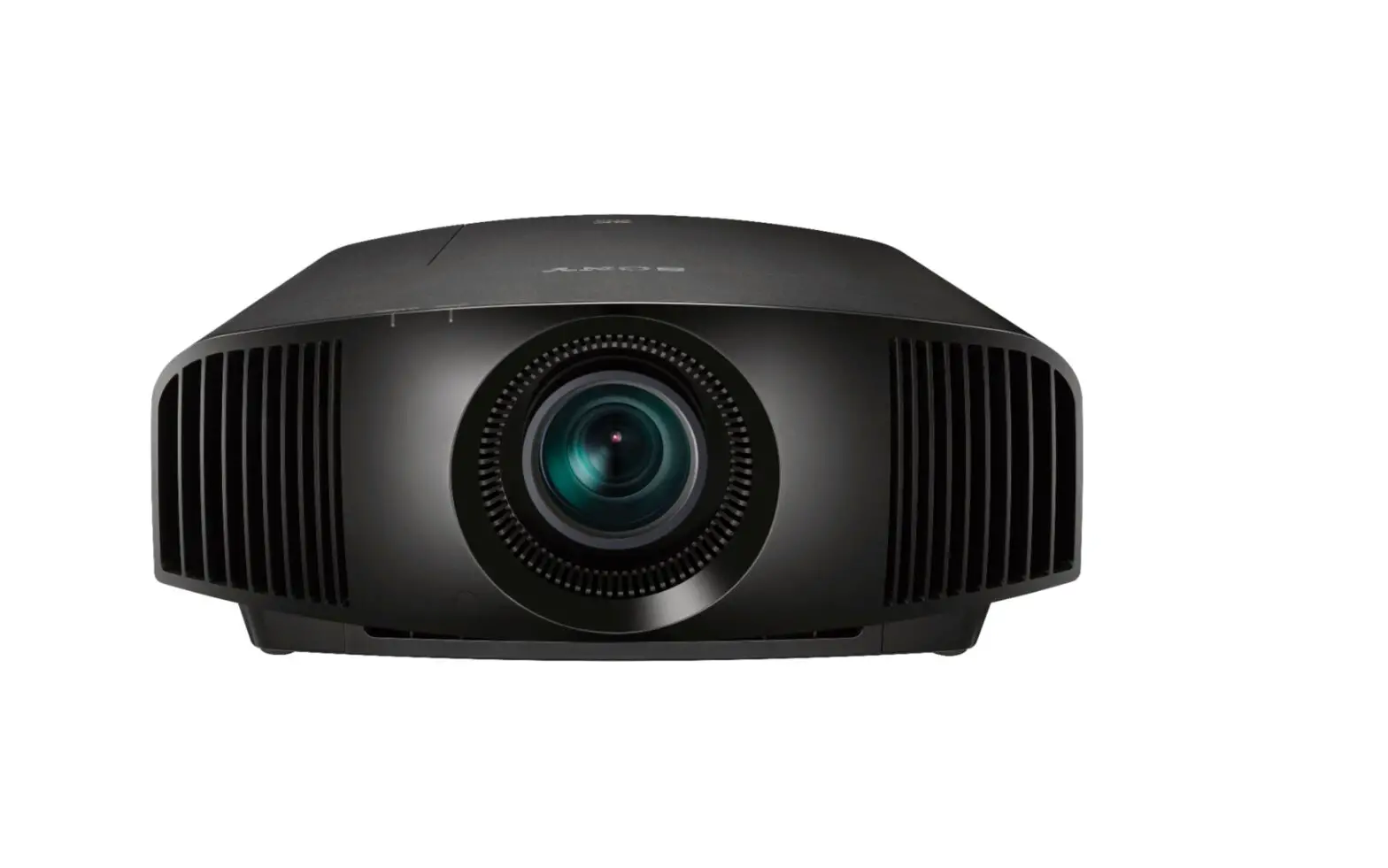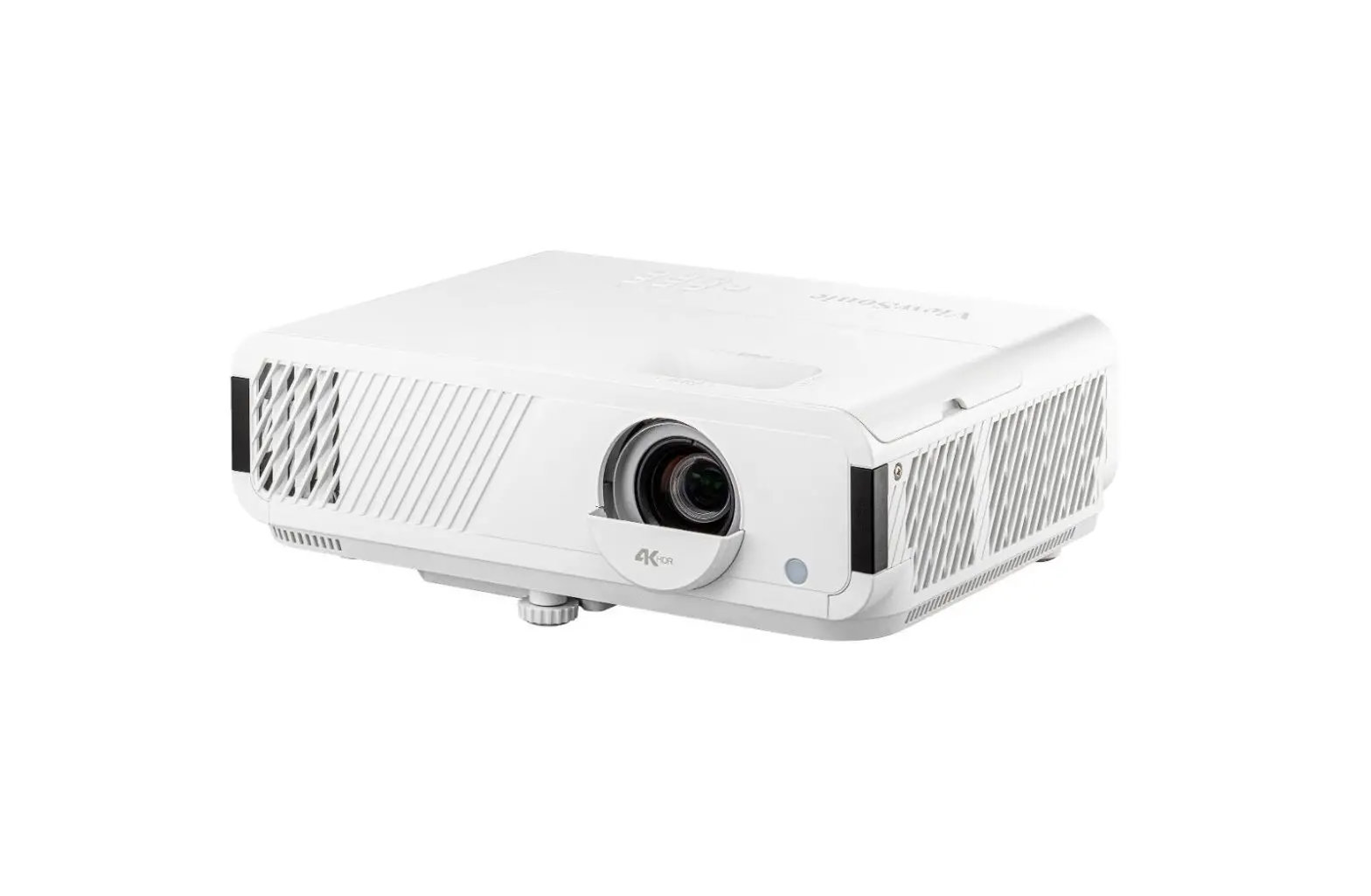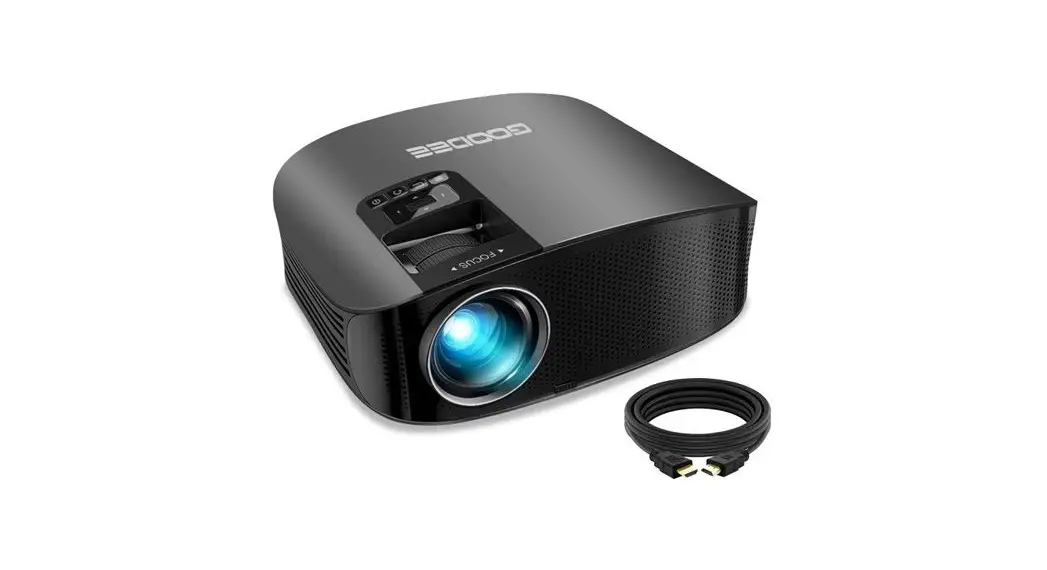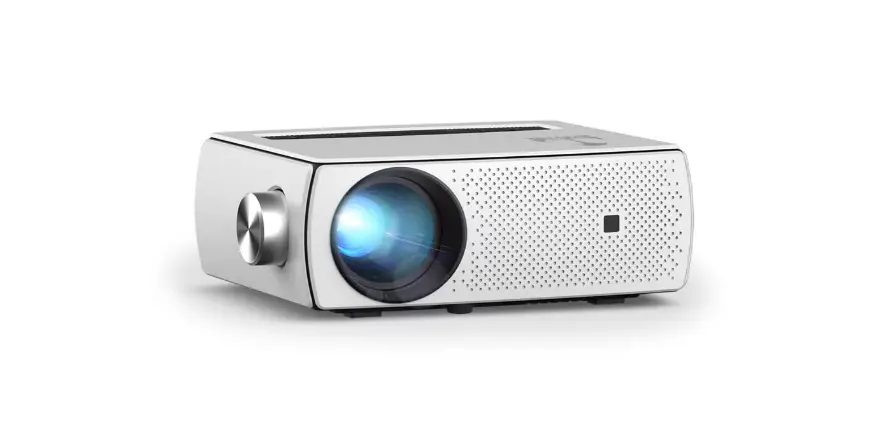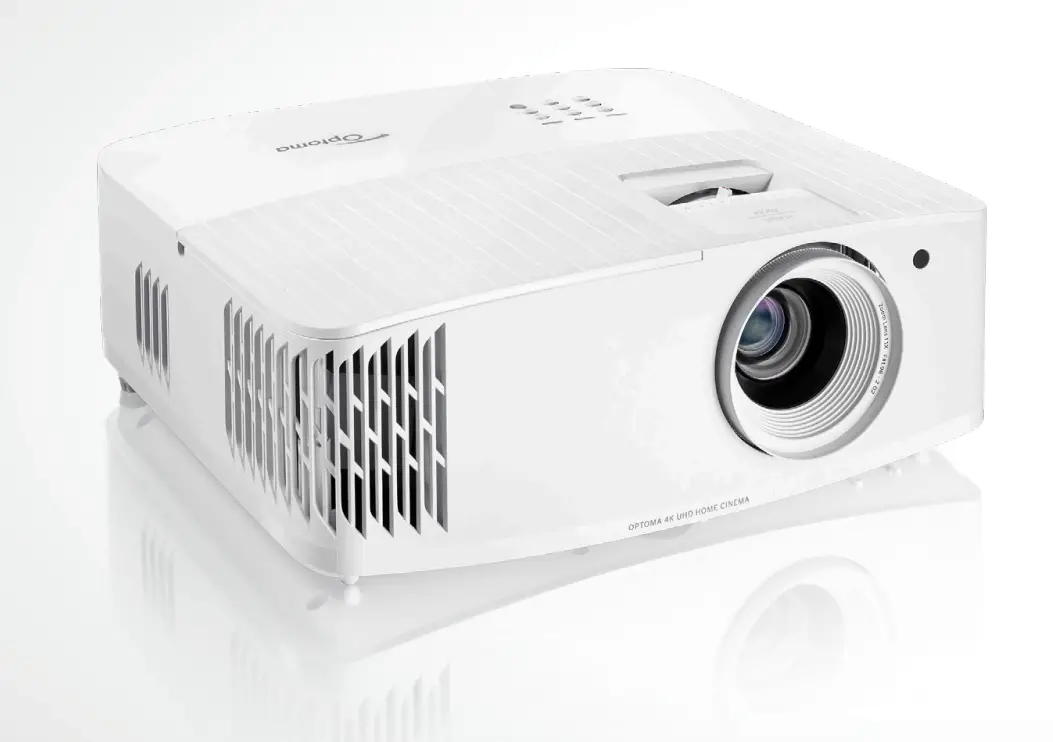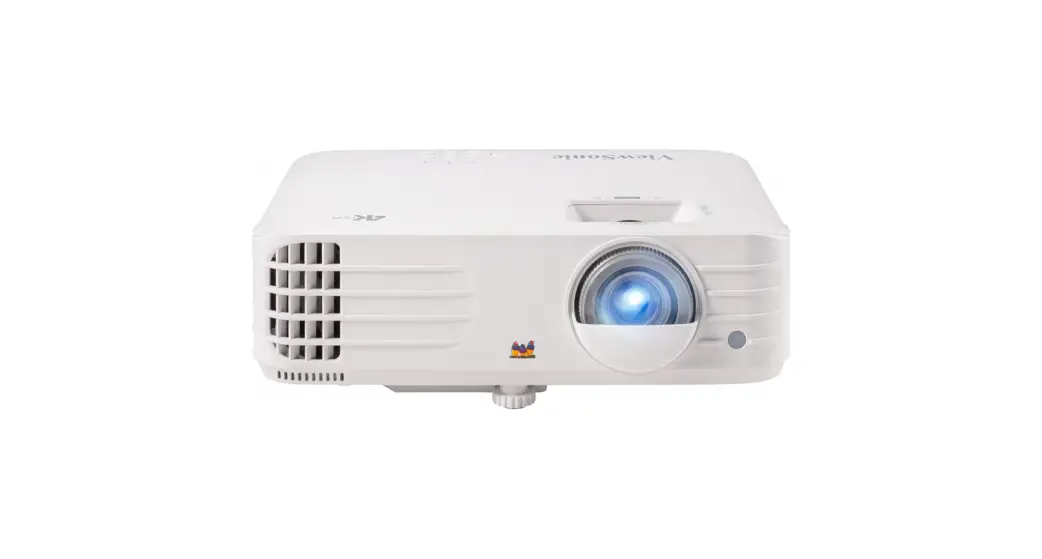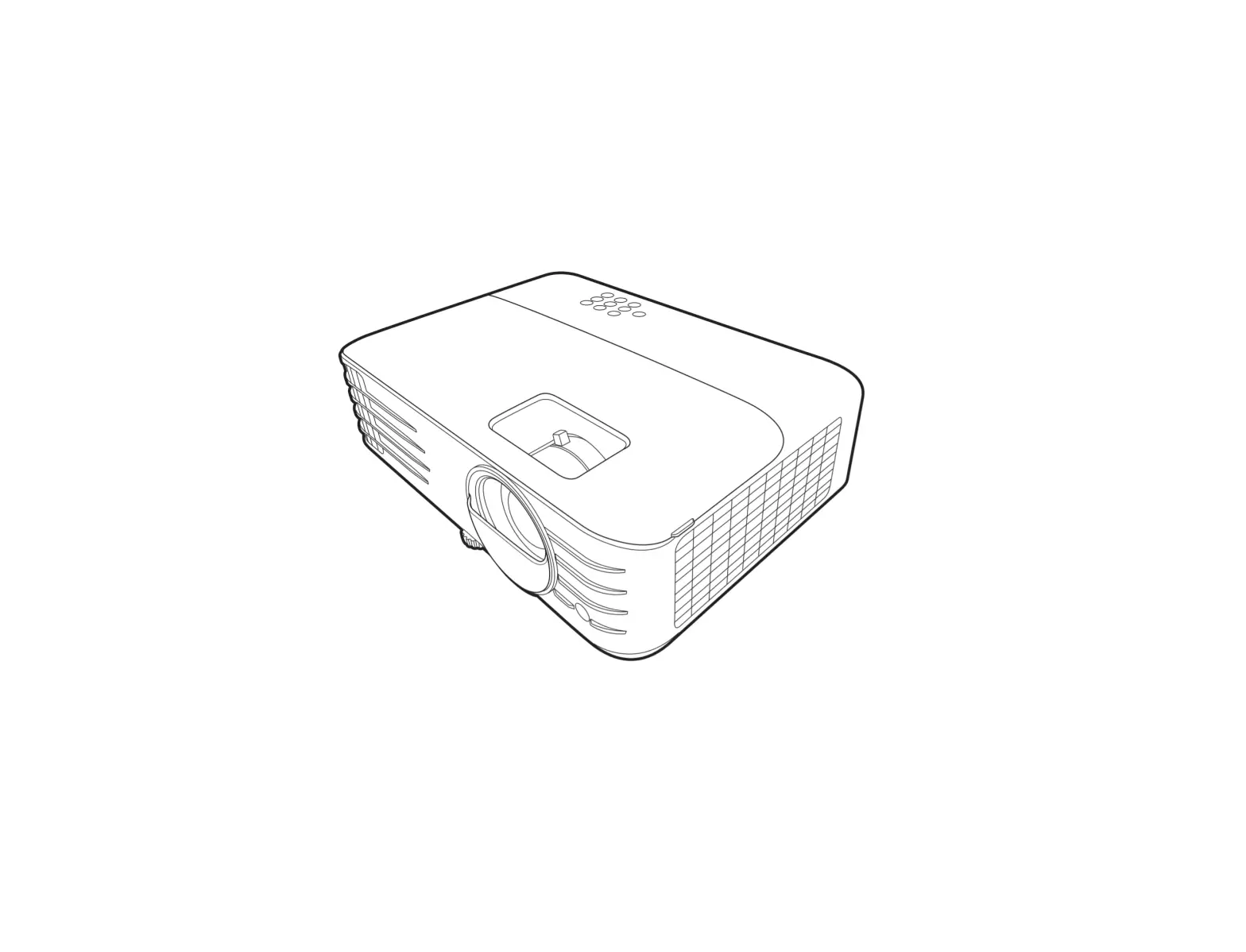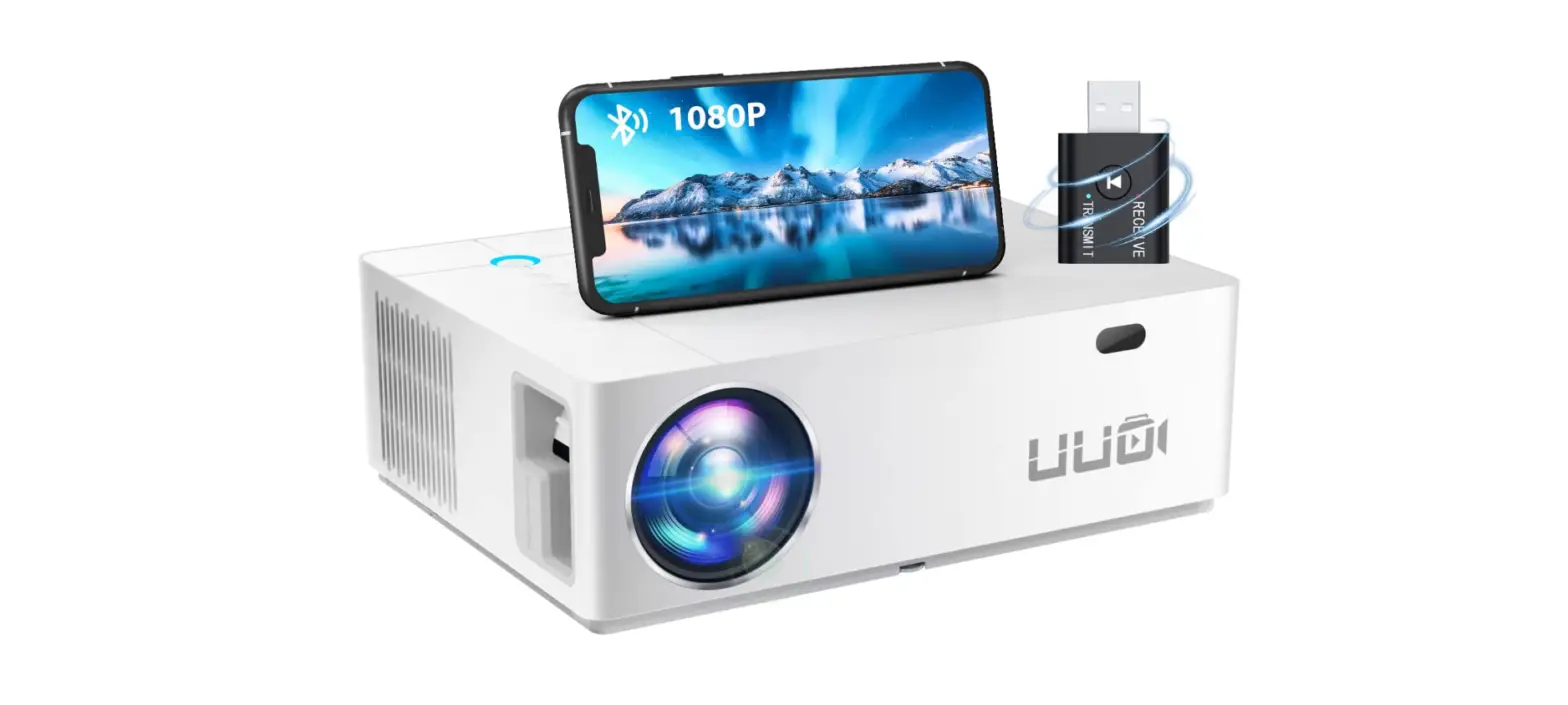
 UUO P6 Home Theater Support 4K Video Projector
 UUO P6 Home Theater Support 4K Video Projector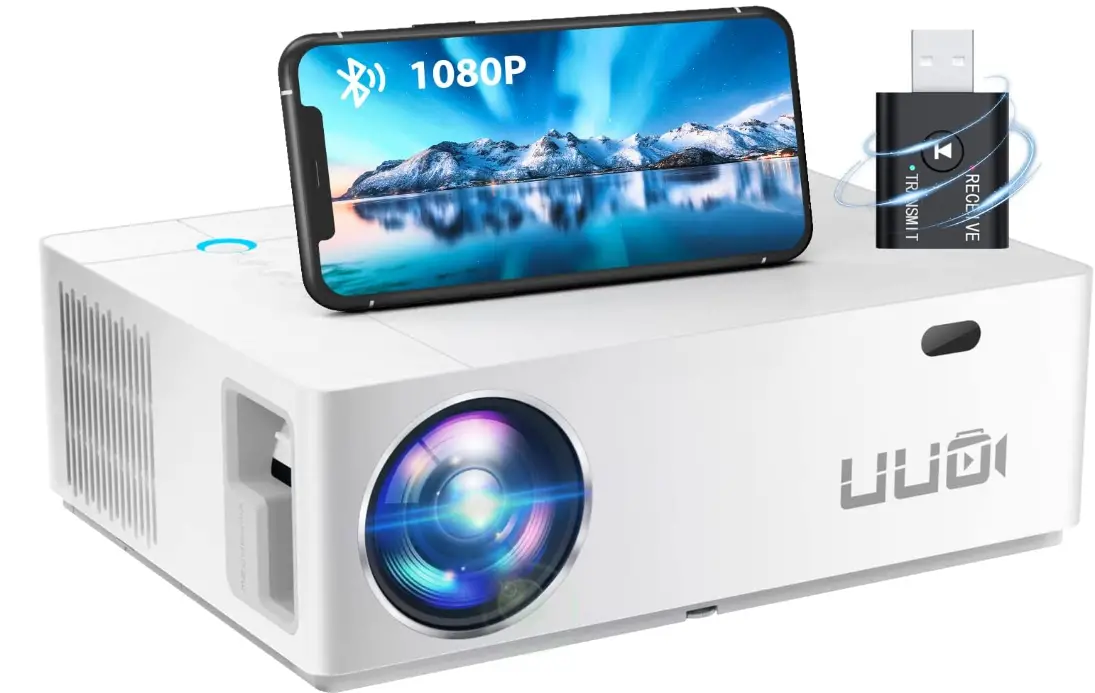
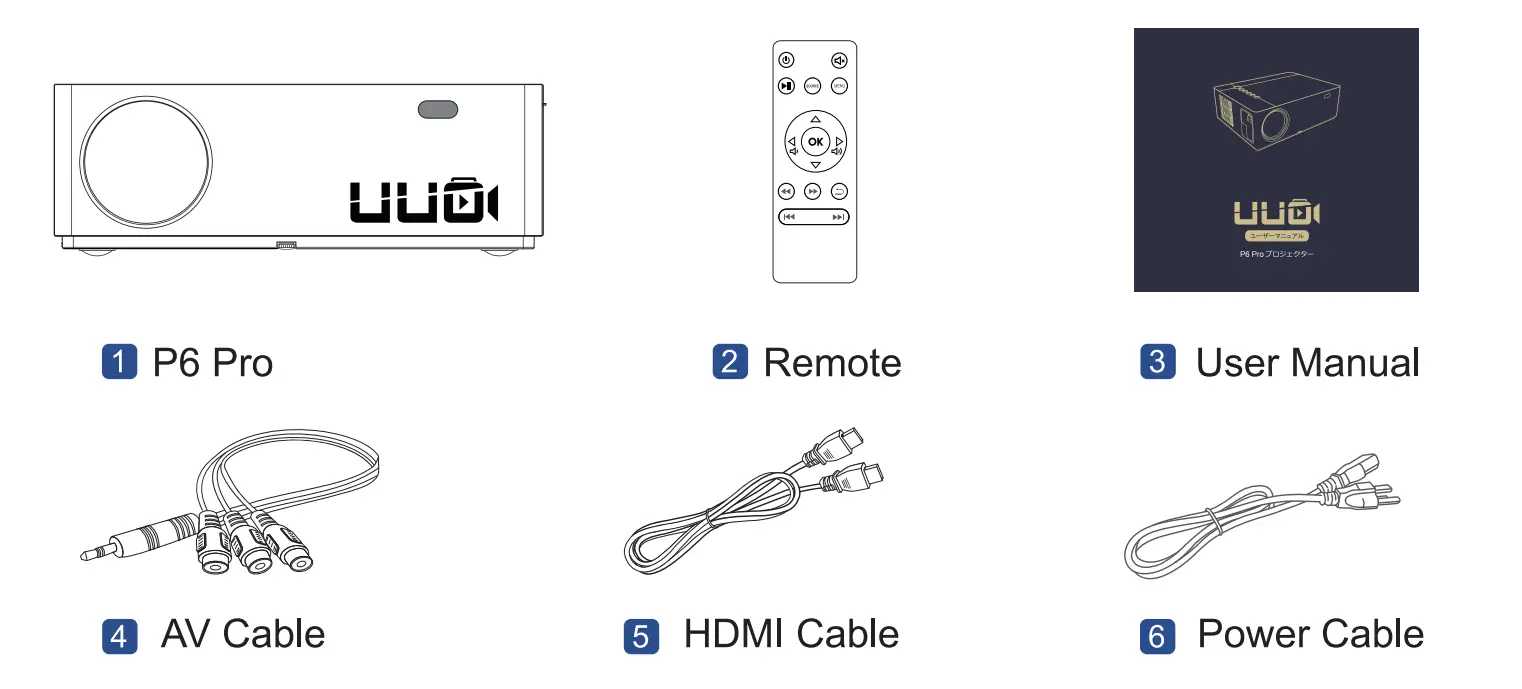
Packing List Notice
  Function Overview

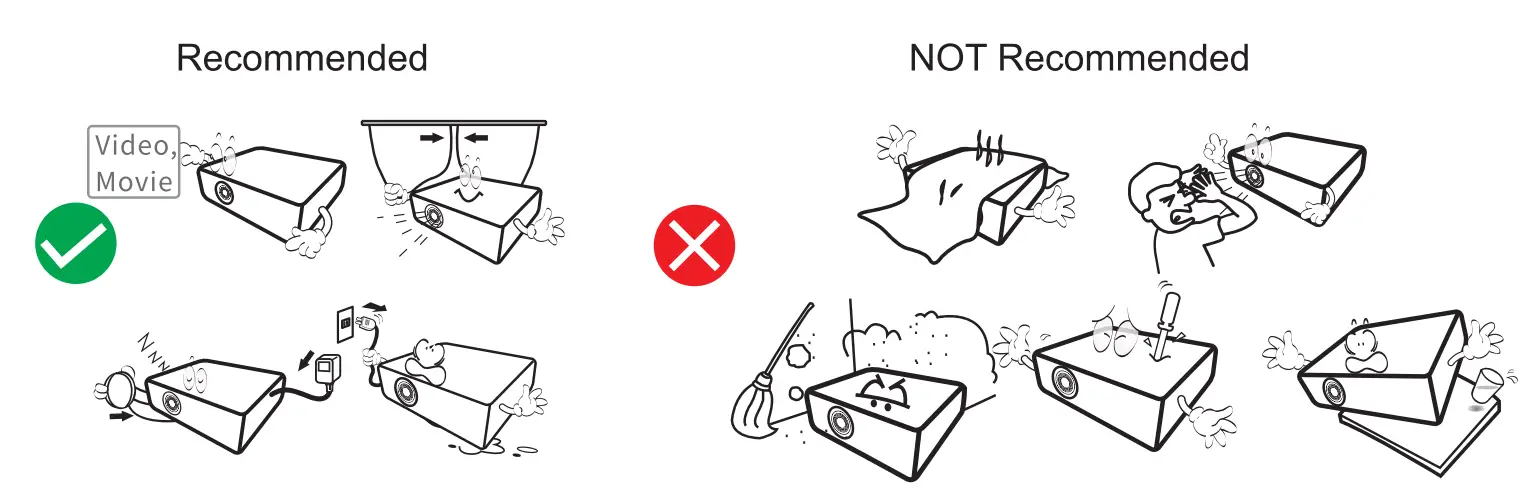
 Notice
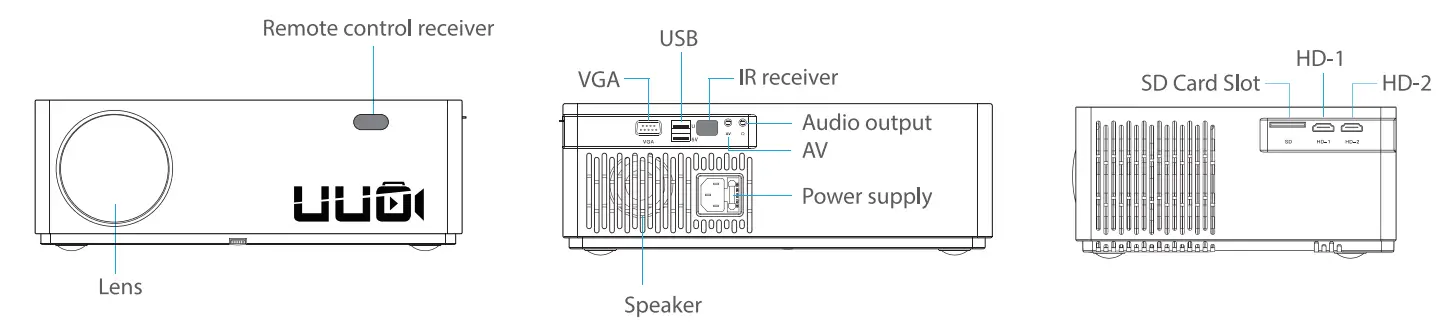
  Function Overview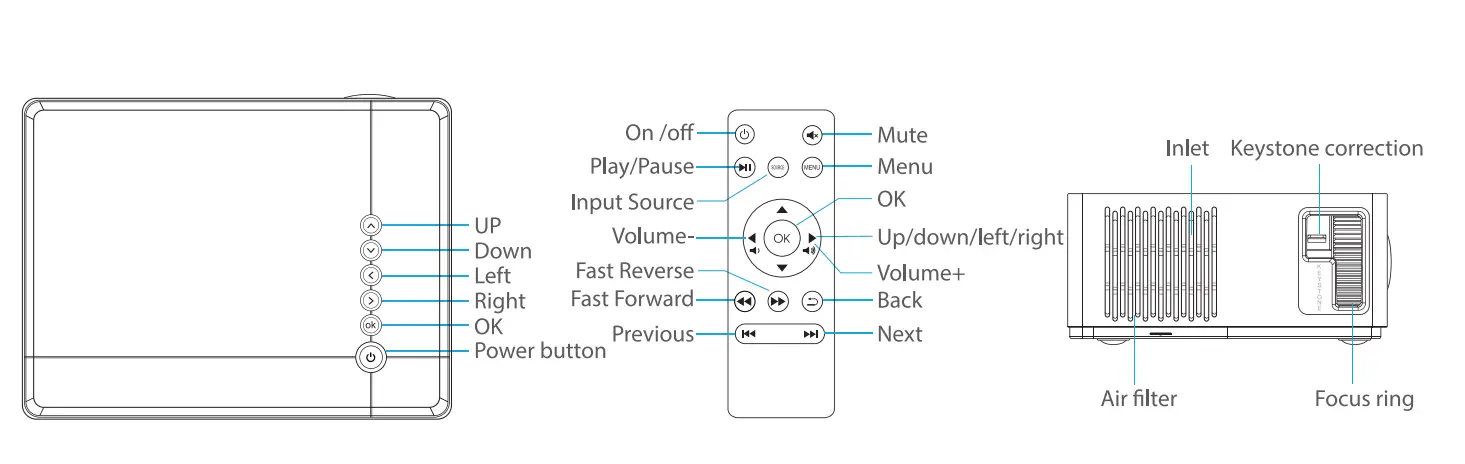
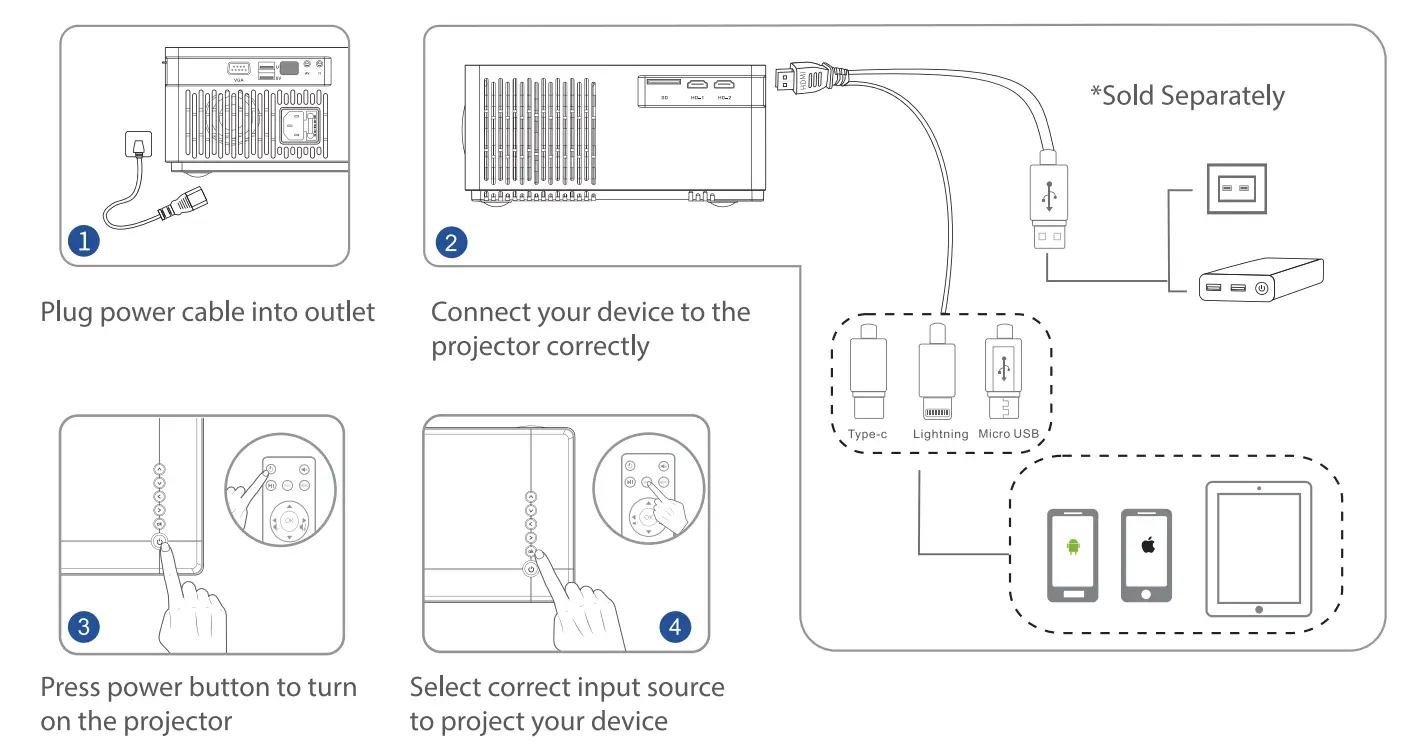
Quick start 

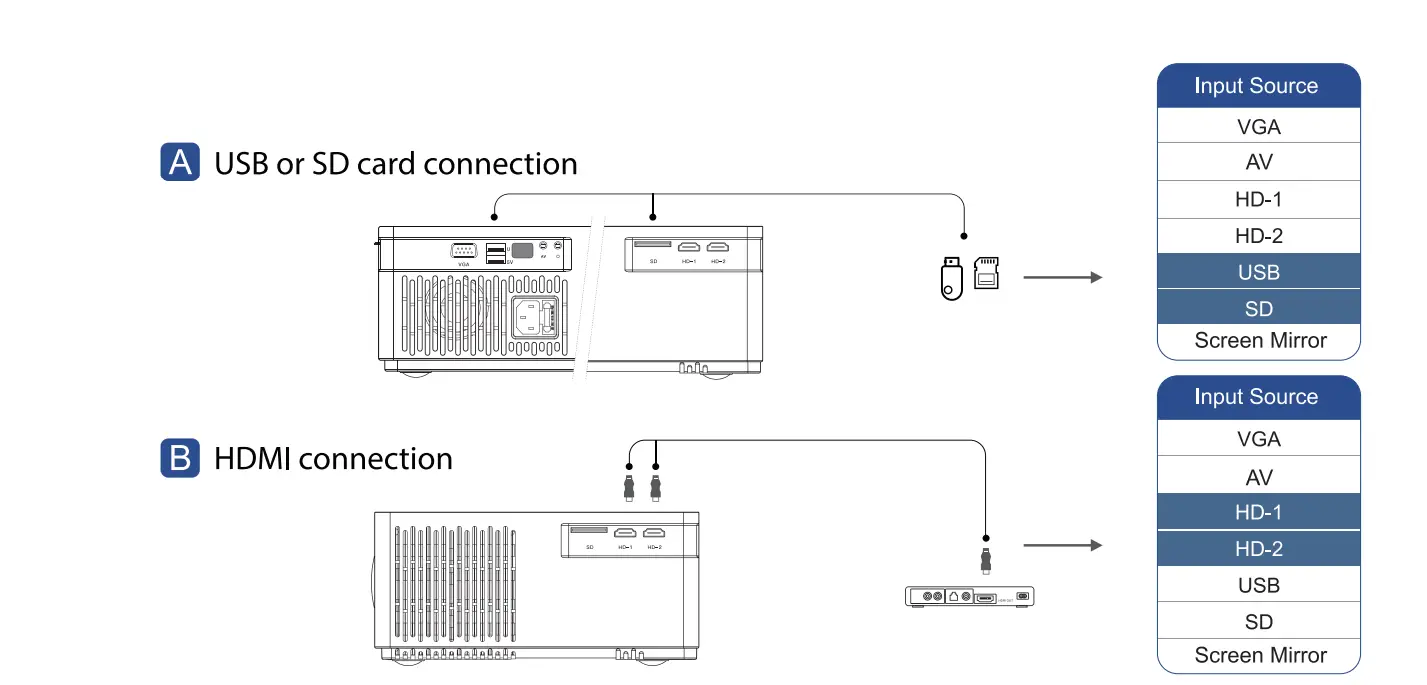
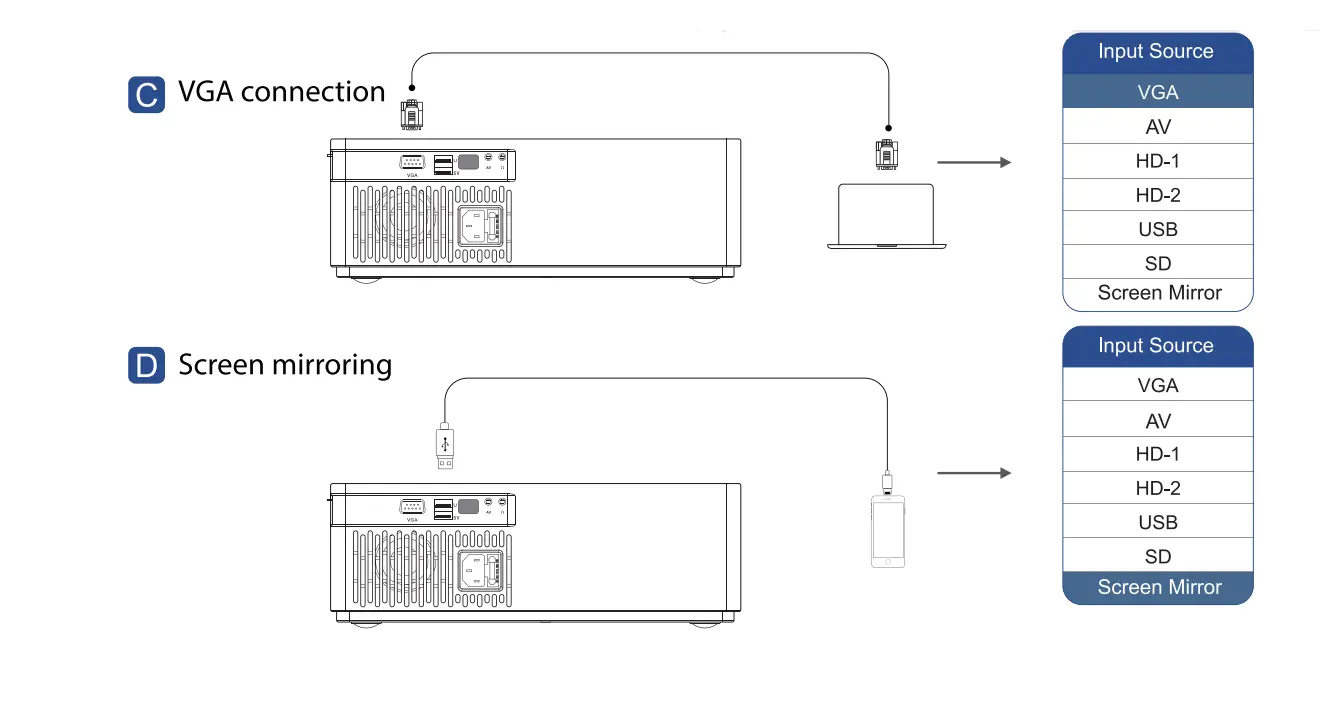
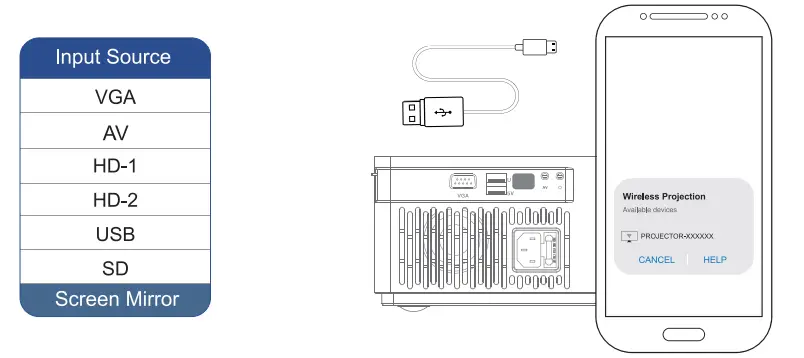
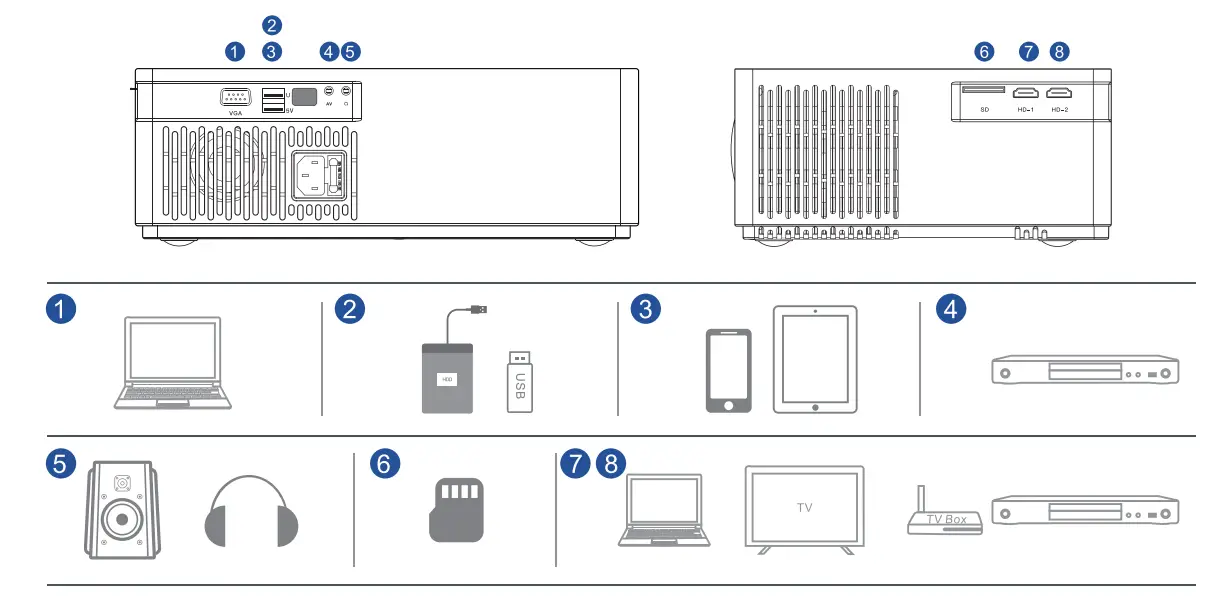
Input Source 
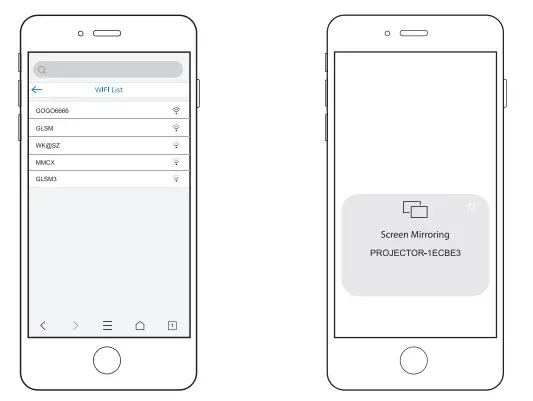
 WIFI Connection(Android)
 WIFI Connection(Android)
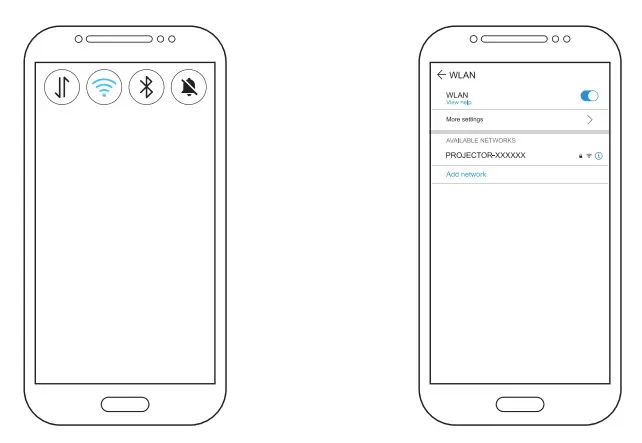
- Go to settings, turn on “WLAN” on your Android device

- Connect your Android device to the WiFi projector-xxxxxx
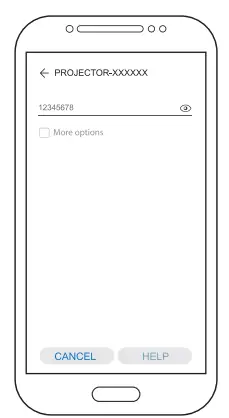
- Enter password:12345678

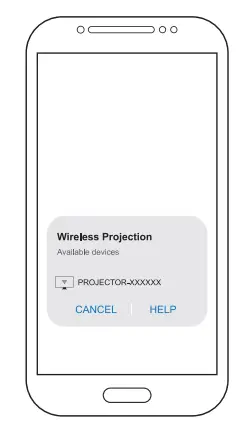
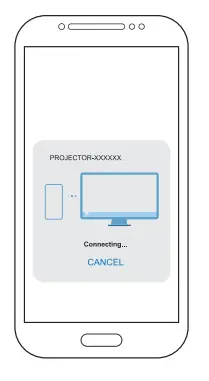
- Turn on the wireless projection function in phone’s status bar or setting page, search “projector-XXXX” and click it to connect

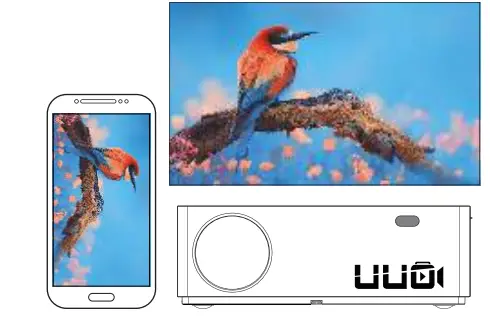
- Click”projector-xxxxxx” on your Android device, the screen mirroring will succeed in seconds

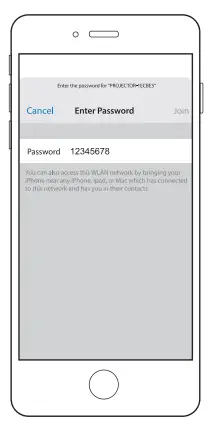
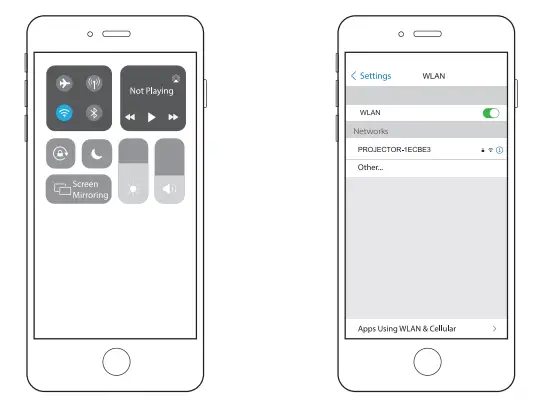
WIFI Connection(IOS)
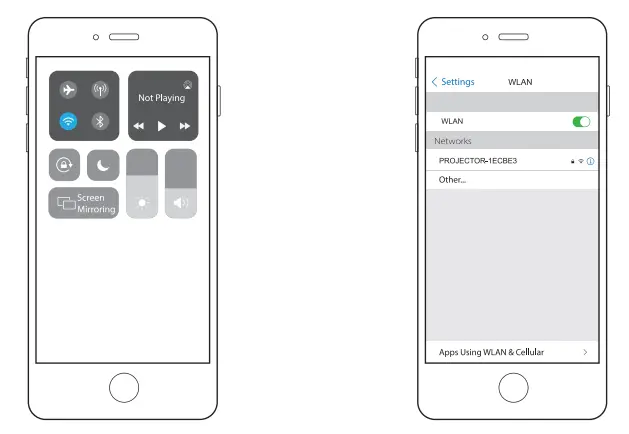
- Turn on WLAN(WIFI) and mobile data on your phone

- Enter your phone setting , turn on wireless projection and search “projector-x.
- Enter password:12345678

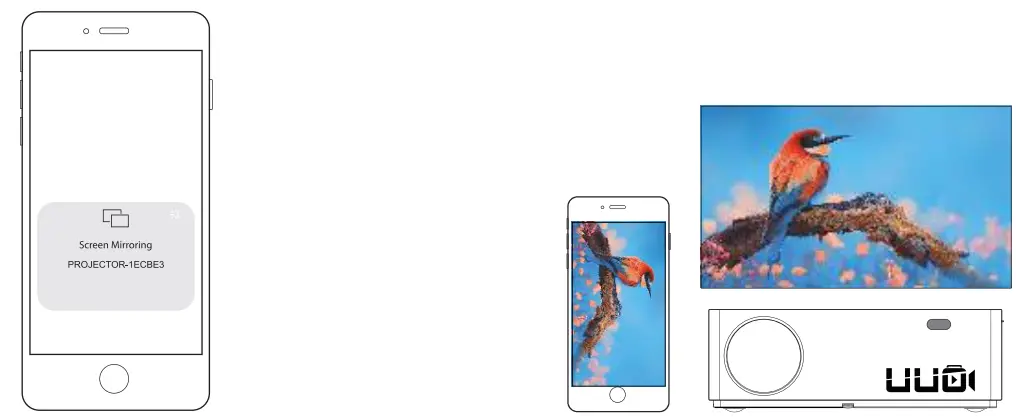
- Open Control Center and tap Screen Mirroring on your 105 devices. Select”projecto r-xxxxxx” FROM the searching list

- Click”projector-xxxxxx” on your 105 devices, the screen mirroring will success in seconds.
Use Wired Mirroring Connection(IOS)
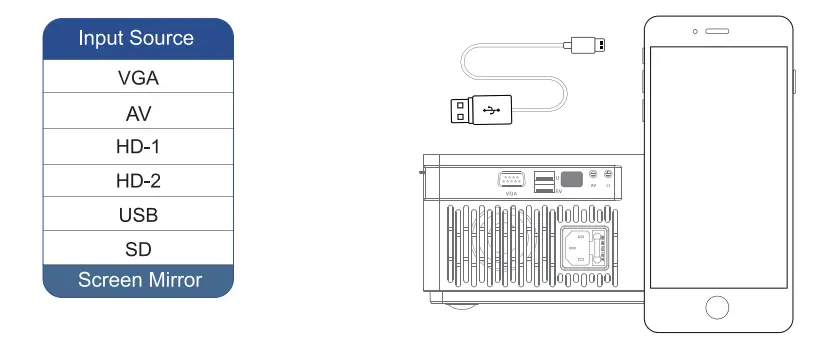
- Select source as “Multi-Screen” after power on

- Connect projector and iphone by original USB data cable by USB SV input.
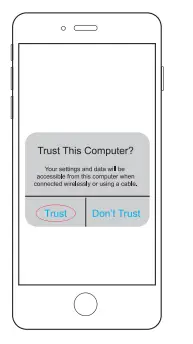
- Get “Trust” from iphone by the first time,enter your pass word , same as unlock screen password.

Use Wired Mirroring Connection(Android)
- Select source as “Multi-Screen” after power on.

- Plug original data micro-usb cable to connect. Turn on the mutl-screen on your Android device settings directly.
- Choose “projector and Start Mirroring

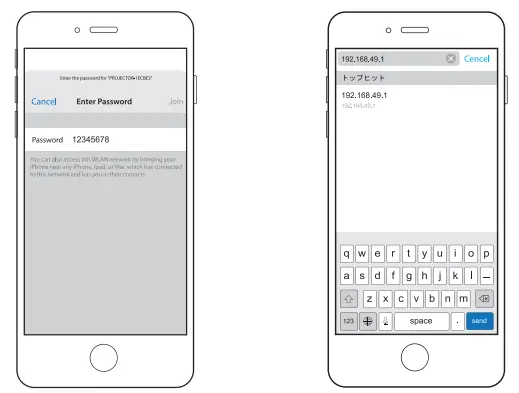
How to connect to your own WIFI
Please connect to your home WiFi network to save your mobile traffic.
- Turn on WLAN(WIFI) and mobile data on your phone.

- Enter your phone WLAN (WIFI ) setting and search “projector-xxxxxx”
- Enter password:12345678

- Open your phone brewer and input IP” 192.168.49.1 “, then enterWIFI AP to scan WIFI
- Click”Wifi AP”

- Click”Scan”
- Connect your home WIFI

- Turn on Screen Mirroring function

Installation and debugging
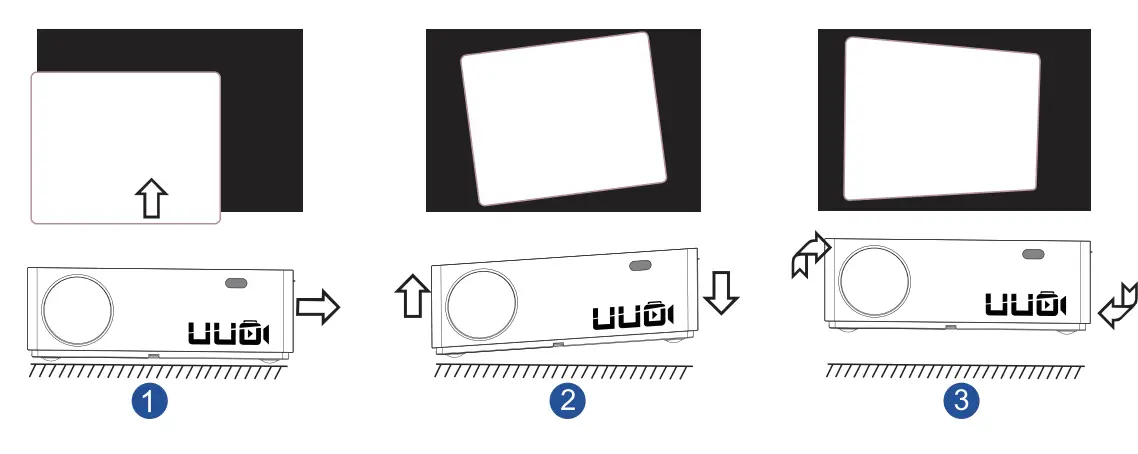
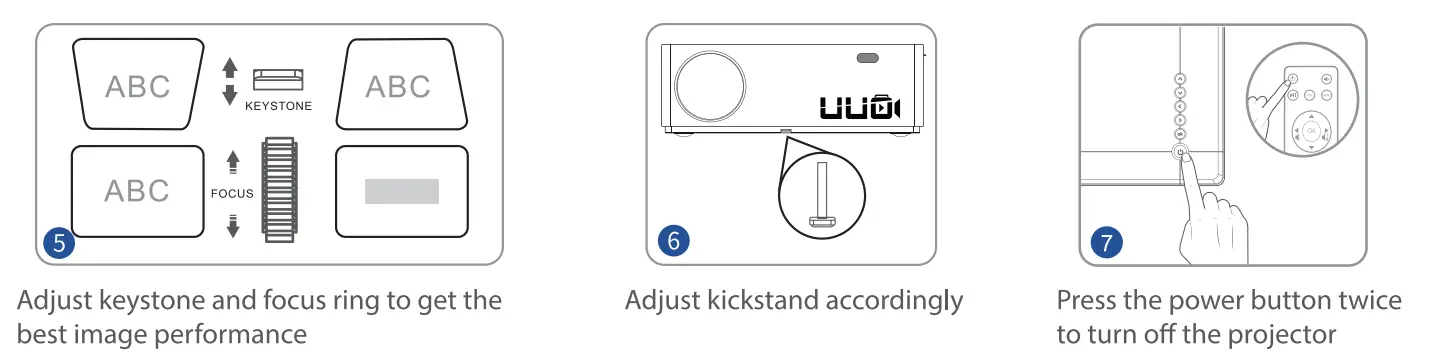
Adjust the image projected onto the screen
- lf the projected picture is off the screen
Please aim the lens of the projector at the center of the screen.
- If the picture is distorted
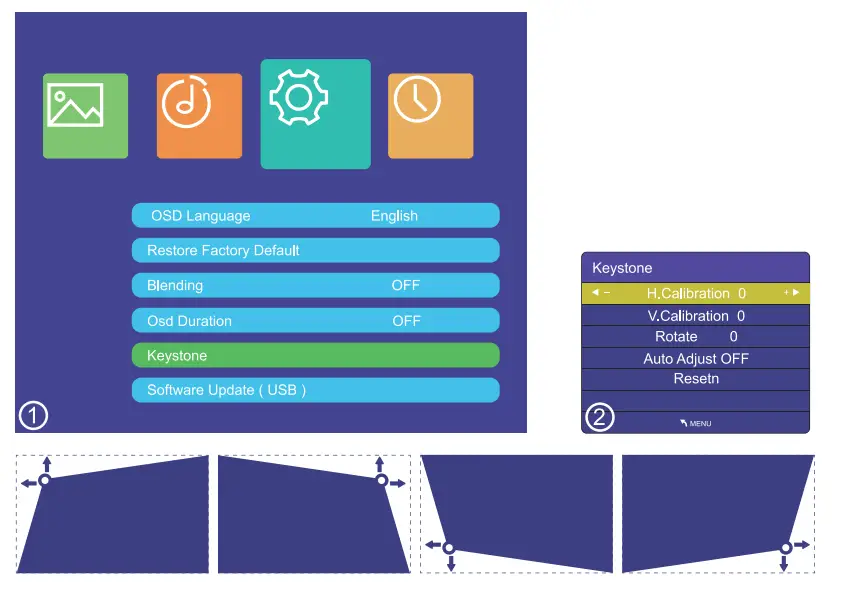
As shown in Figure 2, please place the projector on a horizontal surface As shown in Figure 3, use the remote control to adjust by its± 50 data ladder correction function.
Precaution
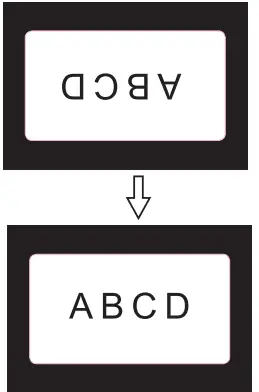
When the projector is suspended from the ceiling or in a rear projection system, please change the projection direction in the settings
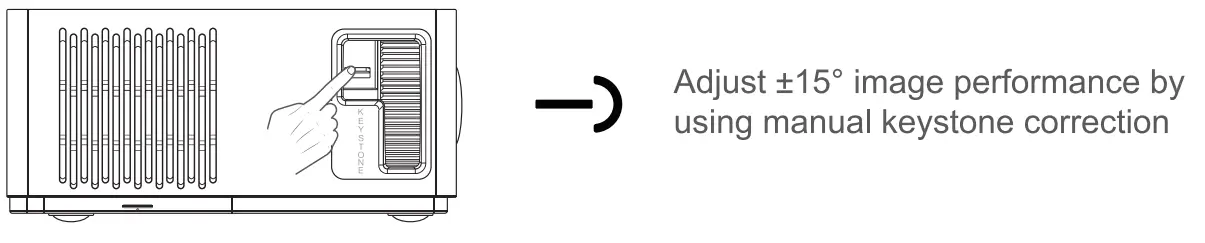
Trapezoidal correction function
- ±15° manual keystone correction

- ±50° electronic keystone correction

- Press the menu button on remote control
- Click the function of the gear shape 0
- Allows auto keystone correction vertically and Horizontally
Projector connection
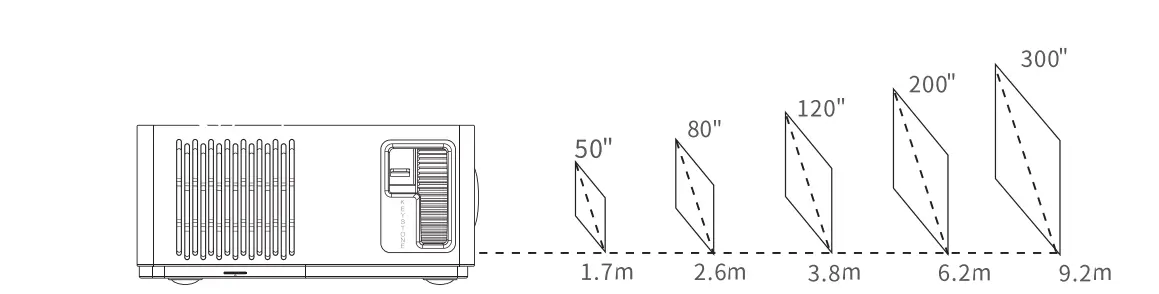
 Projection distance & size
  Specification
 Projection distance & size
  Specification
| Image system | Lamp | Native Resolution | Resolution Supported |
| LCD | LED | 1920*1080 | 576i, 576P, 720i, 720P, 1080i, 1080P,4K |
| Proiection Distance | Proiection Size | Focus | Aspect Ratio |
| 5.6FT-30.2FT(1.7M-9.2M) | 50″-300″ | Manual | 4:3/16:9/auto |
| Speaker | Keystone Correction | Unit size | Installation Type |
| 5W*4ohm | ±50″ | 12.1*9.1*4.1INCH | Front/ Rear/ Ceiling |
| Power Supply | Weight | Video Format Supported | Photo Format Supported |
| ACl 00-240V | 5.7LB | AVI/MP4/MKV/FLV/MOV RMVB/3GB/MPEG 1/ MPEG2/H.264/XVID | BMP/JPG/JPEG/PGN/GIF |
| Ports | Audio Format Supported | ||
| HDIN*2/USB* 1/5VOut* 1 VGAPort*l/AVIN*l/ AudioOut*1/SDCa rd Slot* 1 | MP2/MP3/PCM/FLAC/ WMA/AAC |
Troubleshooting guide
- No Sound”
Turn Dolby audio off in your device.
External speaker is required For VGA cable connection. - Blurry Image
Adjust focus ring/keystone.
Projector and screen/wall must be in effective distance. - Remote Unresponsive
Make sure remote points at IR receiver directly.
Do not cover IR receiver. - Up Side Down Images
Enter”Menu”on projector or remote to flip the projection image.
CUSTOMER SUPPORT
If you have any questions about our products and you can contact our customer support at any time!
CONTACT INFORMATION
- North America [email protected]
- United Kingdom [email protected]
FAQS
Does this device work without WiFi?
P6 and P6 Pro can be used without wifi. You can use a USB stick. HDMI data cable and phone mirroring function play video for the projector.
Can I use it to watch a movie on the ceiling while lying in bed?
Yes. If you can support the projector on the ceiling to display.
Is this a true 1080p native-resolution projector?
Yes. After switching the resolution comparison
Does it have horizontal and vertical keystone correction?
Yes. With ±50° electronic keystone correction (vertical and horizontal) and manual ±15° keystone correction.
what is the refresh fate?
Both the P6 Pro and P6 have a 50Hz refresh rate. Keyframes are up to 60fps.
What is the difference between 2.4G and 5Gwifi?
If you have a wifi5 router, the network transfer speed will be faster. This is the best choice for gaming Xbox/PS4/Steam.
How much do the lumens range in Ansi measurements?
8000 lumens
Can you project still photos from iPhone?
Yes. It can be connected to the mobile phone of the IOS system, and can also be connected to the Android system.
Does it have to be plugged in to use it?
Yes. It doesn’t have any batteries to work without a plug.
How many watts are the speakers? I use it for demonstrations in a classroom of about 25-30 kids.
Of course you can. The built-in speaker of the projector is 5W. In addition, the seller also gave away a Bluetooth transmitter. You can connect external speakers. The size of the screen is adjustable. 50”-300” large screen is suitable for classroom teaching.
Can you watch 3d movies on here?
If you have a 3D source like DVD player or stream and glasses you should be able to
Does this work on Xbox?
Yea u can