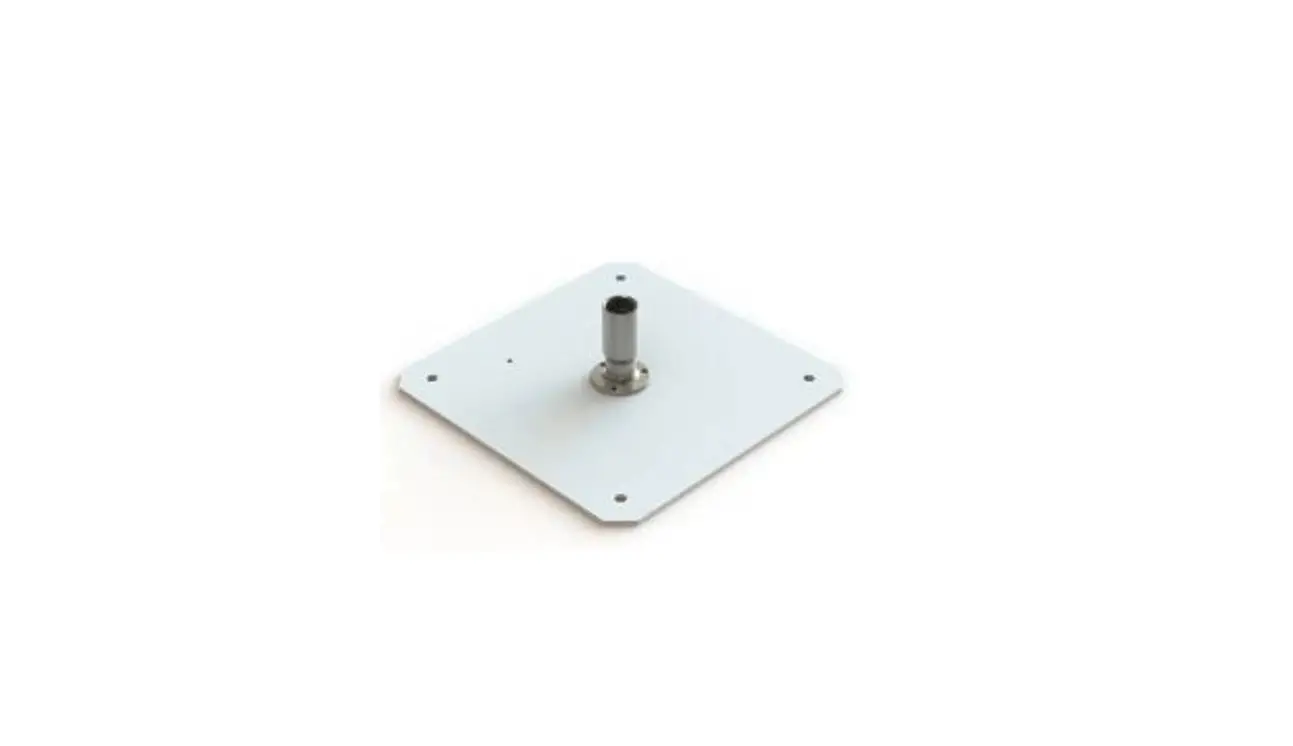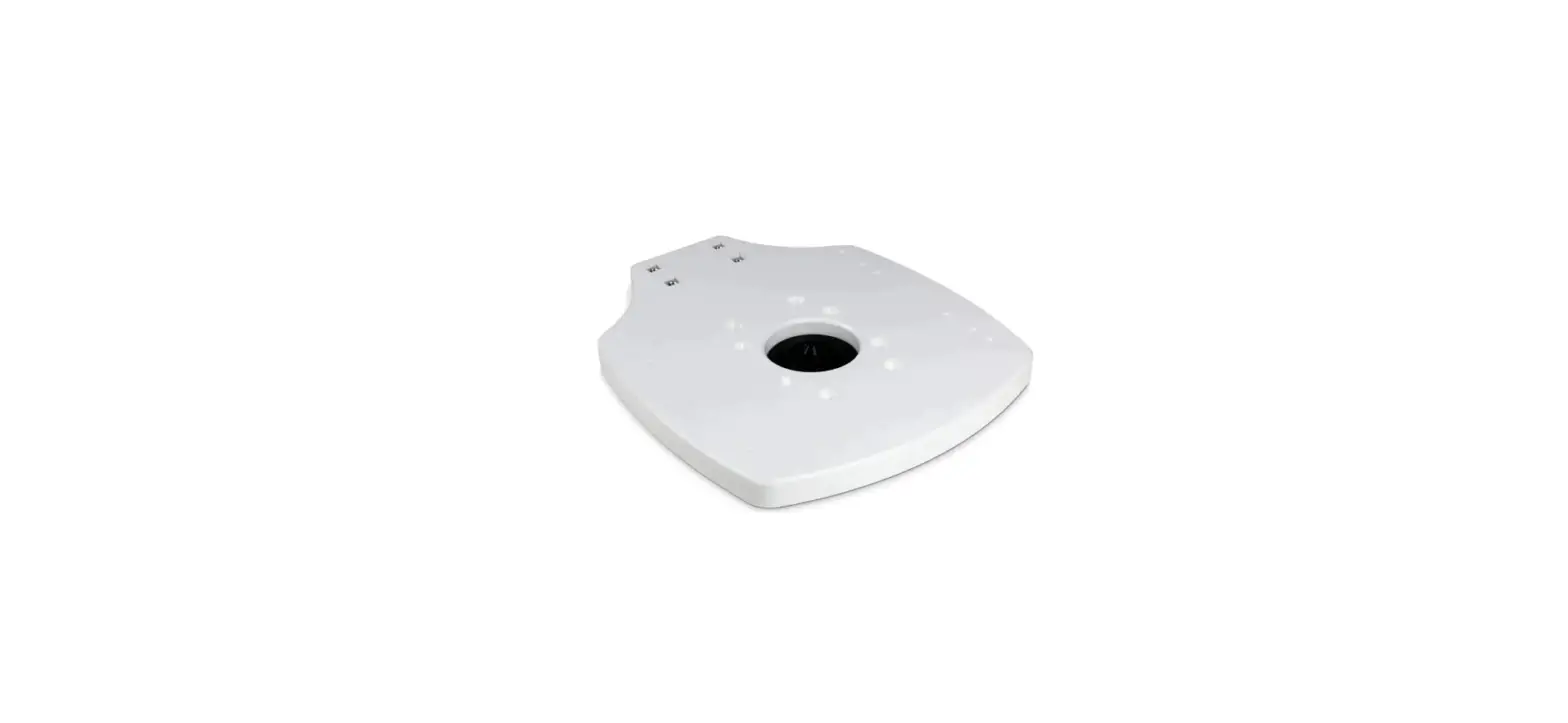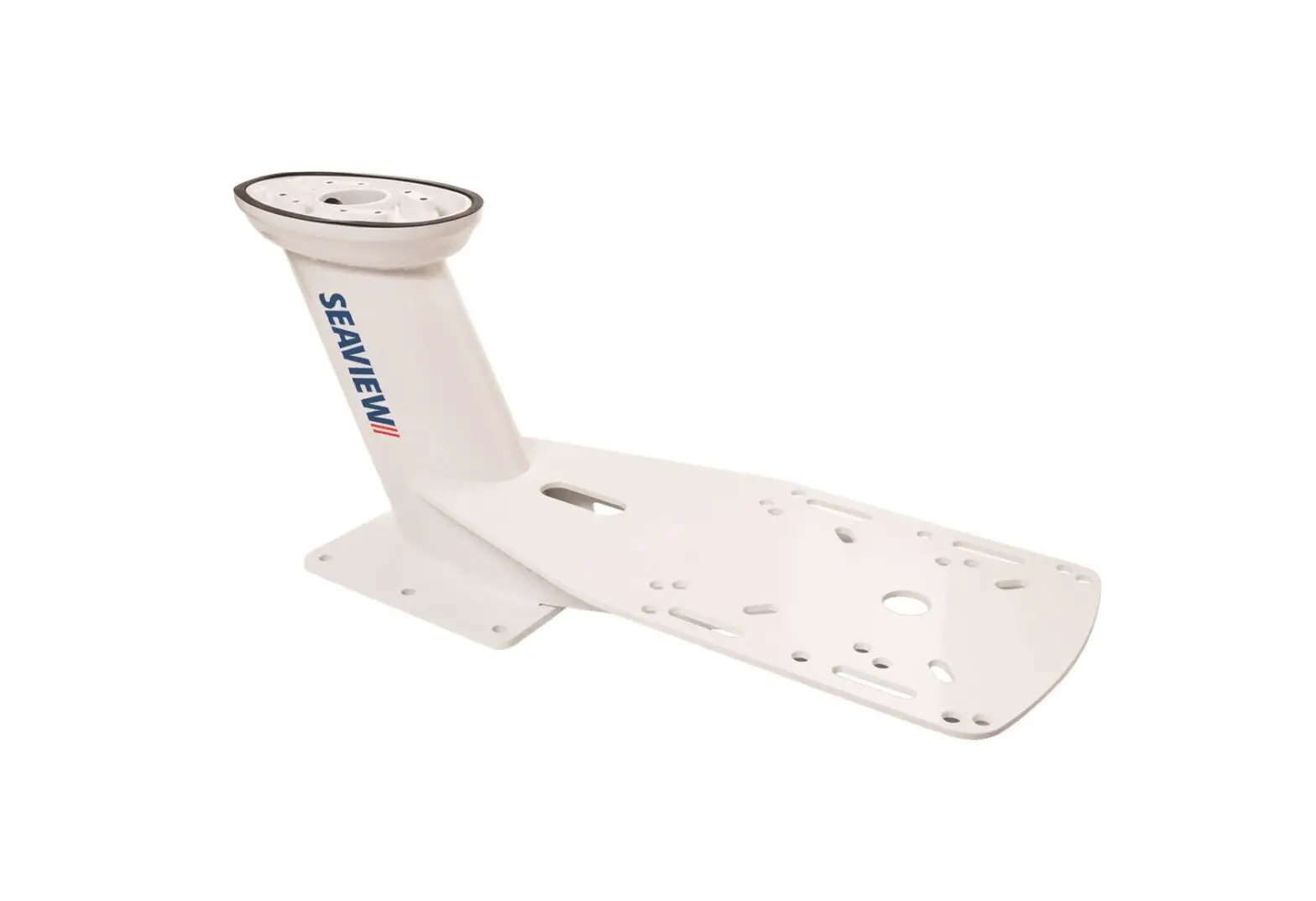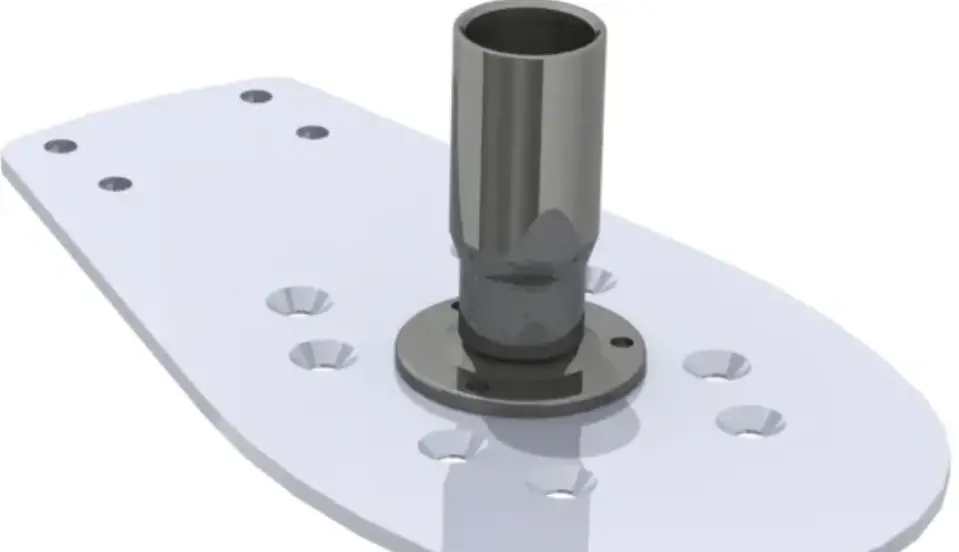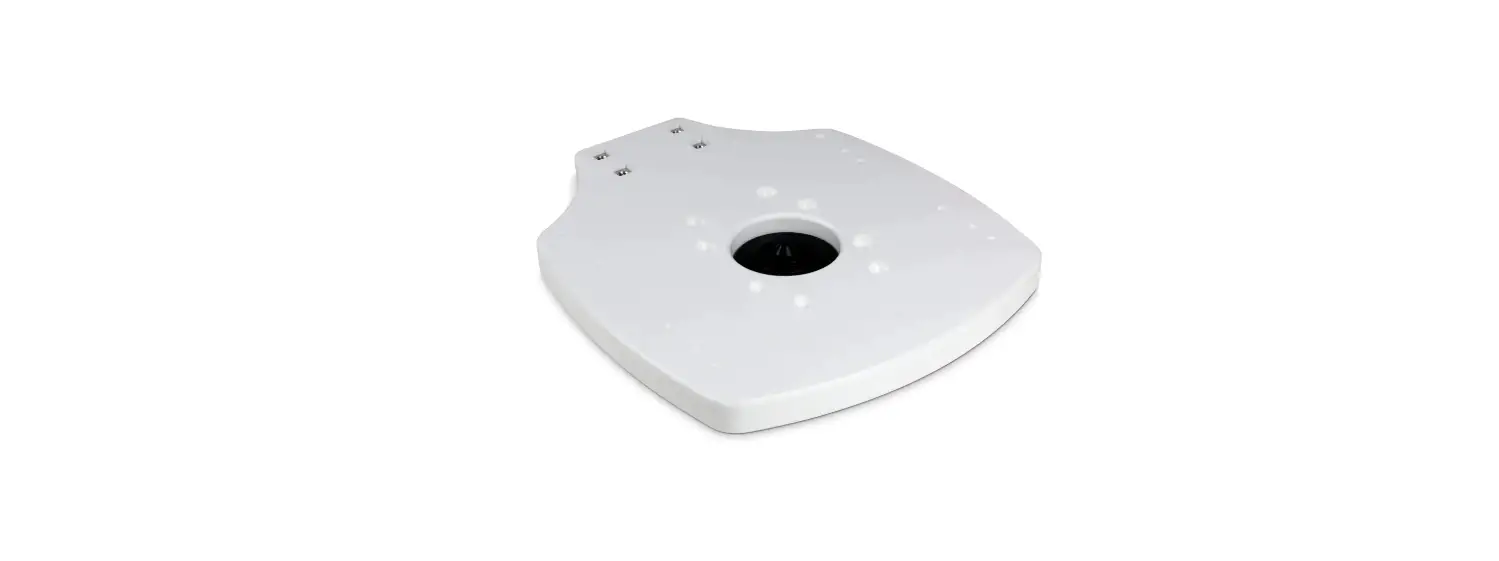

SEAVIEW ADAR1DMLTB Modular Plate (Starboard) For Radar On Mounts
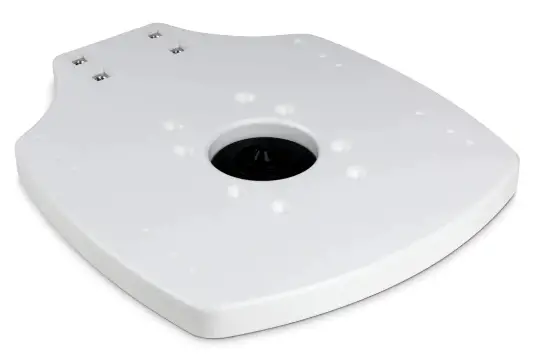
Refer to website for most up to date instructions and videos WWW.SEAVIEWGLOBAL.COM
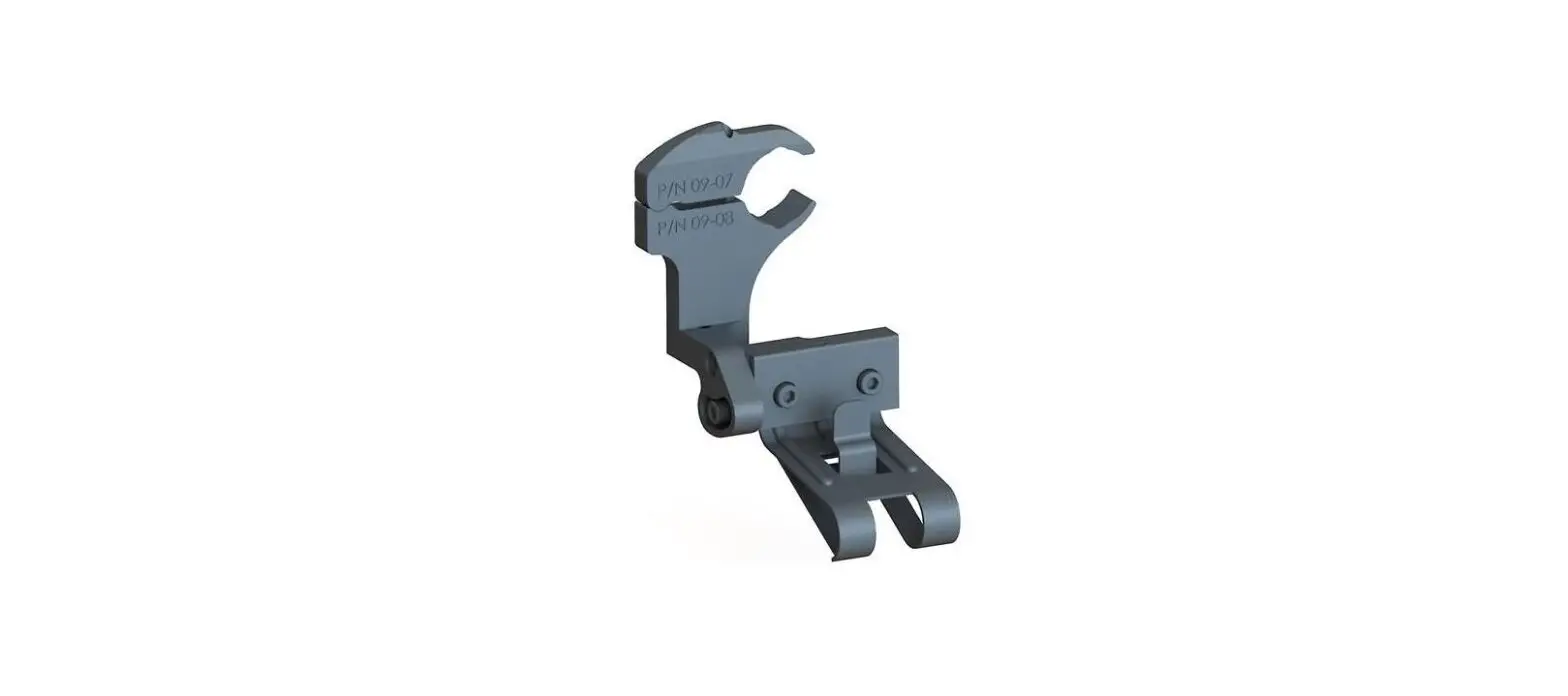
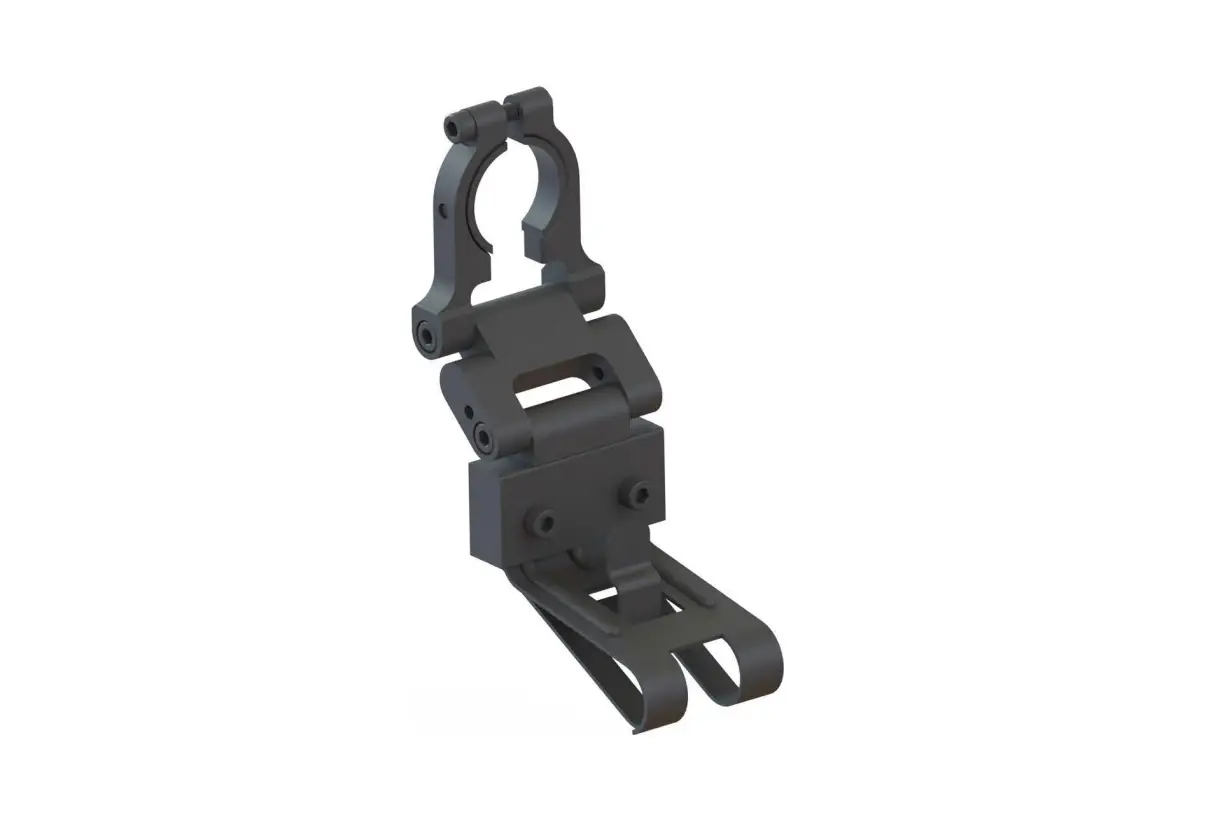
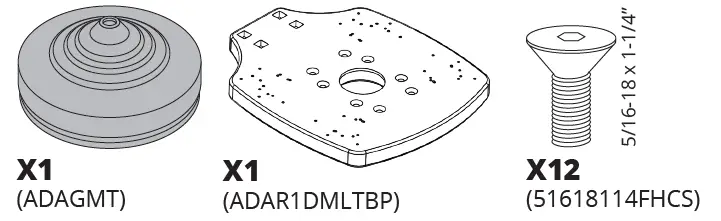
PARTS INCLUDED
TOOLS NEEDED
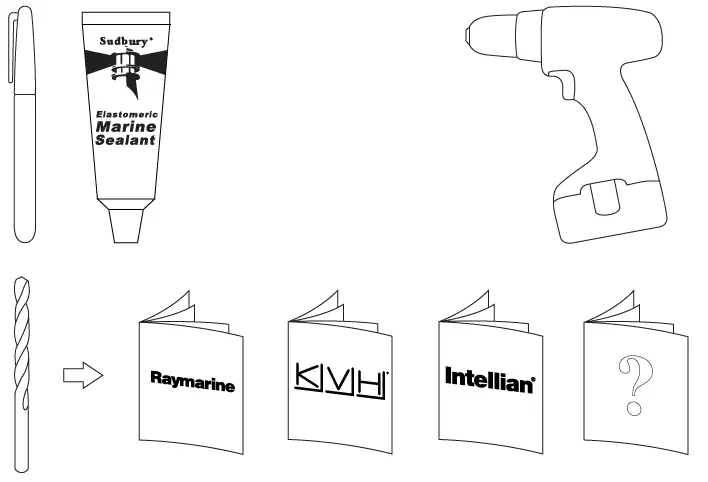
Sudbury Elastomeric Marine Sealant is recommended. To purchase call 800-655-7922 or visit www.seaviewglobal.com
CLOSED DOMES
Manufacturer Model
| 11 | B&G | 3G, 4G, HALO20(+), HALO24 |
| 12 | Furuno | 15” – 24” radar domes & SC30 |
| 11 | Garmin | 18” – 24” and Fantom radar domes |
| 8 | Geonav | 24” radar domes |
| 2 | Intellian | C700 (spacers required) |
| 4 | JRC | 15” radar domes |
| 4 | Koden | 18” (MDC 900 Series) radar domes RB714A |
| 15” (MDC 900 Series) radar domes TB715A | ||
| 10 | Koden | 25” radar domes, 715A, MDC 900 Series |
| 8 | Lorenz | 12” – 24” radar domes |
| 5 | Lowrance | LR1800HD |
| 11 | Lowrance | 3G, 4G, HALO20(+), HALO24 |
| 10 | Nobeltec | 15” – 25” radar domes |
| 3 | Raymarine | 18” – 24” radar domes |
| 11 | Raymarine | Quantum and Quantum 2 radar domes |
| 8 | Seiwa / Techmarine | 12” – 24” radar domes |
| 5 | Simrad | 18” radar domes (DX64S) |
| 11 | Simrad | 3G, 4G, HALO20(+), HALO24 |
| 5 | Sitex | 18” (TZ760 / T921) radar domes |
| 10 | Sitex | 25” radar domes |
OPEN ARRAY RADARS
Manufacturer Model
| 2 | Furuno | 4’ – 6’ open array radars |
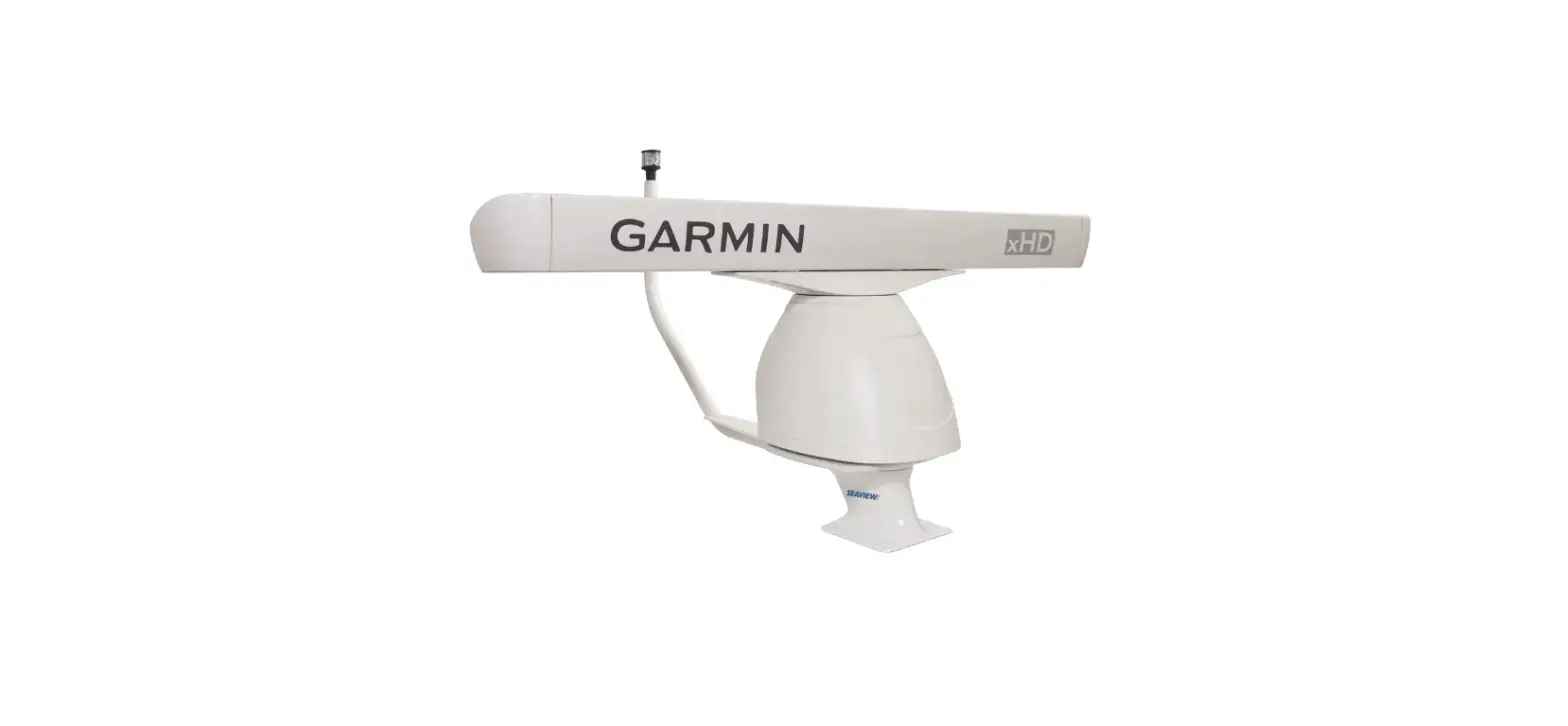
| 2 | Garmin | 4’ – 6’ open array radars |
| 7 | Geonav | 4’ – 6’ open array radars |
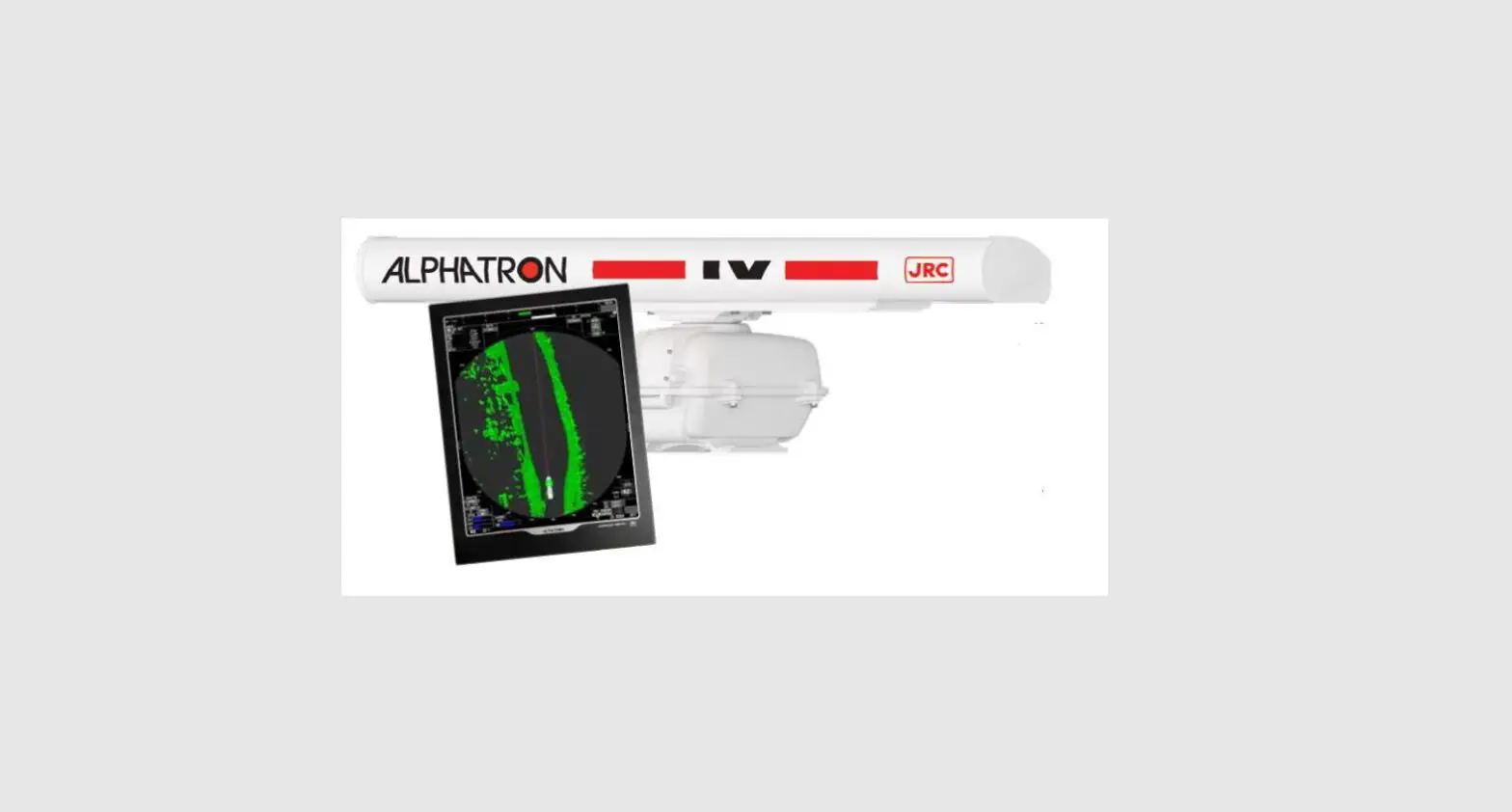
| 9 | JRC | 4’ – 6’ open array radars |
| 1 | Koden | 4’ – 6’ open array radars |
| 9 | Lorenz | 4’ – 6’ open array radars |
| 9 | Lowrance | 4’ – 6’ open array radars |
| 1 | Nobeltec | 3.5’ – 6’ open array radars |
| 7 | Northstar | 4’ – 6’ open array radars |
| 6 | Raymarine | 4’ – 6’ open array radars May need smaller OD washer |
| 7 | Seiwa / Techmarine | 4’ – 6’ open array radars |
| 7 | Simrad | 4’ – 6’ (RB7 Series) open array radars |
| 3 | Simrad | 4’ – 6’ HALO open array radars Requires #ADAHALO3 adapter plate. Drill #3 for adapter plate. |
| 7 | Sitex | 4’ – 6’ open array radars |
INSTALLATION INSTRUCTIONS
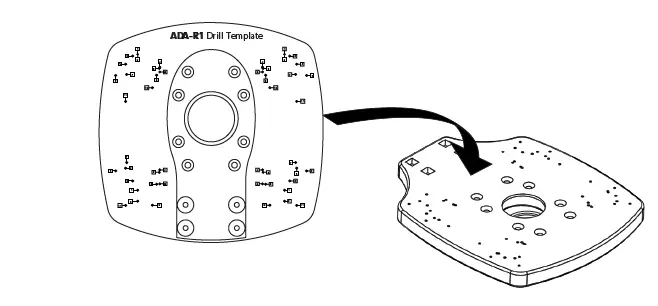
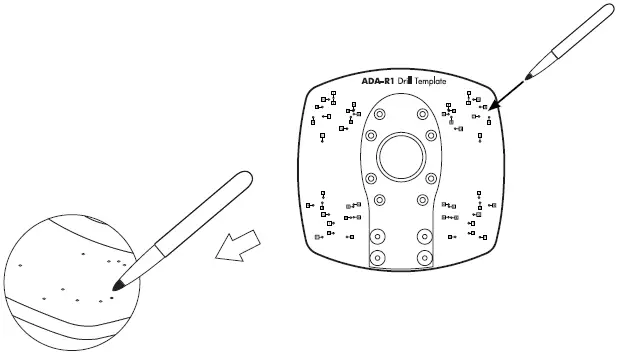
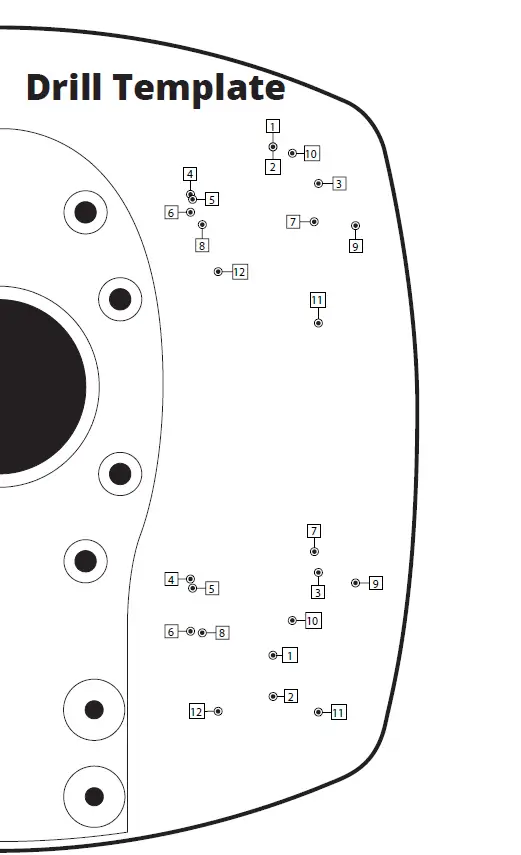
- Locate the Make and Model of your satellite dome on this chart and determine which drill hole number yours is. Then place the ADA-R1 Drill Template on top of the ADAR1DMLTB and mark the appropriate holes.

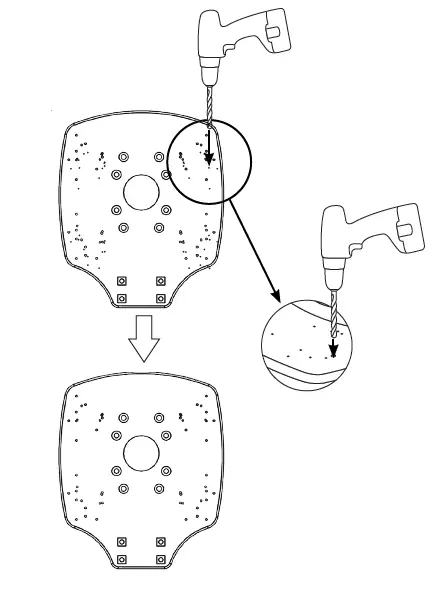
- Drill the four marked holes. Be sure to check with your marine electronic manufacturers manual to determine what size drill bit is needed

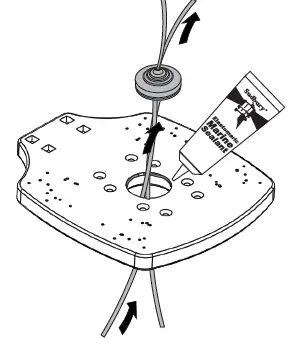
- Apply marine adhesive sealant along the lip in the center hole on the ADAR1DMLTB. Route the cabling through the center hole in the ADAR1DMLTB. Then insert through the black rubber grommet.
TIP
Place the connector of the cable into a plastic bag. Apply Vasoline to the exterior of the plastic bag. Then try routing the connector/cable through the black rubber grommet.
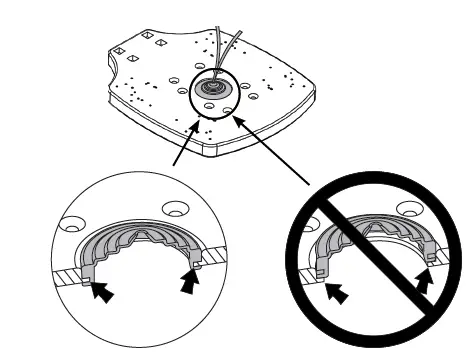
- Be sure that the Top Plate edge sits in the rubber grommet.

- Make sure that the Top Plate is facing the forward when mounting
NOTE:
If you are using the optional light bar make sure to use four 1 1/4” bolts (516181FHCS).

OPTIONAL ACCESSORIES
Call 800-655-7922 or visit www.seaviewglobal.com for available accessories.
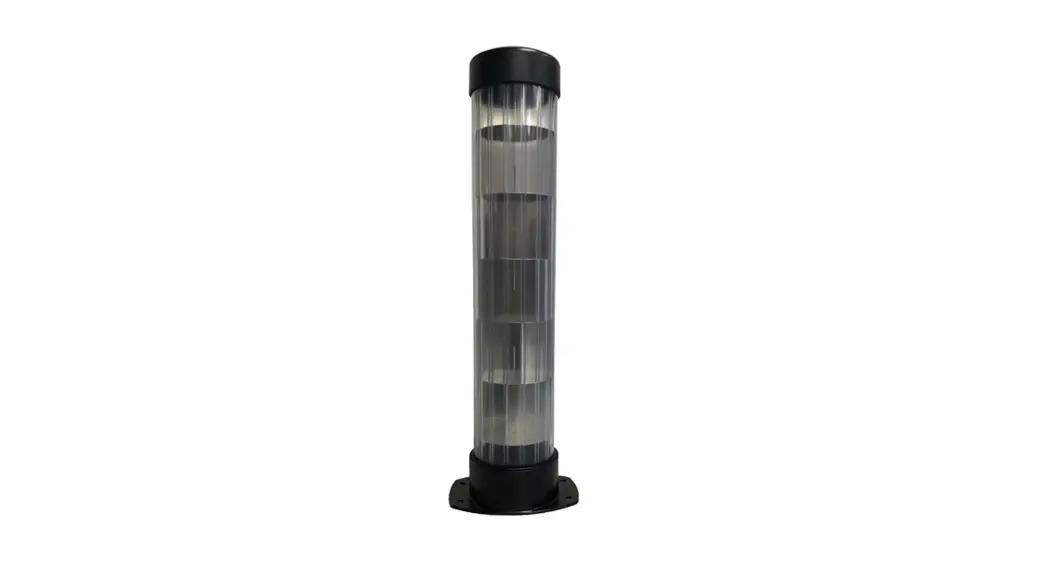
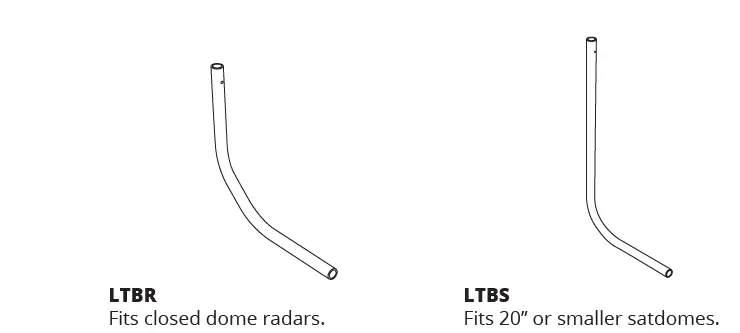
LIGHT BARS
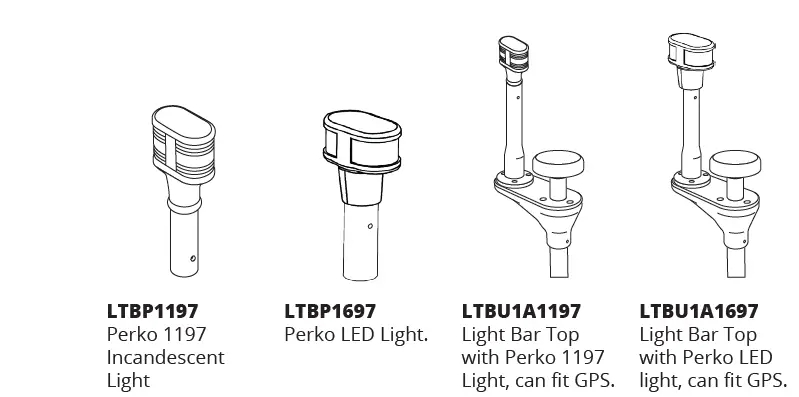
LIGHT BAR TOPS
SPREADER KIT
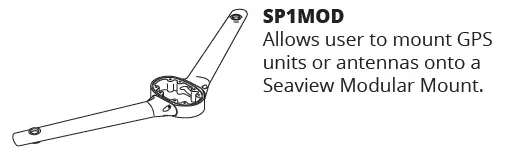
ADA-R1
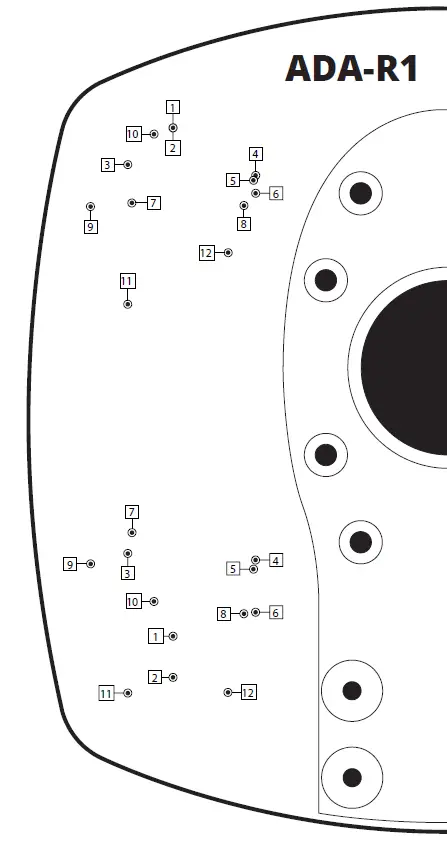
NOT to scale
- Tel: 800-655-7922
- www.seaviewglobal.com
EUROPEAN OFFICE
- Tel: +33 4 94 53 27 70
- www.seaviewprogress.com
 Seaview | Leaders In Mounting Solutions For Marine Electronics
 Seaview Progress - Quality Marine & Industrial Equipment