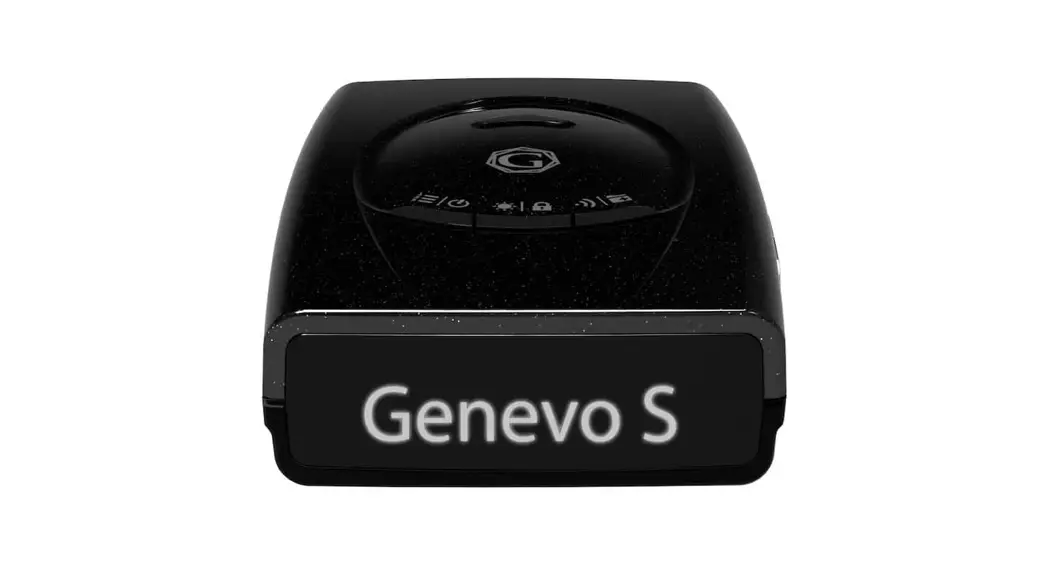
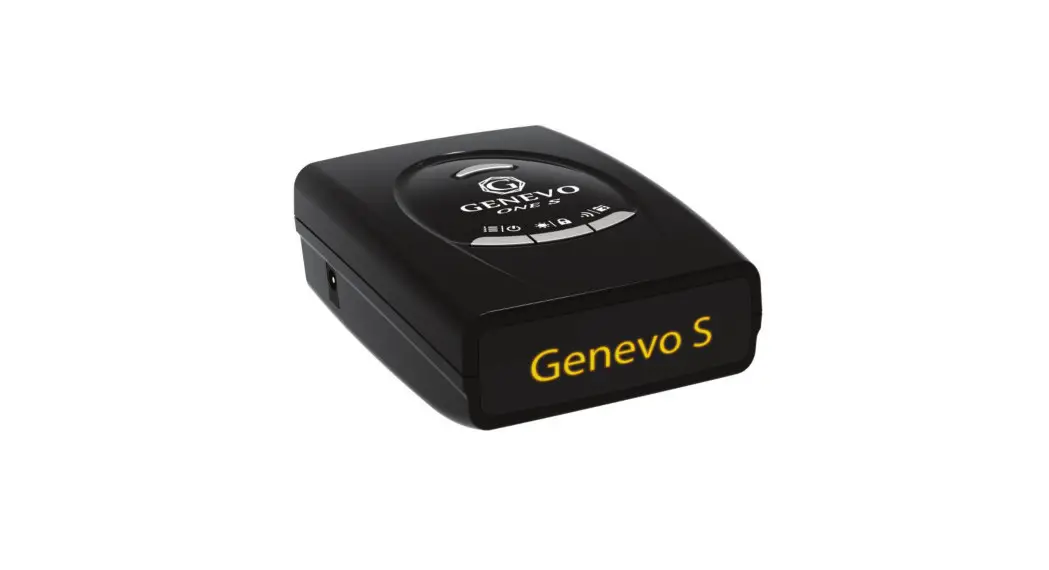
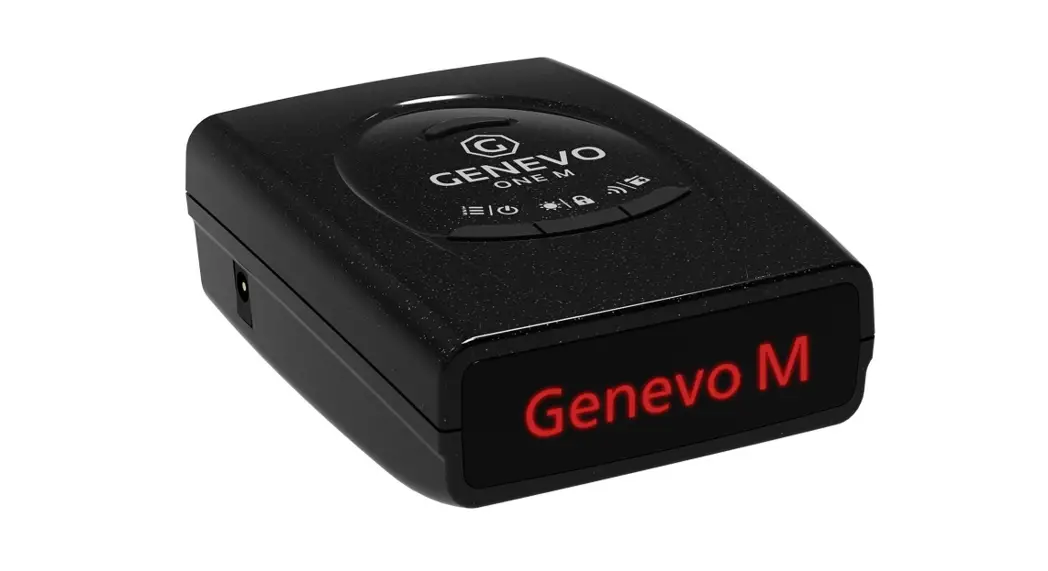
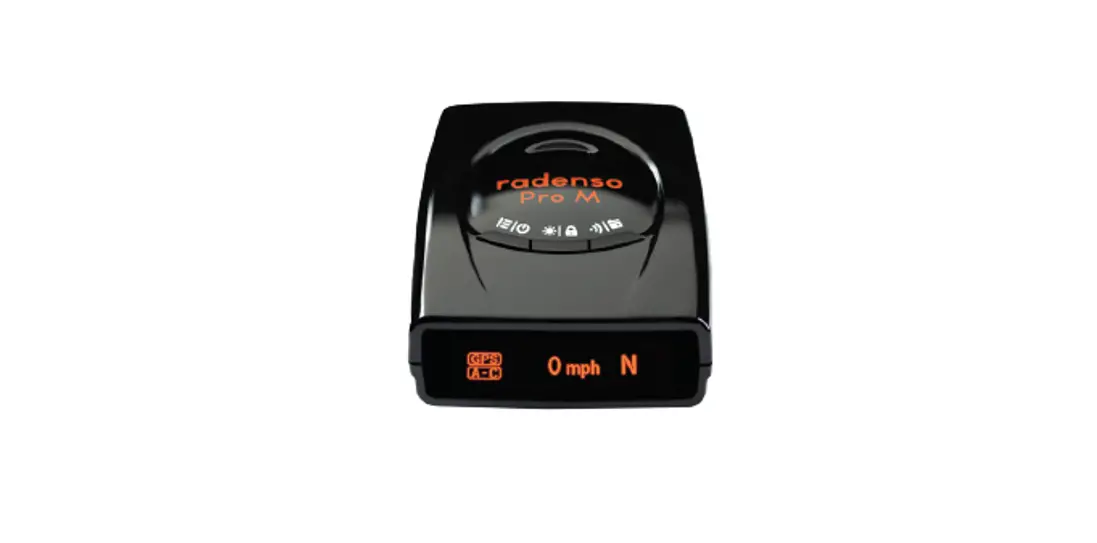
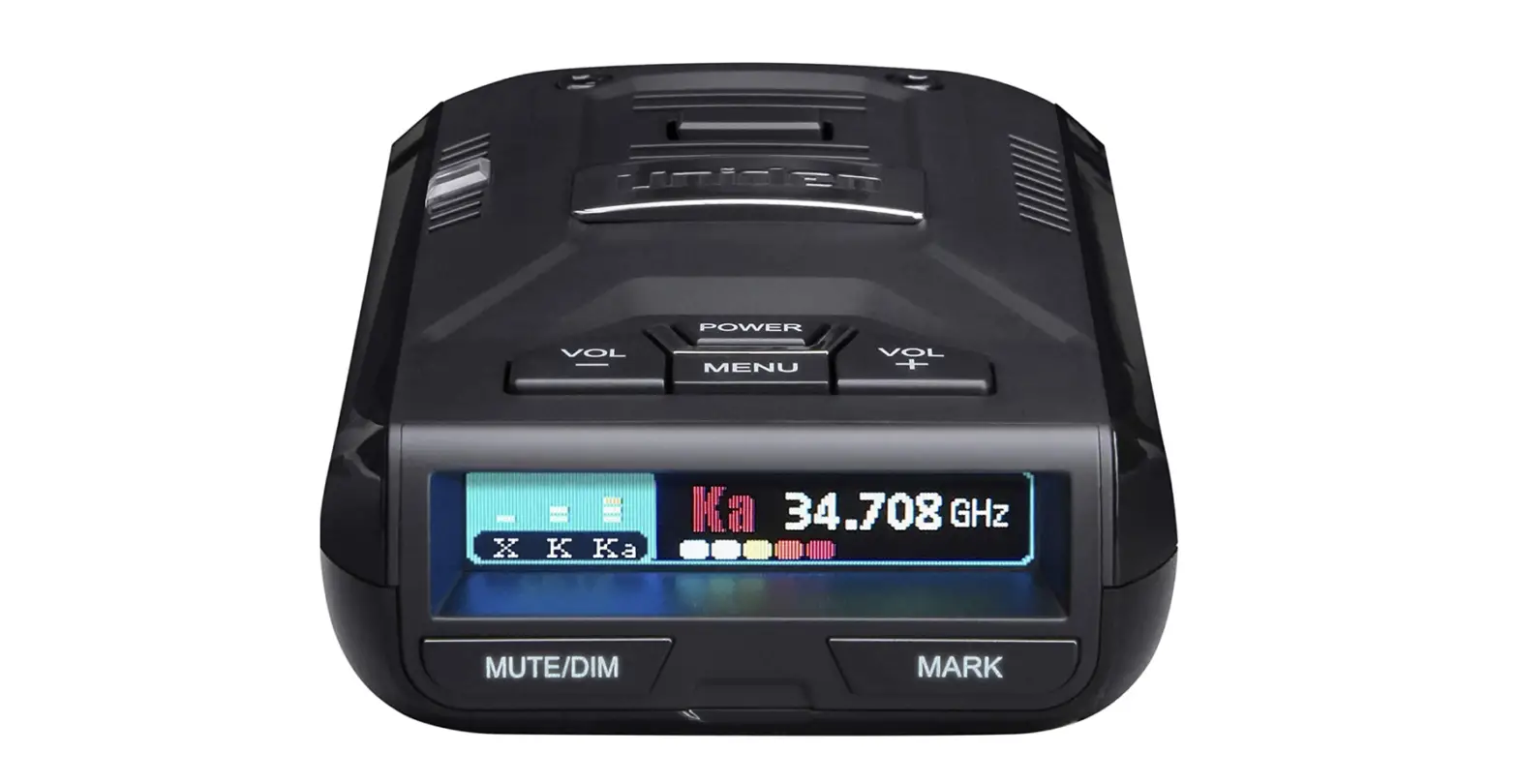
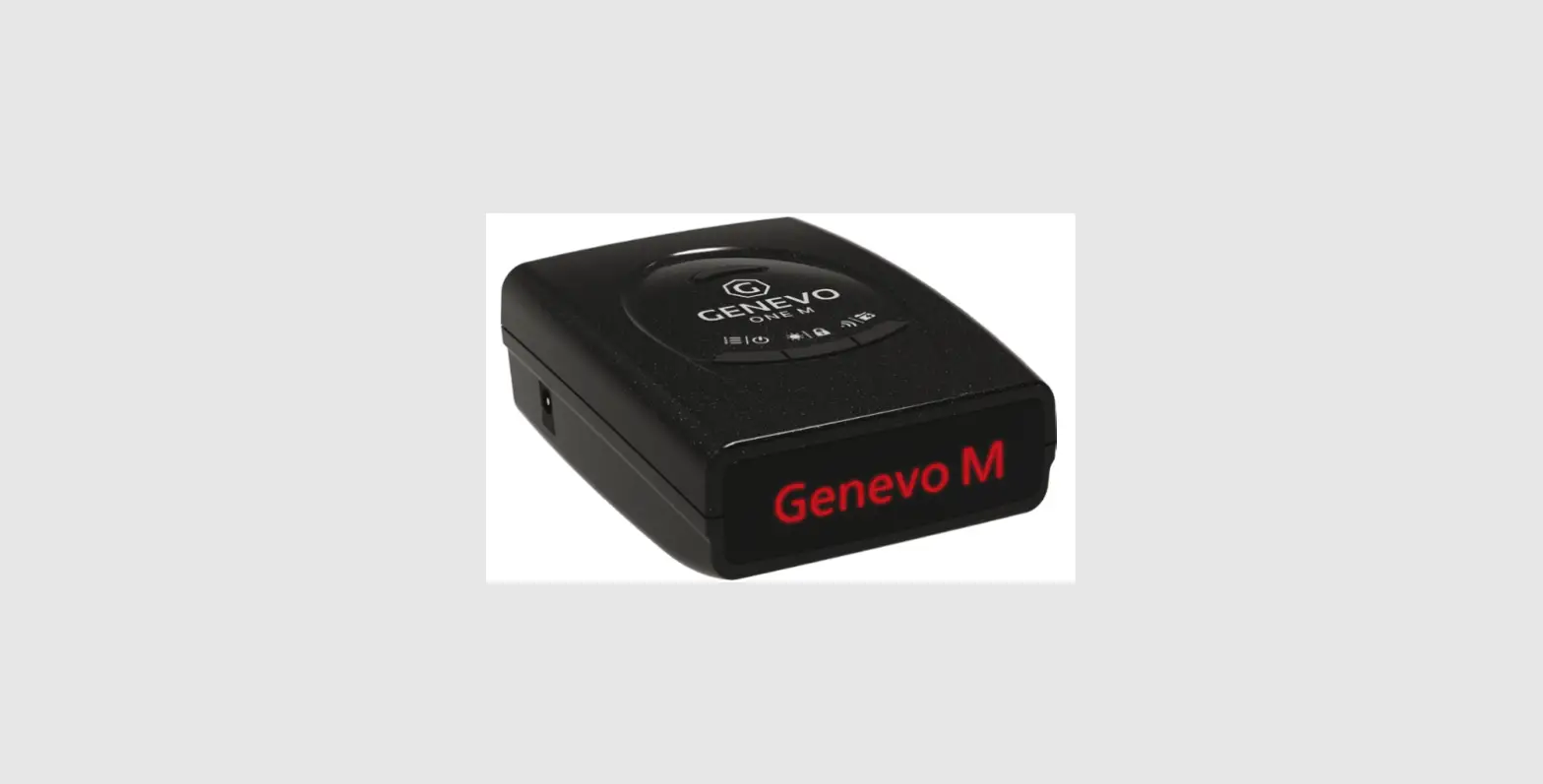
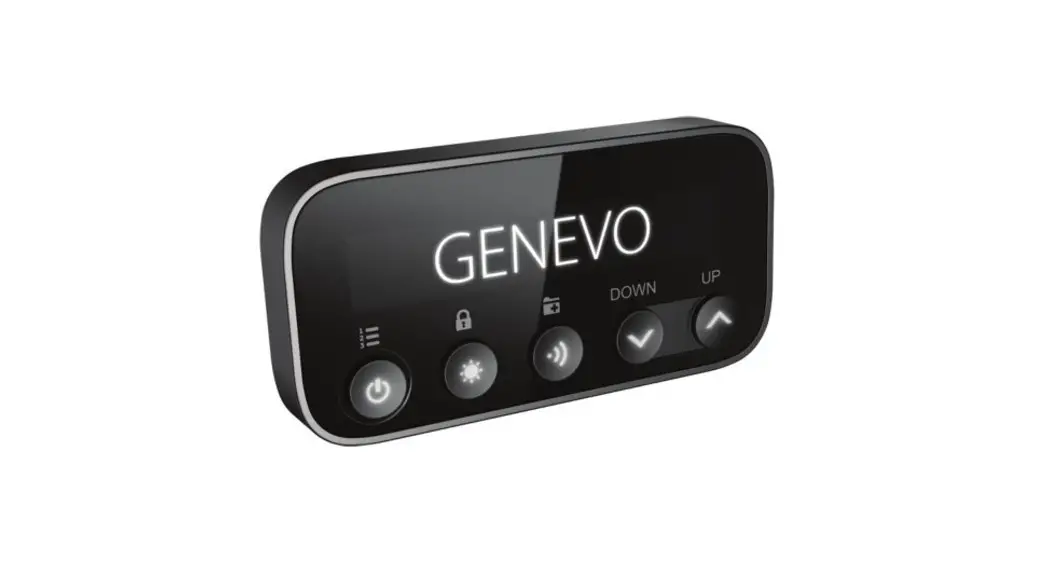
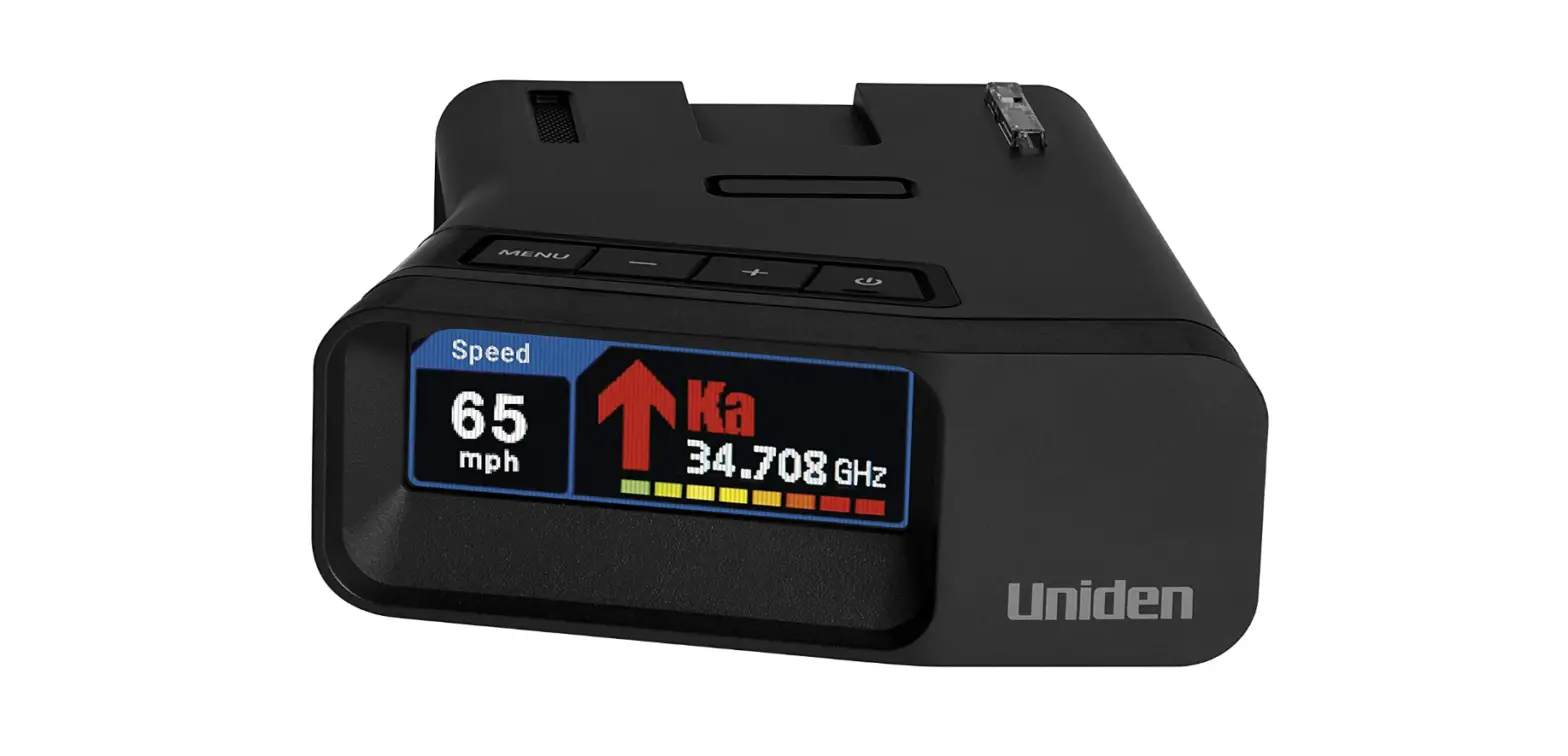
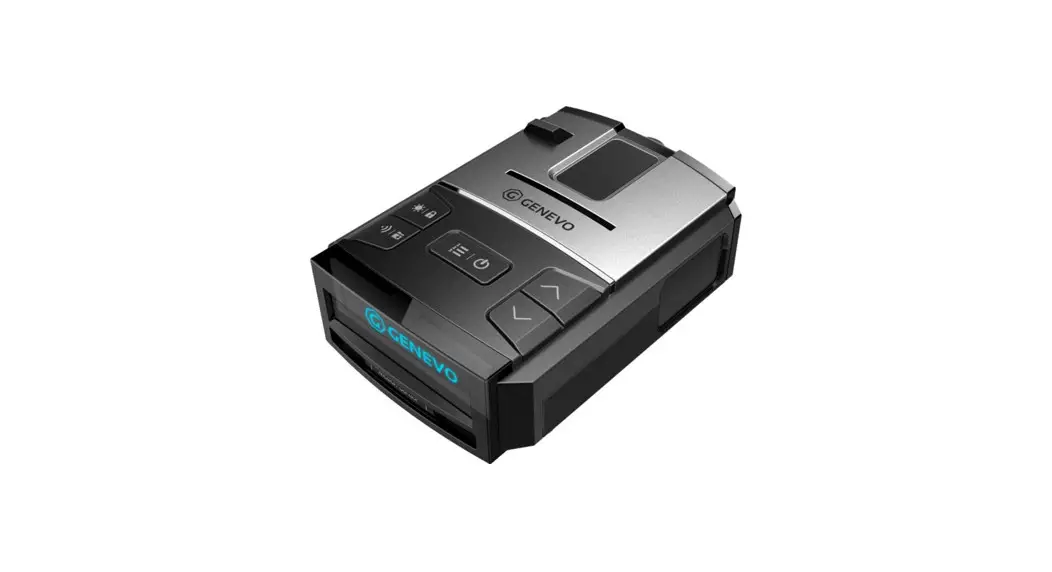
UA1901 Radar Detector
Product Information:
| Feature | Description |
|---|---|
| GPS On/Off | Turns GPS function on or off |
| User Mark Alert | Alerts user to marked locations |
| Mute Memory | Stores mute locations for future use |
| POI Alert On/Off | Turns Points of Interest (POI) alert on or off |
| Speed Camera Alarm On/Off | Turns speed camera alarm on or off |
| Red-light Camera Alarm On/Off | Turns red-light camera alarm on or off |
| Red-light Camera Delete | Deletes red-light camera points |
| Red-light Camera Quiet Ride | Sets quiet ride mode for red-light camera alerts within a specific speed range |
| X, K, MRCD, Ka Band, Laser Detection | Detects X, K, MRCD, Ka band, and laser signals |
| Display | 176 x 60 OLED full-color display |
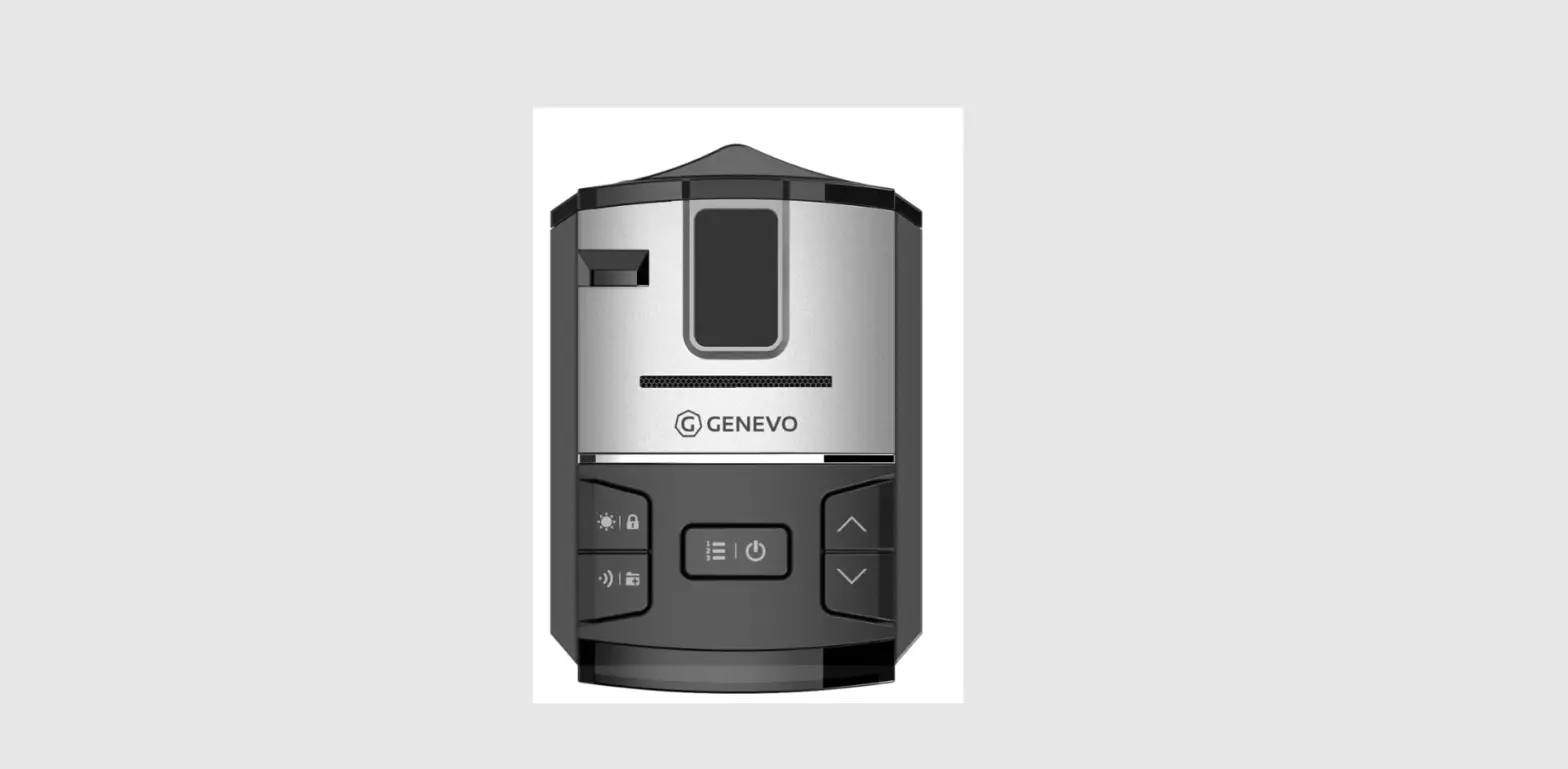
| Top Button | Control button located at the top of the device |
| Side Button | Control button located on the side of the device |
Product Usage Instructions:
Alert Display
There are two alert displays:
Alert Display #1: [Description of Alert Display #1]
Alert Display #2: [Description of Alert Display #2]
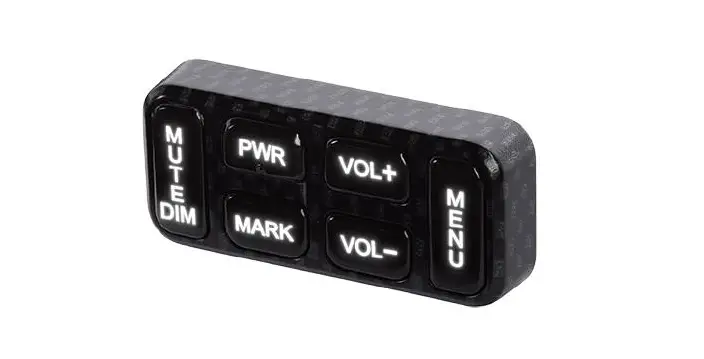
| Button | Operation | ||
|---|---|---|---|
| [POWER] | Press: Power On/Off | ||
| [VOL+] | Press: Increase volume level (0-6) | ||
| [VOL-] | Press: Decrease volume level (6-0) | ||
| [MENU] | Press: Enter Menu Mode (Highway -> City -> Advanced) | ||
| [MUTE/DIM] | Press: Mute On/Off (mute radar, laser, red-light camera & overspeed alarms) | Press & hold: Save a Mute location (Mute Memory) | Delete Mute Memory while Mute Memory displays |
| [MARK] | Short press: User Mark registration or deletion | 3 sec press: User Mark All Delete |
Mute On & Off
Mute On: Press [MUTE/DIM] to mute an alarm. Returns to normal
operation 10 seconds after the alert ends or if a different band is
detected during Mute mode. Mute On displays for a few seconds.
Mute Off: Press [MUTE/DIM] to restore audible alarms before the
10 second automatic mute timeout.
City Mode
In City Mode, the user can adjust the sensitivity for different
bands:
| Mode | Kind of Mode |
|---|---|
| Highway | Full sensitivity for all bands |
| City | Reduced sensitivity for X, K, and Ka bands |
| Advanced | User-adjustable sensitivity for X, K, and Ka bands |
Additionally, the user can turn on/off specific features:
| Feature | On/Off |
|---|---|
| GPS On/Off | Turns GPS function on or off |
| Speed Camera Alarm On/Off | Turns speed camera alarm on or off |
| Red Light Camera Alarm On/Off | Turns red-light camera alarm on or off |
| RLC Q-Ride Voice On/Off | Turns voice alerts for red-light camera quiet ride mode on or off |
| Ka Frequency Voice On/Off | Turns voice alerts for Ka frequency on or off |
| X Band On/Off | Turns X band detection on or off |
| K Band On/Off | Turns K band detection on or off |
| Ka Band On/Off | Turns Ka band detection on or off |
| Laser On/Off | Turns laser detection on or off |
| K POP On/Off | Turns K POP detection on or off |
============================================================================= R7 Manual
============================================================================= =============================================================================
Feature =============================================================================
1. GPS On/Off 2. User Mark Alert 3. Mute Memory 4. POI Alert On/Off
1) Speed Camera Alarm On/Off 2) Red-light Camera Alarm On/Off 5. Red-light Camera Delete 6. Red-light Camera Quiet Ride(Off, 50~85mph: 5mph unit, 80~140km/h : 10km/h unit) 7. X, K, MRCD, Ka Band, Laser Detection 8. Display : 176 x 60 OLED(Full Color) 9. Top Button
[MENU] [VOL-] [VOL+] [POWER] 10. Side Button
[MARK] [MUTE/DIM] 11. Volume : 0~6 Level 12. Dim Mode : AUTO -> BRIGHT -> DIM -> DIMMER-> DARK -> OFF 13. City Mode : HIGHWAY -> CITY -> ADVANCED 14. Mute On/Off 15. Scan Display 16. Mode Display 17. Time Display 18. Background Color : Blue->Amber->Green->Pink->Gray->Red->White->Purple 19. Arrow color selection: Red->Blue->Green->Orange->Yellow->White->Violet 20. Radar Band color selection: Signal->Arrow->Red->Blue->Green->Orange->Yellow->White->Violet 21. Alert display selection: Alert display #1 <-> #2 22. Speed Display (mph or km/h) 23. Speed + Compass Display 24. Compass Display 25. Voltage Display 26. Altitude Display 27. Speed Unit : mph or km/h 28. Quiet Ride Mode ( Off, 5~90mph : 5mph unit, 10~140km/h : 10km/h unit) 29. User Speed Limit Alarm ( Off, 50~100mph : 5mph unit, 80~160km/h : 10km/h unit) 30. GMT setting( -12 ~ +12hr ) 31. DST(Daylight Saving Time ) On/Off 32. POI Alarm 33. Mute Memory Point 34. X, K, MRCD, Ka Band, Laser On/Off 35. Voice On/Off 36. Ka Frequency voice On/Off
37. K POP On/Off 38. Ka POP On/Off 39. K Band Filter On/Off 40. Ka Band Filter On/Off 41. TSF On/Off 42. K Narrow/ Wide 43. Ka Narrow/ Wide /Segmentation 44. Signal Priority / Ka Priority 45. All Threat Display On/Off 46. Selectable Alert Tone : X, K, MRCD, Ka, Ka Bogey tone, Laser 47. Auto Mute (Off, On : 0~5 Level ) 48. Dark Mode Bright Setting 49. Auto Dim Setting 50. Low Battery Voltage Warning(On/Off) 51. Vehicle Battery Saver (On/Off) 52. Self Test (On/Off) 53. User Setting memory 54. Factory Reset Mode 55. Mute Memory All Delete 56. User Mark All Delete 57. Software Version Display 58. DB Version Display
============================================================================= Alert Display #1 or #2(different signal strength level display) ===========================================================================
Alert Display #1
Alert Display #2
============================================================================= Button operation
=============================================================================
press Press & hold
Press
Power On/Off
Volume Level Up : 0 -> 6 Level
Volume Level Down : 6 -> 0 Level
Menu Mode
Highway -> City -> Advanced Mute On <-> Mute Off
(Mute radar, laser, Red-light camera & Overspeed alarms) Press button again to save a Mute location(Mute Memory)
Delete Mute Memory while Mute Memory displays
Auto-> Bright -> Dim -> Dimmer -> Dark -> OFF Press & hold
Delete Red-light Camera point by pressing during Red light camera alert
Short press 3 sec press
User Mark registration or deletion User Mark All Delete
=============================================================================
Mute On & Off =============================================================================
MUTE on – Press MUTE/DIM to mute an alarm. Returns to normal operation 10 seconds after the alert ends or if a different band is detected during Mute mode. Mute On displays for a few seconds. MUTE off – Press MUTE/DIM to restore audible alarms before the 10 second automatic mute timeout.
============================================================================= City Mode
=============================================================================
Highway City
Advanced Mode
X Band Full
Reduced
K Band Full
Reduced
Ka Band Full Full
User adjusts the sensitivity
Menu when GPS on
.
Mode
Kind of Mode
City Mode
“Highway” -> “City” -> “Advanced”
X Band Attenuation
100~30% (10% unit decrease)
K Band Attenuation
100~30% (10% unit decrease)
Ka Band Attenuation
100~30% (10% unit decrease)
GPS On/Off
“GPS On”<-> “GPS Off”
Speed Camera Alarm On/Off “Speed Camera On”
<-> “Speed Camera Off”
Red Light Camera Alarm On/Off “Redlight Cam On”
<-> “Redlight Cam Off”
RLC Q-Ride Voice On/Off
Off, 50~85mph ( 5mph unit ) or 80~140km/h ( 10km/h unit ) “Voice On” <-> “Voice Off”
Ka Frequency Voice On/Off
“Ka Freq Voice On” <-> “Ka Freq Voice Off”
X Band On/Off
“X Band On” <-> “X Band Off”
K Band On/Off
“K Band On” <-> “K Band Off”
Ka Band On/Off
“Ka Band On” <-> “Ka Band Off”
Laser On/Off
“Laser On” <-> “Laser Off”
K POP On/Off
“K POP On” <-> “K POP Off”
MRCD On/Off
“MRCD On” <-> “MRCD Off”
Ka POP On/Off
“Ka POP On” <-> “Ka POP Off”
K Band Filter On/Off
“K Filter On” <-> K Filter Off
Ka Band Filter On/Off
“Ka Filter On” <-> Ka Filter Off
TSF On/Off
“TSF On” <-> TSF Off
K Narrow/Wide
“K Narrow” <-> “K Wide”
Ka Narrow/Wide/Segmentation “Ka Narrow” -> “Ka Wide” -> “Ka Segmentation”
Ka Seg 1
“Ka 1 : 33.399 33.705 On”<->”Ka 1 : 33.399 33.705 Off”
Ka Seg 2
“Ka 2 : 33.705 33.903 On”<->”Ka 2 : 33.705 33.903 Off”
Ka Seg 3
“Ka 3 : 33.903 34.191 On”<-> Ka 3 : 33.903 34.191 Off”
Ka Seg 4
“Ka 4 : 34.191 34.587 On”<-> “Ka 4 : 34.191 34.587 Off”
Ka Seg 5
“Ka 5 : 34.587 34.803 On”<->”Ka 5 : 34.587 34.803 Off”
Ka Seg 6
“Ka 6 : 34.803 35.163 On”<->”Ka 6 : 34.803 35.163 Off”
Ka Seg 7
“Ka 7 : 35.163 35.379 On”<->”Ka 7 : 35.163 35.379 Off”
Ka Seg 8
“Ka 8 : 35.379 35.613 On”<->”Ka 8 : 35.379 35.613 Off
Ka Seg 9
“Ka 9 : 35.613 35.701 On”<->”Ka 9 : 35.613 35.701 Off”
Signal Priority/ Ka Priority
“Signal Priority” <-> “KA Priority”
Mute Mem Band Option Set
“Mute Mem: X & K” <-> “Mute Mem: X K Ka”
All Threat Display On/Off Background Color
“All Threat On” <-> “All Threat Off”
“Color : Blue”->”Color : Amber”->”Color : Green”>”Color : Pink”->”Color : Gray”-> “Color : Red” ->
“Color : White” -> “Color : Purple”
X Band Color K Band Color MRCD Color Ka Band Color
“Red”->”Blue”->”Green”->”Orange”->”Yellow”>”White”->”Violet”
“Red”->”Blue”->”Green”->”Orange”->”Yellow”>”White”->”Violet”
“Red”->”Blue”->”Green”->”Orange”->”Yellow”>”White”->”Violet”
“Red”->”Blue”->”Green”->”Orange”->”Yellow”>”White”->”Violet”
Radar Band Color
X Band Color K Band Color MRCD Color Ka Band Color Display Mode (GPS On) Left Display (GPS On) Alert Display Type
Speed Unit
“Signal”->”Arrow”->”Red”->”Blue”->”Green”>”Orange”->”Yellow”->”White”->”Violet”
“Signal”->”Arrow”->”Red”->”Blue”->”Green”>”Orange”->”Yellow”->”White”->”Violet”
“Signal”->”Arrow”->”Red”->”Blue”->”Green”>”Orange”->”Yellow”->”White”->”Violet”
“Signal”->”Arrow”->”Red”->”Blue”->”Green”>”Orange”->”Yellow”->”White”->”Violet”
“Scan Display” -> “Mode Display ” -> “Time Display” “Speed” -> “Spd+Comp” -> “Compass” -> “Voltage”
-> “Altitude” “Alert Display #1″<->”Alert Display #2”
“Speed Unit:mph” <-> “Speed Unit:Km/h”
X Band Tone
“X Band Tone : 1~12”
K Band Tone
“K Band Tone : 1~12”
MRCD Tone
“MRCD Tone : 1~12”
Ka Band Tone
“Ka Band Tone : 1~12”
Bogey Tone
“Bogey Tone : 1~5”
Laser Tone
“Laser Tone : 1~12”
Auto Mute On/Off
“Auto Mute On” <-> “Auto Mute Off”
Auto Mute Volume Dark mode Brightness setting
“Auto Mute Vol : 0~5”
“Dark mode : Bright” -> “Dark mode : Dim” -> “Dark mode : Dimmer”
Auto Dim Setting
Bright level
Bright->Dim->Dimmer
Dim level
Bright->Dim->Dimmer->Dark->Off
Quiet Ride Limit Speed GMT Mode
Off, 5~90mph (5mph unit) or 10~140km/h (10km/h unit)
Off, 50~100mph (5mph unit ) or 80~160km/h (10km/h unit ) “GMT -12 Hour” ~ “GMT +12 Hour”
DST (Daylight Saving Time)
“DST On” <-> “DST Off”
Low Battery Voltage Warning
“BAT Warning On” <-> “BAT Warning Off”
Vehicle Battery Saver
“BAT Saver On” <-> “BAT Saver Off”
Self Test On/Off
“Self Test On” <-> “Self Test Off”
Factory Reset
“Factory Reset? -> Reset Completed”
Mute Memory All Delete
User Mark Point All Delete UI Version / DSP Version / GPS
Version DB Version
MENU Exit
“Delete All Mute?” -> “Delete Completed” “Delete All User?” -> “Delete Completed”
Ex. Ver: 101.101.114 Ex. “DB Ver: 19/01/04”
============================================================================= Factory Reset Default
=============================================================================
Mode
Dim Mode
City Mode X Band Attenuation ( Advanced Mode ) K Band Attenuation ( Advanced Mode ) Ka Band Attenuation ( Advanced Mode )
GPS On/Off
Speed Camera Alarm On/Off
Red Light Camera Alarm On/Off
RLC Q-Ride
Voice On/Off Ka Frequency Voice On/Off
X Band On/Off K Band On/Off Ka Band On/Off Laser On/Off K POP On/Off MRCD On/Off Ka POP On/Off K Band Filter On/Off Ka Band Filter On/Off
Kind of Mode Auto-> Bright -> Dim -> Dimmer->
Dark -> Off Highway -> City -> Advanced
100~30%
100~30%
100~30%
GPS On <-> GPS Off Speed Camera Alarm On
<-> Speed Camera Alarm Off Red Light Camera Alarm On
<-> Red Light Camera Alarm Off Off, 50~85mph ( 5mph unit )
80~140km/h (10km/h unit ) Voice On <-> Voice Off
Ka Freq Voice On <-> Ka Freq Voice Off X Band On <-> X Band Off K Band On <-> K Band Off
Ka Band On <-> Ka Band Off Laser On <-> Laser Off K POP On <-> K POP Off MRCD On <-> MRCD Off
Ka POP On <-> Ka POP Off K Band Filter On <-> K Band Filter Off Ka Band Filter On <-> Ka Band Filter Off
Factory Default Auto
Highway 100%
100%
100% GPS On
Speed Camera Alarm On
Red Light Camera Alarm On
RLC Q-Ride Off Voice On
Ka Freq Voice Off X Band Off K Band On Ka Band On Laser On K POP Off MRCD Off Ka POP Off
K Band Filter On Ka Band Filter Off
TSF On/Off K Narrow/Wide
Ka Narrow/Wide/Segmentation
Ka Seg 1 Ka Seg 2 Ka Seg 3 Ka Seg 4 Ka Seg 5 Ka Seg 6
Ka Seg 7
TSF On <-> TSF Off K Narrow <-> K Wide Ka Narrow-> Ka Wide -> Ka
Segmentation Ka 1 : 33.399 33.705 On<->Off Ka 2 : 33.705 33.903 On<->Off Ka 3 : 33.903 34.191 On<->Off Ka 4 : 34.191 34.587 On<->Off Ka 5 : 34.587 34.803 On<->Off Ka 6 : 34.803 35.163 On<->Off
Ka 7 : 35.163 35.379 On<->Off
TSF Off K Wide
Ka Narrow
On On On On On On
On
Ka Seg 8 Ka Seg 9 Signal Priority/ Ka Priority Mute Mem Band Option All Threat Display On/Off
Background Color
Ka 8 : 35.379 35.613 On<->Off
Ka 9 : 35.613 35.701 On<->Off Signal Priority <-> Ka Priority X & K <-> X K Ka
All Threat Display On<-> All Threat Display Off
Blue->Amber->Green->Pink->Gray>Red->White->Purple
On On Ka Priority X & K All Threat Display Off
Red
X Band Color K Band Color MRCD Color Ka Band Color Band Color X Band Color K Band Color MRCD Color Ka Band Color Display Mode (GPS On) Display Mode (GPS Off) Left Display (GPS On)
Red->Blue->Green->Orange->Yellow>White->Violet
Red->Blue->Green->Orange->Yellow>White->Violet
Red->Blue->Green->Orange->Yellow>White->Violet
Red->Blue->Green->Orange->Yellow>White->Violet
Signal->Arrow->Red->Blue->Green>Orange->Yellow->White->Violet
Signal->Arrow->Red->Blue->Green>Orange->Yellow->White->Violet
Signal->Arrow->Red->Blue->Green>Orange->Yellow->White->Violet
Signal->Arrow->Red->Blue->Green>Orange->Yellow->White->Violet
Scan Display -> Mode Display -> Time Display
Scan Display<->Mode Display Speed -> Speed+Compass -> Compass-> Voltage ->Altitude
Red Redl Red Red
Signal Signal Signal Signal Mode Display Mode Display Speed
Alert Display Type Speed Unit
Alert Display #1 <-> Alert Display #2 mph <-> Km/h
Alert Display #1 mph
X Band Tone K Band Tone MRCD Tone Ka Band Tone
X Band Tone : 1~12 K Band Tone : 1~12 MRCD Tone : 1~12 Ka Band Tone : 1~12
X Band Tone : 1 K Band Tone : 2 MRCD Tone : 2 Ka Band Tone : 3
Bogey Tone
Bogey Tone : 1~5
Bogey Tone : 1
Laser Tone
Laser Tone : 1~12
Laser Tone : 4
Auto Mute On/Off
Auto Mute On <-> Auto Mute Off
Auto Mute On
Auto Mute Volume Dark Mode Brightness Setting
Auto Dim Setting Bright Brightness Set Dim Brightness Set
Auto Dim Setting Quiet Ride
Limit Speed GMT Mode DST ( Daylight Saving Time ) Low Battery Voltage Warning
Vehicle Battery Saver Self Test On/Off Volume Level
Auto Mute Vol : 0~5
Bright->Dim->Dimmer
Auto Dim Setting Brignt level : Bright -> Dim -> Dimmer Dim level : Bright -> Dim -> Dimmer –
> Dark -> Off Auto Dim Setting Off, 5~90mph ( 5mph unit ) 10~140km/h ( 10km/h unit ) Off, 50~100mph ( 5mph unit ) or 80~160km/h ( 10km/h unit ) -12 ~ +12 Hour
DST On <-> DST Off Low Battery Voltage Warning On
<-> Low Battery Voltage Warning Off Vehicle Battery Saver On
<-> Vehicle Battery Saver Off Self Test On <-> Self Test Off
0 ~ 6 Level
Auto Mute Vole : 2 Dimmer
Bright Dim
Quiet Ride Off Limit Speed Off
DST Off Low Battery Voltage
Warning Off Vehicle Battery Saver Off
Self Test On 4 Level
============================================================================= Red Light Camera Point Deletion
=============================================================================
1. Red Light Camera alert
2. Press and hold [MUTE/DIM] button
3.Press [MUTE/DIM] button again to delete
============================================================================= Red Light Camera Q-ride =============================================================================
Mute Red light camera alert when current speed is over than user setting
============================================================================= Quiet Ride =============================================================================
Mutes radar alarms for K and X bands when you drive under the speed limit you set here.
============================================================================= Signal Priority / Ka Priority
=============================================================================
1. Signal Priority : Alert the strongest radar band when detecting multiple radar bands 2. Ka Priority : Alert Ka band regardless of signal strength when detecting multiple radar bands 3. Laser is the top priority.
============================================================================= All Threat Display mode
=============================================================================
Displays if more than one radar signals are detected at the same time. The signal with the strongest radar signal is considered the main signal; the other signals are displayed on the left side
============================================================================= Auto Mute
=============================================================================
Auto Mute reduces alarm level to User Setting of Auto Mute Volume level after 3 seconds and returns to normal operation(Auto Mute OFF) 10 seconds after the alert ends. If the same alarm sounds within 10 seconds period, Auto Mute remains.
============================================================================= Low Battery Voltage Warning
=============================================================================
Alert Low Battery Warning under 11.0v every 30 minutes.
============================================================================= Ka Bogey Tone
=============================================================================
Set a tone to indicate the detector is responding to a different Ka band signal.
============================================================================= OLED Display Operation
============================================================================
1. Scan Display : Scan light moves left to right and right to left repeatedly as below.
2. Highway Mode display
3. City Mode display
4. Advanced Mode display
5. Time Display
6. Speed(Left display) 7. Speed + Compass(Left display) 8. Compass display(Left display)
9. Voltage display(Left display) 10. Attitude(Left display)
– Speed unit: MPH – Speed unit: KMPH
11. Speed Camera Alert 12. Red Light Camera Alert 13. User Mark Alert 14. POI Overspeed alert
LIMITED WARRANTY
The manufacturer warrants this product against all defects in materials and workmanship for a period of one (1) year from the date of the original purchase, subject to the following terms and conditions: The sole responsibility of the manufacturer under this Warranty is limited to either repair or, at the option of the manufacturer, replacement of the unit. There are no expressed or implied warranties, including those of fitness for a particular purpose of merchantability, which extend beyond the face hereof.
SPECIFICATIONS
Radar Frequencies :
10.500 – 10.550 GHz (X Band) 23.900 – 24.250 GHz (K Band) 33.400 – 35.700 GHz (Ka Superwideband)
Laser Wavelength : 905nm +/-50nm
Operating Temperature Range : -10C to +70C
Power Requirements: Operational 12 to 15 volts DC
FCC INFORMATION
This equipment has been tested and found to comply with the limits for a Class B digital device, pursuant to part 15 of the FCC Rules. These limits are designed to provide reasonable protection against harmful interference in a residential installation. This equipment generates, uses and can radiate radio frequency energy and, if not installed and used in accordance with the instructions, may cause harmful interference to radio communications. However, there is no guarantee that interference will not occur in a particular installation. If this equipment does cause harmful interference to radio or television reception, which can be determined by turning the equipment off and on, the user is encouraged to try to correct the interference by one or more of the following measures:
– Reorient or relocate the receiving antenna. – Increase the separation between the equipment and receiver. – Connect the equipment into an outlet on a circuit different from that to which the receiver is connected. – Consult the dealer or an experienced radio/TV technician for help.
This device complies with part 15 of the FCC Rules. Operation is subject to the following two conditions: (1) This device may not cause harmful interference, and (2) this device must accept any interference received, including interference that may cause undesired operation. In addition, any changes or modifications to this product, which are not expressly approved by Uniden in writing, could void the user’s authority to operate this product.
FCC ID AMWUA1901The end